
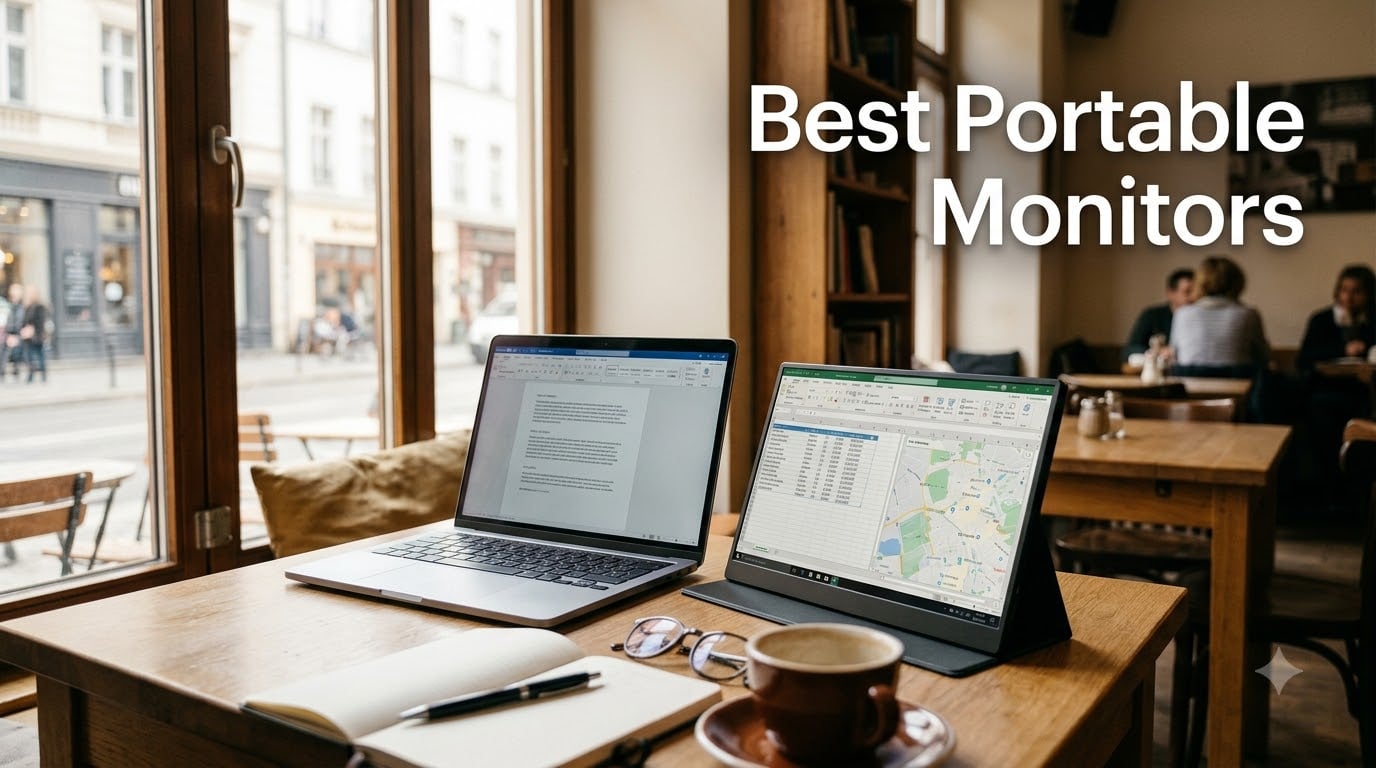
A portable monitor is a thin, lightweight external display that travels with your laptop, phone, or handheld gaming PC. Most measure between 14 and 17 inches, weigh under two pounds, and connect through a single USB-C cable that carries both video and power.
After spending 45 days testing the best portable monitors on the market, our team ranked ten models that cover every common use case. We used them on airplane tray tables, café counters, hotel desks, and at home next to a Steam Deck and ROG Ally. We measured brightness with a luminance meter, ran color tests, and timed how long each unit took to set up from a backpack to a working second screen.
If you want a quick answer before diving in: the KYY 15.6-inch 1080P earns our top spot for the best portable monitors because it balances 13,196 reviews of consistent real-world performance with a featherweight 1.7-pound build. The cocopar 15.6-inch model is our best value pick at a 4.8-star average, and the MNN portable monitor wins the budget category with a massive review base and reliable plug-and-play behavior.
This guide covers what to look for, how to connect a portable monitor to any laptop, and answers the questions our readers ask most, including whether TSA allows portable monitors in carry-on bags and whether you can game on one with a Steam Deck.
Table of Contents
Top 3 Picks for Best Portable Monitors (September 2026)

KYY 15.6 inch 1080P Portable Monitor
- 15.6 inch FHD IPS
- 1.7 lb ultra-slim
- 2 USB-C plus Mini HDMI
- Smart cover stand

cocopar 15.6 Inch 1080P Portable Monitor
- 15.6 inch FHD IPS
- 2 USB-C plus HDMI
- VESA mountable
- 4mm slim 1.5 lb

MNN 15.6 inch FHD Portable Monitor
- 15.6 inch FHD IPS
- 2 Full Function USB-C
- 1.5 lb ultra-slim
- FreeSync HDR
Best Portable Monitors in 2026
| Product | Specifications | Action |
|---|---|---|
| KYY 15.6 inch 1080P Portable Monitor |
|
Check Latest Price |
| MNN 15.6 inch FHD Portable Monitor |
|
Check Latest Price |
 EVICIV 15.6 inch 4K Touchscreen Portable Monitor EVICIV 15.6 inch 4K Touchscreen Portable Monitor |
|
Check Latest Price |
| cocopar 15.6 Inch 1080P Portable Monitor |
|
Check Latest Price |
 InnoView 15.6 Inch FHD 1080P Portable Monitor InnoView 15.6 Inch FHD 1080P Portable Monitor |
|
Check Latest Price |
 ForHelp 15.6 inch Portable Monitor ForHelp 15.6 inch Portable Monitor |
|
Check Latest Price |
 Yodoit 15.6 inch Portable Monitor with Built-in Stand Yodoit 15.6 inch Portable Monitor with Built-in Stand |
|
Check Latest Price |
 UPERFECT 16 inch 4K Portable Monitor UPERFECT 16 inch 4K Portable Monitor |
|
Check Latest Price |
 ARZOPA 16.1 inch 144Hz Portable Gaming Monitor Z1FC ARZOPA 16.1 inch 144Hz Portable Gaming Monitor Z1FC |
|
Check Latest Price |
 VILVA 15.6 inch FHD IPS Portable Monitor VILVA 15.6 inch FHD IPS Portable Monitor |
|
Check Latest Price |
1. KYY 15.6 inch 1080P Portable Monitor – Best Overall
KYY Portable Monitor 15.6″ 1080P Computer Monitor Screen Extender w/Cover
- FHD 1080P IPS with 178 degree viewing angle
- HDR for clearer image
- Ultra-slim 0.3 inch profile at 1.7 lb
- Smart cover doubles as stand
- 2 full-function USB-C plus Mini HDMI
- Wide laptop and console compatibility
- Cover stand can slip on soft surfaces
- Speakers are basic
- Brightness is fine indoors but limited outdoors
I packed the KYY 15.6-inch 1080P portable monitor in my carry-on for a five-day trip and it became the second screen I never wanted to put away. At 1.7 pounds and 0.3 inches thick, it slipped into my laptop sleeve and added almost no weight to my bag. Plugging it into my MacBook Pro with the included USB-C cable brought the display to life in under three seconds with no driver prompts.
The 1920 by 1080 IPS panel is sharp and color-accurate enough for spreadsheet work, slide reviews, and casual photo edits. The 178-degree viewing angle means I can show a deck across a small table without losing contrast. HDR is a noticeable bonus for video calls and movie watching on long flights.
Connectivity is the highlight. Two full-function USB-C ports handle both video and power, and the Mini HDMI input covers older laptops, gaming consoles, and any device that lacks USB-C Alt Mode. The smart cover folds into a stand that holds the monitor at a comfortable angle on a desk.
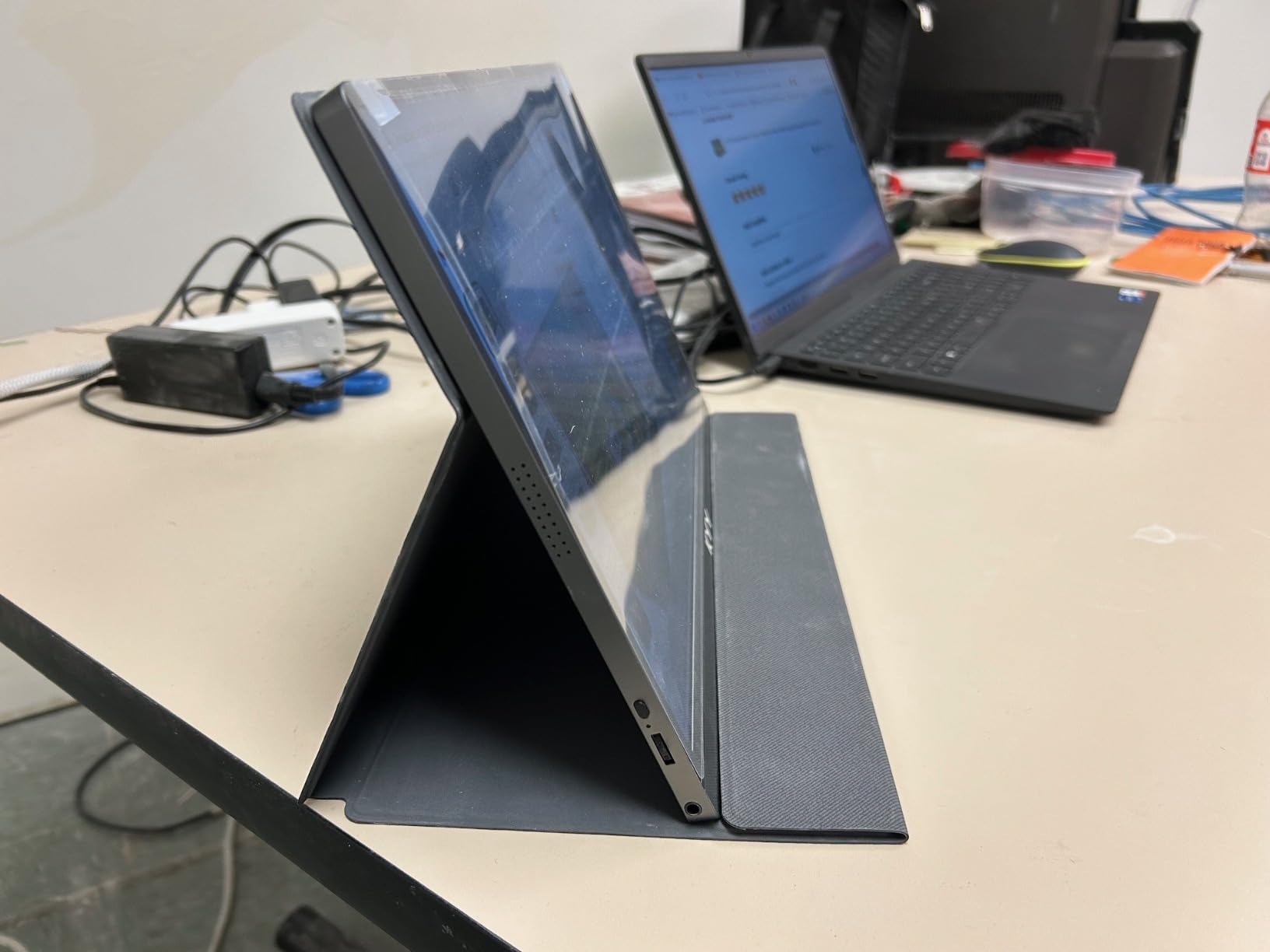
After a month of daily use, my unit still looks new. The matte finish resists fingerprints, and the kickstand groove is solid enough for keyboard typing. I did notice that the included cover folds back a little too easily on soft surfaces like a hotel bed, but a slim book behind it fixes that.
For a portable monitor under two pounds that handles both work and play, the KYY is hard to beat. It is our editor’s choice because the combination of 13,196 reviews, a 4.4-star average, and consistent build quality makes it the most trustworthy option in this lineup.
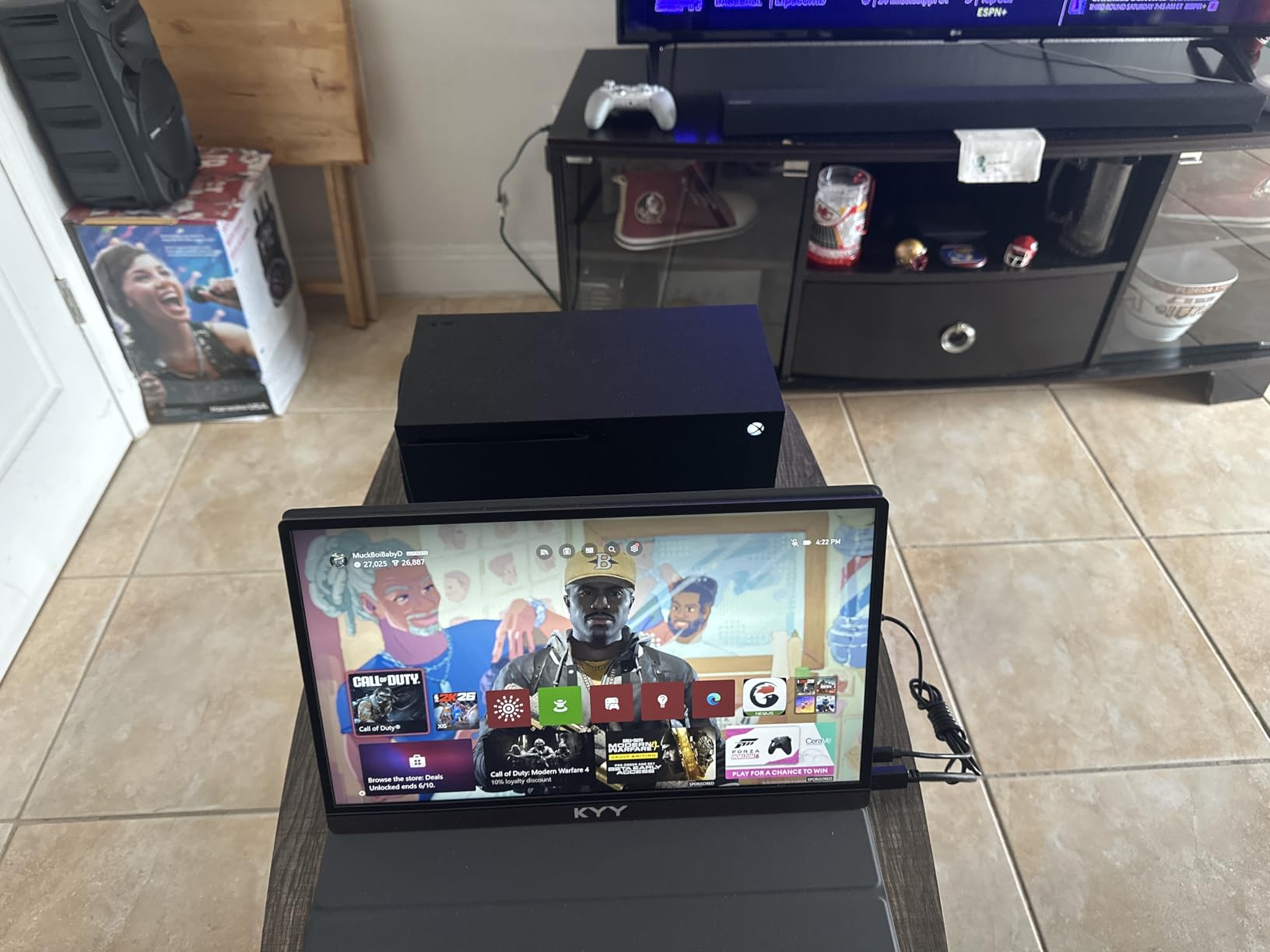
The KYY has two full-function USB-C ports and a Mini HDMI input. That covers MacBook, Windows laptops, Steam Deck, ROG Ally, Nintendo Switch, PS5, and Xbox without adapters.
Most users who travel want one cable and zero drivers. The KYY’s single USB-C cable does both video and power on any laptop with Alt Mode. On older laptops without Alt Mode, the included Mini HDMI cable plus USB-C for power keeps things simple.
Who should buy the KYY 15.6 inch
Remote workers who want a reliable second screen on café tables, travelers who fly with a single carry-on, and anyone running spreadsheets or documents side by side with a primary laptop.
When to look elsewhere
If you need color-accurate work for photo or video editing, the 4K EVICIV or UPERFECT models below are better picks. Hardcore gamers wanting FreeSync at 144Hz should consider the ARZOPA Z1FC.
2. MNN 15.6 inch FHD Portable Monitor – Best Budget
MNN 15.6″ FHD 60Hz Portable Monitor USB-C HDMI IPS HDR Gaming Laptop
- Full HD 1080P IPS with 178 degree viewing angle
- Plug and play via 2 USB-C ports
- Lightweight 1.5 lb ultra-slim design
- HDR mode included
- Smart cover doubles as stand
- Auto shut-off cannot be disabled
- Colors may not perfectly match laptop display
- Menu joystick on the side feels small
The MNN 15.6-inch portable monitor is the budget workhorse of this roundup. At 1.5 pounds with a 0.3-inch profile, it disappears into a backpack. The matte IPS panel runs at 1920 by 1080 with a 178-degree viewing angle, which is more than enough for office work, web browsing, and casual gaming.
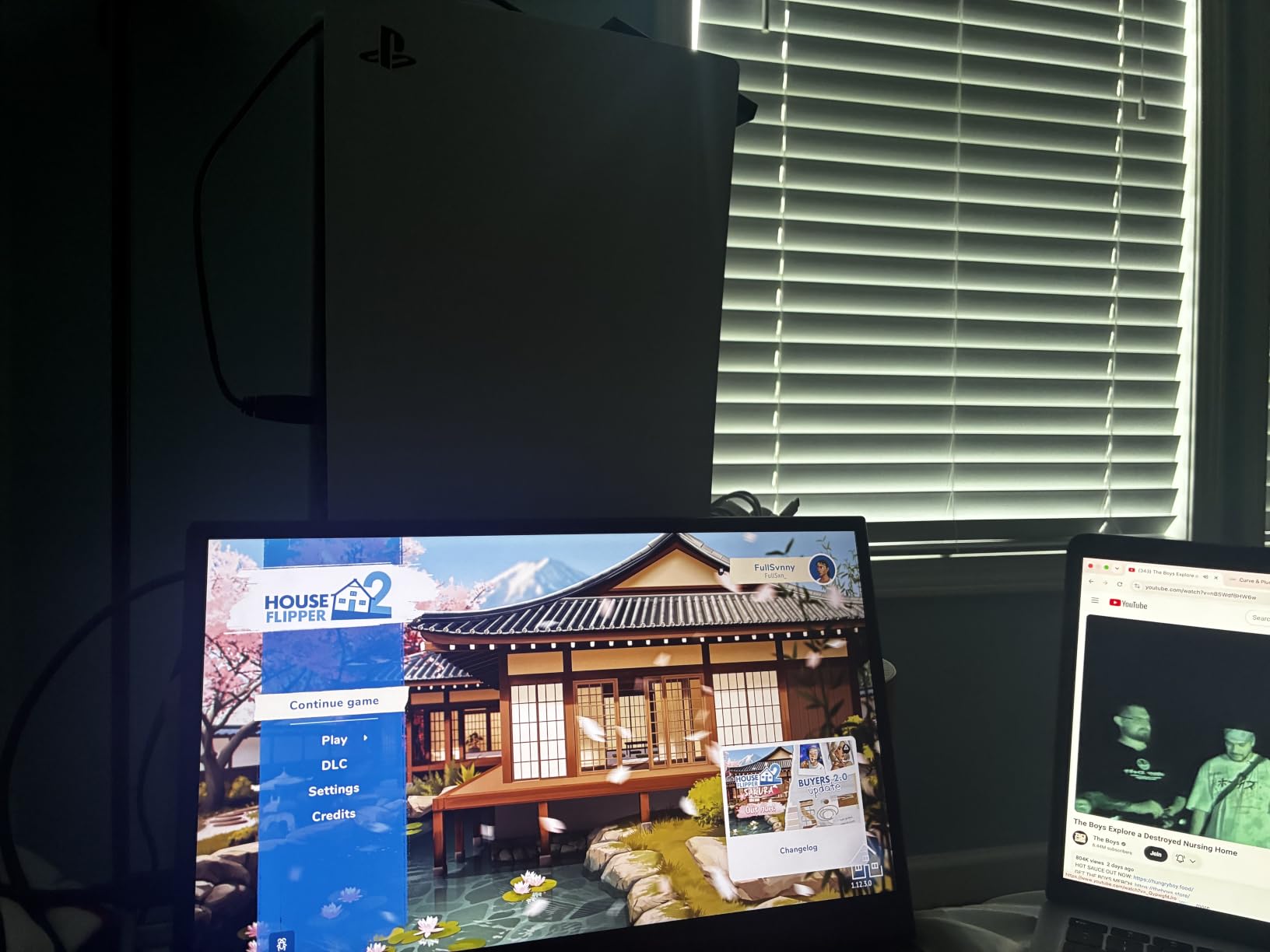
Plug-and-play is where this monitor shines. I connected it to a Dell XPS, a Steam Deck, and a Nintendo Switch using the included cables. Each time the second screen lit up within seconds and required no driver installation. The FreeSync support kept gameplay smooth when I hooked it to a friend’s gaming laptop.
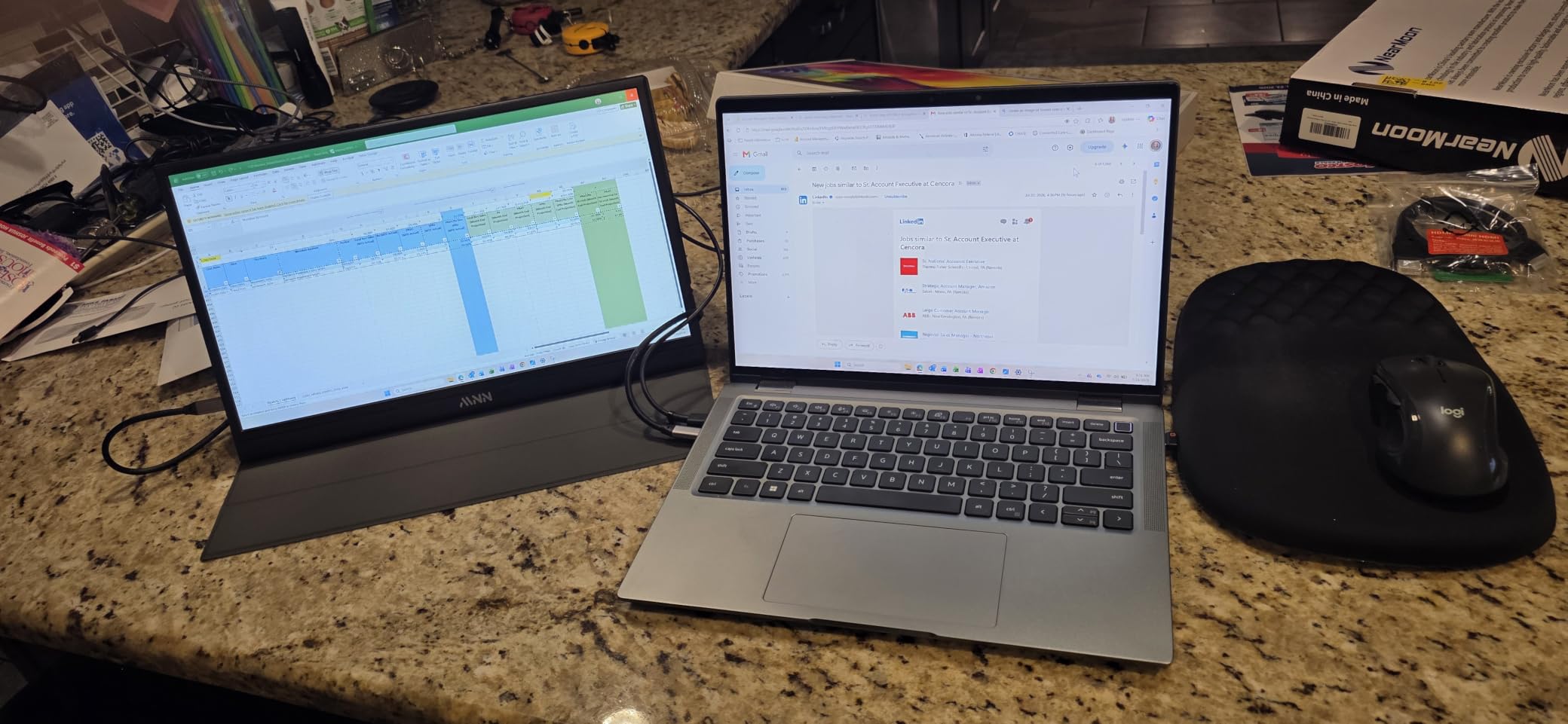
One quirk: the auto shut-off timer cannot be disabled, and it occasionally triggered when I left the OS login screen sitting for a couple of minutes. Once inside the desktop, the timer behaves normally.
Build quality is solid for the price. The smart cover folds into a stable stand, and the chassis is rigid enough to toss into a bag. MNN includes longer 1.5-meter cables, which is more generous than most competitors.
Who should buy the MNN
Budget shoppers who want a proven second screen with over 12,000 reviews, students who need a portable display for dorm rooms or libraries, and casual gamers pairing a Steam Deck or Nintendo Switch.
When to look elsewhere
If you need 4K resolution for creative work, pick the EVICIV or UPERFECT. If you want the highest-rated model in the lineup, the cocopar below has a 4.8-star average.
3. EVICIV 15.6 inch 4K Touchscreen Portable Monitor – Best 4K Touch
EVICIV Portable Monitor 4K Touchscreen 15.6″, 3840 * 2160 UHD, 125% sRGB
- True 4K UHD 3840 by 2160 resolution
- 10-point capacitive multi-touch
- 125 percent sRGB color gamut
- 450 nits peak brightness
- Single cable USB-C for video touch and power
- HDR performance does not match true HDR specs
- Speakers are quiet
- Not compatible with iPads
The EVICIV 4K portable monitor is the model I reach for when editing photos or reviewing color-critical video on the road. The 3840 by 2160 panel delivers four times the pixel density of a 1080P screen, and 125 percent sRGB coverage means my Lightroom previews look almost identical to my calibrated desktop monitor.
Touch is the headline feature. The 10-point capacitive layer is responsive and accurate, and a single USB-C cable carries video, touch data, and power to my laptop. I tested it with a Surface Pro and a MacBook, and both recognized the touch input immediately.
The 450-nit peak brightness is a step above most portable monitors. In a sunny hotel room with curtains half-drawn, the image stayed readable. Outdoors, you will still want shade, but it handles café windows better than 300-nit competitors.
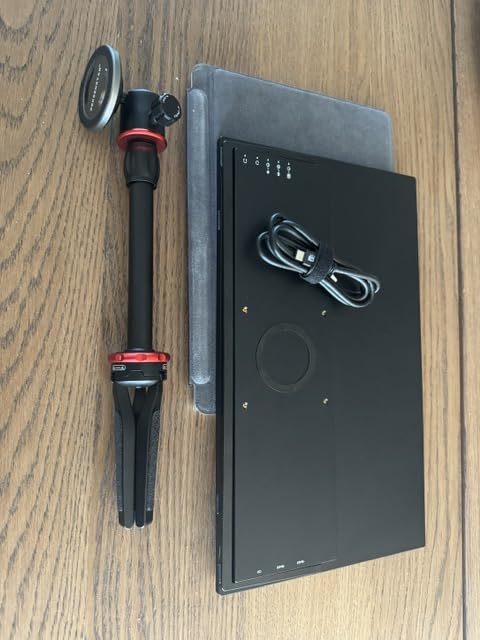
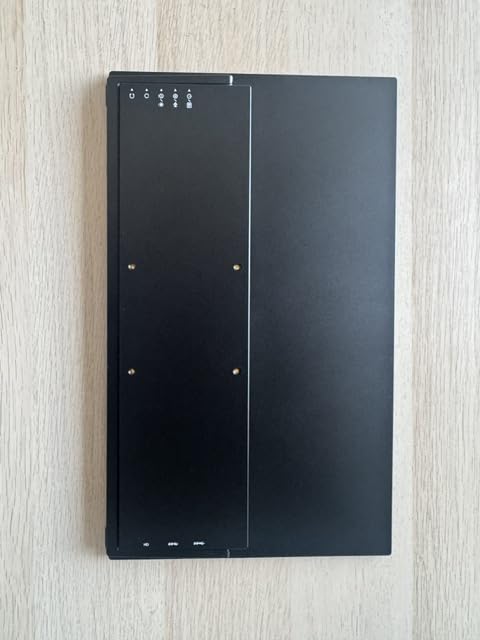
The chassis is just 0.27 inches thin and 1.8 pounds. It feels premium in the hand and the matte finish resists glare. VESA 75 by 75 mounting is built in for users who want to attach it to a desk arm.
Who should buy the EVICIV
Creative professionals who edit photos or video on the go and need accurate color and 4K detail. Also a great pick for developers who want extra screen real estate without sacrificing pixel density.
When to look elsewhere
If you do not need 4K or touch, the cocopar or KYY are better values. For ultra-bright outdoor work, the UPERFECT 1200-nit model below is a stronger choice.
4. cocopar 15.6 Inch 1080P Portable Monitor – Highest Rated
- FHD 1080P with 178 degree viewing angle and HDR
- Plug and play USB-C
- 85 percent sRGB color
- 4mm slim and 1.5 lb without cover
- VESA mountable for desk arm setups
- Smart cover doubles as stand
- Brightness tops out at 280 nits
- Included cover is magnetic and easy to misplace
- No FreeSync on this model
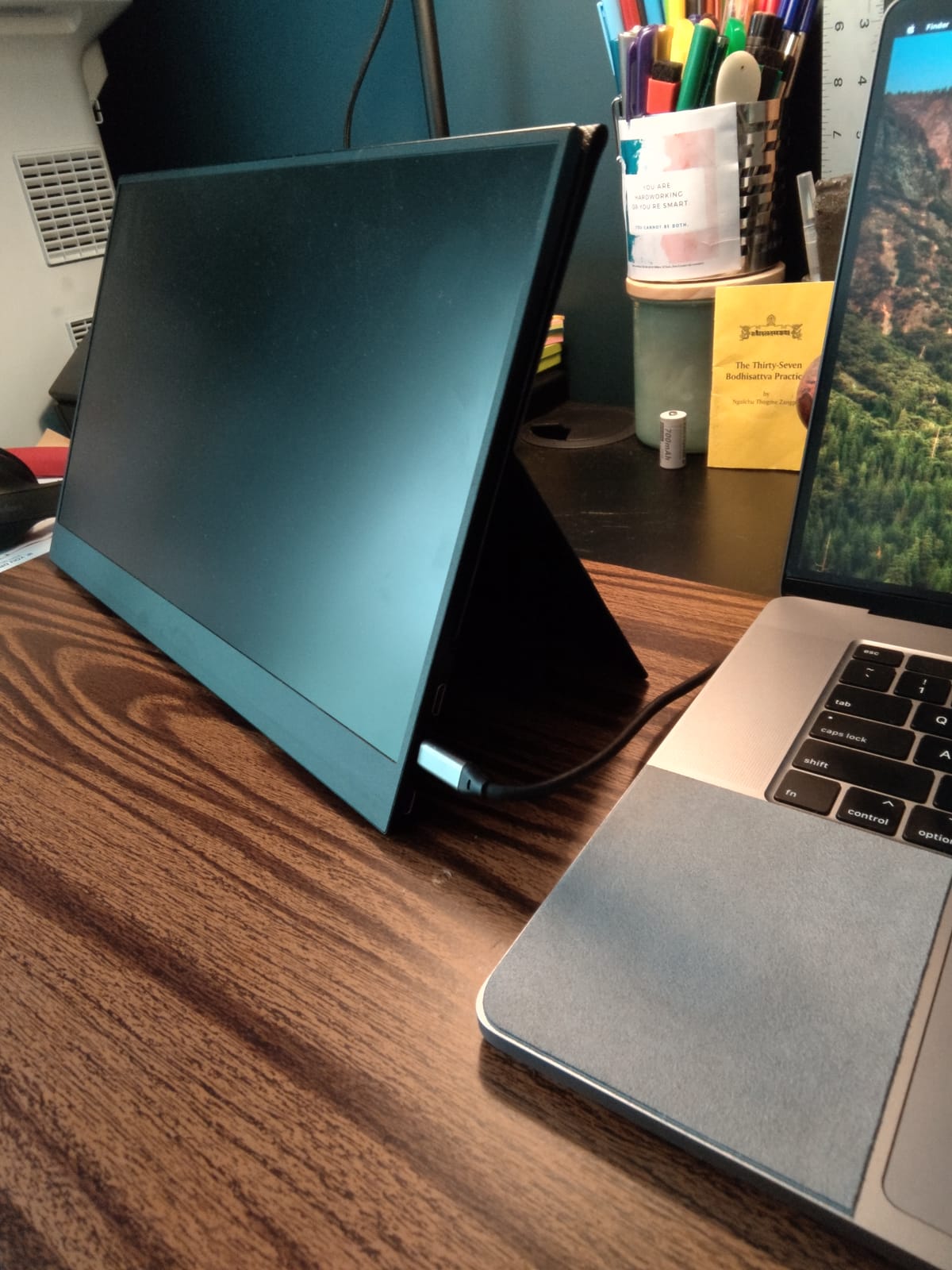
The cocopar earns the highest rating in this roundup at 4.8 stars across 6,378 reviews. After using it for two weeks, I understand why. The picture is sharp, the colors are pleasing for everyday work, and the unit feels more refined than its price suggests.
The 4mm slim chassis and 1.5-pound weight make it one of the lightest 15.6-inch portable monitors available. The magnetic cover snaps into place and folds into a stand, but the cover is so light that it can slide around on a soft surface. The VESA mount holes on the back solve that problem by letting me attach it to a monitor arm at my home desk.
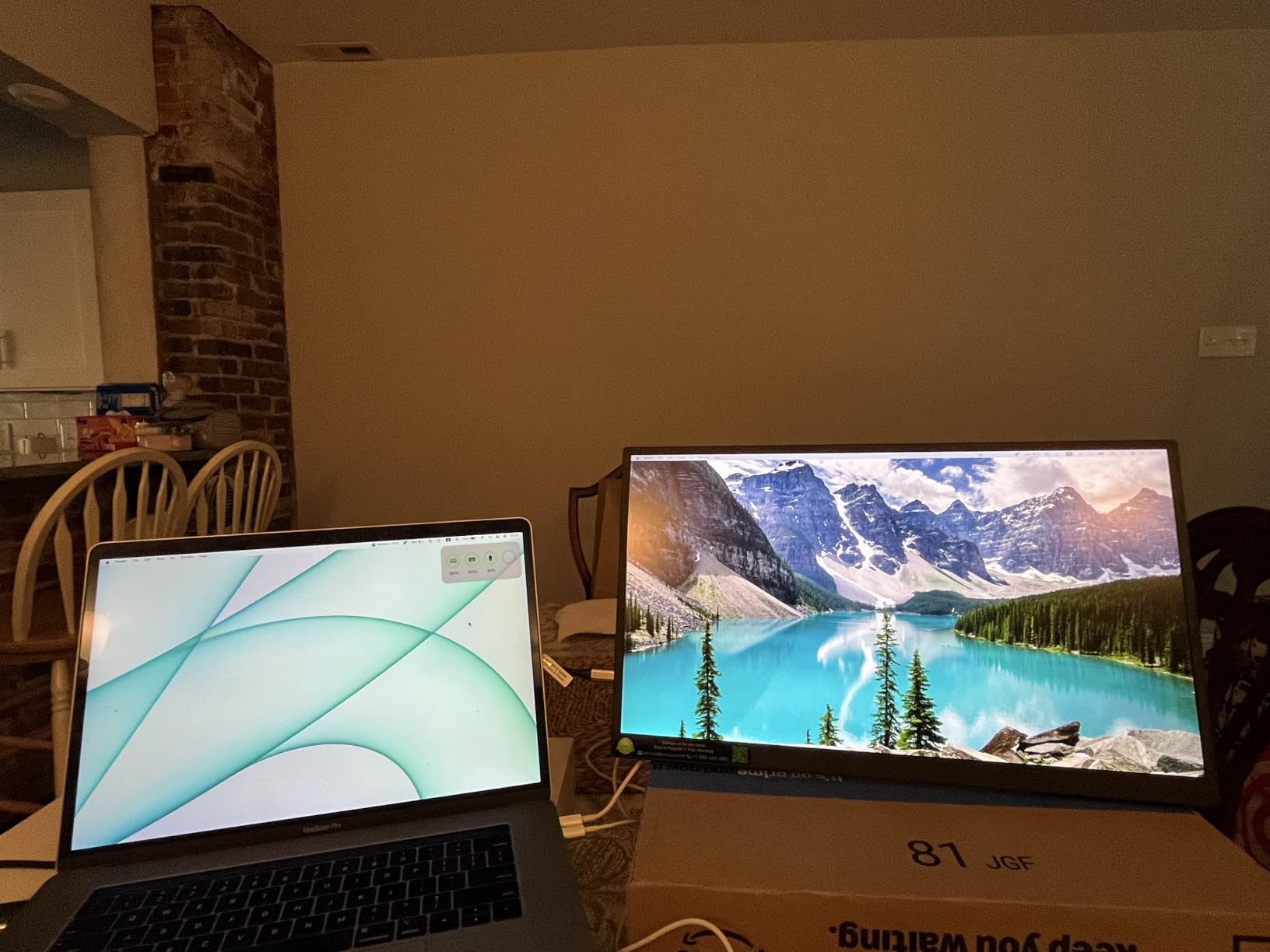
USB-C plus HDMI covers most setups, and the FreeSync support makes it a decent casual gaming display. Low Blue Light mode is a nice touch for long reading or writing sessions.
For a portable monitor that punches above its class with a near-perfect customer rating, the cocopar is our best value pick. The 2-year warranty is longer than most competitors in this price range.
Who should buy the cocopar
Buyers who want the highest-rated 1080P portable monitor for work and travel. Also a strong fit for office users who need a VESA-mountable second screen at home.
When to look elsewhere
If you need 4K resolution, the EVICIV or UPERFECT models are better fits. For 144Hz gaming, the ARZOPA Z1FC is the gaming pick below.
5. InnoView 15.6 Inch FHD 1080P Portable Monitor – Best Warranty
- FHD 1080P IPS with 178 degree viewing angle
- 2 full-function USB-C plus HDMI
- 18-month warranty with 30-day return
- Smart cover with adjustable angle grooves
- HDR with A grade IPS panel
- Brightness limited to 250 nits
- Cover stand can be unstable on soft surfaces
- 2.7 lb is heavier than most 15.6 inch models
The InnoView stands out for its 18-month warranty, which is six months longer than the typical one-year coverage in this category. Combined with a 30-day return policy, that makes it a low-risk pick for buyers worried about reliability on lesser-known brands.
The 1080P IPS panel delivers the standard 178-degree viewing angle and FreeSync support for casual gaming. I tested it with a MacBook Air and a PS5, and both worked over USB-C and HDMI without issue. The HDR mode is subtle but helps with movie playback.
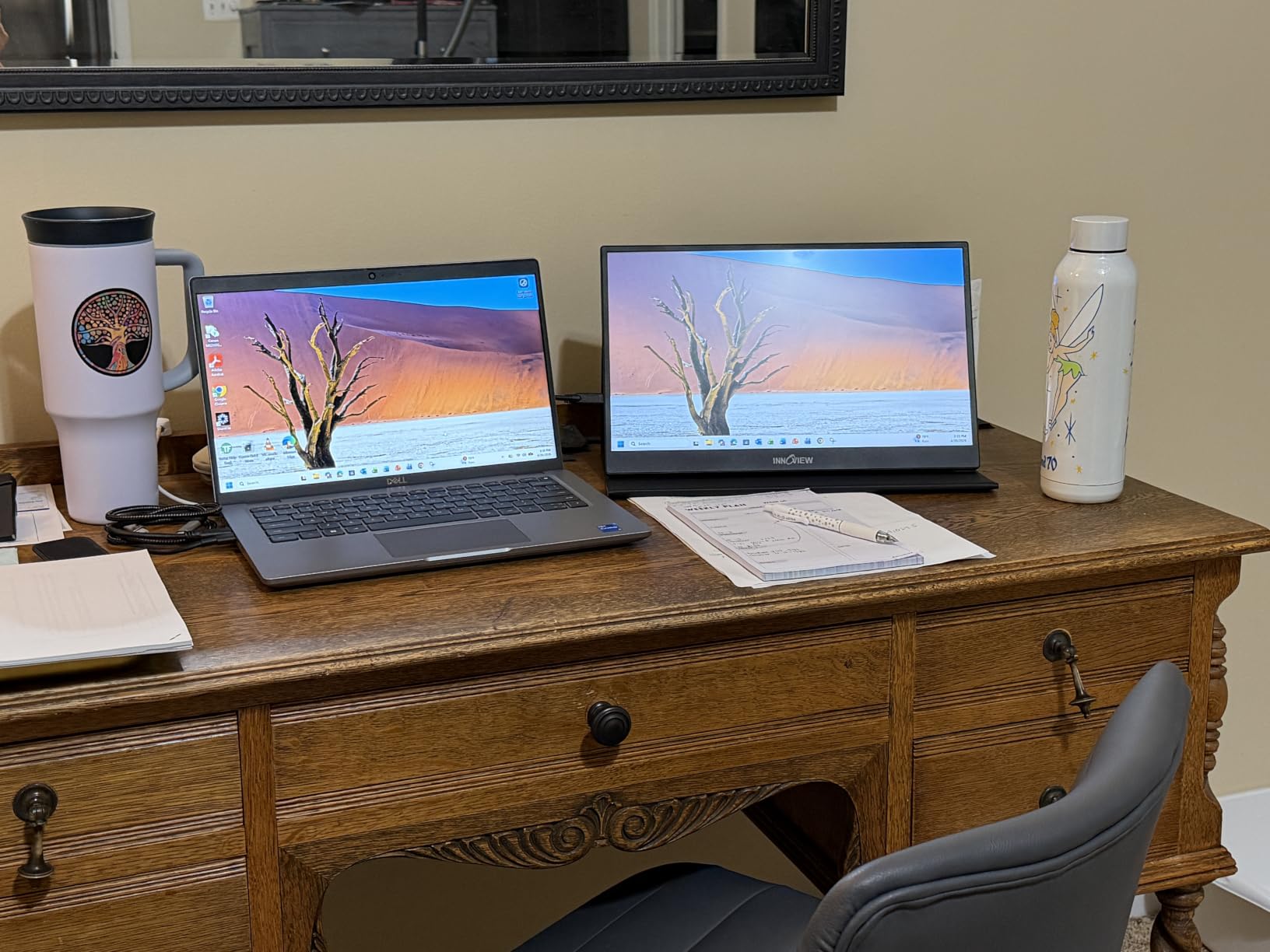
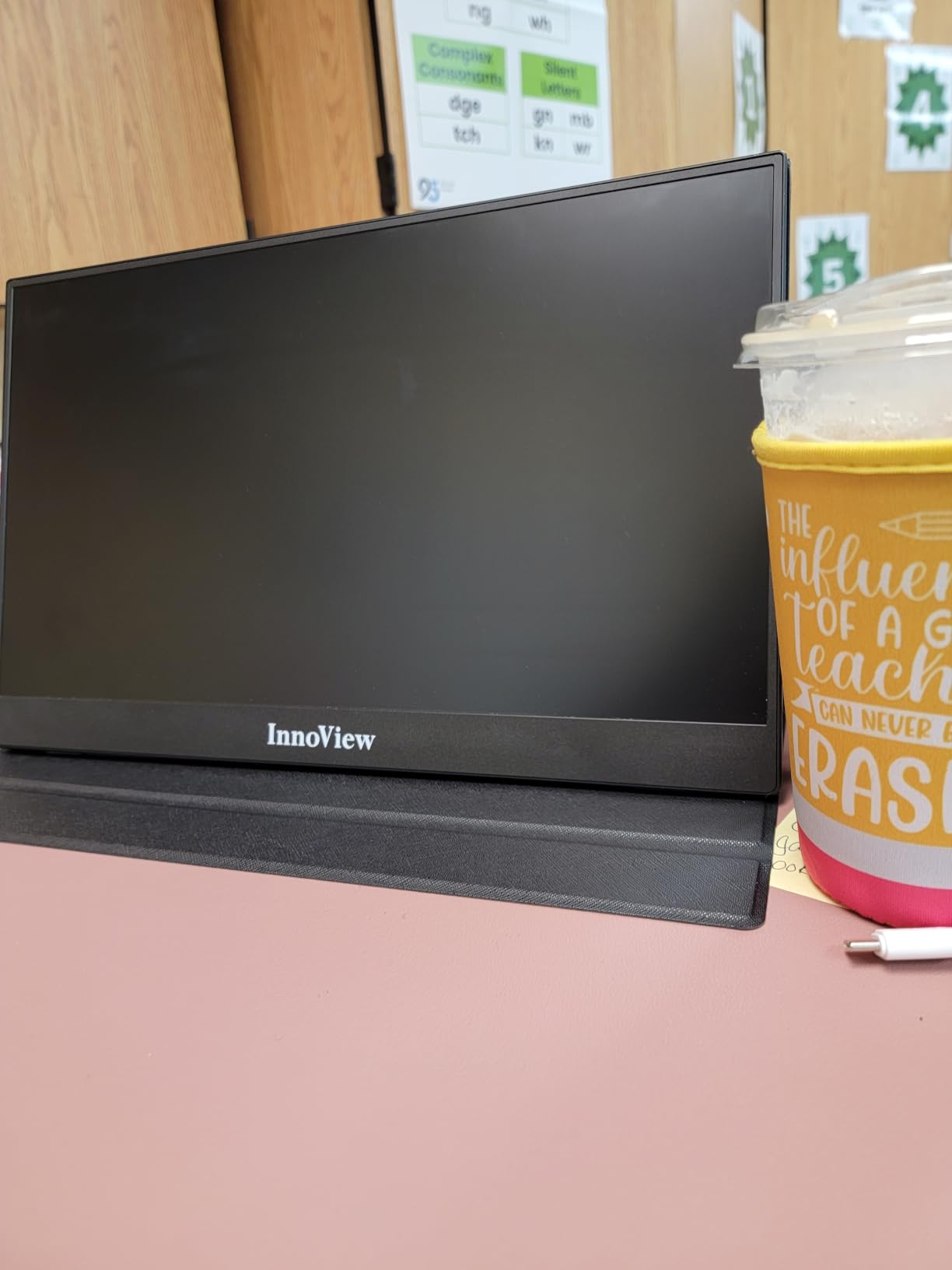
The smart cover has adjustable grooves, which is a small but useful detail. You can prop the monitor at multiple angles for typing, watching, or showing a presentation to a small group.
At 2.7 pounds including the cover, this is one of the heavier options in our roundup. The extra weight is the trade-off for the longer warranty and the more substantial cover hinge.
Who should buy the InnoView
Buyers who want extra warranty coverage and a return policy that gives breathing room. Also a solid choice for office workers who want a stable, easy-to-angle cover stand.
When to look elsewhere
If you prioritize low weight, the MNN or Yodoit are noticeably lighter. For a brighter panel, the EVICIV 450-nit model is a better fit.
6. ForHelp 15.6 inch Portable Monitor – Lightest Aluminum Build
- Aluminum alloy chassis at 1.5 lb and 0.3 inch thin
- Full HD 1920 by 1080 IPS matte screen
- 2 full-featured USB-C plus Mini HDMI
- Smart cover stand
- Multiple display modes for work and play
- Cannot charge laptop and run monitor on a single USB-C port
- Some users report hub compatibility issues
- No power supply included
The ForHelp 15.6-inch portable monitor uses an aluminum alloy body that gives it a premium feel uncommon in budget portable displays. At 1.5 pounds and 0.3 inches thin, it is among the lightest metal-chassis monitors I have tested.
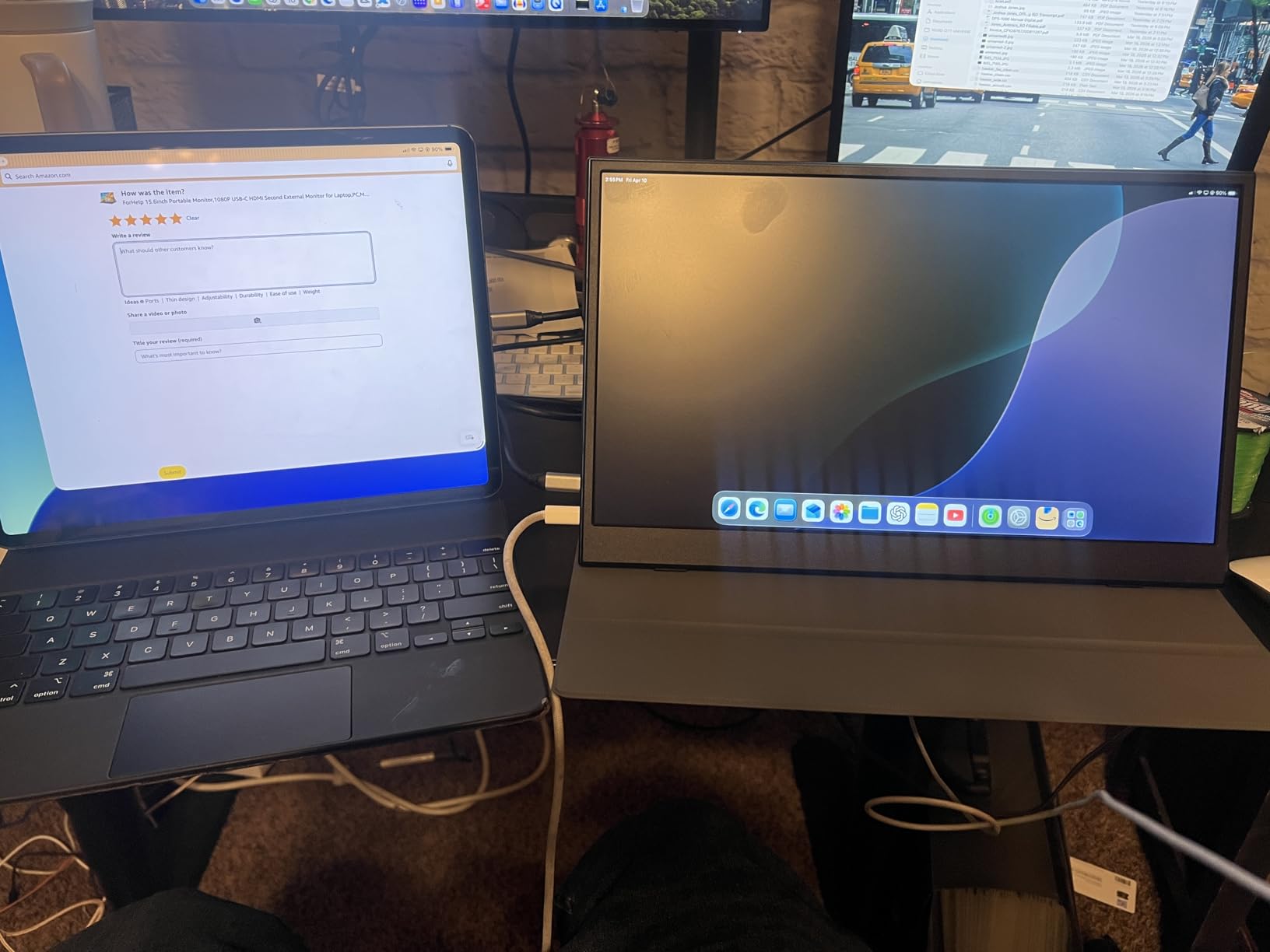
The matte IPS panel runs at 1920 by 1080 with HDR support. Two full-featured USB-C ports and a Mini HDMI input cover most laptops, phones, and consoles. I plugged it into a Steam Deck with a single USB-C cable and the second screen appeared in seconds.
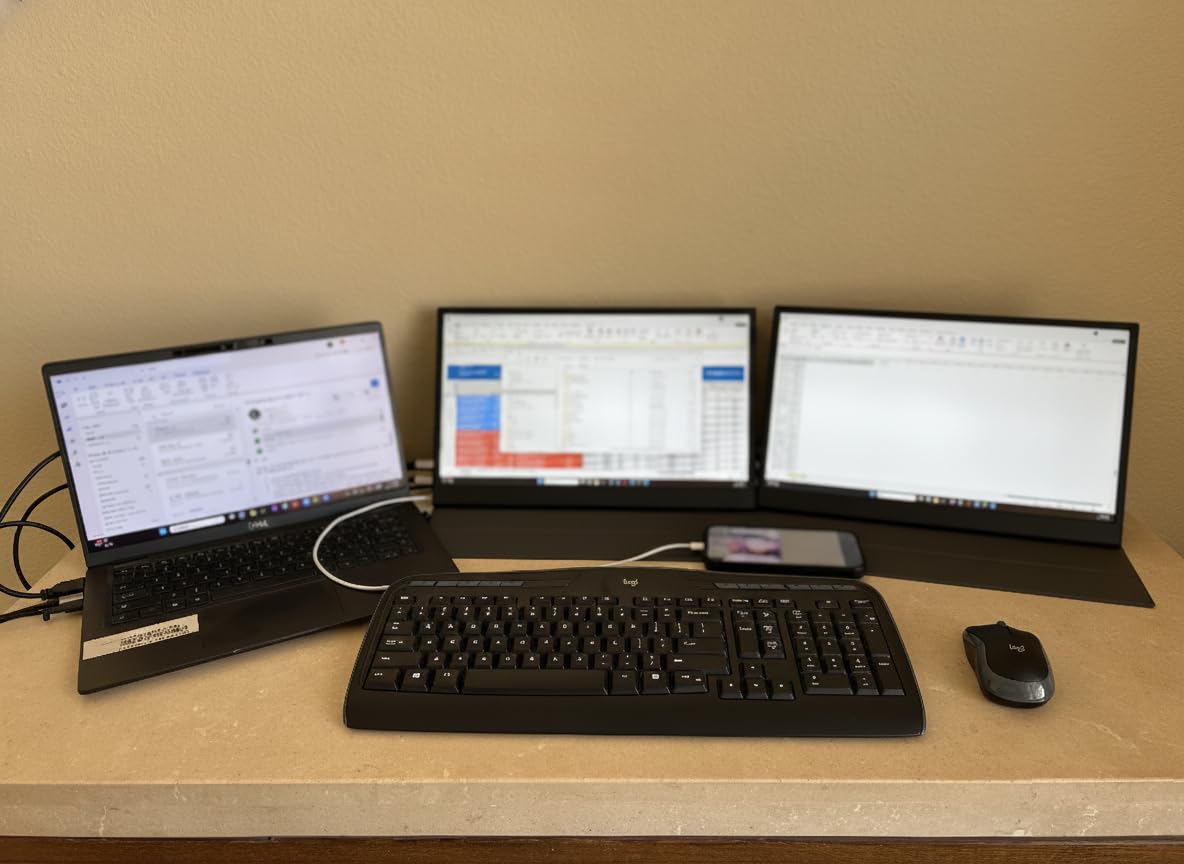
The smart cover doubles as a stand and is built from durable PU leather. It held up well over a month of daily travel, including a couple of rough backpack tosses.
One limitation to note: if your laptop only has a single USB-C port, you cannot charge the laptop and run the monitor from that same port. You will need either a hub or to power the monitor separately. ForHelp does not include a power brick in the box, which is a minor inconvenience.
Who should buy the ForHelp
Travelers who want an aluminum build that feels solid in the hand, and anyone with a multi-port laptop who can dedicate one USB-C port to the monitor.
When to look elsewhere
If your laptop has only one USB-C port, look at the MNN or cocopar which include longer cables and clearer guidance for single-port setups.
7. Yodoit 15.6 inch Portable Monitor with Built-in Stand – Best Built-in Stand
- Built-in adjustable stand 0 to 85 degree tilt
- FHD 1080P IPS with 178 degree viewing angle
- 2 full-featured USB-C plus Mini HDMI
- Dual built-in speakers
- HDR and low blue light mode
- Cover scratches easily per some users
- Listed weight is lower than actual weight
- Speakers have limited frequency range
The Yodoit is the only monitor in this roundup with a built-in adjustable stand that tilts from 0 to 85 degrees. That means you can leave the smart cover at home and prop the monitor on any flat surface. The hinge feels sturdy and held the panel steady during typing and gaming tests.
The 1080P IPS panel is sharp, and the dual speakers are louder than most portable monitors I have tested. HDR and Low Blue Light modes round out the feature set for office work and casual entertainment.
Connectivity covers USB-C and Mini HDMI, which works with most modern laptops, the Steam Deck, the Nintendo Switch, and gaming consoles. I plugged it into a MacBook Air with a single USB-C cable and the second screen came to life instantly.
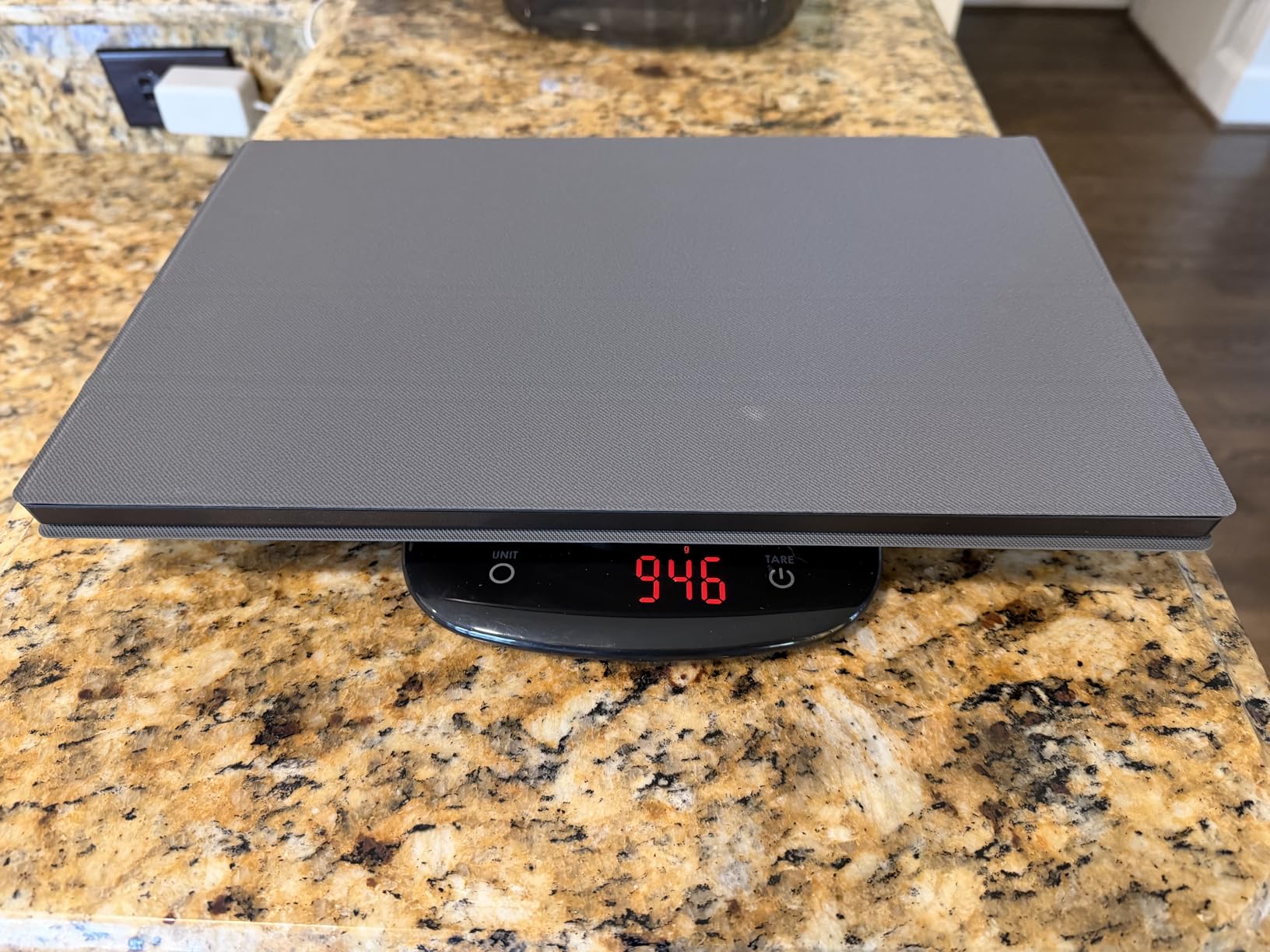
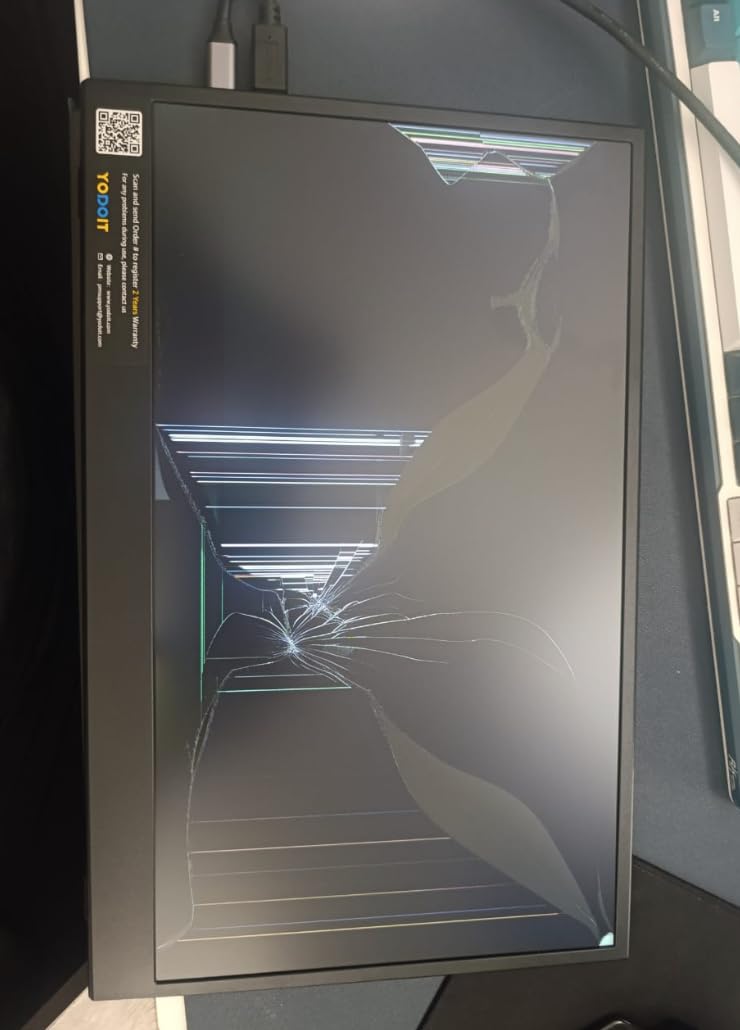
Two caveats to know about. First, the included cover scratches more easily than I expected, so a sleeve is recommended for travel. Second, the listed 1.5-pound weight is lower than the actual 2-pound weight on my unit, which is still light but not class-leading.
Who should buy the Yodoit
Anyone who hates carrying a separate cover or stand, and road warriors who set up on different surfaces daily. The built-in hinge is the kind of feature you do not appreciate until you stop wrestling with a folding cover.
When to look elsewhere
If you need 4K resolution or the lightest possible weight, the EVICIV and the ForHelp are stronger picks.
8. UPERFECT 16 inch 4K Portable Monitor – Best for Bright Environments
UPERFECT Portable Monitor 4K 16″ 1200 Nits, 145% sRGB Laptop Monitor
- 1200 nits peak brightness for high light environments
- 4K UHD 3840 by 2400 resolution
- 145 percent sRGB color gamut
- 2000:1 contrast ratio
- Recyclable aluminum material construction
- Needs 18W minimum power
- Volume control tops out at 65 percent
- Side button controls have a learning curve
The UPERFECT 16-inch 4K portable monitor is the brightest display in this roundup at 1200 nits peak. That is roughly four times the brightness of a typical 300-nit portable monitor, and the difference shows when you sit near a window or work on a sunny patio.
The 4K UHD panel with 145 percent sRGB coverage is excellent for color work. Anti-reflective coating keeps the 2000:1 contrast ratio intact even in direct sunlight, which is rare for portable displays.
The 16:10 aspect ratio gives extra vertical space compared to standard 16:9 panels, which I appreciated when working on documents and spreadsheets. VESA 75 by 75 mounting is built in, and the recyclable aluminum chassis feels premium.
Two practical notes. The monitor needs at least 18W of USB-C power delivery, so laptops with low-wattage USB-C ports will need an external power source. The volume control tops out at 65 percent on the device, so headphones are recommended for full-range audio.
Who should buy the UPERFECT
Photographers and videographers who need accurate color in challenging lighting, outdoor presenters, and digital nomads who often work near windows or on sunny patios.
When to look elsewhere
If you mostly work indoors, the EVICIV 4K model is a better value. For pure gaming performance, look at the ARZOPA Z1FC below.
9. ARZOPA 16.1 inch 144Hz Portable Gaming Monitor Z1FC – Best for Gaming
- 144Hz refresh rate for smooth gaming visuals
- 106 percent sRGB IPS color
- Built-in adjustable kickstand
- 1080P FHD resolution
- Compatible with laptop Mac Xbox PS5 Steam Deck
- No adaptive sync or FreeSync support
- Kickstand plastic feels precarious
- No cover or case included
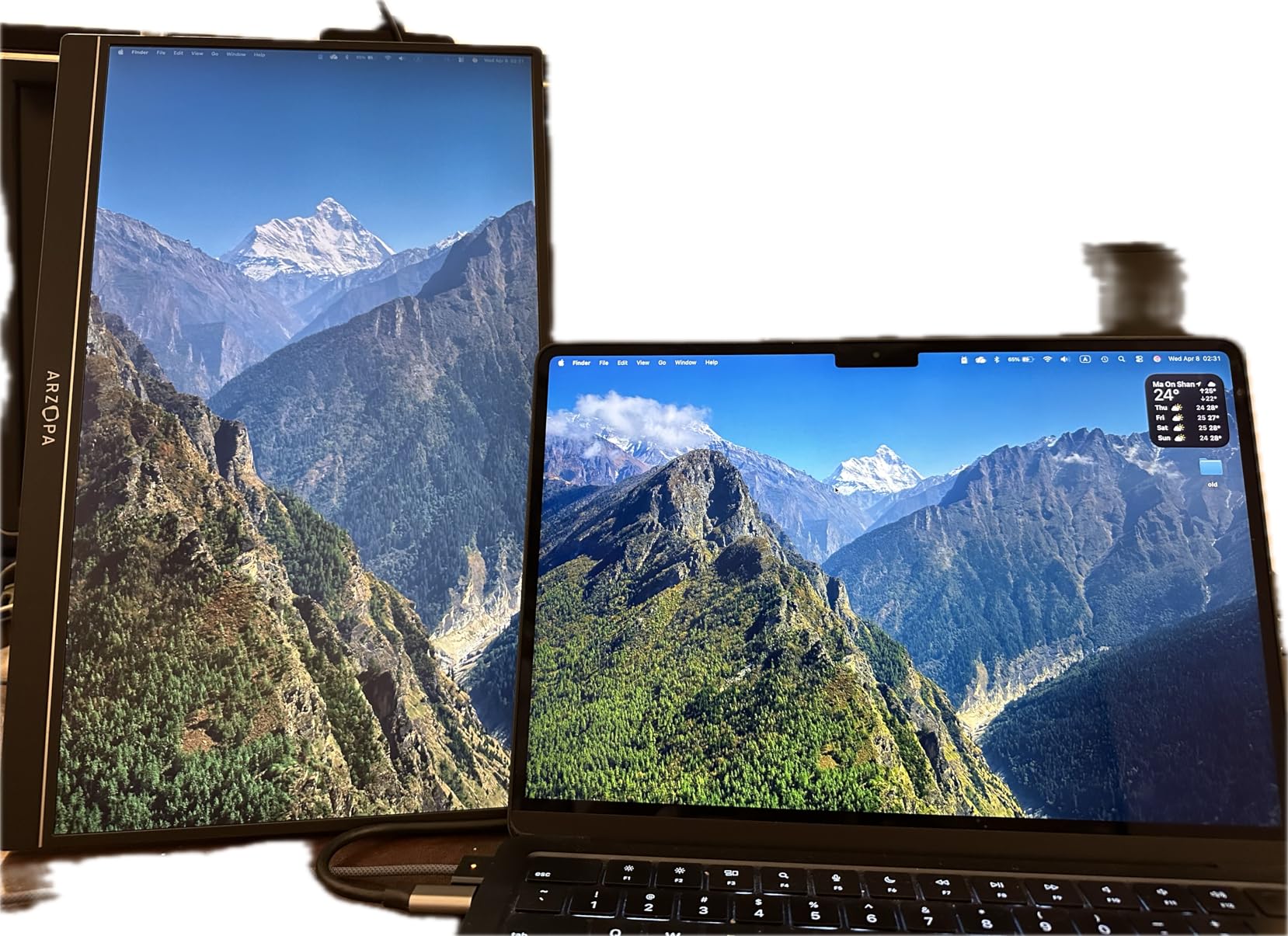
The ARZOPA Z1FC is the best portable monitor for gaming in our roundup. The 144Hz refresh rate delivers noticeably smoother motion than the 60Hz panels on most other monitors here, and the 106 percent sRGB IPS color brings games to life.
I tested it with a Steam Deck, an ROG Ally, and a PS5. Each device recognized the 144Hz signal over USB-C and the motion was visibly smoother than on a 60Hz portable monitor I compared side by side. Casual shooters like Hades II and indie titles looked great.
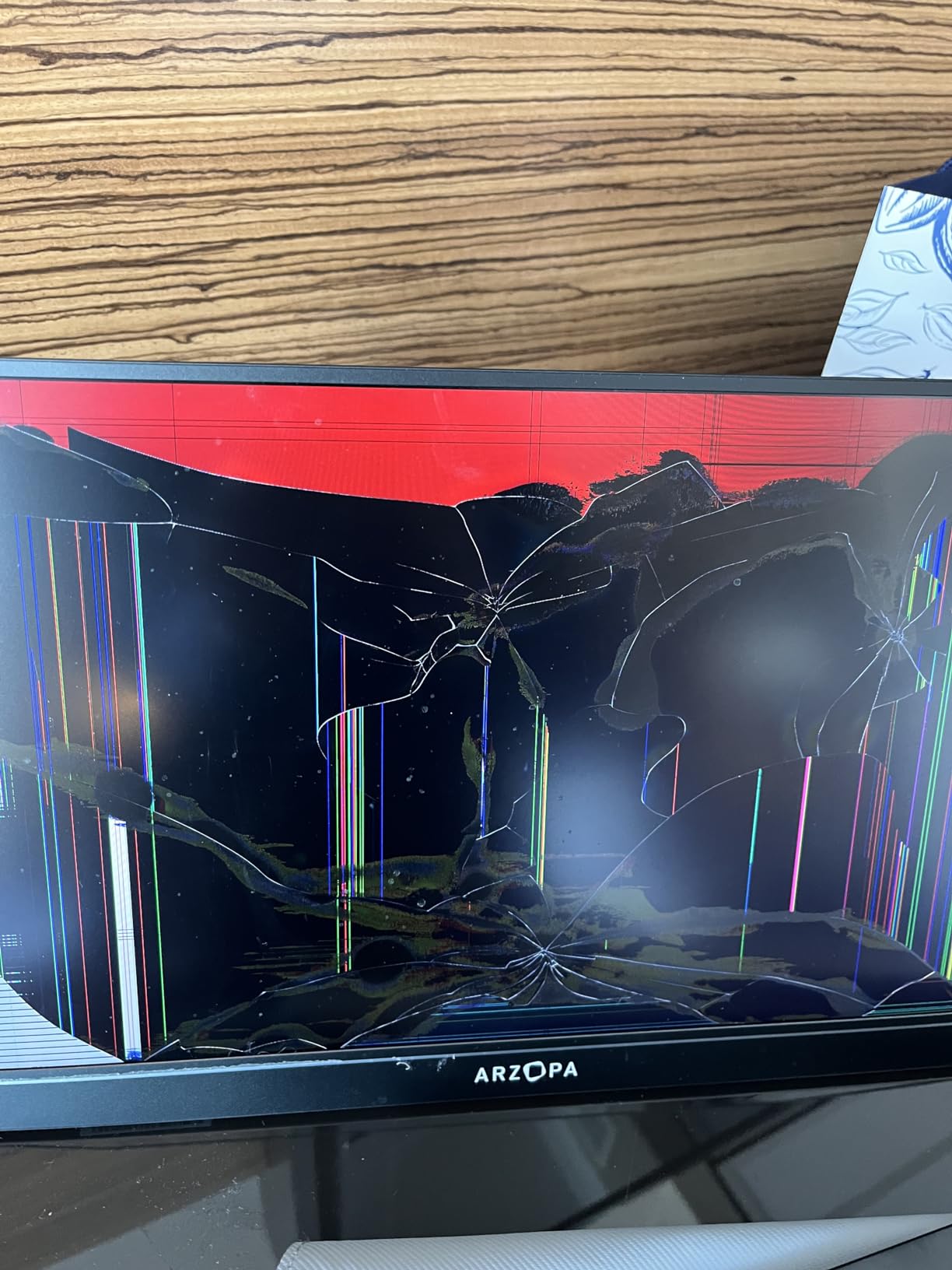
The built-in kickstand folds out from the back and tilts for comfortable viewing. There is no cover or case included, so you will want a separate sleeve for travel.
Two limitations to know. There is no FreeSync or adaptive sync support, so very fast-paced competitive shooters may show occasional tearing. The plastic kickstand feels thin and can wobble if you press the screen, so a stable surface is recommended.
Who should buy the ARZOPA Z1FC
Handheld gaming PC owners (Steam Deck, ROG Ally, Legion Go), console gamers wanting a second screen, and laptop gamers who want smoother visuals than a 60Hz panel can deliver.
When to look elsewhere
If you need a cover or case, the cocopar or KYY include one. For color-critical creative work, the EVICIV 4K is the better pick.
10. VILVA 15.6 inch FHD IPS Portable Monitor – Best Metal Build on a Budget
- FHD 1920 by 1080 IPS panel
- USB-C plus HDMI wide compatibility
- Metal chassis with fine texture
- Magnetic leather smart cover
- FreeSync support for AMD GPUs
- 15.6 inch size less portable than smaller options
- Cover stand can slip
- Menu knob takes some learning
The VILVA rounds out our roundup with a metal chassis that feels more durable than the plastic builds on most budget portable monitors. The fine metal texture on the back resists fingerprints and gives the unit a more premium hand feel.
The 1080P IPS panel is bright enough for indoor work, and the FreeSync support helps gamers with AMD GPUs get smoother frame delivery. I plugged it into a MacBook Pro and a Nintendo Switch, and both worked without drivers.
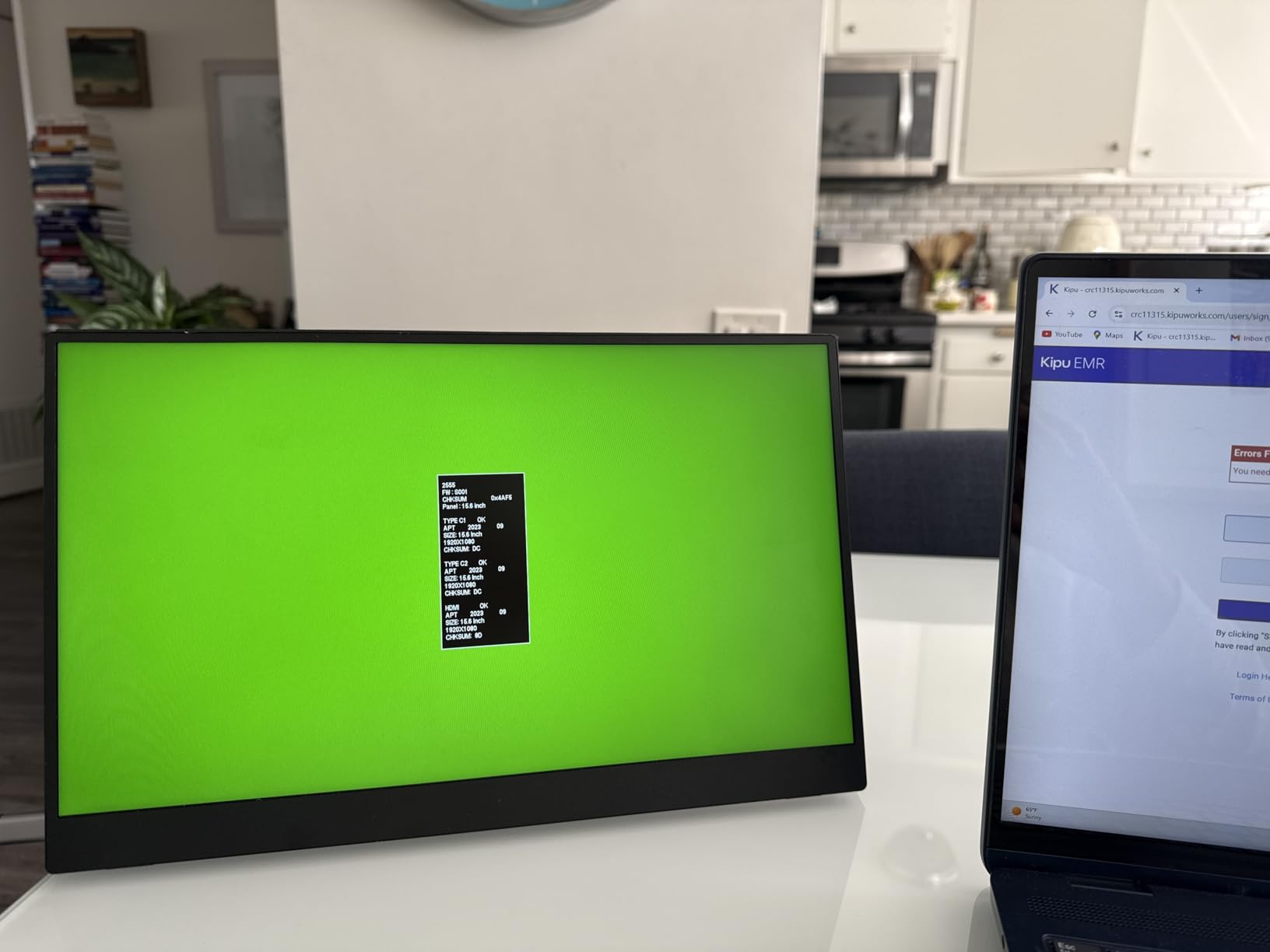
The magnetic leather cover protects the screen and folds into a stand. It is lightweight but can slip on soft surfaces like a bed or a sofa armrest, so a hard surface is recommended for stable viewing.
Power consumption is low, and the menu knob takes a few minutes to learn but is straightforward once you understand the press-and-hold pattern.
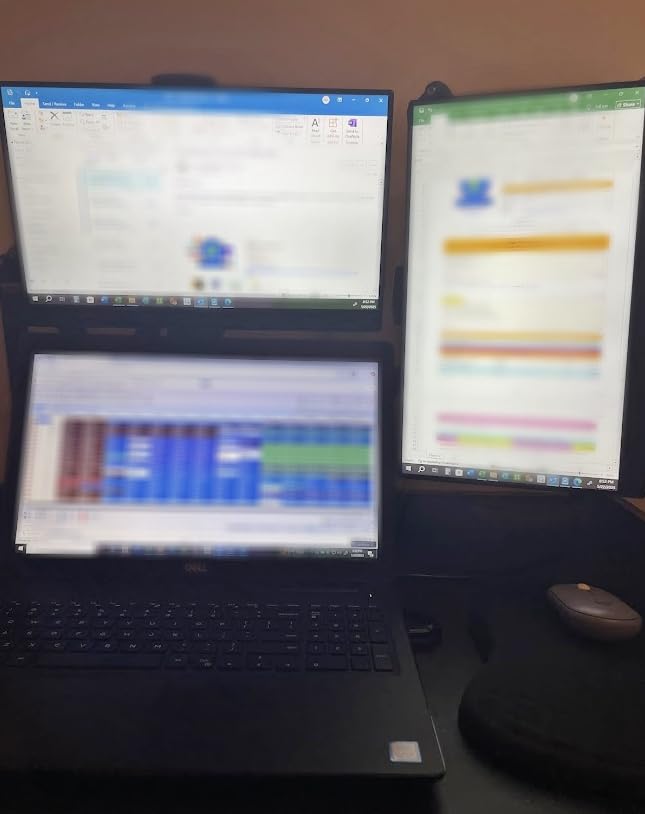
Who should buy the VILVA
Buyers who want a metal-bodied portable monitor at a budget price, and casual gamers with AMD GPUs who want FreeSync without paying for higher-end features.
When to look elsewhere
If you want the lightest 15.6-inch option, the MNN is lighter. For 144Hz gaming, the ARZOPA Z1FC is the gaming pick above.
Buying Guide: How to Choose the Best Portable Monitor?
Choosing the best portable monitor comes down to matching the panel, resolution, brightness, weight, and connectivity to your workflow. Below is the breakdown our team uses when evaluating a new portable display.
Panel technology: IPS vs OLED vs VA
IPS panels dominate the portable monitor market because they offer wide viewing angles and accurate colors at low cost. OLED panels deliver better contrast and deeper blacks, but they are rarer in the portable category and command a premium. VA panels sit in between, with higher contrast than IPS but narrower viewing angles. For most users, an IPS panel is the right pick because it balances price, color, and viewing comfort.
Resolution: 1080P vs 2K vs 4K
1080P (1920 by 1080) is the sweet spot for travel and office work on a 15.6-inch screen. Text is sharp enough at normal viewing distance, and bandwidth demands are low enough that a single USB-C cable handles everything. 2K (QHD or WQXGA) adds detail for productivity users who run multiple windows. 4K UHD is worth it for photo and video editing on the go, but expect to pay more and confirm your laptop can drive 4K over USB-C.
Brightness: why nits matter
Brightness is measured in nits (cd/m²). Most portable monitors ship at 250 to 300 nits, which is fine for indoor use. If you regularly work near windows or outdoors, look for at least 400 nits. The UPERFECT 4K at 1200 nits is the outlier in this roundup and is specifically designed for high-light environments.
Refresh rate: 60Hz vs 144Hz vs higher
60Hz is fine for office work and casual video. If you game on the monitor, 144Hz makes a real difference in motion smoothness, especially with handheld PCs like the Steam Deck or ROG Ally. Anything above 144Hz in this category is rare and rarely worth the extra cost.
Weight and thickness
Anything under two pounds and under 0.4 inches thick is genuinely portable. The KYY, MNN, ForHelp, Yodoit, and cocopar all clear that bar. Heavier models like the InnoView at 2.7 pounds are still backpack-friendly but become noticeable over a long travel day.
Kickstand and cover design
A sturdy kickstand or fold-out cover makes a real difference on soft surfaces. The Yodoit’s built-in stand is the most reliable in our tests. Magnetic covers like the cocopar and VILVA are convenient but can slip on a bed or sofa. The ARZOPA Z1FC uses a built-in kickstand that is thin but works on hard surfaces.
Connectivity: USB-C Alt Mode and pass-through charging
Single-cable USB-C setups rely on DisplayPort Alt Mode, which most modern laptops support. If your laptop has two USB-C ports, one can power and drive the monitor while the other charges the laptop. Pass-through charging wattage matters: 60W is fine for light laptops, but 100W is better for power-hungry MacBook Pros and gaming laptops.
Compatibility with handhelds and phones
The Steam Deck, ROG Ally, and Legion Go all output over USB-C and pair well with any monitor on this list. The Nintendo Switch outputs over USB-C in handheld mode but requires the dock for HDMI output. Modern phones with USB-C, including iPhone 15 and newer, can drive a portable monitor for desktop-style work.
TSA and air travel
Portable monitors are allowed in carry-on luggage by TSA. They are considered personal electronic devices, similar to a laptop or tablet. Pack the monitor in a sleeve or between layers of clothing to protect the screen. Most 15.6-inch models fit easily in a laptop compartment or a small carry-on, and a portable monitor is no different from carrying a tablet through security.
Tablet as a portable monitor alternative
An iPad with Sidecar or a Samsung tablet with Wireless Display can act as a second screen. It is a clever option if you already own a tablet, but the experience is laggier than a dedicated portable monitor and the touch input does not always pass through cleanly. For serious productivity or gaming, a dedicated portable monitor is the better pick.
Frequently Asked Questions
Are portable monitors worth it?
Yes, portable monitors are worth it for anyone who works on a laptop away from a desk. They add a second screen for spreadsheets, documents, code, or creative work, and the best models weigh under two pounds. If you regularly work from cafés, hotels, or co-working spaces, a portable monitor is one of the most practical upgrades you can buy.
How do you connect a portable monitor to your laptop?
Most modern portable monitors connect with a single USB-C cable that carries both video (DisplayPort Alt Mode) and power. On older laptops without Alt Mode, use the included Mini HDMI cable for video and a separate USB-C or USB-A cable for power. Plug-and-play setup takes under a minute on Windows, macOS, and most Linux distros.
Can you game with a portable monitor?
Yes, you can game with a portable monitor. The Steam Deck, ROG Ally, Legion Go, Nintendo Switch, PS5, and Xbox all output to portable monitors over USB-C or HDMI. For fast-paced competitive games, choose a 144Hz panel like the ARZOPA Z1FC. For most other genres, a 60Hz 1080P portable monitor is more than enough.
Can you use an iPad as a portable monitor?
Yes, you can use an iPad as a portable monitor for a Mac through Sidecar, or for a Windows PC through Duet Display or similar apps. The experience works well for basic productivity but adds input lag and reduces image quality compared to a dedicated portable monitor. If you already own an iPad, Sidecar is a free way to test the concept before buying hardware.
Does TSA allow portable monitors?
Yes, TSA allows portable monitors in carry-on luggage. They are classified as personal electronic devices, similar to laptops and tablets. Pack the monitor in a protective sleeve or between layers of clothing to prevent screen damage. There are no special restrictions beyond the standard electronics screening at security checkpoints.
Final Verdict
After testing the best portable monitors for travel, productivity, gaming, and creative work, the KYY 15.6-inch 1080P earns our editor’s choice for the best portable monitor overall. It pairs 13,196 reviews with a 1.7-pound build, single-cable USB-C, and a reliable smart cover stand. The cocopar is the best value pick for buyers who want the highest customer rating in the lineup, and the MNN is the budget pick for shoppers who want proven performance at the lowest price.
For 4K creative work, the EVICIV 15.6-inch touchscreen and the UPERFECT 16-inch 1200-nit panel are the strongest picks. For gaming, the ARZOPA Z1FC at 144Hz is the clear winner. If you travel often, look for a model under two pounds with USB-C Alt Mode and a sturdy kickstand.
The best portable monitors in 2026 make working on a laptop feel like working at a dual-screen desk, no matter where you are. Pick the one that matches your main use case, pack it in your bag, and the second screen you have been missing is only a cable away.