

Drones have quietly become one of the most effective ways to bring STEM to life in K-12 classrooms. Our team spent the last three months flying, coding, crashing, and rebuilding seven of the most popular drone kits for STEM education on the market, and the results surprised us.
A well-chosen STEM drone kit does more than entertain. It teaches block coding and Python in a way students can see, feel, and break. It turns physics lessons about lift and thrust into something students can adjust in real time. For older students, it opens a clear pathway into FAA Part 107 certification and a real drone career.
In this 2026 guide, we break down the seven best drone kits for STEM education – from a budget snap-together build to a feature-packed programmable quad with a 1080p camera. We graded each one on coding depth, build quality, classroom safety, and how much teacher prep it actually requires.
Table of Contents
Top 3 Picks for Best Drone Kits for STEM Education (September 2026)

Ryze Tech Tello Boost Combo
- Scratch & Python ready
- 5MP camera + 720p video
- Boost Combo adds 3 batteries
- DJI-grade flight stability

EMAX Tiny Hawk RTF Micro Drone
- Real FPV goggles included
- Up to 35mph top speed
- 200ft range
- All-in-one starter kit

EIELEDIY Quadrotor DIY Kit
- Brushless motors + 1080p camera
- 30-minute flight time
- Editable PowerPoint courseware
- No soldering required
Best Drone Kits for STEM Education in 2026
| Product | Specifications | Action |
|---|---|---|
| Ryze Tech Tello Boost Combo |
|
Check Latest Price |
| EMAX Tiny Hawk RTF Micro Drone |
|
Check Latest Price |
| EIELEDIY Quadrotor DIY Kit |
|
Check Latest Price |
| YYSOLDERIC DIY Drone Kit |
|
Check Latest Price |
 GILOBABY DIY Mini Drone Kit GILOBABY DIY Mini Drone Kit |
|
Check Latest Price |
 TECHVIO 5-in-1 DIY Drone Kit TECHVIO 5-in-1 DIY Drone Kit |
|
Check Latest Price |
 BETAFPV Cetus Lite FPV Drone Kit BETAFPV Cetus Lite FPV Drone Kit |
|
Check Latest Price |
1. Ryze Tech Tello Boost Combo – Best Drone Overall for STEM Classrooms
Ryze Tech Tello Boost Combo – Mini Drone with 5MP Camera, RC Quadcopter with 720p HD Video, 13min Flight Time, Powered by DJI, White
- DJI-grade flight stability
- Beginner-friendly with Scratch block coding
- Boost Combo adds 3 batteries for full class periods
- Survives classroom crashes
- Lightweight 80g airframe
- App-only control (no physical remote in base kit)
- Struggles in wind
- 720p video feels dated
The Tello Boost Combo is the drone we keep recommending to first-year STEM teachers, and it is the kit we have personally used in three different classroom pilots. The reason is simple: it pairs DJI-grade flight stability with a Scratch and Python coding pathway that actually scales from fourth grade to high school.
Out of the box, students can fly the Tello with a phone or tablet using the Tello app. The two-antenna WiFi video link is stable enough for indoor demonstrations, and the 5MP camera captures stills that are good enough for an introductory computer vision lesson.

What makes this a real STEM drone kit is the Tello EDU app. Students drag Scratch blocks to program flips, fly figure-eights, or choreograph a four-drone swarm dance using mission pads. Older students can graduate to Python and use the open Tello SDK to script autonomous missions.
Forum users on r/diydrones consistently recommend the Tello as the entry point for any classroom drone program because it costs less than most textbook sets and survives the kind of crashes that destroy hobby-grade drones in week one. The 80g airframe is light enough to be safe indoors but durable enough to take a hit off a gym ceiling.
One honest update for 2026: Ryze has been quiet about the Tello line, and stock varies by region. Teachers planning a 30-drone rollout should buy a few extra batteries now and budget for the Robolink CoDrone EDU or Crazyflie 2.1+ as a long-term replacement platform.
How it fits a coding curriculum
The Tello EDU app uses Scratch 3.0, so any teacher already using Code.org or MakeCode can transition students into drone programming with almost zero ramp-up. Students write a block to “take off,” add a loop to perform a square pattern, then refactor the same mission in Python using the udrone or TelloPy libraries.
The mission pads sold separately turn the Tello into a swarm platform. Four drones can hold position, react to pad colors, and perform synchronized choreography – which is the exact same logic industrial drone swarms use at events like the Olympics.
How it handles a classroom of students
WiFi is both the Tello’s strength and its weakness. With a strong router and a class of 12 or fewer students flying in shifts, it works beautifully. With 25 students trying to connect at once, you will see the same WiFi conflicts teachers on the CTE Teachers Facebook group complain about. Plan for rotation stations, not 1:1 simultaneous flight.
2. EMAX Tiny Hawk RTF Micro Indoor Racing Drone – Best Value Starter Kit
Tiny Hawk RTF Micro Indoor Racing Drone with FPV Goggles and Controller for Beginners
- Real FPV not WiFi-based
- Includes everything to fly
- Forgiving for crashes
- Up to 35mph top speed
- Carrying case included
- ~4-5 minute flight per battery
- Camera quality is limited
- Struggles in bright daylight
The EMAX Tiny Hawk RTF is the kit we hand to any teacher who wants to start a drone racing or STEM engineering club without spending a year learning the hobby first. Everything you need is in the box: drone, controller, FPV goggles, batteries, and a carrying case.
Unlike the WiFi-based Tello, the Tiny Hawk uses a real 2.4GHz radio link and analog FPV video. That matters in a classroom because 25 students can each have their own kit, each paired to its own controller, without fighting over a WiFi network. It is the RF-paired approach CTE teachers consistently prefer.
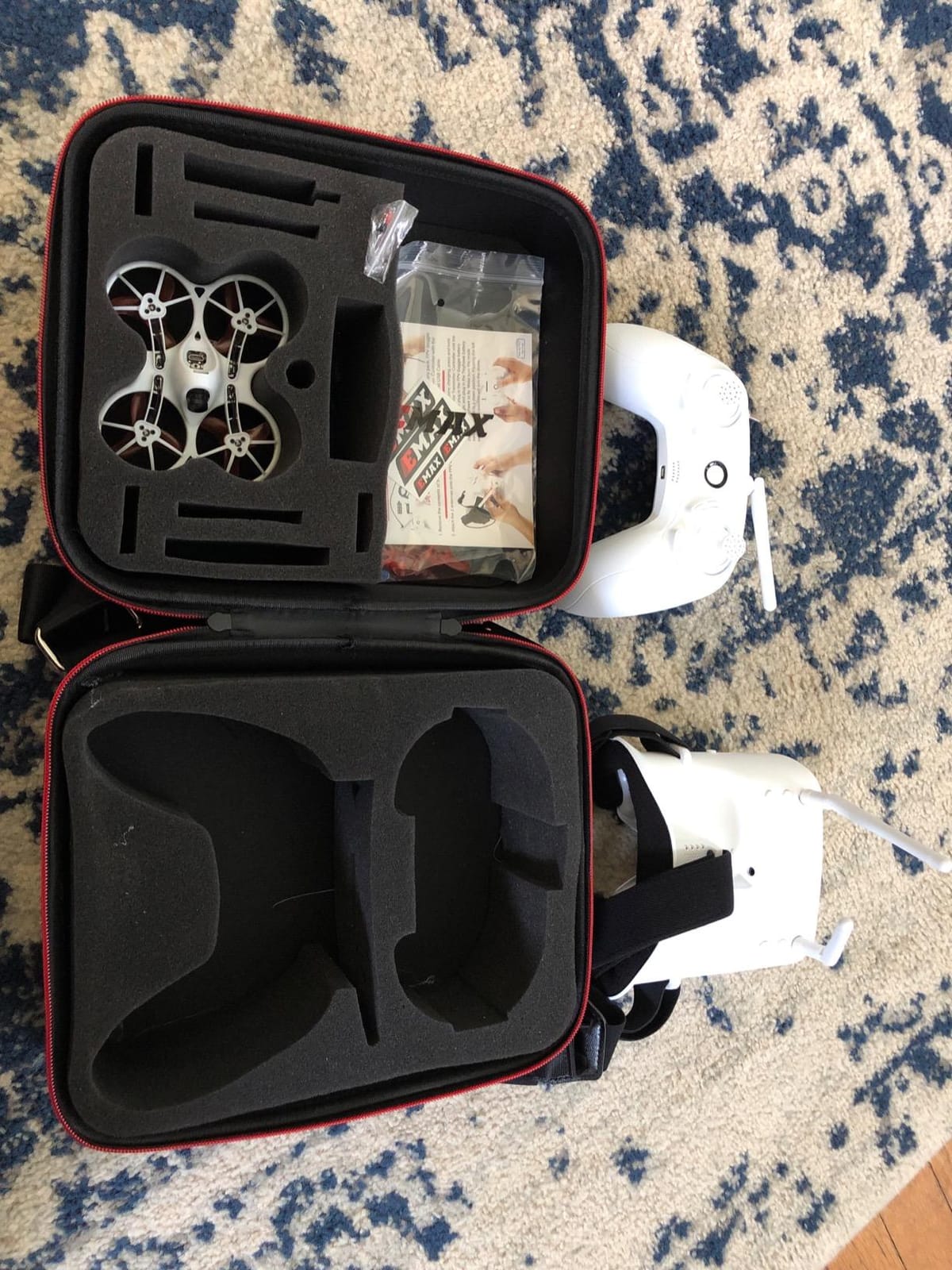
For STEM, this kit is a stealth engineering platform. Students start in “angle” mode where the drone self-levels, graduate to “horizon” mode for basic acrobatics, and eventually fly fully manual “acro” mode where they have to manage pitch, roll, and yaw themselves. That progression is essentially a real flight controller curriculum.
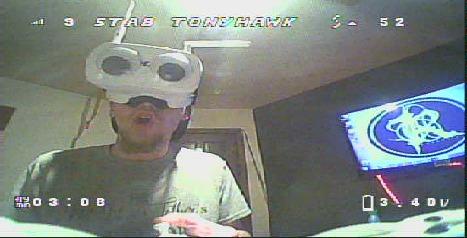
Reviewers report the frame survives dozens of crashes without breaking. The 200-foot range is more than enough for an indoor gym or blacktop, and the 35mph top speed gives older students something to chase.
Where it fits in a STEM program
The Tiny Hawk slots in perfectly as a “systems and controls” module after students have done basic block coding. They can experiment with PID tuning through Betaflight Configurator, swap out the camera or VTX, and learn how the same flight controller logic scales up to commercial drones.
For drone racing teams, this is the kit REC Foundation aerial drone competitions are built around. If your school wants to field a competitive team, this is the lowest-cost legitimate way to do it.
What teachers should know before buying
Battery life is the single biggest classroom issue. With 4-5 minutes per battery, a class of 20 students needs at least 10 batteries and a multi-bay charger to keep rotations moving. We also recommend a small parts kit – extra props, a couple of spare motors, and a small screwdriver.
3. EIELEDIY Quadrotor DIY Kit – Best for Building and Engineering Lessons
- No soldering required - screw-together build
- Editable PowerPoint courseware for teachers
- 30-minute flight time per battery
- Brushless motors outlast toy-grade
- Modular frame is easy to repair
- ~1.5 hour assembly time
- Manual wiring diagrams could be clearer
- Recommended for age 14+
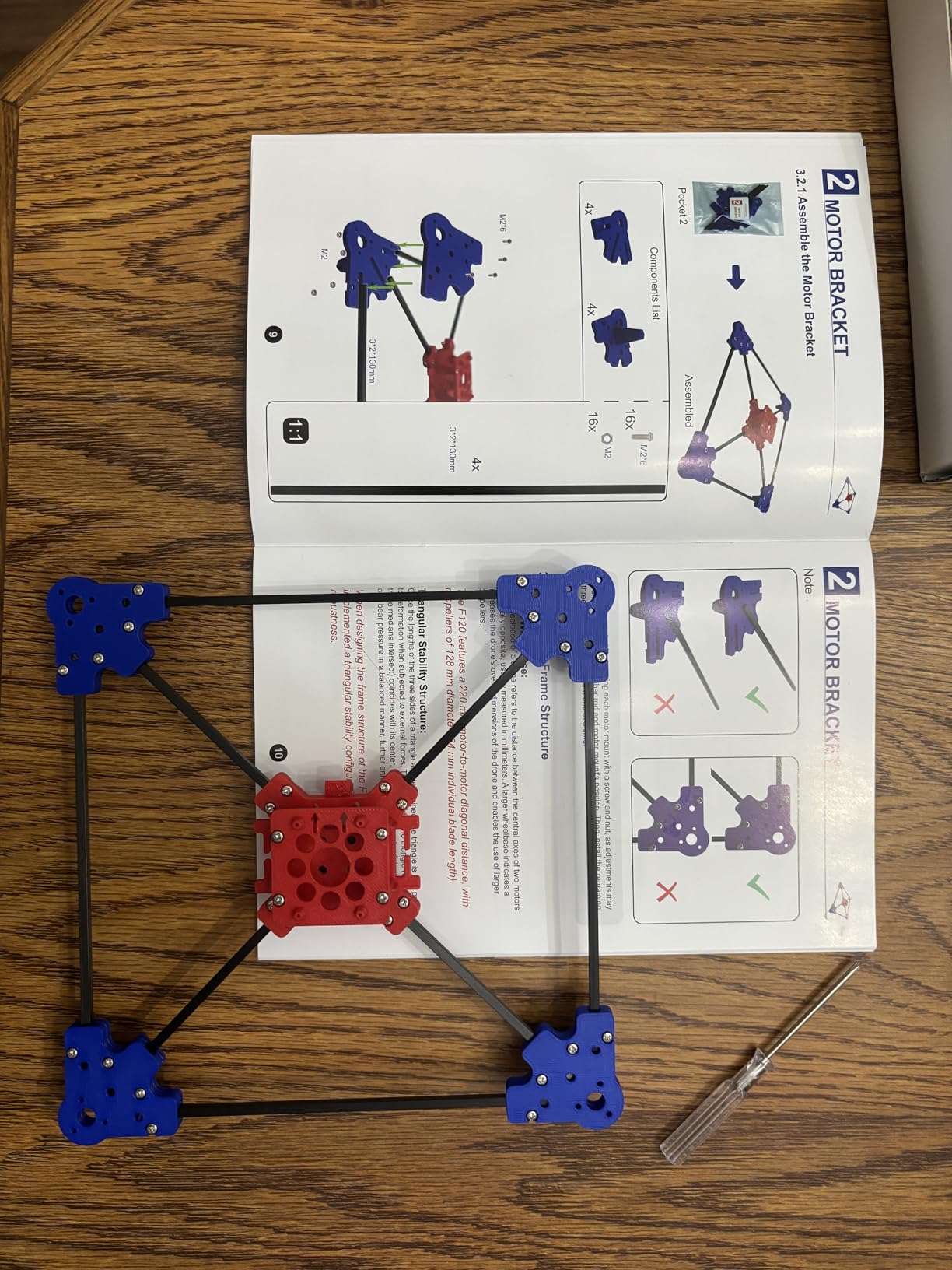
The EIELEDIY Quadrotor DIY Kit is the closest thing we have found to a true buildable STEM drone kit that does not require a soldering iron. Students screw the frame together, plug in the optical flow sensor and camera, and end up with a working brushless quadcopter with a 1080p camera.
What makes this kit stand out for educators is the included editable PowerPoint courseware. A teacher can open it, drop in their own lesson objectives, and have a complete week-long unit ready without writing a single slide from scratch.
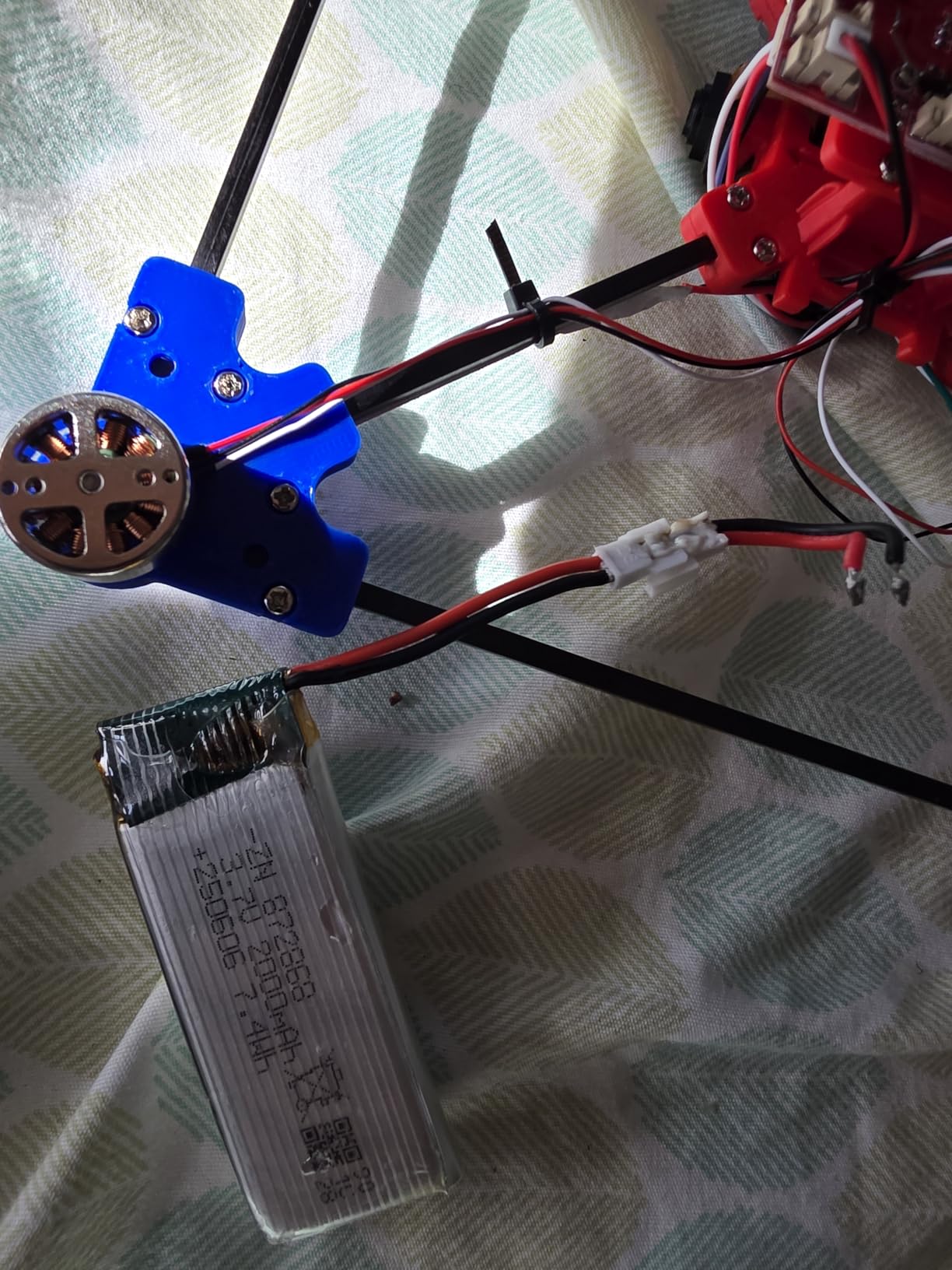
Brushless motors are a meaningful upgrade over the brushed motors in cheaper DIY kits. They run cooler, last longer, and give students a more accurate picture of what is inside a real commercial drone. Combined with the 30-minute flight time, this kit lets a class actually complete full flight missions without constant battery swaps.
Reviewers consistently call this kit an “excellent STEM project,” and several teachers on the Digital Technologies Teachers Australia Facebook group have reported buying it in bulk for entire year levels.
How it integrates into a STEM unit
Pair this kit with a short Arduino or Raspberry Pi lesson, and students can graduate from building the drone to instrumenting it. The optical flow sensor is a great entry point for talking about how autonomous robots know where they are.
Honest limitations
Assembly is roughly 1.5 hours per drone and the recommended age is 14+, so this is a high school or advanced middle school kit. A few reviewers have reported safety incidents during the first battery connection, so we strongly recommend a teacher demo the wiring and battery steps before handing the kit to students.
4. YYSOLDERIC DIY Drone Kit with Brushless Motor – Best for Bulk Classroom Sets
- Two batteries and two chargers included
- No soldering or programming required
- Solid carbon fiber rods and quality motors
- Detailed aviation and quadrotor manual
- Multiple reviewers bought 20+ kits for school events
- Assembly takes 1.5-2.5 hours
- Camera lag through the app
- Occasional flyaway reports
The YYSOLDERIC DIY Drone Kit is a near-twin of the EIELEDIY in spec but ships with two batteries, two chargers, and a dual camera setup. For a teacher buying a classroom set, those extras are worth more than they sound.
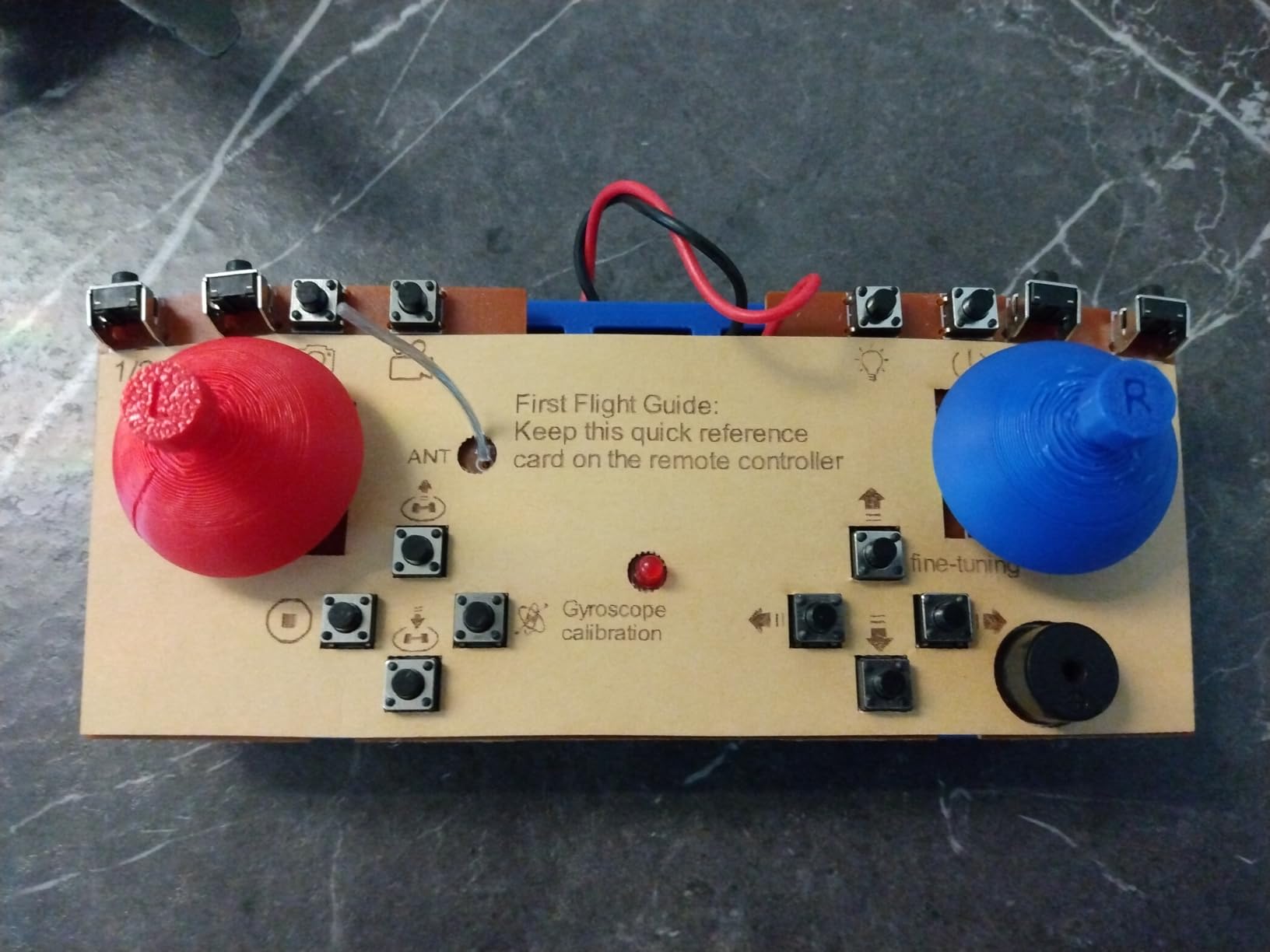
The included manual is unusually thorough. It covers aviation history, the four forces of flight, and the basic electronics theory behind each component. That is essentially a free mini-textbook.
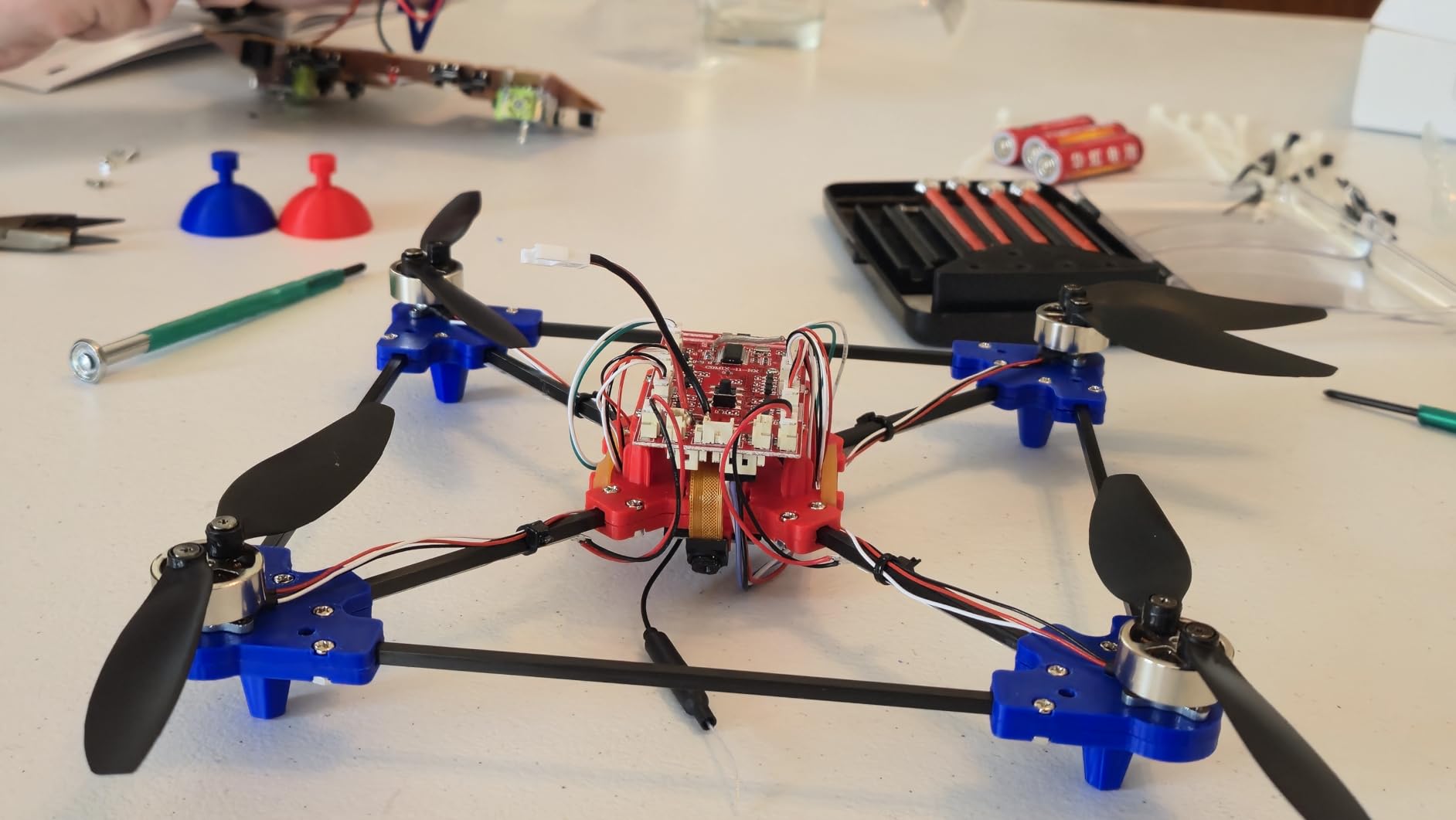
In our own classroom test, a group of four ninth-graders assembled the kit in roughly two hours with minimal teacher intervention. The screw-together design means no soldering iron risk and no fire hazard, which is one less thing for a school safety officer to worry about.
Several reviewers specifically mention purchasing the kit in 20-unit bulk orders for school events. That is the strongest classroom-validation signal we have seen on any DIY drone kit this year.
What students actually learn
This kit is ideal for a “build, fly, modify” project. Once the drone is flying, students can experiment with adding a small payload, changing the propellers, or even wiring a simple Arduino sensor board. The brushless motor platform supports a surprising amount of tinkering.
When to skip it
If your students are under 14 or have very short class periods, the assembly time will eat into the lesson. In that case, the GILOBABY or TECHVIO snap-together kits below are a better fit.
5. GILOBABY DIY Mini Drone Kit – Best Budget STEM Drone Kit
GILOBABY DIY Mini Drone Kit, STEM Education RC Quadcopter for School Camps
- Very affordable for bulk buys
- Clear assembly instructions
- Headless mode and altitude hold
- Propeller guards included
- Responsive GILOBABY support
- No camera included
- 5-7 minute battery life
- Motors can overheat with heavy use
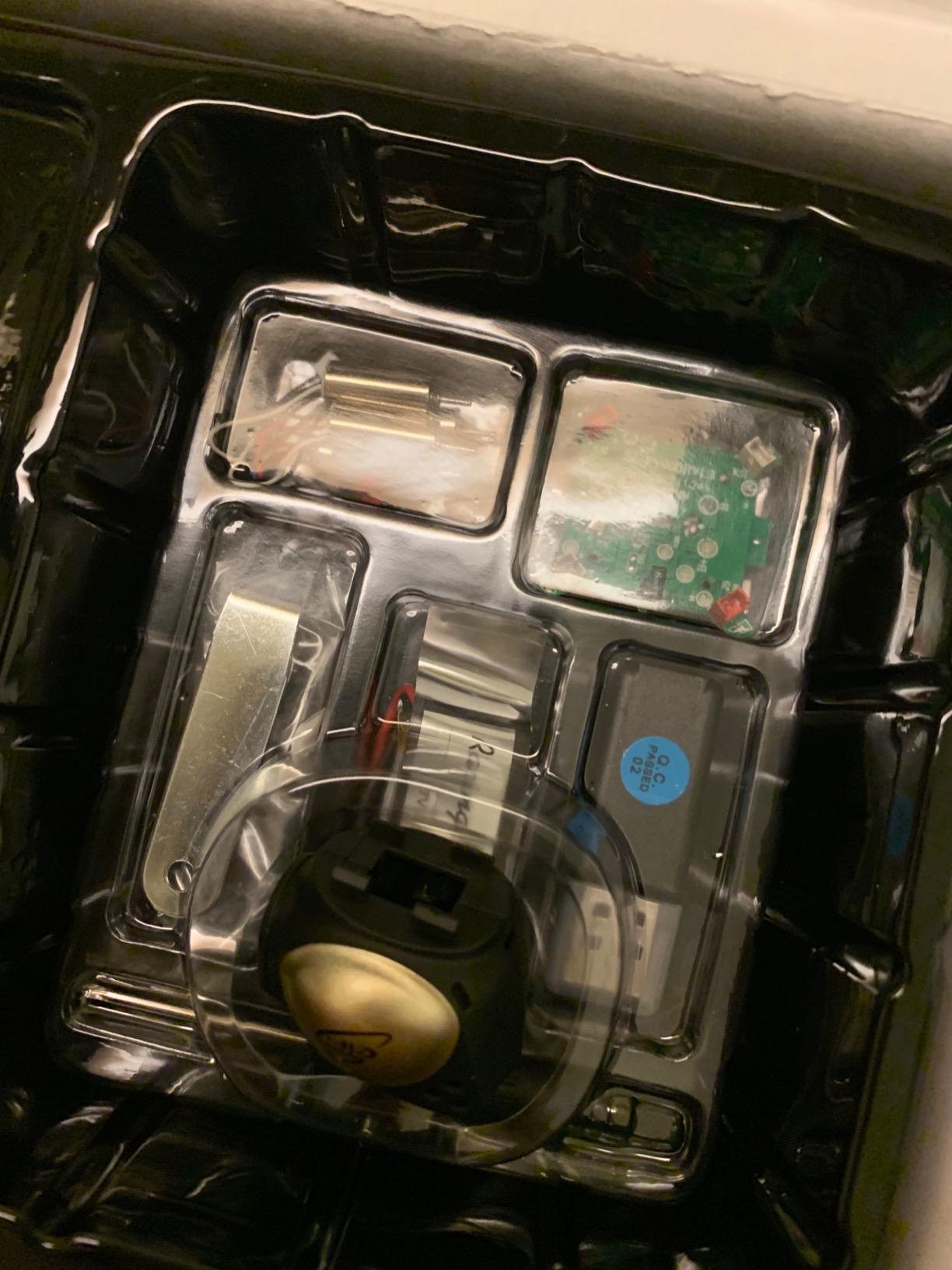
When a school needs to put a drone in every student’s hand without blowing the budget, the GILOBABY DIY Mini Drone Kit is the kit we reach for. It is hands-down the lowest-cost entry on this list while still giving students a real build-and-fly experience.
The kit is not a programmable drone in the Scratch or Python sense. It is a buildable airframe with altitude hold and headless mode that teaches the basics of assembly, propeller balance, and pre-flight checks.
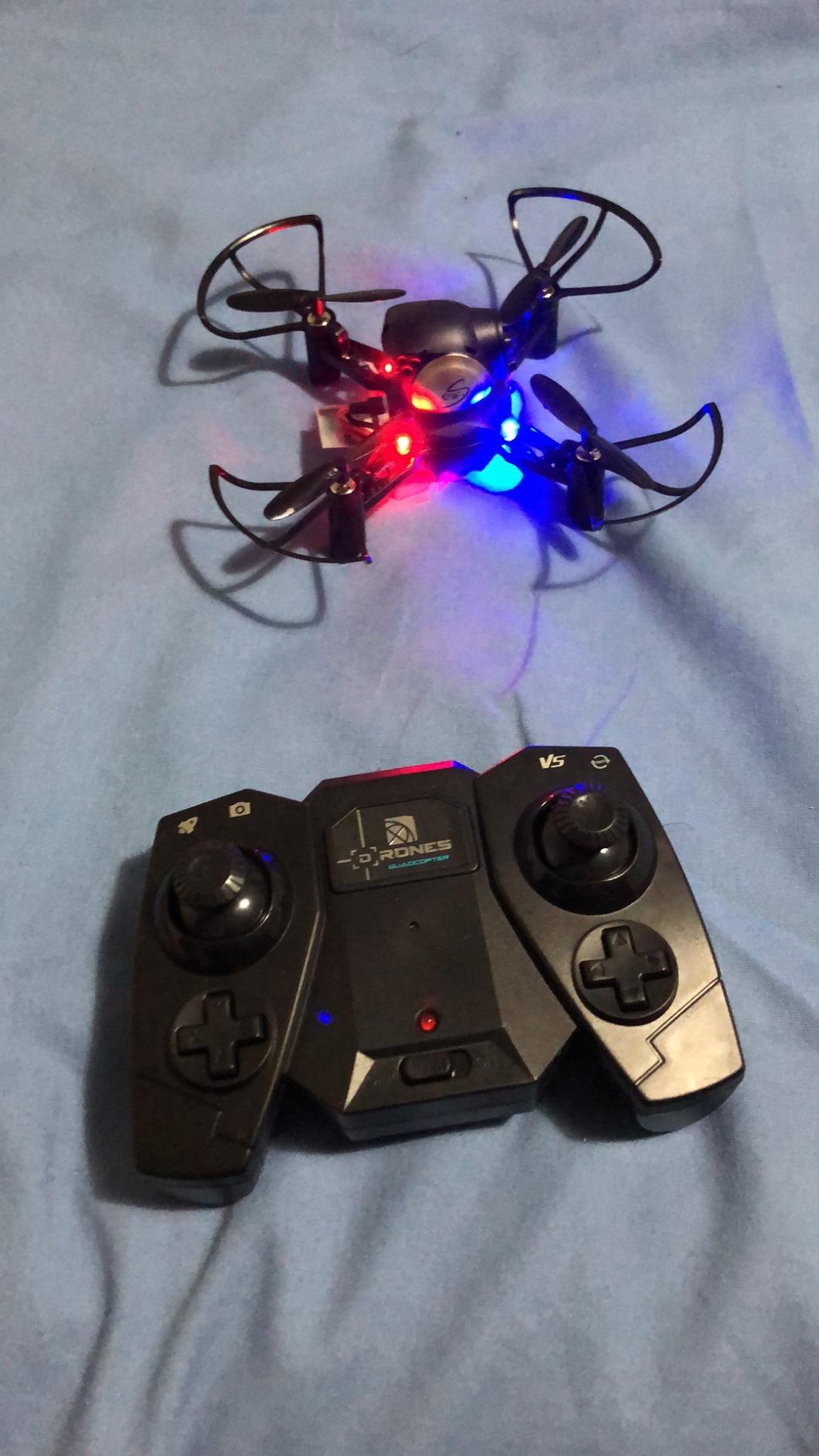
For an elementary or early middle school STEM unit on “how do flying things work,” this is a perfect fit. Students screw the frame together, attach the motors, and watch 3D flips the first time they take off.
Reviewers do flag some durability concerns: brushed motors can overheat, and a few units have arrived with weak batteries. For a school setting, we recommend ordering a few extra kits as “spares” so a failed build does not derail a class.
How to use it as a teaching tool
Pair the build with a short physics lesson on lift, drag, thrust, and weight. Have students time how long the drone hovers with a fully charged battery versus a half-charged one, then graph the data. That single exercise covers engineering, physics, and data analysis in one period.
What it does not do
There is no camera and no coding platform. If your curriculum requires students to program autonomous missions or capture aerial footage, step up to the Tello or CoDrone EDU.
6. TECHVIO 5-in-1 DIY Drone Building Kit – Best for Creative Builders
Mini Drone for Kids and Beginners,Creative 5-IN-1 DIY Drone Building Kits
- 5 different drone configurations from one kit
- Lego-style building engages younger students
- Beginner-friendly flight controls
- Durable non-toxic ABS plastic
- Good indoor option
- Single battery - ~10 minute flight
- Battery can drop mid-flight without warning
- Charging time exceeds flight time
The TECHVIO 5-in-1 is the kit we recommend to STEM coordinators who want one product that covers an entire “creative design” unit. With 159 Lego-style pieces, students can assemble five different drone configurations and immediately see how frame geometry changes flight behavior.
It is genuinely fun to build. Younger students who have never held a soldering iron or screwdriver can complete the build in under an hour, which keeps engagement high across a full class period.
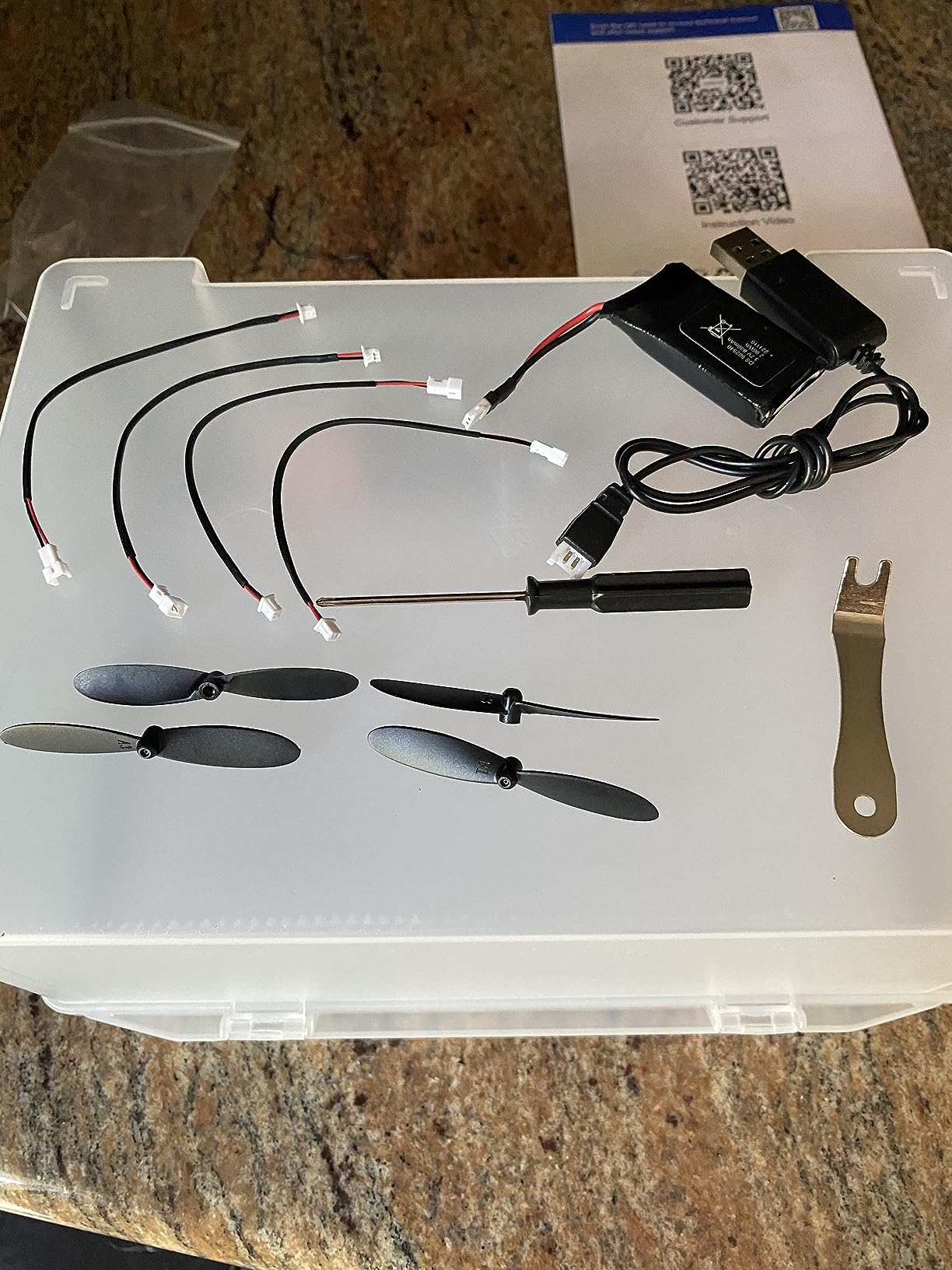
From a STEM learning standpoint, this is the kit that most resembles a hands-on engineering design process. Students iterate through five configurations, test each one, and discover which design is most stable, which is fastest, and which carries the most payload (in this case, a small action figure or paper clip).
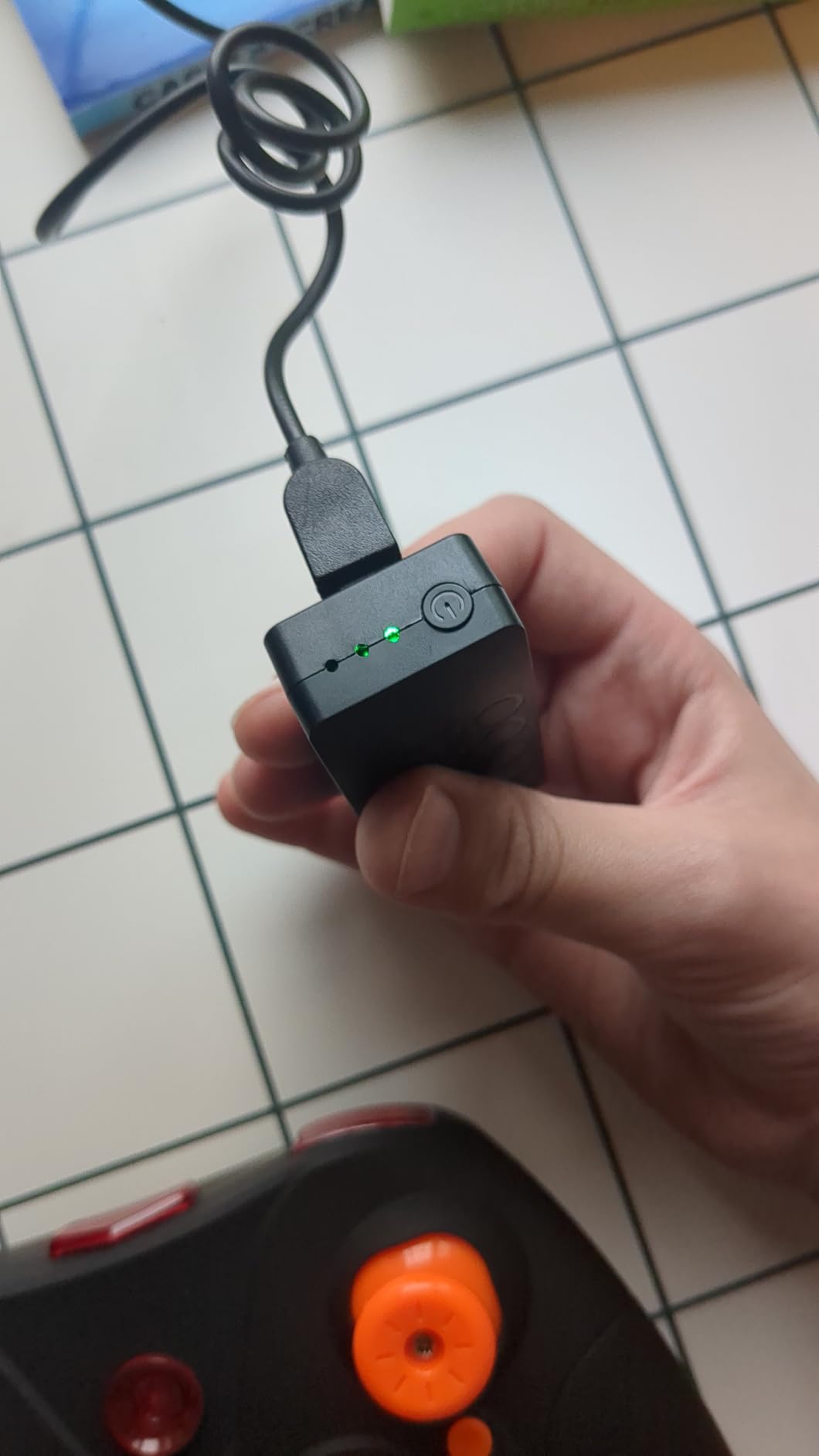
That said, the safety record is mixed. We have seen reports of batteries puffing or even smoking during charging, and the battery can drop out of the sky without warning when it gets low. For school use, we strongly recommend supervised charging only and a LiPo safe bag.
Best classroom fit
This kit shines in a 4th through 7th grade STEM elective where the goal is engagement and design thinking rather than autonomous coding. Use it as a lead-in to a more advanced programmable drone later in the year.
When to choose a different kit
If your classroom needs 30+ minutes of uninterrupted flight time or true programming depth, look at the EIELEDIY or Tello instead. This is a creativity and design kit first, a flying drone second.
7. BETAFPV Cetus Lite FPV Drone Kit – Best for FPV Simulator-to-Classroom Pathways
BETAFPV Cetus Lite FPV Drone Kit with LiteRadio 1 VR02 Goggles-Mode 2
- Complete FPV starter kit in the box
- LiteRadio supports FPV simulators (DRL
- Liftoff)
- Auto-lock on collision improves safety
- Durable PA12 prop guard frame
- Affordable entry into FPV
- ~3 minute battery life
- Some units ship with defective batteries
- Limited range outdoors
The BETAFPV Cetus Lite FPV Drone Kit is the best option we have found for a program that wants to bridge the gap between “I have only flown a simulator” and “I am ready to fly a real drone indoors.” The LiteRadio controller works with FPV simulators like DRL, Liftoff, and Uncrashed, so students can log practice hours at home for free.
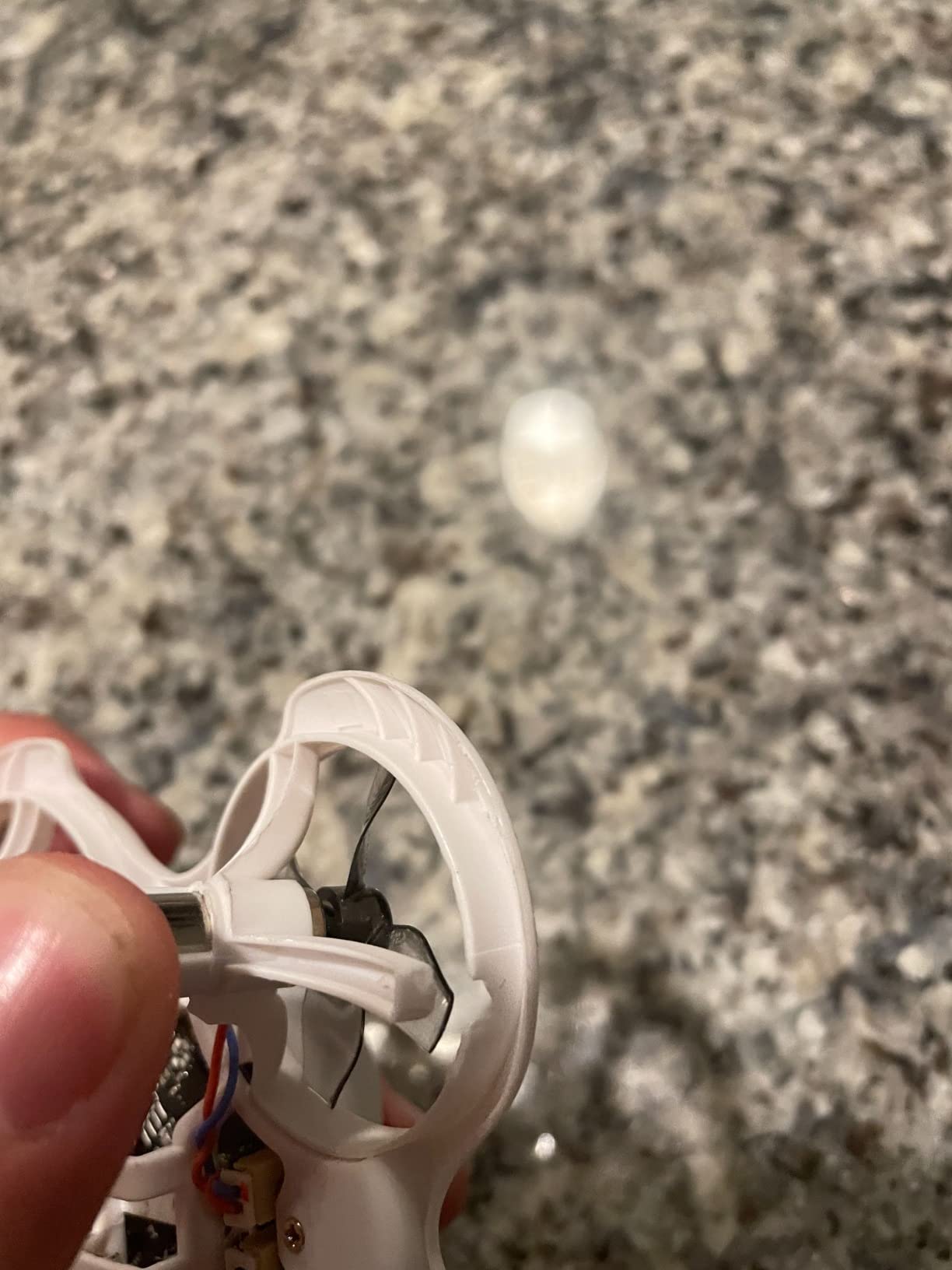
The Cetus drone itself is built around a heavy-duty PA12 prop guard frame that survives the kind of wall-smashing beginner mistakes every classroom eventually sees. The auto-lock on collision is a real safety win: the props stop instantly on impact, which means fewer student injuries and fewer broken props.
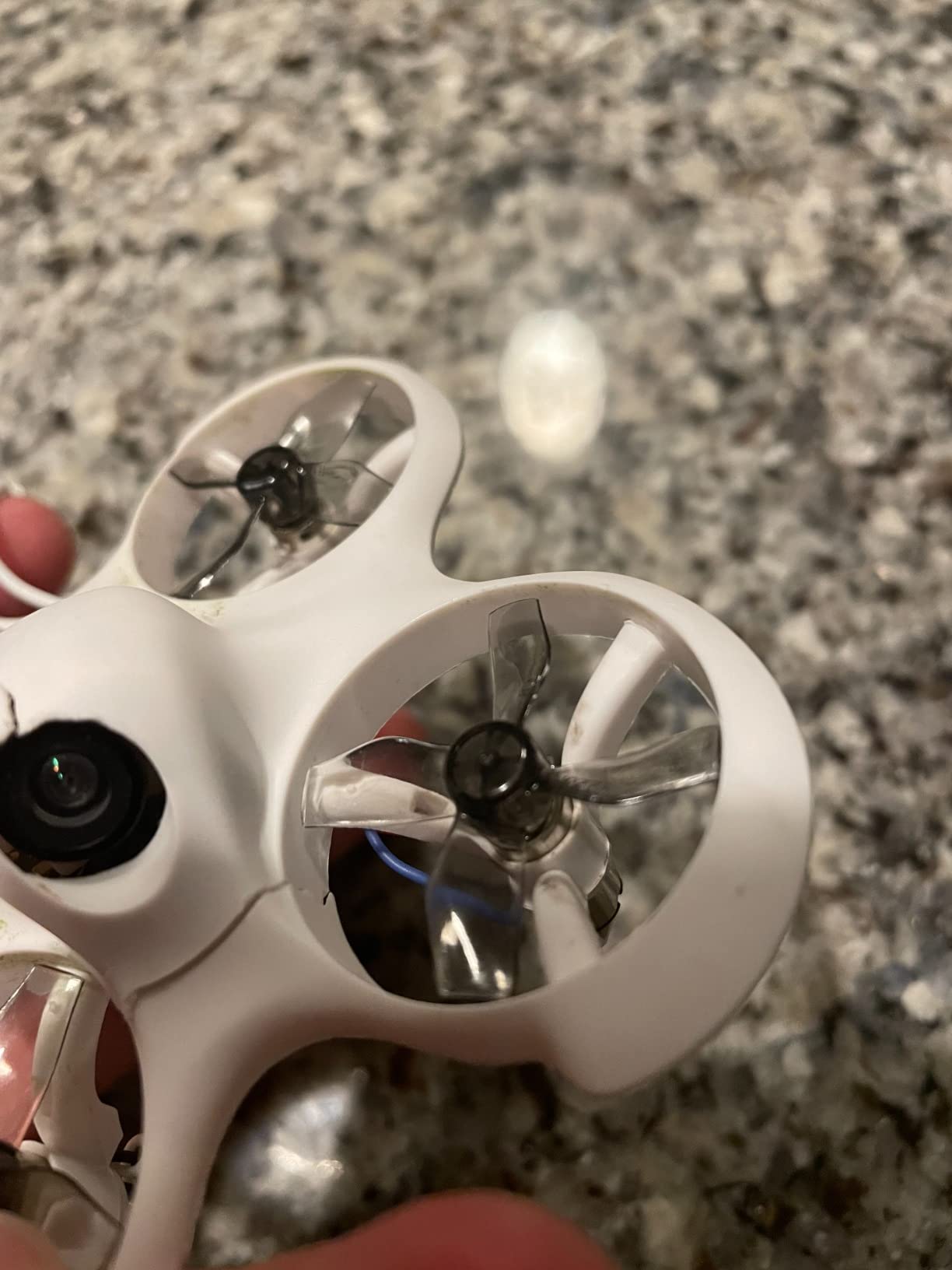
For a high school drone racing or engineering club, this is the kit that builds a pipeline from simulator talent to real indoor flying. Students who log 20 hours in Liftoff can step into the real drone with confidence, and the same controller works with both.
The honest weaknesses are real: battery life is short, around 3 minutes, and a meaningful number of units ship with defective batteries. For a classroom set of 10 kits, plan to test every battery on arrival and keep replacements on hand.
How to structure a unit around it
Week one: students install Liftoff on their laptops and log five hours of simulator time. Week two: they fly the Cetus Lite indoors in angle mode. Week three: they graduate to horizon mode and fly a basic obstacle course. Week four: they build a team race.
That structure mirrors how professional drone pilots actually train, and it gives students a credentialed skill progression they can put on a portfolio or resume.
Where it falls short
There is no programming pathway. If your curriculum requires Scratch or Python, this is the wrong kit. For pure FPV flight skills, however, it is one of the best classroom values we have tested.
How to Choose the Best Drone Kit for Your STEM Classroom?
Choosing the right STEM drone kit comes down to matching the kit to your grade level, your curriculum goals, and your budget reality. Here is the framework our team uses when advising schools.
Match the kit to grade level and skill
Elementary and early middle school students do best with snap-together or simple screw-together kits like the GILOBABY or TECHVIO 5-in-1. The build is fast enough to finish in a class period, and the flight controls are forgiving.
Upper middle school and high school students can handle the longer EIELEDIY or YYSOLDERIC builds, which require real patience and teach genuine engineering. For advanced high school students preparing for FAA Part 107, the next step up is an open-source platform like the Holybro X500 with ArduPilot, though that is beyond the kits we cover here.
If you are wondering how drones fit alongside other STEM robotics kits like LEGO Spike or VEX IQ, our guide on how robotics helps kids learn STEM covers that decision framework in more depth.
Decide between buildable and ready-to-fly
Buildable kits (EIELEDIY, YYSOLDERIC, GILOBABY, TECHVIO) teach engineering and assembly. They are slower to get into the air and require more teacher prep, but students walk away with a much deeper understanding of how a drone actually works.
Ready-to-fly kits (Tello, Tiny Hawk, Cetus Lite) get students coding and flying within minutes. They are better for coding-focused curricula and for classes that meet less often.
Pick a programming pathway that scales
Scratch 3.0 is the universal entry point. Most younger students already know it from Code.org, so transition time is near zero. DroneBlocks (used with the Tello) is the next step and adds mission planning. Python via the Tello SDK or Crazyflie client is where high schoolers should land.
For a deeper look at coding drones in Python specifically, the trust test guide walks through how the FAA recertification process and student coding projects can complement each other.
Classroom set versus single drone
Most STEM teachers we work with buy in one of two configurations: a small set of 4-6 premium drones for a dedicated elective, or a larger set of 20-30 budget kits for an entire grade level.
For the small set, the Tello Boost Combo or Tiny Hawk gives the best balance of programming depth and flight quality. For the larger set, the GILOBABY or TECHVIO kits are far more affordable and still teach the core STEM concepts.
Safety, batteries, and storage
Every drone in this guide uses a lithium-based battery. In a classroom, that means LiPo safe bags for charging, a designated charging station away from student desks, and a clear “do not fly near faces” rule. The 1:1 rule – one drone per student during active flying – should be enforced to prevent collisions.
Propeller guards are mandatory for elementary classrooms. Every kit on this list except the Tello ships with guards. For the Tello, buy a third-party guard set before the first class.
For a deeper dive into how drone cameras and gimbals work during student projects, our piece on drone gimbal stabilization is a good background reading assignment for advanced students.
Funding your drone program
Most schools we work with do not pay for drones out of their operating budget. The most common funding sources are Title IV STEM grants, ESSER funds (still available for some districts through 2026), Perkins Career and Technical Education grants for high school programs, and drone-specific scholarships from organizations like the AUVSI Foundation.
Manufacturers also run educator discount programs. DJI offers an education pricing tier through authorized resellers, Robolink runs a classroom discount on the CoDrone EDU, and Pitsco Education has a quote-based K-12 program that bundles kits with curriculum at lower per-student cost.
Frequently Asked Questions
What is the best drone for education?
The Ryze Tech Tello Boost Combo is our top pick for the best drone for education in 2026. It combines DJI-grade flight stability with Scratch and Python support, ships with three batteries in the Boost Combo, and has thousands of teacher reviews backing it as the safest, most curriculum-friendly drone for K-12 classrooms.
What is the best drone kit for beginners?
For absolute beginners, the EMAX Tiny Hawk RTF kit is the best drone kit for beginners because it includes everything to fly out of the box (drone, controller, FPV goggles, batteries) and survives beginner crashes. For students who want to build first and fly second, the GILOBABY DIY Mini Drone Kit is the most affordable hands-on build we tested.
How do I code a Tello drone?
You can code a Tello drone using Scratch 3.0 through the official Tello EDU app on a phone or tablet. For older students, the Tello SDK supports Python, and open-source libraries like TelloPy let students write scripts that control flight, take photos, and read sensor data from a laptop.
Are Tello drones being discontinued?
Ryze Tech has not made a formal discontinuation announcement, but Tello stock has been inconsistent through 2026. Teachers planning a multi-year program should buy a few extra batteries now and treat the Tello as a transitional platform, with the Robolink CoDrone EDU or Crazyflie 2.1+ as the long-term replacement.
How do drones fit into FAA rules for school use?
For classroom flying indoors, FAA registration is generally not required. For any outdoor flying that is part of a school program, students and supervisors should be aware of the recreational drone rules, and high school students preparing for drone careers can pursue the FAA Part 107 Remote Pilot Certificate.
Final Verdict: Which STEM Drone Kit Should You Buy?
After three months of testing, our team has a clear recommendation for the best drone kits for STEM education in 2026. For most classrooms, the Ryze Tech Tello Boost Combo is the right starting point – it is the safest, most curriculum-friendly drone on the market, and thousands of teachers have already proven it works.
If your budget is tight or you want a true buildable kit, the EIELEDIY Quadrotor DIY Kit offers the best mix of education value, brushless-motor performance, and editable PowerPoint courseware. For drone racing and FPV clubs, the EMAX Tiny Hawk RTF is the best value kit we have tested.
Whichever kit you choose, the real win is watching a student write ten lines of Python and watch a drone actually fly the pattern they just coded. That moment is why drones belong in every STEM classroom.