
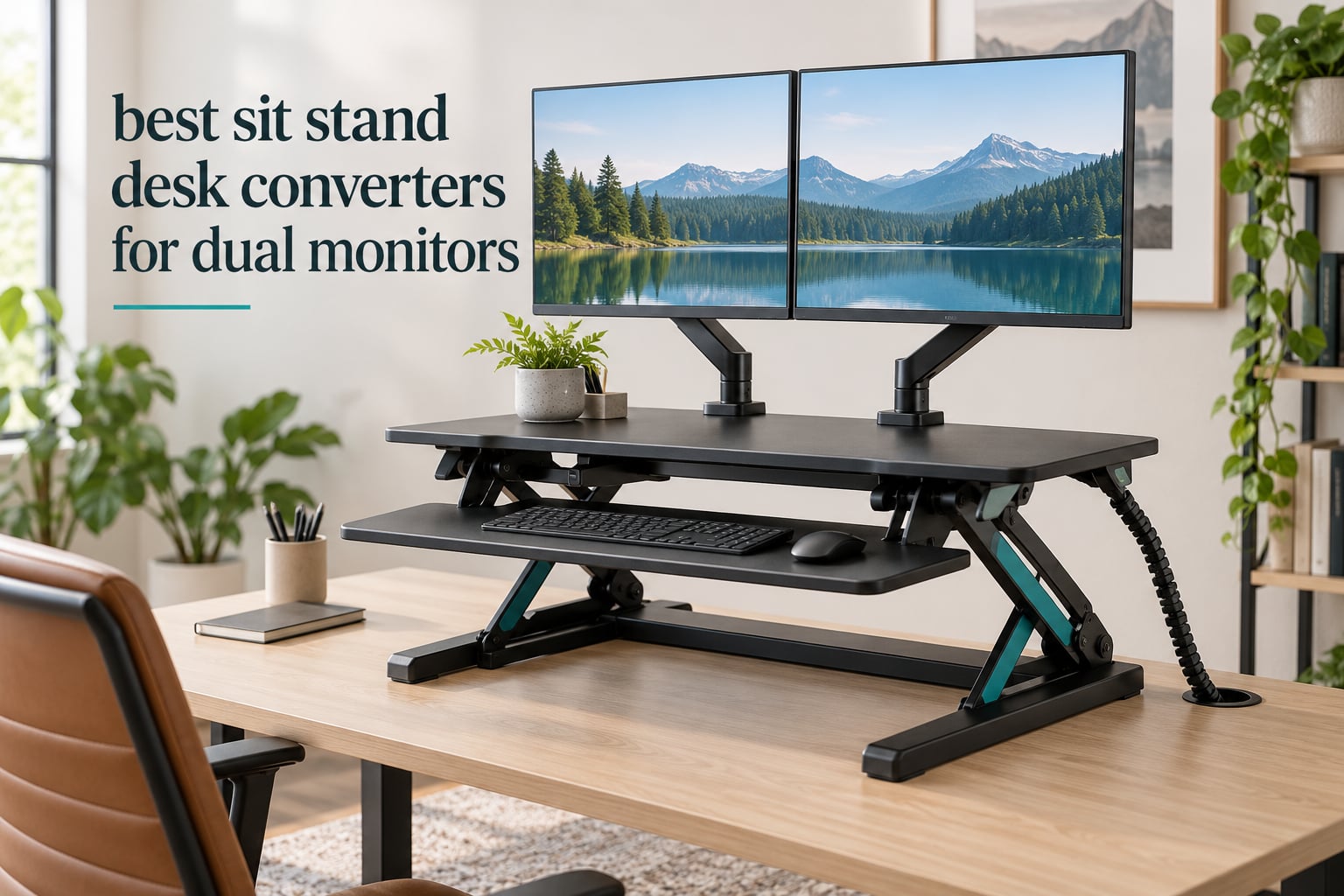
The best sit stand desk converters for dual monitors are the ones that stay still under a heavy load and reach high enough to put two screens at eye level when you stand. Most risers on the market were designed around a single 24 inch monitor and a laptop, which is exactly where dual monitor owners hit trouble.
Two screens, two arms, a keyboard tray, a laptop dock and a headphone hook add up fast. Add the turning force of two wide panels acting as counterweights and a converter that rates 33 lbs can feel like it is tipping over. We went through twelve converters and looked at the numbers that decide whether a dual monitor setup works: rated load, height range, deck depth, travel path and lift mechanism.
Two monitors also change the ergonomics, not just the load. You need roughly 30 to 34 inches of clear surface for a pair of 27 inch panels, and the deck has to travel without swinging your screens forward into your face at standing height. If you are still choosing arms, our monitor arm roundup covers the single and dual setups that work on top of a riser.
Table of Contents
Top 3 Picks for Dual Monitor Setups (October 2026)

VIVO DESK-V036KB
- 36 inch surface
- 33 lbs desktop load
- 4.5 to 20 inch travel
- Straight up X lift

Vari VariDesk Pro Plus 36
- 36 inch upper tier
- 35 lbs load
- 11 height settings
- 5 year warranty

Mount-It! MI-7934 Dual Monitor
- Two VESA arms included
- 33 lbs desktop load
- 17.6 lbs per arm
- 6.5 to 16.3 inch range
Every Converter We Compared in 2026 at a Glance
| Product | Specifications | Action |
|---|---|---|
| VIVO DESK-V036KB 36 inch |
|
Check Latest Price |
| Vari VariDesk Pro Plus 36 |
|
Check Latest Price |
| Mount-It! MI-7934 Dual Monitor |
|
Check Latest Price |
 Rocelco 40 inch R DADRB-40 Rocelco 40 inch R DADRB-40 |
|
Check Latest Price |
 Mount-It! MI-7962 Electric 48.5 inch Mount-It! MI-7962 Electric 48.5 inch |
|
Check Latest Price |
 VERSADESK PowerPro 36 VERSADESK PowerPro 36 |
|
Check Latest Price |
 VIVO DESK-VE36B Electric VIVO DESK-VE36B Electric |
|
Check Latest Price |
 Mount-It! 38 inch MI-15009 Mount-It! 38 inch MI-15009 |
|
Check Latest Price |
 JYLH JOYSEEKER 35 inch JYLH JOYSEEKER 35 inch |
|
Check Latest Price |
 Rocelco 37.5 inch Deluxe Rocelco 37.5 inch Deluxe |
|
Check Latest Price |
 TechOrbits 32 inch OF-S05-1 TechOrbits 32 inch OF-S05-1 |
|
Check Latest Price |
 JOY worker 32 inch JOY worker 32 inch |
|
Check Latest Price |
1. VIVO DESK-V036KB: Best Overall for Dual Monitors
- 36 inch surface fits two monitors plus a laptop
- Minimal assembly
- tray only
- 33 lbs lift assist with straight up travel
- 3 year warranty on a steel frame
- Manual lever needs two hands when loaded
- Engineered wood top rather than solid wood
- Wide footprint overhangs smaller desks
This is the converter we kept coming back to while working through the list. It carries a 4.6 rating across more than 15k reviews, which makes it the most proven design here for a simple reason: the 36 inch surface is exactly the width two 24 or 27 inch monitors need plus a laptop, and nothing else competes on that combination of width, travel and rating.
The lift travels straight up on a lever and spring assist frame, which matters more for dual monitors than most buyers expect. A deck that rises vertically leaves your screen positions untouched between sitting and standing, so your mouse and keyboard end up in the same place in both positions.
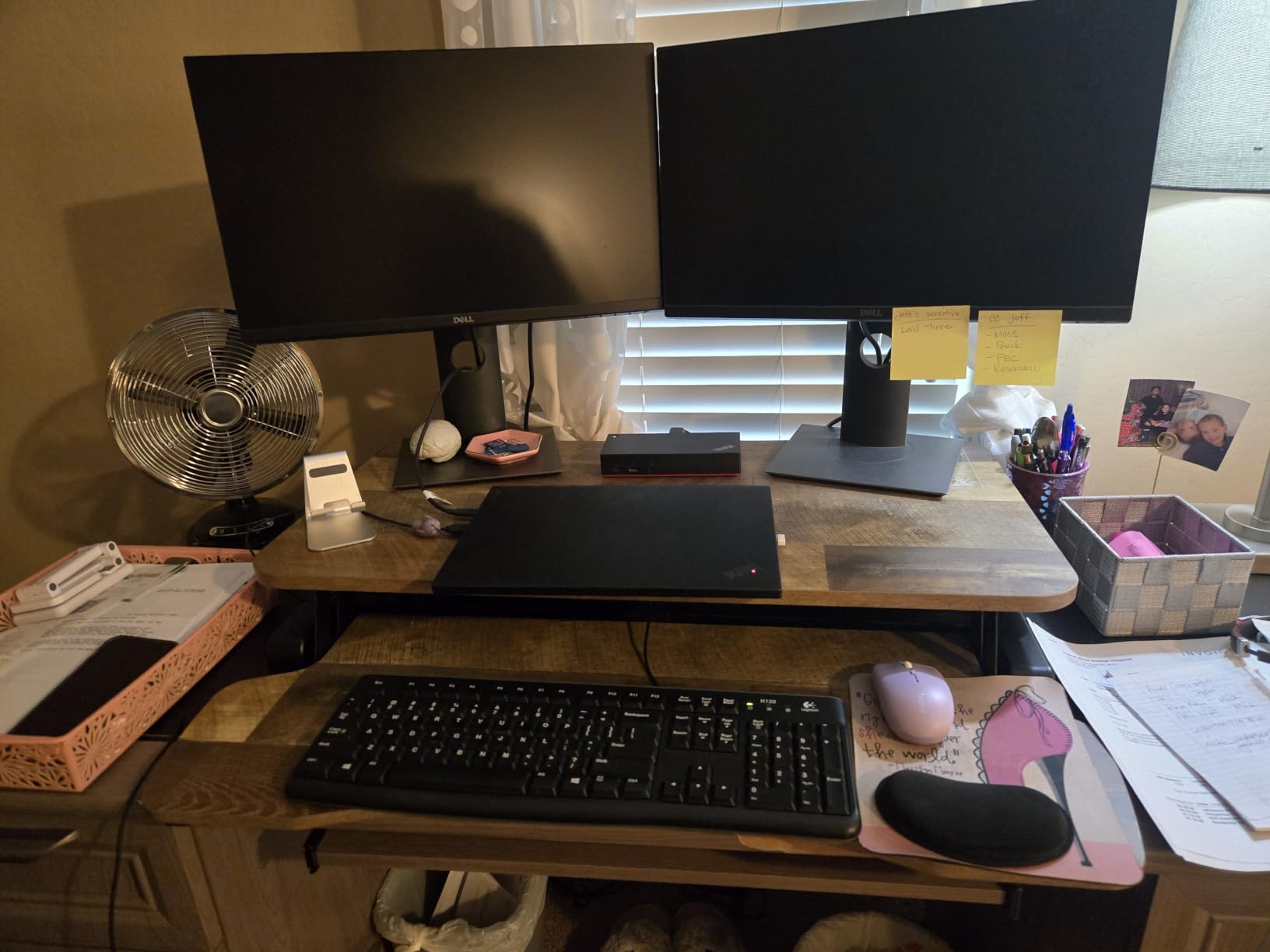
The height range is the other headline number here. Going from 4.5 inches to 20 inches gives roughly 15.5 inches of travel, and that upper figure is enough for a user around 6 foot 2 to get both screens near eye level while standing without stacking books under the feet.
The load rating is 33 lbs on the desktop and 4.4 lbs on the keyboard tray. Two 27 inch monitors on stands typically sit around 25 to 30 lbs, so you have headroom for a dock and a notebook but not for a heavy third panel.
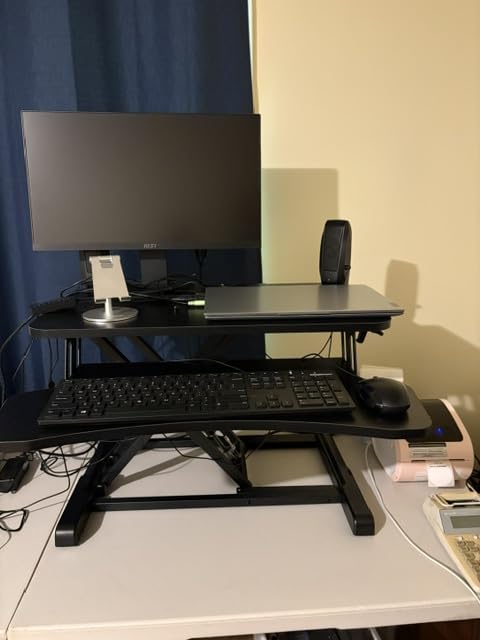
Does the lever lift strain a loaded dual monitor deck?
Yes, and that is the honest weakness. With two monitors and a laptop sitting on it, the lever needs two hands and a deliberate pull. Buyers who switch position four or more times a day start wishing for a motor, which is why the electric options further down this list exist.
Buyers who change position once or twice a day rarely notice. The lock holds position without creep, and the steel frame does not flex noticeably even with both panels at full tilt.
Will this fit a 48 inch desk with two large monitors?
It fits with room to spare on a desk 40 inches wide or deeper, and on 60 inch desks you still keep usable surface on both sides. It overhangs anything narrower than about 38 inches, so measure before ordering.
The 15.7 inch deck depth is mid range. It is deep enough for a monitor base but shallow enough that your keyboard tray does not push your forearms into the desk edge.
2. Vari VariDesk Pro Plus 36: Best Build Quality
- Highest rating in our group at 4.7 stars
- Two tier deck separates monitors from keyboard
- Dual stability bars hold it steady at full height
- Arrives fully assembled with a 5 year warranty
- Heaviest model here at 52.5 lbs
- Single upper tier means both monitors share one height
- Large footprint needs desk depth to avoid overhang
The VariDesk Pro Plus 36 earns its place on feel rather than specs. At 4.7 stars it is the highest rated converter we reviewed, and the build reflects that: thicker steel, a three dimensional laminate finish, dual stability bars and foam wrapped edges where the frame would otherwise pinch your fingers.
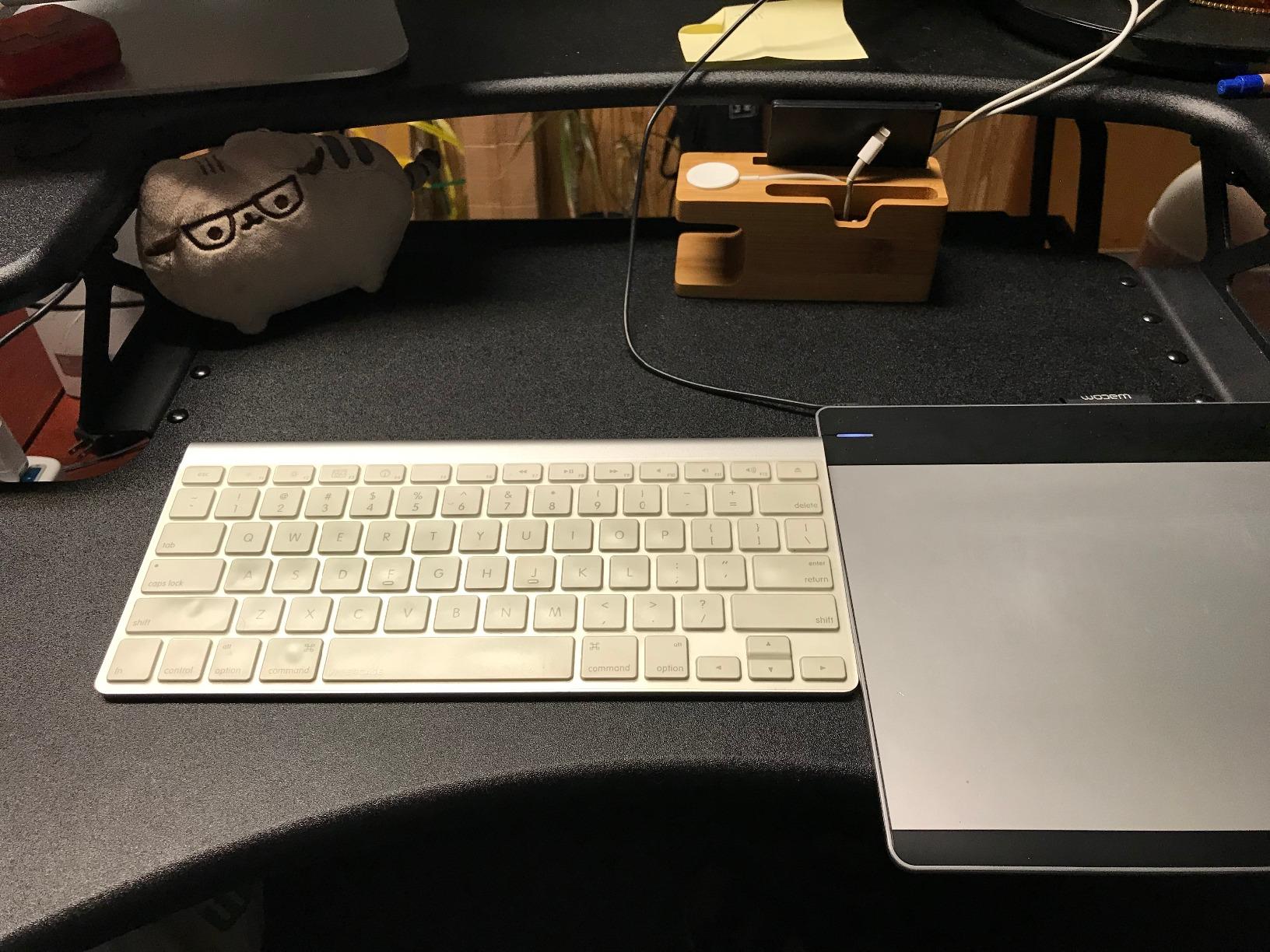
The two tier layout is the reason dual monitor owners like it. Monitors sit on a 36 by 12.25 inch upper deck while keyboard and mouse stay on a lower platform, so the screens end up higher relative to your hands than they would on a flat single deck. That is the difference between a comfortable standing position and a hunched one.
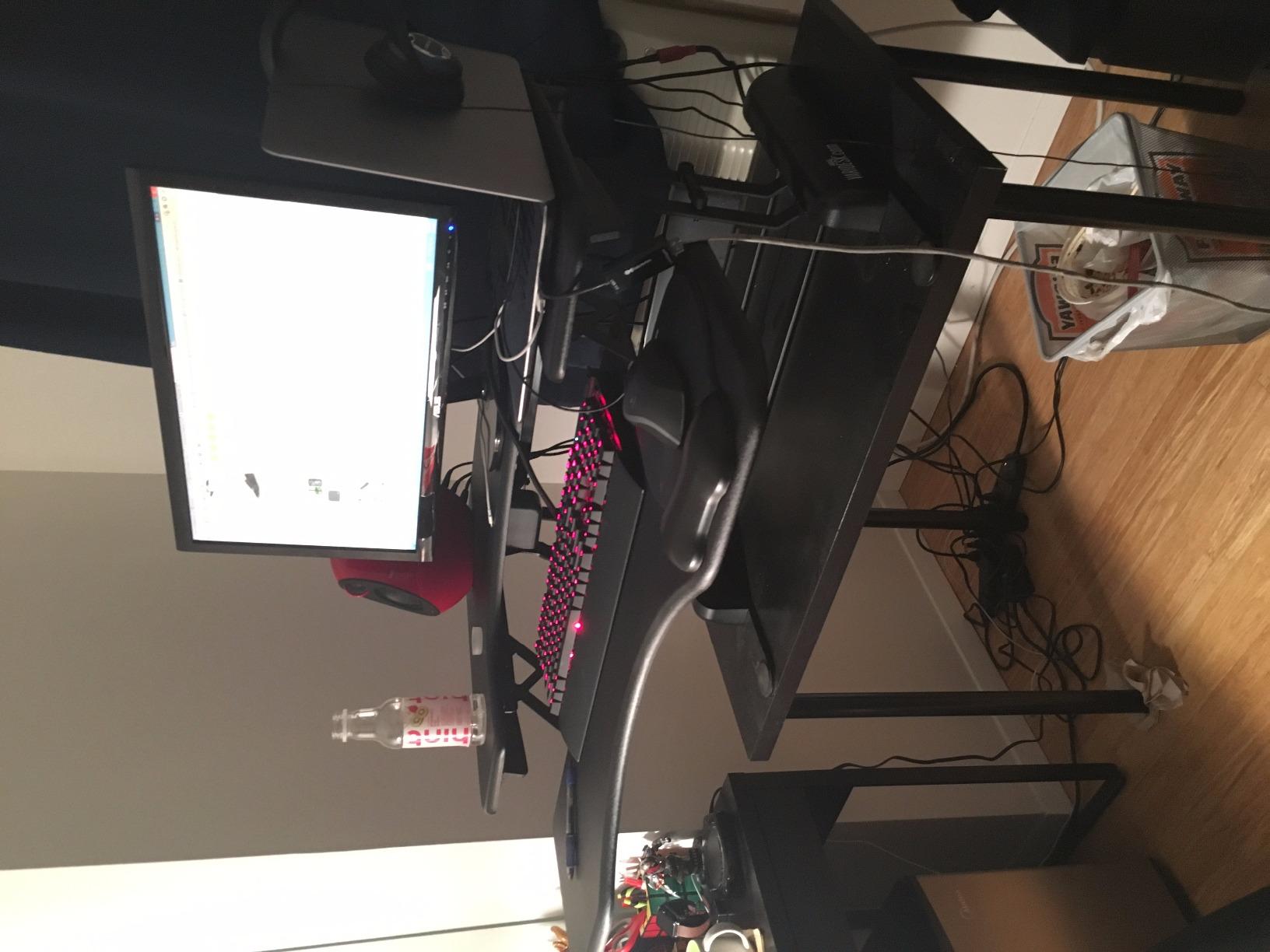
Eleven discrete height settings give you a repeatable place to sit and a repeatable place to stand, which matters more than the raw number of positions. You stop adjusting every morning because there is a notch that already worked.
It arrives fully assembled and carries a 5 year warranty, which is the longest coverage in this group. Nobody is hunting for a hex key on assembly day.
Is a 52.5 lb converter practical in a rented flat?
It is the heaviest unit here by a wide margin, and moving it between rooms takes two people. For a fixed workstation in an office you never move, that weight becomes a benefit because the mass is what kills wobble.
For a renter who changes desks twice a year, the 52.5 lbs is a real penalty. In that situation a 26 to 30 lb unit with a similar width is the smarter buy.
Do both monitors sit at the same height on the Vari?
They do. The upper tier is one flat plane, so if your two panels are different sizes or you like one angled down and the other level, you will need separate risers or arms on the deck rather than relying on the converter.
At 35 lbs rated capacity the Pro Plus absorbs a heavier load than most manual rivals, so it is a safe pick when both panels are 32 inch.
3. Mount-It! MI-7934: Best With Built In Monitor Arms
- Two VESA monitor mounts included in the box
- Gas spring lift stays steady at full height
- Built in cable management
- Tilt swivel and rotation on both arms
- Both handles must be released at once
- Deck travels up and forward rather than straight up
- 46.1 lb unit can overhang a smaller desk
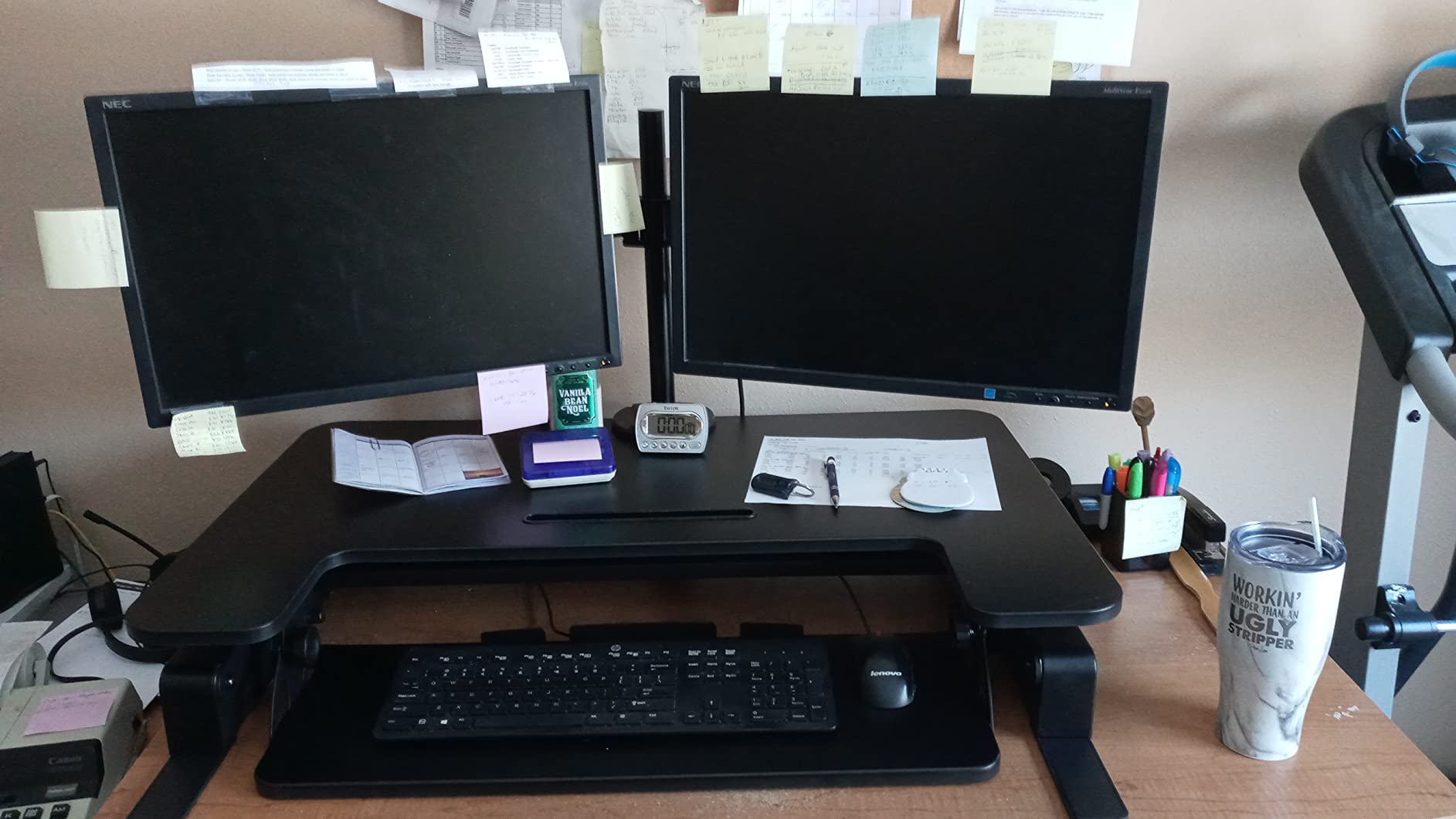
Only one converter in this group ships with two monitor mounts in the box. That single feature changes the calculus for dual monitor owners, because the panels clear the deck surface entirely and you gain back a strip of usable workspace in front of them.
Each arm supports up to 17.6 lbs and handles monitors up to 32 inches with tilt, swivel and rotation. Lift the panels off their stands, bolt them to the arms, and the desk suddenly has room for a keyboard, a laptop and a notebook without anything overlapping.
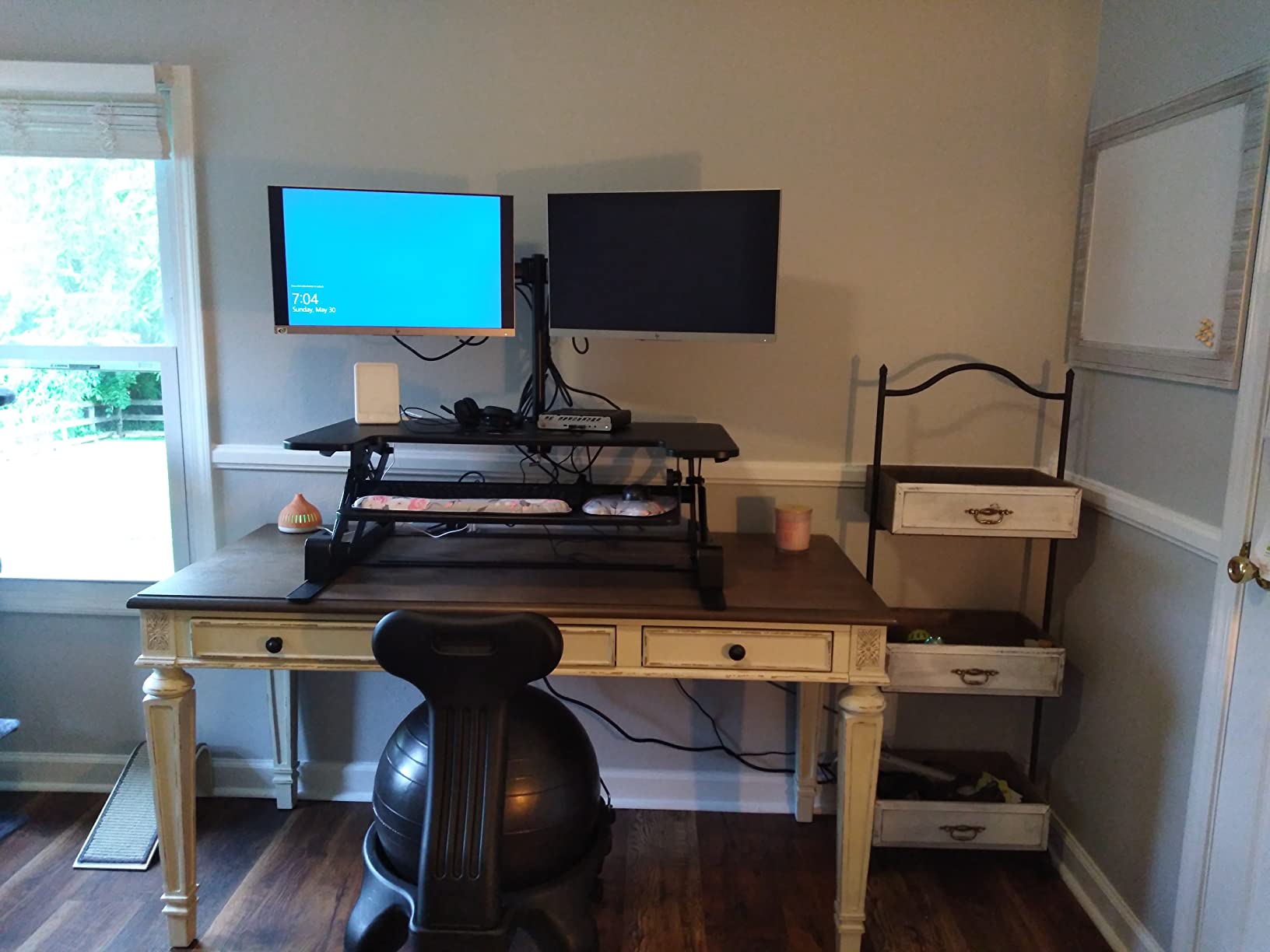
Gas spring lift keeps the deck steady at full height, which is where manual converters usually start to feel loose. Built in cable management keeps the wiring behind the deck instead of across your desk.
Both arms mount on the upper surface, so the panels can sit side by side, angled inward, or stacked if your desk is narrow. That flexibility is what separates this from a plain flat deck.
What happens if my monitors are not VESA compatible?
They will not mount. The arms rely on the standard 75 by 75 mm or 100 by 100 mm hole pattern found on most panels from the last decade, but very small monitors and some older professional displays may lack it. Check your model before buying.
Your alternative is a riser-free setup where the monitors sit on stands on the deck. That works, but it eats the surface savings that make this converter worth considering in the first place.
Is the two handle lift awkward for shorter users?
It is the most common complaint on this model. Both handles have to be engaged together to release the lock, and for someone around 5 foot 4 that means stretching to two points on a 36 inch frame at once.
The deck also travels up and forward, so it needs desk depth behind it. Plan for at least 28 inches of clear depth or the upper deck will hang past the edge.
4. Rocelco 40 Inch: Best for Two 32 Inch Monitors
Rocelco 40″ Large Height Adjustable Standing Desk Converter – Quick Sit Stand Up Dual Monitor Riser – Gas Spring Assist Computer Workstation – Retractable Keyboard Tray – Black (R DADRB-40)
- Largest surface in the group at 40 inch wide
- Holds two 32 inch monitors with room to spare
- Retractable tray keeps 4.5 inch wrist clearance
- Grommet hole accepts cables or a retrofit monitor mount
- 40 x 23.5 inch top overhangs most desks
- 37 lb build is awkward to lift alone
- Wide tray can hang over a shallow desk edge
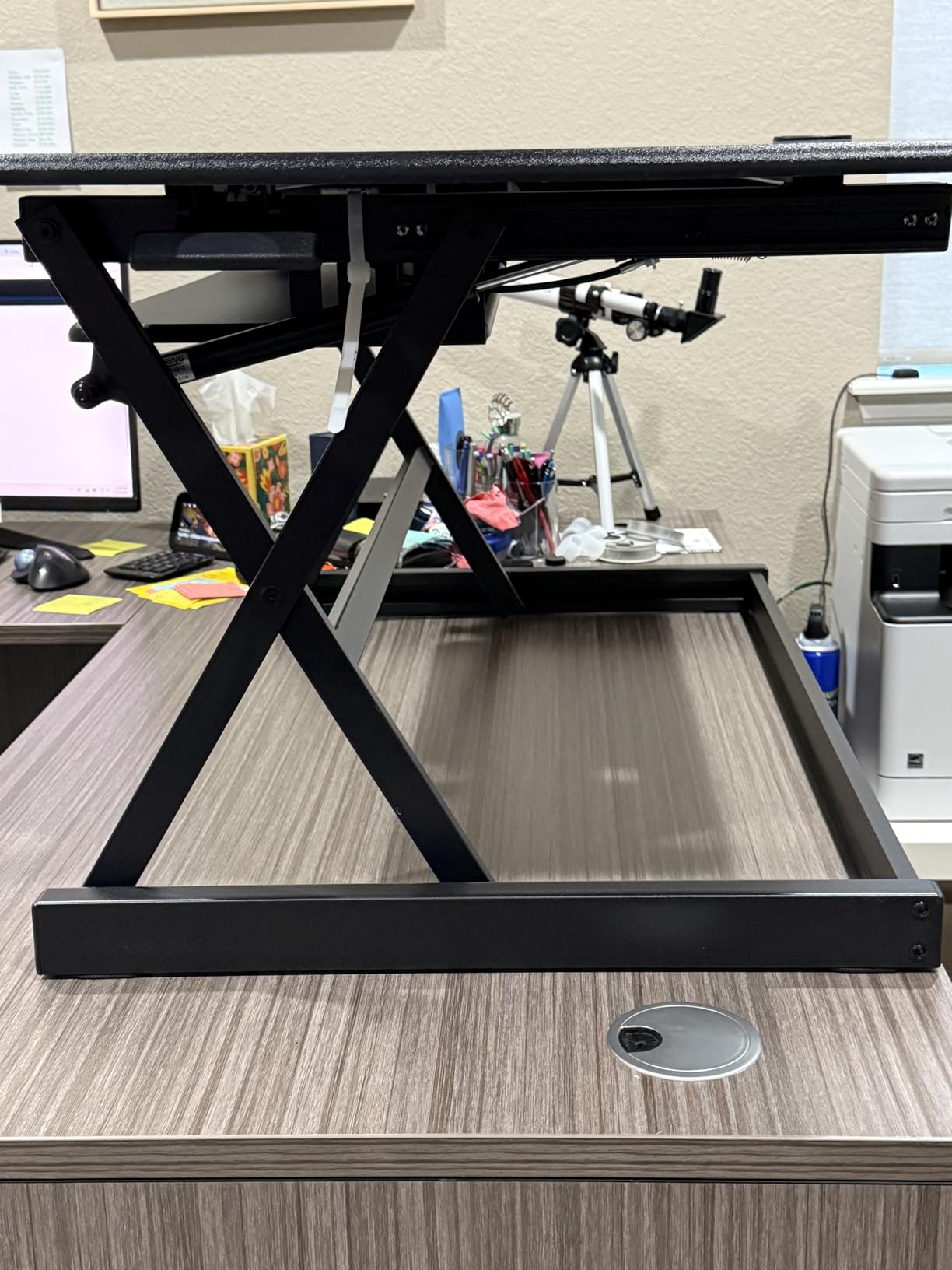
Two 32 inch panels side by side need close to 30 inches of width before you count monitor bezels, stands and a gap in the middle. The Rocelco 40 solves that with a 40 by 23.5 inch deck, which is the largest work surface we reviewed and one of the few that leaves room for a laptop next to both screens.
It also carries the joint highest load rating among the manual converters at 40 lbs, so two large panels plus a dock still leaves margin. The gas piston assist and easy grip side handle do most of the work through the range.
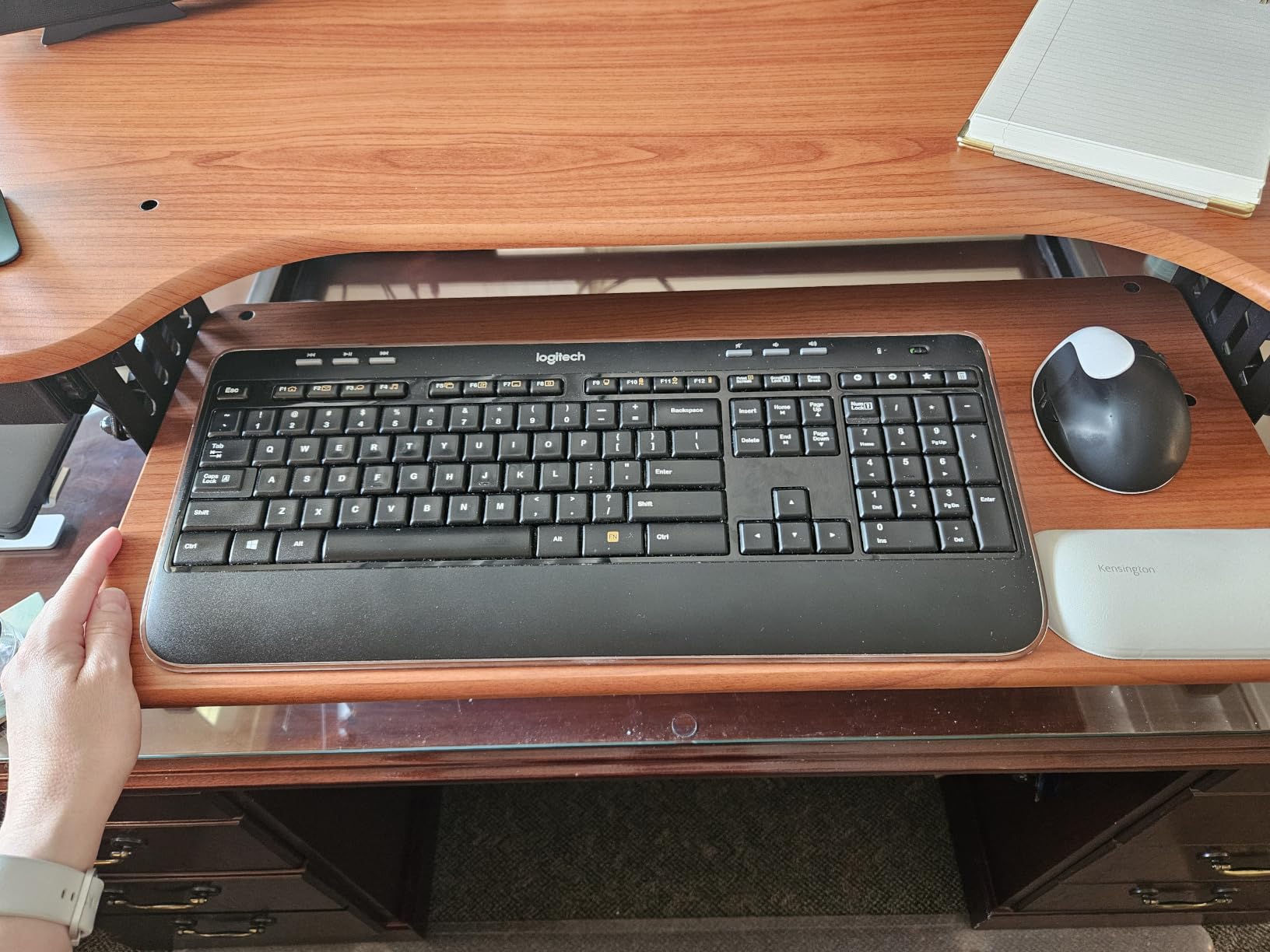
The 20 inch top of the height range is one of the higher ceilings in this group, which makes it a candidate if you are a tall user. The retractable keyboard tray extends to hold a laptop or a full keyboard and then slides back, preserving 4.5 inches of clearance for your wrists.
A grommet hole in the deck doubles as a cable pass through or a mounting point if you later add a one, two or three arm post. Several owners retrofit a monitor mount here once they outgrow the stock setup.
Will a 40 inch converter overhang a standard desk?
On a desk 48 inches deep or shallower, yes. The 23.5 inch depth plus the frame means the rear of the deck approaches or crosses the back edge, and the keyboard tray can hang past the front. This converter wants a deep desk more than any other in the group.
If your desk is under 30 inches deep, skip it and look at a shallower X lift model instead. Depth is the one spec you cannot engineer around after delivery.
Is the 40 lb rating realistic with two 32 inch monitors?
Yes, with typical panels. Two 32 inch monitors on stands usually total 20 to 26 lbs, and adding a laptop and peripherals keeps you comfortably under the rating rather than at it.
Ratings are about the deck, not the stands. Do not put a monitor arm post on the grommet and then load the deck with a laptop too, since arm weight adds on top of everything else.
5. Mount-It! MI-7962: Best Electric Lift on a Wide Desk
- Widest surface in the group at 48.5 inch
- Motor lift removes the lifting effort entirely
- USB charging port and front device slot
- 35.5 inch tray fits a full keyboard and mouse
- Needs a power outlet within reach
- 50 inch depth demands a very large desk
- Only 6 height positions rather than continuous
If you have a large desk and no interest in pushing a lever, this is the motorised option with the most surface. At 48.5 inches wide it holds two 27 inch monitors, a laptop and a stack of accessories without anything overlapping, which is why it lands at the top of the electric group for dual monitor work.
The motor does the lifting, so the transition costs you nothing physically. That is the decisive point for anyone with a back issue, a shoulder recovery or a job that involves eight position changes a day. You press a control and the deck moves.
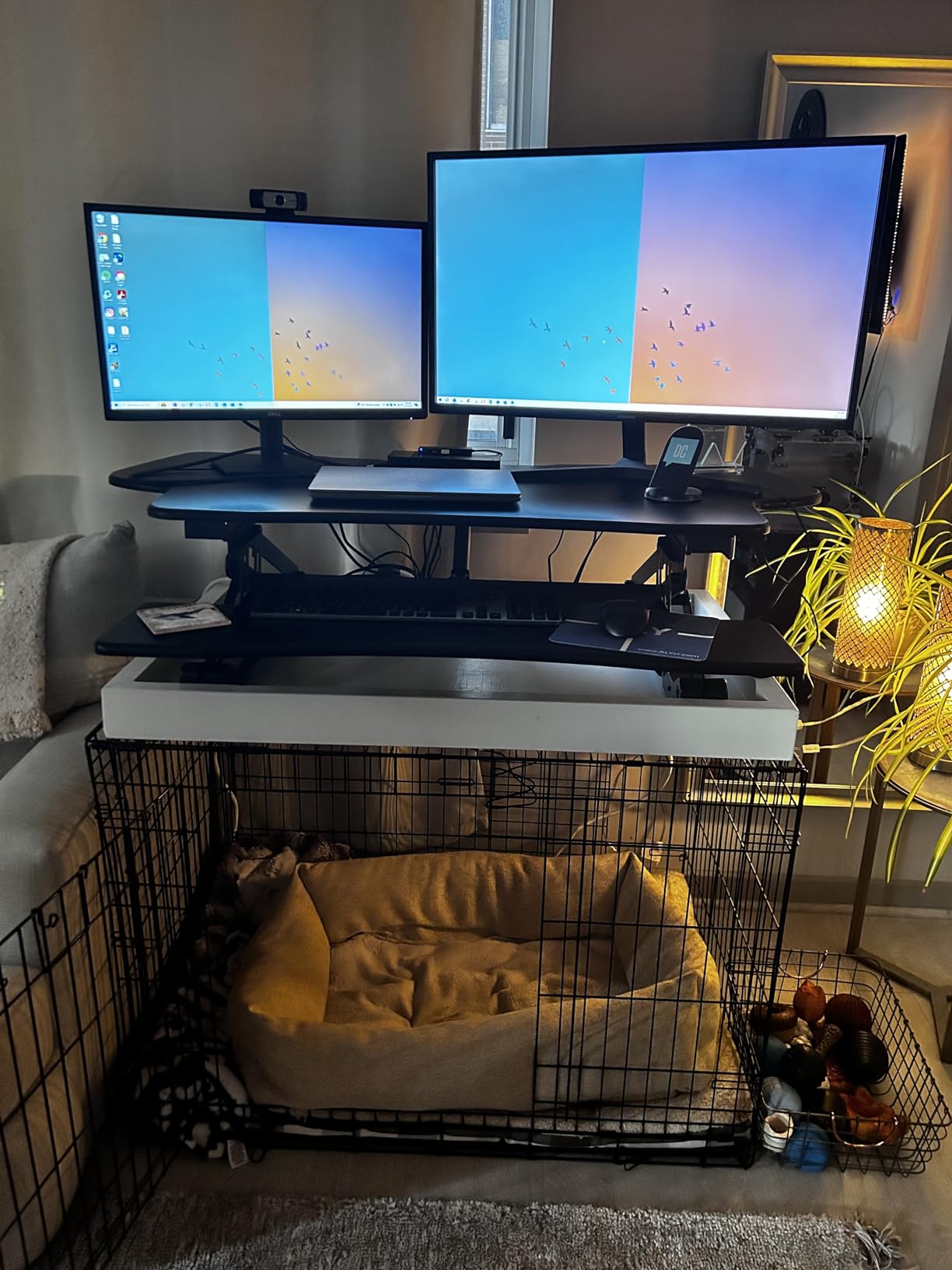
The 35.5 inch keyboard tray takes a full size keyboard and a mouse side by side, which the smaller trays in this list cannot manage. A built in USB charging port and a front device slot give your phone and tablet a permanent home instead of a desk edge.
Height runs from 6 to 19.25 inches across 6 positions, and the manufacturer backs it with a lifetime warranty, which is longer than anything else here. Assembly is limited to attaching the tray.

How much desk space does a 50 inch deep electric riser need?
A lot. The listed dimensions run 50 by 27 inches, so it wants a desk at least 30 inches deep and 55 inches wide. On a 48 inch desk the deck will overhang, which looks untidy and puts the keyboard tray in mid air.
This is the converter to buy if you already own a large desk, not one to buy hoping it will fit a small one. Measure first.
Are six height positions enough for a two position routine?
For most people, yes. Six stops give you a seated height and a standing height with room to fine tune inside each, and the motor holds them without drift.
Households sharing one riser between a 5 foot 3 user and a 6 foot 2 user will find six positions workable but slightly coarse. Electric models with continuous adjustment suit mixed-height households better.
6. VERSADESK PowerPro 36: Best for Heavy Loads
- 80 lb capacity
- the highest in the group
- Push button lift needs no physical effort
- Quiet motor with a child safety lock
- Arrives fully assembled with no tools needed
- Motor raises and lowers more slowly
- Monitor arms are not included
- One reviewer measured a forward lean on the 48 inch variant
The 80 lb rating is roughly double what most manual converters claim, and it is the number that makes this one interesting for dual monitor users. Two 32 inch panels on heavy arms, a laptop, a dock and a laptop stand together rarely exceed 40 lbs, so you are loading this deck to half its rating.
The push button motor needs no effort at all, and the split level two tier layout keeps your monitors on the upper plane while keyboard and mouse sit lower. That geometry puts your screens at a comfortable angle relative to your hands in both positions.
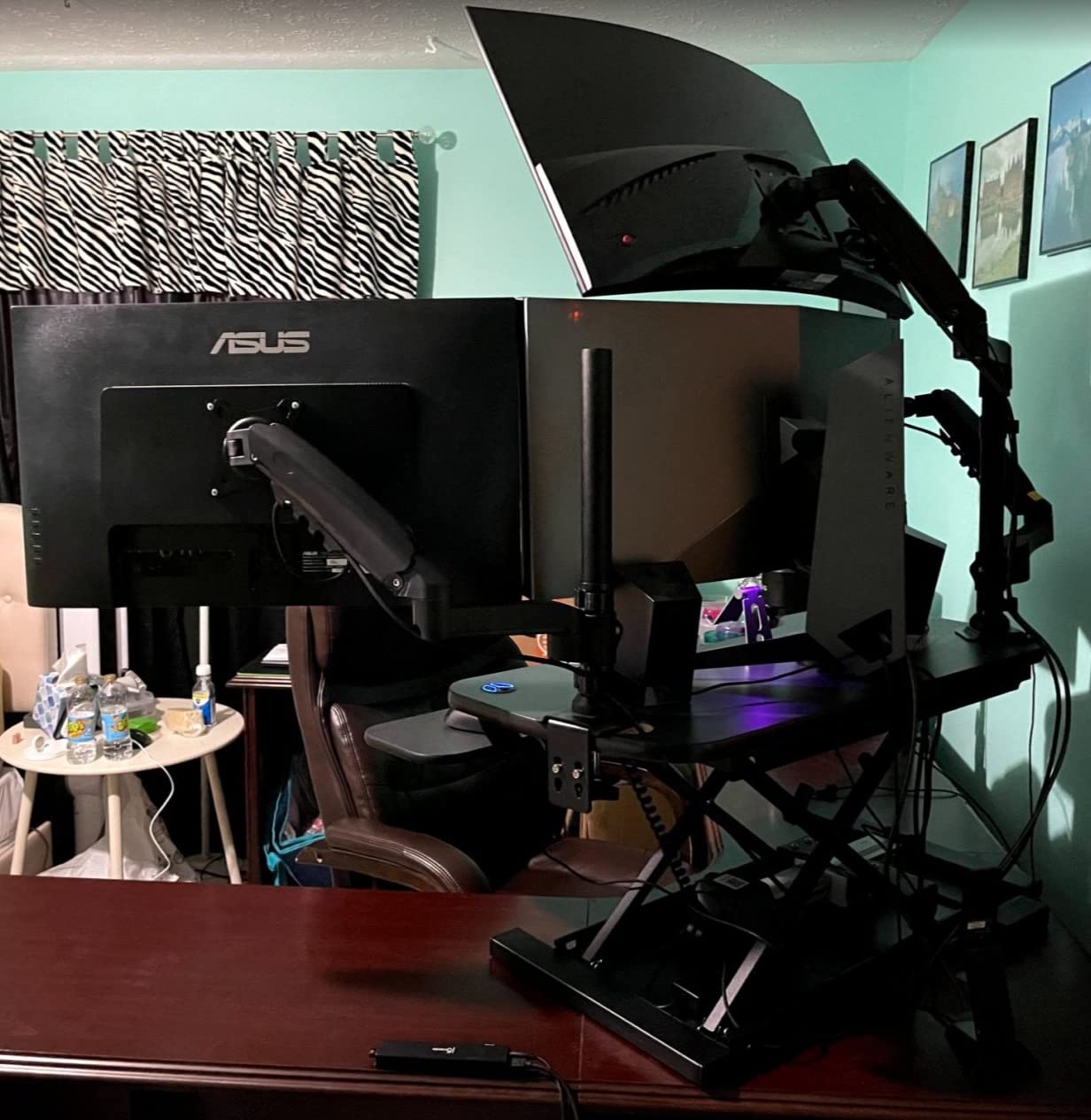
Three grommet holes run cable management through the deck, a USB charging port is built in, and a child safety lock stops the motor running with a small hand underneath. It arrives fully assembled with a lifetime warranty.
Monitor arms are not included, which matters if you were counting on mounting panels above the deck to free up surface. Plan to use stands on the upper tier or add arms separately.
Is a motorised converter worth the extra cost for dual monitors?
For most dual monitor owners, yes, because the loaded deck is heavier than it looks and manual lifts demand two hands. If you have wrist or back limitations the case becomes stronger still, since the motor removes the strain entirely.
The trade-off is speed. The motor moves more slowly than a gas spring, so a full range change takes noticeably longer than a manual lever pull.
What is the most serious complaint about this model?
One reviewer documented a measured forward lean of about 2.7 degrees on the 48 inch variant, which caused the keyboard tray to touch the table before the top surface finished lowering. The report was filed against the 48 inch variant rather than the 36 inch model in this roundup, so check that the legs sit flat on the desk and run the full range a few times before your return window closes.
Support response times drew criticism in that same review. Test the full range a few times during your return window.
7. VIVO DESK-VE36B: Best Value Electric Converter
- Lowest cost entry into electric converters here
- 50 lb capacity handles a dual monitor load
- Quiet motor lifts straight upwards
- Keyboard tray rises in sync with the top
- Plastic and particle board top
- Requires a nearby power outlet
Electric converters usually carry a noticeable premium over manual ones, and this is where that premium gets interesting. At a 4.4 rating across 251 reviews, the DESK-VE36B brings a motor to a price bracket most people would have filled with a gas spring model instead.
The 50 lb desktop capacity is the second highest among the electric units we looked at and more than enough for two 27 inch panels on stands. The keyboard tray rises in sync with the top surface rather than sitting separately, which removes the awkward lag you get on some two tier designs.
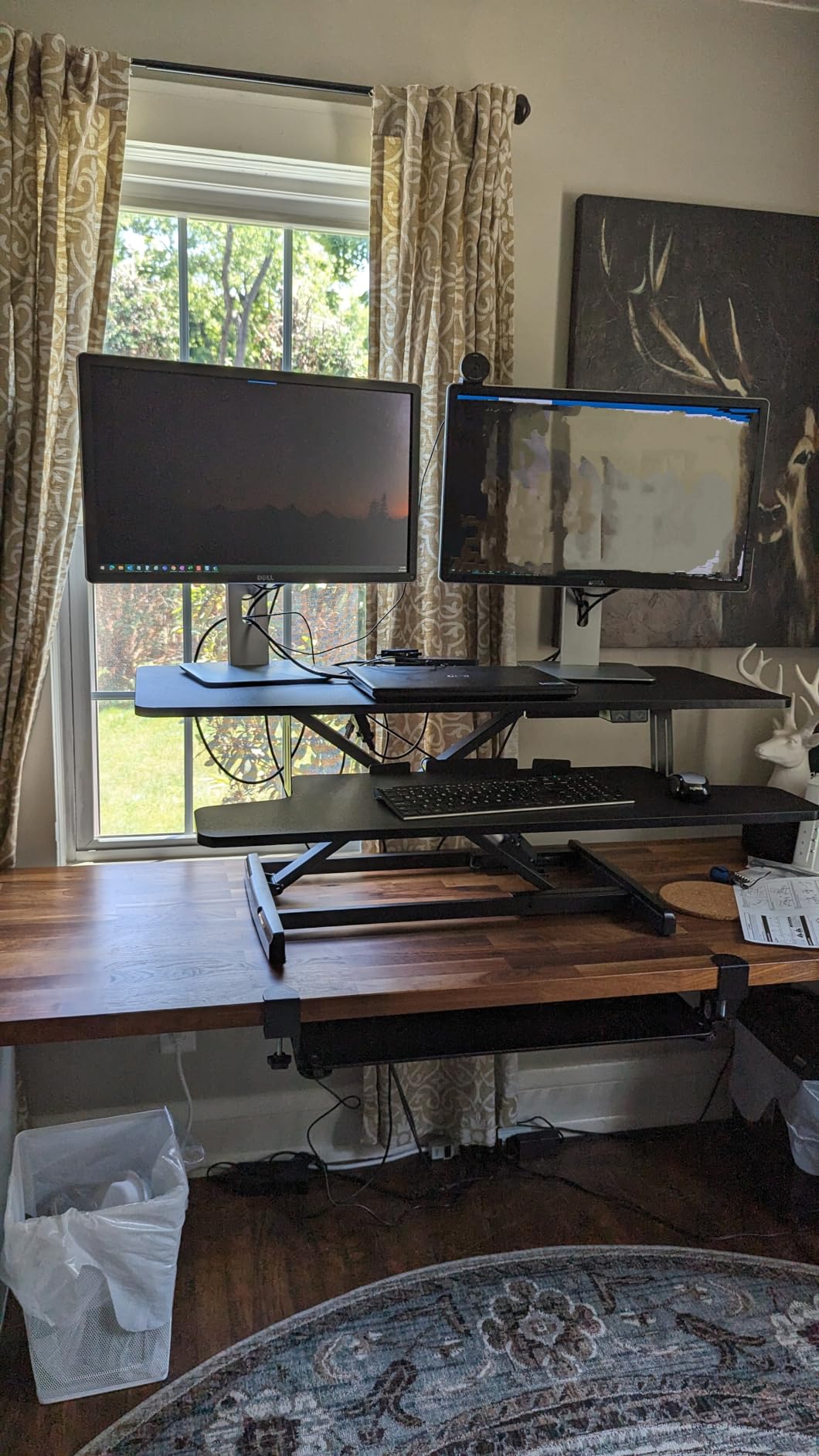
The motor lifts straight upward with no forward swing, so your screens stay exactly where you placed them between sitting and standing. Range runs from 5.7 to 19.5 inches, a solid span for users from about 5 foot 4 up to 6 foot 2.
Assembly is limited to attaching the keyboard tray, and the black laminate top suits most office setups without standing out.
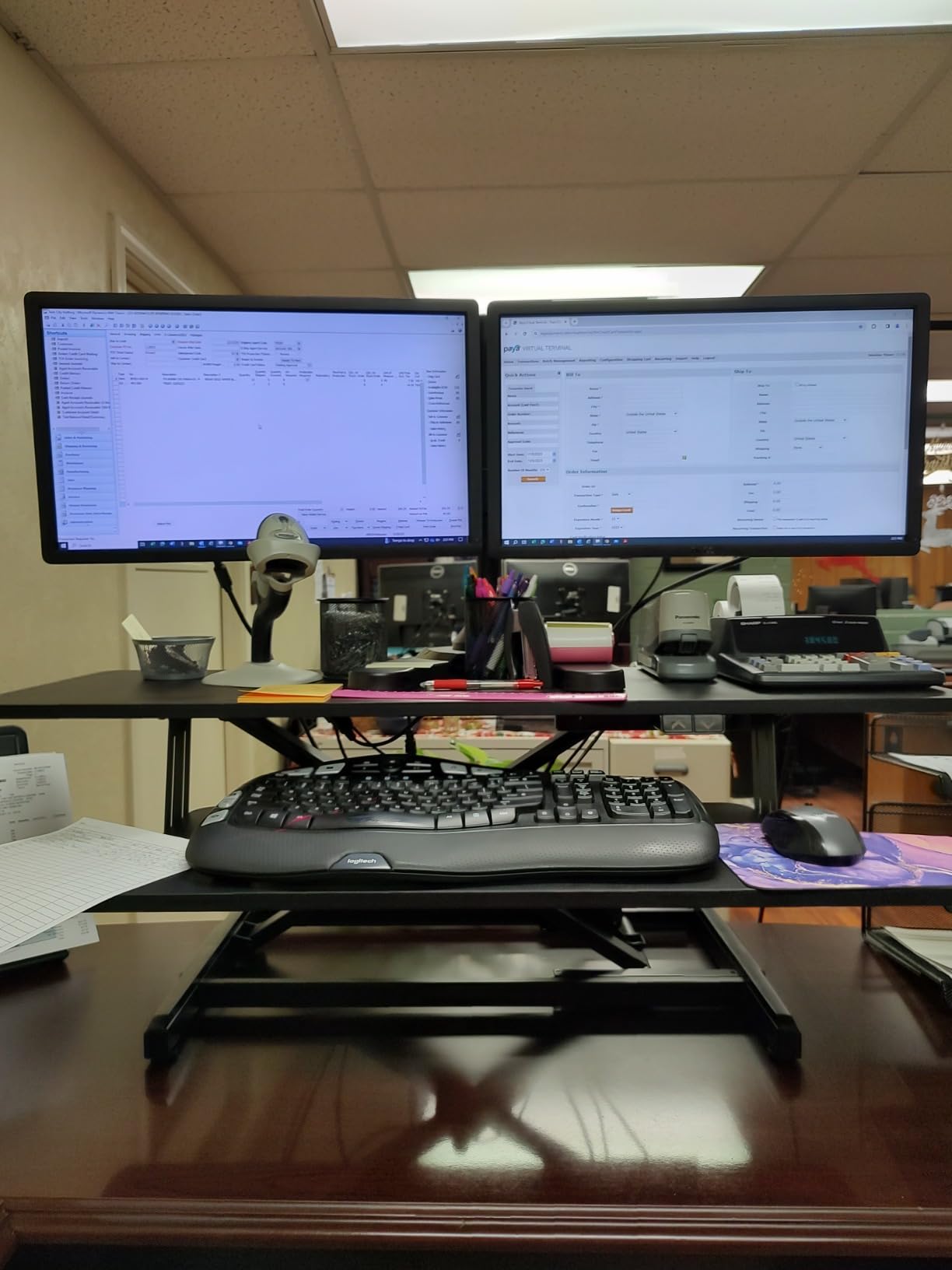
How does a plastic and particle board top hold up long term?
Fine for monitors. Particle board and melamine will not scratch or dent the way a soft laminate can, and the top is not a surface you will lean on. Where it shows its age is edge wear after a few years of being dragged onto and off a desk.
If you plan to move the riser between rooms, this is worth weighing against a steel frame model.
Is a motor worthwhile if I already have a manual riser?
If your manual model already forces a two hand pull with two monitors loaded, an electric model is the single biggest quality of life change available in this category. That is exactly the situation this VIVO addresses.
If your current riser moves easily, the gain is smaller and you may prefer to spend the difference on better monitor arms instead.
8. Mount-It! 38 Inch: Best for Wobble Free Stability
- Heavy gauge steel with reinforced joints
- One touch gas spring adjusts under load
- Fits desks 40 inch wide or wider
- Lifetime warranty on structural components
- Some monitor shake at full standing height
- 19.5 inch depth lets the tray overhang
- 42 lb build makes setup a two person job
Wobble is the complaint that comes up most often with dual monitor converters, and this 38 inch model is the one reviewers repeatedly describe as not having that problem. The heavy gauge steel frame with reinforced joints is the reason. It is tested at three times its rated capacity, which is why the 33 lb rating feels conservative in real use.
The one touch gas spring adjusts under load, so you can reposition it without unloading the deck first. That matters when two monitors are already mounted and you are trying to fine tune the standing height.
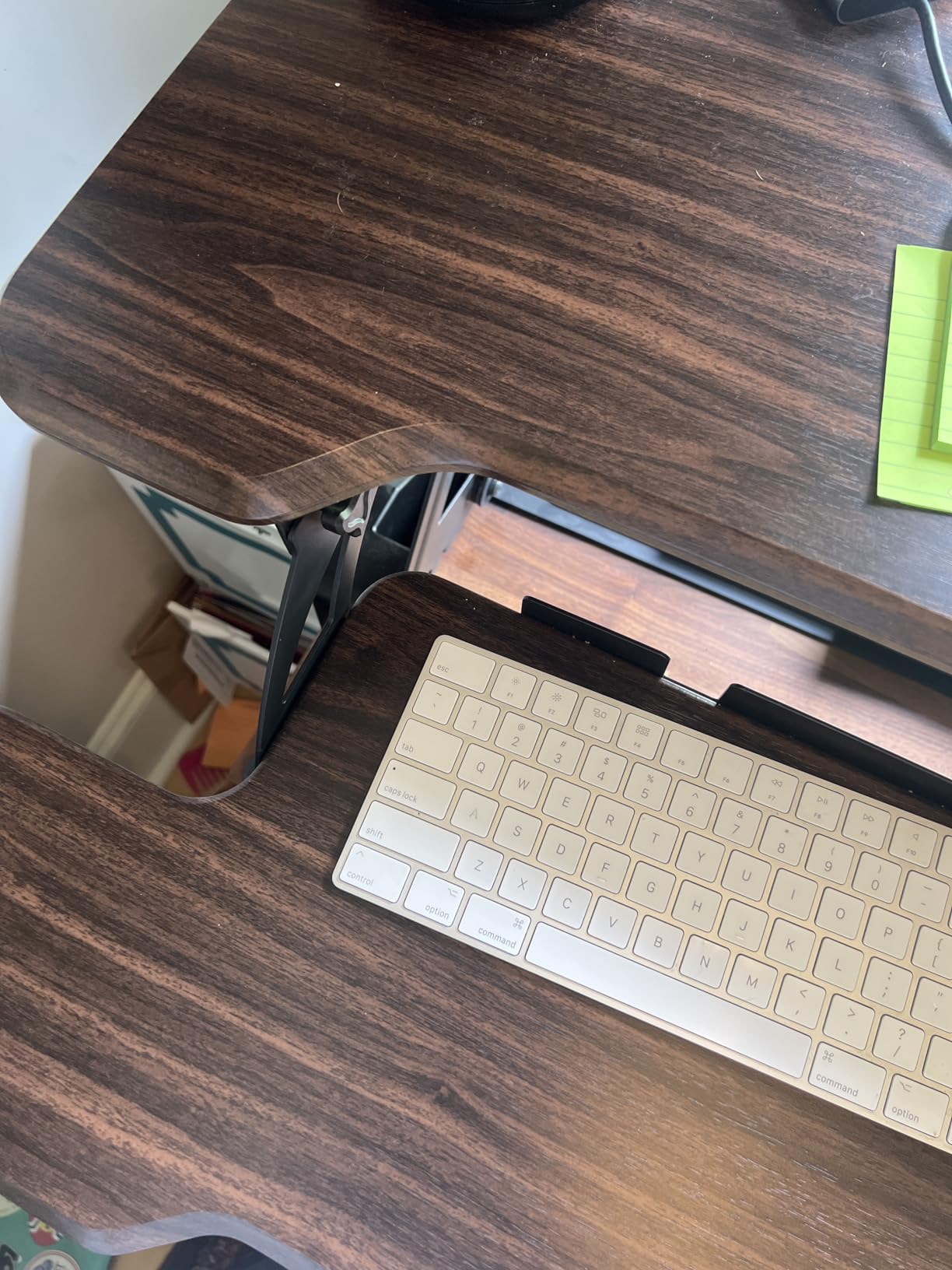
The 38 inch surface fits two monitors side by side with an extra wide keyboard tray, and the design is validated for rectangular desks 40 inches or wider. Finish options cover black, white, dark walnut and maple, so it can blend into a bedroom office rather than looking like office equipment.
A lifetime warranty on structural components covers the frame, which is the part that usually fails first on cheaper risers.
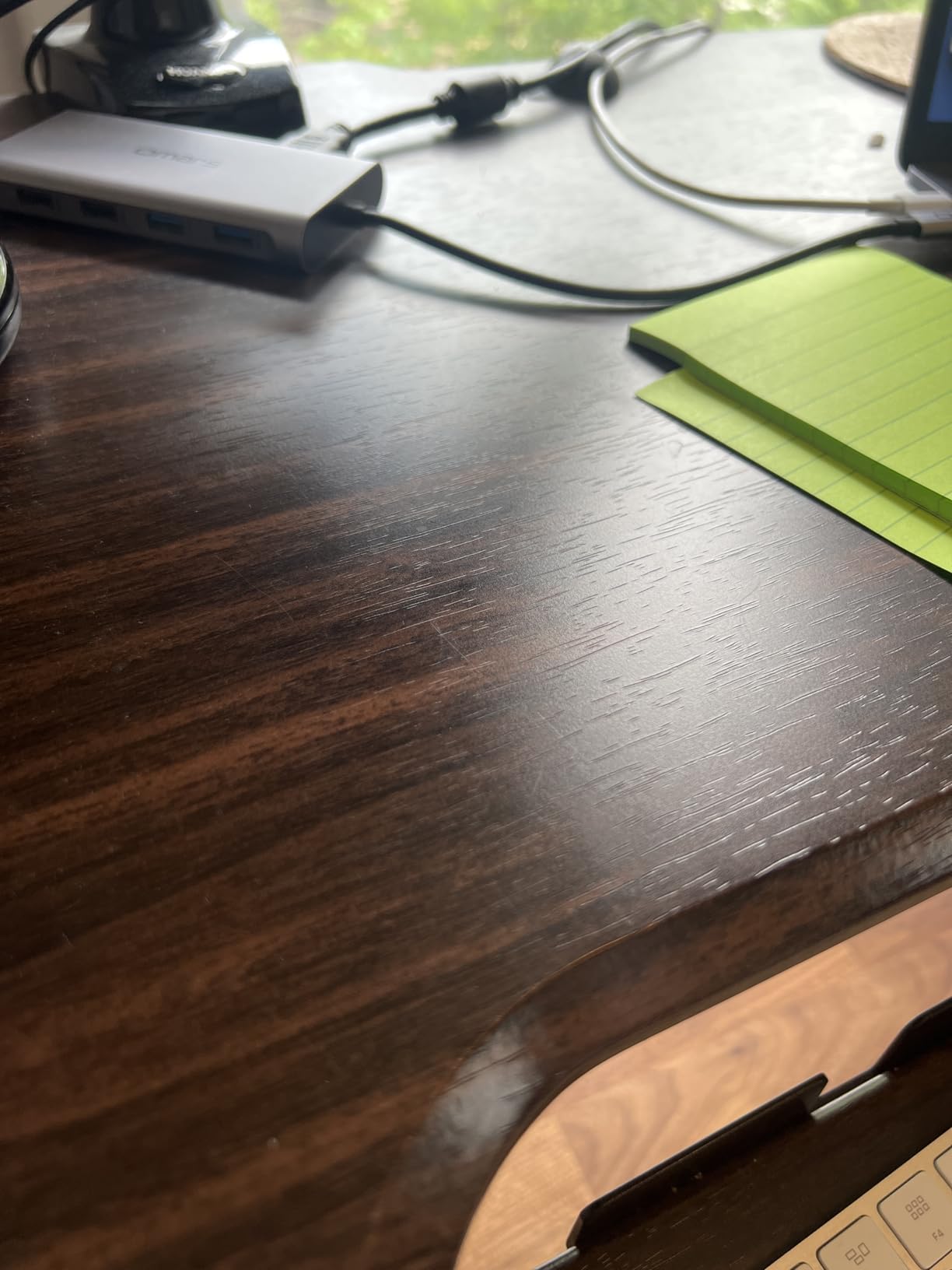
Does the 38 inch deck still shake with two monitors on it?
A small amount of shake at full standing height shows up in some reports, usually while typing hard. It is minor and does not affect typing position, but it is worth knowing if you are sensitive to screen movement.
At full seated height the frame is noticeably rigid. If wobble at standing height bothers you most, test the unit before the return window closes.
Will it fit a desk shallower than 24 inches?
Probably not. The 19.5 inch depth means the keyboard tray can overhang the front edge of a shallow desk by a couple of inches, which is uncomfortable for your forearms.
Pair it with a desk 26 inches deep or deeper. On a desk 40 inches wide or more it fits comfortably.
9. JYLH JOYSEEKER 35 Inch: Best for a Smaller Desk
JYLH JOYSEEKER 35″ Standing Desk Converter, Quick Sit to Stand Desk Riser
- Compact 35 inch width suits a smaller desk
- Single lever X lift travels straight up and down
- Built in device slot for a phone or tablet
- Only the keyboard tray needs attaching
- 28.7 lb capacity is low for heavy setups
- 31.5 inch lower tray is narrower than the top
- Black laminate shows wear over time
If your desk is small, width is the constraint that ends the conversation on the bigger converters. At 35 inches, this is one of the narrowest decks here that still fits a genuine two monitor layout with 24 inch panels, and the 15.7 inch depth keeps it from swallowing a small work surface.
The X lift gas spring structure moves straight up and straight down from 4.9 to 19.3 inches using a single lever handle. One handle for the whole deck is a meaningful difference from two handle models when you are changing position several times a day.
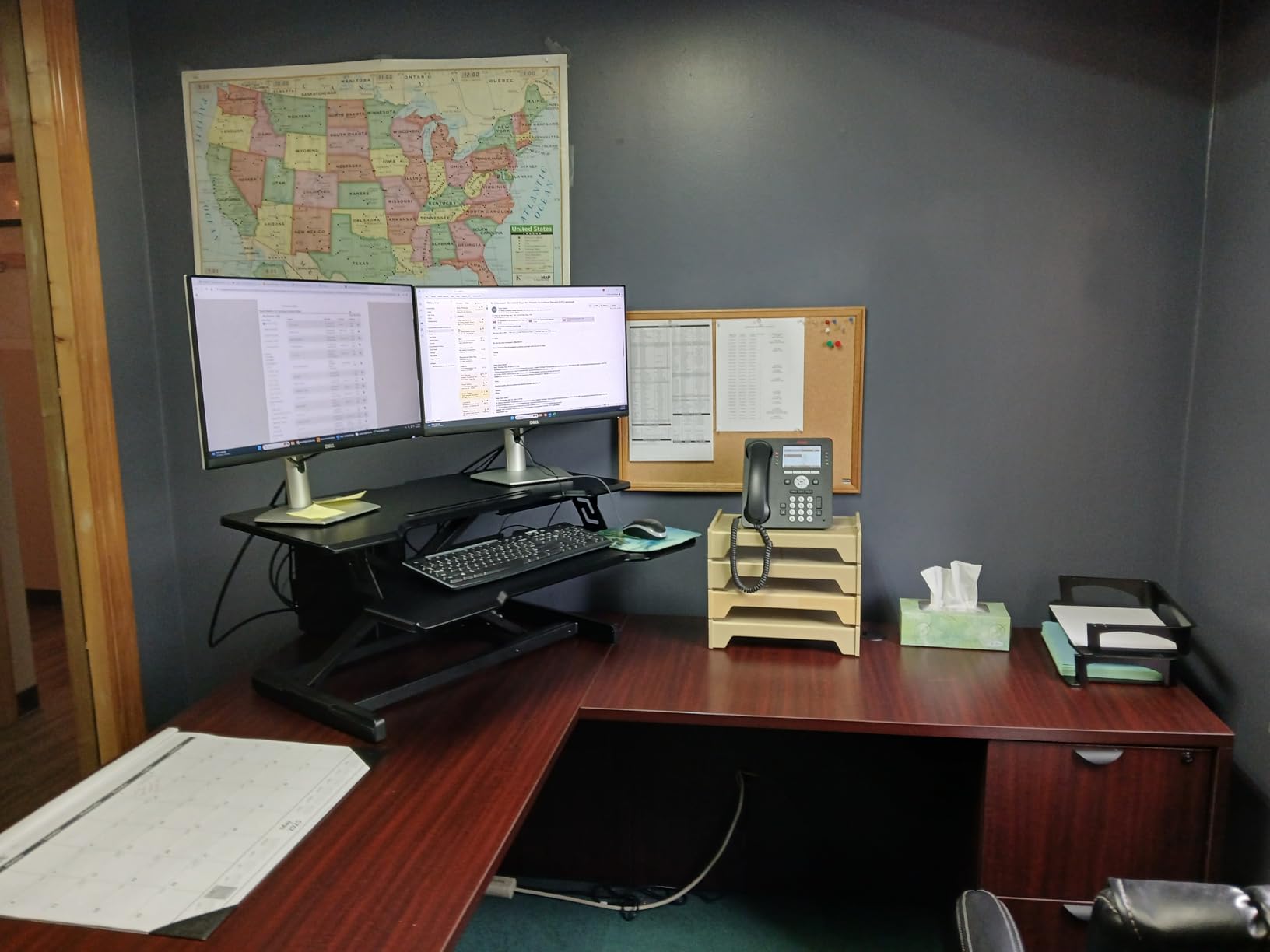
A built in device slot gives your phone or tablet a home instead of letting it sit on the deck edge where it collects dust. Assembly is limited to bolting the keyboard tray on with the supplied tools.
The 27.5 lb weight is light enough to reposition by yourself, which is a real advantage over the 40 lb and 52.5 lb models in this list.
Is a 28.7 lb rating enough for two 27 inch monitors?
Yes for typical setups. Two 24 or 27 inch panels on slim stands usually total 18 to 24 lbs, which leaves several pounds of margin for a dock and a notebook. Add a second arm and a heavier pair of 32 inch panels and you will be pressing it.
Add up the weight on your actual desk before buying. The failure mode is not sudden, it is a deck that feels progressively less certain under load.
Why is the lower tray narrower than the top?
The 31.5 inch lower tray takes a full size keyboard and a mouse with a little space to spare, but it is 3.5 inches narrower than the upper deck. That is a deliberate weight saving on the part that moves most.
If your keyboard is full size with a numpad and you want the mouse on the same level, measure both before ordering.
10. Rocelco 37.5 Inch Deluxe: Best Retractable Tray Design
- 37.5 inch top holds two 32 inch monitors
- Dual pistons move smoothly and lock in place
- Retractable tray holds a constant 4.5 inch gap
- Grommet doubles as a monitor mount point
- Deck travels forward as it rises
- Lowest position still raises seated eye level
- Lock has a learning curve and can catch on one side
The Rocelco 37.5 has been available since 2016 and the review base shows it. Across 1280 reviews at a 4.4 rating, long term owners describe it as the first sit stand desk they would buy again, which is a useful signal on how a gas piston ages compared to a cheap scissor mechanism.
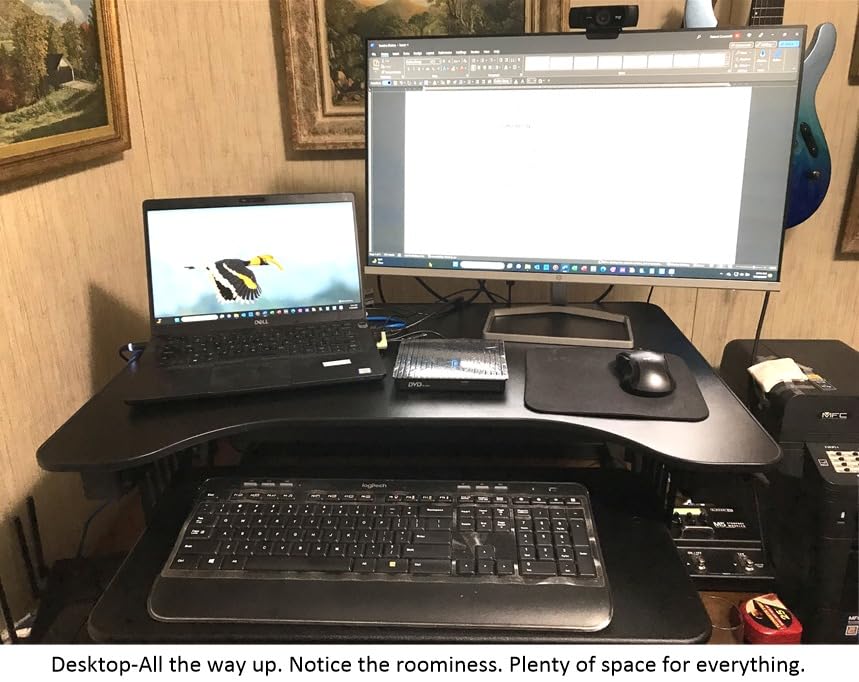
Its 37.5 by 20.5 inch deck takes two 32 inch monitors plus the retractable tray, and the 35 lb rating gives a bit more headroom than most manual rivals. Dual piston gas springs move the deck smoothly and auto lock at the chosen height.
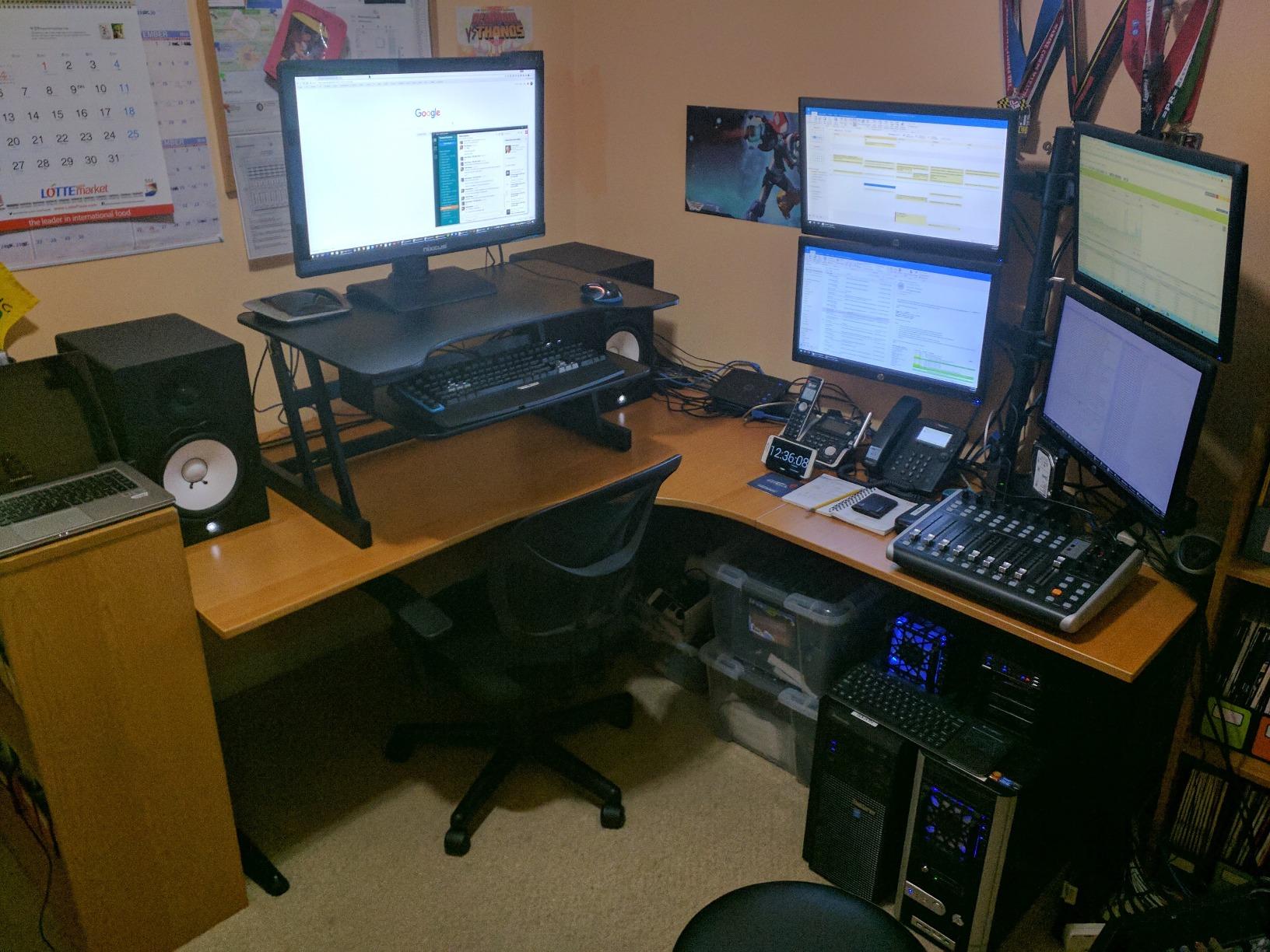
The retractable tray is the detail worth slowing down on. It slides out for typing and back under the deck when you want the space, and when extended it holds a consistent 4.5 inches of clearance from the desktop, which is the number that keeps your wrists flat.
A grommet hole handles cables and doubles as a post for a monitor mount if you later add one. Anti skid foam pads protect the desk surface underneath.
Why does the deck move forward as it rises?
That is how the linkage works, and it is the defining difference between a Z lift and an X lift. The trade is a screen that ends up closer to you at standing height. Some people readjust their chair or step back a few inches, others find it mildly annoying.
Plan for 28 inches of desk depth or more. Reviewers also flag it as a consideration if your monitor faces a webcam or a specific light source, since the angle changes between positions.
Can I use this converter at my seated position without adjusting my chair?
Mostly. The lowest setting is 5 inches above the tabletop, and a converter sitting on a standard desk already puts your screens well above where they were. Expect to raise your chair slightly or lower the monitor stands by the same amount.
Adjustment takes a few days for most people. Plan for a short period of neck and shoulder awareness.
11. TechOrbits 32 Inch: Best Budget Starter Riser
- X lift frame does not rock in daily use
- Owners report years of daily up and down use
- Almost no assembly beyond the keyboard tray
- Ships at 27.5 lb so one person can place it
- Tray does not slide under the desktop when lowered
- 32 inch width is tight with two large screens
- Thin tray is not meant to bear body weight
The TechOrbits 32 is the entry point in this list, and the surprise is how long it holds up. Multiple buyers report two or more years of continuous daily use without failure, and the X style lift with an aluminium frame and pneumatic assist is described repeatedly as steady rather than wobbly.
Its height range of 4.3 to 19.7 inches is the widest vertical span here, and reviewers specifically note that it accommodates users from roughly 4 foot 11 up to 6 foot 2 and beyond. That range makes it a genuine first sit stand experience rather than a token adjustment.
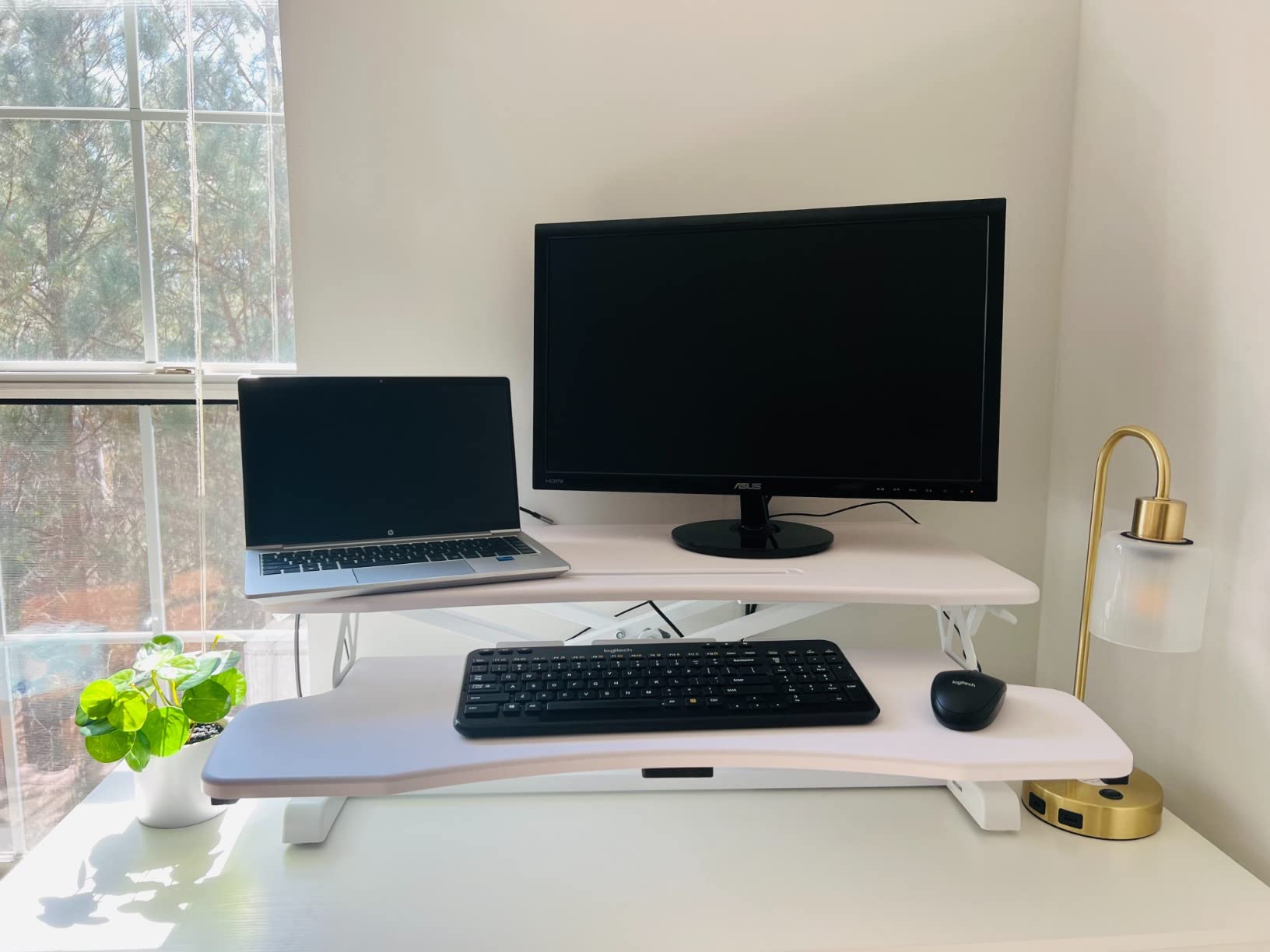
At 32 inches wide it holds a dual monitor display along with keyboard, mouse and accessories, though it is the tightest fit in the group once you add a laptop. The solid weight of the unit is read by buyers as a sign of durability rather than a problem.
Assembly is limited to attaching the keyboard tray with the provided tools, and the whole thing is ready to use within minutes.
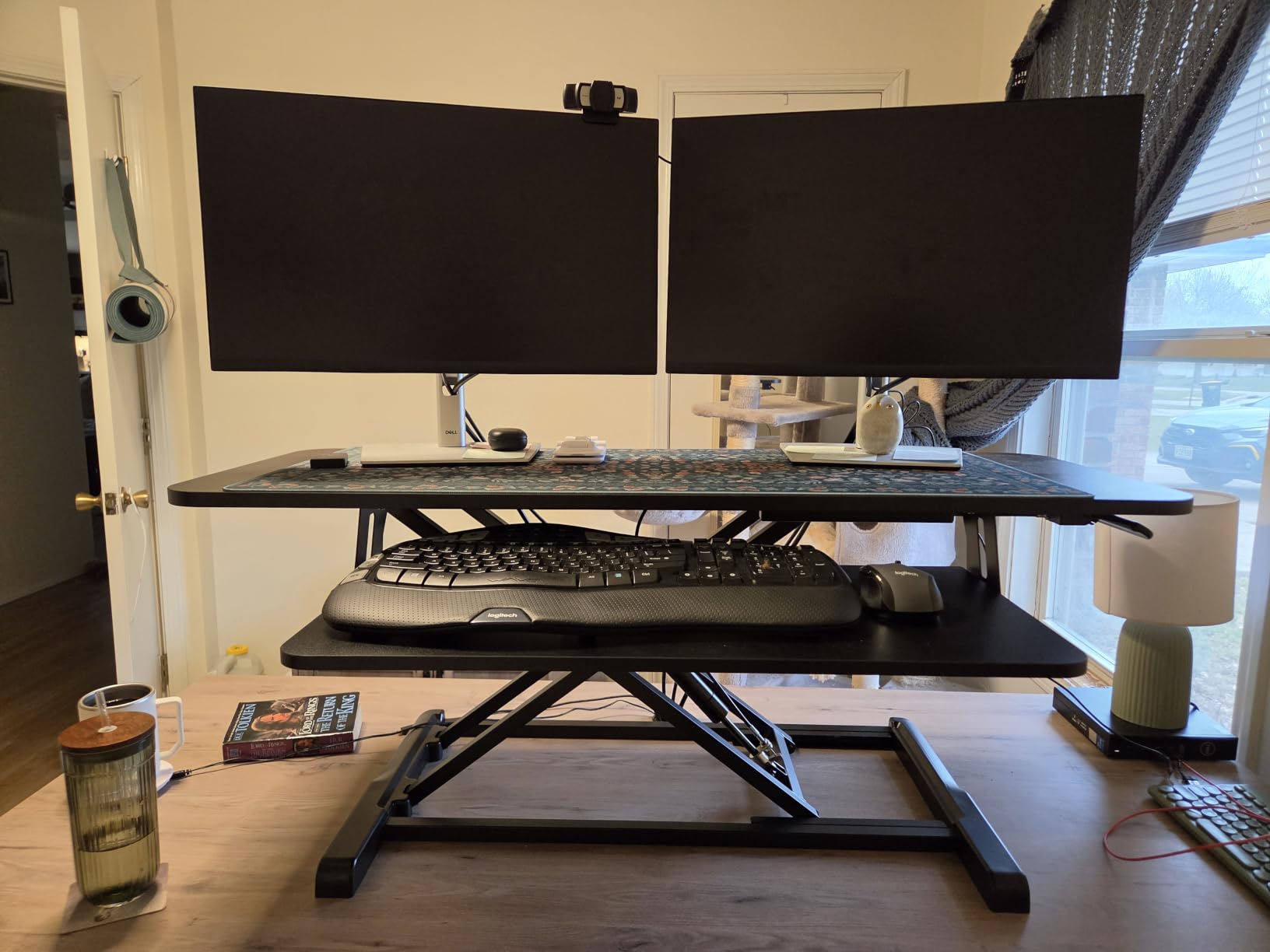
Will two large monitors plus a laptop fit on a 32 inch deck?
Two 24 inch panels fit comfortably. Two 27 inch panels fit with a narrow gap. Two 27 inch panels plus an open laptop does not, and you will be overlapping something.
If you plan to run a laptop as a third display, budget for a 35 inch deck or wider instead. Dual monitor owners who also need the laptop screen usually end up moving to a larger model within a year.
Can I stand on the keyboard tray while the riser is up?
No. The tray is a thin panel intended for typing and a wrist rest only, and it flexes under body weight. Standing on it is the fastest way to damage the frame and void your warranty.
Several owners have noted the tray does not slide under the desktop when the riser is lowered, so it stays visible and in the way at seated height. Plan your seated setup around that.
12. JOY worker 32 Inch: Best Lightweight Unit
JOY worker 32″ Standing Desk Converter, Height Adjustable Stand Up Riser
- Lightest model here at 26.3 lbs
- Removable tray raises in sync with the top
- White finish suits a light office
- Two step assembly only
- 28.6 lb top capacity is the lowest here
- Smallest surface at 31.5 inch
- 24.4 inch tray is narrow for keyboard plus mouse
At 26.3 pounds this is the easiest converter in the group to place, reposition and move between rooms. That matters in a rental or a shared office, and it is a genuine practical advantage over the 40 and 52.5 lb models in this list.
The squeeze handle lift runs smoothly from 4.9 to 19.3 inches, and the removable keyboard tray rises in sync with the top board before detaching entirely if you would rather have a flat single tier for occasional seated work.
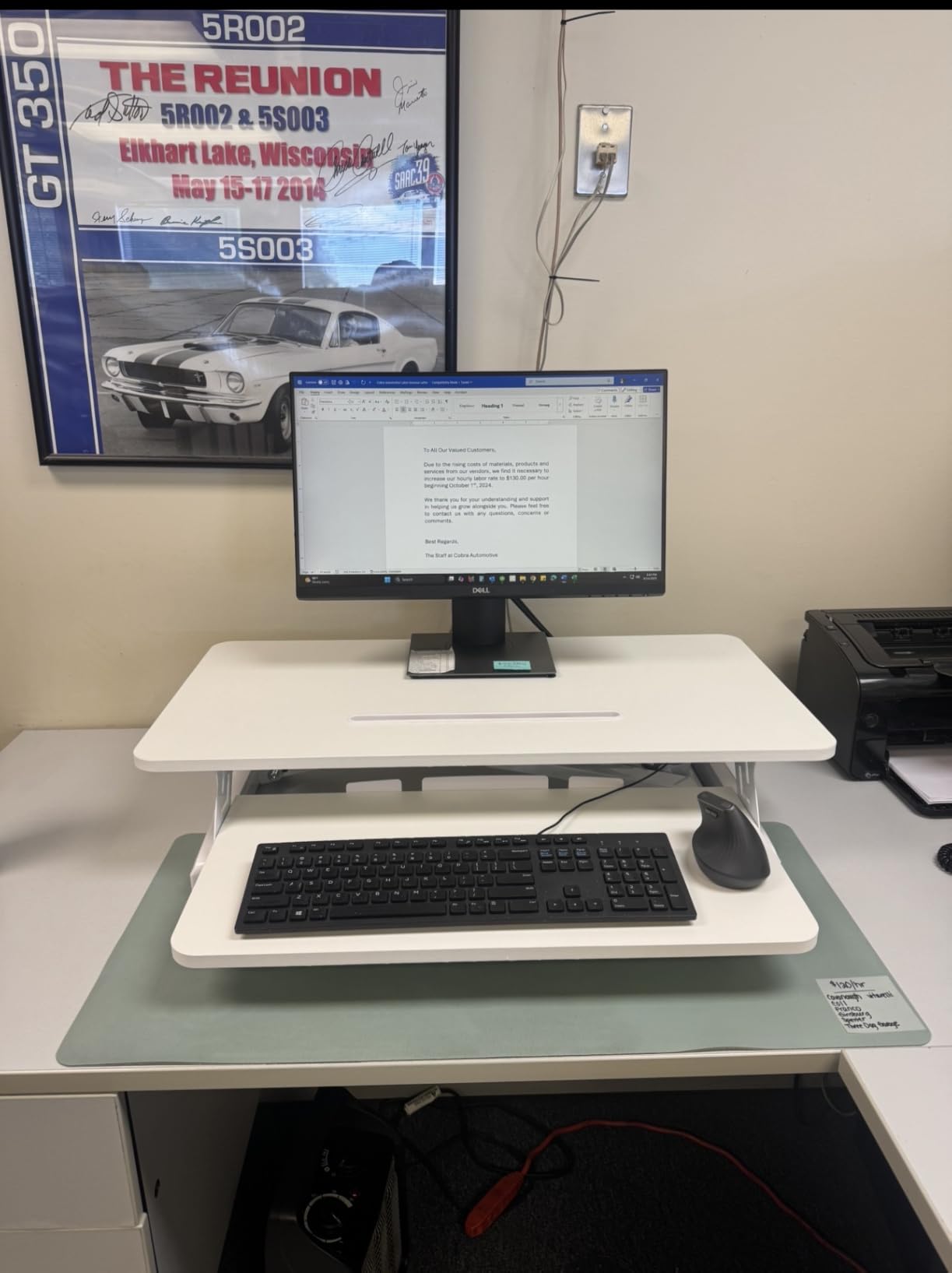
The white finish suits a light home office, and the two step assembly means you can be working within minutes of delivery. A patented X shaped frame and engineered wood construction keep the deck quiet through the range.
Two 24 inch monitors and a keyboard fit the 31.5 by 15.7 inch top tier with room to spare. It is the smallest surface here, so plan your panel sizes before committing.
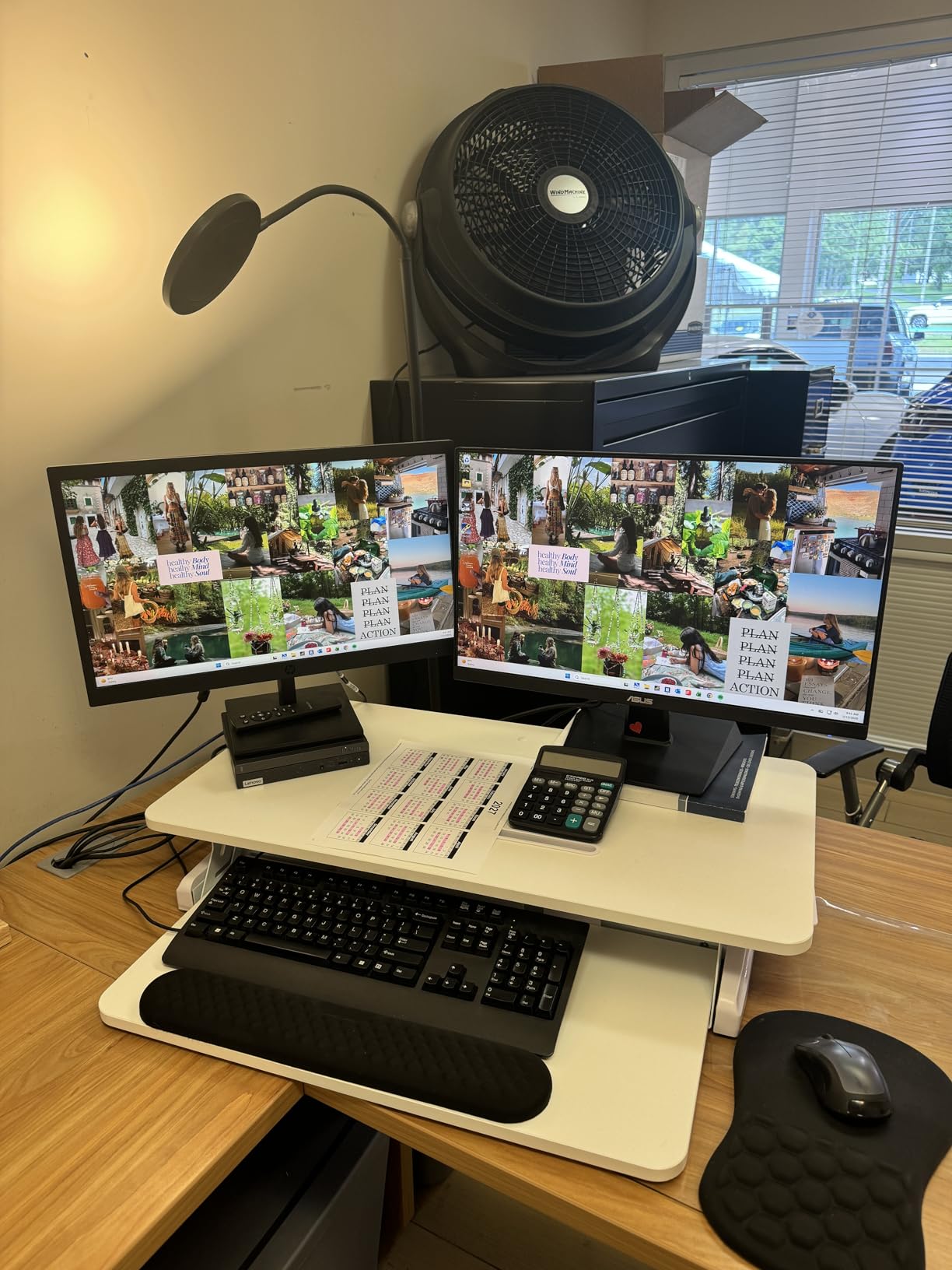
Is a 28.6 lb rating the weakest in the group?
It is the lowest rated top tier of the twelve we compared, and it is worth planning around. Two 24 inch monitors on stands fit inside that comfortably; two 27 inch panels on heavy arms plus a dock and a laptop do not.
Buy this for a light dual monitor load, or move up to a model rated 33 lbs or above if your panels are larger or you use arms.
Is the narrow keyboard tray a problem for a full size keyboard?
The 24.4 inch tray fits a full size keyboard, but adding a mouse beside it leaves little room. Most users in this situation put the mouse on the upper deck beside the monitors, which works once you are used to the raised position.
If you prefer a side by side layout, look for a tray above 29 inches, which is what the Rocelco and Mount-It models in this list provide.
How to Choose a Sit Stand Desk Converter for Two Monitors?
Do the load maths before you compare anything else
Add up everything that will sit on the upper deck, not just the monitors. Two 27 inch panels on slim stands typically total 18 to 24 lbs, and a single monitor arm adds 5 to 10 lbs on top of that. A dock, a laptop and a notebook take another 5 to 8 lbs. Ratings in this category run from 28.6 lbs to 80 lbs, so the difference between a light and a heavy setup can be decisive.
Our rule is to keep your loaded weight below 70 percent of the rating. That margin is what stops a dual monitor deck from feeling unstable at full standing height, because the turning force from two wide panels is far worse than the weight number suggests. If you are over the limit on a 33 lb deck, the fix is arms that move load off the deck rather than a bigger riser.
X lift, Z lift or electric: pick your travel path first
An X lift uses a scissor or X frame that rises straight up, so your monitors stay exactly where you placed them in both positions. Most of the models in this group, including the VIVO DESK-V036KB and the JYLH JOYSEEKER, use this geometry. It is the safest default for dual monitor work.
A Z lift uses an articulating arm that swings the deck forward as it rises. That forward travel brings your screens closer to you at standing height, which some people readjust for and others find irritating. The Rocelco 37.5 and Mount-It MI-7934 both travel this way and both want 28 inches of desk depth or more.
An electric column uses a motor and a control button. You pay more and you need a nearby outlet, but you remove the lifting effort entirely, which is the deciding factor for anyone with a back issue, a shoulder recovery or eight position changes a day. Our standing recommendation is that if your loaded deck already forces a two hand pull, go electric.
How much desk depth do you actually need?
Measure the depth of your usable desk, then check the converter’s footprint. Shallow desks under 24 inches deep rule out the deeper models here, including the Rocelco 40 at 23.5 inches of depth plus frame, and the Mount-It electric at a listed 50 inches deep. X lift models with a 15.7 inch deck depth are the safe choice for shallow desks.
Width matters just as much. Two 24 inch panels need about 26 inches, two 27 inch panels need about 30 inches, and two 32 inch panels need about 34 inches before you count gaps. Buy the width that matches your panels rather than the widest deck you can fit.
Are you a tall user? Check the maximum height, not the range
This is the single most overlooked spec. A converter with a wide range but a low ceiling will not put your monitors at eye level when you stand. Look at the maximum height figure and compare it against your standing elbow height.
The reach is different across this group. The Rocelco 40 and VIVO DESK-V036KB top out at 20 inches, the Mount-It 38 stops at 16.9 inches, and the Mount-It MI-7934 stops at 16.3 inches. If you are around 6 foot 2 or taller, the shorter units will leave your screens below eye level while standing. If you are 6 foot 4 or above, converters get tight fast and a full height adjustable desk is the more honest answer.
When a separate monitor arm solves the problem
If your load exceeds your deck rating, or your screens need to be higher than the converter can take them, a monitor arm mounted to the deck or to the desk behind it is the fix. Our monitor arm roundup covers the clamp and grommet options. A grommet mounted post behind the riser lets the panels float above the deck entirely, which both frees surface and removes weight from the lift.
Several converters in this list, including both Rocelco models, ship with a grommet hole specifically for this. The Mount-It MI-7934 goes further and includes two arms in the box.
Managing cables on a two tier deck
Cable routing is where two tier converters get awkward. Every riser that raises, including anything with a retractable tray, puts strain on cables that were not slack enough. The practical fix is to leave a service loop of 6 to 8 inches at the back of the deck and secure it loosely with a reusable cable wrap rather than a tight tie.
Run power strips and dock cables down the back leg with sleeve or spiral wrap, and keep monitor cables separate from power cables to avoid noise on the display. Electric models route through grommet holes and USB ports built into the deck, which is cleaner than tying everything to the frame.
When a full standing desk makes more sense
A converter is the right call when you own a desk you like, rent your home, or want to try sit stand work before committing. It is the wrong call if you need more than about 50 inches of width, if your desk is shallower than 24 inches and deep models are your only option, or if you are above roughly 6 foot 4 and need screens at true eye height while standing.
Two monitors also add a fixed upper limit on where you can put your screens. If your workflow needs a third display or a lot of hardware, a full electric desk gives you the surface area as well as the height range. If you run multiple computers, our KVM switch guide covers sharing one pair of monitors between two machines.
A simple routine matters more than any of these choices. The 20 8 2 guideline suggests sitting for 20 minutes, standing for 8, then sitting for 2, repeated through the working day. Converters make that possible because the change takes seconds, which is why they tend to get used more often than full desks do.
Frequently Asked Questions
What is the best standing desk attachment for two monitors?
The VIVO DESK-V036KB is our top pick for most people. Its 36 inch surface fits two 24 or 27 inch monitors plus a laptop, the lever and spring assist lift travels straight up so screen positions stay identical sitting and standing, and it holds 33 lbs with a range of 4.5 to 20 inches. If you want the monitor mounts included, the Mount-It MI-7934 ships with two VESA arms in the box. If you want zero lifting effort, the VIVO DESK-VE36B or the VERSADESK PowerPro add a motor.
How much weight can a sit stand desk converter hold with two monitors?
It depends on the model and on what else is on the deck. Ratings in this category run from 28.6 lbs to 80 lbs. Two 27 inch monitors on slim stands usually total 18 to 24 lbs, and a monitor arm adds 5 to 10 lbs. Keep your loaded weight below about 70 percent of the rating, because two wide panels act as counterweights and a deck at its limit will feel unsteady at full standing height.
Is an X lift or a Z lift better for dual monitors?
An X lift is better for most dual monitor setups because the deck rises straight up and your screens stay exactly where you placed them. A Z lift swings the deck forward as it rises, which brings the monitors closer to you at standing height and needs about 28 inches of desk depth. Most of the models in our roundup, including the VIVO DESK-V036KB and the JYLH JOYSEEKER 35, use X lift geometry.
Do standing desk converters wobble with two monitors on them?
They can, and the cause is leverage rather than weight. Two wide panels act as long arms on the back of the deck, so a light load can still shake. The Mount-It 38 inch model is the most stable in our group thanks to its heavy gauge steel frame and reinforced joints, tested at three times the rated capacity. Choosing a unit rated well above your load, and locking the mechanism before you start typing, removes most of the shake.
How much desk depth do I need for a standing desk converter with dual monitors?
Allow at least 28 inches of clear depth for most converters, and more for the forward travelling Z lift models and the larger electric units. The Mount-It electric riser lists a 50 inch depth and the Rocelco 40 needs 23.5 inches of deck depth plus its frame, so both want a desk deeper than 30 inches. X lift models with a 15.7 inch deck depth, such as the VIVO DESK-V036KB, suit desks under 24 inches deep.
Are electric desk converters worth the extra cost for dual monitors?
Usually, if your loaded deck already needs two hands to raise. Two monitors, arms and a laptop make a manual lift noticeably heavier, and a motor removes that effort entirely, which matters with a back or shoulder issue. The trade-offs are a nearby power outlet, a slower adjustment and a higher outlay. If your current riser moves easily, spending the difference on better monitor arms is often the better value.
The Verdict for Dual Monitor Setups in 2026
After working through twelve converters, the VIVO DESK-V036KB is the one we would put on a desk for most people running two monitors. It hits the 36 inch width that dual monitor setups actually require, travels straight up so your screen positions never change, and reaches 20 inches for taller users. Its 4.6 rating across more than 15k reviews is the strongest evidence base in the category.
Buy the Mount-It MI-7934 if you want the two monitor arms in the box and the extra surface they give you. Buy the Rocelco 40 if your panels are 32 inch and your desk is deep. Buy an electric model, the VERSADESK PowerPro or the VIVO DESK-VE36B, if the loaded deck already demands two hands to raise.
Whatever you pick, measure your desk depth and add up your real load before ordering. Those two numbers decide whether a converter works for you or quietly does not.