
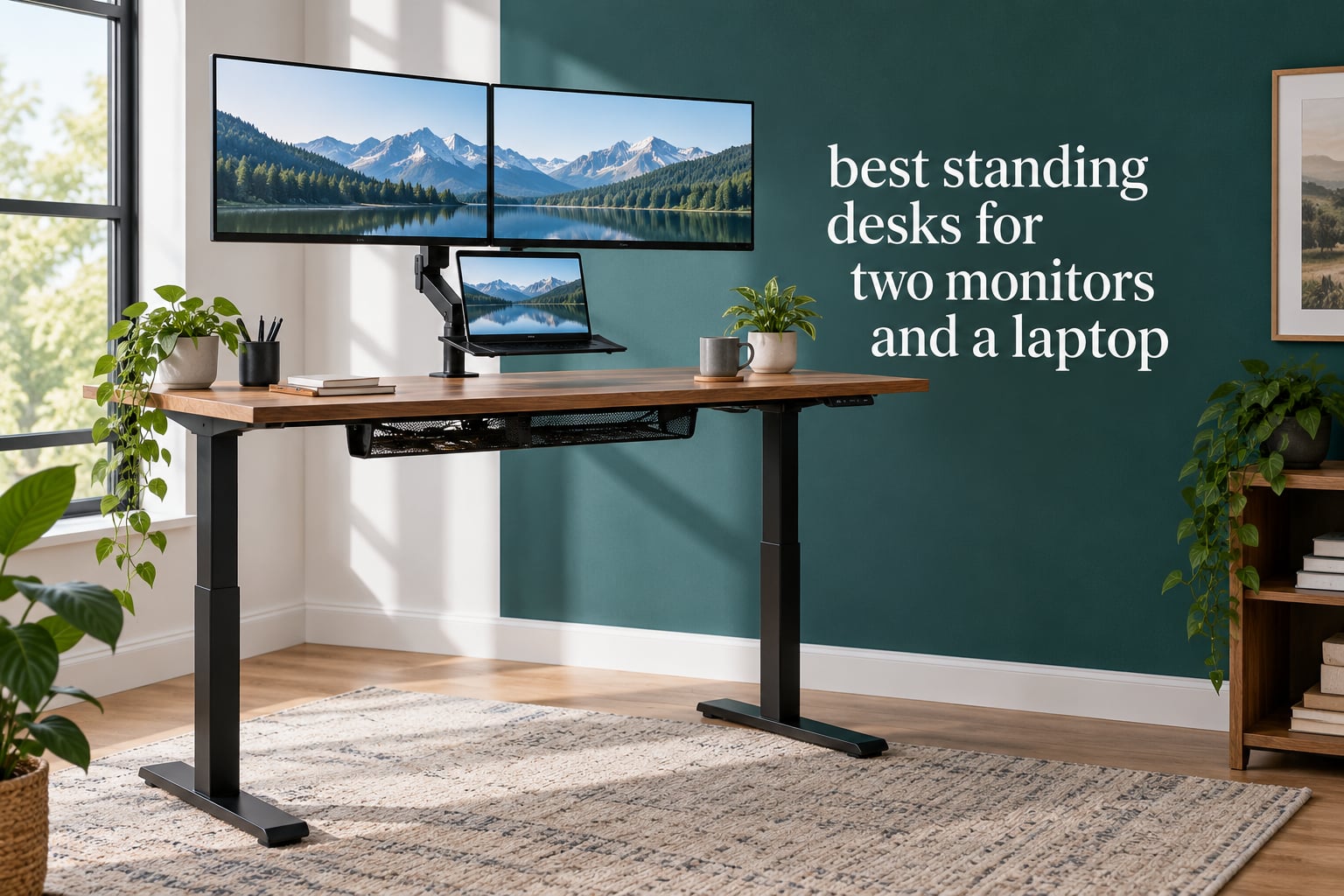
For two external monitors plus a laptop, you want at least 60 inches of width and 30 inches of depth, with a frame rated for 265 pounds or more. Two 24-inch monitors fit a 48-inch top. Two 27-inch monitors need 60 inches. Two 32-inch monitors, or one ultrawide plus a laptop, need 70 inches or more.
That sizing answer is the whole reason most people get this purchase wrong. They buy a desk because it looks good in a photo, then discover at assembly that there is nowhere to put the third screen, or that the frame sags once two arms are clamped to the back edge.
Two monitors on arms plus a laptop, a dock and a desktop computer typically lands somewhere between 60 and 90 pounds of equipment, and it eats 55 to 70 inches of surface width. Width and rated load capacity, not brand name, decide whether a desk works. We used those two specs as the backbone of this ranking of the best standing desks for two monitors and a laptop.
Every desk below has an explicit fit verdict for this exact workload. We also cover the motor count question, the monitor-arm clamp problem that catches almost everyone, and the sizing math behind the numbers. If you are building a workstation rather than just a desk, you may also want our standing desk picks for engineers once you have the width decided.
Table of Contents
Top 3 Picks for a Two Monitor and Laptop Desk (October 2026)

Desktronic HomeOne 60×30
- One-piece 60 x 30 top
- 264.6 lb dual-motor capacity
- Touch controller with 3 presets

SHW 55×28 Electric Desk
- 55 x 28 in top with drawer
- 110.2 lb load rating
- Four height presets and cable tray

Veken 55×23.6 Electric Desk
- 55 in wide at an accessible price point
- 154 lb steel frame
- Built-in cable management
Best Standing Desks for Two Monitors and a Laptop in 2026
| Product | Specifications | Action |
|---|---|---|
| Desktronic HomeOne 60×30 |
|
Check Latest Price |
 CubiCubi 60×24 One-Piece CubiCubi 60×24 One-Piece |
|
Check Latest Price |
| SHW 55×28 with Drawer |
|
Check Latest Price |
 HUANUO 63×28 Electric Desk HUANUO 63×28 Electric Desk |
|
Check Latest Price |
| Veken 55×23.6 Electric Desk |
|
Check Latest Price |
 VIVO 60×30 Standing Desk VIVO 60×30 Standing Desk |
|
Check Latest Price |
 FLEXISPOT 60×24 Electric Desk FLEXISPOT 60×24 Electric Desk |
|
Check Latest Price |
 HUANUO 60×30 with Two Drawers HUANUO 60×30 with Two Drawers |
|
Check Latest Price |
 VIVO 63×55 Corner Desk VIVO 63×55 Corner Desk |
|
Check Latest Price |
 VASAGLE 55×28 Electric Desk VASAGLE 55×28 Electric Desk |
|
Check Latest Price |
How Big a Desk Do You Actually Need for Two Monitors and a Laptop?
The rule is straightforward: count the width of your screens, add about 6 inches of gap between them and another 12 inches for the laptop and its riser, then round up to the next standard desktop size.
Two 24-inch monitors are about 21 inches wide each, so 48 inches of surface is the true minimum for that pairing. Add a laptop on a riser and you are already at 60 inches of usable width before any breathing room.
Two 27-inch monitors come in around 24 inches wide apiece. Side by side with a small gap they consume about 52 inches, which pushes you to a 60-inch desktop for a comfortable fit, and to 63 inches if the laptop shares the surface rather than an arm tray.
Two 32-inch monitors run roughly 28 inches wide each. Together that is close to 60 inches before gaps, so 70 inches or wider is the honest target for that pairing. Community discussion on r/StandingDesks is full of tall users with dual 32-inch monitors asking whether any desk is stable enough, and the answer almost always starts with width.
A single 43-inch ultrawide is a different problem. It takes up most of any 55-inch desk, which is the exact frustration described by a poster on r/desksetup who had just added a 43-inch panel and found no room for a second screen.
Depth deserves the same attention as width. A 24-inch-deep top leaves about 9 inches behind a monitor base before the keyboard starts, which pushes the screen away from eye level. A 30-inch depth gives you room for a laptop riser plus a full-size keyboard and mouse side by side.
Two cheap fixes recover depth on a narrow desk. A monitor arm lifts both screens off the surface entirely and returns roughly 8 to 10 inches of depth. An arm-mounted laptop tray does the same for the third screen.
How Much Load Capacity Do You Need for Three Screens?
Before you compare ratings, total your actual equipment. A typical three-screen rig runs like this: two 27-inch monitors at roughly 12 pounds each, two monitor arms at about 6 pounds each, a laptop at 4 pounds, a docking station at 2 pounds, a keyboard and mouse at 2 pounds combined, and a desktop tower or laptop stand at 10 pounds. That lands near 54 pounds.
Add a second arm-mounted device, speakers, a graphics tablet or a lamp and you pass 70 pounds. Two 32-inch monitors on arms is the heavier case at roughly 30 pounds per panel before the arms.
Our rule is to keep your running total under about 75 percent of the rated load capacity. That headroom covers the shock load when the frame reaches full extension, plus the accessories you will inevitably add in the first year.
That math is what rules out several popular budget frames. A desk rated at 110 pounds leaves you with roughly 82 pounds of working budget, which a two-monitor-and-laptop setup can exceed on its own with a desktop tower. Anything under 150 pounds deserves careful arithmetic before you buy.
Rated capacity is also a static number. Two arms clamped to the same rear edge concentrate load at the worst possible point, which is why a frame that meets its rating on paper can still feel springy with heavy monitors mounted.
1. Desktronic HomeOne 60×30 – Best Overall for Three Screens
- Dual motors stay wobble-free at full standing height
- Quiet lifting under a heavy three-screen load
- One-piece 60 x 30 top with no seams
- Integrated USB-A and USB-C charging ports
- Anti-collision sensor reverses on contact
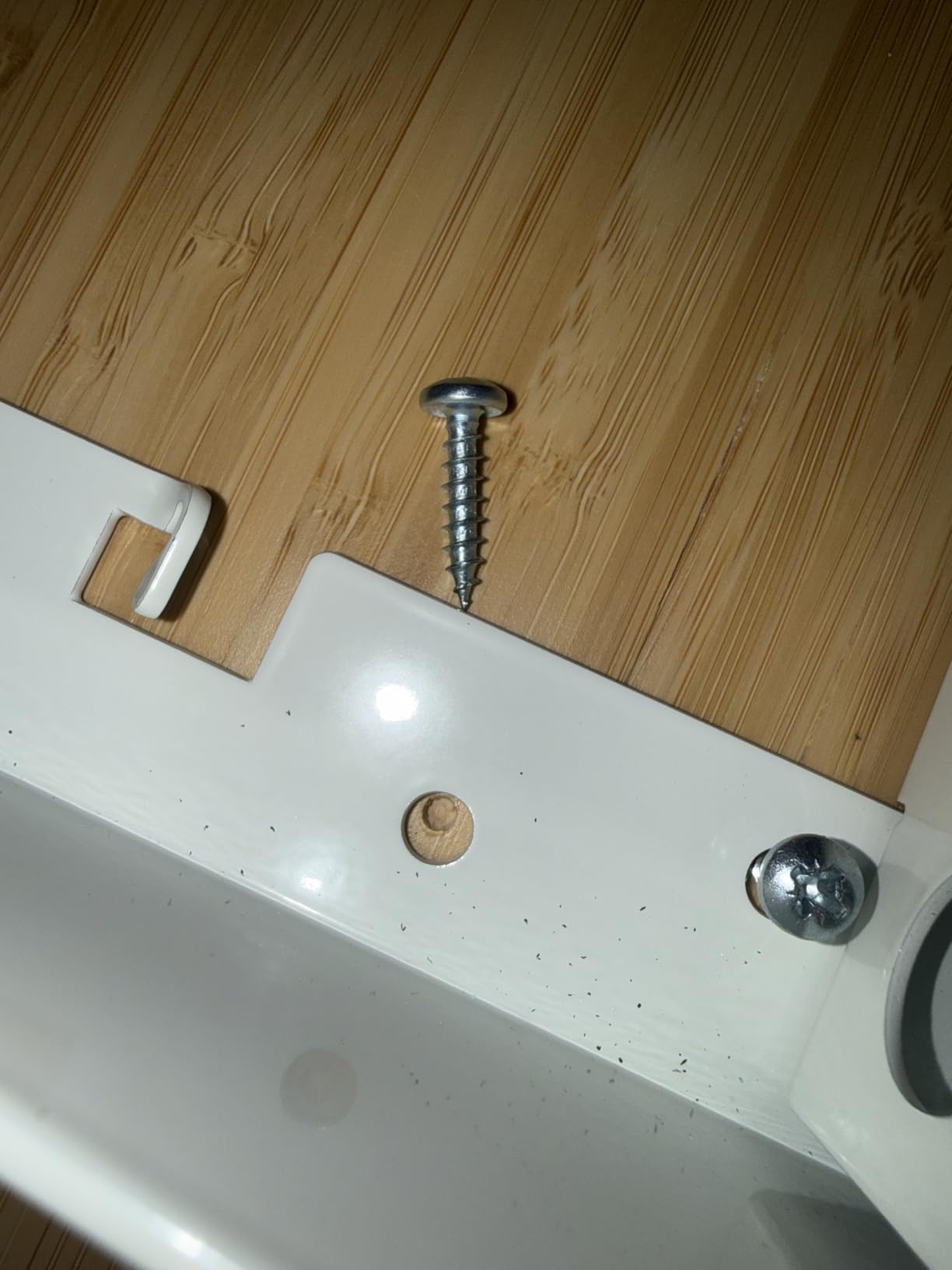
- Assembly can run three hours with inconsistent screw sizing
- Touch controls trigger accidental height changes
- Written instructions unclear without the video
This is the only desk in our list whose 60 by 30 top and 264.6 pound dual-motor frame both clear the bar for a full three-screen workstation without compromise, which is why it takes the top slot.
Owners repeatedly single out the same thing: no wobble at maximum height. That complaint is the defining worry in every forum thread about multi-monitor standing desks, and it is the one spec that separate columns solve. The reinforced steel frame with two synchronized motors holds its position when you lean on the front edge with both arms loaded.
The height range runs from 28.9 inches to about 47.1 inches, and the manufacturer rates it for users from 5 foot to 6 foot 8. For a tall user that is the part to check carefully, because the top end sits just below the 48-inch mark some people want. If you are 6 foot 2 or taller and your elbow height standing exceeds 47 inches, look at the VIVO 60×30 instead, which reaches 48.4 inches.
Other details matter for this workload. The integrated USB-A and USB-C charging ports mean the laptop and dock do not need desk-level outlets, and the one-piece top has no seam for a monitor arm clamp to snag on. Touchscreen control with three memory presets handles the sit-stand-switch routine in one press.
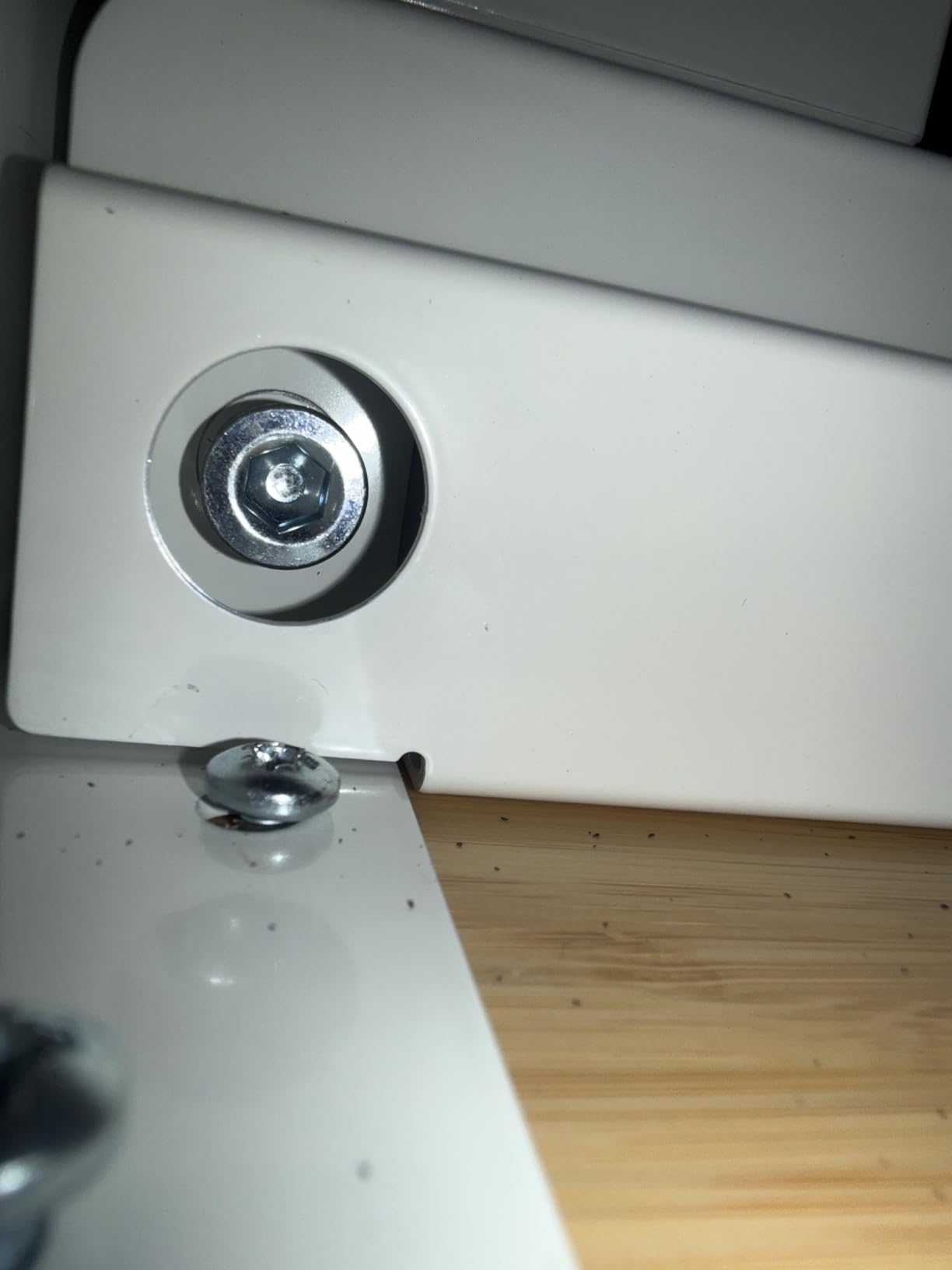
The honest drawback is assembly. Buyers report builds running two to three hours with screw sizing that does not always match the frame holes, and a few units arriving with missing hardware. The touchscreen is also easy to brush with a forearm, so plan on setting your resting position away from the controller edge.
Fits two monitors and a laptop: YES. The 60 by 30 surface, 264.6 pound rating and dual-motor frame handle two 27-inch panels on arms plus a laptop on a riser with margin to spare.
Where this desk suits a three-screen rig
The one-piece top is the practical hero for this setup. Spliced tops leave a seam that a C-clamp monitor arm can catch, and that seam is exactly where a rig with two mounted screens puts the most leverage.
At 264.6 pounds of capacity, you can add a desktop tower, an under-desk drawer of parts and a graphics tablet without running near the limit. For anyone whose gear list is still growing, that headroom is worth more than an extra inch of width.
Where this desk falls short
Assembly time is the real cost. If you are furnishing a shared office or a home with two people to set up, budget a full afternoon per desk rather than an evening.
The touchscreen controller’s accidental-trigger sensitivity is the second issue. A bare forearm resting on the front edge can change your desk height mid-sentence, so keep the control area clear.
2. CubiCubi 60×24 One-Piece Electric Desk – Best for a Seamless Top
CubiCubi 60 x 24 Large One-Piece Electric Adjustable Standing Desk, White
- One-piece top has no seam to catch a mouse or arm clamp
- Supports 30 percent longer than typical vertical steel
- Quiet motor under 45 dB
- Validated through 60000 plus lift cycles
- Holds two monitors plus a roomy keyboard
- Only 24 inches deep for a three-screen layout
- Thin laminate particle board top rather than solid wood
- No underside cable management tray included
The 60-inch single-piece top is the reason this desk earns a place on a multi-monitor list. Reviewers who upgraded from split-top budget desks treat the seamless surface as the decisive upgrade.
A one-piece slab has no joint for a monitor arm clamp to snag, no seam where a forearm lands while typing, and no weak line across the working area. That matters more for two mounted screens than it would for a single laptop, because the arms put constant lateral force on the back edge.
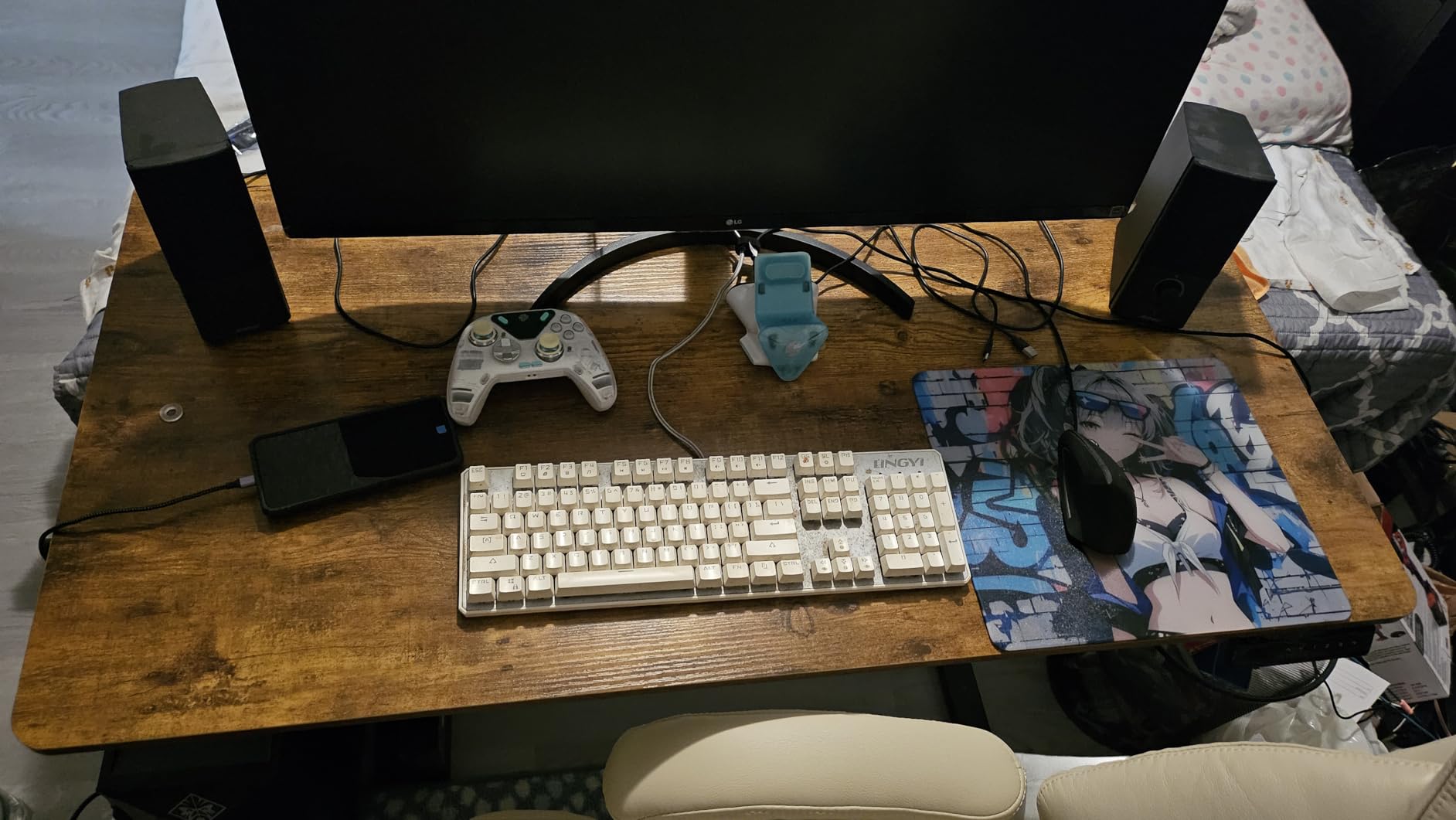
The frame is aerospace-grade cold-rolled steel rated to 176 pounds, with vertical supports the manufacturer says run 30 percent longer than typical designs. The motor runs under 45 dB, which is the quietest figure in this group and matters in a shared-wall apartment. Height travel is 28.3 to 46.5 inches with memory presets.
The tradeoff is depth. At 24 inches you are fitting two monitors, a laptop and a full keyboard onto a surface that is 6 inches shallower than the Desktronic. Reviewers do report that two monitors plus a chunky keyboard fit, so it works with monitor arms doing the space-saving work.
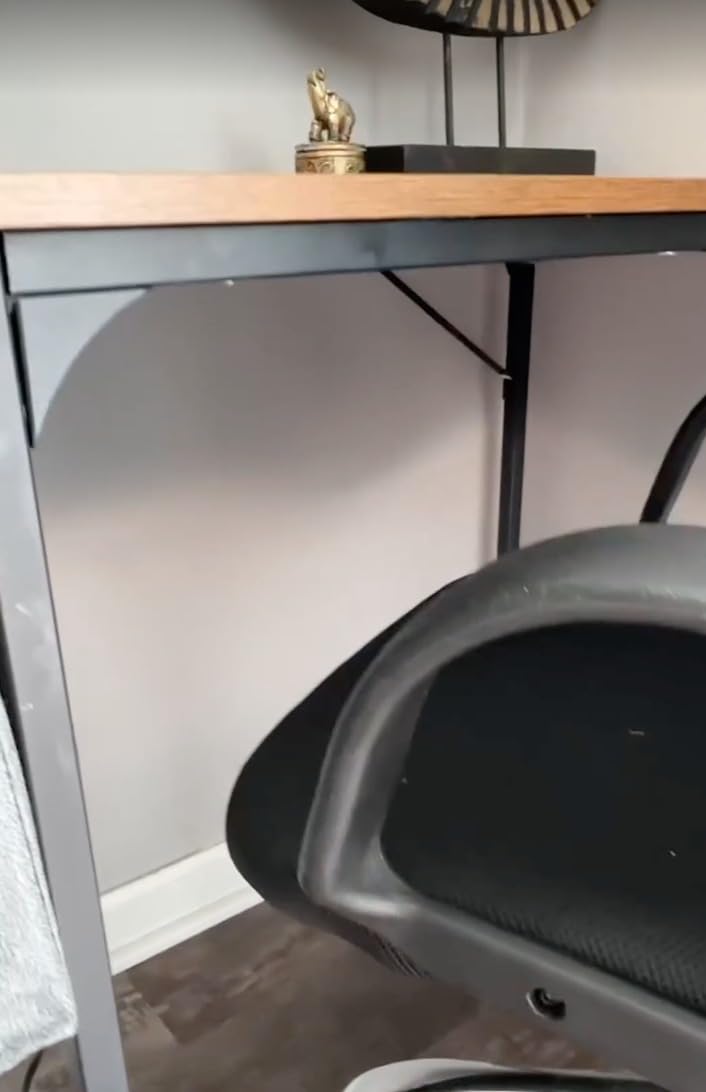
Other limitations are honest ones. The top is thin particle board with a laminate finish, not solid wood, so heavy monitor arm clamps want a reinforcement plate. There is no rear underside cable management tray and the included headphone hook is a stick-on hanger that reviewers call flimsy.
Fits two monitors and a laptop: CONDITIONAL. Works for two 24-inch panels, or two 27-inch panels on arms that lift them clear of the surface. A laptop sitting directly on the top alongside two stands is a crowded fit at this depth.
What it does better than most in this list
Quiet operation is the standout for anyone working next to a bedroom wall or recording voice calls from the same room. Under 45 dB is quieter than most refrigerators and much quieter than the typical budget frame.
The cycle validation is also unusually well documented for this price class. The frame is tested through 60,000 lift cycles and the motor through more than 100,000, with overheat protection built in, which is a reasonable proxy for a decade of daily use.
What to watch before you buy
Depth is the deciding factor. If your laptop will live on a riser on the desktop rather than an arm tray, 24 inches will feel cramped with two monitors also present.
The thin top is the second consideration. Clamp arms exert a lot of downward force, and laminate particle board dents permanently. Plan on a reinforcement plate under each clamp.
3. SHW 55×28 Electric Standing Desk with Drawer – Best Value
- Most reviewed desk in the group with a long owner history
- Drawer plus cable tray and grommets bundled in
- Four presets and a clear height readout
- Owners report no wobble when typing or leaning
- Straightforward solo assembly
- 110.2 lb rating is the tightest margin here
- Thin laminate top that tape can lift
- Typing shake appears with a dual monitor arm
With more than 21,000 reviews and owners reporting five years of service, this is the most proven desk here. That history matters for a rig that will hold two mounted screens, because you can read years of long-term feedback rather than a few hundred early reviews.
Buyers repeatedly compare it favourably to commercial desks costing several times more, and the value argument holds up on specs. The 55 by 28 top carries a bundled drawer on ball-bearing glides, a cable management tray, desktop grommets and two utility hooks, which are accessories that normally cost extra.
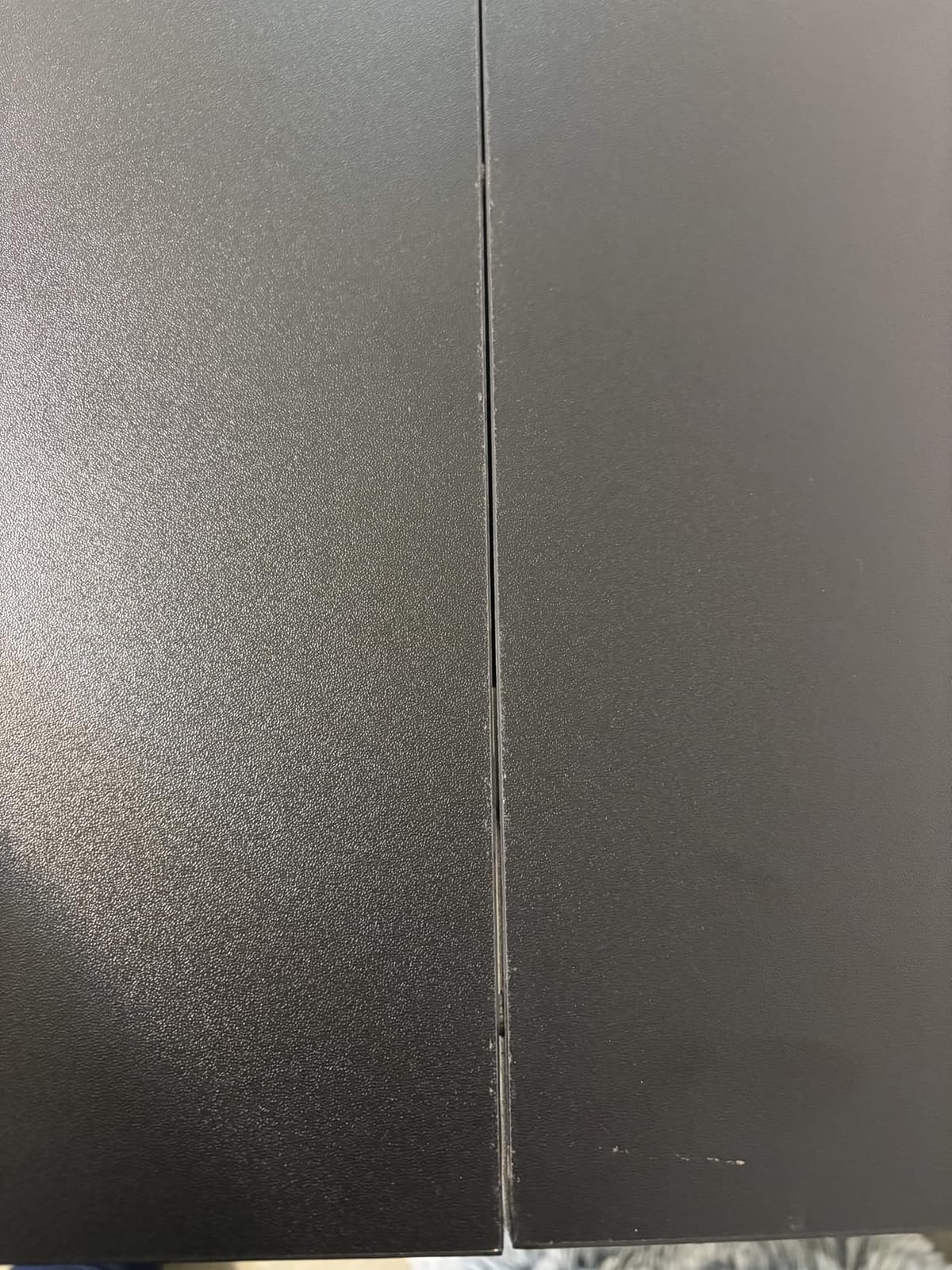
Height travel runs from 28 to 45 inches with four programmable presets and a manual up-down control. Long-term owners report the motor still running fine after half a decade, and the presets are described as enough for a single user or two people sharing settings.
Here is the honest problem. The rated capacity is 110.2 pounds, which is the tightest margin in this roundup. Two monitors on arms, a laptop, a dock and a desktop tower can reach that figure on their own. Our headroom rule would put your working budget near 82 pounds, and this rig sits close to it.

Two other reports are worth taking seriously for a multi-monitor build. Owners using a dual monitor arm describe noticeable typing shake, which is the mechanical consequence of a lighter frame and a thin laminate top. A small number of units have arrived with non-functioning motors that required a support contact.
Fits two monitors and a laptop: CONDITIONAL. Fits the screens physically with room to spare, but you need to keep the total load well under the rating. If your setup includes a heavy desktop tower, move up to a higher-capacity frame.
Where the bundled extras pay off
The cable management tray and grommets matter more here than on any other desk in the list, because a three-screen setup with a docked laptop is the single worst cable situation in home-office furniture. Having the tray in the box removes the most common excuse to skip cable management.
The drawer adds a place to keep the dock, adapters and small peripherals off the work surface, which on a 55-inch top is genuinely valuable.
Where the capacity rating bites
If both monitors are 32-inch panels on full-extension arms, this desk is the wrong tool. Panel weight plus arm leverage can exceed what a 110-pound frame handles comfortably.
Pair it with laptop risers instead of a heavy desktop, keep the arms short, and it becomes a very capable desk for the money. That is why it still takes the value badge rather than a capacity-based award.
4. HUANUO 63×28 Electric Standing Desk – Best for a Wide Desktop
HUANUO 63×28 Inch Electric Standing Desk, Height Adjustable, Black Walnut
- Widest conventional rectangle at 63 inches
- Smooth quiet adjustment with four presets
- Stable at full standing height while typing
- Clear instructions for about an hour of assembly
- Sold across sizes from 32 to 71 inches
- Stated depth includes the control console
- Two-piece top leaves a visible seam
- Thin top needs reinforcement for monitor arms
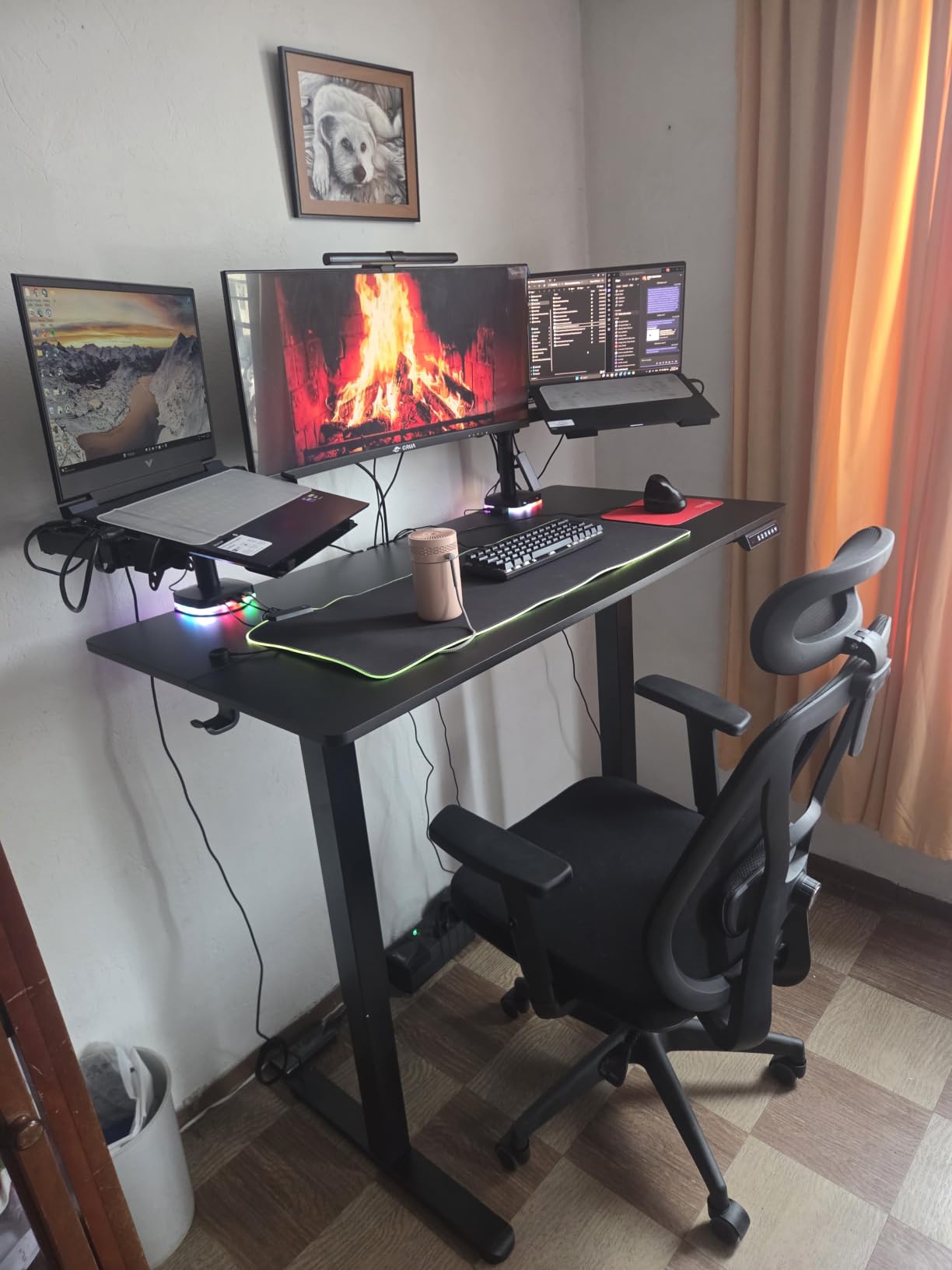
Width is the constraint that decides most three-screen purchases, and this is the widest conventional rectangular top in the group. At 63 inches it clears two 27-inch panels plus a laptop riser without anyone negotiating for space.
Reviewers with multi-monitor and tall-user setups call out the width directly, and the alloy steel frame is tested to 50,000 lift cycles at full capacity. It stays stable at maximum standing height with no wobble while typing, which is the behaviour you want when two arms are loaded.
Assembly is described as streamlined with well-labelled parts and takes about an hour. Four programmable presets handle the sit-stand switch without digging for a remote, and the same model family is offered from 32 inches up to 71 inches if your room changes.
One accuracy note matters for anyone measuring their space. The advertised 28-inch depth includes the control console, so usable depth is closer to 27.5 inches. That is still a workable figure for a laptop riser plus keyboard, but not quite the full 28 inches.
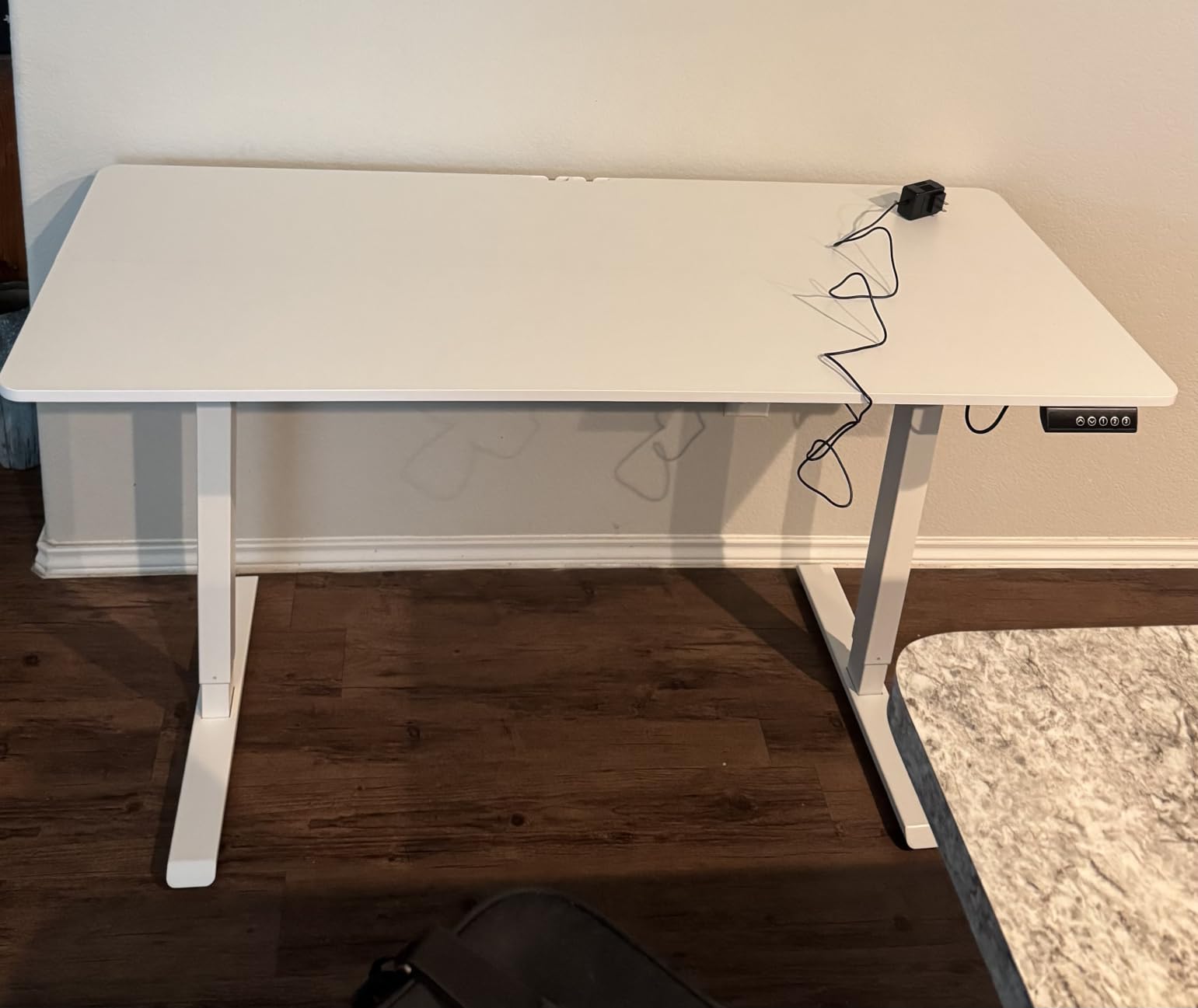
The top is a two-piece spliced surface with rounded corners, which leaves a visible seam unless you cover it with a desk mat. Because the top is thin, reviewers recommend reinforcement plates under monitor arm clamps, the same caveat that applies to most budget frames.
Fits two monitors and a laptop: YES for two 27-inch panels and a laptop. A pair of 32-inch monitors will fit width-wise but leaves no room for the laptop on the surface, so that pairing needs an arm tray.
Why width beats everything else here
Once two monitors are mounted, the free surface becomes the laptop’s entire workspace plus your keyboard. Losing 6 inches of width translates directly into losing either the laptop position or the mouse position.
Wide tops also reduce the temptation to stack one monitor vertically, a pattern that works until you run out of desk, which is the frustration a poster on r/desksetup described after adding a 43-inch panel to a normal-width standing desk.
What the spliced top costs you
A seam across a 63-inch top is visible and, more importantly, is where a C-clamp monitor arm can slip or catch during adjustment. A desk mat solves the cosmetic half; reinforcement plates handle the mechanical half.
Leg mounting bracket rails on this model are not self-centering, so take a few extra minutes during assembly to align them before tightening.
5. Veken 55×23.6 Electric Standing Desk – Most Versatile
- Accessible entry point for a 55-inch electric desk
- Integrated cable management in the box
- Quiet motor rated under 52 dB
- Smooth controller with four presets
- Assembly takes 10 to 30 minutes
- Only 23.6 inches deep
- the shallowest top here
- Desktop is two joined boards rather than one slab
- A Phillips screwdriver is needed and not included
This is the most affordable route to a 55-inch electric top, and for a buyer working from a fixed budget with two 24-inch monitors it does the job. It is also the clearest example in this roundup of why depth matters more than people expect.
At 23.6 inches, this top is 4.4 inches shallower than a 28-inch desk and 6.4 inches shallower than the 30-inch surfaces that suit a three-screen layout best. Reviewers consistently identify depth as the trade-off buyers accept when choosing this model.
What it does offer is a lot of width for the money, a carbon steel frame rated to 154 pounds that reviewers describe as stable when fully extended, and built-in cable management with a cable clip. The motor runs under 52 dB and four memory presets make the sit-stand switch one button press.
Assembly is genuinely quick at 10 to 30 minutes with clear instructions, and the box includes two headphone hooks, feet pads and a manual. Two people are advised because of the two-board top.
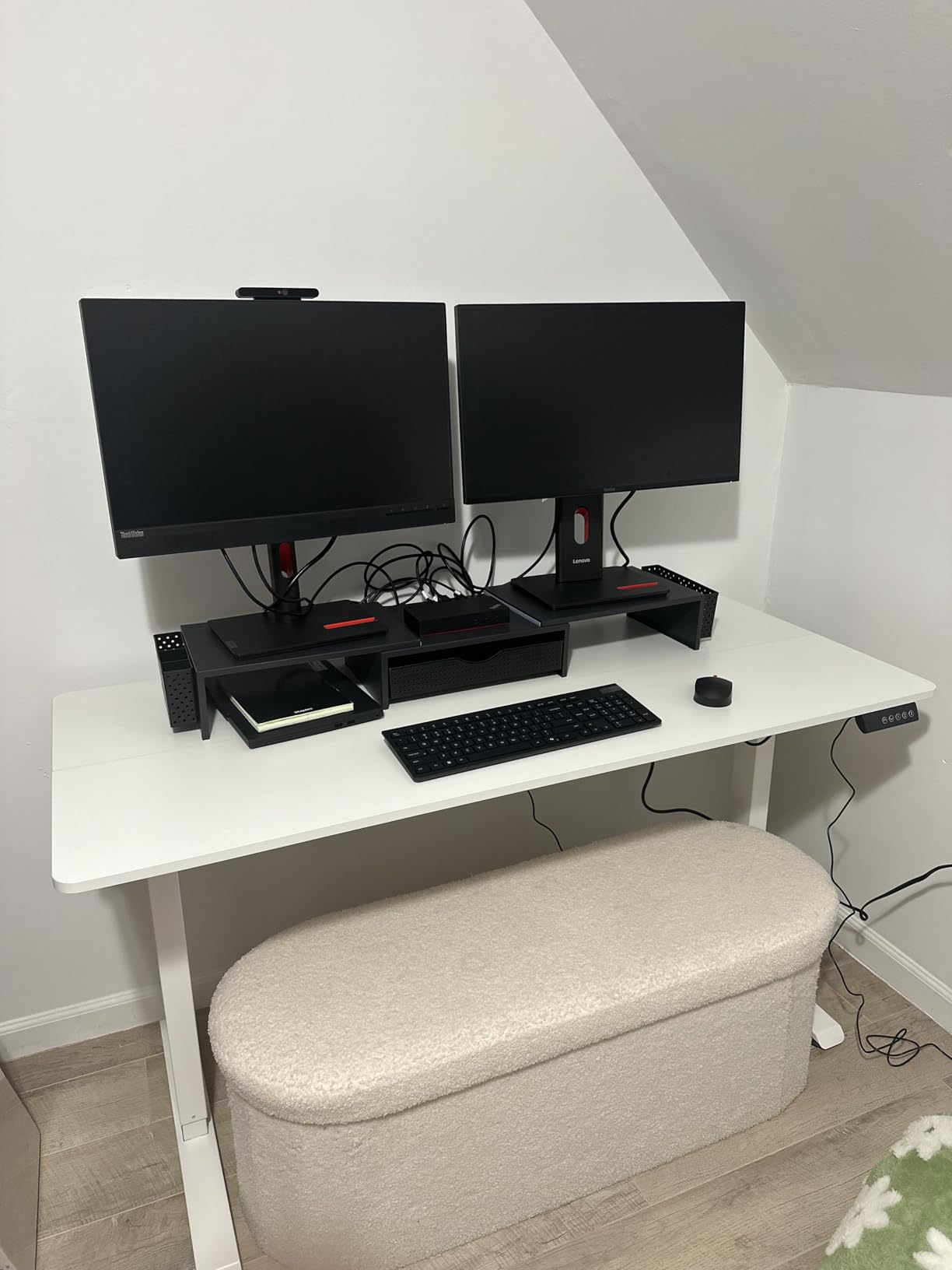
The 154-pound rating gives you a working budget near 115 pounds under our headroom rule, which covers two monitors on arms plus a laptop and dock. Push a desktop tower and heavy panels into that figure and you are running out of margin.
Fits two monitors and a laptop: CONDITIONAL. Two 24-inch panels on stands leave room for a laptop. Two 27-inch panels on arms work because the arms lift them clear. Anything larger needs a deeper top.
Where budget buyers should be happy
Height adjustment is smooth and the controller is easy to use, which is more than some desks at twice the cost deliver. Four presets cover a single user completely.
Having cable management built in at this price is unusual and it removes the most common piece of desk clutter for a docked three-screen setup.
Where you will feel the saving
The shallow depth forces the monitor position further back or closer to the keyboard than is comfortable, and it is the reason the desk is a conditional fit rather than a yes.
The two-board top also has a seam, so plan on a desk mat if appearance matters to you and reinforcement plates under any arm clamps.
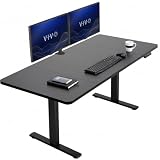
6. VIVO 60×30 Standing Desk – Best for a Deep Workspace
- 220 lb steel frame
- the second highest rating here
- 29.5 inch depth fits a laptop riser and keyboard
- Very quiet motor with smooth motion
- Four presets plus a useful height readout
- Support sends replacement parts quickly under warranty
- Some sizes arrive as separate top sections
- Joining braces can catch knees
- Shakes slightly at maximum height if you lean
The 220-pound all-steel frame combined with a 29.5-inch-deep top is the strongest capacity-and-depth pairing here, and for a heavy multi-monitor build that is worth more than a wider but shallower surface.
Reviewers highlight the 220-pound rating as the standout spec for monitor-and-computer loads, since it sits well above the 176-pound norm most of this list shares. The 1.1-inch tabletop is also the thickest in the group, which helps resist the flex that arms put on a thinner panel.
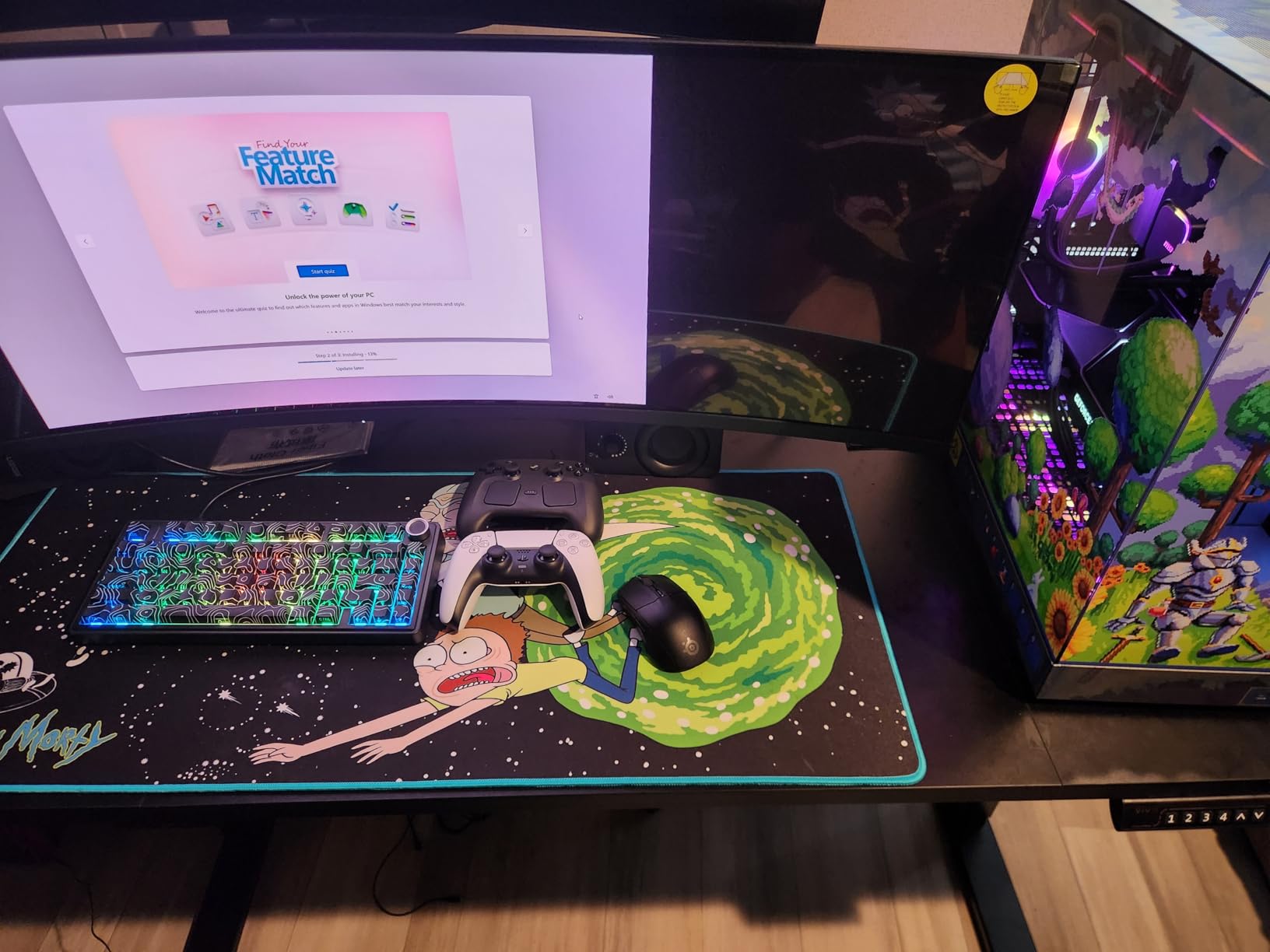
Telescopic adjustment covers 29.2 to 48.4 inches, the highest standing height of any desk in this roundup. That figure is why we point tall users here. A 6 foot 2 person often has a standing elbow height above 48 inches, and the 47-inch ceiling of several competitors falls short for them.
The push-button controller has four memory presets and a height readout, and reviewers describe the motor as extremely quiet with very smooth motion. The model family also runs from 43 by 24 up to 83 by 30 in multiple top and frame finishes.
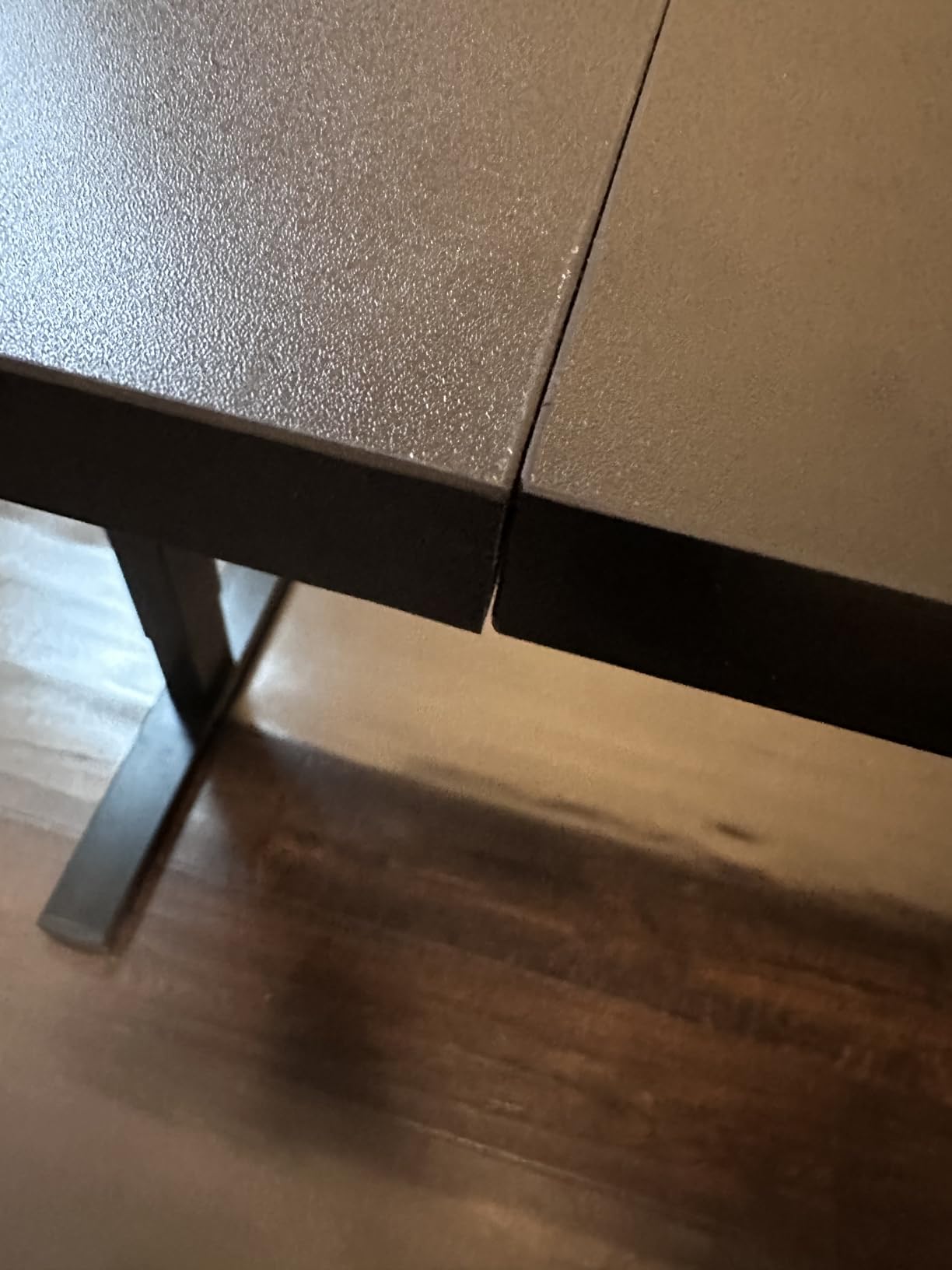
The honest weak point is the multi-piece top on some sizes. Reviewers mention misaligned pre-drilled holes in the top sections and visible seams, and the metal braces joining sections can catch knees. A handful of owners also report a little shake at maximum height when leaning on the surface.
Fits two monitors and a laptop: YES. At 29.5 inches deep there is room for a laptop riser, a full-size keyboard and a mouse without crowding, and the 220-pound frame carries the load with margin.
Why tall users should look here first
Max height is the most commonly missed spec. Most budget frames stop around 46.5 inches, which suits a 5 foot 10 user standing at roughly 45 inches of elbow height and leaves a 6 foot 2 person bending forward to work.
At 48.4 inches this desk clears the comfortable standing position for taller users without needing a monitor riser to make up the difference.
Where it falls short
The sectional top is the recurring complaint. If you order this model, check whether your size arrives as one piece or several, and allow time to align the pre-drilled holes before tightening.
The joining braces under the desktop are a real ergonomic issue for anyone who moves their knees in and out during a standing session, and they are worth checking against your own sitting and standing posture.
7. FLEXISPOT 60×24 Electric Standing Desk – Best for a Thick One-Piece Top
- One-piece seamless top with a crack-free surface
- 1-inch thick board stays planted while writing
- Very quiet motor with quick smooth changes
- Manual has labelled parts and per-step numbers
- Legs arrive pre-fitted with the drive rod mounted
- 24 inch depth is shallow for three screens
- Included side hooks lack pre-drilled holes and flex
- Occasional scratched desktops out of the box
The 1-inch-thick seamless top is what separates this desk from the other 60-inch models in this roundup, and buyers upgrading from split-top budget frames say so directly. They describe the desk as planted and wobble-free while writing.
Thickness and seamlessness both matter mechanically here. A 1-inch board resists the downward clamping force of a monitor arm, and a seamless surface gives the arm clamp an uninterrupted bearing surface rather than a joint to slip against.
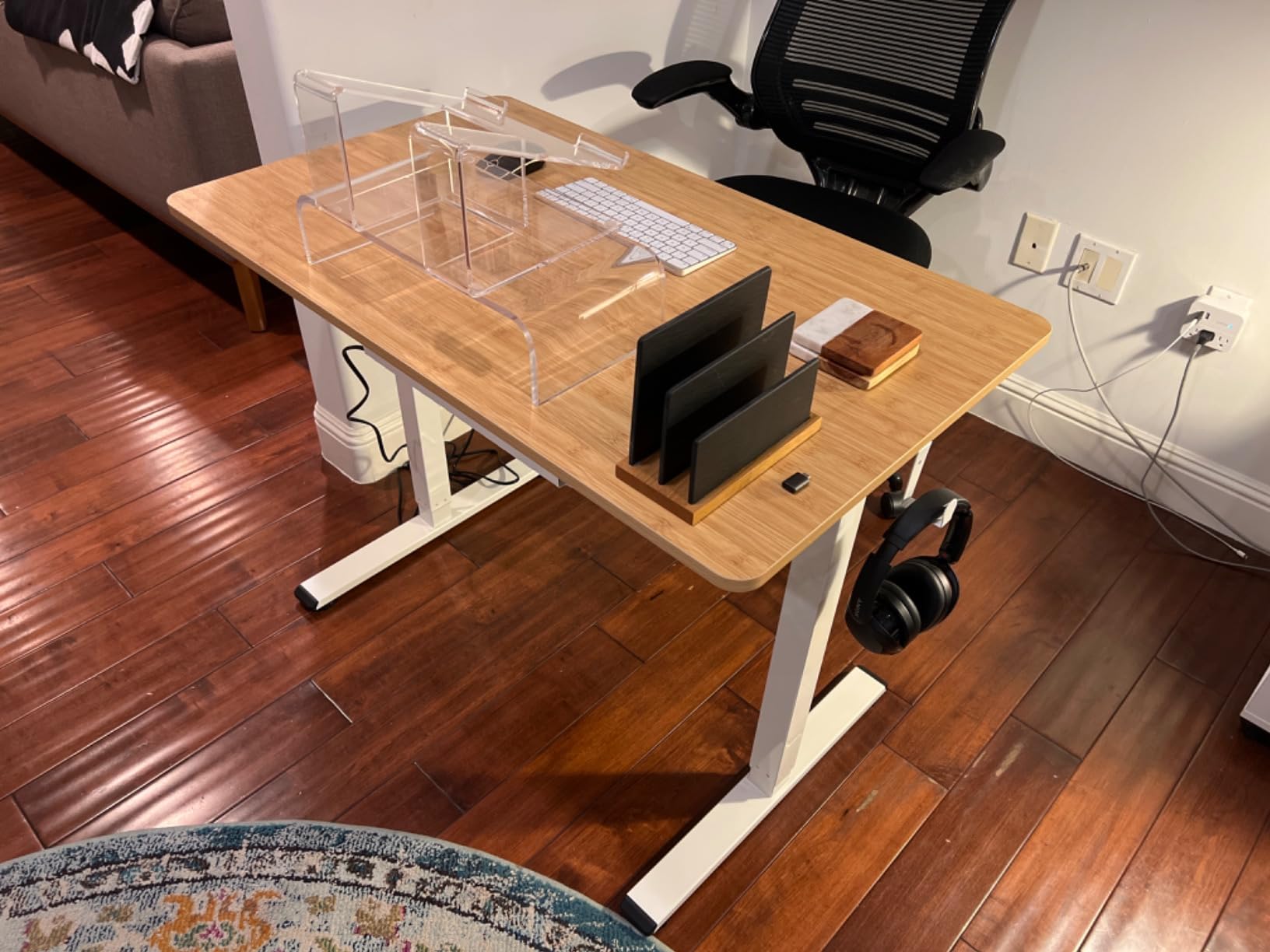
The alloy steel frame is rated to 176 pounds, which is sufficient headroom for two monitors on arms plus a laptop and dock under our 75 percent rule. Height travel is 28.3 to 45.7 inches with four push-button height positions.
Assembly details are unusually good for this price class. The legs come pre-fitted with the drive rod already mounted, and the manual lists parts with numbers for each step, so there is very little assembly logic to work out.
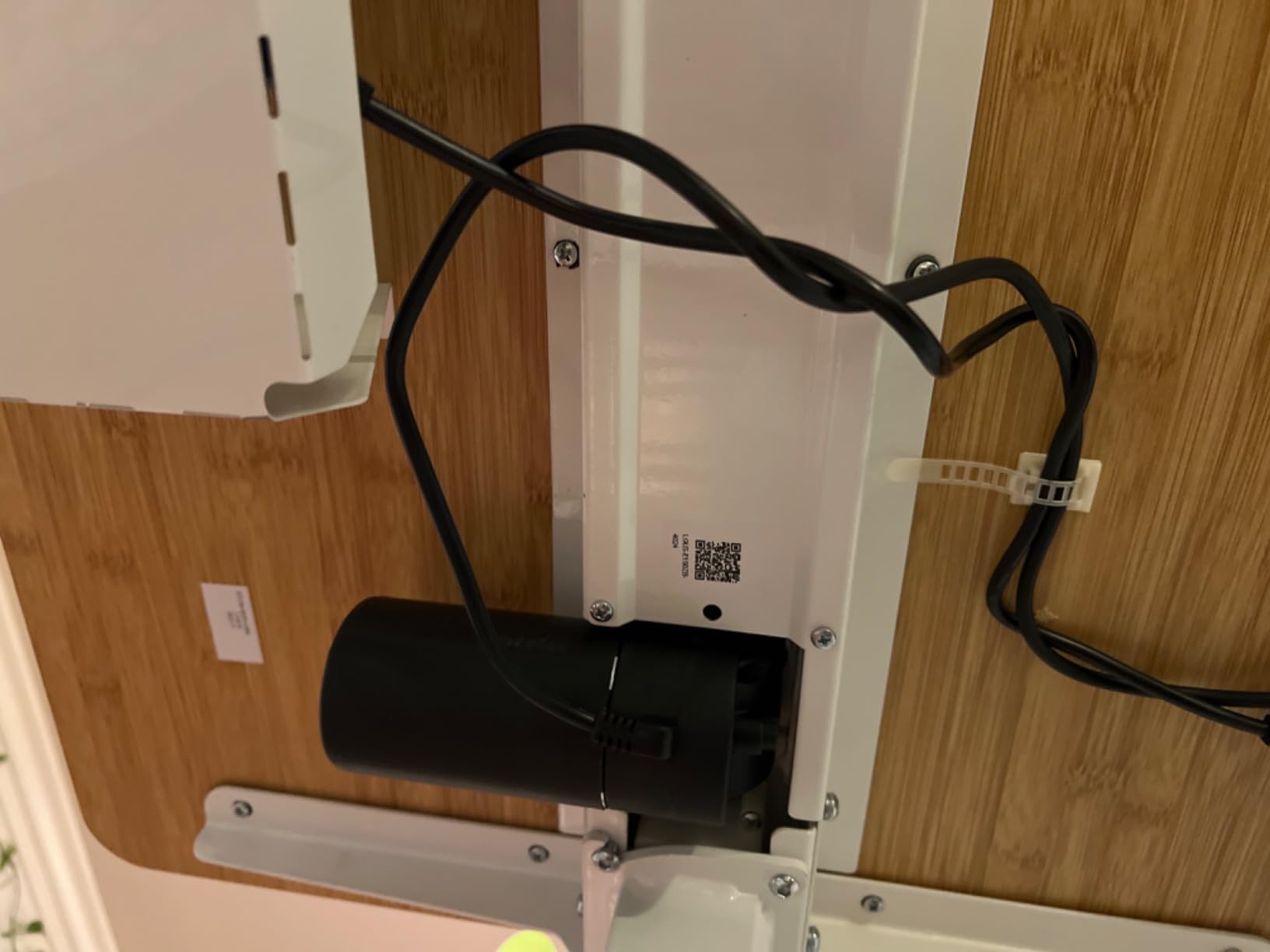
The limitation is depth again. Twenty-four inches is tight for a laptop sharing the surface with two monitor stands, and reviewers upgrading from deeper desks notice it. The included side hangers and headphone hooks have no pre-drilled holes and reviewers describe them as thin bent metal that shifts under load.
Fits two monitors and a laptop: CONDITIONAL. Two 24-inch panels work comfortably, and two 27-inch panels work on arms that lift them off the surface. A laptop on the desktop alongside two stands is tight.
What the thick top buys you
Monitor arms are the reason thickness shows up in multi-monitor reviews. Clamp arms apply steady downward force at the rear edge, and a thin panel deflects visibly over months of use. A 1-inch board is the thickest here and the least likely to.
The seamless surface also means no seam to catch a mouse cable, which is a small daily quality-of-life difference that becomes noticeable over a year.
Where you will feel the compromise
Depth is the honest limit here, and it is the same 24-inch constraint that keeps the CubiCubi at a conditional fit rather than a yes.
Skip the included hooks entirely and buy proper hardware if you plan to hang anything. Flexing bent-metal hangers are the one accessory quality issue reviewers raise repeatedly.
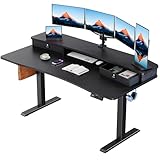
8. HUANUO 60×30 Standing Desk with Two Drawers – Best for Monitor Arms
HUANUO 60″ x 30″ Electric Standing Desk with 2 Drawers, C-Clamp Mount Compatible, Height Adjustable Computer Desk, Home Office Stand Up Desk with 4 Preset Heights & 2 Hooks, Black
- Extended 2.36 inch rear platform accepts a C-clamp mount
- Two drawers plus a keyboard and mouse cubicle
- Curved ergonomic edges on the desktop
- One-touch preset switching with anti-collision
- Carbon steel frame for the price
- Top arrives as a spliced two-piece surface
- Listing copy inconsistently describes the desktop size
- Thin 0.6 inch panel relative to the others here
This is the only desk in the roundup with a documented mounting solution for a monitor arm, and that is exactly the specification gap that catches buyers assembling a three-screen rig. The extended 2.36-inch rear platform exists to accept a C-clamp monitor mount.
That platform answers a question forum users ask constantly: can you clamp a dual monitor arm to a standing desk, or does the frame block it? Here the answer is yes, and the second use of the same platform is raising monitors to eye level without buying separate risers.
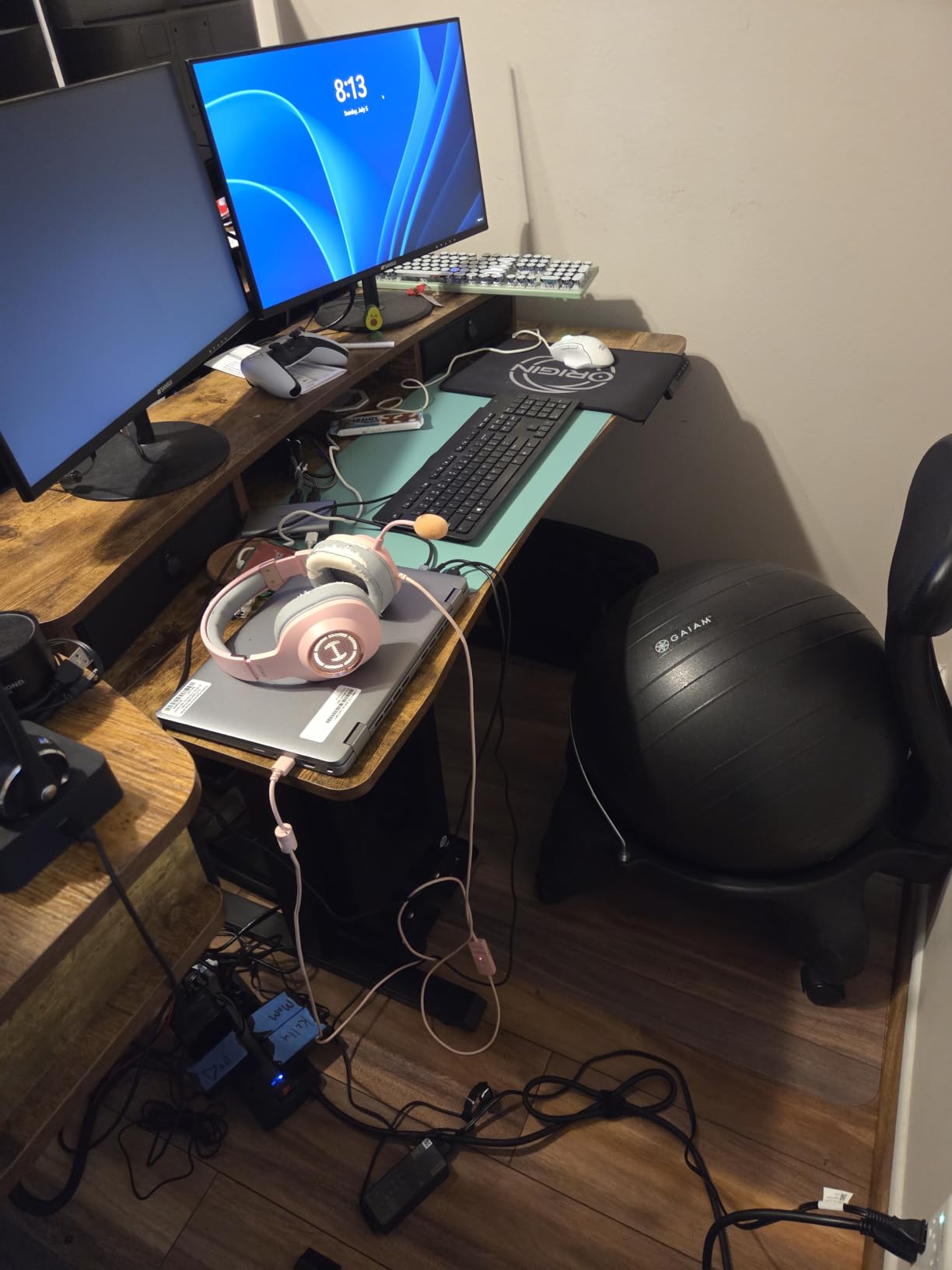
The rest of the package suits a wired three-screen setup. Two desktop drawers plus an open cubicle keep the docking station, adapters and keyboard out of the working area, which matters on a 60-inch top that is already crowded. Curved desktop edges sit more comfortably against the wrists than squared laminate.
Height travel is 27.9 to 46.8 inches with four preset buttons and an anti-collision system. The lowest seated height of 27.9 inches is the lowest here, which is useful for shorter users.
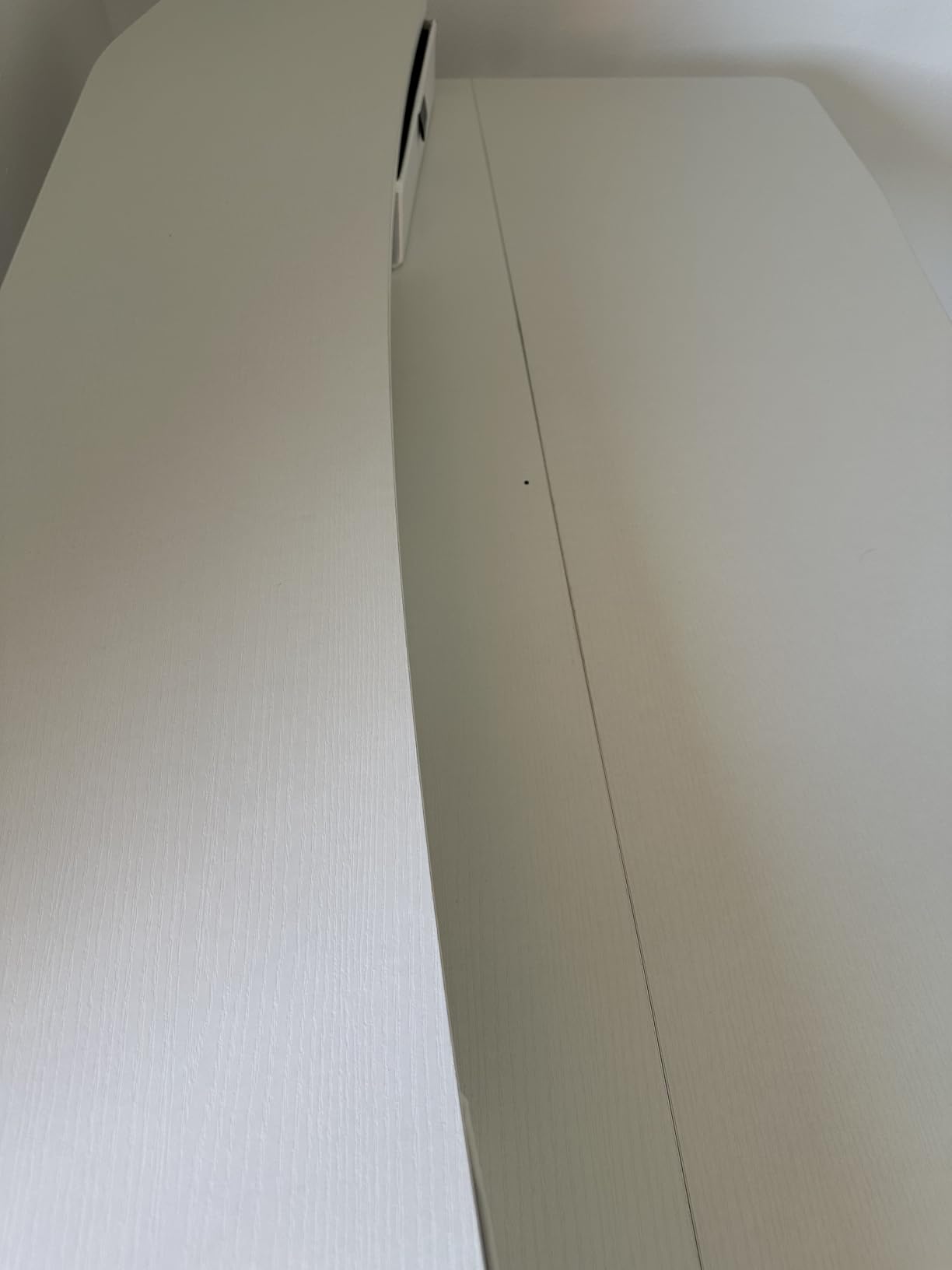
The top is a spliced two-piece surface with a visible seam, and at 0.6 inches it is the thinnest panel in this group. That combination means the rear platform is essential rather than optional, since a C-clamp on a thin unseamed section would crush or scar the panel.
One caveat on the listing itself: the product copy inconsistently describes the desktop as 48 inches in places. The actual panel is 60 by 30 inches, so measure the frame yourself if your space is tight.
Fits two monitors and a laptop: YES. The mounting platform, 30-inch depth and 176-pound carbon steel frame cover two 27-inch panels on arms plus a laptop riser and dock.
Why the rear platform is the most useful feature here
Almost every frame on the market places a crossbar or brace exactly where you want to clamp a monitor arm. The result, described repeatedly in community threads, is that owners resort to drilling or improvised mounts.
A purpose-built platform removes that guesswork. You know before the desk arrives that a clamp will hold, and you know where to measure for the arm post.
Where the thin top argues for caution
Half an inch of engineered wood has no business carrying a full-extension arm unless the load is distributed across the reinforced platform. Use the platform as designed rather than clamping to the main surface.
Assembly takes two people and a screwdriver, both recommended in the instructions and neither of them included.
9. VIVO 63×55 Corner Standing Desk – Best for a Corner Layout
VIVO Electric 63 x 55 in Corner Standing Desk with Memory Presets
- L-shaped return gives the laptop its own wing
- Reversible return installs on either side
- Owners report no flex with clamped monitor arms
- Programmable memory controller with presets
- No bottom crossbar so legroom stays clear
- Three-piece top with two visible seams near the keyboard
- Several spots lack pre-drilled holes so drilling is needed
- Some shake at peak height
- Fixed screws make moving the desk hard
A corner desk solves the laptop-placement problem more cleanly than any riser, because the return creates a dedicated wing beside the monitors. That is the arrangement reviewers describe when they say the L-shape handles dual 27-inch monitors plus a drawing tablet, keyboard and notebooks at once.
The 225-pound all-steel frame is the second highest rating in this group, and owners with heavy multi-monitor arms report no flex. The return is reversible, so you choose either orientation at assembly rather than being locked into it.
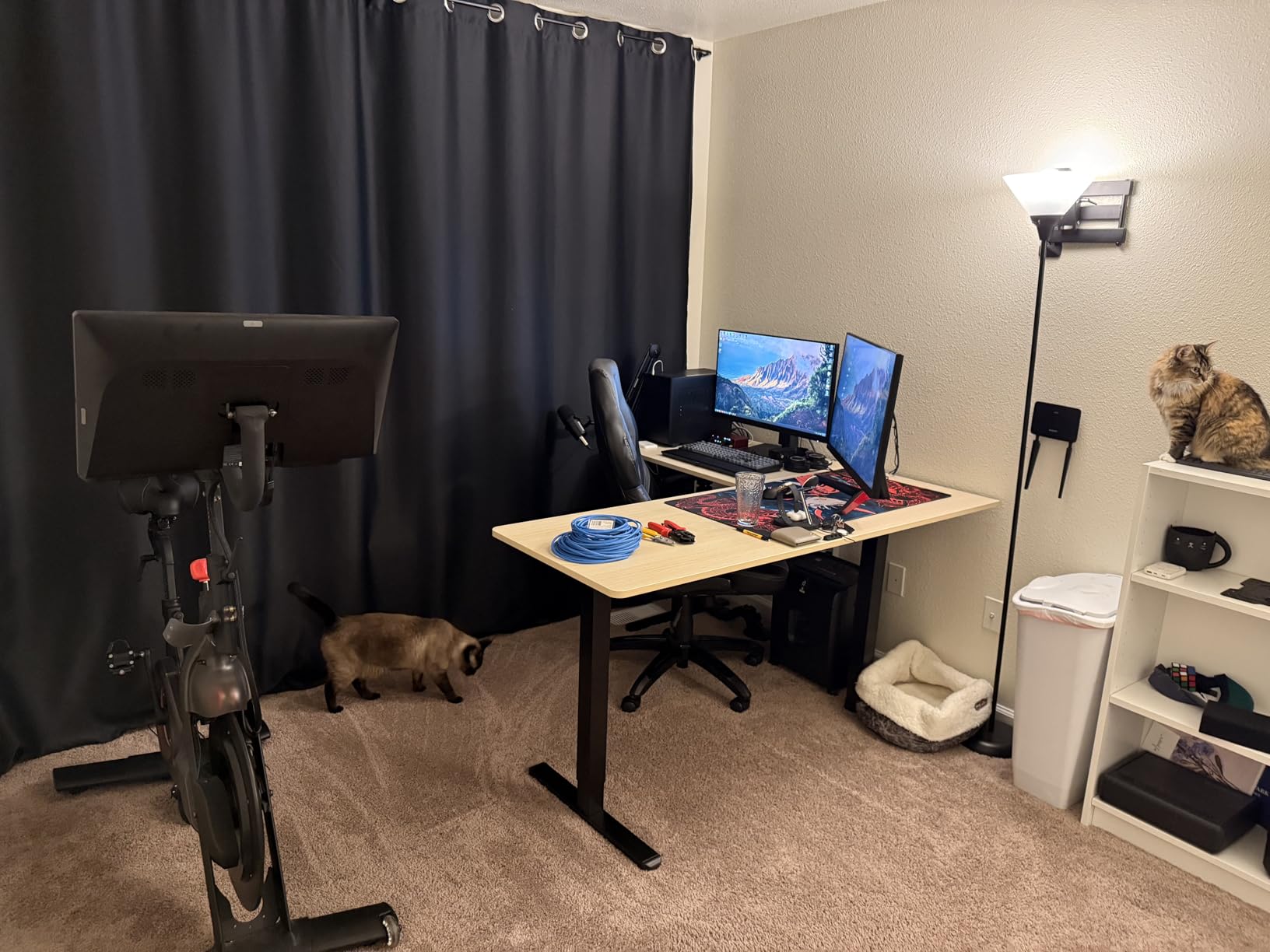
The single motor has 2.4-inch-wide steel legs, and reviewers describe it as unstrained under heavy computer loads. Travel is 28.5 to 46.8 inches with a programmable memory controller. Built-in grommets and under-surface cable clips come standard, which is a real help for routing cables around a corner.
There is no bottom crossbar, so legroom stays clear for a footrest or for shifting position while standing.
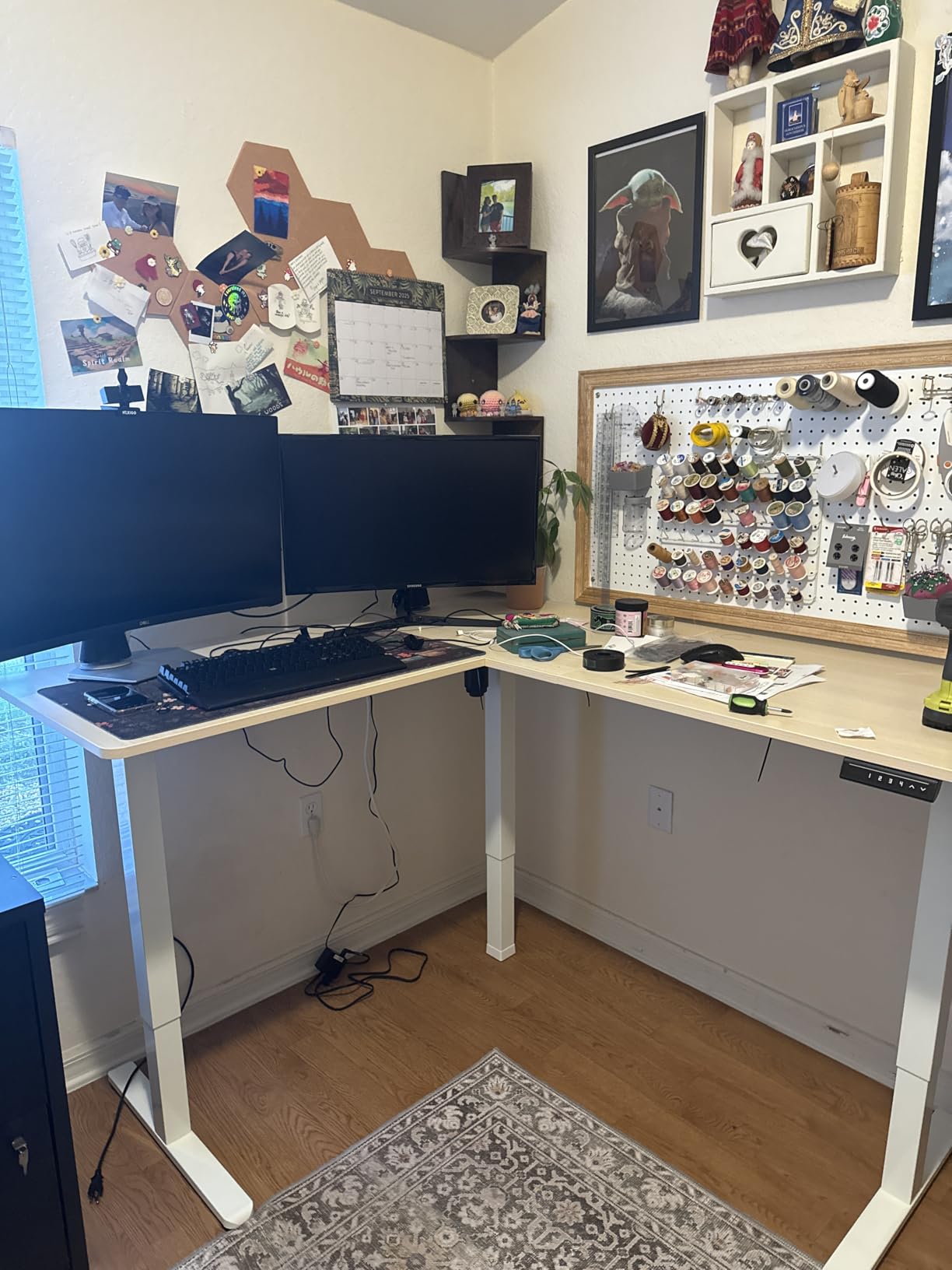
The ergonomic caveat is the reason this sits at nine rather than higher. A corner desk inherently pushes one monitor off the centre line. If your secondary screen sits on the return, you will turn your head to read it repeatedly, and that is a neck-posture cost that no amount of desk quality removes.
Documentation is the other weak point. Instructions switch perspective between steps, several spots lack pre-drilled holes so drilling is required, and screws are not self-tapping. The three-piece top has two seams, one near the keyboard area.
Fits two monitors and a laptop: CONDITIONAL on the layout. Physically, 225 pounds of capacity and a large corner surface handle the load with room. Ergonomically, it works best with both monitors on the main desk and the laptop on the return.
What the corner shape actually solves
The unsolved question in most three-screen threads is where the laptop goes. Once two monitors occupy the width of a straight desk, there is no natural laptop position, and arm-mounted trays are debated precisely because users worry about stability while the desk is moving.
A return sidesteps that debate by giving the laptop real estate at its own height, with the screen or keyboard facing the same way.
Where the corner shape costs you
Off-axis viewing is the price. If both monitors end up on the return and main desk angled away from each other, you will spend the day rotating your neck instead of moving your posture.
Moving this desk is also difficult because the top is screwed in. Measure doorways and corners before ordering a unit with a 63-inch outside span.
10. VASAGLE 55×28 Electric Standing Desk – Best for a Quiet Entry Desk
VASAGLE Standing Desk, 55×28 Inch Electric Adjustable Desk, 30-Min Assembly
- 28 inch depth is deeper than most 55 inch desks
- Quiet motor under 50 dB
- Rock stable while typing or doing heavy work
- Four memory presets with one-touch rise
- Clear instructions with labelled parts
- 154 lb rating is low for a loaded three-screen rig
- Metal layer under the top blocks clamp-on keyboard trays
- Particle board corners chip if unpacked unevenly
The 28-inch depth is the story here. Most 55-inch desks are 24 inches deep, so this gives you 4 extra inches of front-to-back room, and reviewers specifically praise it as better suited to a monitor-and-laptop layout.
Operation is also among the quietest here at under 50 dB, with the motor cycle-tested for 20,000 raises. Owners describe it as sturdy, reporting that it does not rock or move during typing or heavy work.
The four memory presets make position changes instant, and a sedentary reminder prompts you to stand every hour, which is a small feature that helps with the habit half of a sit-stand desk. Assembly is claimed at about 30 minutes with all parts labelled and no extra tools required, though some owners spent closer to two hours.
The same family is offered in 48 by 24, 55 by 28 and 63 by 28 sizes, which makes it easy to step up to a wider top later if your monitor count grows.
The 154-pound rating is the limiting number. Under our headroom rule that gives you roughly 115 pounds of working budget, which covers two monitors on arms, a laptop and a dock but leaves little room for a desktop tower or a pair of 32-inch panels.
There is also a metal layer under the top, which means standard clamp-on keyboard trays will not fit. If you plan to use a keyboard tray, check the mounting method before you buy.
Fits two monitors and a laptop: CONDITIONAL. Two 24-inch panels plus a laptop sit comfortably on this depth. Add heavy arms and a tower and the rating becomes the constraint.
Where the extra depth pays off
Depth is what lets you keep a monitor at a sensible distance while still having room for a laptop riser behind or beside the keyboard. That is the single change that most improves a two-monitor standing setup.
Owners also value the one-touch preset rise, since changing position every 30 to 60 minutes only works if the desk responds instantly.
Where the rating becomes the limit
Below about 150 pounds we would not recommend this for heavy panels on full-extension arms. The frame will hold the load, but the wobble that appears under leverage is what reviewers of lighter frames describe as distracting.
Particle board corners chip easily if the top is pulled unevenly out of the packaging, so open the box carefully and check the corners first.
When an L-Shaped Desk Beats a Straight One?
A corner desk is the right call when the laptop is a first-class screen rather than a spare, because the return gives it a permanent home. Owners of the VIVO corner model describe exactly this arrangement: two 27-inch monitors on the main desk and the laptop on the wing, all at working height.
The other case is a room with a genuine corner and no wall space to run a straight 63-inch top. A corner layout uses the footprint that a rectangular desk would waste.
The ergonomic cost is unavoidable and worth stating plainly. A return screen sits off the centre line, so reading it means turning your head. Clinicians writing about monitor ergonomics have flagged exactly this as the flaw in corner desks, and the same critique appeared in a clinician-authored roundup that still ranks on this topic.
Our rule is to keep both monitors on the main desk and use the return for the laptop, a keyboard, or a graphics tablet. That keeps every screen close to the centre line.
For most people, though, a wide straight desk plus a monitor arm solves the same laptop-placement problem with fewer moving parts. We looked at cycle desks separately in our indoor riding desk guide, and the same width-versus-depth tradeoff applies.
Stability: Why Motor Count Matters With Three Screens
Stability with two mounted monitors is mostly a structural question about how many lifting columns share the load. A single-motor frame concentrates all the weight in one central leg set, so a fully loaded rear edge with two extended arms creates a visible pivot.
A dual-motor frame splits the load across two columns, which halves the leverage on any one leg and keeps the top level when the desk is at standing height. In this roundup only the Desktronic HomeOne uses dual synchronized motors, and it is also the only desk here whose owners describe no wobble while leaning on the front edge with a full load.
That is the honest trade-off. Dual-motor frames cost more and are heavier to assemble, but they are the correct choice for two 32-inch panels on arms. For two 24-inch panels, a well-built single-motor frame is sufficient.
The second stability variable is the top itself. Desktop thickness controls how much the surface deflects under the downward force of a clamp arm. A 1-inch board like the FLEXISPOT is the thickest here, while a 0.6-inch panel needs the reinforced platform that the HUANUO 60×30 provides.
Third is how the monitors are mounted. Grommet mounting through the desktop is the most secure option because it transfers load into the frame. Clamp mounting is faster but concentrates force on the panel, which is why a clamp plus a thin top needs a reinforcement plate.
Finally, check the crossbar. Many frames place a horizontal support exactly where you want to clamp an arm, and the solution is either the dedicated rear platform on the HUANUO 60×30 or a grommet mount just in front of the bar.
Our own stability read comes from owner reports about behaviour at maximum standing height under load, combined with the rated capacity and motor count published by each manufacturer. We did not own every desk in this list, and we would rather say so than imply otherwise.
How to Set Up Two Monitors and a Laptop on a Standing Desk
Order of operations matters more than the hardware here, because a monitor arm mounted to the wrong part of the frame is a problem you cannot fix without taking the desk apart.
First, mount both monitors on a single dual arm. This lifts two screens off the surface, returns 8 to 10 inches of depth, and gives you a single post that can be positioned rather than two fixed bases competing for surface area.
Second, centre the primary monitor on your body rather than between the two panels. The main screen sits directly in front of your sternum with its top edge at roughly eye level. The secondary screen angles inward by about 15 degrees so you turn your eyes rather than your neck.
Third, place the laptop below monitor height on an arm-mounted tray or a riser. This keeps all three top edges close together, which is the arrangement that stops your neck from tilting. Community debate on r/Workspaces about arm-mounted laptop trays centres on stability while the desk is moving, so test the tray fully raised and fully lowered before you commit to a position.
Fourth, dock everything to one cable. A dock that drives three displays turns the whole rig into a single connection to the laptop, and it means the laptop can leave on a stand without unplugging five things. Keep in mind that clamshell mode reduces the laptop’s cooling, so leave the lid partially open if you are rendering or compiling on it.
Fifth, route the cables before you finalise monitor positions. Run the power and dock cables through the desktop grommets, use the under-surface cable clips or the bundled tray, and leave enough slack at the top of the travel for the frame to rise without pulling.
Sixth, run the anti-collision test before your first full raise. With all three screens mounted and the laptop docked, press the up control and keep a hand near the desk. Most frames include an anti-collision sensor that reverses on contact, and you want to know how sensitive it is before you trust it with a 30-pound monitor above it.
Two small habits complete the setup. An anti-fatigue mat matters much more on a standing desk than a sitting one because the load is spread across a static stance. And alternate positions every 30 to 60 minutes rather than standing for hours, which is the practical version of the 20-8-2 rule.
Standing Desk Buying Guide: Nine Things to Check
Width first, and set the number before you shop. Two 24-inch monitors need 48 inches minimum, two 27-inch monitors need 60 inches, and two 32-inch monitors or one ultrawide need 70 inches or wider. Add 12 inches if the laptop shares the surface.
Depth second, and treat 30 inches as the target for a three-screen layout. Anything under 25 inches pushes your monitors away from eye level or eats your keyboard space. Confirm whether the stated depth includes the control console, because on at least one model in this roundup it does.
Load capacity third, using the 75 percent rule. Total your equipment, then check that figure sits under three-quarters of the rating. Treat anything under 150 pounds as a single-monitor-class frame rather than a three-screen frame.
Motor count fourth. Dual motors cost more and are worth it for two 32-inch panels or a heavy desktop tower. One motor is enough for two 24-inch panels and a laptop, and it keeps the price down for most home setups.
Height range fifth, with special attention to the top end. Most frames stop around 46.5 inches, which is fine for a user up to about 5 foot 10. Anyone above 6 foot 2 often needs 48 inches or more, which narrows the field considerably. The VIVO 60×30 reaches 48.4 inches and the Desktronic HomeOne reaches about 47.1 inches.
Presets sixth. Four programmable heights cover a single user completely and two sitters reasonably. Presets matter more than the manual up-down control because the habit only sticks if changing position takes one press.
Noise seventh, especially in shared-wall apartments. The published figures here run from under 45 dB on the CubiCubi to under 52 dB on the Veken, and that difference is audible during a video call if the laptop is the microphone source.
Desktop material eighth. Solid wood and thick engineered panels hold clamp arms better than thin particle board. One-piece tops beat spliced ones because a seam gives a clamp something to slip against, and a desk mat covers a seam if you cannot avoid one.
Assembly, warranty and support close out the list. Two people are recommended for most of these desks, and a Phillips screwdriver is needed for several controllers but not always included. Warranty length ranges from limited to three-year parts and labour, and fast replacement parts are worth more than a longer written warranty you cannot claim easily.
One accessory worth budgeting for regardless of desk: proper reinforcement plates if you clamp monitor arms to a thin top. They cost very little compared with repairing a crushed panel.
If your room is tight, our laptop cooling pad guide covers managing the heat that comes with a laptop running docked and clamshelled for hours.
How We Picked and Tested
Our ranking is driven by two numbers for this workload: desktop width and rated load capacity. Everything else broke ties.
Dimensions, height ranges, load ratings, motor counts and noise figures come from manufacturer specifications. Where a manufacturer and a reviewer’s measurement disagree, we used the manufacturer figure and flagged the discrepancy, as we did with the HUANUO 63×28 stated depth.
Stability judgements come from reported owner behaviour at maximum standing height under load, not from our own instrumented testing. We did not own all ten desks. Where owners consistently describe wobble or a lack of it at full height, that report drove the verdict.
Fit verdicts are our own judgement. A desk gets YES when its width, depth and capacity cover two 27-inch panels on arms plus a laptop without a compromise, CONDITIONAL when the screens fit but depth or capacity forces a workaround, and we do not give a NO in this roundup because every desk here can host the workload under some arrangement.
No brand paid for placement. We earn a commission when you buy through our links, which does not change the ranking or any verdict.
Frequently Asked Questions
What size desk should I get for 2 monitors and a laptop?
At least 60 inches wide and 30 inches deep. Two 24-inch monitors fit a 48-inch top, two 27-inch monitors need 60 inches, and two 32-inch monitors or one ultrawide need 70 inches or wider. Add 12 inches if the laptop shares the desktop rather than sitting on an arm-mounted tray.
What is the best desk for a dual-monitor and laptop?
A 60-inch-wide dual-motor electric desk rated for 265 pounds or more, with a frame that accepts a monitor arm clamp, is the safest default. The Desktronic HomeOne 60×30 matches that description. If you are under budget, a 60 by 30 single-motor desk rated near 176 pounds works with monitor arms doing the space saving.
What is the best desk setup for a laptop and two monitors?
Mount both monitors on a single dual arm with the primary centred at eye level and the secondary angled inward about 15 degrees. Place the laptop below monitor height on an arm tray or riser, dock all three displays to one cable, route cables through the grommets, and run the anti-collision test before the first full raise.
What is the 20-8-2 rule for standing desks?
The rule suggests sitting for 20 minutes, standing for 8 minutes, then sitting for 2 minutes, repeated each half hour, giving roughly two hours of standing across a workday. The more practical guidance is to change position every 30 to 60 minutes rather than follow a rigid ratio, which is why memory presets matter more than any other control feature.
Do standing desks wobble with two monitors on arms?
They can, and the cause is structural rather than cosmetic. Single-motor frames pivot when a fully loaded rear edge carries two extended arms, and thin tops deflect under clamp pressure. Dual motors and a top at least 1 inch thick fix most of it. Mount through grommets where you can, or clamp only onto a reinforced platform or thick one-piece surface.
Which Standing Desk Should You Buy?
If you want one answer, buy a 60 by 30 dual-motor desk rated above 250 pounds. That combination covers two 27-inch panels on arms, a laptop riser, a dock and a desktop tower, and it keeps the surface steady at full standing height. The Desktronic HomeOne is the only desk in this roundup that does all of that, which is why it is our pick for the best standing desks for two monitors and a laptop.
If you are watching the budget, the SHW 55×28 is the value route. Its bundled drawer, cable tray and grommets save real money, and the 21,000-review history gives you unusually long-term evidence that the motor holds up. Just keep your total load well under the 110-pound rating, or move to a higher-capacity frame.
If you need more width than 60 inches, take the HUANUO 63×28. If you are taller than about 6 foot 2 and standard desks stop below your comfortable standing height, take the VIVO 60×30, which reaches 48.4 inches. If your laptop is a full-time third screen rather than a backup, the VIVO corner desk gives it a dedicated wing.
Whichever you choose, measure your screens before you order, add 12 inches for the laptop, and check that a monitor arm clamp will actually fit the frame.