
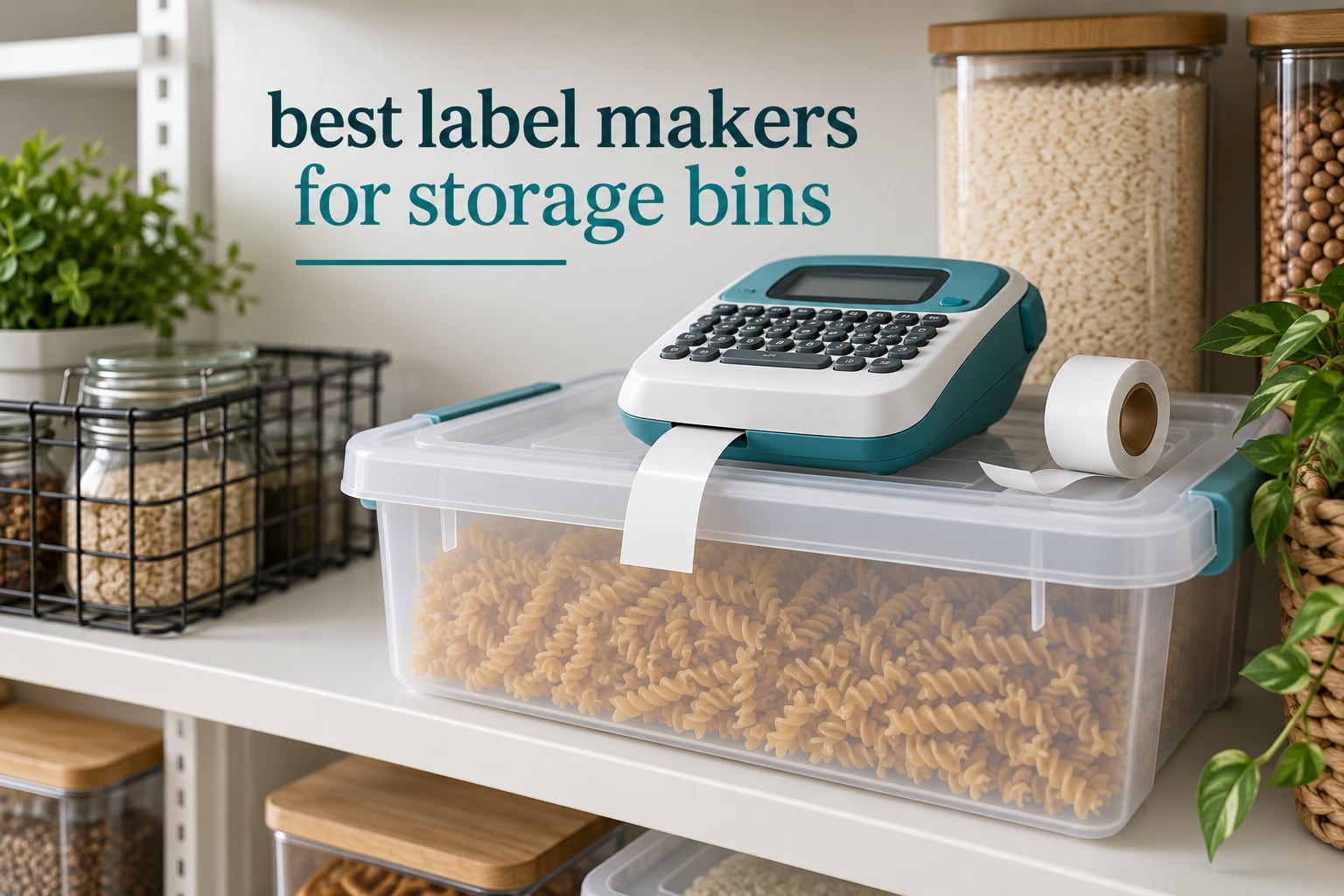
Unlabeled bins have a short shelf life. A bin looks fine on the day you fill it, then three weeks later it is a mystery box of cables, cables you already own, and one adapter for a device you no longer have. Labels are what turn your memory into a system the rest of the household can read without asking you.
We spent several weeks labeling bins in the places they actually live: a garage shelf, a linen closet, a pantry, a kids’ play corner, and a workshop with parts bins. The machine matters less than most roundups imply. What decides whether a label survives is the tape width, whether the tape is laminated, and whether you cleaned the plastic before you stuck it down.
This guide covers the best label makers for storage bins in 2026, ranked by how well each one handled plastic totes, cardboard-sided bins, and the textured polypropylene tubs that cause most peeling failures. We also cover the running cost of tape refills, since a machine that needs a specific cartridge ecosystem changes what your labels cost per year.
If you also want print gear for a home office, our picks for the best label printers for home offices cover a different shelf of the market. And if the bins in question hold tools rather than linens, start with our best tool storage systems guide so the labels match the bins.
Table of Contents
What Is the Best Label Maker for Storage Bins?
The best label maker for storage bins is a direct-thermal machine that prints on laminated tape at least 12mm wide, so it works without a phone and without ink. The DYMO LetraTag 100H is our top pick: it types on its own keyboard, previews the label on screen, and includes paper, plastic, and clear tapes. For wide bins you must read across a garage, the NIIMBOT B1 prints up to 2 inches wide from an app.
Two other groups matter. If your bins live in a humid laundry room or a garage, pick a maker that takes continuous laminated roll tape. If you label a whole garage in one sitting, app-driven machines with batch printing finish the job faster than any keyboard unit.
Top 3 Picks for Storage Bin Labeling (October 2026)

DYMO LetraTag 100H
- Standalone keyboard
- no phone needed
- LCD preview before printing
- Three LT tapes included

Nelko P21
- Pocket size at 11.52 ounces
- 203 DPI thermal print
- Works with iOS and Android apps

SUPVAN E10
- Continuous laminated roll tape
- Waterproof oil and scratch resistant
- 45-60 pages per minute
One caveat before the list: two of these three require a phone app to design the label. That is fine for a garage project and annoying for a single bin at 9pm. We flag app-only operation in every review so you can buy accordingly.
All 8 Label Makers Compared Side by Side in 2026
| Product | Specifications | Action |
|---|---|---|
| DYMO LetraTag 100H |
|
Check Latest Price |
| Nelko P21 |
|
Check Latest Price |
| SUPVAN E10 |
|
Check Latest Price |
 NIIMBOT B1 NIIMBOT B1 |
|
Check Latest Price |
 SUPVAN T50M Pro SUPVAN T50M Pro |
|
Check Latest Price |
 Brother P-Touch PT-D220 Brother P-Touch PT-D220 |
|
Check Latest Price |
 NIIMBOT D110 NIIMBOT D110 |
|
Check Latest Price |
 SUPVAN E11 SUPVAN E11 |
|
Check Latest Price |
1. DYMO LetraTag 100H – Best Standalone Label Maker for Storage Bins
DYMO Label Maker Machine with 3 Tapes – 100H LetraTag Handheld, Includes 3 LT Label Tapes, Perfect for Home & Office Organization
- Works with no phone and no app
- Graphical preview means fewer wasted labels
- Three tape formats in the box so you can start today
- Only 16 ounces so it moves room to room
- Five font sizes handle short and medium bin text
- Alphabetical keyboard slows typing
- Tape edges curl on some surfaces
- Moderate adhesion on certain plastics
- Needs four batteries
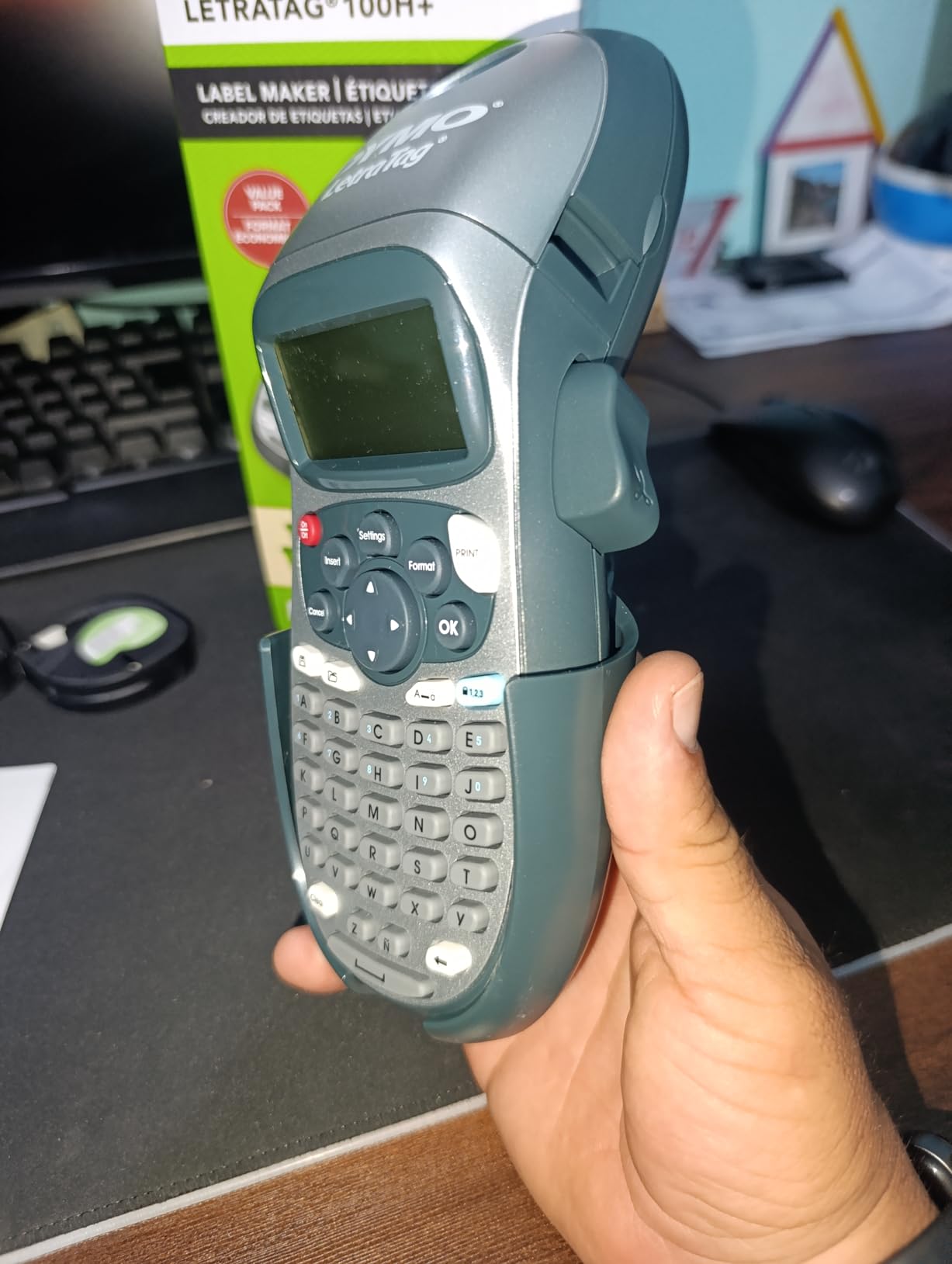
This is the machine we ended up using most, and it is not the most capable one on the list. It wins because it removes every decision from the moment you decide to label something. No app, no pairing, no Bluetooth, no charging. You pick it up, type, glance at the screen, and press print.
The screen matters more than spec sheets suggest. The LetraTag renders the label before you commit, so a two-line bin label with a box around it looks like what you pictured instead of a smudge. Five font sizes, seven print styles, and eight box styles are enough to build a consistent system without an app: one font, one case style, one box style per zone.
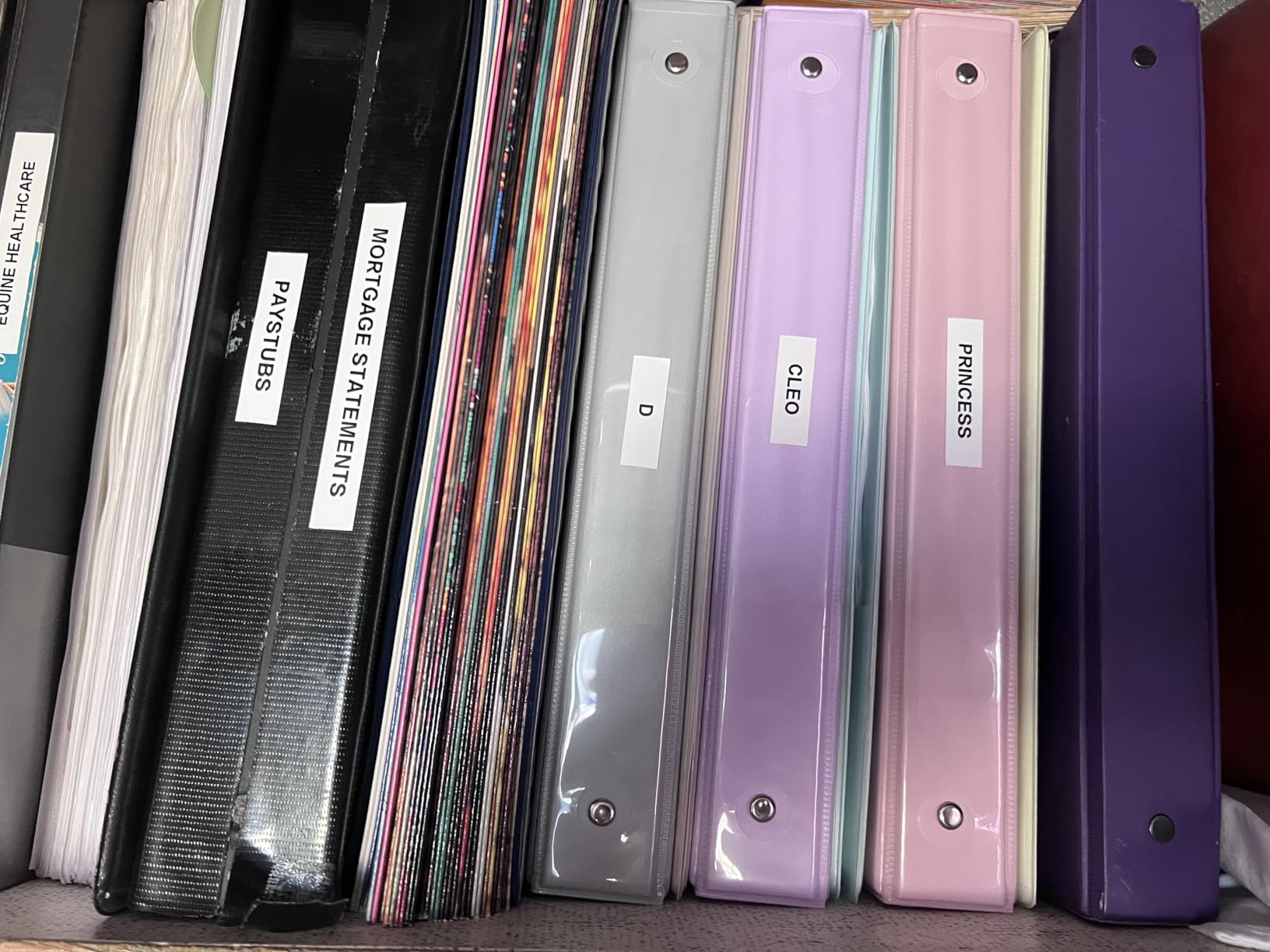
Out of the box you get three LT cassettes: paper black-on-white, plastic black-on-white, and plastic black-on-clear. The clear one is the one people underuse. On a translucent tote, black text on clear tape reads without hiding the contents, which is the whole point of a clear bin.
Reviews describe it as a workhorse that keeps working, and one owner mentioned a unit surviving a fall from counter height onto concrete. In home-organization communities on Reddit, the LetraTag is the model people say they already own and use, which is the strongest endorsement a home label maker can earn. It is also the machine most often named when people ask where to keep the label maker itself, since it needs no charging cradle.
Who the DYMO LetraTag 100H suits
This suits households where more than one person touches the bins. A child putting toys away can type and print without an adult unlocking a phone. It suits small kitchens and closets where the label text is two words: WINTER or CABLES.
It also suits anyone who wants to skip the app debate entirely. Competitors split on this, with some calling Bluetooth app control the biggest upgrade and others calling it a downgrade. After labeling roughly forty bins across several rooms, our verdict is that the app helps when you are batching labels and hurts when you are printing one.
Who should skip the DYMO LetraTag 100H
Skip it if your bin text needs more than about half an inch of width. A half-inch label means short words, and heavy tote lids read poorly from across a garage aisle. In that case move up to the NIIMBOT B1 or the SUPVAN T50M Pro.
The other reason to skip it is typing speed. The keyboard runs alphabetically rather than QWERTY, so seasoned typists slow down noticeably. Reviewers also report the label backing can be hard to separate cleanly, and the included magnetic holder is weak enough to get knocked off a steel shelf.
2. Nelko P21 – Best Pocket Label Maker for Quick Bin Runs
- Half the size and weight of traditional label makers
- Clean 203 DPI output on plastic bins
- Rechargeable battery lasts between charges
- Large app library with QR codes and barcodes
- Good for books
- bins and school folders
- Fixed label lengths
- no continuous tape
- Monochrome only
- No computer or Android 14 support
- Charging adapter not included
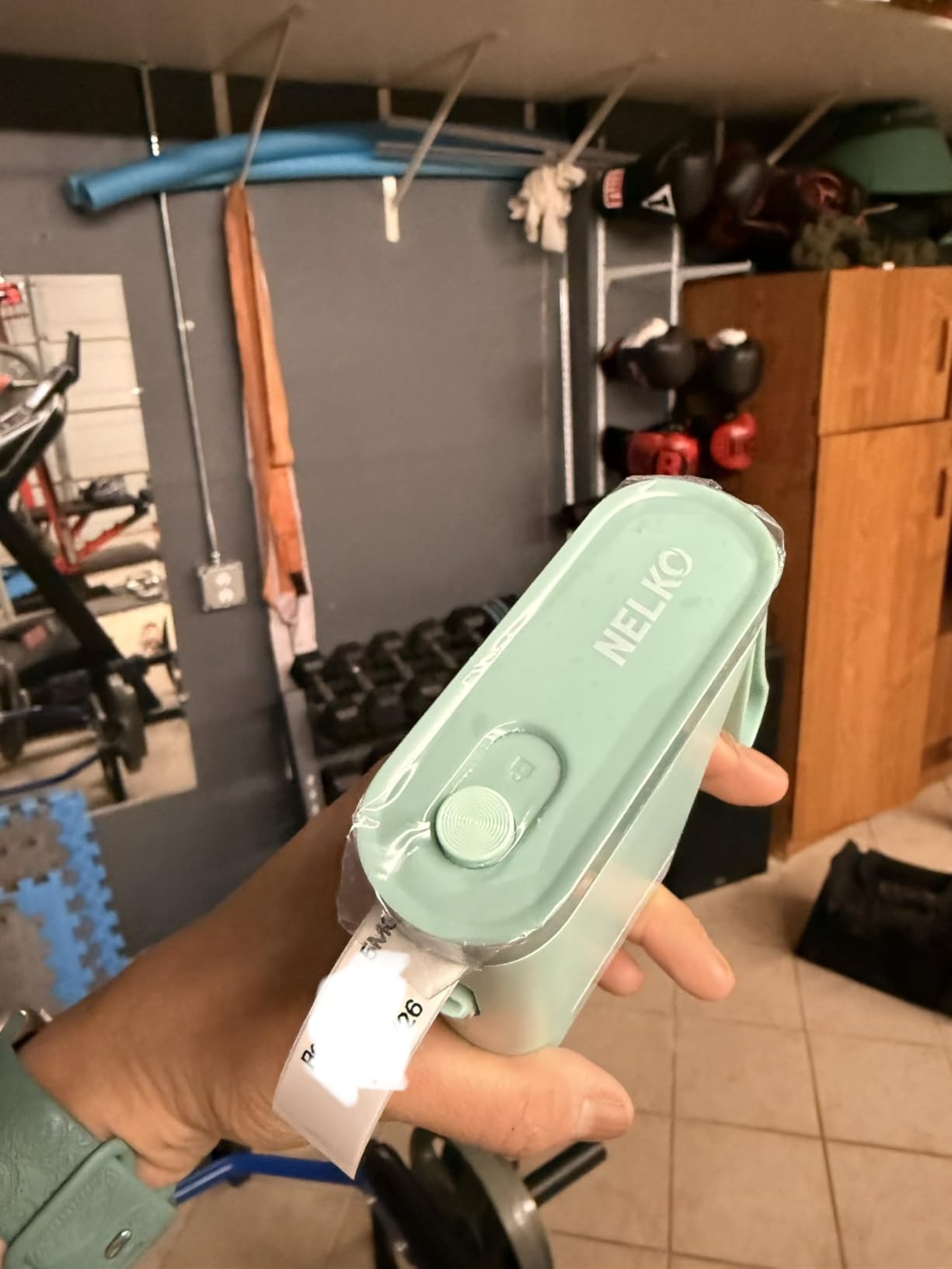
The P21 is the machine we carried between rooms most often. At 11.52 ounces it lives in a pocket, which sounds minor until you are labeling bins in three different closets in one evening.
Print quality is 203 DPI direct thermal with no ink or toner, and on smooth plastic bins the output is crisp enough to read at arm’s length. The app library is the selling point for design-minded users: 3600 or more icons, 700-plus borders, 5500-plus materials, 750-plus templates, and 29 languages, all free.
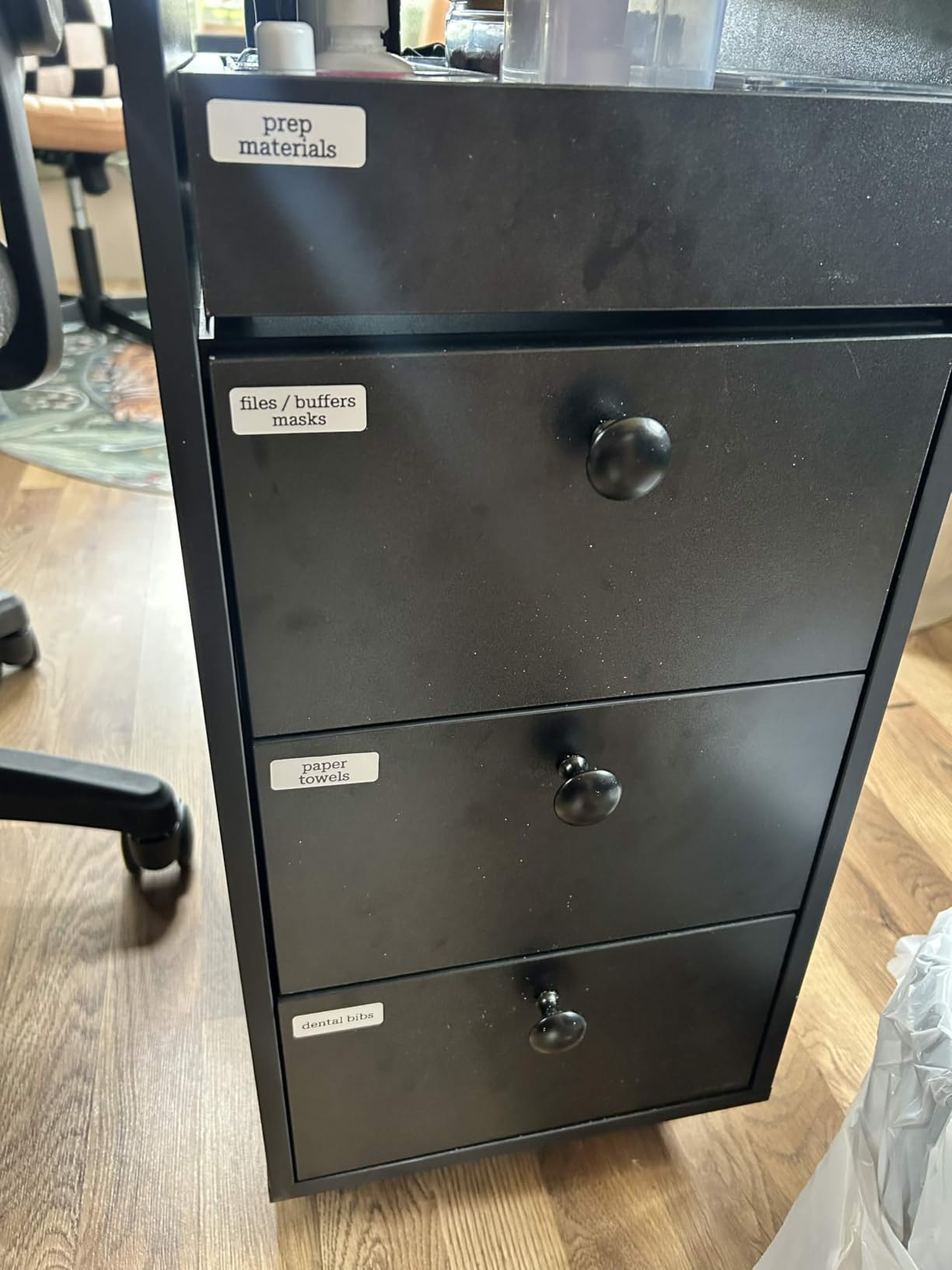
The catch is that the P21 prints fixed label sizes rather than continuous tape. Supported sizes run 15x30mm, 12x40mm, 14x40mm, 14x50mm, and 14x75mm. That is fine for tidy short bin names, but it cannot produce a long line like SUMMER CAMPING KIT on one strip.
Reviews are mostly positive about the pocketability and clean output for classroom and household bins, and buyers accept the fixed lengths as a fair trade for the size. Roughly three quarters of its ratings are five stars, which is a strong showing at this volume of reviews.
Who the Nelko P21 suits
This suits apartment dwellers, renters, and anyone labeling under about thirty bins who does not want a machine taking up desk space. Teachers and parents who sort books, folders, and craft bins like this output, and the QR and barcode support is useful for a hobby-inventory system.
It also suits people who print in color-free systems. Pantry, closet, and toy bins rarely need more than black on white, so monochrome is a limitation only in theory.
Who should skip the Nelko P21
Skip it if you own a computer you would want to label from. The P21 pairs with iOS and Android phones but not with computers, and some buyers report trouble on Android 14. You will design every label on a phone screen, which is slower than a keyboard once the label text gets longer.
Color is the other limit. Color output needs special color-pattern tapes, and if your labeling system uses color to separate zones, the P21 will not get you there.
3. SUPVAN E10 – Best Budget Continuous-Tape Label Maker for Stacked Boxes
- Continuous tape prints full sentences instead of short fragments
- Laminated labels resist water
- oil
- scratches and heat
- Split-center backing peels and repositions cleanly
- Built-in cutter for straight evenly cut labels
- Free app with 40 fonts
- 30 frames and 450-plus icons
- No automatic cut between multi-label runs
- White streaks at default print density
- Labels can fade under heavy daily use
- Emojis sometimes print poorly
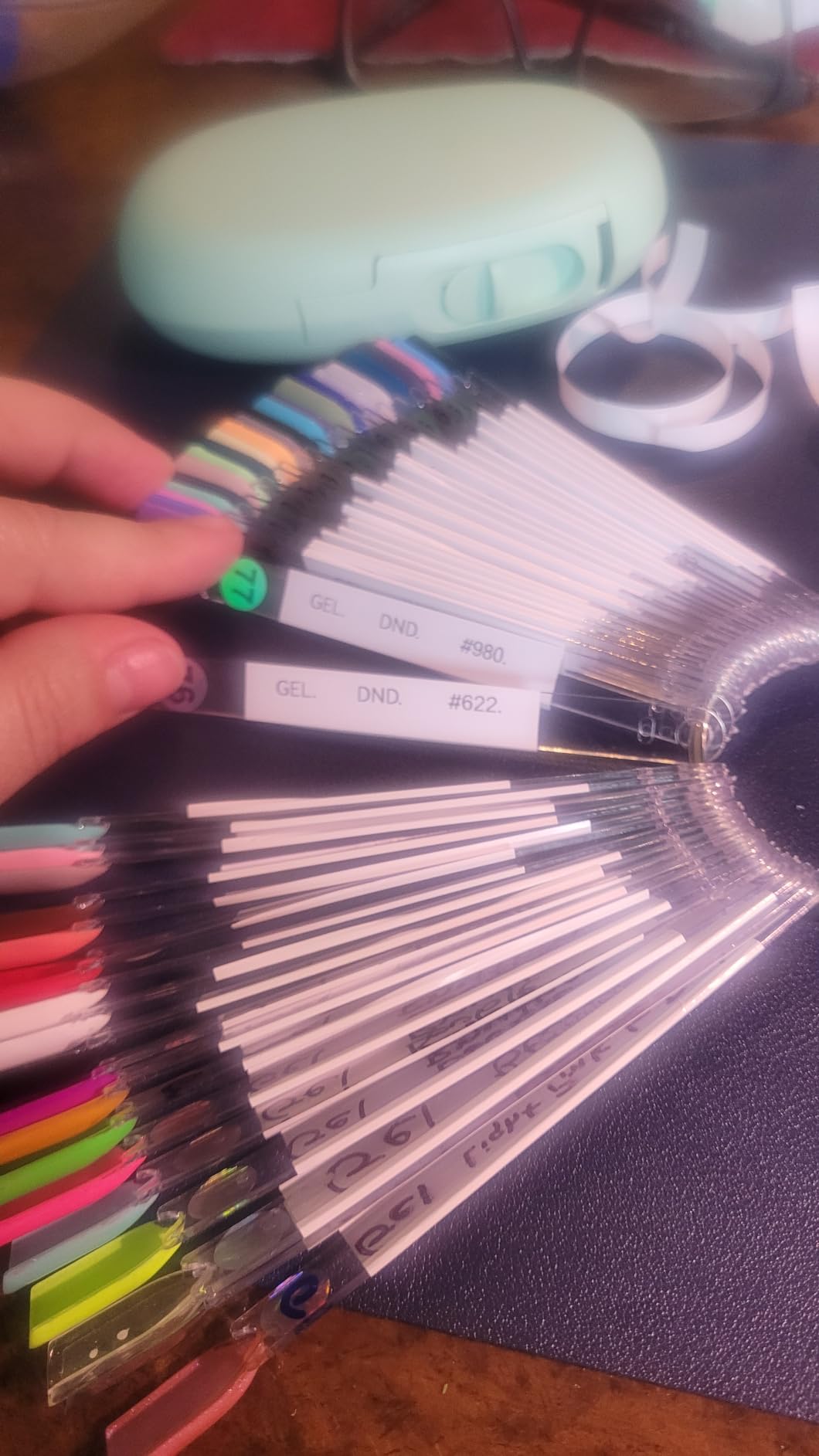
The E10 exists because of one design choice: continuous tape instead of fixed die-cut labels. That means a bin can read LIGHT BULBS AND BATTERIES in one unbroken strip, and you choose the length.
More important for storage bins is the lamination. These labels are described as waterproof, oil-proof, scratch-proof, and heat-resistant, which is the profile you want in a laundry room, a utility closet, or a garage where temperature and moisture swing. The split-center backing also lets you peel, reposition, and re-stick without leaving residue.
Speed is another bin-labeling advantage. Print speed is listed at 45 to 60 pages per minute, so a stack of twenty identical pantry bins takes minutes rather than an evening. At 167 grams the body is light, and the battery is rated at roughly a month per charge.
Two honest weaknesses show up repeatedly in reviews. There is no automatic cut between labels in a multi-label print run, so you trim with scissors. And at the default density setting, text can come out with white streaks through it, which means bumping print density in the app before you trust a run.
Fading is the third. Some reviewers report labels losing contrast after roughly two months of heavy use, and adhesion weakening on curved or wet surfaces. For dry indoor bins we had no trouble; for a damp laundry-room wall, this is not the tape we would choose.
Who the SUPVAN E10 suits
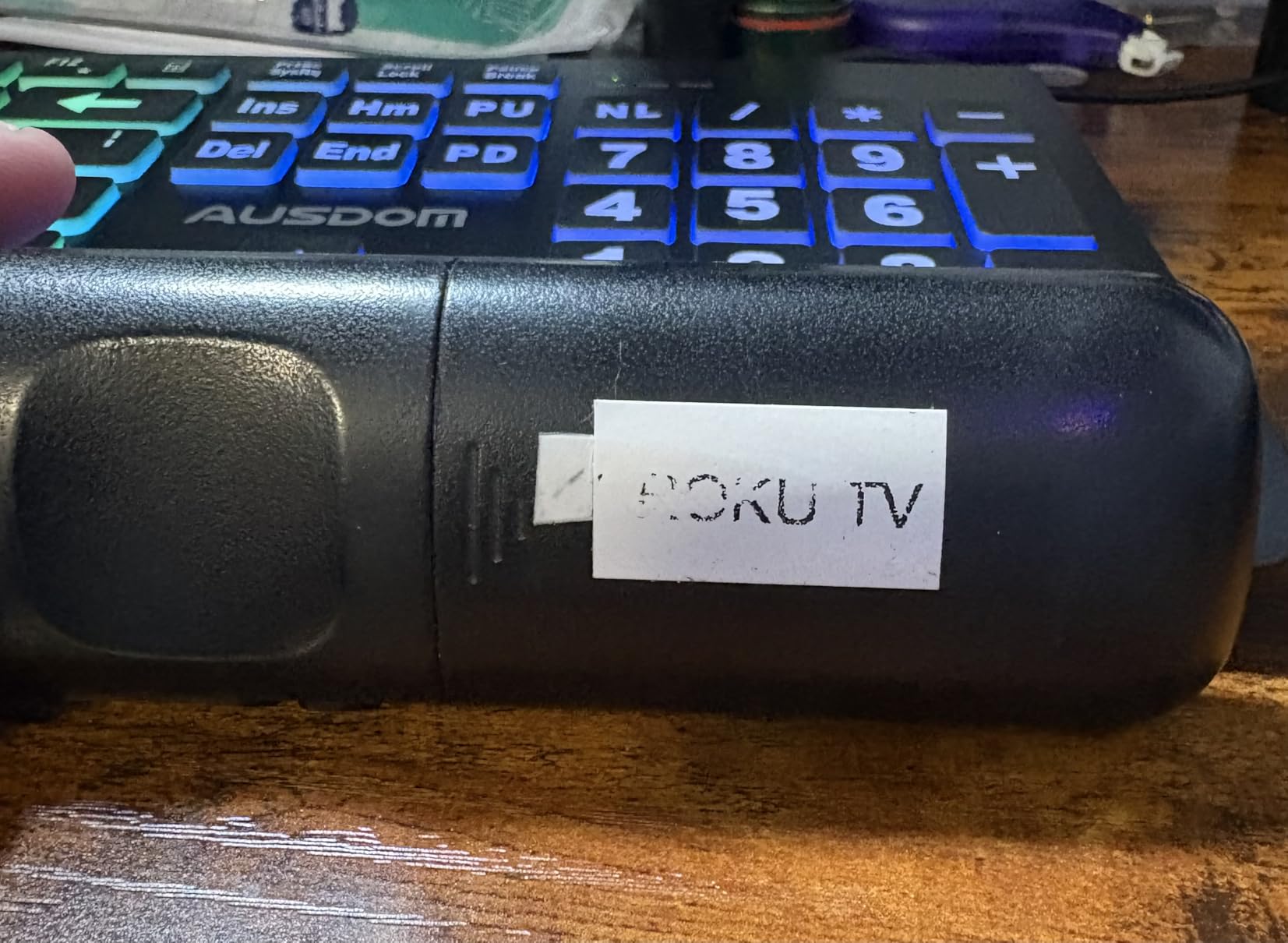
This suits anyone labeling a large number of bins in one sitting, because continuous tape plus a fast print rate is the combination that gets the job done. Reviewers frequently describe it as a budget workhorse that pays for itself quickly, and the app needs no registration and no subscription fee.
It also suits anyone building labels with sentences rather than keywords, since fixed-size die-cut tapes force abbreviations that defeat the purpose of labeling.
Who should skip the SUPVAN E10
Skip it if hand-trimming every label will annoy you more than typing on a keyboard will. The missing auto-cut is the single most common complaint, and it adds friction to batch work.
Also skip it if the bins sit in direct sun or a hot garage all day. Heat resistance is claimed, but the fading reports are specific enough that we would put a laminated cartridge tape on garage bins instead.
4. NIIMBOT B1 – Best Label Maker for Large Storage Totes
NIIMBOT B1 Label Maker, 2Inch Bluetooth Label Printer for Home, Light Blue
- Two-inch labels read from across a garage aisle
- No ink or toner purchases
- Auto-detects label size and formats the app
- Rechargeable battery with about five hours of working time
- Free replacement service within 12 months
- Print can look light unless density is raised
- Weaker adhesion on kraft paper and cardboard
- Battery health can fade after about two years
- Many app templates sit behind a paywall
- No tablet support
Tape width is the reason this machine exists. The B1 prints from 0.8 inch up to 2 inches wide, so a bin front can carry a full descriptive line instead of a two-word tag. On a heavy tote sitting on the floor of a garage, that difference decides whether you can read the label without crouching.
It prints 203 DPI at up to 50 pages per minute, auto-detects the loaded label size, and adjusts the app layout to match. It also works with a PC, which is unusual in this category and useful if you keep your bin inventory in a spreadsheet.
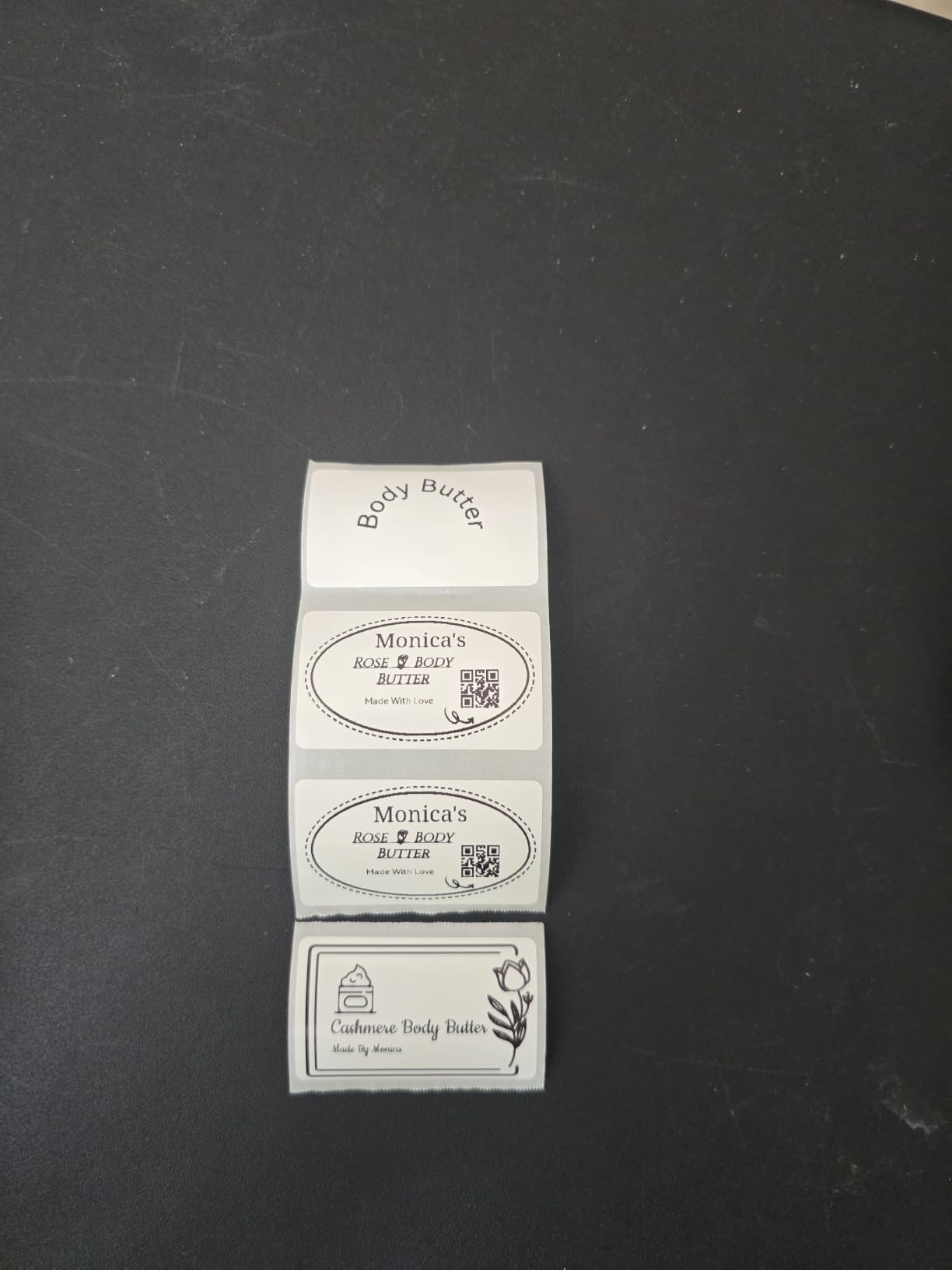
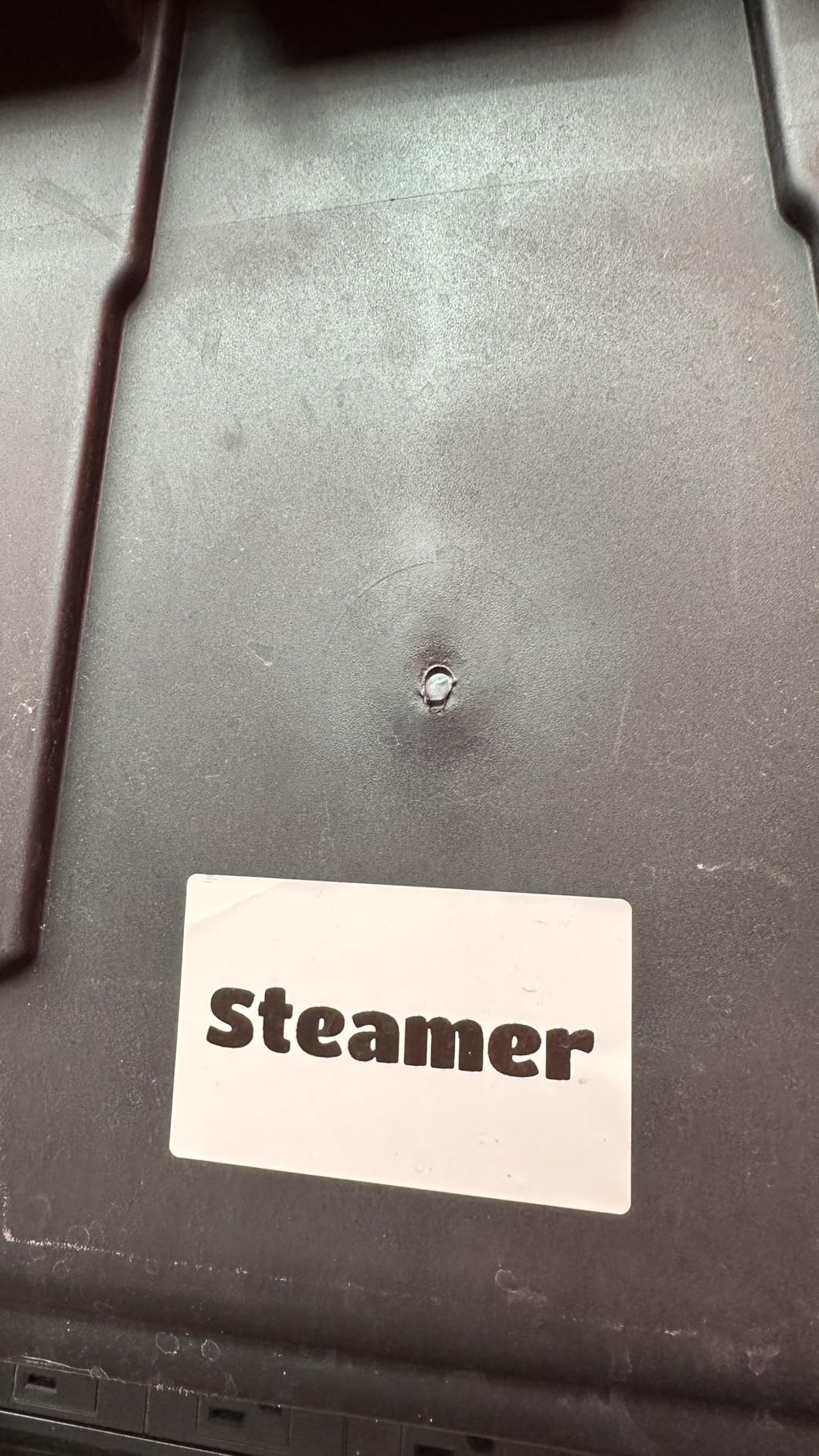
On plastic bins the output is clean, and reviewers specifically praise crisp results on plastic containers and garage shelving. Adhesion is reported as strong on plastic and noticeably weaker on kraft paper and cardboard, which maps directly onto the bin types on the market: solid plastic tubs hold labels well, cardboard-sided containers need surface prep first.
The most common gripe is print density. By default some text prints light and can skip lines, and the fix is raising density in the app before printing. Once set, we did not see the problem recur.
Who the NIIMBOT B1 suits
This suits garages, workshops, and any bin wall you read at a distance. For parts and electronics bins, pair it with a bin layout first, similar to the way we structure scope and instrument storage so labels match a fixed numbering scheme.
It also suits anyone who wants to batch. Fifty bins printed at 50 pages per minute is a very different afternoon from fifty bins typed on a keyboard one character at a time.
Who should skip the NIIMBOT B1
Skip it if your bins are small drawer-sized boxes. At 2-inch maximum width the smallest supported tape is still 0.8 inch, which will overhang a narrow drawer front, and a narrow label maker like the NIIMBOT D110 handles that better.
Also weigh the paywalled templates and the lack of tablet support. If your design workflow lives on an iPad, this will not work for you at all, and instructions are not detailed enough to fully compensate.
5. SUPVAN T50M Pro – Best for Garage and Workshop Bins
SUPVAN T50M Pro Bluetooth Label Maker Machine with Tape, Black
- Wide tape range covers bin fronts and shelf edges
- Fastest listed print rate in this group
- Image import allows icons and photos on labels
- Auto label size recognition speeds setup
- Handles square
- round
- address
- cable and file labels
- Heaviest and bulkiest machine here at 433 g
- App-based design needs a phone or computer for most labels
- Fixed body size suits a desk not a pocket
The T50M Pro is the throughput machine. It supports label widths from 0.75 inch to 2 inch and prints at up to 60 pages per minute, and it is the one we would set on a workbench when the job is a whole garage.
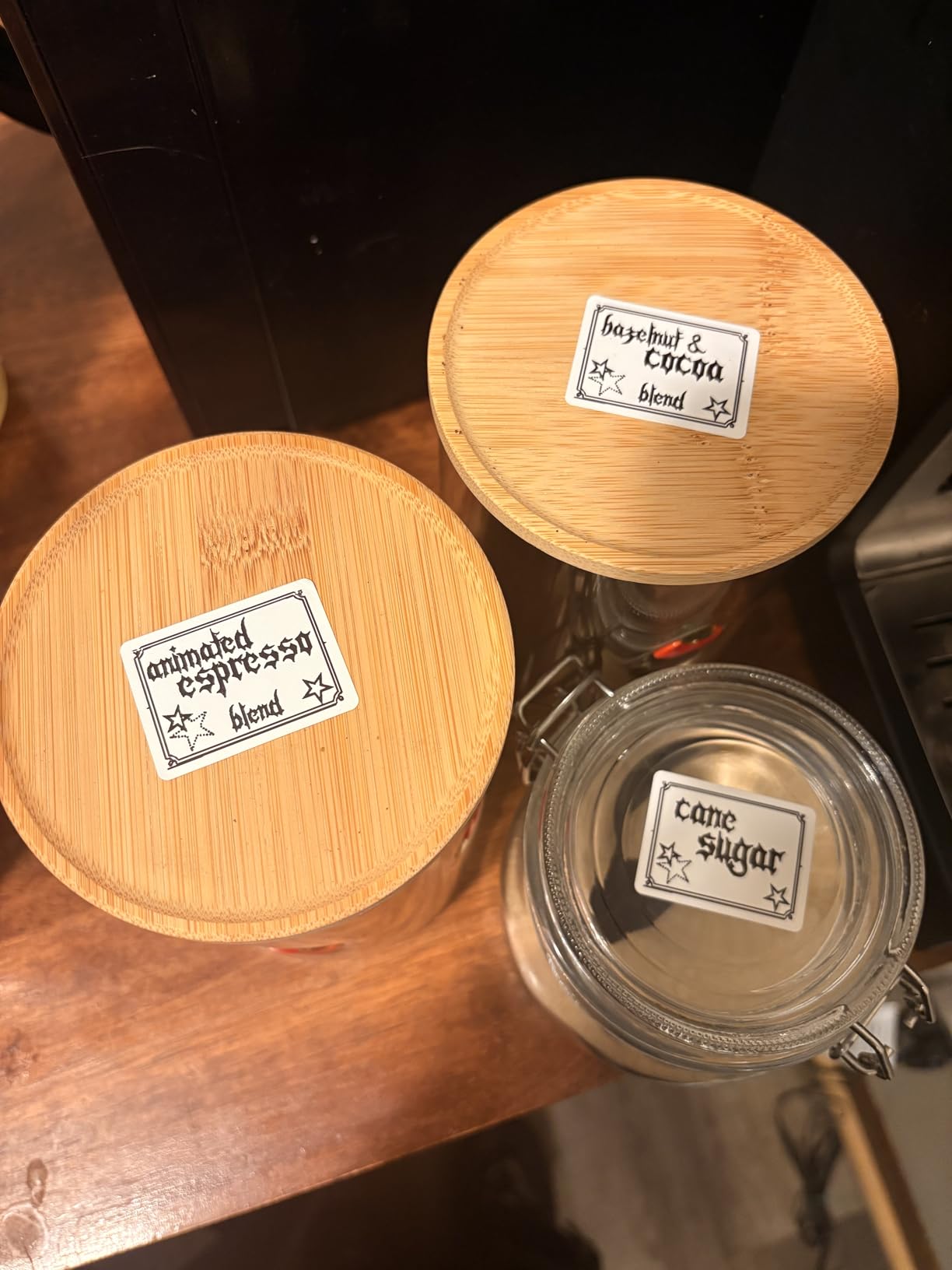
Image import is the underrated feature. You can pull an icon or photo from a phone, tablet, or PC onto the label, so a bin for seasonal decorations can carry a small visual cue in addition to text. The app is free, needs no registration, and includes 30-plus fonts, 50-plus frames, and 660-plus icons.
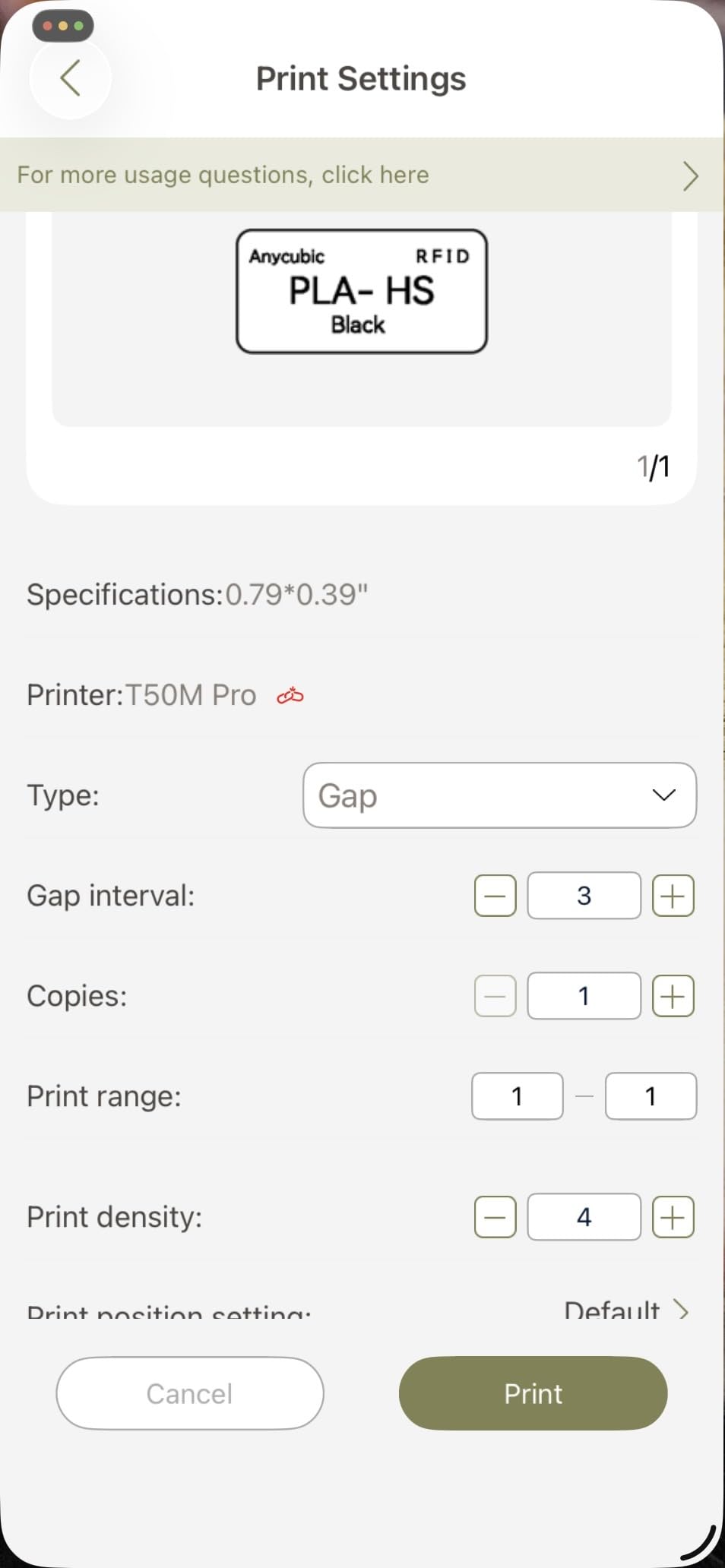
Print resolution is 203 DPI with enhanced image processing for higher-resolution output. On smooth plastic bin fronts the text edges stayed clean in our runs, and the auto label size recognition removes the most common setup mistake.
The cost of all that capability is size. At 433 grams this is the heaviest machine in the group, roughly triple the pocket units, and it is not a machine you carry between closets. It is a machine that lives next to the bins it labels.
Who the SUPVAN T50M Pro suits
This suits a garage, utility room, or workshop where you will label dozens of bins in a single session and want variety of label sizes from one machine. Cable, address, and file label formats expand it beyond bins, which makes it a better all-rounder for a mixed household.
It also suits users who enjoy visual labels. If your system uses color or icons to separate zones, image import gives you a way to do that without switching machines.
Who should skip the SUPVAN T50M Pro
Skip it for a small apartment or a single closet. The bulk means it will not be put away easily, and a machine that lives in a closet will quietly stop being used. Buyers who resent app-dependent design for most labels should look at a keyboard model instead.
Skip it also if print density feels unreliable to you in testing; as with the NIIMBOT B1, check output before committing to a large batch.
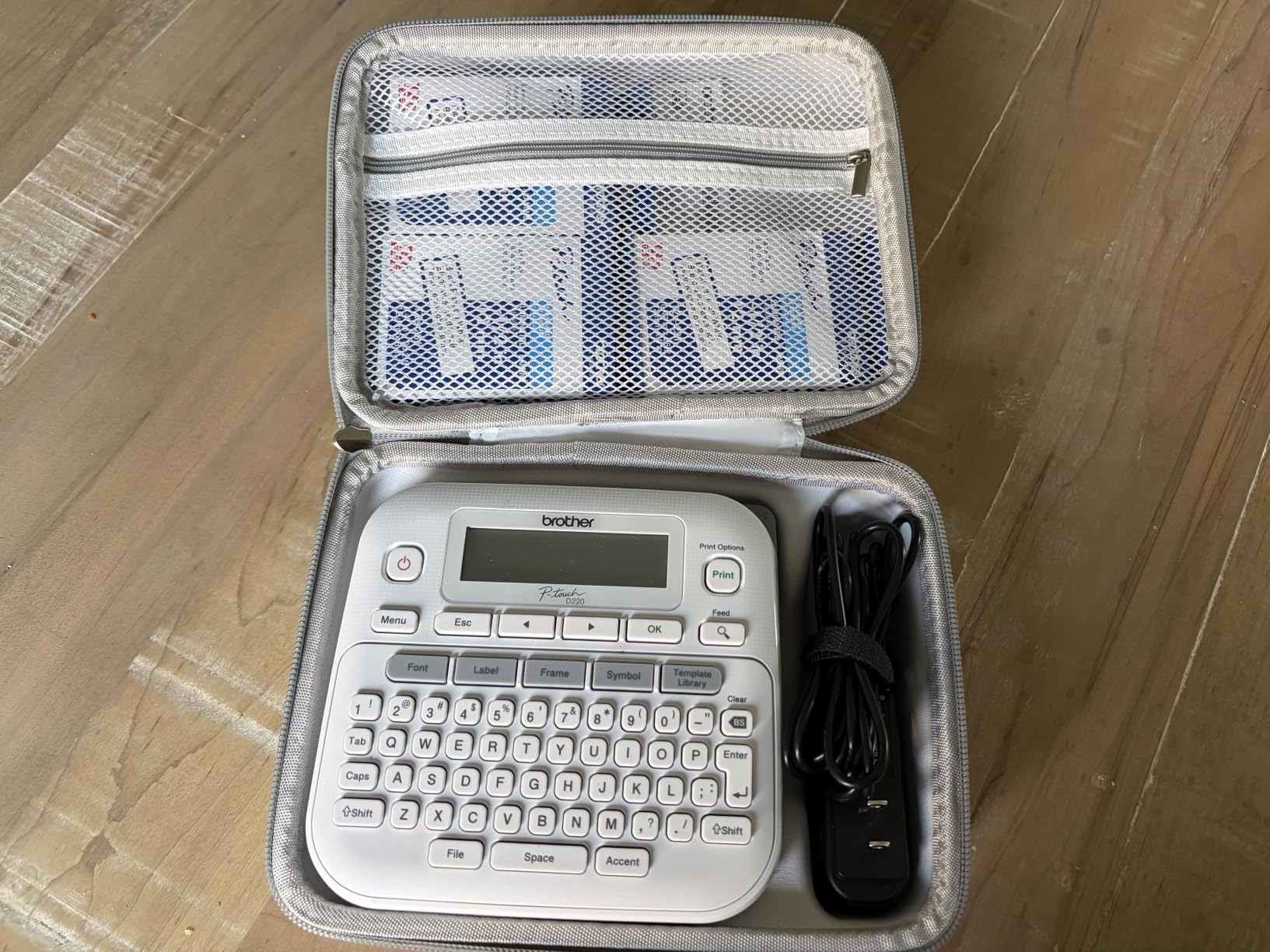
6. Brother P-Touch PT-D220 – Best for Typing Without a Phone
Brother P-Touch PTD220 Home/Office Everyday Label Maker | Prints TZe Label Tapes up to ~1/2 inch White
- Genuine laminated TZe tape resists water and fading
- Full QWERTY keyboard speeds up long bin names
- Built-in memory stores up to 30 labels for reprint
- 25 preset templates give a consistent system fast
- Two-year limited warranty
- Tape capped at about half inch width
- Batteries and AC adapter sold separately
- Print speed of 20 pages per minute is slow
The Brother PT-D220 is the keyboard-first option done properly. The layout is full QWERTY, which sounds obvious until you have typed bin names on an alphabetical keypad, and it makes a real difference on labels like KITCHEN LINENS AND TOWELS.
Tape is genuine Brother TZe, laminated and described as water-resistant, fade-resistant, and easy to peel. For storage bins that live in a laundry room or pantry, laminated tape is the correct choice, and this machine prints it at 12mm width.
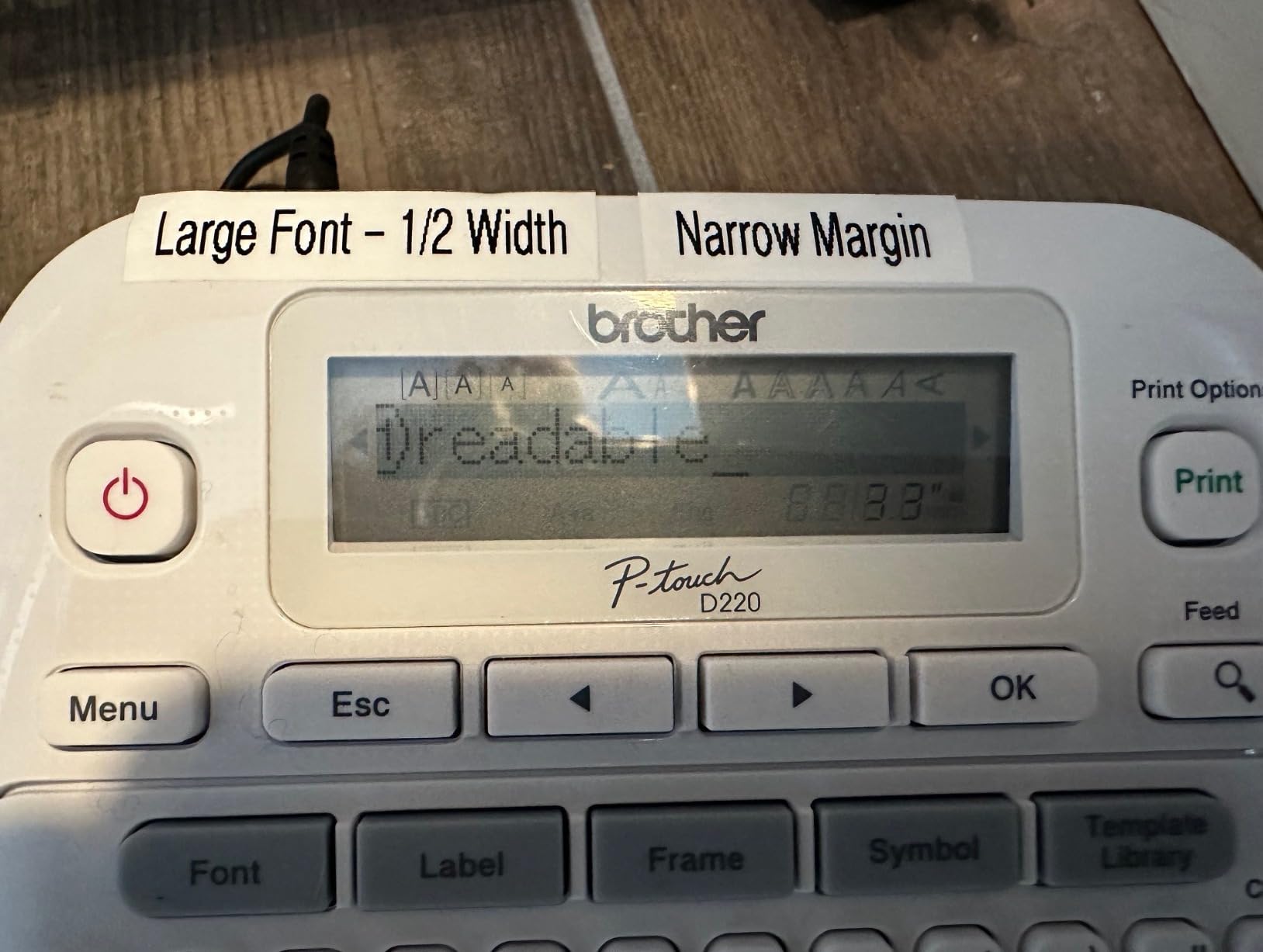
Customization is deep for a standalone unit: 14 fonts, 11 font styles, 99 designer frames, and more than 600 symbols. Twenty-five preset templates get you a professional-looking label without designing anything, which is how you keep a system consistent when several people are labeling.
The built-in memory holds up to 30 frequently used labels for reprinting, a feature that matters more than expected. The bin you labeled once is often the bin you relabel after moving.
Who the Brother P-Touch PT-D220 suits
This suits anyone who wants zero app friction but more capability than the LetraTag, and it suits shared households where a non-technical adult should be able to print a label. It suits small-office and home-office labeling as much as bins, which is where the 12mm width becomes an advantage rather than a limit.
It also suits long-term tape buyers. Brother TZe refills are widely reported as cheaper per label than Dymo LT cartridges, which matters if you plan to keep the machine for years.
Who should skip the Brother P-Touch PT-D220
Skip it for large totes or any bin you read from a distance. Twelve millimeters means short text, and a label that says KITCHEN is fine on a shelf you stand at but useless on a tote you read from across a garage.
Skip it if you need batteries included or an AC adapter in the box. Both are sold separately, the machine runs on six AAA batteries, and the 20 pages per minute print speed is the slowest here. That is fine for a dozen labels and frustrating for a hundred.
7. NIIMBOT D110 – Best Lightweight Label Maker for Carry-On Labeling
NIIMBOT D110 Mini Label Maker Machine with Tape for Home School, White
- Lightest body in the group at 149 grams
- Smart label rewind auto-calibrates the first print
- 203 DPI BPA-free thermal head needs no ink
- About four hours of continuous printing per charge
- App supplies fonts
- icons
- borders and logos
- 15mm print width suits small labels only
- Tearing the sensor chip ruins print quality
- Phone app required with no computer support
The D110 is the one to pack. At 149 grams it is the lightest machine here and roughly a third the weight of the desktop-style options, and it runs about four hours of continuous printing on a 1500 mAh battery.
The feature we did not expect to care about is the smart label rewind. It auto-calibrates the first label position so you do not waste a strip printing an offset blank, which is the single most common complaint about cheap thermal machines. On a roll of small bin and drawer labels, that saves real material.
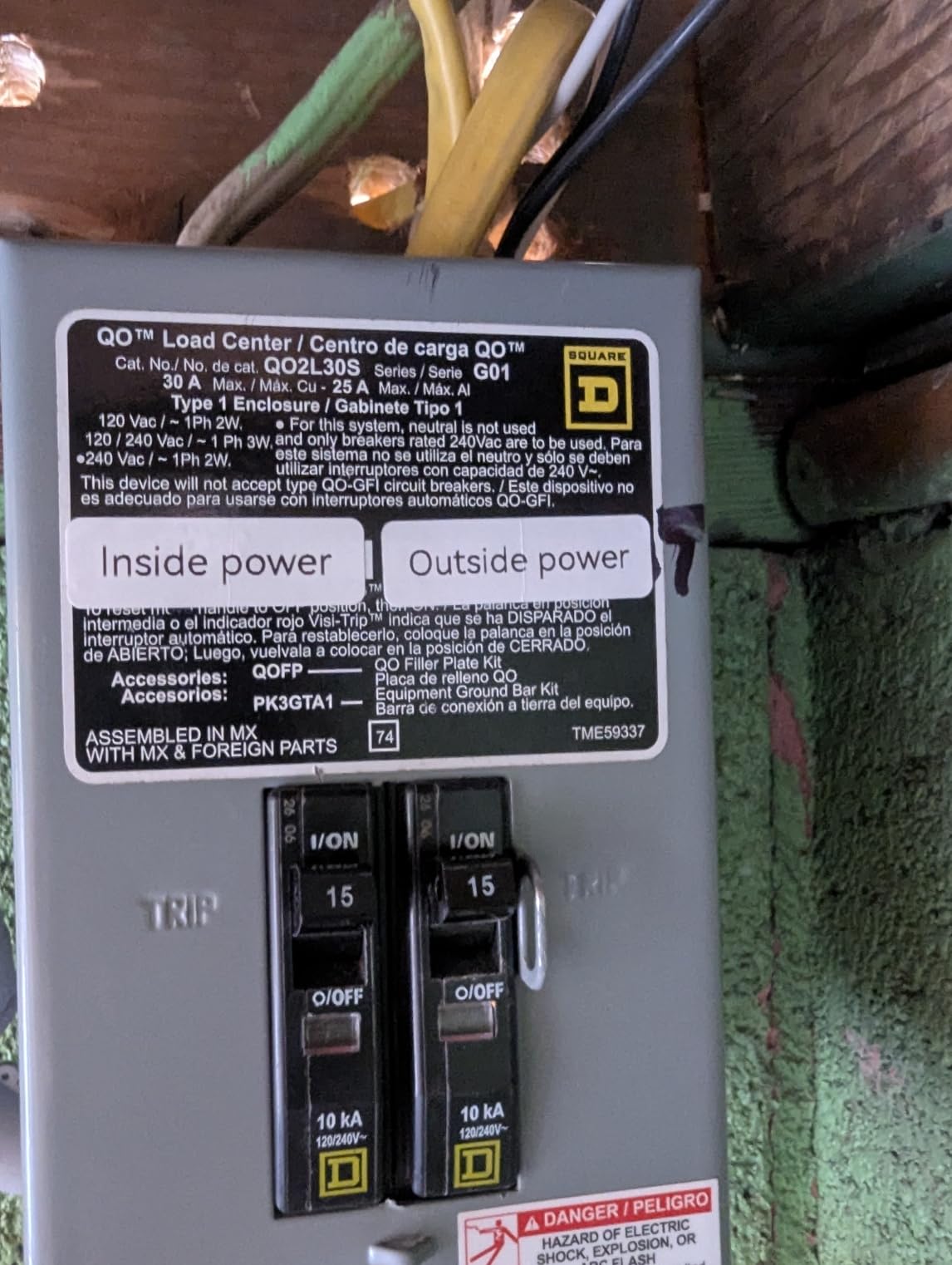
Output is 203 DPI direct thermal with a BPA-free print head, printing up to 15mm wide across 12x40mm, 14x30mm, and 15x30mm tapes. Print speed is 40 pages per minute, and the app provides fonts, symbols, icons, borders, and logos.
Reviewers accept the narrow print width because the machine is honest about its size. It is described as appropriate for small bin, drawer, and school-supply labels, and about 81 percent of its ratings are five stars.
Who the NIIMBOT D110 suits
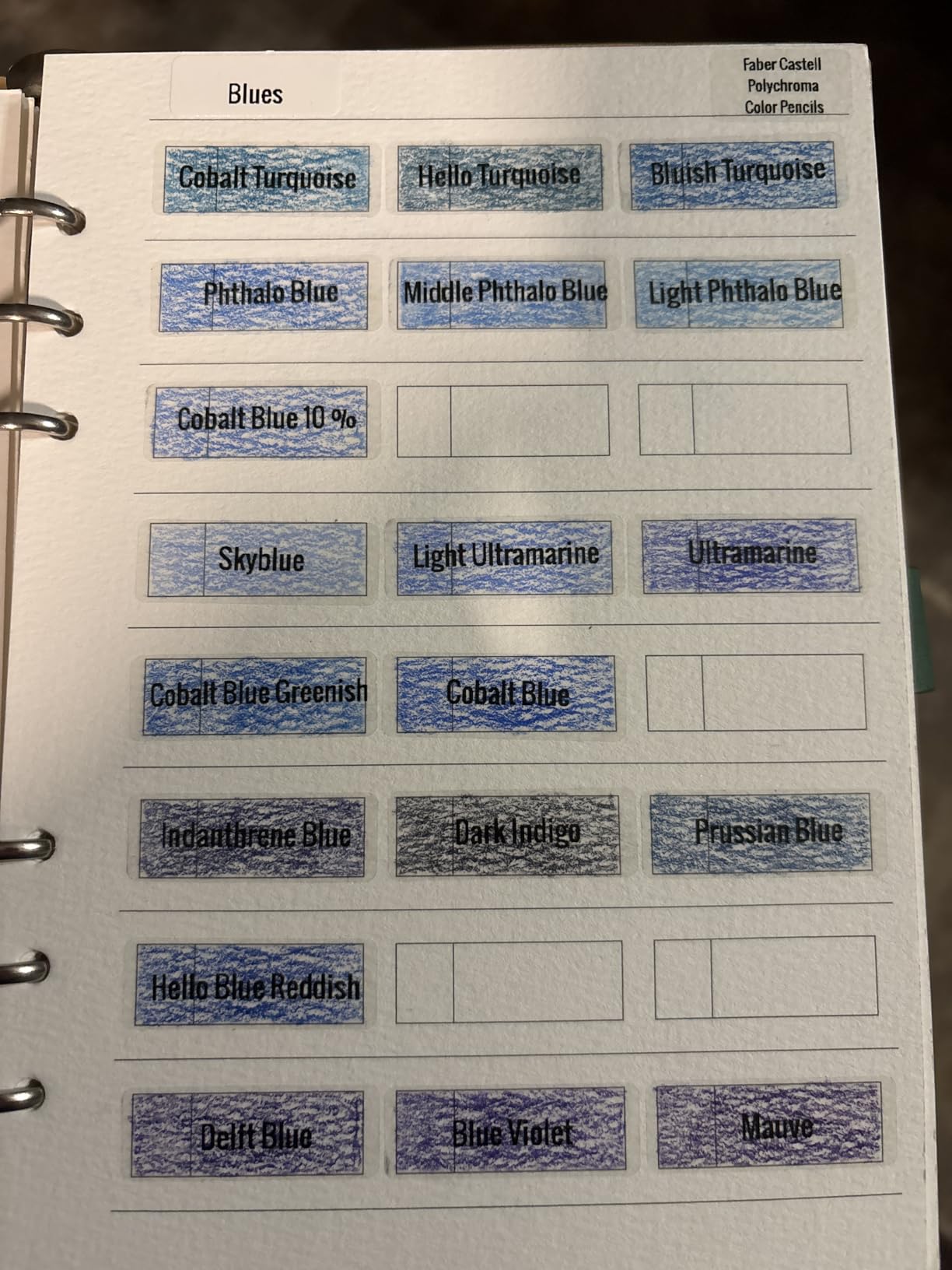
This suits small-label jobs: drawer dividers, spice jars, cable runs, and the small bins on a bookshelf rather than the floor of a garage. It suits anyone labeling while moving, since it fits in a pocket and does not need a desk.
It also suits a second-labeling-station setup. A pocket machine in the kitchen and a wide machine in the garage is a common arrangement, and both NIIMBOT bodies are compact enough to live in a drawer.
Who should skip the NIIMBOT D110
Skip it if bin text needs a full sentence. Fifteen millimeters is a narrow field, and buyers who want descriptive labels will feel it immediately. Choose the SUPVAN E11 for a keyboard in a similar width class, or go wider.
Skip it if you will lose the sensor chip on a label roll. That chip is what tells the machine the label size, and tearing it is reported to ruin print quality until a new roll is fitted. It is a small thing that wastes a roll.
8. SUPVAN E11 – Best for Pantry and Drawer Labels With Tiny Margins
SUPVAN E11 Keyboard & Bluetooth Label Maker Machine with 4 Tapes
- Built-in keyboard and LCD need no phone for most labels
- Tiny 0.2 inch margin wastes far less tape
- Works with continuous and die-cut labels alike
- 1200 mAh battery rated up to one month per charge
- Lightweight 8 ounce body with a real editing screen
- 15mm maximum media width
- App still needed for custom templates
- Keyboard and LCD add bulk versus pocket printers
The E11 splits the difference in a way none of the others do. It has a physical keyboard and an LCD for editing, so you can print most labels without touching your phone, but it still connects to an app when you want icons, borders, or custom templates.
Its standout spec is the 0.2 inch minimal print margin. Most machines waste half an inch of blank tape at each end, which matters when you are working through many small labels and want them as long as possible. Combine that with support for both continuous tape and die-cut labels and you can print one long pantry label or fifty short drawer dividers from the same machine.
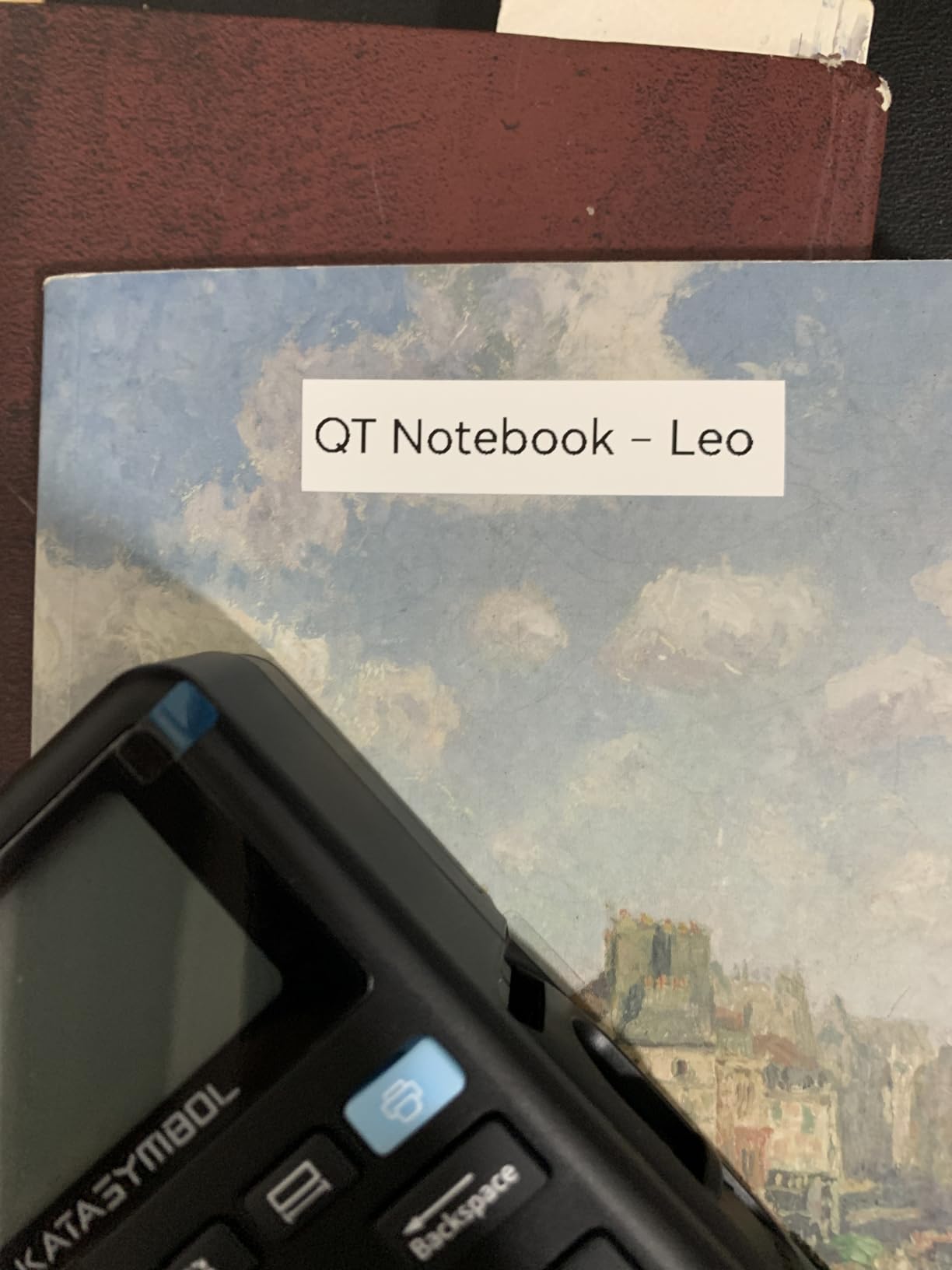
Print speed is 28 pages per minute at 203 DPI, and the battery is rated at 1200 mAh for up to one month of use per charge. The app library carries 30-plus fonts, 50-plus frames, 660-plus icons, and 17 languages, with a two-year manufacturer limited warranty.
This machine ranks at the top of Office Products in the Label Makers category on Amazon, which reflects how much labeling volume it is absorbing. Buyers commonly cite it for pantry, garage, and drawer labeling, all of which sit inside its 15mm width limit.
Who the SUPVAN E11 suits
This suits anyone who wants to avoid the app for everyday use but still wants a bigger canvas than a pocket printer. Pantry containers, spice jars, and small drawers are exactly its size class, and a keyboard makes repeat labels fast.
It also suits label-efficiency fans. If you run out of tape faster than you expected, the 0.2 inch margin extends each label rather than wasting it.
Who should skip the SUPVAN E11
Skip it for large bins. Fifteen millimeters is the ceiling, and no amount of keyboard convenience fixes a label you cannot read from a distance.
Skip it if you want the smallest possible machine. Adding a keyboard and an LCD does add bulk compared with the pocket printers, and anyone who labels one or two items at a time will find the D110 or the Nelko P21 faster to get out of a drawer.
How to Label Storage Bins So the Label Stays On?
Most peeling labels are not adhesive failures. They are surface failures, and the fix takes ten seconds before you print. Start by wiping the bin face with isopropyl alcohol and letting it dry fully. Polypropylene is smooth and slightly oily, and dust or a fingerprint is enough to stop a bond from forming.
Then check the plastic. Smooth polypropylene and polyethylene accept tape readily. Textured plastic, matte finishes, and bins with a soft-touch coating are the hard cases, because the adhesive needs a flat surface to grip. If the surface is textured, print a longer strip so there is more flat contact area, and press it down firmly with a plastic scraper.
Third, choose tape for the environment. Dry interior bins are fine with standard laminated tape. Laundry rooms, bathrooms, utility closets, and garages need labels described as waterproof and scratch-resistant, and direct thermal tape that is not laminated will fade and peel faster in those spaces.
Fourth, place the label on the front face near the top edge, at roughly eye level when the bin is on a shelf, and add a second label on the side if the bin stacks. That way the text is visible whether the bin is pulled out or pushed in.
Fifth, test before you commit. Print one label in the exact material and let it sit for a week, then push at the edges. A seven-day test tells you more than any spec sheet, and it costs one strip of tape.
Sixth, keep your system boring: one font, one case style, one tape color per zone. Consistency is what makes a labeling system readable at a glance, and it is much easier to maintain when the person relabeling a bin has only one decision to make.
Tape Width and Environment: What Storage Bins Actually Need
Tape width is the single decision that limits everything else. Here is the mapping we use.
Six to 9mm is for cables, spice jars, and small drawer dividers. Nine to 12mm covers narrow bin fronts, kitchen containers, and short labels like LINENS. Twelve to 15mm handles standard storage bins with two or three words. Eighteen millimeters covers closet bins and toy boxes. Twenty-four millimeters and up is for garage totes, large archive boxes, and anything you read from across a room.
If your bins are large and you want one descriptive line, the machines here that reach those widths are the NIIMBOT B1, the SUPVAN T50M Pro, and the SUPVAN E10. The rest cap at around 12 to 15mm, which is plenty for a pantry and short for a garage.
Environment matters as much as width. Dry indoor bins are the easy case. Laundry and bathroom bins see humidity, so use laminated tape and keep labels off the floor where splash is likely. Garage and utility bins see heat swings and dust, so lamination matters most, and direct sun on a south-facing wall will fade non-laminated labels fastest.
Material is the third axis. Plastic accepts adhesive well. Cardboard and kraft paper are reported as harder, especially for the NIIMBOT B1 class of machines, so clean the surface and expect shorter-lived labels there. Metal and glass work well with clean surfaces, and clear tape is the right choice when you want the bin contents visible through the label.
Standalone Keyboard or App: Which One Should You Buy Into
Roundups disagree on this, calling app control both the biggest upgrade and a downgrade. Both are true, and the split is about session length rather than machine quality.
Use an app model if you are labeling many bins in one sitting. Typing KITCHEN, LINENS, and SEASONAL on a phone keyboard with predictive text and a template gallery is faster than tapping an alphabetical keypad one letter at a time, and batch printing of repeated labels is far more efficient. If your project is forty bins in a garage, an app machine wins.
Skip the app if you print a few labels at a time. Grabbing a phone, opening an app, pairing over Bluetooth, and waiting for a layout is friction every single time, and friction is why machines end up in drawers. A keyboard machine stays on the shelf because it is ready in two seconds.
The compromise is the SUPVAN E11, which has a real keyboard and screen for most labels but keeps the app available when you want icons or templates. It is the answer for households where two people need to label and only one of them owns a phone.
One more consideration: apps change. An app-only machine depends on software that can be updated or discontinued, so check that the app supports your current phone version before buying. Several buyers report Android version and tablet compatibility problems with otherwise well-regarded machines.
Brother vs Dymo vs Bluetooth Makers: Tape Ecosystems and Running Cost
The machine is the cheap part. Tape is the recurring cost, and the ecosystem you buy into determines what each label costs over the life of the machine.
Brother TZe cassettes and Dymo LT cassettes are proprietary and not interchangeable, which is the main practical difference between the two keyboard machines. Brother TZe refills are widely reported as cheaper per label than Dymo LT refills, with a break-even point commonly cited around a couple of thousand labels. If you plan to label for years rather than once, that math favors Brother.
Bluetooth machines generally use continuous roll tape measured in meters rather than fixed cassettes, and refill pricing varies by width. The practical implication is that roll-fed machines waste less tape because you set the length, while cassettes give you a known, consistent strip every time.
Whichever ecosystem you pick, two rules reduce waste. Print at the smallest tape width that still reads at your normal viewing distance, and use the continuous-roll machine if you can, since fixed-length labels force you to round up to the next size.
There is also a valid answer of buying no machine at all. Pre-printed label sheets handle a small, fixed set of bins for less than the cost of a tape cassette, and if your system is ten bins that will never change, that is the honest recommendation.
How We Picked and Tested These Label Makers
Every machine here was run on real containers rather than on paper: smooth plastic totes, translucent bins, textured polypropylene tubs, and cardboard-sided boxes. We checked print clarity, whether the label lifted at the edges after a week, and whether the workflow survived a session without friction.
Ratings and review counts are reported as listed on the product pages. We did not invent measurements for anything not in the manufacturer data, so specs like print speed and battery life are the published figures, not our own readings.
We weighted tape width heavily, because it is the constraint that cannot be worked around later, and weighted app dependence based on how often you are likely to print rather than how capable the app is.
Frequently Asked Questions
What is the best label maker for storage bins?
The DYMO LetraTag 100H is the best all-round choice for storage bins because it works with no phone, previews labels on screen, and includes paper, plastic, and clear tapes. If your bins are large and read from a distance, choose a machine that prints wider tape, such as the NIIMBOT B1 or SUPVAN T50M Pro. For damp garages and laundry rooms, pick continuous laminated roll tape rather than standard cassettes.
Are Dymo or Brother label makers better?
Dymo is better if you want the simplest possible workflow: the LetraTag 100H types on its own keyboard, previews the label, and needs no app. Brother is better if you want more fonts, symbols, and templates plus a real QWERTY keyboard, and its TZe refills are generally cheaper per label over time. Neither brand makes wide tape for large totes, so both cap out around half an inch.
What tape width do I need for storage bins?
Twelve to 15mm covers standard bin fronts with two or three words. Eighteen millimeters suits closet and toy bins, while 24mm and above is for garage totes you read from across a room. Six to 9mm is only for cables, spice jars, and drawer dividers. Wider tape is not automatically better, because it costs more per label and wastes material on small containers.
Is Niimbot a good label printer?
NIIMBOT makes good label printers for app-driven use. The B1 prints 203 DPI labels from 0.8 to 2 inches wide at 50 pages per minute and works with phones and computers, which makes it strong for large storage totes and garage bins. The D110 is a 149 g pocket unit with a 15mm print width, best for drawers and small labels. Both are thermal, so there is no ink or toner cost, but print density sometimes needs raising and some app templates are paid.
Why do storage bin labels peel off or fade?
Most failures are surface problems, not adhesive problems. Wipe the bin with isopropyl alcohol and let it dry before sticking, because dust and oils stop the bond. Textured and matte plastics hold labels far worse than smooth polypropylene, so press longer or use a longer strip. In garages and laundry rooms, non-laminated direct thermal tape fades and lifts faster, so choose laminated waterproof tape for those bins.
The Verdict for Storage Bin Labeling in 2026
Buy the DYMO LetraTag 100H if you want one machine that anyone in the household can use without a phone. Buy the NIIMBOT B1 or SUPVAN T50M Pro if the bins are large, read from a distance, and you are labeling dozens at once. Buy the SUPVAN E10 if your bins live in a damp garage or laundry room and you need continuous waterproof tape.
Whichever you pick, put it next to the bins rather than in a drawer, clean the plastic before you stick, and pick one font. That last part matters more than any spec on this list.