
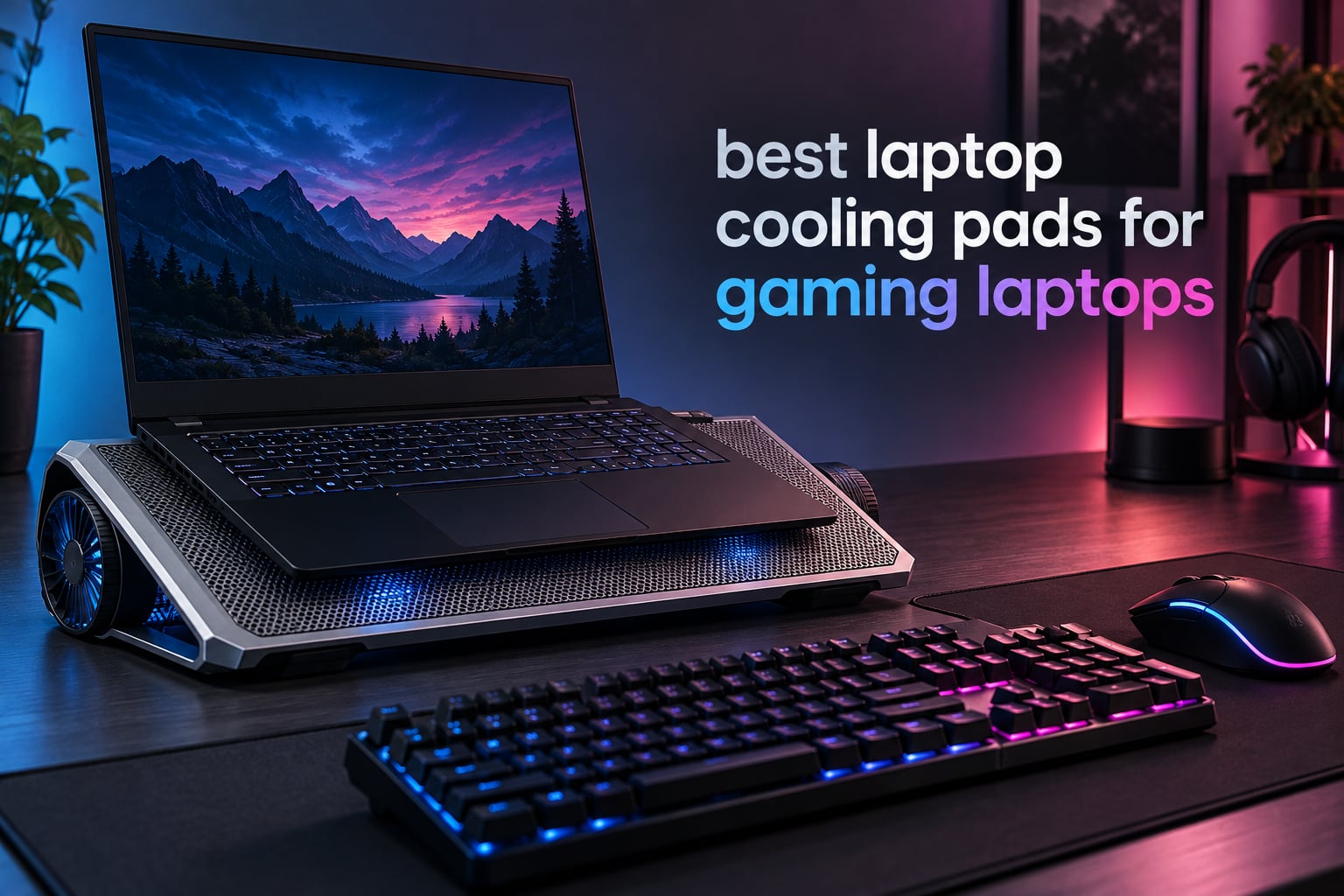
Gaming laptops squeeze desktop-class silicon into a thin chassis, and the cooling has to keep up with hardware that was never designed to sit on a desk. When a machine with a 17 inch display and a 200W charging brick starts a AAA title, the CPU and GPU climb toward the 85-90C range, clock speeds drop, and frames fall away in the first twenty minutes. A laptop cooling pad is the cheapest external answer, and it is the reason the best laptop cooling pads for gaming laptops still sell in volume every year.
Do cooling pads actually work for gaming laptops? Yes, but the honest answer has two halves. Open mesh pads push ambient air at the underside of the machine and typically take 2-5C off sustained CPU and GPU temperatures. Sealed-chamber pads use a foam gasket around the intake vents to force pressurised air directly into them, and those are the models that can report drops of 10C or more on a hot machine. The catch is that both numbers collapse if your laptop does not draw air through its bottom vents.
That single point explains most of the disappointment owners post about. On r/GamingLaptops, plenty of users report that their ASUS, MSI, Clevo and Lenovo machines simply never throttle and need no pad at all, while others spend hundreds on a chassis cooler and report no change whatsoever because their intake grilles sit on the rear or side edges. A pad is an airflow delivery device, not a heat sink. If there is no opening underneath to pressurise, it has nothing to work with.
We compared ten of the highest-reviewed laptop cooling pads on the market, checked their vent compatibility, and separated the ones that genuinely move heat from the ones that just add desk furniture. If you are still choosing the machine itself, our laptops for CAD guide covers thermally loaded workstations in a similar way. The list below runs from a five-fan budget stand to a sealed-chamber turbo unit sized for 19 inch machines.
Table of Contents
Top 3 Laptop Cooling Pads for Gaming in 2026
Our three standouts cover the three most common situations: broad all-round cooling, quiet operation for a shared desk, and a gaming-first platform with lighting and a speed readout.

KLIM Wind 4-Fan Pad
- Four 1200 RPM fans
- 11 to 19 inch support
- Two USB passthrough ports
- 5 year assurance

KLIM Ultimate 200mm Fan
- One large 200mm fan
- RGB rim with 5 effects
- Four tilt levels
- Silent under load

ICE COOREL 8-Fan K10
- Eight fans with LCD readout
- Ten RGB modes
- Six height positions
- Two USB ports and phone stand
All 10 Laptop Cooling Pads Compared (October 2026)
The table below lists every pad in this roundup with the features that actually change the decision. Fan count alone tells you very little, so read the row for size compatibility and cooling architecture as well.
| Product | Specifications | Action |
|---|---|---|
| KLIM Wind Laptop Cooling Pad |
|
Check Latest Price |
 havit HV-F2056 Laptop Cooling Pad havit HV-F2056 Laptop Cooling Pad |
|
Check Latest Price |
 Kootek 5-Fan Laptop Cooling Pad Kootek 5-Fan Laptop Cooling Pad |
|
Check Latest Price |
 TECKNET Portable Slim Cooling Pad TECKNET Portable Slim Cooling Pad |
|
Check Latest Price |
| ICE COOREL 8-Fan Gaming Cooling Pad |
|
Check Latest Price |
 Targus 17 Inch Lap Chill Mat Targus 17 Inch Lap Chill Mat |
|
Check Latest Price |
| KLIM Ultimate RGB Cooling Pad |
|
Check Latest Price |
 AIMIUZI 5-Fan Laptop Cooling Pad AIMIUZI 5-Fan Laptop Cooling Pad |
|
Check Latest Price |
 KeiBn 9-Fan RGB Gaming Cooler KeiBn 9-Fan RGB Gaming Cooler |
|
Check Latest Price |
 llano V12 Sealed Chamber Cooler llano V12 Sealed Chamber Cooler |
|
Check Latest Price |
1. KLIM Wind Laptop Cooling Pad – Best All-Round Cooling for Gaming Laptops
- Four fans spread airflow across the whole base
- Rated quietly enough for long sessions
- Light at 0.72 kg so it travels well
- Two USB passthrough ports keep a port free
- 5 year manufacturer assurance
- Laptops over 17 inch overhang the surface
- Fixed rear legs limit height adjustment
The KLIM Wind is the pad we keep coming back to, and the reason is simple arithmetic. Four 1200 RPM fans spread across a 15.78 by 10.71 inch plastic surface means no point on the underside of a gaming laptop sits in dead air. For a 15 or 16 inch machine with a wide bottom intake grille, that even coverage is worth more than a single large fan pointed at one hot spot.
Reviewers consistently describe core temperatures falling quickly once the pad is switched on, and the pad itself stays out of the way acoustically. At 0.72 kg it is one of the lighter platforms here, which matters if you also carry the laptop to LANs or work in a shared space. Two USB passthrough ports mean a wired mouse or headset does not cost you a port on a machine that already has few.
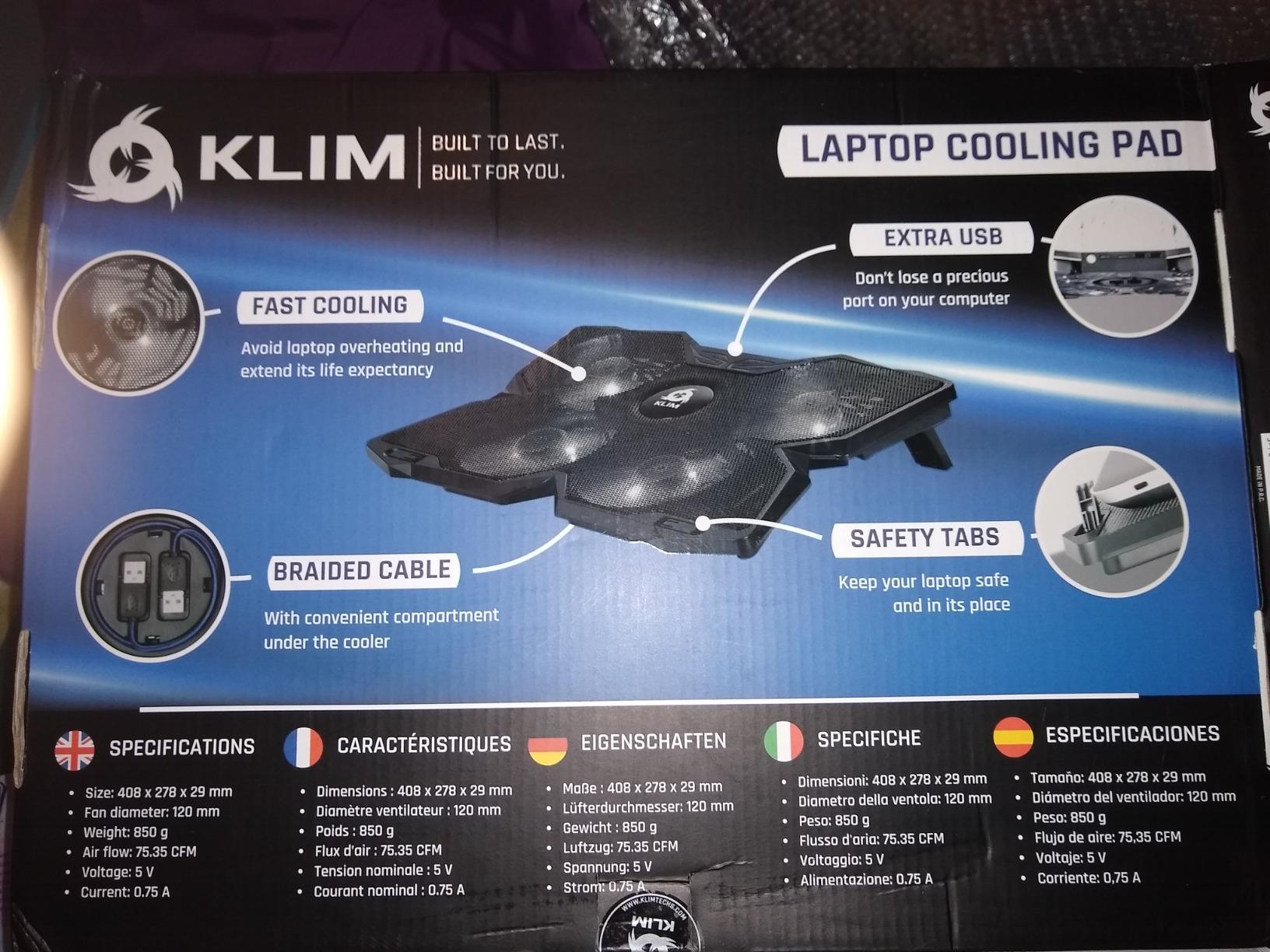
The build is a plastic shell with a metal grid contact surface and two rear legs plus frontal pegs. The warranty story is the strongest on this list at five years, and the KLIM name carries real weight when a fan motor eventually fails. Nothing here needs software, drivers or a firmware update.
Because there is no sealed gasket, expect the moderate end of the range rather than the dramatic end. Think of it as removing the laptop’s own thermal ceiling rather than forcing a large drop. On a desktop replacement that was already throttling, the difference in sustained frame rate is easy to feel after half an hour of play.
Check your laptop size before you order
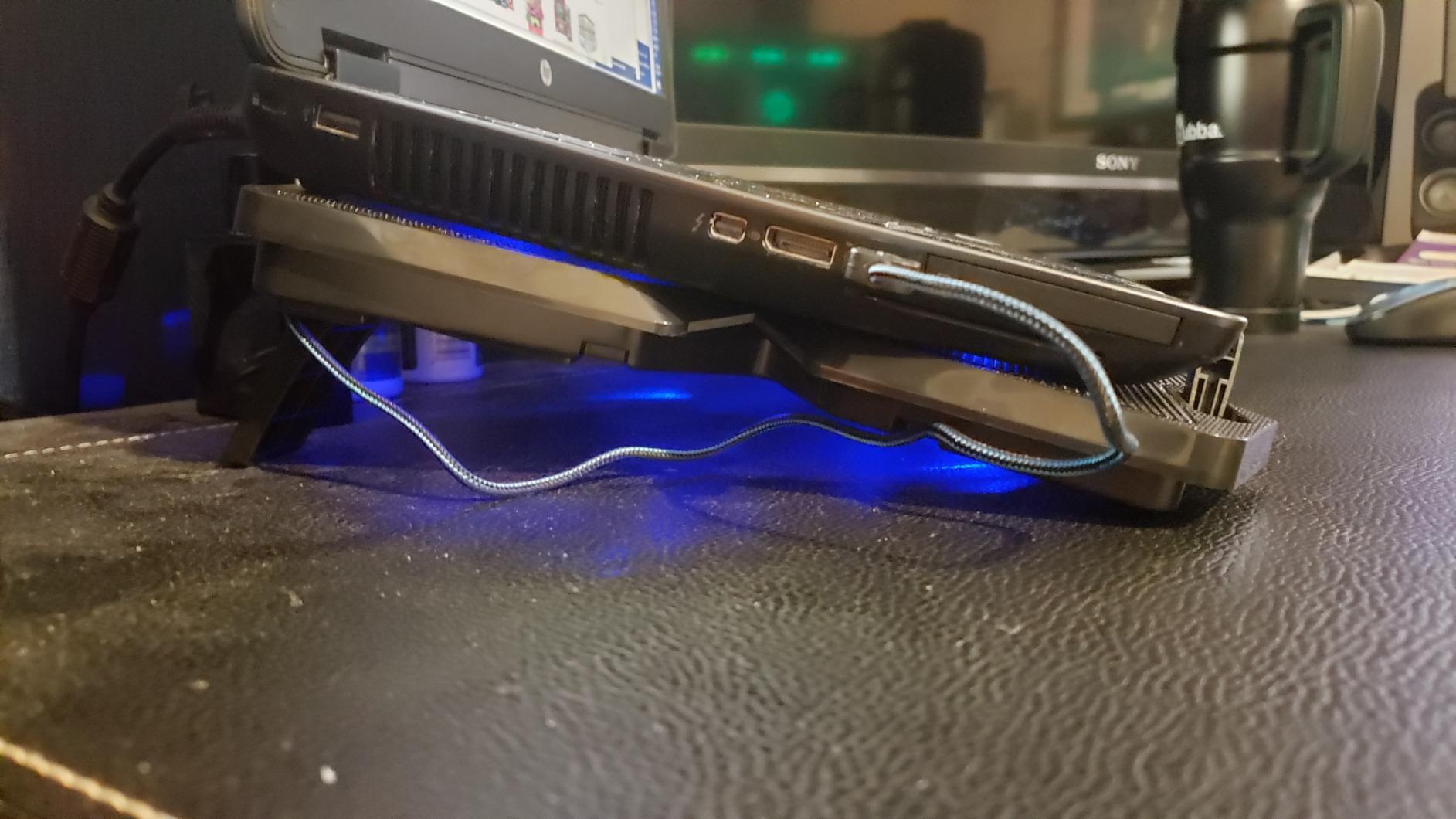
The pad is listed for 11 to 19 inch laptops, but reviewers of larger machines report that anything over 17 inch overhangs the edges. Overhang is not fatal, since the fans still sit under the intake area, but the rear of the chassis can lose support and rock. Measure the diagonal of your display and check it against the 15.78 inch length of the platform.
Where this pad loses ground
The rear legs are fixed, so you get one angle rather than a range. If you need a taller screen position for a long session, or you switch between a flat typing position and a raised gaming position, one of the multi-position stands further down this list serves you better. The four small fans are also inherently gentler than a single 200mm unit moving a comparable volume of air.
2. havit HV-F2056 Laptop Cooling Pad – Best Value for Big Gaming Laptops
- Whisper quiet airflow many owners cannot hear
- Reported 8 to 15C drops on demanding work
- Metal mesh grips the laptop without a lip
- Passthrough USB port and physical power switch
- Light enough for lap use
- USB-A to USB-A cable only
- Some pads develop a fan rattle after about a year
- Included USB cable is short
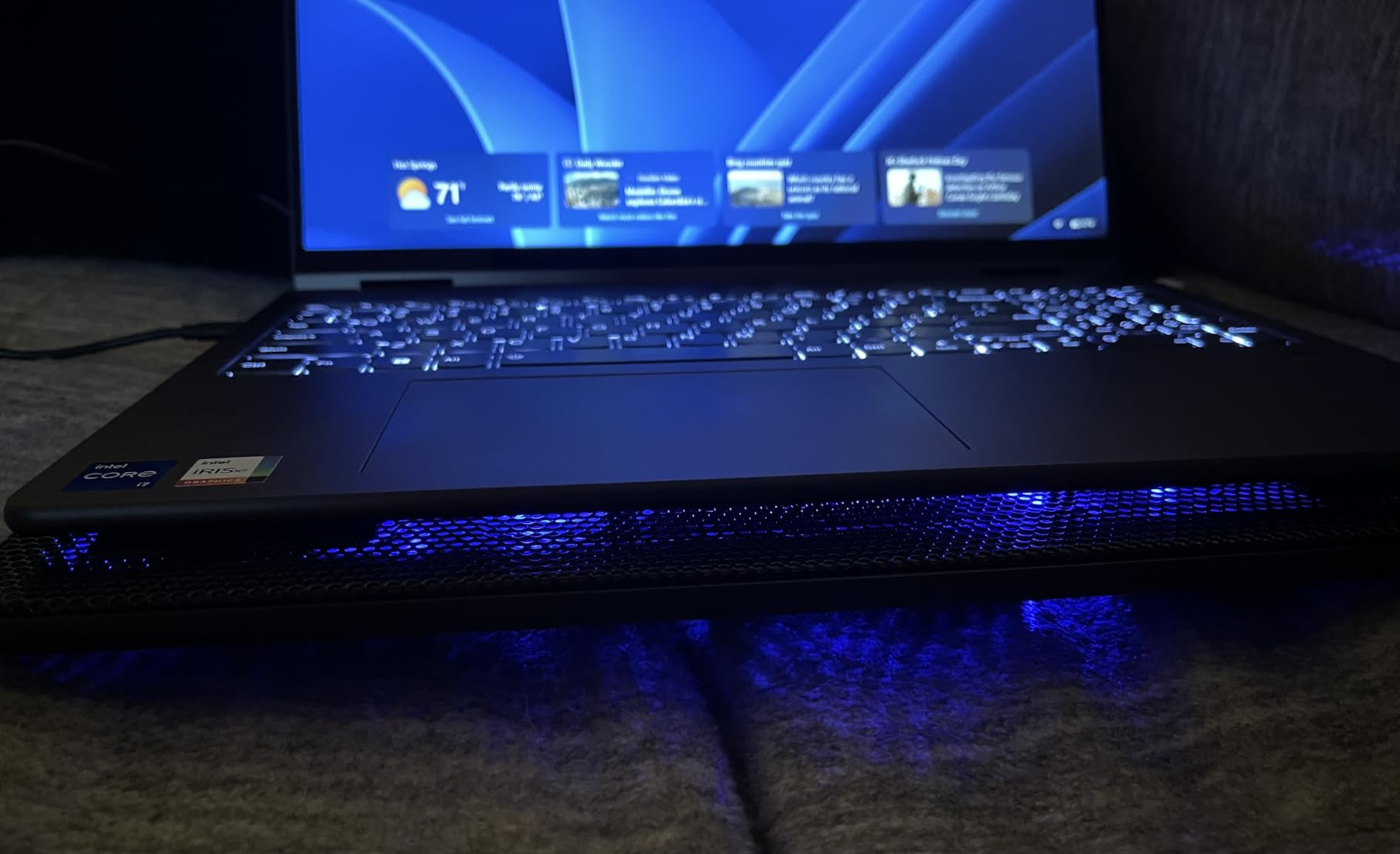
The havit HV-F2056 carries the largest review base in this roundup and sits at the top of the Laptop Cooling Pads category, which is a useful signal on its own. Three ultra-quiet USB powered fans feed air up through a metal mesh carrying surface, and the metal grid does double duty as a grippy platform that keeps a heavy gaming laptop from sliding forward during a match.
Owners of older ThinkPads, HP Envy machines and Dell systems report that the internal fans stop spinning up under load once the pad is running, and several describe 8 to 15 degree Celsius reductions on demanding workloads. Two adjustable height settings give a mild typing angle without turning the pad into a riser.
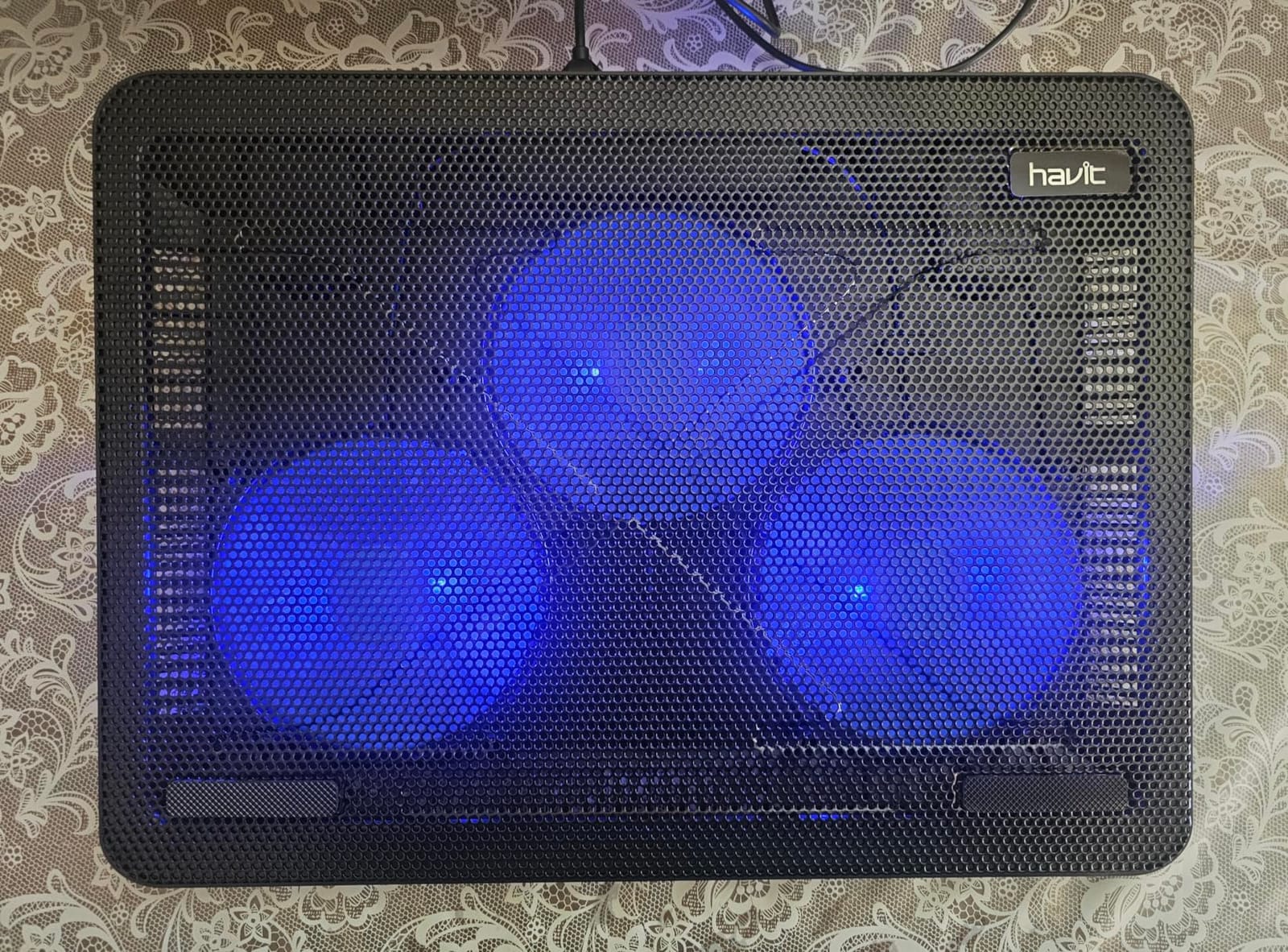
At 697 g and 14.96 by 11.02 inches, it is one of the smaller pads here, which makes it the easiest to move between a desk and a couch. The extra USB port and the physical on and off switch are small touches that matter when you are plugging and unplugging a machine several times a day.
For a 15.6 to 17 inch gaming laptop with a conventional bottom intake, this is the most evidence-backed purchase in the group. The cooling is not sealed and not turbocharged, but the volume of real-world use behind it is far greater than any competing pad on this page.
What to watch with modern USB-C laptops
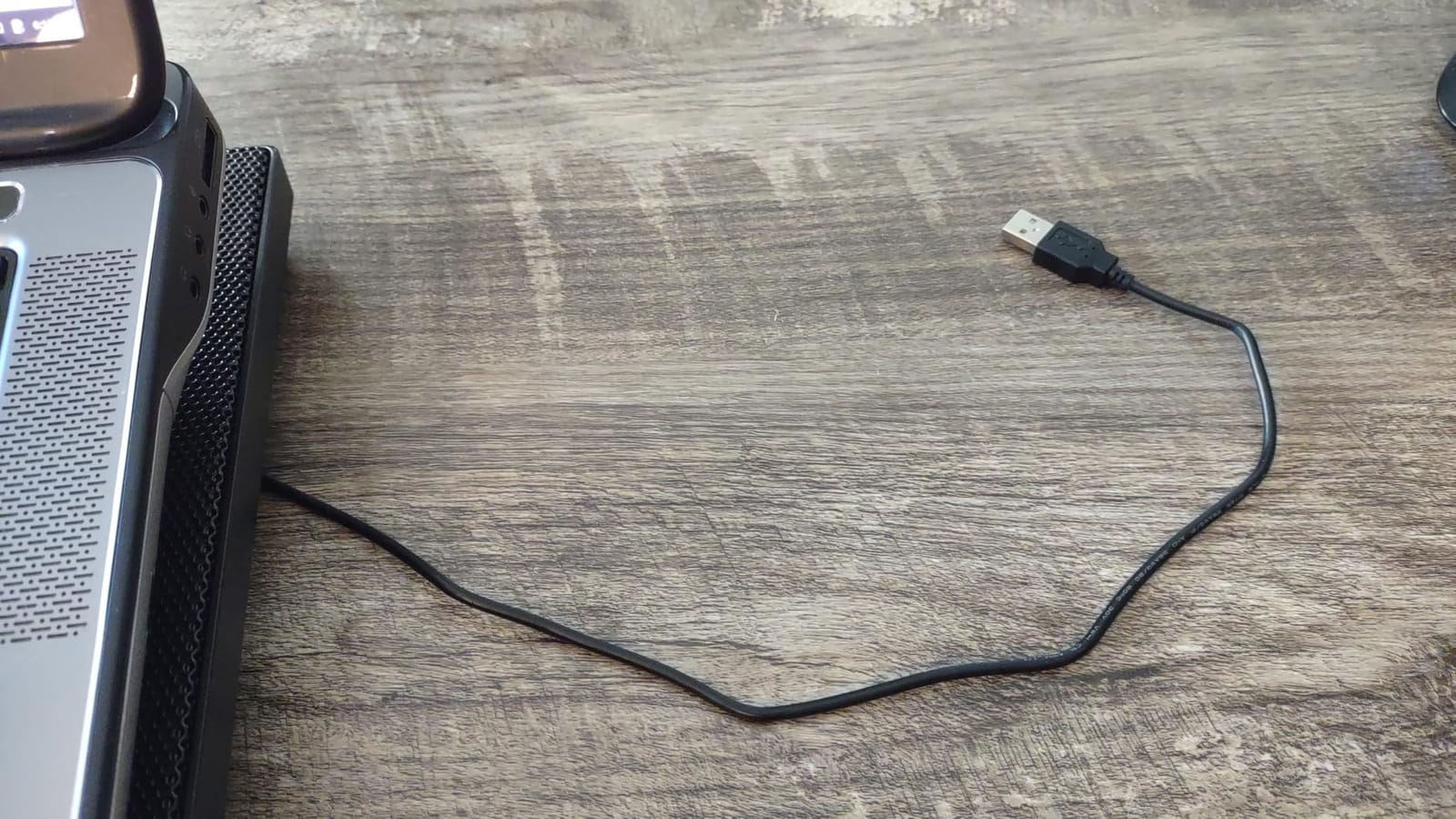
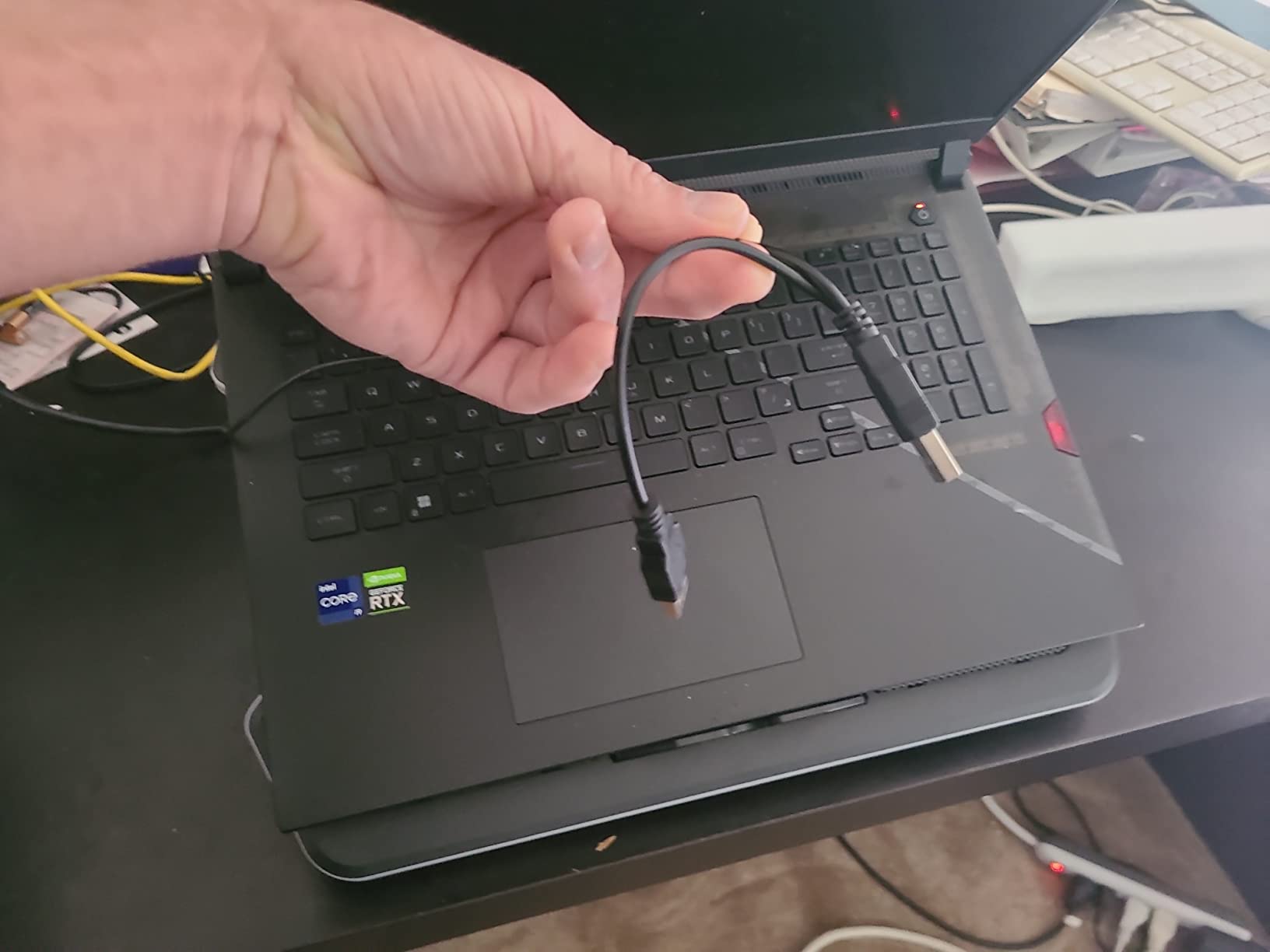
The power connection is a USB-A to USB-A lead, which is the single most common compatibility complaint. If your gaming laptop has only USB-C ports, you need an adapter, and you should confirm your machine charges and accepts USB peripherals simultaneously before relying on the pad in a live session.
Where it falls short
A few owners report a rattling fan developing after roughly a year of daily use, so treat the early months as a trial period. The included cable is also on the short side. Neither issue is serious if you keep the pad on a fixed desk, but both matter if you travel with it.
3. Kootek 5-Fan Laptop Cooling Pad – Best Height Adjustment Range
Kootek Laptop Cooling Pad Cooler Stand with 5 Quiet Fans for 12″-17″ Laptop
- Five fans give 360 degree base coverage
- Two switch positions for 1
- 4 or 5 fan operation
- Metal mesh build feels sturdier than plastic
- Six height positions
- Front stoppers stop the laptop sliding
- Heavier than most rivals at over 1 kg
- Blue LEDs cannot be switched off independently
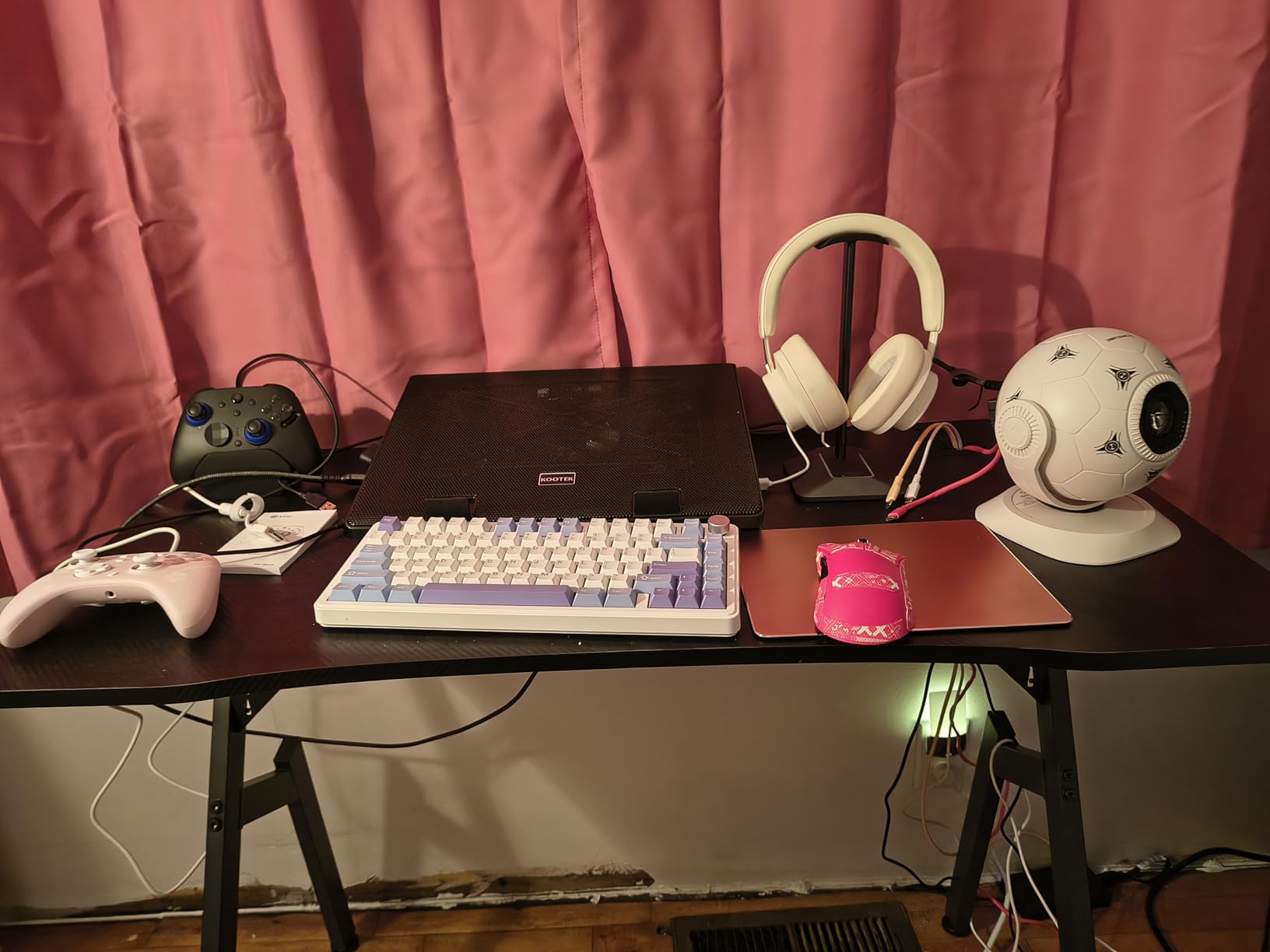
The Kootek LCP04 takes a different approach to fan sizing. Instead of five identical units, it pairs one 4.72 inch fan with four 2.76 inch fans, which lets the large fan handle the centre of the underside where many gaming laptops route CPU intake while the smaller units cover the corners. Two on and off switches let you run one fan, four fans or all five, so you can trade cooling for quiet on a call.
Six adjustable height settings are the most in this group, and for anyone who alternates between a low typing position and a raised gaming position that is the feature that sells it. The platform is metal mesh rather than moulded plastic, and owners describe it as noticeably more rigid under a heavy machine.
A dual USB hub with pass-through power means you can keep a mouse and an external drive connected while the pad draws from the laptop. Front stoppers hold the chassis in place on the incline, which matters more than it sounds on a steep angle with a 2 kg laptop.
Sized for 12 to 17 inch laptops at 14.96 by 11.81 inches, this is a solid mid-range choice for desktop-replacement machines. Like the open mesh designs, it delivers steady moderate cooling rather than a dramatic sealed-chamber drop, and it works best where the intake grille is wide and low on the chassis.
Who benefits most from the six height settings
Anyone who games for hours and then types for hours. Raising the display a few degrees takes strain off the neck during long sessions, and the six-stop range lets you find an angle that suits a particular desk rather than one compromise position. It also helps with airflow, since a raised rear edge opens the gap under the back of the chassis.
Where the extra hardware costs you
At 1.16 kg this pad is far heavier than the slim options further down this page, and it is not a bag-friendly object. The blue LED indicators stay lit whenever the pad is powered and cannot be disabled independently, which is irritating in a dark room or on a shared desk. If you want the lighting gone entirely, the plain models elsewhere in this list suit you better.
4. TECKNET Portable Slim Cooling Pad – Best for Gaming on the Move
TECKNET Laptop Cooling Pad, Portable Slim Laptop Cooler for 12″-17″ Laptops
- Slim low profile that fits a laptop bag
- Very quiet fans that disappear in normal use
- Alloy mesh top balances airflow and weight
- No separate power brick needed
- Responsive manufacturer support
- Cooling tapers under sustained heavy loads
- Laptop can creep forward on the incline
- USB-A connection only with no USB-C
- Blue LEDs cannot be disabled
The TECKNET pad is the one to buy if your gaming happens in more than one place. Three 110mm fans running at 1200 RPM sit in a slim low-profile shell that slips into a bag without the bulk that stops most pads from travelling. At 1.4 pounds it is light, and the whole unit draws power from the laptop so there is no brick to lose.
Owners of older MacBook and XPS systems report that it extends the length of a usable session and brings the internal fans down to idle. Two adjustable height settings with rubber grip pads give a modest incline, and the alloy mesh top over a plastic base balances airflow against weight without tipping into the heavy category.
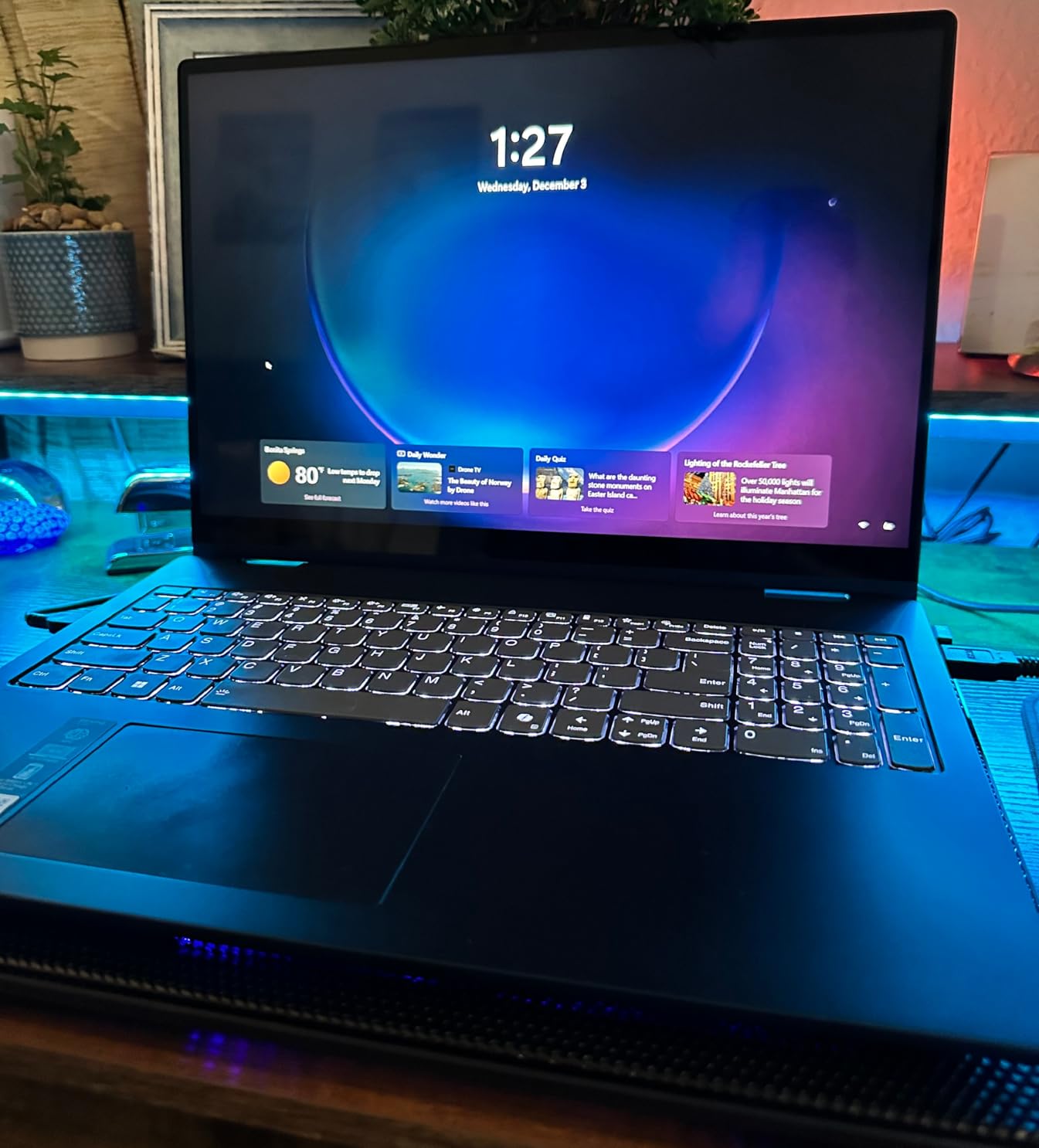
Two USB ports in total is a modest but useful arrangement: one takes power from the laptop and one passes through to a peripheral. A dedicated on and off switch is a genuine convenience when you are plugging in and out repeatedly rather than leaving the pad permanently connected.
It also works with tablets, routers and consoles according to the manufacturer, which is a nice bonus if you want one platform in a shared workspace. Rated for 12 to 17 inch laptops, the platform measures 15 by 11 inches.
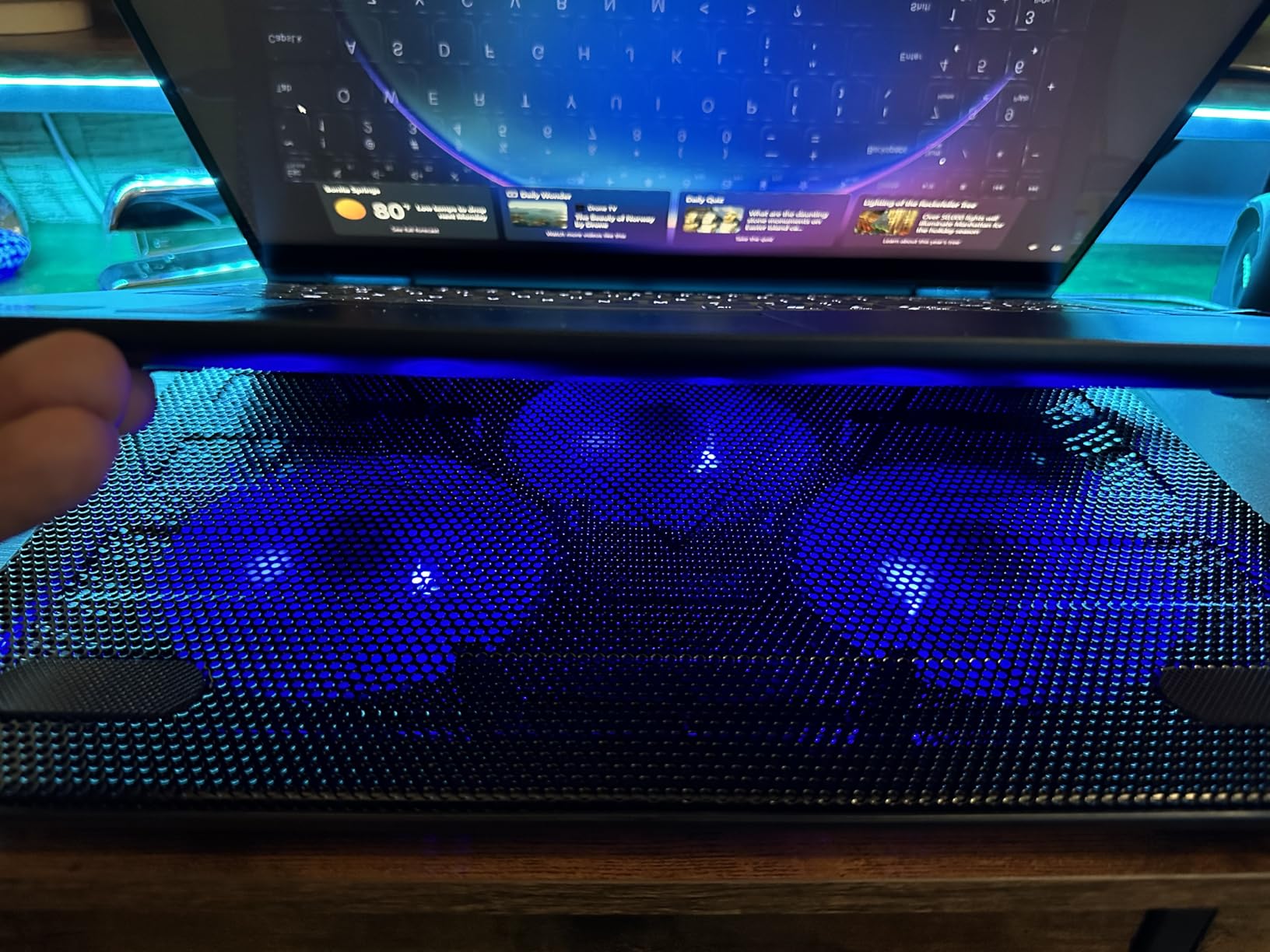
What this pad will not fix
Owners are clear that cooling capacity tapers off under sustained heavy gaming or long rendering jobs. Expect it to smooth out short bursts and keep the internal fans from spinning constantly, not to rescue a laptop that is already shutting down under a long render. If your machine thermally throttles after twenty minutes, this is the wrong tier.
Compatibility notes before you commit
The connection is USB-A to USB-A with no USB-C support, so newer laptops need an adapter. The incline is also shallow enough that a heavy laptop can creep forward during an intense session, and the blue LEDs have no off switch. Verify your port layout and check that your desk has room to anchor the front edge.
5. ICE COOREL 8-Fan K10 Gaming Cooling Pad – Best Gaming Cooling Pad With RGB
- Eight fans spread across the full surface
- Aluminum construction feels more premium
- Readable LCD fan speed display
- Six height positions
- Capacitor equipped fans stay near silent
- Tallest and bulkiest frame in the roundup
- RGB lighting is purely decorative
This is the pad that looks like it belongs next to a gaming desktop. Eight fans with air vents on both the top and bottom faces push air through the entire volume of the platform rather than just upward, and the aluminium frame gives it a rigidity that plastic-bodied competitors cannot match. At 1.12 kg it is heavy for a pad but well balanced.
Two details separate it from the other multi-fan options. An LCD display shows the current fan speed, so you can confirm the pad is actually running at the level you selected without guessing. Multiple speed modes are selected from buttons on the deck, which is faster than cycling switches.
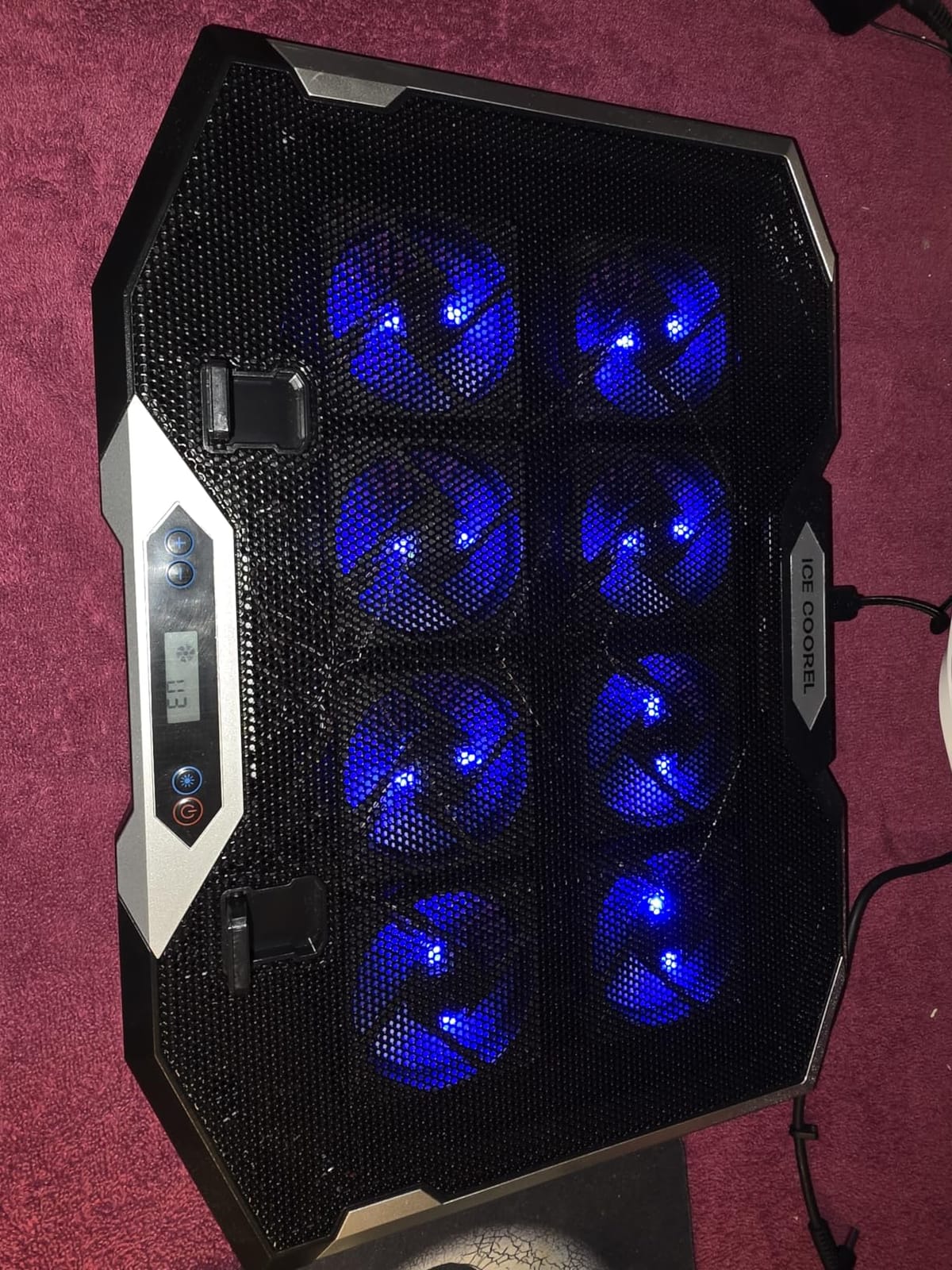
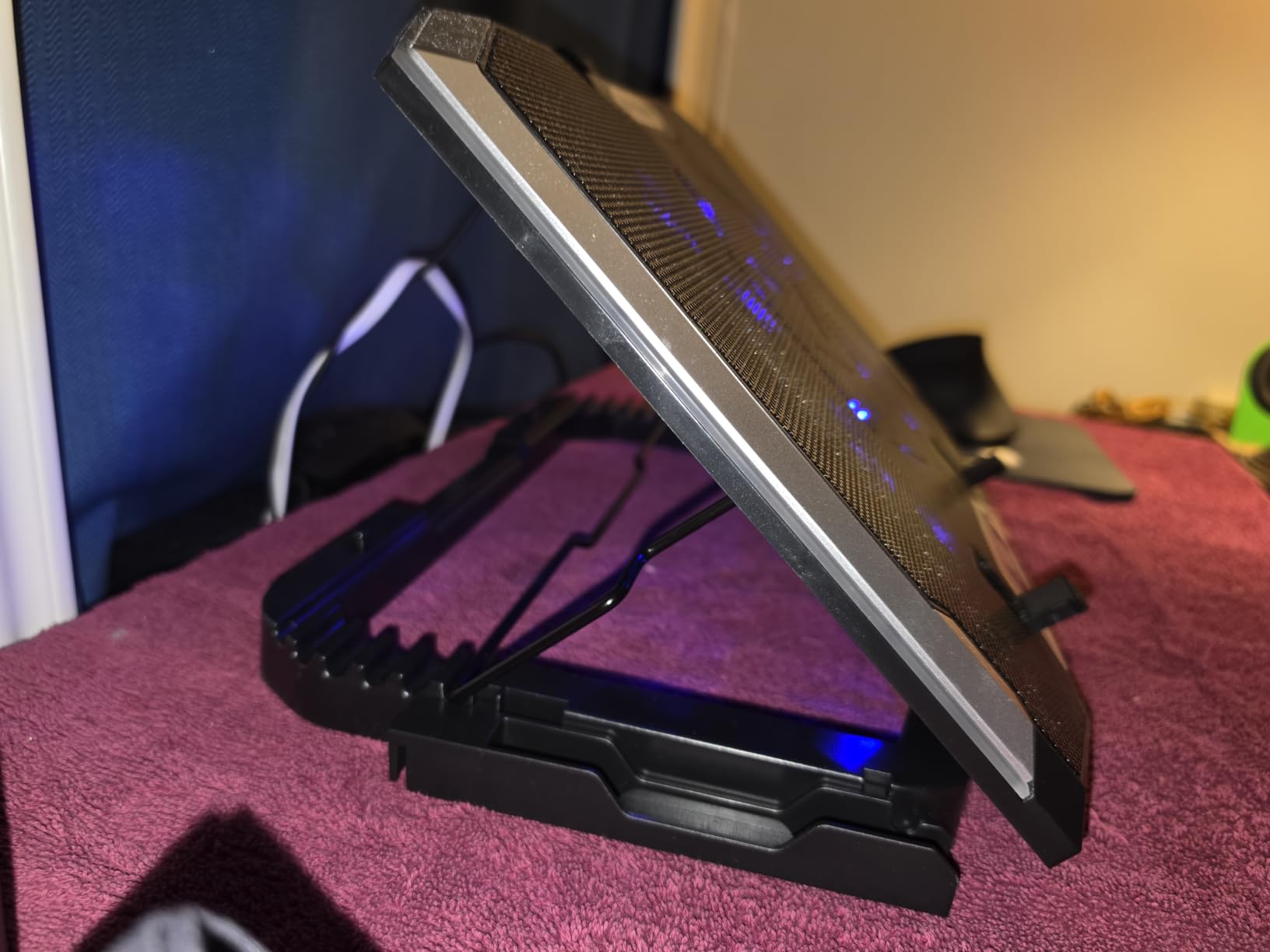
Ten RGB lighting modes and a hideable phone holder round out the gaming feature set, and two USB ports are provided for peripherals. Six height adjustment positions cover everything from flat typing to a raised gaming posture, and the platform is sized for 15 to 17.3 inch laptops on a 16 by 12 inch footprint.
Owners single out the capacitor-equipped fans as the reason the noise stays low even on the maximum setting, which matters if you are streaming. The broad coverage means a wide intake grille gets a more even feed than a single central fan could provide.
Is the height a problem in practice?
The listed dimensions include an 8.46 inch height figure, making this by far the tallest frame in the roundup. On a desk that is fine and even helpful, since it adds screen lift. In a small workspace or a shared office it dominates the surface, and it will not share a bag with much else. Measure your desk depth before ordering.
Who should skip it
If your setup is a quiet office, a streaming desk with a condenser microphone in frame, or a minimalist workspace, the ten RGB modes are one more thing you will end up switching off. There is no software to configure the lighting, so the modes are what you get. Pairs of fans with cleaner profiles are further down this page.
6. Targus 17 Inch Lap Chill Mat – Best Cooling Pad for Lap and Couch Gaming
- Neoprene base is comfortable for long lap sessions
- Reported 10 to 12C drops at heavy CPU load
- Side intake avoids blocking airflow underneath
- Quiet hum that disappears in most rooms
- Large surface fits 17 inch machines
- Only two fans limits total cooling power
- Footprint will not fit a 15 inch laptop bag
- Fixed tilt with no height adjustment
- Plastic base can crack with age
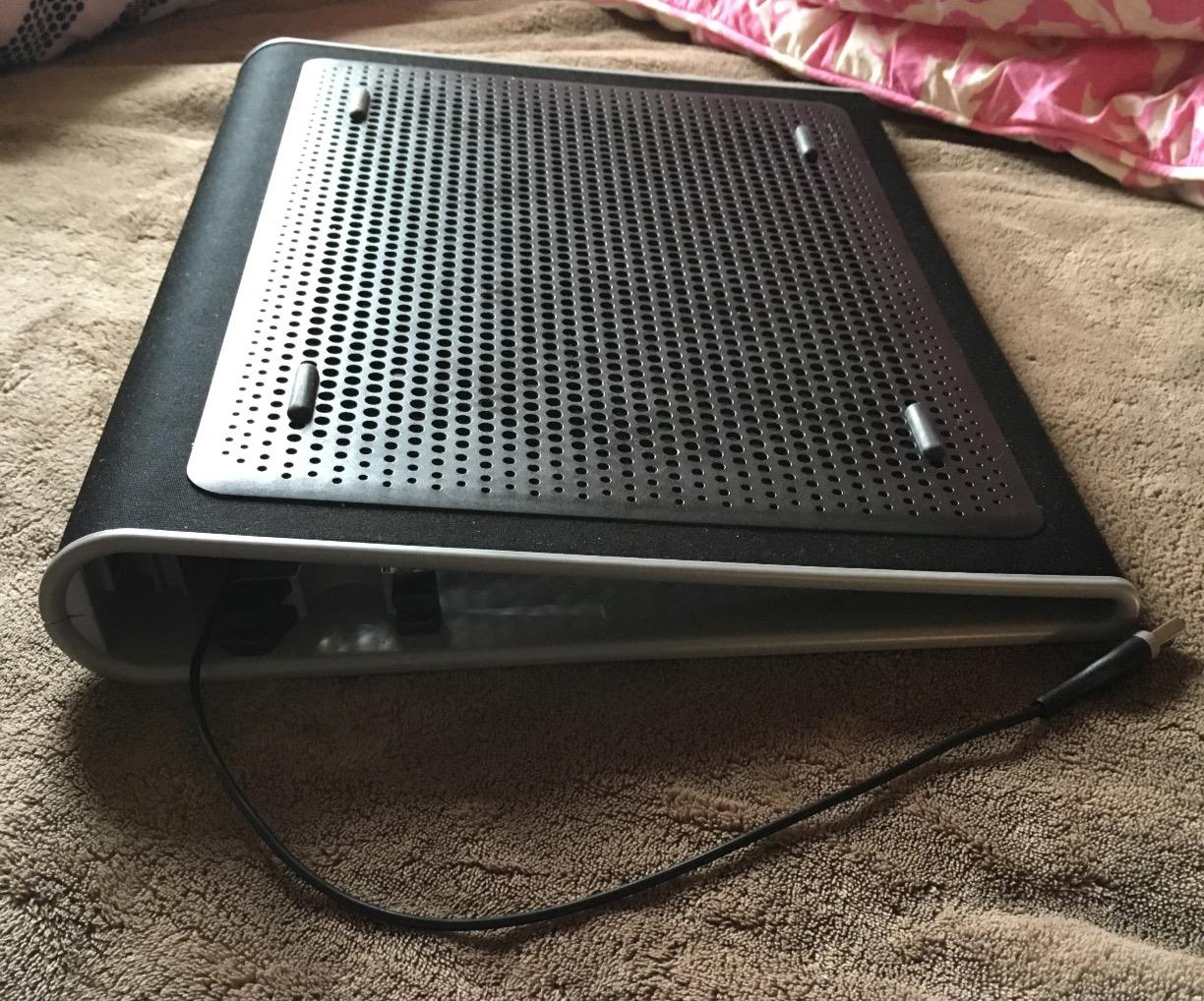
The Targus AWE55US solves a problem the other pads ignore. It is designed to be used on a lap, a bed or a couch, and the soft neoprene underside insulates your legs from the heat that would otherwise come straight through a metal chassis. A 17 inch surface sits under a full-size gaming laptop, and four rubber stops on the top face keep it from sliding on a sloped thigh.
Two fans draw power over a standard USB-A connection and blow through an open mesh top. One measured review logged a 10 to 12 degree Celsius drop at 95 percent CPU load, which is a solid result for a two-fan design. The side intake arrangement means airflow is not blocked by whatever surface the pad is resting on.
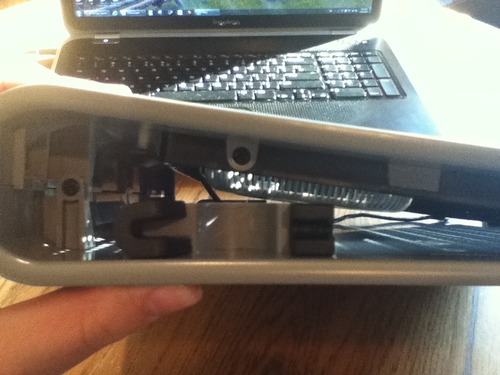
The pad has a fixed ergonomic tilt rather than adjustable legs, so you get one comfortable angle and nothing else. At 15 by 11.75 inches and 2 pounds it is the bulkiest object in this roundup relative to its cooling power, which is a fair trade for the neoprene comfort but a poor one for travel.
Noise is a low unobtrusive hum rather than a fan roar, and the Targus name has been on this design for years, which means replacement parts and long-run support are not a concern. It fits most 17 inch laptops and anything smaller.
Why the neoprene base matters for gaming
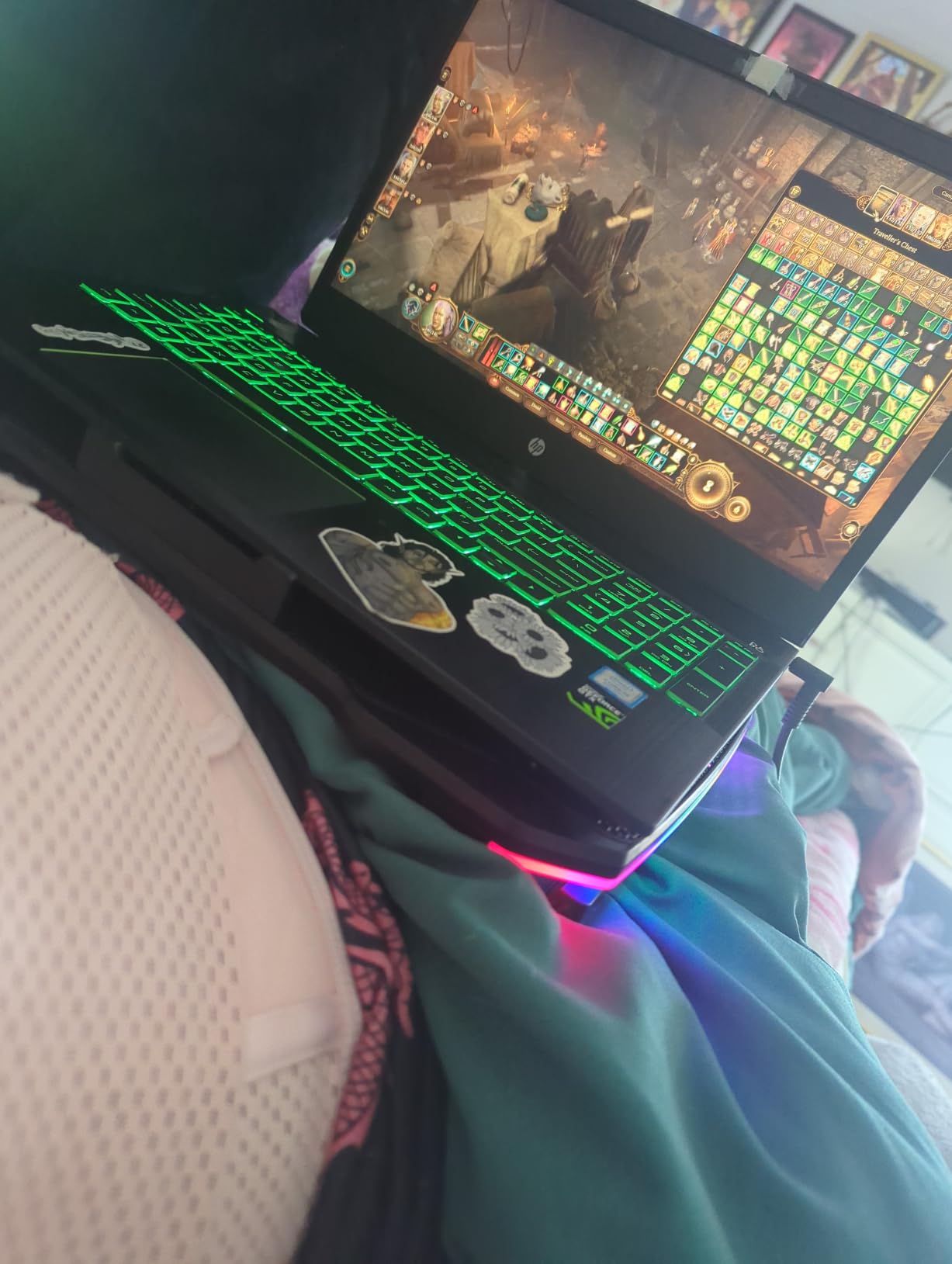
Soft surfaces block intake vents completely, so gaming on a bed or a lap is the fastest route to a hot laptop. Lifting the chassis on a neoprene mat restores airflow while the pad blows into the vents, and the insulation stops the heat reaching you. For couch sessions this pad solves a problem no desktop-oriented cooler addresses.
The compromise to accept
Two fans is a modest amount of cooling next to the eight and nine fan designs here, so do not expect to hold down a 200W desktop replacement on a lap. It also has no height adjustment, and the small anti-slip bumpers are weak on a steep slope. Keep the pad on a flat lap or a firm cushion rather than your knees at an angle.
7. KLIM Ultimate RGB Cooling Pad – Best for Silent Gaming
Ultimate RGB Laptop Cooling Pad with LED Rim, USB Powered, Up to 17 Inch
- Large slow fan moves a lot of air quietly
- Reported 10 to 30C drops on gaming laptops
- Often quieter than the laptop own fans
- Four height levels give a real screen lift
- 5 year manufacturer assurance
- RGB rim can be distracting in a dark room
- Dual USB-A cable is awkward on USB-C laptops
- Front retaining tab is thin plastic
- No per-zone speed control
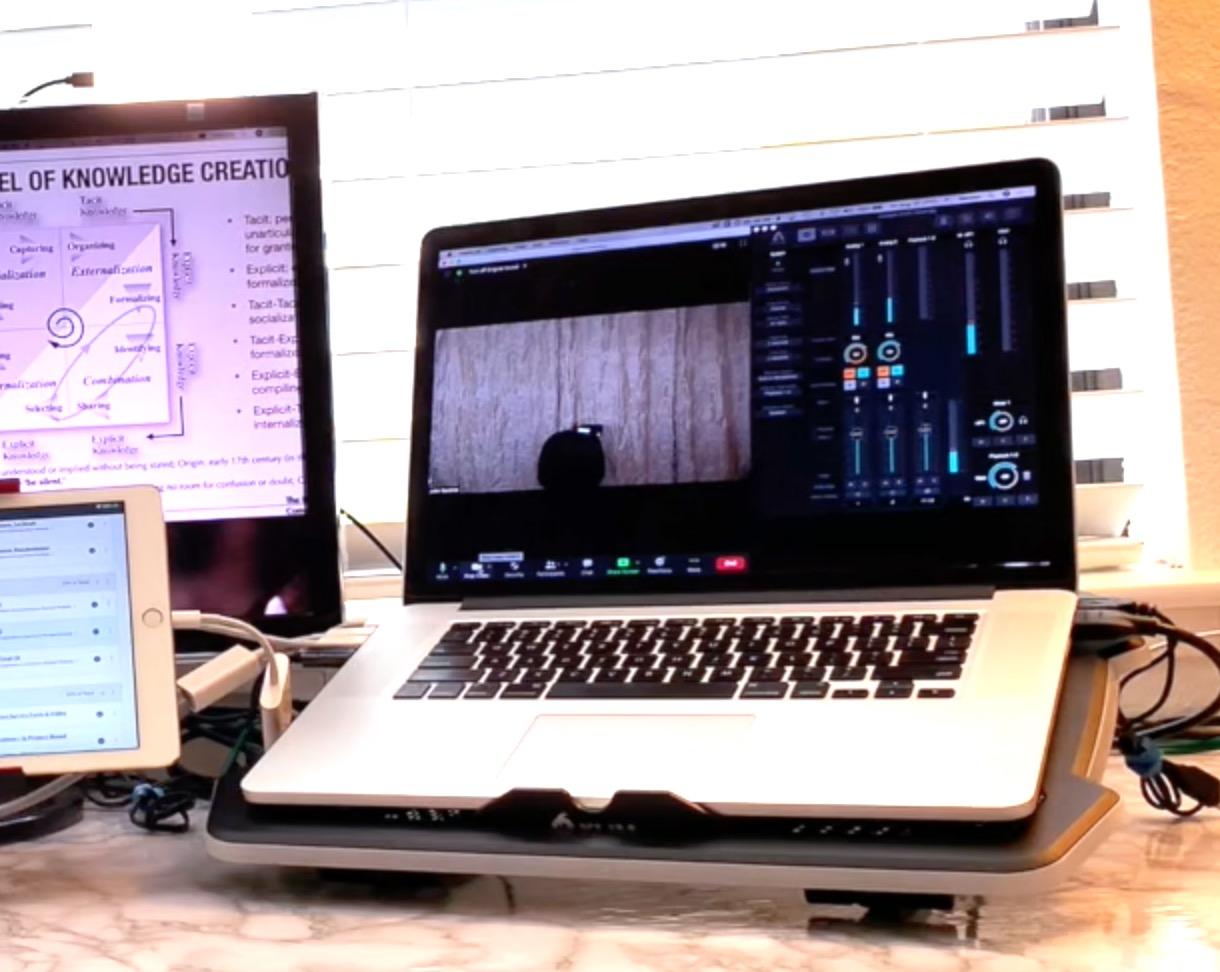
A single 200mm fan spinning at 750 RPM moves an enormous volume of air for how little noise it makes. That is the whole argument for the KLIM Ultimate, and owners with MSI, ASUS ROG, Dell XPS and CyberPower machines report the laptop staying under 80 degrees with internal fans rarely spinning up, with reported reductions ranging from 10 to 30 degrees Celsius.
The principle is worth understanding. A large diameter fan turning slowly moves far more air per watt than several small fans turning quickly, and a big fan does not develop the tonal whine that small high-RPM units produce. For a streamer with a microphone in frame, that difference is the entire buying decision.
Construction is an ABS structure with a metal grid, and the platform is 16.73 by 12.4 inches at 0.98 kg. Four inclination levels with a frontal stopper give a noticeable screen lift for long sessions, and the fit covers 10 to 17.3 inch laptops as well as consoles. A five year assurance is attached.
The RGB rim carries five effects across seven colours, which is a genuinely useful feature for a setup that doubles as an entertainment centre, though it is the feature most often criticised by people who game in a dark room. The lighting sits on the rim rather than under the laptop, so it spills onto the desk instead of glowing through the chassis.
Where the 10 to 30C reports come from
Those figures come from owners whose laptops were running hot enough to be throttling, typically a few minutes into a game, and they represent the gap between a struggling machine and a comfortable one. On a laptop that already sits at 60 degrees, expect a small change rather than a dramatic one. Measure your own baseline before and after so you know which category you are in.
Two things to plan around
The dual USB-A power cable is awkward on modern USB-C laptops, and the thin plastic front retaining tab is the component most likely to need replacing first on a very heavy machine. The single fan also means there is no per-zone control, so you accept one airflow pattern rather than being able to direct extra air at the GPU corner.
8. AIMIUZI 5-Fan Laptop Cooling Pad – Best Budget Pick for Light Gaming
- Five fans give noticeable airflow across the base
- Very quiet motors that vanish on calls
- Five height levels from low to high
- Light and slim enough for a laptop bag
- Dual USB ports plus a retractable phone holder
- Not powerful enough for heavy sustained gaming
- Surface suits slim machines rather than 17 inch gaming laptops
- Short stiff USB cable
- LED lighting cannot be switched off
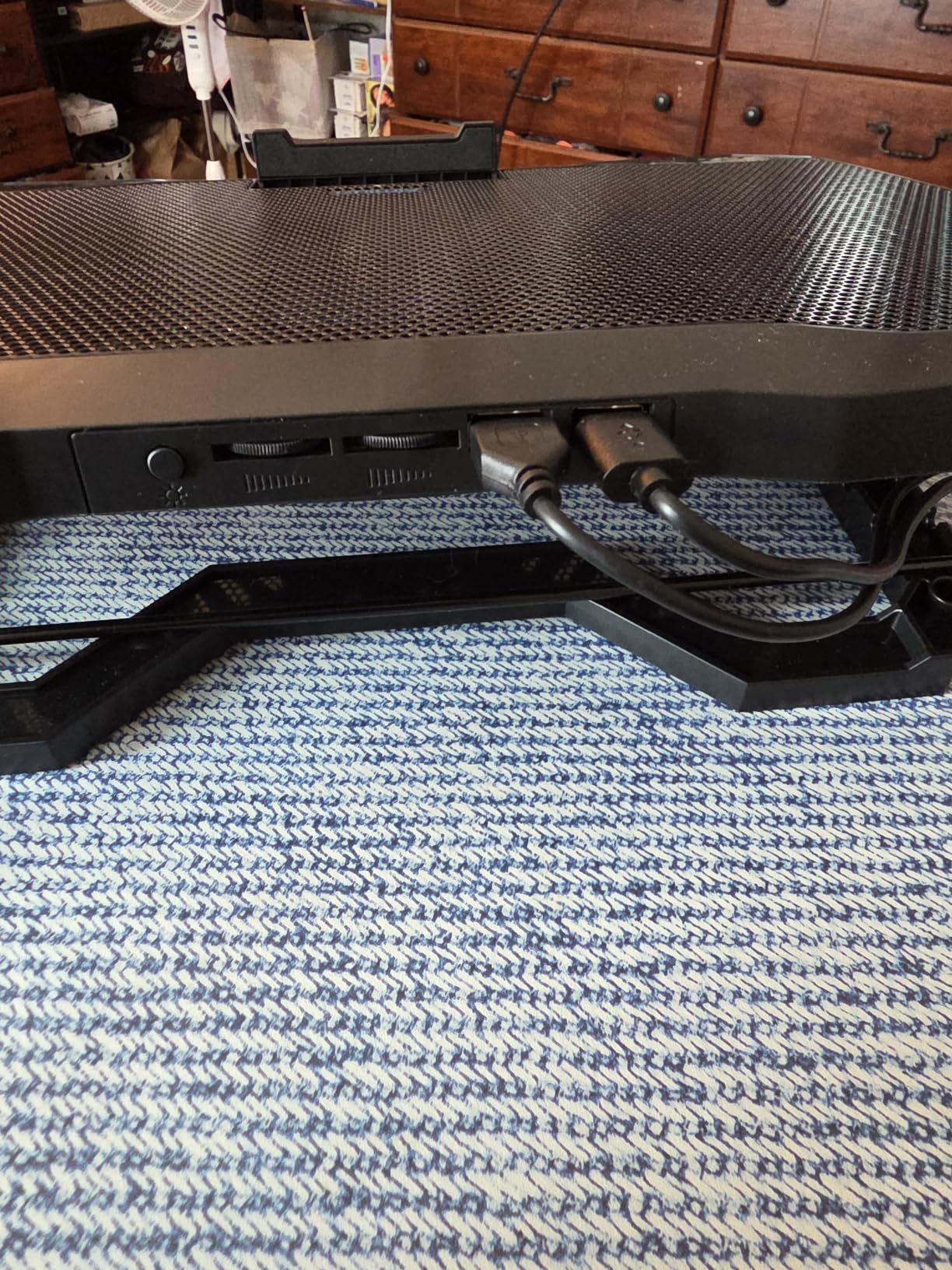
The AIMIUZI F2PLUS is the cheapest useful pad in this roundup and the one most often recommended for general work, media and light gaming. Five fans sit over a metal plate surface, five height levels cover everything from flat typing to a raised gaming posture, and at 1.4 pounds and 13.11 by 9.84 inches it is one of the few here that genuinely fits a laptop bag.
Owners highlight the quiet motors, which are barely audible during a call, and the fact that no drivers or software are required. It draws power over USB with the cable included, and the two USB ports plus a retractable phone holder are more than most pads at this level offer.
Be clear about the ceiling. Reviewers repeatedly describe it as inadequate for heavy sustained gaming loads, and the 13.11 inch length means a 15.6 or 17.3 inch gaming laptop overhangs the platform substantially. The fan coverage is sized for slim notebooks, not desktop replacements with wide intake grilles.
There is a retractable non-slip baffle at the front to stop a light laptop creeping forward on the incline. Some owners report fan bearing noise developing after roughly a year, so it is worth keeping the purchase receipt if you plan to use it daily.
Who this pad suits
A student or office worker who runs a 14 inch ultrabook, watches a lot of video and plays games that do not stress the GPU. In that situation it does its job quietly and cheaply, and the extra height positions are a bonus for a shared desk. It is also a sensible first pad before committing to a sealed-chamber unit.
When to spend more instead
If you own a 15.6 or 17.3 inch gaming laptop and play titles that push both CPU and GPU for extended sessions, move up the page. A 13 inch platform simply cannot deliver air across a wide chassis. The Kootek and ICE COOREL models cover that size class with far more surface area and more fans over it.
9. KeiBn 9-Fan RGB Gaming Cooler – Best for 17 Inch Gaming Laptops
- Nine fans cover the full underside
- Very quiet even on the maximum setting
- Illuminated controls readable in the dark
- Seven height settings
- RGB rim and phone holder included
- Bottom grid can flex on a lap with a heavy laptop
- Frame can crack at the phone holder mount
- Fan and light settings reset each power on
- Supplied USB cable reported as low quality
- Small fans move broad but gentle airflow
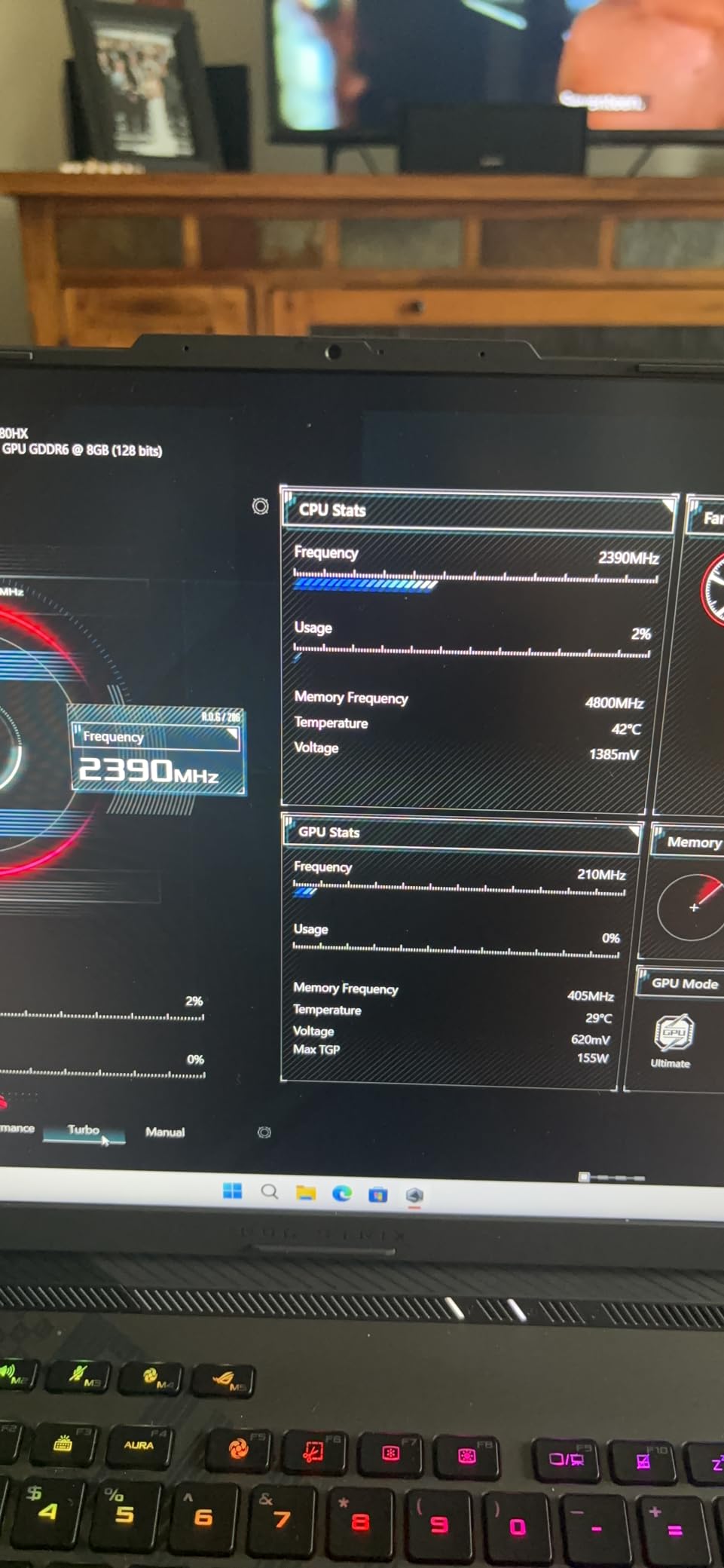
The KeiBn K9Blue packs the most fans in this roundup, and the headline user result is the most striking one we found for a multi-fan design. One owner measured GPU temperatures dropping from 96C to 61C, and other owners report roughly 10 degree reductions on 17.3 inch machines with i9 processors and RTX 4090 graphics.
Seven height adjustment positions are the most available here, which is genuinely useful on a 17 inch chassis that otherwise sits low and flat. An LCD display shows the current fan speed, and the illuminated touch controls stay readable in a dark room, which matters for late-night sessions.
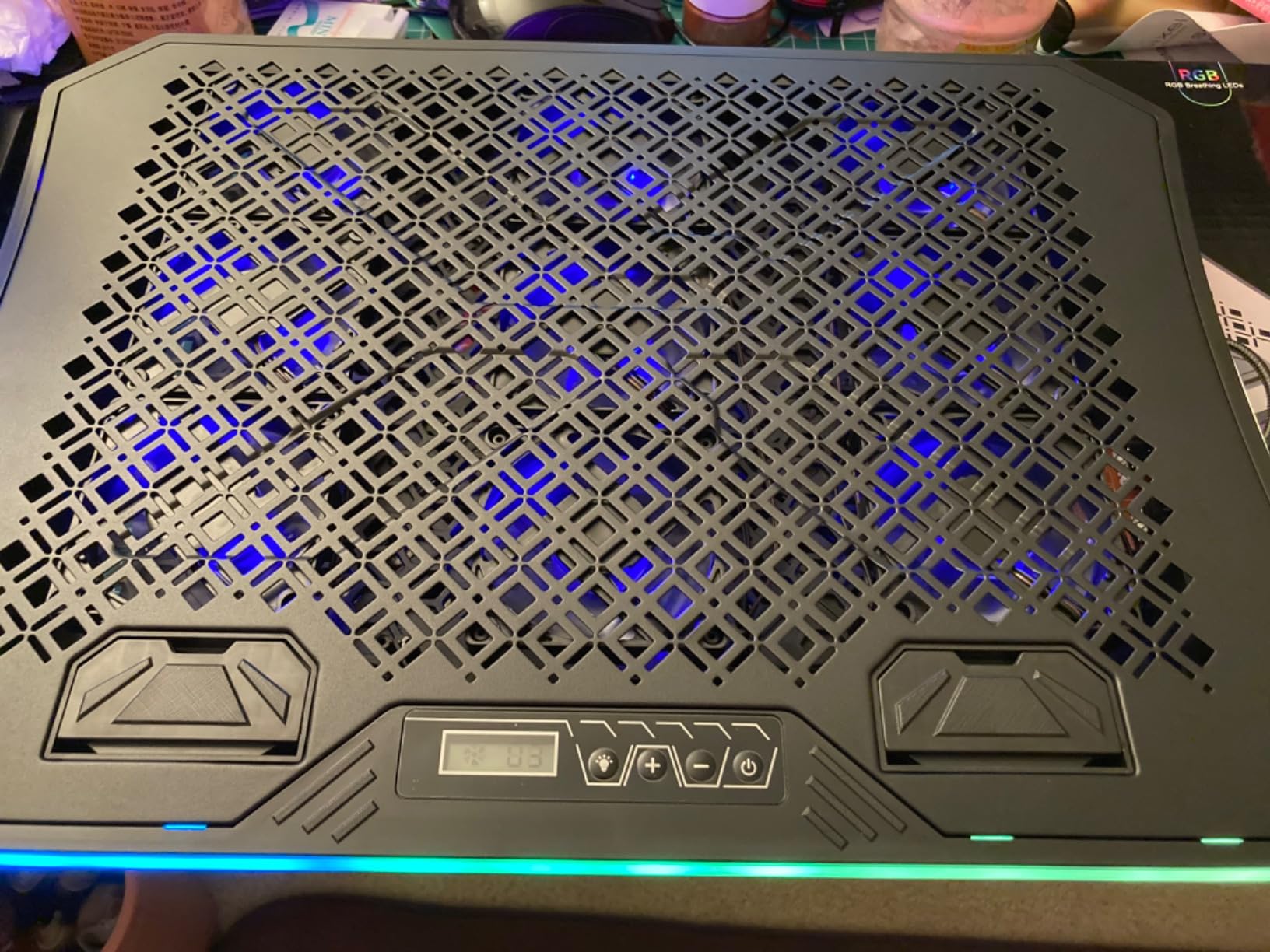
Ten RGB lighting modes, two USB ports and a phone stand complete the feature set, and the platform is sized for 15.6 to 17.3 inch laptops on a 16.8 by 11.2 inch footprint. Multiple speed modes let you dial back the noise when you are not pushing a hard frame rate.
At 1.49 kg it is the heaviest multi-fan pad in the group, and that weight becomes relevant on a lap. The nine small fans also mean broad but gentle airflow rather than the focused pressure of a large turbo unit, so the results depend on how much of the underside is actually open intake.
Reading the 96C to 61C claim carefully
That measurement came from one owner on one machine, and a number like it deserves context rather than replication as a promise. A 17 inch chassis with a wide bottom intake gives a nine-fan array far more surface to work with than a thin 13 inch notebook does, and the starting temperature determines how much room there is to drop.
Build weaknesses to keep in mind
The bottom cooling grid can flex, and some owners report cracking when the pad is unsupported on a lap carrying a heavy laptop, so keep it on a desk. The frame can crack at the phone holder mount after extended use, fan speed and lighting settings reset to defaults each time it is powered on, and the supplied USB cable has been reported as low quality.
10. llano V12 Sealed Chamber Cooling Pad – Best Premium Cooler for 19 Inch Laptops
llano V12 Gaming Laptop Cooling Pad Laptop Cooler Laptop Cooling Fan Stand
- Largest fan here
- suited to 15.6 to 19 inch machines
- Removable high density dust filter
- Three port hub turns the pad into a workstation hub
- 36W output with adapter included
- RGB settings remembered between power cycles
- Most expensive option in the roundup
- USB ports are peripheral only and cannot charge
- Heaviest and deepest chassis at 1.8 kg and 2.7 inches
- Only one fan with no zone control
The llano V12 is the only sealed-chamber design in this roundup, and that changes the physics. A 5.5 inch turbo fan pressurises air through a foam gasket that forms a seal around the laptop’s intake vents, so the air is forced into the machine rather than merely passing near it. Sealed designs are the reason pads can report double-digit temperature drops where mesh pads report low single digits.
The manufacturer claims a reduction of up to 44C across CPU and GPU within 90 seconds, which we would treat as a best case on a hot machine rather than a typical result. Stated operating noise is 70 dB or lower, so it is not silent, but the large fan diameter keeps it below the whine of small high-RPM units.
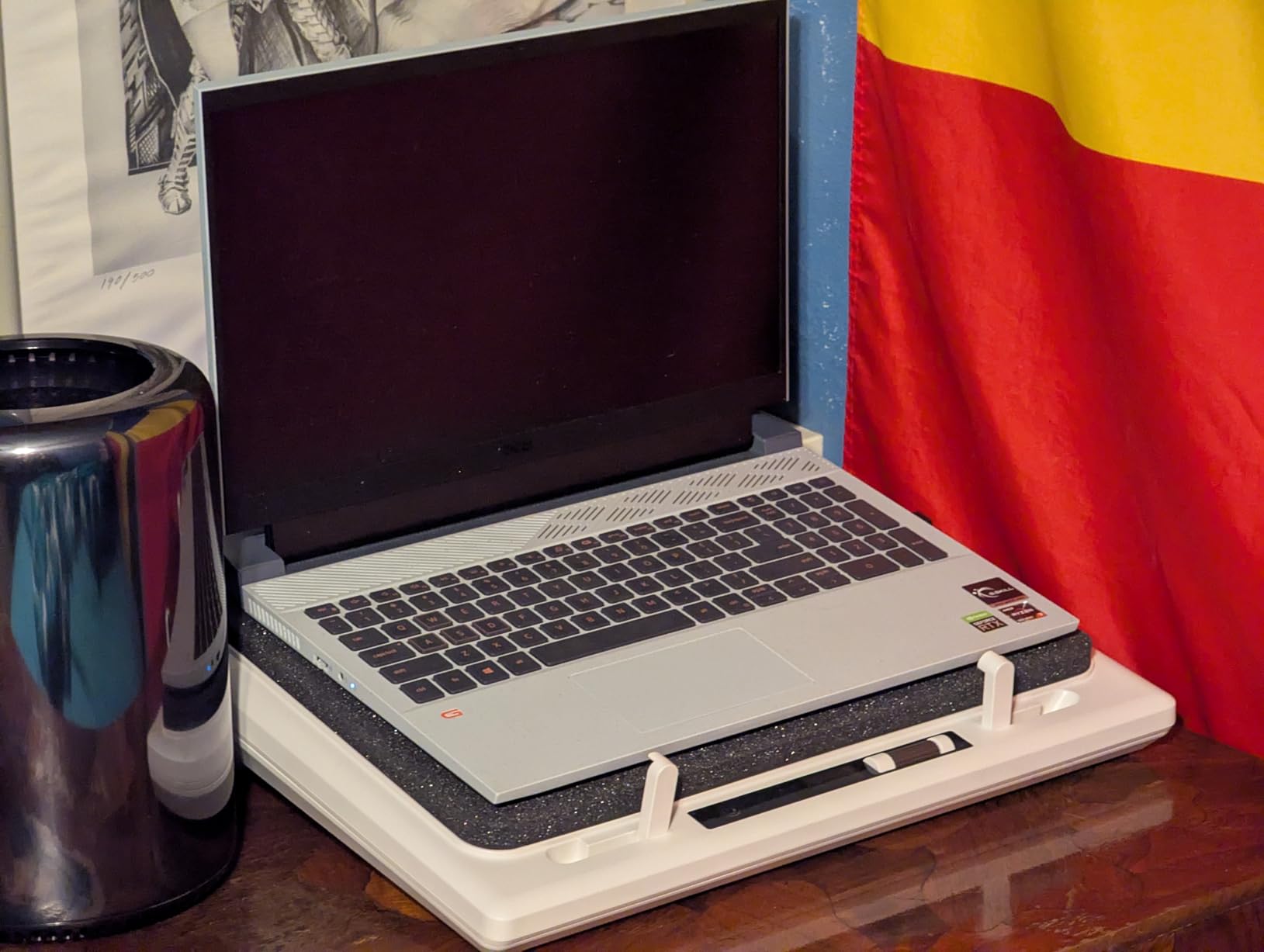
Two practical features make this a workstation rather than just a cooler. A removable high-density dust filter traps particles before they enter the chassis, which matters if your gaming laptop has already lived in a dusty room. Three USB 2.0 peripheral ports turn the pad into a hub, and a 36W power output with an adapter included covers high-draw setups. The ports do not charge devices.
Rounding it out, the RGB light bar offers ten modes and four colour sets with a touch mute button that remembers your setting, and three tilt angles at 3, 12 and 15 degrees suit both a flat typing position and a raised gaming one. It fits 15.6 to 19 inch laptops on a 16.9 by 12.9 inch footprint.
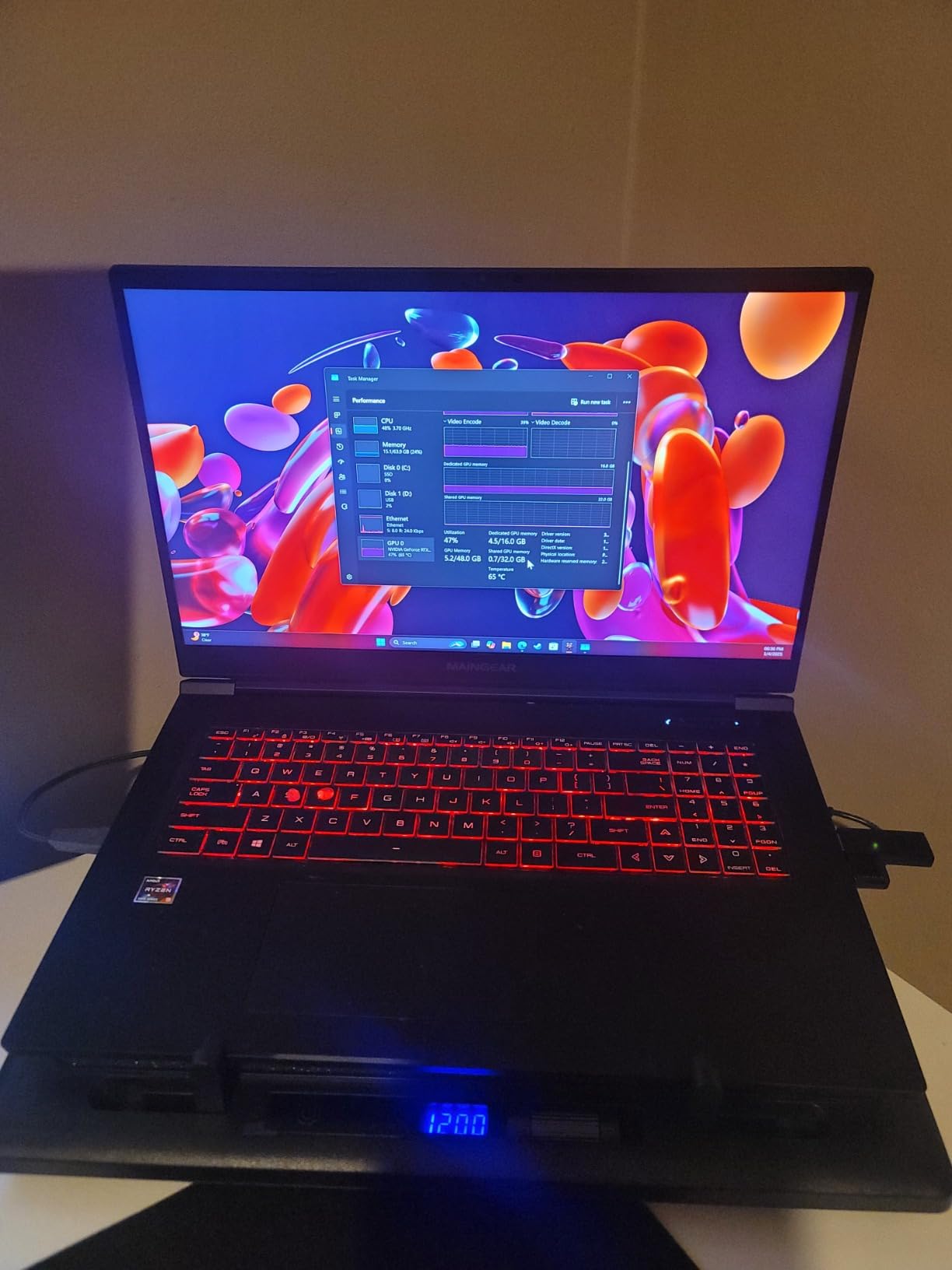
Seating the laptop correctly changes everything
A sealed chamber only works if the seal is tight. Press the laptop down so its rear edge seats firmly into the foam, and check that the gasket is contacting the chassis along the full width of the intake. If air leaks around the sides, the pressurised airflow escapes and you get a fraction of the advertised benefit, which is the single most common complaint about these pads.
Who pays off and who does not
The trade-offs are physical. At 1.8 kg and 2.7 inches deep, this is the heaviest and deepest chassis here, and it is the most expensive by a wide margin. It also ships with a one year warranty, shorter than the five year assurance on the KLIM models, and it has a single fan with no zone control despite the larger price.
How to Check Your Laptop’s Intake Vents Before You Buy?
Most cooling pad disappointments trace back to a vent mismatch, and confirming yours takes about two minutes. Do this before spending anything, because it also tells you which of the two pad architectures is worth your money.
First, find the intake. Flip the laptop over and look for grilles, slots or perforated panels on the underside. On most gaming laptops the intake runs along the rear third of the base, often split into two or three groups, sometimes with a raised foot at the back edge. On slim ultraportables it may be a single narrow strip.
Second, check the exhaust. Where does the hot air leave? If the rear edge or the side edges carry the only vents, the underside is mostly structure and a pad will do very little. Side and rear exhaust designs work best with the sealed-chamber pads, because the foam gasket is built to push air straight into a rear-facing intake. A pad that blows across a sealed underside is just a desk fan pointed at a floor.
Third, measure the chassis. Measure the laptop’s width across the base and compare it with the platform width, not just the screen diagonal. A 17.3 inch display usually means a base wider than the pad on models that skip the multi-fan platform, which is why the ICE COOREL and KeiBn units are worth the extra footprint for large machines.
Fourth, run a baseline. Play your heaviest game or run your longest render for twenty minutes and note the CPU and GPU temperatures and the frame rate. You now have a number to compare against after you add the pad, which is the only way to know whether the pad helped your machine specifically.
How to Choose a Laptop Cooling Pad for Gaming?
Sealed chamber or open mesh
Open mesh pads blow ambient air at the underside of the laptop and are lighter, quieter, cheaper and more forgiving. Expect a moderate, steady improvement, and a pad that works on almost any layout. Sealed-chamber pads use a memory foam or rubber gasket to trap and pressurise air into the intake, and they deliver much larger drops, often double-digit, on machines that actually have a rear or bottom intake worth sealing.
The decision comes down to your vent layout and your tolerance for fuss. A sealed pad demands that you seat the laptop properly every time, and it is physically bulkier. If you move between locations, or your machine has a smooth sealed underside, an open mesh design is the sensible pick.
Noise floor matters more than RPM
Advertised RPM is a poor guide. Small high-RPM fans spin fast and whine, while a single 200mm fan at 750 RPM moves more air and stays quieter, which is exactly why the KLIM Ultimate is the quiet choice here. Look for the number of fans, their diameter, and whether the manufacturer states a noise figure, and read reviews specifically for stream microphone interference.
Owners running turbo-class pads report the sensible approach is partial speed rather than maximum. Running a pad at a moderate setting most of the time and pushing to maximum only during a heavy scene gives you most of the cooling with far less background noise.
Match the pad to your laptop size
The pattern across this list is clear. Pads under 14 inches long suit slim notebooks. Pads at 15 to 16 inches handle mainstream 15 and 16 inch machines. Anything sized for 17.3 inch and above, or any sealed-chamber unit, is built for desktop replacements. Overhanging a 17 inch laptop on a 15.78 inch platform works in practice but leaves the rear of the chassis less supported.
Also count the fans per square inch rather than in total. Eight fans spread over a 16 by 12 inch deck does more for a wide intake grille than five fans crammed onto a 13 inch plate, which is the difference between the ICE COOREL and the AIMIUZI pads.
If the machine in question is a mobile workstation rather than a gaming laptop, the same airflow logic applies with more headroom to work with. Our SolidWorks laptop guide covers the cooling loads that class of hardware puts through a chassis.
USB-C power reality check
Almost every pad in this roundup is powered over USB-A, including the two KLIM models, and the bundled leads are USB-A to USB-A. If your gaming laptop is USB-C only, buy a hub or adapter and confirm the machine charges while the pad draws power. A pad that competes for your only charging port is worse than no pad at all.
Extra USB ports on the pad are a bonus rather than a requirement, and they are almost always peripheral ports rather than charging outputs. The llano V12 is explicit that its three USB 2.0 ports do not charge devices, and that pattern holds across the category.
Maintenance, filters and realistic expectations
Most pads here are open mesh, which means dust settles on the fan hubs and in the housing. Unplug the pad, hold the fan blades still and clean them with compressed air every few months, and vacuum the intake side. Only the sealed premium unit in this roundup ships with a removable high-density filter, and washing that filter on a regular schedule is what keeps the long-term numbers honest.
Set expectations against the two ranges we started with. A mesh pad that takes 2-5C off a laptop sitting near its limit will show a visible frame rate improvement. A sealed chamber that takes 10C or more will stop a throttling machine throttling altogether. Either way, if your laptop never hit 85C in the first place, the pad will make a small difference to a number that was already fine.
Frequently Asked Questions
Do cooling pads actually work for gaming laptops?
Yes, when the pad matches your vent layout. Open mesh pads typically lower sustained CPU and GPU temperatures by 2-5C, while sealed-chamber pads with a foam gasket can take 10C or more off a machine already near its thermal limit. The result depends entirely on the pad delivering air into your intake vents, which is why checking vent placement first matters more than any specification.
What is the best cooler pad for a gaming laptop?
The KLIM Wind is the best all-round choice in this roundup, with four 1200 RPM fans, support for 11 to 19 inch laptops, two USB passthrough ports and a five year assurance behind more than 44000 reviews. For large desktop-replacement machines the llano V12 sealed-chamber unit cools hardest, and for streamers who need silence the single 200mm fan in the KLIM Ultimate wins.
Is a laptop cooling pad necessary for gaming?
It depends entirely on whether your laptop throttles. Measure your CPU and GPU temperatures after twenty minutes of your heaviest game. If they stay in the 70s and the frame rate holds, you do not need one, and many ASUS, MSI, Clevo and Lenovo gaming laptops never throttle out of the box. If they climb past 85C and the frame rate falls, a pad buys back sustained performance.
What is the best cooling station for a gaming laptop?
The best cooling station for a gaming laptop is the llano V12, which pairs a 5.5 inch turbo fan with a sealed foam chamber, a removable dust filter and three USB 2.0 peripheral ports. It is the only pressure-sealed design in this roundup and the only one rated for laptops up to 19 inches, at the cost of being the heaviest and deepest option.
Why is my gaming laptop still overheating on a cooling pad?
Vent mismatch is the usual cause. If your laptop draws air through rear or side vents instead of a bottom or rear grille, a pad blowing upward at a sealed underside changes nothing. On a sealed-chamber pad, the second cause is a poor seal, so press the laptop down until the foam gasket contacts the chassis along the full width. Third, a pad sized for 15 inch laptops cannot cover a wide 17 inch intake.
Are turbo cooling pads too loud for gaming?
Turbo pads are louder at maximum speed, but not as loud as their reputation suggests, and a large-diameter fan is the deciding factor. The llano V12 states 70 dB or lower, and the single 200mm fan in the KLIM Ultimate is quiet enough that owners report it running below the laptop’s own fans. Running any of these at partial speed most of the time is the practical compromise for streaming.
What size cooling pad do I need for a 17 inch laptop?
Look for a platform at least 16 inches long, and check that the base width of your machine fits within the pad width. The ICE COOREL at 16 by 12 inches and the KeiBn at 16.8 by 11.2 inches are the two built for 15.6 to 17.3 inch laptops, while the llano V12 covers 15.6 to 19 inch machines. Avoid pads under 14 inches long for a 17 inch chassis.
The Best Laptop Cooling Pad for Gaming Laptops in 2026
The best laptop cooling pads for gaming laptops are not all the same kind of product, and picking the wrong architecture is why some purchases disappoint. The KLIM Wind is our pick overall for most gamers, pairing four even 1200 RPM fans with 11 to 19 inch support, two passthrough ports and a five year assurance. Buy the llano V12 if you run a 17 or 19 inch desktop replacement and want the hardest cooling available, and pick the KLIM Ultimate if microphone noise is the thing you cannot tolerate.
Before you order, spend two minutes checking where your laptop actually pulls air in. That single check narrows the list faster than any specification, and it is the difference between a pad that changes your sustained frame rate and one that sits on your desk. For the hardware side of a thermally loaded workstation, our guide to the best workstation laptops covers the machines that pair well with one, and our Raspberry Pi cooling solutions guide covers the same airflow thinking at a much smaller scale.
Clear airflow over a surface matters well beyond laptops too. Our guide to the best drone landing pads covers the platforms that keep rotors clear of hot ground, which is the same airflow-first thinking applied to a different machine.