
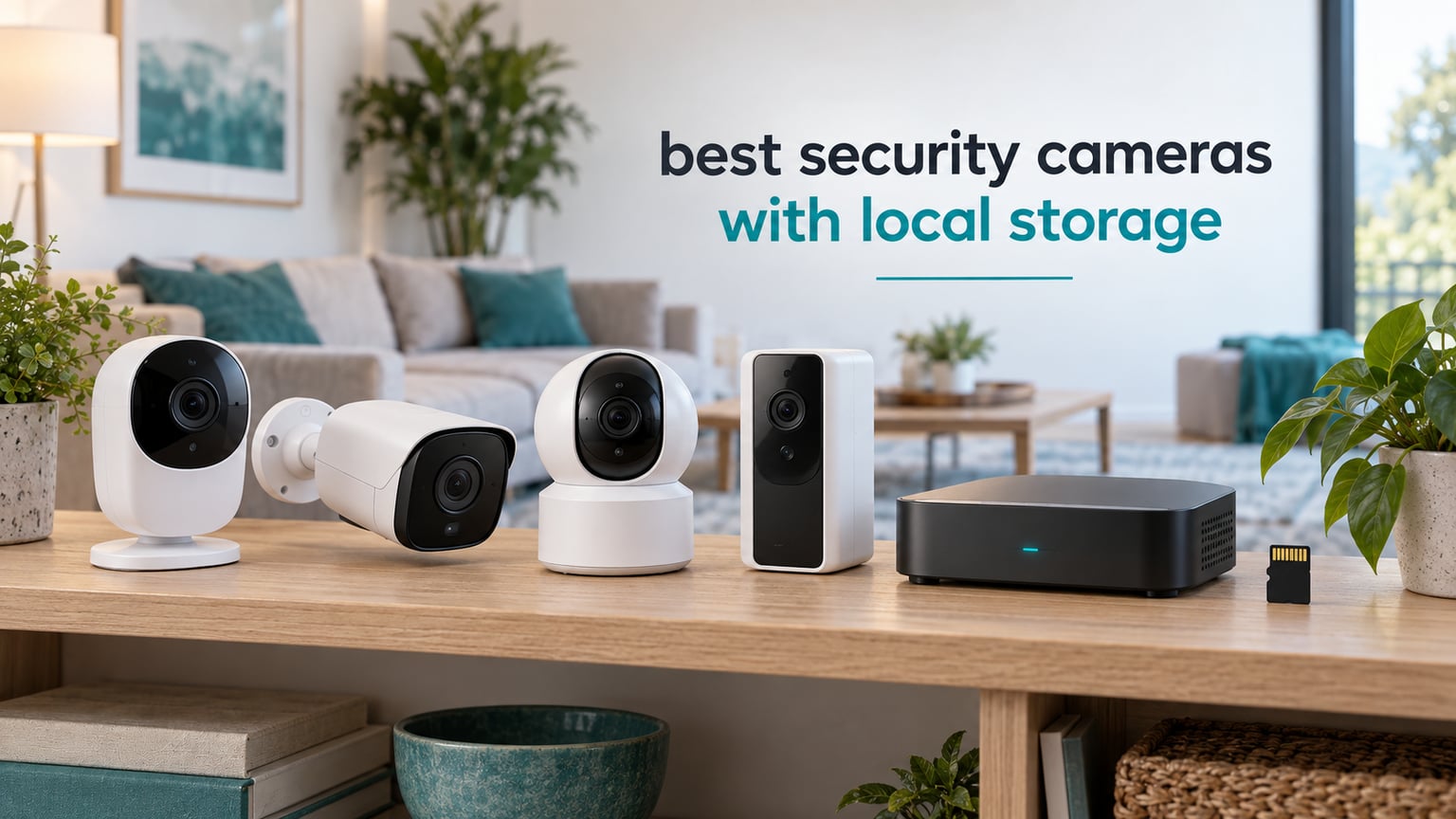
Local storage on a security camera means your footage is written to hardware inside your home instead of being uploaded to the manufacturer’s cloud. A microSD card in the camera, a home hub, an NVR, or a NAS all count. You record, replay, and get alerts with no monthly fee, and your recordings keep working through an internet outage. That is the whole pitch behind the best security cameras with local storage, and it is the filter we applied to every camera below.
We spent weeks comparing ten indoor and outdoor cameras that all record locally, checking the storage paths each one supports, the protocols they expose, and the costs buyers forget. Some record to a card and nothing else. Some hand you RTSP and ONVIF so you can point your own recorder at them. Some advertise local storage and quietly rely on a hub. We call that out where we find it.
The top-ranking discussion for this question on r/preppers was not about picture quality at all. It was a privacy question from someone who avoided cameras entirely because of cloud hacking fears. That framing shaped this roundup. Everything we picked writes footage to hardware you own, and we note where a cloud component is still part of the package. If you want the wider field, our guides to the best outdoor security cameras and the best wireless security cameras cover models where storage is a different conversation.
Table of Contents
Top 3 Picks for Local Storage Security Cameras (October 2026)

REOLINK E1 4MP Indoor Cam
- 4MP sensor with 355 degree auto tracking
- Up to 512GB microSD plus NVR and Home Hub
- No subscription for recording or alerts

Tapo C120 2K QHD Cam
- IP66 for indoor and outdoor use
- Free person pet and vehicle detection
- MicroSD up to 512GB with no subscription

REOLINK E1 Pro 5MP Cam
- 5MP sensor with F1.6 aperture
- Full motion event recording not 12 second clips
- MicroSD NVR Home Hub and RTSP NAS
The E1 earns the top slot on the strength of its review volume, its 355-degree auto tracking, and a local storage path that accepts a card, a Reolink NVR, or a Home Hub. The Tapo C120 is the cheapest way into IP66 outdoor coverage with free detection. The E1 Pro is the one to buy for a nursery or a room with a restless pet.
Quick Overview: Every Camera in This Roundup
| Product | Specifications | Action |
|---|---|---|
| REOLINK E1 4MP Indoor Camera |
|
Check Latest Price |
| REOLINK E1 Pro 5MP Dual-Band Camera |
|
Check Latest Price |
| Tapo C120 2K QHD Camera |
|
Check Latest Price |
 REOLINK E1 Zoom 3X Optical Zoom REOLINK E1 Zoom 3X Optical Zoom |
|
Check Latest Price |
 eufy Indoor Cam E30 4K eufy Indoor Cam E30 4K |
|
Check Latest Price |
 eufy Indoor Cam S350 Dual Lens eufy Indoor Cam S350 Dual Lens |
|
Check Latest Price |
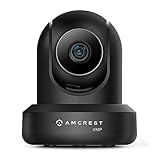 Amcrest IP4M-1041B 4MP Pan Tilt Amcrest IP4M-1041B 4MP Pan Tilt |
|
Check Latest Price |
 Amcrest IP8M-2496EB 4K PoE Bullet Amcrest IP8M-2496EB 4K PoE Bullet |
|
Check Latest Price |
 Tapo C400 1080p Battery Camera Tapo C400 1080p Battery Camera |
|
Check Latest Price |
 eufy Indoor Outdoor Cam C31 eufy Indoor Outdoor Cam C31 |
|
Check Latest Price |
Two things stand out across the table. First, every camera here writes to a microSD card without a subscription, though none of them include one. Second, the recorders differ far more than the sensors do: four of these models expose RTSP and ONVIF for a NAS or self-hosted software, and one, the E1, does not.
1. REOLINK E1 4MP Indoor Camera – The Most Flexible Local Setup
- 4MP clarity with infrared night vision to 40 ft
- 355 degree pan with motion auto tracking
- Storage via microSD NVR or Home Hub
- Baby cry detection with instant alerts
- No subscription for any feature
- 2.4GHz WiFi only which struggles on crowded networks
- No RTSP or ONVIF for third-party recorders
- Coarse pan and tilt steps
- App occasionally needs reconnection after network changes
The E1 is the camera we kept coming back to. It carries a 4MP sensor, records at 20 fps, and holds an 80-degree field of view, which is narrower than most rivals here and gives you truer shapes. Night vision reaches 40 feet on eight IR LEDs, and the 355-degree pan lets one unit cover a whole room.
Where it wins is storage flexibility. It accepts a microSD card up to 512GB, a Reolink PoE or WiFi NVR, or a Home Hub and Home Hub Pro, so you can start with a card and graduate to a hub later without replacing the camera. Baby cry detection runs in the app, so it doubles as a monitor without a second device.
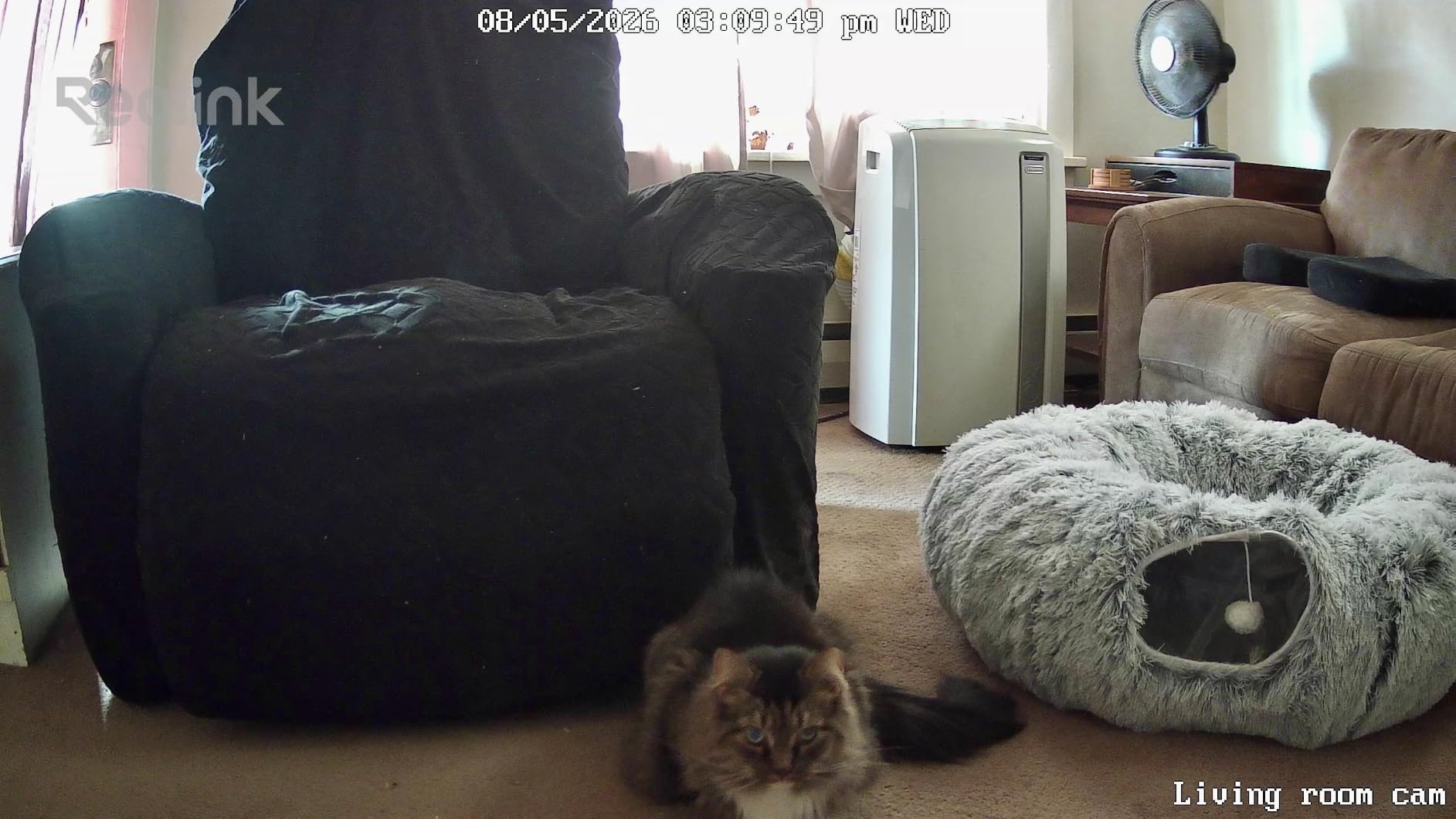
The catch is the radio. This is 2.4GHz only, the most common reason for connection friction in a crowded house. The other limitation is structural: the technical sheet states plainly that it does not support RTSP or ONVIF, so you cannot point Blue Iris, Frigate, or a Synology box at it. Pan and tilt also moves in coarse increments with no fine adjustment.
When the E1 is the right call
Choose it when you want one indoor camera that can start on a memory card and later move to a hub, and when you need baby cry detection without a second product. The review volume behind it means firmware quirks and app behaviour are well documented, so surprises are rare.
At 7.04 ounces and 2.99 by 2.76 by 4.21 inches it suits a ceiling or hallway mount, and the 355-degree sweep means you rarely need a second unit in the same room.
When to look elsewhere
Skip it if you run a NAS, a self-hosted recorder, or Home Assistant and want open protocols. The E1 Pro, the E1 Zoom, and both Amcrest models will talk to that software. This one will not.
2. REOLINK E1 Pro 5MP Dual-Band Camera – Best for Baby and Pet Rooms
REOLINK E1 Pro 3K Dual-Band Wi-Fi Indoor Camera for Baby & Pet Monitoring
- 5MP sensor with F1.6 aperture for low light
- Dual-band 2.4 and 5 GHz WiFi is more stable
- Detection for people pets and crying
- Records whole motion events not 12 second clips
- MicroSD NVR Home Hub and RTSP NAS
- Pan and tilt stops in coarse increments
- Small live view lag in some setups
- Two-way audio is adequate not best in class
- First-time WiFi setup can be demanding
The E1 Pro steps up to a 5MP sensor at 2880 by 1616 running 25 fps, and the F1.6 aperture is the spec that matters most at night. It holds color night vision to 40 feet on eight IR LEDs, which produced noticeably cleaner low-light footage than the smaller sensors on budget models. It also runs dual-band 2.4 and 5 GHz WiFi with Bluetooth-assisted setup, so it holds a connection where a 2.4GHz-only unit would drop.
Storage is broader than the E1’s. It takes a microSD card up to 512GB, a Reolink NVR, a Home Hub or Home Hub Pro, and FTP or NAS over RTSP and ONVIF. Reolink also states roughly eight days of continuous recording at the default 3072kbps code rate, the most concrete retention figure any of these products publish.
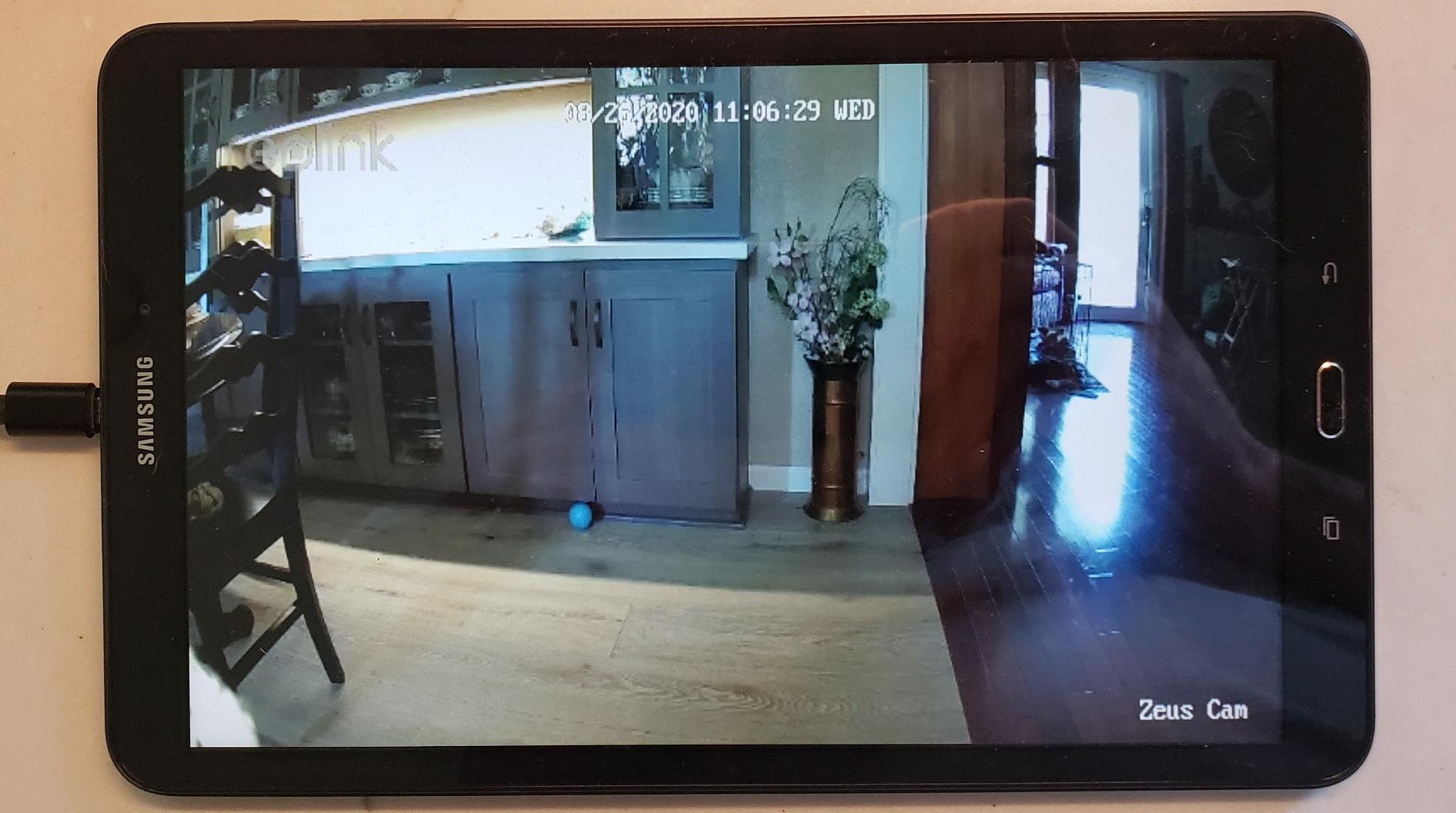
Reviewers frequently describe this camera as a direct replacement for a subscription-based model from another brand. The reason is the recording behaviour: it captures the full motion event rather than fixed 12-second clips. Detection covers people, pets, and crying sounds, which is why it turns up in nurseries.
The negatives are honest. Pan and tilt stops in coarse jumps with no fine-tune control, some setups show a little live-view lag, and two-way audio is usable but unremarkable. A few owners needed a wired Ethernet connection for the initial setup.
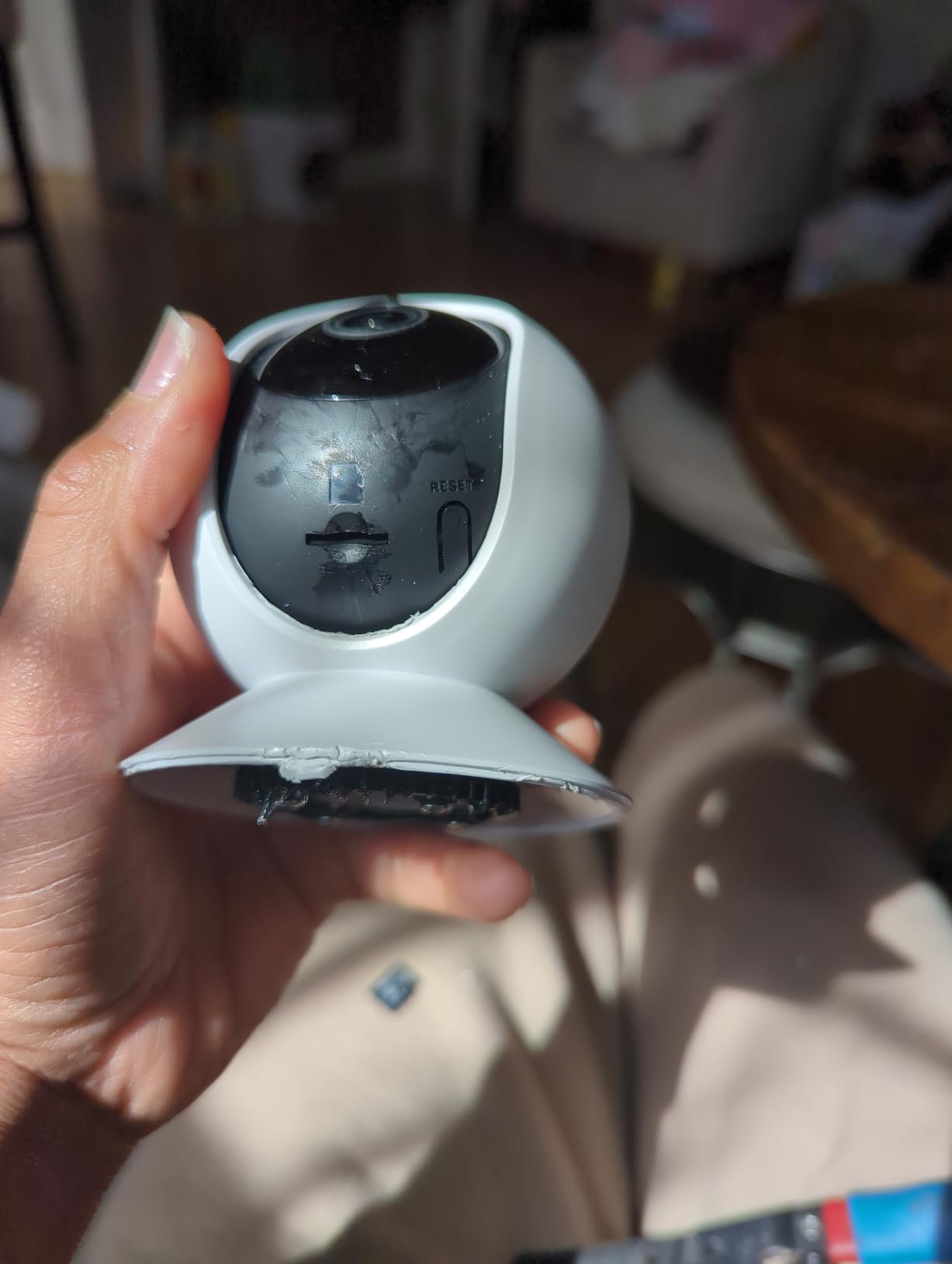
What the E1 Pro does better than its siblings
The dual-band radio is the practical win on a network shared with a dozen devices. The 5MP sensor also gives you usable detail on a face across a room, which matters more for baby and elder monitoring than raw resolution elsewhere. Open protocol support means you can move footage to a NAS or self-hosted software later, so this is a good first camera for a house that will grow.
Where it falls short
It shares the E1’s coarse pan and tilt stepping, so do not expect to aim it at a moving subject precisely. It is also a plug-in indoor dome with infrared night vision, so exterior coverage belongs to the Tapo C120 or the Amcrest PoE bullet.
3. Tapo C120 2K QHD Camera – Best Value Indoor and Outdoor Pick
- Sharp 2K QHD detail for the class
- IP66 weatherproofing for indoor and outdoor use
- Magnetic base makes repositioning simple
- Free person pet and vehicle detection
- Starlight color night vision plus invisible IR
- 2.4GHz WiFi only
- Wired power so no remote spot
- MicroSD card not included
- TP-Link advises checking card compatibility first
The C120 is the rare camera that is genuinely useful in two places at once. The body carries an IP66 rating, so it takes rain and dust, and it runs on wired power, which means no battery to degrade. At 3 by 4 by 5 inches and 100 grams it mounts with a magnetic base that reviewers single out as unusually easy to reposition on metal surfaces.
The image is 2K QHD 4MP at 20 fps across a 120-degree field of view. Night behaviour is the interesting part: a starlight sensor with dual spotlights gives you color video at night, and a separate invisible IR mode reaches 30 feet if you would rather not light up the scene. Detection for people, pets, and vehicles runs on the device and costs nothing.
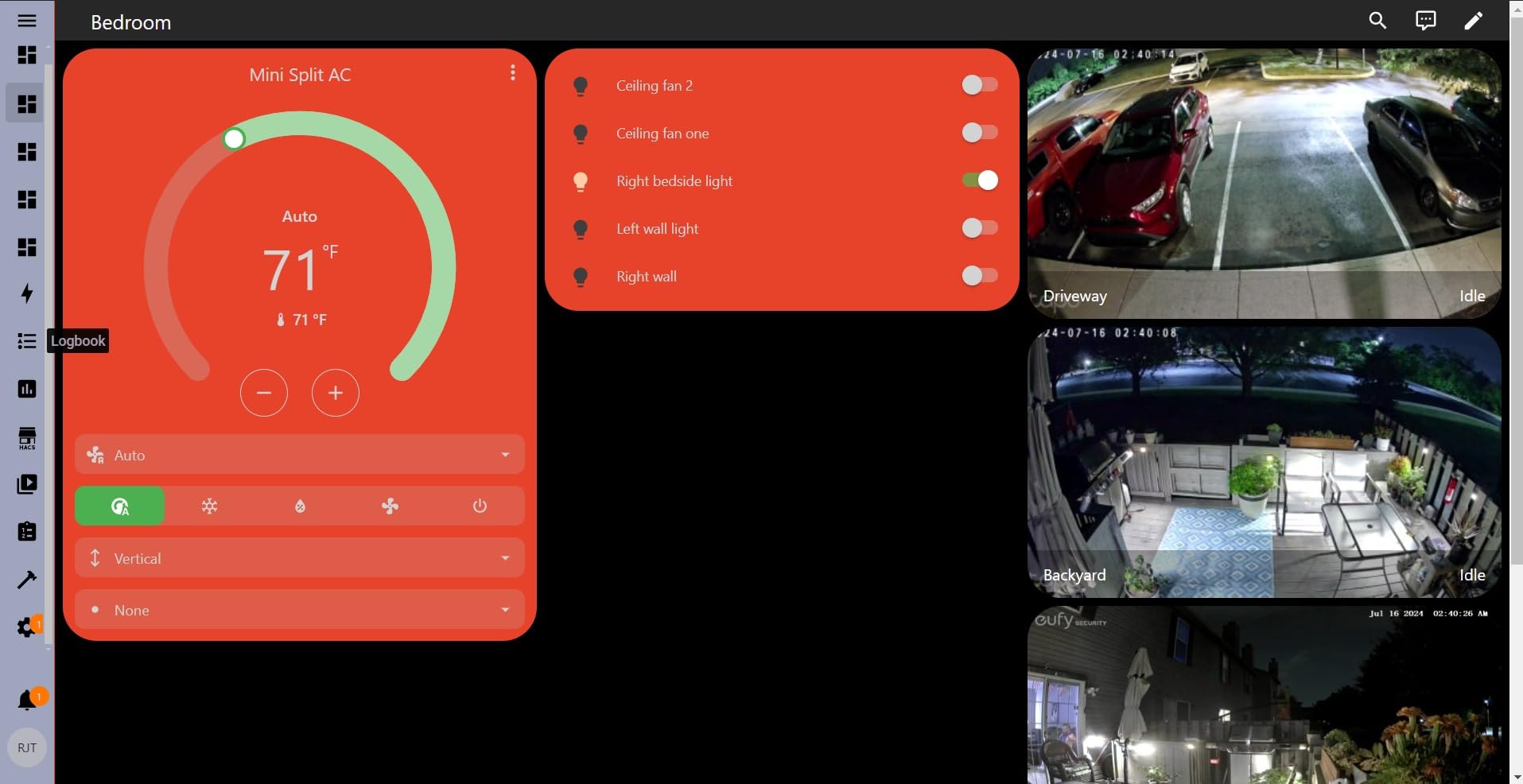
Local storage is a microSD card up to 512GB, sold separately, with Tapo Care available as an optional cloud tier. That optional part is worth flagging plainly: the local path works without paying. TP-Link also lists Alexa support, and the model carries a 2024 PCMag Editor’s Choice badge.
The limitations follow the budget design: 2.4GHz only, wired power so there is no battery option for a far corner of a yard, and no card in the box. Reviewers also mention occasional card compatibility questions, and TP-Link recommends checking its FAQ before you commit.
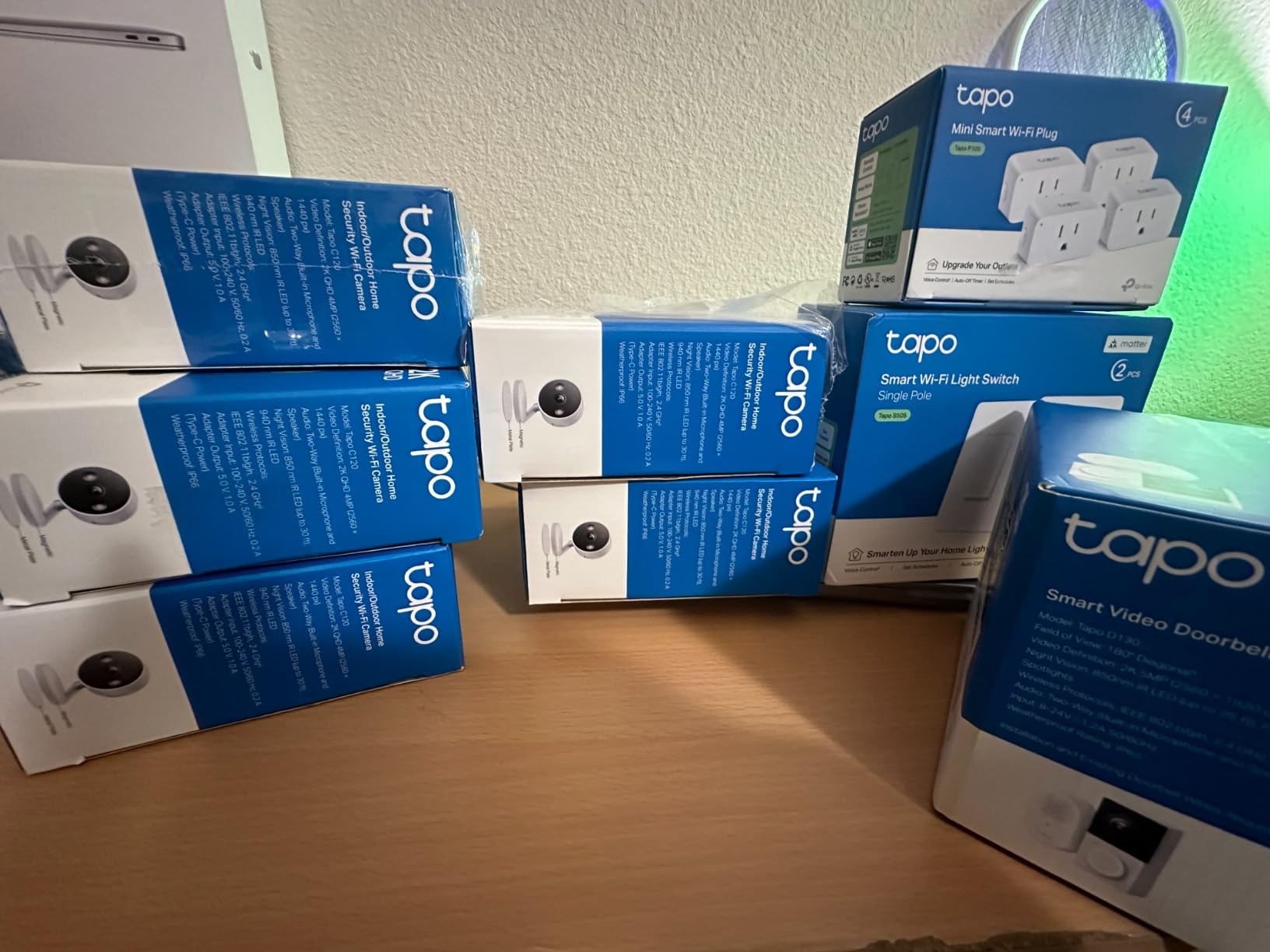
When the C120 makes sense
It is the pick for a back door, a garage wall, or a porch where you want weatherproofing and free detection without a subscription. The magnetic base also makes it a good temporary camera you can move between an indoor shelf and an outdoor post, and free person, pet, and vehicle detection keeps a multi-camera setup affordable.
When it is the wrong buy
It needs a power outlet within reach of a short cable, so it will not cover a detached garage. If you need an optical zoom or long-range detail, look at the Reolink E1 Zoom indoors or the Amcrest 4K bullet outdoors.
4. REOLINK E1 Zoom 3X Optical Zoom Camera – Best for Optical Zoom Detail
REOLINK 4K Pan Tilt Indoor Camera, 3X Optical Zoom, Dual-Band WiFi 6
- 3x optical zoom pulls real detail from across a room
- Dual-band WiFi 6 with Bluetooth assisted setup
- Auto tracking with 64 saved positions
- Broad local storage including RTSP and ONVIF NAS
- Multi-camera live view in one app
- Pan and tilt moves in coarse noisy steps
- Auto tracking resets to center at movement limit
- microSD slot sits under the lens barrel
- Some reports of unstable streaming and app crashes
This is the one indoor camera in the group with a real optical zoom, and that single fact changes what you can do with it. Three times magnification on the sensor rather than a digital crop means a face or a label at the back of a room stays readable. The F1.6 aperture supports that in low light, and night color vision reaches 40 feet.
Connectivity is dual-band WiFi 6 with Bluetooth-assisted setup, the most capable radio here. Storage runs to a microSD card up to 512GB, Reolink WiFi and PoE NVRs, the Home Hub series, and FTP or NAS over RTSP and ONVIF. You also get 64 preset positions, so a crib, a pet bed, and a front door are each one tap away.
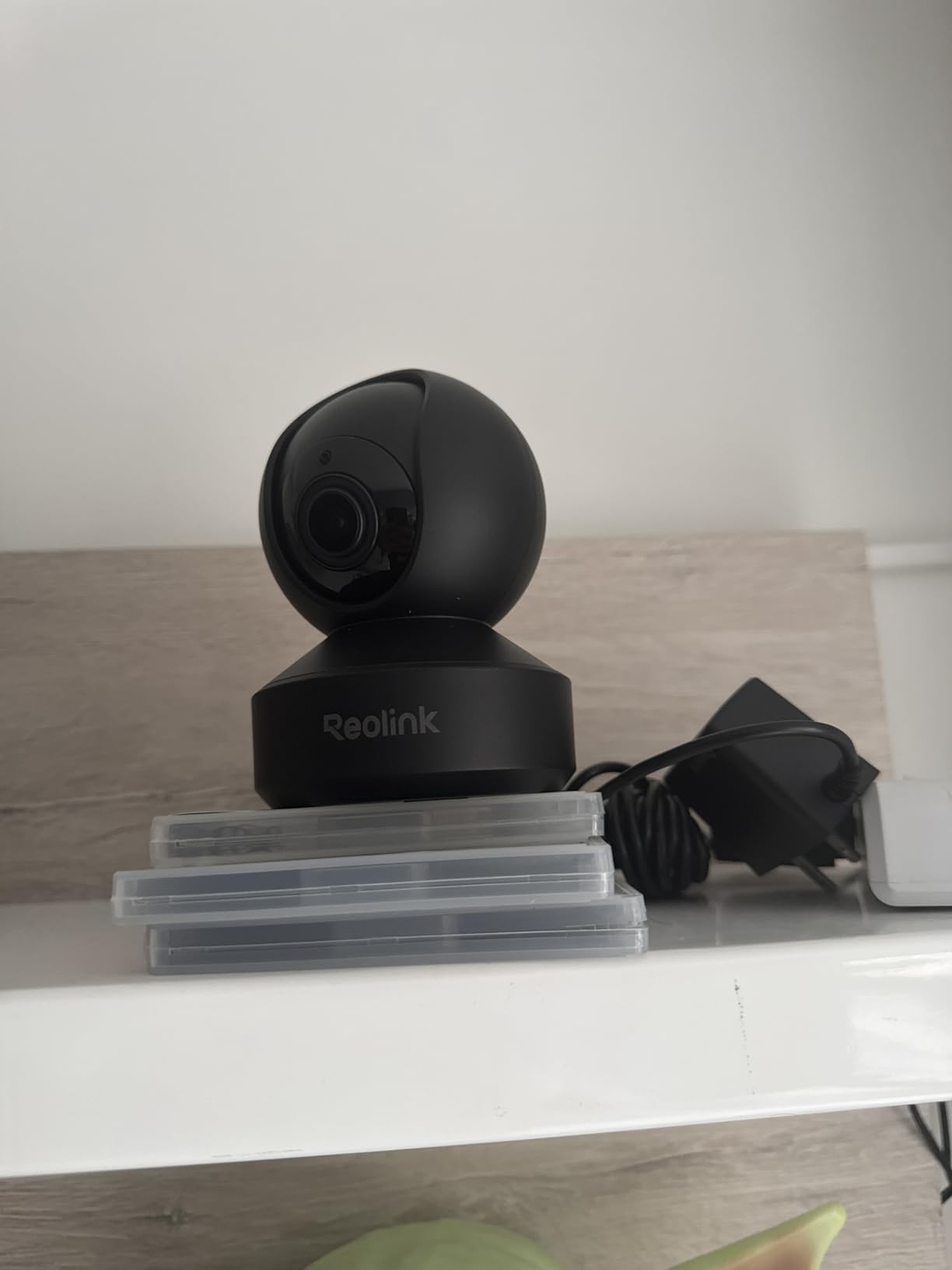
Owners frequently tell a story about this camera replacing a second, cheaper unit, because the zoom does the job of a dedicated close-up camera. It weighs 235 grams and stands 3.31 by 3.31 by 4.65 inches, so it is a shelf unit rather than a small ceiling dome. The app also shows multiple cameras live at once.
The recurring complaints are mechanical and physical. The pan and tilt motor is noisy and steps in coarse increments. Auto tracking resets to center when a subject reaches the edge of its travel. The microSD slot is tucked under the lens barrel, and a minority report streaming instability.
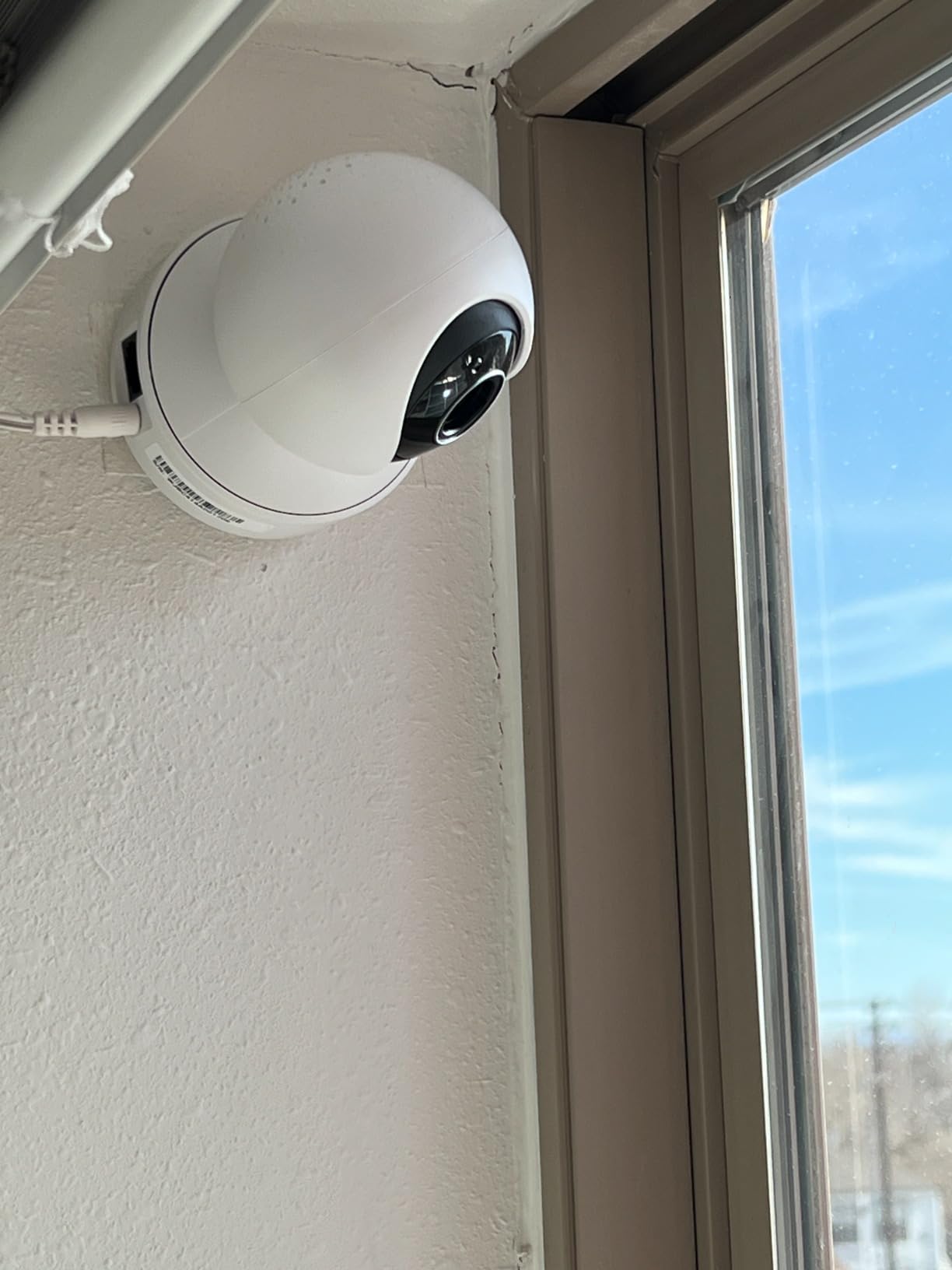
Why the zoom matters for real decisions
Optical zoom changes what evidence you can use. If you need to read a number plate, a face, or a package label, a digital crop on a wide indoor camera produces blur every time. Combined with 64 presets and the RTSP path, it is a strong first camera for a house that will grow.
Where it disappoints
The motor noise and coarse stepping are the trade-off for a zoom lens in a small dome, so it is not the unit you point at a sleeping child. The hidden card slot also makes swapping storage a recurring nuisance.
5. eufy Indoor Cam E30 4K – Best 4K Indoor Camera Without a Subscription
eufy Security 4K Indoor Camera E30, No Subscription, Work as Pet Camera
- Very sharp 4K day and night with clean color night vision
- Quick Focus Tap and panoramic view in the app
- Reliable auto tracking of people and pets
- No mandatory monthly fee with microSD local storage
- Works with HomeKit Alexa and Google Assistant
- microSD card not included
- Some owners report chatty motion notifications
- Some report unreliable detection and slow clip playback
- HomeKit streaming is capped at 1080P
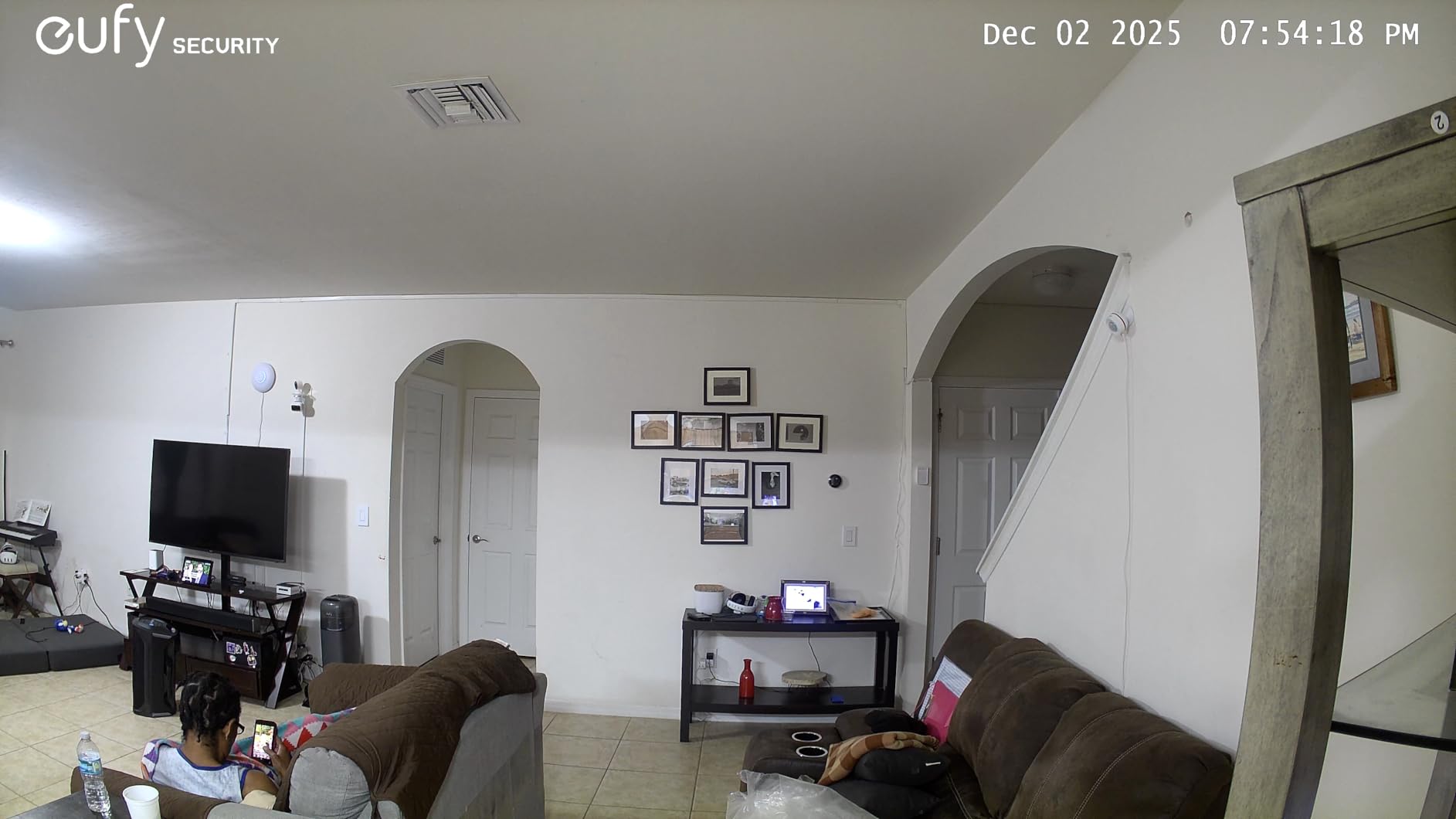
The E30 delivers 4K UHD at 25 fps with 360-degree pan and tilt, and its 4K ceiling is unmatched among the indoor models here. Color night vision uses a built-in spotlight and can be switched to infrared, so you choose between a lit scene and a discreet one. On-device AI handles detection for humans, pets, audio, and crying, and auto tracking followed the subject reliably.
Unlike some eufy cameras, this model records to a microSD card directly with no hub in the middle. The card is sold separately, which is the most common complaint in the reviews. The app’s Quick Focus Tap and panoramic view let you check one specific spot without scrolling through a full sweep.
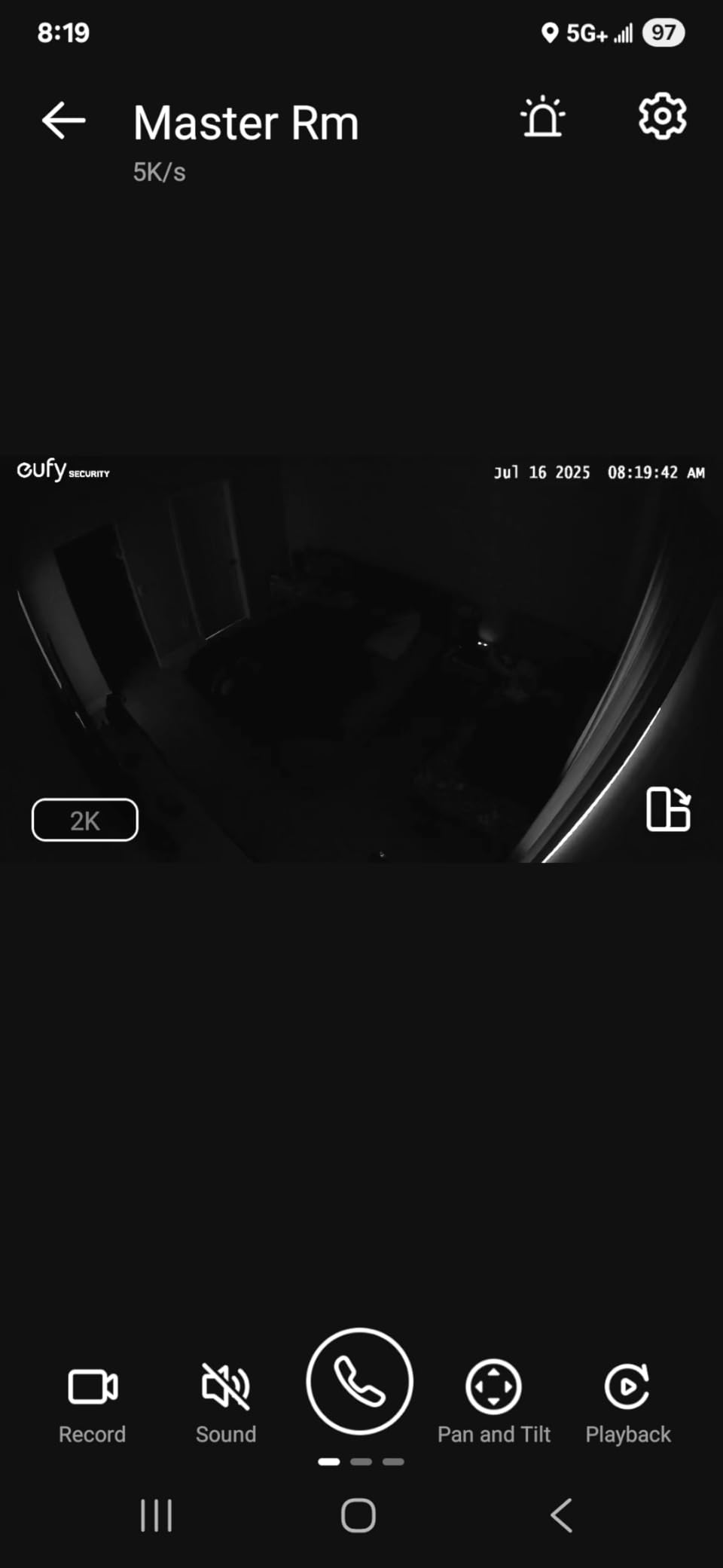
Smart home support is the other argument for it. It works with HomeKit, Alexa, and Google Assistant, though HomeKit streaming is limited to 1080P even though the sensor is 4K. Encoding is H.265 in MP4, which is efficient for card storage. At 12.48 ounces it is compact for what it does.
Reviewers report very chatty motion notifications on some setups, and a minority describe unreliable detection with slow clip playback in the app. Test it in your own room before buying more than one.
Who should buy the E30
It suits someone who wants 4K detail indoors and will not pay a subscription for it, and it is the only model here pairing 4K with HomeKit support. If you are on Apple Home, the local 4K recording fills the gap that HomeKit’s 1080P ceiling leaves.
Who should pass
If you already run a hub-based eufy setup, note that this model records to a card on its own and does not need one. Apple users should know the HomeKit ceiling is 1080P, and anyone sensitive to over-notification will need to adjust the app defaults on day one.
6. eufy Indoor Cam S350 Dual Lens – Best for Dual-Lens Close-Up Detail
eufy Security 4K Indoor Cam S350, No Subscription, Dual Cameras, 8× Zoom
- Dual-lens wide and telephoto on one screen
- Telephoto clarity holds up when magnified
- Tap-to-center with saved presets for crib pet bed and door
- Fast accurate auto tracking
- Local microSD or HomeBase 3 with no subscription
- microSD slot is hidden in the tilting lens barrel
- Bulky top-heavy base at 1.2 pounds
- Detection false-triggers on reflections and wall art
- Some larger installs report recurring card disconnection
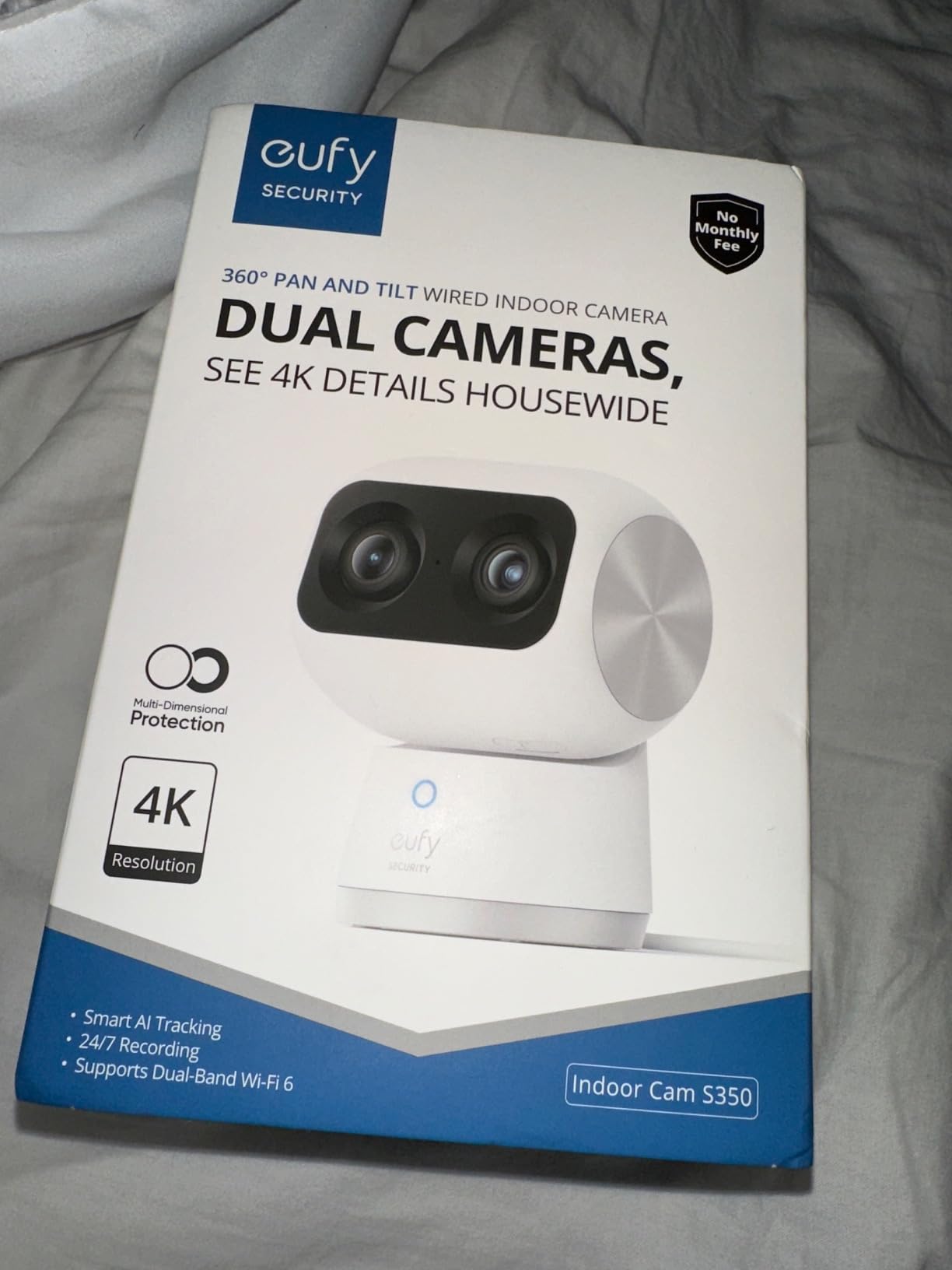
The S350 is the only camera here with two lenses working at once: a 4K UHD wide sensor paired with a 2K telephoto at 30 fps, shown as a split screen with 360-degree coverage. Owners keep saying one S350 replaced two cheaper cameras. Zoom is 8x hybrid, and the telephoto image holds up when you magnify it digitally.
Saved auto-zoom presets for a crib, a pet bed, and a front door make the split view practical rather than decorative. A physical privacy mode cuts the camera off at the hardware level, which is a meaningful control in a room like a nursery. Night vision reaches 32 feet on infrared.
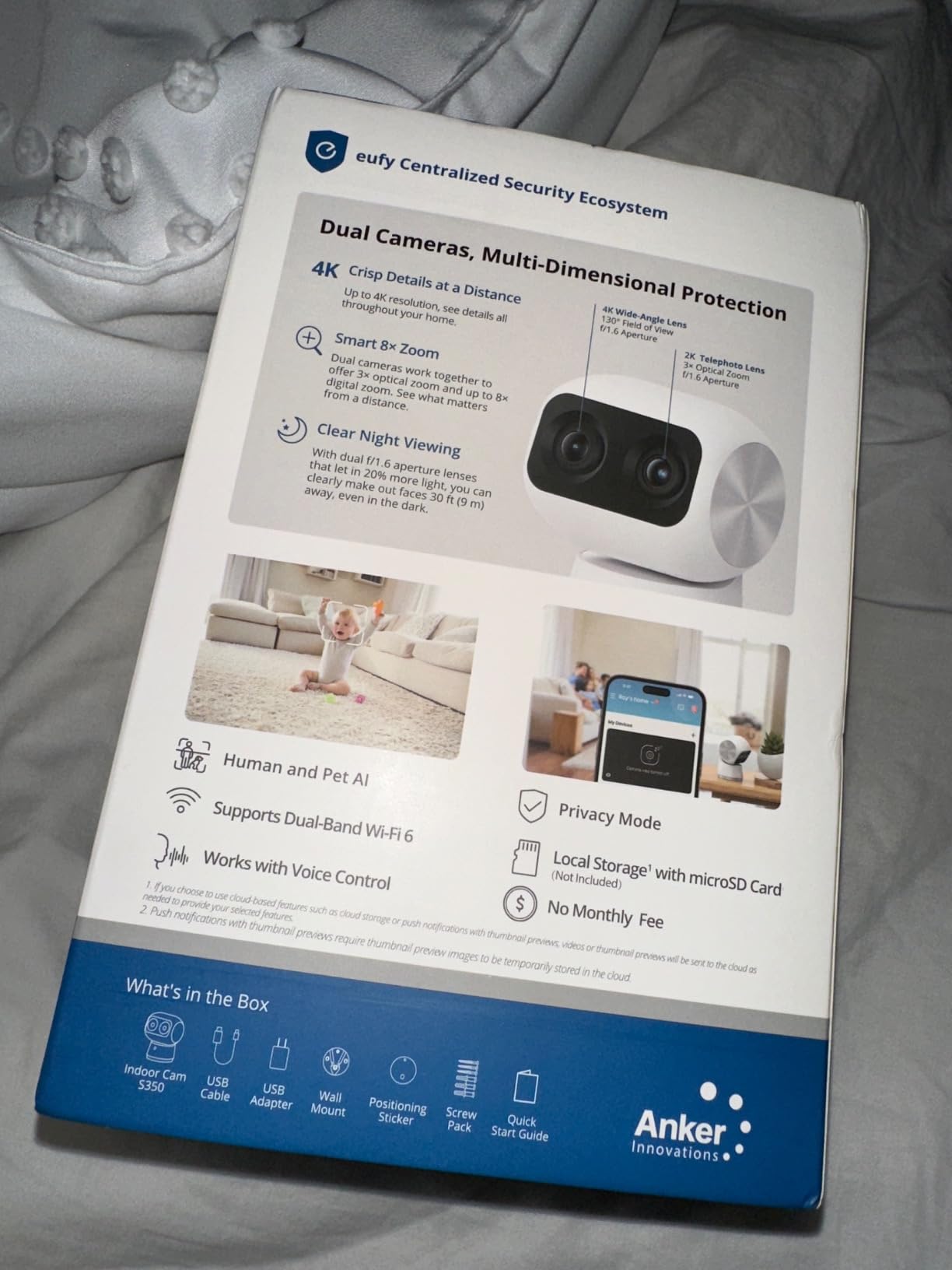
Storage is flexible in a way most eufy models are not. It records to a microSD card, not included, and also supports an optional HomeBase 3 on firmware 3.3.2.6 or later plus RTSP straight to a NAS. Two compatibility notes matter: HomeKit is not supported and HomeBase 2 will not work with it. Connectivity is dual-band 2.4 and 5 GHz on wired power.
The physical drawbacks are real. The card slot is hidden inside the tilting lens barrel, and at 1.2 pounds the base is top-heavy on a shelf. Detection can false-trigger on reflections and fixate on wall art, and owners running several cameras have reported card disconnection that needs reformatting.
Where the dual lens pays off
Use it where one room needs both context and detail. A nursery is the clearest case: the wide lens shows the room, the telephoto shows the cot, and a saved preset puts you there in one tap. The RTSP path removes eufy’s app from the chain entirely.
Where it is the wrong choice
Apple Home users get nothing here, since HomeKit is not supported and HomeBase 2 will not pair. Anyone with limited shelf space should measure first, because the base is bulky and easy to tip.
7. Amcrest IP4M-1041B 4MP Pan Tilt Camera – Best for NAS and Desktop Recorders
Amcrest 4MP ProHD Indoor WiFi, Security IP Camera with Pan/Tilt, Two-Way Audio, Night Vision, Remote Viewing, 4-Megapixel @30FPS, Wide 90° FOV, IP4M-1041B (Black)
- Widest local and self-hosted support in the group
- Good 4MP quality with 32 ft night vision
- Pan tilt and motion tracking work once tuned
- Wired Ethernet option for a stable connection
- Dual hi and low streams for many cameras on one PC
- Does not record to microSD when the internet drops
- 2.4GHz WiFi only
- The View mobile app is clunky with schedule bugs
- No PoE support
The Amcrest IP4M-1041B exists for people who already run their own infrastructure. It records to a microSD card up to 256GB in FAT32, to an Amcrest NVR, to a Synology or QNAP NAS, over FTP, or to a PC running Amcrest Surveillance Pro or Blue Iris. No other camera here opens that many doors.
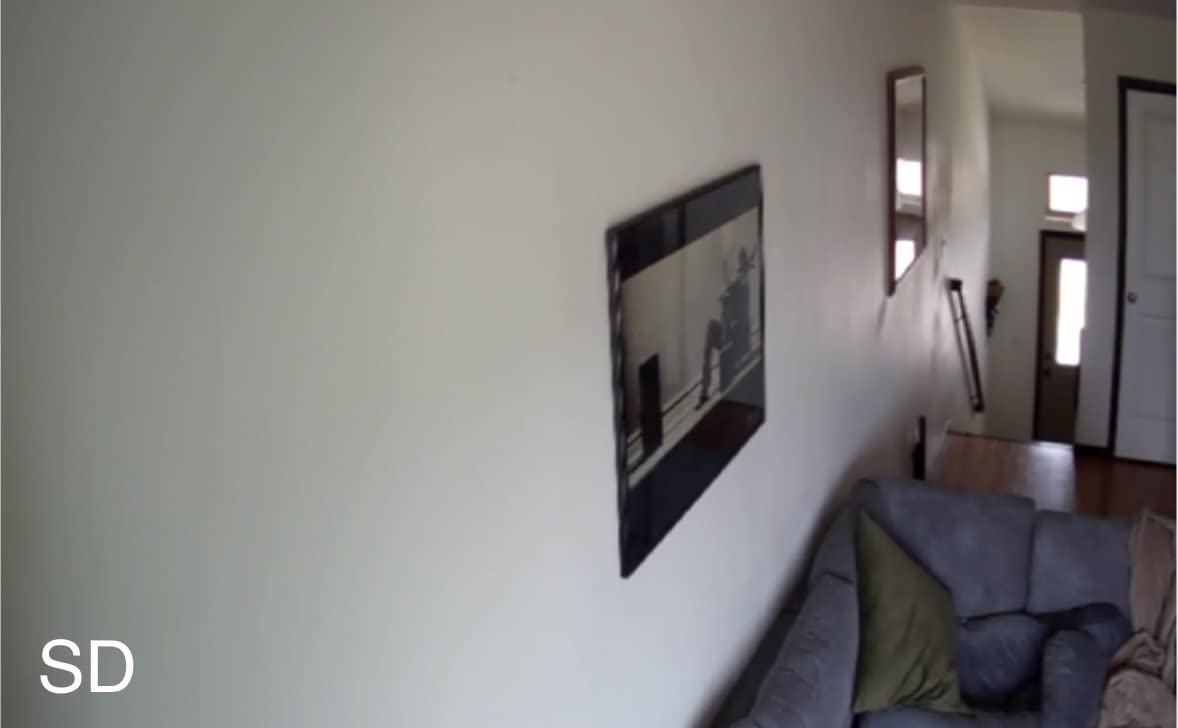
Image quality is 4MP at 2688 by 1520 and 30 fps with H.265 across a 90-degree field of view, and infrared reaches 32 feet. Dual high and low resolution streams let you monitor many cameras from one machine. It also works with Alexa and Apple HomeKit, and Ethernet is available if you can pull a cable.
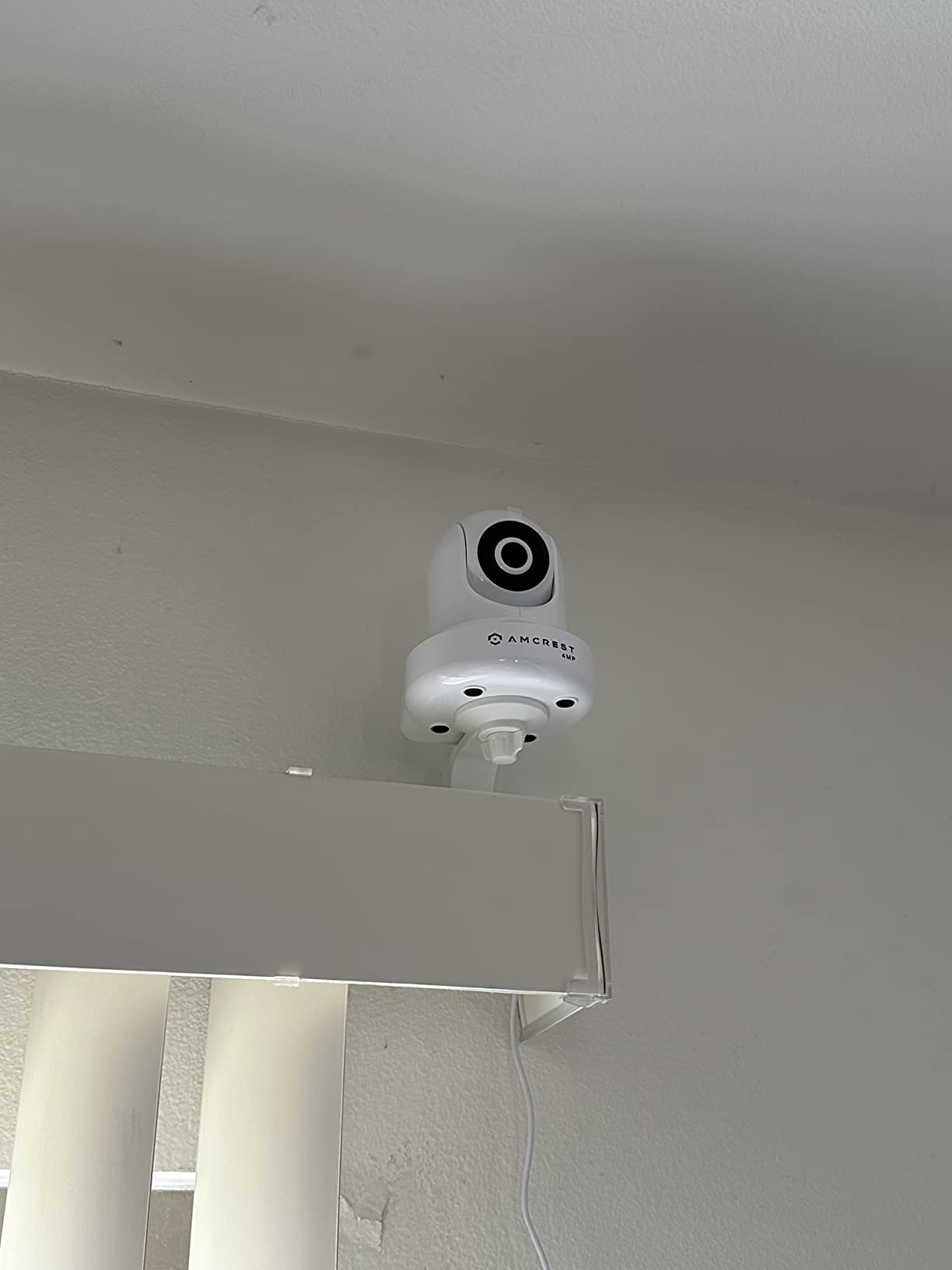
One caveat is disqualifying for some buyers. The camera does not record to the microSD card when the internet connection drops, which defeats the main argument for local storage. It keeps working when wired to a recorder on the same LAN, but standalone offline recording does not hold.
The other weakness is the app, which reviewers describe as clunky with notification and scheduling bugs. It is 2.4GHz only, it has no PoE, and it performs poorly behind tinted or IR-reflective glass. At 16 ounces it is the largest indoor unit here.
When the Amcrest indoor camera is right
It is for a household with a NAS, a Synology, or Blue Iris already running. If you intend to point software you own at the stream and keep everything on your own hardware, this is the model built for that, and the optional AWS-hosted cloud backup stays off unless you enable it. Wired Ethernet also removes the crowded-network problem for anyone who can pull a cable.
When it is the wrong choice
Do not buy it for offline resilience, because the microSD path stops when the internet does. Anyone wanting a clean phone experience will find the app frustrating. For reliable standalone recording, the Reolink E1 or the eufy E30 fit better.
8. Amcrest IP8M-2496EB 4K PoE Bullet Camera – Best for Outdoor PoE
- True 4K 8MP outdoor image with a wide 125 degree view
- PoE carries power and data on one cable
- IP67 metal housing handles weather
- Night vision reaches 98 ft for large outdoor areas
- Records to SD NVR NAS or FTP with optional cloud backup
- 15 fps frame rate struggles with fast subjects
- PoE injector or switch sold separately
- Desktop-oriented setup is more involved
- Bullet form is harder to reposition than a pan tilt
This is the only camera on the list built around Power over Ethernet, and that is the whole point. Power and data travel down one cable, so a camera at the end of a driveway needs neither a nearby outlet nor a strong WiFi signal. It runs at 4K 8MP, 3840 by 2160, through a 2.8mm lens with a 125-degree viewing angle, inside an IP67 metal housing.
Night vision reaches 98 feet, with the spec sheet also listing a 131-foot range, which covers a yard or a parking area. Local recording goes to a microSD card up to 256GB, an Amcrest NVR, a Synology or QNAP NAS, over FTP, or to a PC, with optional cloud backup. IVS features add tripwire, intrusion, and motion zones, and dual H.265 and H.264 compression gives you flexibility across older and newer NVRs.
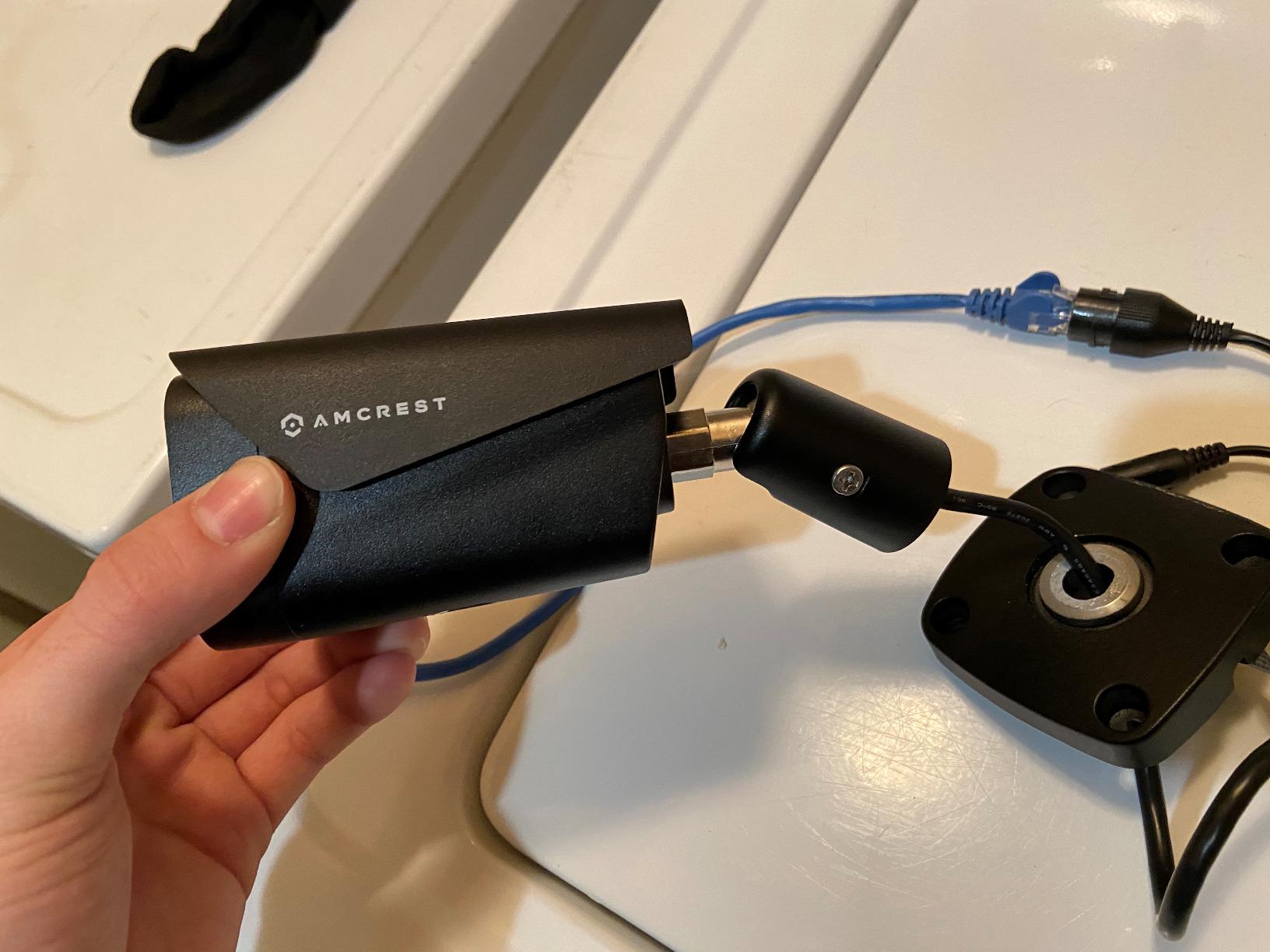
Two practical notes before you plan the install. The PoE injector or switch is not included, so budget for that hardware. And the frame rate is 15 fps, the trade for 8MP, and it shows on anything moving quickly. A person running across the driveway may be a blur.
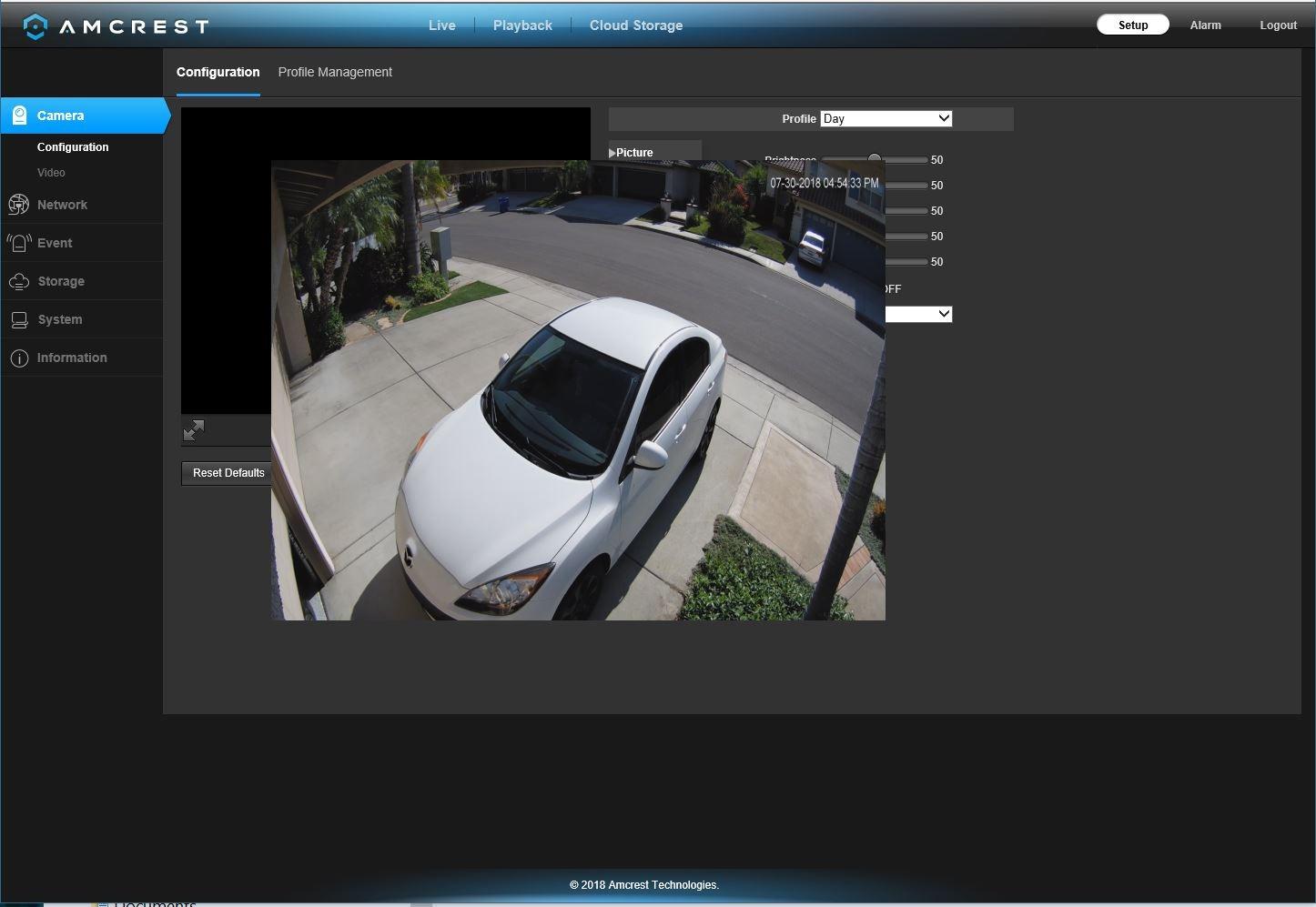
The setup is desktop-oriented rather than app-only, which suits people comfortable configuring a recorder. The bullet form is fixed once mounted, so aim it carefully the first time.
When the PoE bullet earns its place
It is the right pick for a driveway, a side gate, or a parking area where you want months of retention without a monthly bill, and where pulling a cable is realistic. With a NAS behind it, the footage stays on your hardware and RTSP-compatible software can reach it.
When it is the wrong choice
Skip it if you need to identify fast-moving subjects such as vehicles on a busy road; fifteen frames per second is the limiting factor. It also demands more setup knowledge than any other camera here, and the missing PoE gear makes the first install a project.
9. Tapo C400 1080p Battery Camera – Best for Wireless Outdoor Placement
Tapo 1080p Outdoor Wireless Security Camera, Up to 180-Day Battery, C400
- Truly wireless outdoor placement with no wiring
- Long charge interval in low-traffic spots
- Solid motion detection and audio for the class
- MicroSD local recording up to 512GB
- Designed under the US CISA Secure-by-Design pledge
- Real battery life falls short of the 180 day figure
- Battery is not user replaceable
- 1080p is lower than competing cameras
- Night vision can need a reboot on some units
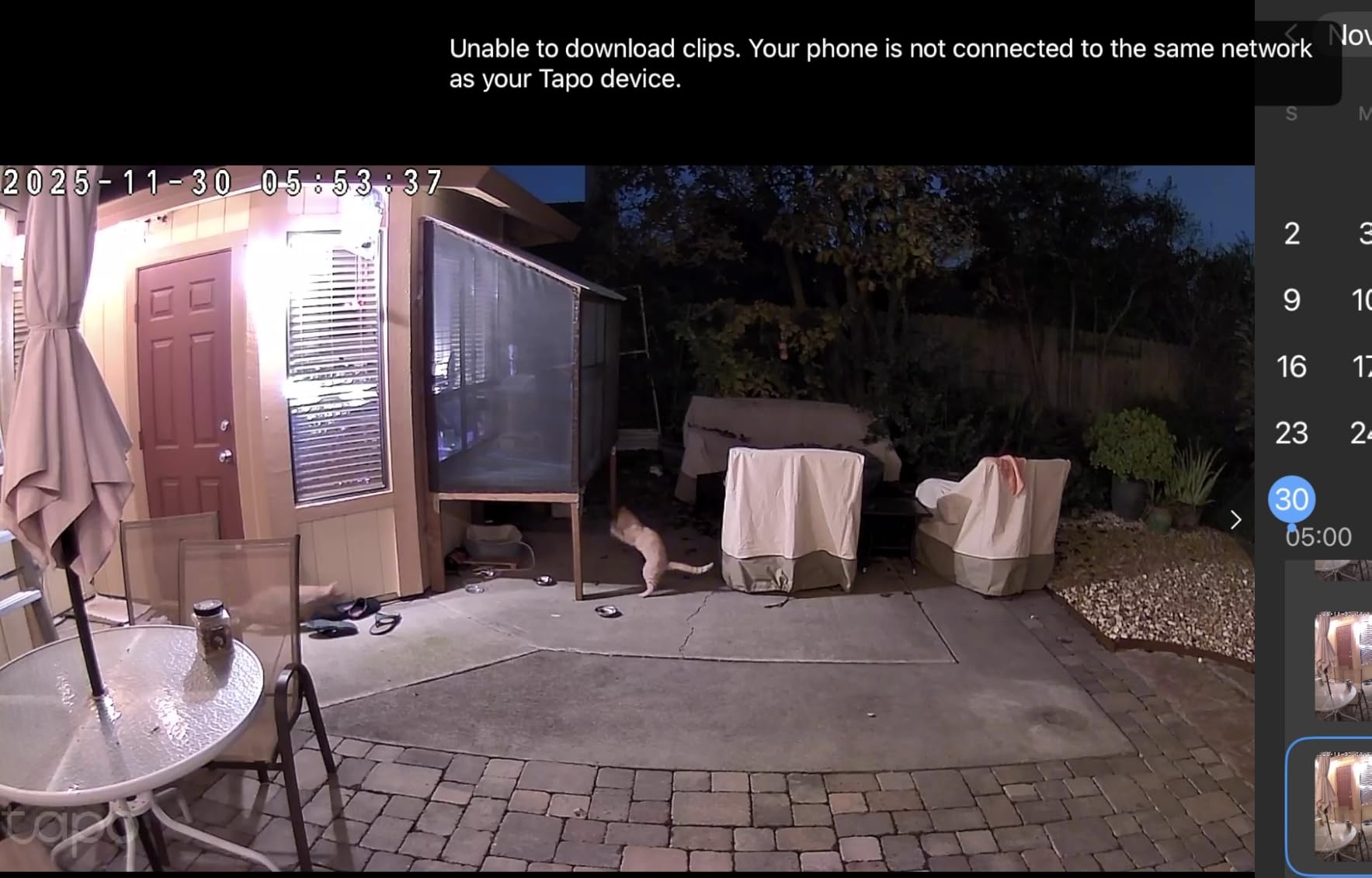
The C400 solves a problem the others cannot: no cable, no outlet, no wiring. It runs on a 5200mAh rechargeable battery, carries an IP65 rating, and covers a 117-degree field of view at 1080p and 15 fps. Night vision is full color out to 33 feet, unusually good for a battery unit. Detection for people, with custom zones, runs free on the device.
Local recording goes to a microSD card up to 512GB, sold separately, with Tapo Care as an optional cloud tier. It also works with Alexa and Google Assistant. The listing notes the camera was designed under the US CISA Secure-by-Design pledge with encrypted transmission, a meaningful signal for anyone buying on privacy grounds.
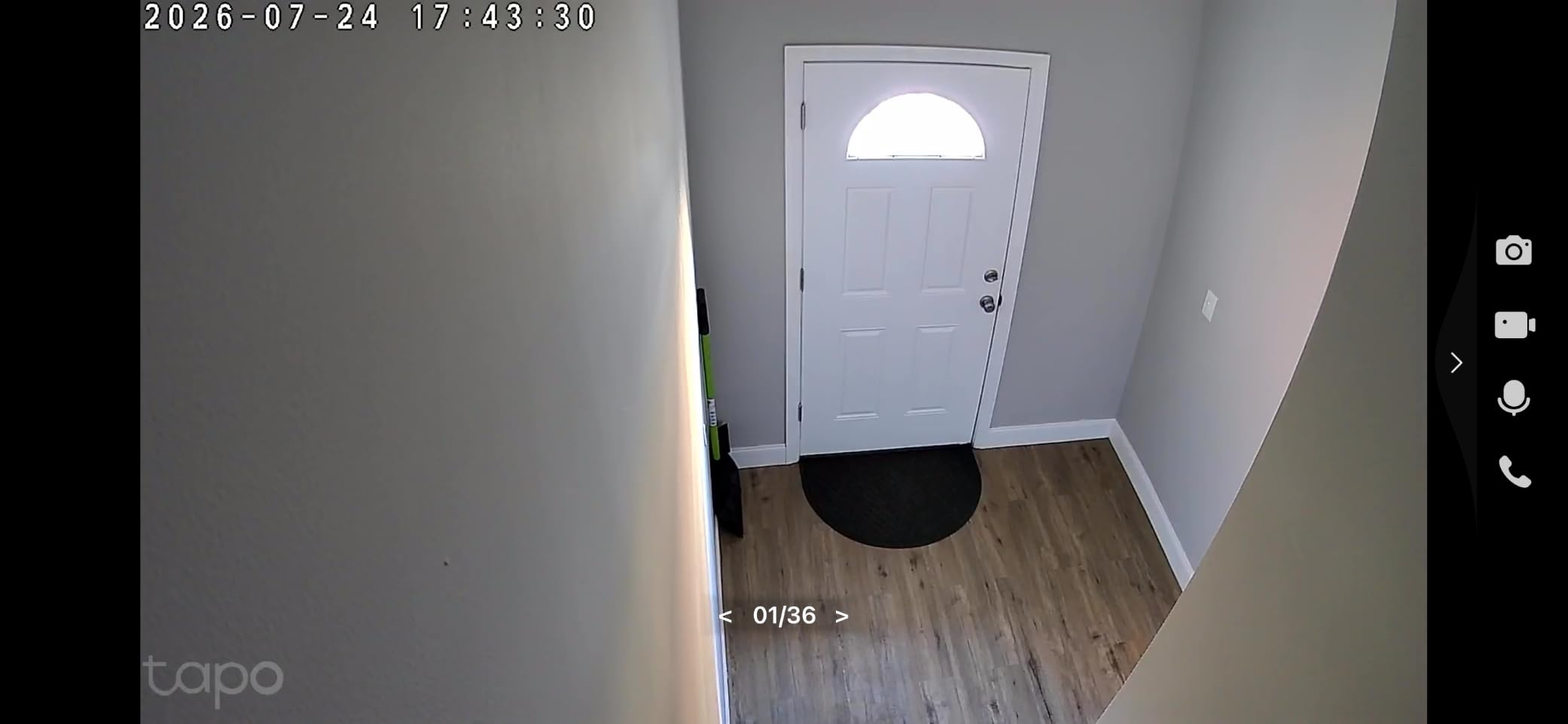
The headline figure is up to 180 days per charge, and this is where expectations need managing. Reviewers consistently report real battery life falling well short of that in busy detection zones, where the camera wakes constantly. Treat it as a best case in a quiet spot, not a promise for a front path.
The battery is not user-replaceable, so after many cycles the camera may need replacing rather than a battery swap. At 7.36 ounces it is the lightest outdoor option in the group.
When battery placement wins
It suits a rental, a side gate, or a back garden where running a cable is not an option. Two-way audio with a light alarm lets you talk to a delivery or deter someone at the fence, and custom detection zones help you avoid waking the camera every time a branch moves. It is also the cheapest way to expand an outdoor system with a card at each point.
When it is the wrong choice
Do not deploy it where there is constant foot traffic and expect the advertised charge interval; busy driveways and front steps are exactly the case where the battery drains fastest. At 1080p and 15 fps you will not read a face at distance.
10. eufy Indoor Outdoor Cam C31 360 Degree PTZ – Best Indoor and Outdoor PTZ
eufy Security Indoor/Outdoor Camera C31, 360° Pan &Tilt, AI AutoTracking
- One camera usable indoors and outdoors
- IP66 housing with resistant bracket and cable
- Dual external antennas improve WiFi at distance
- PureColor night vision avoids spotlight glare
- Continuous wired 24/7 recording to microSD
- 1080p only at 15 fps
- MicroSD not included and capped at 256GB
- Not compatible with HomeBase 2 or HomeKit
- 2.4GHz WiFi only
The C31 is a single camera that moves between a living room and a covered outdoor spot, which is unusual at this level of weatherproofing. It carries an IP66 rating, a resistant bracket, and a waterproof power cable, with 360-degree pan and tilt across a 130-degree viewing angle. On-device AI detects people, vehicles, and pets, and auto tracking follows the subject.
The night sensor is the differentiator. A PureColor mode uses an f/1.2 aperture and a backside-illuminated sensor to produce color night vision out to 20 feet without switching on a spotlight, which avoids the washed-out faces and plates that floodlights cause. Recording is continuous and wired, straight to a microSD card from 32GB to 256GB, with no subscription.
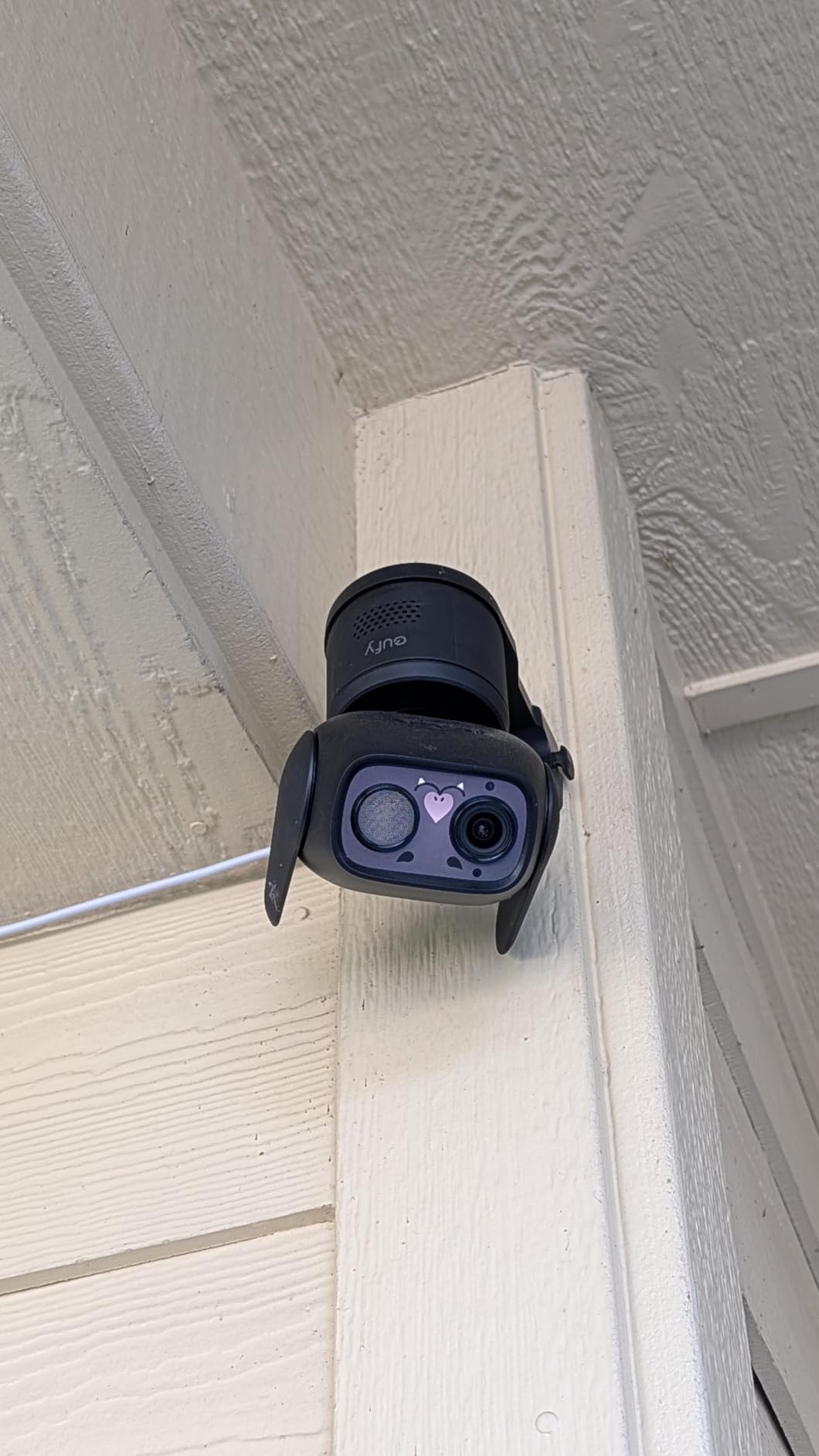
Dual external antennas give a more stable signal than an internal antenna would, which matters for a camera placed at the edge of a house. It works with Alexa and Google Assistant, and you can use a HomeBase Mini or HomeBase 3 rather than a card if you want a hub-based setup later.
The limits are honest. It records 1080p at 15 fps, sitting at the bottom of the image quality range here, and capacity is capped at 256GB, lower than the 512GB supported by most others. It is not compatible with HomeBase 2 or HomeKit, and the radio is 2.4GHz only.
What the C31 does that the others do not
It is the only pan and tilt model here rated for outdoor use, which makes it useful for a porch, a balcony, or a garage opening where you want a full sweep rather than a fixed view. The spotlight-free color night mode is a genuine improvement for anyone whose camera faces a neighbour’s window.
When it is the wrong choice
1080p at 15 fps will not deliver usable detail on a distant face, so it is the wrong pick for identification rather than awareness, and the 256GB cap shortens retention. Apple Home users get no HomeKit support here.
What Local Storage Actually Means
Local storage means the camera writes video to a device you own, inside your home, instead of uploading it to the manufacturer’s servers. There are four common destinations. A microSD card sits in the camera itself and is the simplest option. A home hub, such as an eufy HomeBase or a Reolink Home Hub, sits on your network and holds several cameras. An NVR is a dedicated recorder, usually with a hard drive, and can run completely offline. A NAS such as a Synology or QNAP box is a general-purpose recorder that many of these cameras can write to directly.
The mechanics are straightforward. The camera encodes video with H.264 or H.265, writes it continuously or on motion events to whichever destination you chose, and you review it in the manufacturer’s app or in your recorder’s software. The key difference from a cloud camera is that no company-side copy exists, so there is nothing for anyone to request, and no recurring fee attached to keeping your own footage.
Two open standards decide how locked in you are. RTSP is a streaming protocol that lets any standards-based player or recorder pull a live feed from the camera. ONVIF is a broader device standard covering discovery, configuration, and streaming across brands. When a camera supports both, you can point Frigate, Blue Iris, or Home Assistant at it and take the manufacturer out of the loop. Four of the cameras here do; the Reolink E1 does not.
One distinction matters more than any spec sheet: local-capable versus local-only. Several brands will record to a card while also offering a cloud plan for remote access and richer notifications. A genuinely local-only camera records to your hardware and nothing else. Nothing on this list forces a subscription, but if you want footage that never touches a vendor’s server, check whether the model exposes RTSP so you can verify that for yourself.
Why Ring, Nest, Arlo and Blink Are Not on This List
The exclusion is not about image quality. Ring, Google Nest, Arlo, and Blink all make cameras many people enjoy, and Blink’s Sync Module 2 does hold a USB drive locally. The problem is that their local storage is a secondary path in a cloud-first design, and the most useful features behind them sit on a paid plan. Asking for cameras with local storage means asking which ones treat local recording as the default rather than a fallback.
That is the distinction the top-ranking r/preppers thread was drawing. The poster wanted local storage only, with no cloud component at all, and that is a stricter bar than most product pages admit to. On that bar, only cameras exposing RTSP and ONVIF let you audit the data path yourself, which is why the Amcrest and Reolink models with protocol support rank well here.
What you give up by dropping a subscription is worth stating plainly. Rich notifications that describe what happened instead of just showing a thumbnail, AI video search across days of footage, extended live view beyond the free window, and in some cases facial recognition all tend to sit behind a plan. You keep recording, playback, and standard motion or person alerts. You lose the conveniences built on server-side processing.
How Much Storage You Actually Need
Every camera here accepts a microSD card, and none of them include one. Capacity limits vary considerably: the Tapo C120, both Tapo and Reolink indoor models, and the Tapo C400 go to 512GB, while the Amcrest IP4M-1041B and the IP8M-2496EB stop at 256GB, and the eufy C31 spans 32GB to 256GB. Buy a high-endurance card rather than a cheap general-purpose one, since constant writes wear out cards that were not built for it.
Retention depends far more on your recording mode and codec than on the camera. Continuous 24/7 recording fills a card several times faster than event-only recording, because events are a small fraction of the day. Compression matters just as much: H.265 typically uses meaningfully less space than H.264 for the same picture, and the Amcrest cameras, the eufy E30, and the eufy C31 all encode in H.265.
For a concrete anchor, Reolink publishes a figure of roughly eight days of continuous recording at the default 3072kbps code rate for the E1 Pro. If you need weeks or months of history across several cameras, stop buying bigger cards and start using an NVR or a NAS. That is the whole argument for a wired system, and it is why the PoE bullet and the Amcrest indoor camera sit on this list despite being less convenient.
One more storage risk deserves attention: if a camera is stolen, the card goes with it unless the card is inside a hub or a recorder in a different room. A hub-based or NVR-based design survives theft of the camera itself, which is an underrated reason to prefer it for a front door.
How to Choose a Local Storage Camera
Start with power, because it eliminates a third of the list. A plug-in camera such as the Reolink E1, the E1 Pro, the eufy E30, or the Tapo C120 is the simplest to install and never needs a charge. A battery model such as the Tapo C400 buys placement freedom at the cost of charge cycles and a fixed end-of-life. A PoE model such as the Amcrest bullet gives you both constant power and a wired data path, at the cost of running cable. Our guide to the best PoE security cameras covers the wiring side in more depth.
Next, decide how many cameras you will run. One or two cameras on cards is straightforward. Four or more, or a need for weeks of retention, changes the answer: you want a recorder. Our write-up of home security camera systems covers multi-camera setups and the NVR choices that go with them.
Resolution and field of view should follow your target. If you need to identify a person or read a plate, optical zoom and a higher resolution matter more than a wide sweep, which is why the E1 Zoom and the Amcrest 4K bullet are on this list. If you only need awareness, the 120-degree Tapo C120 view is plenty. For exterior placement, check the IP rating: IP65 suits a covered wall, IP66 handles hose-grade water jets, and IP67 survives immersion.
Then check the protocol support, because it decides whether you are locked in. If you might ever run a NAS, Blue Iris, Frigate, or Home Assistant, buy RTSP and ONVIF now. The Amcrest models and the Reolink E1 Pro and E1 Zoom all support them. The Reolink E1 does not, and that will not change with a firmware update.
Finally, price in the hidden costs. The microSD card is not included anywhere on this list, so budget for one per camera. PoE injectors or switches are sold separately for the Amcrest bullet. And if you buy an eufy camera that requires a hub to unlock local recording, the hub is an added cost on top of the camera. Our picks here record to a card directly or offer a hub as an option, so you can start with one purchase per camera.
One last practical note on installation. Mount outdoor cameras between 7 and 10 feet up, angle them down slightly, and avoid pointing them at a neighbour’s window or a reflective surface, which both cause false motion triggers. Use privacy zones to mask a neighbour’s door. Our roundup of the best security robots for home covers the patrol side of the same problem.
Frequently Asked Questions
What is local storage on a security camera?
Local storage means the camera records to hardware inside your home rather than the manufacturer’s cloud. That hardware is usually a microSD card in the camera, a home hub, an NVR, or a NAS. Because you own the storage, there is no monthly fee, no company-side copy of your footage, and recording continues through an internet outage.
What are the best security cameras for home with storage?
For a single indoor camera with the most storage options, the REOLINK E1 takes a card up to 512GB, a Reolink NVR, or a Home Hub. The Tapo C120 is the strongest indoor and outdoor value with an IP66 body and free detection. The Reolink E1 Pro adds dual-band WiFi and RTSP support, and the Amcrest IP8M-2496EB covers outdoor PoE.
What is the best security camera without a monthly fee?
All ten cameras in this roundup record locally without a subscription, including person, pet, and vehicle detection on the Tapo models. The REOLINK E1 is the strongest all-round choice because it accepts a microSD card, an NVR, or a Home Hub, and its 355-degree auto tracking covers a full room from one unit.
What are some security cameras that don’t require cloud storage?
Reolink, Tapo, eufy, and Amcrest all sell models that record to a microSD card without a paid plan, which covers every camera in this roundup. For a stricter local-only setup, choose one that exposes RTSP and ONVIF, such as the Reolink E1 Pro, the E1 Zoom, the eufy S350, or both Amcrest models, and block the camera from reaching its vendor’s servers.
Do local storage security cameras work without WiFi?
It depends entirely on how the camera is powered. A PoE camera such as the Amcrest IP8M-2496EB needs no WiFi at all, since power and data arrive on one Ethernet cable, and it records to a card, NVR, or NAS on your LAN. Battery and WiFi cameras such as the Reolink E1 or the Tapo C400 need the wireless link, so they are not the right choice for a fully offline setup.
Do I need an NVR or is a microSD card enough?
A card is enough for one or two cameras and roughly a week or so of history. If you run four cameras or more, or you need weeks of retention, an NVR or a NAS is the better answer because it holds far more data in one place and, unlike a card inside a camera, it survives if the camera is stolen.
Can I access local camera recordings remotely without a subscription?
Yes, as long as your cameras can stream to a recorder you control. Point RTSP-capable cameras at software such as Frigate, Blue Iris, or Home Assistant and reach that interface from your phone over your own network or a VPN. Reolink and Tapo also offer optional paid cloud tiers for remote access, but you are not required to use them.
Conclusion
The REOLINK E1 is the best security camera with local storage for most people in 2026, because it accepts a card, an NVR, or a Home Hub, tracks motion across a full room, and carries 18k-plus reviews of evidence behind it. For outdoor coverage on a budget, the Tapo C120 gives you an IP66 body and free person, pet, and vehicle detection for the least money on this list. For a nursery or a room with a pet, the REOLINK E1 Pro adds dual-band WiFi and a sensor that holds up in low light.
Beyond those three, the right pick depends on the constraint rather than the ranking. Go wired and offline with the Amcrest IP8M-2496EB, or stay on WiFi but own your recorder with the Amcrest IP4M-1041B. Choose the eufy E30 for 4K indoors with HomeKit, the S350 when you need a wide view and a close-up in one unit, the E1 Zoom when optical detail is the priority, the Tapo C400 when no cable can be run, and the eufy C31 when one pan-and-tilt camera has to work indoors and out.
Every one of these records to hardware you own, and none of them requires a subscription to do it. Pick the camera that matches where the power is, check that the storage destination suits how long you want to keep footage, and buy the memory card before the camera arrives.