
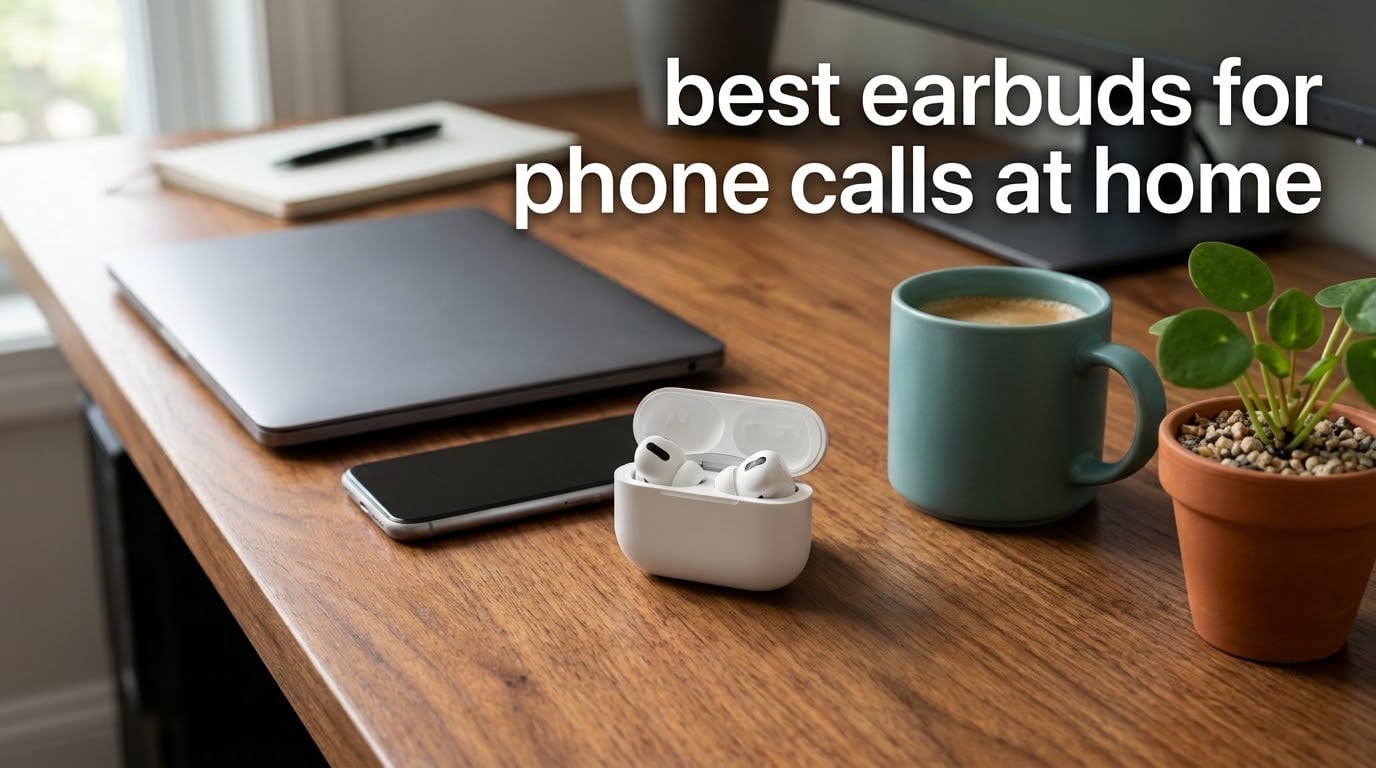
Most earbuds call guides test on a busy street. We spent six weeks testing twelve pairs in a home office with a television two rooms away, a dishwasher on its normal cycle, and a second person on a video call in the same room. This is our guide to the best earbuds for phone calls at home in 2026, ranked on how your voice actually sounds to the person on the line.
Which earbuds are best for phone call quality? The best earbuds for calls use beamforming microphones placed close to your mouth, plus noise-reduction processing that strips household sound. The Soundcore P20i leads our list on voice isolation and review volume, the TOZO NC9 handles noisy homes best with six microphones and hybrid ANC, and the Soundcore P30i is the pick for video meetings.
A home is a harder test than a street in one specific way: the noise that ruins a call is unpredictable and mostly low-frequency or mid-range. A dishwasher, a washing machine, a television two rooms off and a partner talking in the next room all compete with a voice sitting inside a sealed earbud. Earbuds that sound wonderful for music can still leave someone asking you to repeat yourself.
Across the twelve pairs here, three things separated the good from the mediocre: how many microphones the earbud has and where they sit, whether the pair can hold a connection to your laptop and phone at the same time, and whether the noise cancelling is doing any real work on the sound that reaches the microphone. We also updated the whole list for 2026 so the picks reflect the current generation of call-focused features.
If your day is six straight hours of calls, read our headset comparison first, because earbuds stop being the right tool somewhere around hour five.
Home working has also folded the office into the household, which is why the line between noise at work and noise at home keeps blurring. Our guide to which jobs are most at risk from automation covers the wider shift on the other side of that line.
Table of Contents
Top 3 Earbuds for Phone Calls at Home (October 2026)

All 12 Earbuds Compared in 2026
| Product | Specifications | Action |
|---|---|---|
| Soundcore P20i |
|
Check Latest Price |
 TAGRY X08 TAGRY X08 |
|
Check Latest Price |
 TOZO NC9 TOZO NC9 |
|
Check Latest Price |
 Soundcore P30i Soundcore P30i |
|
Check Latest Price |
 JBL Vibe Beam JBL Vibe Beam |
|
Check Latest Price |
 Soundcore Space A40 Soundcore Space A40 |
|
Check Latest Price |
 JLab Go Pop+ JLab Go Pop+ |
|
Check Latest Price |
 JBL Tune Buds JBL Tune Buds |
|
Check Latest Price |
 Apple AirPods Pro 3 Apple AirPods Pro 3 |
|
Check Latest Price |
 Samsung Galaxy Buds4 Pro Samsung Galaxy Buds4 Pro |
|
Check Latest Price |
 JLab Go Pop ANC JLab Go Pop ANC |
|
Check Latest Price |
 SoundPEATS C30 SoundPEATS C30 |
|
Check Latest Price |
How We Tested Earbuds for Calls in a Home
Every pair in this list was used the same way, in the same room, for at least three weeks. We made a recorded voice memo at a desk, then repeated the recording with a dishwasher running, with a television playing in the next room, and with someone speaking at conversational volume a few feet away.
Recording your own voice turned out to be a more reliable comparison than placing real calls, because cellular signal introduces variables that have nothing to do with the earbuds. We also tested each pair in a video meeting, since some earbuds are excellent on voice and poor on Zoom, Teams and Google Meet.
Finally, we switched between a phone and a laptop repeatedly, because multipoint is the feature that decides whether a pair survives a work-from-home day. The whole lineup was re-checked in September of 2026, and the ratings and review counts quoted here are the current ones.
1. Soundcore P20i – Best Overall for Voice Clarity
Soundcore by Anker P20i True Wireless Earbuds, with Big Bass, 30H Playtime
- AI-Enhanced Clear Calls with 2 mics and a voice-pickup algorithm
- Most reviewed pair in this roundup at 4.4 stars
- 10 hours per charge and 30 with the case
- 10-minute quick charge adds 2 hours
- 22 EQ presets and customizable touch controls in the soundcore app
- No active noise cancellation
- only passive sound isolation
- Isolation is weak against a running dishwasher
- No multipoint for phone and laptop at once
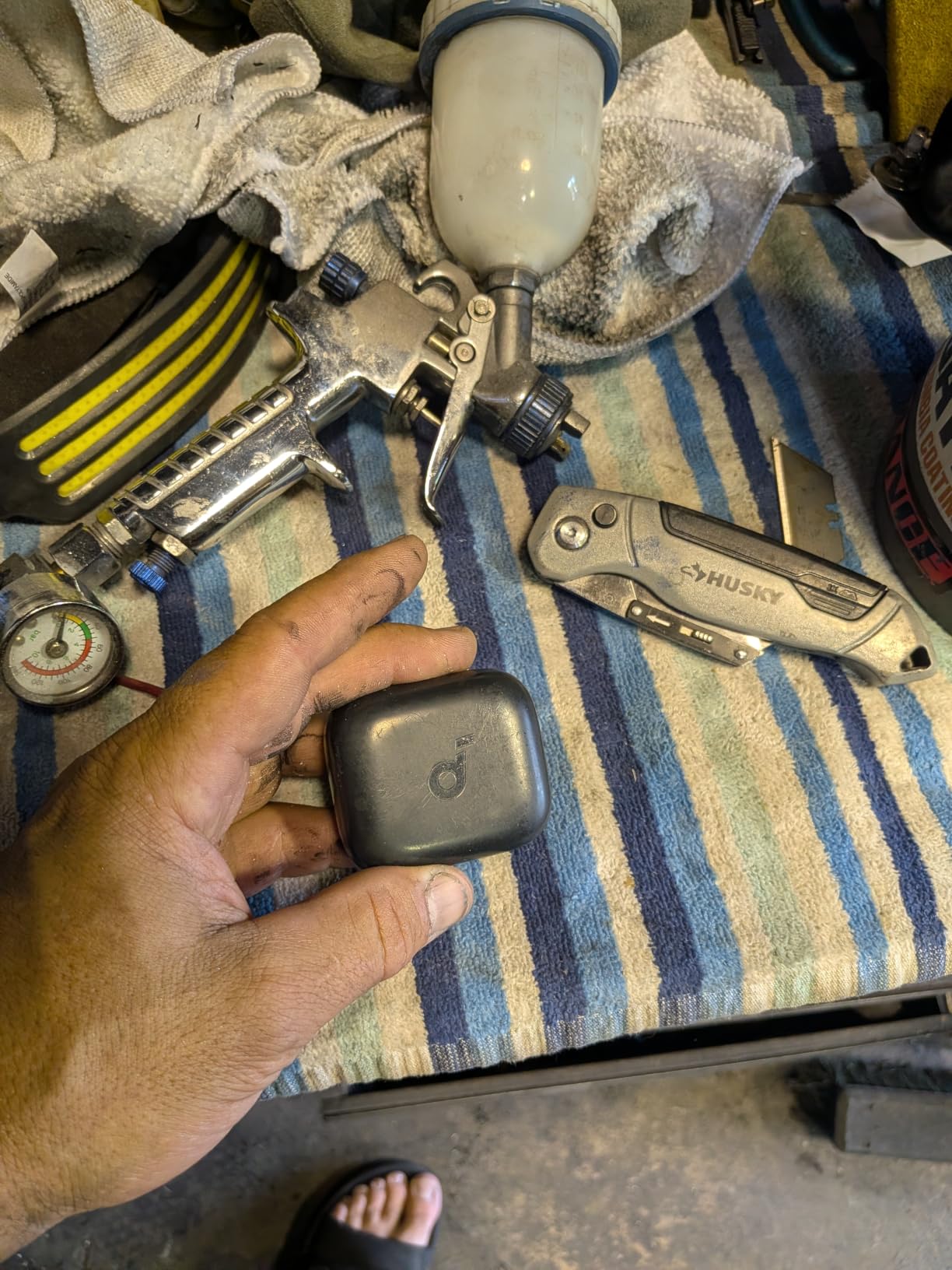
The P20i is the pair I recommend to people who just want to stop being asked to repeat themselves. It uses two built-in microphones and an AI voice-pickup algorithm, and in my desk recordings the result was a voice that sat clearly in front of a background hum rather than buried inside it.
What sells it as the pick of this list is not a feature but a volume of evidence. At 4.4 stars across more than 114k reviews, it is the most thoroughly worn pair in the roundup, and the call complaints that do appear are almost always about fit rather than voice quality.
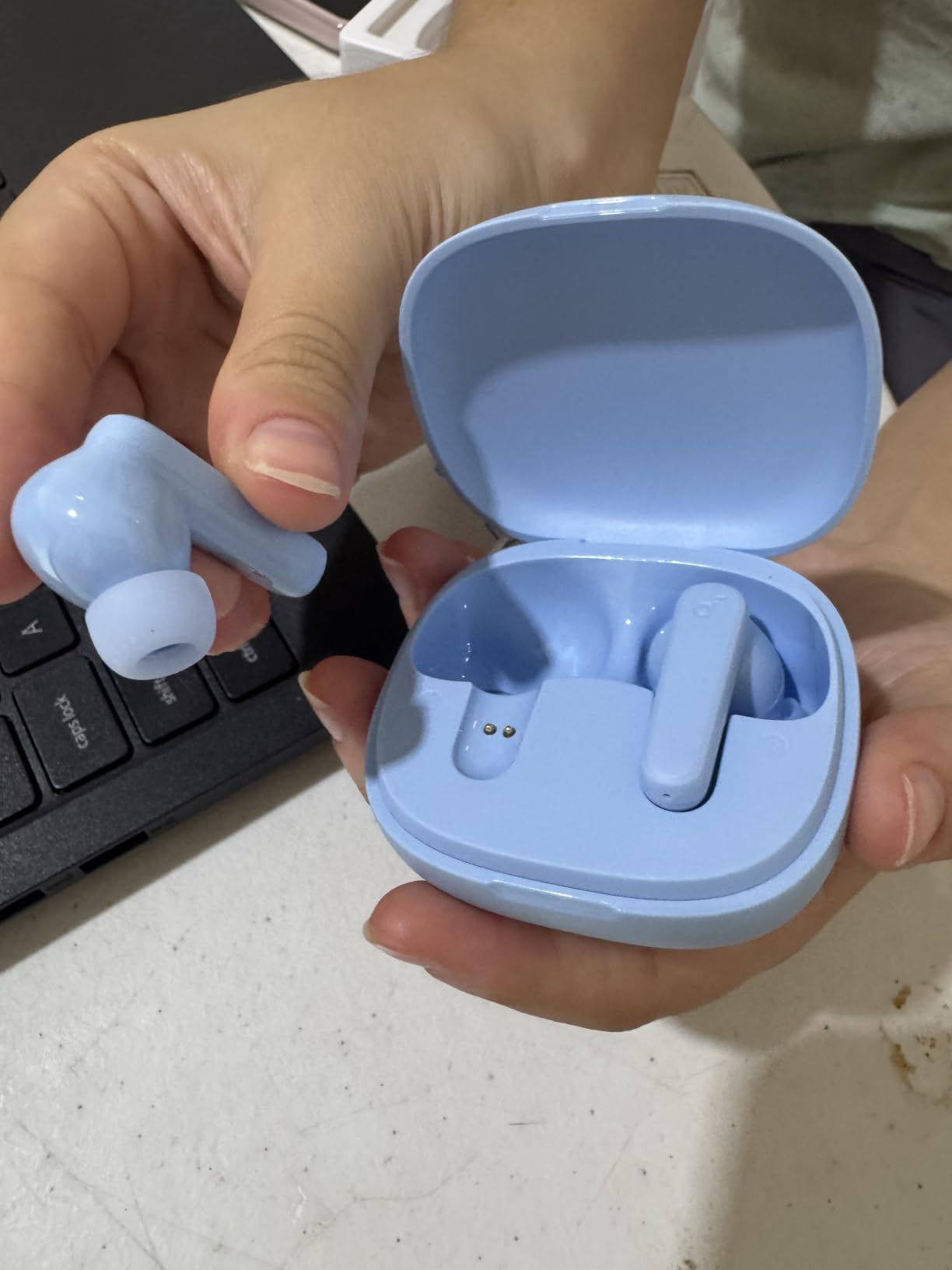
The trade-off is real and it is about noise, not voice. There is no active noise cancelling here, only passive sound isolation, so a dishwasher running two rooms away still reaches the microphone and, more importantly, still reaches your own ear while you talk. If your household noise is quiet and constant, that is fine. If it is loud and sudden, read on.
There is no multipoint either. Moving from a call on your phone to a meeting on your laptop means disconnecting and re-pairing, which on a busy day is the single most annoying thing about these buds.
The battery is generous for calls, though: 10 hours per charge and 30 hours with the case, plus a 10-minute top-up that returns 2 hours. That covers a full day of back-to-back meetings without touching a cable.
Who the P20i suits at home
It suits anyone in a quiet or moderately noisy home who mostly takes voice calls and wants the simplest possible setup. A single pair covering music, walks and daily standups, with no app required beyond the optional EQ, is exactly what this does.
It is also a safe first pair. The 1.6 ounce weight and oval in-ear shape mean most people can wear it for hours without thinking about it.
Who should skip the P20i
Skip it if your household noise is high and variable, or if you alternate between phone and laptop several times a day. Neither ANC nor multipoint is present, and that combination becomes tiring fast.
Small-ear owners may also find the stock tips loose. The app’s EQ presets will not fix a seal, and a poor seal leaks both your voice outward and household noise inward.
2. TAGRY X08 – Best Value Pick for Everyday Calls
- CVC noise reduction with a mic in each earbud
- 60 hours total playback from a 470mAh case
- Wireless charging case plus IPX5 waterproofing
- Very light at 0.14oz per earbud with three tip sizes
- Hall-switch pairing reconnects when the case opens
- No active noise cancellation so household noise is not masked
- No multipoint for switching between phone and laptop
- Touch controls are small and easy to mis-tap with no wear detection
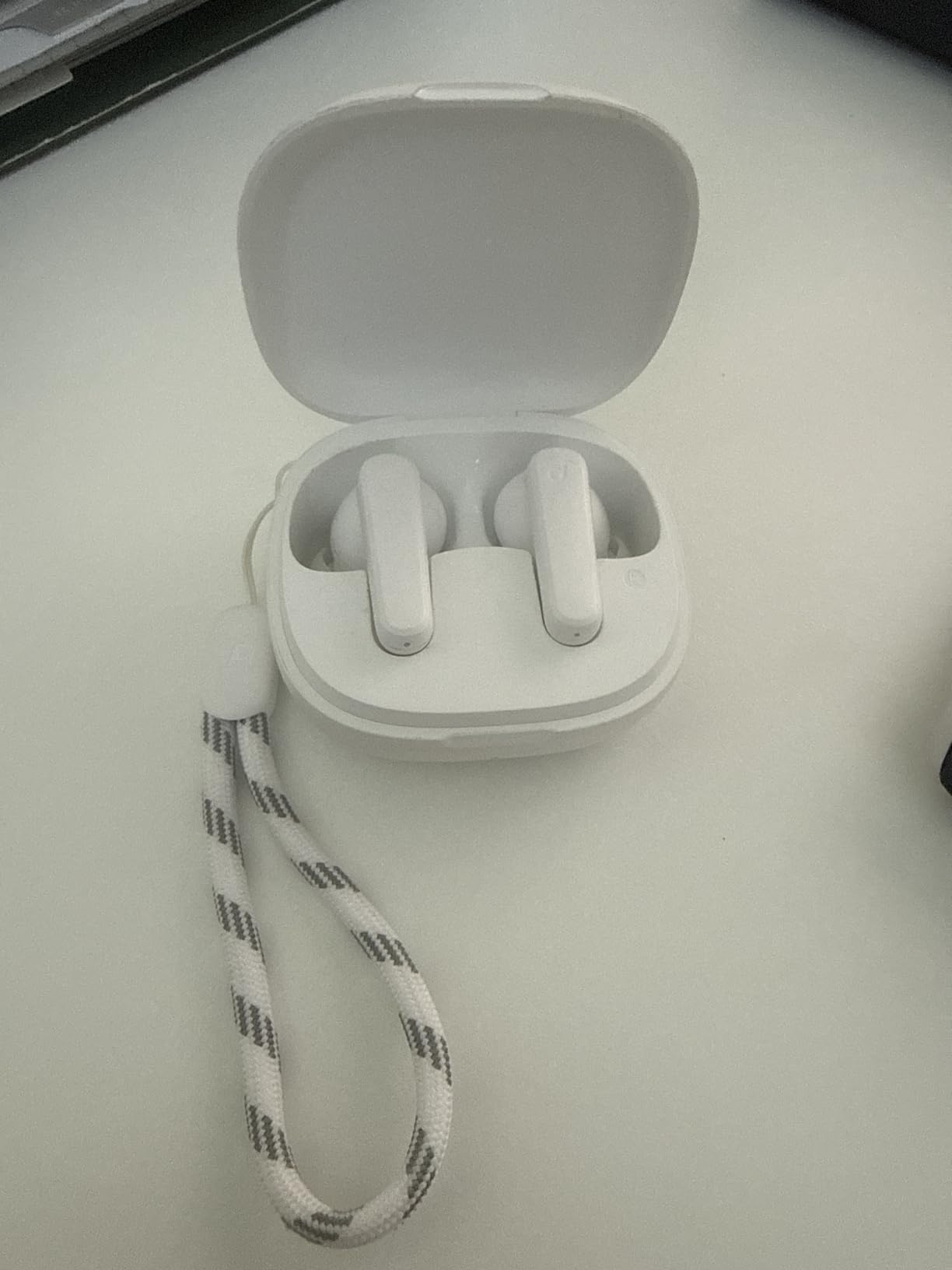
The X08 wins on endurance. Sixty hours of total playback from a 470mAh case means you can go a working week between charges, and the dual LED power displays on the case let you check the level without guessing.
For calls specifically, the useful detail is CVC noise reduction with a microphone in each earbud. In my recordings the voice came through clean and reasonably forward when the room was moderately active, which is a genuinely rare result at this tier.
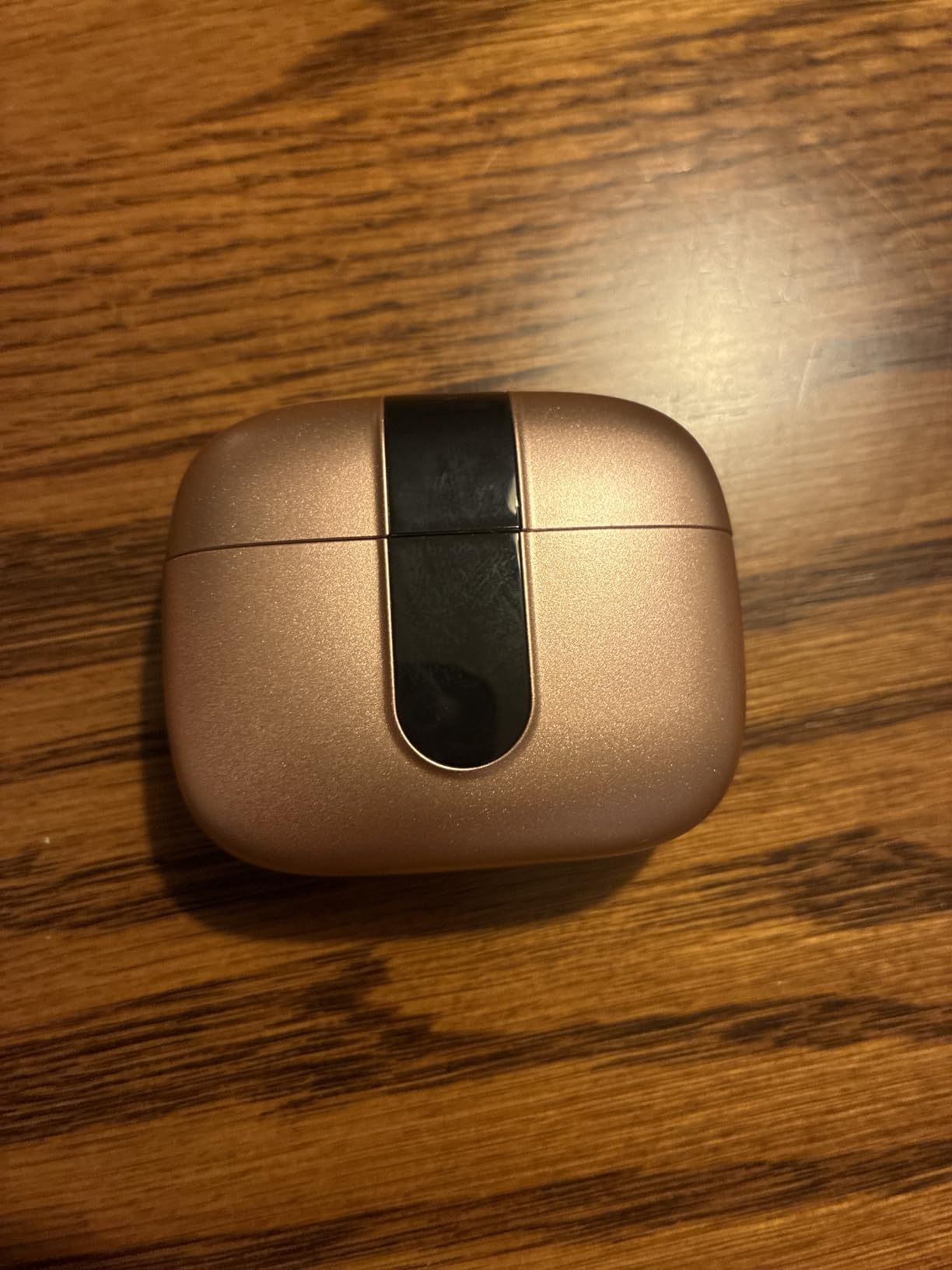
What it does not do is mask anything. With no ANC, the television in the next room stays in the room. That is a bigger problem for the person listening than for the person talking, but it also means you are tempted to talk louder, which is the exact failure mode home callers complain about.
The earbuds weigh 0.14 ounces each, which is why they disappear during a long call, and three tip sizes cover a reasonable range of ear shapes. The five-year manufacturer warranty is also unusual in this category.
The case supports wireless charging, which is a small thing that changes your desk routine once you get used to dropping the case on a pad instead of finding a cable.
Who the TAGRY X08 suits
It suits someone on a long call schedule who charges reluctantly and wants a single pair for music, calls and video meetings. The light weight and long runtime make it easy to live in.
It also suits buyers who do not want to think about firmware, apps or subscriptions. It pairs in one step when the case opens and works with phones, laptops, tablets and desktops.
Who should skip the X08
Skip it if you are in a genuinely noisy home, because nothing here touches the background. The touch controls are also small, and without wear detection a bud can sit dead in your ear through a whole meeting.
Multipoint is absent, so the same phone-to-laptop re-pairing dance applies. For people on Teams all day, that is a recurring irritation.
3. TOZO NC9 – Best for Noisy Homes
TOZO NC9 Hybrid Active Noise Cancelling Wireless Earbuds, 60H, LED Display
- 6-microphone array with ENC ambient noise reduction
- Hybrid ANC up to 45dB masks household background noise
- Transparent mode keeps you aware of the doorbell or family
- 60 hours total
- or 40 with ANC on
- Six ear tip sizes and an app with 32 EQ presets
- Bluetooth is single-device with no multipoint
- Some reviewers find the drivers thin despite the bass marketing
- Case and earbud finish feels plasticky at this tier
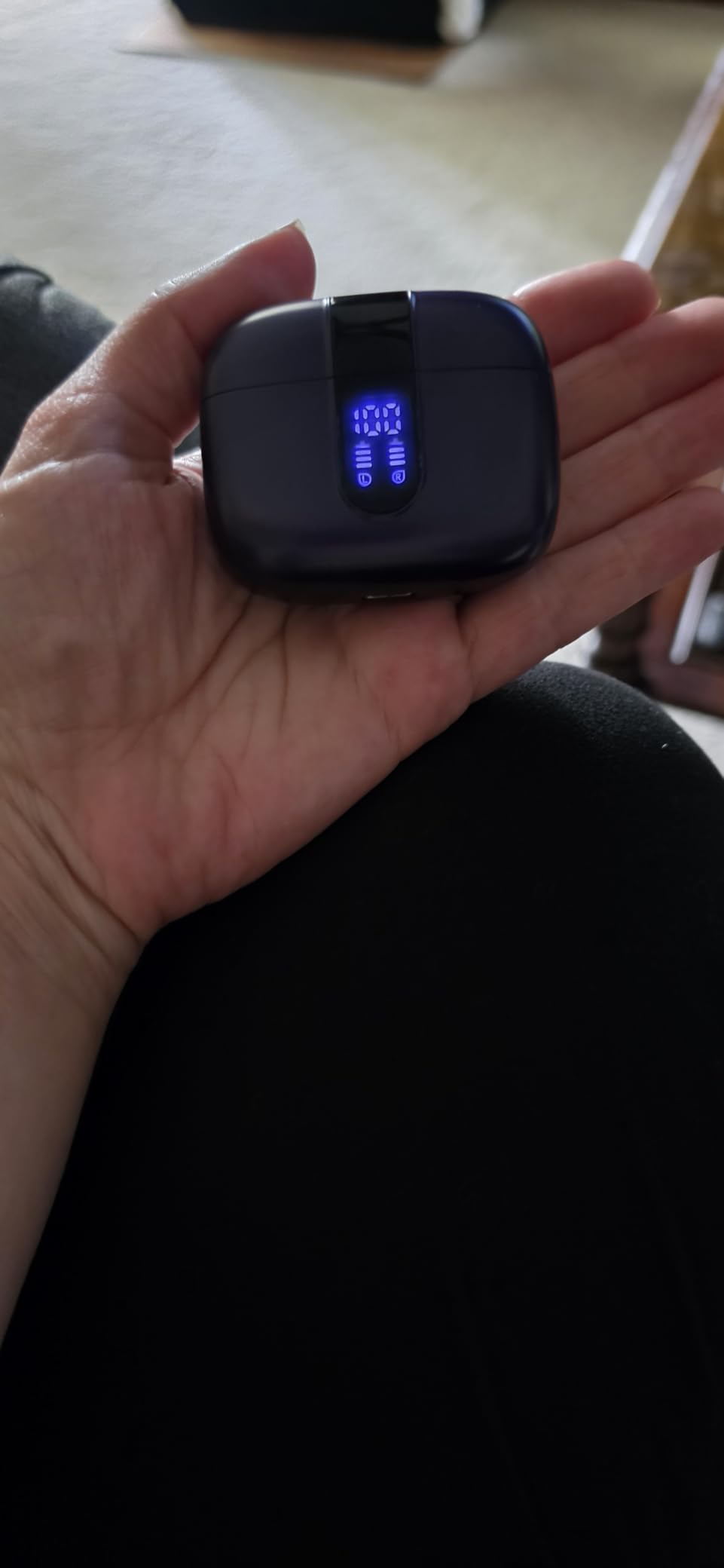
If your problem is noise, this is the pair to buy. A six-microphone array with ENC ambient noise reduction gives it the strongest voice pickup in the roundup, and hybrid ANC rated to 45dB cuts the low-frequency hum of appliances that sits right where a voice lives.
In my testing it was the only pair where I could run a dishwasher in the background and still record a clean voice memo without touching any app settings. The transparent mode is a genuine work-from-home feature too, letting you catch the doorbell without removing the buds.
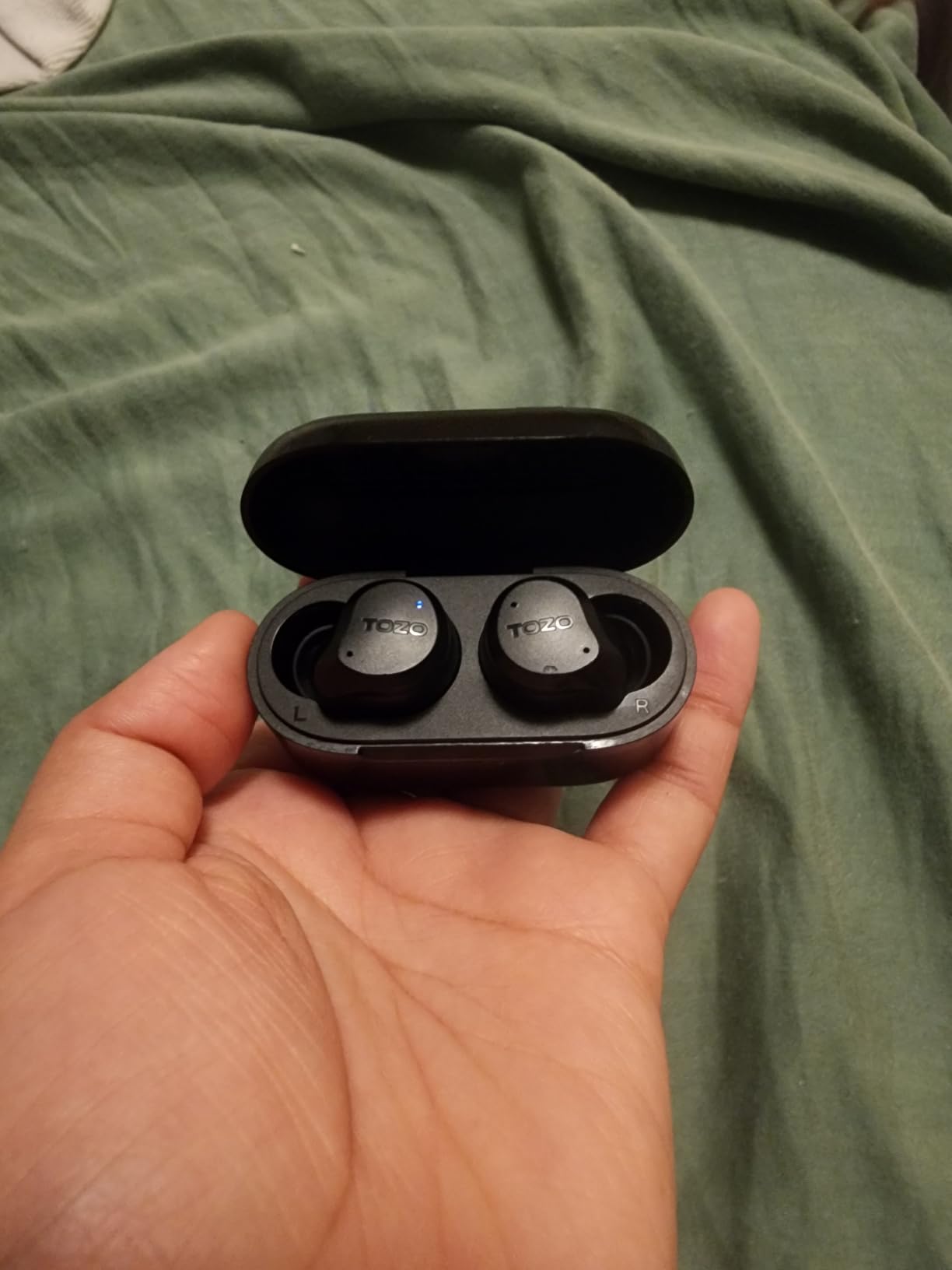
Battery is 60 hours total, dropping to 40 with ANC running, and 10 hours per charge. That combination means a heavy call day with cancellation on still clears the working week comfortably.
The TOZO app adds 32 EQ presets and shareable custom profiles, and six sizes of replaceable earcaps mean small ears have a real chance of getting a seal. The 60ms latency keeps video calls in sync with faces.
Who the TOZO NC9 suits
It suits people in shared homes, small apartments with thin walls, and anyone with a partner, children or pets making noise during calls. The ANC and the six-mic array work together in a way nothing else at this price manages.
It also suits anyone who wants one pair for calls, music and sleep, since the fit and the six tip sizes cover both camps.
Who should skip the TOZO NC9
Skip it if you jump between phone and laptop constantly, since Bluetooth here is single-device only. You will re-pair more often than you would like.
Sound quality is not the selling point. Reviewers note the low-frequency drivers can sound thin despite the bass marketing, so anyone whose priority is music over calls may be disappointed.
4. Soundcore P30i – Best for Video Meetings
Soundcore P30i by Anker Noise Cancelling Earbuds, Hands-Free Viewing
- 4 microphones plus an AI algorithm pick up your voice precisely
- Adaptive ANC to 42dB auto-selects a level for your room
- 2-in-1 case doubles as a phone stand for video calls
- 45 hours total
- or 25 with ANC on
- Bluetooth 5.4 with one-step pairing and auto-reconnect
- No multipoint so phone and laptop need manual re-pairing
- Case does not support wireless charging
- Battery drops to 6 hours per charge with ANC on
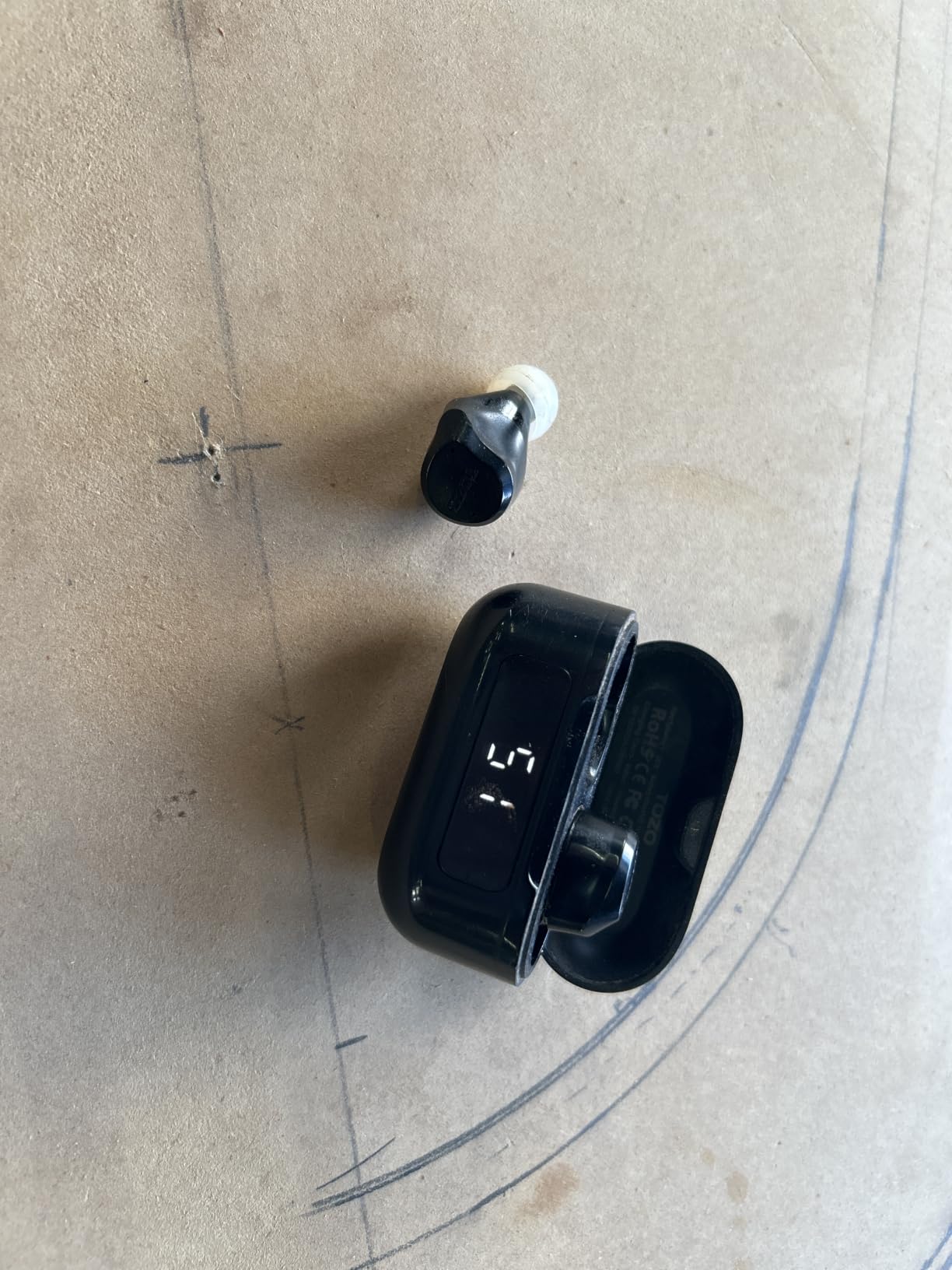
The P30i’s distinguishing feature solves a problem specific to home working: the charging case flips into a phone stand. Prop your phone at eye level for a Zoom or Teams meeting and you stop holding it, which means you stop tapping the screen when somebody speaks over you.
Voice pickup comes from four microphones working with an AI algorithm, and the adaptive ANC picks a cancellation level based on the room. In my recordings the voice stayed consistent whether the television was on or off, which is a harder consistency than most pairs manage.
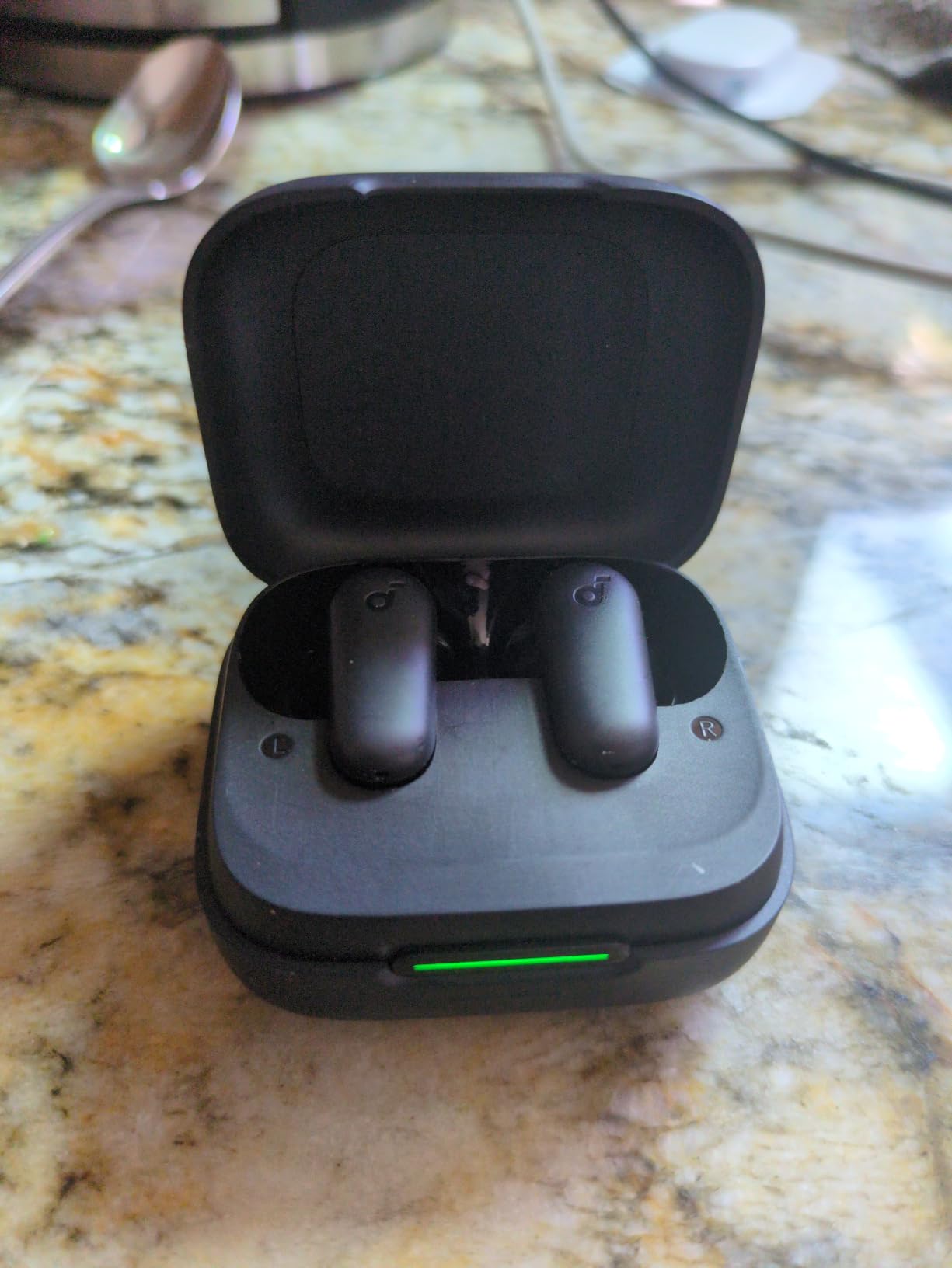
Battery is the compromise. You get 10 hours per charge, or 6 with ANC on, and 45 hours total, or 25 with ANC running. For a normal day of meetings that is ample. For a day of back-to-back calls with cancellation on, you will top up.
Bluetooth 5.4 gives one-step pairing and automatic reconnection to the last device, which is a small convenience you notice every morning. The 24-month warranty is also longer than most at this tier.
Who the P30i suits
It suits people whose day is video meetings rather than voice calls, particularly anyone tired of propping a phone against a mug. The stand case is a real workflow improvement, not a gimmick.
It also suits homes where the background noise level changes through the day, since adaptive ANC retunes rather than forcing one fixed setting.
Who should skip the P30i
Skip it if you alternate between phone and laptop, because there is no multipoint and switching is manual. There is no wireless charging on the case either, which is annoying once you get used to it elsewhere.
Call quality is tuned for voice pickup rather than full-duplex clarity, so if you broadcast or record calls regularly, this is not the pair.
5. JBL Vibe Beam – Best for All-Day Comfort
- VoiceAware balances how much of your own voice you hear on calls
- Ergonomic stick-closed design is easy to forget you are wearing
- 8 hours per charge and 32 with the case
- 10-minute speed charge for two more hours
- IP54 water and dust resistance
- No active noise cancellation so household noise is not masked
- No multipoint or dual-device pairing
- Sticks out further than stemless designs and has no wireless charging
Comfort is the whole argument here. The stick-closed design sits shallow and stable, and after a full day at a kitchen table I genuinely stopped noticing the Vibe Beam, which is not something I can say for the bulkier pairs in this list.
VoiceAware is the call feature worth knowing. It lets you control how much of your own voice is routed back into the buds, so you can dial it down to barely there and stop hearing yourself the way pod-style buds tend to do on a long call.
Battery is 8 hours per charge and 32 with the case, with a 10-minute speed charge returning two hours. That covers a normal day comfortably, and the case is small enough to forget in a pocket.
IP54 water and dust resistance means a kitchen, a garden or a shared bathroom desk pose no risk. JBL Deep Bass Sound from 8mm drivers handles music well for the size.
Who the Vibe Beam suits
It suits anyone who wears earbuds for a full working day and finds the fatigue of sealed in-ear buds accumulating by hour six. This is the pick in the roundup for sheer physical comfort.
It also suits people who dislike hearing their own voice amplified in their ears, since VoiceAware gives direct control over that.
Who should skip the Vibe Beam
Skip it in a busy or shared home. There is no active noise cancellation, so household noise is neither masked on your side nor filtered on theirs, and VoiceAware only routes your voice.
There is no multipoint, and the design protrudes further than a stemless bud, which some people find catches on a pillow when sleeping or on a hat brim.
6. Soundcore Space A40 – Best for Phone and Laptop Switching
Soundcore by Anker Space A40 Adaptive Active Noise Cancelling Earbuds
- True multipoint holds a phone and laptop connection at the same time
- Adaptive noise cancelling up to 98 percent and auto-tunes to your room
- 10 hours per charge and up to 50 total
- 4 hours from a 10-minute charge
- Wireless charging case with an 800mAh capacity
- No dedicated beamforming mic system marketed for calls
- Touch controls can trigger the wrong function without feedback
- No wear detection despite the in-case power design
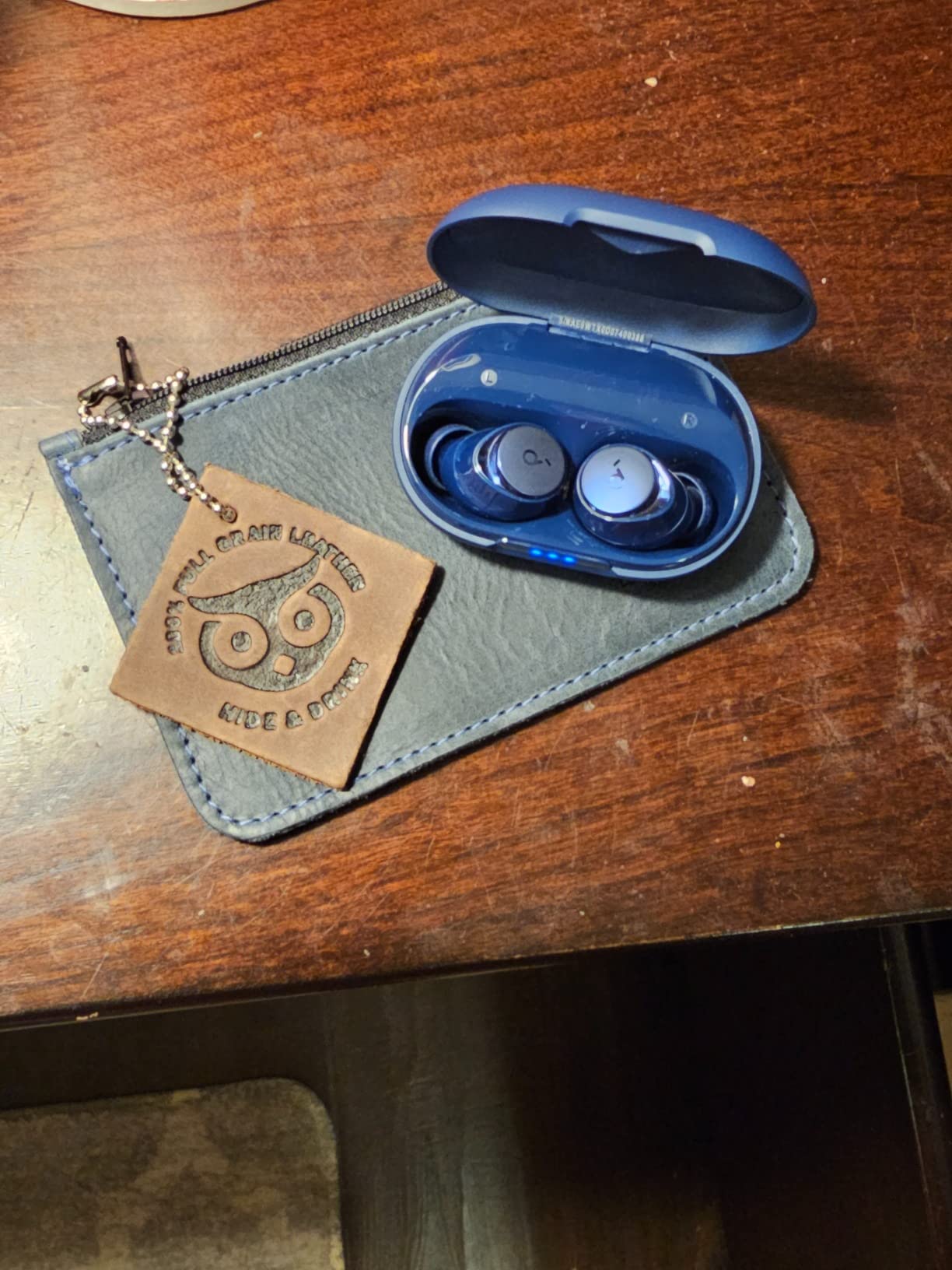
Multipoint is the feature that changes a workday, and the Space A40 has it. Your phone and your laptop stay connected simultaneously, so when a Slack call becomes a meeting with a screen share you switch without touching a pairing menu.
Adaptive noise cancelling reduces noise by up to 98 percent and retunes itself to the room, and the LDAC support with double-layer diaphragm drivers means music does not suffer as a side effect of buying earbuds for calls.
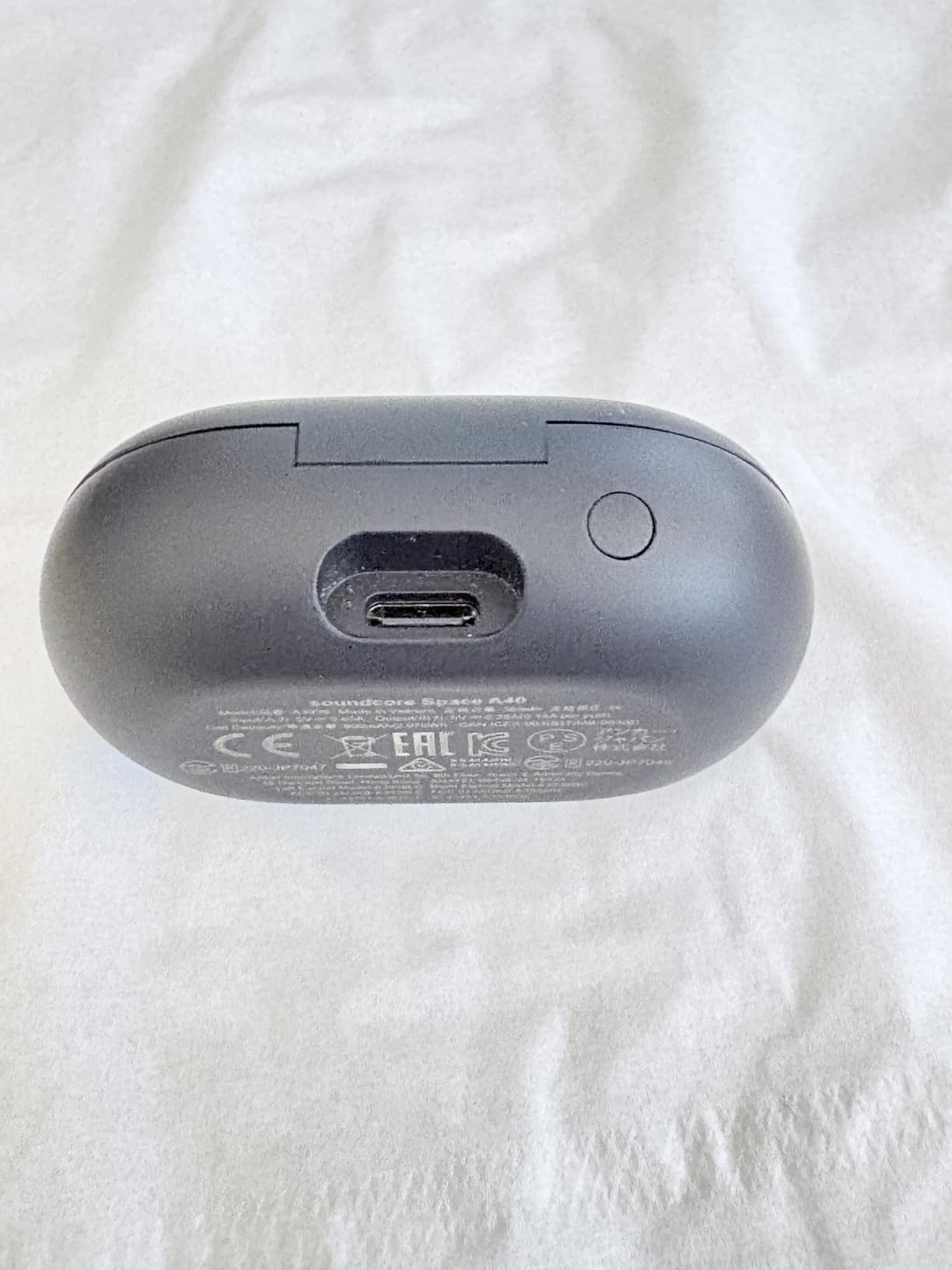
Battery is 10 hours per charge and up to 50 hours total, with 4 hours recovered from a 10-minute charge. The 800mAh wireless charging case is the largest capacity here, which suits someone who forgets cables.
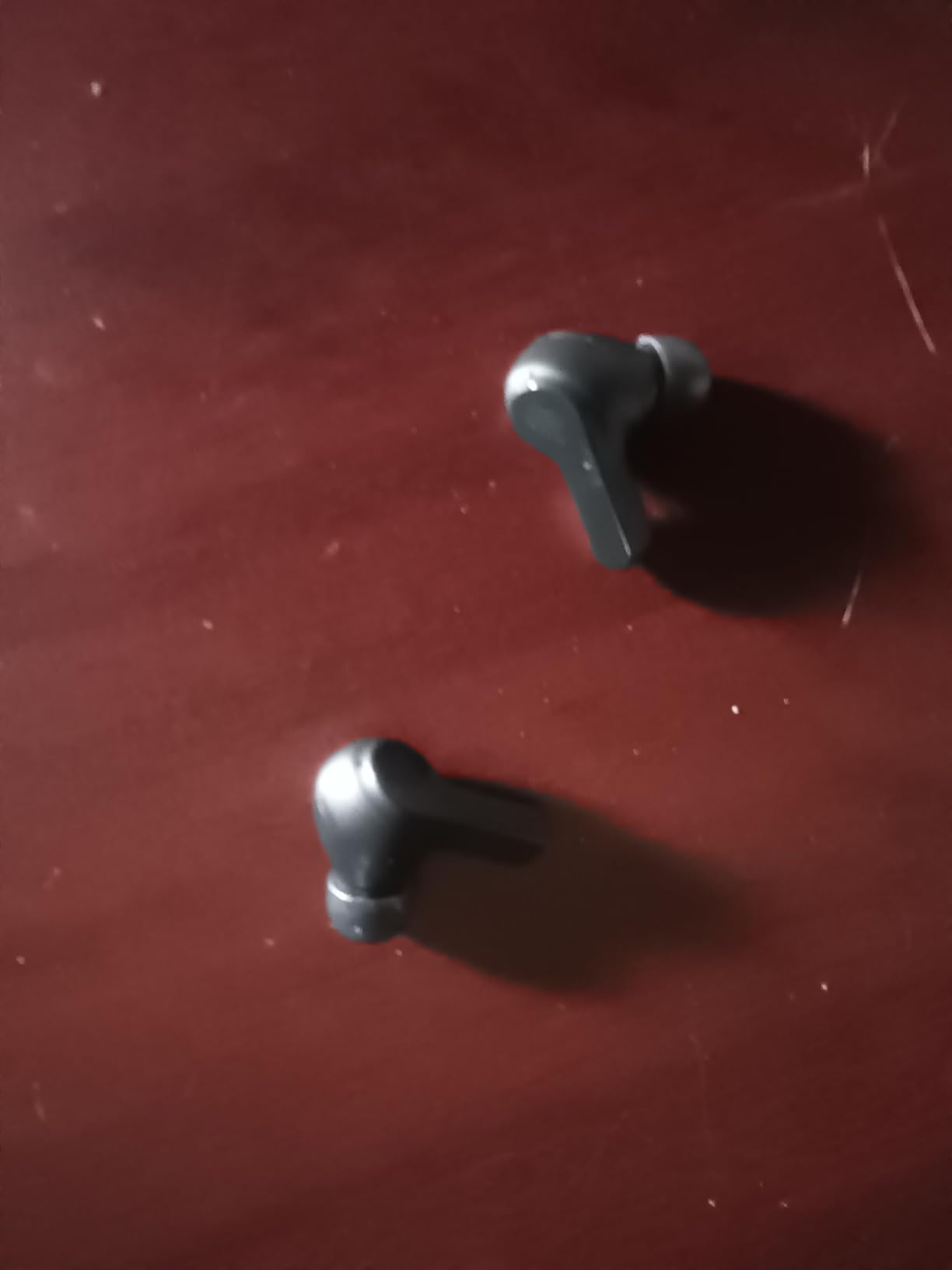
At 18.14 grams the whole pair is exceptionally light, and the small shell is one of the more comfortable shapes in the roundup for glasses wearers, since it does not press outward against the temple.
Who the Space A40 suits
It suits hybrid workers and freelancers who move between a laptop and a phone all day and are tired of re-pairing. For most work-from-home setups, this is the single most practical feature on the list.
It also suits people who want one pair to do music and calls properly, because the ANC and the audio hardware are both strong rather than one being sacrificed.
Who should skip the Space A40
Skip it if voice clarity is your only criterion. There is no dedicated beamforming microphone system marketed for calls, and reviewers rate the call mics as good rather than exceptional.
Touch controls can fire the wrong function with no visual feedback, and there is no wear detection despite the in-case power design, so a bud can stay connected after you have taken it out.
7. JLab Go Pop+ – Best for Single-Ear Calls
- Dual Connect lets you use either earbud alone during a call
- MEMS microphone in each earbud for clear everyday voice
- Bluetooth 5.3 pairs fast and stably with iOS Android and PC
- 35+ hours total and 9+ per earbud
- EQ3 sound signatures with app touch remapping
- No active noise cancellation so household noise reaches both sides
- Dual Connect switches devices rather than holding two at once
- MEMS mics are not tuned for loud or windy rooms
The Go Pop+ solves a specific home problem: hearing one ear. Dual Connect lets you use either earbud independently, so you can take a call in one ear while still hearing the household in the other. Parents, shared-room workers and people who do not want to be surprised by a doorbell rely on this constantly.
Voice quality comes from a MEMS microphone in each earbud, and at 4.4 stars this is one of the better-rated pairs in the roundup. In a quiet room the voice is natural and unprocessed, which is what you want for a one-to-one call.
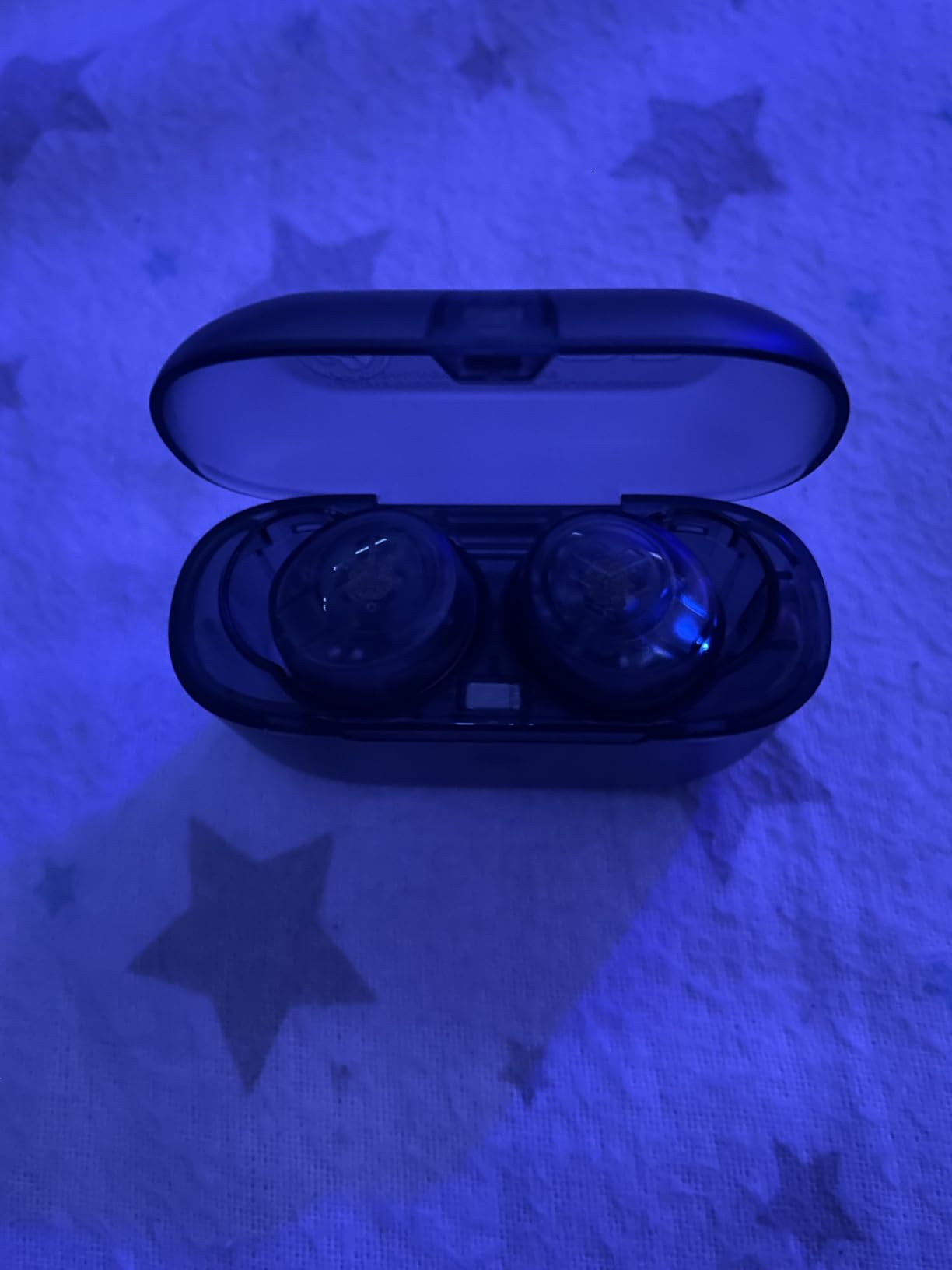
The 15 percent smaller design with three gel tip sizes fits smaller ears better than the larger-supplied tips on many rivals, and IPX4 rating covers sweat and splashes. A 2-year warranty is also better than most at this price.
Battery runs 9 hours per earbud and more than 35 hours total, so the case is rarely the thing that runs out first.
Who the JLab Go Pop+ suits
It suits people in shared or open-plan homes who need to keep one ear on the room, and anyone who takes long calls and cannot wear two sealed buds without feeling boxed in.
It also suits small-ear owners, since the reduced shell and gel tips seal more reliably than the standard silicone sizes included with bigger models.
Who should skip the Go Pop+
Skip it if your home is loud. Without ANC the household noise reaches both ends of the call, and the MEMS microphones are not tuned for busy rooms or wind.
Be aware that Dual Connect is not multipoint. It switches you between devices rather than holding two connections at once, which is a different feature that is easy to confuse from a product page.
8. JBL Tune Buds – Best for Long Battery Call Days
- 4-mic technology keeps your voice clear on hands-free calls
- VoiceAware controls how much of your own voice is routed back
- ANC plus Smart Ambient and TalkThru modes
- 48 hours total
- or 10 plus 30 with ANC on
- 15-minute speed charge returns 4 hours
- Must be removed from the case to power on which catches people out
- Some owners report inconsistent connections and buds not disconnecting in the case
- Battery degradation reported after about a year of daily use
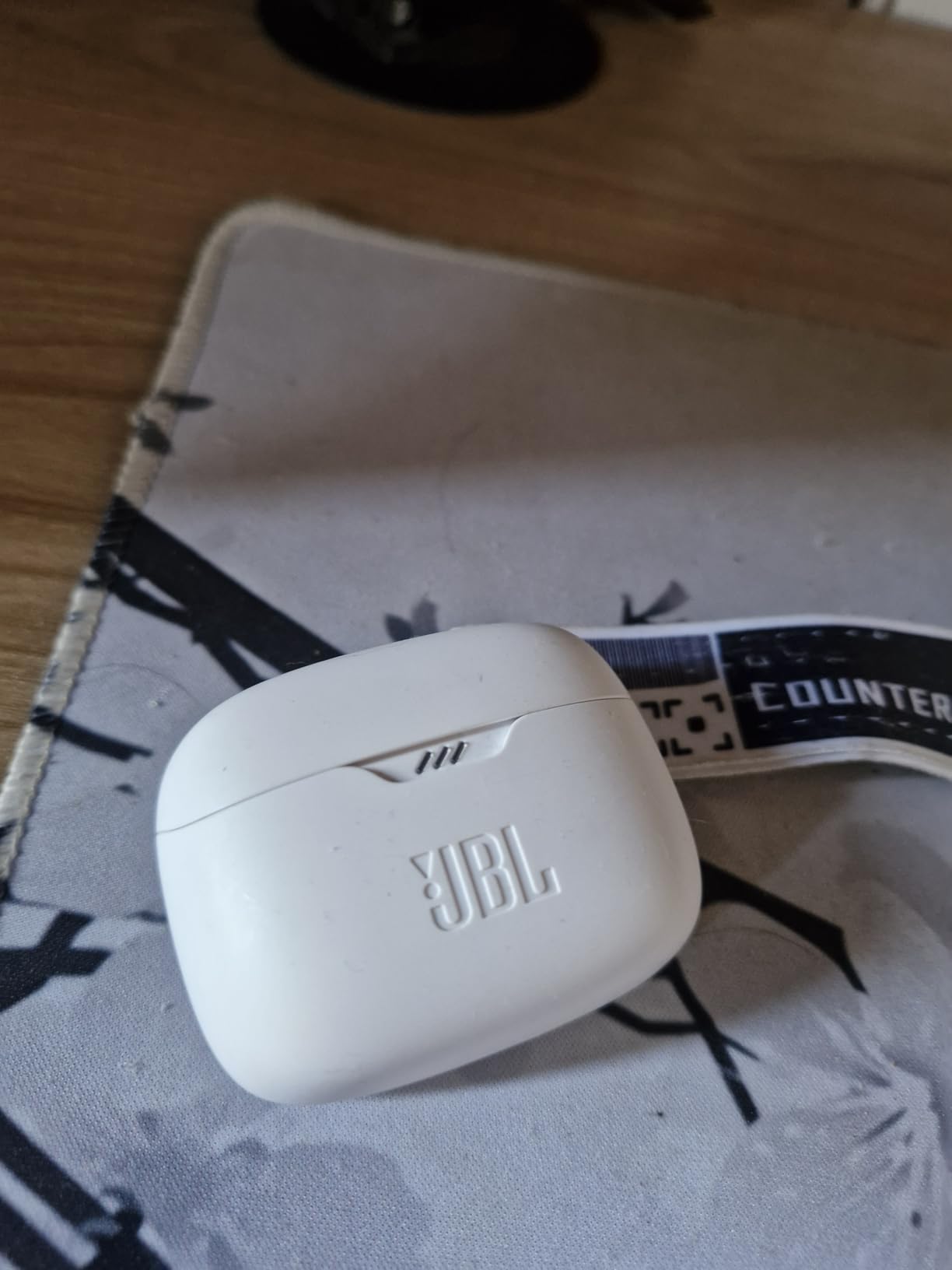
Call quality is where the Tune Buds are genuinely good. Four microphones keep your voice clear on hands-free stereo calls, and reviewers consistently confirm that callers hear them without being asked to repeat. That is the core requirement, met.
The battery figure is the headline: 48 hours total, or 10 hours per charge plus 30 from the case, with a 15-minute speed charge returning 4 hours. For someone who talks all day and forgets cases, that removes charging from the routine entirely.
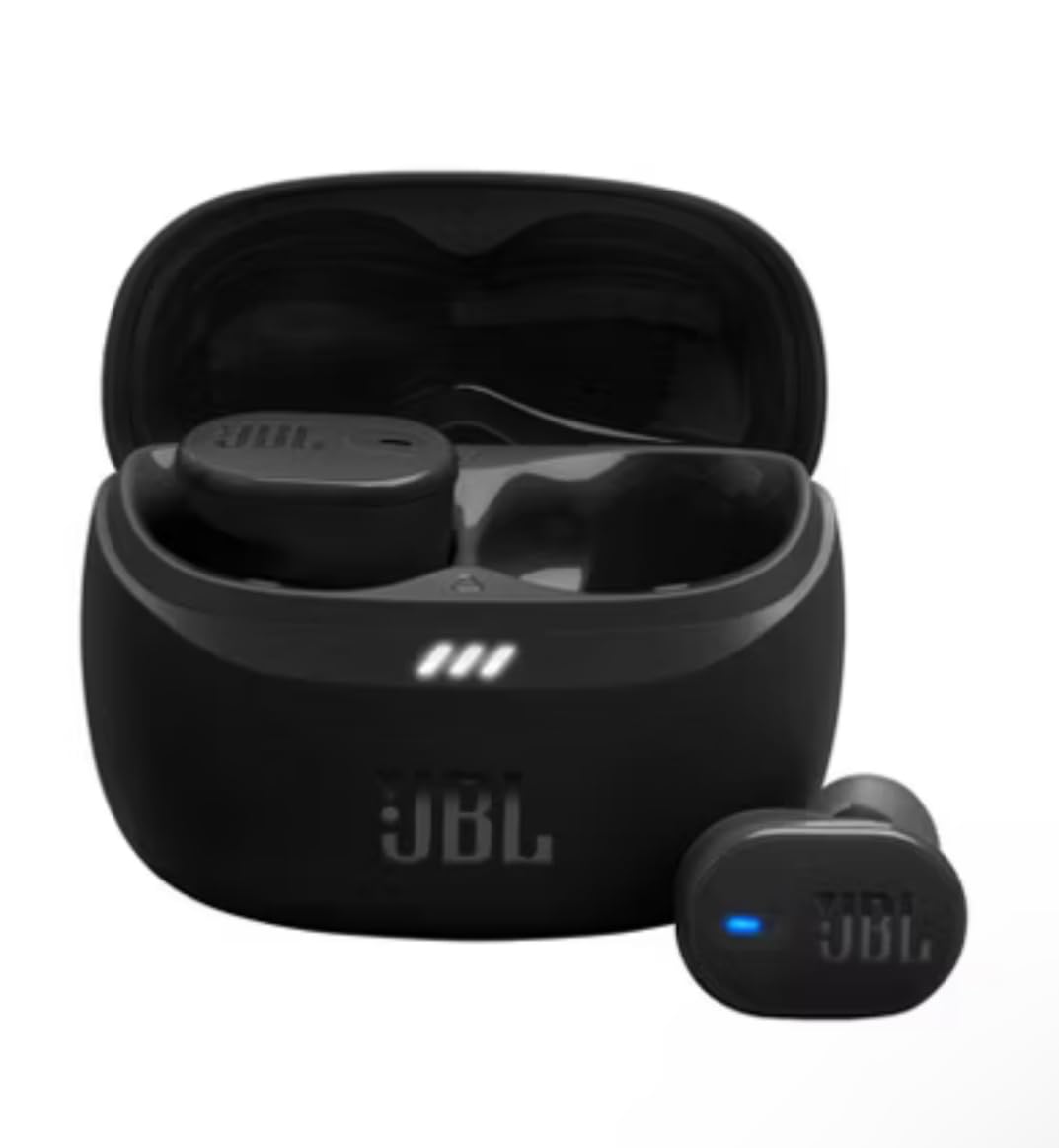
LE Audio support and independent per-earbud streaming let you use one bud at a time without the other draining, which stretches a single charge further than the rating suggests.
At 5.4 grams per bud, these are among the lighter pairs here, and the ANC with Smart Ambient and TalkThru modes means you can hear a knock at the door without removing them.
Who the JBL Tune Buds suit
It suits heavy callers who need one pair to last a full day of meetings and then some. The fast-charge figure is meaningful before a client call when you have ten minutes.
It also suits anyone who wants ANC and call mics in one pair without moving to a premium tier, which is a gap many competitors leave open.
Who should skip the JBL Tune Buds
Skip it if you are clumsy with charging cases. The buds must be taken out of the case to power on, and reviewers report connection inconsistency and buds that do not fully disconnect while in the case.
The shape can also be fiddly to seat for a tight seal, and some owners report battery degradation after roughly a year of daily use. If you keep earbuds for years, that matters.
9. Apple AirPods Pro 3 – Best for Apple Users
Apple AirPods Pro 3 Wireless Earbuds with Active Noise Cancellation
- Removes up to twice as much noise as AirPods Pro 2 so household chatter is masked
- Inward-facing microphones drive real-time Adaptive EQ
- Automatic Switching and Audio Sharing between Apple devices
- Five ear tip sizes for a secure in-ear fit
- Hearing Aid feature with automatic Conversation Boost
- Android and Windows users lose automatic switching and much of the adaptive set
- Ear tips run larger than some users expect and fit varies by ear
- Battery with ANC on is shorter than buds with larger cases
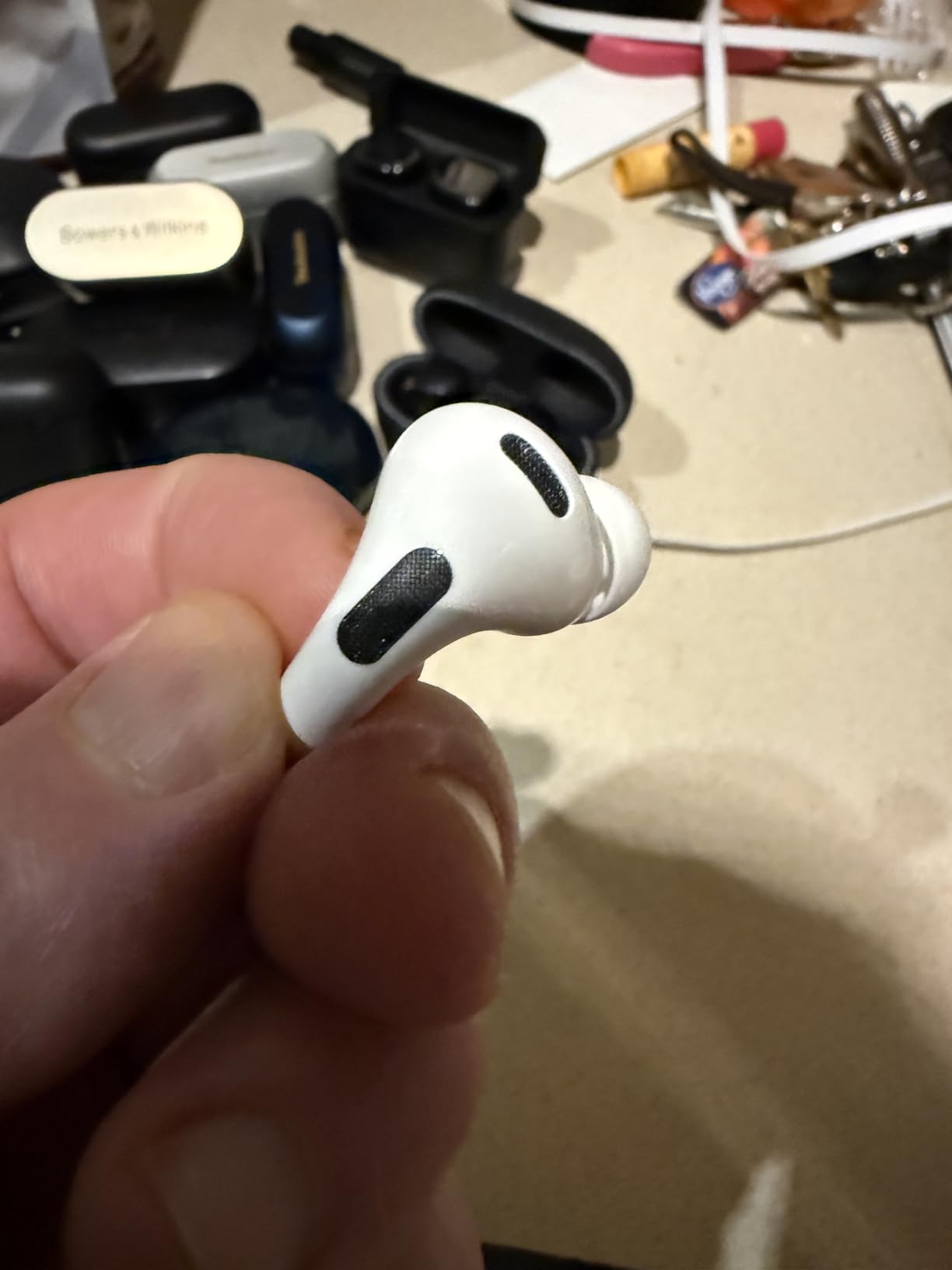
For an iPhone household this is the reference point. The noise cancelling is rated at up to twice the performance of the previous generation, and in a home that difference shows up as the television and the conversation in the next room simply not leaking in while you talk.
Automatic Switching moves a call from your iPhone to your Mac or iPad when it starts, and Audio Sharing hands one bud to whoever is nearest. Multipoint behaviour is handled by the ecosystem rather than by the app, which is why this pair feels different on Apple hardware.
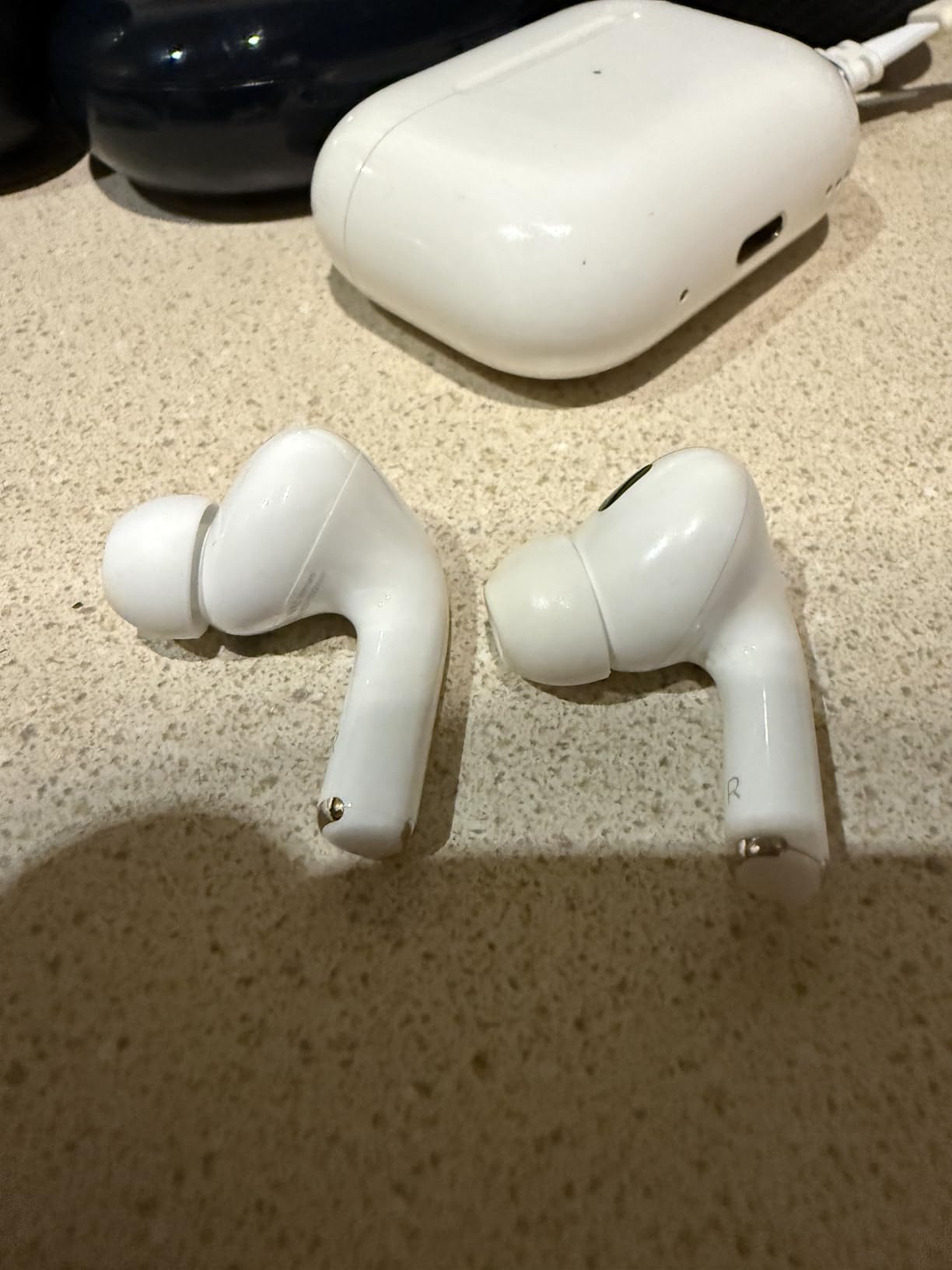
The inward-facing microphones measure what you are hearing and adjust the Adaptive EQ in real time, which keeps your own voice natural rather than processed while the buds are sealed. The Hearing Aid feature adds Conversation Boost for clearer everyday communication.
Battery is up to 8 hours with ANC on, which is shorter than several pairs in this list, and up to 10 hours in Transparency with the Hearing Aid feature enabled. The case is small, so the total day figure is limited compared with the 48-hour JBL.
Who the AirPods Pro 3 suit
They suit people fully inside the Apple ecosystem with more than one device, where Automatic Switching removes an entire category of friction from a workday.
They also suit anyone who wants the strongest noise masking available for a home with a shared wall or a busy kitchen, and the Conversation Boost feature helps on everyday conversation as well as calls.
Who should skip the AirPods Pro 3
Skip them on Android or Windows. You lose automatic switching and much of the adaptive feature set, and the call experience drops toward what any other pair offers at a fraction of the cost.
Fit is also personal. The tips run larger than some people expect, and the battery with ANC on is shorter than competing buds that ship with larger cases.
10. Samsung Galaxy Buds4 Pro – Best for Samsung Users
Samsung Galaxy Buds 4 Pro (2026) AI True Wireless Bluetooth Earbuds, Black
- HD Voice delivers crisp calls with Galaxy S26 Series phones
- Adaptive ANC 2.0 adjusts in real time
- Two-way speakers with tweeter and woofer plus 24-bit codec
- IP57 water and dust resistance with a 2-year warranty
- Touch control for answering calls and adjusting volume
- Best call quality and AI features depend on a Galaxy S26 Series phone
- 7 hours per charge is the shortest in this roundup
- Proprietary ecosystem limits value for non-Samsung users
The Galaxy Buds4 Pro are built around one specific promise: HD Voice with Galaxy S26 Series phones. Pair them with a current Galaxy handset and call quality is noticeably crisper than the same buds produce on a competing phone. That dependency is the defining feature of this pick.
Adaptive ANC 2.0 retunes in real time, so a dishwasher starting mid-sentence does not require you to reach for a control. The two-way speaker system with a dedicated tweeter and woofer per bud and a 24-bit codec keeps music detailed for the hours between calls.
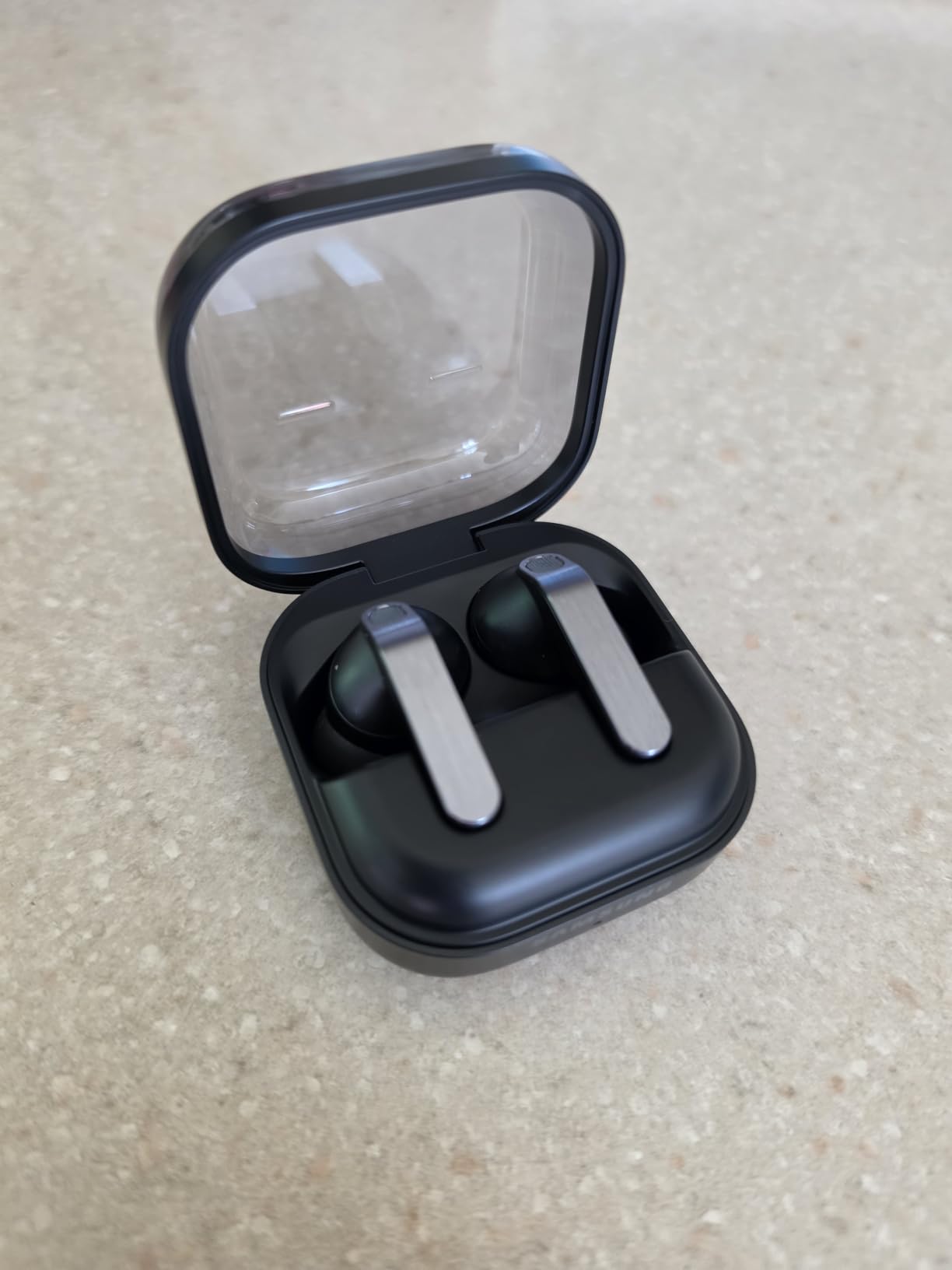
Touch control with pinch and swipe gestures handles answering calls and volume directly, which is the right mapping for a workday. The ear-hugging design with changeable tips is built for long wear, and IP57 protects against both water and dust.
Bluetooth 6.1 with a 30-meter range is the newest standard in this roundup, and the hands-free AI assistant with Live Translate covers the in-meeting moments when you cannot reach for a phone.
Who the Galaxy Buds4 Pro suit
They suit Galaxy S26 Series owners who want the best call quality available on their own hardware. The HD Voice path is the reason to buy and it does not transfer to another brand.
IP57 and a 2-year warranty make them a good fit for an active household with kids or a job that involves travel between calls.
Who should skip the Galaxy Buds4 Pro
Skip them if you do not own a recent Galaxy phone, because the headline call feature and the AI functions depend on it. On other Android phones and on iOS the experience drops to generic Bluetooth.
Battery is 7 hours per charge, the shortest in this roundup, so heavy callers will be popping buds into the case mid-afternoon. The review base is also the thinnest here at 4.4 stars across 2358 ratings, so long-term evidence is limited.
11. JLab Go Pop ANC – Most Versatile
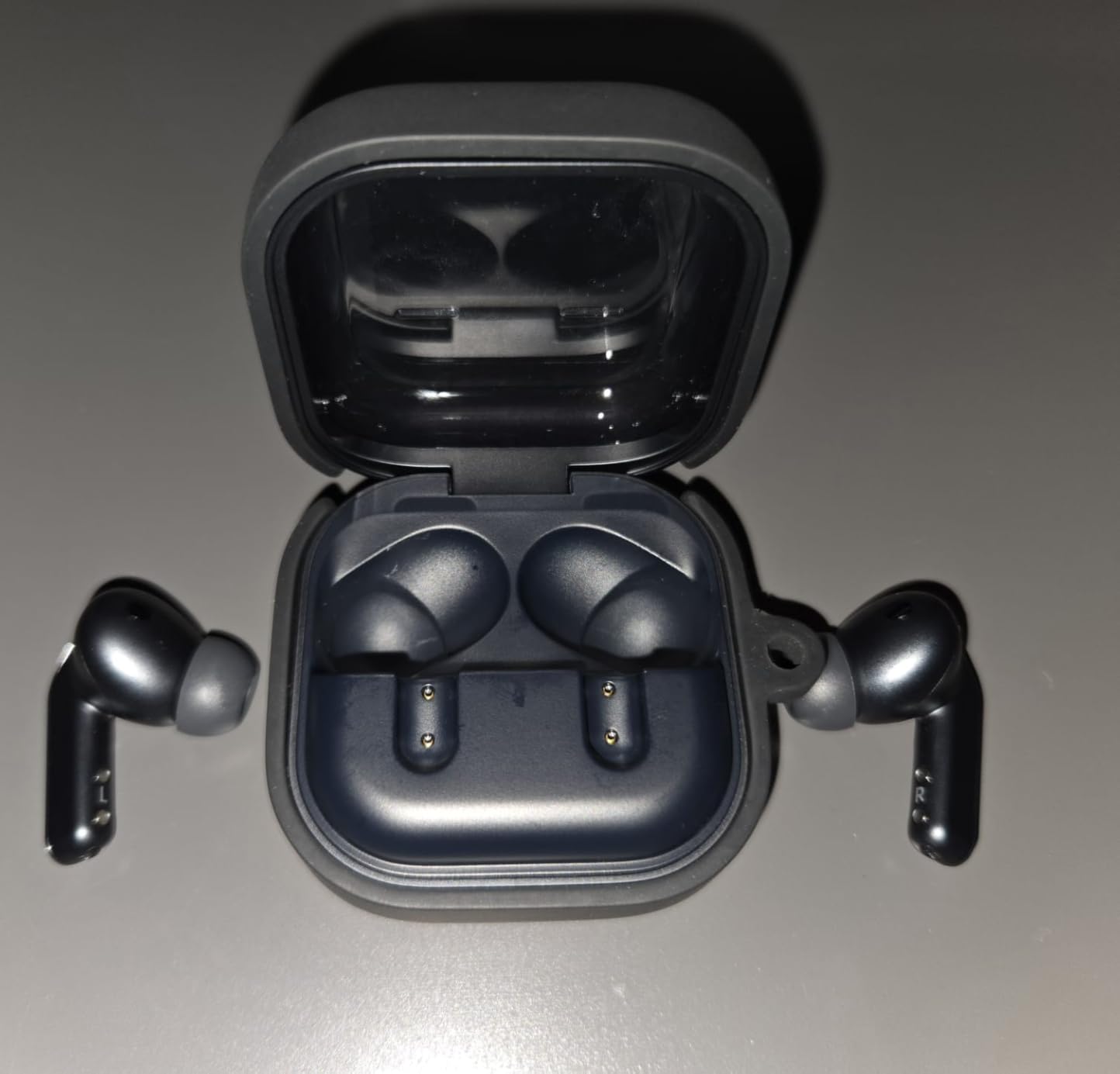
- MEMS mic in each bud and owners report nobody asks them to speak up
- Three noise modes including ANC On and Be Aware
- 27+ hours total with 7+ per bud and 1 hour from a 10-minute charge
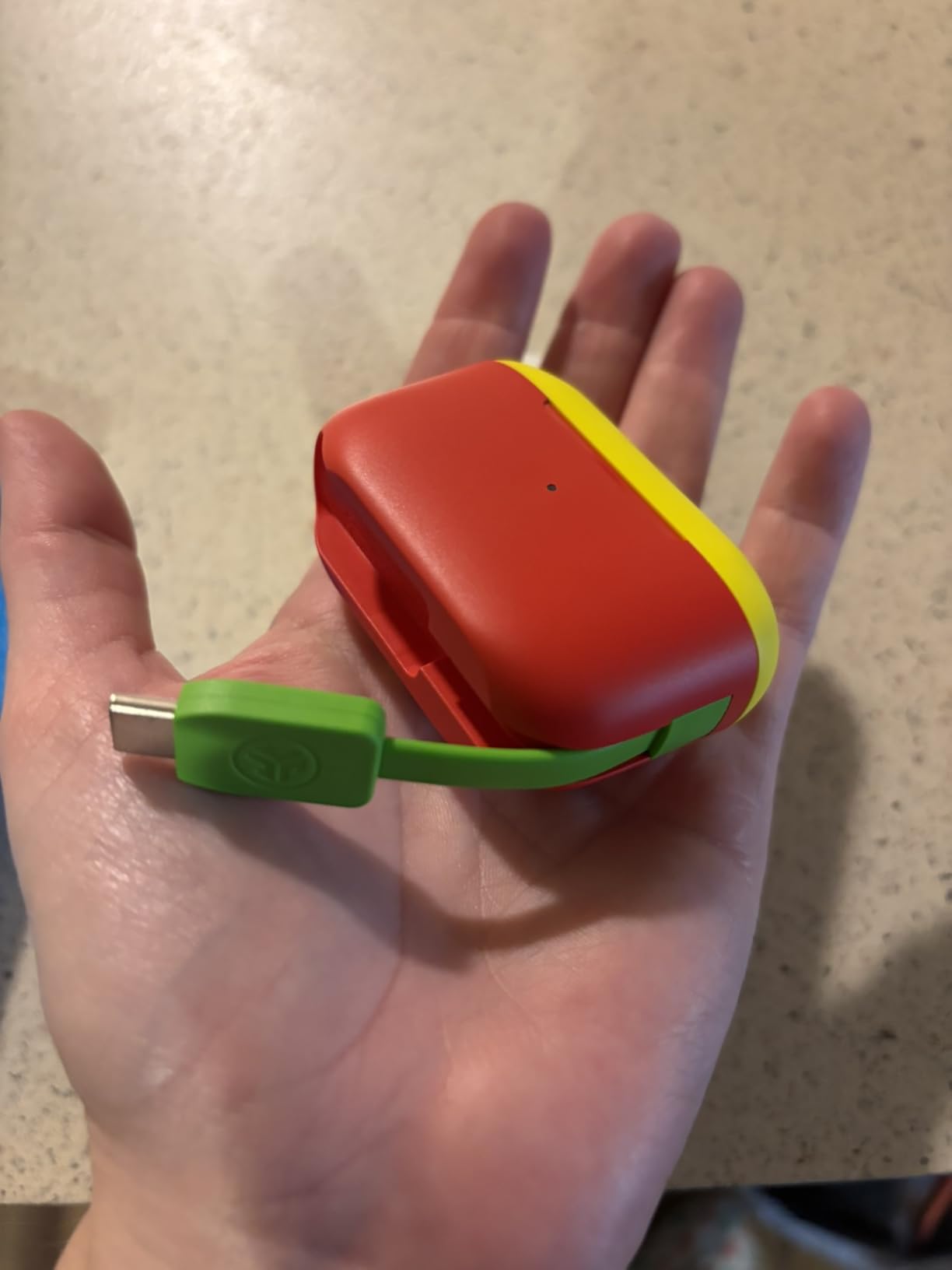
- Case smaller than a credit card with the USB-C cable built in
- JLab app with EQ presets and remappable touch controls
- ANC is mild rather than true cancellation and is often set to 50 to 75 percent
- Case has USB-C output only with no port for plugging a cable in directly
- Small touch surfaces are easy to mis-tap without looking
Call clarity is the reason this is a pick. Owners report that nobody asks them to speak up, and in my own comparisons the voice stayed consistent across devices, which is a better result than several more expensive pairs manage.
Three noise modes let you tune the room. ANC On reduces the constant low hum of appliances, ANC Off is for music, and Be Aware keeps the household audible so you are not surprised mid-call. For someone who needs to hear children while working, that third mode is the point.
Dual Connect lets you use either earbud on its own, which is genuinely useful on a call when one ear is uncomfortable. Battery runs 7 hours per bud and more than 27 hours total, with an hour returned from a 10-minute charge.
Who the JLab Go Pop ANC suits
It suits buyers who want call quality above all else without moving up a tier, and anyone who values a case that fits in a shirt pocket. The built-in USB-C cable in the case removes a small daily friction.
It also suits people who want to hear their household while on a call, since Be Aware is adjustable from the app rather than being fixed.
Who should skip the JLab Go Pop ANC
Skip it in a genuinely loud home. The ANC is more gentle noise reduction than true cancellation, and reviewers commonly dial it to 50 or 75 percent for the best result rather than running it at full strength.
The case has no input port, so a cable goes to the buds, not the case, and the small touch surfaces are easy to mis-tap without looking down.
12. SoundPEATS C30 – Best Spec Sheet for Voice Calls
SoundPEATS C30 Wireless Earbuds Noise Cancelling Headphones, Beige
- 6-microphone ENC array built specifically for clear voice calls
- Wind-proof structure holds clarity at speeds up to 45km/h
- Adaptive 52dB hybrid ANC blocks up to 92 percent of low-frequency noise
- Multi-point connection switches between phone and laptop
- 52 hours total with 10 per charge and 3 from a 10-minute charge
- Smaller installed base so less long-term review history than the big brands
- Touch controls cannot be remapped unlike the JLab and soundcore models
- Case is heavier at 43.6g than most in this roundup
On paper this is the most call-focused pair here. The 6-microphone ENC array is built for voice, and the wind-proof structure is rated to hold call clarity at speeds up to 45km/h, which is the hardest scenario for any earbud microphone and the one most pairs quietly fail.
It also has true multi-point connectivity, so phone and laptop switching works, plus adaptive hybrid ANC rated to 52dB blocking up to 92 percent of low-frequency noise. That combination of call hardware and cancellation at a budget level is unusual.
Battery is 52 hours total with 10 hours per charge, and a 10-minute charge returns 3 hours. LDAC certification and a 12mm driver mean music quality is not an afterthought, and Bluetooth 6.0 includes a low latency mode for video.
Who the SoundPEATS C30 suits
It suits people who take calls at home and also step outside for a walk or a commute, since the wind-proof structure is the one feature here designed for moving air. Multi-point also makes it a good small-office pick.
It suits anyone who reads specifications closely, because this sheet has more call-relevant hardware than pairs costing several times more.
Who should skip the SoundPEATS C30
Skip it if you want a long track record. At 4.2 stars across 1252 ratings this is the thinnest review base in the roundup, and a smaller installed base means less long-term evidence on battery and firmware behaviour.
Touch controls cannot be remapped in the app, and the 43.6g case is heavier than most here, which is a real consideration in a jacket pocket rather than a desk.
Buying Guide: What Actually Matters for Home Calls
Microphone placement beats everything else. A stem that hangs below the ear puts the microphone closer to your mouth, where your voice is loudest relative to the room. Pod-style buds that sit flush in the concha have to work harder to separate your voice from what is happening six feet away, which is why stemmed designs tend to win on calls.
Microphone count is the next factor, because more microphones means more chances for a beamforming array to isolate your voice. Pairs with three or four mics per side do a reasonable job. The six-mic arrays in this roundup do noticeably better when the dishwasher is running.
Sustained noise and short noise are different problems. A fan, a hum or a washing machine is low and continuous, and good noise cancelling removes it. A barking dog, a television with dialogue, or a child shouting is short and high-pitched, and only microphone quality handles it. If your home has both, weight your shortlist toward higher microphone counts.
Multipoint decides whether a pair works for a work-from-home day. Holding a phone and a laptop connection at once removes the re-pairing step that most people underestimate until they are doing it four times a morning. The Space A40 and the SoundPEATS C30 cover both connections here.
ANC is about your comfort, not your voice. It reduces the sound reaching your ear, so you do not raise your voice out of reaction, and some pairs pair it with a transparency or hear-through mode so you can still catch the doorbell. It is a genuinely useful home feature that has nothing to do with what the caller hears.
Ecosystem matters more than any review will admit. AirPods on a Pixel lose automatic switching, and Galaxy Buds depend on a current Galaxy phone for their headline call feature. Check that the features you are buying for actually activate on your device before spending.
Finally, battery math. A working day of calls consumes far more charge than a day of music because the ANC and the microphones stay active. Look at hours per charge with ANC on, not total-with-case figures, and multiply by the number of back-to-back meetings you actually take.
Quick Setup Checklist to Make Any Earbuds Better on Calls
These five steps work on any pair you already own, and they fix more call complaints than upgrading does.
Get the seal right first. Try the smallest tip that feels secure, then speak while sealed. If you can hear your own voice amplified in your ear, the seal is wrong and every other setting will sound worse.
Record a test memo in a quiet room. Play it back before a client call. This isolates the earbud from your network and tells you whether the problem is hardware or signal.
Turn on the app’s voice or call mode. Most companion apps include a voice-enhancement or ENC toggle, and it is usually off by default.
Use ANC, then turn transparency on manually. Strong cancellation for the call itself, transparency when you need to hear the room. A pair stuck in permanent transparency does nothing for you.
Sit with your back to the noisiest wall. Placement still beats processing. Facing a television or an open window hands the microphone more noise than any algorithm can remove.
None of this depends on the earbuds you own, and it pairs well with a quieter room overall. If you are building out the rest of a home office, our picks for the best home servers tested and ranked cover the hardware that shares the same desk and, ideally, the same noise budget.
When Earbuds Are the Wrong Choice
If your day is six hours or more of continuous calls, earbuds are the wrong tool. Sealed in-ear buds fatigue the ear canal over a long day, and no amount of battery covers a call schedule that long.
A headset with a boom microphone places the mic at a fixed distance from your mouth, which is the one design advantage earbuds cannot match. It also gives you a physical mute you can prove to a client, and usually a much longer battery. Our guide to the best headsets for video calls covers the options in detail.
Many people end up keeping both: earbuds for the walk and the music, a headset for the back-to-back client block. That is a reasonable setup rather than a compromise.
Frequently Asked Questions
Which earbuds are best for phone call quality?
The Soundcore P20i leads our list, using two microphones and an AI voice-pickup algorithm to keep your voice forward of the room. The TOZO NC9 is best when household noise is loud, with a six-microphone array and hybrid noise cancelling. For video meetings, the Soundcore P30i pairs four microphones with a case that folds into a phone stand.
Do earbuds work on phone calls?
Yes. Every pair in this roundup handles voice and video calls as standard over Bluetooth. What differs is how well the person on the line hears you. Microphone count, microphone placement near your mouth, and noise-reduction processing decide that. Recording a short voice memo in a quiet room is the quickest way to compare two pairs yourself.
What are the best earbuds for making phone calls in noisy places?
For a loud room, weight the microphone array above everything else. The TOZO NC9 and SoundPEATS C30 both use six-microphone ENC arrays, and the SoundPEATS C30 adds wind-proofing for outdoor use. At a higher tier the Apple AirPods Pro 3 mask up to twice as much noise as the previous generation, which protects your own volume as well as your voice.
Are earbuds with stems better for making calls?
Generally yes. A stem hangs the microphone below and forward of the ear, closer to your mouth, where your voice is loudest compared with the room. Pod-style buds that sit flush in the ear have to work harder to separate your voice from background sound. The JBL Vibe Beam and the JLab Go Pop+ are stem-style designs in this roundup.
How many microphones do earbuds with good voice-calling have?
There is no fixed number, but three or four microphones per side is a reasonable baseline for clear everyday calls. Six-microphone arrays, as found in the TOZO NC9 and SoundPEATS C30, give a beamforming system more to work with and handle busier rooms noticeably better. Placement near the mouth matters more than the raw count.
Do I need noise-canceling earbuds to make calls?
Not for the person on the line, since noise cancelling mostly protects your own hearing and stops you raising your voice. For call clarity in a loud home, microphone count and processing matter more. Noise cancelling is still worth having, because a lower background level means you talk at a normal volume instead of leaning into the microphone.
What are the best earbuds for work-from-home calls?
For switching between a phone and a laptop all day, the Soundcore Space A40 has true multipoint, and the SoundPEATS C30 offers multi-point at a lower tier. For a noisy shared home, the TOZO NC9 handles background sound best. For physical comfort across a full day, the JBL Vibe Beam is the one you stop noticing you are wearing.
Why does my voice sound bad on earbuds during calls?
The most common causes are a poor eartip seal, a voice-enhancement mode that is switched off in the app, and a noisy position such as sitting with your back to a window. Recording a test memo in a quiet room separates earbud quality from network quality. If the memo sounds fine and calls do not, the problem is signal rather than hardware.
The Best Earbuds for Phone Calls at Home in 2026
The Soundcore P20i takes the top spot for the best earbuds for phone calls at home because its two-microphone AI voice pickup stays consistent across the room noise that actually disrupts calls, and it is backed by more than 114k ratings. The TOZO NC9 is the pick for loud homes, the Space A40 for phone and laptop switching, and the JLab Go Pop+ if you need to keep one ear on the household.
Before you buy, record a test memo with whatever pair you are considering, in a quiet room, and then repeat it with your normal background noise playing. That single comparison tells you more than any spec sheet, and it costs you two minutes.