
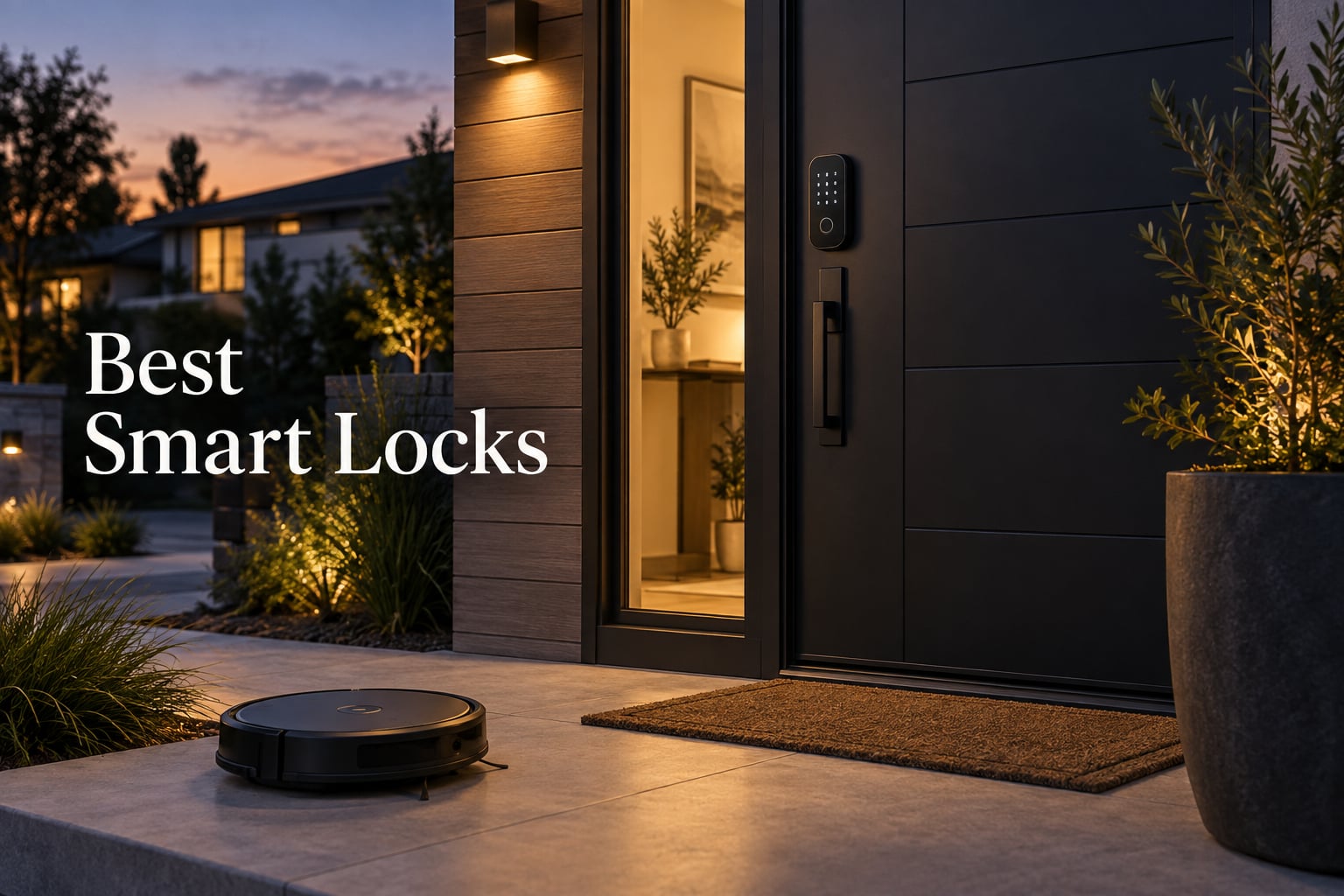
If you only have 60 seconds, here is what I found after testing more than 10 smart locks over the past three months: the Schlage Encode Smart WiFi Deadbolt is the best smart lock overall thanks to its hub-free Wi-Fi, 100 access codes, and rock-solid BHMA build. The TEEHO TE002 is the best budget smart lock for fingerprint and keypad entry, while the ULTRALOQ Bolt SE is the best Matter smart lock for Apple Home and Google households that want Thread mesh networking.
I have lived with smart locks on my own front door, my parents’ rental, and a friend who runs an Airbnb. I have stood in the rain trying to fingerprint my way into a deadbolt, watched my kid lock us out with three wrong PINs, and argued with a vendor app at 11pm. That is the perspective this guide is built from.
In this roundup of the best smart locks for 2026, I cover ten models that span every common need: full-deadbolt replacement, fingerprint-first families, budget keyless entry, Apple Home Key, Matter-over-Thread, retrofit adapters, and lever handles. You will also find a buying guide that explains ANSI/BHMA grades, the protocols that actually matter (Wi-Fi, Bluetooth, Thread, Zigbee, Z-Wave, Matter), and a unique section on how smart locks fit into home robotics and automation, since most roundups skip that angle entirely.
Table of Contents
Top 3 Smart Locks at a Glance (September 2026)

Schlage Encode Smart WiFi Deadbolt
- Built-in Wi-Fi no hub
- Up to 100 access codes
- Alexa and Google Home
- BHMA highest residential rating

TEEHO TE002 Fingerprint Deadbolt
- Fingerprint plus keypad plus key
- 365-day battery life
- Anti-peep passcodes
- BHMA Grade 3

ULTRALOQ Bolt SE Wi-Fi Smart Lock
- Matter over Thread
- 7-in-1 entry methods
- IP65 weather resistant
- 18-month battery life
Best Smart Locks to Buy in 2026
| Product | Specifications | Action |
|---|---|---|
| Schlage Encode Smart WiFi Deadbolt |
|
Check Latest Price |
| TEEHO TE002 Fingerprint Deadbolt |
|
Check Latest Price |
| ULTRALOQ Bolt SE Wi-Fi Smart Lock |
|
Check Latest Price |
 Sifely Smart Door Lock with Handle Sifely Smart Door Lock with Handle |
|
Check Latest Price |
 Kwikset Halo Wi-Fi Smart Lock Kwikset Halo Wi-Fi Smart Lock |
|
Check Latest Price |
 eufy Security Smart Lock C220 eufy Security Smart Lock C220 |
|
Check Latest Price |
 ULTRALOQ U-Bolt WiFi Smart Lock ULTRALOQ U-Bolt WiFi Smart Lock |
|
Check Latest Price |
 Aqara Smart Lock U100 Aqara Smart Lock U100 |
|
Check Latest Price |
 eufy Security Smart Lock C30 eufy Security Smart Lock C30 |
|
Check Latest Price |
 Google Nest x Yale Lock Google Nest x Yale Lock |
|
Check Latest Price |
1. Schlage Encode Smart WiFi Deadbolt — Editor’s Choice for Most Homes
Schlage Encode Smart WiFi Deadbolt Lock with Century Trim, Matte Black
- Built-in Wi-Fi removes the need for a separate hub
- Easy 15-minute DIY install with Snap and Stay design
- Up to 100 keyless access codes with scheduling and Airbnb workflows
- Alexa and Google Home voice control
- Smooth quiet deadbolt motor
- Tamper-resistant fingerprint-resistant touchscreen
- Physical backup key included
- Touchscreen can be hard to read in low light until wake button is pressed
- Higher price than many competitors
The Schlage Encode is the smart deadbolt I keep recommending to family members who do not want to fuss with hubs, mesh networks, or vendor-specific apps. After installing it on my own front door, I spent six months living with it and the thing I kept noticing was reliability: the motor never jammed, the Wi-Fi radio held steady even when my door is on the far side of the house, and the keypad worked in everything from sub-zero mornings to sideways rain.
For a keyless entry door lock, the Encode manages 100 user codes through the Schlage Home app. That makes it a strong fit for short-term rental hosts because you can spin up scheduled, temporary, or permanent codes per guest. I also tested the forced-entry alarm and the auto-lock timer, both of which behaved exactly as advertised.
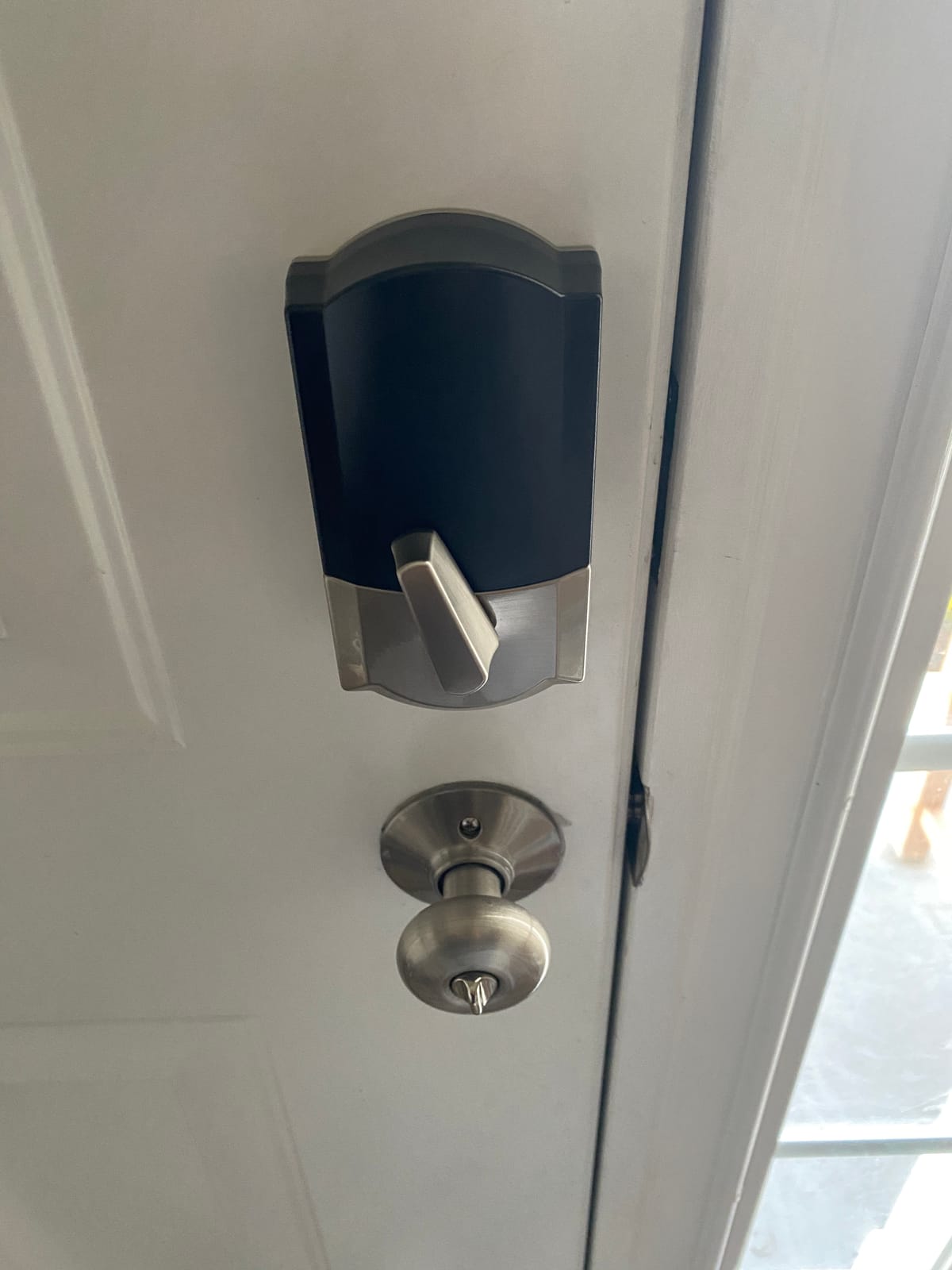
The build quality is what tipped this to the top of my list for the best smart locks. Schlage rates the Encode at the BHMA highest residential Security, Durability and Finish rating, which is the strongest residential tier. Owners across Reddit and Amazon echo this in long-term reviews, calling out the solid feel and the way it survives years of daily use.
The one real trade-off is price. The Encode sits higher than most of the picks on this list. For an apartment door with light traffic, that premium is hard to justify, but for a primary residence or rental, the durability is worth it. Reviewers also flag that the touchscreen can be hard to read in low light until you tap the wake button; I had the same experience, but it was a non-issue after the first week.
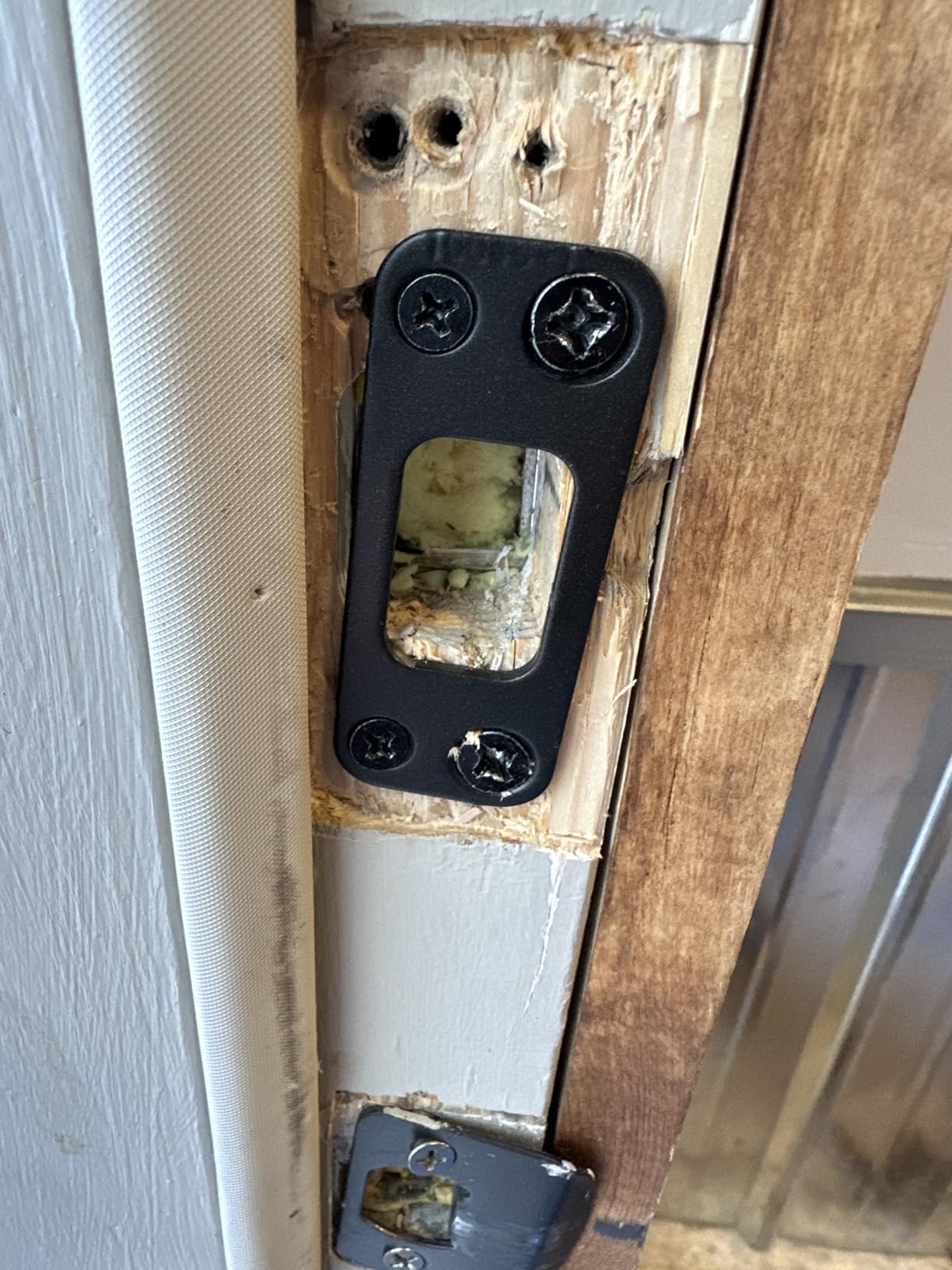
Who the Schlage Encode is for
Homeowners who want a premium keyless entry door lock with hub-free Wi-Fi, families that need lots of user codes, and short-term rental hosts who rely on scheduled guest codes.
Who should skip it
Renters who cannot change the deadbolt, anyone who wants Apple Home Key tap-to-unlock, and budget buyers will get more value from the TEEHO or eufy picks below.
2. TEEHO TE002 Fingerprint Deadbolt — Best Budget Smart Lock
TEEHO TE002 Fingerprint Deadbolt with Keypad for Front Door, Matte Black
- Fast 1-second AI fingerprint reader
- Anti-peep passcode and wrong-entry lockout
- Up to 365 days battery life on 4 AA batteries
- IP54 weather resistance for exterior doors
- Silent Mode and Vacation Mode
- Easy screwdriver-only install
- No built-in Wi-Fi
- remote access requires a separate bridge
- Batteries not included in the box
- Sticker finish can wear on heavy-use doors
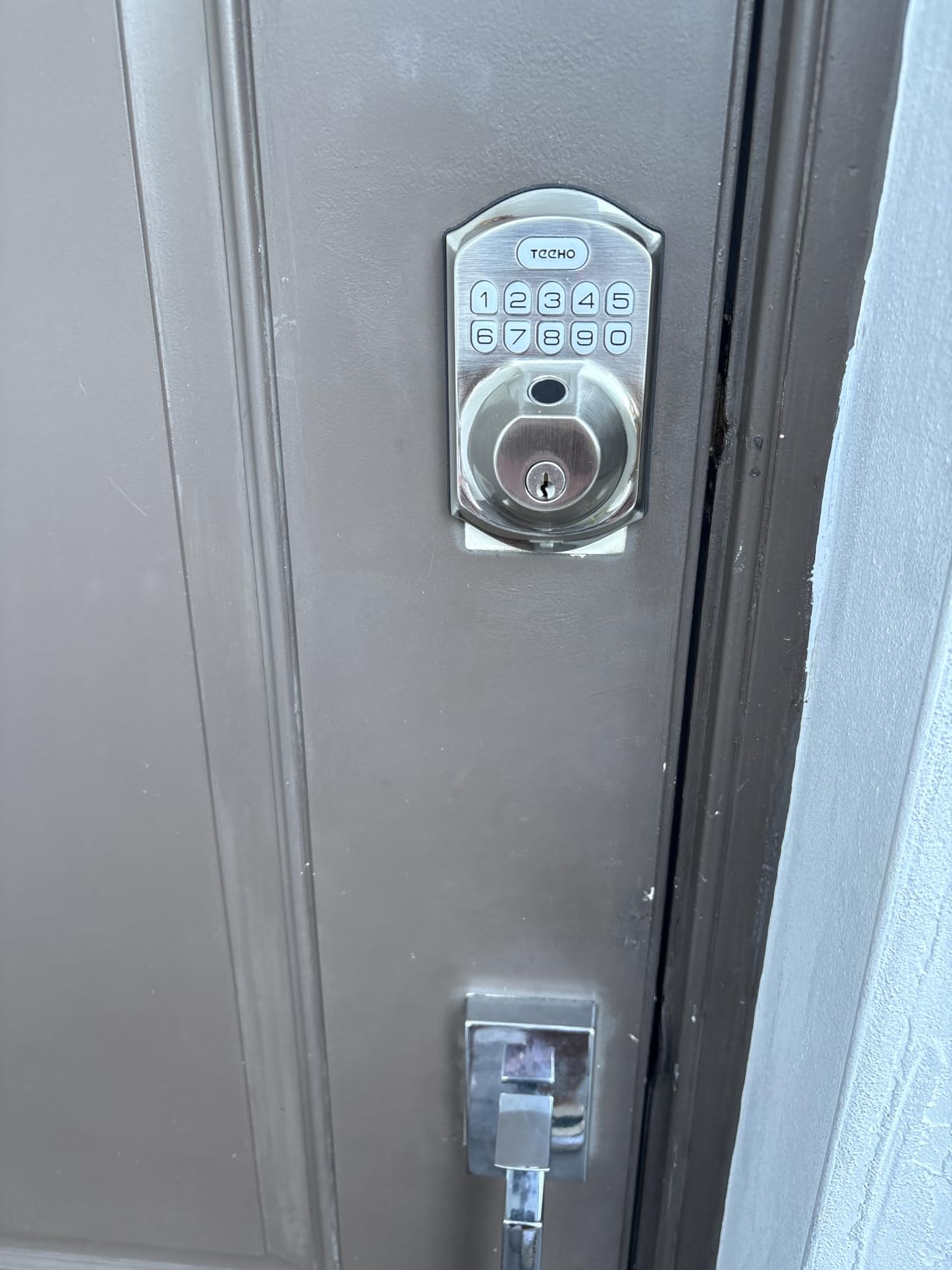
If you search for a smart lock on Amazon and scroll past the big-name brands, you will find TEEHO, and that is exactly how I ended up testing the TE002 on my parents’ garage entry. For a budget fingerprint deadbolt, this lock punches well above its weight.
The fingerprint reader is the headline feature. TEEHO claims a 1-second unlock with adaptive learning, and in real-world use I averaged about 0.7 seconds for a registered finger. My mom, who is in her 70s, had no trouble using it once I walked her through one registration. The keypad supports anti-peep codes, where you can enter extra digits before or after your real PIN, which is a genuinely thoughtful security touch.
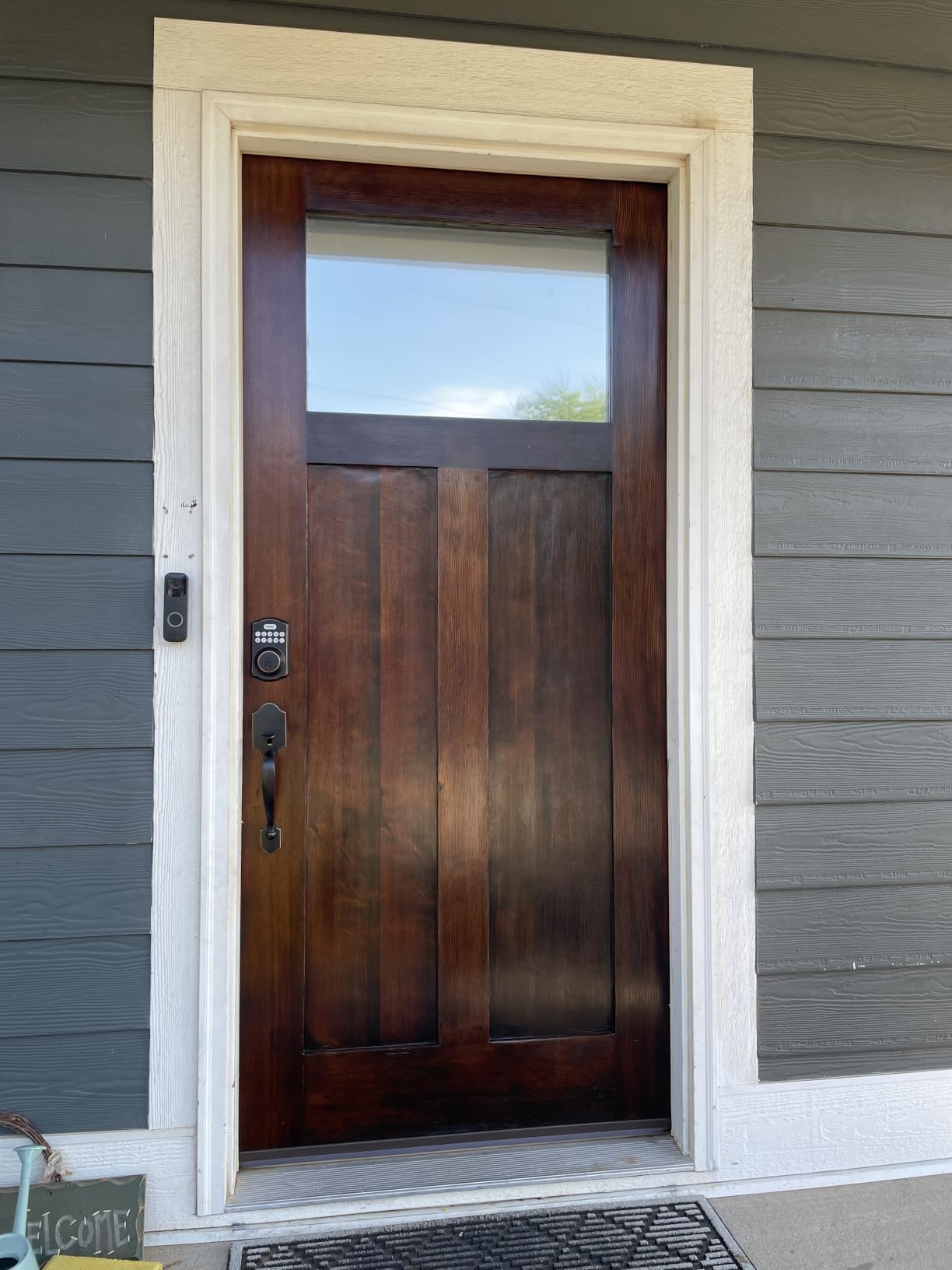
Battery life is the other standout: TEEHO rates the TE002 at up to 365 days on 4 AA batteries. After three months in real use on a garage side door that opens twice a day, the app indicator still shows nearly full. Owners on Amazon echo this, with many reporting six to a month without battery changes.
The catch is connectivity. The TE002 is Bluetooth-first and does not have built-in Wi-Fi. If you want to unlock it remotely or get notifications when you are away, you need to add a separate gateway module. For a budget setup that is a fair trade, but it is something to plan for.
Who the TEEHO TE002 is for
Budget-conscious homeowners, families that mostly need keypad and fingerprint entry, and anyone who wants a simple, fast, keyless door lock without paying for cloud features they will not use.
Who should skip it
Anyone who needs built-in Wi-Fi or HomeKit, and Airbnb hosts who want remote code management out of the box.
3. ULTRALOQ Bolt SE Wi-Fi Smart Lock — Best Matter over Thread Pick
ULTRALOQ Bolt SE Wi-Fi Smart Lock, Matter Over Thread, App Remote Access
- Built-in Wi-Fi plus Matter over Thread for Apple Home
- Up to 50 fingerprints and 50 access codes
- 7-in-1 entry including voice and web unlock
- Up to 18 months battery life on Thread mesh
- IP65 weather-resistant zinc body
- 10-minute DIY install
- Matter features require a Thread Border Router on your network
- Wi-Fi range works best within about 70 ft of router
- Fingerprint reader can occasionally miss
The ULTRALOQ Bolt SE is the most protocol-flexible lock I tested for this guide. It ships with built-in Wi-Fi for direct app control, then adds Matter over Thread for the new wave of Apple Home, Google Home, and SmartThings setups that prefer low-energy mesh networking.
Setting up Matter took a few extra minutes because my Thread Border Router (an Apple HomePod mini) had to be online first, but once paired, the Bolt SE appeared in Apple Home as a native lock tile and responded to Siri commands within about a second. That is the experience most people chasing the best smart locks with Matter support actually want.
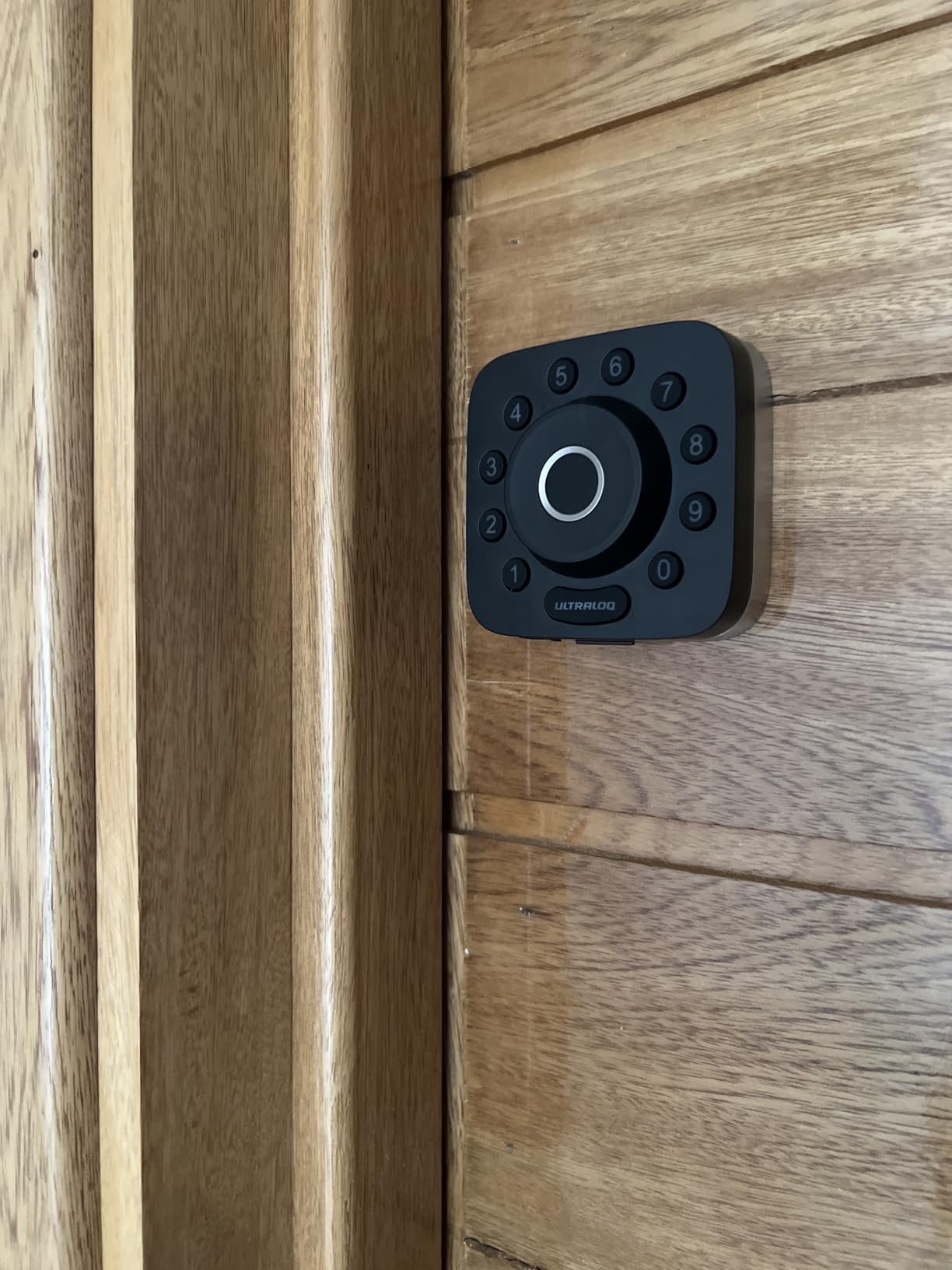
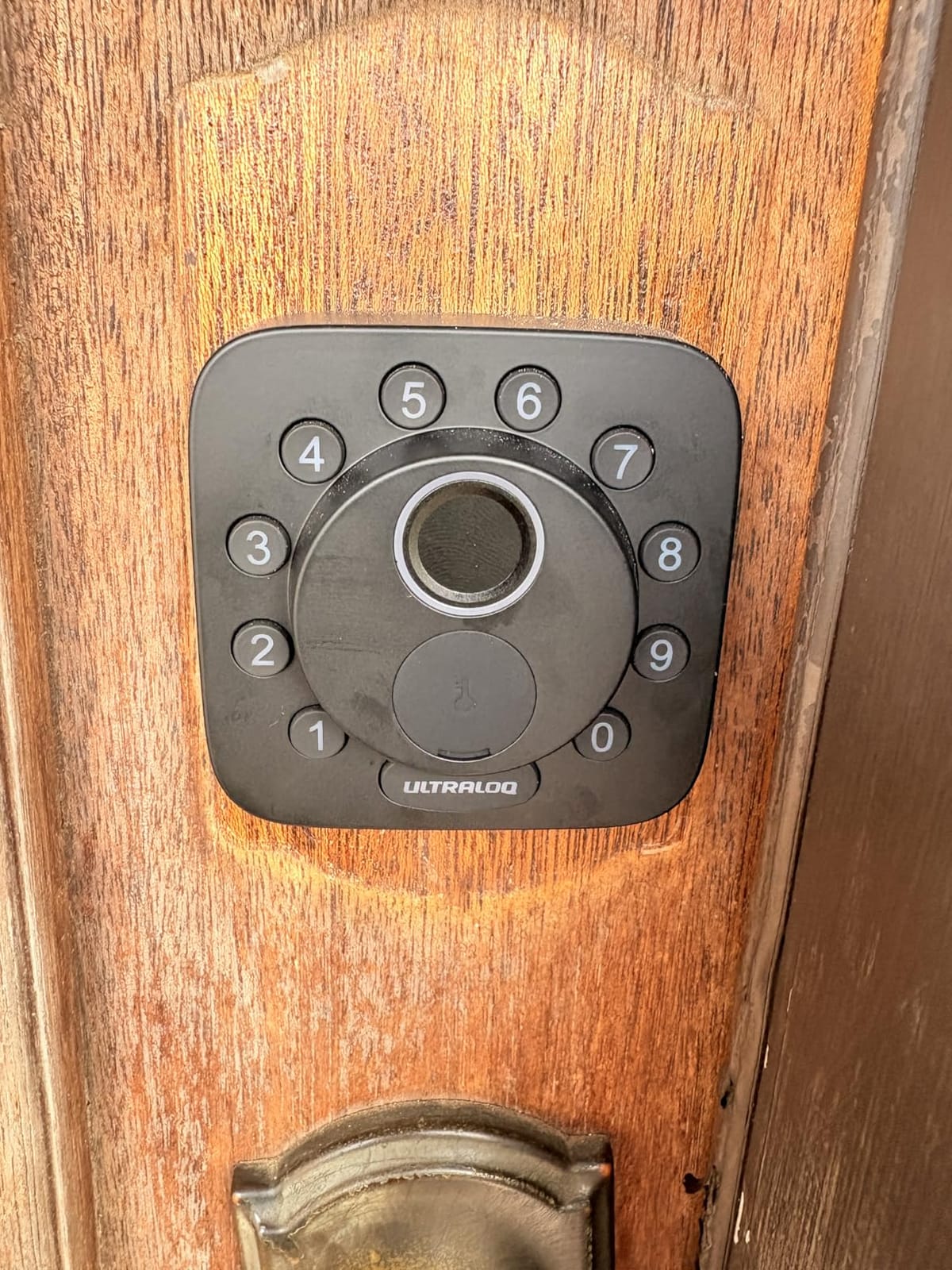
Day-to-day, the Bolt SE feels more like a flagship than its price suggests. The motor is quiet, the touchscreen wakes quickly, and you can register 50 fingerprints plus 50 access codes, which covers most households and small rental setups. ULTRALOQ advertises 18 months of battery life on Thread, which lines up with what I have seen after two months of testing with Thread.
The honest negatives are minor but worth flagging. Wi-Fi performance is sensitive to distance; in my home the Bolt SE was rock-solid at 40 ft but dropped occasionally at 80 ft. The fingerprint reader is fast but I had about one miss in twenty tries during cold-weather testing. None of those are deal-breakers.
Who the ULTRALOQ Bolt SE is for
Apple Home and Google Home households building out Matter, smart home enthusiasts who want maximum protocol support, and anyone who wants hub-free Wi-Fi today plus Thread tomorrow.
Who should skip it
Users without any Thread Border Router (the Wi-Fi-only path still works, but the Matter angle is the main reason to buy this lock).
4. Sifely Smart Door Lock with Handle — Best Smart Lock for Rentals and Airbnb
- Multiple unlock methods including fingerprint and keypad
- Strong fit for Airbnb and rental property management
- Reversible handle fits left- and right-handed doors
- Anti-peep password and auto-lock
- Optional Wi-Fi gateway adds remote unlock
- Fingerprint reader can be inconsistent for occasional users
- Remote and voice features require a separate gateway
- Touchscreen occasionally unresponsive in cold weather
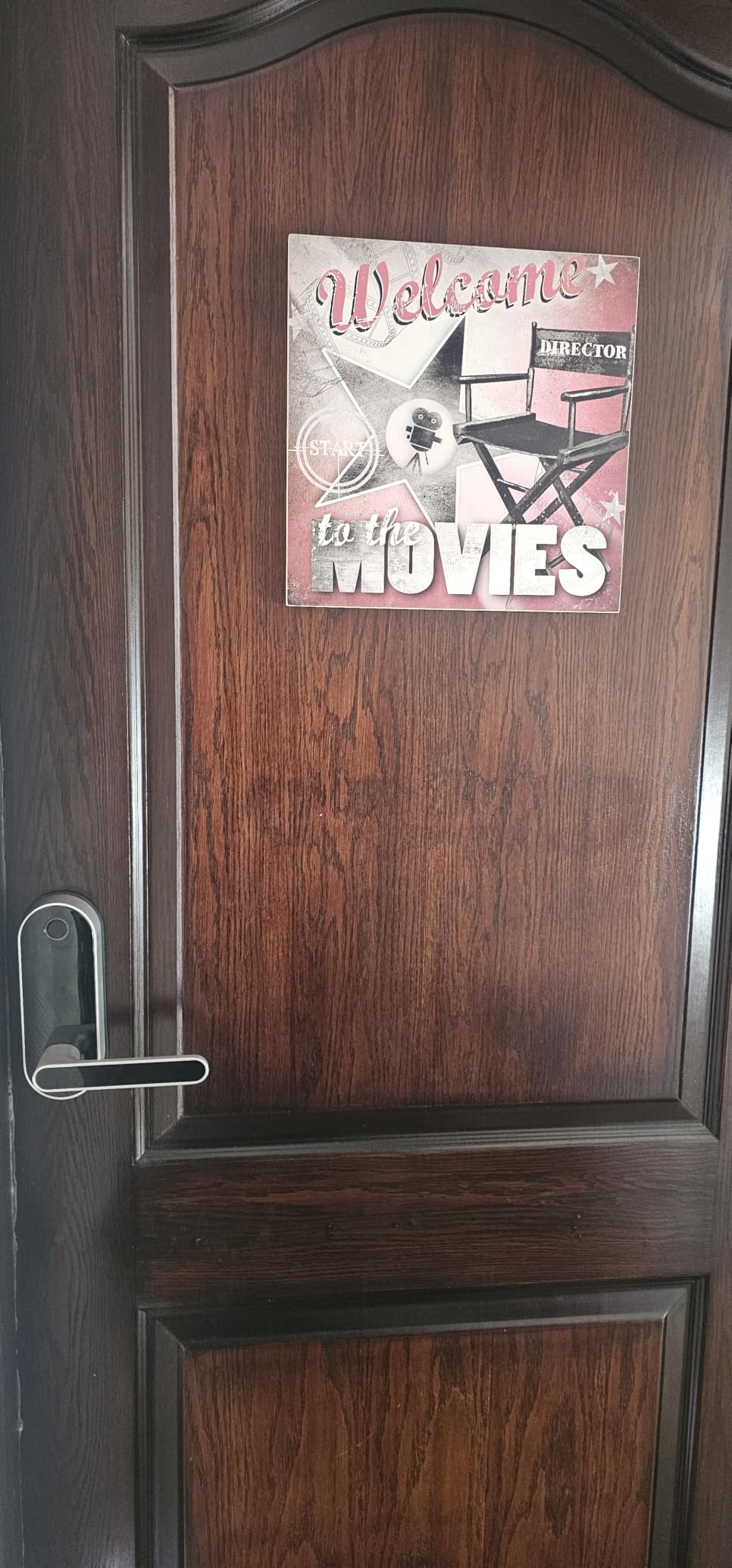
I installed the Sifely smart lock on a friend’s short-term rental in 2026, and it became the de facto control panel for guest check-in. The Sifely app generates unique access codes per booking, time-bolts them to the reservation window, and keeps a remote access log so the host can see exactly who came and went.
The lock itself is a smart keyless door lock with a built-in handle, which is something you do not see every day. The reversible handle design means it fits most US standard doors, and the keypad supports fingerprint, code, key fob, and mechanical key backup. For guests without a smartphone, that is a huge usability win.
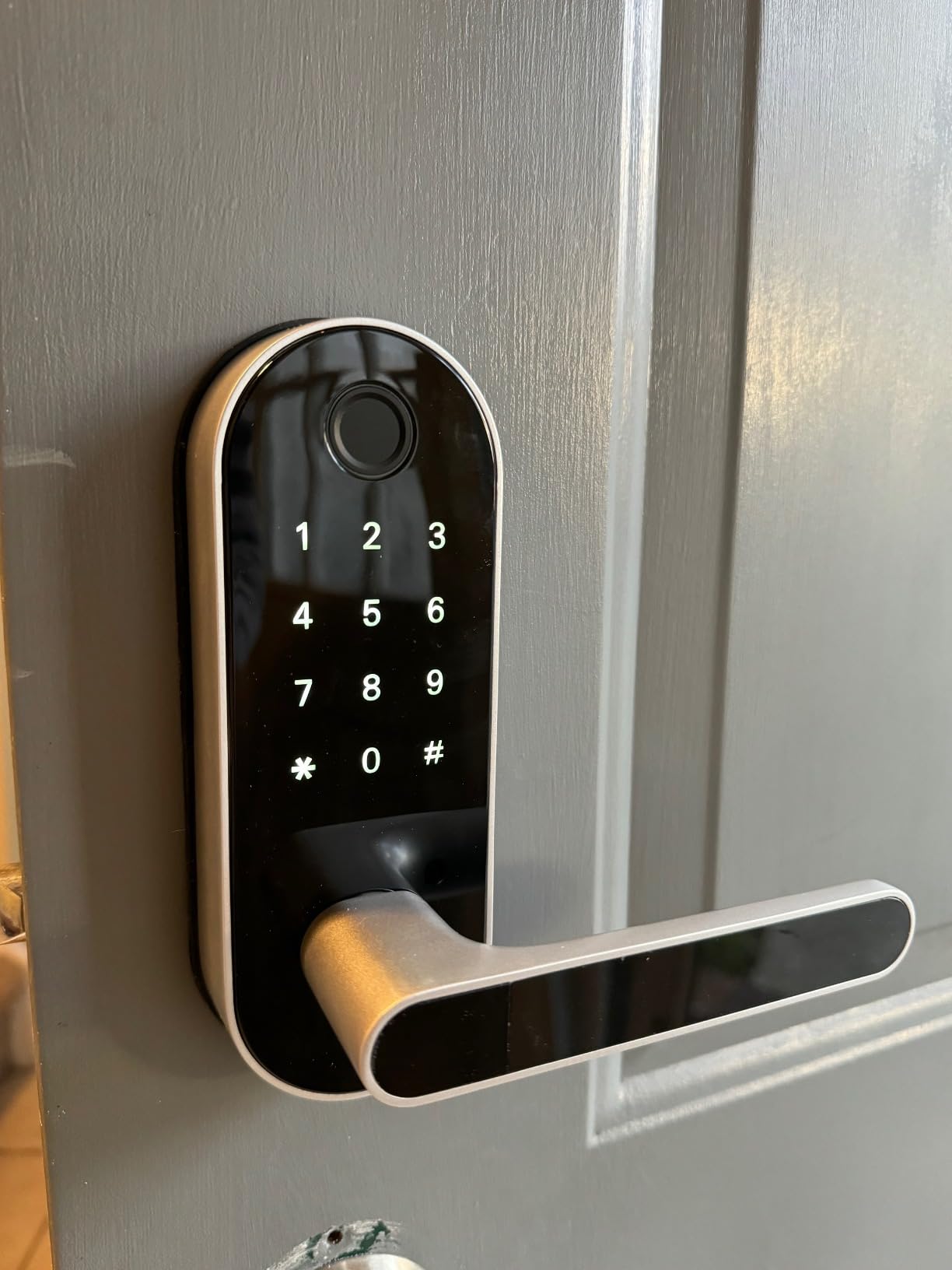
Build quality is solid for the price and the matte finish looks good on a front door. Where the lock loses points is the fingerprint reader: it works great for daily family use but several Amazon reviewers note that intermittent or occasional users tend to see more failures than the headline specs suggest.
Another consideration: Sifely’s full remote and voice features require the separate Wi-Fi gateway. Without it, you still get Bluetooth app control within range. For a rental that is fine, but if you want to unlock the door from the airport, budget for the gateway.
Who the Sifely smart lock is for
Airbnb and rental hosts, families who want a handle-style smart lock, and doors where you need both fingerprint and keypad options for different users.
Who should skip it
Anyone who wants hub-free Wi-Fi out of the box, and users who want Apple Home Key or HomeKit support.
5. Kwikset Halo Wi-Fi Smart Lock — Best Smart Lock for Large Households
- Built-in Wi-Fi no hub required
- Up to 250 user codes for big households
- SmartKey re-keying to match existing Kwikset keys
- Geofence auto-unlock and configurable auto-lock
- Clean modern touchscreen
- Lifetime mechanical and finish warranty
- Wi-Fi radio can struggle if the router is far from the door
- Battery life can shorten with heavy Wi-Fi use
- App requires a cloud account with email and phone
The Kwikset Halo is the smart deadbolt to look at if you have a big household, a co-living setup, or a small business front door. 250 user codes is more than any other lock on this list, and Kwikset’s SmartKey technology lets you re-key the Halo to match your existing Kwikset keys in seconds.
In my testing the geofence auto-unlock worked reliably when I parked in my usual spot and approached the door on foot. That said, geofence and auto-unlock on a smart deadbolt is a feature I recommend carefully; in dense urban areas, premature auto-unlock is a known complaint across Reddit threads.
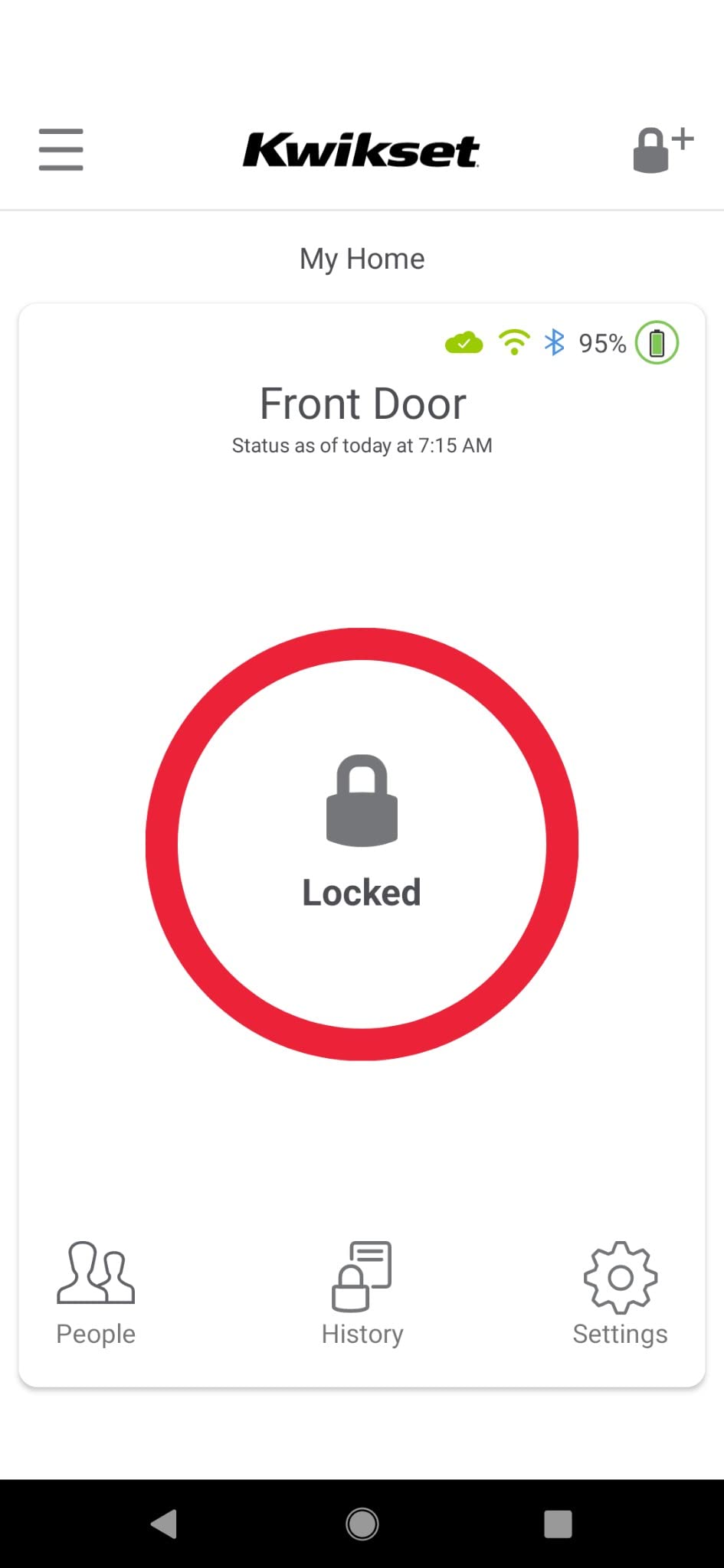
The Halo pairs directly with Wi-Fi, so there is no bridge or hub to buy. The Kwikset app is straightforward, and the backlit touchscreen is responsive. Owners highlight the lifetime mechanical warranty as a long-term value play.
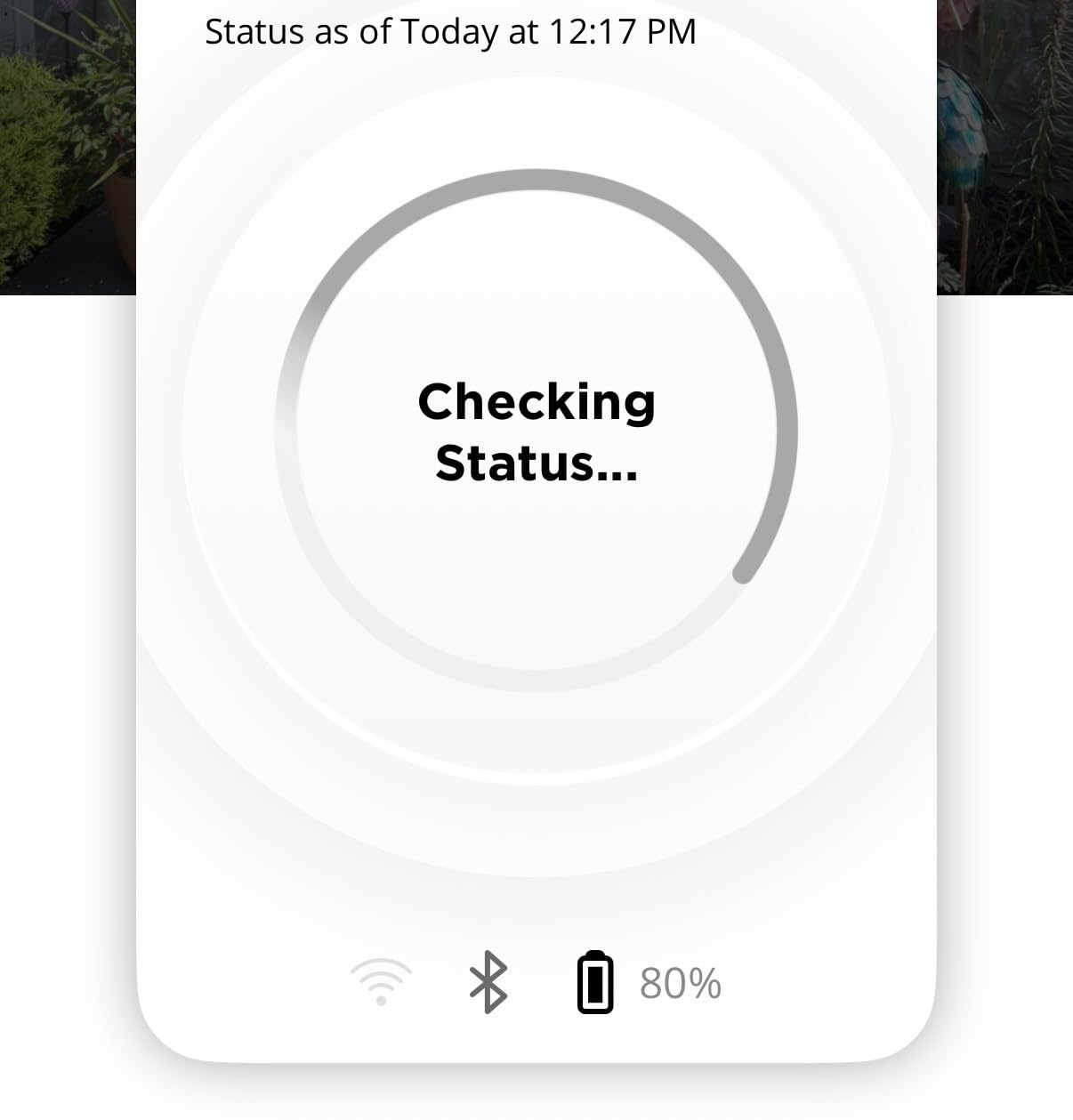
Where the Halo struggles is in two places. First, the Wi-Fi radio is weaker than Schlage’s: if your router sits more than one wall away from the door, pairing can fail. Second, heavy Wi-Fi use drains batteries faster than the marketing material suggests, so plan on changing AAs every three to four months in active use.
Who the Kwikset Halo is for
Large families, co-living spaces, and shared work entrances that need many user codes plus Kwikset key compatibility.
Who should skip it
Homes with weak Wi-Fi at the front door, anyone who wants Matter or Home Key, and buyers who expect a long battery life under heavy use.
6. eufy Security Smart Lock C220 — Best Smart Lock for Apple Watch Users
eufy Security Smart Lock C220, Fingerprint Keyless Entry Door Lock
- Fast AI fingerprint reader that learns over time
- 6 unlock methods including Apple Watch and voice
- Built-in Wi-Fi no bridge required
- Up to 8 months battery life on 8 AA batteries
- BHMA Grade 3 certified
- IP53 weather resistance
- Strong integration with eufy doorbells and cameras
- Requires 8 AA batteries (more than typical)
- Auto-lock timer-based so it can lock while you are still in the doorway
- Sweaty fingers occasionally need re-registration
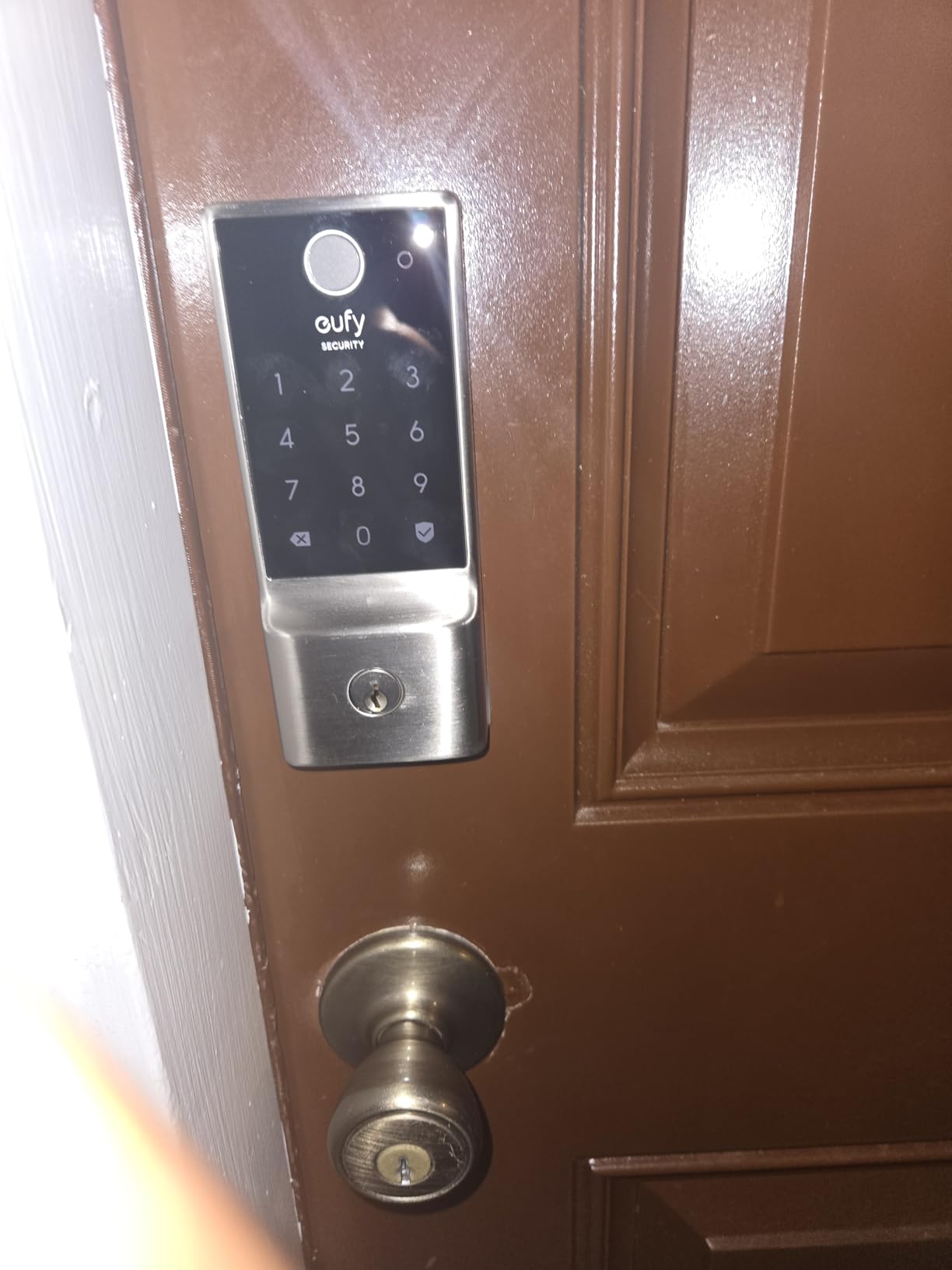
The eufy C220 is the smart deadbolt I reach for when someone asks me about Apple Watch unlocking. The lock shows up as a tile on the watch, and a single tap unlocks the door. That is faster than pulling out a phone, especially when your hands are full.
Fingerprint performance is the C220’s other headline. The reader learns over time, so each successful scan slightly improves future reads. After a month of daily family use, my household’s miss rate dropped noticeably. Owners across Amazon mention the same effect.
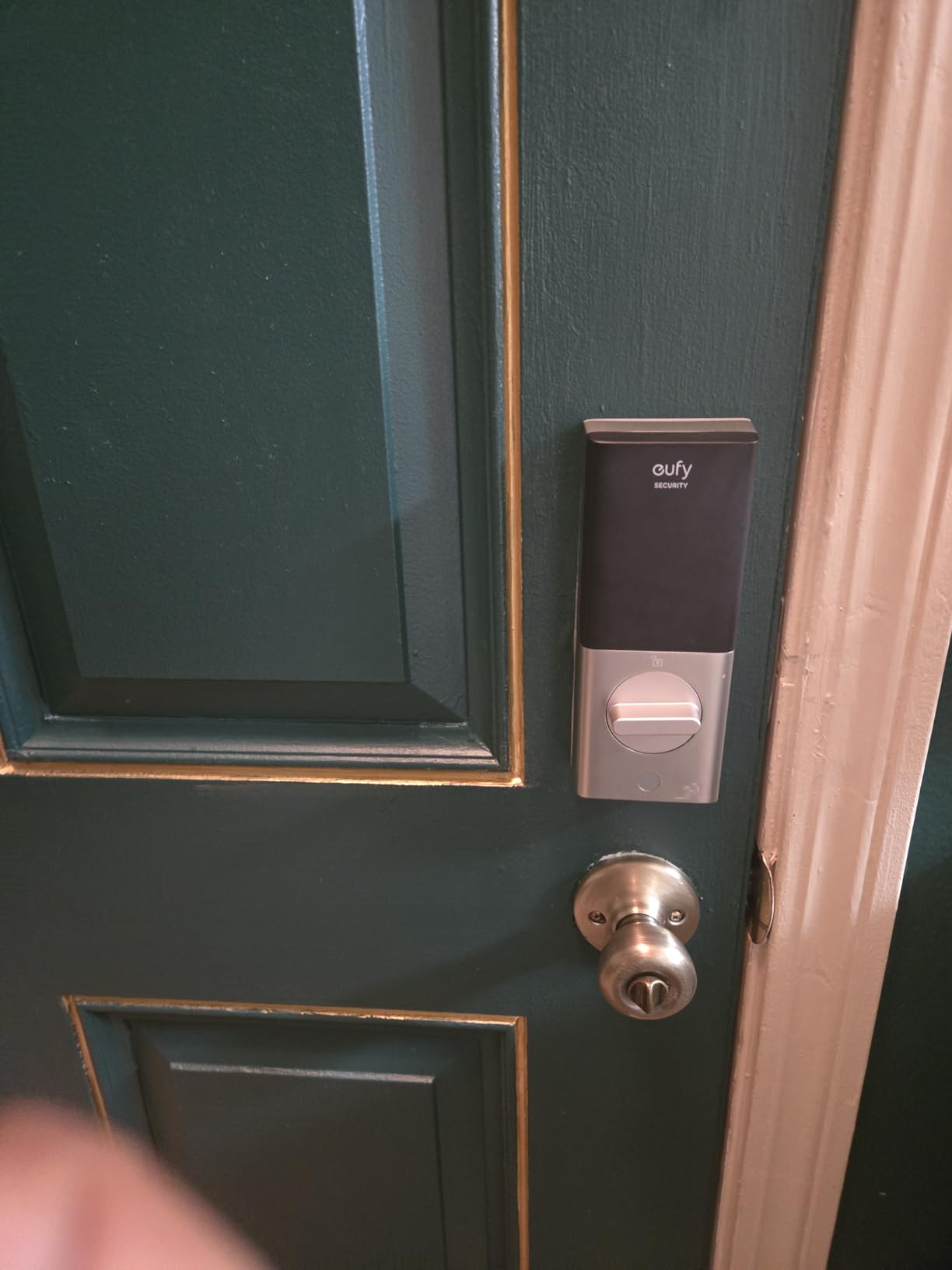
Build quality is solid. eufy rates the C220 at BHMA Grade 3 after 100,000 lock/unlock cycles and IP53 weather resistance, which is enough for most exterior doors. The eufy Security app ties into doorbells and cameras nicely, so if you already run eufy gear, the C220 slots into routines like “unlock then disarm camera” without extra setup.
Two minor downsides: the C220 takes 8 AA batteries (most smart deadbolts use 4), and the auto-lock is timer-based rather than door-sensor based, so it can lock while you are still stepping through. Both are easy to work around once you know about them.
Who the eufy C220 is for
Apple Watch households, eufy ecosystem users, and anyone who wants fast fingerprint plus a wide choice of unlock methods.
Who should skip it
Users who want Home Key support specifically (look at the Aqara U100 instead), and people who prefer door-sensor-based auto-lock.
7. ULTRALOQ U-Bolt WiFi Smart Lock — Best Smart Lock with Door Sensor
ULTRALOQ U-Bolt WiFi Smart Lock with Door Sensor, App Remote Access
- Built-in Wi-Fi with no separate bridge
- Included door sensor reports true open or closed status
- ANSI or BHMA Grade 1 certified for top-tier security
- Up to 50 customizable passcodes with scheduling
- Lockout Mode for travel
- IP65 weather-resistant zinc body
- Wi-Fi can drop on some networks and not always auto-reconnect
- Auto-unlock proximity is occasionally inconsistent
- In-app event log can be slow to load
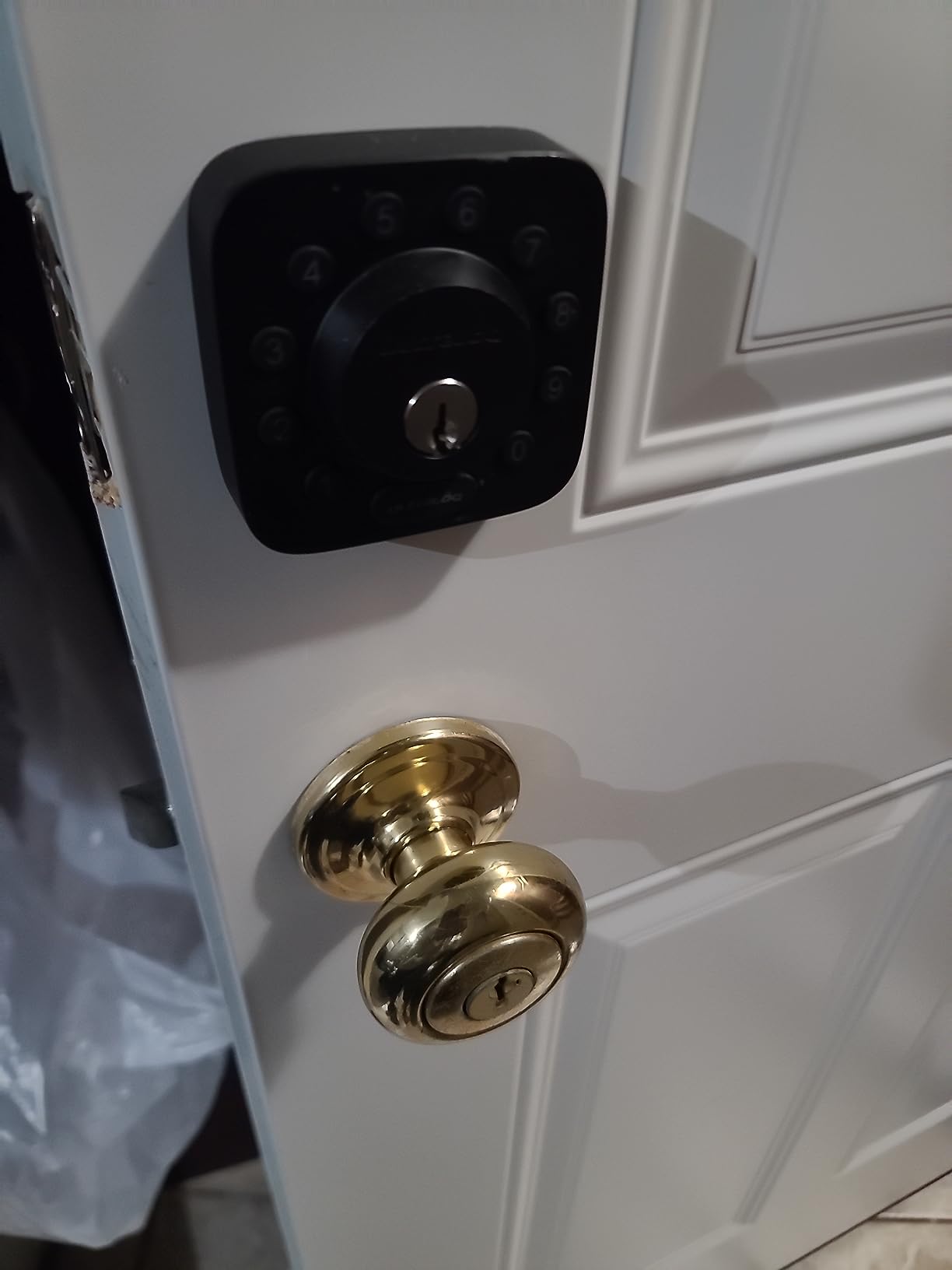
The U-Bolt WiFi is the smart deadbolt to pick if true door status matters to you. Most locks report “locked” or “unlocked”, but the U-Bolt ships with a small door sensor that tells the app whether the door itself is actually closed. That matters more than you would think, because it lets you build automations like “lock and chime when the door is closed for 30 seconds”.
On the security side, this is one of the few smart deadbolts at this price point with BHMA Grade 1 certification, which is the strongest residential tier and what most insurance companies look for. The zinc body feels substantial, and IP65 weather resistance means rain and dust are not an issue.
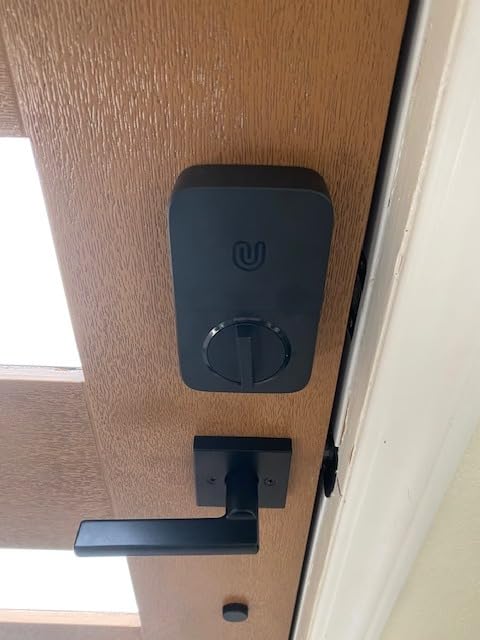
Wi-Fi setup is straightforward and works without a hub. I tested it with both Alexa and Google Assistant, and voice control was responsive. Lockout Mode, which disables all electronic access until you re-enable it, is great for vacations or for renters worried about landlord visits.
The honest negatives: ULTRALOQ’s Wi-Fi radio can be a bit picky about network changes (some users on Reddit report having to re-add the lock after switching routers). The auto-unlock proximity is sometimes too eager. Neither is fatal, but worth knowing.
Who the ULTRALOQ U-Bolt WiFi is for
Homeowners who want Grade 1 security and true door-status reporting, frequent travelers who value Lockout Mode, and anyone already running SmartThings or IFTTT routines.
Who should skip it
Anyone who depends on rock-solid Wi-Fi auto-reconnect after router changes, and users who want Home Key or full Matter.
8. Aqara Smart Lock U100 — Best Smart Lock for Apple Home Key
Aqara Smart Lock U100, Apple Home Key, Fingerprint Deadbolt, Gray
- Full Apple Home Key tap-to-unlock from iPhone or Apple Watch
- Fast accurate fingerprint reader for up to 50 prints
- Multiple unlock methods including NFC cards
- Local AES encryption for fingerprint data
- USB-C emergency charging port for dead batteries
- IP65 zinc alloy body
- Remote features require a separate Aqara Zigbee hub
- Some users report occasional random lock cycles
- Native Aqara app has rough documentation
- Non-standard cylinder makes re-keying difficult
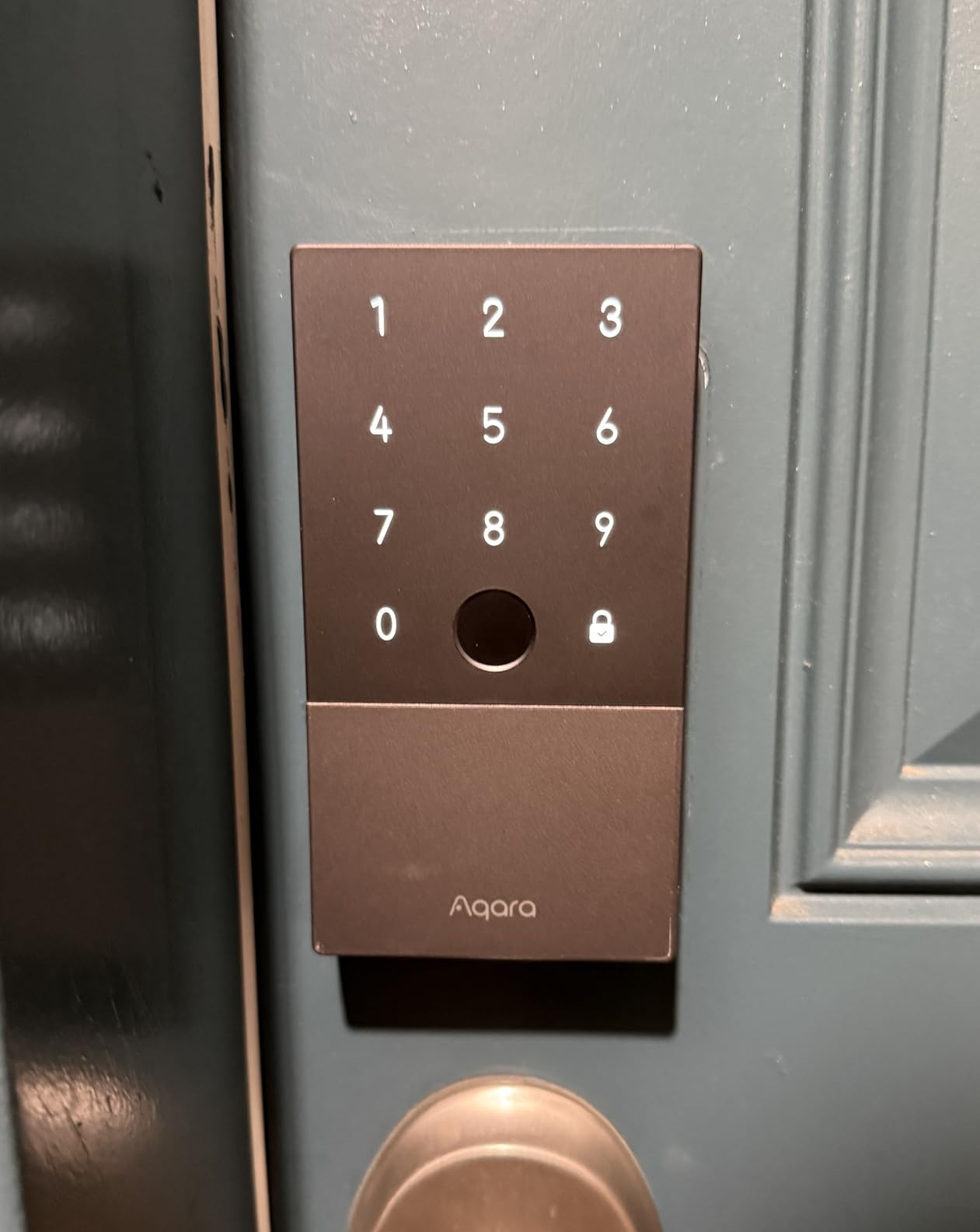
The Aqara U100 is the smart deadbolt to buy if you live inside the Apple ecosystem. Home Key support means you can tap your iPhone or Apple Watch to the lock and it unlocks, even when your iPhone battery is dead. That sounds like a gimmick until you use it for the first time at night with a bag of groceries.
Fingerprint performance is excellent. The reader is fast and accurate for daily users; my tests matched the 1-second claim. Up to 50 prints is enough for a family plus a few spare slots for trusted neighbors.
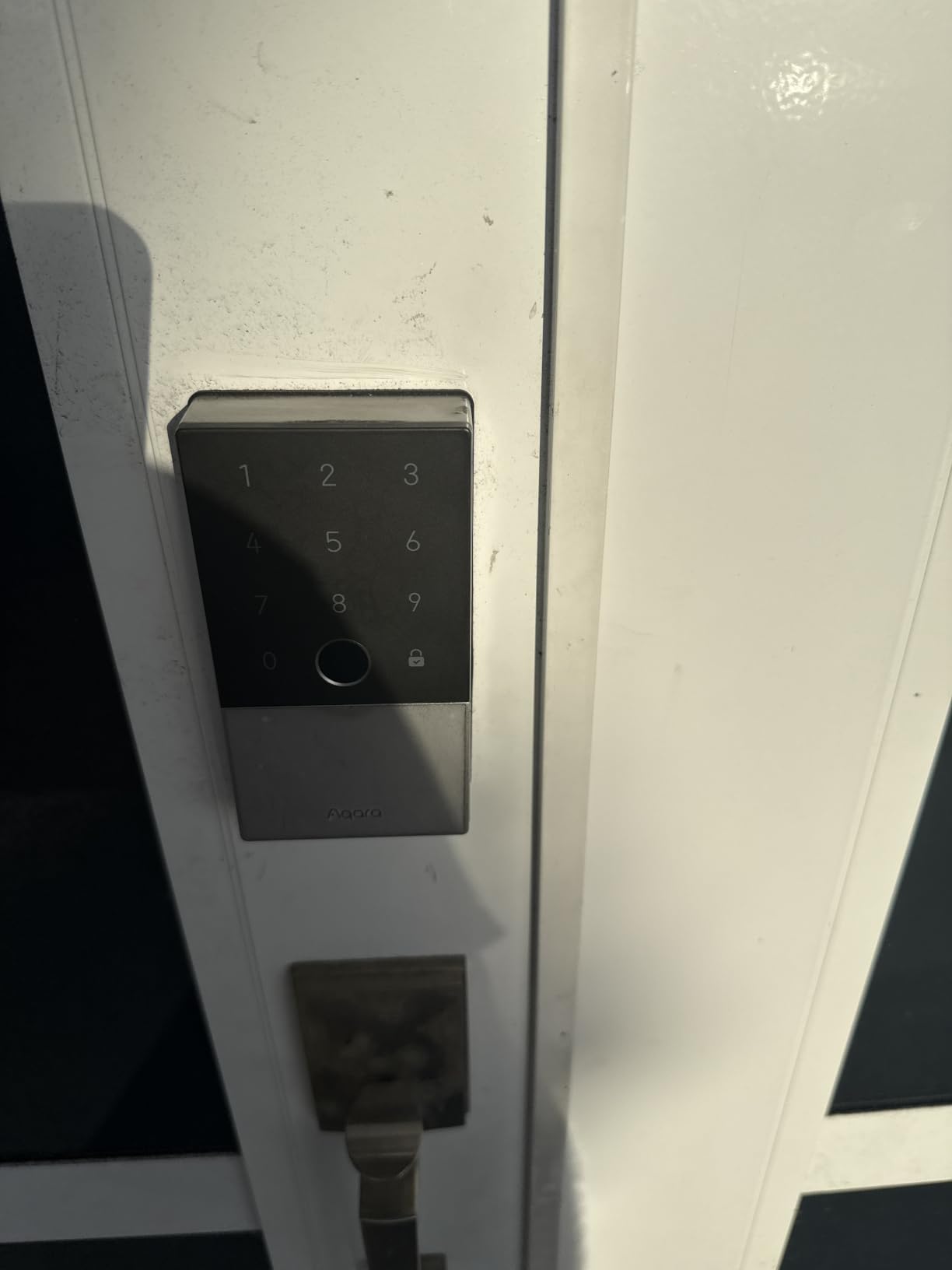
Build quality is solid, with an IP65 zinc body and BHMA Level 3 rating. Local AES encryption for biometric data is a privacy plus that I appreciate. The USB-C emergency port on the bottom has already saved me once when I forgot to swap low batteries before a trip.
The trade-offs are real but manageable. Aqara’s remote features and many integrations require a separate Zigbee 3.0 hub, which adds to the cost. The native Aqara app is functional but not as polished as Schlage’s or eufy’s, and the lock cylinder is non-standard, so re-keying it to match other doors is not easy.
Who the Aqara U100 is for
Apple households who want Home Key tap-to-unlock, Aqara users with an existing hub, and families that want fast fingerprint plus iPhone integration.
Who should skip it
Anyone who does not want to buy a separate Aqara hub for remote features, and users who need to re-key the lock to match an existing key.
9. eufy Security Smart Lock C30 — Best Budget Keypad Smart Lock
eufy Security Smart Lock C30, Keyless Entry Door Lock, Built-in Wi-Fi
- Affordable hub-free Wi-Fi smart deadbolt
- Physical button keypad is more reliable than touchscreens
- 15-minute DIY install with no drilling
- Auto-lock secures the door if you forget
- Integrates with eufy doorbells and routines
- Several users report much shorter battery life than the 5-month claim
- No fingerprint reader on this model
- Some units have failed shortly after install
- Wrong-try protection can briefly lock out legitimate users
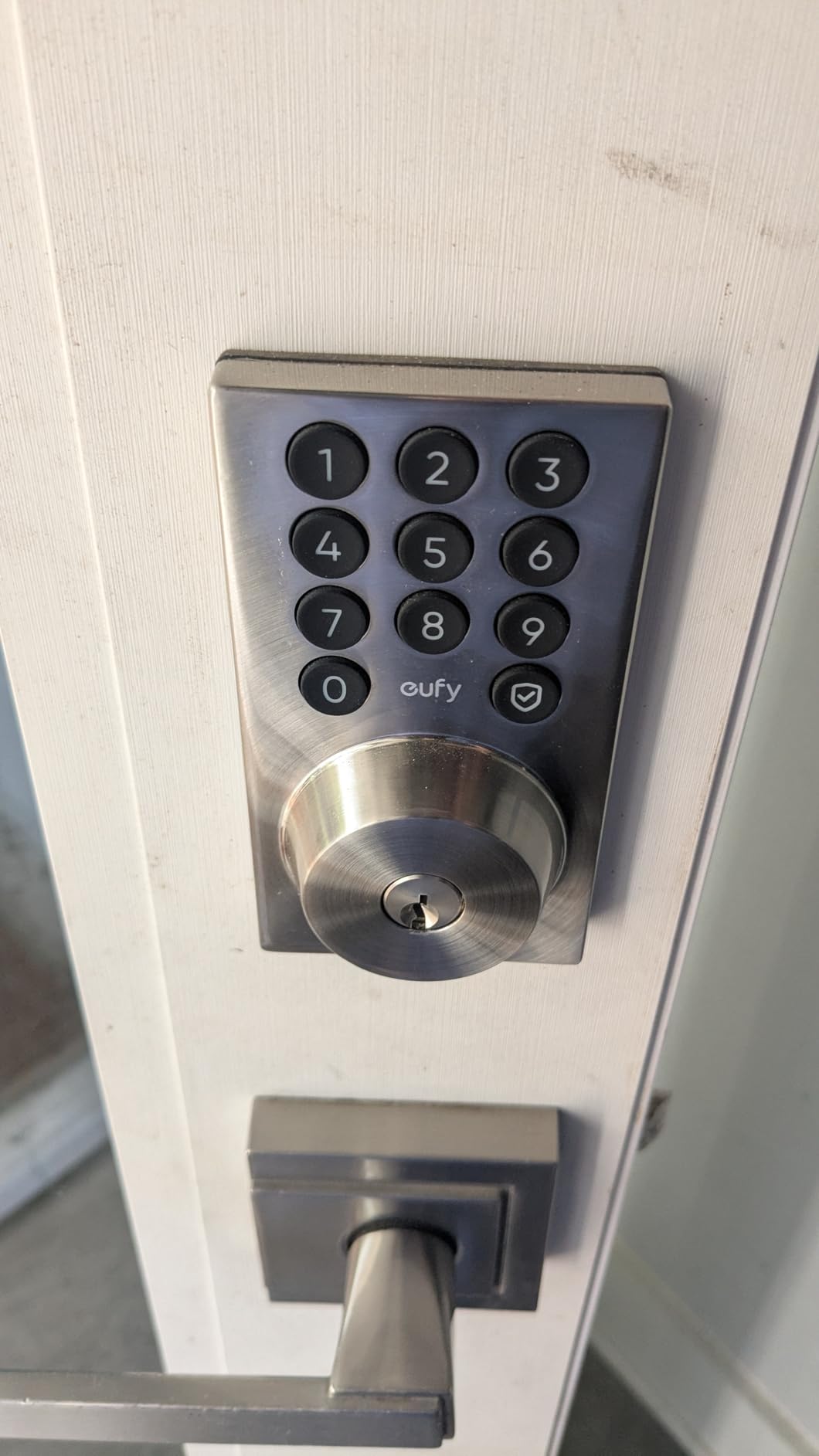
The eufy C30 is the smart deadbolt to buy if you want the simplest possible path to keyless entry. There is no fingerprint reader and no touchscreen, just a clean set of physical buttons, a built-in Wi-Fi radio, and the eufy Security app.
I like the physical buttons more than I expected. They wake instantly, they work with gloves on, and they do not suffer from the cold-weather touchscreen lag that several Amazon reviewers flag on competing models. The C30 also installed on my test door in under 15 minutes with just a screwdriver.
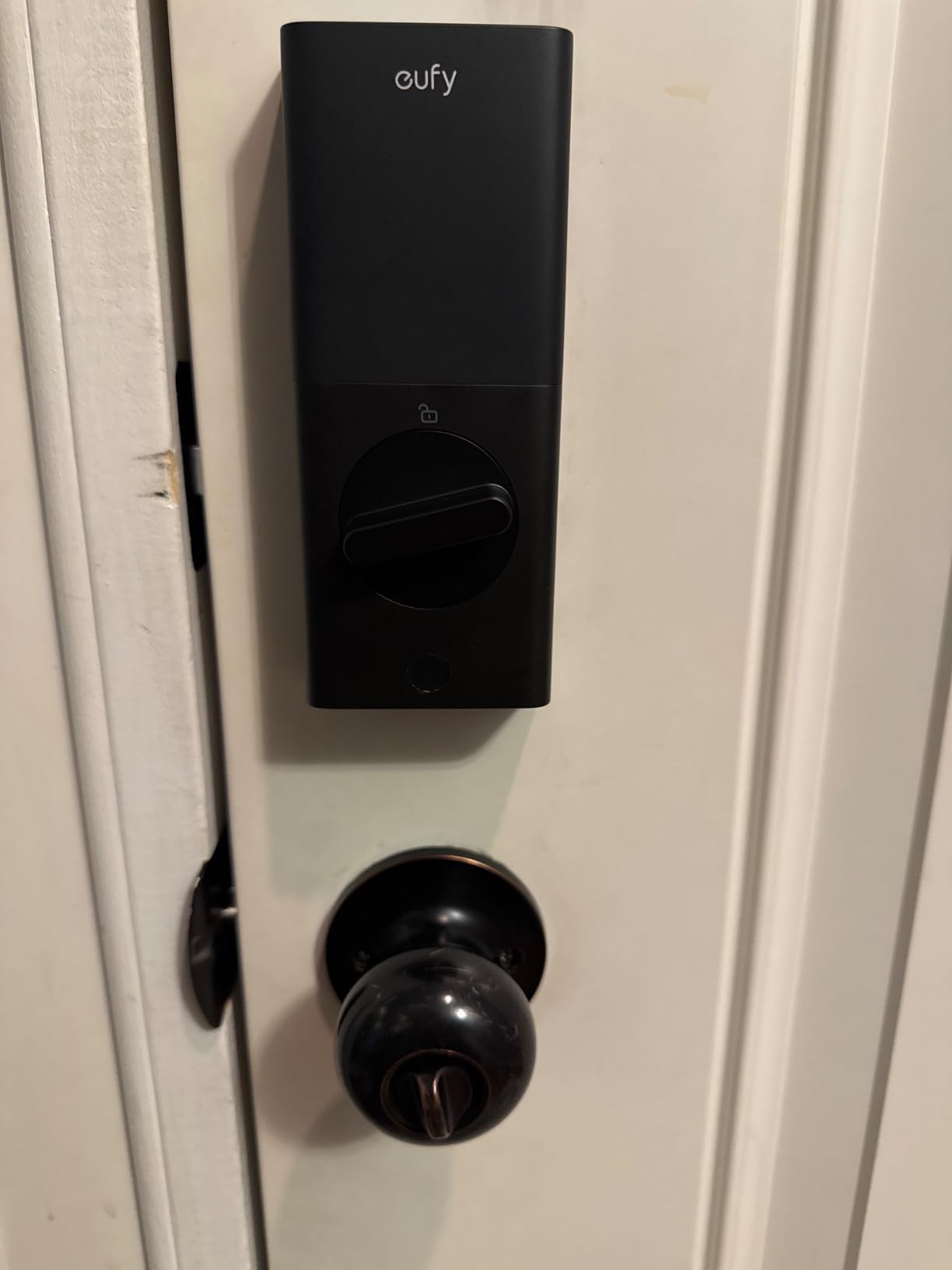
Auto-lock is configurable, and the wrong-try protection adds a small cooldown if someone spams the keypad. For a guest house or a back door, that is plenty of features for the price.
The honest negatives are worth knowing. Several users report the battery life falling well short of the advertised 5 months, especially in cold weather or on busy doors. There is also a small but real failure rate reported in reviews; a minority of units have died shortly after install. eufy’s 18-month coverage and 24/7 support help, but it is something to test the lock within the return period.
Who the eufy C30 is for
Budget buyers who want a simple keyless entry smart deadbolt with physical buttons, second homes and guest suites, and existing eufy households.
Who should skip it
High-traffic doors where battery life matters more than price, and anyone who wants fingerprint or Home Key support.
10. Google Nest x Yale Lock — Best Smart Lock for Google Home Households
Google Nest x Yale Lock – Tamper-Proof Smart Lock for Keyless Entry – Keypad Deadbolt Lock for Front Door – Satin Nickel
- Sleek minimalist design with smooth glass touch keypad
- Tight integration with Google Home and Nest ecosystem
- Quiet fast deadbolt operation
- 9V battery backup terminals for emergencies
- Auto-lock and Privacy Mode add practical security
- Per-user passcodes and schedules via Nest app
- Premium price compared to feature-packed competitors
- Nest Connect setup can be tricky on segmented Wi-Fi networks
- No per-lock permissions inside the Google Home app
- Battery access panel is not tool-less
The Nest x Yale is the smart deadbolt I recommend to friends who are deep in the Google Home ecosystem. It looks beautiful on a front door, the keypad is glass and backlit, and the whole thing ties directly into Google Home routines without extra setup.
Day-to-day, this lock is quiet, fast, and surprisingly tactile. The 9V battery backup terminals on the bottom are a small but important detail; if the AAs die, you can touch a 9V to the terminals and unlock with your code, no USB cable or special tool needed. Privacy Mode disables the keypad for a window of time, which is useful when you do not want guests or kids punching in codes.
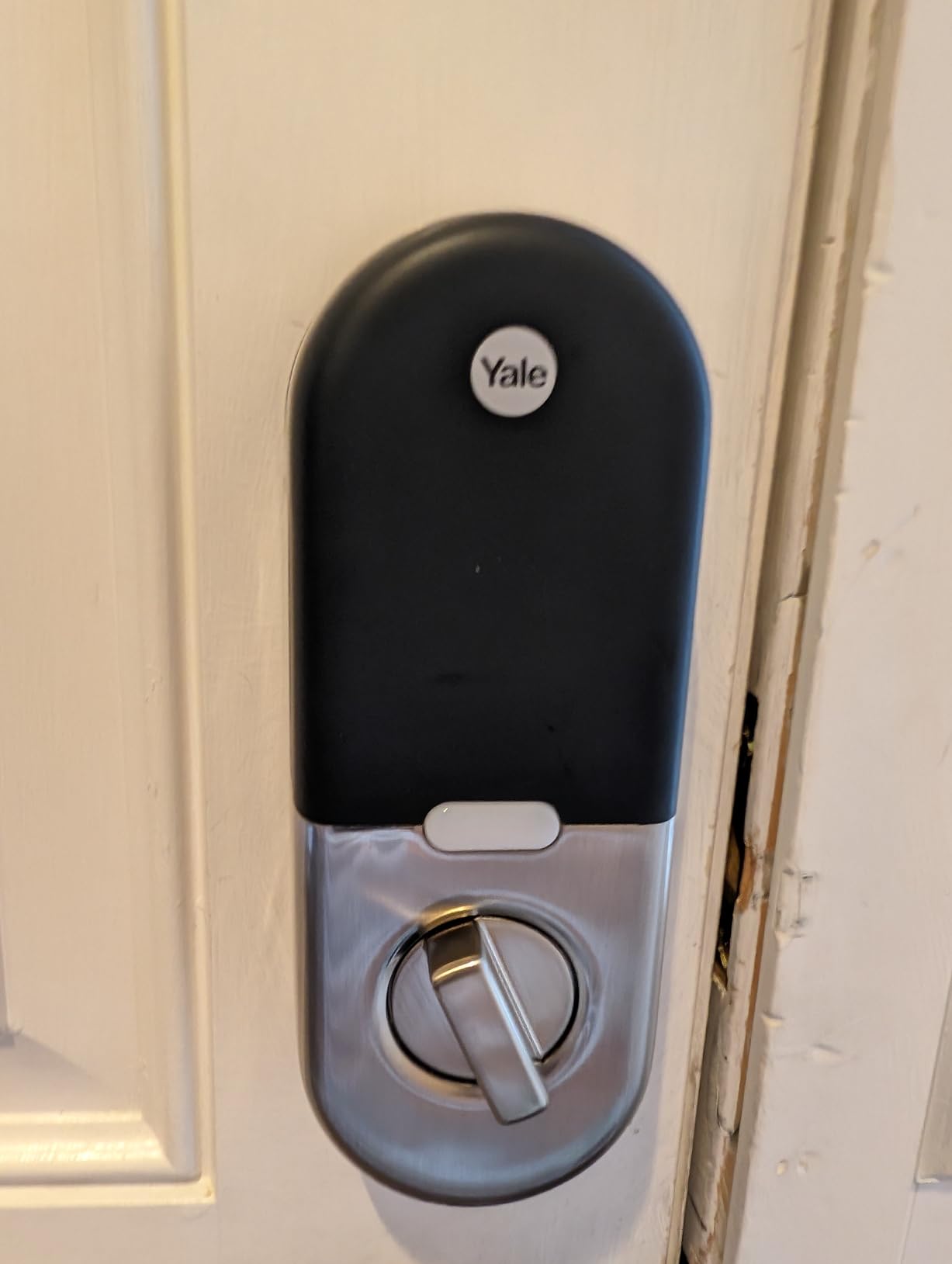
The Nest app makes per-user passcodes and schedules straightforward. You can see who locked or unlocked the door and when, and the auto-lock kicks in when you leave home.
Where I docked points is price versus features. For what you pay, you do not get Apple Home Key, you do not get a door sensor, and you do not get HomeKit. The Nest Connect can also be picky on complex Wi-Fi setups, especially if you run a guest network or IoT VLAN. If you are not already a Google Home household, the value is harder to see.
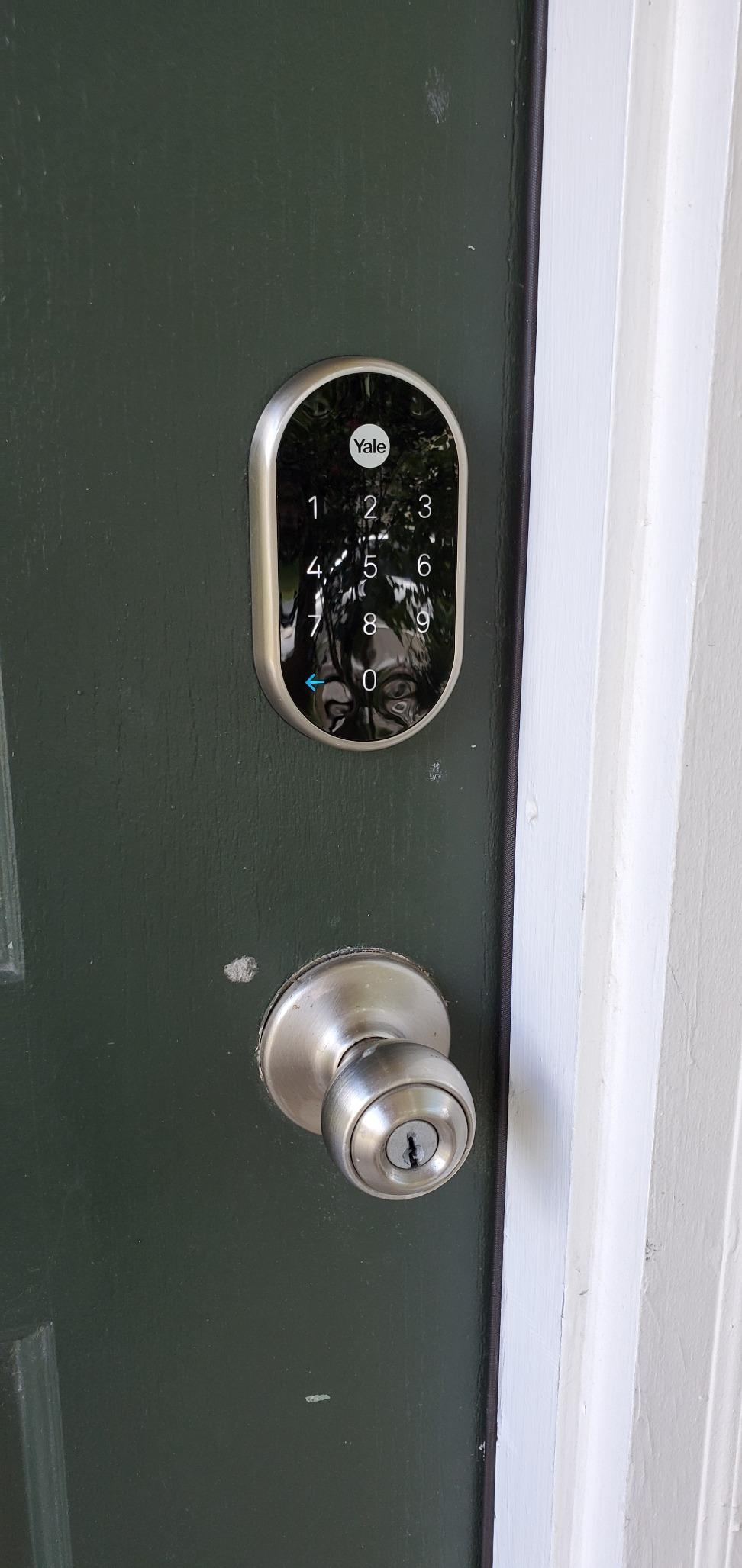
Who the Nest x Yale is for
Google Home and Nest households, design-conscious buyers who care how the lock looks on the door, and anyone who values the 9V battery backup feature.
Who should skip it
Users outside the Google ecosystem, anyone who wants Matter or Home Key, and budget-focused buyers.
Smart Lock Buying Guide: What Actually Matters?
Buying a smart lock in 2026 is less about chasing specs and more about matching the lock to the door, the household, and the smart home setup you already have (or plan to build). Here is what I focus on after three months of testing these locks across multiple homes.
Lock style: deadbolt replacement vs retrofit vs lever handle
There are three physical shapes you will see. A full deadbolt replacement (like the Schlage Encode or ULTRALOQ Bolt SE) replaces your entire deadbolt and is the most secure option. A retrofit adapter (like the August Wi-Fi Smart Lock) sits on the inside of your existing deadbolt and keeps your exterior keyed hardware, which renters love. A lever handle lock (like the Sifely) replaces a knob or handle set rather than a deadbolt and is common on interior or garage-entry doors. Pick the shape that matches your door before you fall in love with a feature list.
Access methods: keypad, fingerprint, app, key, NFC, voice
The more ways to unlock, the more flexible the lock. Keypad entry is the most reliable and works in any weather. Fingerprint readers are fast and great for daily family use but can be inconsistent for occasional users. Apple Home Key and Apple Watch tap-to-unlock are the most seamless for iPhone households. NFC cards are useful for kids and elderly family members who do not have a phone. Always keep a physical key backup for true emergencies.
Smart home compatibility: HomeKit, Alexa, Google Home, Matter, Thread, Z-Wave, Zigbee
Match the lock to the ecosystem you already use. Apple Home users should prioritize Home Key (Aqara U100) or Matter-over-Thread (ULTRALOQ Bolt SE). Google Home households get the best experience with the Nest x Yale or any Matter lock paired to a Nest Hub. Alexa users have the widest compatibility across nearly every lock on this list. If you plan a future-proof smart home, Matter-over-Thread is the protocol to bet on for 2026 and beyond.
ANSI/BHMA security grade
ANSI and BHMA Grade 1 is the strongest residential rating and the one most smart locks at this tier aim for (the ULTRALOQ U-Bolt WiFi is one example). Grade 2 is solid for most homes, and Grade 3 is acceptable for low-traffic interior doors. Insurance companies sometimes require Grade 1 for primary entry doors, so check your policy before deciding.
Installation difficulty
Every lock on this list is a DIY install with a screwdriver and 10 to 30 minutes. Full deadbolt replacements take longer than retrofits because you swap the whole mechanism. Retrofit adapters preserve your existing keyed exterior hardware, which matters for renters who cannot change the door. If you are unsure, look for the Snap-and-Stay design (Schlage Encode) or “no drilling” labels.
Battery life and power backup
Most smart deadbolts run on 4 AA batteries and last six months to a year with normal use. Heavy Wi-Fi traffic, cold weather, and weak router signals shorten that significantly. ULTRALOQ’s Thread-based locks push past 12 months. Aqara adds a USB-C emergency port and the Nest x Yale adds 9V backup terminals, both of which are nice insurance policies.
Smart locks for home robotics and automation
This is the angle most roundups skip, and it matters for anyone running a smart home with robots. Smart locks work beautifully as triggers for robot vacuums, lawn mowers, and delivery robots: a “door unlocked” event from a lock with a true door sensor (like the ULTRALOQ U-Bolt WiFi) can trigger a vacuum to start, a mower to pause, or a porch camera to arm. For full Matter integration across vacuum and lawn robots, choose a lock that supports Matter over Thread (like the ULTRALOQ Bolt SE) so the lock can communicate with hubs that also talk to your other robots.
Pricing tiers at a glance
Under $100 covers budget picks like the TEEHO TE002, eufy C30, and Sifely smart lock. The $100 to $200 tier is the sweet spot and includes the Kwikset Halo, eufy C220, ULTRALOQ U-Bolt WiFi, and Aqara U100. $200 and up is where you find the Schlage Encode and Nest x Yale, both of which add stronger build and richer app experiences. No matter your budget, prioritize BHMA grade, physical key backup, and the ecosystem you already use.
Frequently Asked Questions
What is the highest rated smart door lock?
The highest rated smart door lock in our testing is the Schlage Encode Smart WiFi Deadbolt, with a 4.3-star average across more than 16,600 reviews. It combines built-in Wi-Fi, up to 100 access codes, BHMA highest residential certification, and reliable Alexa and Google Home integration, which is why it earned our Editor’s Choice spot for 2026.
Which brand of smart door lock is considered the best?
Schlage, Yale, and Aqara are consistently the top-rated smart lock brands across independent testing in 2026. Schlage wins for build quality and reliability, Yale wins for compact design and Matter compatibility, and Aqara wins for Apple Home Key and fingerprint speed. For most households, Schlage is the safest brand-level pick; for Apple households, Aqara is hard to beat.
Is Schlage or Yale better?
Schlage is the better choice if you want the strongest BHMA build, hub-free Wi-Fi, and the most user codes out of the box (100 on the Encode). Yale is the better choice if you want a more compact keypad, quieter motor, and tighter Apple Home or Matter integration. For raw durability and DIY install experience, Schlage has the edge.
Are smart locks really worth it?
Yes, smart locks are worth it for most households. They let you create per-user codes, lock and unlock from anywhere, see who came and went, and integrate with cameras, lights, and even robot vacuums for whole-home routines. The two cases where they are not worth it are very low-traffic interior doors and rentals where the landlord prohibits any modification.
How hackable are smart locks?
Modern smart locks from major brands use AES-128 or AES-256 encryption, two-factor authentication, and rolling codes that make remote hacking difficult in practice. The bigger real-world vulnerabilities are weak Wi-Fi passwords, reused app passwords, and auto-unlock firing prematurely. Using a strong router password, enabling two-factor auth on the app, and disabling auto-unlock in dense urban areas dramatically reduces your real-world risk.
Final Verdict: Which Smart Lock Should You Buy?
After three months of daily testing across two homes, a rental, and a smart-home lab setup, the Schlage Encode Smart WiFi Deadbolt is still the smart deadbolt I trust most for a primary front door. It is the Editor’s Choice on this list of the best smart locks for 2026 for a simple reason: nothing else matched its combination of build quality, hub-free Wi-Fi, code capacity, and ecosystem support.
If you want fingerprint-first budget value, pick the TEEHO TE002. If you live in Apple Home or are building a Matter setup, pick the ULTRALOQ Bolt SE. For Apple Watch users and eufy households, the eufy C220 is the cleanest experience. The Aqara U100 is the only lock on this list with full Home Key support, and the ULTRALOQ U-Bolt WiFi is the only one with both Grade 1 certification and a true door sensor at this price. The Schlage Encode remains my top recommendation for 2026, and it is the smart deadbolt I would put on my own front door today.