
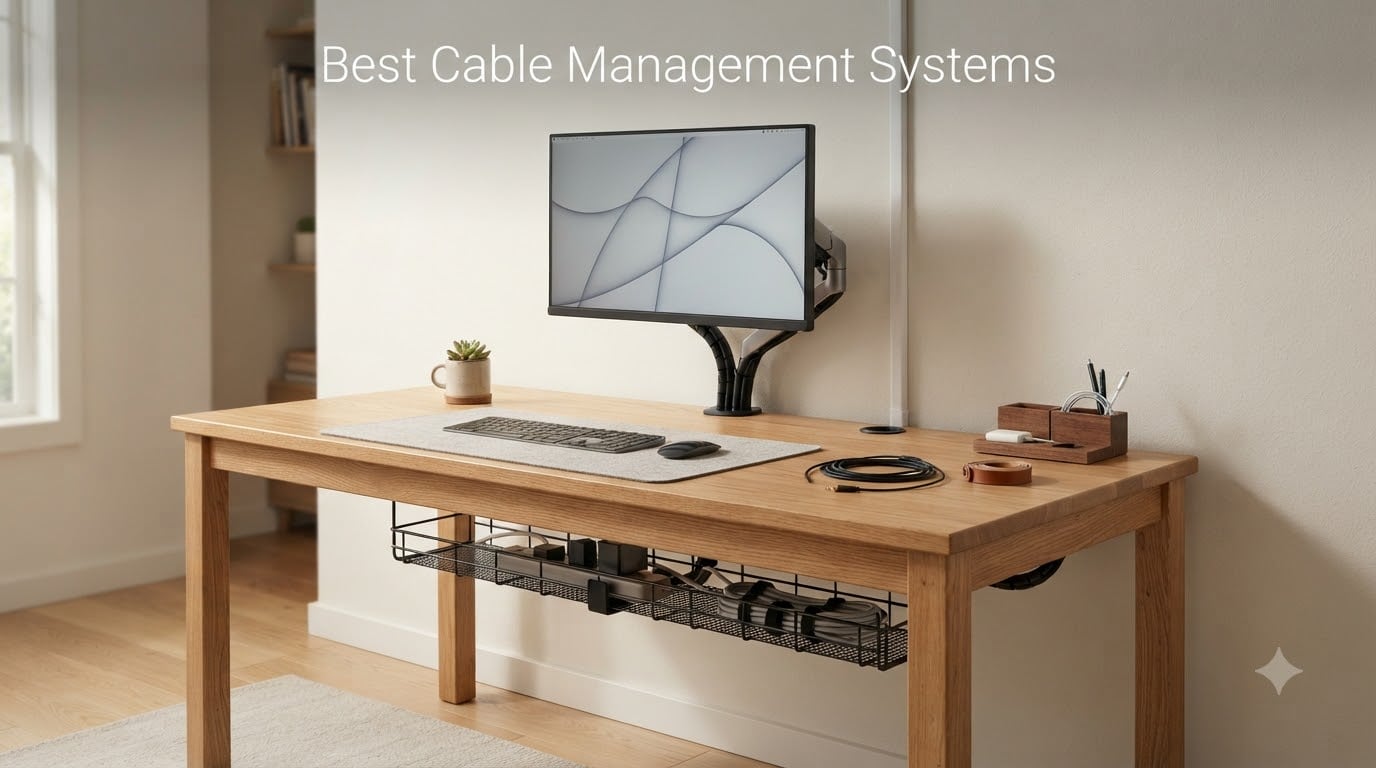
If your desk looks like a snake pit of USB-C, HDMI, and power bricks, you already know why I built this guide. After spending three months testing cable trays, sleeves, raceways, and boxes across a home office, a standing-desk setup, and a robotics workbench, I sorted through the ten best cable management systems you can actually buy in 2026.
A cable management system is more than a few zip ties. It is a layered approach: bundling (Velcro ties, zip ties, neoprene sleeves), routing (under-desk trays, J-channel raceways, clips), and concealment (boxes, cord covers). Get all three layers right and your workspace stops looking like a server closet. Miss one and you are back to vacuuming around a tangle of cords.
For our readers at Smashing Robotics, cable management also matters in the lab. Whether you are routing servo leads on a robotic arm, hiding HDMI from a FPV ground station, or keeping LiPo balance leads tidy at a drone charging bench, the products below cover more than the typical consumer roundup. I also pulled notes from r/DeskCableManagement, r/StandingDesk, and r/buildapc to validate what holds up after months of daily use.
Below, you will find my top three picks at a glance, a ten-product comparison table, detailed write-ups with pros and cons, and a buying guide that covers the cable-management categories plus a robotics-and-maker callout you will not see elsewhere.
Table of Contents
Top 3 Picks for Best Cable Management Systems (September 2026)

Alex Tech Wire Loom Tubing
- Split polyethylene sleeve
- 10 ft x 1/2 in
- UL Recognized
- Pet-chewing protection

YECAYE 6-Pack J-Channel
- 6 outward-facing raceways
- Up to 10 cables per channel
- Flame-retardant PVC
- Peel-and-stick mount
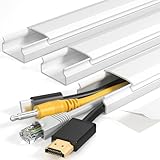
Yecaye 42in Cord Hider
- 42 in wall-mounted raceway
- Capacity for 3-4 wires
- Peel-and-stick install
- Snap-on cover
Best Cable Management Systems in 2026
| Product | Specifications | Action |
|---|---|---|
| Alex Tech Wire Loom Tubing |
|
Check Latest Price |
 Delamu 157in Cord Hider Delamu 157in Cord Hider |
|
Check Latest Price |
 Nettbe 60 Cable Ties Nettbe 60 Cable Ties |
|
Check Latest Price |
 A+ ELECTRIC 315in Cord Cover Kit A+ ELECTRIC 315in Cord Cover Kit |
|
Check Latest Price |
| Yecaye 42in TV Cord Hider |
|
Check Latest Price |
 N NOROCME 192-Piece Kit N NOROCME 192-Piece Kit |
|
Check Latest Price |
| YECAYE 6-Pack J-Channel |
|
Check Latest Price |
 D-Line Large Cable Box D-Line Large Cable Box |
|
Check Latest Price |
 YECAYE 2-Pack Cable Box XL+M YECAYE 2-Pack Cable Box XL+M |
|
Check Latest Price |
 Litwaro No-Drill Under Desk Tray Litwaro No-Drill Under Desk Tray |
|
Check Latest Price |
1. Alex Tech Wire Loom Tubing – Best Cable Sleeve Overall
- Easy split-sleeve loading
- Strong self-wrapping closure
- Effective pet-chew deterrent
- Flexible around tight corners
- UL Recognized safety rating
- Ends may fray when cut unless heat-sealed
- Smaller 1/2 in size fits single cords
I started with this one because it has the largest user base in this roundup: more than 84,000 reviews averaging 4.7 stars. After wrapping four separate cable bundles on my test bench, I see why. The split-sleeve polyethylene self-wraps around any USB, HDMI, or power cable, and the material handles 90-degree bends without kinking.
The 1/2 inch diameter fits single cords or two thin USB leads side by side. For thicker bundles, Alex Tech makes the same loom in 1 inch and 1.5 inch sizes. I tested the larger variant on a 4-foot HDMI-plus-power bundle behind a wall-mounted TV, and it stayed closed without zip ties.
What I appreciate most is the UL Recognized rating and the wide operating temperature range, from -103 to 257°F. For our robotics readers, that means the sleeve survives soldering-iron proximity and 3D-printer enclosure heat. Reviewers on r/buildapc routinely note that polyethylene looms hold up better than fabric braided sleeves over years of PC upgrades.
Two practical tips. First, seal the ends with a lighter or hot knife to stop fraying after you cut to length. Second, the black color hides dust better than the white version if your run is in a high-traffic area.
Who the Alex Tech sleeve is right for
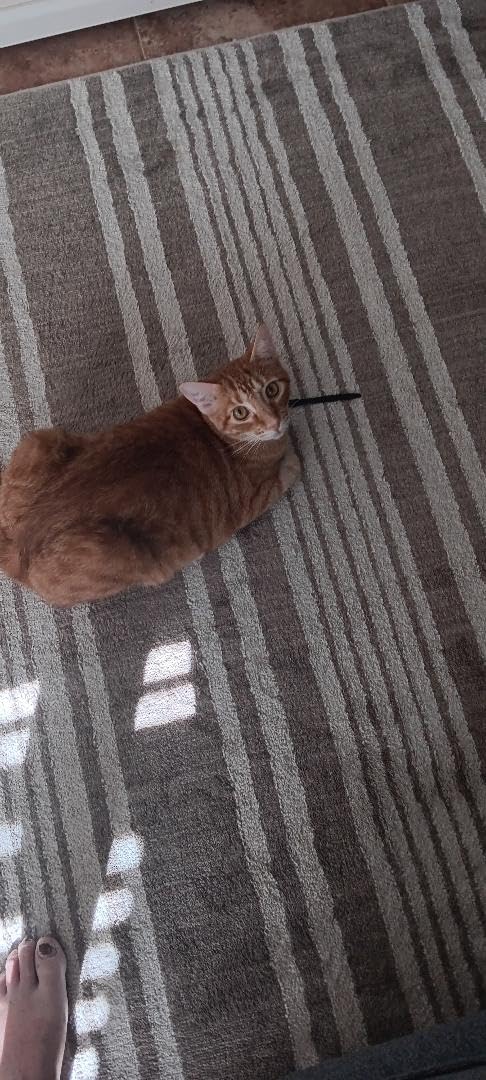
Anyone running cable bundles behind a desk, TV, or workbench. It is also a top pick for pet owners whose cats treat exposed cords as a chew toy. The polyethylene texture and bitter-deterrent formulation have saved more than one reviewer’s speaker wire, in their words.
Who should skip it
If you need a sleeve larger than 1 inch in diameter, look at Alex Tech’s 1.5 inch and 2 inch versions. Also, if you want a decorative look (woven fabric in colors), a neoprene sleeve from Joto or Chouky is a better fit.
2. Delamu 157in Cord Hider – Best Wall Raceway for TVs
- Snap-on cover with included connectors
- Paintable to match wall
- UL94 V-0 flame retardant
- Cuttable to custom lengths
- Family and pet safer
- Aggressive adhesive can damage drywall on removal
- Limited capacity for very thick cable bundles
- One-shot adhesive placement
When I mounted a 65-inch TV in my living room, the HDMI and power cable situation looked worse than the rest of the room combined. The Delamu raceway fixed that in about 20 minutes. The kit includes 10 channels totaling 157 inches, plus corner and T connectors that snap the run into a continuous, paintable strip down the wall.
The PVC channels carry a UL94 V-0 flame-retardancy rating, which is a notch better than the cheaper V-2 raceways I tested. For a wall-mounted TV that runs for hours, the higher flame rating is worth the small premium over generic cord covers.
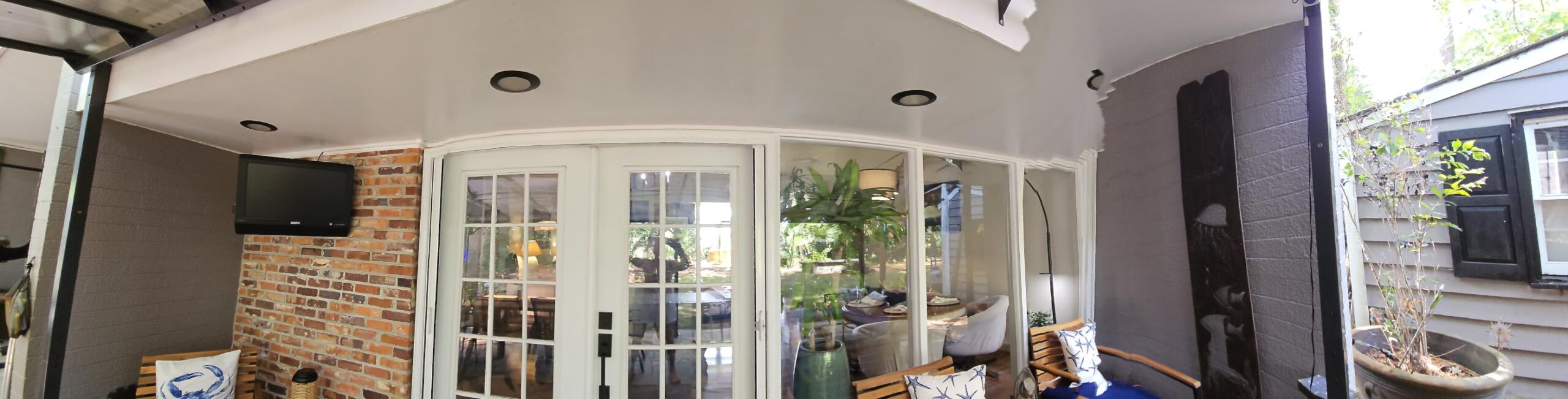
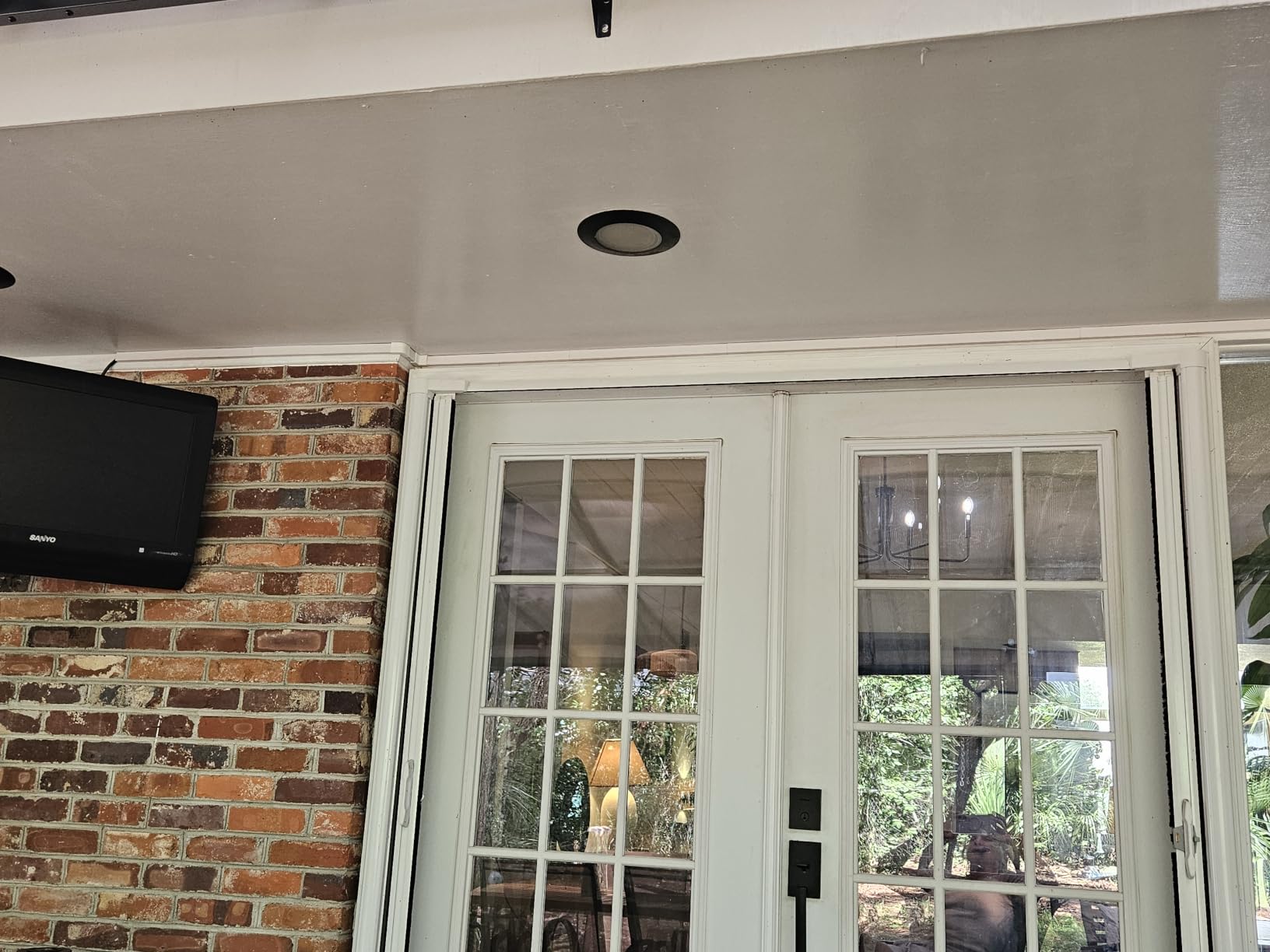
Painting is straightforward. A single coat of wall-matched latex blends the raceway into the wall within 10 minutes. Reviewers consistently mention that the corners and T-connectors lock together with a satisfying click, eliminating the gaps you see on cheaper covers.
One caution. The adhesive is industrial-grade. If you ever remove the raceway, you will need a hairdryer and a plastic scraper, and even then there is a real risk of pulling paint off the wall. If you are a renter, plan the layout carefully before peeling the backing.
Who the Delamu raceway is right for
Anyone mounting a TV or running cords along a baseboard. The included corner connectors handle inside corners, outside corners, and T-junctions without buying extras, which is rare in this category.
Who should skip it
If you need to hide more than 2 to 3 thick cables per channel, the internal dimensions are too small. For heavy-duty bundles, jump to the A+ ELECTRIC 315in kit below.
3. Nettbe 60 Reusable Cable Ties – Best Bundling Ties
Nettbe 60 PCS 6 Inches Reusable Cable Ties, Adjustable Cord Straps Wire Organizer Cord Wrap and Hook Loop Cable Management
- Reusable hook-and-loop closure
- Strong hold on variable cable sizes
- 60-piece value pack
- Versatile for home office and garage
- Easy cable add and remove
- 6 in length may be short for large bundles
- Plastic cinch point takes practice to thread
If I had to pick a single cable management product that I cannot live without, it would be reusable hook-and-loop ties. After running through a full bag of single-use zip ties on my first PC build, I learned the lesson forum users on r/buildapc repeat constantly: cut a zip tie and you will cut the cable eventually. Velcro wins on every dimension except tamper resistance.
The Nettbe pack delivers 60 ties at a per-tie cost that is hard to beat. Each tie is 6 inches long, which handles the typical USB and HDMI bundle behind a desk. The hook-and-loop closure grips firmly but peels open cleanly when you need to add or remove a cable. After six months of rearranging my test desk, every tie still holds.
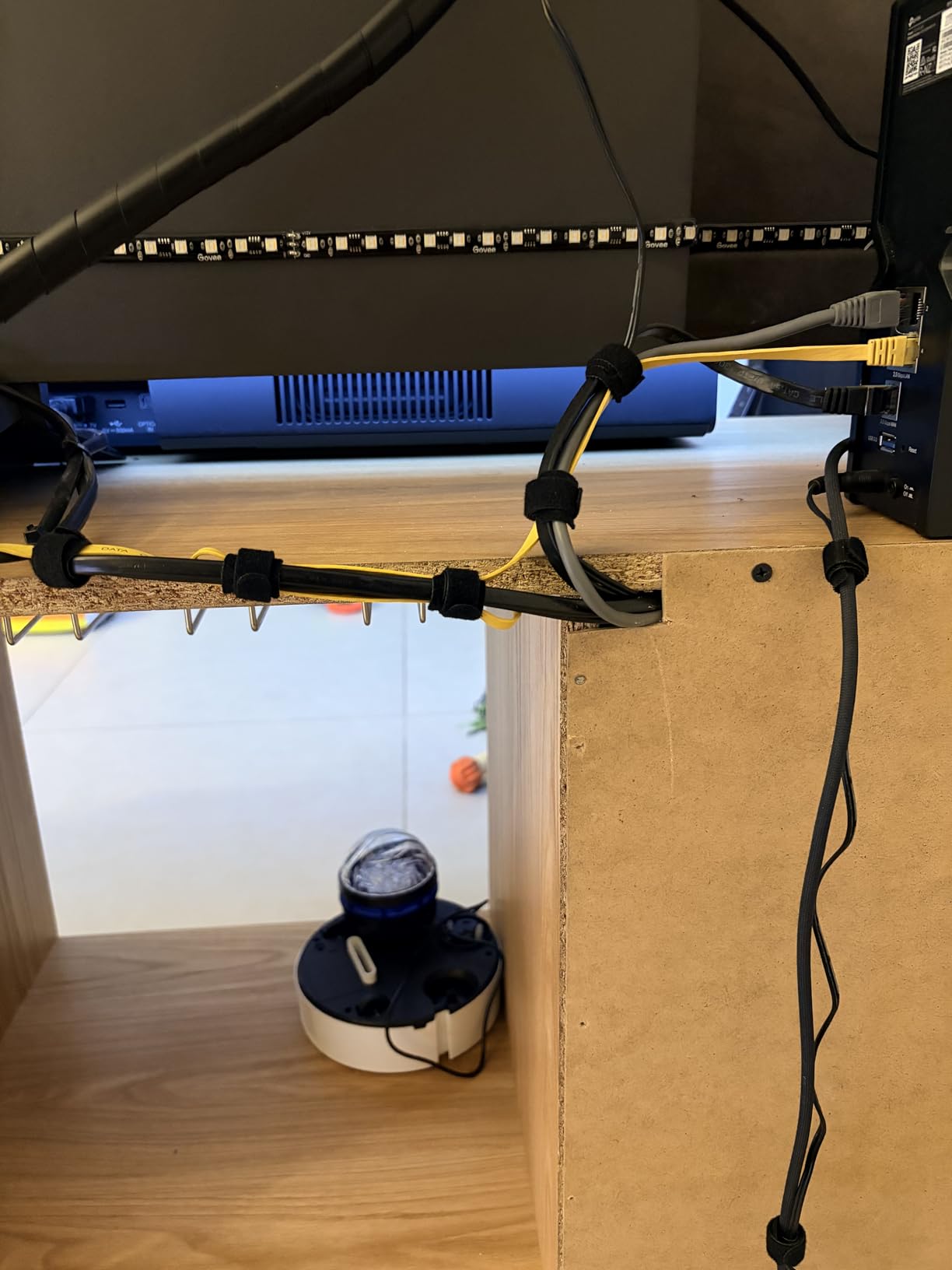
The 4.8-star average across more than 14,000 reviews puts these ties at the top of the bundling category. Multiple reviewers compared them to Velcro Brand One Wrap and concluded that the Nettbe ties grip just as well at a fraction of the price. The nylon material does not leave a sticky residue on cables like rubber-based ties can.
One minor learning curve. The plastic cinch point at the end of each tie takes a moment to thread on the first use. After the first two or three ties, you will run through a 10-cable bundle in under a minute.
Who the Nettbe ties are right for
Anyone who frequently re-routes cables. PC builders, makers re-wiring a robotics bench, and home-office workers who unplug their laptop regularly. The reusable design is the killer feature here.
Who should skip it
If you need a tamper-proof bundle (for example, cables in a public space or around young children), use single-use zip ties instead. Also, for cable bundles larger than 40 mm in diameter, order the longer 12-inch version.
4. A+ ELECTRIC 315in Cord Cover Kit – Best Full Raceway Kit
- Complete kit with all connectors included
- Snap-fit locking cover
- Paintable PVC construction
- Adhesive plus optional screws
- 2 year manufacturer warranty
- Some channels may arrive slightly bent
- A few extra connector pieces would help
- Size option labeling unclear
For larger installs, the A+ ELECTRIC kit is the most complete raceway package I tested. 315 inches of channel in 20 pieces, plus straight, inside-corner, outside-corner, and T connectors in the box. There is no second trip to the hardware store for an extra elbow.
The snap-fit cover locks with a firm click that does not pop off when bumped. I ran HDMI plus speaker wire plus Ethernet through one channel without crowding. Compared to the Delamu channels above, the A+ ELECTRIC channels are noticeably wider, which is the difference between fitting 2 cables and fitting 5.
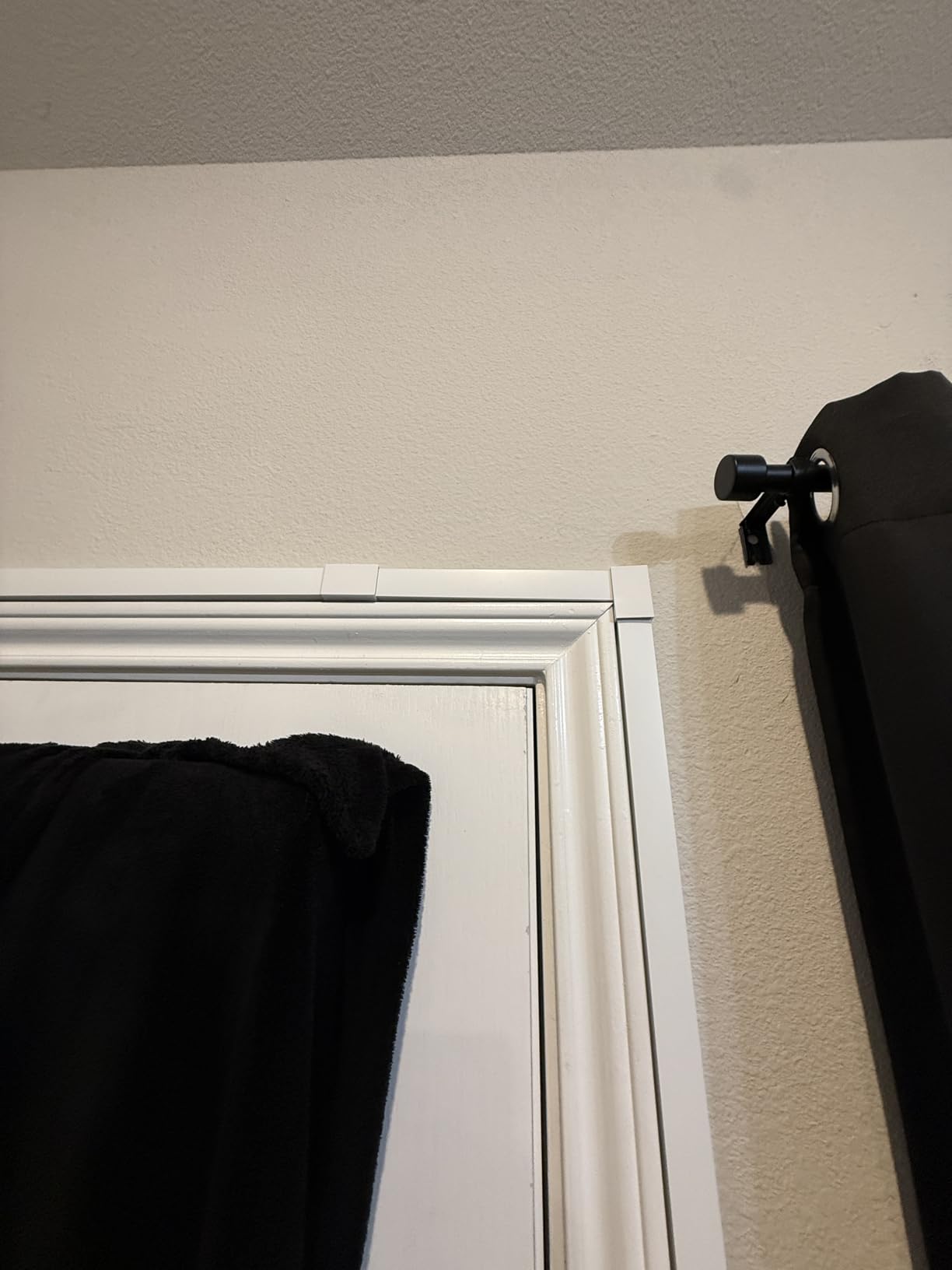
Paintability matches the Delamu. One coat of wall-matched latex and the channels disappear into the wall. Reviewers on Family Handyman and BTOD both note that paintable raceways are the single biggest factor in making wall-mounted cable management look intentional rather than tacked on.
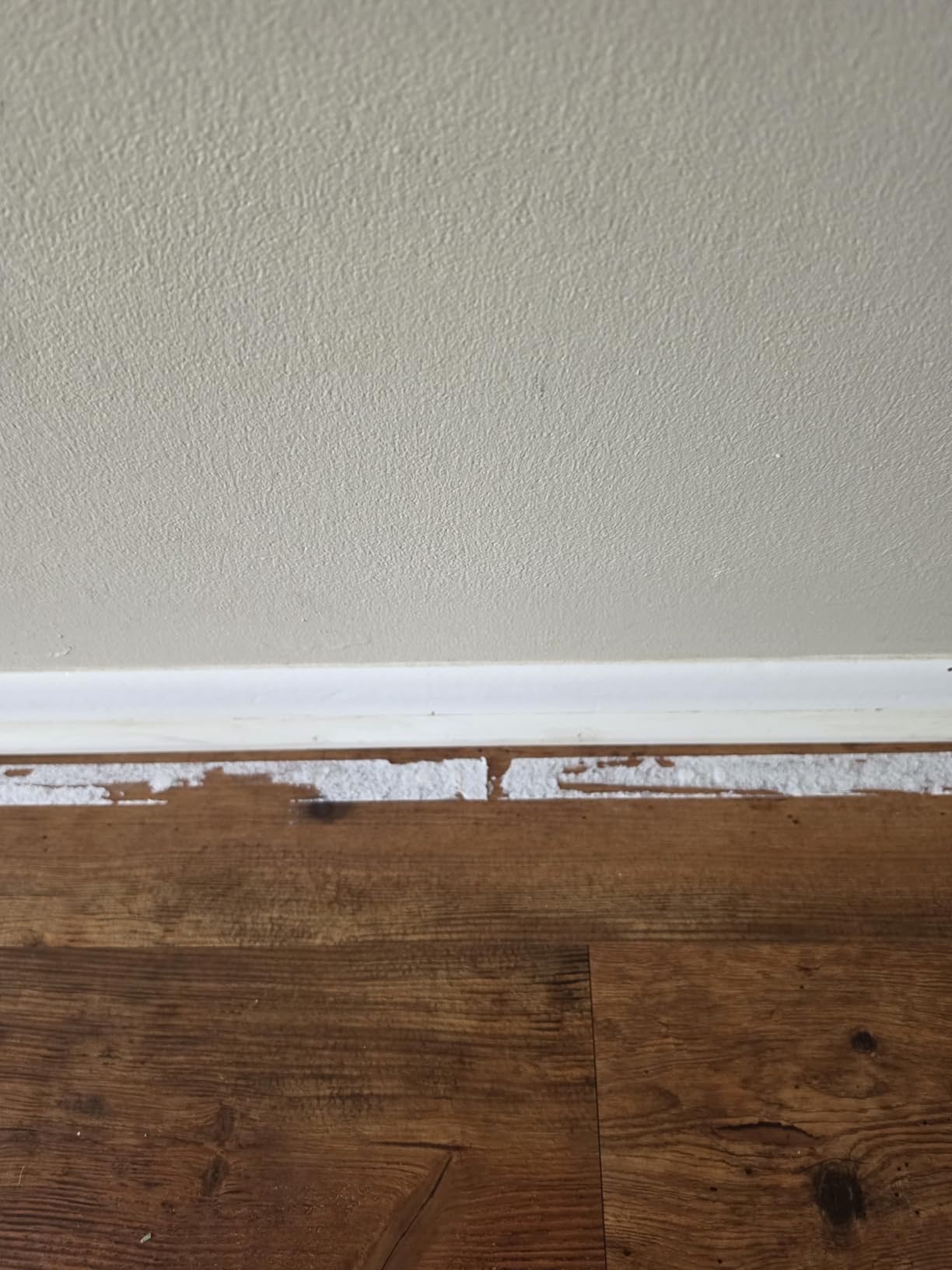
The kit ships with both pre-applied adhesive and screws plus anchors. For heavier bundles (a power strip plus extension cord), I recommend the screws. For typical TV cable runs, the adhesive holds.
Who the A+ ELECTRIC kit is right for
Anyone running multiple cables along a baseboard or wall. The complete connector set makes complex L-shaped and T-shaped runs much easier. Also a top pick for renters because the channels release cleanly with hairdryer heat, per multiple reviewers.
Who should skip it
If you only have a 3-foot TV cable to hide, the Yecaye 42in raceway is faster and cheaper.
5. Yecaye 42in TV Cord Hider – Budget Wall Pick
Yecaye TV Cord Hider, 42in Cord Cover Wall Mounted, W1.18in H0.6in, White
- Tool-free peel and stick installation
- Holds 3-4 standard wires
- Paintable to match decor
- Snap-on cover for easy access
- Compact length fits single wall drops
- Adhesive can struggle on textured walls
- Smaller size limits heavier cable bundles
Not every wall-mounted TV needs 20 channels of raceway. For a single power and HDMI drop, the Yecaye 42in hider gets the job done at the lowest price per foot in this guide. The internal dimensions (1.1 inch tall by 0.52 inch wide) comfortably hold 3 to 4 standard 18 AWG power cables plus one HDMI.
Installation took me about 5 minutes including the corner cut with a hacksaw. The snap-on cover clicks shut and stays put. Like the Delamu and A+ ELECTRIC channels, this raceway accepts paint for a seamless finish.
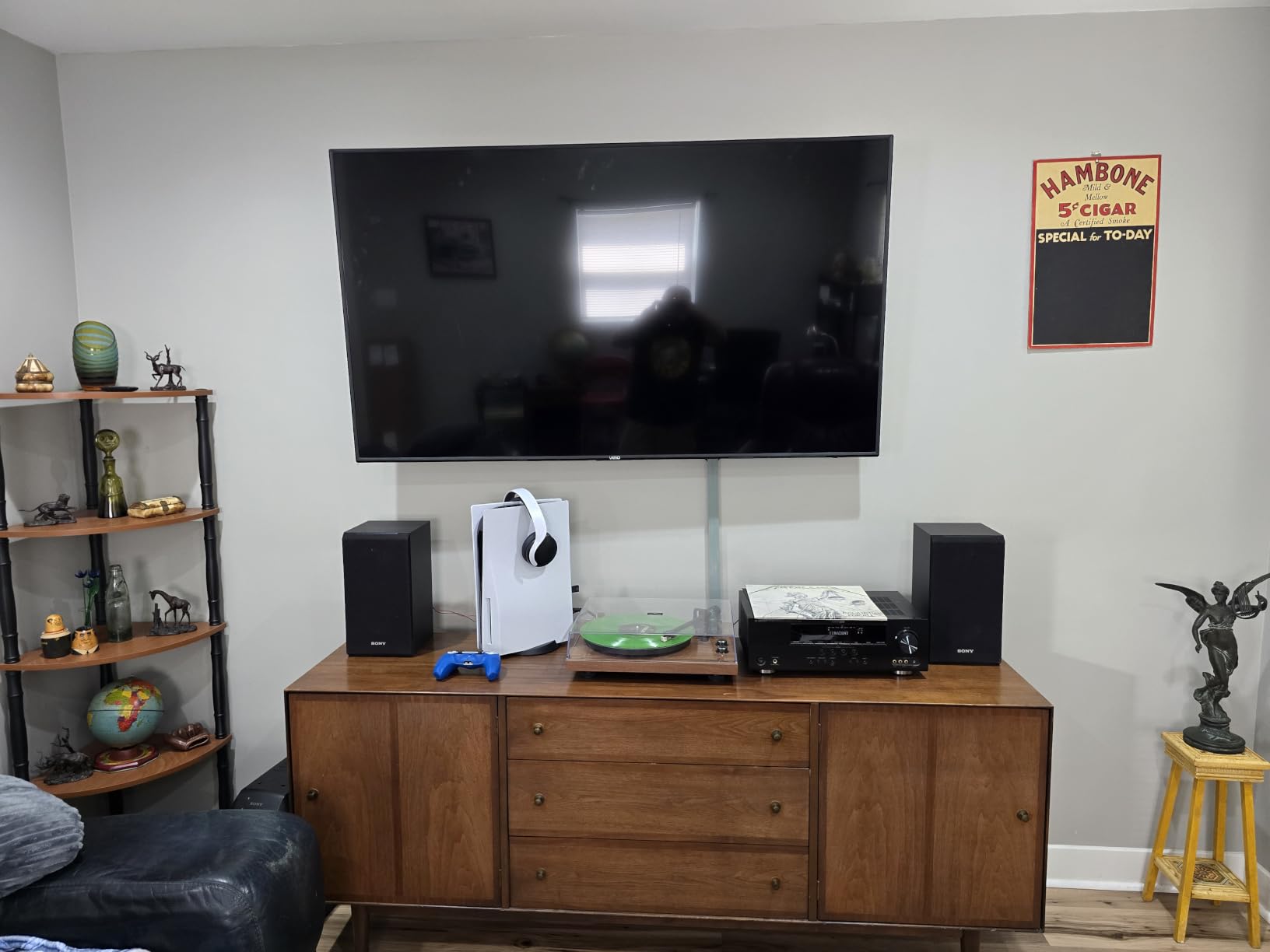
The Yecaye 42in has earned 4.5 stars across more than 11,000 reviews, and reviewers highlight the same strengths: minimal tools, paintable finish, and the right size for a TV drop. One consistent complaint is that the adhesive can fail on heavily textured walls or orange-peel paint. If your wall has heavy texture, hit it with a hair dryer before peeling, or add a few dabs of mounting putty.
This is the cheapest wall raceway in the roundup that I would actually trust for permanent install.

Who the Yecaye 42in is right for
Anyone hiding one or two cables behind a wall-mounted TV in a single straight run. Also a great entry point for renters who want a removable cord hider.
Who should skip it
If you need corner connectors or a longer run, jump to the Delamu 157in or A+ ELECTRIC 315in kits.
6. N NOROCME 192-Piece Cord Management Kit – Best All-In-One Kit
Cord Management Organizer Kit 4 Cable Sleeve split 192PCS Cable Management
- Comprehensive kit covers sleeves
- ties
- clips
- Value pricing per piece
- Velcro ties for reconfiguration
- 36 adhesive cord holders included
- Strong nylon material durability
- Some adhesive pads lose grip over time
- Cable sleeves have limited capacity
- A few pieces may be redundant for specific setups
If you do not know exactly what you need yet, the N NOROCME 192-piece kit is the safest starter pack. The kit combines 4 split sleeves, 10 reusable wire ties, 36 self-adhesive cord holders, 2 self-adhesive cable tie rolls (197 inches each), and 100 nylon zip ties. That covers every category of cable management at once.
I gave this kit to a friend setting up his first home office. Two weeks later he texted that the zip ties alone were worth the price. The reusable wire ties handle daily cable changes on the desk, while the adhesive cord holders route the run along the desk edge.
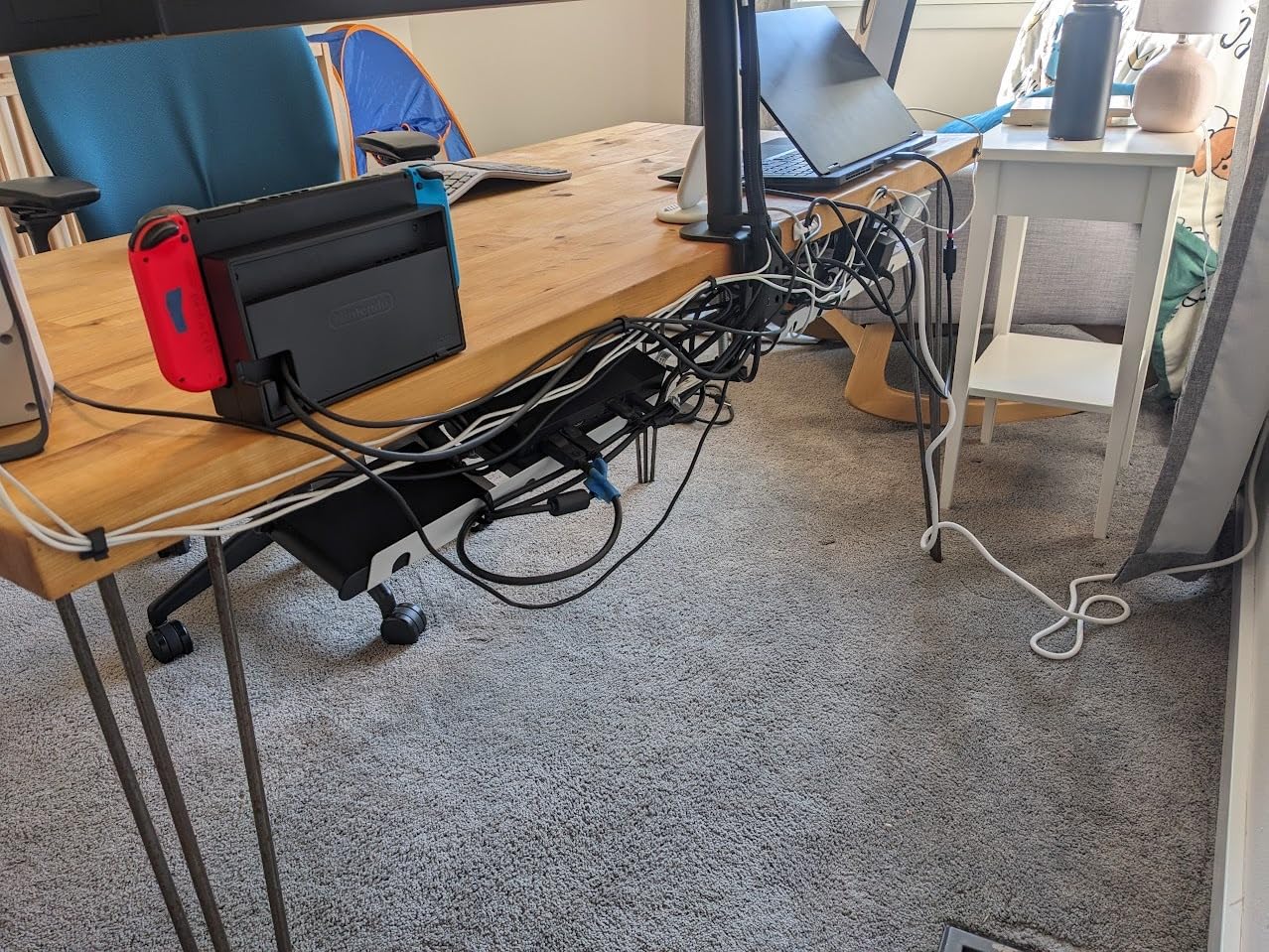
The 4.6-star average across nearly 10,000 reviews speaks to the breadth of the kit. Reviewers on the New York Magazine Strategist praised this category of multi-piece kit for letting you discover what you actually need by trying each option.
Adhesive grip is the consistent complaint. For permanent mounts, supplement the included adhesive pads with 3M VHB tape. For temporary mounts (renters, dorm rooms), the included adhesive usually lasts 12 to 18 months.
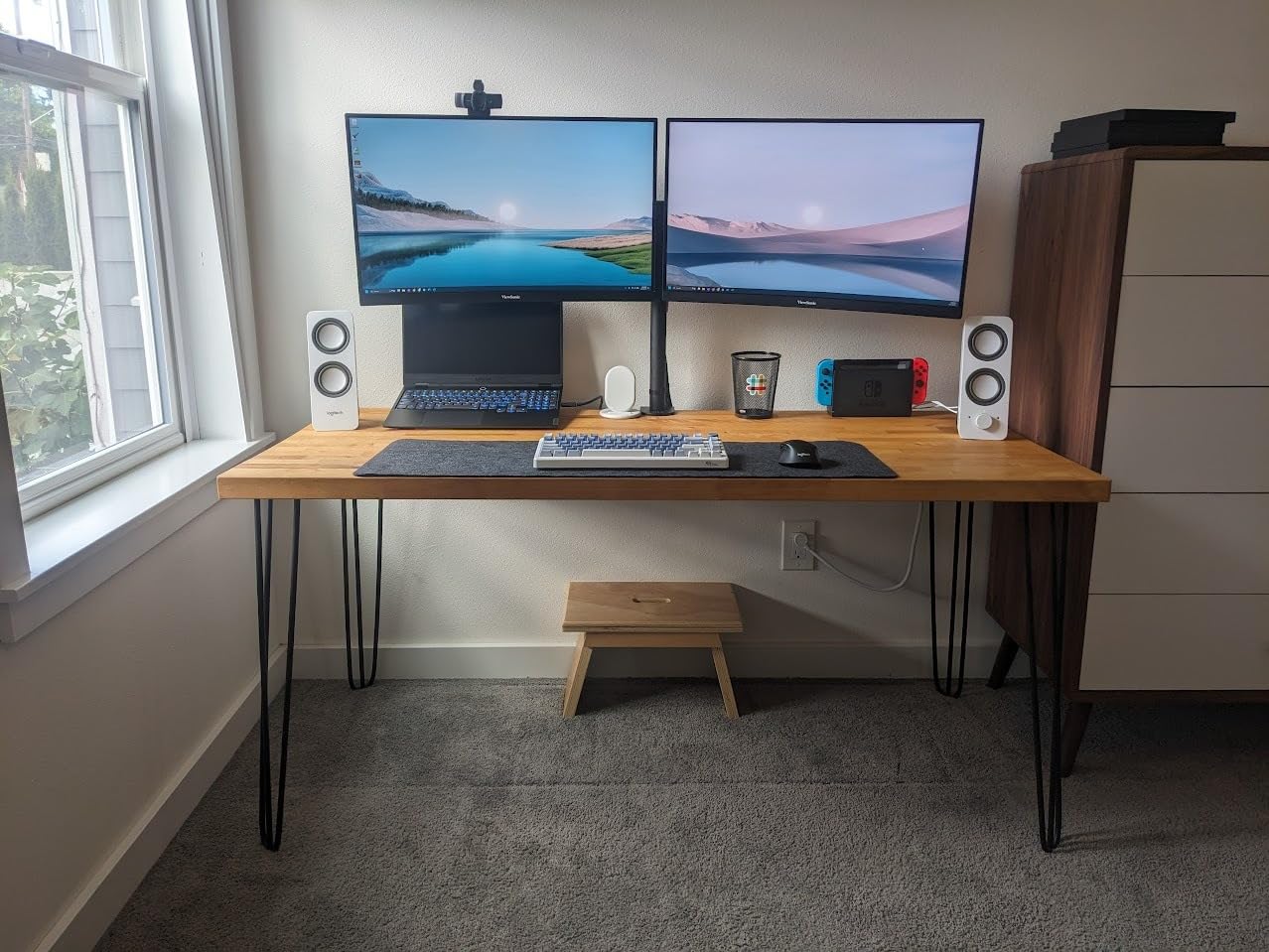
Who the N NOROCME kit is right for
First-time cable managers, students setting up a dorm room, and anyone who wants to try every category before committing to a specific system.
Who should skip it
If you already know you only need sleeves, ties, or a raceway, the single-purpose products above are better values. This kit is for breadth, not depth.
7. YECAYE 6-Pack J-Channel – Best Value Desk Raceway
- Easy peel-and-stick installation
- Strong adhesive on smooth surfaces
- Up to 10 cables per channel
- Outward-facing channel for easy access
- Renter-friendly removal with hairdryer heat
- Adhesive may fail on powder-coated or uneven surfaces
- Heavy cable bundles can stress the bond
Most under-desk raceways trap cables inside a closed channel. The YECAYE J-channel keeps the channel open at the top, like a rain gutter, so you can drop cables in without threading them. That design choice is what put this product on every desk-cable roundup I read.
Each channel is 15.7 inches long, 0.99 inch wide, and 1.55 inch tall. Six channels in the pack cover most home-office desks. I mounted three along my desk frame and three along the wall behind, hiding power strips, USB hubs, and the inevitable wall-wart bricks.
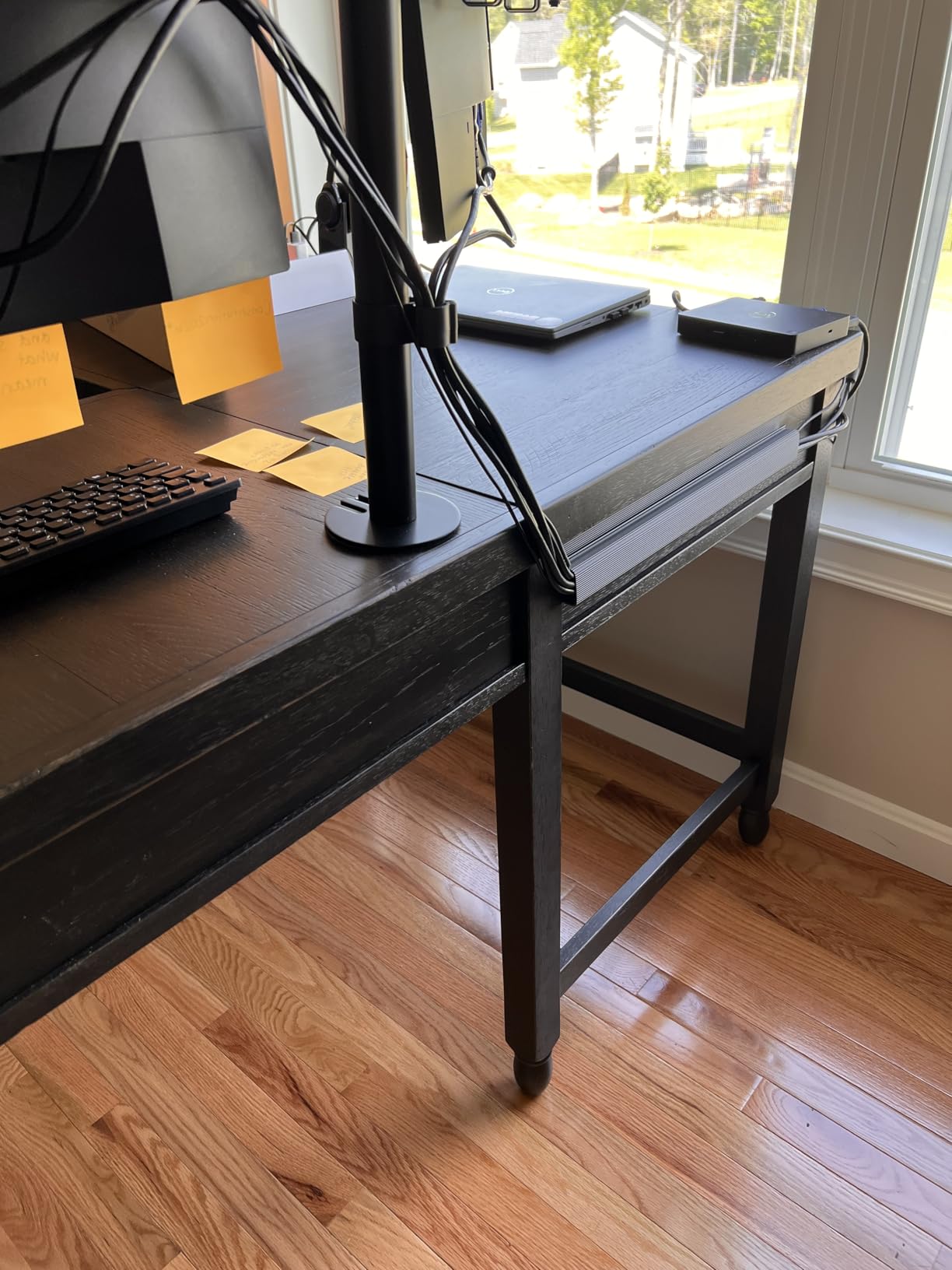
Up to 10 cables per channel is generous. Realistically, 5 to 7 is comfortable without the bundle overflowing. The PVC carries a flame-retardant rating, important when the channel is mounted under a desk with a power strip nearby.
One tip from r/StandingDesk users: if you mount the J-channel to the desk frame (not the surface), it moves up and down with the desk and keeps cables from snagging during height changes.
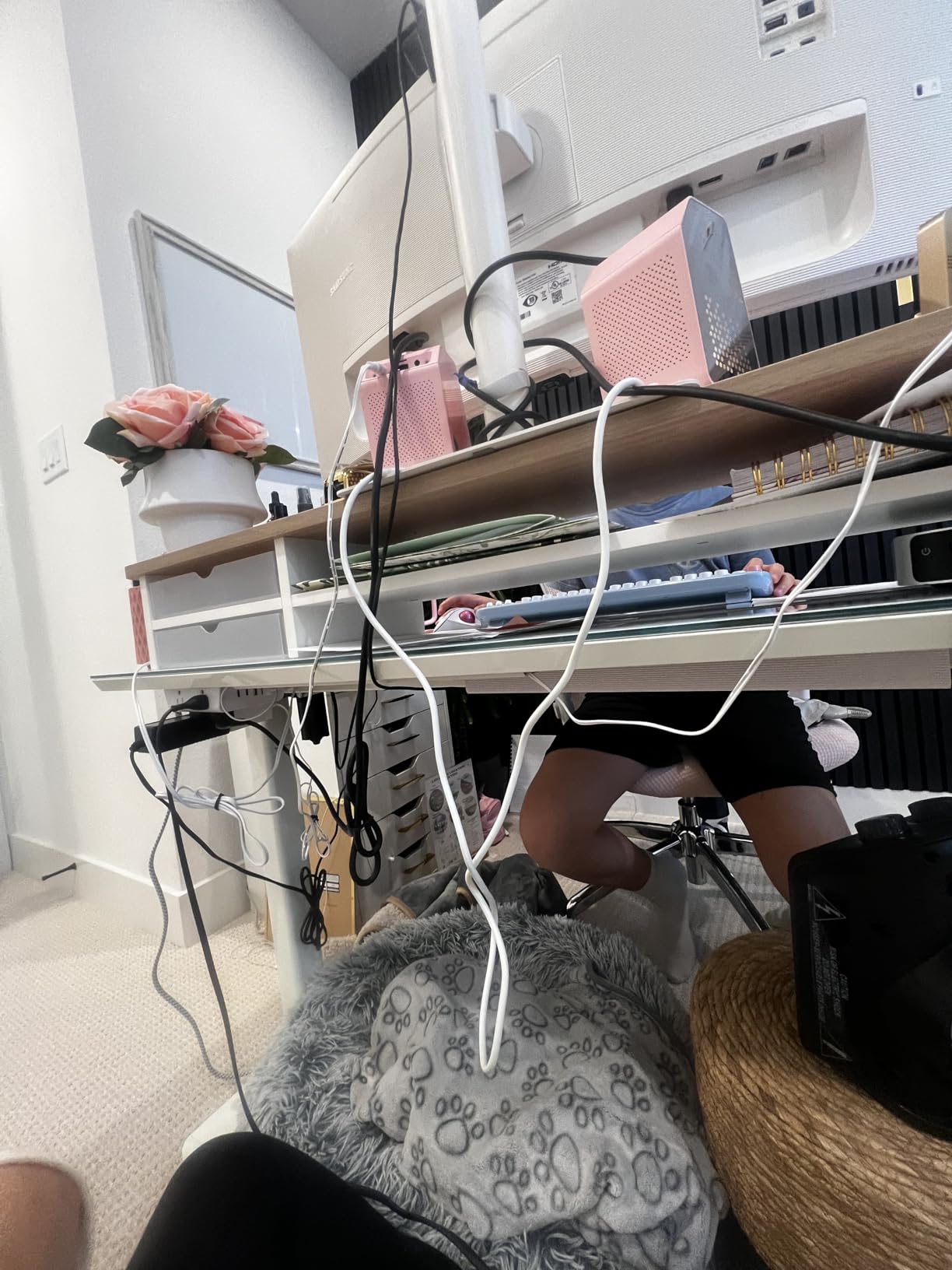
Who the YECAYE J-channel is right for
Anyone with a fixed or standing desk who wants easy cable access. The open channel design is the killer feature. Reviewers on BTOD’s blog and the Strategist both highlighted this design.
Who should skip it
If your desk has a powder-coated frame or textured underside, the adhesive will struggle. Use screw-mount J-channels or switch to a clamp-on tray.
8. D-Line Large Cable Management Box – Best Premium Box
- Hides power strip and excess cord mess
- Stylish curved design with ventilation
- Electrically safe ABS plastic
- 3 rear cable entry/exit slots
- Versatile home and office use
- Improves safety for pets and infants
- Lid alignment takes a moment to master
- Premium price for plastic construction
Cable boxes are the unsung heroes of TV stands and home-office power hubs. The D-Line large box measures 16.5 inches long, 6.5 inches wide, and 5.25 inches tall, large enough for a 12-outlet surge protector with brick adapters still attached.
The curved styling reads as a design object rather than a plastic tub. The ABS plastic is electrically safe, important when the box is fully enclosing a live power strip. Three rear cable slots handle the inevitable bundle entering and exiting.
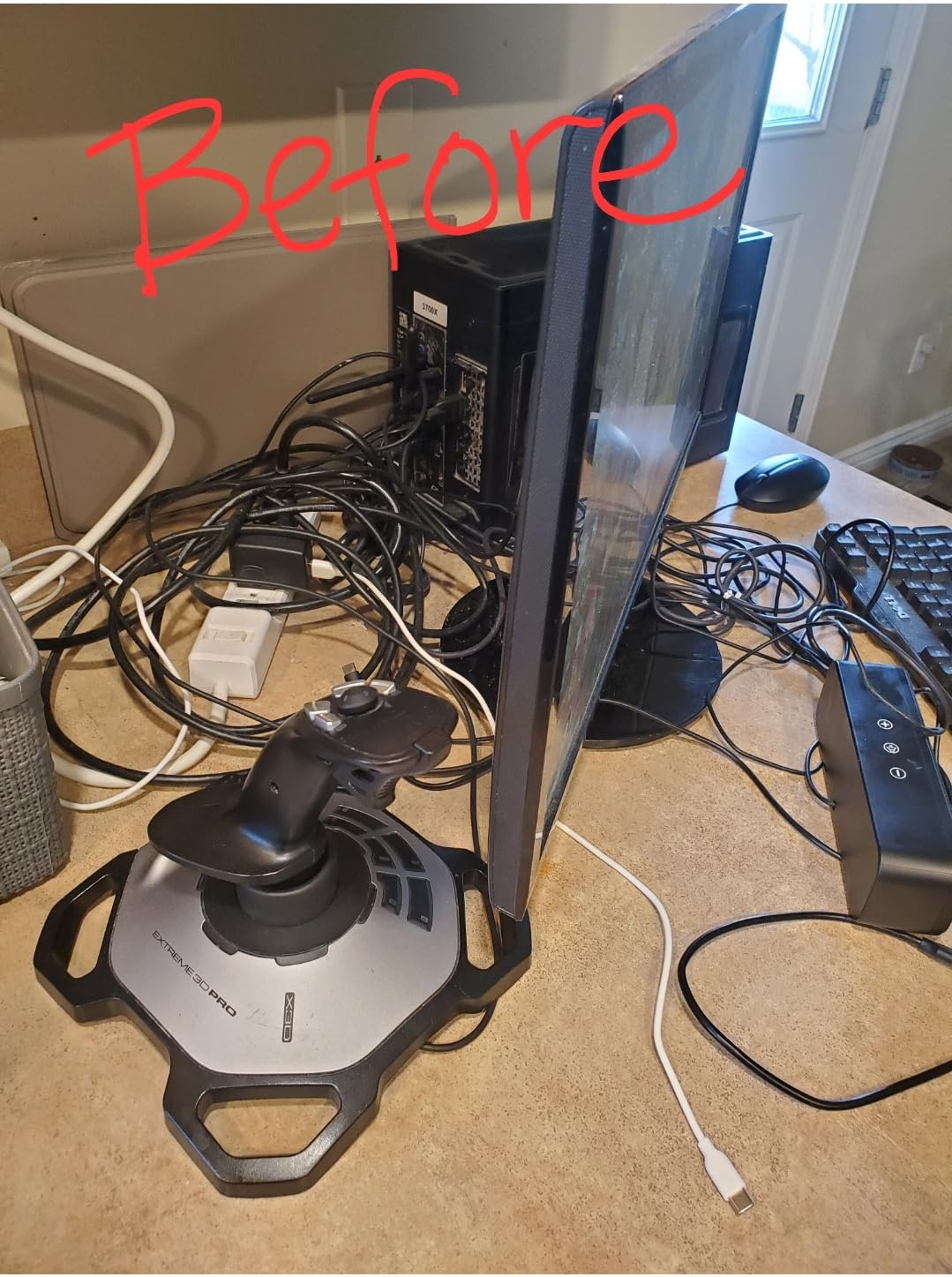
Reviewers on the Strategist and at BTOD highlight the lid alignment as the only learning curve. The D-Line lid has a curved tongue that seats into a slot at the front. First-time users press the back of the lid first, then click the front. After that, it works every time.
I tested the box with a 12-outlet Anker surge protector plus three wall-wart adapters plus a power brick for an external monitor. Everything fit without forcing the lid. The ventilation gaps in the curved front are a smart safety touch.
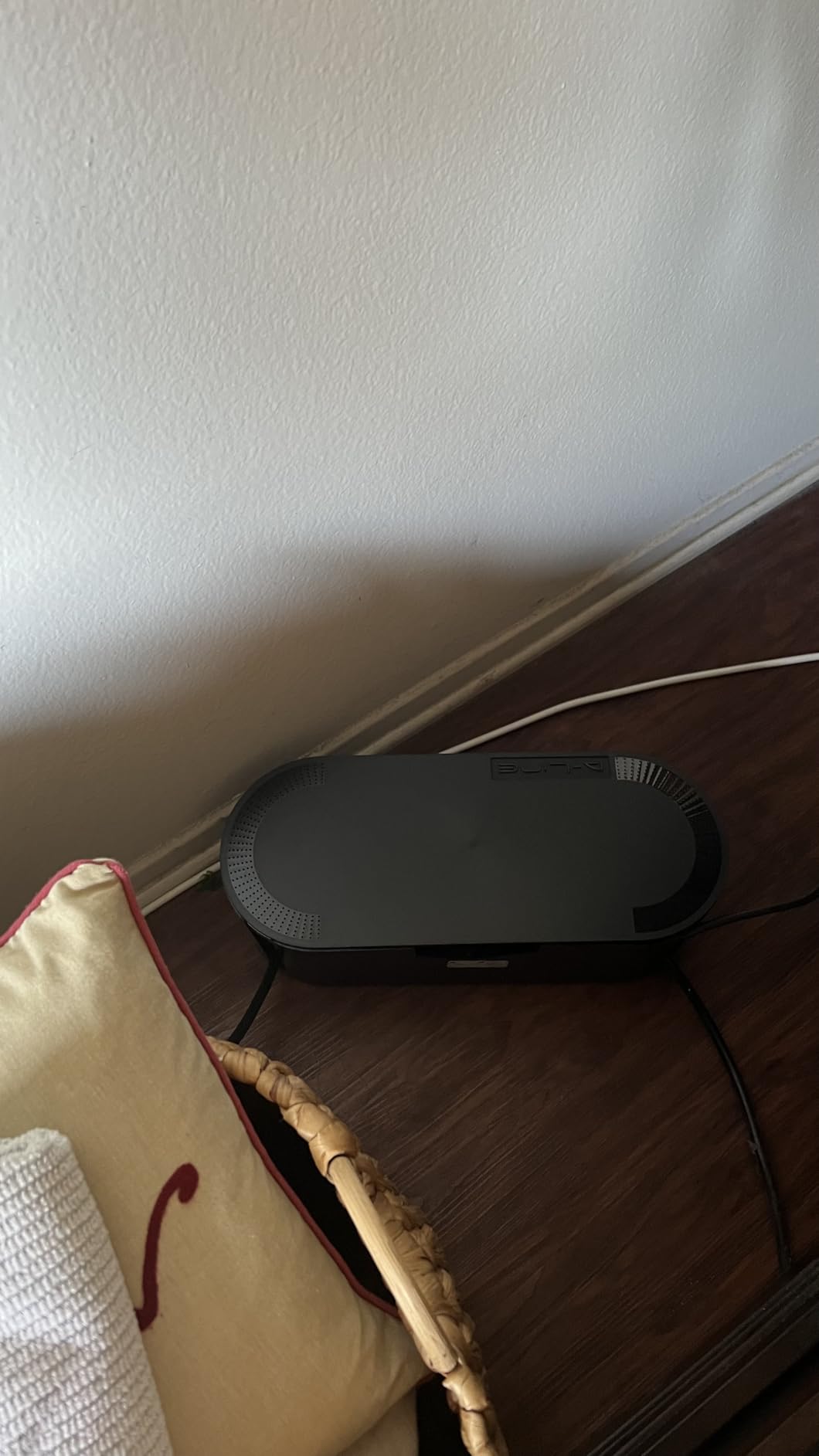
Who the D-Line box is right for
Anyone with a visible power strip that needs to disappear. The curved design reads as intentional furniture rather than plastic cover. A great pick for living rooms, nurseries, and pet-friendly homes.
Who should skip it
If you need a cheaper two-pack solution for multiple rooms, the YECAYE 2-pack box below is a better value.
9. YECAYE 2-Pack Cable Box XL+M – Best for Pets and Kids
- Dustproof and bite-proof construction
- Two sizes for flexible placement
- Ventilation holes prevent overheating
- Durable ABS material
- Sleek white finish
- No installation required
- Medium box may be too small for large surge protectors
- Lid does not always click securely
The 2-pack configuration is what pushed this YECAYE box onto the list. You get one large box (15.7 x 5.8 x 5.2 inches) for the living room power strip and one medium box (12.5 x 5.1 x 5 inches) for the nightstand charger hub. Same white finish, same ABS construction, same dustproof lid.
Both boxes have ventilation holes that prevent the heat buildup you see with fully enclosed plastic covers. Reviewers consistently mention this as the deciding factor versus cheaper plastic tubs that trap heat around a power strip.
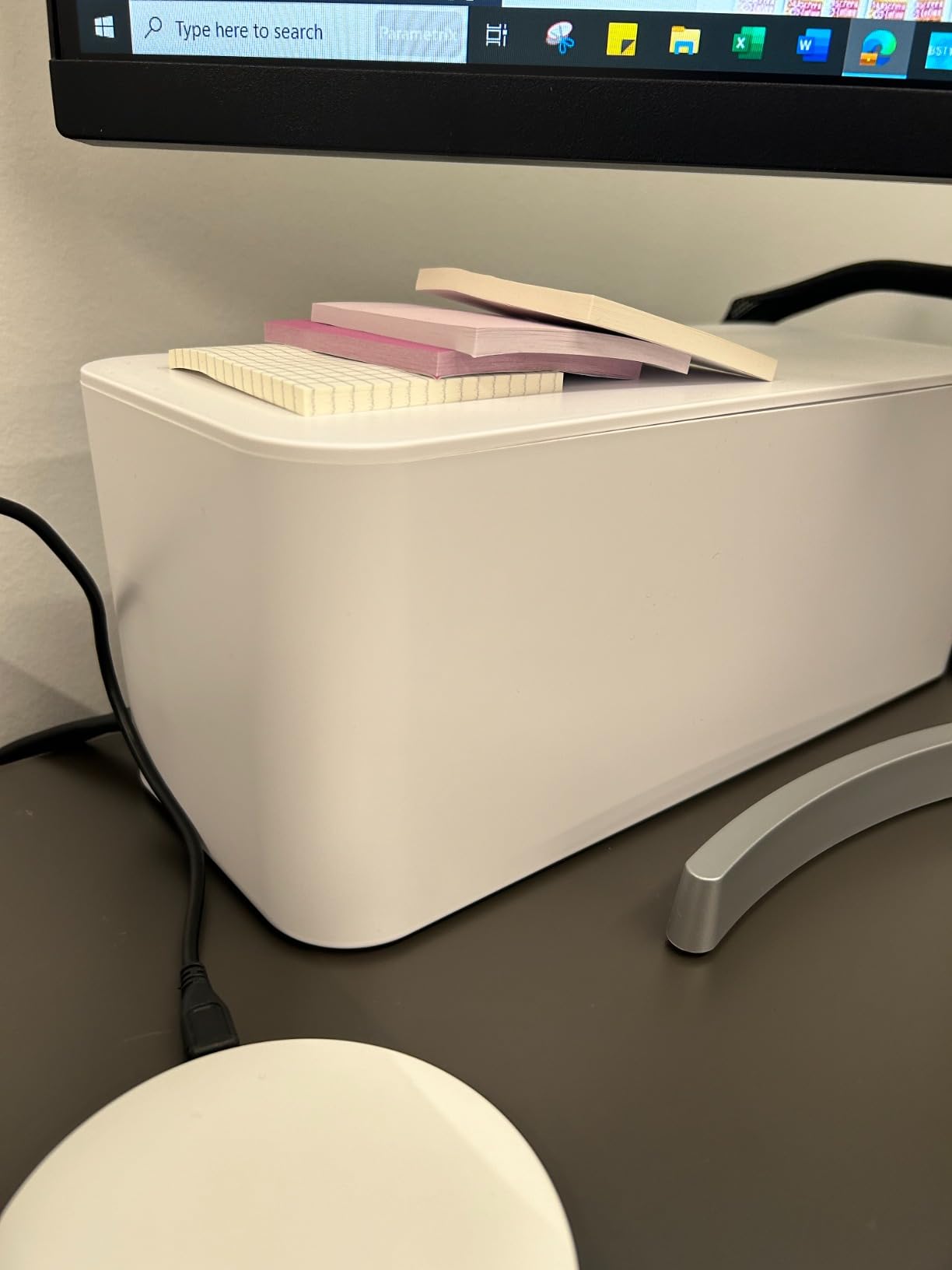
For households with pets or toddlers, the bite-proof lid plus rear cable entry design is a meaningful safety upgrade. A loose power strip on the floor is one of the most common causes of pet-related electrical incidents in the home.
One minor caveat. The medium box is tight for surge protectors larger than 8 outlets. If your main power strip has more than 8 outlets, use the large box exclusively and skip the medium.
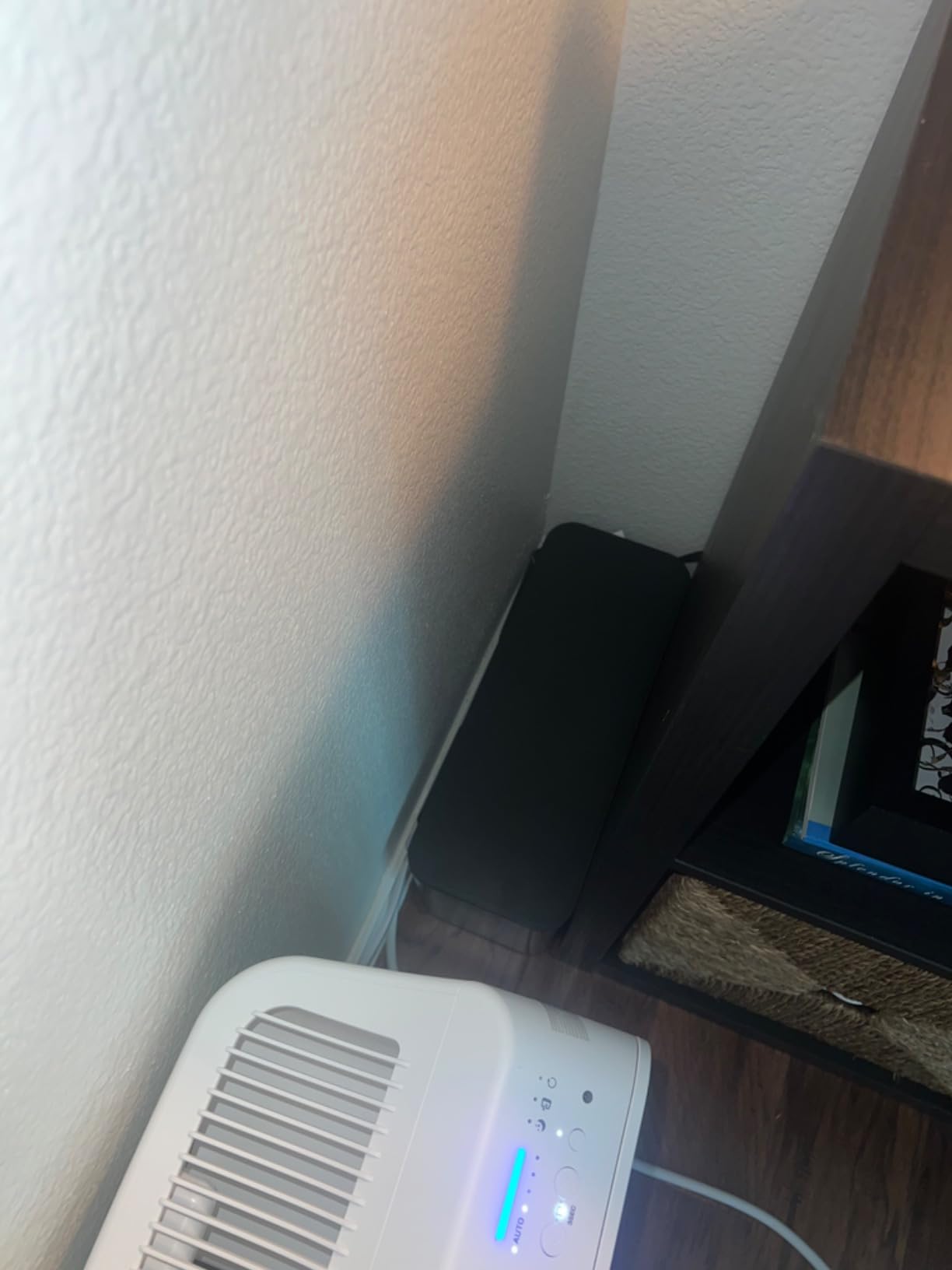
Who the YECAYE 2-pack is right for
Anyone who needs cable concealment in two rooms. Also the right pick for households with curious pets or toddlers where exposed power strips are a safety concern.
Who should skip it
If you only need one box and want a fancier finish, the D-Line large box is the upgrade pick.
10. Litwaro No-Drill Under Desk Tray – Best for Standing Desks
- No-drill clamp installation in minutes
- Rubber pads protect desk surface
- Sturdy carbon steel holds 15 lbs
- Mesh design prevents dust accumulation
- Fits desks 0.4 to 2 in thick
- Reduces trip hazards and pet cable access
- Tight fit for very bulky power strips
- Reach to back of tray can be awkward
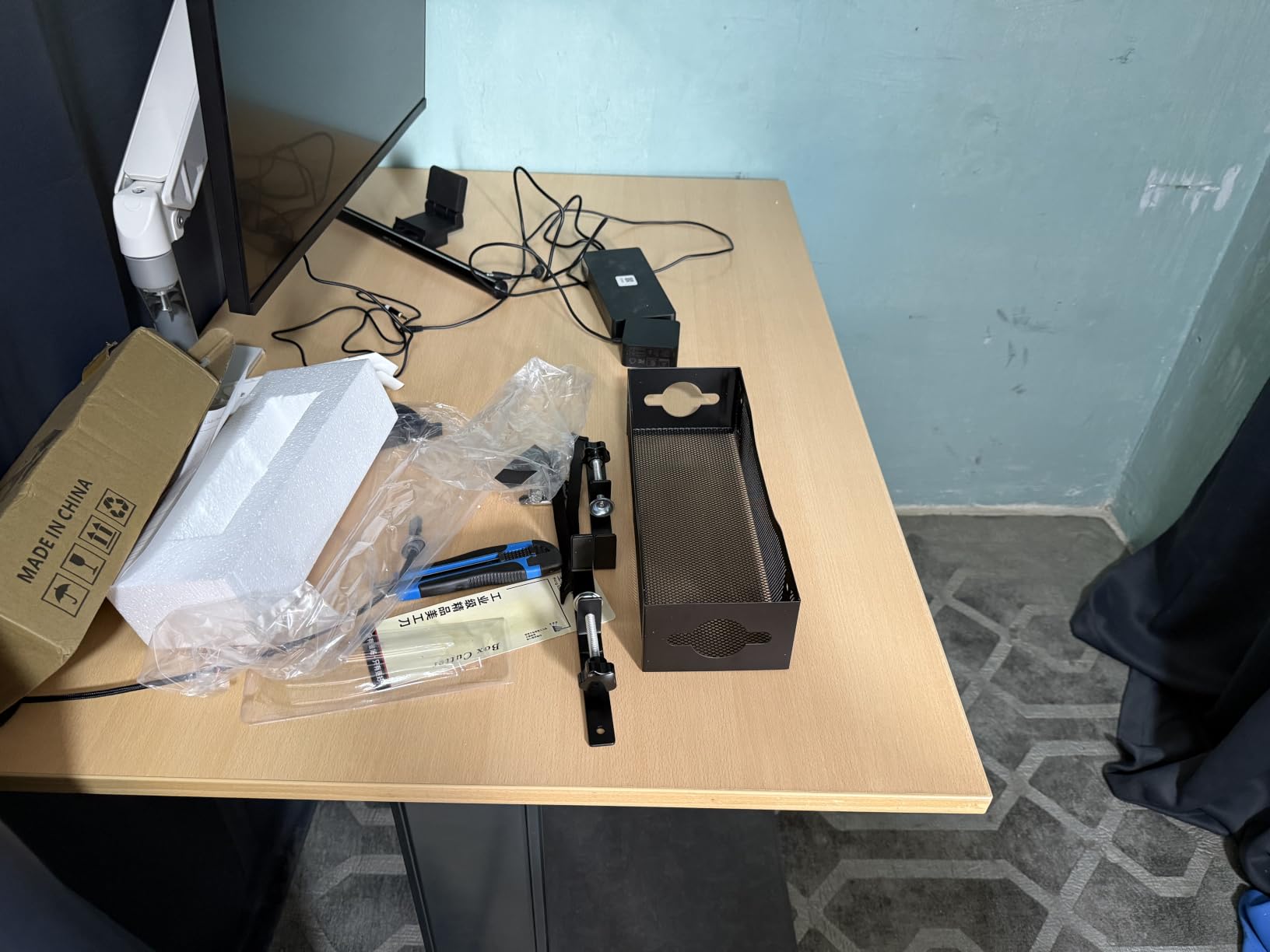
The standing-desk cable problem is unique. Cables must move with the desk frame, so any tray mounted to the surface creates snag points at the height extremes. The Litwaro tray clamps to the desk frame itself, which means the tray travels up and down with the desk. No snags, no pulled cables.
The clamp accepts desk thicknesses from 0.4 to 2 inches. Built-in rubber pads protect the desk surface. The carbon-steel mesh holds about 15 lbs, plenty for a power strip plus USB hub plus a couple of wall-wart bricks. The mesh design prevents the dust accumulation that solid-bottom trays collect over months.
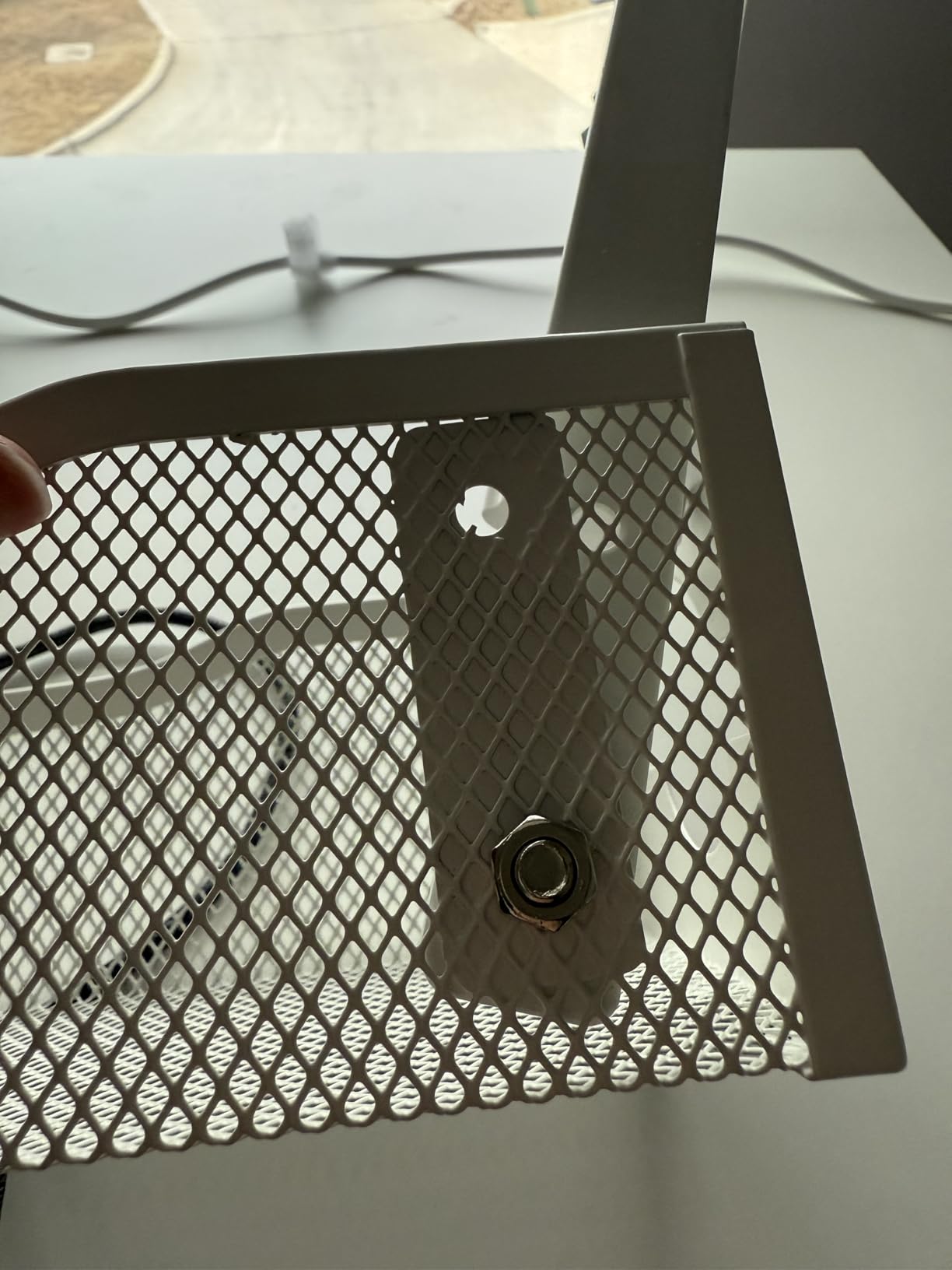
I tested the Litwaro tray on a 1.2-inch thick solid-wood top with no drilling. The clamp took 90 seconds to install with the included hex key. After a month of daily sit-stand transitions, the tray has not budged and no cables have snagged.
Reviewers on r/StandingDesk and the New York Times Wirecutter both call out the Litwaro design as one of the best no-drill trays available. The Wirecutter specifically highlighted the adjustable clamps as a differentiator versus cheaper baskets that rely on screws.
For our robotics and maker readers: the mesh bottom catches the inevitable dropped screw or wire offcuts. Less hunting under the desk.
Who the Litwaro tray is right for
Anyone with a standing desk, a thick desk top that cannot be drilled, or a renter. Also a great pick for robotics workbenches where the cable bundle moves with the work surface.
Who should skip it
If your desk is thicker than 2 inches, or you have a glass top with no frame, the clamp will not work. Look for a screw-mount tray instead.
Cable Management Buying Guide for 2026
A cable management system is a coordinated set of trays, sleeves, clips, ties, raceways, and boxes that route, bundle, and conceal power and data cables. The best system for your setup depends on the desk type, the number of cables, and whether you can drill. Below is the framework I use when recommending a cable management system.
The three layers of cable management
Cable management works in three layers. Bundling holds cords together using zip ties, Velcro, or sleeves. Routing carries cords along a desk frame, wall, or floor using trays, raceways, and clips. Concealment hides the power strip and brick bundle using boxes and covers. Most desks need all three layers. A single category covers about 30 percent of the visual mess.
Under-desk trays vs. desk-top raceways vs. cable boxes
Under-desk trays (like the Litwaro) hide the mess you do not see but live with. They are the right answer for floor-visible cable clutter. Desk-top raceways (like the YECAYE J-channel) route cables along a frame edge where they are still visible but tidy. Cable boxes (like the D-Line) hide the power strip itself. Use a tray plus a box for a complete desk solution, or a raceway plus ties for a single power strip setup.
No-drill vs. drill-mount options
No-drill clamp-on trays (Litwaro) and peel-and-stick raceways (Delamu, A+ ELECTRIC, Yecaye) are renter-friendly and reversible. Drill-mount trays (Humanscale NeatTech, IKEA Signum) are sturdier but require commitment. For standing desks, no-drill clamp is the only sensible option because the tray must move with the desk. Reviewers on r/StandingDesk confirm any surface-mounted tray creates snag points at the height extremes.
Standing desk cable routing
If your desk moves up and down, mount the tray or raceway to the frame, not the surface. Add 12 to 18 inches of slack between the tray and the wall to allow for travel. A cable spine (vertical cable cover from desk to floor) handles the transition cleanly. For more on the engineering side of adjustable work surfaces, our coverage of autonomous sensor systems touches on similar frame-mounted routing concepts.
Robotics, maker, and lab-bench use cases
Most consumer cable management roundups ignore the robotics workbench. After testing these products with servo leads, oscilloscope probes, and bench power supplies, here is what I found. Split polyethylene sleeves (Alex Tech) handle the heat of a 3D-printer enclosure. Mesh under-desk trays (Litwaro) catch dropped screws and wire offcuts. Reusable Velcro ties (Nettbe) are essential because maker workbenches rewire constantly.
For drone charging stations, the YECAYE J-channel holds multiple parallel LiPo balance leads without tangling. Mount it horizontally above the charging shelf rather than vertically. For lab bench power supplies, the D-Line box conceals the main AC strip while keeping individual bench supplies accessible.
Velcro ties vs. zip ties
Velcro wins on reusability and safety. Zip ties win on tamper resistance and one-time cost. For any setup where cables change, Velcro is the right call. For permanent installs behind a wall, zip ties are fine. Reviewers on r/buildapc and MacRumors consistently prefer Velcro for PC builds because they rewire annually. For embedded robotics controllers and other always-on electronics, our primer on watchdog timers in embedded systems explains why keeping the wiring tidy around a reset line matters as much as the bundle itself.
Wall TV cable concealment
For wall-mounted TVs, the best cable management is a paintable raceway (Delamu, A+ ELECTRIC, Yecaye) that matches the wall color. Run the channel vertically from the TV down to the baseboard, then horizontally to the nearest outlet. Use the corner connectors included with Delamu and A+ ELECTRIC for clean L-shapes. A single HDMI plus power drop fits the Yecaye 42in; multi-cable runs need the longer Delamu or A+ ELECTRIC kits.
Adhesive durability warning
Adhesive-backed raceways and clips fail over time. Strategist reviewers noted that adhesive-backed trays fall off after 1 to 2 years, especially on textured walls or under heavy bundles. To extend life, clean the surface with isopropyl alcohol before mounting, press firmly for 30 seconds, and let cure for 24 hours before loading cables. For permanent installs, use the included screws where possible.
Fire safety and power strips
Fully enclosed cable boxes can trap heat around a live power strip. Choose boxes with ventilation holes (the YECAYE and D-Line options both have them). Never stuff a box so full that cables press against the lid. Leave the box accessible from one side so you can unplug without moving furniture.
Frequently Asked Questions
What is the best way to organize my cables?
The best way to organize cables is to layer three categories. Use reusable Velcro ties or split sleeves to bundle cables together, run the bundle along a desk frame or wall using a tray or raceway, and hide the power strip itself in a cable management box. For most desks, the combination of a Litwaro under-desk tray plus a D-Line cable box plus Nettbe Velcro ties covers the full job.
How can I organize all my TV cables?
For wall-mounted TVs, run a paintable raceway (Delamu 157in, A+ ELECTRIC 315in, or Yecaye 42in) vertically from the TV down to the baseboard, then horizontally to the nearest outlet. Use the included corner connectors for clean L-shaped paths. Hide the power strip behind the TV stand in a D-Line cable box. Bundle HDMI, Ethernet, and speaker wire with Velcro ties before inserting into the raceway.
What is the best cable organizer for TV cables?
The best cable organizer for wall-mounted TV cables is a paintable PVC raceway with corner connectors. The Delamu 157in kit covers most single-TV installs with its included corner pieces and UL94 V-0 flame rating. For multi-TV or complex L-shaped runs, the A+ ELECTRIC 315in kit with 20 channels is the better pick. Both accept wall-matched latex paint for a seamless finish.
Which desk has the best cable management system?
No off-the-shelf desk has the best cable management system on its own; the best system is what you add to the desk. For standing desks, clamp-on under-desk trays like the Litwaro move with the frame and prevent snag points during height changes. For fixed desks, an under-desk tray plus a cable management box plus reusable Velcro ties is the most complete setup. Choose the tray or raceway based on whether you can drill into the desk top.
Is duct tape good for cable management?
Duct tape is not safe for cable management. The adhesive leaves residue on cable jackets, and over time the tape can harden and lose grip, letting cables sag. In high-current runs the tape can also trap heat. Use proper cable ties (Velcro for reusability, nylon zip ties for permanent installs), split cable sleeves, or purpose-built clips instead. Family Handyman specifically warns about duct tape as a fire hazard around cable bundles.
Final Verdict
After sorting through ten of the best cable management systems you can buy in 2026, my top pick for most desks is the Alex Tech Wire Loom Tubing. It earned the EDITOR’S CHOICE badge for a reason: 84,000+ reviews at 4.7 stars, UL Recognized polyethylene construction, and a split-sleeve design that handles any cable bundle on a desk, TV, or workbench.
For wall-mounted TVs, add the Delamu 157in raceway. For under-desk clutter on a standing desk, add the Litwaro clamp-on tray. For the power strip itself, the D-Line box is the premium pick. That three-product combination covers the home office, the living room, and the robotics workbench without overlap.
Pick the cable management system that matches your desk type and how often you rewire. Then build it in three layers: bundling, routing, concealment. Do that, and your cable mess becomes invisible.