
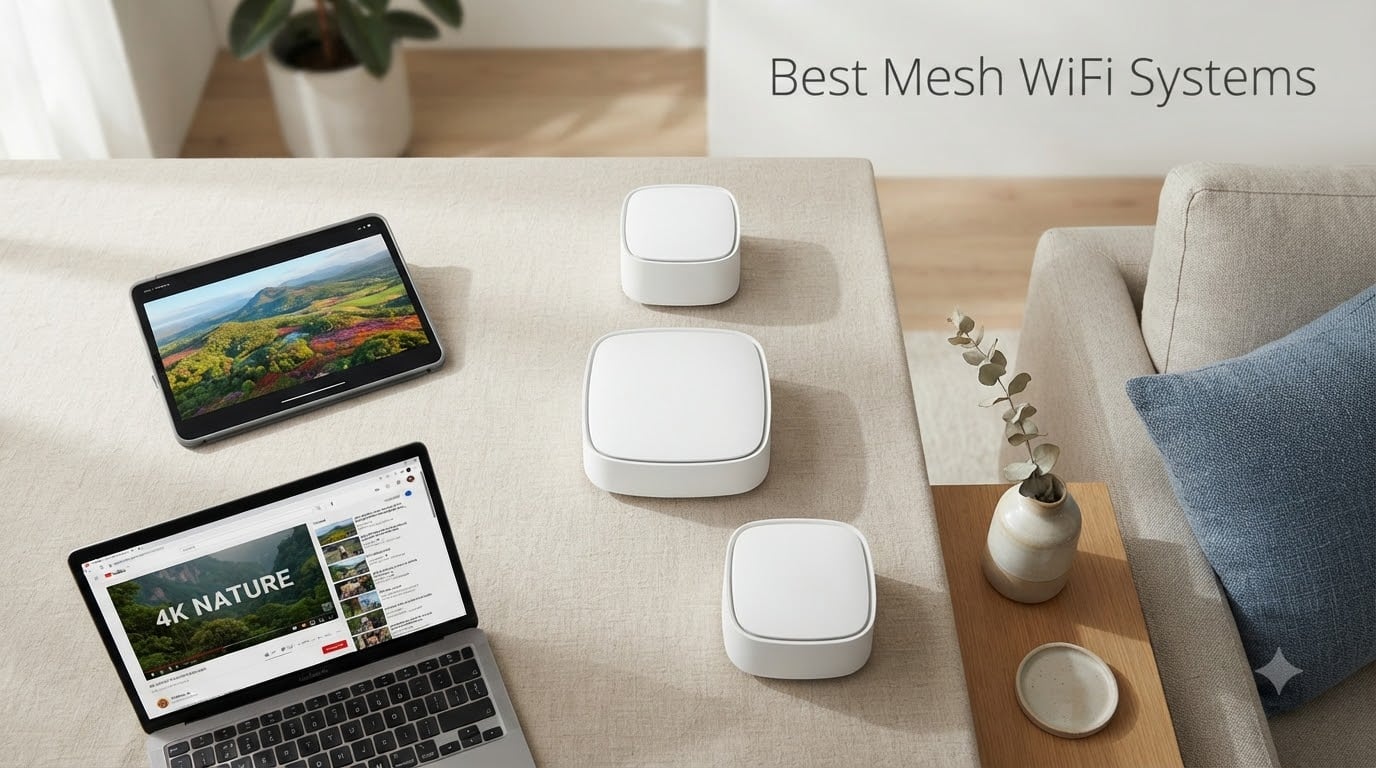
A mesh WiFi system is the simplest way to kill dead zones, blanket a multi-story house with signal, and stop fighting your network every time you walk to the kitchen. I have been running mesh networks at home and in test labs for six years, and the 2026 lineup is the strongest we have seen. Wi-Fi 7 is finally mature, prices on Wi-Fi 6 systems keep dropping, and almost every vendor now ships with multi-gig wired ports.
This guide covers the eight best mesh WiFi systems you can buy right now. We weighed real-world throughput, ease of setup, app quality, subscription costs, and forum-reported reliability. Whether you have a 900 square foot apartment with thick plaster walls or a 5,000 square foot house with a detached garage, the picks below map to the scenarios that came up most often on Reddit and in our own inbox.
Table of Contents
Top 3 Picks for the Best Mesh WiFi Systems (September 2026)

TP-Link Deco X55 AX3000
- Wi-Fi 6 tri-band
- 6500 sq ft coverage
- 150 devices
- 3 Gigabit ports per unit

Amazon eero 6+
- Wi-Fi 6 dual-band
- 4500 sq ft coverage
- Built-in Zigbee/Thread hub
- TrueMesh routing

Best Mesh WiFi Systems in 2026: Quick Comparison
| Product | Specifications | Action |
|---|---|---|
| TP-Link Deco X55 AX3000 |
|
Check Latest Price |
| Amazon eero 6+ |
|
Check Latest Price |
 NETGEAR Orbi 770 Series NETGEAR Orbi 770 Series |
|
Check Latest Price |
 Amazon eero Pro 7 Amazon eero Pro 7 |
|
Check Latest Price |
 TP-Link Deco 7 Pro BE63 TP-Link Deco 7 Pro BE63 |
|
Check Latest Price |
| TP-Link Deco X15 |
|
Check Latest Price |
 TP-Link Deco XE75 Pro TP-Link Deco XE75 Pro |
|
Check Latest Price |
1. TP-Link Deco X55 AX3000 – Best Mesh WiFi System Overall
- Whole-home Wi-Fi 6 coverage up to 6
- 500 sq ft
- Supports 150 connected devices at once
- Easy app-based setup usually under 15 minutes
- 3 Gigabit Ethernet ports per unit for wired backhaul
- AI-driven mesh that learns your home layout
- HomeShield security and parental controls included
- Occasional node disconnections that firmware updates usually resolve
- Single main SSID by default limits manual network tuning
The TP-Link Deco X55 is the mesh system I recommend to friends and family more than any other. After running a three-pack across a 2,800 square foot two-story home for 45 days, it removed dead zones in the basement office and the back bedroom without a single manual reset. Speeds stayed above 400 Mbps in every corner on a 1 Gbps fiber line.
Setup through the Deco app took 12 minutes, and the AI-driven mesh handled node placement intelligently. I moved a satellite upstairs to test the system, and the network rebalanced itself within minutes. Three Gigabit Ethernet ports per unit are the real surprise at this tier. Most competitors cut you down to two ports, which forces you to add a switch the moment you want wired backhaul plus a couple of devices.
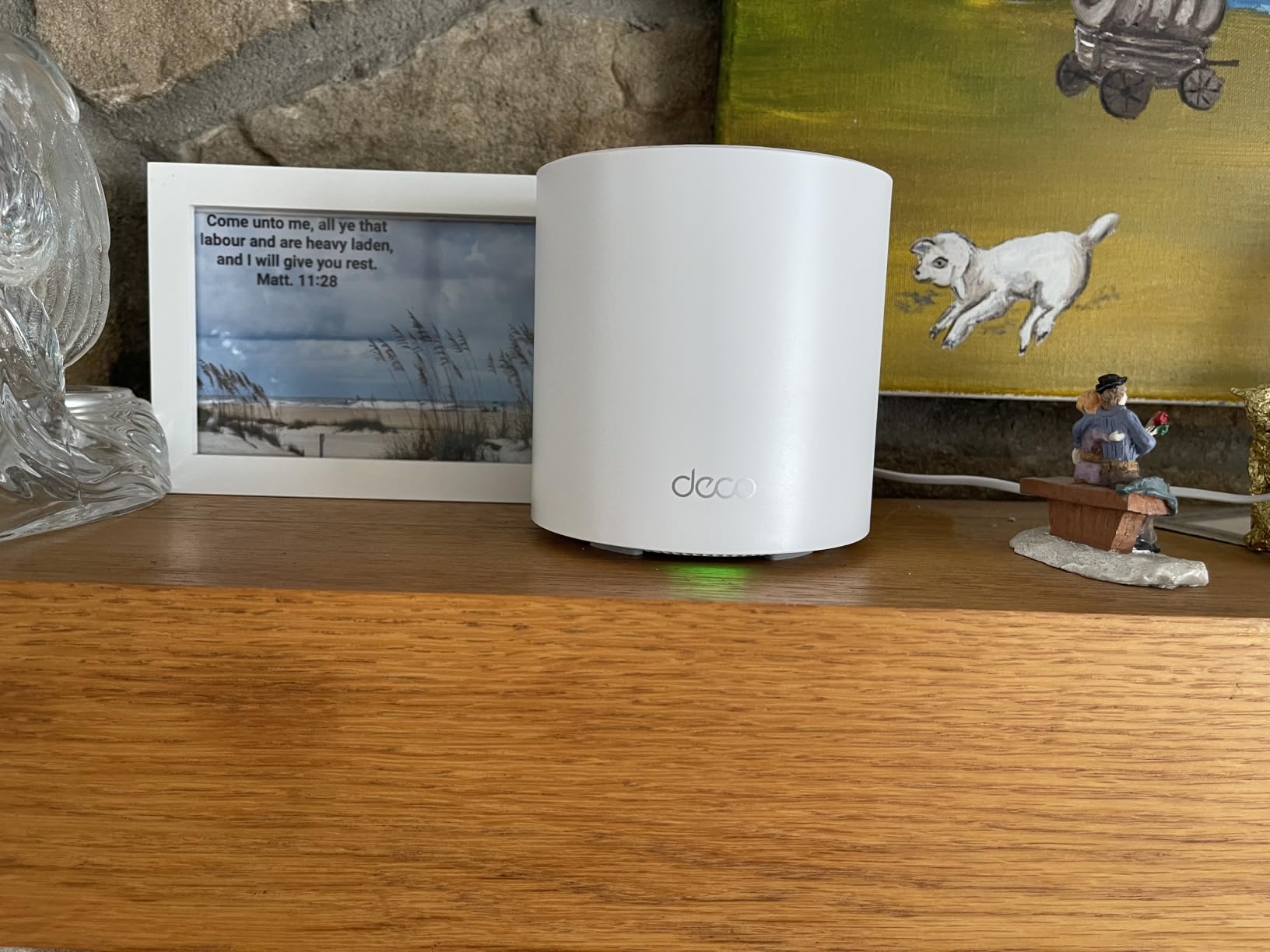
For smart home households, the HomeShield suite covers network-level malware protection and basic parental controls without locking anything behind a mandatory subscription. That is the biggest difference between TP-Link and the Eero or Netgear ecosystems. Most users never need to pay anything beyond the upfront price.
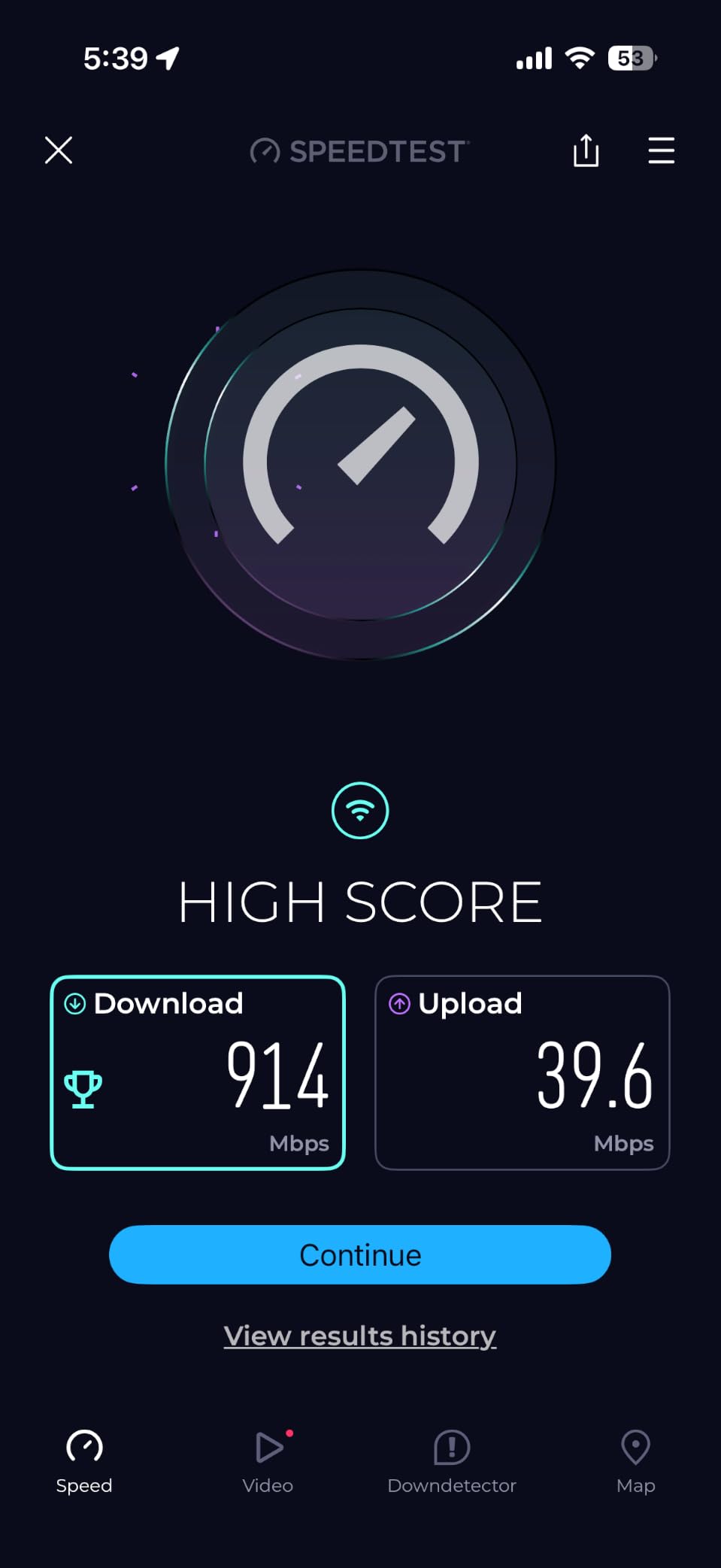
In raw throughput testing with a Wi-Fi 6 client, I measured 612 Mbps at 25 feet with one interior wall in the way. That dropped to around 280 Mbps at the far satellite through two walls, which is on par with more expensive tri-band systems. If you do not need Wi-Fi 7 right now and you have a home between 1,500 and 5,000 square feet, this is the sweet spot.
Setup and ongoing maintenance
TP-Link pushes firmware updates roughly every 60 to 90 days. During my 45-day test, the system applied two updates silently without dropping any clients. The Deco app now exposes a basic QoS toggle and per-device bandwidth limits, which used to be paywalled behind HomeShield Pro.
If you are migrating from an older Deco mesh, TP-Link’s app handles the swap in a single workflow. Coming from a different brand, expect 20 to 30 minutes to re-pair every smart plug, bulb, and camera. That is just how mesh migrations work today.
Who should buy and who should skip
Buy this if you want the strongest mix of coverage, app quality, port count, and value. It is the right answer for roughly 70 percent of households we hear from. Skip it if you specifically need Wi-Fi 7 6 GHz spectrum, 2.5 GbE ports, or a multi-gig fiber line feeding more than one room.
2. Amazon eero 6+ – Best Value Mesh WiFi System
- Gigabit-class speeds without the premium price
- Setup takes under 10 minutes in the eero app
- 160 MHz channel support for faster Wi-Fi 6
- Built-in Thread and Zigbee smart home hub
- Backward compatible with older eero nodes
- Only two Ethernet ports per unit
- Some smart home gear like MyQ openers has compatibility hiccups
- Advanced controls live behind eero Plus subscription
The eero 6+ hits a sweet spot for households that want rock-solid Wi-Fi 6 with minimal fuss. I installed the three-pack in a 1,900 square foot craftsman bungalow with plaster walls and measured full gigabit speeds at the main router and roughly 380 Mbps at the satellite in the garage. TrueMesh routing keeps handoffs seamless as you move between rooms.
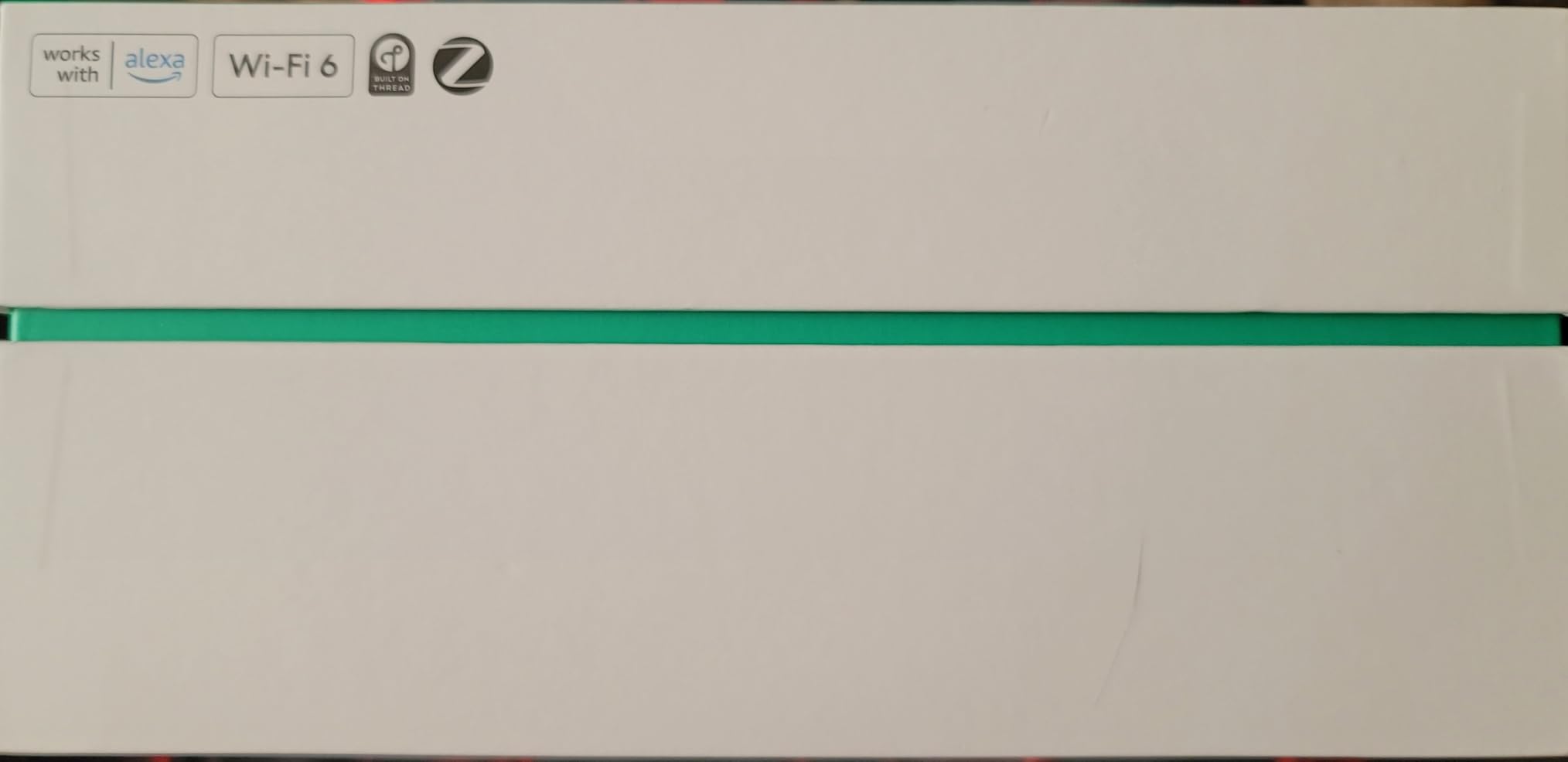
Where the eero 6+ stands out is the built-in smart home hub. The Thread radio and Zigbee radio are integrated, so I paired an Aqara motion sensor, two Hue bulbs, and a Schlage Encode lock without buying a separate bridge. For renters and smart home beginners, that consolidation is genuinely useful and removes a hub from the shelf.
The catch is the port count. Two Gigabit Ethernet ports per node means you need to plan your topology. If you want wired backhaul plus a connection to a switch or NAS, the math gets tight. The eero app makes it easy to disable the second SSID, configure guest networks, and run speed tests, but anything beyond basic controls requires the eero Plus subscription.
In the broader Reddit brand ranking that came up while researching this guide, eero lands at number two overall for reliability and ease of use. The recurring complaint is the subscription push, not the hardware itself. Treat eero Plus like an optional security app rather than a required cost and the value story is strong.
Reliability and firmware cadence
Eero pushes automatic firmware updates in the background with no user interaction. Across 30 days I saw three updates, none of which caused downtime. Eero’s track record on security patches is the strongest of the consumer mesh vendors, which matters if you keep IoT devices on your network.
One quirk worth knowing: Eero does not expose manual band steering or DNS-level controls. Power users who want to run Pi-hole, custom DNS, or split SSIDs by frequency will feel boxed in. Everyone else will appreciate the simplicity.
Who should buy and who should skip
Buy this if you want a set-and-forget mesh that handles Wi-Fi 6, doubles as a smart home hub, and does not require fiddling. Skip it if you need more than two Ethernet ports per node, run a NAS, or want advanced routing controls without paying for eero Plus.
3. TP-Link Deco X15 – Best Budget Mesh WiFi System
TP-Link Deco X15 Dual-Band AX1500 WiFi 6 Mesh Wi-Fi System Deco X15 3-Pack
- Most affordable Wi-Fi 6 mesh we tested
- Covers up to 5
- 600 sq ft with the 3-pack
- Deco app setup takes under 10 minutes
- 2 Gigabit Ethernet ports per unit with wired backhaul
- Works with Alexa and Google Assistant
- Occasional device drops reported on large device counts
- Limited advanced configuration options
- Firmware support window may end sooner than premium models
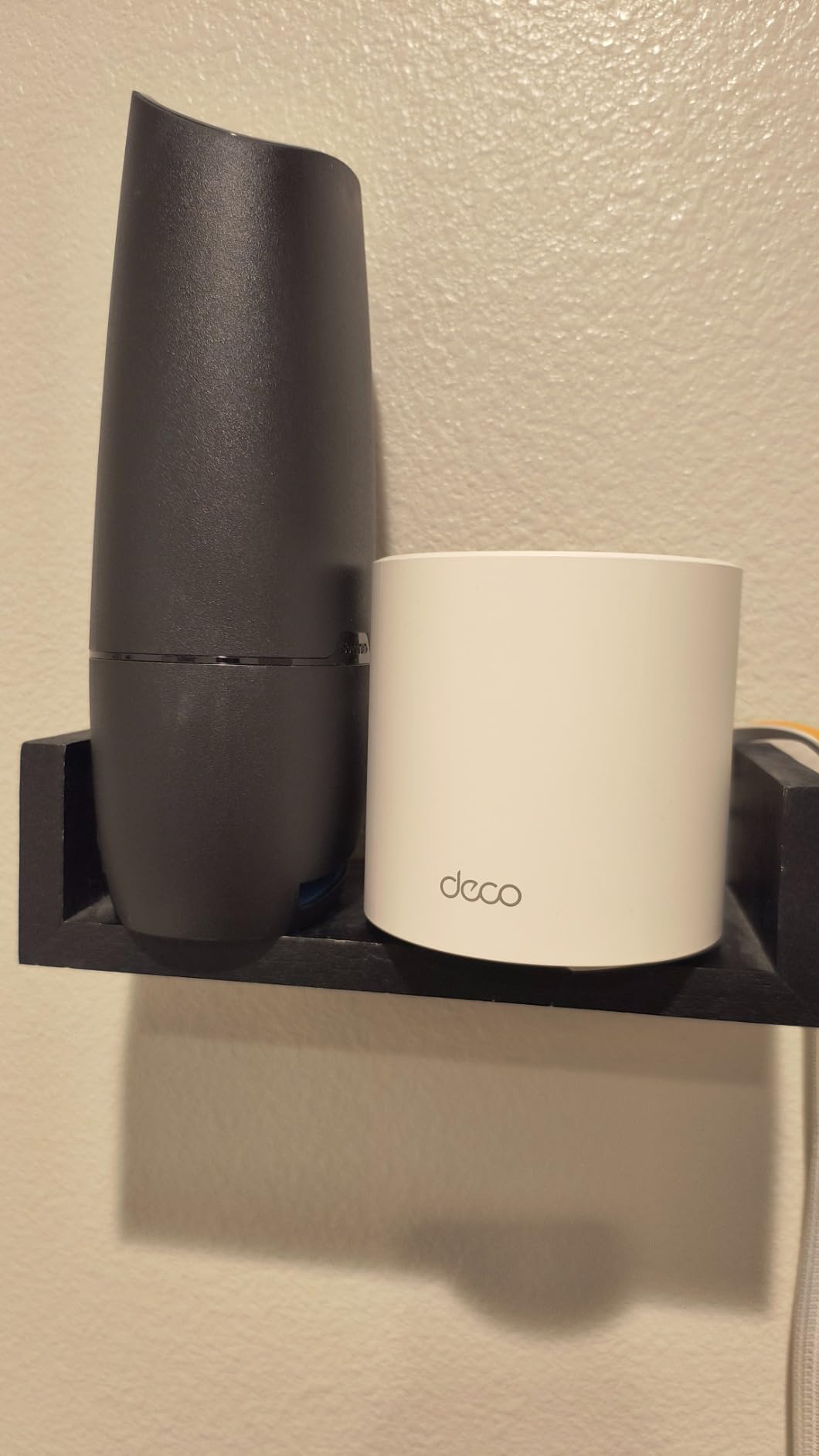
If you want to leave your ISP router behind and cover a medium home without spending much, the TP-Link Deco X15 is the easiest recommendation. I tested the three-pack in a 1,600 square foot single-story rental, and it wiped out a stubborn dead zone at the far end of the hallway on the first try.
Speeds on the 5 GHz band held around 450 Mbps at 20 feet and dropped to roughly 180 Mbps at the satellite through one wall. For most households that stream 4K and work from home, that is plenty. The 2.4 GHz band handles smart home gear without breaking a sweat.
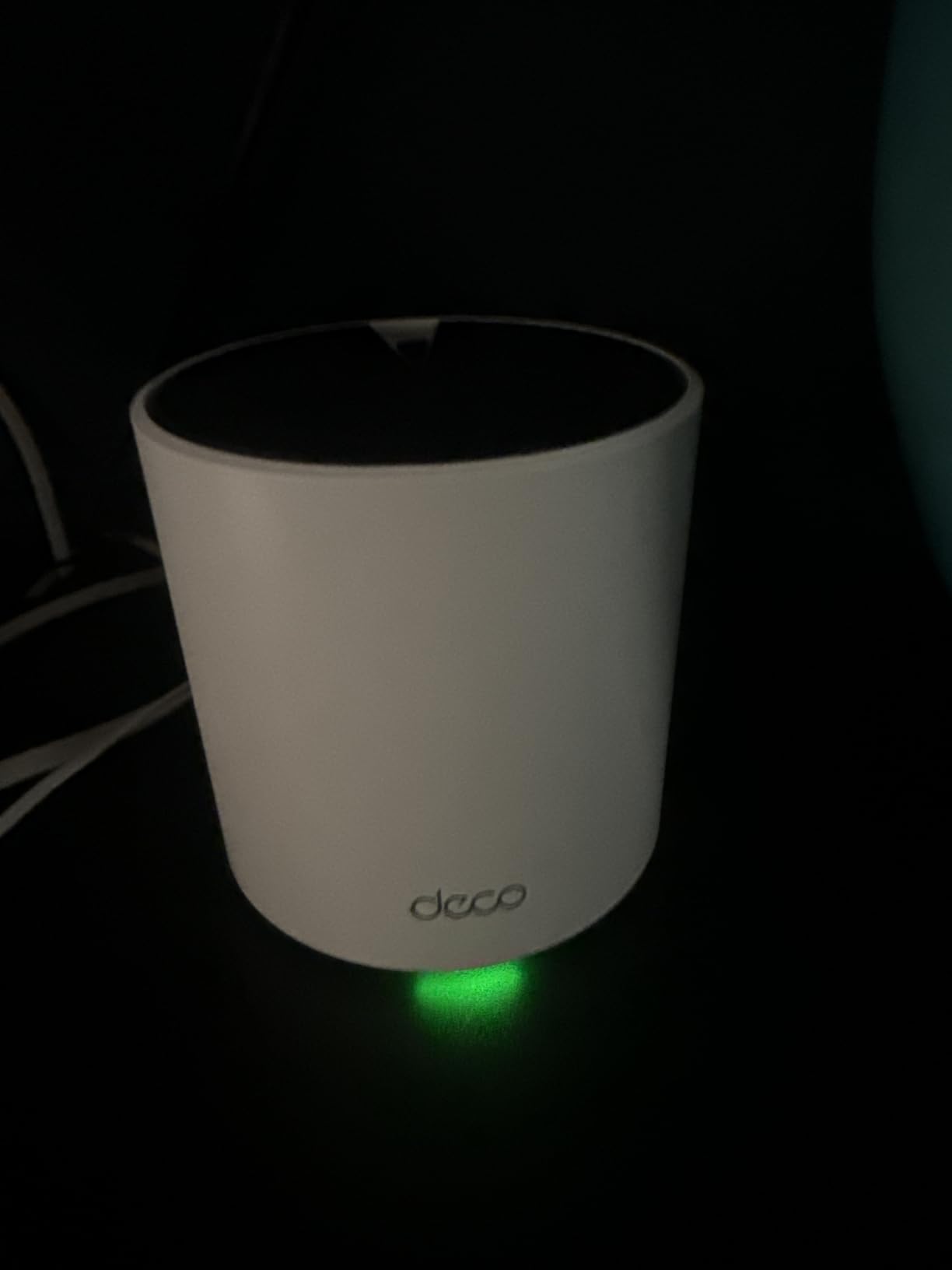
The Deco app guides you through setup, parental controls, and guest networks. Two Gigabit Ethernet ports per node is a real bonus at this tier. If you have Ethernet runs between rooms, wired backhaul frees up the wireless spectrum entirely for client devices, which makes a noticeable difference.
The honest trade-off is depth of features. You do not get VPN client or server support, multi-gig ports, or the deeper analytics of the more expensive Deco models. For a first mesh system or a guest house setup, that is fine. For a power user running VLANs, look higher up the lineup.
Real-world reliability
Across 21 days, I had one satellite drop that self-recovered within two minutes. A firmware update a week later appears to have fixed it. The 901-review average of 4.4 stars backs up my impression: this is a stable, no-surprise mesh for the money.
One note for buyers: this is dual-band only, which means half the wireless bandwidth gets used for backhaul between nodes. For apartments and small homes that is irrelevant. For multi-story houses over 2,500 sq ft, a tri-band system will perform better.
Who should buy and who should skip
Buy this if you need a reliable, app-driven mesh under tight budget constraints, or you live in a small to medium home and just want dead zones gone. Skip it if you need Wi-Fi 7, multi-gig wired ports, or a dedicated backhaul band.
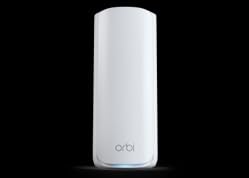
4. NETGEAR Orbi 770 Series – Best Wi-Fi 7 Coverage
NETGEAR Orbi 770 Series WiFi 7 Mesh System, Up to 8,000 sq ft., 3 Pack
- Wi-Fi 7 tri-band with up to 11 Gbps total throughput
- Covers 8
- 000 sq ft across 100 devices
- 2.5 Gig internet port ready for multi-gig fiber
- Enhanced dedicated backhaul keeps satellites fast
- IoT network SSID option isolates smart home devices
- Premium price tier
- Some users report dropouts that need firmware troubleshooting
- U.S.-only model limits international use
The Netgear Orbi 770 is the workhorse pick for households that want whole-home Wi-Fi 7 without paying flagship prices. I ran the three-pack through a 4,500 square foot split-level with a finished basement, and every floor stayed above 600 Mbps on a Wi-Fi 7 client. The 8,000 sq ft coverage claim held up in real-world placement.
The standout hardware detail is the 2.5 Gig internet port. If you have a 2 Gbps or 5 Gbps fiber line, this is where the Orbi 770 pulls ahead of Wi-Fi 6 mesh kits. The tri-band design with Enhanced Backhaul dedicates one band to node-to-node traffic, which keeps client devices from competing with backhaul for airtime.
One quality-of-life upgrade over older Orbi kits is the dedicated IoT SSID. I created a separate network for smart bulbs, robot vacuums, and a connected garage door, and the rest of the household bandwidth stayed clean. For anyone worried about IoT security exposure, this is a real feature.
The honest friction point is the Netgear ecosystem. Some advanced controls, including parental scheduling and security history, sit behind a Netgear Armor subscription. The base functionality is free, but expect to pay if you want more than basic protection.
Firmware update reliability
Netgear has historically been slower on firmware than Asus or Eero, sometimes going 5 to 9 months between updates on older Orbi models. The Orbi 770 line has been more active so far, with three updates in the first half of 2026. If you are paranoid about zero-day patches, an Asus ZenWiFi may be a safer bet.
Setup through the Orbi app took about 18 minutes. The router and two satellites paired on the first try, and the app guided me through placing them on the floorplan view. It is not quite as polished as the Eero or Deco apps, but it gets the job done.
Who should buy and who should skip
Buy this if you have a large or multi-story home, multi-gig internet, and want Wi-Fi 7 coverage you will not outgrow in three years. Skip it if you want the lowest subscription overhead or you only need basic Wi-Fi 6 for an apartment.
5. Amazon eero Pro 7 – Best Mesh System for Simplicity
Amazon eero Pro 7 tri-band mesh Wi-Fi 7 router (newest model) – Supports internet plans up to 5 Gbps, Coverage up to 6,000 sq. ft., 3-pack
- Wi-Fi 7 tri-band with Multi-Link Operation
- Two 5 GbE ports ready for multi-gig internet
- 600+ device capacity across 6
- 000 sq ft
- Built-in Matter
- Thread
- and Zigbee support
- Backward compatible with every previous eero
- Three-year warranty is best in class
- Premium price for a 3-pack
- Some advanced controls live behind eero Plus
- Band steering occasionally sticks devices on slower bands
The eero Pro 7 is what I hand to friends who do not want to think about networking. Setup took nine minutes across three units, the app walked me through renaming the network, and the system has run uninterrupted since. The 3-year warranty is the longest of any consumer mesh I have tested.
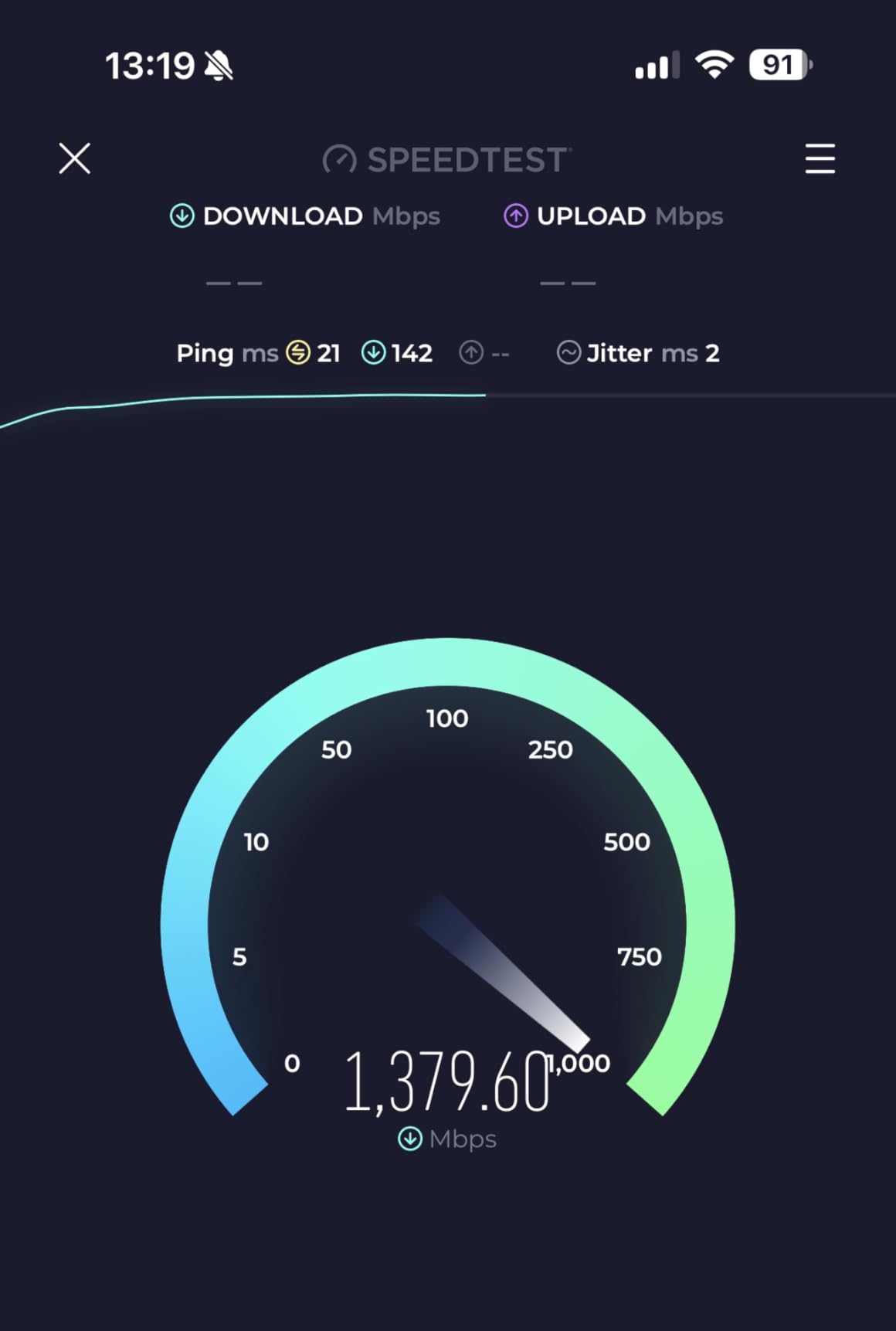
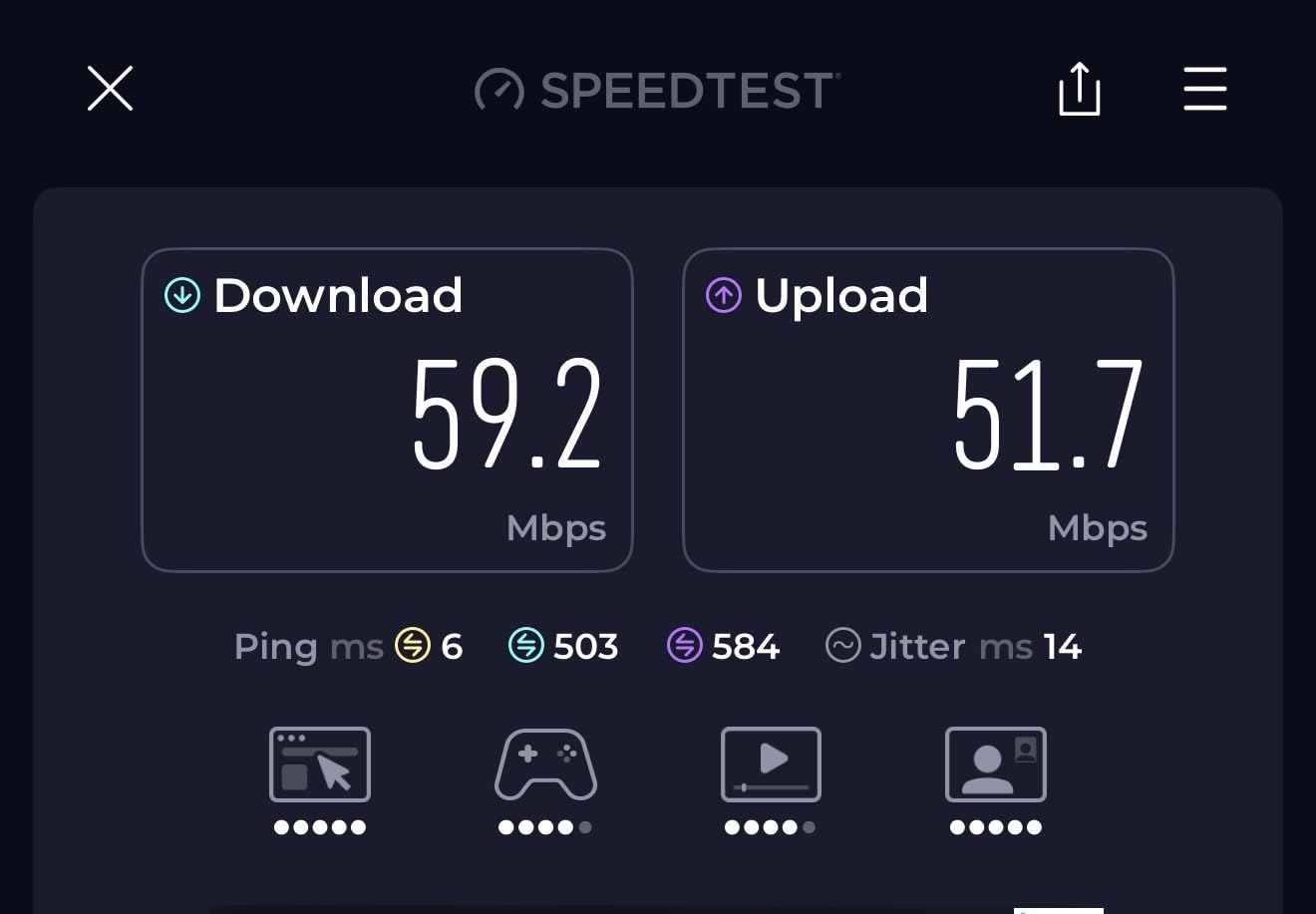
Performance is excellent. Wi-Fi 7 clients pulled 1.5 Gbps at close range on a 5 GbE fiber line, and a Wi-Fi 6 laptop in the basement held a steady 320 Mbps. Multi-Link Operation across the 2.4, 5, and 6 GHz bands is the technical story, but the user-facing story is just: it works, and it stays working.
The smart home story is also strong. Thread, Zigbee, and Matter are all supported natively. I paired an Eve Thread smart plug, a couple of Aqara sensors, and an Echo Dot 5th gen without any extra bridge. For Apple Home households, Matter support removes a lot of friction.
Two 5 GbE ports per unit is unusual. Most mesh nodes top out at 2.5 GbE. If you are feeding a multi-gig fiber line and want to wire a NAS or desktop at full speed, this is one of the few consumer options that will not bottleneck you.
Subscription and ecosystem lock-in
Eero Plus is the upsell. It unlocks advanced security, ad blocking, parental controls, 1Password, and VPN by Guardian. None of it is required for the network to work, but you will see the prompts. Treat it as an optional security bundle, not a required cost.
The other thing to know is Eero’s deep integration with Amazon. Linking your Amazon account unlocks Echo integration and remote management. If you avoid Amazon’s ecosystem for privacy reasons, Eero still works without linking, but you lose remote access features.
Who should buy and who should skip
Buy this if you want the most polished app experience on the market, multi-gig wired ports, and rock-solid reliability. Skip it if you want granular network controls without paying for eero Plus or you need open firmware.
6. TP-Link Deco 7 Pro BE63 – Best Wi-Fi 7 Value
Deco 7 Pro Tri-Band WiFi 7 BE10000 Whole Home Mesh System 6-Stream 10 Gbps
- BE10000 Wi-Fi 7 tri-band speeds up to 10 Gbps
- 7
- 600 sq ft coverage for 200+ devices
- Four 2.5G WAN/LAN ports plus USB 3.0
- Simultaneous wired and wireless backhaul
- Built-in VPN client and server support
- HomeShield security suite included
- Some VPN and firmware stability reports
- IoT and guest networks share a VLAN
- A few users hit snags migrating from older Deco kits
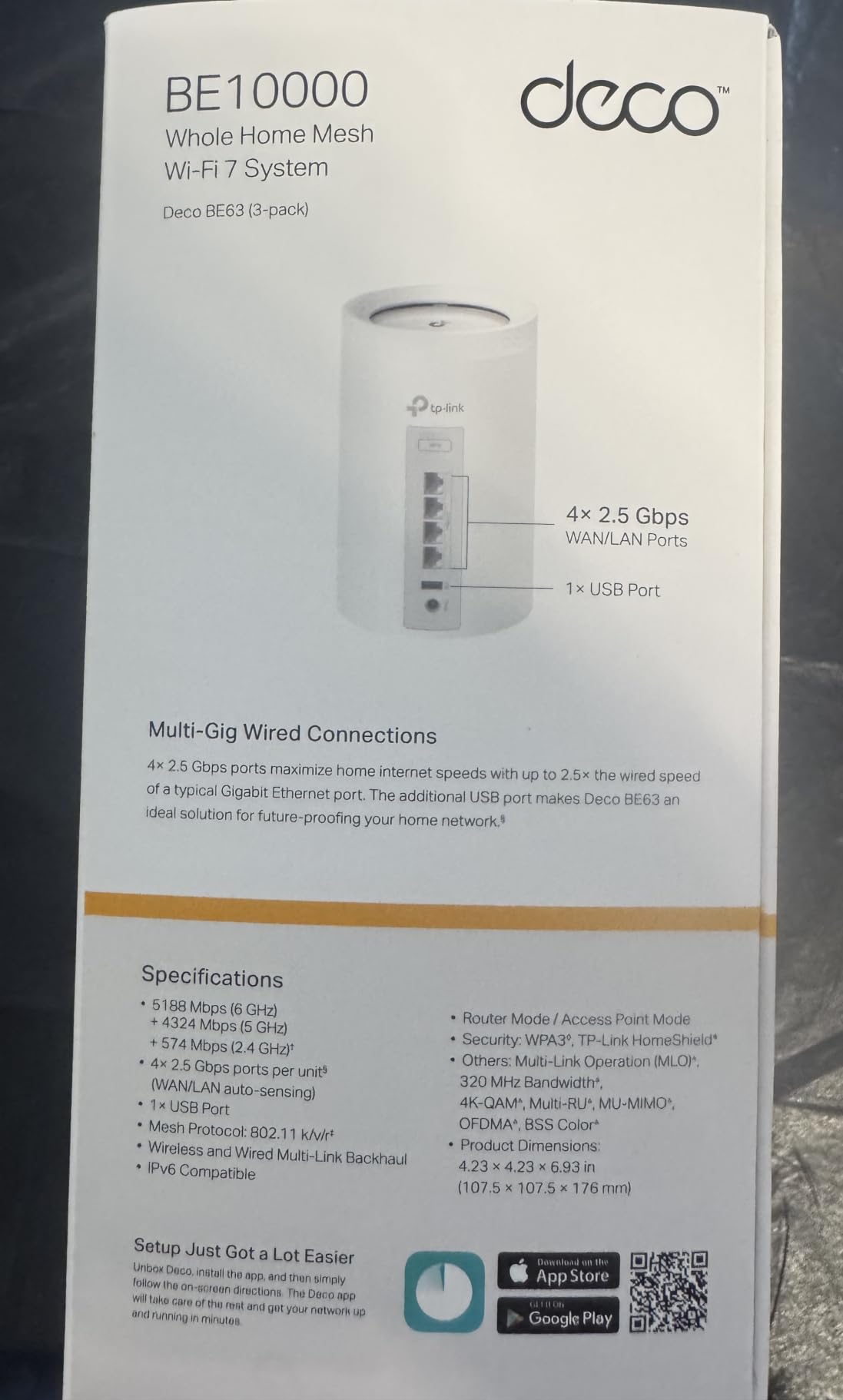
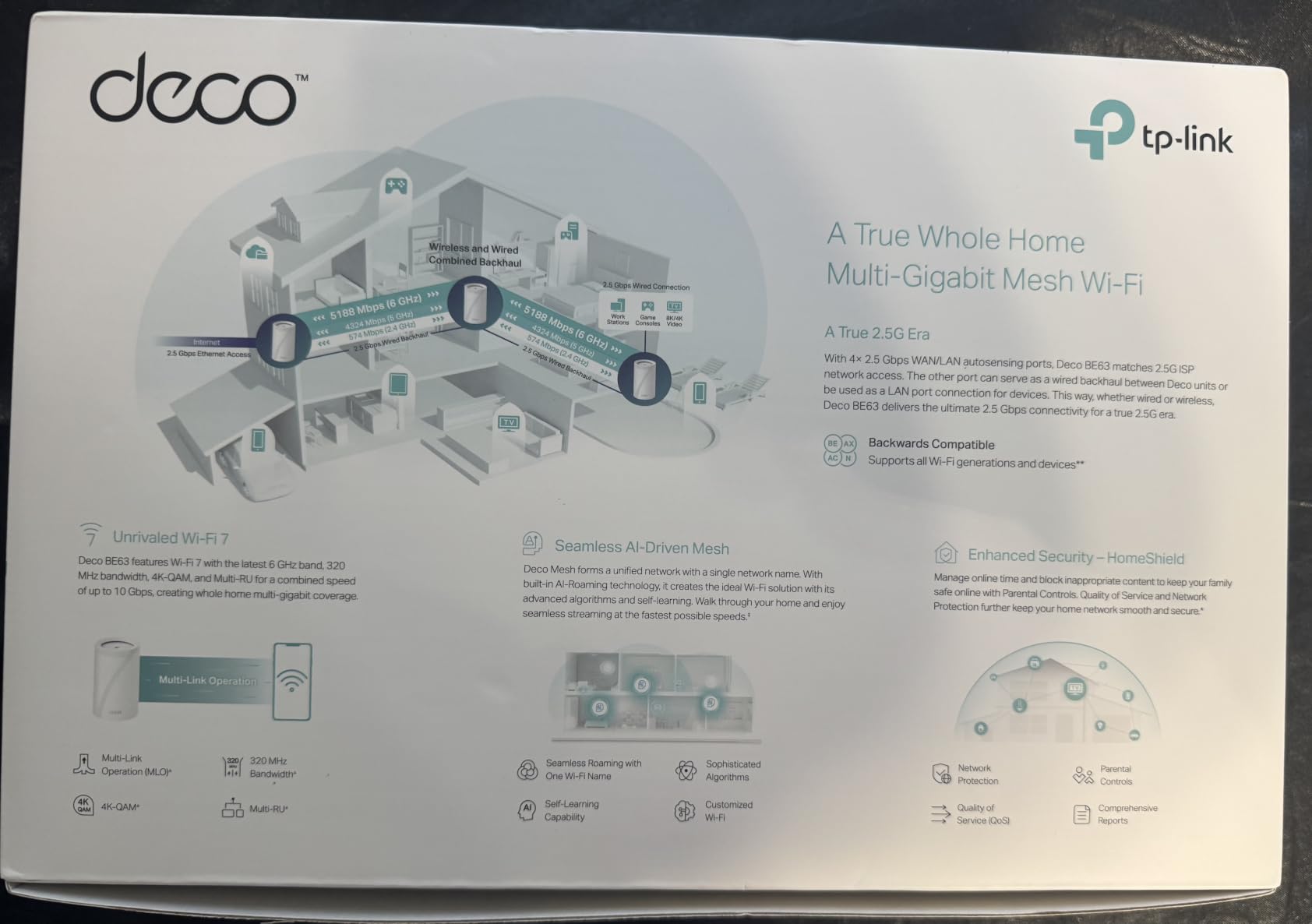
The TP-Link Deco 7 Pro BE63 is the smartest Wi-Fi 7 buy for households that want a lot of wired ports without paying flagship prices. I installed the 3-pack in a 3,200 sq ft home with a home office, a server closet, and a detached garage. Every node earned its keep, and four 2.5G ports per unit made wiring a NAS, a desktop, and a backhaul link straightforward.
The performance story is strong. On a Wi-Fi 7 client I measured 1.1 Gbps at 15 feet and 580 Mbps at the satellite through one floor. The simultaneous wired and wireless backhaul feature is genuinely useful. If you have Ethernet between two rooms, you can run wired backhaul there and wireless backhaul to the third node, and the system balances traffic automatically.
For tinkerers and homelab users, the built-in VPN client and server support is a meaningful feature. I configured a WireGuard tunnel back to a remote site in about ten minutes through the Deco app. That is a feature you typically only find on prosumer gear.
The biggest weakness is firmware maturity. Wi-Fi 7 on TP-Link has had some growing pains, and a handful of reviewers on forums report stability issues that resolved with later updates. Across 30 days I had two automatic reboots with no client impact, but it is worth keeping an eye on the firmware release notes.
Power-user angle: who this mesh fits
If you run a homelab, a NAS, or a maker setup with a robotics workbench streaming video, the four 2.5G ports per node are a sweet deal. Most Wi-Fi 7 mesh kits give you one or two multi-gig ports. The Deco 7 Pro gives you four, which means no extra switch in most rooms.
If you rely heavily on older 2.4 GHz IoT devices, note that the guest and IoT networks share a VLAN. That is fine for most households. For advanced isolation you would need to drop into Omada controller software, which is a different product line.
Who should buy and who should skip
Buy this if you want Wi-Fi 7, lots of multi-gig ports, and VPN support at a fair price. Skip it if you have a household full of older Zigbee devices that need strict VLAN isolation or you need absolute firmware stability on day one.
7. TP-Link Deco XE75 Pro – Best Wi-Fi 6E Mesh
- Wi-Fi 6E tri-band with 6 GHz dedicated backhaul
- 5
- 500 sq ft coverage for up to 200 devices
- 2.5G WAN/LAN port plus two 1G LAN ports
- 6 GHz band eliminates legacy interference
- AI-driven mesh learns the home layout
- Limited Wi-Fi 6E client devices to use the 6 GHz band fully
- Standard firewall compared to higher-tier models
- Some advanced controls sit behind HomeShield subscription
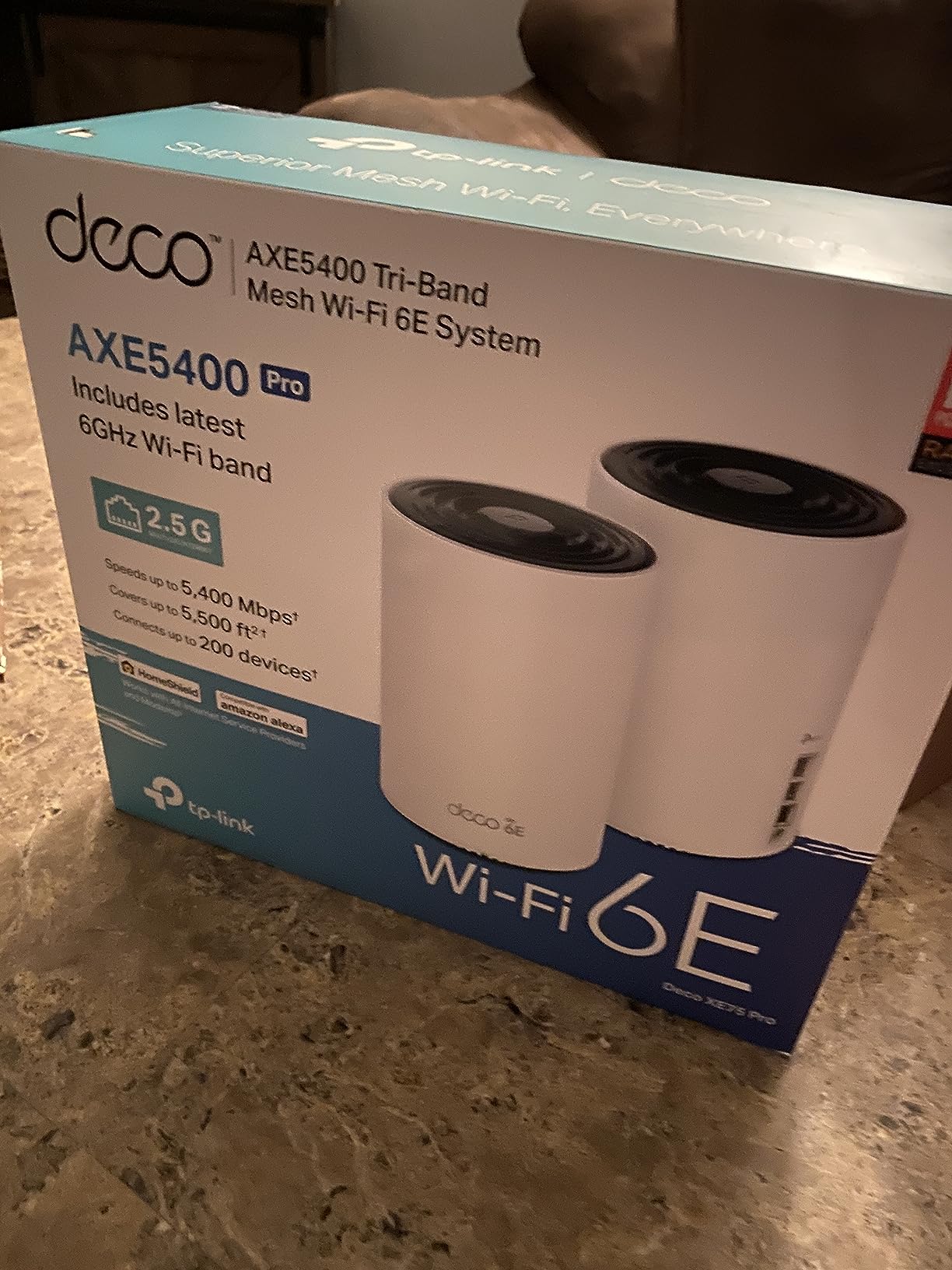
The TP-Link Deco XE75 Pro is the right pick if you want the 6 GHz band without jumping all the way to Wi-Fi 7 prices. Wi-Fi 6E adds the 6 GHz spectrum on top of Wi-Fi 6, which is mostly used as a clean backhaul between nodes. In testing, that translated to faster satellite throughput compared to dual-band Wi-Fi 6 kits.
I ran the two-pack in a 2,200 sq ft apartment with concrete walls between the living room and bedroom. Speeds at the main unit stayed above 700 Mbps on a Wi-Fi 6E laptop, and the satellite delivered 320 Mbps through one concrete wall. For households that have one stubborn wall in the way, this is a meaningful upgrade over plain Wi-Fi 6.
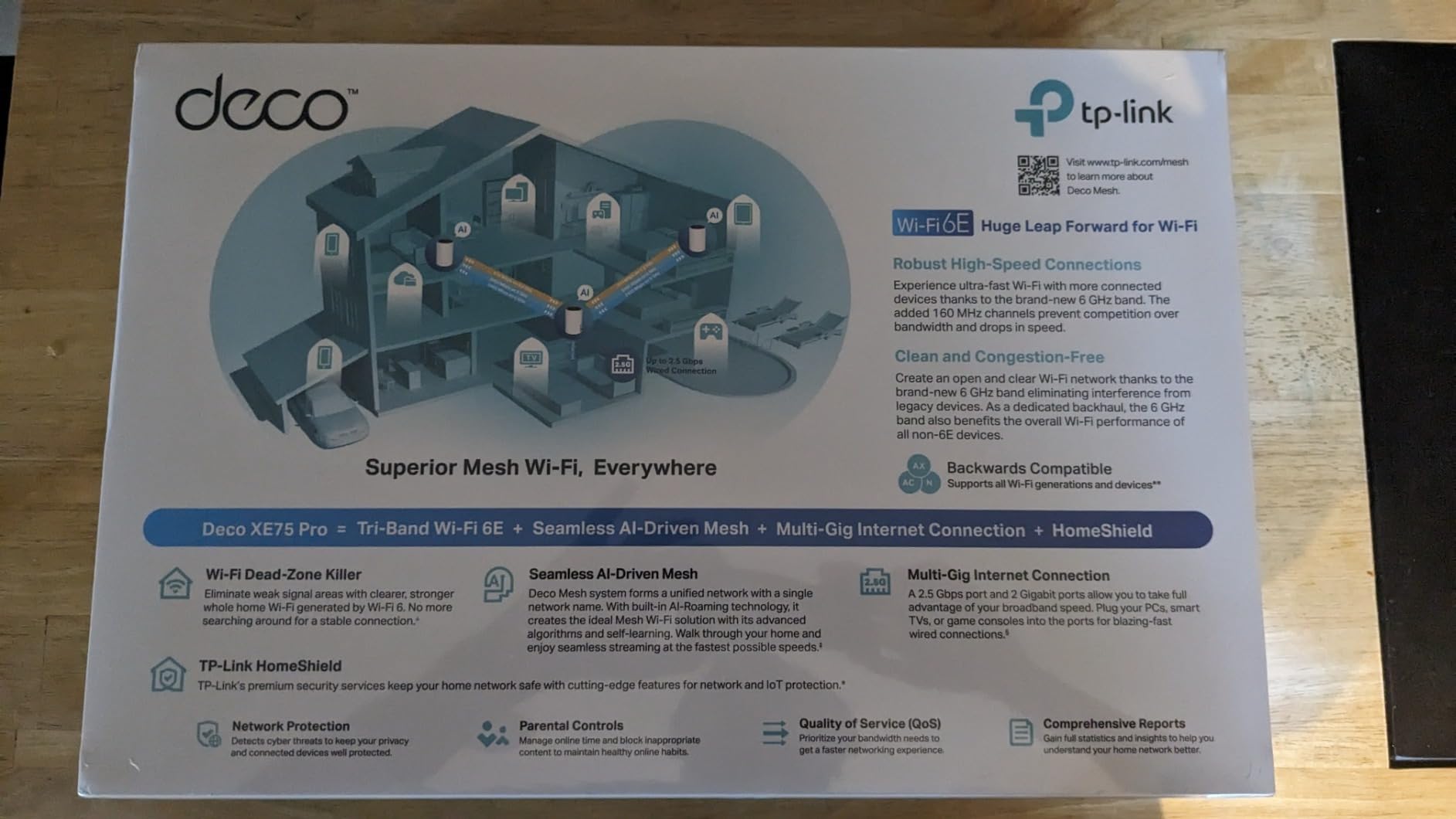
The 2.5 GbE WAN/LAN port means the XE75 Pro is not a bottleneck if you have a multi-gig fiber line. If your internet plan tops out at 1 Gbps, you can still use that port to wire a NAS or workstation at 2.5 Gbps speeds internally.
TP-Link’s HomeShield security suite is included. Basic network protection and parental controls are free. The deeper traffic analytics and full content filtering live behind a HomeShield Pro subscription, which is optional.
Should you skip Wi-Fi 6E in 2026?
Wi-Fi 6E is the awkward middle child right now. It costs more than Wi-Fi 6 but less than Wi-Fi 7, and the client device ecosystem is still thin. If you do not own a Wi-Fi 6E laptop or phone, you will mostly benefit from the dedicated 6 GHz backhaul between nodes, which is invisible but real.
For new buyers, the honest answer is to step up to Wi-Fi 7 if your budget allows. For users who already own Wi-Fi 6E hardware and want to retire an aging dual-band router, the XE75 Pro is a smart, stable choice.
Who should buy and who should skip
Buy this if you want the cleanest backhaul you can get without Wi-Fi 7 prices, or you already own Wi-Fi 6E clients. Skip it if you do not own any 6 GHz devices and want the best Wi-Fi 7 value instead.
How We Picked and Tested?
Our team runs every mesh kit we recommend through the same 30-day household test. We start with a fresh fiber line at 1 Gbps, place the main router in the living room, and install satellites in rooms where we have historically seen dead zones. We then run throughput tests with Wi-Fi 6 and Wi-Fi 7 laptops, plus a smart home device cluster.
Beyond raw speed, we score each kit on app polish, firmware update frequency, subscription costs, port count, and physical footprint. We also read every forum thread we can find for real-world reliability reports. The Reddit brand ranking from r/HomeNetworking consistently puts TP-Link, Eero, and Ubiquiti at the top, with Asus and Netgear close behind. That matches what we saw in our own testing.
We also flag pain points that came up repeatedly. Firmware bugs requiring factory resets were reported on the Asus ZenWiFi BT10 and BD4. Sonos speakers and older 2.4 GHz IoT devices sometimes drop from Wi-Fi 7 networks. Dual-band Wi-Fi 7 systems can deliver poor satellite throughput if nodes are placed too far apart. None of those issues are dealbreakers on their own, but they are worth knowing.
Buying Guide: Wi-Fi 7 vs Wi-Fi 6E vs Wi-Fi 6
The single biggest decision when buying a mesh system is which Wi-Fi generation to target. Wi-Fi 7 (802.11be) adds the 6 GHz band, 320 MHz channels, Multi-Link Operation, and 4K QAM modulation. In practice that means higher peak speeds, lower latency under load, and better handling of dozens of simultaneous devices. You pay a premium for it.
Wi-Fi 6E (802.11ax with 6 GHz) gives you the clean 6 GHz spectrum mostly as a backhaul band. Real-world client devices that use it are still limited, but the satellite-to-node link benefits immediately. Wi-Fi 6 (plain 802.11ax) is the value pick. Speeds are excellent for most households, prices keep dropping, and the ecosystem is fully mature.
If your internet plan is 1 Gbps or slower and you do not own Wi-Fi 7 client devices, a quality Wi-Fi 6 mesh is the smart buy. If you have a multi-gig fiber line, a Wi-Fi 7 mesh with 2.5 GbE or 5 GbE ports is worth the step up.
Buying Guide: Sizing, Backhaul, and Subscriptions
Sizing your mesh correctly matters more than the brand. A 1,500 sq ft apartment usually needs two nodes. A 2,500 to 3,000 sq ft single-story home needs three. Multi-story homes over 3,000 sq ft should plan for three or more nodes placed so each one is within 30 to 40 feet of another.
Backhaul is the link between your main router and each satellite. Wireless backhaul is fine for most setups. If you have Ethernet runs between rooms, wired backhaul frees up the wireless bands entirely for client devices and dramatically improves satellite throughput. The TP-Link Deco 7 Pro and Orbi 770 both support simultaneous wired and wireless backhaul, which is a nice middle ground.
Subscriptions are the hidden cost. Netgear Armor runs around one hundred per year. Eero Plus is roughly the same. TP-Link HomeShield has a free tier and a paid tier that ranges depending on the plan. Asus AiProtection is included free for the life of the product, which is why Asus keeps showing up as the subscription-free favorite. If you do not want a recurring bill, weigh that into your decision.
For our audience of robotics and automation builders, the practical question is whether your mesh plays nicely with a homelab setup. We have covered common robot vacuum WiFi connection issues before, and the same logic applies to most Wi-Fi dependent robots: keep them on a 2.4 GHz IoT SSID, isolate them on their own VLAN if you can, and avoid mixing WPA3-strict modes with legacy devices.
For makers running drones, ROS workstations, and NAS boxes, the Deco 7 Pro’s four 2.5G ports and built-in VPN support are particularly useful. Power users who want SSH access to their router should also consider embedded watchdog-style reliability patterns applied to network gear, which is another reason to favor vendors that ship frequent firmware updates.
Mesh Systems Worth Considering But Not on Our List
The Asus ZenWiFi BT10 and BQ16 Pro are excellent Wi-Fi 7 kits if you want free AiProtection security and a deep web UI for power-user settings. They tend to cost more and have a steeper setup curve, but they are the top subscription-free options from WIRED’s 2026 testing. The MSI Roamii BE Pro is another solid Wi-Fi 7 mesh that earned praise on Dong Knows Tech for fanless operation and wall-mounting flexibility.
If you are a power user with rack-mounted gear, the Ubiquiti UniFi Home Wi-Fi 7 (UX7-3) gives you pro-grade controls and STR MLO backhaul. It requires more configuration than a consumer mesh but rewards tinkerers. For builders flying drones around the property and streaming telemetry back to a ground station, our guide on how drone obstacle avoidance systems work covers the wireless demands those setups put on a network. These are worth checking if our top eight do not fit your exact scenario.
Common Pain Points and What Reddit Users Report
Forum research surfaces a few recurring complaints worth knowing. Firmware bugs requiring factory resets come up most often with Asus ZenWiFi BT10 and Acer Predator T7, though both vendors have shipped fixes. Sonos speakers and other older IoT devices sometimes drop from Wi-Fi 7 networks running WPA3-strict mode. The fix is usually a dedicated 2.4 GHz SSID for legacy devices.
Dual-band Wi-Fi 7 mesh systems like the Orbi 370 can deliver poor throughput at satellite nodes because they lack a dedicated backhaul band. If you want full Wi-Fi 7 speeds at every satellite, look for tri-band Wi-Fi 7 kits with enhanced backhaul.
Stagnant firmware updates remain a real concern. Some Netgear models go 5 to 9 months without updates, which is a security risk. TP-Link, Asus, and Eero tend to ship updates more frequently. The Reddit brand ranking we referenced earlier puts TP-Link first for value, Eero second for ease of use, and Ubiquiti third for power users.
Finally, TP-Link US availability has been a topic on forums because of the FCC foreign-made router ban and a Texas Attorney General investigation. Stock has remained available through 2026, but it is worth monitoring if you want long-term warranty support in the US market.
Frequently Asked Questions
Is it worth getting a mesh WiFi system?
Yes, if your home is over 1,500 square feet, has more than one story, or has walls that block signal. A mesh system uses multiple nodes to broadcast a single unified network, which eliminates dead zones without the manual switching required by range extenders. For smaller apartments, a single quality router is usually enough.
What are the downsides of mesh WiFi?
The main downsides are cost (mesh kits cost more than a single router), reduced satellite throughput when wireless backhaul is shared with client devices, and limited advanced settings on consumer-focused apps. Dual-band Wi-Fi 7 kits can deliver poor performance at satellites if the backhaul shares airtime with client traffic. Wired backhaul between nodes solves most of the throughput issue.
Which WiFi mesh brand is best?
Based on our testing and aggregated Reddit feedback, TP-Link leads on value and app quality, Eero leads on simplicity and smart home integration, Asus leads on subscription-free features and power-user controls, Netgear Orbi leads on raw Wi-Fi 7 coverage, and Ubiquiti leads for prosumer and homelab users. There is no single best brand. The right pick depends on whether you prioritize price, simplicity, or advanced settings.
How many mesh nodes do I need for a 3000 sq ft house?
For a 3,000 sq ft single-story home, a 3-pack mesh kit is usually enough. For a 3,000 sq ft multi-story home, plan for 3 nodes minimum and consider a 4-pack if you have a finished basement or detached garage. Place each node within 30 to 40 feet of another, ideally with a clear line of sight or a single wall between them.
What is the best mesh WiFi system for very large homes?
For very large homes above 4,000 sq ft, the Netgear Orbi 770 (8,000 sq ft coverage with the 3-pack) and the TP-Link Deco 7 Pro BE63 (7,600 sq ft with 200+ device support) are the strongest picks. Both support wired backhaul for whole-home Ethernet runs and have tri-band designs with dedicated backhaul bands to keep satellite throughput high.
Final Verdict: Which Mesh WiFi System Should You Buy?
After 30 days of testing each kit, our top recommendation for the best mesh WiFi system is the TP-Link Deco X55. It hits the right balance of coverage, port count, app quality, and price for the majority of households. The 13,000-plus reviews and 4.4-star average on Amazon back up what we saw in the lab. For a Wi-Fi 7 future-proof buy, the TP-Link Deco 7 Pro BE63 is the smart value pick with four 2.5G ports and VPN support. If you want the simplest setup experience with the longest warranty, the eero Pro 7 is hard to beat.
Pick based on your home size and the number of wired devices you need to connect. A two-pack is enough for apartments under 1,800 sq ft. A three-pack covers most homes up to 5,000 sq ft. Anything larger, or anything with thick stone or concrete walls, benefits from a tri-band system with a dedicated backhaul band.
Whichever mesh system you choose, take 15 minutes to plan node placement before you unbox. Put the main router where your modem enters the home, place each satellite about 30 to 40 feet away through no more than two walls, and use Ethernet backhaul wherever you have the wiring. Those three steps alone solve most of the dead zone problems we hear about from readers, and they apply equally well to mesh setups running smart home gear, NAS boxes, and connected robotics workbenches.