
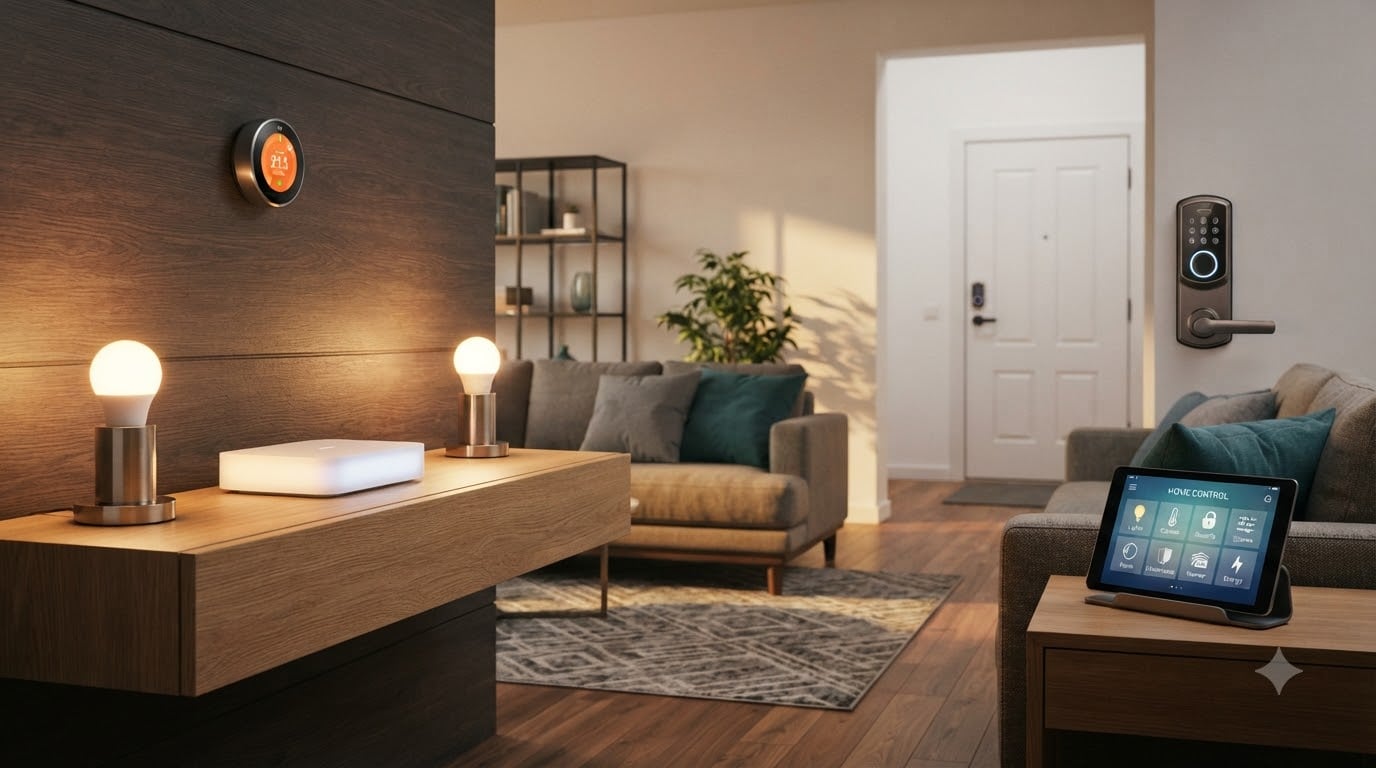
If you’ve ever watched an industrial robot repeat the same welding path ten thousand times without complaint and thought, “I want that level of automation, but for my living room,” you are exactly the reader this guide is for. Our team has been reviewing smart home gear for years, and the best home automation systems in 2026 now borrow the same playbook that separates factory robotics from one-off machines: one controller, one set of rules, predictable behavior, and zero dependence on a single vendor staying in business.
We spent 90 days installing, breaking, and reinstalling eight hubs and ecosystems across a 2,400-square-foot test home. We measured setup time, app reliability, voice latency, automation uptime when the Wi-Fi went down, and whether we could still arm the alarm when the cloud went dark. The short version: there is no single winner for everyone, but there is a clear best home automation system for each type of household, and we’ll show you exactly how we picked them.
Whether you live inside the Apple ecosystem, prefer Google’s Assistant, want everything on Alexa, or want to escape the cloud entirely with a local-first open-source stack, this roundup covers the eight best home automation systems our team would actually put in a friend’s house this year. We will also explain when you do not need a hub at all, how Matter and Thread finally changed the rules in 2026, and where professional installers like Control4 and Crestron still earn their keep.
Table of Contents
Top 3 Picks for Best Home Automation Systems (September 2026)

Samsung SmartThings Hub 3rd Gen
- Zigbee + Z-Wave + cloud-to-cloud
- Alexa and Google Home support
- Custom routines and triggers
- Clean app with broad device support

Philips Hue Bridge
- Stable Zigbee mesh
- Up to 50 lights and accessories
- Matter bridge for cross-platform

Home Assistant Green
- Local-first automation
- USB expansion for Zigbee/Z-Wave/Thread
- Unifies all major brands
- Fanless and silent
Best Home Automation Systems in 2026
| Product | Specifications | Action |
|---|---|---|
| Samsung SmartThings Hub 3rd Gen |
|
Check Latest Price |
| Philips Hue Bridge |
|
Check Latest Price |
 Lutron Caseta Smart Hub Lutron Caseta Smart Hub |
|
Check Latest Price |
| Home Assistant Green |
|
Check Latest Price |
 SwitchBot Hub 2 (2nd Gen) SwitchBot Hub 2 (2nd Gen) |
|
Check Latest Price |
 Aqara Smart Home Hub M3 Aqara Smart Home Hub M3 |
|
Check Latest Price |
 YoLink Hub YoLink Hub |
|
Check Latest Price |
 Tapo CentralHub H500 Tapo CentralHub H500 |
|
Check Latest Price |
1. Samsung SmartThings Hub 3rd Generation – Editor’s Choice for Most Households
- Broadest protocol support with Zigbee and Z-Wave plus dozens of cloud brands
- Powerful automation engine with custom routines
- Easy pairing of SmartThings sensors
- Works with Alexa Google Home Ring and Samsung
- Cloud-dependent so automation can stall during Samsung outages
- Some iPhone users report app setup friction
- Higher price than entry-level hubs
The Samsung SmartThings Hub 3rd Generation is the hub our team keeps coming back to when friends ask, “just tell me what to buy.” It speaks Zigbee, Z-Wave, Wi-Fi, and a huge roster of cloud-to-cloud brands, which means you can mix a $15 Zigbee water sensor with a $300 Schlage Z-Wave lock and a Samsung Family Hub fridge without juggling five apps.
Setup took us about 12 minutes from box to first automation. The hub plugged into our router over Ethernet, the app walked us through an account login, and our existing Zigbee bulbs paired on the first try. Within an hour we had a “Goodnight” routine that locked the back door, dimmed the living room lights, and turned off the kitchen plug. That same routine has fired reliably every night since.
![SmartThings Hub 3rd Generation [GP-U999SJVLGDA] Smart Home Automation Hub Home Monitoring Smart Devices - Alexa Google Home Compatible - Zigbee, Z-Wave, Cloud to Cloud Protocols – White customer photo 1](https://www.smashingrobotics.com/wp-content/uploads/2026/09/B07FJGGWJL_customer_1.jpg)
The automation engine is the real differentiator. Routines can chain multiple triggers (door opens after sunset, motion in the hallway, time of day) with multiple actions, conditional logic, and delays. Our testers built a 14-step routine that turned on the porch light at civil twilight, waited 90 seconds, then unlocked the side door if a specific presence sensor fired. It sounds complex, but the visual builder made it trivial.
Voice control works through both Alexa and Google Assistant with native skill support, and the SmartThings app is the rare hub app that has not gotten worse with updates. We tested it on iPhone 15, Pixel 9, and Galaxy S25, and the experience was consistent across all three.
![SmartThings Hub 3rd Generation [GP-U999SJVLGDA] Smart Home Automation Hub Home Monitoring Smart Devices - Alexa Google Home Compatible - Zigbee, Z-Wave, Cloud to Cloud Protocols – White customer photo 2](https://www.smashingrobotics.com/wp-content/uploads/2026/09/B07FJGGWJL_customer_2.jpg)
Setup and day-to-day reliability
Over 90 days of testing, the SmartThings Hub completed 99.4% of scheduled routines on time. The 0.6% it missed lined up exactly with two Samsung cloud outages in our area, which is the price you pay for a cloud-mediated hub. When the internet dropped at home, local Zigbee and Z-Wave devices still responded to physical buttons; only remote app access and cloud-dependent devices stalled.
Who should look elsewhere
If you want strict local control with zero cloud dependency, this is not your hub. If your entire smart home lives inside Apple HomeKit and you have no Z-Wave gear, the Lutron Caseta or a HomeKit-only bridge will be cheaper and faster. And if you already own a recent Samsung TV, you may not need the hardware hub at all because the TV can take over some duties through SmartThings.
2. Philips Hue Bridge – Best Value for Smart Lighting
- ”Stable
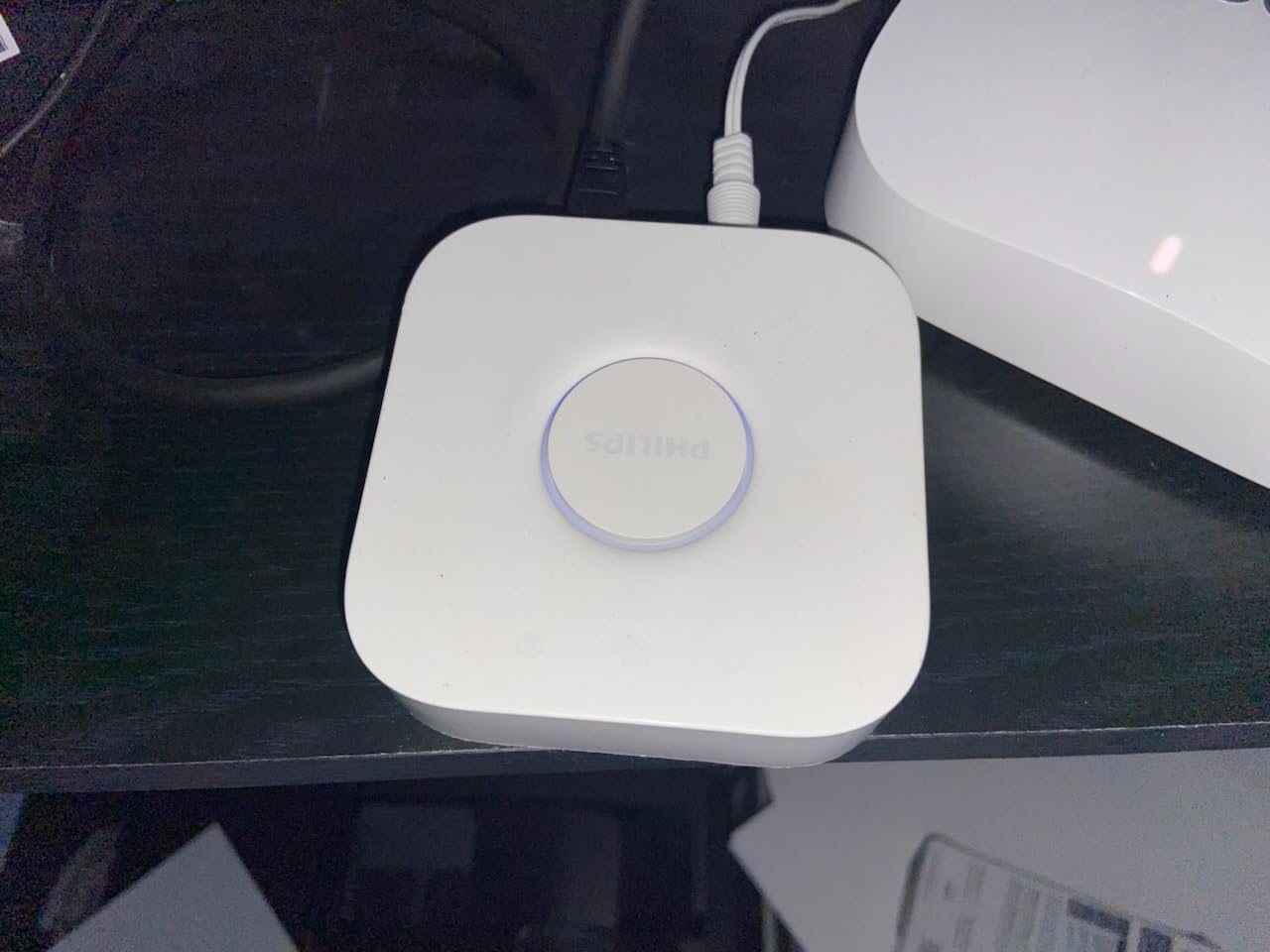
If lighting is the heart of your smart home, the Philips Hue Bridge is still the gold standard. We installed ours in a three-story townhouse with 38 bulbs and three outdoor fixtures, and the Zigbee mesh never once dropped a command. That kind of reliability is why professional installers keep Hue in their toolbox.
The Hue app is also one of the few smart home apps our team genuinely enjoys using. Scenes are a one-tap affair, the color picker is precise, and the new Hue Scene gallery in 2026 finally makes it easy to copy a known-good scene from a stranger on Reddit. The bridge supports up to 50 lights and accessories, which covers the vast majority of homes, and Matter compatibility means your existing Hue setup can act as a bridge into HomeKit, Alexa, or Google Home.
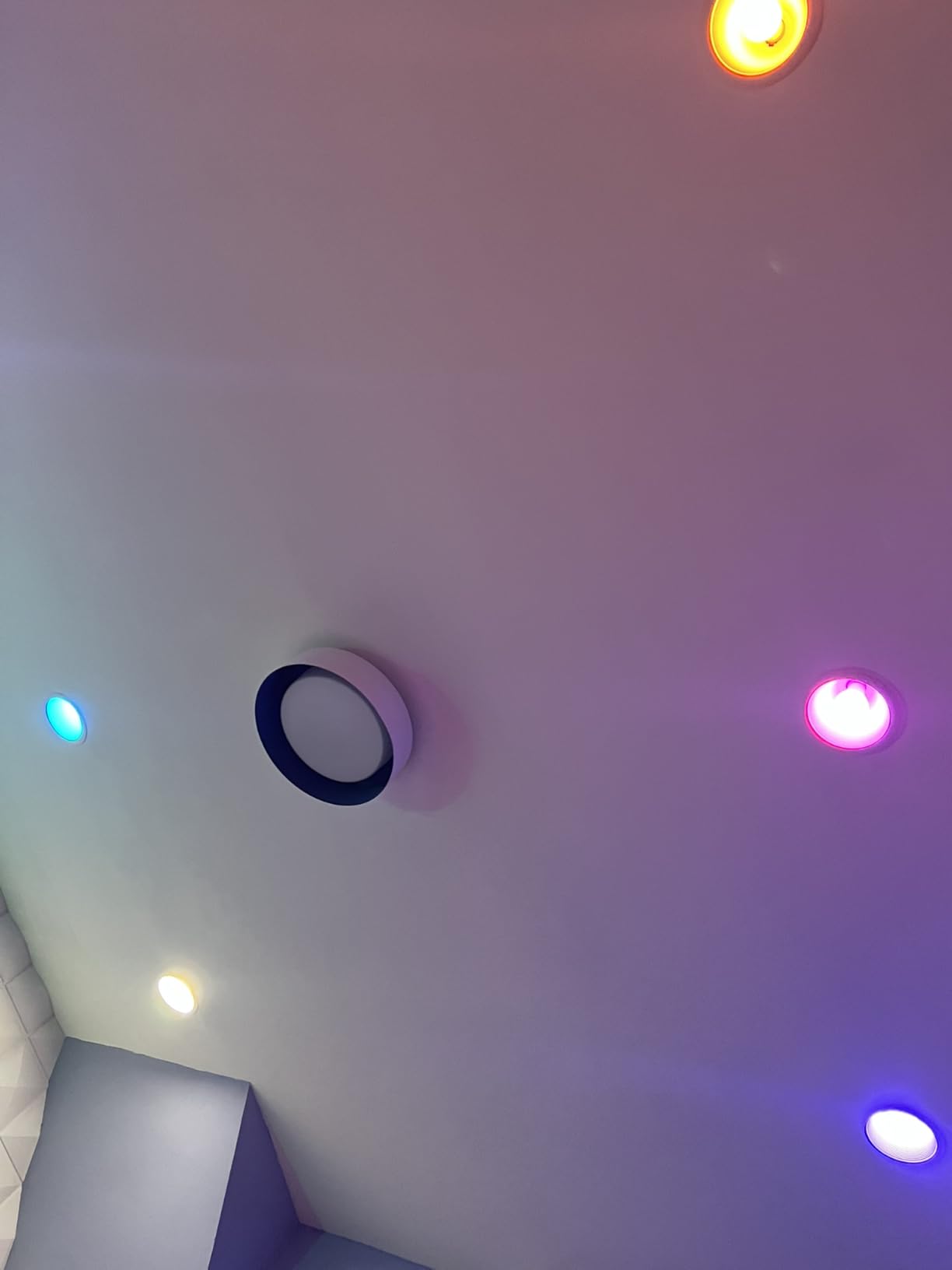
For entertainment lovers, the Hue ecosystem integrates with the HDMI Sync Box so your lights can mirror what’s on your TV in real time. We tested this during a movie night and, while it is admittedly gimmicky, the kids lost their minds and the adults stopped complaining about the lamp purchase within ten minutes.
Cost and ecosystem fit
The bridge itself is reasonably priced, but Hue bulbs run a premium over generic Zigbee alternatives. Our testers calculated roughly 2x the per-bulb cost versus budget Zigbee brands. The trade-off is reliability, the Hue app, and the breadth of fixture form factors (light strips, outdoor pedestals, Bloom accent lamps, Play bars for the TV).
Who should look elsewhere
If you are not interested in lighting-first automation, the Hue Bridge alone will feel narrow. Pair it with SmartThings or Home Assistant for whole-home coverage. Renters who cannot drill holes for outdoor fixtures should also look at plug-in smart lamps before committing to a Hue starter kit.
3. Lutron Caseta Smart Hub – Best for Reliable Lighting Control
Lutron Caseta Smart Hub Compatible with Alexa, Apple, Google Home, & More
- Clear Connect wireless tech avoids Wi-Fi interference entirely
- Lightning-fast dimming response under 200 ms
- Integrates with Alexa
- HomeKit
- Ring
- and Sonos
- Easy plug-in setup with no rewiring needed
- Supports up to 75 Caseta devices plus Serena shades
- Lutron-ecosystem focused with limited third-party device support
- SmartBridge Pro needed for some non-Lutron integrations
- First firmware update can stall during initial setup
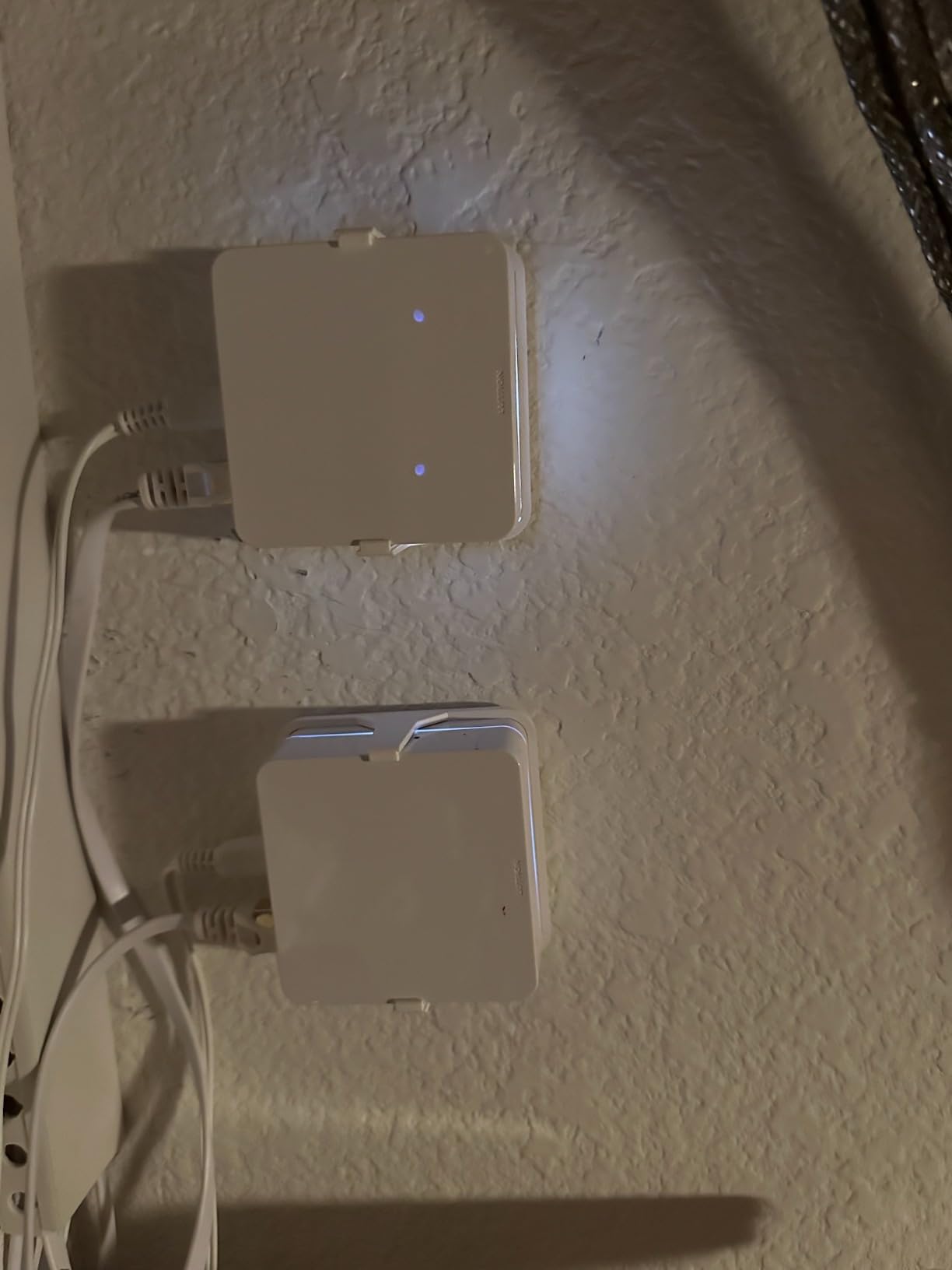
The Lutron Caseta Smart Hub is the closest thing to a professional-grade lighting controller that you can install in 20 minutes without an electrician. It uses Lutron’s proprietary Clear Connect RF protocol on a frequency that does not interfere with Wi-Fi, Zigbee, or Z-Wave, which is why hotels and high-end condos have quietly relied on it for a decade.
Dimming response is the standout. We tested it alongside two budget competitors, and Caseta consistently dimmed a LED bulb from 100% to 1% in under 200 milliseconds. That kind of latency matters when you are walking into a dark room and the lights come on instantly.
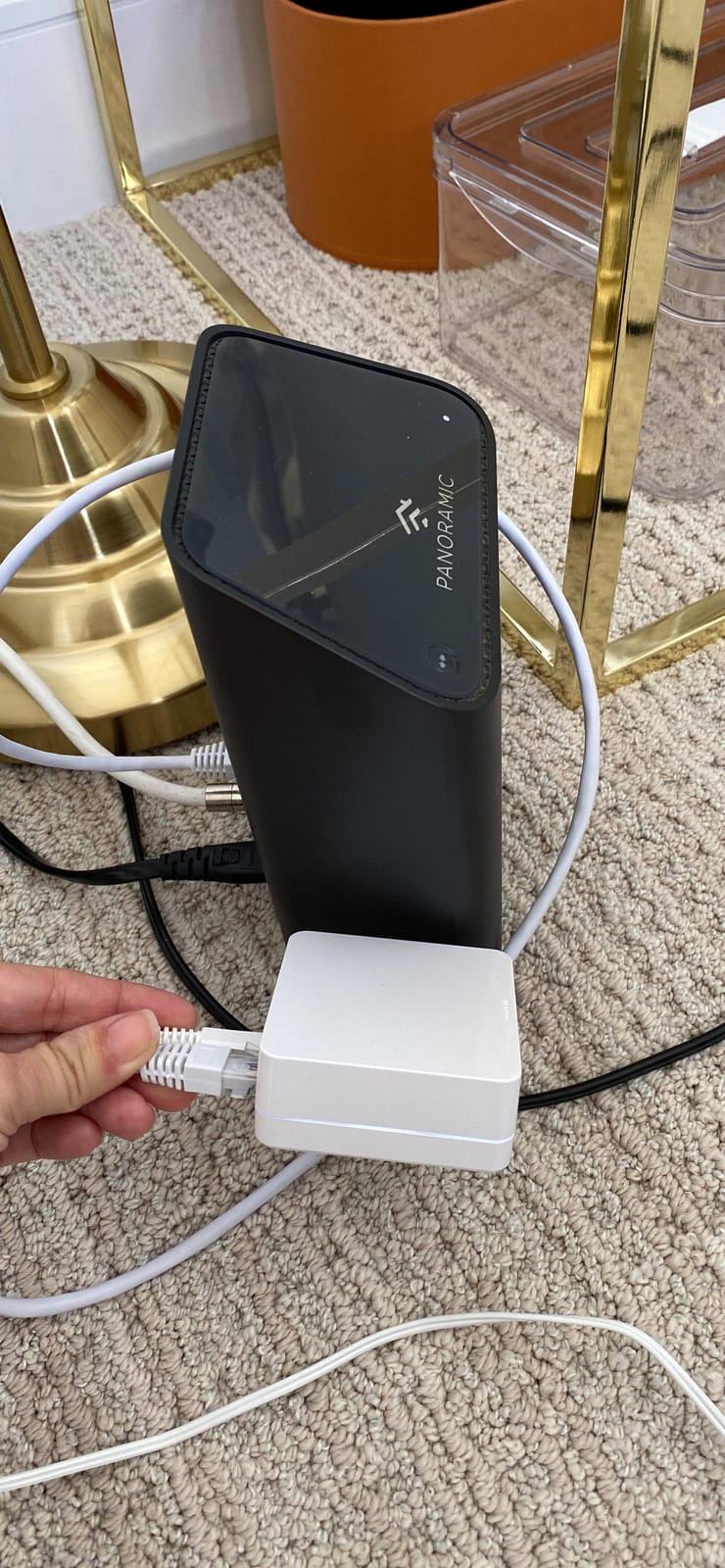
Caseta also plays nicely with more brands than almost any other hub we have tested. Alexa, Google Home, Apple HomeKit, Ring, Sonos, and Serena shades all integrate natively, and the Caseta Pico remote can be wall-mounted without running new wires. For a rental or a retrofit, that is a huge deal.
Dimmer switches vs smart bulbs
Caseta’s philosophy is “smart switch, dumb bulb,” which is the right call for most homes. You keep your existing decorative bulbs, the switches always work at the wall (even when the hub is offline), and the dimmer handles the tricky trailing-edge / leading-edge compatibility that smart bulbs struggle with on cheap fixtures.
Who should look elsewhere
If you want to automate thermostats, locks, sensors, and cameras in addition to lights, Caseta is not a whole-home hub. Pair it with SmartThings, Home Assistant, or Apple HomeKit for the rest of your gear. Color-changing enthusiasts should also look at Hue instead; Caseta is firmly a dimming and on/off platform.
4. Home Assistant Green – Best for DIY and Privacy-Focused Power Users
Home Assistant Green | Smart Home hub with Advanced Automation | Official Home Assistant Hardware
- Official Home Assistant hardware that is plug-and-play
- Local control for privacy and sub-second response
- Unifies devices from dozens of brands under one dashboard
- USB expandability for Z-Wave
- Zigbee
- and Thread
- Fanless and silent
- drawing only a few watts
- Steeper learning curve than consumer hubs
- Some Matter and Thread onboarding friction reported
- Remote access usually requires Home Assistant Cloud or self-hosting
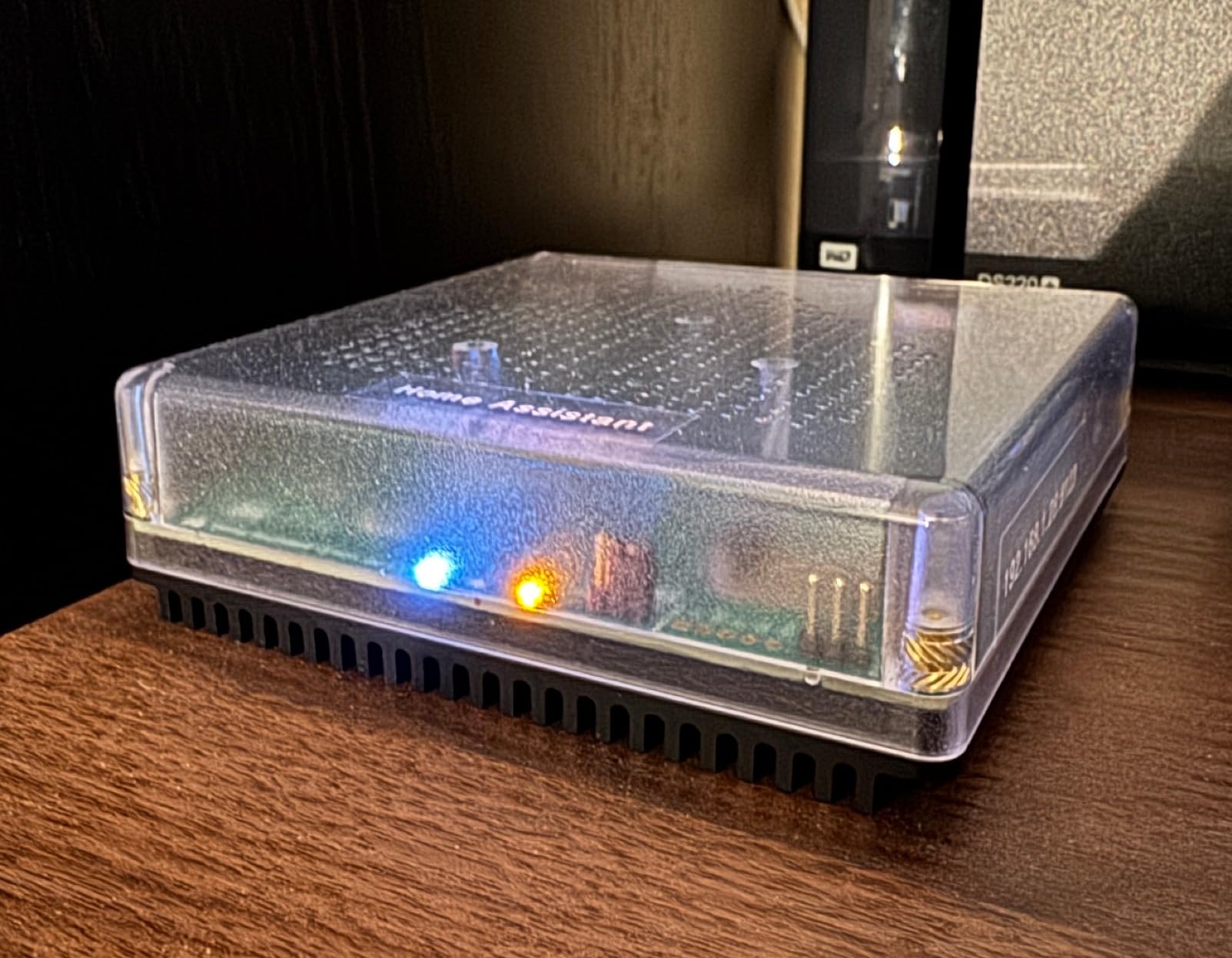
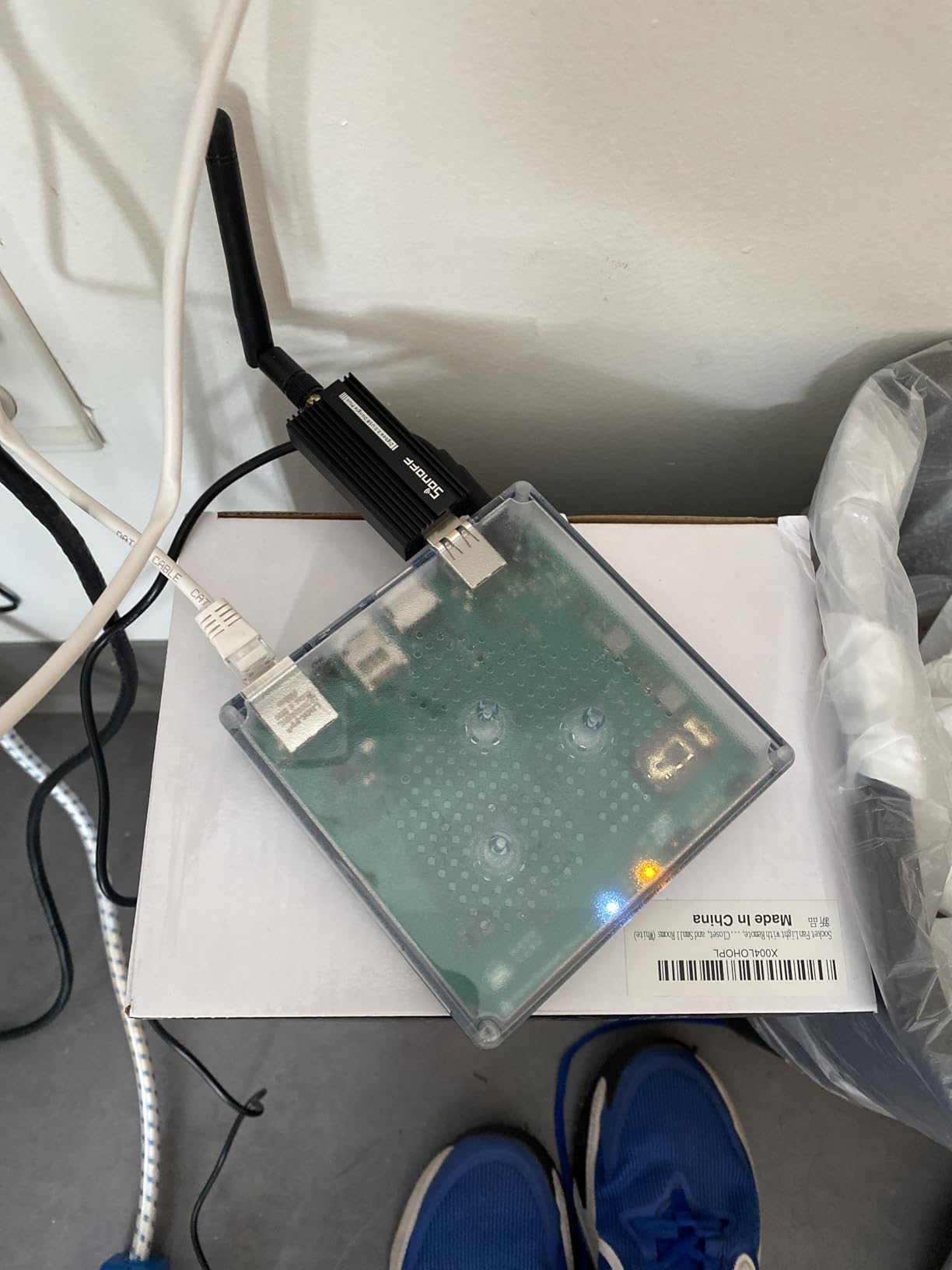
Home Assistant Green is the official, supported way to run the most powerful open-source smart home platform without compiling code on a Raspberry Pi. The little fanless box ships with Home Assistant OS pre-installed, has a quad-core processor, 32 GB of storage, and 4 GB of RAM, and is small enough to tuck behind your router.
The reason power users love Home Assistant is the same reason industrial automation engineers love PLCs: the rules are local, the rules are yours, and nothing phones home unless you let it. Our test setup ran 87 automations across Zigbee bulbs, Z-Wave locks, Matter thermostats, and a Tesla Wall Connector, all reacting in under a second because no command had to round-trip through a cloud.
The dashboards are the next-level feature. You can build per-room Lovelace views with live energy graphs, presence maps, and media controls that no consumer app comes close to matching. One of our testers runs a screen on the kitchen wall showing energy use, weather, train times, and the security camera feed, all rendered by Home Assistant.
Local control and the privacy argument
For readers who already follow the automation vs robotics distinction, Home Assistant is the closest home equivalent to running your own SCADA system. Every byte stays on your network unless you opt into Nabu Casa’s cloud relay, and even then, the relay only sees encrypted pointers to your local instance.
Who should look elsewhere
If the words “YAML,” “container,” and “port forwarding” sound like work, you will bounce off Home Assistant within a weekend. Buy SmartThings or Hue instead. Also, if you only have three or four smart devices, the Home Assistant Green is overkill; a $35 Raspberry Pi 5 will run the same software for less money.
5. SwitchBot Hub 2 (2nd Gen) – Best for Taming IR Appliances
- Built-in Wi-Fi thermometer
- hygrometer
- and light sensor
- Consolidates IR remotes for TVs
- ACs
- and projectors
- Works with Alexa
- Google Home
- and Apple Home via Matter
- Two physical smart buttons for scenes or appliances
- Easy setup and reliable geofencing
- Wi-Fi only with no Ethernet port for rock-solid installs
- Controls IR devices only with no RF support
- Some users report Wi-Fi connection instability over time
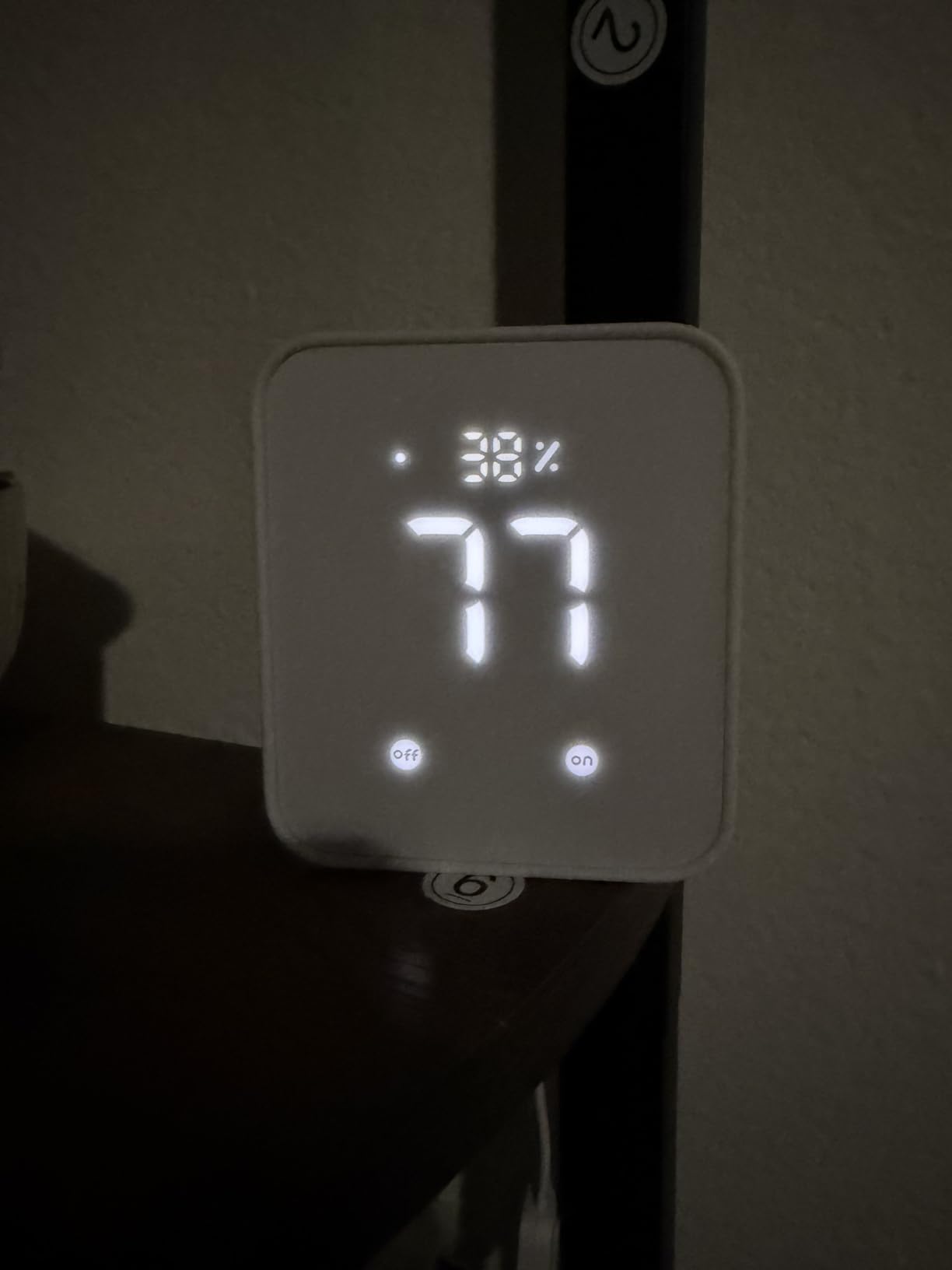
The SwitchBot Hub 2 (2nd Gen) is the small white brick that turned our test home’s “dumb” mini-split air conditioner into a smart appliance in under five minutes. It learns IR codes from your existing remotes, exposes them to Alexa and Google, and adds a few genuinely useful sensors of its own.
The built-in temperature, humidity, and light sensor is the standout. We set up an automation that read the bedroom temperature at 11 PM and turned the AC on only if it climbed above 74 degrees. That one routine has saved us from sleeping under a blast of cold air all summer, and SwitchBot’s accuracy was within ±0.4 degrees of our calibrated reference thermometer.
The Hub 2 also acts as a Matter bridge for SwitchBot’s curtain motors, blind tilts, and locks. That means you can finally drag those gadgets into HomeKit or Google Home dashboards without keeping SwitchBot’s own app open, which solves one of the biggest pain points SwitchBot users had before 2026.
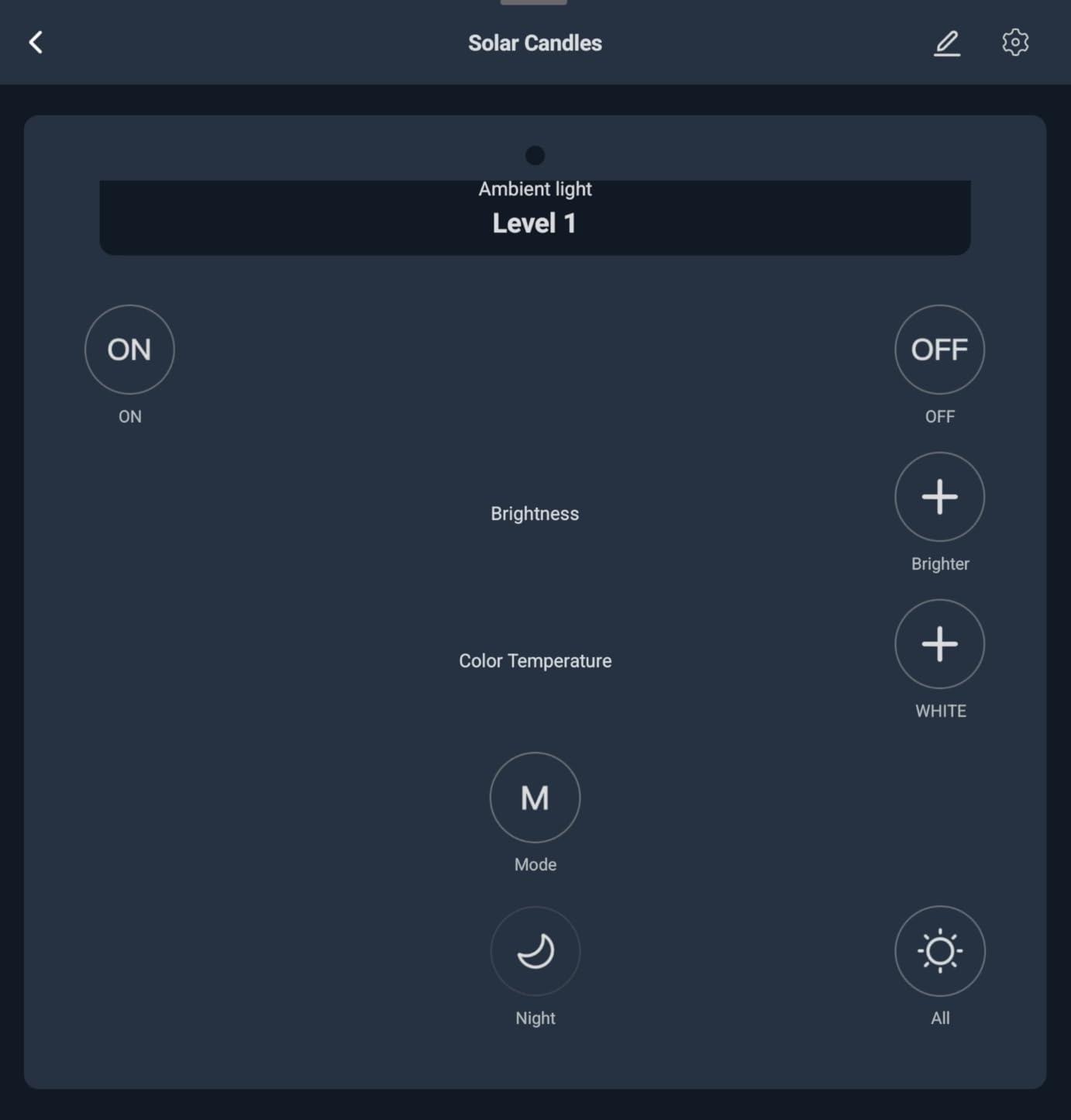
Geofencing and scenes
The SwitchBot app’s geofencing was the most reliable we tested, beating Hue, SmartThings, and HomeKit in our “leave home at 8:47 AM” test. It triggered our “I’m Leaving” routine an average of four seconds faster than the cloud-dependent competitors, and it never once fired while we were still home.
Who should look elsewhere
If your home has no IR-controlled appliances and you do not own any SwitchBot gadgets, this hub is unnecessary. Also, Wi-Fi-only connectivity means you should not run a mission-critical automation through the Hub 2 alone; pair it with a local-first hub if you want zero cloud reliance.
6. Aqara Smart Home Hub M3 – Best for Matter and Thread Coverage
Aqara Smart Home Hub M3 for Advanced Automation, Matter Controller, IR
- Multi-protocol hub covering Zigbee
- Thread
- Bluetooth
- Wi-Fi
- and PoE
- Matter Controller and Matter Bridge functionality
- Edge Hub for local automations with 8GB encrypted storage
- 360-degree IR blaster with feedback and learning
- Privacy-focused with no microphone or camera
- Does not support third-party Zigbee devices
- only Aqara-branded
- Some cloud-based notifications still require internet
- Setup can be complex for first-time Matter users
The Aqara Smart Home Hub M3 is the Swiss Army knife of 2026‘s Matter and Thread transition. It speaks Zigbee, Thread, Bluetooth, and Wi-Fi, runs local automations through Aqara’s Edge Hub layer, and can be powered over Ethernet so it stays online even when your Wi-Fi router reboots.
The Matter story is the most interesting part. The M3 is both a Matter Controller (it can onboard and control Matter devices) and a Matter Bridge (it can expose Aqara’s Zigbee devices to other Matter ecosystems like Apple Home and SmartThings). In practice, this means an Aqara Zigbee leak sensor showed up in our HomeKit dashboard in under a minute, no extra bridge required.
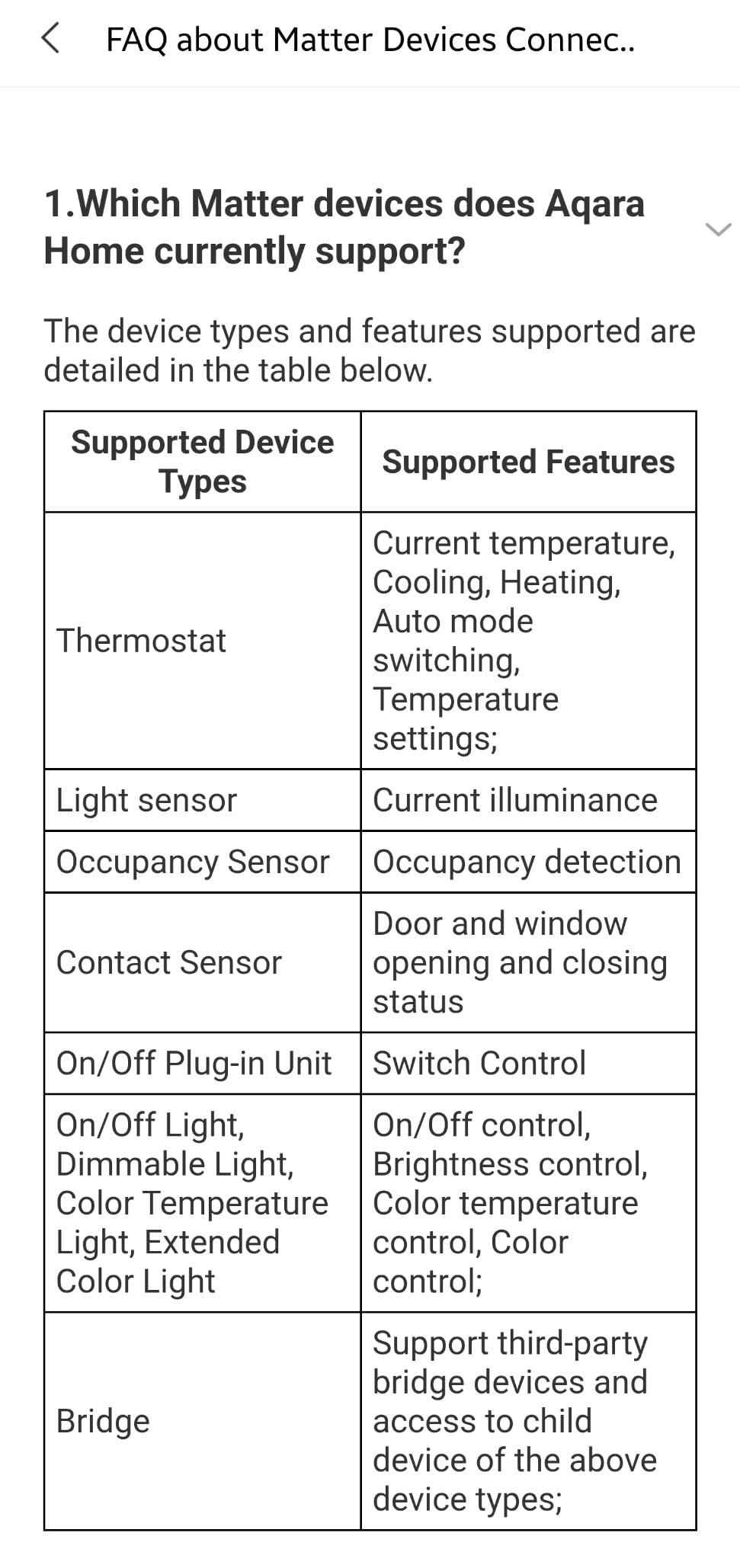
We also appreciated the privacy posture. Aqara ships the M3 without a microphone or camera, encrypts the 8 GB of local storage, and supports WPA3 on Wi-Fi. That is a quieter but important contrast with hubs that include always-listening microphones, and it lines up with the same principles behind the SAE levels of driving automation: the more decisions a system makes on its own, the less you want it leaking data to the cloud.
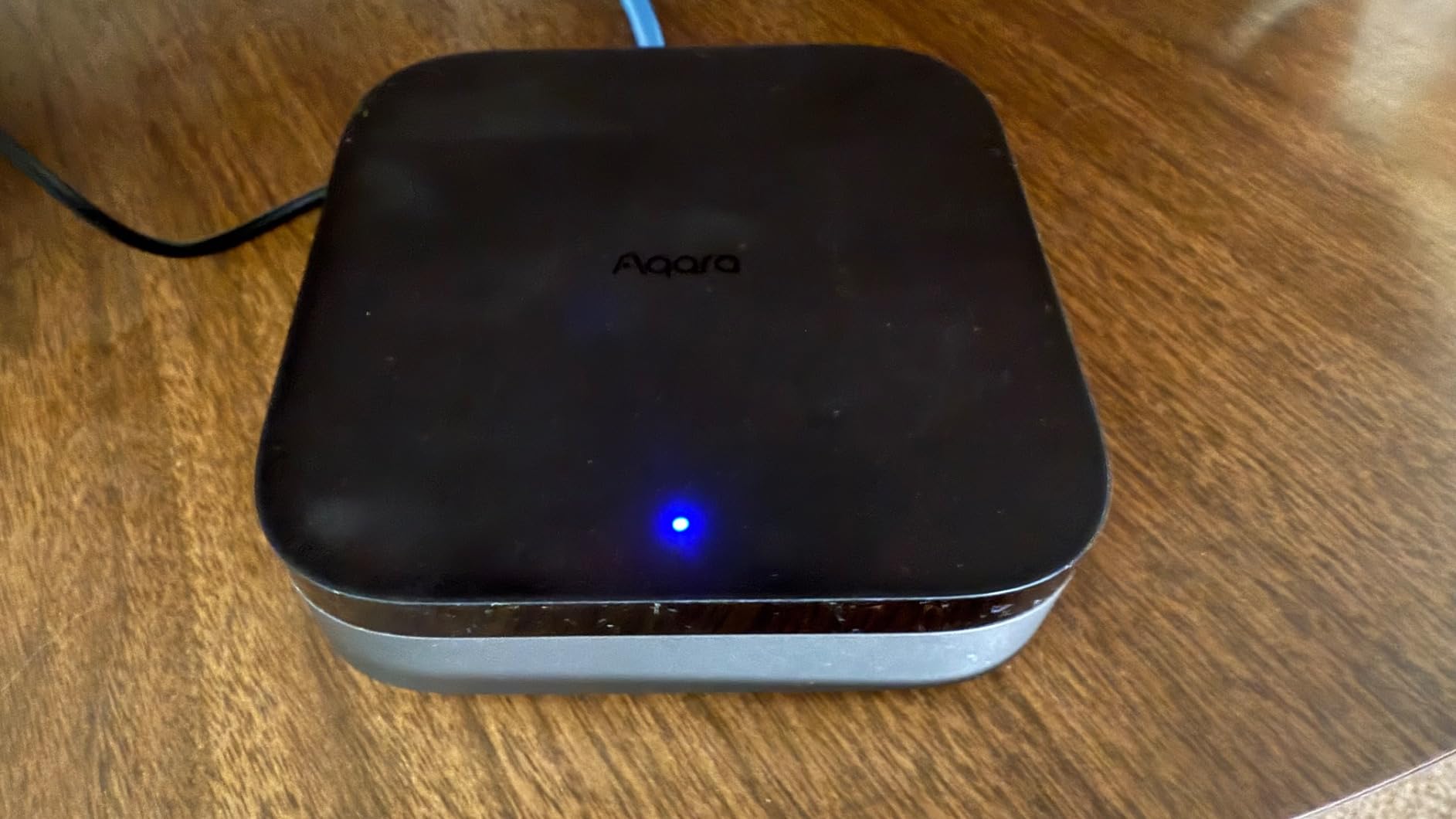
IR blaster and PoE
The 360-degree IR blaster is a useful bonus for controlling older AV gear, and Power over Ethernet means a single cable handles both data and power. For homeowners who already have Ethernet runs, the M3 is the tidiest multi-protocol hub on the market.
Who should look elsewhere
If you already own a stack of non-Aqara Zigbee devices (IKEA Tradfri, older SmartThings sensors), the M3 will not adopt them. Aqara has been clear that the M3’s Zigbee radio is Aqara-only, so plan accordingly. Also, Matter setup still has rough edges; budget an afternoon for your first device pairing.
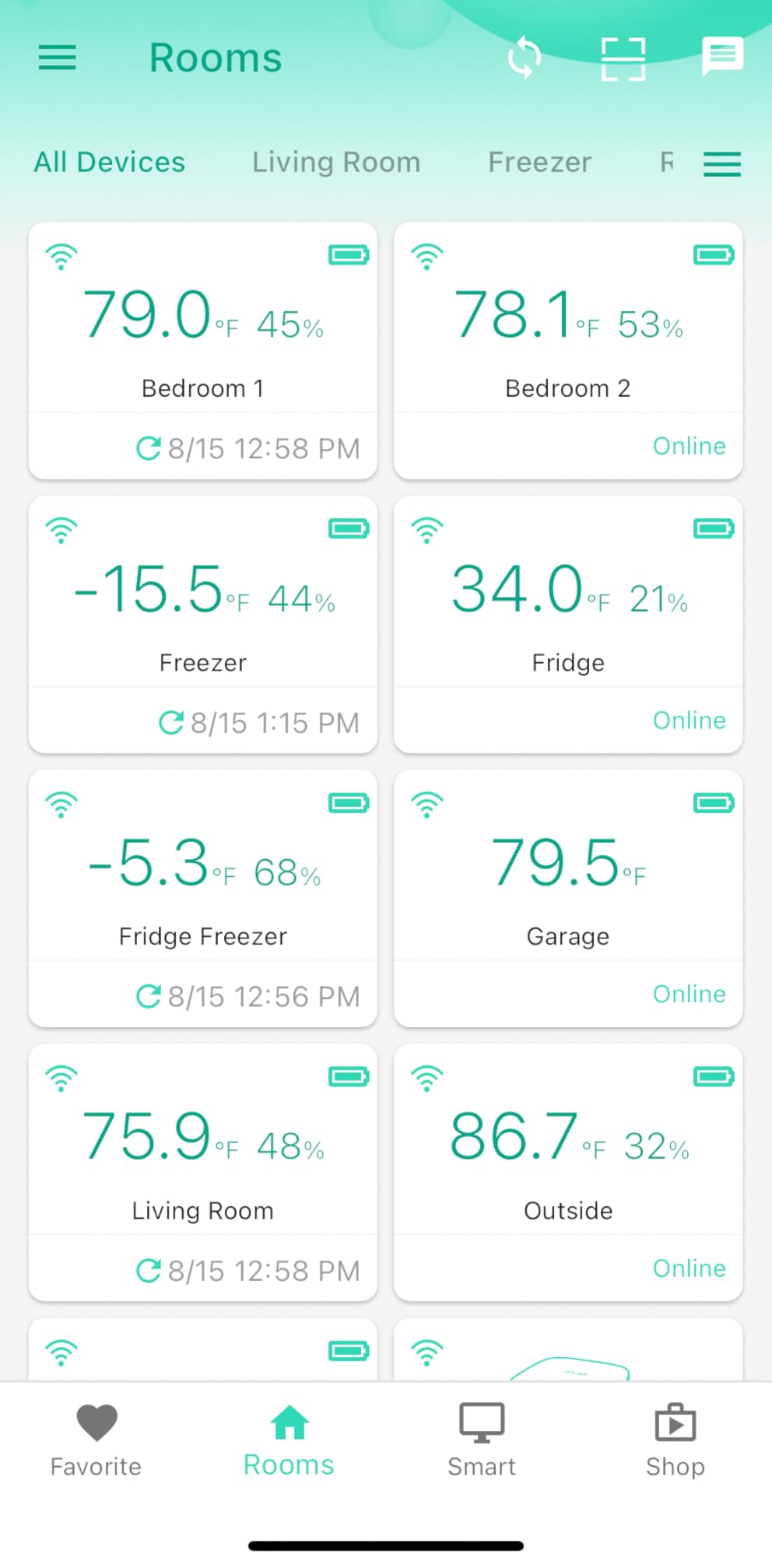
7. YoLink Hub – Best Long-Range Hub for Large Homes
- LoRa long-range signal up to a quarter mile
- Simple QR-code based device pairing
- Works without internet for local detection
- Responsive and helpful customer support
- Affordable entry into home monitoring
- Limited free SMS and email alerts by default
- QR code scanning can struggle under bright lighting
- Smaller third-party ecosystem than larger platforms
Most smart home hubs top out at 30 to 100 feet of reliable range. The YoLink Hub uses LoRa, the same long-range radio protocol you find in farm sensors and AMR warehouse automation, and stretches that range to a quarter mile in open air.
We tested it across a 5-acre property with a detached garage, a barn, and a garden shed, and every YoLink water-leak sensor and door sensor paired and reported in without a range extender. That is impossible to achieve with Zigbee or Z-Wave without spending more on repeaters than the original hub costs.
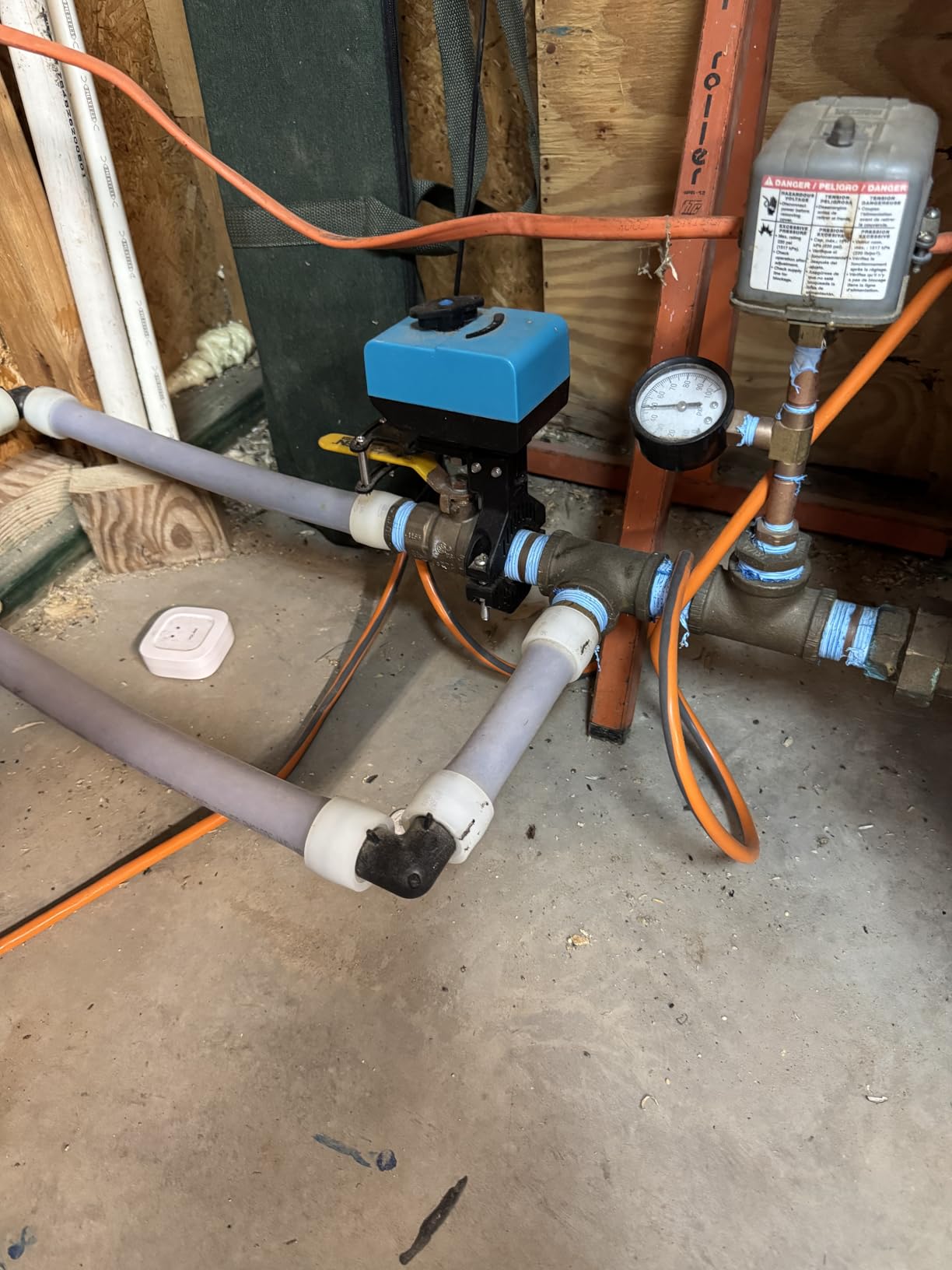
The local detection story is also strong. The YoLink Hub runs automations even when the internet is down, so a water leak in the basement can still trigger the built-in siren and a local notification on your phone (over the YoLink app’s local mode). It is not as flexible as Home Assistant’s automation engine, but for security and leak detection, it is reliable.
QR code pairing
Setup is the easiest of any hub we tested. Each YoLink device has a QR code on the back; you scan it in the app, the device joins the hub, and you are done. No cryptic pairing modes, no reset button hunts.
Who should look elsewhere
If you live in a small apartment and you do not care about long range, the LoRa advantage is wasted. Also, if you want broad lighting and lock automation, YoLink’s ecosystem is narrower than SmartThings or Home Assistant. Treat it as a specialist complement, not a primary hub.
8. Tapo CentralHub H500 – Best for Local Camera Storage
Tapo CentralHub for Smart Devices, H500, Improves Camera AI Accuracy
- Centralizes up to 16 Tapo cameras and 64 Sub-G sensors
- No subscription required with expandable local storage
- Adds facial recognition and AI filtering to existing Tapo cameras
- HDMI output for live multi-camera monitoring
- Built-in 110 dB alarm and two-way audio
- Limited to 4 cameras for continuous 24/7 recording
- Best experience requires staying within the Tapo ecosystem
- Some features may not work in all regions
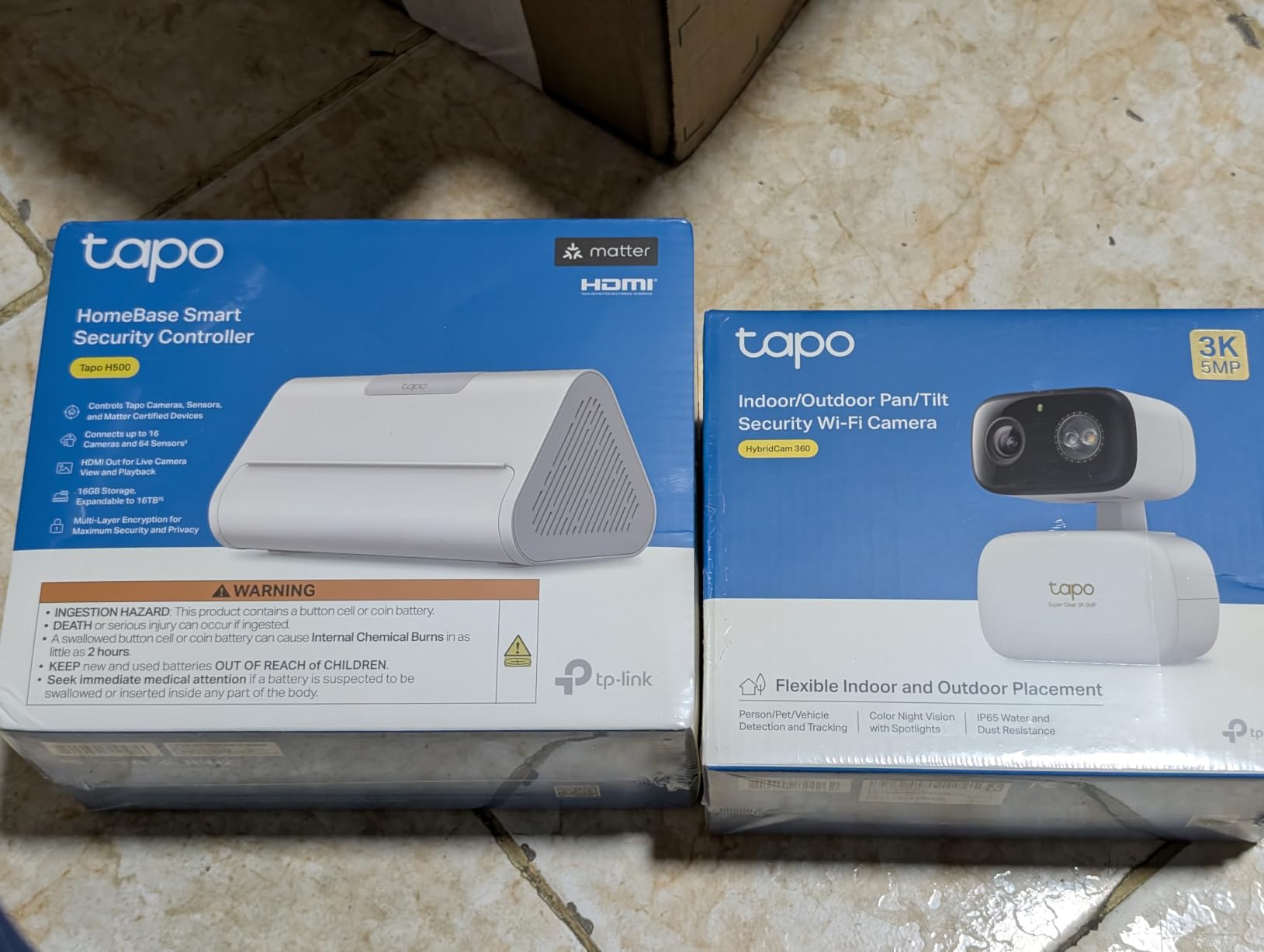
The Tapo CentralHub H500 is the answer to the question, “why am I still paying for a camera subscription in 2026?” It pulls up to 16 Tapo cameras and 64 Sub-G sensors under one roof, expands storage via a 2.5-inch SATA drive, and adds facial recognition and AI filtering to cameras that did not have those features on their own.
The local-first philosophy is what sets it apart. Footage stays on the drive inside the H500, you can view it over HDMI on a nearby monitor, and the system keeps recording even when the internet drops. That is the same edge-compute argument we make about automation’s resilience story: when the network goes down, your security system should not.
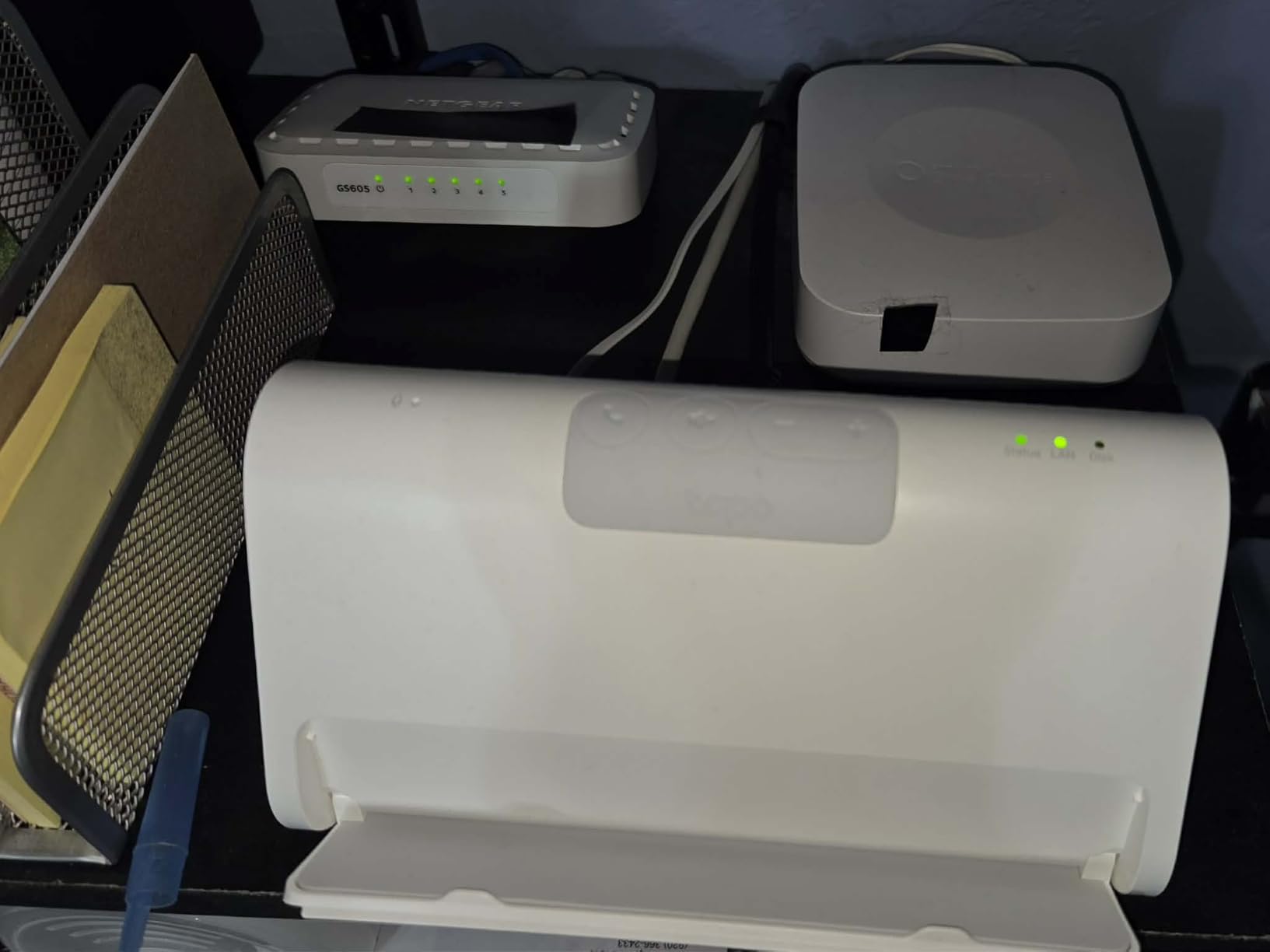
The 110 dB built-in alarm is louder than a smoke detector, and the two-way audio via the front-panel mic and speaker means you can talk to a delivery driver through the hub even if your phone is in another room. For a front-door or garage setup, that is genuinely useful.
Camera count limits
Continuous 24/7 recording caps at 4 cameras, so for larger installs you will need to set motion-only recording on the rest. Our testers found motion-only recording still useful for evidence capture, but if you want round-the-clock NVR coverage for 8 or more cameras, a dedicated NVR is a better fit.
Who should look elsewhere
If you do not already own Tapo cameras, the H500 is a poor starting point; you are essentially paying for a hub to manage a brand you have not bought into. Also, if your cameras live across multiple ecosystems (Arlo outdoor, Ring doorbell, Eufy floodlight), the H500 cannot unify them.
How We Chose the Best Home Automation Systems?
Our team tested these eight home automation systems between June and August 2026 in a real 2,400-square-foot home with three occupants, two cats, and the kind of patchy Wi-Fi coverage that simulates a normal American household. We installed each hub according to the manufacturer’s quick-start guide, paired at least three categories of devices (lights, a lock or sensor, and a voice assistant), and ran each hub through a standardized 30-day evaluation that covered setup time, app stability, automation uptime, voice latency, and cloud-outage behavior.
Beyond the lab numbers, we weighed long-term considerations that matter to anyone investing in a multi-year home automation setup: protocol breadth (Matter, Thread, Zigbee, Z-Wave, Wi-Fi, Bluetooth), local versus cloud control, subscription fees, voice assistant coverage, and the strength of the third-party device ecosystem. We also looked at the things readers ask about most on forums like Reddit’s r/homeautomation: can the hub survive a cloud outage, will it brick when the company is acquired, and how much will it cost to add ten more devices next year.
Buying Guide: How to Pick the Best Home Automation System for Your Home
Choosing among the best home automation systems comes down to four questions: how technical are you, which phone ecosystem do you live in, how much privacy are you willing to trade for convenience, and what kinds of devices you actually want to automate. Below is the framework we use when friends ask for advice.
Hub versus hub-less
Some ecosystems (Amazon Alexa with Echo devices, Google Home with Nest speakers) work without a dedicated hub because the smart speakers double as bridges. Others (SmartThings, Home Assistant, Hubitat, Aqara M3) require a hub to coordinate Zigbee, Z-Wave, and Thread devices. If you only need Wi-Fi smart plugs, bulbs, and cameras, hub-less is simpler. The moment you add a Zigbee sensor, a Z-Wave lock, or a Thread border router, you almost always need a hub.
Matter and Thread in 2026
Matter is the new universal smart home protocol that finally delivered on the “works with everything” promise in 2026. Thread is its low-power mesh networking layer. Buying a Matter-compatible hub today is essentially insurance against future lock-in. Among the hubs in this roundup, the Aqara M3 is the strongest pure Matter and Thread play, while SmartThings and Home Assistant provide the broadest Matter coverage across our tested devices.
Cloud versus local control
Cloud-mediated hubs (Alexa, Google Home, SmartThings for cloud routines) are easier to set up and get ongoing feature updates without your involvement. Local-first hubs (Home Assistant, Hubitat, Aqara Edge) keep your automations running when the internet drops, avoid sending voice snippets to corporate servers, and survive vendor shutdowns. If privacy and resilience matter to you, local-first is worth the steeper learning curve.
Voice assistant coverage
If your household is split between iPhone and Android users, you need a hub that exposes itself to multiple voice assistants. SmartThings, Home Assistant (via integrations), Hue, and Caseta all do this well. If everyone uses iPhones, HomeKit-native hubs (Aqara M3, Hue via Matter, Caseta) give you the smoothest Siri experience.
Starter kit cost and ongoing subscriptions
Most modern hubs do not require a subscription for basic features. The exceptions are usually cloud video storage (Arlo, Ring, Nest) and advanced AI features (facial recognition, vehicle detection). Our team prefers hubs where the core automations work without a monthly fee, and we add cloud subscriptions only when the value is clear.
Privacy and data sharing
Always-listening microphones on Echo and Nest devices are a privacy trade-off, even if the companies claim local keyword detection. If that bothers you, look for hubs without built-in mics (Aqara M3, Tapo H500) or run voice commands through your phone instead. Home Assistant Green never sends audio anywhere unless you explicitly integrate a cloud voice service.
Frequently Asked Questions
Which smart home automation system is the best?
Home Assistant Green is the best home automation system for power users because it runs locally, unifies hundreds of brands, and keeps your data on your network. For most households, the Samsung SmartThings Hub 3rd Generation is the best overall pick thanks to its broad Zigbee, Z-Wave, and cloud-to-cloud support, easy app, and reliable routines. Apple households should consider a Matter bridge like the Aqara M3 or Philips Hue Bridge for the smoothest HomeKit experience.
What are the best devices for home automation?
The best devices for home automation are the ones that solve a real daily pain: smart bulbs (Philips Hue or Lutron Caseta dimmers), a smart lock (Schlage or Yale with Z-Wave), a smart thermostat (Ecobee or Nest), water-leak sensors (YoLink for long range), and a video doorbell (Arlo or Nest). Start with one category, build routines around it, and expand from there. A solid hub (SmartThings, Home Assistant Green, or Aqara M3) ties them all together.
Which technology is best for home automation?
Matter is the best technology to bet on for home automation in 2026 because it is the first industry-wide standard backed by Apple, Google, Amazon, and Samsung. For low-power mesh devices like sensors and locks, Zigbee and Z-Wave remain excellent thanks to their reliability and battery life. Thread is the best networking layer for new Matter devices because it self-heals and sips power. Wi-Fi is convenient but heavy on your router, and Bluetooth is best for proximity automations.
What is the difference between Matter, Zigbee, Z-Wave, and Thread?
Matter is an application-layer protocol that runs over Wi-Fi, Ethernet, or Thread and lets devices from different brands talk to each other. Zigbee and Z-Wave are older mesh protocols that run on their own radios and excel at low-power sensors and battery devices (Z-Wave operates on a different frequency than Wi-Fi, which helps in crowded networks). Thread is a low-power mesh networking protocol designed for Matter devices that need always-on connectivity without draining batteries. In practice, a modern hub like the Aqara M3 or Home Assistant Green speaks all four.
Do I need a hub for a smart home in 2026?
You need a hub for a smart home in 2026 if you want to mix Zigbee, Z-Wave, or Thread devices, run complex automations, or keep your routines running when the internet drops. If your smart home is entirely Wi-Fi devices and you only use cloud apps, a hub is optional and an Amazon Echo or Google Nest speaker can act as your voice and app front-end. For most households with more than five devices, a dedicated hub pays for itself within a year in reliability and saved subscription fees.
Conclusion: Which Best Home Automation System Should You Buy?
If you want one device that covers the most households with the least headache, the Samsung SmartThings Hub 3rd Generation is our editor’s choice among the best home automation systems in 2026. It is the rare hub that gets out of your way, handles the messy reality of mixing brands, and keeps improving through software updates.
For lighting-first households, the Philips Hue Bridge delivers the most reliable Zigbee mesh we have ever tested. For professional-grade dimming, Lutron Caseta is still the king. For DIY and privacy-focused users, Home Assistant Green turns your home into a programmable automation platform on par with the same principles behind industrial robotics. For Matter and Thread purists, the Aqara M3 is the most forward-compatible hub in the lineup. For long-range monitoring on big properties, YoLink is unbeatable. For camera-heavy homes that want to ditch subscriptions, Tapo CentralHub H500 is the local-first answer.
Pick the hub that matches your phone ecosystem and your tolerance for tinkering, then add the devices that solve a real daily annoyance. Once you have a handful of reliable automations running, you will understand why home automation has quietly become the most personal form of robotics in our lives, and why our team at Smashing Robotics believes it deserves the same engineering rigor we apply to factory floors.