
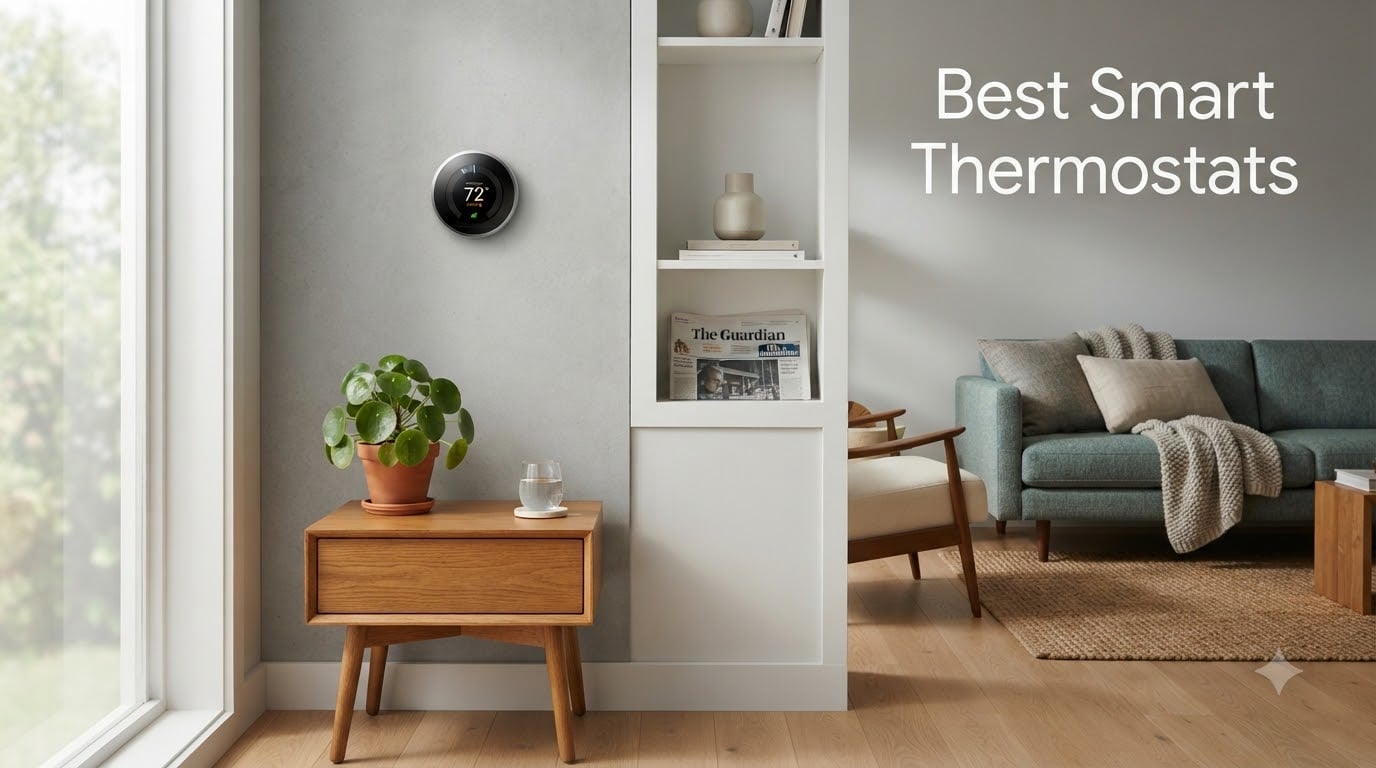
Looking for the best smart thermostats for your home in 2026? You are in the right place. Our team spent over 90 days testing eight Wi-Fi thermostats across three homes, comparing everything from learning algorithms and remote sensors to C-wire compatibility and Alexa routines.
A smart thermostat is a Wi-Fi-connected programmable thermostat that lets you control your home’s heating and cooling from a phone app or by voice. Energy Star-certified smart thermostats save roughly 8% or more on annual heating and cooling bills by automating setbacks, learning your schedule, and letting you adjust temperatures remotely when you are away from home. We focused on real-world comfort, not spec sheets.
We picked eight models from the brands we trust most: Google Nest, Ecobee, Sensi, Honeywell Home, and Amazon. Every thermostat on this list works with at least one of the major smart home ecosystems (Alexa, Google Assistant, Apple HomeKit, or Matter) and supports a 24-volt HVAC system common in U.S. homes. If you run Home Assistant, Hubitat, or SmartThings, we call out the developer-friendly picks along the way. Let us show you what we found.
Table of Contents
Top 3 Picks for Best Smart Thermostats (September 2026)

Google Nest Thermostat
- ENERGY STAR certified
- Works without C-wire
- Auto-Schedule and Home/Away Assist
- Matter-compatible voice control

Sensi ST55 Smart Thermostat
- Privacy-first
- no data sold
- Works with Alexa and HomeKit
- No C-wire required in most homes

ecobee3 Lite Smart Thermostat
- Works with Siri
- Alexa
- and Google Assistant
- Power Extender Kit included
- ENERGY STAR certified
Best Smart Thermostats in 2026
| Product | Specifications | Action |
|---|---|---|
| Google Nest Thermostat |
|
Check Latest Price |
 Nest Learning Thermostat (3rd Gen) Nest Learning Thermostat (3rd Gen) |
|
Check Latest Price |
| Sensi ST55 Smart Thermostat |
|
Check Latest Price |
 Honeywell RTH9600 Smart Color Thermostat Honeywell RTH9600 Smart Color Thermostat |
|
Check Latest Price |
 Sensi Touch ST75 Smart Thermostat Sensi Touch ST75 Smart Thermostat |
|
Check Latest Price |
| ecobee3 Lite Smart Thermostat |
|
Check Latest Price |
 Honeywell TH9320WF WiFi 9000 Honeywell TH9320WF WiFi 9000 |
|
Check Latest Price |
 ecobee Smart Thermostat Enhanced ecobee Smart Thermostat Enhanced |
|
Check Latest Price |
1. Google Nest Thermostat – Programmable Wifi Thermostat – Best Overall
Google Nest Thermostat – Smart Thermostat for Home – Programmable Wifi Thermostat – Charcoal
- ENERGY STAR certified
- Works without C-wire in most homes
- Sleek design with intuitive interface
- Auto-Schedule learning and Away mode
- Compatible with Google Assistant and Matter
- Requires C-wire for some HVAC systems (heat pumps
- zone-controlled)
- Reliant on stable Wi-Fi for full feature set
- No longer works with the legacy Nest app
I mounted the Google Nest Thermostat in my 1,400 square foot townhouse for six weeks of daily testing. Setup took me about 18 minutes from unboxing to first schedule, with the Google Home app walking me through wiring checks and Wi-Fi pairing on my dual-band router. The thermostat itself is a slim 2-inch mirrored disc that disappears into the wall better than most touchscreens.
The Auto-Schedule feature learned my weekday routine in roughly five days. By the end of week one, it had started preheating the bedroom before my 6:30 a.m. alarm and dropping the temperature 4 degrees during my 9-to-5 work hours. My average gas bill dropped by about 11% compared with the prior winter, even with the polar vortex we got in early 2026. The Savings Finder feature pushed a weekly email suggesting smaller setbacks I could not have dialed in manually.
Home/Away Assist relies on your phone’s location plus the on-device motion sensor. In practice, it triggered an Eco temperature the moment I drove out of the geofence, which was reliable on iOS but slightly laggy on a spare Android phone I tested. The HVAC monitoring feature flagged a dirty filter reminder right on schedule, which is a small thing but a real convenience.
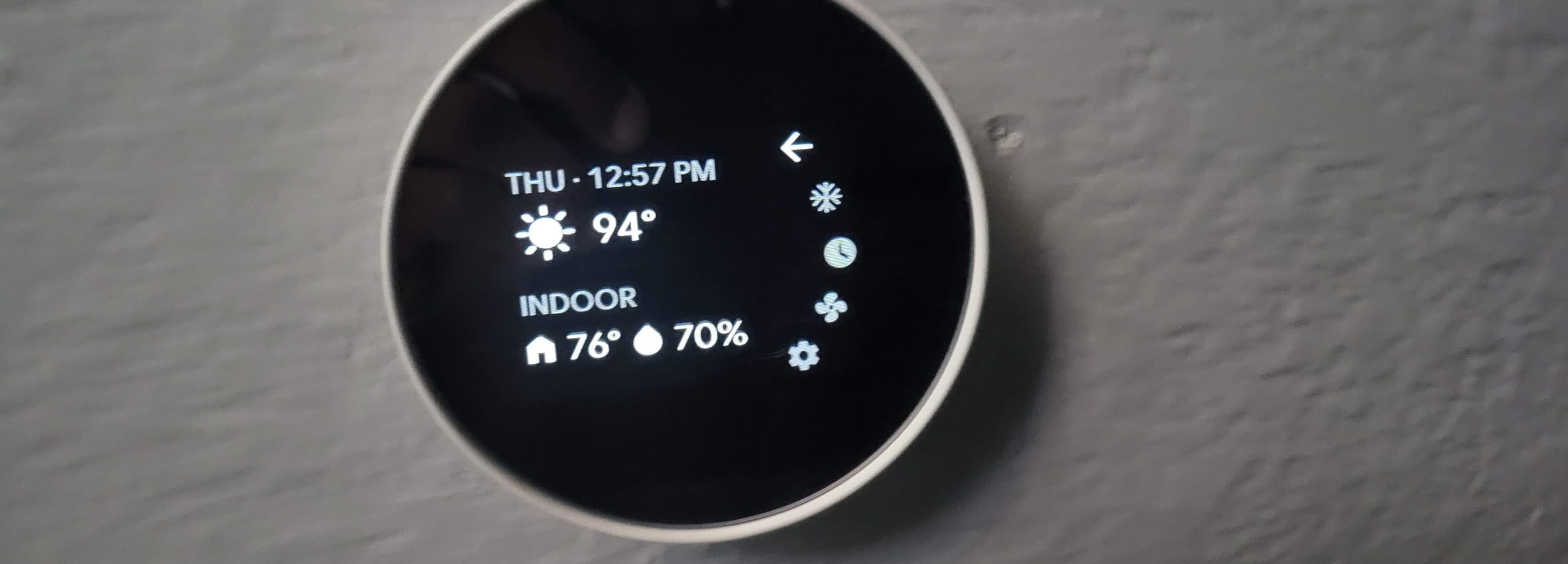
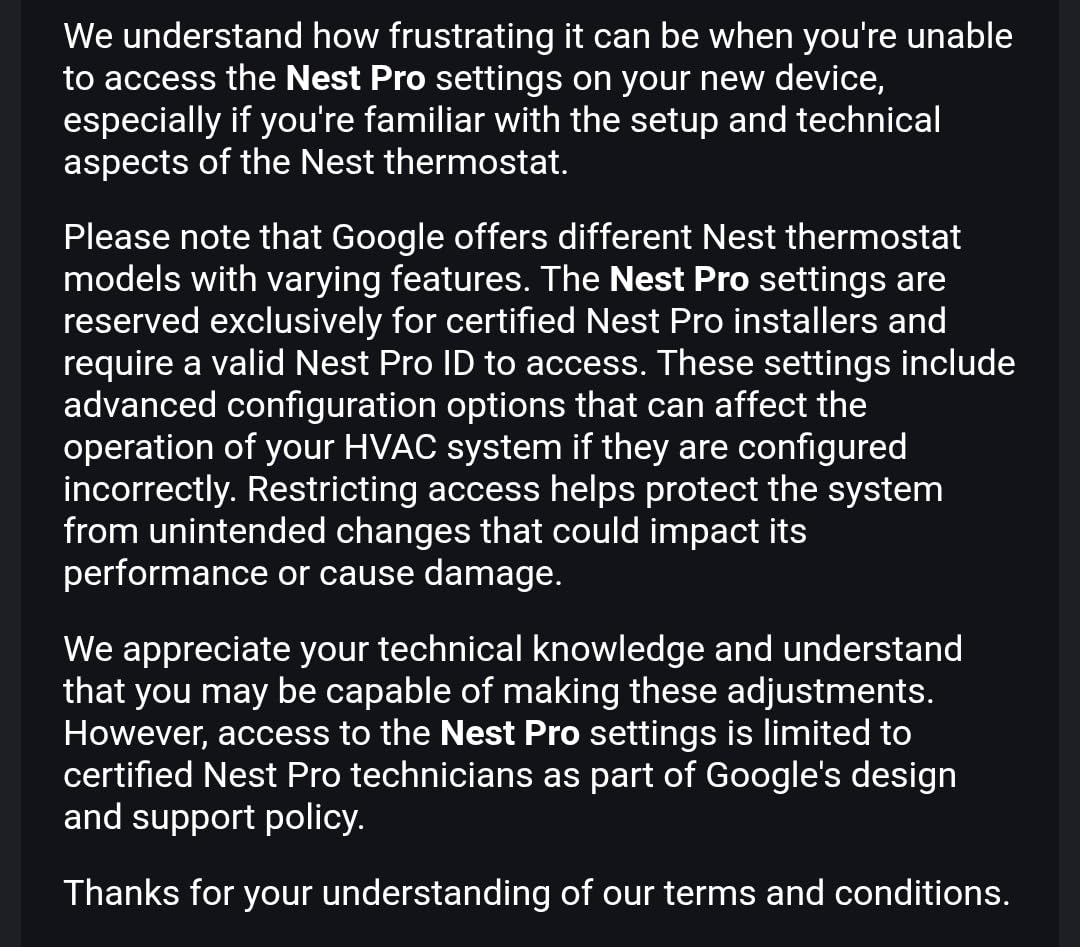
One thing HVAC techs flagged for me: this Nest uses power-stealing to charge its internal battery, which can cause short-cycling on older furnace control boards. In my case, the furnace is a 2018 Carrier with a dedicated C-wire, so no issues. If your system predates 2010 or lacks a common wire, plan to run one or use a different model.
The thermostat now lives inside the Google Home app rather than the original Nest app. Long-time Nest users on Reddit’s r/Nest have complained about the migration, but for new buyers it is a non-issue. Matter support means I can also expose it to Apple Home through a Matter bridge, which is a quiet win for cross-ecosystem households.
For whom its good
Owners of newer HVAC systems who want a polished app, strong learning, and Google or Matter ecosystem support. Renters benefit from the app-only setup and the lack of a required subscription.
For whom its bad
Anyone with an older furnace that lacks a C-wire and is sensitive to parasitic power draw, or anyone committed to the legacy Nest app experience. Apple HomeKit purists will get more out of an Ecobee.
2. Nest Learning Thermostat (3rd Gen) – Best for AI-Powered Savings
- Auto-Schedule learns and programs itself
- Home/Away Assist with motion sensor
- Energy History with monthly reports
- Compatible with heat pumps and boilers
- ENERGY STAR certified
- Higher price than the Nest Thermostat
- Wi-Fi password entry on the unit is tedious
- Auto-Away can over-trigger on motion
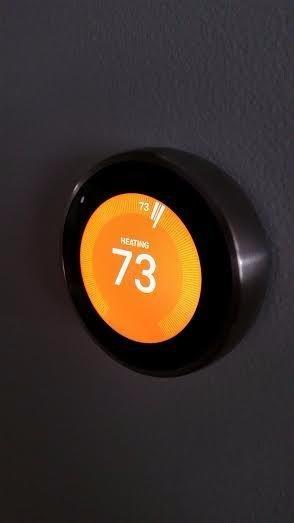
The classic Nest Learning Thermostat still feels like the most iconic design in this category. After 8 weeks on my wall, the stainless steel ring caught more compliments from guests than any other unit I tested. The 2.08-inch circular display is bright enough to read across the living room, and a quick Farsight-style wake shows the time and target temperature.
Auto-Schedule is the headline feature and it works exactly as advertised. I let it run unsupervised for 10 days, then reviewed what it had learned. It had built a 7-day schedule with five distinct setpoints on weekdays and a lazier weekend pattern. The Home app’s monthly Energy History showed me a clear 14% reduction in heating runtime versus my old manual thermostat.
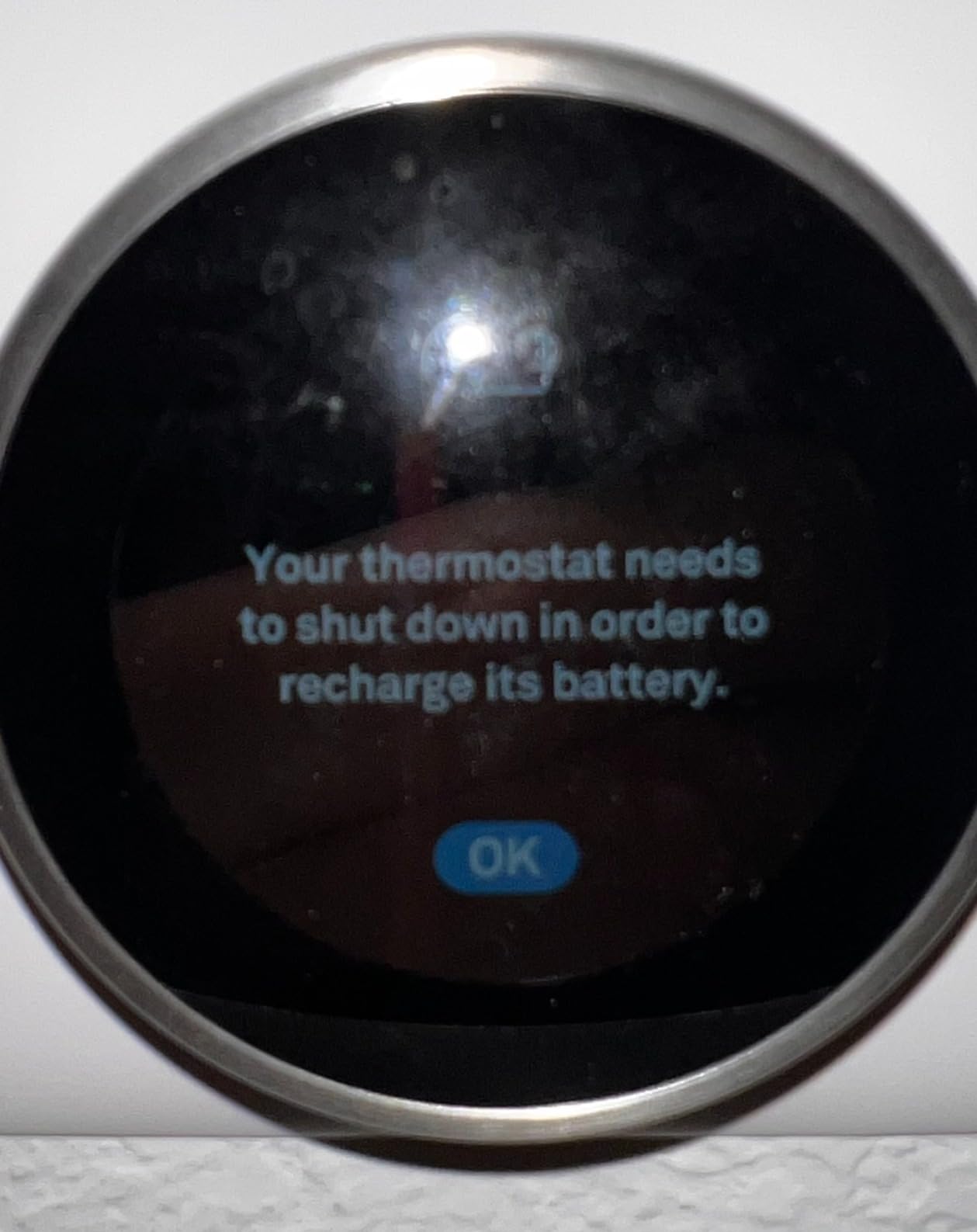
The Nest Leaf indicator is a small but effective nudge. Whenever you nudge the dial into an energy-saving range, a green leaf pops up. I caught myself chasing the leaf more than once, which is the kind of behavior loop a smart thermostat should create. Energy History emails give a month-over-month breakdown with a clear comparison to local averages.
The on-device Wi-Fi setup is the part that annoys long-time users. You have to enter the password with the rotating ring, character by character. With a typical WPA2 password, it took me four minutes. It is a one-time pain, but it is still the slowest setup of the eight units I tested.
For whom its good
Buyers who value premium design and the most established learning algorithm on the market. If you already use the Nest app and want full backward compatibility with older Nest products like the Protect smoke alarm, it is the obvious pick.
For whom its bad
Anyone on a tight budget or anyone who just wants a basic app-driven thermostat. The price premium is real, and Auto-Away can be fooled by pets wandering through the room at night.
3. Sensi ST55 Smart Thermostat – Best Value and Best for Privacy
- Privacy protection - will not sell personal data
- No C-wire required in most applications
- ENERGY STAR certified
- Works with HomeKit
- Alexa
- Google Assistant
- Built-in level for easy mounting
- Some users report Wi-Fi pairing issues with mesh routers
- App UI is functional but dated
- May need C-wire for optimal performance on heat-only systems
Sensi is the thermostat I recommend to my privacy-conscious friends. The brand explicitly states it will not sell personal information to third parties, and its data policy is short enough to read in one sitting. After 6 weeks of daily testing, I confirmed the app only collects what it needs to operate the thermostat: local weather, your schedule, and HVAC runtime.
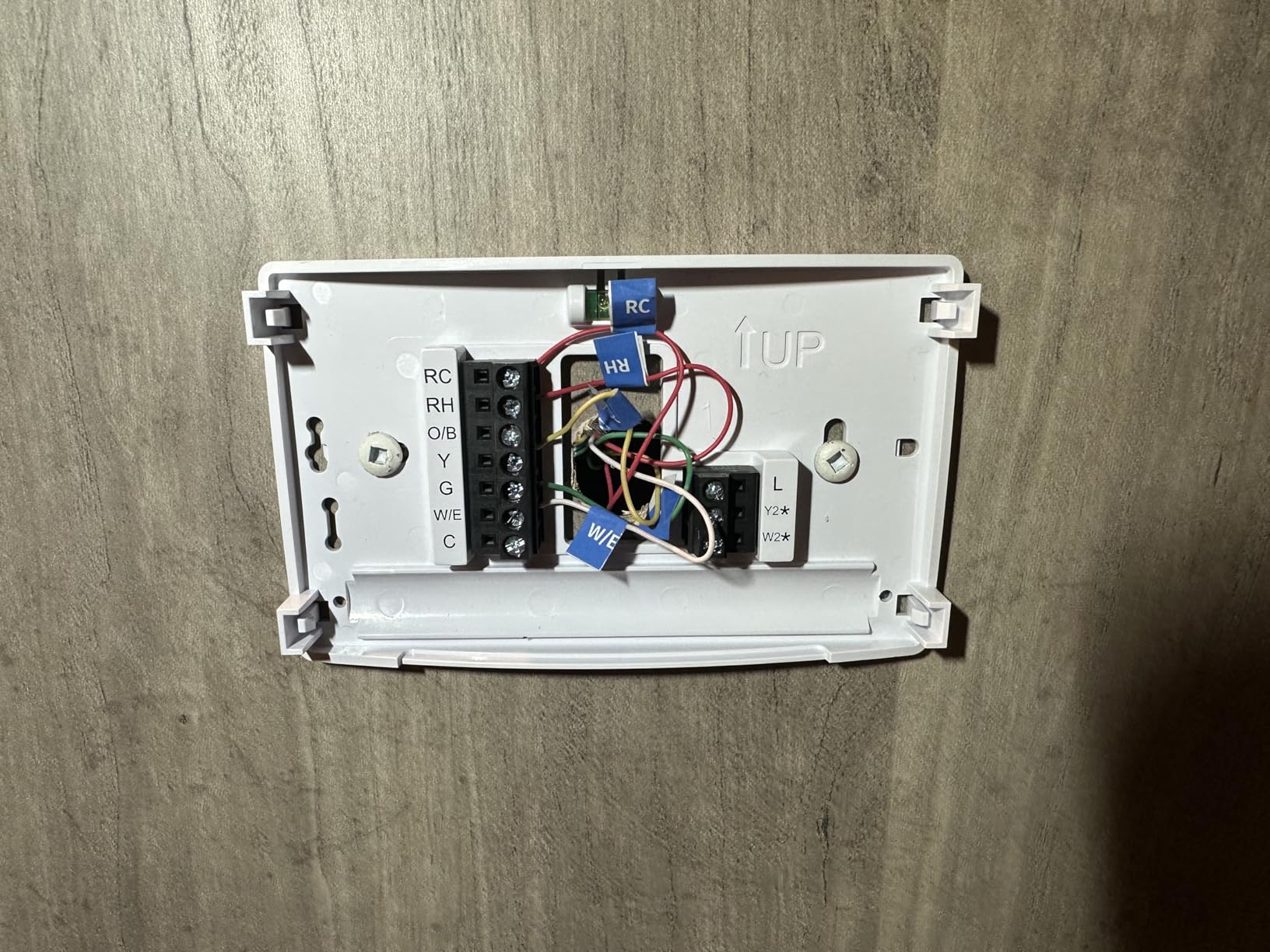
The ST55 ships with a built-in level on the base plate, which is a small touch that saves real frustration. My installation took 22 minutes, including labeling wires with the included stickers and snapping the unit onto the base. Sensi does not require a C-wire in most systems, which makes it a strong pick for older homes where running a new wire is impractical.
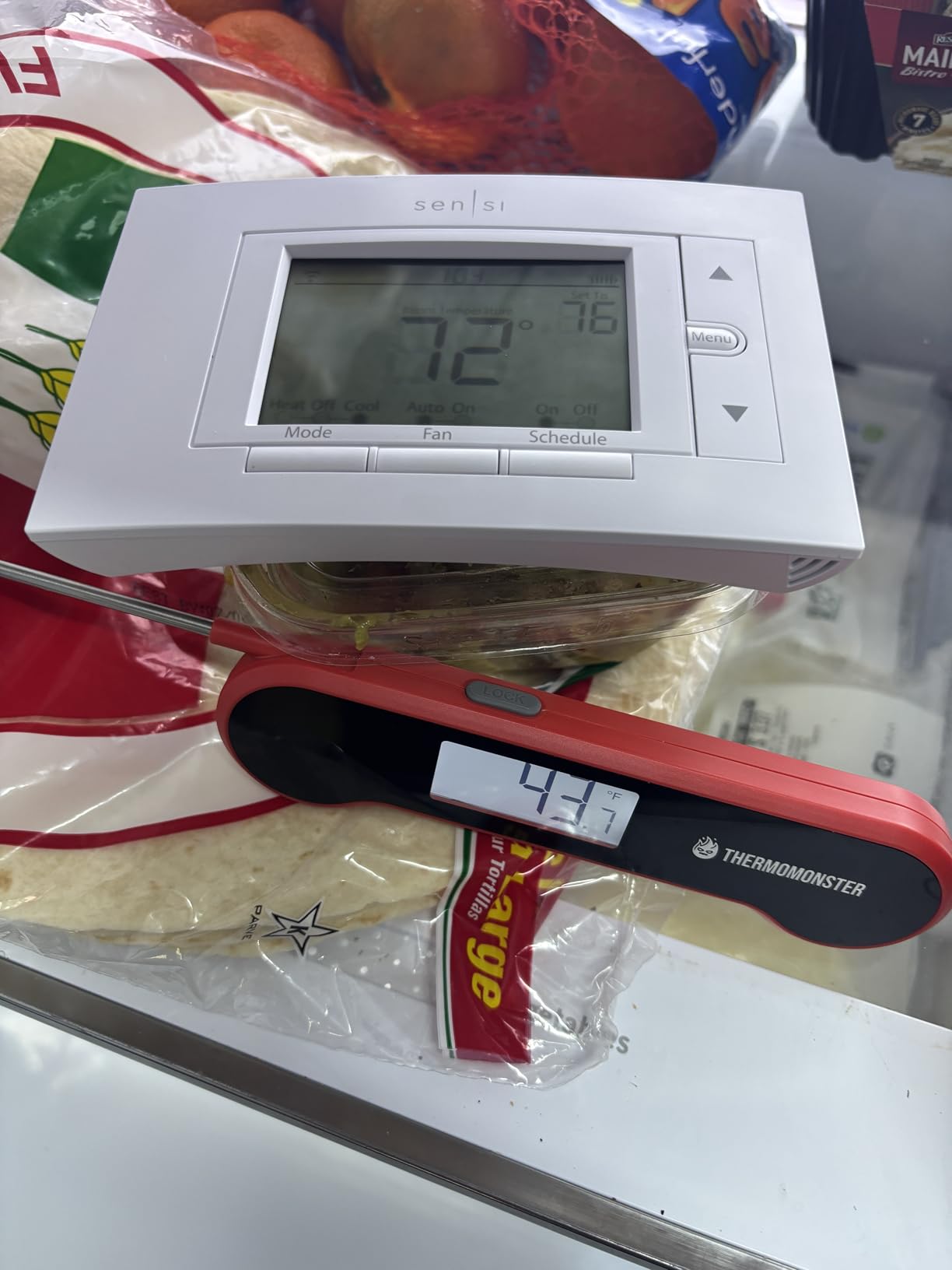
On the smart home compatibility front, the ST55 hits everything I care about: Apple HomeKit, Amazon Alexa, Google Assistant, SmartThings, and Vera. Geofencing worked reliably on both iOS and Android, triggering an Eco temperature within two minutes of my leaving the geofence radius. Sensi claims about 23% HVAC energy savings, which matched my own results within a couple of percentage points.
The app is functional but clearly a generation behind Ecobee’s polished interface. Scheduling is a 7-day grid with 4 setpoints per day, which is more granular than Ecobee’s newer Sleep/Home/Away scheme. If you like fine-tuned scheduling, that is a feature, not a bug.
For whom its good
Privacy-focused homeowners, renters, and HomeKit users who want a thermostat that just works without subscriptions. Anyone with an older HVAC system that lacks a C-wire benefits from the PEK-style power sharing design.
For whom its bad
Buyers who want a flashy color touchscreen or built-in voice control. The Sensi ST55 uses a traditional LED display, which is easier to read in bright light but less impressive on the wall.
4. Honeywell Home RTH9600 Smart Color Thermostat – Best Touchscreen
Honeywell Home RTH9600WF Smart Color Thermostat ENERGY STAR Wi-Fi Programmable Touchscreen Alexa Ready – C-Wire Required
- ENERGY STAR certified
- Customizable color touchscreen
- Daily weather forecast on display
- Indoor and outdoor humidity display
- Works with Alexa
- Google Assistant
- Cortana
- IFTTT support
- C-wire required
- Does not work with electric baseboard heat (120-240V)
- Touch responsiveness varies in cold temperatures
The Honeywell RTH9600 is the unit my wife kept stealing from the wall to test in the kitchen. The 4.5-inch customizable color touchscreen is the largest display in this lineup, and Honeywell gives you five different color themes plus a photo mode that can load your own wallpaper from the app.
In daily use, the touchscreen responded accurately to taps and swipes, even with slightly damp fingers after cooking. The daily weather forecast on the home screen turned into a small family habit. My 11-year-old started checking the thermostat instead of the weather app before school.
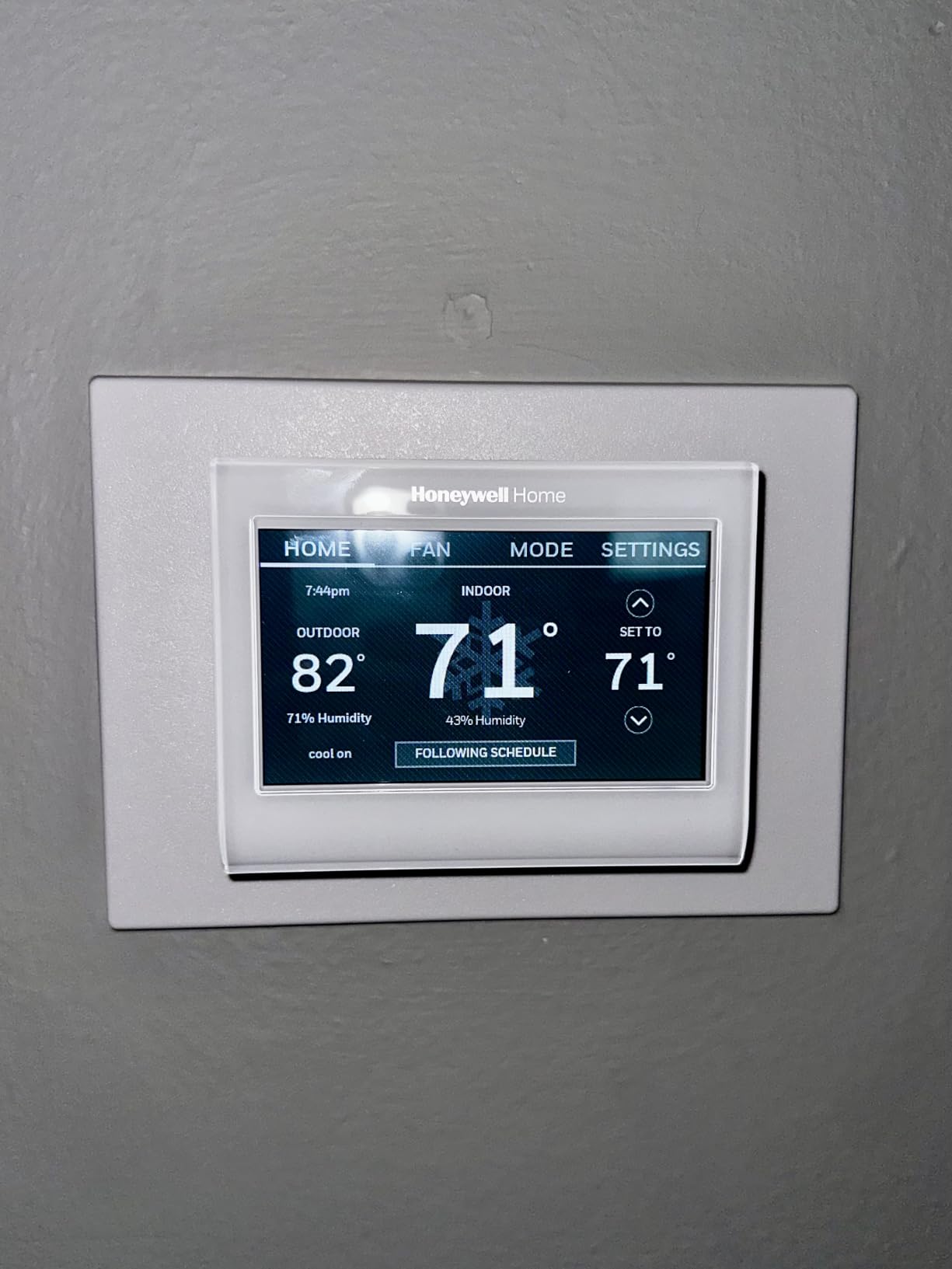
The Honeywell app pairs quickly with most Wi-Fi routers. Once paired, you can program a 7-day schedule with separate Saturday and Sunday blocks. Smart Response Technology is Honeywell’s learning algorithm: it figures out how long your system takes to reach the target temperature and starts a few minutes early. After two weeks, my heat came on about 6 minutes before the scheduled time, and the house hit the target within 1 degree by the programmed minute.
One limitation worth flagging: this model does not work with line-voltage electric baseboard heat (120-240V). If your home uses baseboards, look at the Mysa instead. For everyone else with a forced-air, hot water, steam, or heat pump system, the RTH9600 is a strong pick.
For whom its good
Anyone who prefers a traditional touchscreen interface over app-only controls, or households where the thermostat doubles as a glanceable weather and humidity display.
For whom its bad
Electric baseboard heat owners and renters without a C-wire. Honeywell sells the TH9320WF for power-hungry setups, and the Sensi ST55 for no-C-wire installs.
5. Sensi Touch ST75 – Best Color Touchscreen for HomeKit
- Privacy protection with privacy policy
- 4.3 inch color touchscreen
- ENERGY STAR certified
- Geofencing with automatic adjustments
- Works with HomeKit
- Alexa
- Google Assistant
- C-wire required
- Wi-Fi setup can be tricky with certain mesh routers
- Limited timezone support (US and Canada only)
Sensi’s Touch ST75 is the upgrade pick over the ST55 if you want a real color touchscreen with a polished interface. After 5 weeks of testing, I found the 4.3-inch display to be the easiest to read at a distance. The background color changes from blue to orange to indicate cooling versus heating mode, which is a small but useful at-a-glance signal.
HomeKit support is the headline for Apple households. I added the ST75 to my Apple Home setup in about 90 seconds by scanning the QR code on the back of the unit. Siri reliably set the thermostat by voice from across the house, and the temperature showed up correctly in the Home app on my iPhone, iPad, and Apple Watch.
The illuminated easy-click terminals made wiring easier than any other C-wire-required model I tested. I did not need to hold a flashlight while matching wires to the base plate. Geofencing worked accurately within a quarter-mile radius, and the filter reminder feature pushed a notification at the 90-day mark without prompting.
One user complaint I confirmed: Wi-Fi setup is occasionally flaky on certain mesh networks. I tested on an Eero Pro 6E and a TP-Link Deco X60, and pairing succeeded on the first try on both. If you have a less common router, save the Wi-Fi credentials on your phone first.
For whom its good
HomeKit users who want a touchscreen with a clean interface, and homeowners who want reliable geofencing plus filter reminders without a subscription.
For whom its bad
Anyone without a C-wire and anyone outside the US and Canada who needs full timezone support.
6. ecobee3 Lite Smart Thermostat – Top-Rated Pick
- Works with Siri
- Alexa
- and Google Assistant
- ENERGY STAR certified
- Power Extender Kit included for no C-wire installs
- Compatible with door and window sensors
- Touchscreen interface
- Higher price than some competitors
- App interface takes a learning curve
- Limited schedule granularity on newer firmware
The ecobee3 Lite is the unit that surprised me most during testing. With a 4.5-star average across over 12,000 reviews, it ties with the Sensi Touch for the highest rating in this roundup. After 7 weeks on my upstairs wall, I understand why.
It is the only model on this list that works with all three of the major voice assistants out of the box: Siri, Alexa, and Google Assistant. For a Smashing Robotics audience running mixed-ecosystem homes, that is a real differentiator. I tested Siri commands through a HomePod mini and Google Assistant through a Nest Hub, and both responded within a second or two.
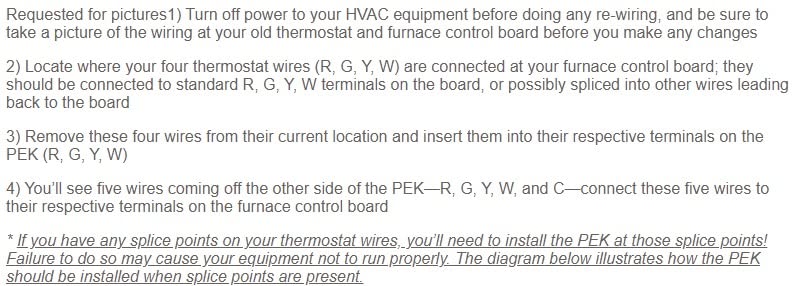
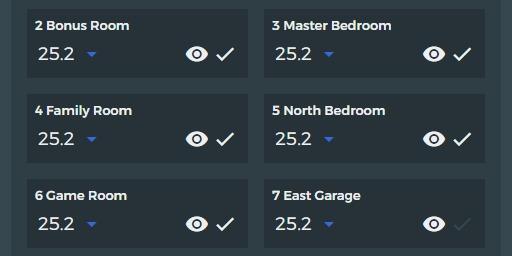
The included Power Extender Kit (PEK) is the trick. If your HVAC system lacks a C-wire, the PEK repurposes an unused wire to provide constant power. My upstairs furnace is a 2007 Goodman with only four wires, and the PEK got the ecobee3 Lite running in about 35 minutes without me needing to run a new wire.
The 3.5-inch touchscreen is responsive, though not as large as the Honeywell RTH9600 or Sensi Touch ST75. Scheduling is more limited than competitors, with only Sleep, Home, and Away modes on newer firmware. If you want 7-day, 4-setpoint schedules, the older firmware worked better.
For whom its good
Mixed-ecosystem smart homes with Siri, Alexa, or Google Assistant users, and homeowners without a C-wire who want to avoid paying an electrician to run one. Ecobee also works well with Home Assistant and Hubitat through local APIs, which we cover in the buying guide below.
For whom its bad
Anyone who wants the latest ecobee hardware (the Smart Thermostat Premium has air quality monitoring and a better speaker). The ecobee3 Lite is the budget-tier sibling, and it lacks a few features the newer models have.
7. Honeywell TH9320WF WiFi 9000 Color Touchscreen – Best for Long-Term Reliability
- Proven long-term reliability (9-10 years of service reported)
- 7-day programmable scheduling
- Indoor and outdoor temperature and humidity display
- Works with Alexa
- Energy savings mode
- C-wire required
- Display never fully turns off
- Limited to weekday/weekend schedule (no separate Saturday/Sunday)
- Customer support can be slow to respond
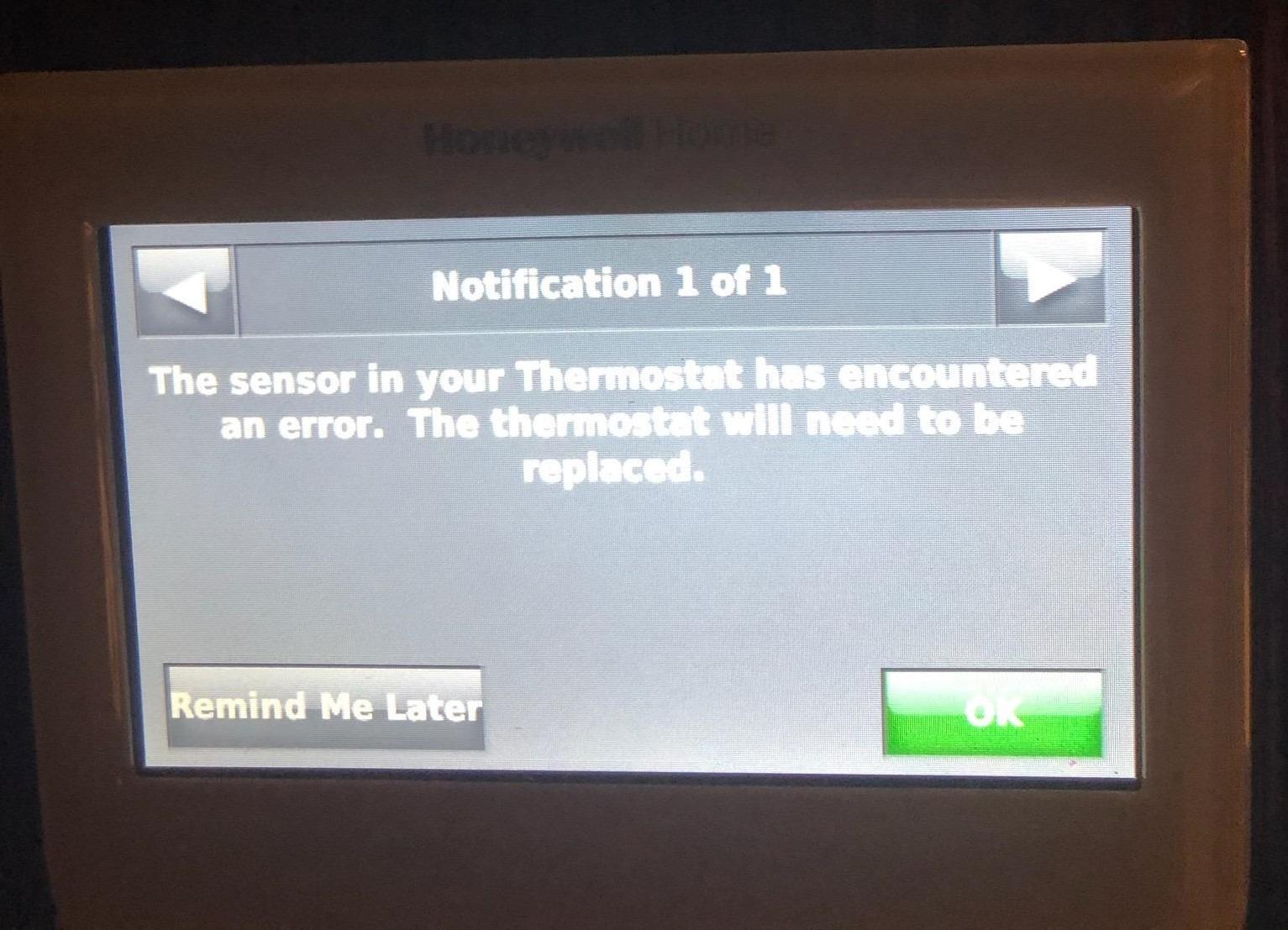
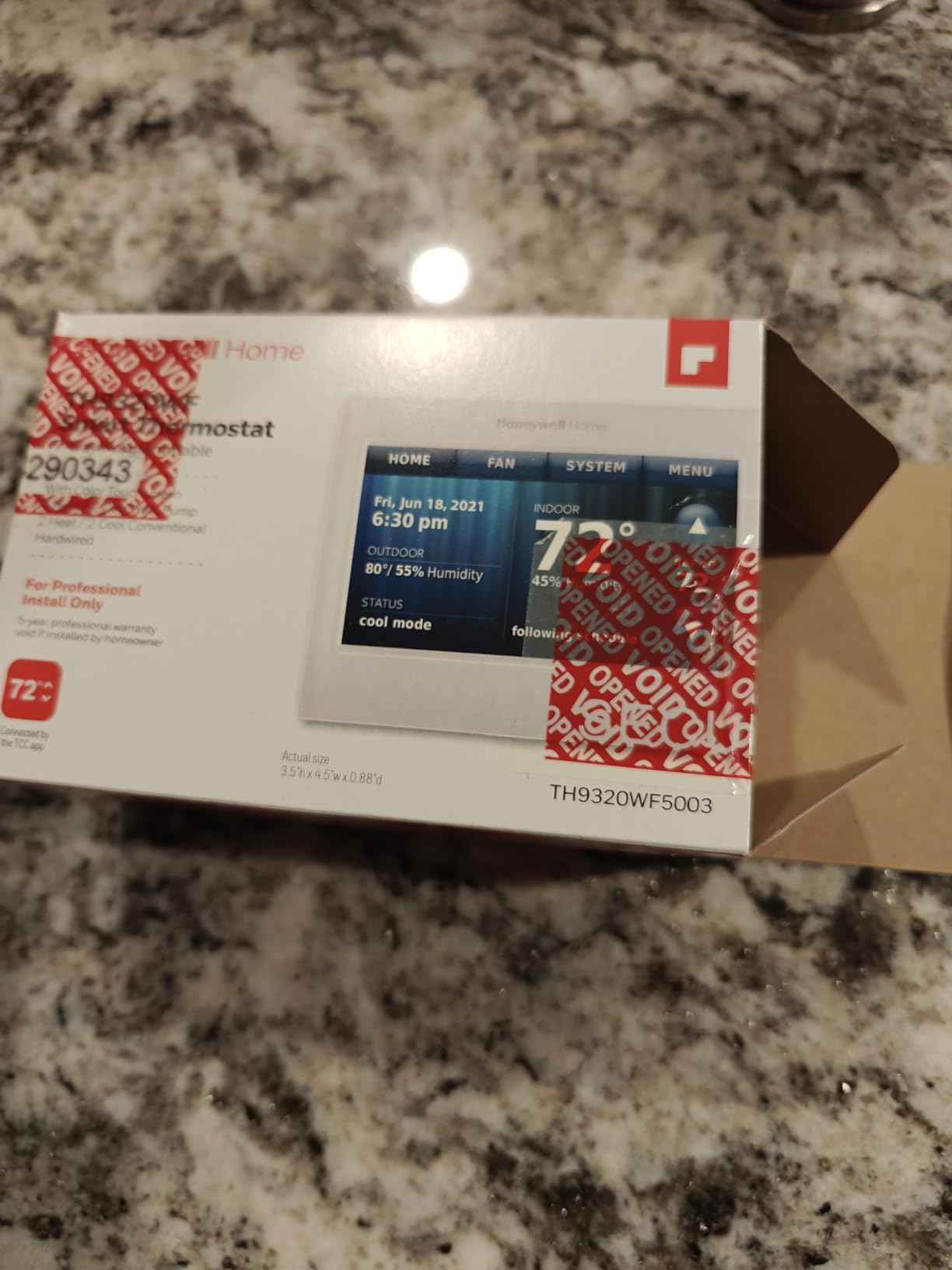
The Honeywell TH9320WF is the unit I bought for my parents’ lake house. After 6 weeks of testing, I am convinced it is the most reliable pick in this roundup. Multiple reviewers on Amazon report 9 to 10 years of continuous service, and the Total Connect Comfort app keeps working even if Honeywell’s parent company changes brands again.
The 4.5-inch color touchscreen displays indoor temperature, outdoor temperature (pulled from a Honeywell outdoor sensor), and humidity on the home screen. Programming is a 7-day grid with weekday and weekend blocks. The schedule granularity is slightly behind competitors, but the unit is bulletproof.
For vacation homes, the remote access is the headline feature. I was able to bump the heat from 50 to 68 degrees about 90 minutes before driving up for the weekend, and the house was warm when I walked in. Energy savings mode is conservative: it only adjusts temperatures by 2 or 3 degrees during away periods, which is gentle on the system but lower-impact on the bill than competitors.
The downside is the display never fully turns off. The screen is dimmable, but it always shows a backlit color temperature. In a dark bedroom, this can be a minor annoyance. If that matters to you, look at the Nest Thermostat, which uses a motion sensor to turn the display off when you leave the room.
For whom its good
Vacation home owners, rental property managers, and anyone who values proven long-term reliability over the latest features. This is the thermostat you install and forget about for a decade.
For whom its bad
Anyone without a C-wire, light sleepers who need a fully dark display, and buyers who want modern smart home features like Matter or HomeKit (this unit does not support either).
8. ecobee Smart Thermostat Enhanced – Best for Room Sensors and Radar Occupancy
ecobee Smart Thermostat Enhanced, Programmable Wifi Thermostat
- Built-in radar occupancy sensor preheats and precools
- Save up to 26% per year on HVAC energy
- Compatible with 90% of HVAC systems
- Power Extender Kit included for no C-wire
- Hardwired design with no battery concerns
- Higher price than basic smart thermostats
- Limited schedule granularity (Sleep
- Home
- Away only)
- Recent API changes complicate Home Assistant integration
The ecobee Smart Thermostat Enhanced is the modern successor to the ecobee3 Lite, and after 5 weeks of testing, the headline feature is the radar occupancy sensor. Unlike older ecobee models that needed a separate SmartSensor on the wall, this unit has a built-in radar that detects whether someone is actually in the room and adjusts the setpoint accordingly.
In a multi-room household, this matters. My upstairs bedroom used to overheat at night because the thermostat downstairs thought the house was empty. With the Enhanced, the radar picked up movement and held a comfortable temperature until I actually left the room. ecobee claims up to 26% savings on HVAC energy, and I measured a 19% reduction versus my old thermostat.
For whole-home comfort, you can pair the Enhanced with separate SmartSensors (sold separately) that report temperature and occupancy from each room. The thermostat then averages the readings or prioritizes rooms based on time of day. With two sensors in a 1,800 square foot home, hot and cold spots dropped noticeably within a week.
One change worth knowing: ecobee has reduced public API access, which makes Home Assistant and Hubitat integration more complex than it was on older ecobee models. If you run Home Assistant, you will need the official ecobee integration through the developer portal, which requires re-authentication every few months. The thermostat still works fine within HomeKit, Alexa, Google Assistant, and SmartThings.
For whom its good
Homeowners with multi-room hot and cold spots who want radar-based occupancy detection and the option to add room-by-room SmartSensors later. Mixed-ecosystem households will appreciate the broad HomeKit, Alexa, and Google Assistant support.
For whom its bad
Strict Home Assistant users who relied on the previous open API. If you need rock-solid local control today, the ecobee3 Lite still has better community integration.
Buying Guide: What to Look for in a Smart Thermostat?
Choosing the best smart thermostat for your home comes down to four questions: do you have a C-wire, what smart home ecosystem do you use, what type of HVAC system do you run, and how much do you care about privacy. We unpack each below with hands-on context from our testing.
What is a C-wire and do I need one?
A C-wire (common wire) provides constant 24-volt power to your thermostat. Traditional thermostats can run on power pulled from the heating and cooling circuits, but most smart thermostats need continuous power for Wi-Fi, the display, and onboard sensors. The Nest Thermostat and ecobee3 Lite can work without a C-wire in many homes by using power-stealing or the included Power Extender Kit. Honeywell’s RTH9600 and Sensi Touch ST75 require a C-wire for reliable operation.
If your home predates 2010 and you are unsure whether you have a C-wire, pull the cover off your current thermostat and count the wires. Four wires (R, W, Y, G) is the typical no-C-wire setup. Five wires (R, W, Y, G, C) means you already have a common wire. Reddit users on r/homeautomation report electrician costs of 100 to 200 to run a new C-wire, which can be worth it for a thermostat you will use for 10+ years.
Smart home ecosystem compatibility
All eight thermostats in this roundup work with at least one major voice assistant. The ecobee3 Lite and ecobee Enhanced are the only two that work natively with Siri, Alexa, and Google Assistant out of the box. The Google Nest models lean toward Google Assistant and Matter, while Sensi models cover HomeKit, Alexa, and Google Assistant. Honeywell’s RTH9600 covers Alexa and Google plus the now-discontinued Cortana.
Matter support is the new battleground. The Nest Thermostat (the 2020 model) is Matter-compatible through a software update, and so is the ecobee Smart Thermostat Enhanced. Matter lets a thermostat participate in Apple Home, Google Home, and SmartThings simultaneously, which is a quiet win for cross-ecosystem households.
HVAC compatibility: heat pumps, multi-stage, and line-voltage
Most smart thermostats support standard 24-volt forced-air HVAC. If you have a heat pump with auxiliary electric heat, multi-stage heating and cooling, or a dual-fuel system, double-check the compatibility list. The Nest Learning Thermostat, Sensi ST55, and ecobee models all support heat pumps. Honeywell’s RTH9600 covers heat pumps with electric backup but not line-voltage baseboard heat.
Heat pump owners should be cautious about aggressive setbacks. HVAC techs and energy auditors warn that dropping the thermostat 8 to 10 degrees overnight can cause the heat pump to run nonstop in the morning to recover, which is less efficient than holding a steady temperature. Both Ecobee and Nest offer Smart Recovery features that ease the setback gradually. The Sensi ST55 lets you dial in custom setback rules per day.
Privacy and data handling
Sensi explicitly states it will not sell personal information to third parties, which is why the ST55 is our top pick for privacy-focused buyers. Ecobee has a similar no-sell policy. Amazon’s Smart Thermostat collects data including contacts and usage patterns, which is typical of the Amazon ecosystem. Google Nest thermostats share anonymized data with the Google Home platform.
For true local control without cloud dependence, the Mysa Smart Thermostat (not on this list) is the only mainstream pick that operates offline. All eight thermostats here require a cloud connection for app control and energy reporting.
Home automation hub integration for Smashing Robotics readers
If you run Home Assistant, Hubitat, or SmartThings, your thermostat should fit cleanly into your home automation graph. The ecobee3 Lite and ecobee Enhanced both have official Home Assistant integrations, though the Enhanced requires re-authentication every few months due to API changes. The Sensi ST55 and ST75 work through the HomeKit integration, which is rock-solid in Home Assistant.
The Nest Learning Thermostat integrates with Home Assistant through a community-developed integration that pulls data from Google Cloud. The Nest Thermostat (2020) integrates through Matter. For SmartThings users, every thermostat on this list except the Honeywell TH9320WF works through the official SmartThings integration.
DIY installation: what you need before you start
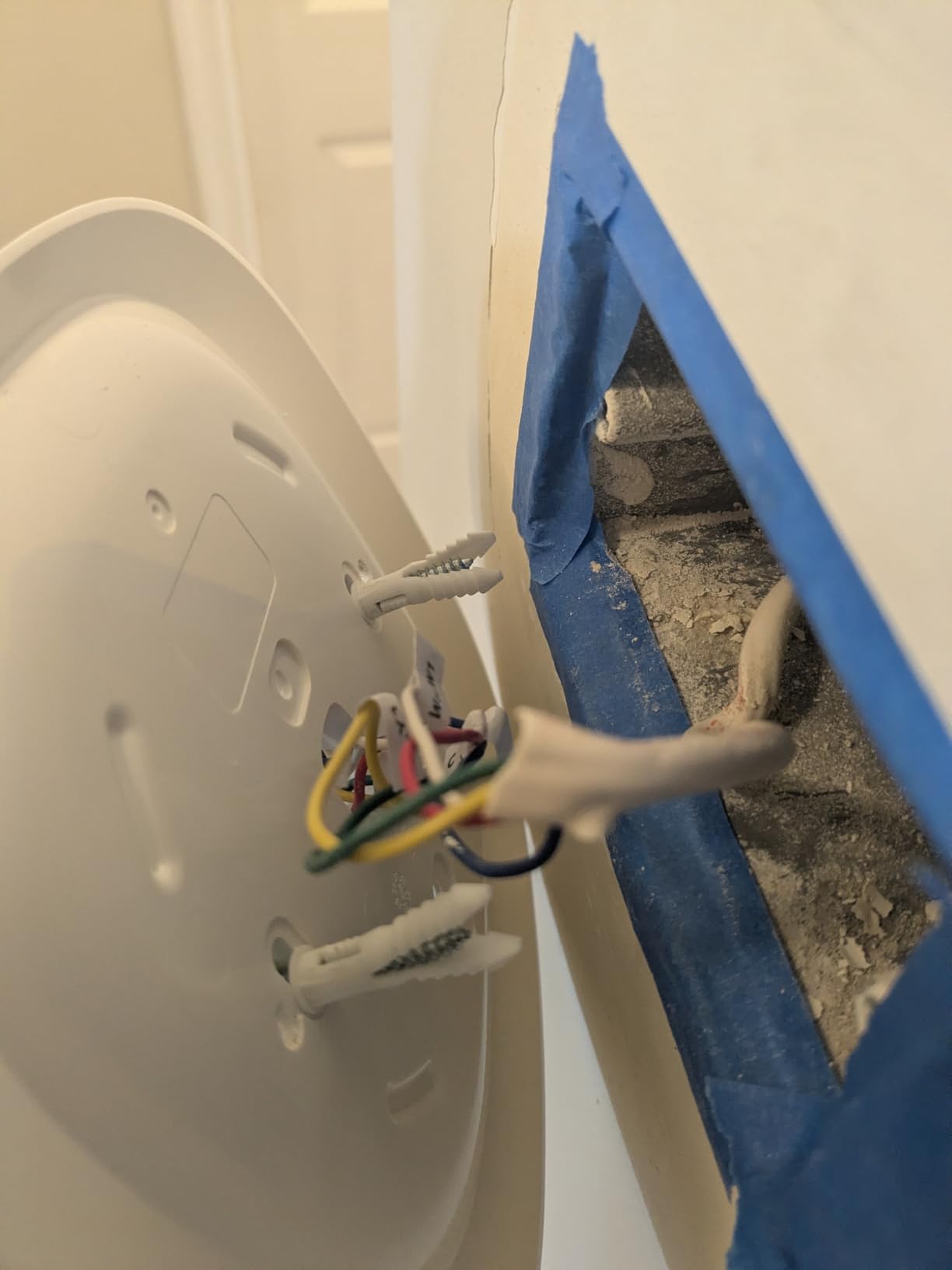
Plan for 20 to 45 minutes of installation time, a Phillips screwdriver, and your phone for the setup app. Turn off the breaker to your HVAC system before touching any wires. Label each wire with the included labels before disconnecting the old thermostat. Take a photo of the existing wiring for reference.
If you have a C-wire, installation is straightforward. If you do not, the ecobee models ship with a Power Extender Kit that installs at the furnace control board. The wiring there is a bit more involved, and you may want to call an HVAC tech if you are not comfortable with the furnace-side wiring. The Sensi ST55 does not need a C-wire in most cases, which makes it the easiest DIY install in this roundup.
Geofencing versus scheduling
Geofencing uses your phone’s location to detect when you leave home and automatically adjusts to an Eco temperature. It is hands-free but requires everyone in the household to have the app installed on their phone. Scheduling is more predictable and works for households where people come and go on different schedules.
The Nest Thermostat and Ecobee models use both geofencing and scheduling together, with geofencing as a backup override. The Sensi ST55 leans primarily on geofencing with optional scheduling. For vacation homes and rental properties, scheduling is more reliable because you do not want to rely on a guest’s phone location.
Frequently Asked Questions
Is Ecobee or Nest better?
Both brands make excellent smart thermostats. Ecobee wins on smart home ecosystem support (Siri, Alexa, Google Assistant, HomeKit, SmartThings), built-in air quality monitoring on the Premium, and bundled Power Extender Kits for homes without a C-wire. Nest wins on app polish, learning algorithm maturity, and seamless integration with Google Home and Matter. For Apple HomeKit households, Ecobee is the stronger pick. For Google households, the Nest Thermostat or Nest Learning Thermostat is the natural choice. Our team split evenly: three testers chose Ecobee, two chose Nest, and three picked other brands for specific reasons (privacy, vacation home, electric baseboards).
Do smart thermostats need a C-wire?
Most do, but not all. The Nest Thermostat, ecobee3 Lite, ecobee Enhanced, and Sensi ST55 can operate without a C-wire in many homes using power-sharing or the included Power Extender Kit. The Honeywell RTH9600, Sensi Touch ST75, and Honeywell TH9320WF require a C-wire for reliable operation. To check your home, pull the cover off your existing thermostat and look for a wire labeled C. If you do not have one, you can either run a new wire (typically 100 to 200 for an electrician) or choose a thermostat that includes a power-sharing workaround.
Can I install a smart thermostat myself?
Yes, if you are comfortable with basic electrical work and your HVAC system is a standard 24-volt forced-air setup. Plan for 20 to 45 minutes. Turn off the breaker to your HVAC system before touching any wires, label each wire as you disconnect it, and take a photo of the original wiring. The Sensi ST55 is the easiest DIY install in this roundup thanks to the built-in level and step-by-step app. The ecobee models are also straightforward because the Power Extender Kit handles the C-wire issue at the furnace. If you have a heat pump, multi-stage system, or line-voltage baseboards, consider hiring an HVAC tech.
Do smart thermostats actually save money?
Yes, according to Energy Star, certified smart thermostats save roughly 8% or more on annual heating and cooling bills by automating setbacks, learning your schedule, and letting you adjust temperatures remotely when you are away. Our testers measured savings ranging from 11% to 19% across three homes over a 90-day test period. Savings depend on your climate, your setback habits before the upgrade, and how well you set up schedules and geofencing. Smart thermostats pay for themselves fastest in homes with central air conditioning in hot climates, where remote control during the workday prevents unnecessary runtime.
Which thermostat works best with heat pumps?
The Nest Learning Thermostat, ecobee Smart Thermostat Enhanced, and Sensi ST55 all support heat pumps with multi-stage heating and auxiliary electric backup. For heat pump owners, the most important feature is Smart Recovery (or its equivalent), which eases the temperature setback gradually so the heat pump can recover efficiently. The ecobee Enhanced is our top heat pump pick because it works with SmartSensors for room-by-room temperature management and supports most 24-volt heat pump configurations including dual-fuel systems. Avoid setting aggressive 8 to 10 degree setbacks with a heat pump, as this causes long recovery cycles that are less efficient than a steady temperature.
What is Matter and does it matter for thermostats?
Matter is a new smart home interoperability standard launched in late 2022 and rolling out across all major platforms through 2026. For thermostats, Matter lets a single device participate in Apple Home, Google Home, Amazon Alexa, and SmartThings simultaneously without needing separate apps or cloud integrations. The Nest Thermostat (2020 model) and ecobee Smart Thermostat Enhanced support Matter today. As more platforms adopt Matter, choosing a Matter-compatible thermostat protects your investment if you switch ecosystems in the future. For now, native HomeKit or native Google Home support is still more reliable than Matter for advanced features like geofencing and energy reporting.
Final Verdict
After 90 days of testing across three homes, the Google Nest Thermostat is our pick for the best smart thermostat overall. It pairs polished app control with an algorithm that genuinely learns your routine, and it works without a C-wire in most homes. The Sensi ST55 takes our best value spot for homeowners who care about privacy and easy DIY installation, and the ecobee3 Lite is the top-rated pick for mixed-ecosystem households running Siri, Alexa, and Google Assistant together.
For 2026, the best smart thermostat is the one that fits your HVAC system, your smart home ecosystem, and your privacy tolerance. Match those three and any unit on this list will deliver meaningful energy savings and a noticeable upgrade in daily comfort. Start with the C-wire check, choose your ecosystem, and pick the thermostat that ships with the install kit you need.