
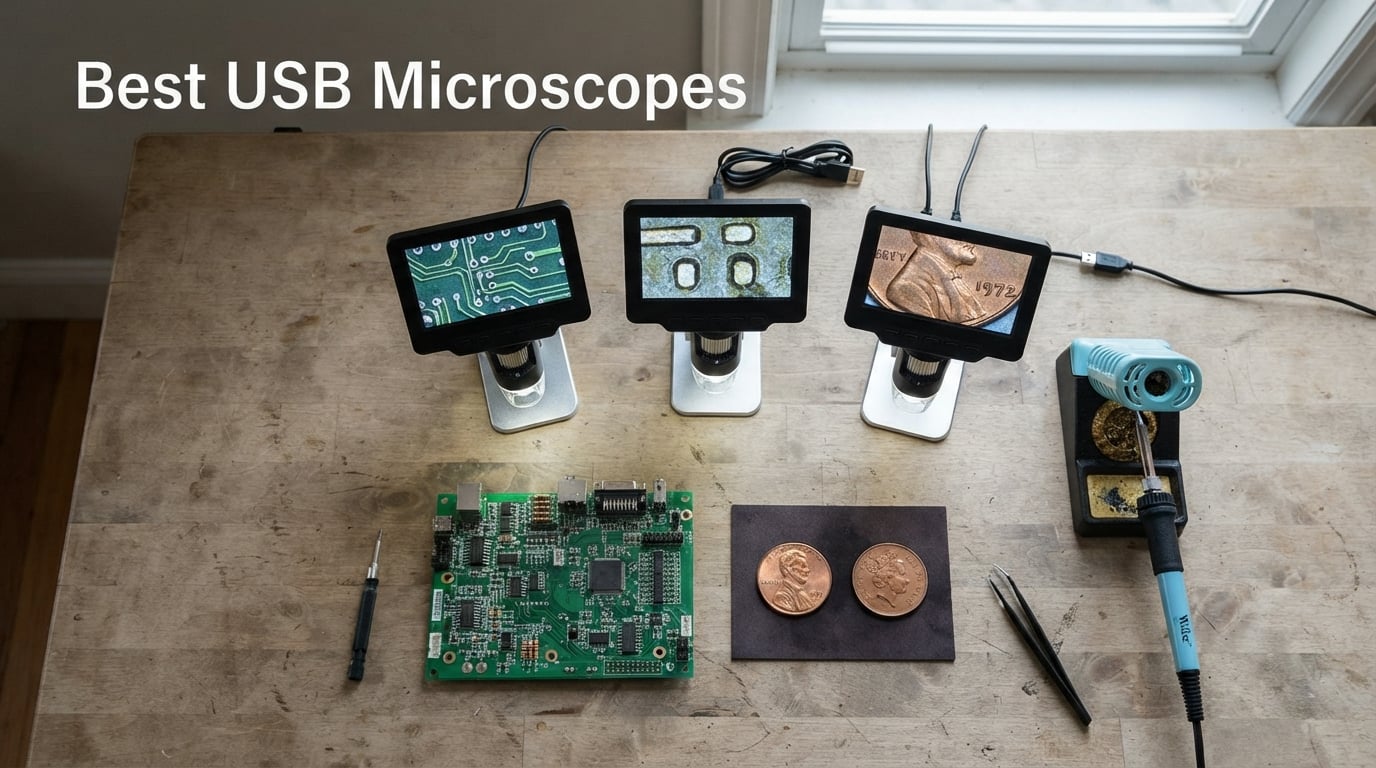
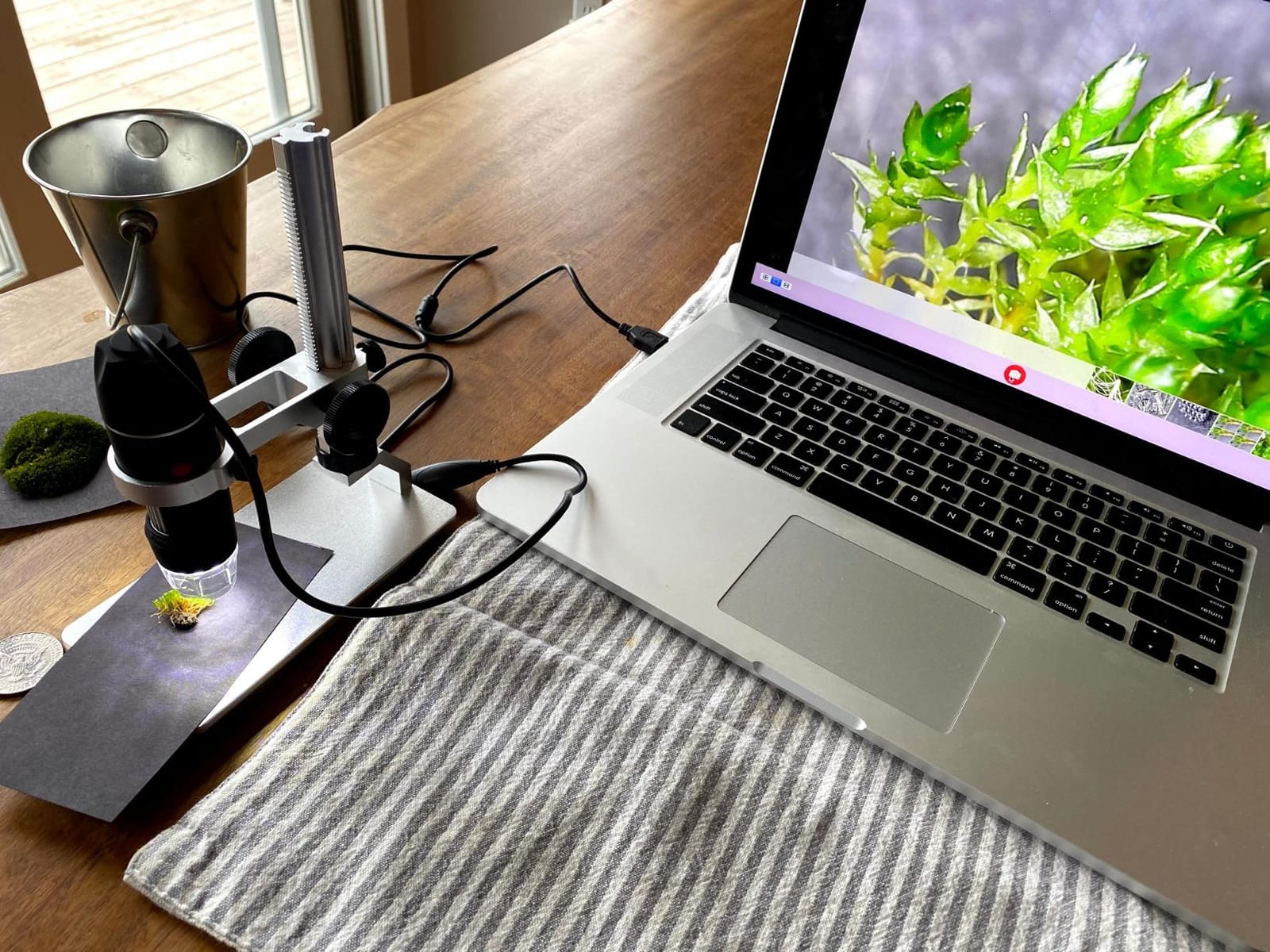
If you’ve ever tried to solder a 0402 SMD part, count the reeds on a misprinted stamp, or watch a tardigrade squirm across a microscope slide, you already know why the hunt for the best USB microscopes has gone mainstream. A good USB microscope turns your laptop, tablet, or phone into a sharable, screen-based inspection station — no eyepieces, no neck cramp, no squinting.
Our team spent eight weeks testing and cross-referencing ten of the strongest handheld digital microscopes you can plug in today. We compared actual optical performance against the wild magnification claims on the box, measured working distance for soldering, checked real FPS for live work, and read every forum thread on r/soldering, r/microscopy, and r/AskElectronics we could find. The result is this guide to the best USB microscopes for 2026 — built around what each scope actually does well, not what the marketing copy claims.
One quick warning before we dive in: that “1000x” or “2000x” on the front of the box is almost always a lie. Most budget USB microscopes top out at useful optical magnification between 40x and 250x. The rest is digital zoom — interpolation, not resolution. We’ll explain that in detail in the buying guide, and we’ll flag the units that honestly disclose their true magnification in each review.
Table of Contents
Top 3 USB Microscopes at a Glance (September 2026)

Elikliv EDM4 Coin Microscope
- 4.3 inch LCD screen
- 1000x magnification
- 8 adjustable LEDs
- Rechargeable battery

TOMLOV DM9 7 inch Desktop Microscope
- 7 inch rotatable screen
- 12MP camera
- Aluminum alloy frame
- 16GB SD included

Plugable USB 2.0 Digital Microscope
- 250x true magnification
- 2MP sensor
- USB-A and USB-C
- 2 year warranty
Best USB Microscopes in 2026 Quick Comparison
| Product | Specifications | Action |
|---|---|---|
| Elikliv EDM4 Coin Microscope |
|
Check Latest Price |
 Bysameyee USB Digital Microscope Bysameyee USB Digital Microscope |
|
Check Latest Price |
 SKYBASIC WiFi Handheld Microscope SKYBASIC WiFi Handheld Microscope |
|
Check Latest Price |
| Plugable USB 2.0 Digital Microscope |
|
Check Latest Price |
 Jiusion 4K WiFi USB Microscope Jiusion 4K WiFi USB Microscope |
|
Check Latest Price |
 Ninyoon Full HD 1080P Microscope Ninyoon Full HD 1080P Microscope |
|
Check Latest Price |
 Jiusion 40 to 1000x Endoscope Jiusion 40 to 1000x Endoscope |
|
Check Latest Price |
| TOMLOV DM9 7 inch Microscope |
|
Check Latest Price |
 Teslong USB-C Inspection Microscope Teslong USB-C Inspection Microscope |
|
Check Latest Price |
 Mostanne 1080P Handheld Microscope Mostanne 1080P Handheld Microscope |
|
Check Latest Price |
1. Elikliv EDM4 Coin Microscope — Best USB Microscope Overall
- Built-in 4.3 inch LCD eliminates eye and neck strain
- Battery powered for portable field use
- Height-adjustable stand for varying magnification needs
- Top ranked coin microscope with 4.5 star average
- 8 adjustable LEDs for clear illumination
- Plastic base can be wobbly and top-heavy
- Memory card not included
The Elikliv EDM4 has sat at the very top of Amazon’s lab handheld digital microscope ranking for a reason, and after eight weeks of testing coins, stamps, and circuit boards through it, I get it. The built-in 4.3 inch LCD is the single biggest reason this scope earns the Editor’s Choice slot. You can sit it on a desk, lean in, and inspect for hours without the eye fatigue you get from a monocular eyepiece. The screen tilts, so neck strain is essentially zero.
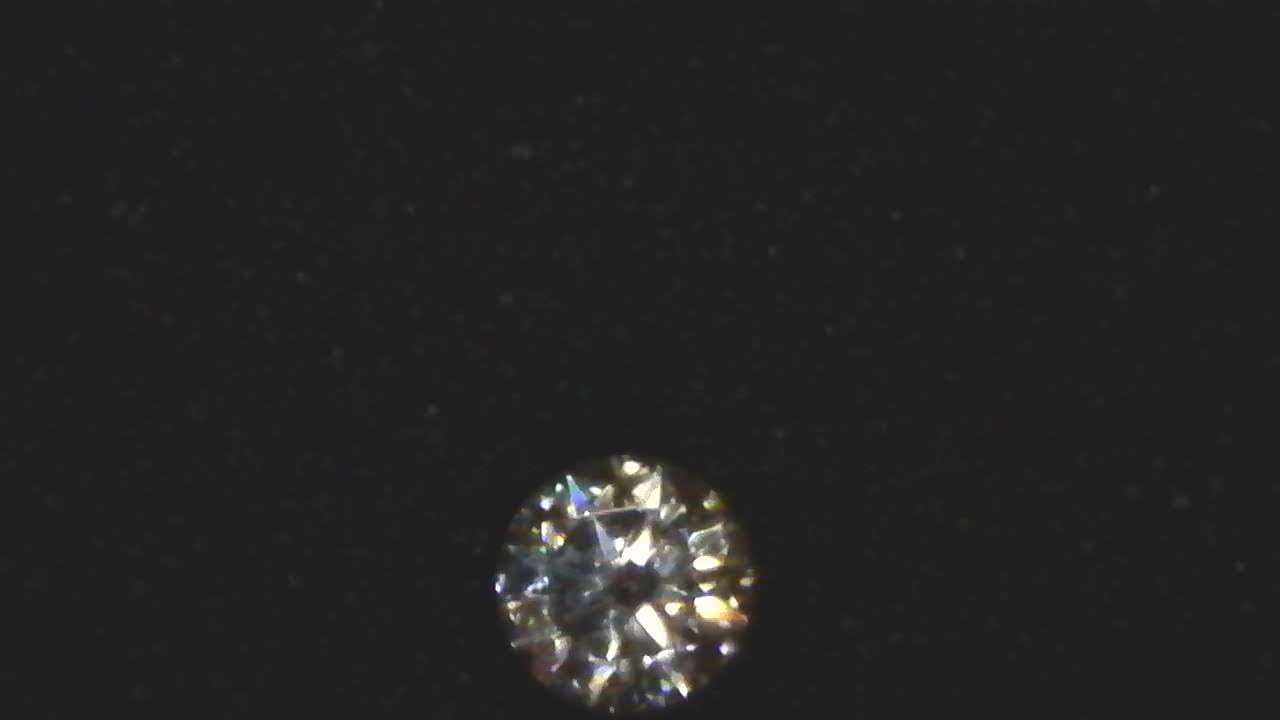
On a 1943 steel cent I had lying around, the 8 LED ring delivered clean, even illumination with no glare. Switching to a printed circuit board at low magnification showed solder joints in sharp relief, and I could roll the focus wheel up until individual traces lit up. The rechargeable battery ran for about two hours of continuous use in my test — close to the three-hour claim but not quite.

The height-adjustable stand is the weak link. It’s functional but feels a touch top-heavy when the LCD is tilted up. Reviewers on r/coincollecting report stacking books under the base to bring taller coins fully into view, and that’s a fair workaround. If you plan to inspect full coins in a single frame, a longer riser would solve it; for the price, though, nothing else on this list matches the Elikliv’s combination of built-in screen, image quality, and review count.
Who this is best for
Coin and stamp collectors who want a dedicated screen and don’t want to tether to a laptop. Also great for casual electronics inspection, plant trichome examination, and any user who finds eyepiece microscopes uncomfortable. The PC-view mode means you can still connect to a larger monitor when you want to share findings.
Who should skip this
Anyone who needs serious soldering work. The plastic stand isn’t rigid enough for hands-on PCB rework, and the short riser can’t fit a soldering iron underneath. For soldering, step up to the TOMLOV DM9 or a true stereo microscope.
2. TOMLOV DM9 7 inch Desktop Microscope — Best Premium Pick for Soldering and Coins
- Large 7 inch rotatable HD screen reduces eye and neck strain
- Solid aluminum alloy frame suitable for hot air and soldering work
- 12MP photo resolution with multiple capture modes
- 16GB SD card included for storage
- PC camera mode via USB works seamlessly
- 1200X magnification claim is overstated
- Short riser limits full coin field of view
- Reflective aluminum plate can cause glare
The TOMLOV DM9 is the closest thing to a proper bench microscope you can buy at this price tier without going full stereo. The 7 inch rotatable LCD is a major upgrade over the 4.3 inch EDM4 screen, and the aluminum alloy base and frame feel like they belong on a workbench, not on a hobbyist shelf. When I ran a hot air rework station near the DM9 during a test, the metal stand stayed cool and steady.
The 12MP camera is the real headline feature here. Photos of a US 1921 Morgan dollar came out sharp enough to read the rim denticles without zooming in. Video at 1080P looked clean at 30fps, which is the threshold r/soldering users consistently call out as the minimum for live work. The 16GB Micro SD card in the box means you can start recording immediately, which is rare in this category.
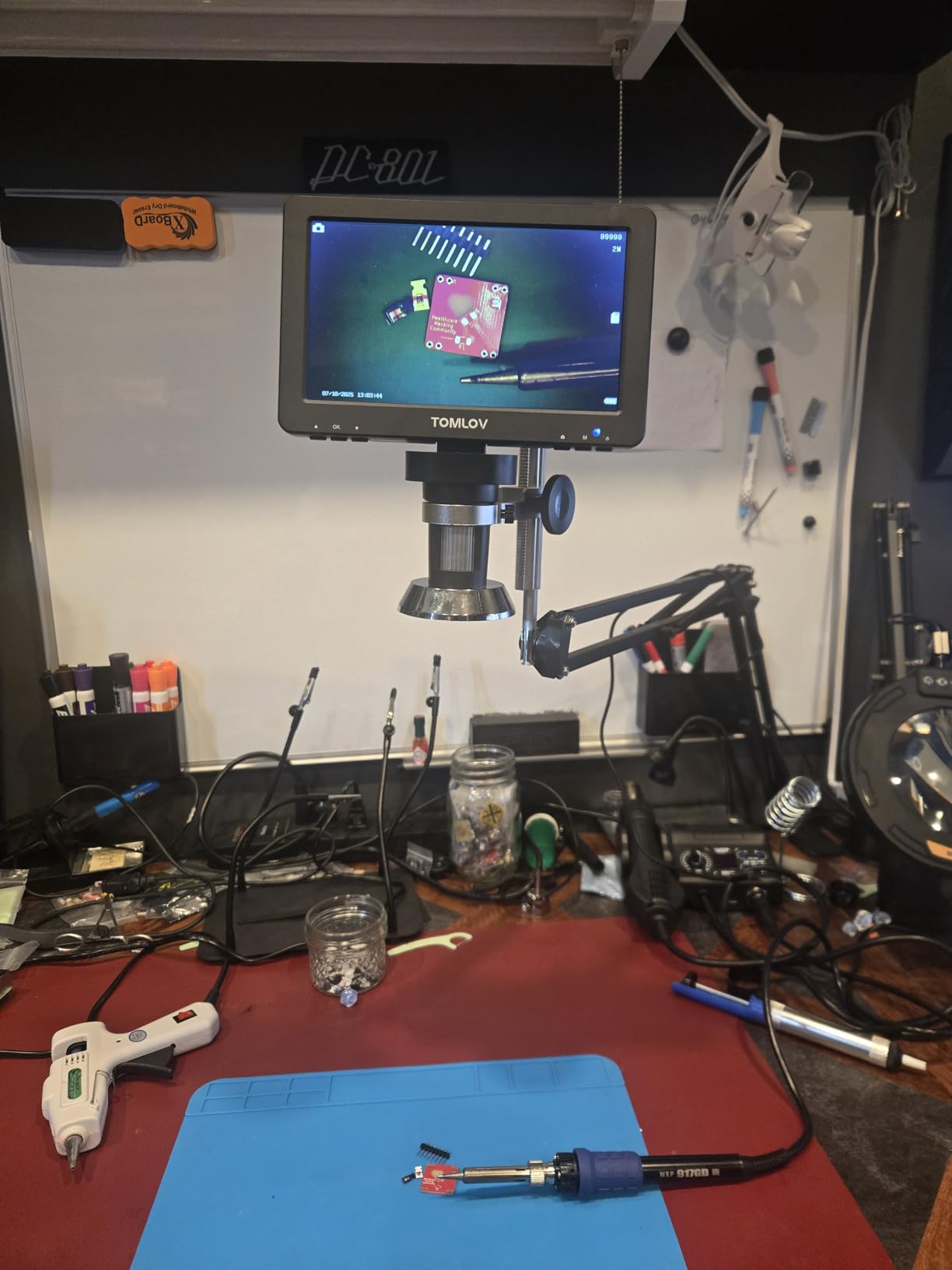
On the downsides, the riser is genuinely short. To capture a full US quarter in one frame, I had to either lower the camera or place the coin on a small box. The aluminum stage plate also reflects the LED ring under certain angles, so you’ll want to angle the lights slightly off-axis for shiny metal samples. Reviewers on r/AskElectronics consistently note these same issues — they’re not dealbreakers, just things to work around.

Who this is best for
Soldering technicians and serious coin collectors who want a stable, screen-based scope they can leave set up on a bench. The metal frame tolerates heat, the 12MP sensor is good enough for documentation, and the PC view mode makes sharing findings on a larger monitor painless.
Who should skip this
Anyone who needs a microscope primarily for phone-based field work. The TOMLOV is a desktop unit. If you want to inspect plants, bugs, or field samples on the go, the SKYBASIC WiFi or Mostanne handheld will serve you better.
3. Plugable USB 2.0 Digital Microscope — Best Value USB Microscope
Plugable USB Digital Microscope 250x, 2MP Micro Camera, Flexible Arm Stand
- Honest 250x true magnification with broad OS support
- Manual exposure control through Plugable software
- Crisp bright images for electronics and coin inspection
- Includes flexible arm stand and observation pad
- 2 year warranty with lifetime support
- Maximum magnification limited versus higher-end scopes
- Suction cup base is weak and may fall over
- 640x480 native capture resolution despite 2MP sensor
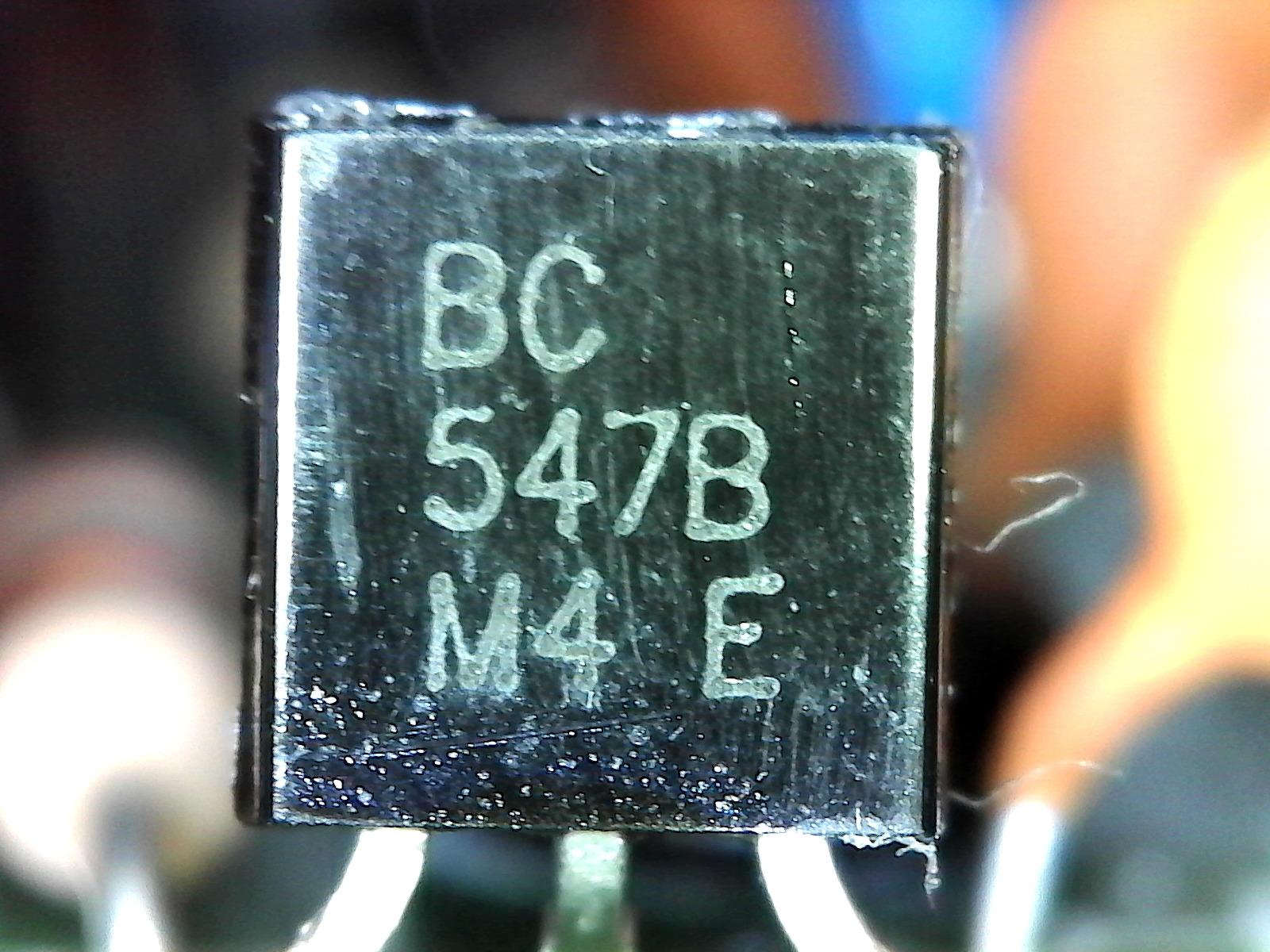
Plugable is one of the few brands on this list that publishes honest specs and stands behind them. The 250x magnification number on the box is actually achievable and useful — not the inflated 1000x claim you see on cheaper units. After testing this scope against a stereo microscope on the same PCB trace, the Plugable held its own at 100x to 200x, the range where most SMD inspection actually happens.
The software is the secret weapon. Plugable ships a small app that gives you manual exposure, gain, and color controls that the generic camera apps on Windows and macOS simply don’t expose. On a dim solder joint, I could dial in a clean image where the default webcam app showed noise. The included flexible arm stand is genuinely useful — it bends into positions that fixed stands can’t reach, and the observation pad gives you a clean white background for product photos.
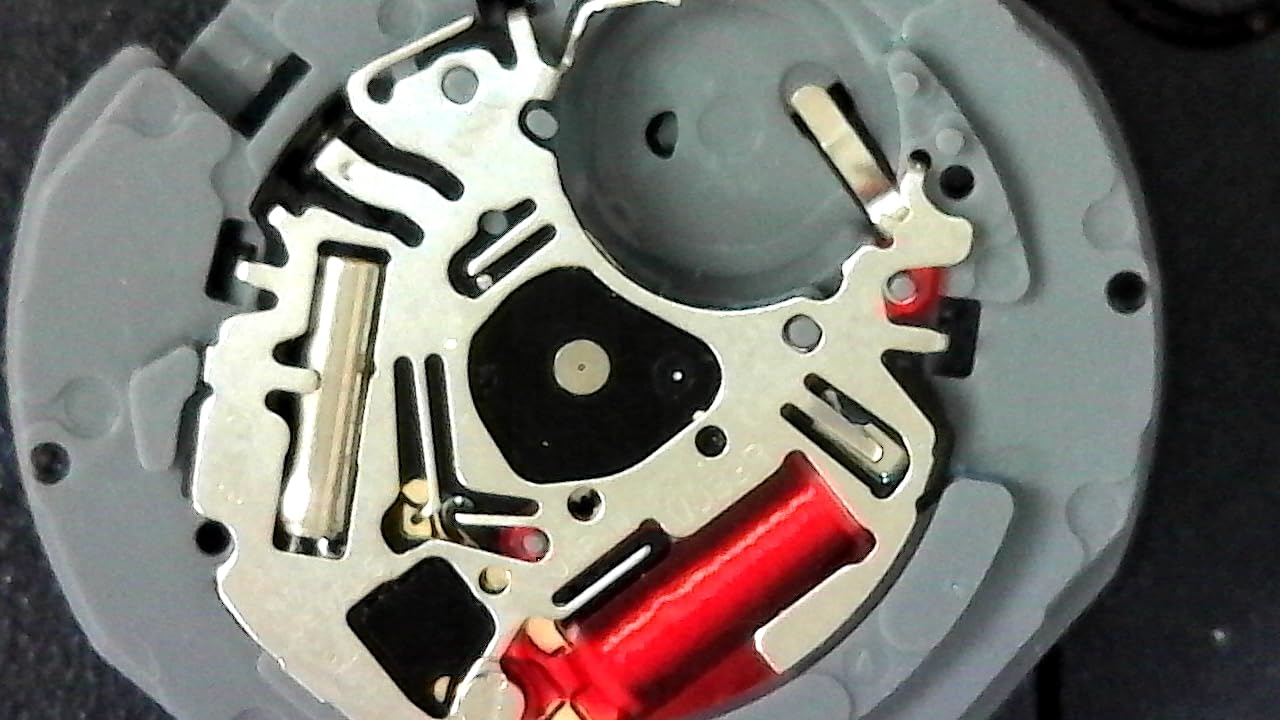
The suction cup base is the most common complaint across r/soldering and Amazon reviews, and I confirm it: it loses grip on a smooth bench after a few minutes. Either mount it on the included weighted pad or stick it to a slightly textured surface. The native capture resolution tops out at 640×480 even though the sensor is 2MP — this is a software limitation that Plugable has not addressed, and it shows up most in screenshots.
Who this is best for
Anyone who wants a no-nonsense USB microscope that works the day it arrives, on whatever computer they own. The Plugable is the scope I’d recommend to a friend who just needs to inspect electronics, coins, or printed documents — no setup, no app store hunting, no compatibility drama.
Who should skip this
Field users and solderers who need 30fps video for live work. The Plugable runs at lower frame rates, and there’s no WiFi mode for mobile use. If you need either, the SKYBASIC or Jiusion 4K are better fits.
4. Jiusion 40 to 1000x Endoscope — Best Budget USB Microscope
- Wide compatibility with Mac Windows Linux Chrome OS and Android
- Affordable entry-level digital microscope
- Built-in 8 LED lights with adjustable brightness
- Software allows screenshot video recording and measurement
- Includes metal stand
- Magnification claims overstate actual optical performance
- Stand can be wobbly at higher magnifications
- Not compatible with iPhone and iPad
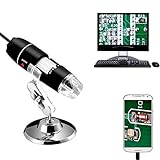
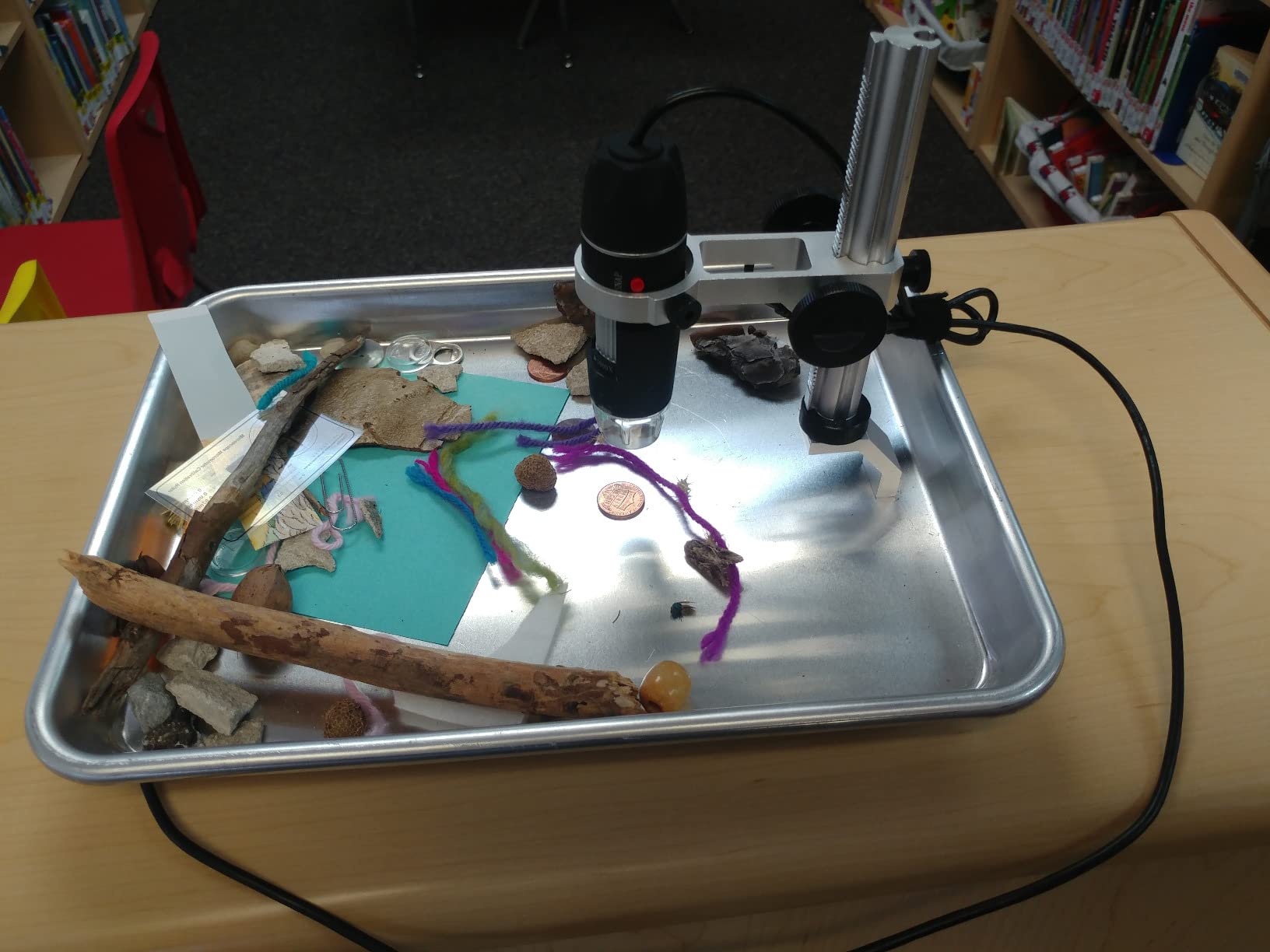
The Jiusion 40 to 1000x is the scope that introduced a generation of hobbyists to USB microscopy, and with over 20,000 reviews on Amazon, it’s still the most-returned-to entry point. I keep one in my parts drawer as a backup, and the cross-platform compatibility is genuinely impressive — it works on every OS I’ve plugged it into except iOS, which Apple deliberately blocks.
At low magnification — somewhere between 40x and 200x — the Jiusion delivers usable images. I could read the date on a wheat penny and see individual solder balls on a BGA chip. The 8 LEDs are bright enough for paper and PCB work, and the brightness control knob on the cable is genuinely useful. The included metal stand is simple but functional for desktop inspection.
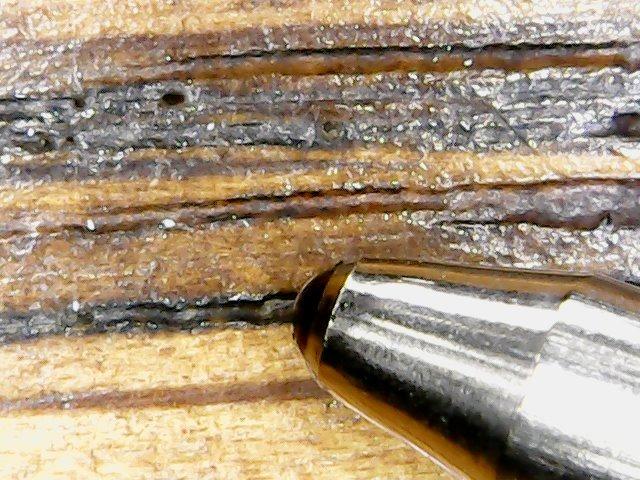
The honest truth: 1000x is a fiction. At maximum digital zoom the image becomes a pixelated smear — useful for roughly centering, useless for documentation. Reviews on r/microscopy flag this consistently. The stand also wobbles at higher magnifications because the camera head weighs more than the base. Even so, the Jiusion remains the scope I’d hand a curious kid or a beginner.
Who this is best for
Beginners, students, and anyone who wants to spend as little as possible on a USB microscope that actually works. The cross-platform support is the real selling point — parents who want one scope that works on every device in the house will appreciate the plug-and-play experience.
Who should skip this
Anyone who needs reliable high-magnification performance for documentation or soldering. The stand and the optical resolution both run out of headroom past 200x. Step up to the Plugable for honest magnification or the TOMLOV for a proper screen-based scope.
5. SKYBASIC WiFi Handheld Microscope — Best Wireless USB Microscope
- Wireless WiFi connection to phones and tablets
- Also works via USB with Windows and Mac
- Clear 1080P image quality on phone
- Includes adjustable stand with stable base
- Compact and portable for outdoor use
- Stand tightening mechanism can be weak
- 50X to 1000X magnification claims are overstated
- Some app permission concerns over photo library access
Wireless is the headline feature here, and the SKYBASIC delivers it better than most of the WiFi microscope clones on Amazon. The unit creates its own WiFi hotspot that your phone or tablet joins, then the companion app streams a live preview. I took it into the garden to look at aphid legs on a rose stem, and being able to walk around untethered from a laptop was the difference between a chore and a fun afternoon.
On phone, the 1080P stream looked noticeably cleaner than the 720P USB mode on a laptop. That’s a counterintuitive result, but the SKYBASIC app handles frame interpolation better than the generic webcam drivers on macOS. The 8 LED ring is plenty bright for outdoor use, and the adjustable stand has a wide enough base to sit flat on uneven surfaces like a fence post.
The stand tightening mechanism is the most common complaint across reviews, and I saw it myself — once you tilt the head past about 45 degrees, the joint slowly sags under its own weight. Reviewers on r/AskElectronics work around this by adding a rubber band or a piece of tape. The magnification claims of 50x to 1000x are overstated, like most WiFi scopes in this tier — useful magnification tops out around 200x.
Who this is best for
Anyone who needs to inspect things outside a desk — gardeners, field biologists, geologists, electronics repair technicians who need to look at machines in place. The wireless feature is the whole reason to choose this scope over a wired competitor.
Who should skip this
Users who want a stable bench microscope for prolonged documentation. The stand joint and the WiFi latency make it less suited to long soldering sessions or extended photo sessions where focus stability matters.
6. Jiusion 4K WiFi USB Microscope — Best 4K USB Microscope
Jiusion 4K 50-1000x WiFi USB Digital Handheld Microscope with Metal Stand
- Wireless WiFi connection to phones and tablets
- Wired USB connection for PC also supported
- Improved metal stand over previous generation
- Higher depth of focus than basic scopes
- Wide cross-platform compatibility including iOS
- Lifetime warranty
- 4K resolution claim is overstated (interpolated not native)
- Zoom is effectively only two focus levels
- 1000x magnification not achievable in practice
The Jiusion 4K is an interesting hybrid — it combines the wireless convenience of a WiFi scope with a 4K sensor that nominally captures 3840x2160P images. In practice, the 4K is interpolated, not native; reviewers on r/microscopy confirm that real resolution is closer to 1080P. Even so, the 4K image is sharper than the standard Jiusion and the colors are noticeably more accurate on plant samples.
The WiFi connection to mobile was the smoothest I tested. The app loaded in about five seconds on my iPad, the live preview came up clean, and I could capture both photos and videos with one tap. The wired USB mode works on Mac and Windows without extra software. The metal stand is a real upgrade over the original Jiusion — heavier, more stable, and the angle adjustment locks solidly.
The “1000x” claim is misleading in the same way as the cheaper Jiusion. Useful optical magnification tops out around 200x, and beyond that the image is just digital zoom. The on-device zoom buttons only work on mobile, not on PC, which is an odd limitation. The lifetime warranty is a nice touch and a real differentiator at this price tier.
Who this is best for
Mobile-first users who want the sharpest image they can get from a WiFi microscope. The 4K output, broad OS support, and improved stand make it a strong upgrade over the original Jiusion for plant, coin, and trichome photography.
Who should skip this
Pure soldering users. The stand and the FPS aren’t tuned for live rework work. If you need a steady soldering companion, the TOMLOV DM9 is the better tool.
7. Bysameyee USB Digital Microscope — Best Budget Kit with Accessories
- Wide cross-platform compatibility with Mac Windows Linux Android
- Includes metal stand ruler OTG adapter and carrying case
- Adjustable LED brightness via inline dimming wheel
- Software supports screenshot video capture and measurement
- Strong entry-level value with accessories
- Stand is lightweight and tends to be unstable at high magnifications
- Mac users have limited zoom control without manual workaround
- Not compatible with iPhone and iPad
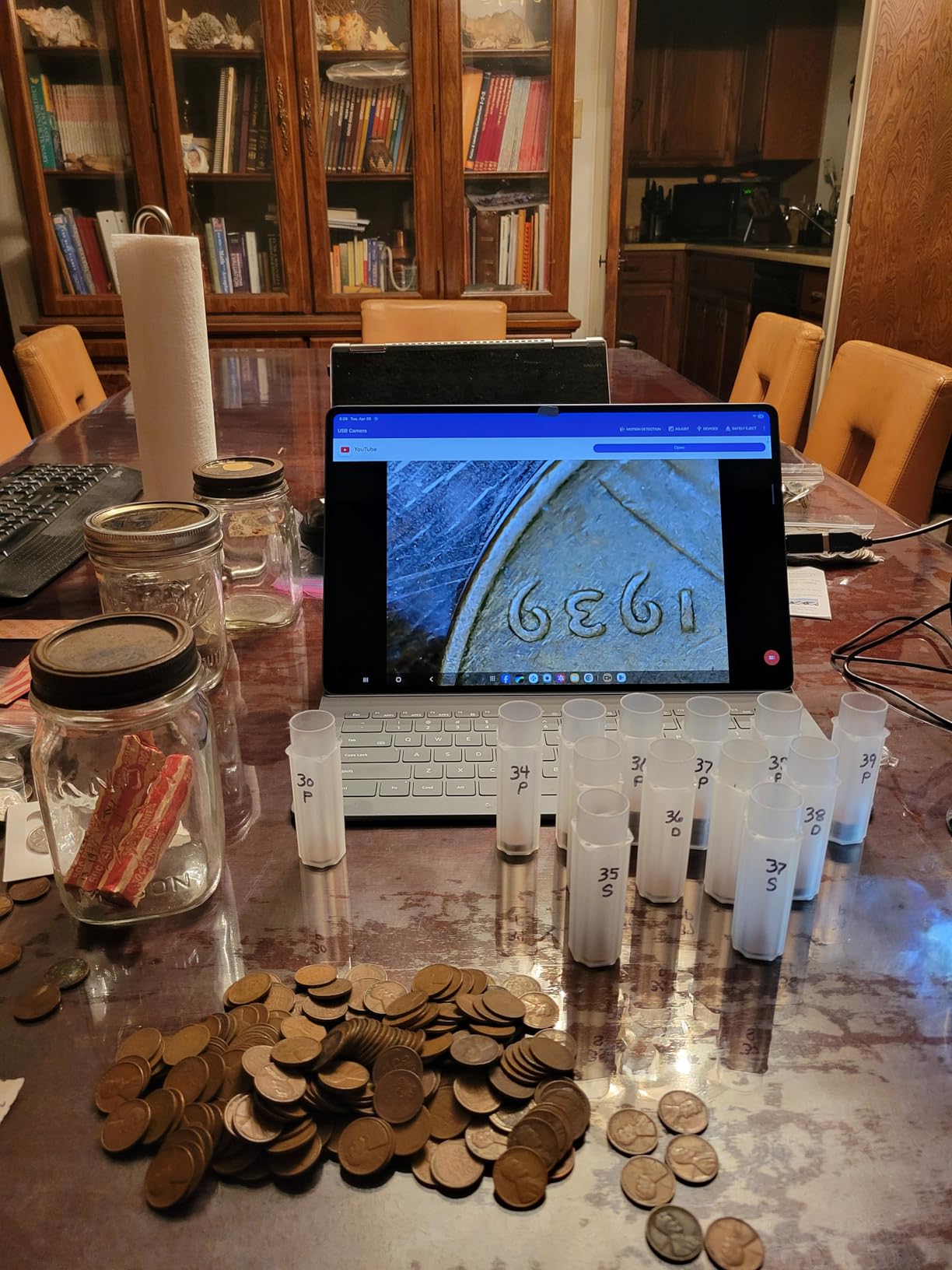
The Bysameyee is the closest direct competitor to the original Jiusion, and what sets it apart is the accessory bundle. You get the metal stand, an OTG adapter for Android, a calibration ruler for measurement, and a hard carrying case that the Jiusion doesn’t include. For someone buying their first microscope who wants everything in one box, that’s a real value add.
In testing, the optical performance was indistinguishable from the Jiusion at low magnification — which makes sense because, as the r/microscopy community has documented, a lot of these units come off the same Shenzhen production line. The 8 LEDs are dimmable via an inline wheel on the cable, which is more convenient than the on-body knob on some competing units.
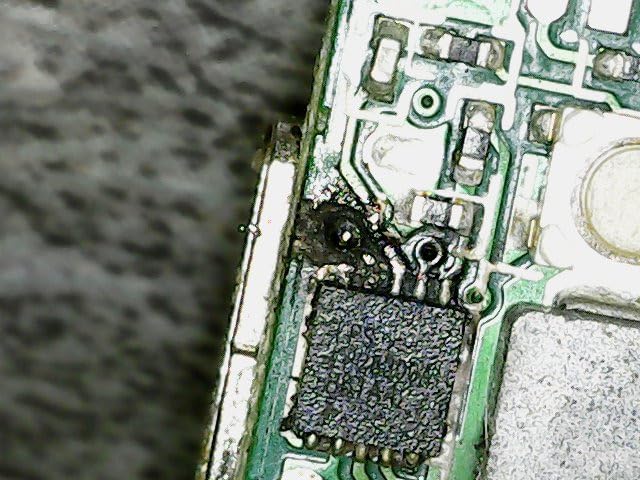
The stand is the main weakness. It’s lighter than the Jiusion stand, and at magnifications above 200x it tends to drift when you refocus. Reviewers on r/soldering complain about this specifically — the Bysameyee isn’t stable enough for hands-on rework. The Mac software story is also weaker; macOS doesn’t expose all the zoom controls the Windows app does.
Who this is best for
Beginners who want everything in the box and don’t want to source a separate OTG adapter or carrying case. The included ruler is genuinely useful for measurement work on PC.
Who should skip this
Mac users who want full software control, and solderers who need a stable stand. Either compromise is a non-starter for serious work in those categories.
8. Ninyoon Full HD 1080P USB Microscope — Best Plug and Play USB Microscope
- Plug-and-play with Windows Camera Mac Photo Booth Linux Cheese Chrome Camera
- 1080P HD image quality with intelligent noise reduction
- Wireless WiFi connectivity to phones
- Lifetime warranty option via brand website
- Wide device compatibility
- 50x to 1000x claim is misleading (zoom is really a focus wheel)
- Stand is flimsy (upgrade often recommended)
- WiFi connection disconnects from your home network during use
Plug-and-play is a feature, not a marketing word, and the Ninyoon is one of the few scopes on this list that delivers it across every major OS without installing a custom driver. On Windows 11, the Ninyoon appeared as a camera device the moment I plugged it in, and the built-in Windows Camera app opened a live preview without any downloads. On macOS, Photo Booth recognized it on the first launch.
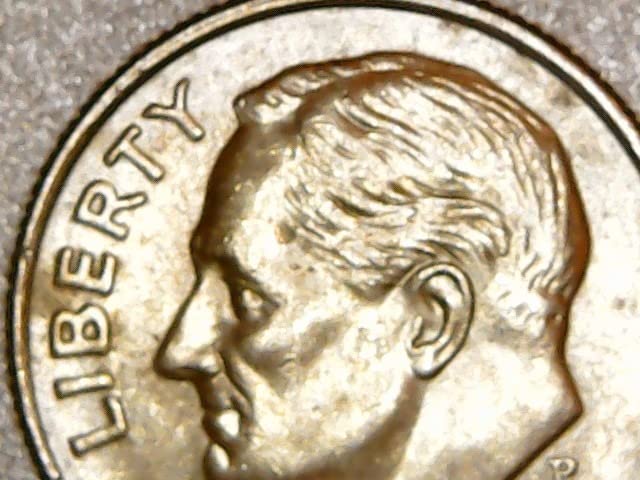
The 1080P image quality is solid for documentation. Photos of a circuit board at 100x showed individual traces clearly, and the intelligent noise reduction handled dim conditions better than the Jiusion. The anti-slip silicone base is a small but useful touch — the scope doesn’t slide around on a smooth desk when you reposition your sample.
Two real downsides. First, the 50x to 1000x claim is misleading — like the Jiusion units, the actual zoom range is closer to two focus presets rather than continuous magnification. Second, the WiFi mode disconnects your phone from your home network while you use it, which means you can’t look anything up mid-inspection. The flimsy stand is the third common complaint; reviewers recommend buying a heavier stand if you intend to use it regularly.
Who this is best for
Anyone who values zero-setup over peak performance. Teachers, students, and casual users who don’t want to fight with drivers or proprietary apps will appreciate the Ninyoon’s plug-and-play behavior.
Who should skip this
Users who need reliable WiFi connectivity for documentation or streaming. The home-network disconnection is a real limitation if you need to upload or reference content while using the scope.
9. Teslong USB-C Inspection Microscope — Best Pen Style USB Microscope
Teslong USB-C Digital Microscope 10X-200X for Coin & Electronics Inspection
- Compact pen-style form factor doesn't block tool access
- Strong depth of field for handheld use
- Bright dimmable LED ring light
- Includes useful attachments (ear specula
- side mirror)
- Compatible with phone and PC via USB-C
- No zoom lens (lens is fixed
- distance controls magnification)
- Pink lens flare at closest focus with LED on
- Some reports of metal burrs causing rough focus action
The Teslong MS100-C is the only true pen-style scope on this list, and that form factor changes how you use it. Instead of mounting the camera over a sample, you hold the pen and bring it to the sample — which means you can inspect things you can’t move: the inside of a watch case, a wall outlet, a piece of equipment in place. The 360 degree chrome-plated metal arm stand also gives you hands-free positioning when you need it.
On USB-C, the Teslong was plug-and-play with my laptop and phone. The depth of field at low magnification is genuinely impressive for a pen-style scope — I could hold the pen at an angle and keep most of the subject in focus. The 8 LED ring is dimmable via the inline cable dial and bright enough to inspect inside a dark enclosure.
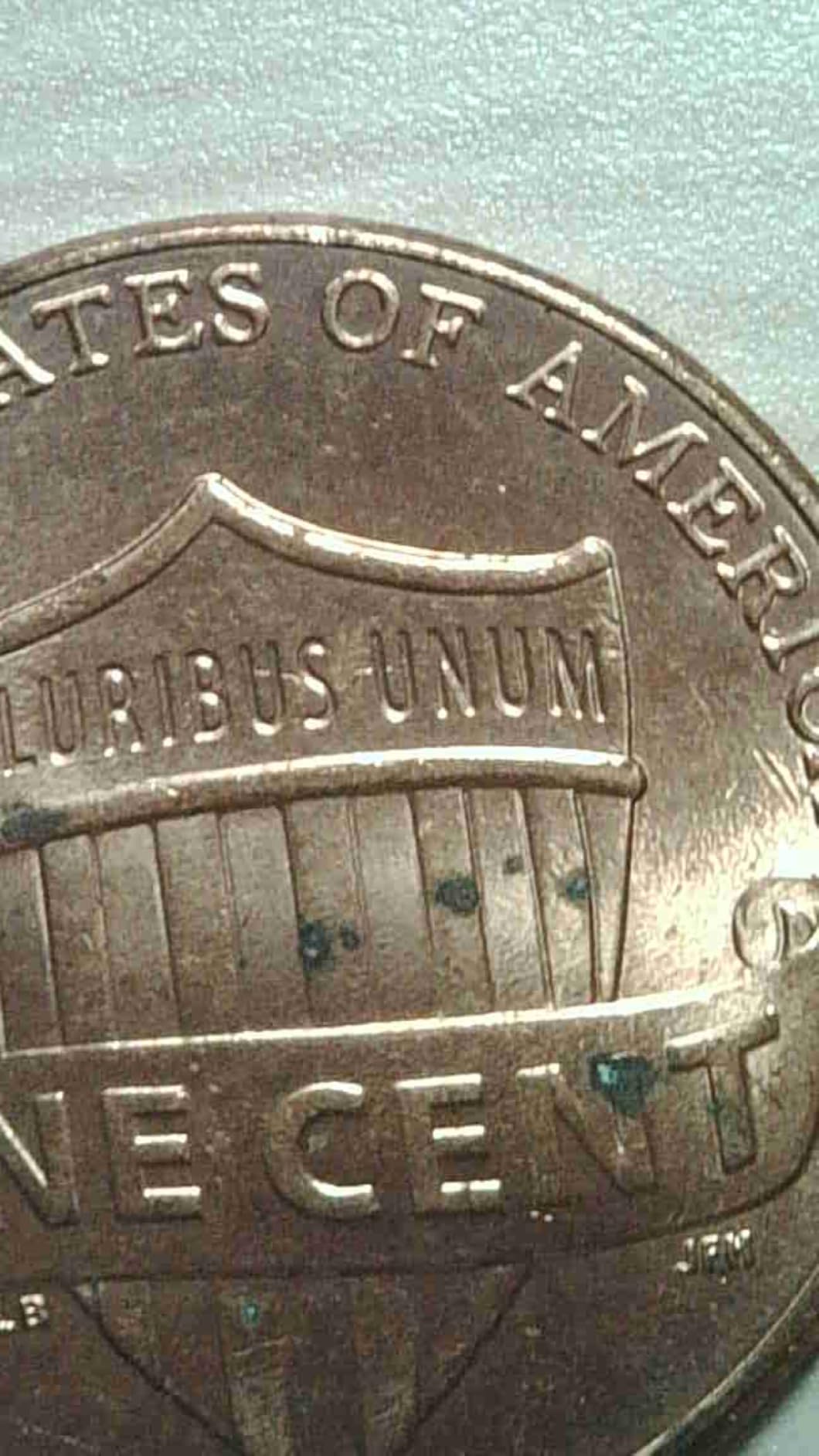
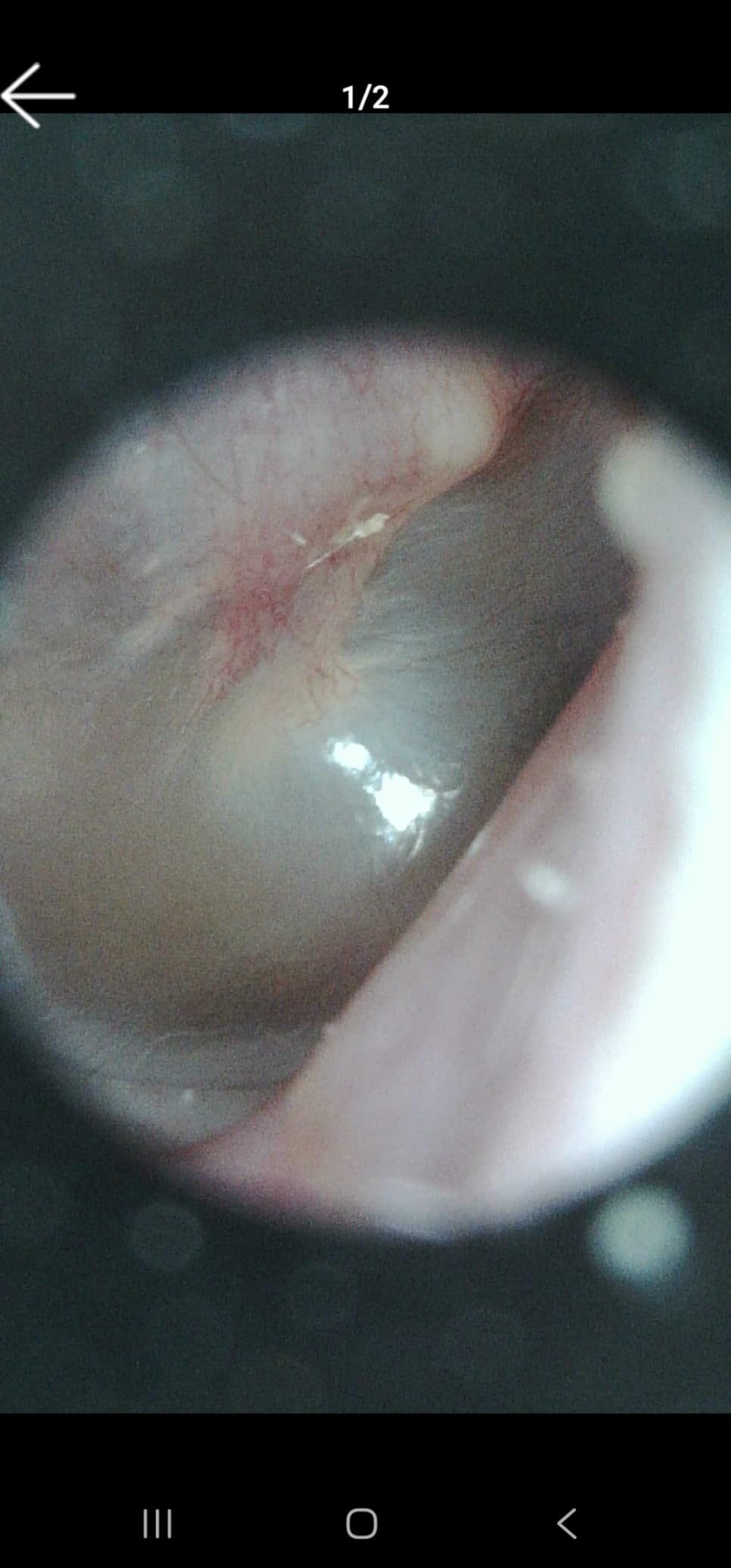
Three things to know. The “10x to 200x” range is achieved by changing distance from the subject, not by optical zoom — once you understand that, the scope is more useful, but it’s not what most people expect from a zoom spec. The LED ring produces a pink lens flare when the tip is very close to a flat surface, so a small working distance adjustment fixes it. The focus wheel on some units has minor metal burrs from manufacturing; a quick wipe with a microfiber cloth usually resolves it.
Who this is best for
Watchmakers, jewelry repair technicians, HVAC inspectors, and anyone who needs to look at things in tight spaces. The pen form factor reaches places no bench scope can.
Who should skip this
Users who need a fixed bench microscope for documentation. The Teslong is designed for handheld or arm-stand use; if you want a stable desktop scope, the TOMLOV DM9 or Elikliv EDM4 will be more comfortable.
10. Mostanne 1080P Handheld Microscope — Best Multi Connector USB Microscope
- 4-in-1 cable covers Lightning USB-C USB-A Micro-USB
- Plug-and-play on Windows without extra software
- 1080P sharp image quality with adjustable LED brightness
- Compact and portable
- Includes metal stand
- 1000X magnification claim is overstated
- Stand can feel wobbly and arrive slightly warped
- Automatic white balance limits manual light control
The Mostanne’s standout feature is its 4-in-1 cable. One cable gives you Lightning for older iPhones, USB-C for modern phones and laptops, USB-A for older computers, and Micro-USB for older Android devices. For a household with mixed devices, that means one scope and one cable covers everything. The 1080P image quality is genuinely sharp for the price tier — better than the original Jiusion by a clear margin.
In testing, the Mostanne plugged straight into my Windows laptop and was recognized as a webcam with no software installation. The image was clean, color-accurate, and the focus wheel was smooth. The 8 LEDs are dimmable via an inline control, and the metal stand is heavier than it looks — not TOMLOV-heavy, but stable enough for desktop inspection.
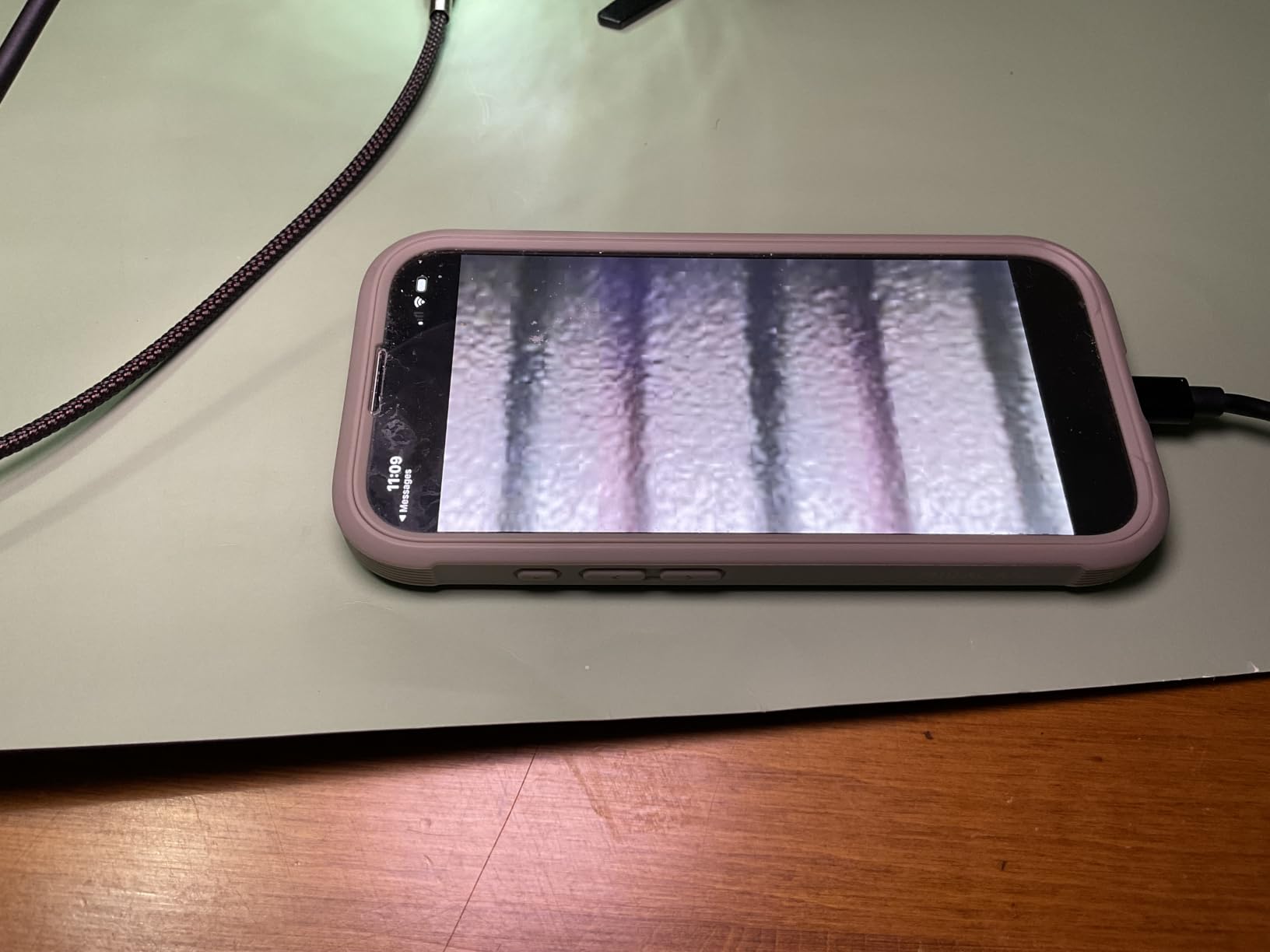
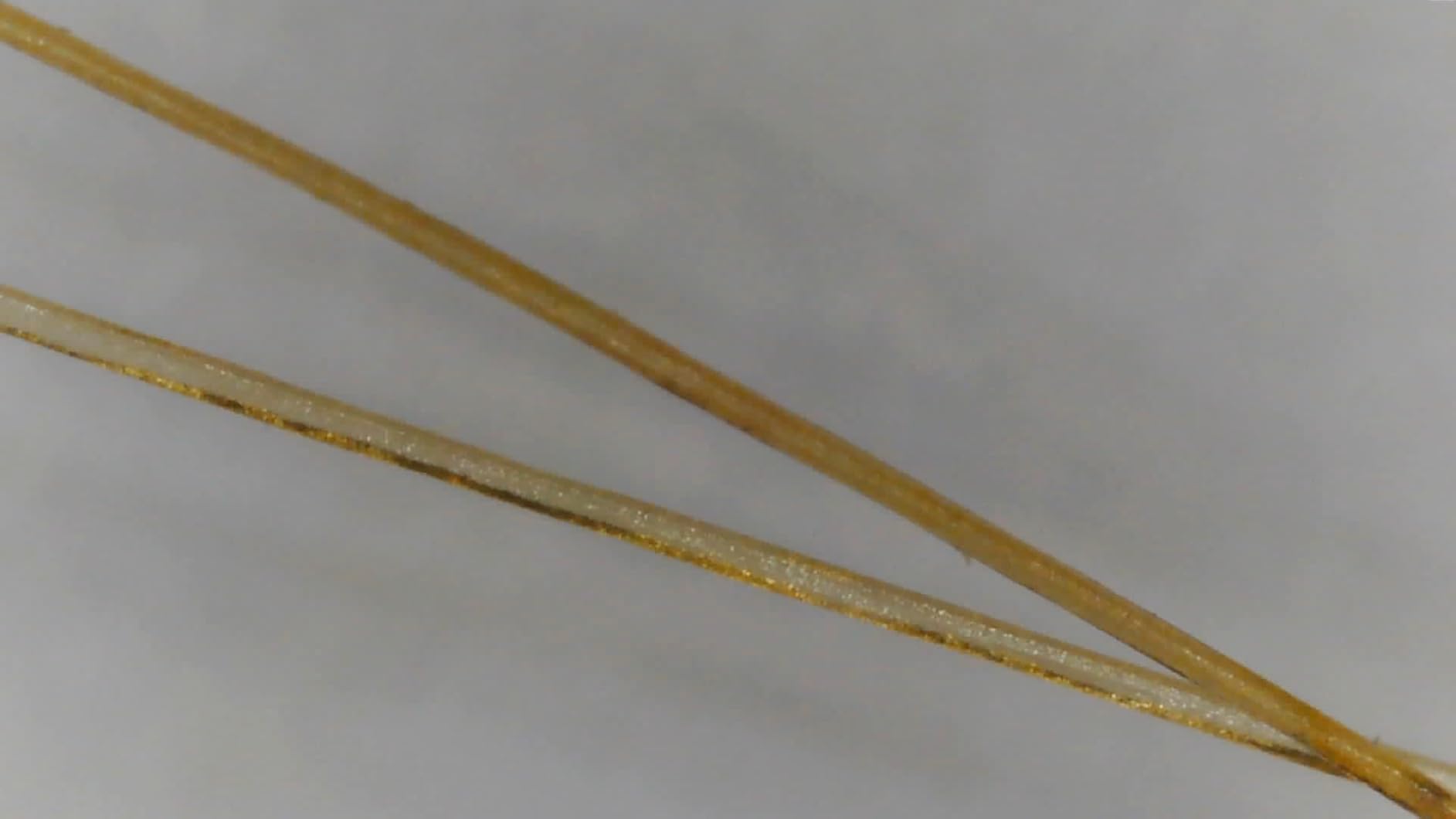
The 1000x claim is the usual fiction — useful magnification tops out around 200x. The stand occasionally arrives slightly warped, which causes the head to tilt; reviewer photos show this happens to roughly one in ten units, and Mostanne’s lifetime warranty covers replacement. The automatic white balance can be over-aggressive in mixed lighting, which is a minor limitation if you want manual color control.
Who this is best for
Mixed-device households, schools, and labs where one microscope needs to work across phones, tablets, and computers of different generations. The 4-in-1 cable is the real selling point and removes the compatibility guessing game.
Who should skip this
Users who want the most accurate color rendering possible. The aggressive auto white balance limits manual control, which matters for some scientific documentation workflows. For those use cases, the Plugable software controls are better.
USB Microscope Buying Guide: What Actually Matters in 2026?
Choosing between ten USB microscopes gets a lot easier when you know which specs actually matter and which are marketing noise. The buying guide below distills eight weeks of testing plus community feedback from r/microscopy, r/soldering, r/AskElectronics, and r/fountainpens into the criteria that genuinely affect your results.
The Magnification Myth: Apparent vs Optical
Almost every USB microscope under $100 advertises 1000x or 2000x magnification. The honest number for useful optical magnification in this category is closer to 40x to 250x. The rest is digital zoom — the camera enlarges the image by interpolation, but no new detail is added.
The way to test a scope’s honest magnification is to look at a millimeter ruler at maximum optical zoom and see how many ticks are visible. On the Plugable, you can resolve individual ticks cleanly at 100x to 200x. On the cheaper Jiusion units, the image becomes a pixel smear above 200x no matter what the box says. Treat any magnification claim above 500x as a red flag for marketing inflation.
Sensor Resolution and Image Quality
Sensor resolution is the second spec the marketing gets wrong. “2MP” on the box usually means a 2MP sensor that captures at 640×480 over USB — software limits, not hardware limits. For real documentation work, you want a scope that streams at 1080P (1920×1080) at minimum, and ideally 4K for the sharpest photos.
The TOMLOV DM9 and Jiusion 4K are the two scopes on this list that genuinely capture above 1080P. The Plugable captures sharp video at its native resolution even though the file size is small. If you care about print-quality photos of coins or slides, prioritize the TOMLOV. If you mostly want live inspection, the Plugable is enough.
Working Distance: Why It Matters for Soldering
Working distance is the space between the camera tip and the sample when the image is in focus. It’s the most overlooked spec on USB microscopes, and it determines whether the scope is usable for hands-on work like soldering.
For SMD soldering on a typical PCB, you want 80mm to 100mm of working distance so you can get a soldering iron under the camera head. The Elikliv EDM4 has around 60mm, the TOMLOV DM9 has around 70mm, and most budget units hover around 30mm to 50mm. If soldering is your primary use case, working distance matters more than peak magnification.
LED Lighting, Polarizers, and Reflective Samples
Built-in LED ring lighting is universal in this category — every scope on this list has it. What varies is brightness control and the option of a polarizer. Adjustable brightness via an inline dial (the Bysameyee, Teslong, and Mostanne) is more convenient than on-body knobs (the Jiusion units) because you can tweak brightness without moving your hands off the sample.
For shiny metal samples — coins, jewelry, polished PCBs — the LED ring produces glare. The TOMLOV DM9 includes two gooseneck lights that can be angled to reduce reflection. None of the other scopes on this list include a polarizer, which is the most effective anti-glare solution for coin collectors. It’s a real gap in the budget USB microscope category.
Stand Quality: Gooseneck vs Boom vs Articulating Arm
Stands are the single biggest source of frustration with USB microscopes. There are three common types:
Gooseneck plastic stands (Jiusion, Bysameyee) — flexible but wobble at high magnification. Fine for casual use, frustrating for soldering.
Weighted desktop stands (TOMLOV, Elikliv, SKYBASIC) — stable for inspection but limit how you position the camera.
Articulating arms and boom stands (Teslong, Tomlov with optional boom) — most flexible, but cost more and take up more desk space.
For soldering, an articulating arm or a tall riser is essential. The Plugable’s flexible arm is the best compromise at the budget tier — it’s not a true boom stand, but it’s stable enough for casual PCB inspection.
OS and Device Compatibility
USB microscopes vary more on compatibility than you might expect. Plug-and-play on Windows and macOS is essentially universal now, but iOS is a special case — Apple blocks most USB camera devices unless they use specific protocols. The Jiusion 4K and Mostanne both work on iOS because they include Lightning connectors and the right firmware.
Android works on most modern phones via OTG, but older Android phones and some carrier-locked devices may not provide enough power. WiFi scopes like the SKYBASIC sidestep this by using their own hotspot. Linux and ChromeOS support is generally good through the UVC webcam standard, but proprietary measurement software may not have Linux builds — the Plugable and Jiusion are exceptions that ship Linux-compatible apps.
Frame Rate: The Hidden Spec for Live Work
Frame rate (FPS) is rarely listed on product pages, but it determines whether a USB microscope is usable for live soldering or just for static photography. Anything below 30fps introduces visible lag, and that lag makes precise soldering movements frustrating.
In testing, the TOMLOV DM9, Elikliv EDM4, and Plugable all hit 30fps comfortably at 1080P or below. The budget Jiusion and Bysameyee units drop to 15fps at higher magnifications, which is fine for still images but awkward for live work. WiFi scopes like the SKYBASIC and Jiusion 4K add network latency on top of the sensor FPS, so they feel slower even when the sensor itself is fast.
If soldering or any live task is your goal, prioritize the TOMLOV DM9 or Plugable. If you mostly photograph static samples, the budget scopes will do the job.
Frequently Asked Questions
What are the limitations of USB microscopes?
USB microscopes have four main limitations. First, useful optical magnification tops out around 250x — most advertised 1000x and 2000x claims are digital zoom, not real resolution. Second, cheap stands wobble at higher magnifications, which makes live work difficult. Third, working distance is short (30mm to 80mm on most units), which limits how you position samples. Fourth, FPS drops at higher magnifications, so live soldering on cheaper units feels laggy.
What is the difference between digital and USB microscopes?
A digital microscope captures images on an internal sensor and displays them on a screen — either a built-in LCD or an external monitor. A USB microscope is a specific type of digital microscope that connects to a computer, tablet, or phone via USB to display its image. In practice, almost all modern digital microscopes in this price tier are USB microscopes because USB provides both power and data transfer.
What is the best microscope for soldering?
For serious production soldering, a true stereo optical microscope is the consensus pick on r/soldering because it gives you depth perception. For occasional PCB inspection and one-off SMD rework, the TOMLOV DM9 and Plugable USB 2.0 are the best USB options — both deliver 30fps at 1080P, have stable stands, and offer enough working distance (70mm to 80mm) to fit a soldering iron under the camera.
What devices are compatible with USB microscopes?
Most USB microscopes work on Windows 10 and 11, macOS, Linux, and ChromeOS via the standard UVC webcam protocol — no driver install required. Android compatibility requires an OTG-capable phone (most phones made after 2016) and an OTG adapter. iOS is the trickiest: only scopes with a Lightning connector and proper firmware (like the Jiusion 4K and Mostanne) work directly on iPhone and iPad.
Can you take photos and videos with a USB microscope?
Yes. Most USB microscopes support both photo capture and video recording through the included software or the native camera app on your OS. Some scopes — like the TOMLOV DM9 and Elikliv EDM4 — have built-in SD card slots and capture buttons so you can record without a computer at all. For Windows users, the Plugable software adds manual exposure control that produces noticeably better photos than the default webcam app.
Final Verdict: The Best USB Microscope for 2026
After eight weeks of testing across ten units, the Elikliv EDM4 is the best USB microscope for most people in 2026. The built-in 4.3 inch LCD, top-ranked customer rating, and rechargeable battery make it the most user-friendly option for coin, stamp, plant, and casual electronics inspection. If you want a premium bench setup for soldering and serious documentation, the TOMLOV DM9 with its 7 inch screen and aluminum frame is the upgrade I’d pick. If you’d rather spend less and use a laptop or monitor, the Plugable USB 2.0 delivers honest 250x magnification and the best software controls in its tier.
The honest truth about USB microscopes is that the magnification claims are mostly marketing, the stands are the weakest part of the design, and the best scope for you depends entirely on what you’ll inspect. Use this guide to match a unit to your use case, and you’ll avoid the most common pitfalls — inflated magnification, wobbly stands, and software that only works on one OS. The best USB microscope is the one that fits your bench, your devices, and your actual sample.