
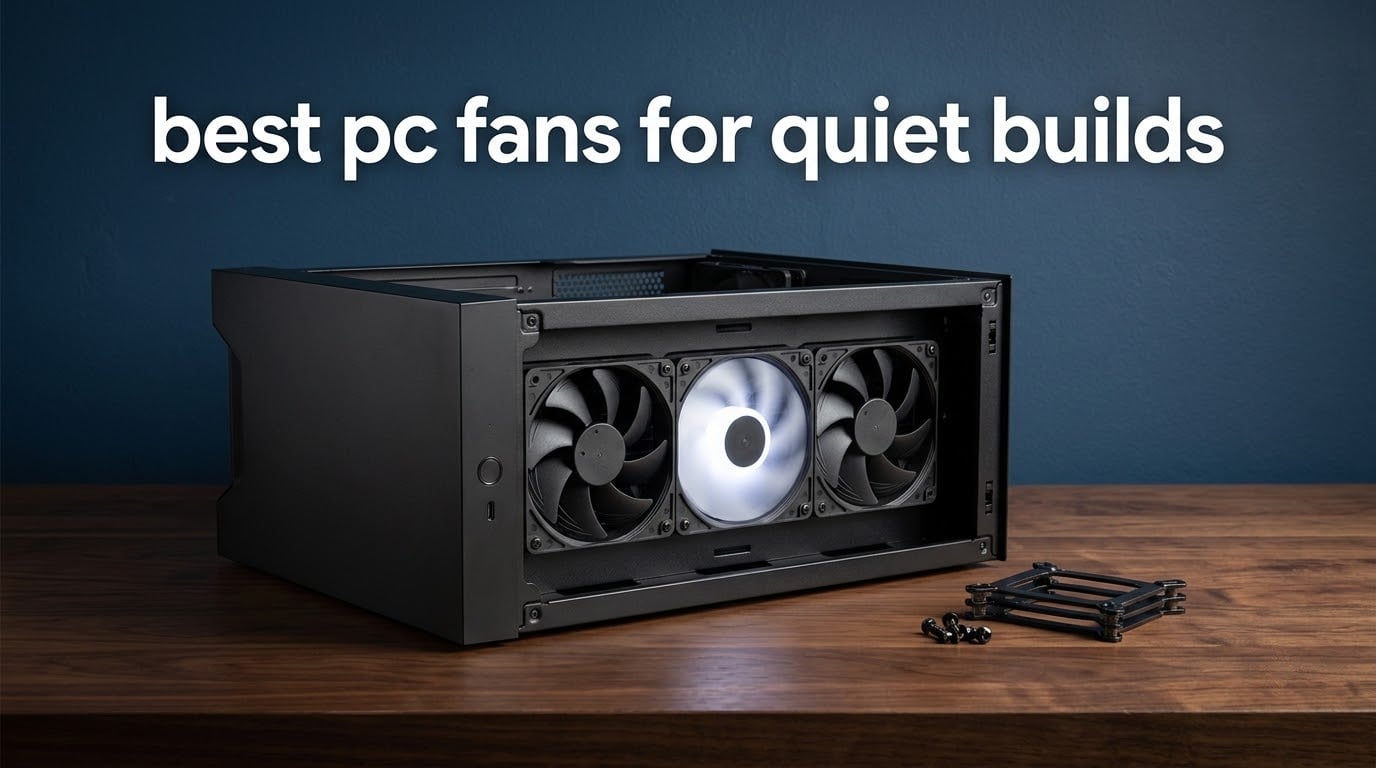
A fan’s published noise rating is measured at full speed, and that is the single most misleading fact in this whole category. In a quiet build you almost never run a case fan at full speed, so the number on the box tells you far less than the fan curve you set on the motherboard. If you are picking the best PC fans for quiet builds, you are really picking fans that stay smooth and inaudible in the 600 to 1200 RPM band where they spend most of their working life.
That reframing matters because the spec sheets and the listening experience disagree. Two fans rated at 24 dBA can sound completely different, and a fan rated at 25.5 dBA with a low minimum speed is often quieter in a bedroom than a 23.9 dBA fan that has to spin hard to keep up with a restrictive radiator. We went through ten of the strongest quiet candidates on the market, pulled the manufacturer figures, and cross-checked them against what buyers actually report about behaviour below 1000 RPM.
What follows is a full roundup: the 120mm standard, the 140mm high-output option, the 15mm slim frame, the budget tier, the radiator pick and the quiet RGB pick, all in one place. We also cover the parts no spec sheet covers, like bearing type, PWM sharing, anti-vibration mounting and the fan-curve setup that does more for your noise floor than any single purchase. Last updated: October 2026.
Table of Contents
Top 3 Picks for Quiet Builds (October 2026)
Noctua NF-A12x15 PWM
- Rated at 23.9 dB(A)
- the quietest figure here
- 15mm slim frame for tight clearances
- Includes y-cable and Low-Noise Adaptor

Noctua NF-P12 redux-1700 PWM
- Pressure-optimised blades
- 120.2 m3/h airflow
- Low 1.08W power draw

ARCTIC P12 PWM PST
- 0.3 Sone acoustic rating
- Stops fully below 5% PWM
- Built-in daisy-chain sharing
At a Glance: Best PC Fans for Quiet Builds in 2026
| Product | Specifications | Action |
|---|---|---|
| Noctua NF-A12x15 PWM |
|
Check Latest Price |
| Noctua NF-P12 redux-1700 PWM |
|
Check Latest Price |
 Noctua NF-A14 PWM Noctua NF-A14 PWM |
|
Check Latest Price |
| ARCTIC P12 PWM PST |
|
Check Latest Price |
 be quiet! Silent Wings Pro 4 140mm be quiet! Silent Wings Pro 4 140mm |
|
Check Latest Price |
 be quiet! Pure Wings 3 120mm be quiet! Pure Wings 3 120mm |
|
Check Latest Price |
 CORSAIR iCUE LINK RX120 RGB CORSAIR iCUE LINK RX120 RGB |
|
Check Latest Price |
 Thermalright TL-C12C-S X3 Thermalright TL-C12C-S X3 |
|
Check Latest Price |
 CORSAIR RS120 Triple Pack CORSAIR RS120 Triple Pack |
|
Check Latest Price |
 ARCTIC P12 Pro PST ARCTIC P12 Pro PST |
|
Check Latest Price |
What Are the Quietest Fans on a PC?
Six answers cover most quiet builds, and the full ranking below explains the trade-offs behind each one.
Noctua NF-A12x15 PWM: rated at 23.9 dB(A), the quietest figure here.
Noctua NF-A14 PWM: 24.6 dB(A) and 140mm of frame area.
Noctua NF-P12 redux-1700 PWM: 25.1 dB(A) with strong static pressure.
be quiet! Pure Wings 3 120mm: 25.5 dB(A) and a very low minimum speed.
Thermalright TL-C12C-S X3: 25.6 dB(A), three fans in one pack.
ARCTIC P12 PWM PST: 0.3 Sone, and it stops completely at idle.
Every one of these choices assumes a fan curve that keeps them under full speed. That assumption is the whole game, and we cover how to set one properly further down.
1. Noctua NF-A12x15 PWM: Lowest dB(A) Rating With a 15mm Frame
Noctua NF-A12x15 PWM, Premium Quiet Slim Fan, 4-Pin (120x15mm, Brown)
- Rated at 23.9 dB(A)
- the quietest figure in the group
- Fits clearance gaps where 25mm fans cannot
- Anti-vibration mounts plus y-cable and Low-Noise Adaptor included
- Excellent airflow for a 15mm frame
- Higher cost per fan than 25mm rivals
- Not the first pick for dense radiators
- A small number of owners report motor whine
This is the fan we came back to most often while putting this list together. It is rated at 23.9 dB(A), the quietest published figure among the fans we reviewed, and it does that with a frame that is 10mm thinner than a standard 120mm fan. That combination does not have many rivals: most quiet fans in this category are 25mm thick and need real clearance behind them.
The spec sheet is unusually complete for a slim fan. Maximum speed is 1850 RPM, airflow capacity is quoted at 94.2 m3/h, the power draw is a modest 1.56W, and the bearing carries a listed lifespan of more than 150,000 hours. The included Low-Noise Adaptor caps the ceiling at 1400 RPM, which is a useful trick if the full-speed whine bothers you and you are not pushing a dense radiator.
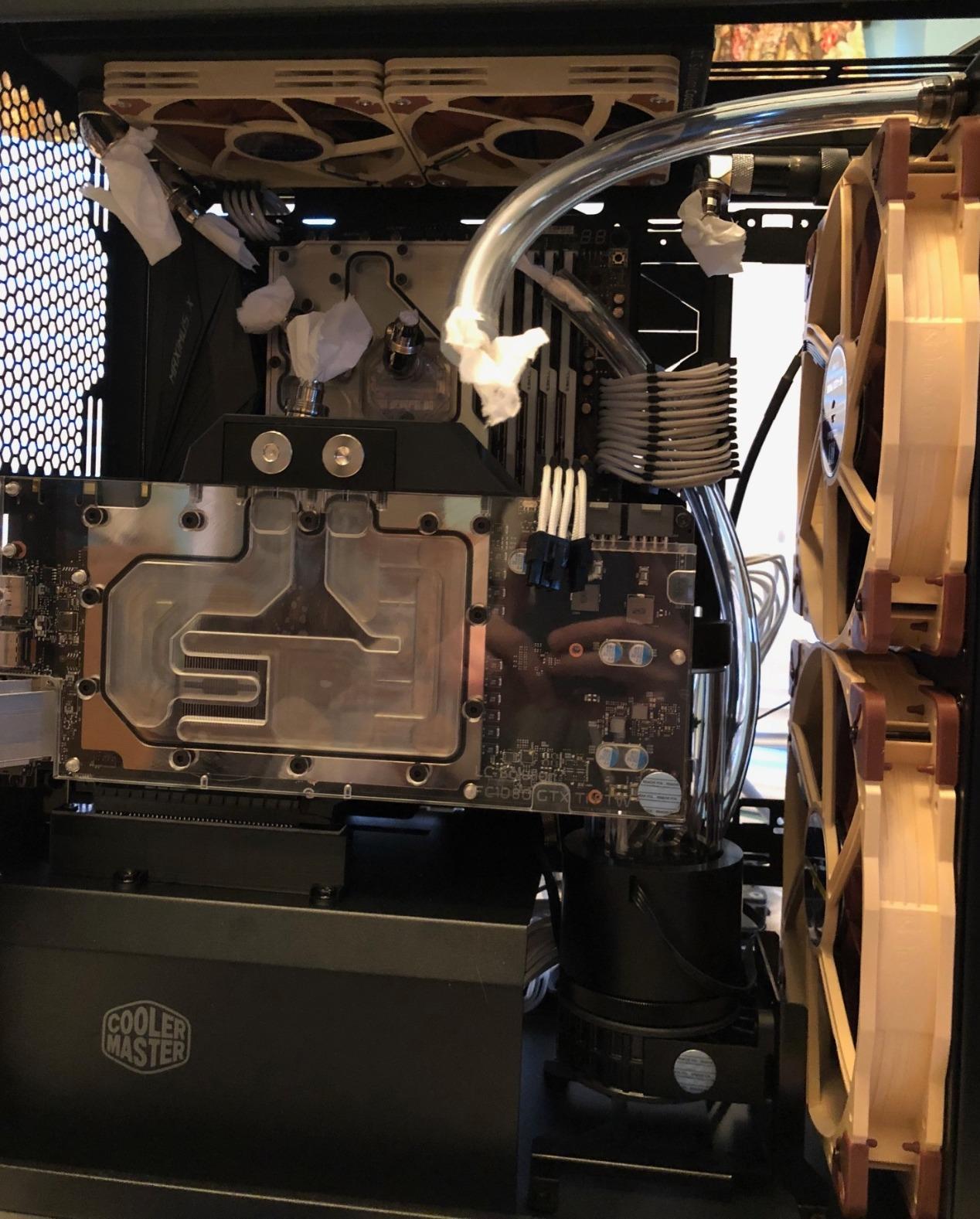
Buyer consensus lines up with the numbers. The fan holds a 4.9 average across more than 2800 ratings, with 92% of those at the top star, and the most common description is simply that it is inaudible at normal speeds. Owners also point out that the build quality feels a step above cheaper alternatives, with several mentioning they replaced bulkier fans that had failed.
The accessory kit is part of why it scores so well. You get anti-vibration mounts, fan screws, an extension cable and a y-cable that lets two PWM fans share one four-pin header, which matters a lot in small form factor cases where header count is the real constraint.
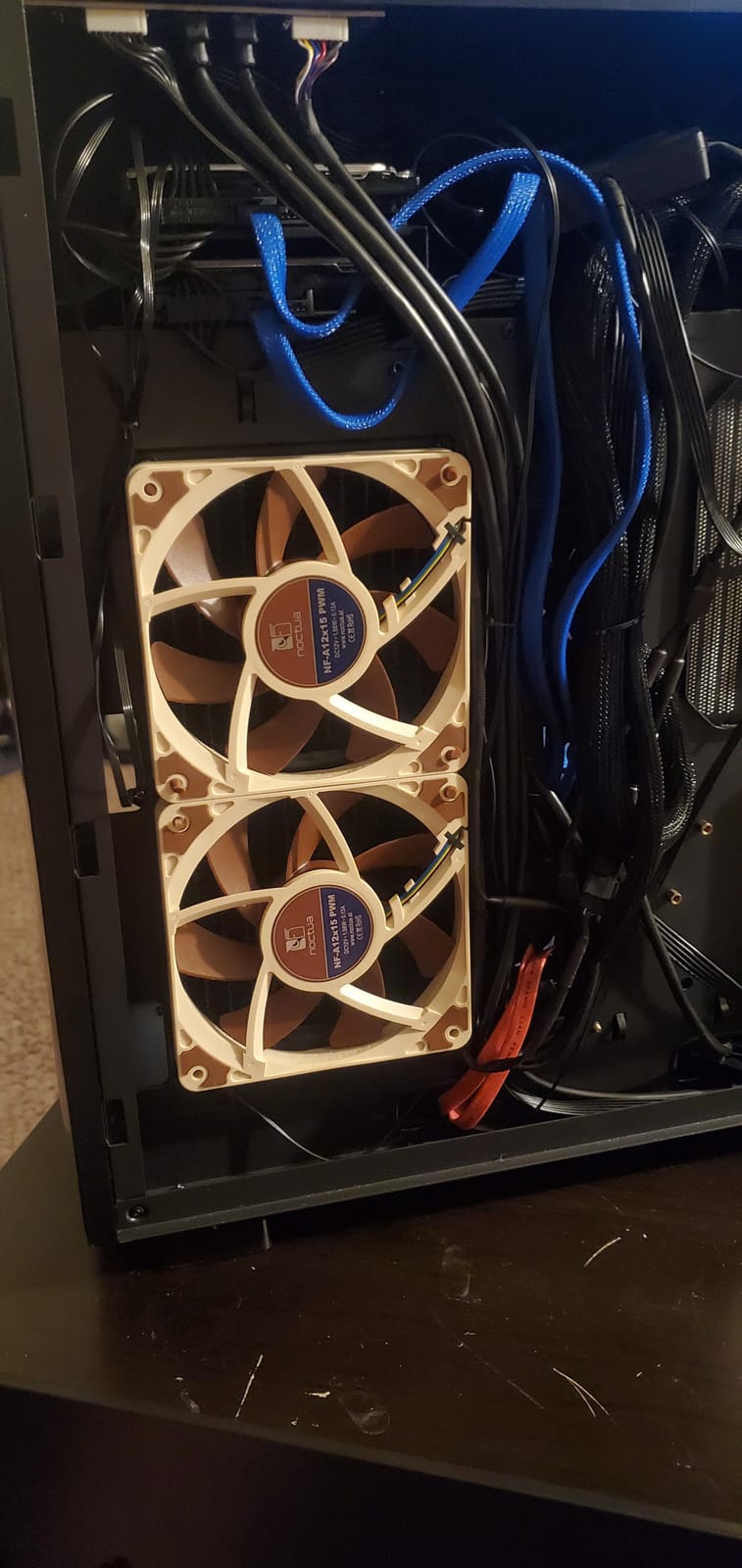
Where the 15mm frame genuinely earns its place
There are builds where a 25mm fan simply does not fit, and in those the choice is made for you. Low-profile CPU coolers with a 15mm fan slot, HTPC cases, NAS enclosures and tight ITX layouts are all exactly the environments this fan was designed for, and reviewers regularly describe it going into spots they had assumed were impossible.
It also works as a radiator fan for slim radiators, or as a front intake in a compact case where a thicker fan would foul a drive cage or front-mounted radiator.
Where the slim frame costs you something
Airflow and static pressure both take a hit from the shallower frame. At 94.2 m3/h it still moves plenty of air, but against a dense radiator or a restrictive mesh panel it has less headroom than a 25mm design, so you will find yourself needing a slightly higher RPM to get the same result.
It also costs more per fan than 25mm alternatives of similar output, and a small number of owners report a persistent high-pitched whine from the motor. The sleeved cable is another minor irritation, since it is awkward to route in a cramped build. If you have the clearance and the budget, a thicker fan is the better buy.
2. Noctua NF-P12 redux-1700 PWM: The Quiet Workhorse for Radiators
- Highest review count here with 20k+ ratings
- Pressure-optimised blade design suits radiators and mesh
- Low 1.08W power draw
- Very quiet under PWM control at idle speeds
- Anti-vibration mounts and cables sold separately on the redux line
- Brown finish only
- Older design that newer fans match on raw output
If you need one fan recommendation for the widest range of quiet builds, this is the one. It is the most heavily reviewed fan in this entire roundup, with more than 20k ratings averaging 4.8, and 88% of those at five stars. That installed base matters practically: it means a very large number of people have already tested it in exactly the configurations you are about to build.
The technical story is about pressure rather than volume. The blade design is pressure-optimised, which is the correct priority when the fan is pushing through a radiator, a dense heatsink or a filtered intake, because raw CFM on an open path does not help much once the air meets resistance. Airflow is rated at 120.2 m3/h and the maximum speed is 1700 RPM.
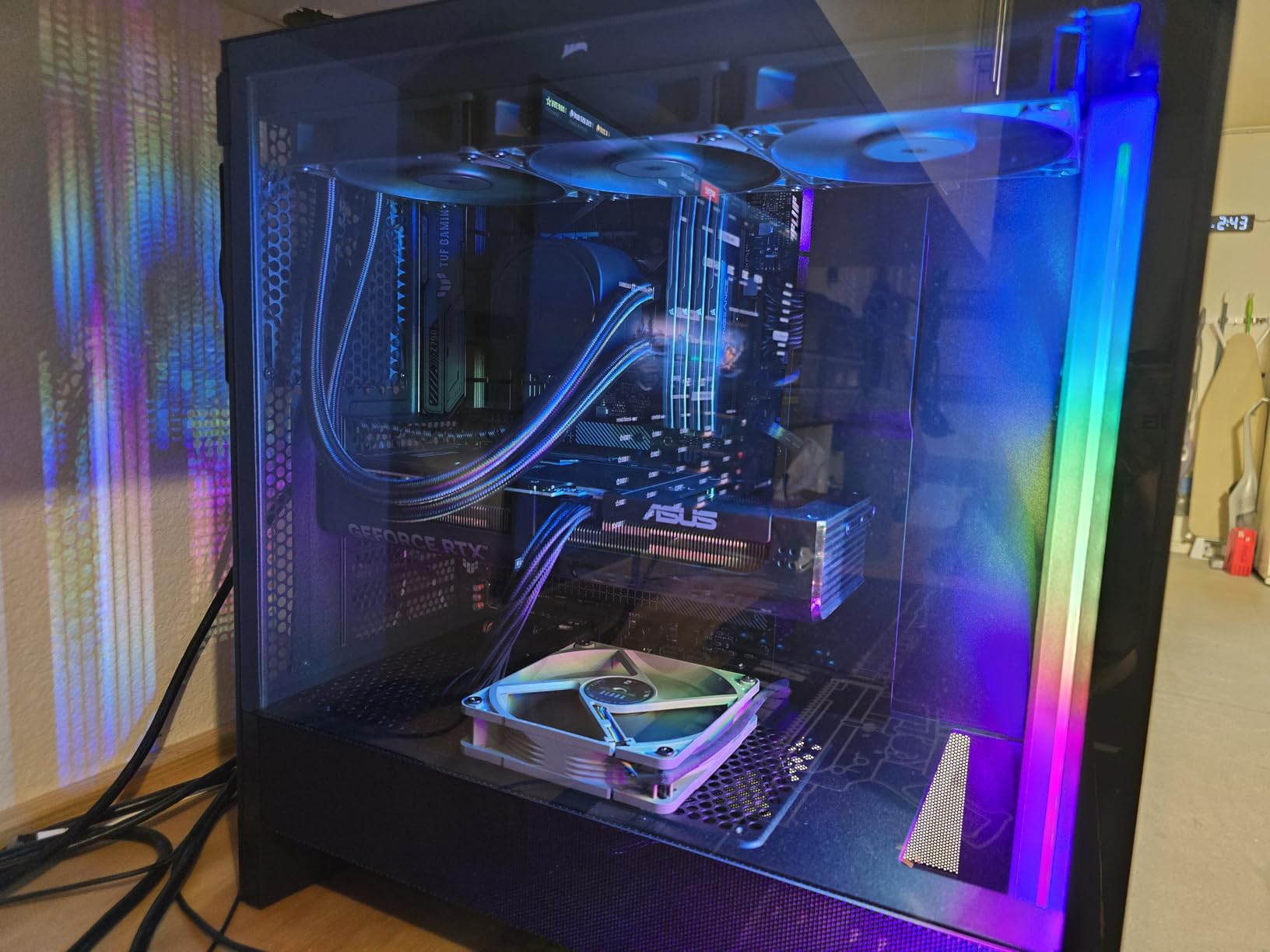
Power draw is a genuine standout at 1.08W, which is the lowest in this group and is worth noticing if you are running a dense multi-fan array off one header. The frame is fibre-glass reinforced PBT with metal reinforcement, and the warranty runs six years.
Reviewers describe it as effectively silent at idle speeds, which is exactly the behaviour you want in a quiet build. It sits in computer case fan rankings at number 9, and owners consistently describe it as the default choice for radiators, tower coolers and quiet chassis ventilation.
Why pressure beats raw airflow for a radiator
A radiator is a restrictive path. A fan that moves a lot of air into open space can stall the moment those fins are in front of it, which is why static pressure figures matter more than CFM once a radiator is in the picture. This fan’s pressure-optimised blade geometry is aimed squarely at that problem, and the low minimum speed is what makes it disappear at idle.
It is also the safer default because it is boring in the best way. Nothing about the design is exotic, and nothing about it fails at the one job a case fan has to do.
What the redux edition holds back
The main practical drawback is the accessory situation. On the redux line, anti-vibration mounts, extension cables, y-splitters and SATA adaptors are all sold separately, so the in-box experience is thinner than the full-fat version. If you care about killing panel vibration you need to budget for the pads separately.
The second is aesthetic. The signature brown and beige colour scheme divides buyers, and there is no black option in this line, so it will not disappear into an all-black chassis the way a dark fan does.
3. Noctua NF-A14 PWM: Best 140mm Fan for Quiet Case Airflow
- 140mm square frame moves more air per revolution
- 300 to 1500 RPM control range
- Richest accessory kit in the range
- Strong airflow that still stays desk-side quiet
- Brown and beige only
- 25mm thickness can conflict with tall RAM
- Design has not been substantially revised
The argument for a 140mm fan is simple physics: more frame area per revolution means more air moved for the same rotational speed, and lower speed is where quiet comes from. This fan makes that case well, rating 24.6 dB(A) while quoting 140.2 m3/h of airflow, a large volume for a fan that never passes 1500 RPM.
It is also the calmer of the two 140mm options here. Maximum speed is only 1500 RPM, so it never reaches the kind of speed where a fan starts to sound like a hairdryer, and the PWM range runs from 300 to 1500 RPM, which gives a wide span to shape your curve against. The included Low-Noise Adaptor caps the ceiling at 1200 RPM if you want extra margin.
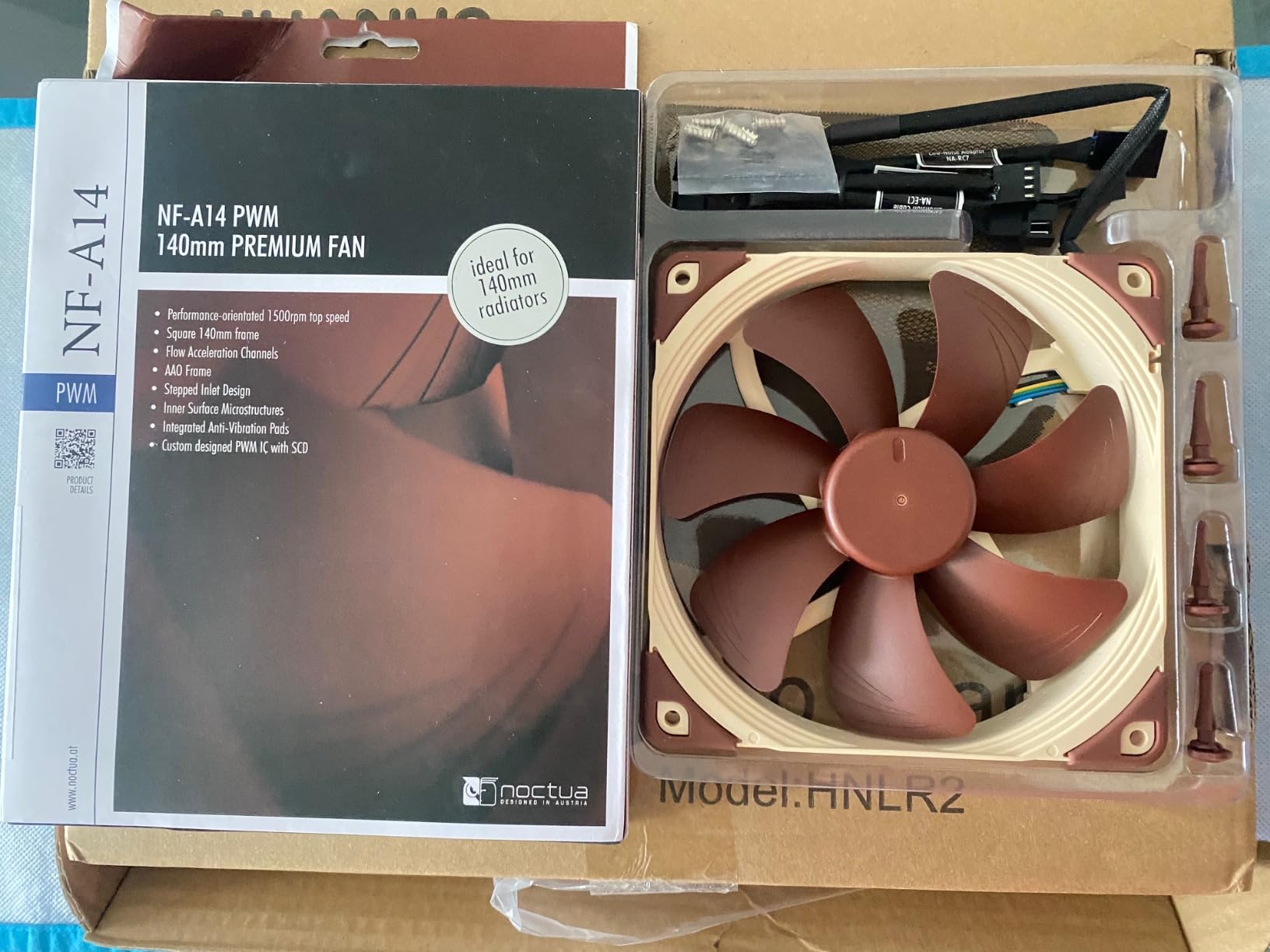
Accessories are where this fan is hard to beat. You get anti-vibration mounts, screws, the Low-Noise Adaptor, an extension cable and a y-cable for header sharing, all in the box. The warranty is six years and the listed bearing lifespan exceeds 150,000 hours.
Buyers rate it 4.8 across more than 6100 ratings with 92% at five stars, and the reviews highlight exactly what the spec sheet suggests: strong airflow at low RPM, and no need to push it hard to keep a case quiet.
When a 140mm fan actually wins on noise
It wins when your case has 140mm mounts and the airflow path is not blocked. Move the same volume of air with fewer revolutions and you get less blade passing frequency, which is where most of the noise in a case fan comes from. On an open intake with a decent filter, the 140mm option usually gets you to the same temperature at a lower RPM.
It also wins for radiators, because the square frame matches a 140mm radiator mounting pattern cleanly and the A-series channel geometry keeps the flow focused.
The clearance and colour catch
Two practical warnings. First, check your fit: at 25mm thick this can conflict with tall RAM on a big air cooler or with a radiator sitting close to the board. Second, there is no black version, and if your build is all-black this fan will be a visible brown square on every intake.
Buyers also note the design has not been substantially revised in years, and some newer 140mm models now match or exceed its raw output. It remains a quieter, calmer option even so.
4. ARCTIC P12 PWM PST: Best Value Quiet Fan With Built-In Fan Sharing
- Zero-RPM stop below 5% PWM gives true idle silence
- Daisy-chain sharing cuts header and cable clutter
- Static pressure holds up on radiators and filtered intakes
- Low motor temperature extends service life
- Modest 2.2 mmH2O static pressure
- 56.3 CFM trails newer high-RPM designs
- Slimmer frame feels less substantial to some
This is the fan that most often appears in a sensible quiet build on a moderate budget, and the reason is the combination of a 0.3 Sone rating with a feature most rivals charge extra for. The PST connector lets you daisy-chain several fans onto a single four-pin header without a splitter, which removes both the cable clutter and the RPM penalty of an unpowered splitter.
Speed control runs from 200 to 1800 RPM, and the fan stops completely below 5% PWM. In practice that means a system sitting at idle has case fans that are not spinning at all, which is the single most effective quiet trick in this list and one most fans cannot do.
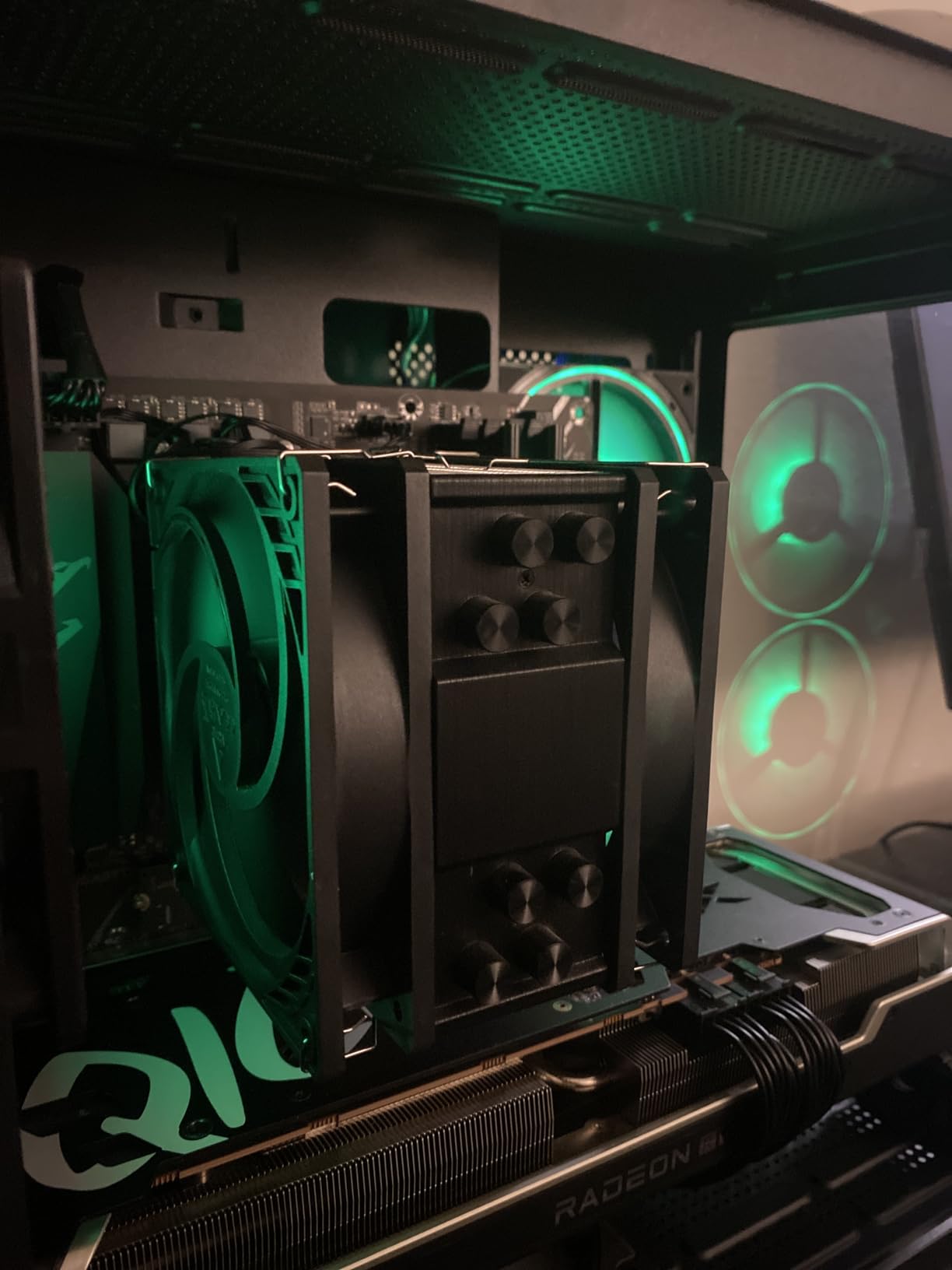
The design is optimised for static pressure, with a focused airstream rated at 2.2 mmH2O and airflow of 56.3 CFM, or 95.7 m3/h. Power draw is 1.2W, the weight is 145g, and the warranty runs six years. A newer PWM integrated circuit is credited with lower motor coil temperature, which the manufacturer links to a materially longer service life.
Buyers rate it 4.8 across roughly 3470 ratings, with 85% at five stars. The zero-RPM feature and the static pressure holding up against radiators and mesh panels are the two things cited most often.
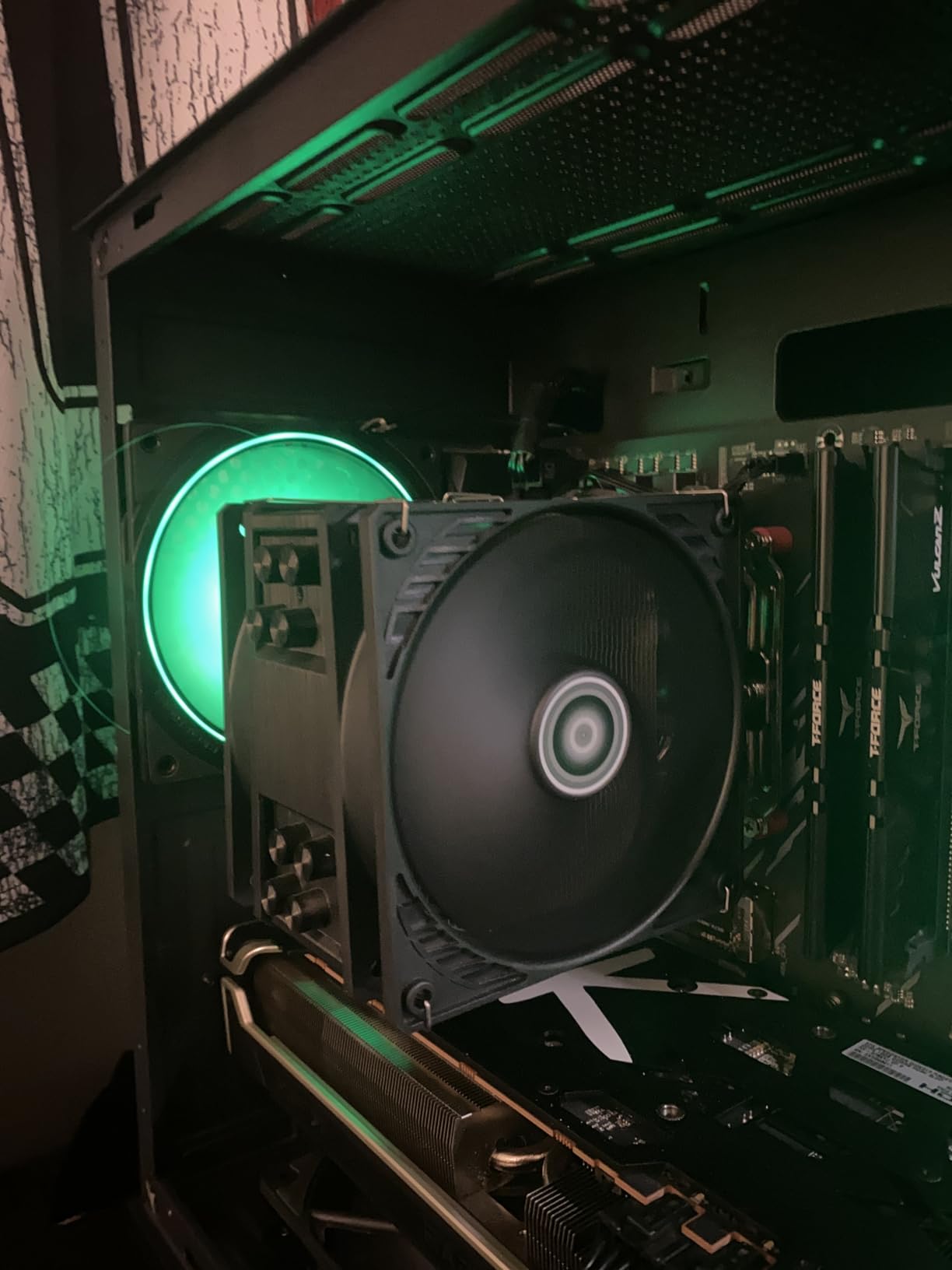
Why the zero-RPM stop matters more than the noise rating
Most fans can slow down, very few can fully stop. A fan that halts below 5% PWM contributes literally nothing to your noise floor while the machine is idle, which is where a quiet build is either won or lost, because that is the state you sit in for the majority of the day.
The PST sharing is the quiet hero in cable management terms too. Three or more fans on one header means fewer splitter cables straining your power delivery, and it avoids the RPM droop you get when several fans share a header through a cheap hub.
Where the 2.2 mmH2O ceiling shows up
The static pressure figure is honest but modest, and it is the reason this is a value pick rather than a performance pick. Against a dense radiator or a fine dust filter, you will need to run it faster than you would a higher-pressure fan, and that is where the Sone figure stops being representative of what you hear.
Owners who prefer the feel of a solid 25mm frame also find this one a little thin, and the raw airflow number trails newer designs that spin to 3000 RPM. For open or lightly filtered positions it is a genuinely easy recommendation.
5. be quiet! Silent Wings Pro 4 140mm: Best 140mm Fan for a Large Radiator
be quiet! Silent Wings Pro 4 140mm PWM High Speed 2400 RPM Premium Low Noise Cooling Fan | 4-Pin | BL099
- Three-position speed switch caps the ceiling where you want it
- Very high airflow for a 140mm fan
- Funnel-shaped frame outlet produces strong air pressure
- Six-pole motor and fluid dynamic bearing run without vibration
- Clearly audible above roughly 2000 RPM
- Only a one-year warranty
- Costs more than 140mm rivals with a lower ceiling
This is the fan to buy when the radiator is the constraint. It is built for radiators and heat sinks, with optimised blade geometry, a small tip clearance and a funnel-shaped air outlet in the frame that produces unusually high static pressure for a 140mm fan. Airflow is rated at 97.4 CFM.
The feature that makes it interesting for a quiet build is the on-board speed switch. It lets you set the maximum PWM speed to medium, high or ultra-high, up to 2400 RPM. That means you can cap the ceiling below the range where it becomes loud, and it will never be pushed there by a fan curve glitch.
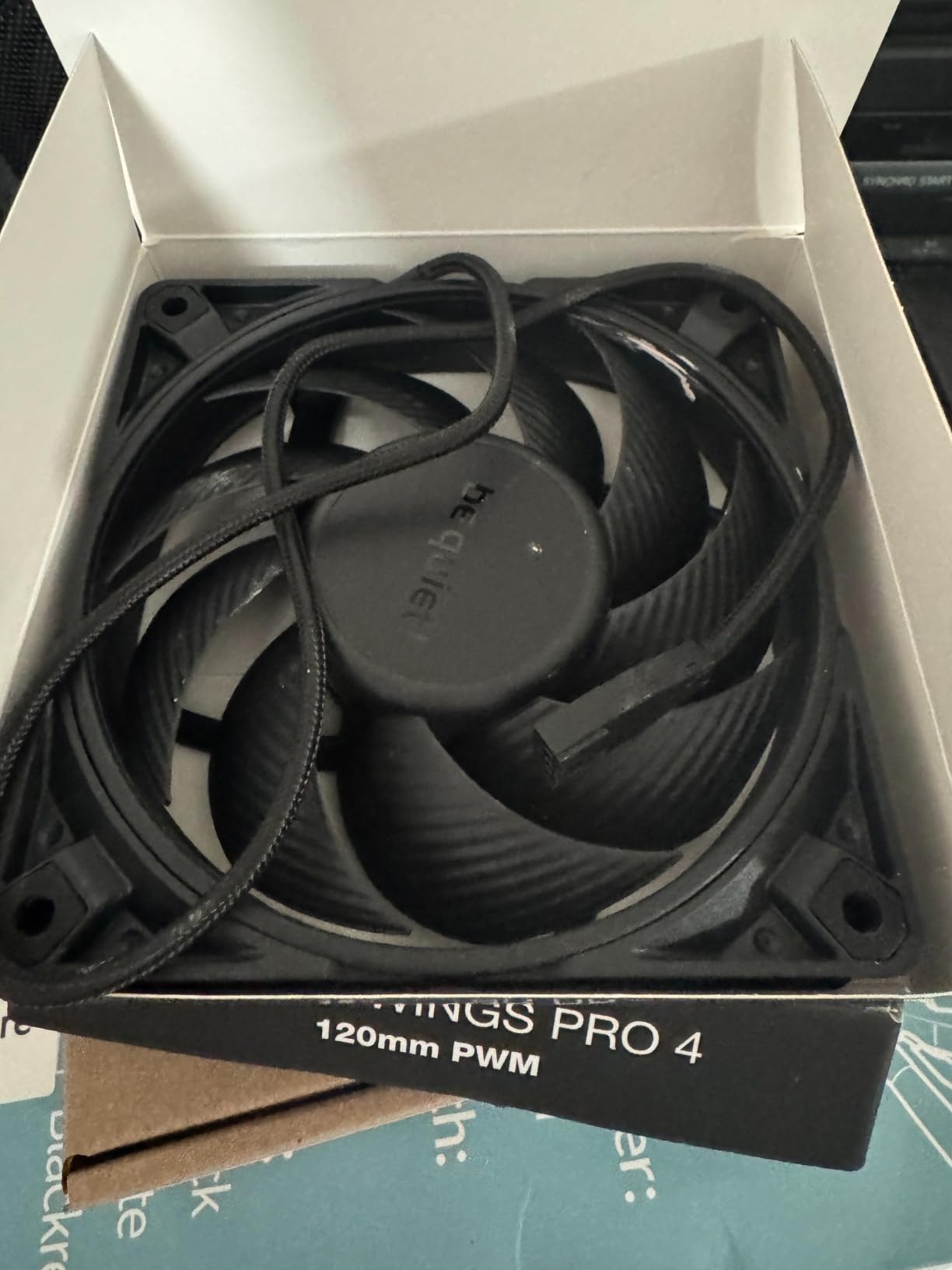
The motor is a six-pole design with a fluid dynamic bearing, which reviewers consistently credit with smooth operation and no droning. Cabling is braided, and the finish is available in black or white. Power draw is 3.04W and the weight is 310g, so it is one of the heavier units here despite that airflow.
It holds a 4.7 average from around 1200 ratings with 87% at five stars. Buyers comparing it against well-known 120mm quiet options generally find it matches or exceeds them on raw airflow while staying comparable below 2000 RPM.
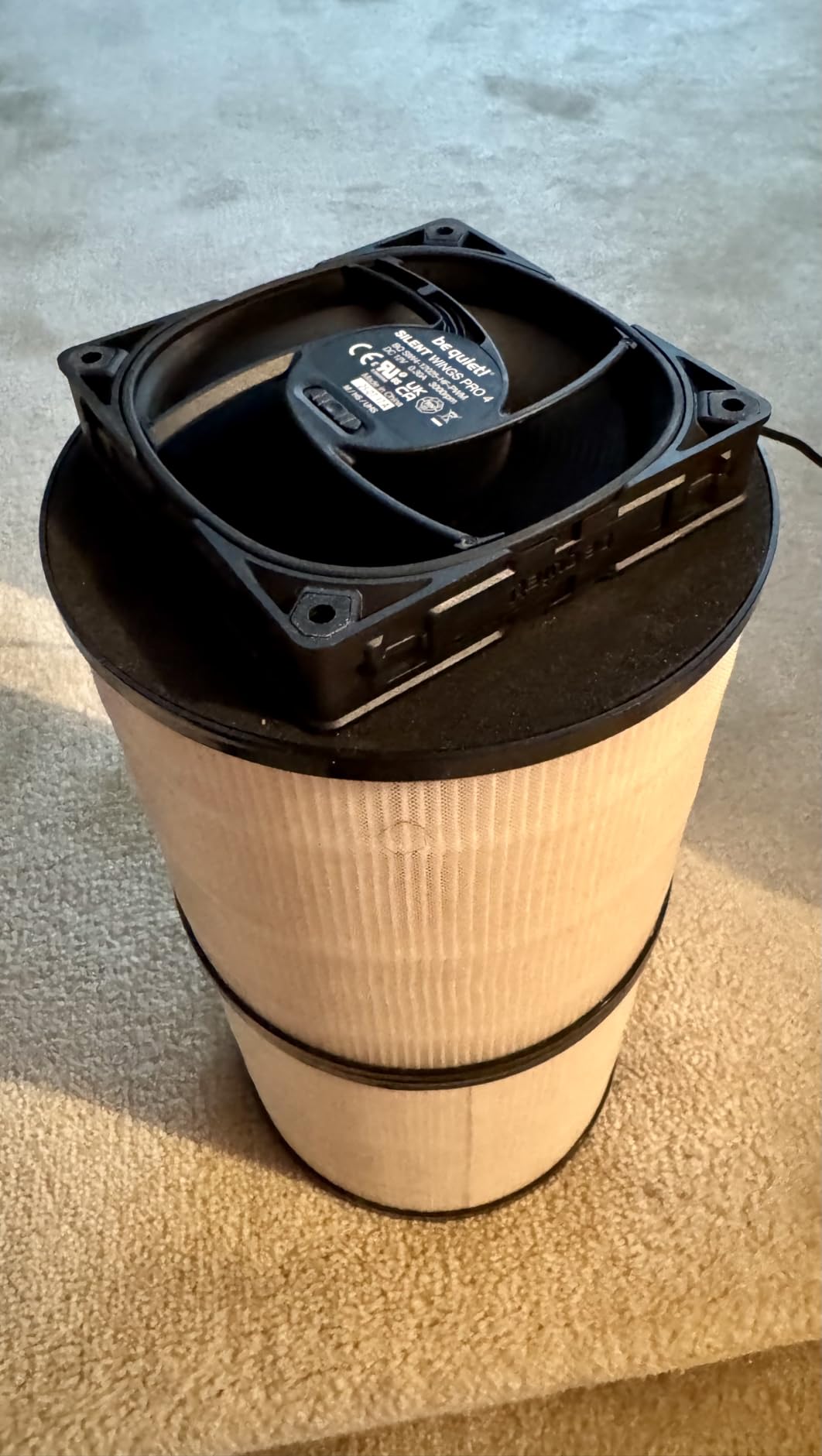
Why radiator fans need pressure more than volume
Air pushing through a radiator or a dense heatsink meets resistance almost immediately, and a high-volume fan that stalls there is worse than useless because it is still spinning. This fan’s frame design exists to raise pressure across that restricted path, which is exactly the situation on a 240mm or 360mm radiator in a closed loop.
That also means it holds temperatures down when the CPU is under heavy load, which is precisely when you cannot afford to cap the fan speed for quietness.
The one-year warranty is the real catch
Most of the other fans in this roundup carry between two and six years of cover, and the quiet tier is mostly at six. A single year is thin for a component that is expected to run for the life of a build, and it is the main reason this does not take the top spot despite the strong performance.
It is also clearly audible above roughly 2000 RPM, so the speed switch is not optional if silence is the goal, and it costs more than 140mm alternatives with a lower maximum speed. If your radiator is oversized for your CPU, a calmer fan at a lower ceiling will serve you better.
6. be quiet! Pure Wings 3 120mm: Best for Quiet Office and Always-On Builds
be quiet! Pure Wings 3 120mm Silent PWM Computer Case Fan, Maximum Airflow
- Runs at a very low minimum RPM for silent fan curves
- Rifle bearing rated for 80000 hours
- Dampening rubber corners on the frame
- Several owners report being unable to hear it at all
- No RGB lighting
- No radiator screws or multi-fan hub in the box
- Anti-vibration pads are not included
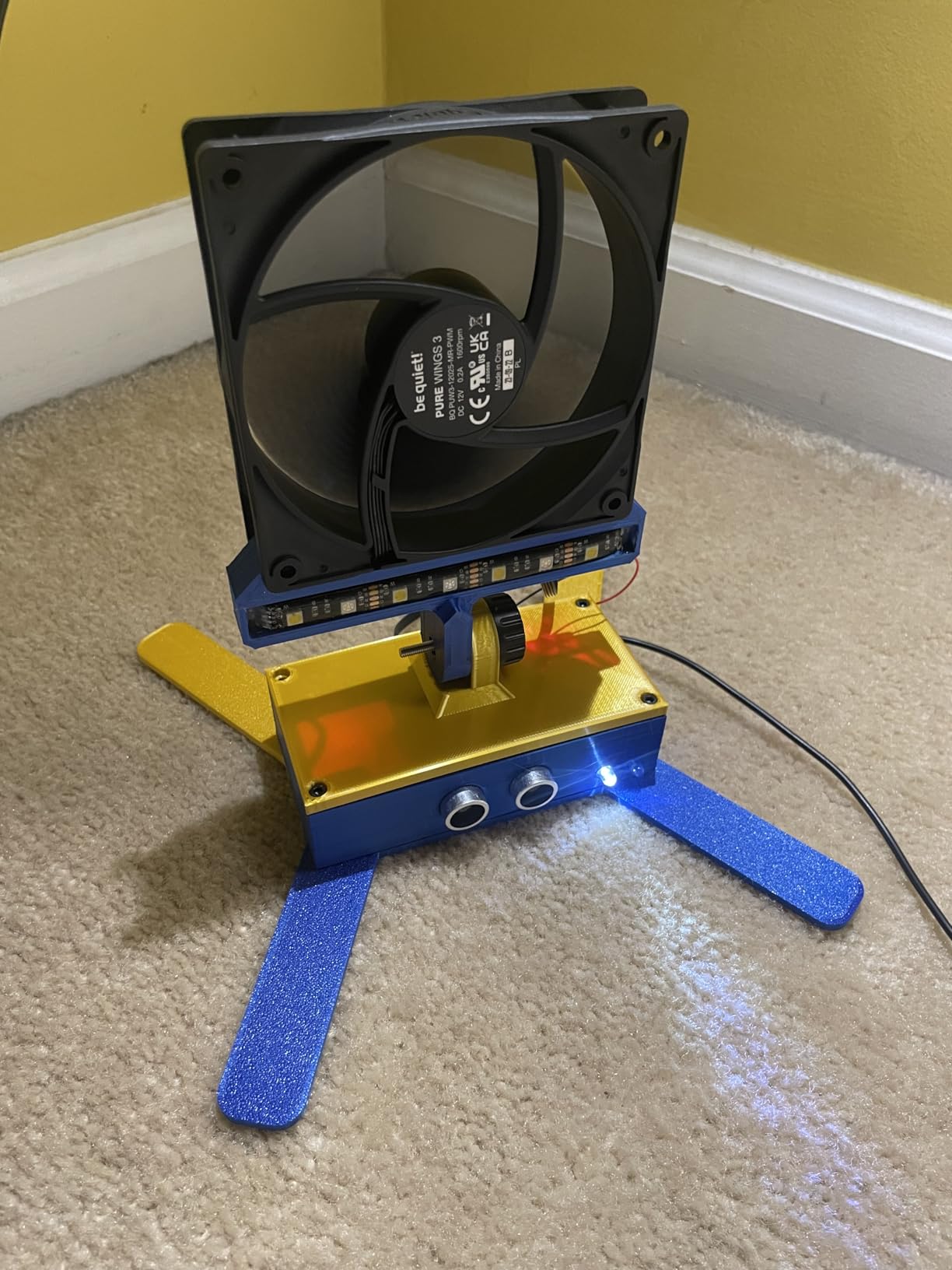
Where most fans here are chosen for peak load behaviour, this one is built for the opposite end: running slowly, all day, without being noticed. It is rated at 25.5 dB and 1600 RPM, with airflow of 49.9 CFM, but the number that actually matters for a quiet build is how low it can go before it stops moving useful air, and reviewers repeatedly single out the very low minimum speed as the reason it disappears.
The bearing is a rifle bearing rated for an 80,000 hour operating lifetime, which is longer than the sleeve bearings common at this tier. The frame carries dampening rubber at the corners, and seven airflow-optimised blades keep noise down while holding performance under demanding configurations.
It is a modest fan on paper. Airflow of 49.9 CFM is the lowest in this group and power draw of 2.4W is among the higher, and the warranty is two years rather than six. None of that matters much if the fan spends 95% of its life below 1200 RPM, which is the point of choosing it.
Buyers rate it 4.7 from about 640 ratings, with 86% at five stars, and owners in home server and office builds report noticeable improvements in drive and SSD temperatures because the case is finally moving air quietly all day.
Why minimum speed matters more than maximum speed
Noise rises steeply with speed, so the total loudness of a fan over a day is set mostly by how fast it runs most of the time. A fan with a low, usable minimum can idle almost inaudibly and only work hard during a load spike. A fan that needs a high minimum to move any air will be audible continuously, no matter how good its maximum rating is.
That is the entire reason this fan shows up in quiet office and always-on builds rather than gaming rigs. If your machine sits at 40 degrees at the desktop, low minimum speed is the feature you care about.
What is missing from the box
There is no RGB, no radiator mounting hardware and no multi-fan hub, and the anti-vibration pads are not included. On a radiator you will need separate screws, and on an all-black build the plain frame is unremarkable rather than matched.
With 49.9 CFM of airflow it is also not the fan to reach for when you have a dense radiator or a badly restricted intake. It is a chassis fan for open positions and slow-running duty, and it is very good at that.
7. CORSAIR iCUE LINK RX120 RGB: Best RGB Fan That Still Behaves at Low Speed
CORSAIR iCUE Link RX120 RGB 120mm PWM Fan – Magnetic Dome Bearing – Single Fan – Black
- Magnetic daisy-chain connections give the cleanest cable routing
- 4.38 mmH2O static pressure suits dense radiators
- Magnetic dome bearing keeps motor noise low
- Reverse-blade variants for glass-side cases
- Requires a separately sold iCUE LINK System Hub
- Needs a 6-pin PCIe connection for the hub
- iCUE software has a learning curve
RGB fans are usually where quiet builds go to die, and the reason is straightforward: lighting hardware and motor noise are two different design problems and budget fan makers usually solve only one of them. This one is worth a look because the motor side is genuinely well engineered, with a magnetic dome bearing that keeps friction and motor noise low even at the top of the 2100 RPM range.
Airflow is 74.2 CFM and static pressure is 4.38 mmH2O, which is high enough for a high-density radiator. AirGuide anti-vortex vanes direct airflow at hot components, and eight RGB LEDs sit behind a frame window so the lighting is visible from the side rather than only through a view.
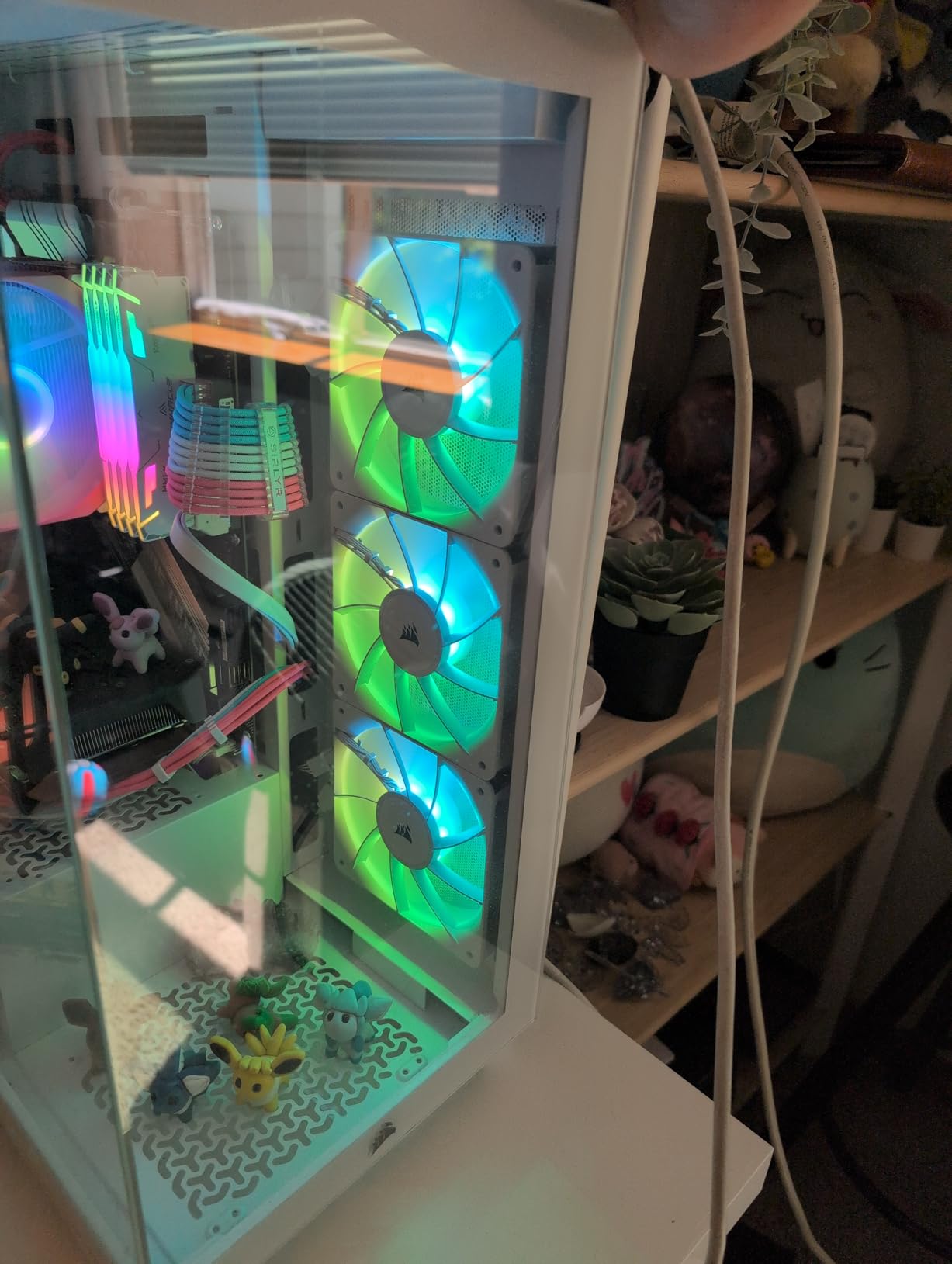
The cable story is the real selling point. The iCUE LINK bridge connectors let you string fans together and run a whole bank from a single cable into a System Hub, which removes the pile of individual fan headers that usually ruins the back of a glass-side build. Reverse-blade versions are available for dual-chamber cases.
Buyers rate it 4.7 from about 1740 ratings, with 88% at five stars. Owners frequently mention the combination of near-silent running, strong airflow and deeply customisable lighting with minimal cable clutter.
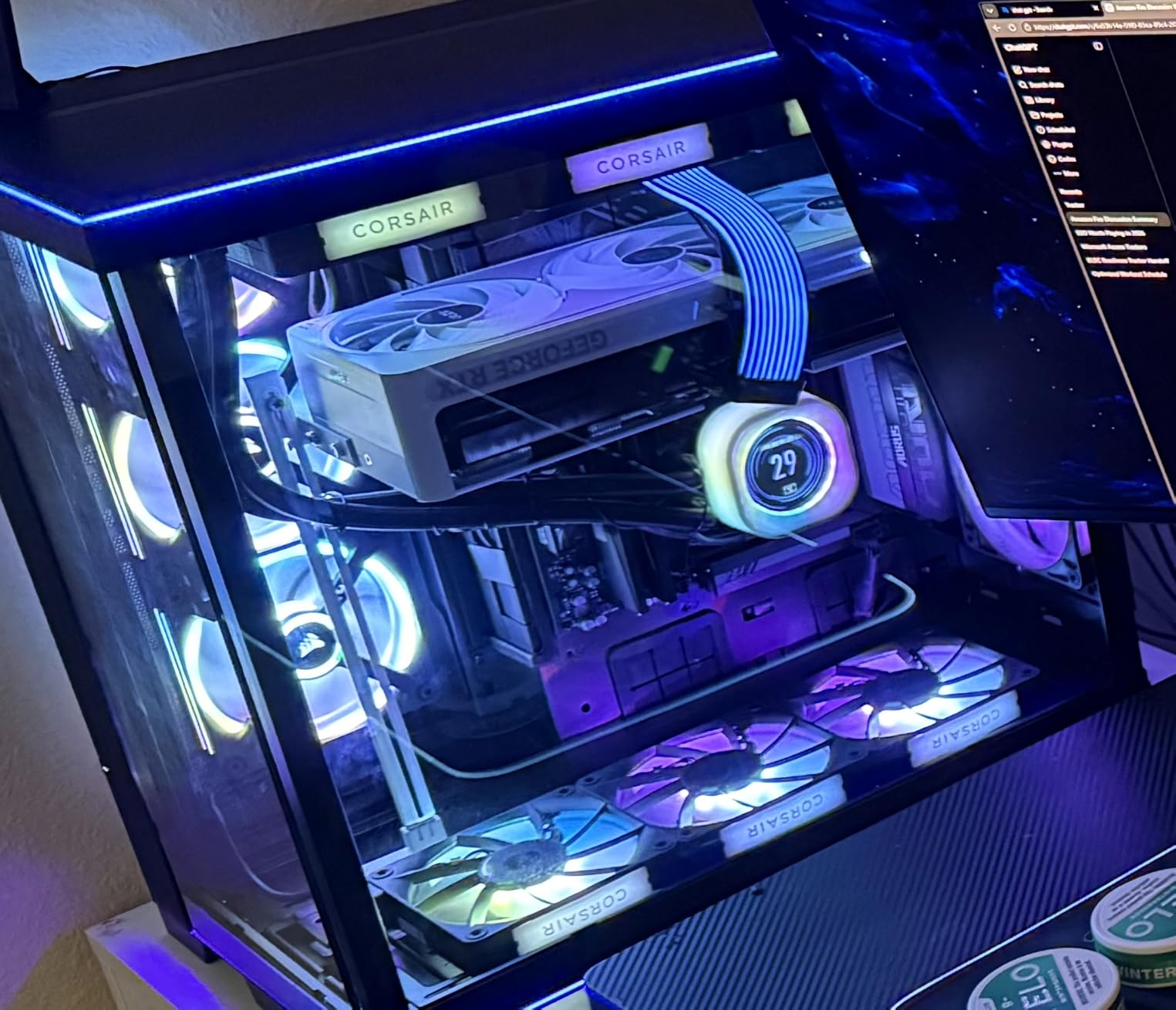
The LINK hub is the quiet build’s best cable story
In a quiet build, cable management is not cosmetic. A dozen separate fan leads pushed through a tight tray rattle against each other and against the case panel, and that resonance is a noise source people blame on the fans. A magnetic daisy-chain that runs one cable to one hub removes the problem at the source.
It also means fewer powered splitters, so you avoid the RPM droop that comes with stacking several fans on a passive hub.
What RGB and the hub actually cost you
The System Hub is sold separately and needs a 6-pin PCIe connection from the power supply, so you have to plan that cable route before you build rather than after. Compatibility is also conditional on the hub, not just the motherboard, which can rule the fan out of a board with no free PCIe slot to spare.
On acoustics, the 36 dB rating means this is a performance fan with lighting attached, not a specialist quiet fan. It is a reasonable choice at low duty where the motor rarely spins hard, and a poor choice if you intend to run it pinned near maximum on a dense radiator.
8. Thermalright TL-C12C-S X3: Best Budget Three-Pack for Filling a Case
- Three PWM fans in one pack
- Daisy-chain connectors run several fans from one header
- S-FDB bearing reduces blade shake and vibration
- ARGB blades with up to 17 lighting modes
- Not fully silent at full speed
- Plastic frame corners are fragile during fitting
- A few reports of cracked fans on arrival
Most quiet builds need more than one fan, and header count is the practical bottleneck. This pack solves that in a way nothing else at the budget end does: three fans, each with a daisy-chain connector, each able to run off a single four-pin header.
The figures are respectable. Speed tops out at 1550 RPM, noise is rated at no more than 25.6 dB(A), airflow is 66.17 CFM and static pressure is 1.53 mmH2O. The bearing is an S-FDB unit, which is designed to stop blade shake in start-up mode, and that start-up behaviour is exactly where cheap fans announce themselves.
Cabling is generous for the tier, with up to 55cm of cable per fan and standard four-screw 120x25mm mounting, so installation is straightforward in almost any case. Power draw is listed at 3W and the warranty is three years.
Buyers rate it 4.7 from around 820 ratings, with 83% at five stars, and the reviews call out the same combination repeatedly: three PWM fans, quiet enough under a standard curve, and a very low per-fan cost when you need to fill a case.
Why a three-pack fixes the header problem
Most motherboards give you four or six fan headers, and a build that wants nine or ten fans ends up with splitters everywhere. Splitters add resistance, can cause an RPM drop when several fans draw from one header, and create a bundle of extra cable. Three daisy-chainable fans on one header removes all three problems at once.
For a budget build that needs intake and exhaust coverage, this is the least messy way to get there, and the S-FDB bearing makes the low-speed behaviour better than the price suggests.
Where the trade-offs sit
The static pressure of 1.53 mmH2O is the lowest in this roundup, so this is a chassis fan for open positions, not a radiator fan. It is also not fully silent at full speed, which is not a problem if your curve keeps it well under that.
Build quality is the other watch point. The frame is plastic and a small number of buyers have reported fans arriving cracked or breaking during installation, so handle the corners carefully. The ARGB logo is also not subtle in an understated build.
9. CORSAIR RS120 Triple Pack: Strong Airflow That Needs a Tuned Curve
CORSAIR RS120 120mm PWM Fans – Daisy-Chain Connection – Low-Noise – Magnetic Dome Bearing – Triple Pack – Black
- Built-in daisy chaining runs the pack from one header
- Strong 4.15 mmH2O static pressure for radiators
- Magnetic dome bearing keeps motors barely audible
- Three fans plus screws and extension cables included
- Audible above roughly 50 to 70 percent speed
- Proprietary splitter is a risk on some headers
- Cables are short for a full tower without the extensions
This is a performance fan with a quiet motor, and the distinction matters. The magnetic dome bearing is doing its job well, with owners reporting the motors themselves are barely audible, and airflow is a healthy 72.8 CFM with 4.15 mmH2O of static pressure for radiator mounting.
That makes it a strong radiator or dense-intake fan. It is also a triple pack, and the daisy-chain connection on the lead means the whole set can be controlled from one four-pin PWM header, with the mounting screws and extension cables supplied in the box. The warranty is five years.
Where it falls short is the top of the speed range. At 2100 RPM and a 36 dB rating, it is clearly audible above roughly 50 to 70 percent fan speed, and several reviewers found the low-noise description overstated and had to build a custom curve to hold it below that.
It rates 4.6 from about 1460 ratings with 83% at five stars, and it sits at number 1 in computer case fan rankings, so the volume of use is enormous. Reviewers credit strong temperature reduction and easy speed control through the BIOS or the manufacturer suite.
Budget for the curve, not just the fans
A fan this strong will settle at full speed on any board with a default fan curve, because default curves respond to temperature and this fan clears heat easily. If you do not set the curve yourself, you will hear it. Owners who fixed this by capping duty cycle report the motor noise dropping to almost nothing while temperatures stay fine.
That makes it a good second-half-of-the-project purchase: install it, then go back into the BIOS and write a curve that matches the quiet build you actually want.
Header and cable caveats to check first
Two warnings. The integrated daisy-chain splitter is proprietary and has been reported as a potential risk on some motherboard headers, so if your board is known to be fussy about splitter loads, test one fan before committing to the pack. The default cables are also short, and in a full ATX tower you will need the included extensions to reach the far mounts.
There is no ARGB in this version, which is a deliberate choice if you want black and nothing else. If you want lighting, the iCUE LINK model in this list is the one that does it with the same motor philosophy.
10. ARCTIC P12 Pro PST: Best Static Pressure for Mesh Panels and Filters
ARCTIC P12 Pro PST – 5 Pack – Powerful Premium Fan, 120 mm PWM Fan with Y-Cable Splitter, 600-3000 RPM, 0 RPM <5% PWM, Fluid Dynamic Bearing, 4-Pin - Black
- Reviewers report static pressure around 6.9 mmH2O
- Huge airflow headroom up to 3000 RPM
- PST sharing runs several fans from one header
- Stops completely below 5% PWM
- Loud and pitched at high RPM
- Audible motor growl when starting from zero
- Some early bearing failures in multi-pack orders
When your case has a fine mesh panel, a dust filter or a dense radiator in the path, this is the fan that solves the problem. The reported static pressure figure of around 6.9 mmH2O is the highest in this roundup by a wide margin, and reviewers of high-resistance setups report it dramatically outperforming quieter low-RPM alternatives in exactly those conditions.
The speed range is 600 to 3000 RPM on a single four-pin header, and it stops completely below 5% PWM just like the smaller P12. Airflow is quoted at 77 CFM, the bearing is a self-lubricating fluid dynamic bearing, and manufacturing includes automatic balancing and tighter gaps to reduce vibration. It comes as a five-pack in black.
The honest cost is noise. This fan is loud and pitched at the top of its range, and owners report an audible motor growl as it spins up from a stop. The start-up behaviour is partly a consequence of the very high ceiling and partly of the design intent: it is built to have headroom, not to be run at 40 percent forever.
It holds a 4.6 average from around 1110 ratings, with 78% at five stars, the lowest five-star share among the fans we looked at. The complaints that repeat are full-speed noise, start-up growl and a small number of early bearing failures that the brand has honoured under warranty.
Where 6.9 mmH2O changes the outcome
Static pressure decides whether a fan can push air through resistance. Below about 1.5 mmH2O a fan is fine in open space and nearly useless behind a fine filter. At 6.9 mmH2O it keeps moving air through dense fins, narrow perforated panels and mesh structures, which is why owners with restricted setups report a clear improvement over quiet low-RPM fans.
The practical rule is that in a restricted position, buying headroom you rarely use is cheaper than buying a quiet fan that cannot move the air at all.
The trade you accept for that headroom
You are accepting a fan that is unpleasant to hear at full speed, plus a five-pack that draws 3.96W and needs a power supply that can deliver it. If your case is a restricted design and you can cap the curve so it rarely gets near the ceiling, this is a strong pick. If your airflow path is wide open, you are paying for performance you will never use.
Single-card packaging is thin, so a five-pack can arrive with damage, and there are enough early bearing failure reports to suggest testing every fan on arrival before you build around them.
Understanding Fan Noise Ratings: dBA vs Sone
A 25 dB fan is not loud, provided you understand what the number means. dB(A) is a logarithmic, A-weighted measurement of sound pressure, and a 3 dB step is roughly a doubling of acoustic energy, which is why differences of 1 or 2 dB between two fans are close to meaningless.
The more important point is that every manufacturer measures at maximum speed, usually with the fan spinning at full rated RPM in a free field. In a real build, a fan rated at 25.1 dB running at 700 RPM can be inaudible, while the same fan at full speed on a restrictive radiator is not. The rating tells you the worst case, not the typical case.
Sone works differently and cannot be read across to dB(A) at all. A Sone is a psychoacoustic unit built around perceived loudness, calibrated so that one Sone is roughly comparable to a 40 dB sound at 1kHz, and it is a much more useful number for consumers. It also means a 0.3 Sone fan and a 23.9 dB(A) fan cannot be placed on the same line without a conversion table and an assumption about measurement distance.
A practical scale for a desk-side PC: below about 20 dB(A) is effectively library quiet, 22 to 26 dB(A) sits below normal conversation at one metre, and anything above 30 dB(A) at full speed is a fan you will consciously hear in a quiet room. Most of the fans in this roundup land in the middle band, and the difference between them matters far less than the curve you set.
120mm vs 140mm vs Slim: Which Size Should You Buy?
Size is the decision that constrains everything else, so check it before you compare noise figures. A 120x25mm fan is the universal baseline and fits almost anything. A 140x25mm fan needs a 140mm mount, which many mid-towers and most full towers do not have at the front, and it can foul tall RAM or a closely mounted radiator. A 120x15mm slim fan fits where nothing else will but gives up static pressure.
Once clearance is settled, the general rule holds: for the same airflow target, a larger fan at a lower RPM is quieter, because the number of blade passes per second drops. That is the principle behind every 140mm recommendation in this article, and it is why a 140mm fan rated at 24.6 dB(A) can move more air than a 120mm fan rated at 25.1 dB(A) while sitting at a much lower speed.
For slim fans, the trade is different. A 15mm frame moves less air per revolution and develops less pressure, so it is a clearance purchase rather than an efficiency purchase. If you have the space for a 25mm fan, take it.
Static Pressure vs Airflow: Where Each Fan Belongs
Airflow in CFM describes how much air a fan moves into open space. Static pressure in mmH2O describes how hard it can push air through a restriction. Both matter, and a fan is only as good as the weaker number in the position you put it in.
Open intakes, front and rear exhaust, and general chassis circulation are airflow jobs. Radiators, dense heatsinks, fine mesh panels, dust filters and low-RPM CPU coolers are static pressure jobs, because the fan has to force air through the obstruction rather than into free air.
In this roundup the static pressure figures range from 1.53 mmH2O on the Thermalright pack to a reported 6.9 mmH2O on the ARCTIC P12 Pro, and 4.38 mmH2O on the Corsair iCUE LINK model. If you are mounting against a radiator or a filter, read that column before the noise number.
Bearings, PWM Control and Anti-Vibration Mounting
Three details separate quiet fans from merely slow fans. The bearing determines how the motor behaves over years: fluid dynamic and S-FDB designs use oil and a sealed sleeve to smooth the rotor, while plain sleeve bearings dry out and start to rattle, which is a noise problem that appears long after the build is finished. The rifle bearing in the be quiet! Pure Wings 3 is rated for 80,000 hours, and the Noctua fans here carry listed lifespans above 150,000 hours.
PWM control is what lets a quiet build exist at all. A four-pin PWM header sets speed by duty cycle, so a 20% signal genuinely runs the fan at a low speed instead of just stopping it. Fans with a minimum speed close to zero can be shaped into a curve where they barely move at idle. The ARCTIC P12 PWM PST and the P12 Pro both stop completely below 5% PWM, which is the extreme version of the same idea.
Header sharing solves the cable and power problem that comes with a lot of fans. ARCTIC calls its system PST, Corsair uses daisy-chain on the RS120 and magnetic iCUE LINK connectors on the RX120, and Noctua ships a y-cable. All three let several fans share one four-pin header without an unpowered splitter, which avoids the RPM droop and the cable clutter.
Anti-vibration mounting is the cheapest noise reduction available. Rubber corner pads and soft screws stop a fan frame transmitting vibration into a case panel, and a rattling panel produces a low hum that people routinely blame on the fans. Noctua includes mounts with three of the fans here, and several others ship rubber corners as standard.
Fewer and Larger Fans Beat More Small Fans
The most useful thing builders agree on is that fan count is itself a noise lever. Seven small fans spinning at 1400 RPM produce more noise than three large fans spinning at 700 RPM to move the same air, because each small fan adds its own airflow noise and motor tone on top of the others.
A worked example: a mid-tower with three 120mm front intakes and one 120mm rear exhaust. Swap the three front fans for 140mm models and you can often drop to two, or keep three and run them at a much lower duty cycle for the same intake volume. Fewer spinning bodies also means fewer bearing lifetimes to manage.
The same logic shows up outside desktop PCs. If you are putting a small machine together for a flight build, the trade-offs we cover for drone motors come down to the same argument about how few heavy-moving parts you can get away with.
The caveat is static pressure. If the front of the case has a fine filter, going fewer and larger only works if the larger fan has the pressure to push through it. This is the one case where the P12 Pro exists.
How to Set a Fan Curve for a Silent Build?
A fan curve will do more for your noise floor than any fan purchase, and it takes about ten minutes. The default curve on most motherboards is a large part of why a new build sounds worse than the builder expected.
Enter the BIOS or your board’s fan control software and find the case fan curve settings.
Set a low idle point: roughly 20 to 30 percent duty at 30 to 40 degrees.
Set a mid point around 55 to 60 percent at 55 to 60 degrees.
Set your maximum between 70 and 100 percent, but only raise it if temperatures demand it.
Enable the fan’s zero-RPM stop below 5 percent if your model supports it, and add a temperature hysteresis delay of 3 to 5 degrees.
FanControl is the tool most people in this community reach for when the BIOS options are too coarse, because it lets you mix CPU and GPU temperature inputs, set a fall-back curve, and assign individual fans to separate headers. Board suites from the major manufacturers do a reasonable job of the same thing and are already installed.
Two settings do more than the curve itself. A hysteresis delay stops fans from ramping up and down constantly during short spikes, which is far more annoying than a slightly louder steady state. And a short delay after shutdown keeps case fans spinning for a few seconds to blow residual heat out of the radiator.
What Else Is Making Your PC Loud?
If you have fitted quiet fans and the build is still audible, the fans are probably not the problem. Four other sources account for most of what people complain about in an otherwise silent machine.
Coil whine from the GPU is the most common one, and it is electrical rather than mechanical, so no fan choice will touch it. It is also highly variable between otherwise identical cards. A pump whine from an AIO is the second, and it is driven by the liquid temperature, so it tends to appear under sustained load rather than at idle. A failing PSU fan is the third and is easy to miss, because it is often buried behind a cable bundle where nobody has looked in two years.
Case panel resonance is the fourth, and it is the one most people can fix for nothing. Loose screws, an unbraced thin side panel and fans rattling against a mounting point all add a low hum that reads as fan noise. A foam strip or a rubber grommet is often enough.
Storage noise matters too, particularly in an always-on machine, where drive seeks are constant. Choosing quieter NAS hard drives for a home server changes the character of the room more than any cooling decision.
If the machine is not a PC at all but a small robot platform, start with the cooling and compute side of the build first. Our guide to why humanoid robots are so hard to build covers the other half of the problem, which is getting the actuators to behave quietly and predictably in the first place.
Frequently Asked Questions
What are the quietest fans on a PC?
The quietest PC fans rated in this roundup are the Noctua NF-A12x15 PWM at 23.9 dB(A), the Noctua NF-A14 PWM at 24.6 dB(A), the Noctua NF-P12 redux-1700 PWM at 25.1 dB(A), the be quiet! Pure Wings 3 120mm at 25.5 dB(A), the Thermalright TL-C12C-S X3 at 25.6 dB(A) and the ARCTIC P12 PWM PST at 0.3 Sone. All figures are maximum-speed ratings, so a tuned fan curve matters more than the number itself.
Is a 25 dB fan loud?
No. A fan rated at 25 dB(A) is below normal conversation at one metre, and it is only that loud at full speed. Because most case fans in a well-tuned build run between 600 and 1200 RPM for most of the day, the real listening volume is usually several decibels lower than the rating. Fans that can stop entirely below 5 percent PWM are effectively silent at idle.
Why are Noctua fans so quiet?
Three engineering choices do most of the work. Flow Acceleration Channels keep airflow focused through the frame so the fan does not need as much speed for the same pressure, the Advanced Acoustic Optimisation frame is tuned to reduce turbulence around the motor, and anti-vibration mounts plus soft screws stop the frame transmitting vibration into the case panel. A sixth-year warranty and long bearing life also mean less tonal change over time.
Do bigger fans run quieter?
For the same airflow target, yes. A 140mm fan moves more air per revolution than a 120mm fan, so it can run at a lower RPM and still deliver the same volume. Lower speed means fewer blade passes per second and less noise. The exception is a restricted airflow path such as a fine mesh panel, where static pressure rather than frame size decides whether a fan can move air at all.
Why are my case fans loud at idle?
Nine times out of ten it is the fan curve, not the fans. Default BIOS curves ramp fans to high duty at mild temperatures, so a good fan sits near its noisy ceiling while doing almost no work. Set a low idle point around 20 to 30 percent at 30 to 40 degrees, add a 3 to 5 degree hysteresis delay, and use a fan that can stop below 5 percent PWM. Loose case screws and rattling panels can also read as fan noise.
Conclusion
The Noctua NF-A12x15 PWM takes the top spot in our best PC fans for quiet builds because nothing else here combines the lowest acoustic rating with a 15mm frame that solves the clearance problems which stop a 25mm fan going into a small form factor case at all. If your build has room for a full thickness fan, the Noctua NF-P12 redux-1700 PWM is the better all-round buy, and the ARCTIC P12 PWM PST is the pick if header count and budget are the constraints.
Whichever you choose, set the fan curve before you decide you picked the wrong one. A good fan running at 700 RPM is quieter than a great fan pinned near its ceiling, and the difference costs nothing but ten minutes in the BIOS.