
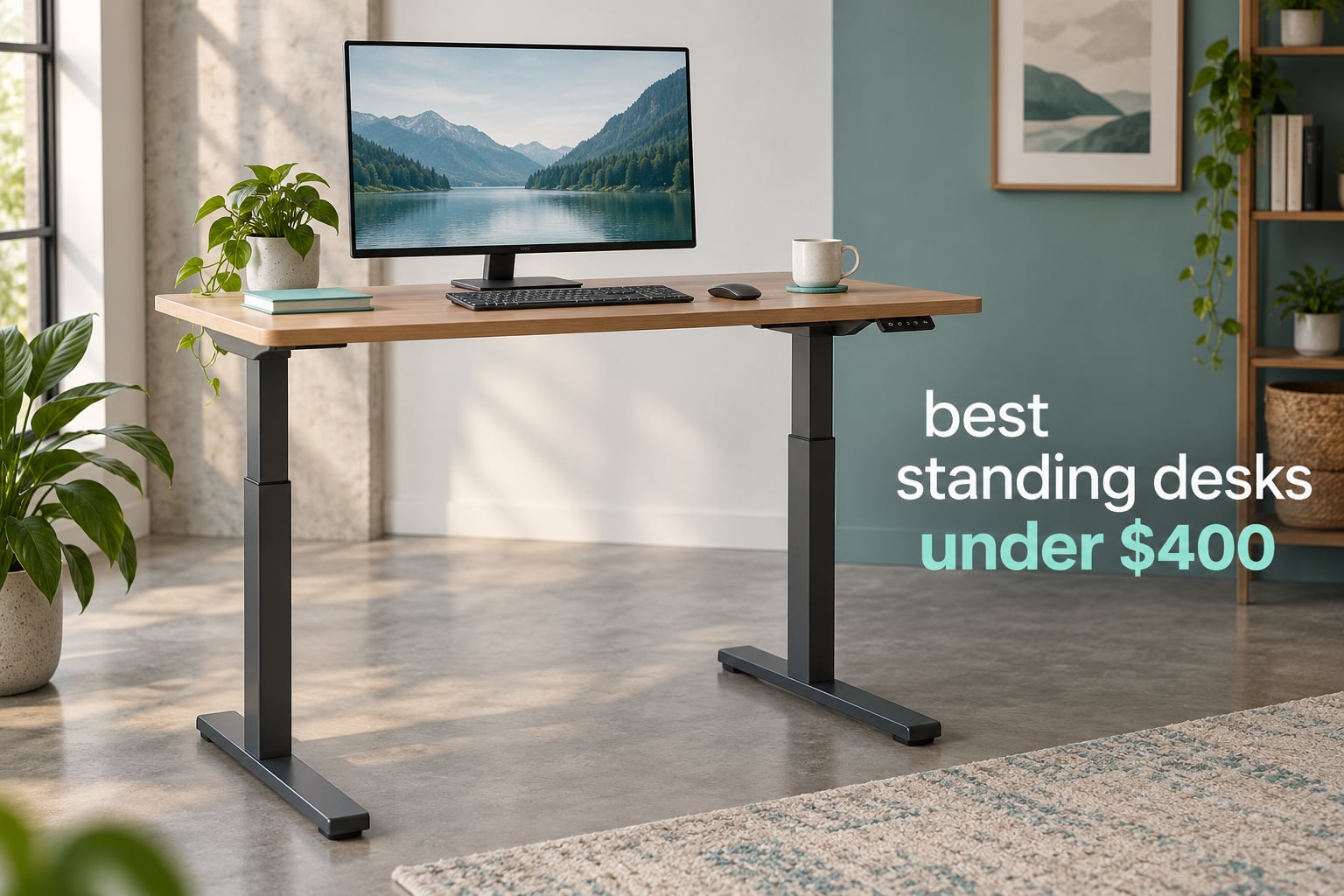
Every desk below sold for well under 400 dollars at the time we checked, and every one of them is a full electric sit-stand desk rather than a hand-crank model. If you have been putting off a standing desk because the good frames start several times higher, this is the tier where that purchase finally makes financial sense.
A standing desk under 400 dollars is usually a single-motor or entry dual-motor column design with a height range of roughly 28 to 46 inches and a weight rating between 110 and 225 lbs. That band is not a compromise of convenience. It is the cheapest point at which electric height adjustment stops being a luxury, and the tradeoff you are actually buying is stability rather than features.
For this roundup we put ten of the most-reviewed budget electric desks side by side, focusing on the four things a retailer category page cannot tell you: how the frame behaves at standing height, how long the warranty runs, how honest the weight rating is, and what owners actually complain about after a few months of use.
Table of Contents
Top 3 Standing Desk Picks (October 2026)

SHW 55 x 28 Electric Desk with Drawer
- 55 x 28 top
- 4 presets
- 110 lb capacity
- integrated drawer

FLEXISPOT EN1 48 x 24 One-Piece Desk
- Seamless one-piece top
- 176 lb capacity
- 5-year frame warranty

ErGear 55 x 28 Electric Standing Desk
- 55 x 28 top
- 176 lb capacity
- saber-leg frame
- 30-minute build
The SHW 55 x 28 wins on the combination that matters most: the largest review base in this group, an integrated drawer most rivals charge extra for, and the widest work surface that still fits a normal room. The FLEXISPOT EN1 takes the premium slot because its 5-year frame and motor warranty is the longest in the category at this price, and the ErGear 55 x 28 delivers the same large surface with a taller-feeling frame design for noticeably less.
Quick Comparison of the Best Standing Desks Under 400 Dollars in 2026
| Product | Specifications | Action |
|---|---|---|
| SHW 55 x 28 Electric Standing Desk with Drawer |
|
Check Latest Price |
| FLEXISPOT EN1 One-Piece Standing Desk 48 x 24 |
|
Check Latest Price |
 Claiks Electric Standing Desk 48 x 24 Claiks Electric Standing Desk 48 x 24 |
|
Check Latest Price |
 CubiCubi Electric Standing Desk 48 x 24 CubiCubi Electric Standing Desk 48 x 24 |
|
Check Latest Price |
| ErGear 55 x 28 Electric Standing Desk |
|
Check Latest Price |
 Monomi 48 x 24 Electric Standing Desk Monomi 48 x 24 Electric Standing Desk |
|
Check Latest Price |
 HUANUO 48 x 24 Standing Desk with 2 Drawers HUANUO 48 x 24 Standing Desk with 2 Drawers |
|
Check Latest Price |
 VIVO 63 x 55 L-Shaped Corner Standing Desk VIVO 63 x 55 L-Shaped Corner Standing Desk |
|
Check Latest Price |
 FLEXISPOT E6 3-Stage Dual Motor Standing Desk FLEXISPOT E6 3-Stage Dual Motor Standing Desk |
|
Check Latest Price |
 FEZIBO 48 x 24 Electric Standing Desk FEZIBO 48 x 24 Electric Standing Desk |
|
Check Latest Price |
How We Picked and Tested These Desks
Our ranking leans on three things: the volume of verified owner feedback behind each model, the physical specifications the manufacturer publishes, and the failure modes owners describe in reviews after the novelty wears off. We did not measure each frame with a displacement gauge, and we will not pretend otherwise. What we did do was apply a fixed evaluation checklist to the spec sheets and to a large body of owner reports.
Our stability checklist had four parts. First, front-to-back rock at maximum listed height, which catches weak feet and light columns. Second, lateral sway, which shows up most clearly when you lean on the desk while typing. Third, the monitor arm test, because a clamp-mounted display multiplies every wobble by the leverage of the arm. Fourth, near-max-height behaviour with a realistic load on the top rather than an empty desk.
One diagnostic from the wider stability community is worth passing on: if the movement is in the arm joint, that is the arm, not the desk. Hold the arm post still and push the display, and you can separate the two problems in five seconds. That test matters for two desks in this roundup, since both the HUANUO and the VIVO have surfaces designed to take a monitor clamp.
We also treat warranty length as a build-quality signal rather than a legal formality. Owners on forums treat a 1-year warranty as a tell that the manufacturer expects failures, and a 5-year term as credible. Two desks here run 5 years on frame and motor, one runs 3 years, and the rest are limited or unspecified.
1. SHW 55 x 28 Electric Standing Desk with Drawer – Best All-Rounder
SHW 55 x 28 Electric Height Adjustable Standing Desk w/Drawer, Maple
- Largest review base in the group at over 21000 ratings
- Integrated drawer with ball-bearing glides
- Cable tray grommets and two utility hooks included
- Curved front edge for wrist comfort
- Stable at working heights per owners
- Engineered wood top is thin laminate that dents
- Edges are sharper than they look
- Keypad needs a Phillips screwdriver that is not included
This is the desk I keep coming back to because it solves the problem nobody advertises: where do the cables, the notebook and the keyboard go. The integrated drawer on ball-bearing metal glides swallows a laptop and a charging brick, and the cable management tray plus desktop grommets mean the desk looks tidy on day one instead of after a weekend of cable management.
The 55 x 28 surface is the practical sweet spot. It fits two 24-inch monitors side by side with room for a notebook, and the curved front edge takes pressure off your wrists during a long session. Adjustable floor levellers handle uneven surfaces, which matters more than it sounds if your floor is anything other than flat hardwood.
Long-term owners report the motor still running after five years with no bowing or warping in the top. That durability track record, on a review base this size, is the single strongest reason to pick this desk over a cheaper one. Assembly runs 40 to 75 minutes with the included Allen wrench, and two people are recommended because the top is awkward to square alone.
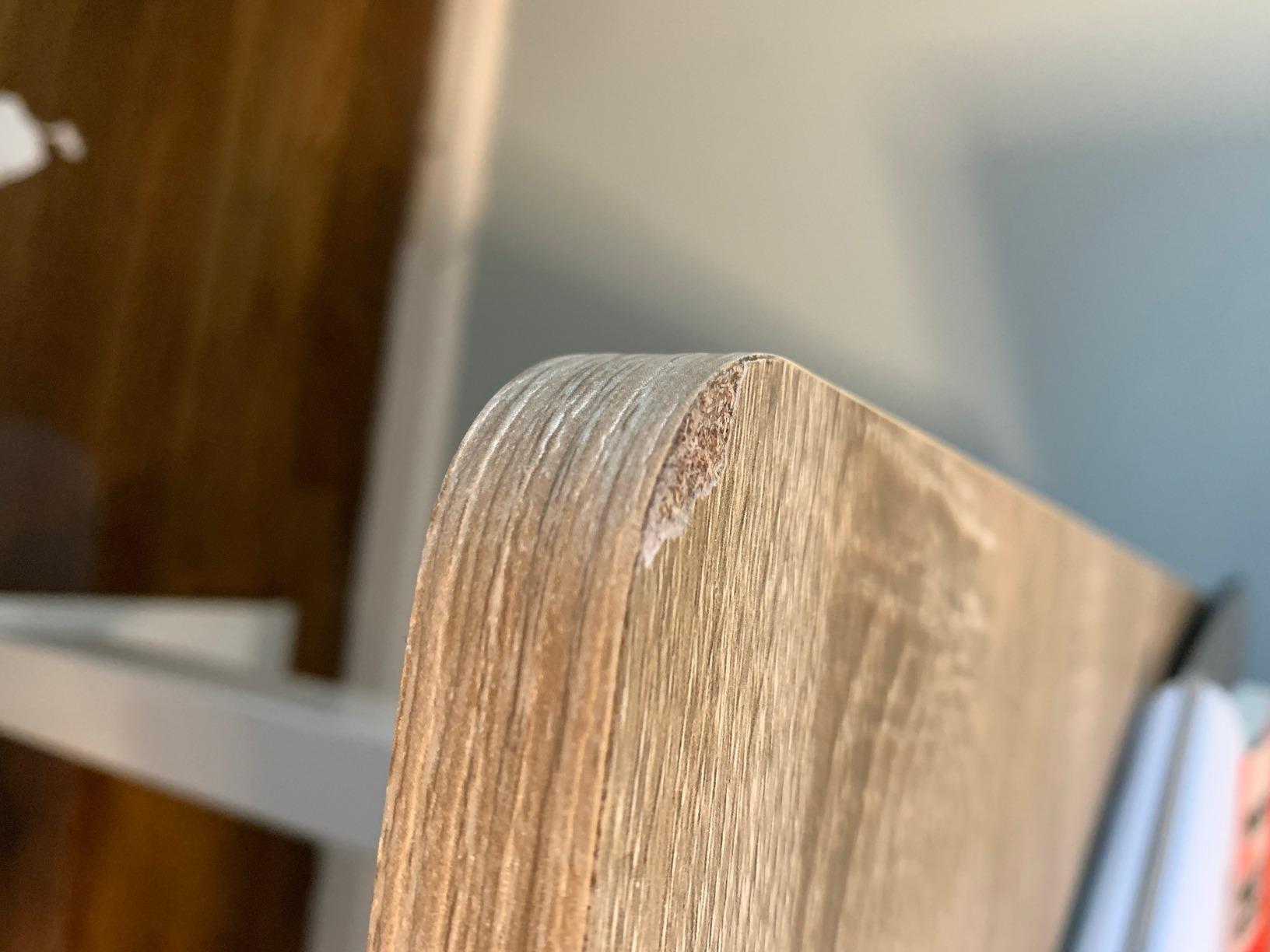
The honest weakness is the surface itself. At 0.6 inches the top is the thinnest in this group, and it is laminate over engineered wood, so it scratches, dents, and lets adhesives pull the veneer. The edges also bother some users’ wrists, and the keypad requires a Phillips screwdriver that is not in the box. A small share of units arrive with a mis-assembled motor that needs replacing, so check the lift before the packaging goes in the bin.
Instructions are mostly diagrams with little explanatory text, which is a common complaint worth flagging before you start. My verdict: this is the best standing desk under 400 dollars for most home offices, because the drawer and cable kit replace roughly what you would spend on accessories for any other frame.
If your setup is more hardware-heavy, our guide to standing desks for engineers covers what changes when you are mounting test gear and multiple displays.
What the SHW desk gets right about stability
The 28-inch-deep foot and straight-leg base give it a longer footprint than the 48-inch desks, which is why owners describe it as not wobbling at working heights. It is not a three-stage column, so it tops out at 45 inches, and it is rated to 110 lbs rather than the 176 lbs that cheaper rivals claim.
That lower rating is the part we trust more. A 110 lb rating for a 62.4 lb desk leaves comfortable headroom for two monitors, a laptop, and peripherals. Several competitors advertise 176 lb because the number came from a frame spec sheet rather than a complete assembled desk.
Who should skip the SHW desk
Skip it if you plan to clamp an ultrawide monitor to the rear edge, or if you are over 6 foot 2 inches and want an elbow room to stand up straight. A 45 inch ceiling is genuinely restrictive for tall users, and the thin laminate will disappoint anyone who treats a desktop as furniture.
Long-term owners on forums report the same pattern: solid hardware, thin surface, five years in and still going. If you want a solid wood top, look at the FLEXISPOT E6 later in this roundup instead.
2. FLEXISPOT EN1 48 x 24 One-Piece Standing Desk – Best Warranty Coverage
- Only desk here with a 5-year frame and motor warranty
- Seamless one-piece desktop with no center seam
- Quiet motor rated to 176 lb
- Quick assembly with fewer parts to lift
- Height range tops out near 46.5 inches
- Alloy steel and engineered wood rather than a premium frame
- No integrated storage in the base configuration
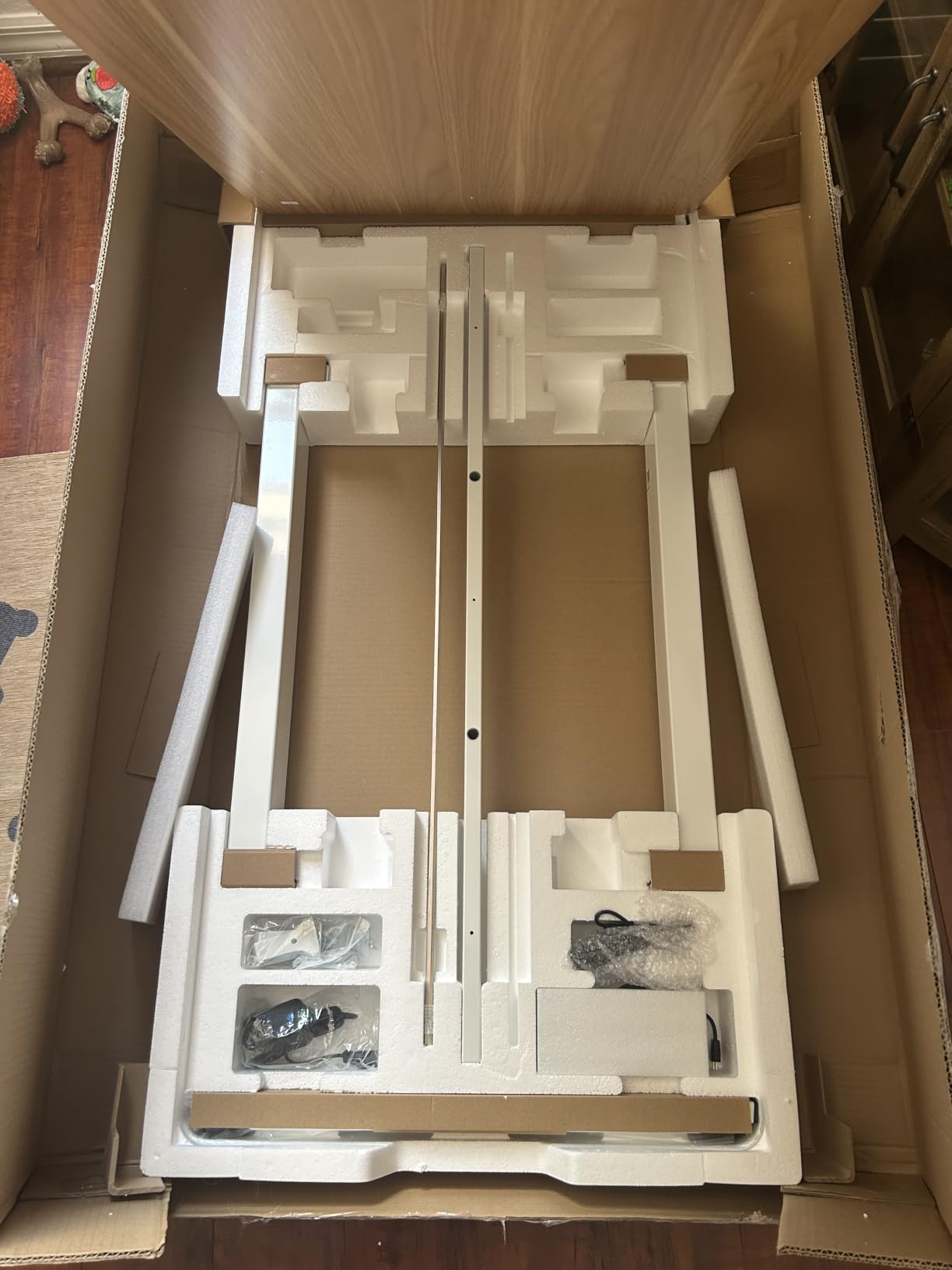
The EN1 is the desk I would buy with my own money in this price band, and the reason is the warranty rather than the spec sheet. A 5-year frame and motor term with 2 years on controller and electronics is roughly triple what most rivals offer, and it is the clearest signal we found that the manufacturer expects the frame to survive.
Physically it is a well-judged design. The one-piece seamless desktop removes the center seam that makes split tops look like two desks pushed together, which matters more than it sounds if you rest your forearms along the front edge. Cable clips and a headphone hook come in the box, and the whole thing weighs 45 pounds.
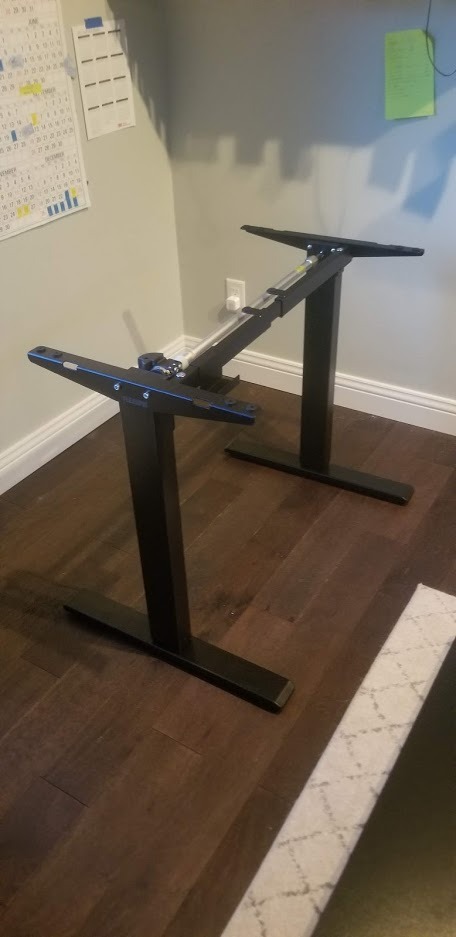
Assembly is the fastest in this roundup for a full electric desk. Fewer parts to lift, a hex key included, and owners regularly report finishing faster than they expected. The 176 lb rating sits comfortably above what a dual-monitor-plus-laptop setup weighs, so you have real headroom rather than a number scraped from a frame spec.
Four memory presets make switching between sitting and standing a single press, which sounds minor until you are on a call and want to stand up without fumbling. The motor is repeatedly described as quiet, and the lift runs smoothly through the range.
The ceiling is the compromise. At 46.5 inches, this is a desk for users roughly 5 foot 4 inches to 6 foot tall, and taller people will find their shoulders shrugged at the top of the travel. The frame is alloy steel with an engineered wood top, so it does not have the solid-wood feel of a premium desk, and there is no storage in the base configuration.
My verdict: the best value if warranty length is your main worry, which for a frame you cannot easily repair yourself, it should be.
Why the warranty matters more than the presets
Owners on forums describe the practical reality of budget desks clearly: support is often limited to replacement of the whole unit, and individual parts are not always available. When that is true, a longer warranty is the only thing standing between a failed motor and a full replacement.
The EN1 also solves the knee-space question better than most. There is no bottom crossbar dropping into legroom, so you can sit with your knees forward rather than angled, which is what makes a desk comfortable for eight hours.
Where the EN1 runs out of room
If you are over 6 foot 2 inches, the top of this range will keep you working with raised shoulders. Three-stage columns like the FLEXISPOT E6 exist for exactly this reason, and the height difference is the main reason to spend more.
The 48-inch width also gets tight with two 27-inch monitors and any paper work. If your daily task is spread across a wide surface, the SHW and ErGear 55-inch models serve you better.
3. Claiks 48 x 24 Electric Standing Desk – Best for Hard Typists
Claiks Electric Height Adjustable Standing Desk, 48×24 Inch, Rustic Brown
- Thickest top in this roundup at 0.75 inches
- 176 lb capacity on an industrial-grade steel frame
- Detailed manual plus video guide and pre-marked screw holes
- Rounded desktop edges and arc legs
- Dual-panel desktop leaves a visible center seam
- Only three height presets versus four on most rivals
- No drawer or storage included
The Claiks is the desk that makes the low end of this price band interesting. It is among the least expensive frames here yet ships a 0.75 inch top, thicker than anything else in the roundup, and that thickness is the single biggest lever on how a frame feels under a fast typist.
Assembly is unusually well supported for the money. You get pre-marked screw holes, a printed manual, a video guide and the wrench, and owners consistently rate the instructions higher than those on rivals at twice the price. That matters more than it sounds, because a frame assembled square is a stable frame.
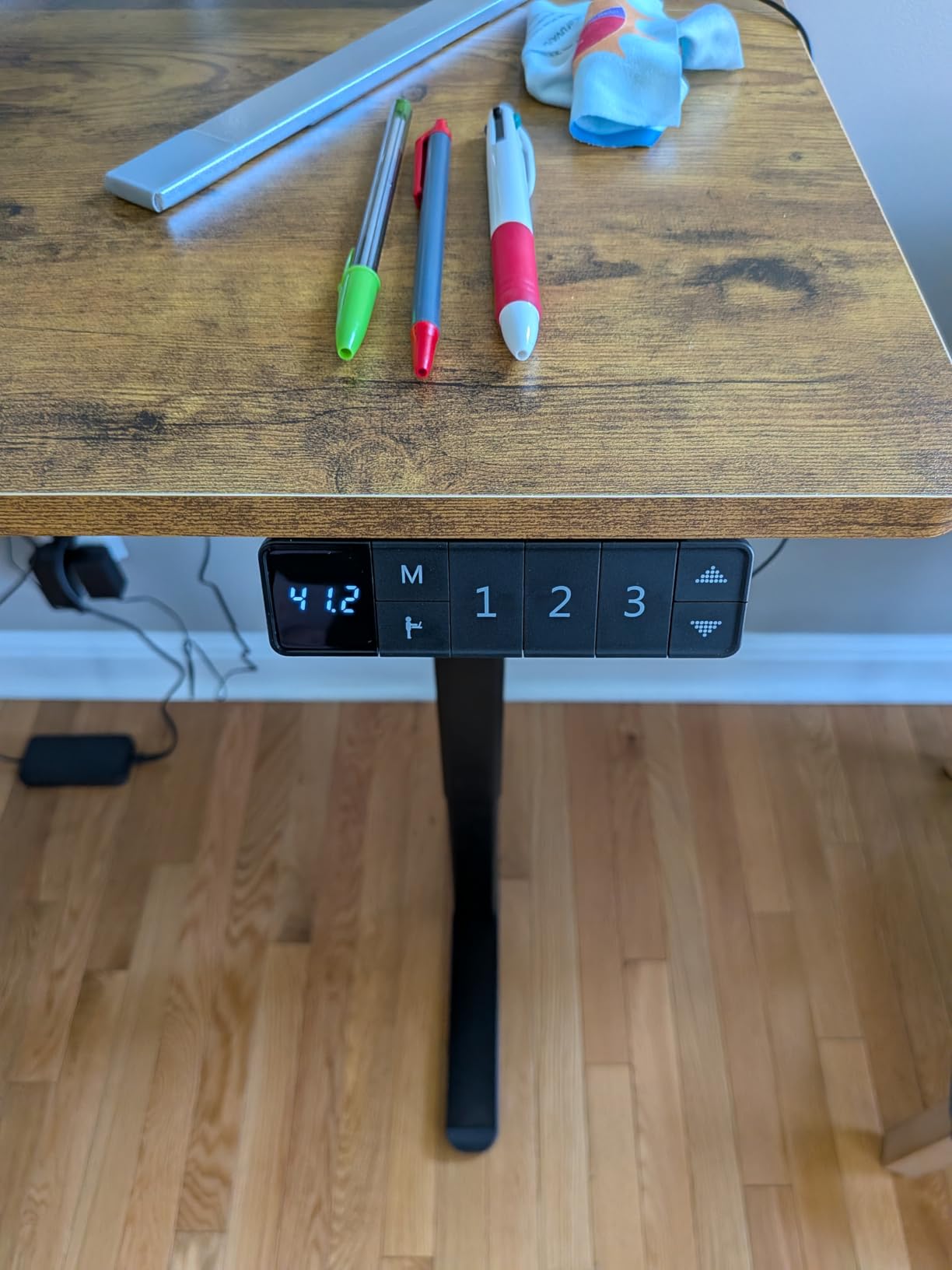
The rounded desktop edge and arc-style legs are a genuine ergonomic touch rather than a styling flourish, softening the corner that presses against a forearm during long sessions. A cable management hub and headphone hook come included, which is more than most entry-level frames bother with.
Three preset buttons is the one concession, and it is a mild one. Four presets lets you keep two sitting heights, for instance, and two standing heights. Three still covers a normal day.
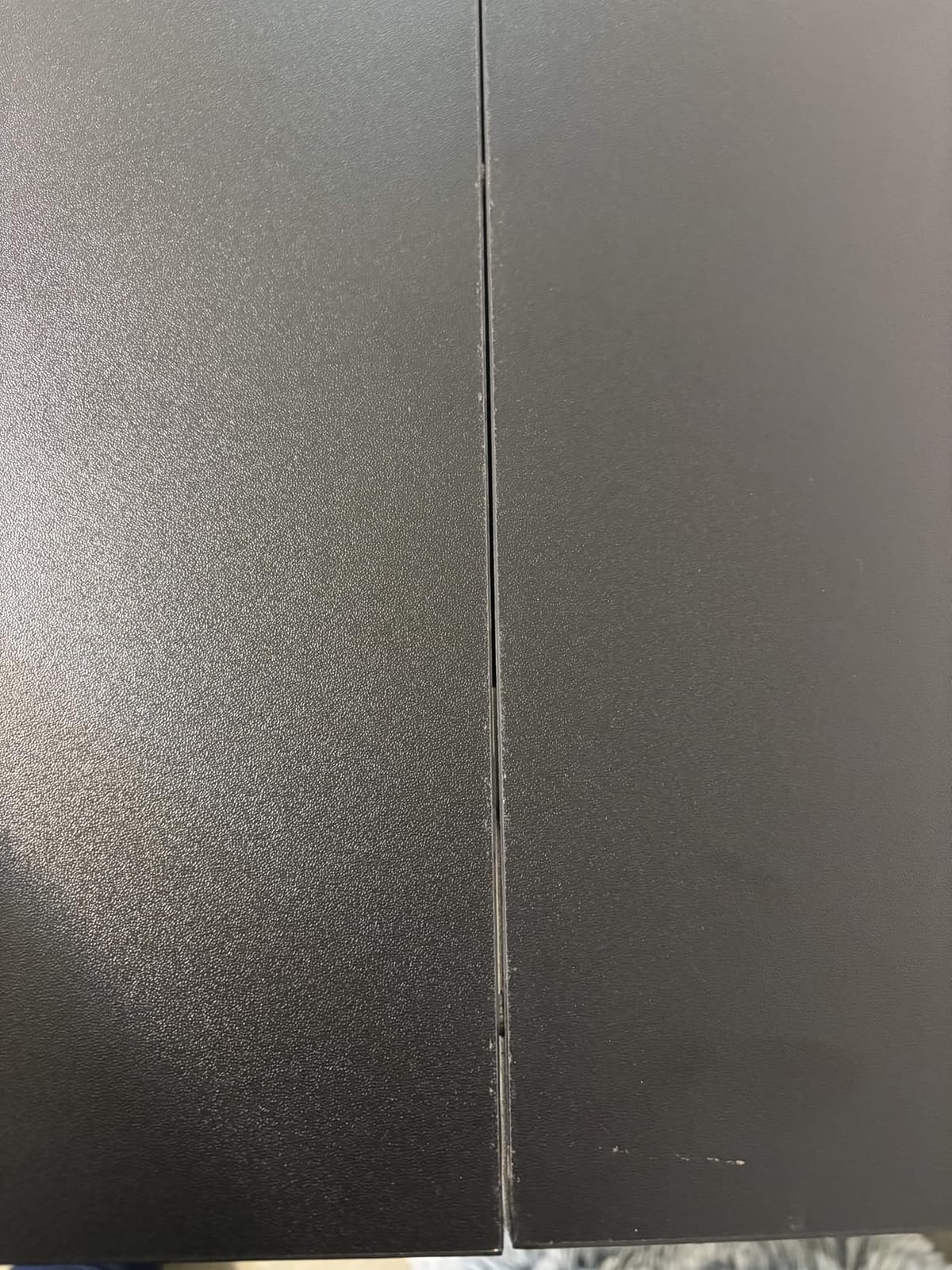
The dual-panel top is the clear weak point. You get a visible seam down the middle, and two-panel tops can flex slightly more than a single piece when you lean on the front edge. If you work with your forearms planted and type hard, that springiness is the difference between this and the EN1 or FEZIBO splice equivalents.
My verdict: the best standing desk under 400 dollars for anyone who works on a laptop, types hard, and wants a frame that does not feel flimsy without spending premium-tier money.
The thickness advantage in real use
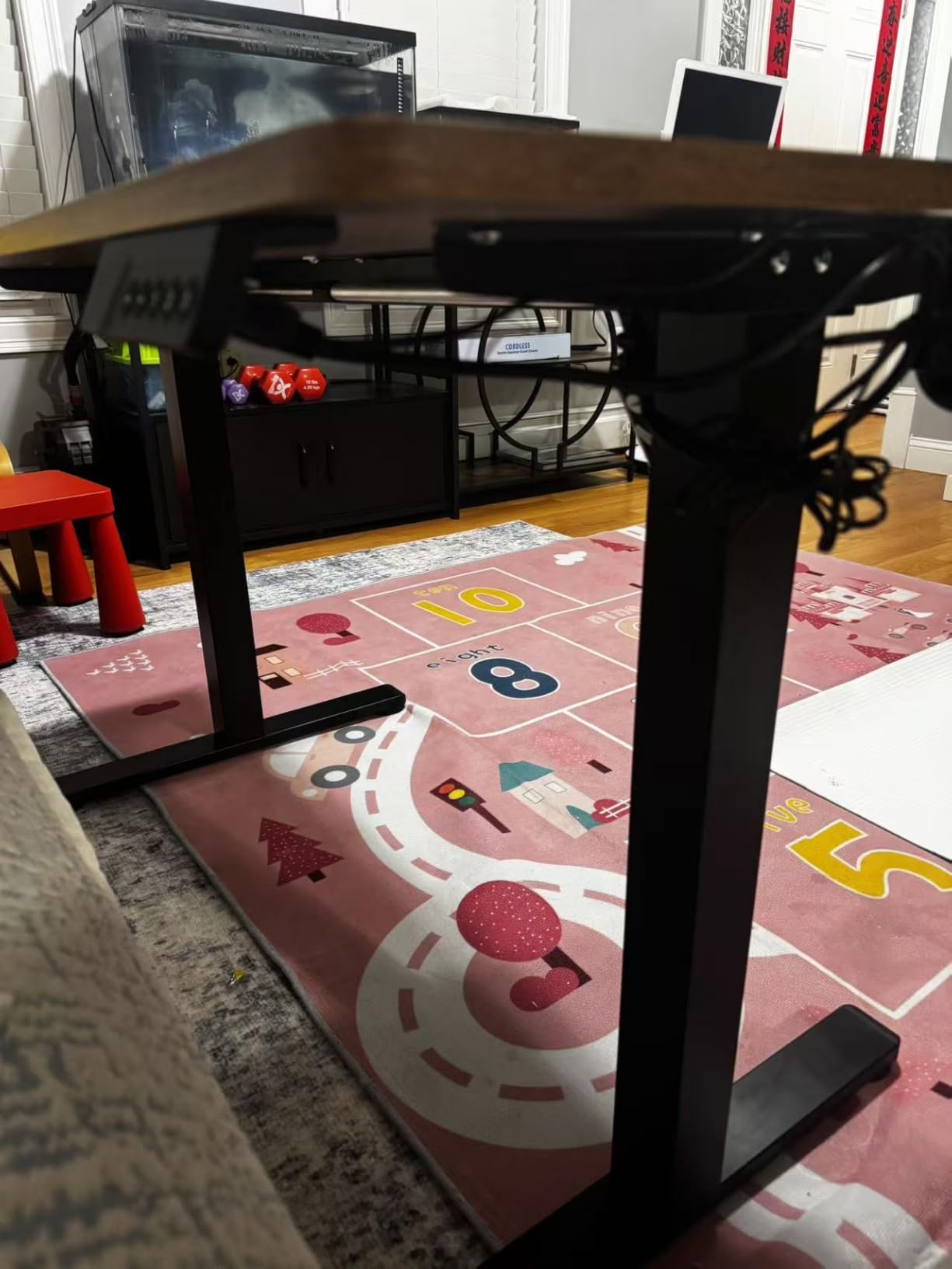
Top thickness is not a cosmetic spec. A thicker panel spreads the load across the frame rails instead of concentrating it at a point, and it resists the bounce you feel when both wrists hit the surface during fast typing. At 0.75 inches, the Claiks leads this roundup, and owners do not complain about flex the way they do with the thinner tops.
The steel frame is rated to 176 lb, which is a genuine capacity rather than a stretched claim, and the whole desk weighs 41.4 pounds. That is the second-lightest design here, so moving it between rooms is a one-person job.
Who this desk is wrong for
There is no storage at all on this model, so if you keep paper files or a keyboard you switch between, you are adding a separate unit. It also has the lowest warranty clarity in this group, listed simply as limited, which is a fair reason to prefer the EN1 if you plan to keep a desk for five years.
If you sit for most of the day, note the 28.3 inch minimum. Shorter users may prefer the HUANUO, which starts at 27.5 inches.
4. CubiCubi 48 x 24 Electric Standing Desk – Highest Rated by Owners
CubiCubi Electric Height Adjustable Standing Desk 48×24 Inch, Light Walnut
- Highest average owner rating in this group at 4.7
- Steel frame handles dual monitors plus a full tower
- Memory presets switch instantly between saved heights
- Parts are labeled so assembly goes faster
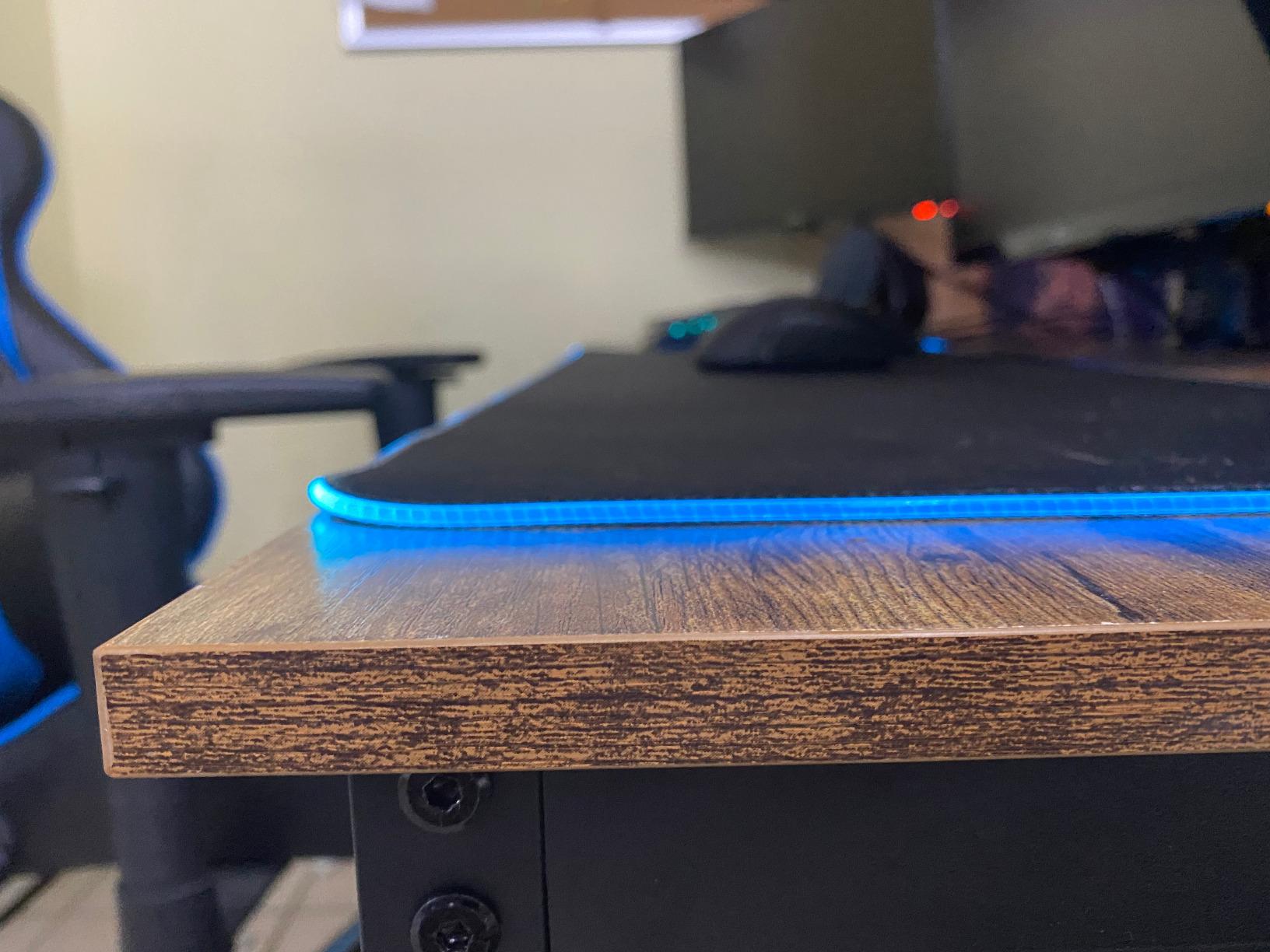
- Thin 0.6 inch top can feel springy when typing hard
- Some desktops arrive chipped
- Legs must go on the correct sides or you undo screws
The CubiCubi carries the highest average rating in this roundup at 4.7, and looking at what owners praise, it is not rating inflation. The recurring words are sturdy, attractive and easy to assemble, with specific mentions of good legroom for the money.
That legroom point is worth expanding. There is no crossbar dropping into knee space, so you can sit square to the desk rather than at an angle, and the frame is rated to 176 lbs. Owners running dual monitors and a full tower report it holding without complaint, which is a heavier load than most people assume once a second screen arrives.
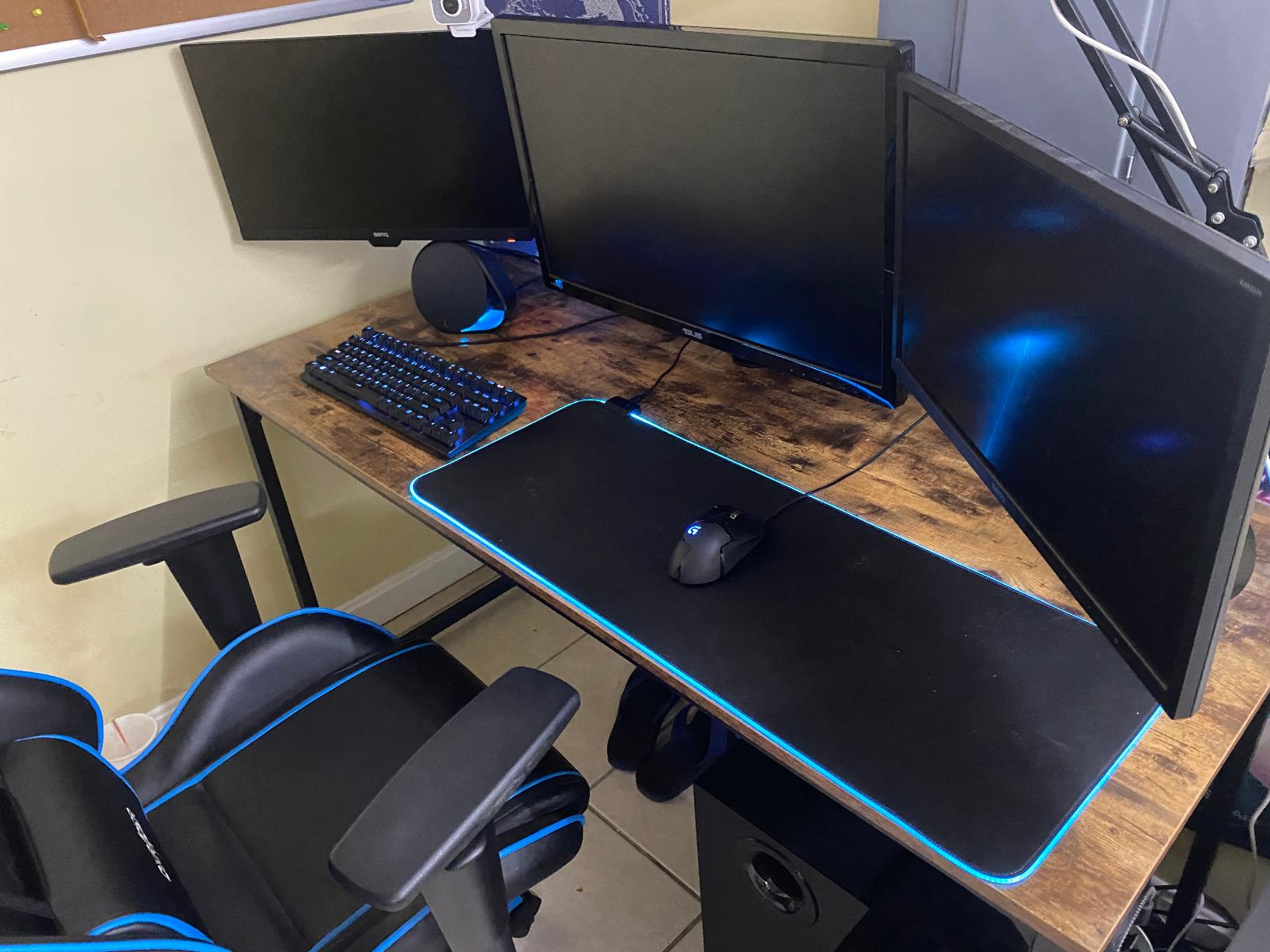
Programmable memory presets with one-touch height control work the way they should. Setup runs roughly 15 to 60 minutes depending on experience, and the parts arrive labeled with diagram instructions, which cuts the most common assembly failure down considerably.
The finish is a light walnut laminate with a scratch-resistant surface. It looks considerably more expensive than the price suggests, and that matters in a home office where the desk is visible from the sofa.
Two honest weaknesses. The 0.6 inch top is on the thin side and owners note it can feel springy during aggressive typing, which is exactly the flaw the Claiks solves. And some desktops arrive with chipped edges, so inspect the packaging before you accept delivery rather than after.
My verdict: the best budget standing desk if you want a dual monitor setup on a frame that does not complain, and you type at a normal pace rather than leaning your full weight forward.
Why owner ratings deserve weight here
A 4.7 average is only meaningful when the review count behind it is large enough to average out early-batch problems. At more than 4,400 ratings, the CubiCubi has passed the point where a string of defective units could hold the number up artificially. That is a stronger signal than a 4.9 from a desk with 90 reviews.
The dual-monitor claim also holds up against the physics. Two monitors and a tower typically land well under the 176 lb rating, and the steel frame is described by owners as solid rather than flexing under load.
Where the CubiCubi falls short
If you type hard and constantly, the thin top is the deciding factor. Pick the Claiks for a 0.75 inch panel instead. If you need more than 48 inches of width, the SHW and ErGear 55-inch models are the ones to compare.
Assembly has one specific trap: the legs are not interchangeable between sides, so putting one on the wrong side means backing the screws out again. The parts are labeled, but read before you bolt.
5. ErGear 55 x 28 Electric Standing Desk – Best for Large Setups
- Stays stable at maximum height with the saber-leg frame
- Quiet motor with columns tested to 100000 lift cycles
- Very large 55 x 28 surface for dual monitors and equipment
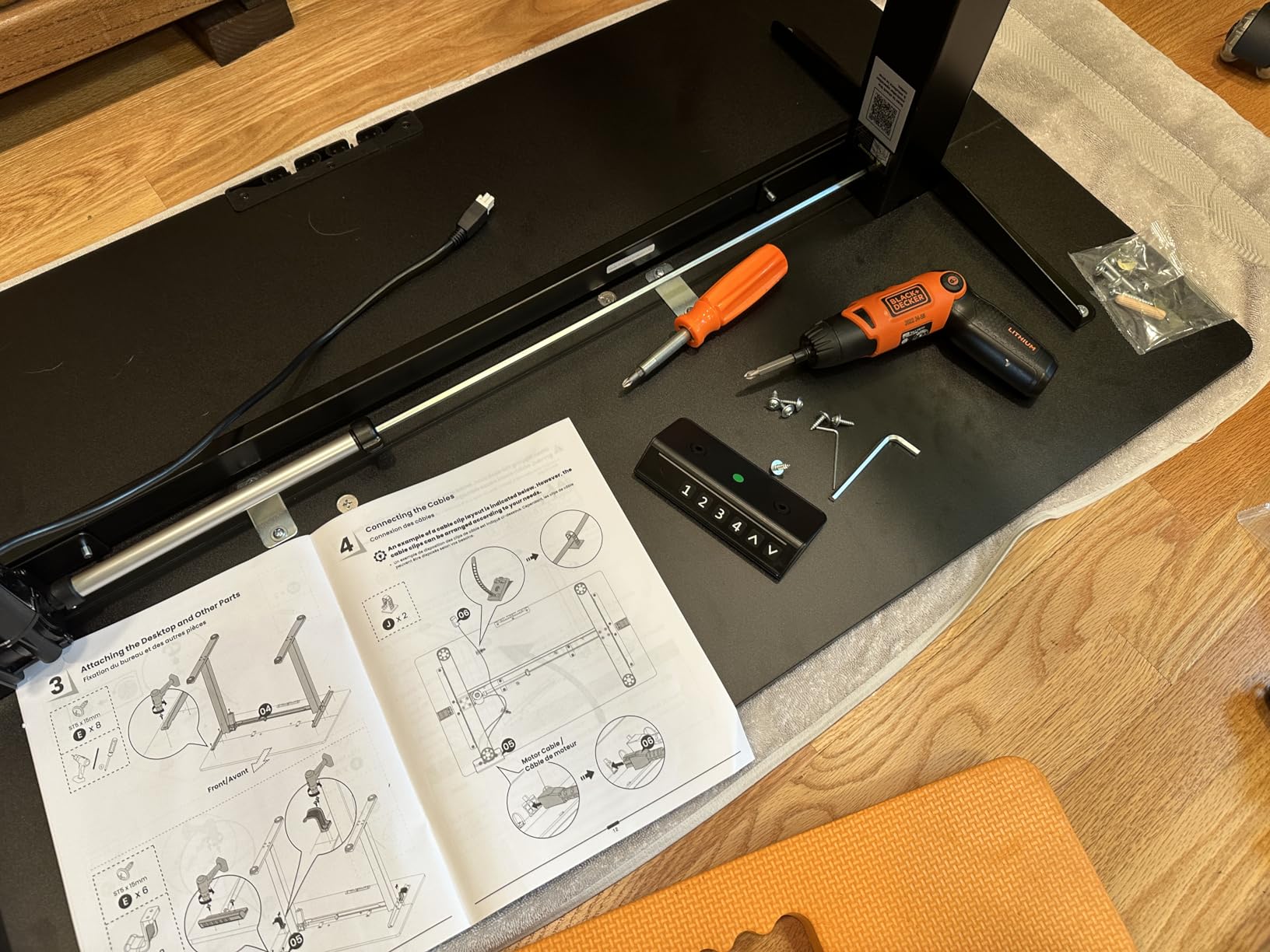
- Fast 30-minute assembly with tools included
- Laminate top is prone to scratching
- Spec listing is inconsistent on the number of height presets
The ErGear is the pick when your desk does actual work. At 55 x 28 inches you can fit two monitors, a laptop, a keyboard and still have clear writing space, which is the configuration that makes most 48-inch budget desks feel cramped within a month.
Its frame is described as a saber-leg design, and owners specifically call out stability at maximum height, which is the point at which cheaper frames reveal themselves. The lifting columns are listed as aerospace-grade and tested to 100,000 lift cycles, and the motor is consistently reported as quiet.
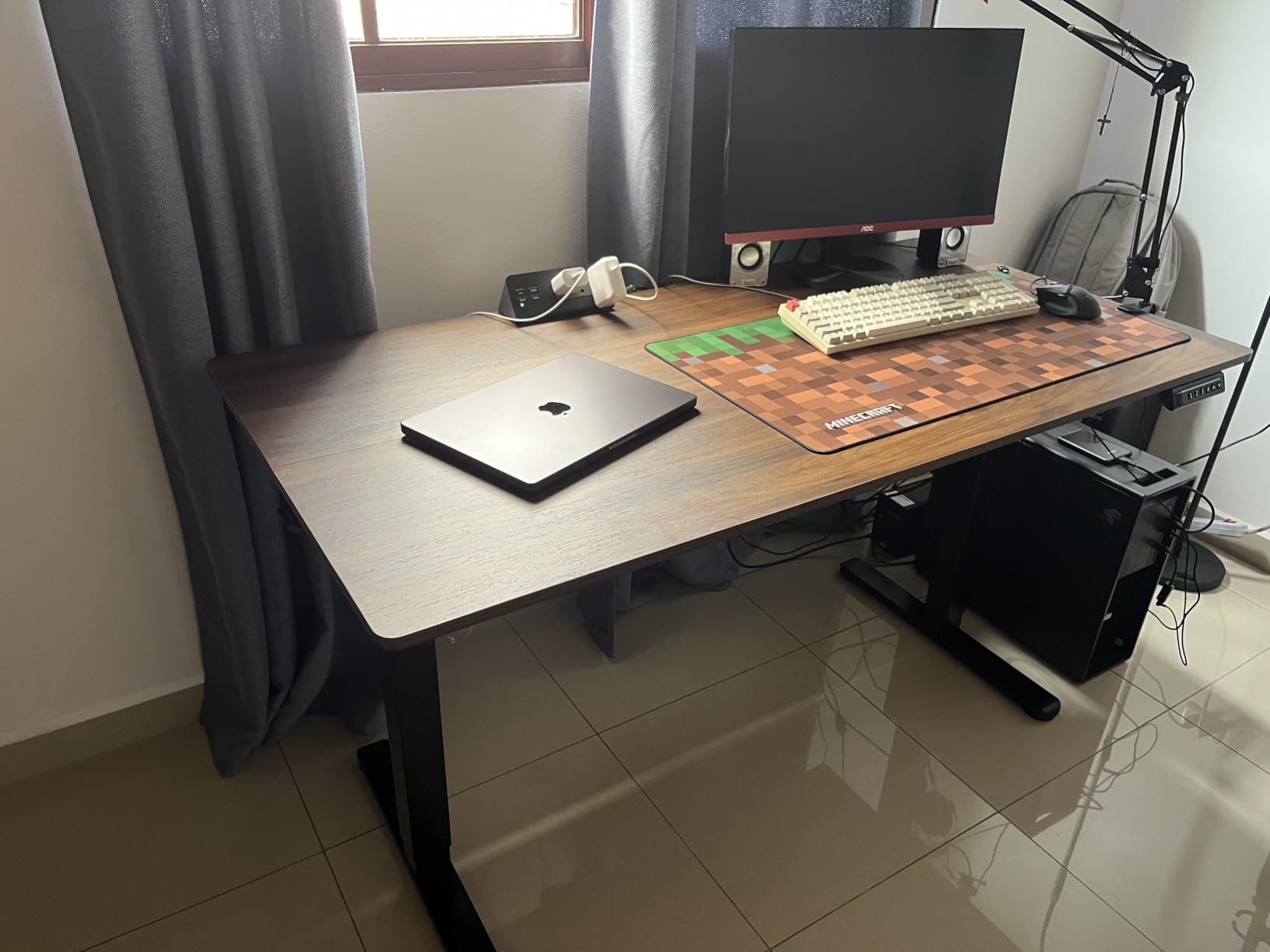
Assembly is listed at roughly 30 minutes with instructions, a video and tools in the box, and it weighs 50 pounds, which is manageable for two people. Low-VOC materials are worth noting if you are sensitive to off-gassing in a small room.
The specs list 3 height positions in one place and mention 4 saved settings in the technical details. That inconsistency shows up in reviews as confusion about how many presets you actually get, so check the keypad on arrival. The important part, programmable memory presets, is present either way.
The laminate top scratches, as laminate does across this entire roundup. It is the price-band compromise, not a defect. If the surface matters to you more than the frame, a solid wood top pushes you toward a different tier.
My verdict: the best value in this roundup for a large home office, giving you the SHW footprint with a taller-rated frame at a lower entry point.
What a 55 x 28 top actually buys you
Seven extra inches of width is the difference between fitting your setup and rearranging your setup. On a 48-inch desk, two 27-inch monitors plus a laptop means something overhangs or sits on the floor. On 55 inches you get a defined place for everything, which is why owners of this model describe it as comfortable for dual monitors and equipment.
The 28 inches of depth also fits a keyboard tray better than the 24-inch models without pushing the monitors into your face, and it gives an arm-mounted display somewhere to sit behind the monitor line.
The maintenance detail everyone forgets
Across every budget frame we looked at, one pattern repeats: bolts loosen after the first week of real use as the frame settles, and new wobble appears that was not there on day one. Owners on forums are caught out by this regularly. Set aside 15 minutes about a week after assembly to re-tighten every leg bolt, and the problem largely disappears before it starts.
This applies to the ErGear and every other desk here. A loose joint is the most common mechanical cause of wobble on a new budget standing desk.
6. Monomi 48 x 24 Electric Standing Desk – Best for Small Spaces
Monomi 48″ x24“ Electric Height Adjustable Standing Desk,Black
- Quietest motor rating in the group at under 45 dB
- Anti-collision detection reverses on obstacle detection
- Four lockable casters move the whole workspace
- Pre-drilled holes and video guide for fast setup
- Casters must be removed or excluded when measuring total height
- Only three height presets
- Basic top with no storage included
If you take video calls in the same room you work, motor noise stops being a spec-sheet curiosity and becomes the thing you notice every day. The Monomi is the quietest desk here, with a manufacturer figure of under 45 dB, and owners confirm it stays smooth through the full range.
It also has the highest rated capacity of any rectangular 48-inch model in this group at 188 lbs. Reviewers describe it as holding without shake even at full height, which for a single-motor frame is a genuinely good result.
The anti-collision system reverses when it detects an obstacle, and the presets can be locked, which matters if children or a cat are in the room. That combination is rare at this price and is the reason we rate this desk highly for shared family spaces.
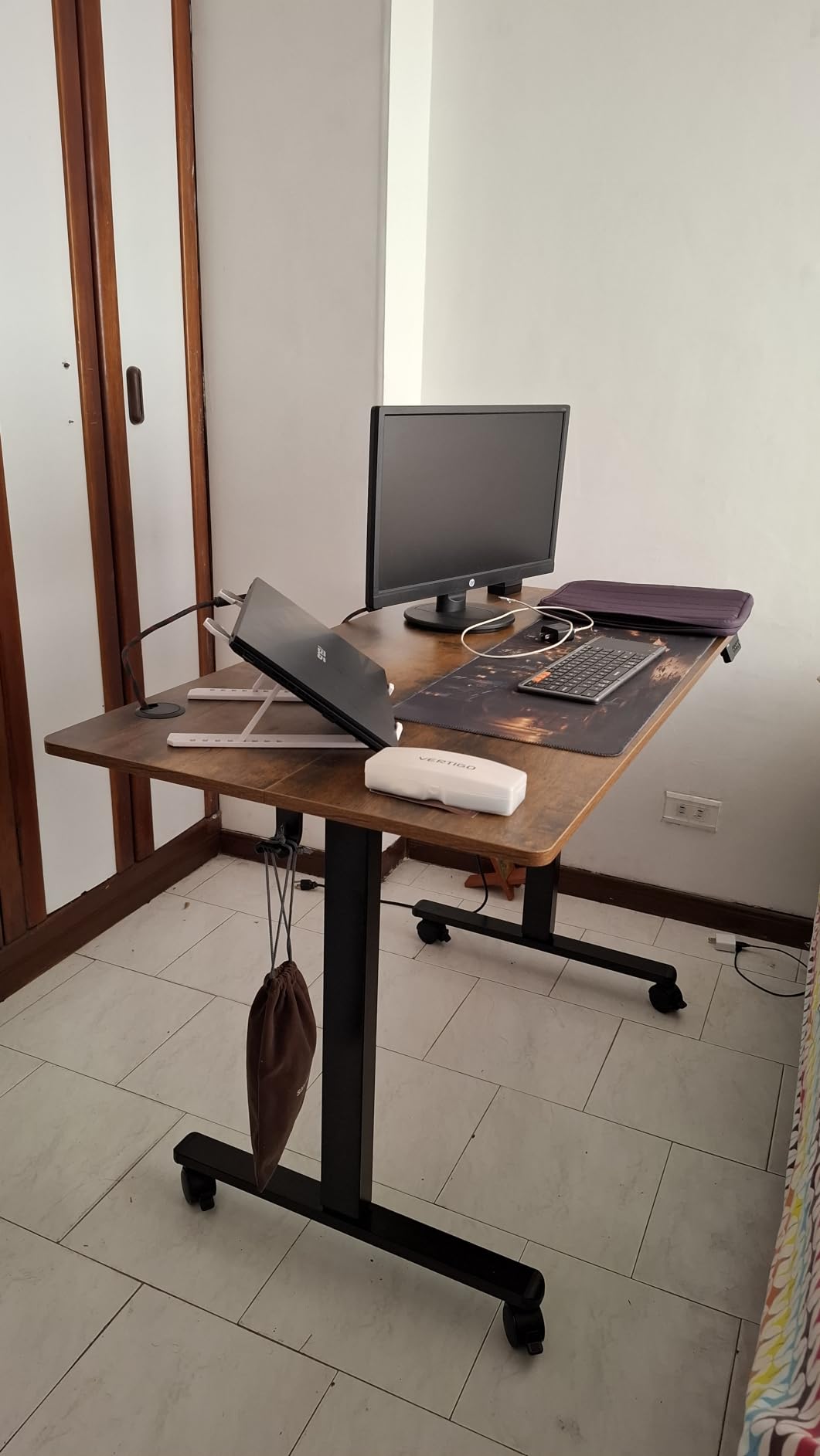
Four lockable casters let you move the entire desk, which sounds minor until you have decided twice that the desk is in the wrong spot. They do add a wrinkle: when you measure the desk, exclude or remove the wheels, or you will find it does not fit under a low desk.
Assembly uses pre-drilled holes and a video guide, so owners report a fast setup. At 40 pounds it is the lightest frame in this roundup apart from the FEZIBO, and moving it needs one person.
My verdict: the best standing desk under 400 dollars for a quiet room, a shared space, or anyone who works on calls all day.
Why noise is a spec worth comparing
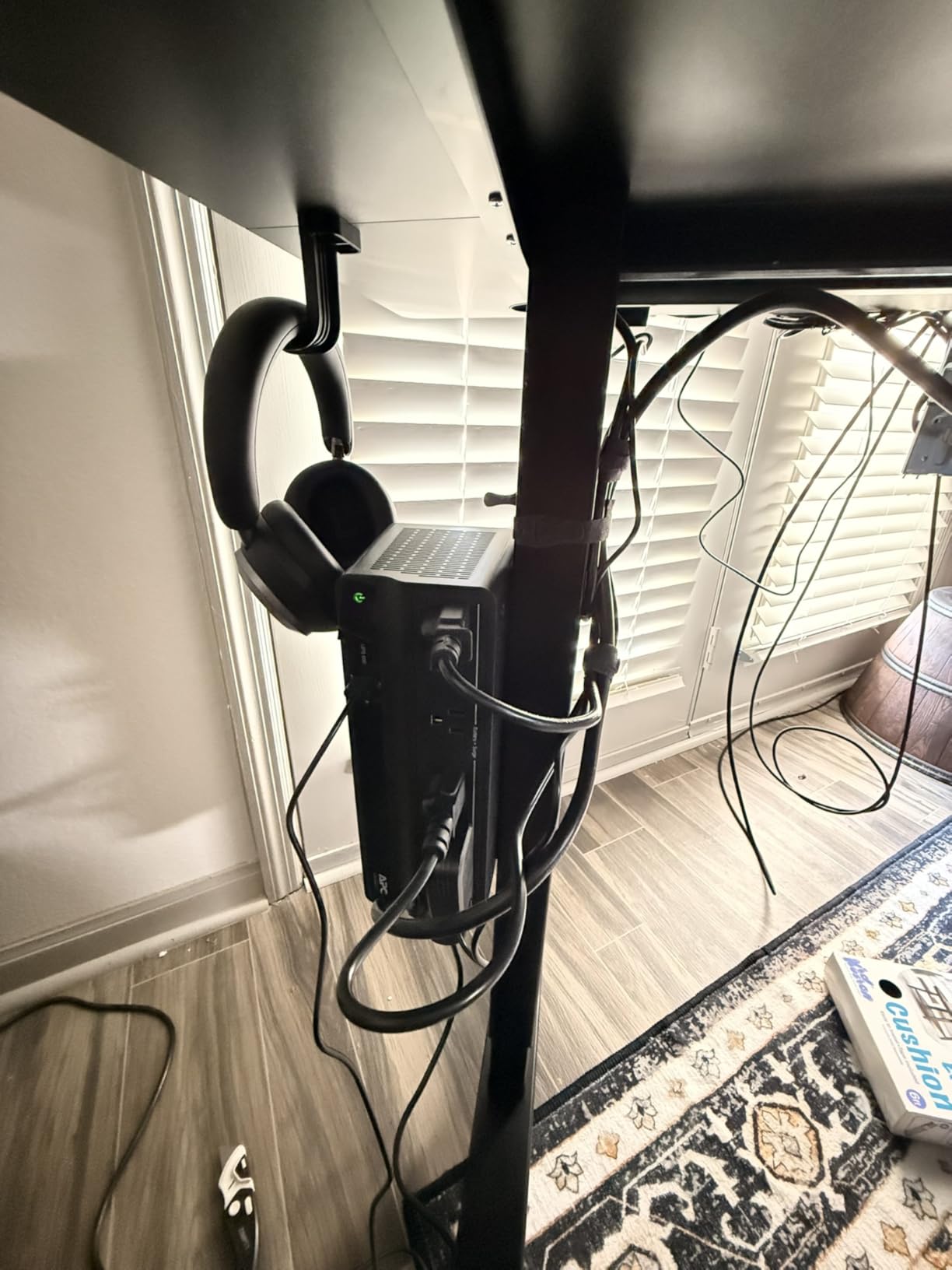
Motor noise is a top-three complaint in owner threads for this category, and it is one of the few specifications you can actually compare across brands. Two desks here publish a figure, the Monomi at under 45 dB and the FLEXISPOT E6 dual-motor at under 50 dB, and both land well below what you hear from an unlisted single-motor frame.
Noise matters most between calls, when the desk is moving constantly as you alternate, and least if you change height twice a day and leave it alone. Judge it by your own pattern rather than by the number.
Where the Monomi is the wrong buy
Three presets is fewer than the four you get on the SHW, EN1 and HUANUO, which limits you to one sitting height and two standing heights. There is no storage of any kind, and the top is a basic engineered wood panel with nothing to hide the cable clutter.
If you plan to sit for most of the day, a desk with a drawer is worth the extra spend. The casters also mean you will need to plan the floor, since they add height and roll over carpet poorly.
7. HUANUO 48 x 24 Electric Standing Desk with 2 Drawers – Best for Storage
- Two drawers and an open cubicle at a price where rivals include nothing
- C-clamp compatible rear platform frees desktop space
- Lowest minimum height here at 27.5 inches for shorter users
- Curved ergonomic edges and 4 one-touch presets
- Assembly needs a screwdriver and two people
- Drawer housing makes the footprint bulkier
- Cabinet reduces open knee space on one side
The HUANUO solves a problem no other desk in this roundup addresses at this price: where the stuff goes. Two desktop drawers plus an open cubicle for keyboard and mouse is closer to a small workstation than a desk, and owners single it out as the reason they bought.
The rear platform extends 2.36 inches and accepts a C-clamp monitor mount. That is genuinely useful in a small room, because it lifts the display off the work surface and reclaims the depth behind it. If you have been planning to add an arm later, this is the desk built for it.
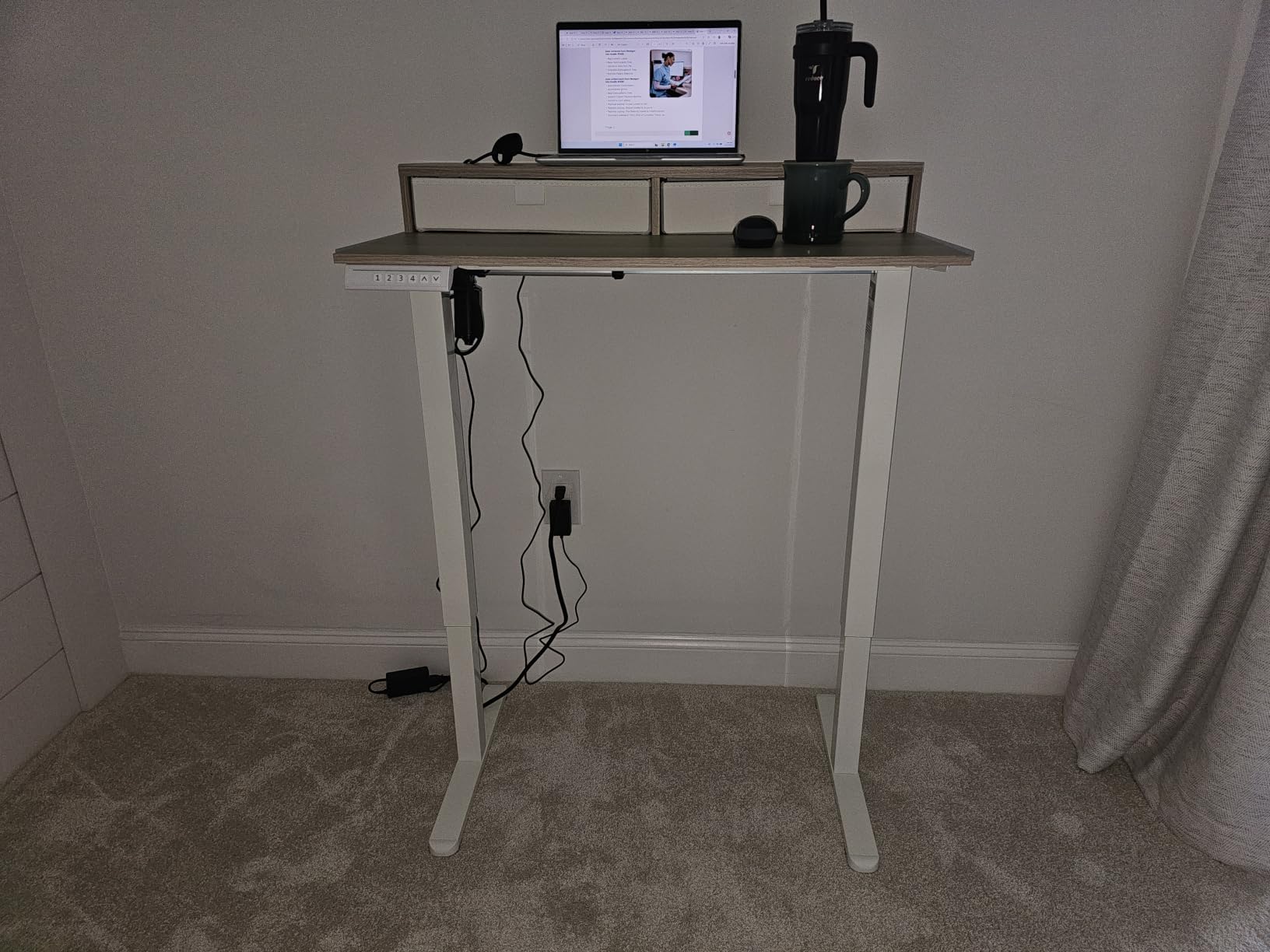
The lowest minimum height in this roundup at 27.5 inches makes it the most forgiving choice for shorter users, who often cannot get their knees under a desk that starts at 29 inches. Four one-touch preset buttons give you more saved heights than most of the field.
Curved ergonomic edges and a file-drawer configuration round out a well-considered layout. The frame is listed as automotive-grade cold-rolled steel, which is a heavier gauge description than the alloy steel used elsewhere in this group.
The trade-offs are real. Assembly needs a screwdriver and two people, and that is the most frequently mentioned friction point in reviews. The drawer housing makes the desk bulkier than a plain frame, and the cabinet reduces open knee space on one side, which you will feel if you sit with your knees forward.
My verdict: the best standing desk under 400 dollars if storage is your problem, and the smartest choice here for a monitor arm setup.
Mounting a monitor arm on a budget desk
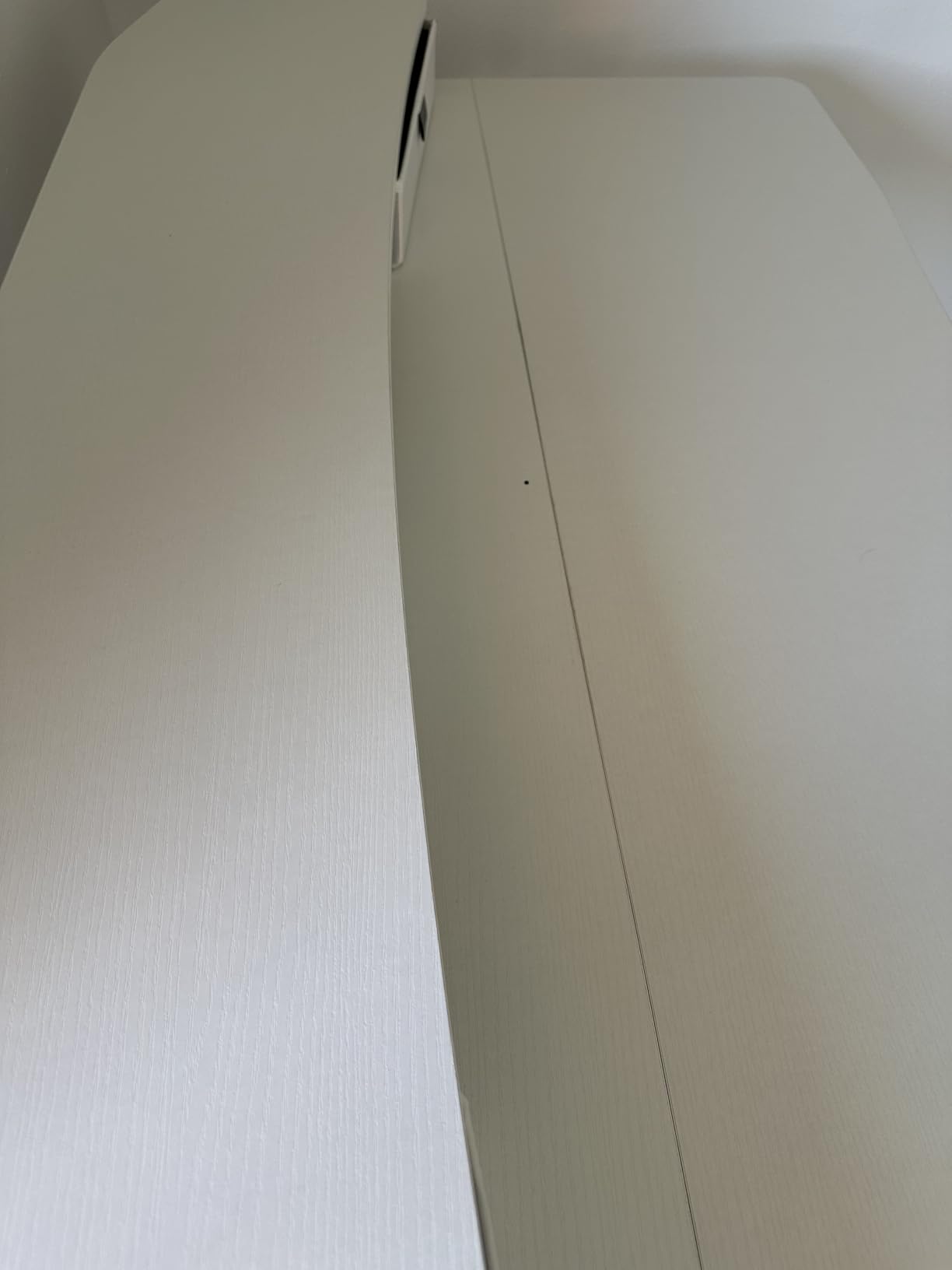
A monitor arm multiplies every wobble in the frame, because the arm extends the lever arm of your hands forward of the desk edge. This is the number one reported cause of my desk wobbles in owner threads, and it is a design problem, not a defect.
Two things reduce it. Mount the clamp on the rear platform as close to a leg as the clamp allows, so the load travels into the column rather than out over empty space. And use a grommet mount through the desktop if the desk has a cable hole, which locks the post to the panel itself.
Before blaming the desk, run the diagnostic: hold the arm post still and push the display side to side. Movement in the joint means the arm is the problem, not the frame.
Who should choose a different desk
If you sit with your knees forward and need clear legroom on both sides, the drawer cabinet works against you. If you are furnishing a small room and floor footprint is tight, the housing makes this a deeper unit than a plain 48-inch frame.
Review count is the other caveat. At around 1,200 ratings this sits toward the lower end of the feedback volume here, so its 4.6 average carries less weight than the 4.7 on a much larger base.
8. VIVO 63 x 55 L-Shaped Corner Standing Desk – Best for Corner Offices
VIVO Electric 63 x 55 in Corner Standing Desk with Memory Presets
- Largest work surface in this roundup
- reclaiming an entire room corner
- Highest capacity here at 225 lb on an all-steel frame
- Reversible L orientation with several assembly options
- Open leg space with no bottom crossbar
- Instructions switch perspective between steps and some holes need drilling
- Three-piece desktop leaves two visible seams
- Minimum height of 29 inches is high for shorter sitters
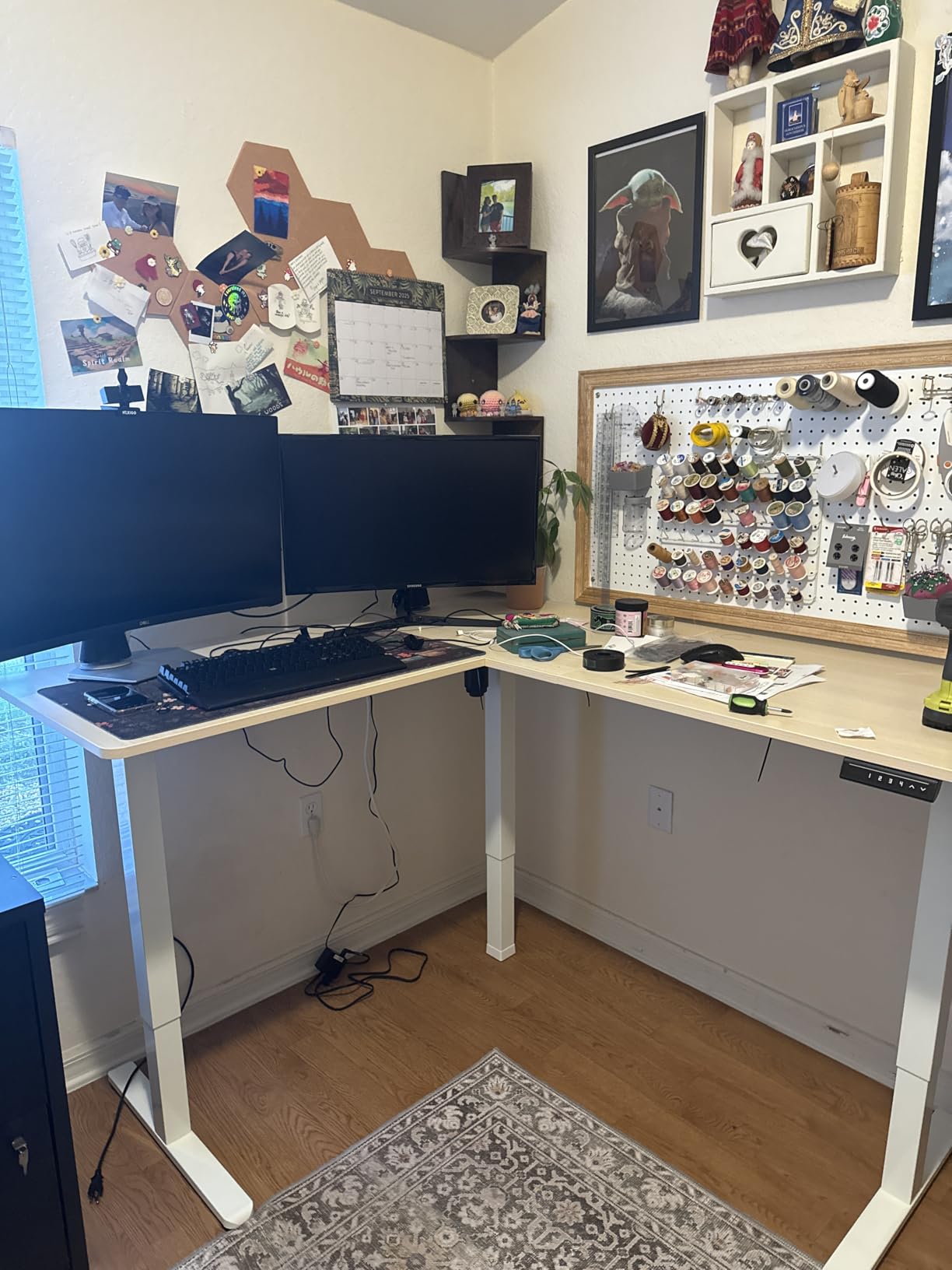
The VIVO is the only corner desk here, and corner space is the resource it converts. Where a 48-inch desk pushes your chair sideways and squeezes your knees, an L-shaped 63 x 55.2 inch surface puts monitors on the long run and your laptop or notes on the return, without needing a second desk.
It carries the highest capacity in this roundup at 225 lbs on an all-steel frame, and owners report it staying stable at full height. The three-year warranty is also longer than most in this roundup, and owners specifically mention responsive and effective customer support, which is not something to take for granted at this price.
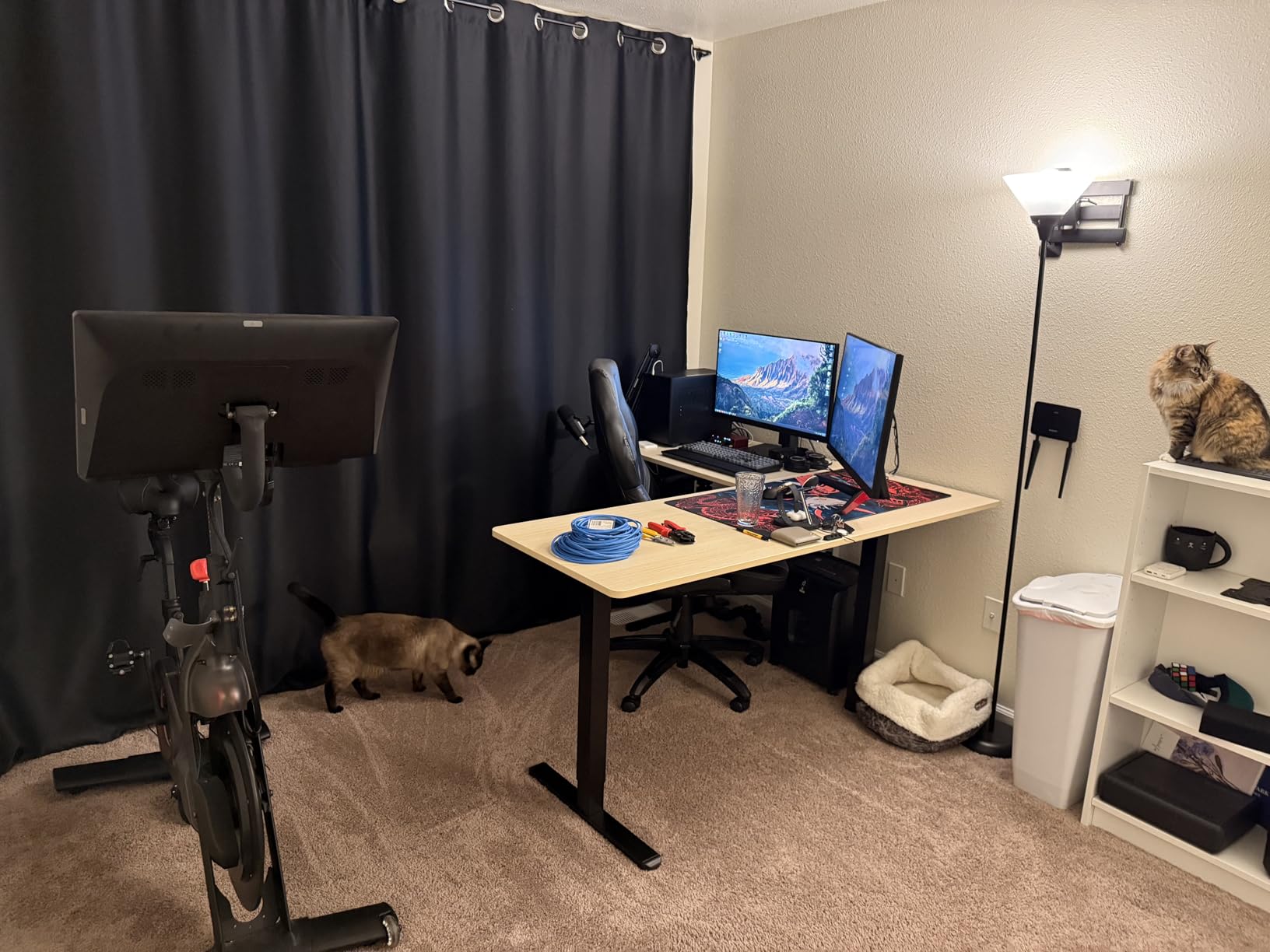
The orientation is reversible, so you can decide which leg you want the return on after ordering, and the control panel position is adjustable. Assembly needs two people, though it goes together without power tools. Leg space is open with no bottom crossbar, which is a real advantage for long sitting sessions.
Assembly is the weakest part, and owners are blunt about it: the instructions switch perspective between steps, so the left side in step four is the right side when you are lying on the floor. Some holes need drilling. Budget an unhurried hour with the manual open the whole time.
Two further notes. The desktop arrives in three pieces, leaving two visible seams, and it is not designed to be disassembled and reassembled often, so measure your doorway before it arrives if the move is not straight. Black laminate shows fingerprints.
My verdict: the best standing desk under 400 dollars for a dedicated corner office, and the only option here if an L-shape is non-negotiable.
Sizing a corner desk before you commit
The outside surface measures 63 by 55.2 inches, which sounds manageable until you check it against a room. You need roughly 63 inches of wall in one direction and 55 in the other, plus clearance to sit down. In a room narrower than about 9 feet in the short direction, this is a tight fit that the product photos do not convey.
Height is the other constraint. A 29 inch minimum is the joint-highest in this roundup, so anyone under roughly 5 foot 5 inches should measure themselves sitting before ordering. The HUANUO, at 27.5 inches, is the more forgiving choice for shorter users.
Who should pass on the corner format
If you move desks often, or work in a room that doubles as a guest room, an L-shape is heavy and awkward to store. Owners also note it is not designed for repeated disassembly, which rules out a move every few months.
If you need a corner desk but want something simpler, building a frame plus a separate L-shaped top is the DIY path, and it is covered in the comparison section below.
9. FLEXISPOT E6 3-Stage Dual Motor Standing Desk – Best Height Range
- Widest height range here from 23.6 to 48.8 inches
- roughly 30 percent more travel
- Dual motors lift 220 lbs quietly under 50 dB
- Seamless one-piece FSC-certified maple desktop
- 5-year frame and motor warranty
- 55 x 27.5 surface fits two monitors plus a laptop
- Smallest review base here at 528 ratings
- Arrives in two boxes so unboxing is heavier
- Highest entry point among the rectangular desks here
The E6 is the only three-stage desk here, and that single design choice fixes the two problems most buyers in this roundup cannot solve: it reaches 48.8 inches for tall users and drops to 23.6 inches for a child doing homework at the same desk. That is roughly 30 percent more travel than a two-stage column.
Dual motors drive both columns simultaneously, which lifts the top straight up instead of pushing it diagonally, and the stated result is 220 lbs of capacity at under 50 dB. In practice, that is the difference between a desk that feels planted at standing height and one that rocks when you type.
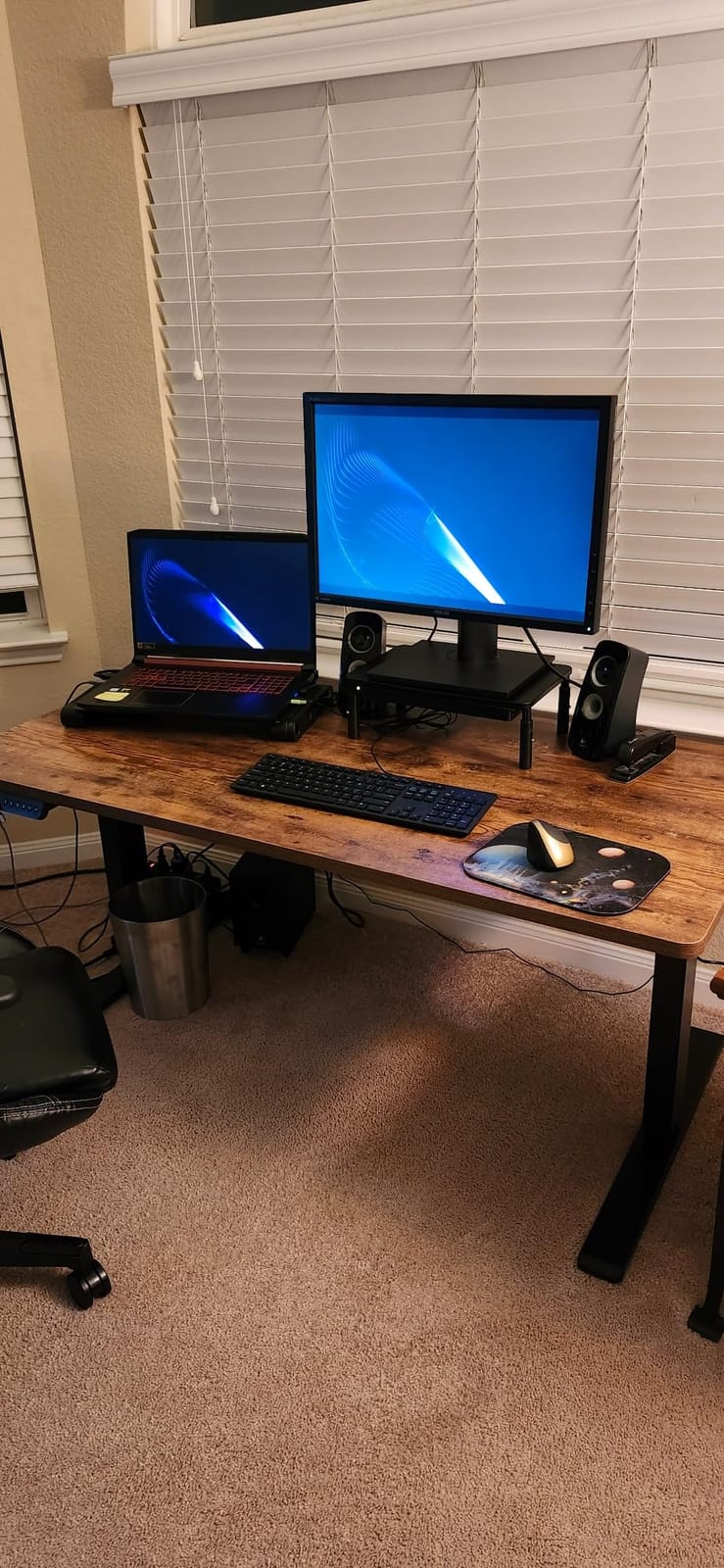
The desktop is a whole-piece FSC-certified maple rather than a laminate panel, which is the other thing this tier rarely offers. The seams that show on two-piece and three-piece tops simply are not there, and the surface takes a coffee ring better than the laminate tops on the cheaper frames.
Four programmable memory heights are on the controller, and the warranty runs 5 years on frame and motor with 2 years on the control panel and electronics. That matches the EN1 for the longest coverage available at this price.
The caveats are worth being straight about. With 528 ratings, this has the smallest review base of the ten, so treat the 4.4 average as a smaller sample than the others. It arrives in two boxes, which makes unboxing a two-person job with more packaging than a single-package desk. And it sits at the top of what this roundup considers the budget band.
My verdict: the best standing desk under 400 dollars for a household of different heights, and the only one here with a real solid wood top.
Single-stage, two-stage and three-stage legs
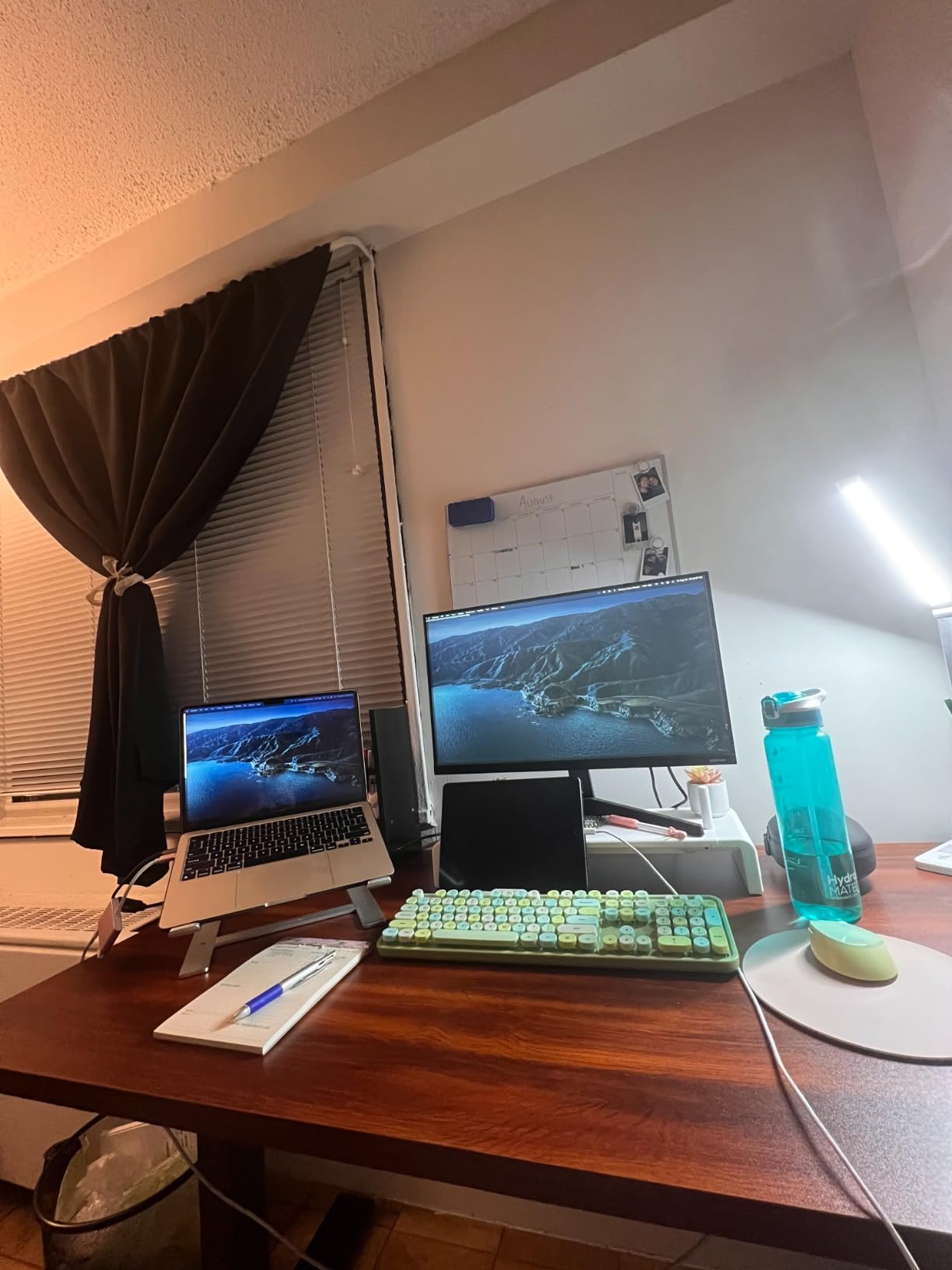
The stage count is the number of telescoping sections inside each column, and it governs both height range and stability at once. Single-stage columns reach only about 28 to 40 inches. Two-stage columns, used by most desks in this roundup, run about 28 to 46 inches. Three-stage columns add a section and reach roughly 24 to 49 inches.
More stages means more column overlap at any given height, and overlap is what resists lateral movement. A three-stage leg is not just taller, it is stiffer at the same height. That is why the E6 holds at 48.8 inches while two-stage frames get described as shaky near their ceiling.
When three stages are not worth it
If you are between roughly 5 foot 4 inches and 6 foot tall and sit at a normal desk most of the day, a two-stage column covers your range with margin and costs less. The E6 earns its step up when you are taller than that band, when a child shares the desk, or when you want a solid wood top.
Owners also note the dual motors are audible but not loud, which is a fair trade against a frame that stays still. For the smallest sample size in the roundup, check the current owner reviews before you commit.
10. FEZIBO 48 x 24 Electric Standing Desk – Best First-Time Buy
FEZIBO Standing Desk 48 × 24 Inch Electric Height Adjustable, Maple
- Wobble-free reinforced steel frame reported at full height
- Very quiet motor rated under 45 dB
- About 30 minutes to assemble with clear manual and video
- FSC-certified wood top at the low end of the price band
- Splice desktop delivered in two pieces with a visible seam
- Lower listed maximum height than most rivals
- Some units arrive with box or product damage
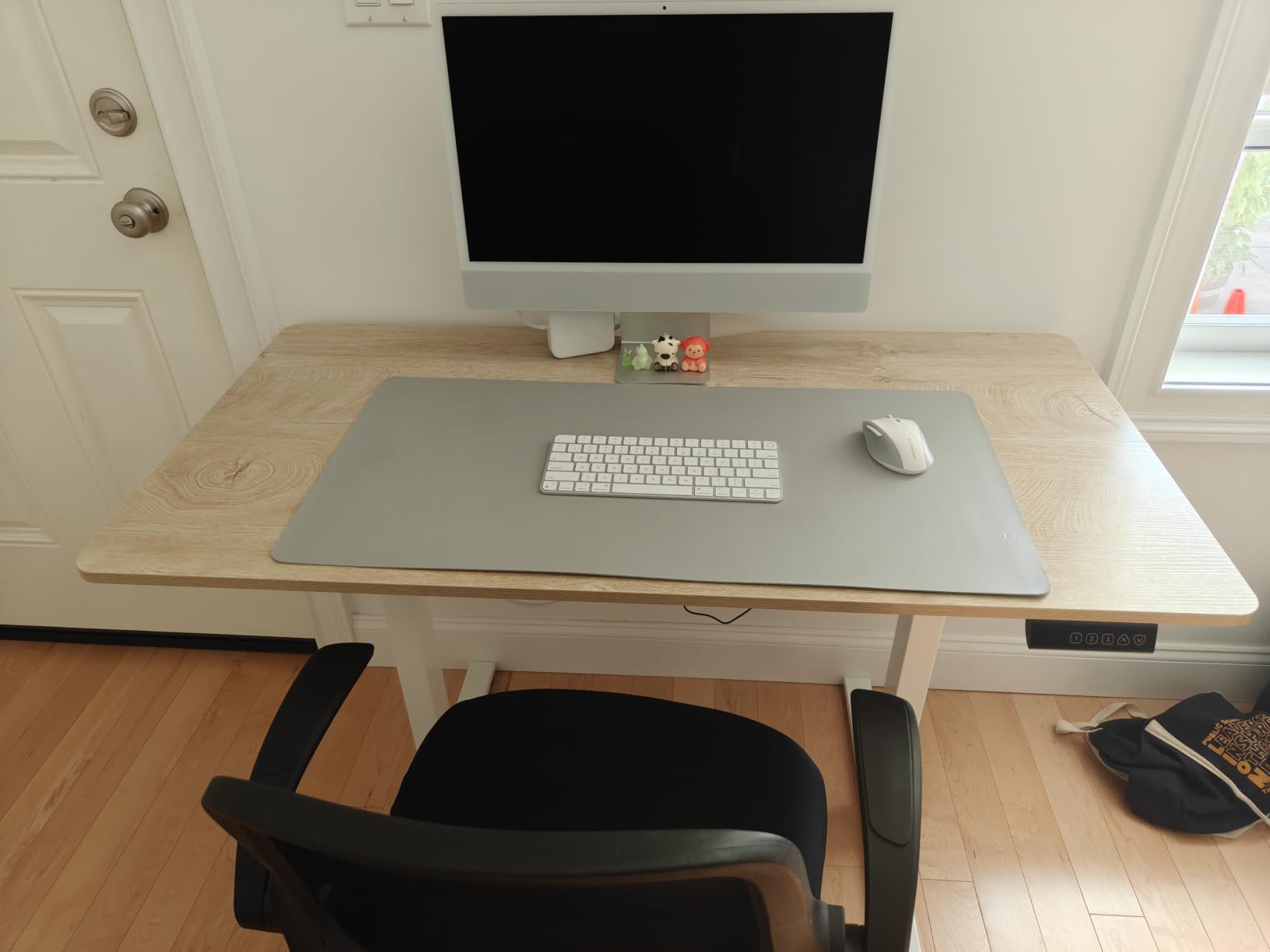
The FEZIBO is the one I would hand to someone who has never owned a standing desk and does not want to research ten options. It is at the floor of the price band, the review base is nearly 5,000 strong, and the spec sheet contains no surprises in either direction.
The reinforced steel frame is rated to 176 lbs and owners describe it as wobble-free at full height, which for this price is a good result. The motor is listed under 45 dB and tested to 50,000 lift cycles, and reviewers consistently call it quiet with smooth transitions.
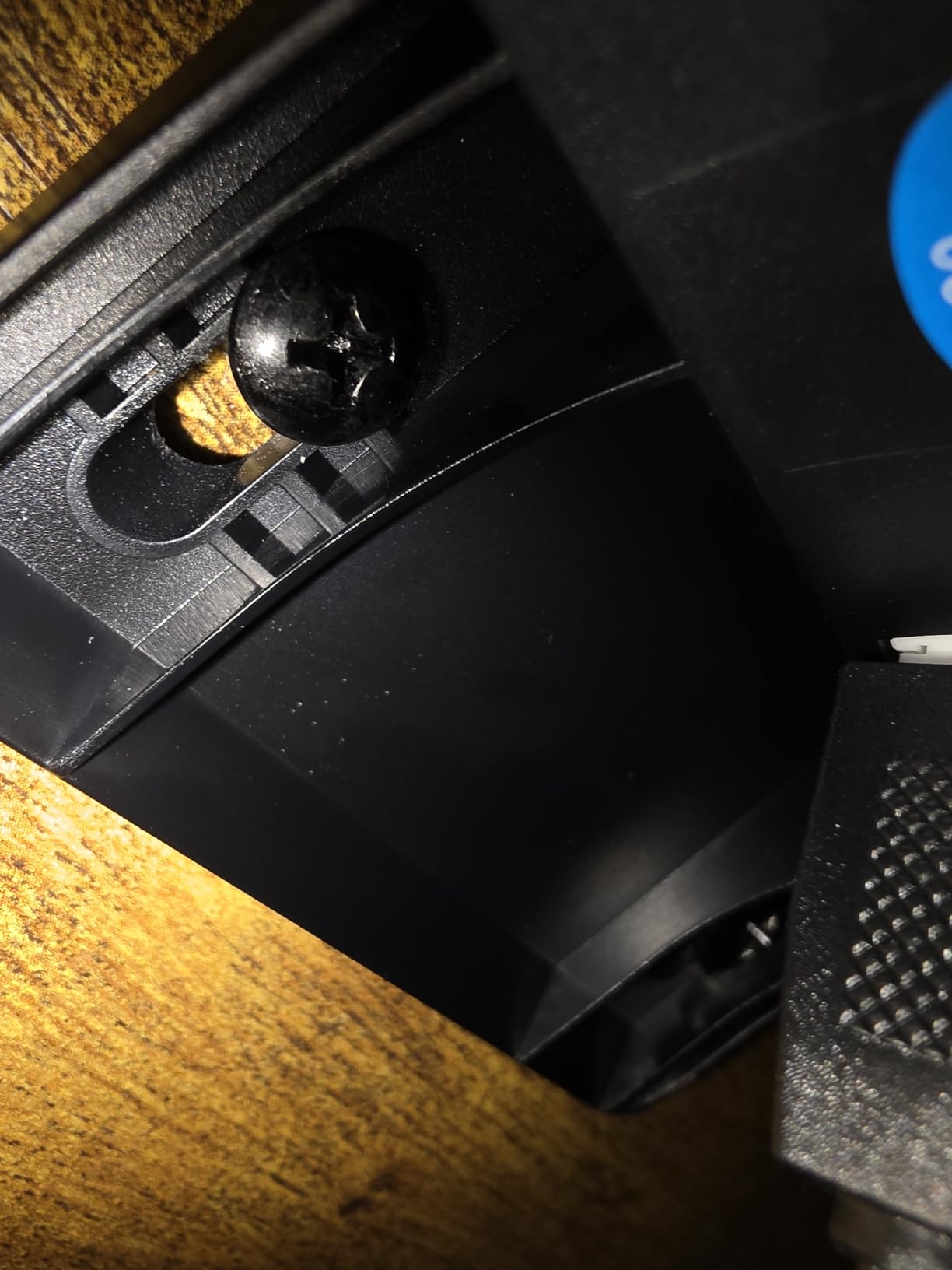
Assembly is about 30 minutes because most components arrive pre-assembled, with a clear manual and video included. Three customizable memory presets handle a normal sit-stand cycle, and a headphone hook is included. At 48 by 24 inches it fits two monitors in a small room without dominating the wall.
Two things to know. The desktop is a splice top delivered in two pieces, so there is a seam, and the listed maximum height is lower than most rivals in this roundup. The small surface also leaves limited mouse space at lower heights, which becomes obvious once you commit to standing.
Some units arrive with box or product damage, so inspect on arrival and photograph the packaging before you open it. That is a shipping and handling reality across the whole category rather than a specific fault with this desk.
My verdict: the best standing desk under 400 dollars for a first purchase, a student room, or anyone who wants to test whether alternating actually works for them before spending more.
Who this desk suits exactly
The FEZIBO makes the most sense when your equipment list is short. A laptop, one external monitor, a keyboard and a mouse put you well inside the 176 lb rating, and 48 by 24 inches is a realistic surface for that. Students, freelancers working from an apartment, and anyone testing the sit-stand habit fit this profile.
It is also a sensible first step before you know your own height tolerance. If you find the 46.5 inch ceiling fine, you can move up to a three-stage frame later without having overspent.
Where it stops being enough
Once you add a second monitor and start keeping paper on the desk, the 24-inch depth becomes the constraint rather than the price. Move up to a 55-inch model at that point. If you clamp an ultrawide to the rear edge, the splice seam and the light frame become a real problem and you should move up a tier.
Owners on forums who upgraded from a similar entry-level frame report the same progression: it works, it is quiet, and it runs out of desk before it runs out of motor.
Why Budget Standing Desks Wobble and How to Fix It?
Wobble is the defining purchase anxiety in this price band, and it is worth separating the real mechanical causes from the vague idea that budget means bad. The six causes below cover almost every case, and the fixes are ordered by how much they help.
Loose bolts after the first week. This is the single most common cause and the easiest to fix. A new frame settles under load, hex bolts lose torque, and a joint that was square on day one is not square in week two. Re-tighten every leg bolt about a week after assembly and the problem usually never appears.
A frame that is out of square. If the two leg columns are not parallel, the desktop torques under load and rocks. Assembly is the moment you can fix this, so measure diagonal corner to diagonal corner before you tighten everything down.
Two-stage columns at full extension. Two-stage legs have limited overlap near their ceiling, which is why owners describe the worst wobble at the very top of the range rather than at sitting height. If you can, do not work at the extreme top of the travel.
A top that is too thin for the span. A 0.6 inch panel across 48 inches flexes when you lean on the front edge. Thickening the top is the cheapest stability upgrade available, which is why the Claiks at 0.75 inches earns its place in this roundup.
A monitor arm acting as a lever. Every clamp-mounted display applies forward force that the frame was not designed to absorb. This is the top reported cause of wobble in owner threads, and it is the reason the HUANUO rear platform matters.
An oversized desktop on a light frame. A 63 inch top on a budget frame adds mass out at the ends with no matching column. Every desk in this roundup stays at 48 or 55 inches for that reason.
With that established, the fixes in order of impact are: re-tighten the frame after a week; square it properly during assembly; mount any monitor arm as close to a leg as the clamp allows; add a crossbar or a lower support bar if the design allows it; keep your load 20 to 30 lbs under the stated rating; and check your leveling feet on carpet, where a foot sunk into pile reads as a rock to the desk.
If you work with a monitor arm, our standing desks for engineers guide goes deeper on mount placement and load distribution.
Single Motor vs Dual Motor: Where the Line Is
A single motor drives one column and pushes the desktop diagonally, which is the root of most budget-desk wobble. A dual motor drives both columns at once, lifting the top straight up. That difference shows up in speed, noise, capacity and stability, all at once.
The practical threshold is your load. Under about 60 lbs of equipment, a well-built single-motor frame holds up and most buyers will not notice a difference. Past roughly 80 lbs, or if you work at the top of the travel, or if you type hard and lean forward, dual motor is where you start to feel it.
In this roundup, only the FLEXISPOT E6 runs dual motors. Everything else is single motor, including the desks rated at 176 lbs, which tells you something about how those ratings were chosen. For a desk you will use standing every day for years, dual motor is worth the step up.
There is a middle path worth knowing about: buying a quality frame alone and pairing it with your own top. It costs more, and for most people in this band it only makes sense alongside a solid wood top you already own.
Height Range and Your Body: Sizing the Desk to You
Almost every budget desk here runs from about 28 inches to 46 inches, which fits users roughly 5 foot 4 inches to 6 foot 2 inches. That band covers most adults, but the edges of it are where budget desks cause trouble.
If you are under 5 foot 4 inches, a 28 inch minimum height still leaves you sitting too high for a long session, and no budget frame solves it. Look for a lower minimum, and the HUANUO at 27.5 inches is the lowest here. If you are over 6 foot 2 inches, a 46 inch ceiling means you stand with your shoulders raised, which defeats the purpose. The FLEXISPOT E6 reaches 48.8 inches and is the only desk here that comfortably fits you.
Height range is also a floor problem. If you have carpet, the desk sits higher than its listed minimum because the feet sink in. Measure your standing elbow height in socks, subtract about two inches for your tallest footwear, and check it against the maximum height, not the minimum.
Why Amazon Standing Desks Are So Cheap
The short answer is that the cost of a budget desk is concentrated in two places: the steel frame and the top panel. Everything else on the product is assembly labour and packaging. A manufacturer who buys steel in bulk, orders one top design across tens of thousands of units, and drops the result into direct-to-consumer fulfilment can sell a desk at a fraction of a retail price without making money at a loss.
What you give up is not the feature list. You get the same motors, presets and steel that a retail buyer gets. What changes is the margin for support, spare parts and returns, which is why owners on forums describe replacement parts as hard to find on no-name brands. It is also why the warranty lengths here range from one year to five.
That is the honest trade: you are paying for the mechanism, not for the service around it. Brands that spend more on warranty coverage, like the FLEXISPOT models, are spending the margin where you can actually see it.
The 20/8-2 Rule and How to Use Your Desk
The 20/8/2 rule alternates 20 minutes standing, 8 minutes sitting and 2 minutes walking in each half hour of work. It comes from ergonomics research on posture variation, and the point is not standing more, it is changing position more often.
Most people who buy a desk and feel worse after a month have made one of two mistakes. Either they stand for three hours straight, which is its own kind of strain, or they never actually stand, because the presets are confusing and the default is sitting. Programming your stand height into a memory button before you start working solves the second problem entirely.
Set your sitting height first so your elbows are at 90 degrees with shoulders relaxed, then set your standing height so your elbows sit just below your ribs. The gap between them should be small. If you have to raise your shoulders to reach the desk, your maximum height is too low for you.
Before you commit to a standing schedule, it is worth checking what else in your setup moves. Our guide to bike trainer desks covers the case where the movement comes from pedalling rather than from the desk itself.
Standing Desk vs Converter vs DIY Frame
A standing desk converter is a riser that clamps to an existing desk and lifts your equipment instead of the desk. It is meaningfully cheaper, works with any surface you already own, and gives you most of the sit-stand benefit for daily work.
What a converter cannot do is create new space. It occupies the surface it sits on permanently, which makes it a poor fit if your desk is already small, and it cannot raise a monitor to eye level without a separate riser. It is the right call for a renter or a student on an existing shared table.
The DIY frame path, buying a frame alone and pairing it with a separate top, is the way to get a solid wood surface or a wider top than any of these desks include. It costs more than a complete budget desk and depends on finding a top that suits your space. Owners on forums regularly recommend it as the route to a premium feel without premium prices.
For smaller workspaces, our filament spool holder roundup covers the accessories that make a compact desk work harder.
Frequently Asked Questions
What is the best budget sit-stand desk?
The SHW 55 x 28 Electric Standing Desk with Drawer is our top pick in this bracket. It has the largest review base of any desk we covered, a 55 x 28 inch surface that fits two monitors plus writing space, an integrated drawer, and a cable management kit included. Owners report stable behaviour at working heights and a motor still running after five years.
Are cheap standing desks okay?
Yes, within limits. Budget electric desks use the same motors, steel and preset systems as costlier models, and several owners on forums report entry-level frames still running after three years. What you trade away is support, spare parts and warranty length rather than core function. Buy from a brand with at least a two-year term and stay 20 to 30 lbs under the stated weight rating.
How do I stabilize a shaky standing desk?
Start by re-tightening every leg bolt about a week after assembly, since settling is the most common cause of new wobble. Next, confirm the frame is square by measuring diagonal corner to diagonal corner. Keep your load 20 to 30 lbs under the rating, avoid working at the extreme top of the travel on two-stage legs, and mount any monitor arm as close to a leg as the clamp allows.
Why are Amazon standing desks so cheap?
The cost of a budget desk is concentrated in the steel frame and the top panel. Bulk steel purchasing, one top design produced across tens of thousands of units, and direct-to-consumer fulfilment keep costs low. The feature list does not shrink. What reduces is the margin available for customer support, spare parts and returns, which shows up as shorter warranty terms.
What is the 20/8-2 rule for standing desks?
It alternates 20 minutes standing, 8 minutes sitting and 2 minutes walking within each half hour of work. The goal is frequent posture change rather than long unbroken periods of standing. Programme your sit and stand heights into the memory presets before you start, so switching takes one press instead of a trip to the controller.
The Verdict: Which Standing Desk Under 400 Dollars to Buy
For most home offices in 2026, the SHW 55 x 28 Electric Standing Desk with Drawer is the standing desk under 400 dollars to buy. Nothing else in this bracket pairs a review base above 20,000 ratings with a drawer and cable kit at no extra cost.
Buy the FLEXISPOT EN1 instead if warranty length is your concern, the ErGear 55 x 28 if you want the large surface on a frame rated higher than the SHW, and the FLEXISPOT E6 if you are taller than 6 foot 2 inches or want a solid wood top. Whatever you choose, re-tighten the frame a week after assembly. That single step prevents most of the wobble complaints we found across this category.