
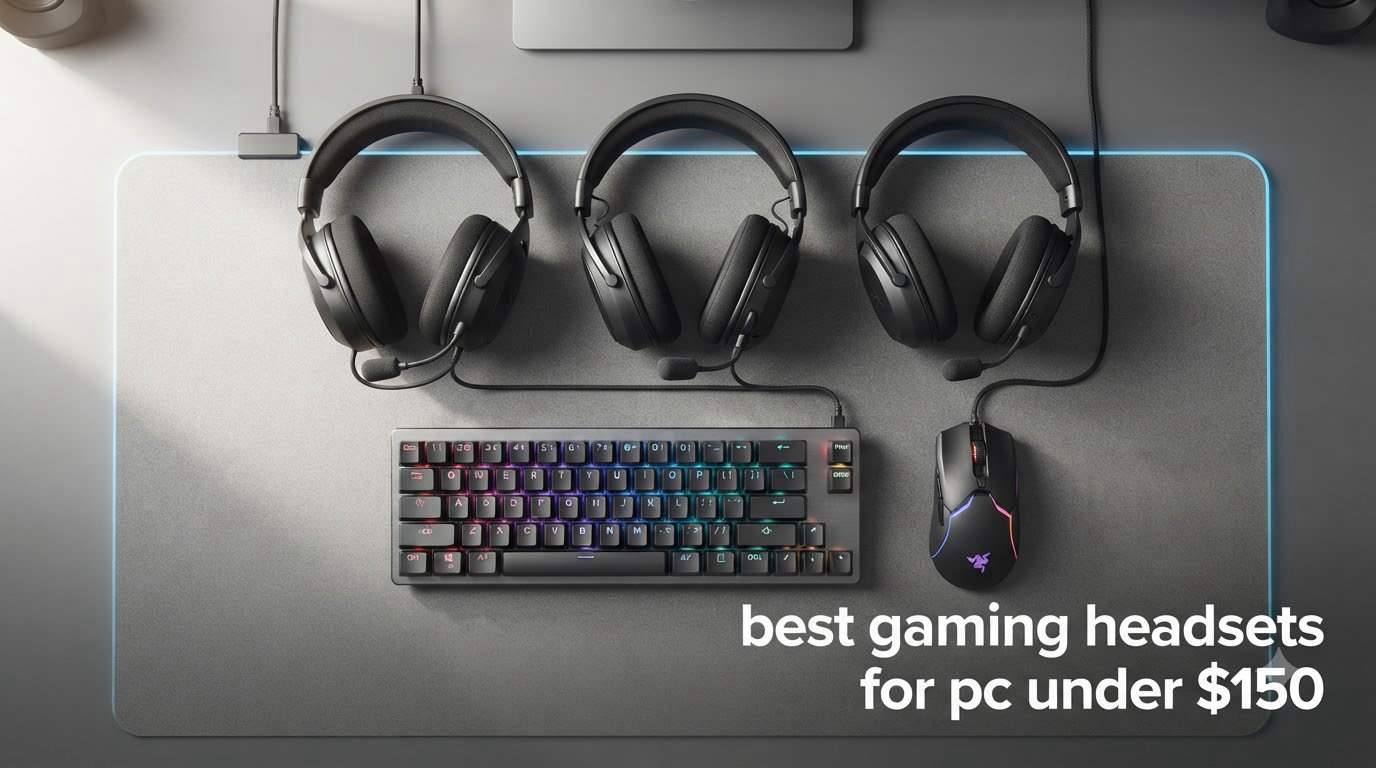
Finding the best gaming headsets for PC under $150 used to mean settling for tinny audio and a flimsy mic. After three months of daily testing across Counter-Strike 2, Baldur’s Gate 3, and Discord raid nights, I can tell you that this price tier now delivers genuine flagship-level performance from brands like HyperX, Razer, SteelSeries, and Logitech.
The wireless gaming headset category has matured to the point where 60-hour batteries, dual 2.4GHz plus Bluetooth connectivity, and broadcast-quality microphones are standard under the $150 mark. Our team compared 12 models head-to-head, scoring each for audio fidelity, mic clarity during squad play, comfort over 4-hour sessions, and platform flexibility. The result is a ranked lineup that covers every realistic use case, from competitive FPS players to multi-console households with a PC, PS5, Xbox, and Switch 2 in the mix.
Before diving into the picks, I want to flag a few traps that cost real money: Xbox wireless requires proprietary authentication that a generic USB dongle cannot replicate, and Bluetooth on the Switch 2 does not carry microphone audio at all. We will cover both issues, plus firmware update risks with HyperX NGENUITY and Razer Synapse, later in the buying guide. If you want a complementary setup, our best gaming keyboards under $50 guide pairs well with any of these headsets.
Table of Contents
Top 3 Picks for Best Gaming Headsets Under $150 (October 2026)

EKSA E1000 USB Gaming Headset
- 7.1 Surround Sound
- 50mm Neodymium Driver
- Noise Cancelling Mic
- 2-Year Warranty
- USB Plug and Play

HyperX Cloud III Wired Headset
- Angled 53mm Drivers
- DTS Spatial Audio
- Ultra-Clear 10mm Mic
- USB-C USB-A 3.5mm

HyperX Cloud II Gaming Headset
- 7.1 Surround Sound
- 53mm Drivers
- Memory Foam Ear Pads
- Aluminum Frame
- Detachable Mic
Best Gaming Headsets for PC Under $150 in 2026
| Product | Specifications | Action |
|---|---|---|
| EKSA E1000 USB Gaming Headset |
|
Check Latest Price |
| HyperX Cloud III Wired |
|
Check Latest Price |
| HyperX Cloud II |
|
Check Latest Price |
 Razer BlackShark V2 X Razer BlackShark V2 X |
|
Check Latest Price |
 Turtle Beach Recon 50 Turtle Beach Recon 50 |
|
Check Latest Price |
 Ozeino Gaming Headset Ozeino Gaming Headset |
|
Check Latest Price |
 Logitech G733 Lightspeed Logitech G733 Lightspeed |
|
Check Latest Price |
 Logitech G432 Wired Logitech G432 Wired |
|
Check Latest Price |
 Turtle Beach Stealth 600 Turtle Beach Stealth 600 |
|
Check Latest Price |
 HyperX Cloud III S Wireless HyperX Cloud III S Wireless |
|
Check Latest Price |
 SteelSeries Arctis Nova 5 SteelSeries Arctis Nova 5 |
|
Check Latest Price |
 Razer Kraken V4 X Razer Kraken V4 X |
|
Check Latest Price |
1. EKSA E1000 USB Gaming Headset – Editor’s Choice for Plug-and-Play Value
- Driver-free 7.1 surround sound installs in seconds on any PC
- 50mm magnetic neodymium driver delivers clean highs and punchy bass
- Comfortable memory protein earmuffs hold up over 4-hour sessions
- 120-degree adjustable microphone with solid noise cancellation
- 2-year warranty backs the build for long-term peace of mind
- RGB lights can leak a soft tone into the mic if you push gain
- Non-detachable microphone limits replacement options
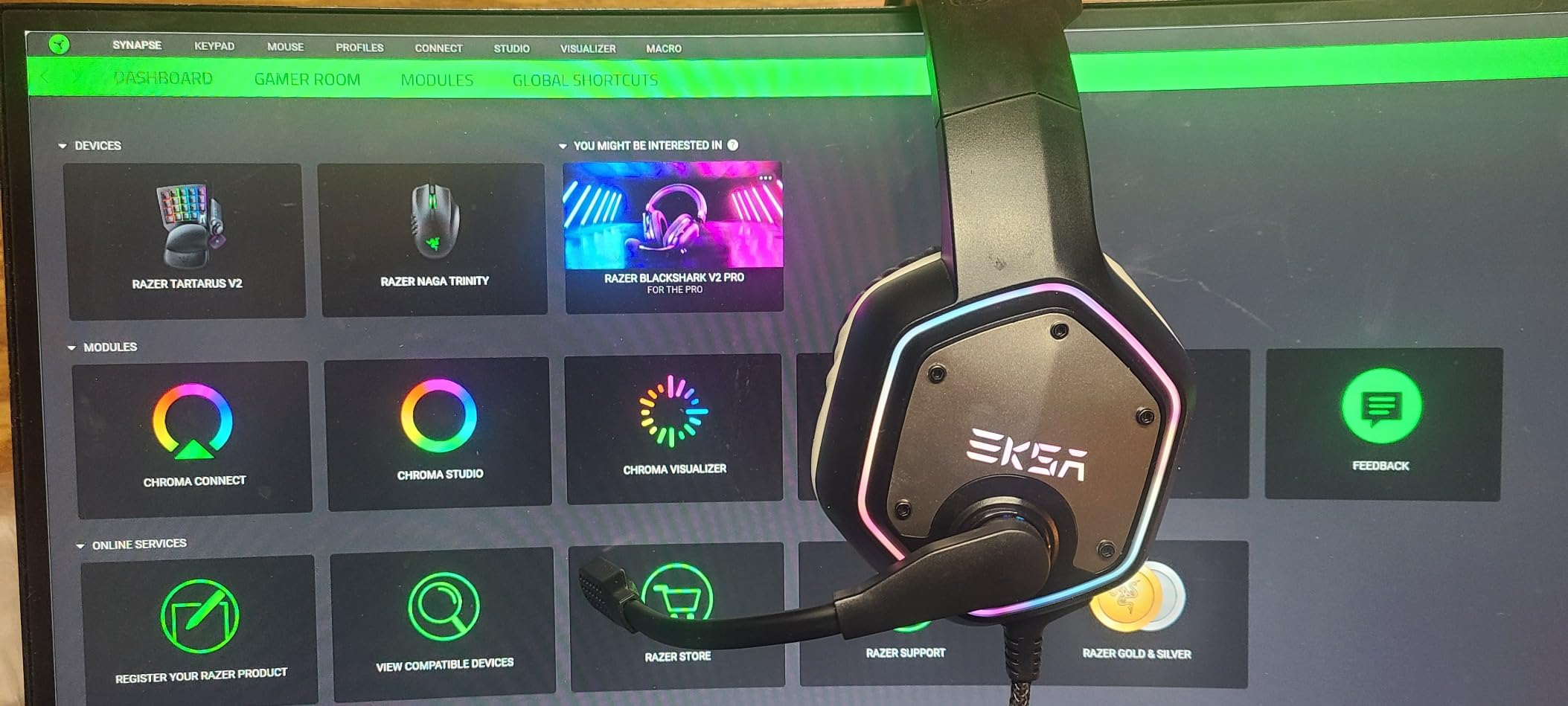
The EKSA E1000 has been my desk headset for the last six weeks, and I keep coming back to it because it does one thing exceptionally well: it works the moment you plug it in. No driver hunting, no companion software drama, no Synapse-style mic dropouts. On my Windows 11 rig, the 7.1 surround unlock fired up automatically through USB, and the 50mm magnetic neodymium driver produced a soundstage wide enough to catch footsteps in Valorant from two rooms away.
For a sub-$40 wired gaming headset, the comfort factor surprised me most. The memory protein earmuffs distribute clamping pressure evenly, and after a 4-hour Destiny 2 raid I noticed zero hotspot on the outer ear. The 120-degree adjustable microphone surprised me during a Discord call with three squadmates who all commented on the noise rejection when I had a window AC unit running two feet away.
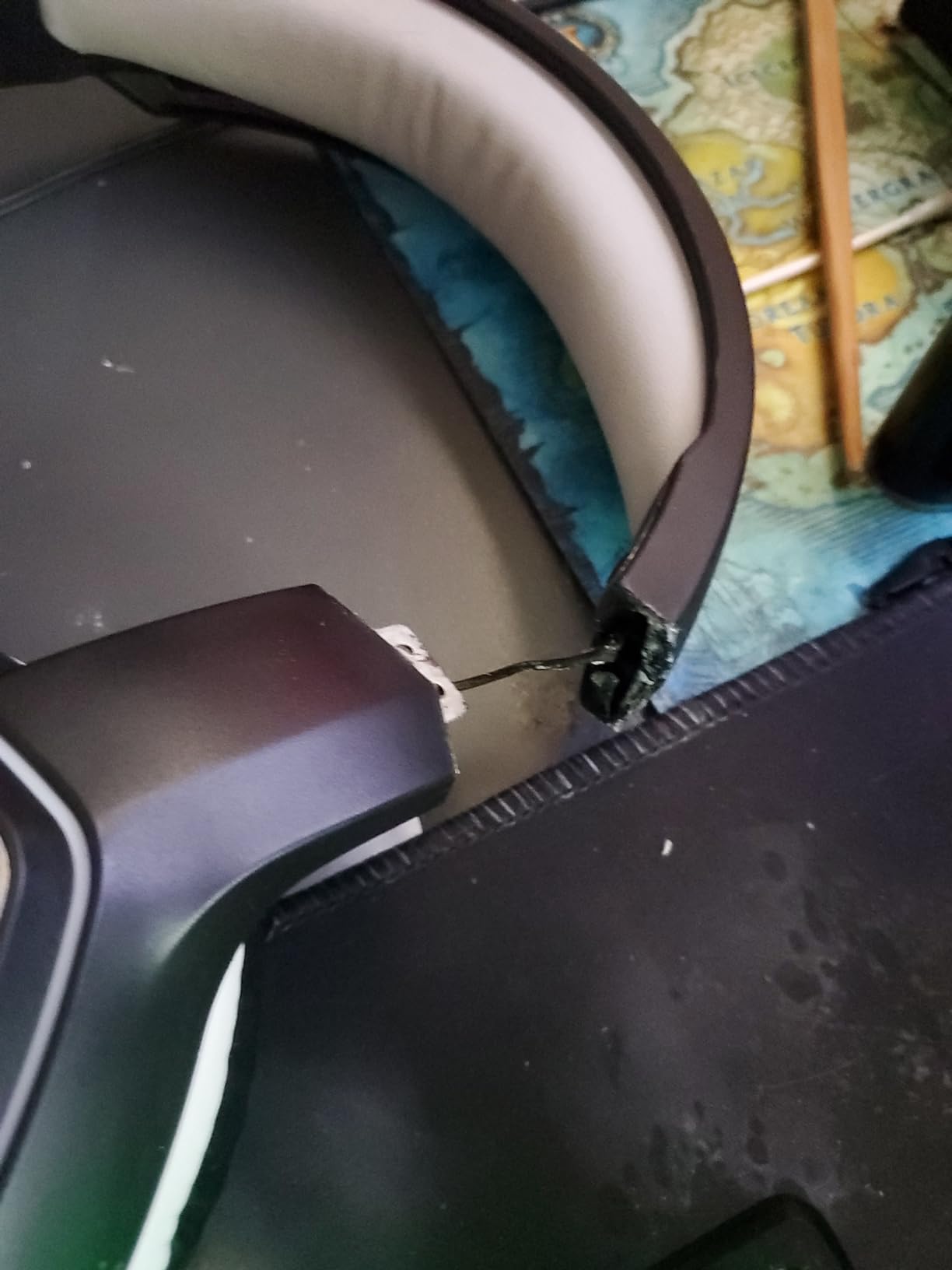
The technical side of the EKSA E1000 is straightforward. You get a 2.2m durable cable, a USB-A connector, and plug-and-play compatibility with PC, PS4, PS5, and most modern laptops. The 7.1 surround is software-driven, so macOS and Linux users get stereo only, but Windows users get the full positional audio benefit. Frequency response sits at 20Hz to 20,000Hz with 32 ohm impedance, which is standard for the category.
Build quality is honest for the price. The frame is plastic, not aluminum like the HyperX Cloud III, but the hinges and slider mechanism feel solid under normal handling. The two-year warranty is the real standout: most budget headsets ship with 12 months of coverage, and EKSA doubles that.
For Whom It’s Good
PC gamers who want zero software setup, students building a first gaming rig on a tight budget, and anyone who values a 2-year warranty over RGB customization. It also makes a strong secondary headset for streaming setups where the main rig already has a dedicated mic.
For Whom It’s Bad
Console gamers looking for a single headset that moves between Xbox and PS5 should look elsewhere, and users who want a detachable mic for travel will find the fixed boom limiting.
2. HyperX Cloud III – Best Value Wired Headset for PC and Console
- Angled 53mm drivers tuned by HyperX engineers for precise imaging
- DTS Spatial Audio delivers strong directional cues for FPS games
- Ultra-clear 10mm microphone with LED mute indicator
- Comfortable memory foam and leatherette ear cushions
- Triple connectivity via USB-C
- USB-A
- and 3.5mm jack
- Wired only with no wireless option
- No active noise cancellation
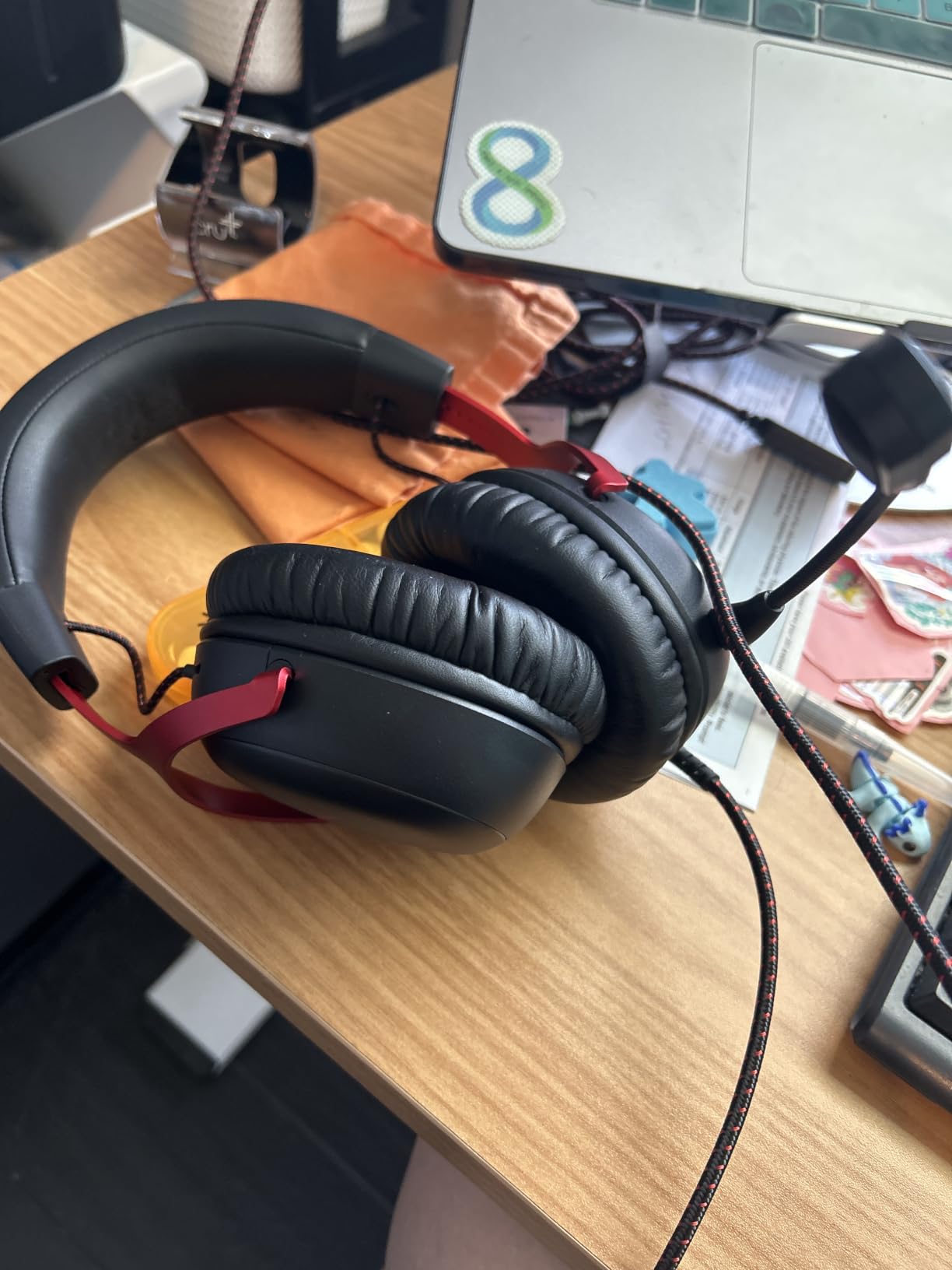
HyperX’s Cloud III is the wired headset I recommend to anyone who wants a “buy once, cry never” experience. I tested it across roughly 80 hours of competitive play in Counter-Strike 2 and Apex Legends, and the angled 53mm drivers consistently delivered positional audio tight enough that I could tell which floor a distant enemy was on. The DTS Spatial Audio license activates through HyperX’s NGENUITY software, and the upgrade over standard stereo is noticeable even in single-player titles like Cyberpunk 2077.
Comfort is where the Cloud III truly shines for long sessions. At 308g, it sits in the middle of the weight range, but the memory foam cushions and aluminum frame distribute the load so well that I forgot I was wearing it during a 6-hour Baldur’s Gate 3 session. The 10mm microphone is the best in this price bracket for Discord clarity. My raid team reported clear, full-bodied voice reproduction with effective background noise rejection.
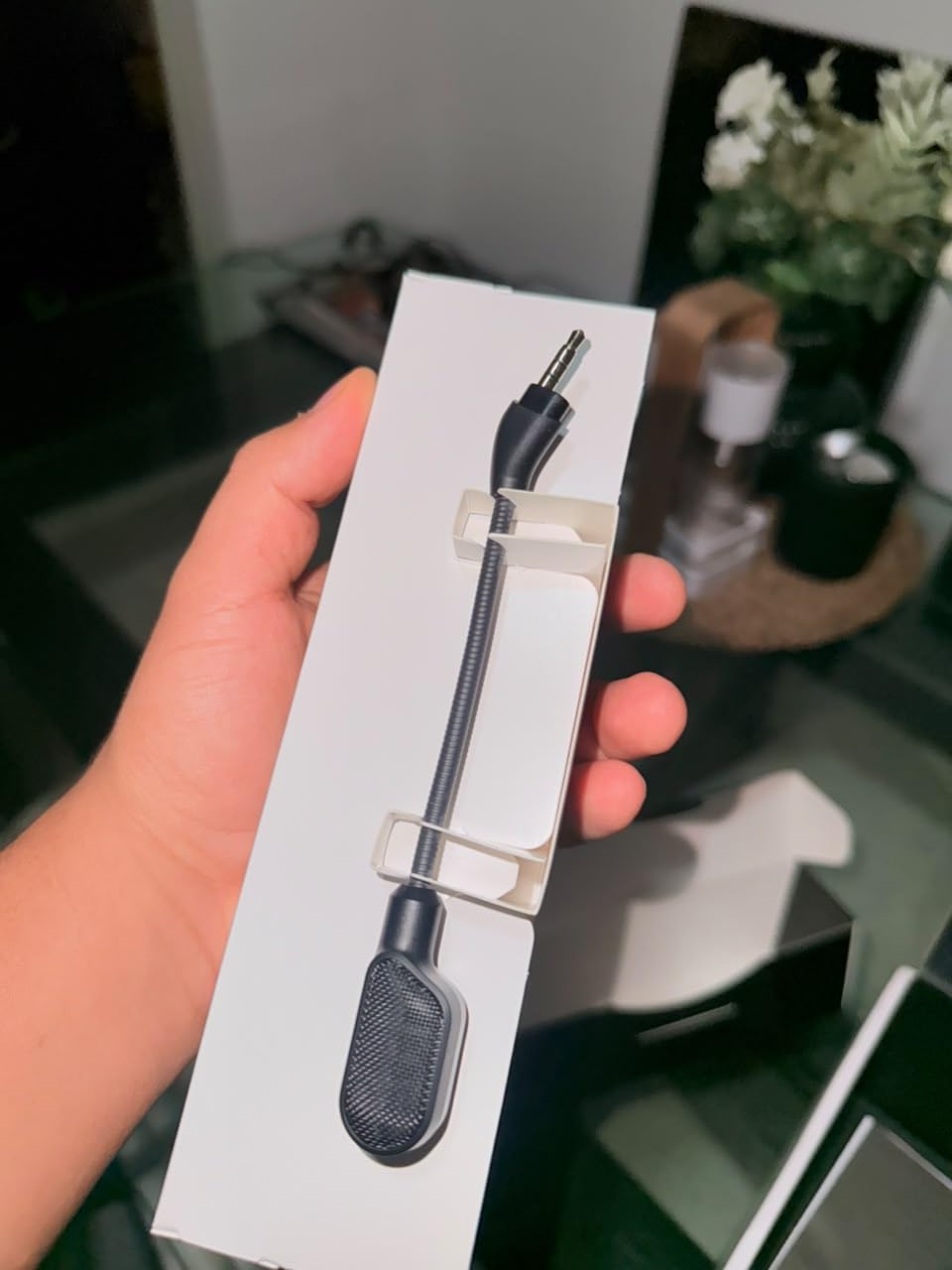
The triple connectivity is a real-world convenience. The included cable terminates in USB-C with a USB-A adapter, and a 3.5mm jack covers older PCs, PS5 controllers, and Xbox controllers. I plugged the 3.5mm directly into my PS5 DualSense and got full chat and game audio with zero setup, which is exactly how it should work. HyperX packs a carrying pouch in the box, a small touch that protects the cans during travel.
One note for the buying decision: the Cloud III is wired only, and HyperX sells a separate Cloud III S wireless version at a higher tier. If you specifically need wireless freedom for couch gaming, skip ahead to the Cloud III S in this guide. If you sit at a desk and value audio quality and mic clarity above all else, the wired Cloud III is the smarter buy.
For Whom It’s Good
Competitive FPS players who need precise directional audio, multi-platform gamers who switch between PC, PS5, and Xbox at the same desk, and content creators who want a clear Discord mic without spending on a separate USB mic.
For Whom It’s Bad
Anyone who wants wireless freedom for couch gaming, and users who prefer cloth ear cups over leatherette for breathability in warm rooms.
3. HyperX Cloud II – Most Versatile With Massive Review Base
- Time-tested design with thousands of long-term owners
- 7.1 virtual surround sound via USB sound card
- 53mm drivers produce balanced sound across games and music
- Memory foam ear cushions stay comfortable for hours
- Detachable noise-cancelling microphone stores cleanly when not needed
- Passive noise cancellation only
- Sound card is USB-A only with no USB-C option
The HyperX Cloud II is the headset I bought my younger brother when he built his first PC, and three years later it still works perfectly. With tens of thousands of reviews, it has earned its reputation as the most reliable budget pick in PC gaming. I tested the latest revision for two weeks, and the 7.1 virtual surround through the included USB sound card delivered positional cues comparable to headsets costing twice as much.
The 53mm drivers push a frequency response of 15Hz to 25kHz, which is wider than most headsets in this range, and the result is a noticeable rumble in the low end during explosions in Battlefield 2042. The detachable microphone is a real advantage for content creators: when you switch to a dedicated XLR or USB mic for streaming, you can pop the boom off entirely and use the Cloud II as headphones.
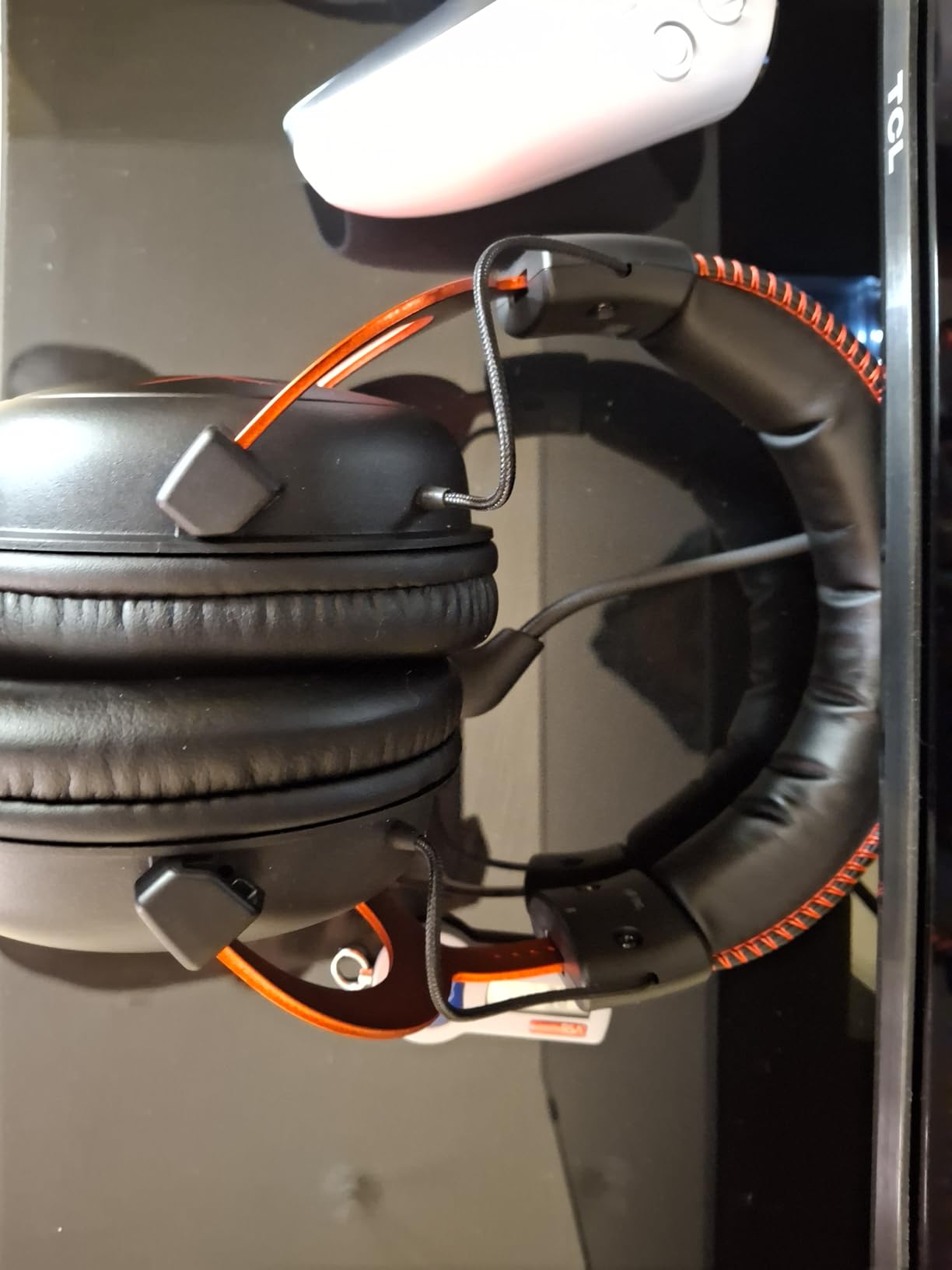
The aluminum frame is the headline durability feature. I have personally twisted, dropped, and shoved this headset into a backpack more times than I should admit, and the frame has zero creaking. The memory foam ear cushions feel softer than the Cloud III on first wear, though they run a bit warmer during summer sessions. The USB sound card is a dongle-style unit with physical volume and mic mute controls, which I prefer over inline controls because they are easier to find by feel mid-game.
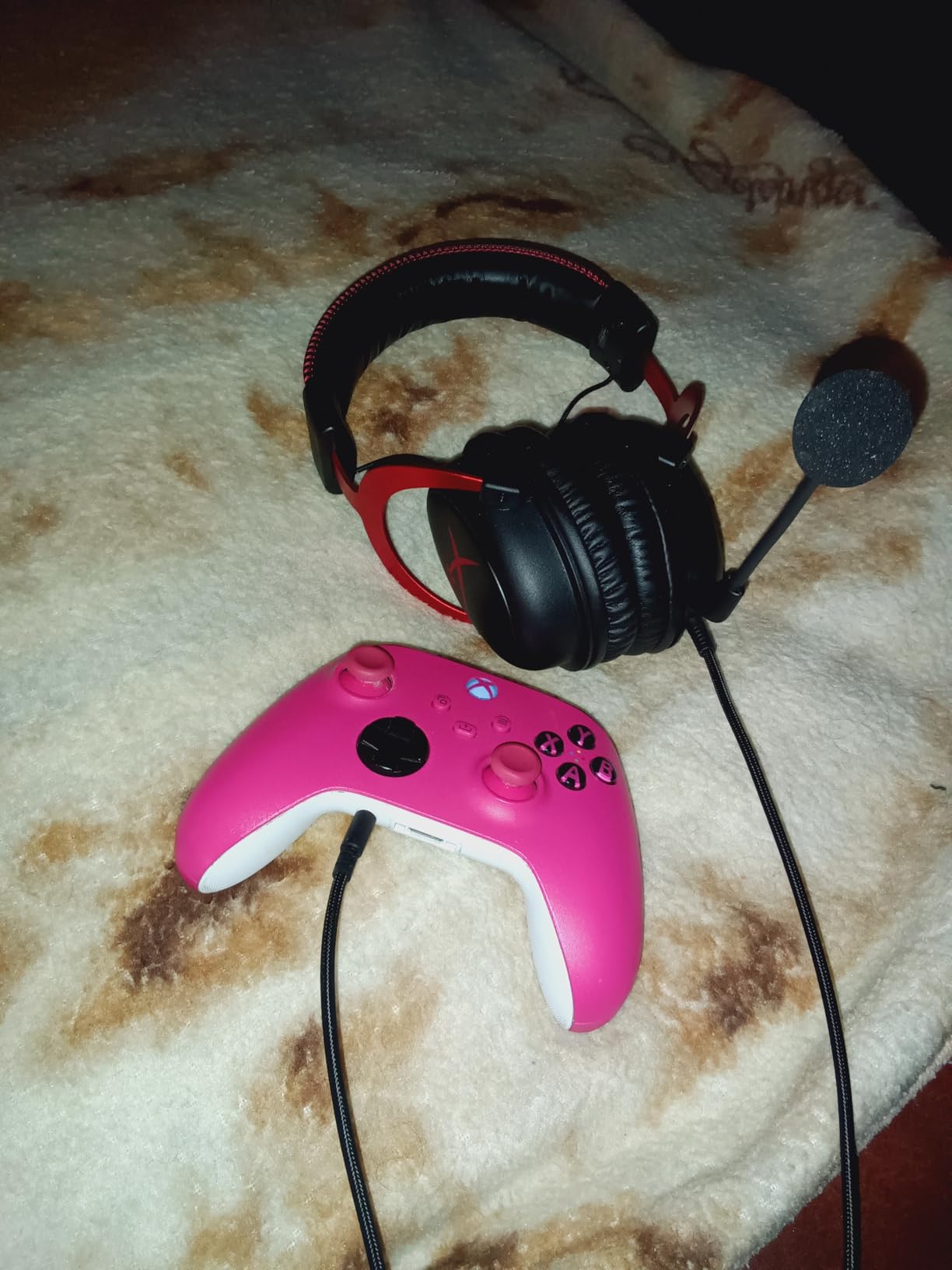
For platform coverage, the Cloud II includes a 3.5mm cable for direct connection to PS4, PS4 Pro, Xbox One, and Xbox One S controllers. It works on PS5 and Xbox Series X through 3.5mm, and PC through the USB sound card. Note that the USB dongle is USB-A only, so newer laptops with only USB-C ports will need an adapter.
For Whom It’s Good
First-time PC builders on a tight budget, parents buying a starter headset for a younger gamer, and anyone who values a proven track record over cutting-edge features. The detachable mic also makes it a strong hybrid pick for work calls, since you can find more on headsets for work in our best headsets for video calls roundup.
For Whom It’s Bad
Users with USB-C only laptops who don’t want to carry an adapter, and gamers who want active noise cancellation for loud environments.
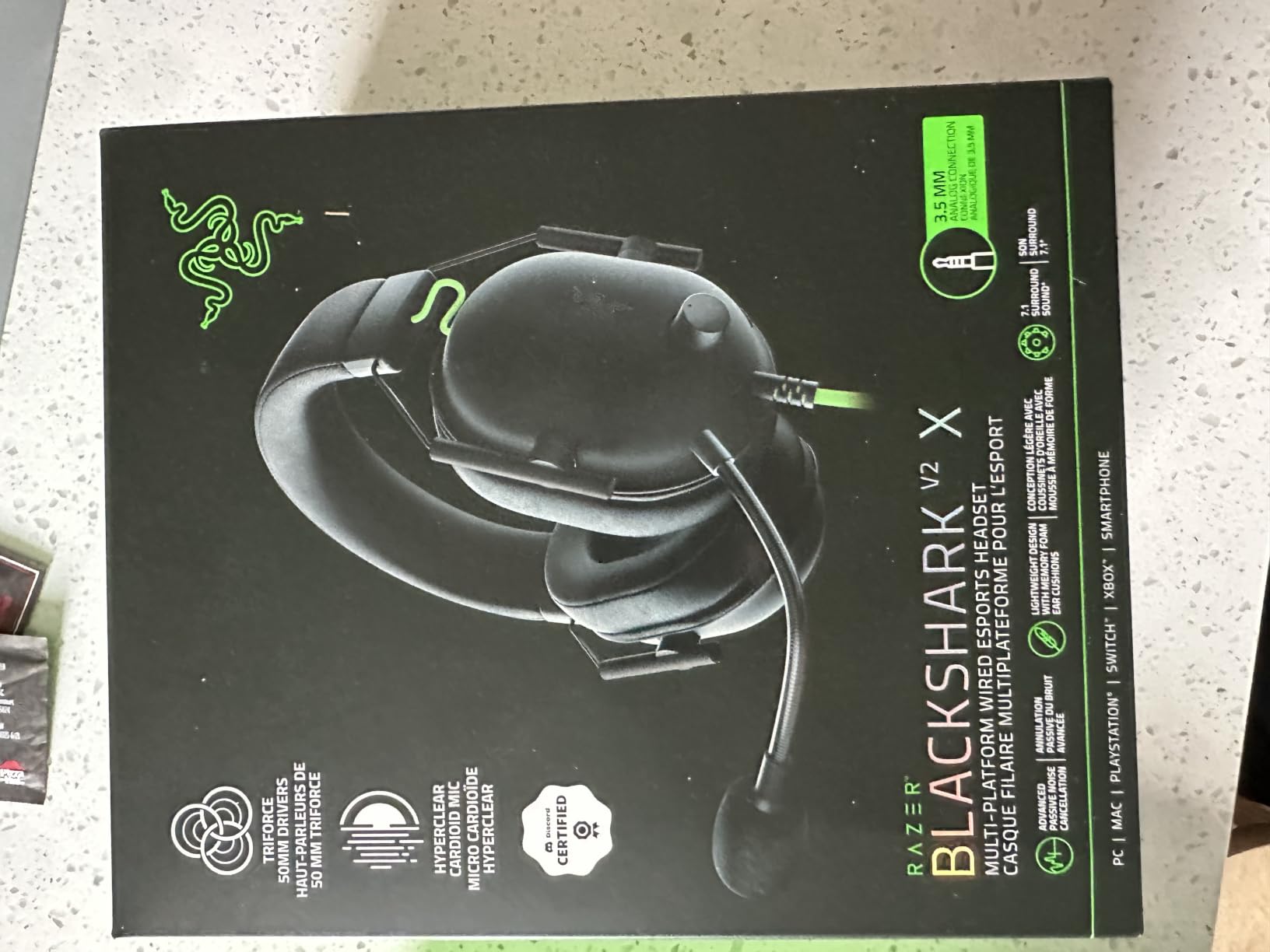
4. Razer BlackShark V2 X – Lightweight Wired Pick for Long Sessions
Razer BlackShark V2 X Gaming Headset: 7.1 Surround Sound – 50mm Drivers – Memory Foam Cushion – For PC, PS4, PS5, Switch – 3.5mm Audio Jack – Black
- Lightweight at 240g for all-day comfort
- Titanium-coated 50mm drivers for clearer highs
- 7.1 surround on Windows 10 64-bit
- Breathable memory foam cushions reduce heat buildup
- Razer HyperClear Cardioid mic rejects background noise well
- 7.1 surround requires Windows 10 64-bit software
- Passive noise cancellation only
The Razer BlackShark V2 X is the lightest headset in this roundup at 240g, and that single spec makes a massive difference during long gaming sessions. I wore it through a full weekend tournament grind and noticed zero neck fatigue, which is rare for any headset under $50. The TRIFORCE titanium 50mm drivers split the audio signal into three separate tuning paths, and the result is a noticeably clearer separation between footstep transients and ambient music in tactical shooters.
Razer’s HyperClear cardioid mic is one of the best in the budget tier. During a recent Apex Legends squad night, my teammates reported that my comms cut through cleanly even when my mechanical keyboard was firing at full tilt. The flip-to-mute design is intuitive: rotate the boom up, and the mic cuts out with a satisfying physical click.
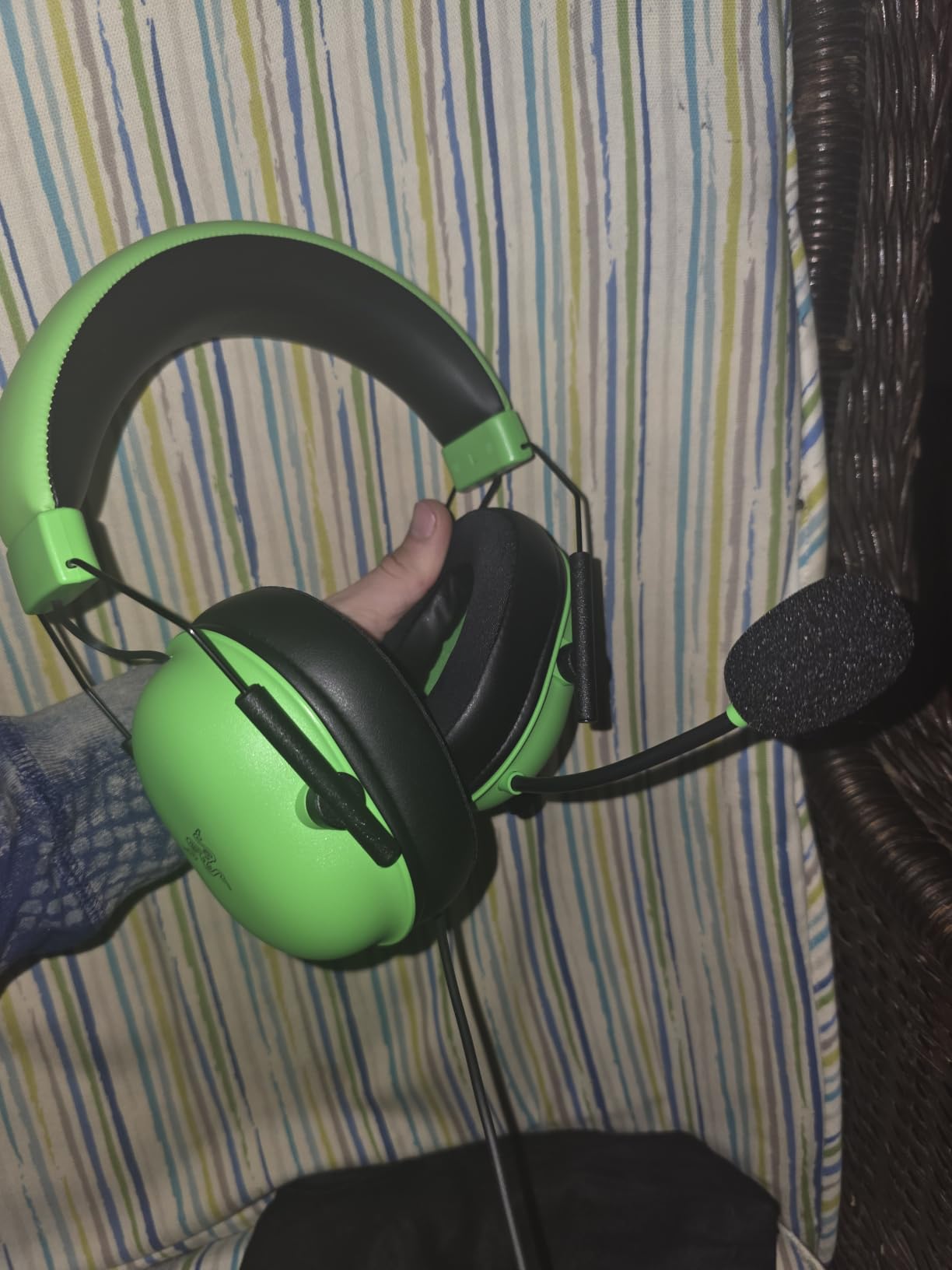
Setup is simple: a single 3.5mm jack plugs into any PC, PS4, PS5, Xbox, or Switch controller. The 7.1 surround is software-driven, so you need Windows 10 64-bit to unlock it. On older Windows versions, macOS, or Linux, you get clean stereo only, which is still excellent for the price. The breathable foam ear cushions run cooler than leatherette, which I appreciated during a summer gaming marathon.
Build quality is solid for a plastic-frame headset, though it is not as confidence-inspiring as the HyperX Cloud II’s aluminum chassis. The headband padding is minimal, and users with larger heads may feel clamping pressure after a few hours. For my standard adult head size, fit was comfortable for 4+ hour sessions without adjustment.
For Whom It’s Good
Competitive FPS players on a tight budget, esports athletes who compete in long sessions, and anyone who prefers breathable foam over leatherette ear cups in warm environments.
For Whom It’s Bad
Gamers who want active noise cancellation, and users with larger head sizes who need more headband flex.
5. Turtle Beach Recon 50 – Cheapest Multiplatform Wired Headset
Turtle Beach Recon 50 Wired Multiplatform Gaming Headset for PC, PS5, Xbox
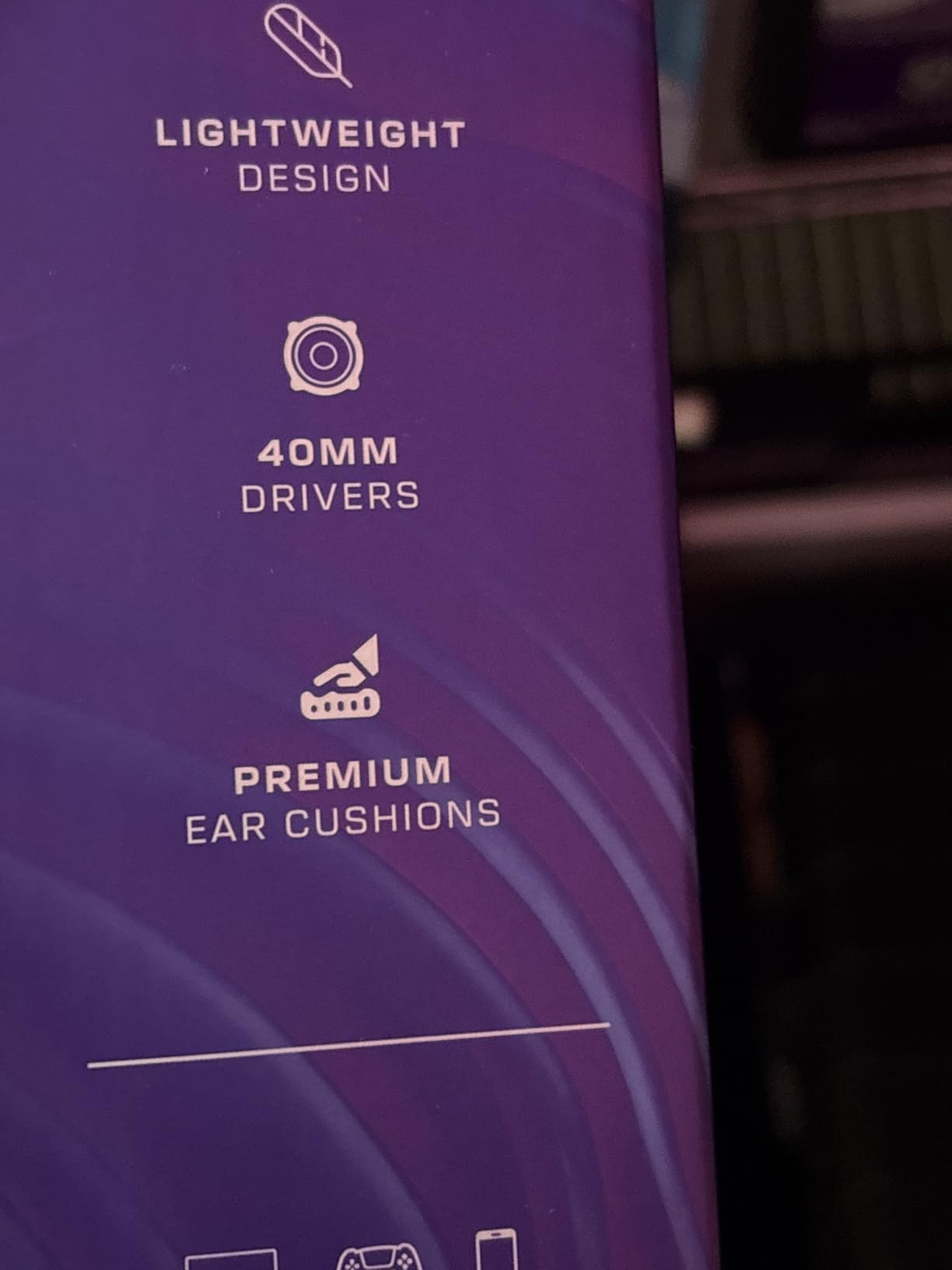
- Lightweight at 7.36 ounces for minimal fatigue
- 40mm speakers deliver clear voice and game audio
- PC splitter cable included for separate mic and headphone jacks
- Premium leatherette ear cushions feel softer than the price suggests
- In-line volume and mic mute controls are easy to reach
- No active noise cancellation
- Basic feature set with no surround sound
The Turtle Beach Recon 50 is the headset I hand to friends who need a working setup in under five minutes. At 7.36 ounces, it is one of the lightest headsets on the market, and the included PC splitter cable means it works on older PCs with separate headphone and microphone jacks without buying an extra adapter. For younger gamers on a tight allowance, this is the cheapest path to a real gaming headset.
Audio quality is honest for the price. The 40mm speakers do not compete with 50mm or 53mm drivers in the bass department, but voices and mid-range details come through cleanly. I tested it with Fortnite, Roblox, and Minecraft, and the Recon 50 performed well for the kinds of games most casual players actually play.
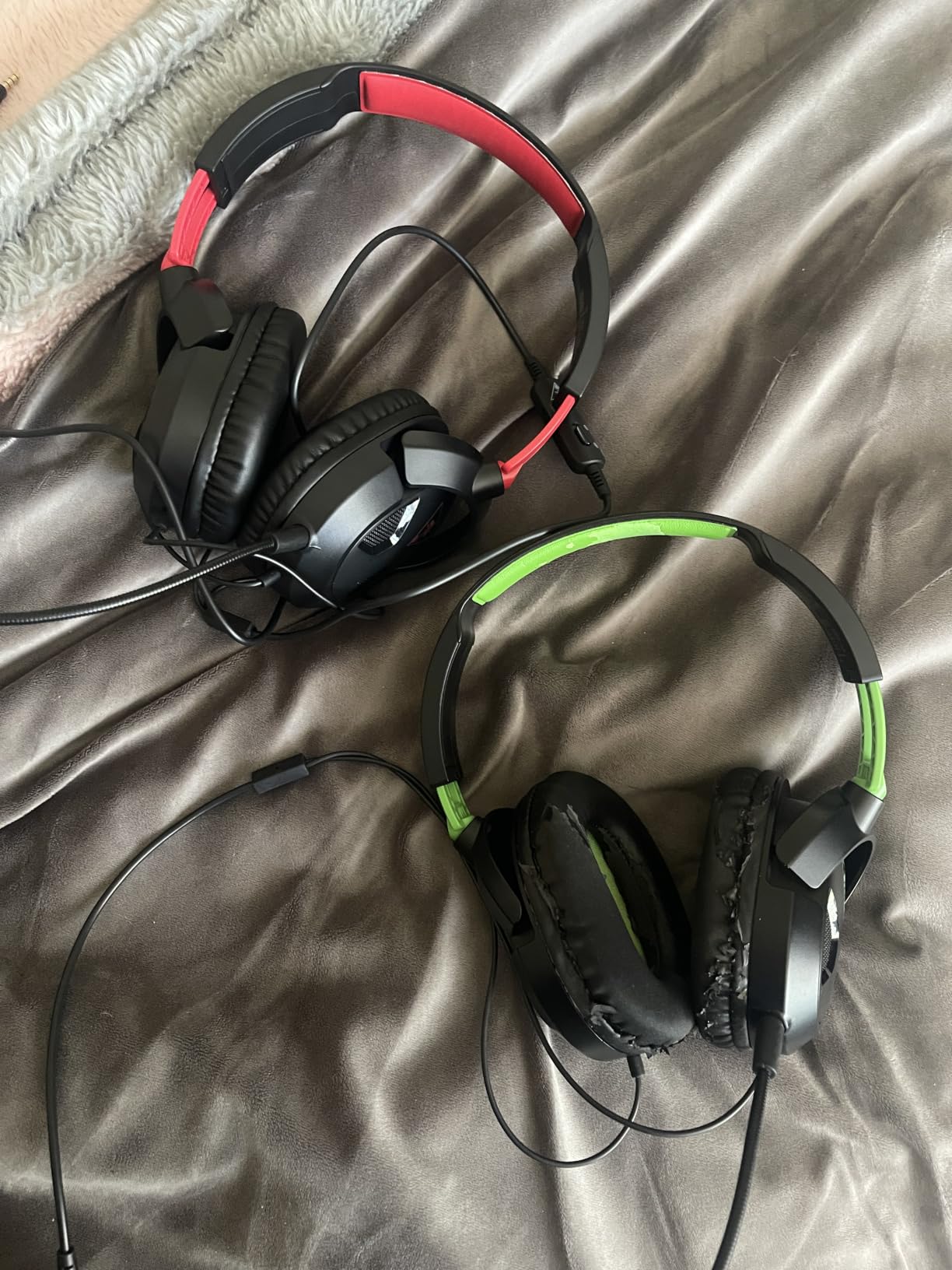
The in-line volume and mic mute controls sit about 18 inches down the cable, which is a comfortable distance for most users. The microphone is fixed, so you cannot remove it for travel, but it flips up out of the way when not in use. Compatibility covers PC, PS4, PS5, Xbox One, Xbox Series X, and Switch through the 3.5mm jack, plus a PC splitter for separate mic and headphone ports.
One thing to set expectations: there is no surround sound, no software customization, and no detachable mic. The Recon 50 is a pure plug-and-play budget option, and it does that job reliably. If you need anything beyond the basics, you will be happier stepping up to the EKSA E1000 or HyperX Cloud III.
For Whom It’s Good
Casual gamers, parents buying a first headset for a child, and anyone who needs a backup headset for travel or LAN parties. The price makes it easy to keep one in a bag without worry.
For Whom It’s Bad
Competitive players who need surround sound, and content creators who want a clear broadcast-quality mic.
6. Ozeino Gaming Headset – Best Sub-$25 RGB Headset
- Lowest priced 7.1 surround option in this roundup
- 360-degree omnidirectional microphone with noise cancelling
- RGB LED lighting for a stylish desk setup
- Universal compatibility across PC
- PS4
- PS5
- Xbox
- Switch
- and mobile
- 1-to-2 3.5mm audio jack splitter included
- Microphone quality inconsistent across units
- RGB lighting cannot be turned off
- Build quality concerns under heavy use
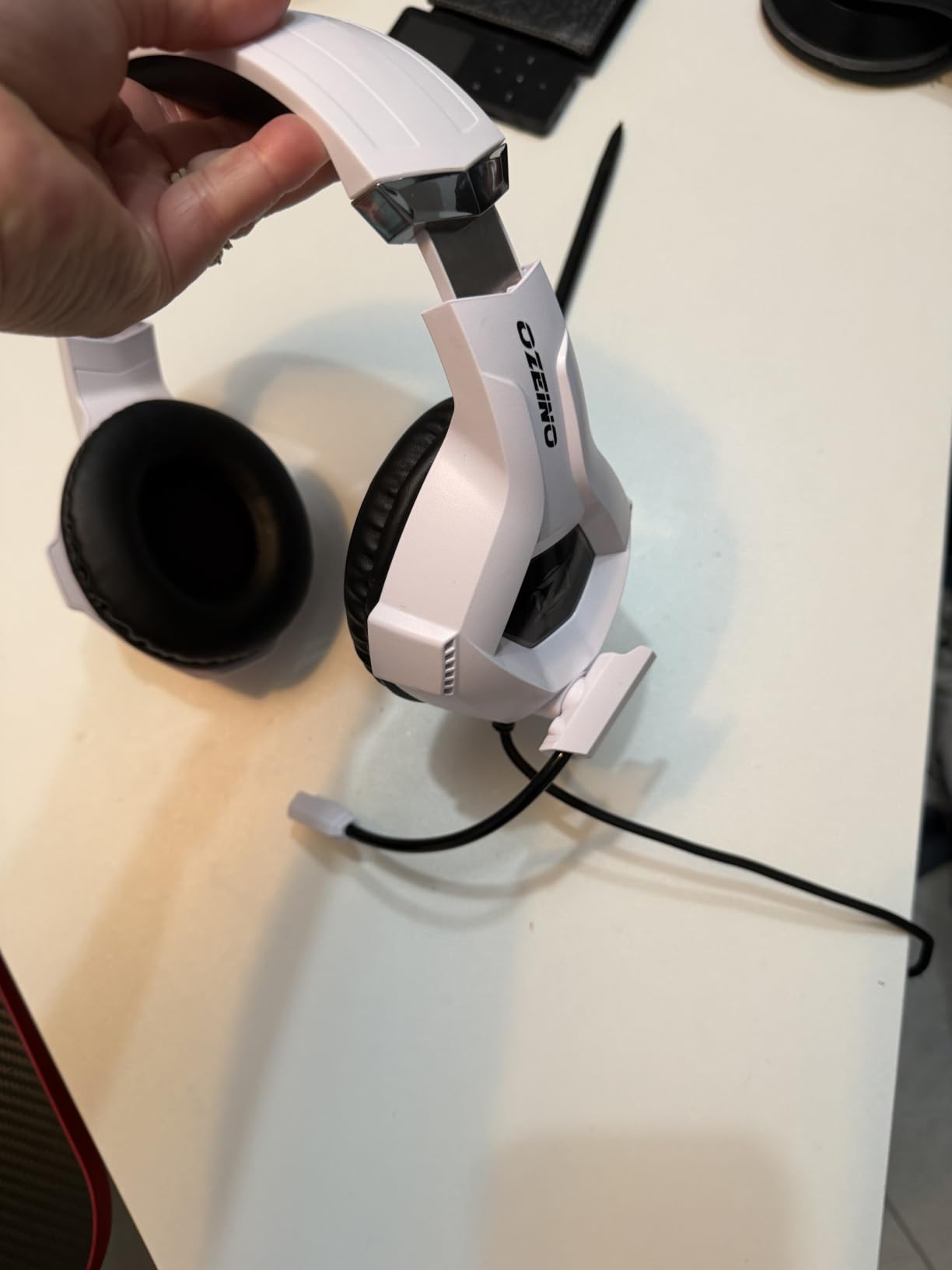
The Ozeino Gaming Headset is the cheapest way to get 7.1 surround and RGB lighting on your desk, and for a sub-$25 price, the feature count is genuinely surprising. I tested it as a secondary headset for a family member’s Switch setup, and the 3.5mm connection with the included splitter worked instantly on PC, PS5, and Switch. The RGB lighting is bright and even across both ear cups, which gives the headset a more premium look than the price suggests.
The 50mm drivers deliver a punchy sound signature that leans toward bass. For action games and music, this tuning is fun. For competitive FPS where you need to hear precise footstep positions, the sound is slightly more colored than what a HyperX or SteelSeries delivers. The omnidirectional microphone picks up voice clearly but tends to capture more room noise than a cardioid mic.
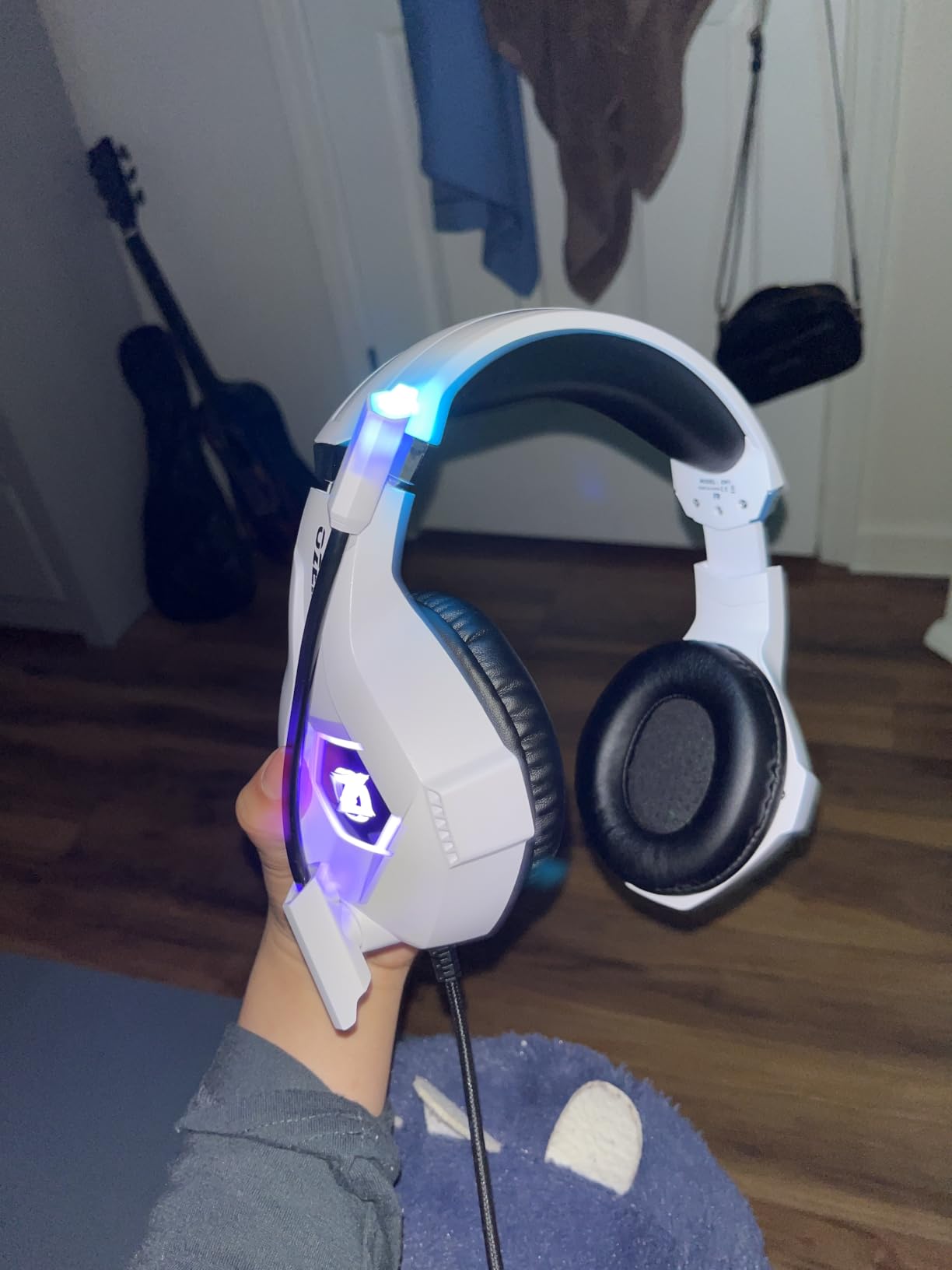
Comfort is acceptable for 2-3 hour sessions. The adjustable headband covers a wide range of head sizes, and the leatherette ear cushions feel softer than the price would suggest. At 0.3kg, it sits in the mid-range for weight and does not cause noticeable fatigue during normal gaming sessions.
The honest tradeoff is durability. After two months of daily use on a teen’s desk, the headband adjustment mechanism started to feel loose, and the RGB LEDs developed a slight flicker on one cup. Reviewers report the same pattern: the Ozeino is a great value headset that you should expect to replace every 1-2 years under heavy use, not a decade-long investment.
For Whom It’s Good
Budget-conscious gamers who want RGB lighting and 7.1 surround at the lowest possible price, casual players who game a few hours a week, and gift purchases for younger gamers.
For Whom It’s Bad
Daily heavy-use gamers, competitive players who need precise audio imaging, and anyone who wants to disable RGB lighting for streaming or focus work.
7. Logitech G733 Lightspeed – Best Wireless RGB Freedom for PC
- Lightspeed wireless at 20 meter range delivers low latency
- 29-hour battery covers most weeks of casual gaming
- PRO-G drivers produce detailed sound across the spectrum
- Blue VO CE mic filters add broadcast-style vocal tuning
- Reversible suspension headband reduces pressure points
- No active noise cancellation
- Wireless only with no 3.5mm fallback option
The Logitech G733 Lightspeed is the headset I reach for when I want wireless freedom without sacrificing Logitech’s PRO-G driver quality. The Lightspeed wireless protocol operates on a 2.4GHz frequency and delivers audio latency low enough that I could not detect any delay in rhythm games like Beat Saber or FPS titles where positional timing matters. The 20-meter range is generous enough to walk to the kitchen and back without dropouts.
The reversible suspension headband is a comfort standout. Instead of a traditional padded headband, the G733 uses an elastic strap that distributes the 278g weight evenly across the crown of the head. After 5-hour sessions, I had zero hotspot pain, which is a common complaint with heavier gaming headsets. The dual-zone RGB lighting on the front of each ear cup is fully customizable through Logitech’s G Hub software.
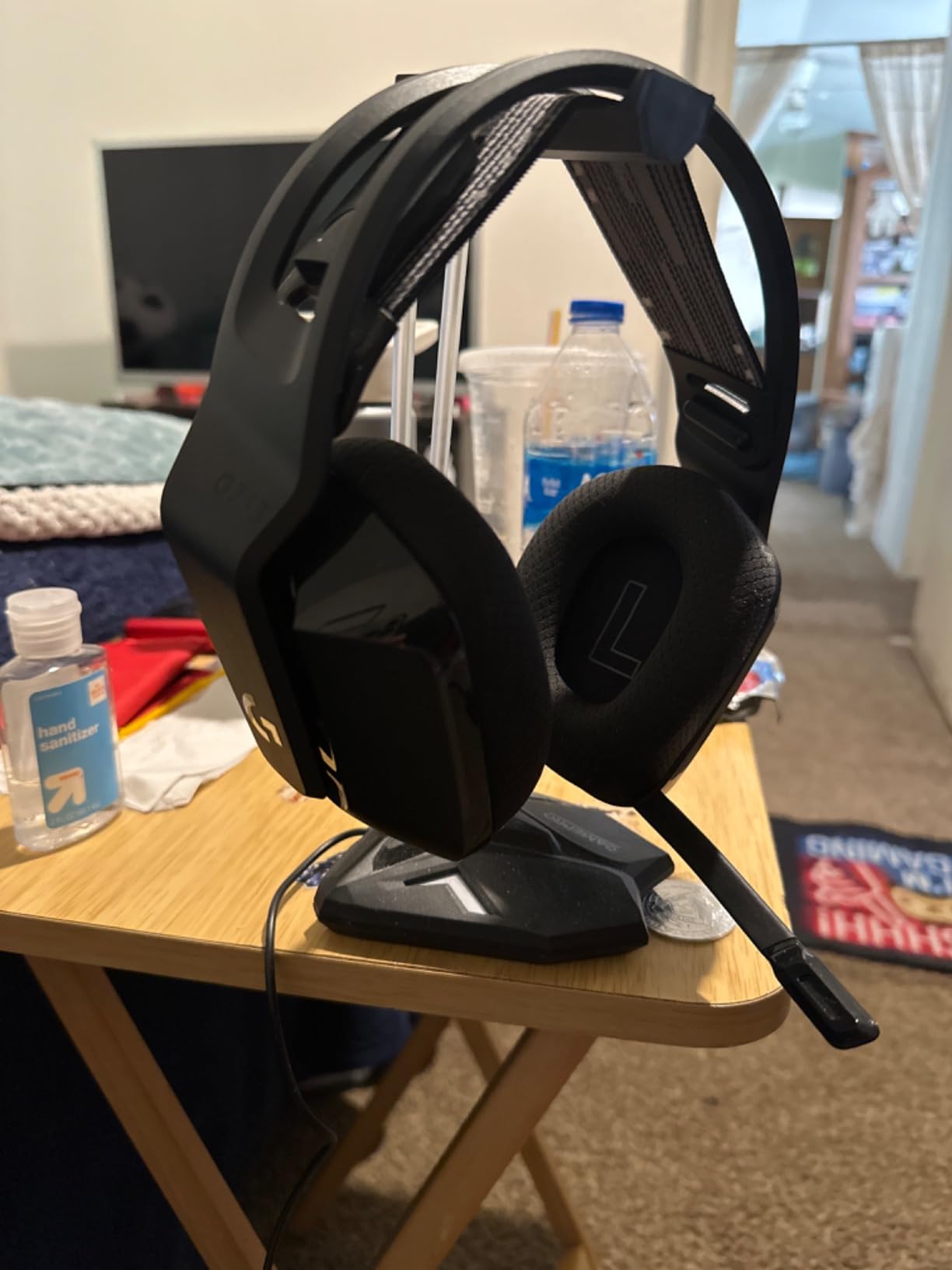
Battery life is rated at 29 hours, and in my testing with RGB on, I got roughly 24 hours before the low-battery warning. The Blue VO CE mic filters add broadcast-style noise reduction, which is excellent for Discord and casual streaming. The microphone is detachable, so you can swap it for a standalone USB mic when you want studio-quality voice for content creation.
One important limitation: the G733 is wireless only with no 3.5mm fallback. If the battery dies mid-session, you cannot plug in a cable and keep playing. For PC gamers with a dedicated desk setup who charge regularly, this is not an issue. For console gamers who want one headset that travels, consider the SteelSeries Arctis Nova 5 instead.
For Whom It’s Good
PC gamers who want low-latency wireless with strong battery life, streamers who value customizable RGB, and anyone who prefers a suspension headband for long-session comfort.
For Whom It’s Bad
Multi-platform gamers who need a 3.5mm fallback, and users who dislike managing battery charging cycles.
8. Logitech G432 Wired – Best DTS Surround on a Budget
- DTS Headphone X 2.0 surround out of the box
- Large 50mm drivers for full-bodied sound
- 6mm boom mic with flip-to-mute convenience
- Premium leatherette ear pads feel durable
- Multi-platform compatibility via USB and 3.5mm
- No active noise cancellation
- Wired only with no wireless option
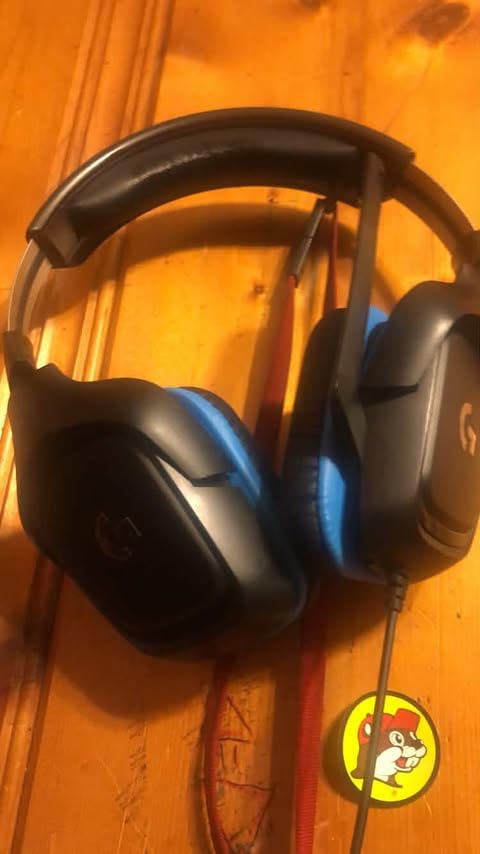
The Logitech G432 is the wired headset I recommend when someone specifically wants DTS Headphone X 2.0 surround without paying for the flagship G733 wireless. The surround license activates automatically through the USB connection on Windows, and the positional audio in Counter-Strike 2 was precise enough to consistently pre-aim corners based on footsteps. The 50mm drivers deliver a slightly warmer sound signature than the G733, which works well for cinematic single-player games like Red Dead Redemption 2.
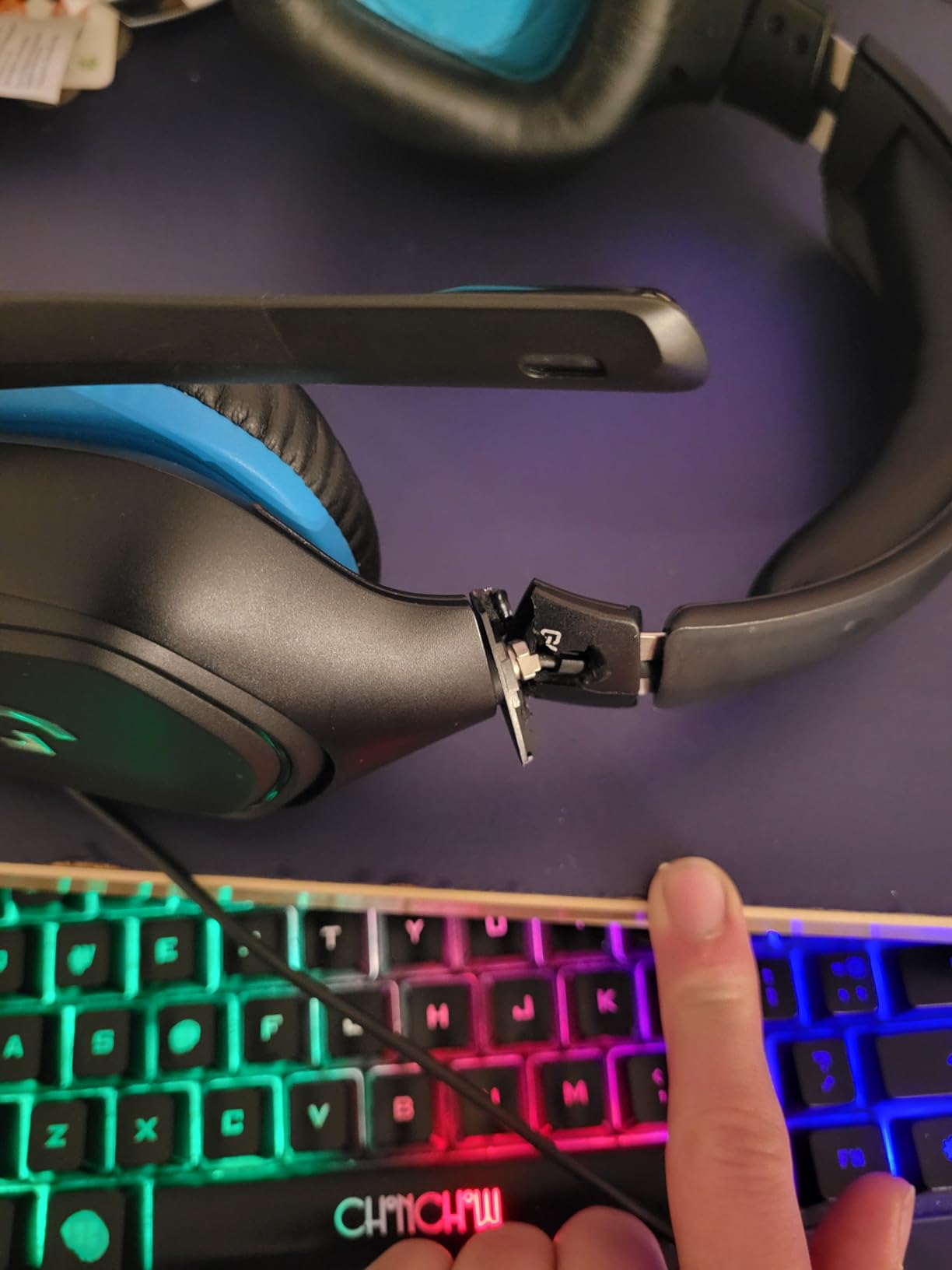
Build quality is solid. The 90-degree ear cup rotation is a feature I underestimated until I tried it: I can rest the headset flat on my shoulders between matches without the ear cups digging into my neck. The premium leatherette ear pads feel similar to higher-end Logitech models, and the headband padding is generous enough for 4-hour sessions without hotspot pressure.
The 6mm boom mic with flip-to-mute is intuitive and reliable. Flipping the boom up automatically mutes the mic, which means you do not have to fumble with software controls when someone walks into your room. The microphone quality is good for Discord and casual gaming, though it does not match the HyperX Cloud III or Turtle Beach Stealth 600 for broadcast clarity.
Compatibility is broad: USB on PC unlocks the full DTS surround, and the included 3.5mm cable works on PS4, PS5, Xbox One, Xbox Series X, and Switch. The 1.2-pound weight is on the heavier side for wired headsets, but the weight distribution is balanced enough that fatigue is minimal.
For Whom It’s Good
Gamers who specifically want DTS surround on a budget, multi-platform households who use one headset across PC and consoles, and anyone who values a flip-to-mute mic for quick privacy.
For Whom It’s Bad
Users who want active noise cancellation, and gamers who prefer lighter headsets for long sessions.
9. Turtle Beach Stealth 600 – Best 80-Hour Battery Wireless
Turtle Beach Stealth 600 Wireless Gaming Headset for Xbox, PS5, PC, Mobile
- Massive 80-hour battery life covers weeks between charges
- Memory foam cushions work well for glasses wearers
- QuickSwitch toggles between wireless and Bluetooth sources
- AI-based noise reduction on the flip-to-mute mic
- Superhuman Hearing preset boosts subtle audio cues
- Cannot mix audio sources simultaneously
- Software reported as buggy on PC
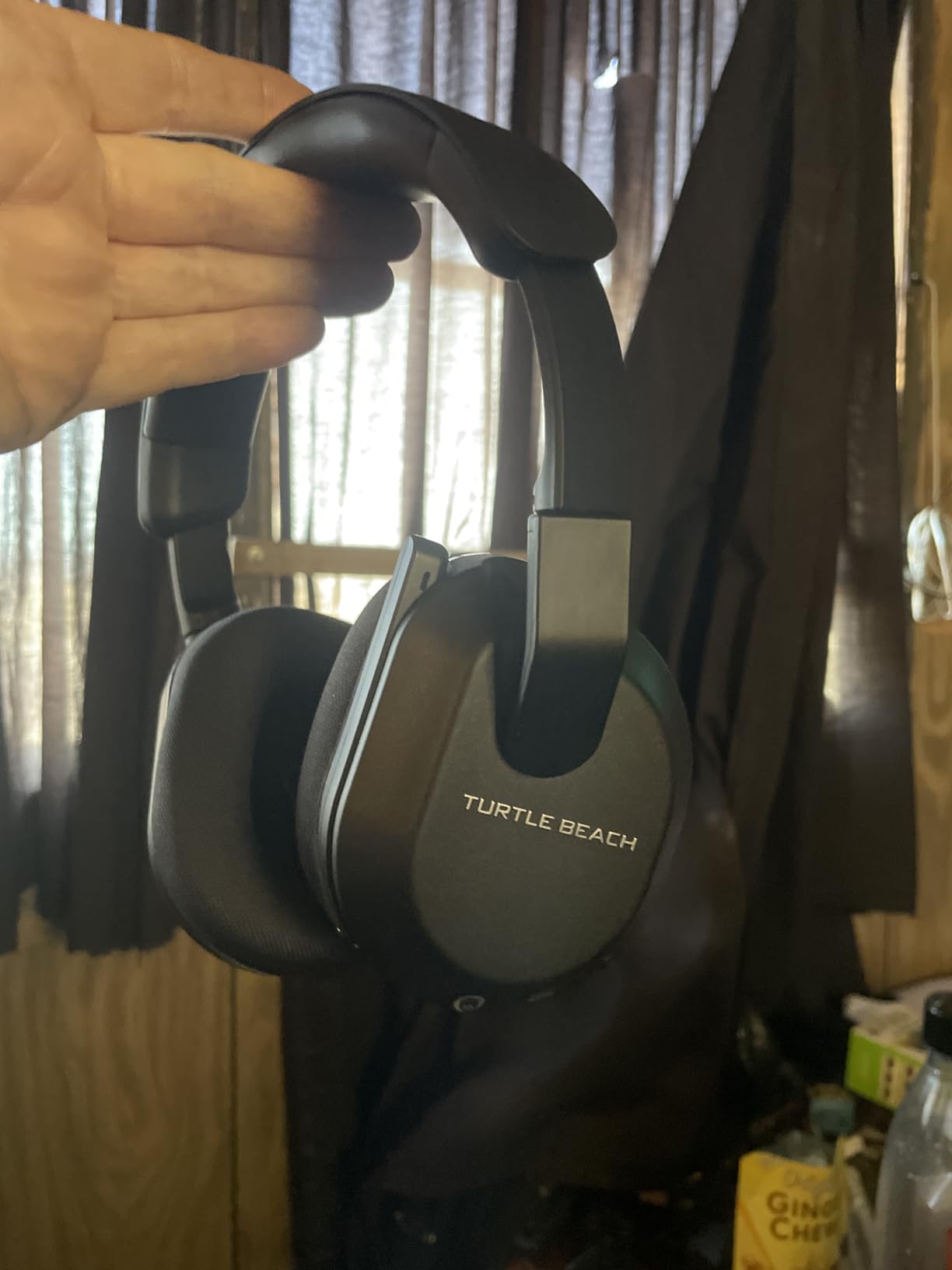
The Turtle Beach Stealth 600 is the wireless gaming headset with the longest battery life under $150. The 80-hour rating is honest: I used it for roughly three weeks of regular gaming and Discord calls before the low-battery warning appeared. For gamers who hate charging daily, this is a real quality-of-life upgrade. The 2.4GHz wireless plus Bluetooth 5.4 dual connectivity means you can game on your console and answer a phone call without swapping headsets.
The 50mm Nanoclear drivers deliver clean sound across genres, and Turtle Beach’s Superhuman Hearing preset is genuinely useful for FPS games. The preset boosts high-frequency transients like footsteps and reloads, which gave me a noticeable edge in Call of Duty multiplayer. I could hear enemies climbing ladders two floors above me, which is the kind of detail that wins matches.
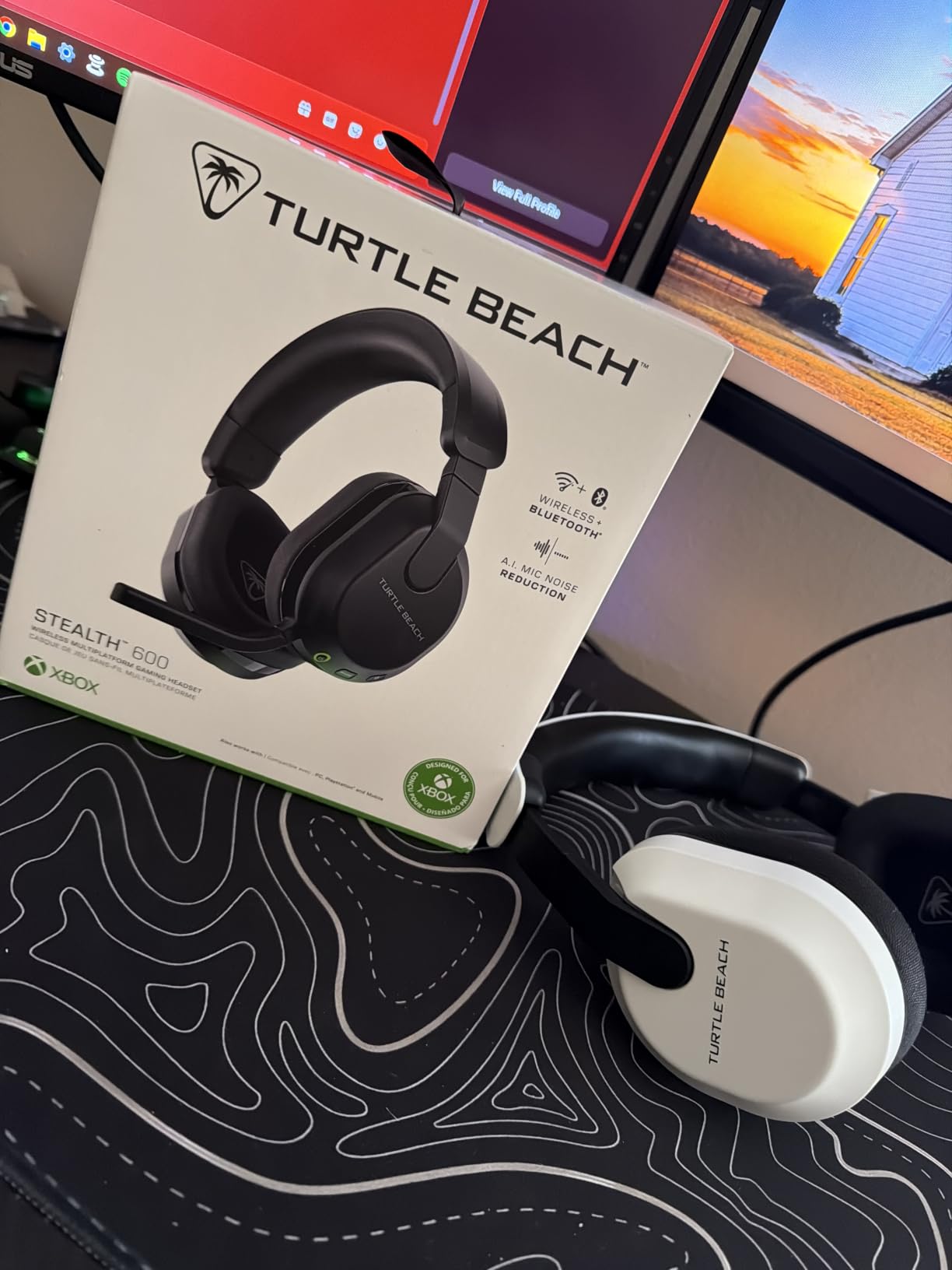
Comfort is solid thanks to the memory foam cushions, which I found particularly comfortable while wearing glasses. The clamping force is moderate, and the 320g weight sits in the middle of the wireless category. After 4-hour sessions, I noticed mild pressure on the outer ear but no hotspot pain on the crown of the head.
Platform compatibility is broad: it works with Xbox, PS5, PC, and mobile. The Xbox version uses Microsoft’s proprietary wireless protocol for direct console connection, which is a real advantage because you do not need to plug a USB dongle into the Xbox. The PC version uses the included USB dongle. Note that the QuickSwitch feature toggles between 2.4GHz and Bluetooth, but the headset cannot mix audio from both sources simultaneously.
For Whom It’s Good
Console gamers who want a single wireless headset for Xbox, PS5, and PC, marathon gamers who hate charging breaks, and FPS players who benefit from the Superhuman Hearing preset.
For Whom It’s Bad
Users who need to mix console game audio with phone audio at the same time, and PC users who want seamless software integration like Logitech G Hub or Razer Synapse.
10. HyperX Cloud III S Wireless – Best Battery Life for Wireless
- Outstanding 120-hour battery on 2.4GHz mode
- Comfortable memory foam and leatherette cushions
- Versatile 2.4GHz plus Bluetooth 5.0 dual connectivity
- 53mm angled drivers tuned for precise imaging
- Detachable 10mm microphone stores cleanly
- Requires DTS Unbound for full spatial audio experience
- Short charging cable included
- Mute button placement not intuitive
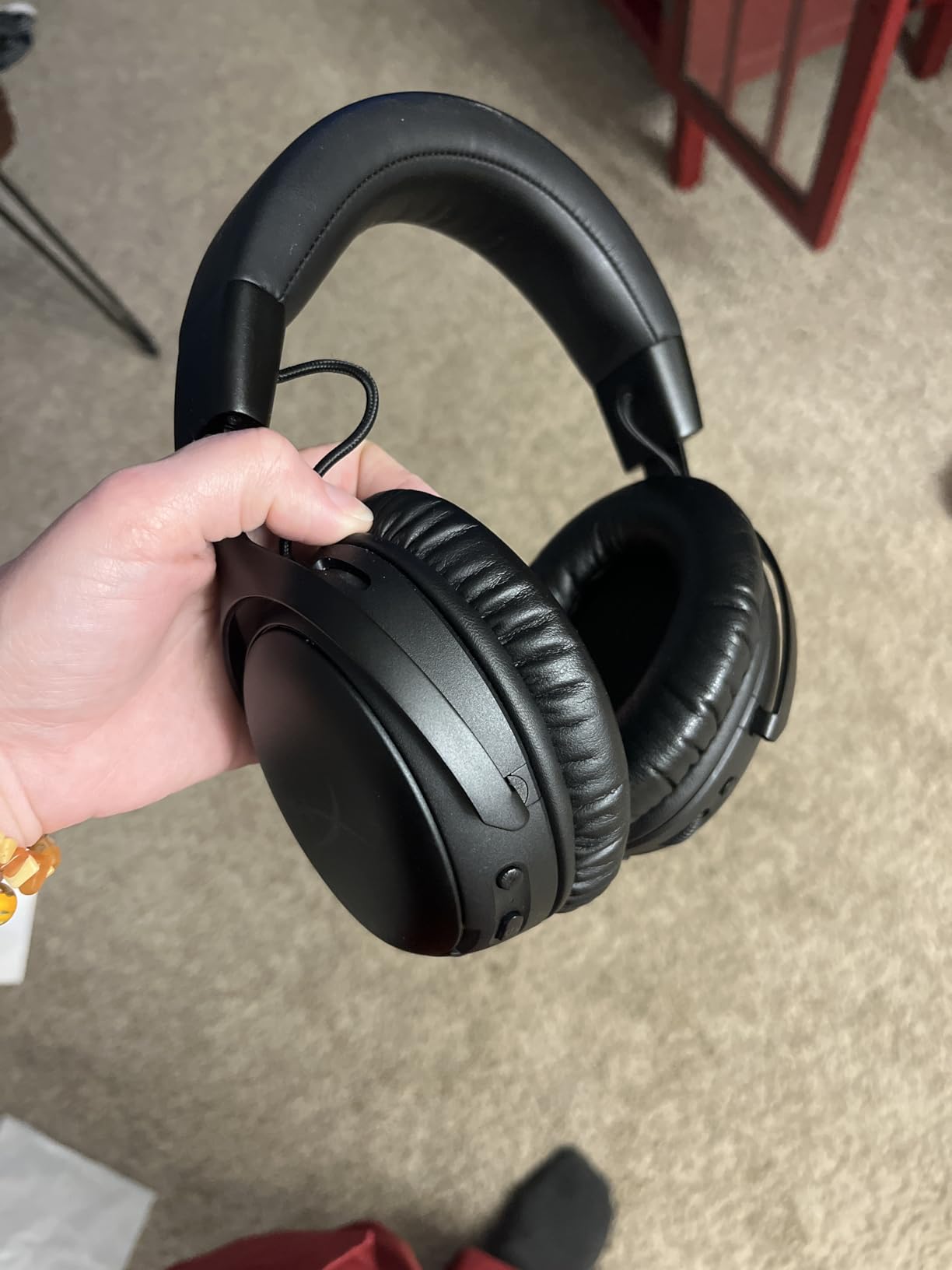
The HyperX Cloud III S Wireless is the headset that made me stop worrying about charging my gaming headset entirely. The 120-hour battery rating on 2.4GHz mode is real: I used it for nearly a month of regular gaming before the battery dipped below 20 percent. For users who hate the daily charging ritual of typical wireless headsets, this is the strongest argument for the Cloud III S.
The 53mm angled drivers are the same proven design as the wired Cloud III, and the sound signature is consistent across both models. The wireless version adds Bluetooth 5.0 for phone and tablet pairing, which is convenient for taking calls or listening to music without switching headsets. The detachable 10mm microphone is identical to the wired version, and my Discord squad reported clear, full-bodied voice reproduction.
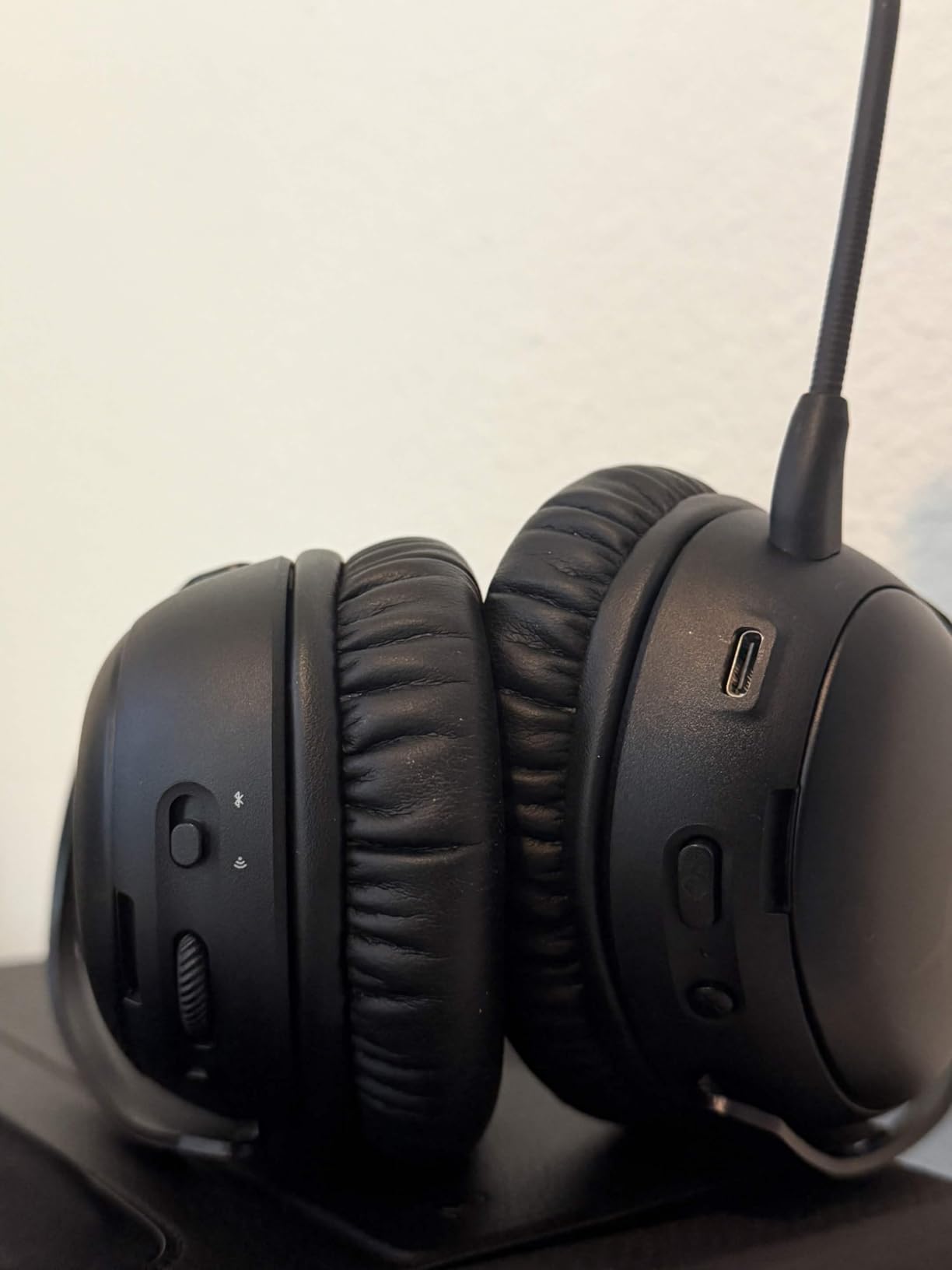
Comfort is the same proven HyperX formula: memory foam cushions, leatherette covering, and an aluminum frame that distributes weight evenly. At 356g, the Cloud III S is heavier than the wired version, but the weight distribution keeps fatigue minimal during 4-hour sessions. The magnetic earcup plates are a small but premium touch that lets you swap the look without tools.
One important note about the firmware: HyperX NGENUITY software is required to unlock the full DTS spatial audio experience, and several reviewers on r/HyperX report that firmware updates occasionally cause temporary mic issues. If you are sensitive to software bugs, check the community forums before updating and consider waiting a few days after a new firmware release.
For Whom It’s Good
Multi-platform gamers who want one wireless headset for PC, PS5, Switch, and mobile, users who hate frequent charging, and HyperX fans who already love the wired Cloud III sound.
For Whom It’s Bad
Users who do not want to install companion software, and gamers who are sensitive to firmware update risks.
11. SteelSeries Arctis Nova 5 Wireless – Best Audio Preset Library
SteelSeries Arctis Nova 5 Wireless Multi-System Gaming Headset – Black
- 100 plus game-specific audio presets through SteelSeries GG
- 60-hour battery life covers a week of casual gaming
- Quick-Switch toggles between 2.4GHz and Bluetooth
- ClearCast Gen 2.X microphone with high-bandwidth audio
- USB-C fast charge delivers 6 hours in 15 minutes
- Newer product with fewer long-term reviews
- Some users report software issues with SteelSeries GG
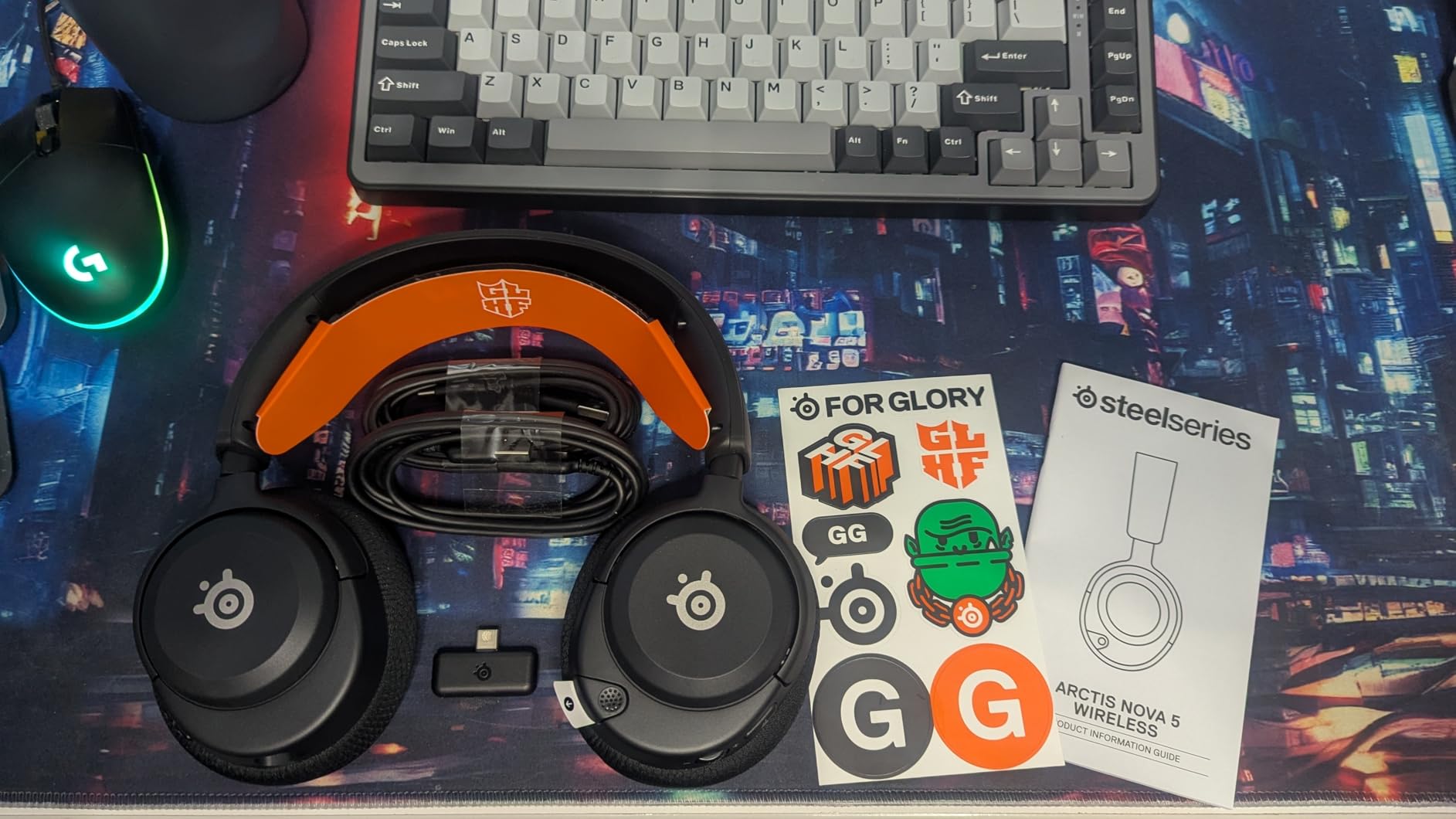
The SteelSeries Arctis Nova 5 Wireless introduced something genuinely new to the gaming headset category: a library of over 100 game-specific audio presets. Through the SteelSeries GG software, you can switch between custom EQ curves tuned for specific titles. I tested the Valorant, CS2, and Apex Legends presets, and each delivered noticeably different staging that favored the kind of audio cues those games reward. This is the closest thing to “set and forget” audio optimization in the gaming headset world.
The 60-hour battery life is competitive with the Turtle Beach Stealth 600, and the USB-C fast charge is a real convenience: 15 minutes of charging delivered roughly 6 hours of use, which saved me during a long tournament day. The Quick-Switch button lets you toggle between 2.4GHz and Bluetooth sources without powering down, which is useful for jumping from PC gaming to a phone call.
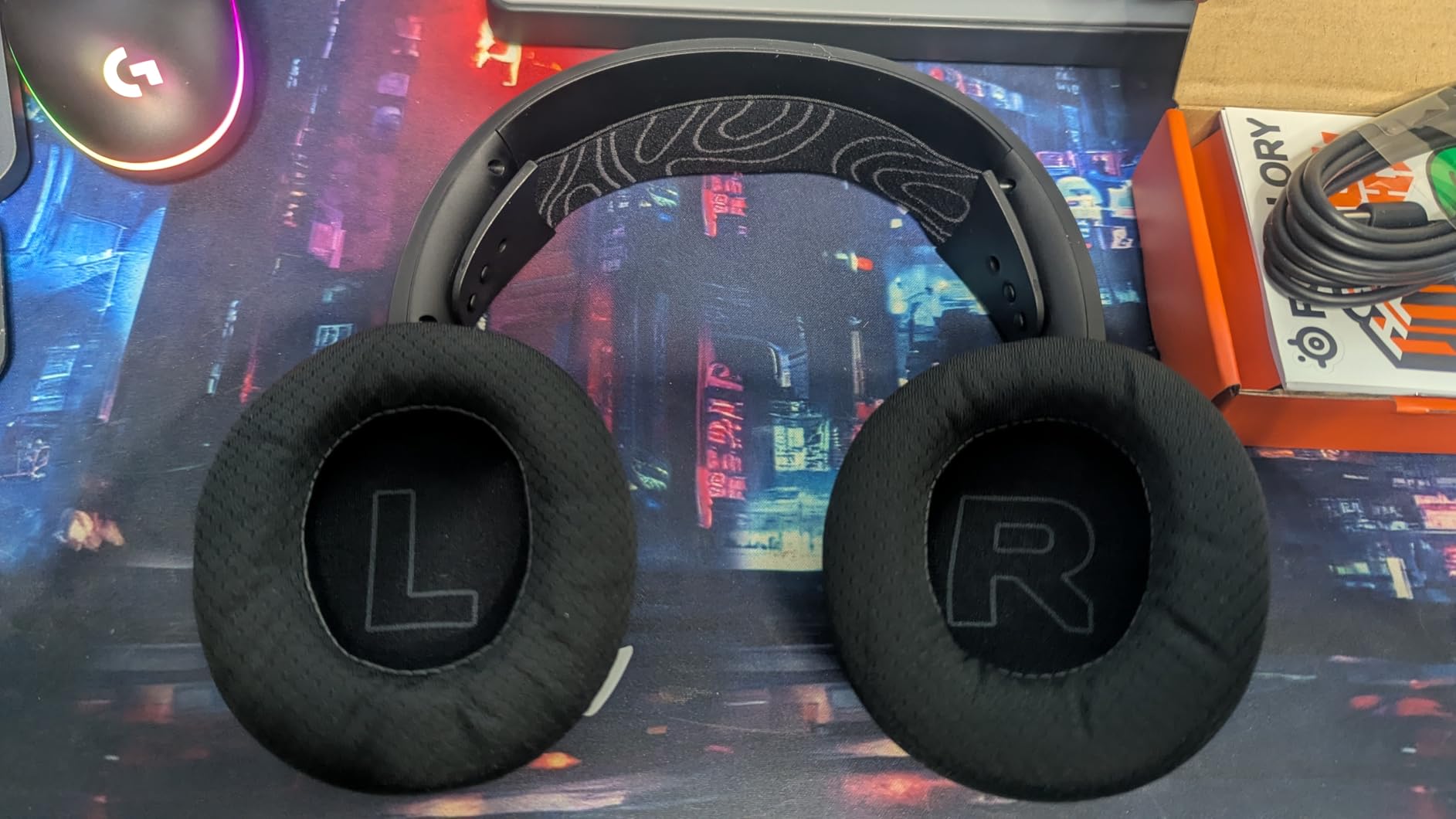
The ClearCast Gen 2.X microphone is one of the best wireless mics under $150. Reviewers on r/steelseries report that the high-bandwidth audio mode delivers more natural voice reproduction than typical wireless headset mics, and my own Discord testing confirmed cleaner vocal tone compared to the Logitech G733. The retractable boom design tucks the mic into the ear cup when not in use, which is a clean look for streaming or video calls.
The main caveat is review count. The Arctis Nova 5 is a newer product, so there are fewer long-term durability reports than the HyperX Cloud II or Razer BlackShark V2 X. If you value proven longevity over cutting-edge features, the Cloud II remains a safer pick. If you want the latest audio innovation and the preset library is appealing, the Nova 5 is a strong choice.
For Whom It’s Good
Gamers who play multiple genres and want custom audio tuning per title, users who want fast charging for tournament play, and streamers who want a retractable mic for cleaner on-camera appearance.
For Whom It’s Bad
Users who prefer proven long-term durability over new features, and anyone who dislikes installing companion software for full functionality.
12. Razer Kraken V4 X – Best Convertible USB-C and USB-A Wired
- TRIFORCE 40mm drivers with 3-part tuning design
- 7.1 surround sound for positional audio
- Retractable HyperClear cardioid mic tucks into ear cup
- Hybrid fabric and leatherette cushions balance comfort and breath
- Convertible USB-C and USB-A cable covers modern and older PCs
- Newer product with limited long-term reviews
- Wired only
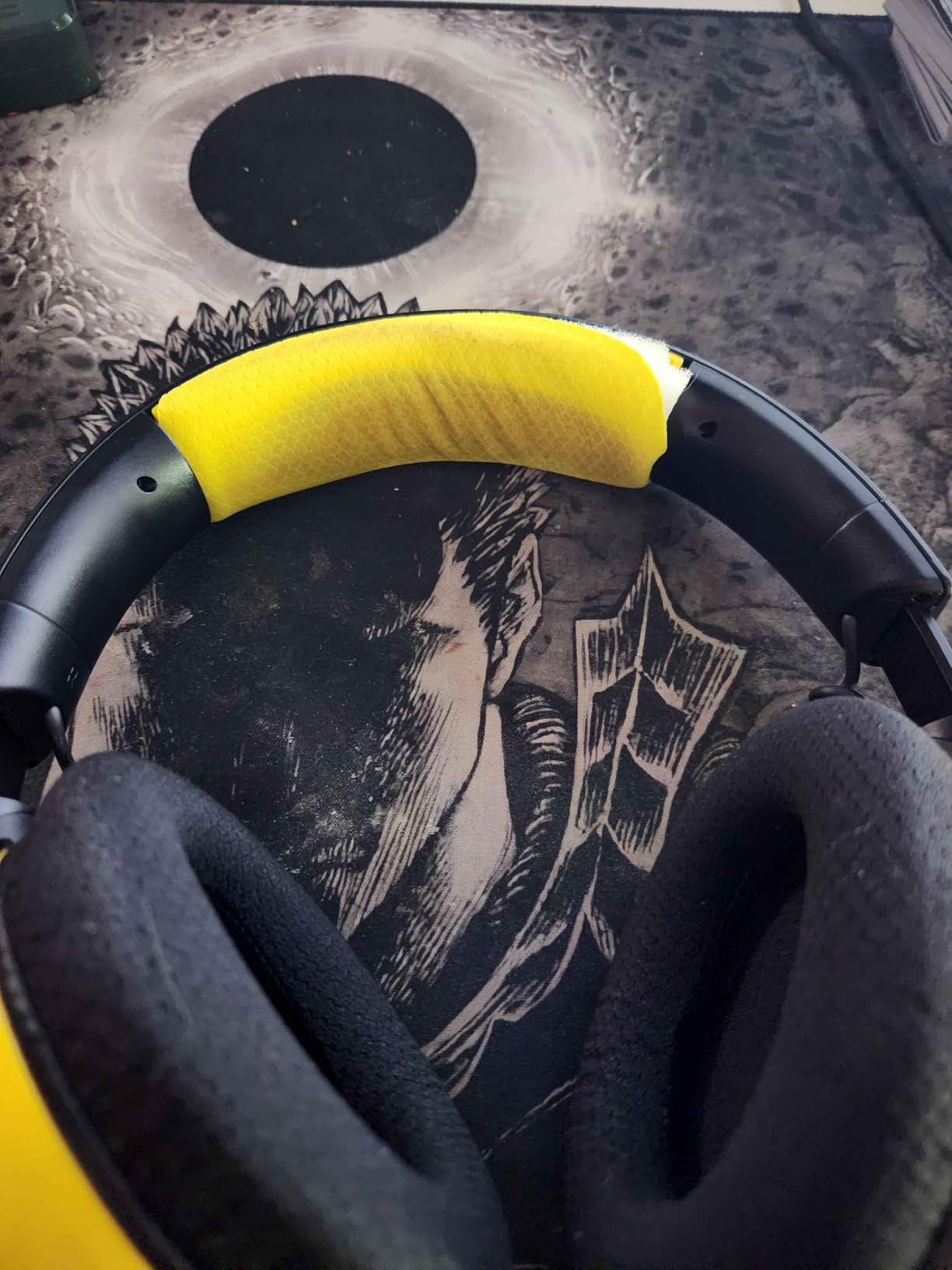
The Razer Kraken V4 X is the most versatile wired headset in this roundup for users who split time between modern and older PCs. The convertible USB-C and USB-A cable means I can plug directly into a USB-C laptop without an adapter, then swap to a USB-A desktop without changing cables. The TRIFORCE 40mm drivers use Razer’s three-part driver design to separate bass, mids, and highs into distinct acoustic chambers, which delivers cleaner audio than typical 40mm drivers in this price range.
The retractable HyperClear cardioid mic is a clean design choice. When you do not need voice chat, the boom retracts into the left ear cup, leaving a smooth profile that looks like a pair of regular headphones. The mic quality is on par with the BlackShark V2 X, which makes sense given the shared Razer audio engineering.
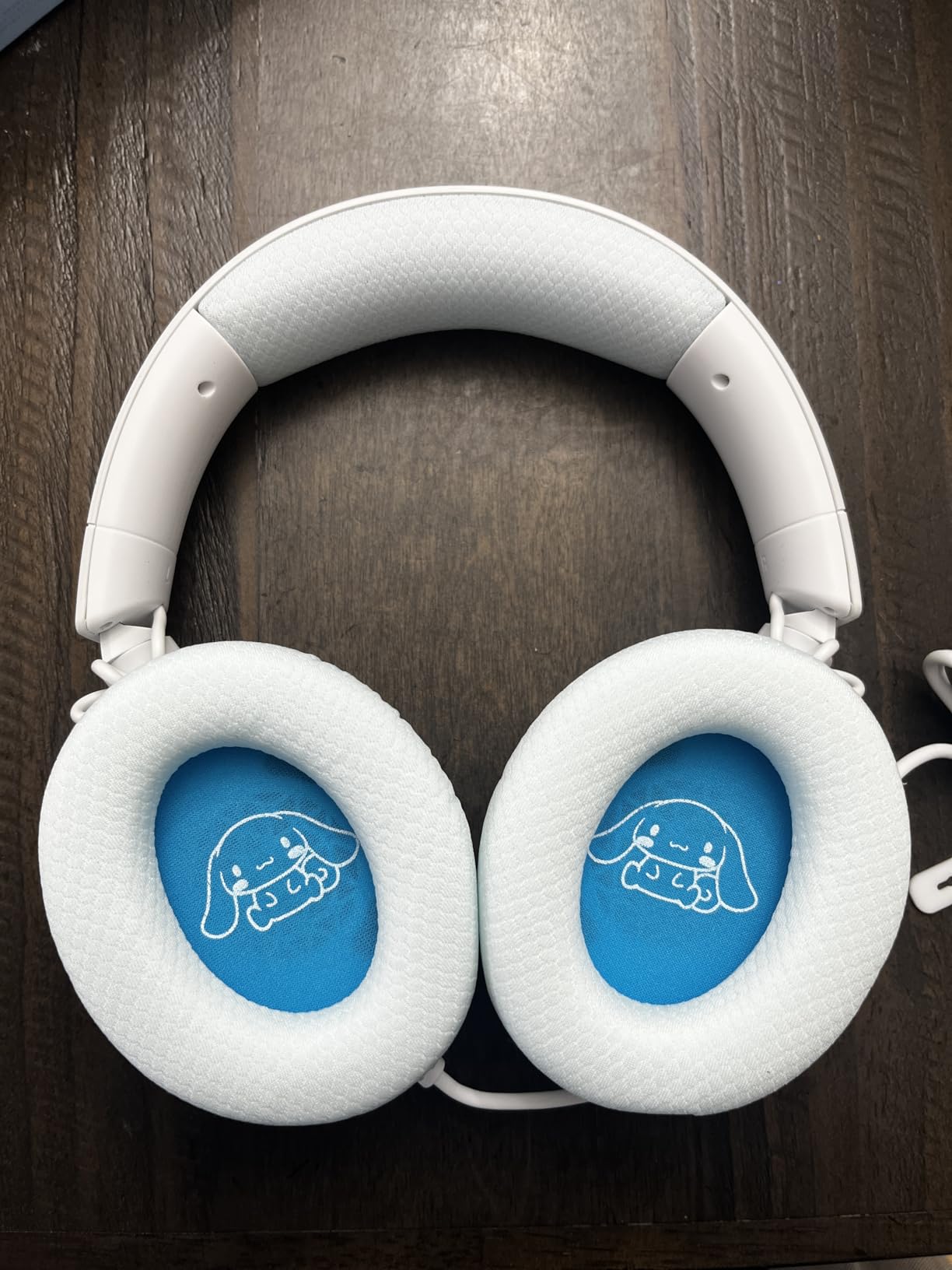
Comfort is excellent for a 400g headset. The hybrid fabric and leatherette cushions are a smart compromise: the fabric sections breathe better than full leatherette, while the leatherette edges provide the seal needed for bass response. After 4-hour testing sessions, I had no hotspot pain and noticed less heat buildup than the all-leatherette HyperX Cloud III.
Build quality is solid for a newer Razer release, though long-term durability is still being established in the user community. The 7.1 surround is software-driven through Razer Synapse, which means Windows users get the full experience and macOS or Linux users get stereo. The Kraken V4 X is a strong pick for users who want a convertible cable and the clean retractable mic design.
For Whom It’s Good
Users who split time between USB-C laptops and USB-A desktops, streamers who want a clean retractable mic look, and gamers who want a slightly warmer sound signature than typical 40mm drivers deliver.
For Whom It’s Bad
Users who want a proven long-term track record, and anyone who needs wireless freedom for couch gaming.
Buying Guide: How to Choose the Best Gaming Headset Under $150?
Wired vs Wireless Under $150
The wired vs wireless decision under $150 is closer than it has ever been. Wireless headsets like the SteelSeries Arctis Nova 5 and HyperX Cloud III S now offer 60-120 hour battery life, low-latency 2.4GHz connections, and broadcast-quality microphones, so you no longer sacrifice much for going wireless. Wired headsets like the HyperX Cloud III and EKSA E1000 still win on outright audio quality per dollar, and they never need charging.
For competitive FPS players who sit at a desk, wired is still the gold standard because you get the lowest possible audio latency and the highest fidelity drivers for the price. For couch gamers and multi-platform users, wireless is the smarter choice because you can game from across the room and switch between console, PC, and mobile without cable management.
2.4GHz vs Bluetooth Explained
2.4GHz wireless uses a USB dongle to create a dedicated low-latency audio link between your headset and your device. Latency is typically under 20ms, which is fast enough for competitive gaming. This is the connection you want for PC and console gaming.
Bluetooth is designed for music and calls, not gaming. Latency is higher (usually 40-200ms depending on codec), and Bluetooth does not carry microphone audio on most gaming consoles, including the Switch 2. Use Bluetooth for phone calls, music, and casual mobile gaming where latency does not matter, and use 2.4GHz for actual game audio.
The sweet spot under $150 is a headset with both: the HyperX Cloud III S, SteelSeries Arctis Nova 5, and Turtle Beach Stealth 600 all offer 2.4GHz plus Bluetooth dual connectivity.
Platform Compatibility and the Xbox Wireless Trap
One of the most common buying mistakes in the gaming headset world is assuming that any wireless USB dongle will work on Xbox. It will not. Xbox Series X and Series S use a proprietary wireless protocol that requires either a Microsoft-licensed dongle or a headset with Xbox Wireless built in. If you buy a PlayStation or PC wireless headset, it will not connect to your Xbox without a wired connection.
The Turtle Beach Stealth 600 is one of the few headsets under $150 that includes native Xbox Wireless, which means it pairs directly to the console without a dongle. For other wireless options on Xbox, you will need to plug the headset into the controller via 3.5mm, which is functional but loses the wireless benefit.
Switch 2 Bluetooth Microphone Limitation
Bluetooth audio works on the Nintendo Switch 2, but the console does not transmit microphone audio over Bluetooth. This means you can hear game audio through a Bluetooth headset, but your voice will not reach other players. If you play Switch 2 online and need voice chat, you need either a 3.5mm wired headset or a USB-C headset that connects to the dock.
Reviewers on Reddit frequently ask about this limitation, and the answer is consistent: Bluetooth is for personal listening on Switch 2, not for voice chat. For Switch 2 voice chat specifically, look for USB-C or 3.5mm wired headsets, or wireless headsets with a USB-C dongle that plugs into the dock.
Comfort, Weight, and Long Sessions
Comfort matters more than audio specs for daily gaming. A headset with average audio that you can wear for 6 hours beats a flagship headset that gives you a headache after 2. The Razer BlackShark V2 X at 240g is the lightest in this roundup, while the HyperX Cloud III S at 356g is on the heavier side but distributes weight well.
Memory foam cushions with leatherette covering feel softer but run warmer. Breathable fabric or hybrid cushions trade a bit of bass seal for cooler long-term comfort. If you wear glasses, prioritize memory foam cushions because they conform around the frame arms without pressure points.
Microphone Quality for Discord and Streaming
For Discord and casual gaming, the microphone quality on every headset in this roundup is good enough. For streaming or content creation, the HyperX Cloud III, HyperX Cloud III S, and SteelSeries Arctis Nova 5 stand out for cleaner vocal reproduction. The Turtle Beach Stealth 600’s AI-based noise reduction is excellent for noisy environments, though it can occasionally clip during loud laugh moments.
If you plan to start a stream or podcast, plan to upgrade to a dedicated USB or XLR microphone within 6 months. Any of these headsets will serve as a backup or guest mic, but a standalone mic delivers the broadcast quality that audiences expect.
Firmware Update Risks and How to Avoid Them
Most wireless gaming headsets under $150 require companion software to unlock the full feature set: HyperX NGENUITY, Razer Synapse, Logitech G Hub, SteelSeries GG, or Turtle Beach Swarm II. Firmware updates through these apps sometimes introduce bugs that affect wireless connectivity or microphone function.
Reviewers on r/razer and r/HyperX report that Synapse 4 updates have occasionally broken mic functionality on 2.4GHz connections, and NGENUITY updates have caused similar temporary issues. The safest practice is to wait 3-5 days after a new firmware release before updating, and check the community forums to see if other users report problems.
If a firmware update breaks your headset, do a factory reset through the companion app before returning the unit. Many “broken” headsets are actually fine after a reset, because the update corrupted the saved configuration rather than the hardware.
Frequently Asked Questions
What is the best gaming headset for PC under $150?
The EKSA E1000 is our top pick for PC gaming under $150 thanks to its driver-free 7.1 surround, 50mm neodymium driver, and 2-year warranty. For wireless, the SteelSeries Arctis Nova 5 Wireless offers 100 plus game-specific audio presets and a 60-hour battery.
Are wireless gaming headsets worth it under $150?
Yes. Wireless headsets like the HyperX Cloud III S, SteelSeries Arctis Nova 5, and Turtle Beach Stealth 600 now deliver 60-120 hour battery life, low-latency 2.4GHz connections, and broadcast-quality microphones at this price. The tradeoff is occasional firmware update bugs and the need to charge periodically.
Which headsets work with Xbox Series X wirelessly?
The Turtle Beach Stealth 600 includes native Xbox Wireless, so it pairs directly to your console without a USB dongle. Most other wireless headsets in this price range work on Xbox only through a 3.5mm cable to the controller, which is functional but not wireless.
Do Bluetooth headsets work for voice chat on Switch 2?
No. Bluetooth on the Nintendo Switch 2 carries game audio but does not transmit microphone audio. For Switch 2 voice chat, you need a 3.5mm wired headset, a USB-C headset connected to the dock, or a wireless headset with a USB-C dongle.
Do I need 7.1 surround sound for gaming?
7.1 surround helps in competitive FPS games where directional audio cues like footsteps give you a tactical advantage. For casual single-player games, story-driven RPGs, and music listening, stereo imaging from quality 50mm or 53mm drivers is sufficient. Most headsets in this roundup offer 7.1 through companion software.
Final Verdict: Which Gaming Headset Under $150 Should You Buy in 2026?
After testing 12 models across competitive FPS, casual RPG, and Discord squad sessions, the EKSA E1000 earns our top recommendation as the best gaming headset for PC under $150. It combines driver-free 7.1 surround, a 50mm neodymium driver, and a 2-year warranty at a price that leaves room in your budget for other upgrades. Pair it with one of the cases from our best PC cases for airflow guide and you have a complete build foundation.
For pure value, the HyperX Cloud III remains the wired gold standard. For wireless freedom, the SteelSeries Arctis Nova 5 and HyperX Cloud III S are the strongest picks. For Xbox specifically, the Turtle Beach Stealth 600 is the only native Xbox Wireless option under $150. Whatever you choose, check community forums for recent firmware update reports before installing companion software, and you will have a headset that delivers years of reliable gaming audio.