
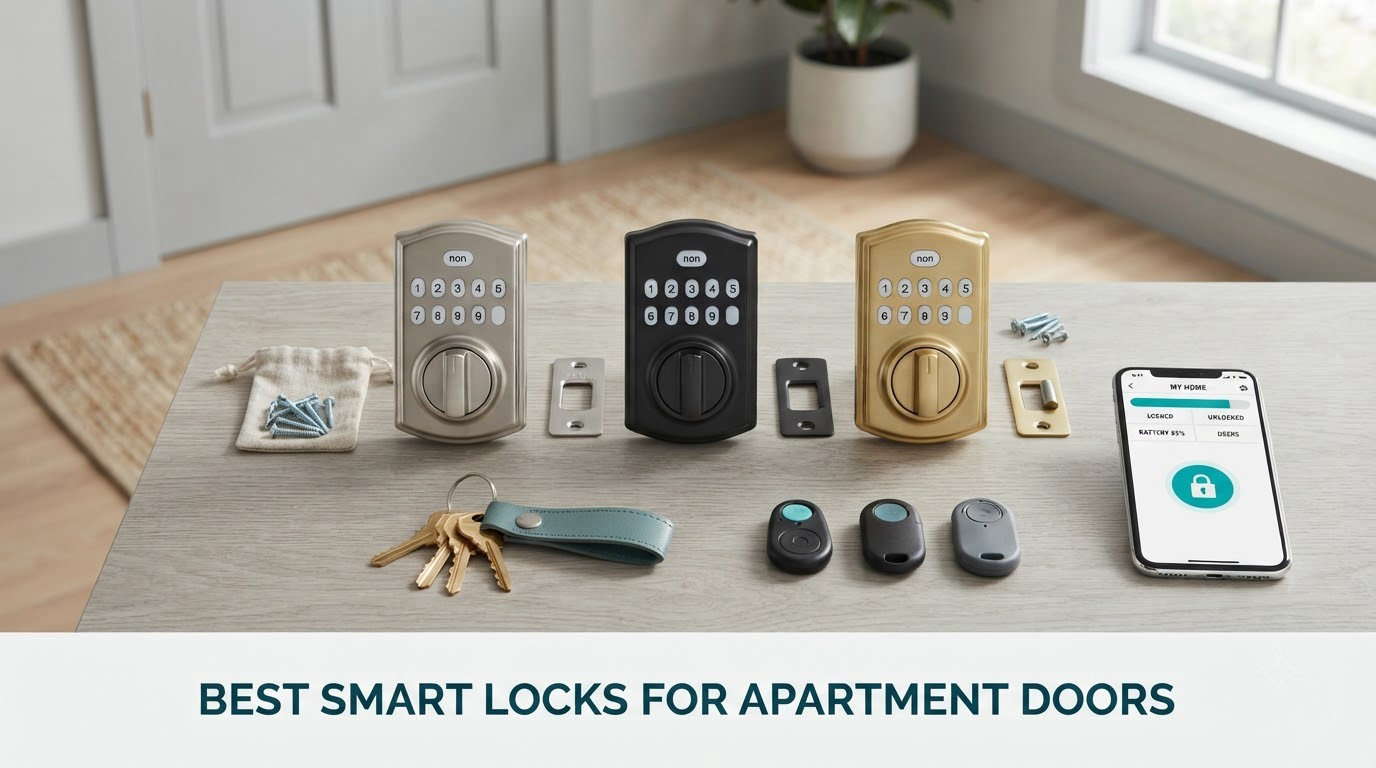
Apartment doors are the least forgiving test of a smart lock. You cannot drill new holes, you cannot swap the deadbolt, and the key your landlord handed you still has to work the day you move out. That rules out most of the shiny full-replacement locks on the market and leaves a short list of retrofit designs that mount over what is already in your door.
Those are the locks we compared over six weeks. The best smart locks we tested across every door type include keypad-only and fingerprint models, hub-free Wi-Fi models and one that sticks on with adhesive and no tools at all. Every lock below installs over an existing standard deadbolt and comes off cleanly.
What follows covers every major install style, the lease questions that decide whether you can install one at all, and where each lock breaks down on a real apartment door.
Table of Contents
Quick Picks: The 3 Best Smart Locks for Apartment Doors (October 2026)
If you want an answer without reading twelve sections, start here. These three cover the widest range of apartment situations, from the strongest build to the lowest-friction install.

Schlage Encode Smart WiFi Deadbolt
- Built-in Wi-Fi with no hub
- 100 access codes
- BHMA certified
- 4 AA batteries for about 6 months

ULTRALOQ Bolt SE WiFi
- 50 fingerprints and 50 passcodes
- Matter over Thread plus built-in Wi-Fi
- IP65 zinc alloy body

August Smart Lock Pro with Connect Hub
- Retrofit mount keeps your deadbolt
- DoorSense Auto-Unlock
- Apple HomeKit support
The Schlage Encode is our pick because it pairs a full deadbolt body with hub-free Wi-Fi and BHMA certification, and it carries the largest review base we measured. The ULTRALOQ Bolt SE earns its place for fingerprint speed and dual Wi-Fi plus Matter radios. The August Pro is the one to buy if your building runs Apple HomeKit.
Every Lock in the Roundup at a Glance in 2026
This table lists all twelve locks with their install type, wireless path and the situation each one suits best.
| Product | Specifications | Action |
|---|---|---|
| Schlage Encode Smart WiFi Deadbolt |
|
Check Latest Price |
| August Smart Lock Pro and Connect Hub |
|
Check Latest Price |
| ULTRALOQ Bolt SE WiFi |
|
Check Latest Price |
 eufy Security Smart Lock C220 eufy Security Smart Lock C220 |
|
Check Latest Price |
 CANDY HOUSE Sesame 5 CANDY HOUSE Sesame 5 |
|
Check Latest Price |
 Sifely Fingerprint Smart Deadbolt Sifely Fingerprint Smart Deadbolt |
|
Check Latest Price |
 TEEHO TE012W WiFi Fingerprint Lock TEEHO TE012W WiFi Fingerprint Lock |
|
Check Latest Price |
 Wyze Auto-Lock Bolt v2 Wyze Auto-Lock Bolt v2 |
|
Check Latest Price |
 Tapo Smart Wi-Fi Deadbolt DL100 Tapo Smart Wi-Fi Deadbolt DL100 |
|
Check Latest Price |
 Tapo Smart Wi-Fi Door Lock DL110 Tapo Smart Wi-Fi Door Lock DL110 |
|
Check Latest Price |
 Veise VE027 WiFi Fingerprint Deadbolt Veise VE027 WiFi Fingerprint Deadbolt |
|
Check Latest Price |
 ULTRALOQ U-Bolt WiFi Smart Lock ULTRALOQ U-Bolt WiFi Smart Lock |
|
Check Latest Price |
Can You Put a Smart Lock on an Apartment Door? Yes, With Permission in Writing
Yes, you can put a smart lock on an apartment door, but most leases treat any hardware change as a modification you need to clear first. Written permission matters far more than whether the install is technically reversible: a landlord who sees an email in their inbox has nothing to argue with, while a landlord who finds a new keypad after the fact has a deposit claim.
What typically needs written approval: replacing the deadbolt, drilling new holes, and anything that touches the frame or the strike plate. What usually does not: an interior-mounted device that screws into existing holes, and an adhesive mount on the interior side only.
Ask in writing, briefly. Something like: “Hi, I would like to add an interior smart lock adapter to my entry door so I can give my dog walker and cleaners temporary codes. It does not require drilling and I will restore the original hardware before I move out. Could you confirm this is okay in writing?” Attach a photo of the product and note the removal plan. Residents on Reddit’s r/Locksmith and r/RealEstate boards report that a short written request like this gets approved far more often than a verbal one.
One thing worth knowing: your activity log stays yours. A landlord who approves the lock does not get to read your entry history unless you explicitly share access in the app. Codes you create for guests are revocable at any time, which is exactly what you want to be able to say at the end of the lease.
The Three Types of Apartment Smart Locks
There are three install styles, and they differ in how much of your door they touch. This distinction matters more than any feature on the spec sheet.
Full replacement deadbolts. These remove your existing lock and bolt a new one into the same two holes. Schlage, Tapo, Wyze, eufy, Veise, Sifely, TEEHO and ULTRALOQ all build this style. They are the most secure because you own the whole lock body, but the original key stops working unless the new lock ships with that cylinder, and some older doors need an adapter or spacer.
Retrofit over the interior thumbturn. A motor sits behind your deadbolt and turns the existing thumbturn for you. The exterior key cylinder and your landlord’s master key keep working untouched. August and CANDY HOUSE build this style, and August’s DoorSense sensor is what makes genuine auto-unlock possible here.
Adhesive no-drill mounts. These attach to the interior side with 3M tape and no screws at all. They are the cleanest option when the lease forbids any modification, and the least secure in a hard knock or a burglary attempt. The CANDY HOUSE Sesame 5 is the only lock in this roundup that mounts this way.
Apartment Door Compatibility Checklist: Measure These 5 Things
Most failed smart lock installs come down to five measurements you can take in five minutes with a tape measure. Check them before you order anything.
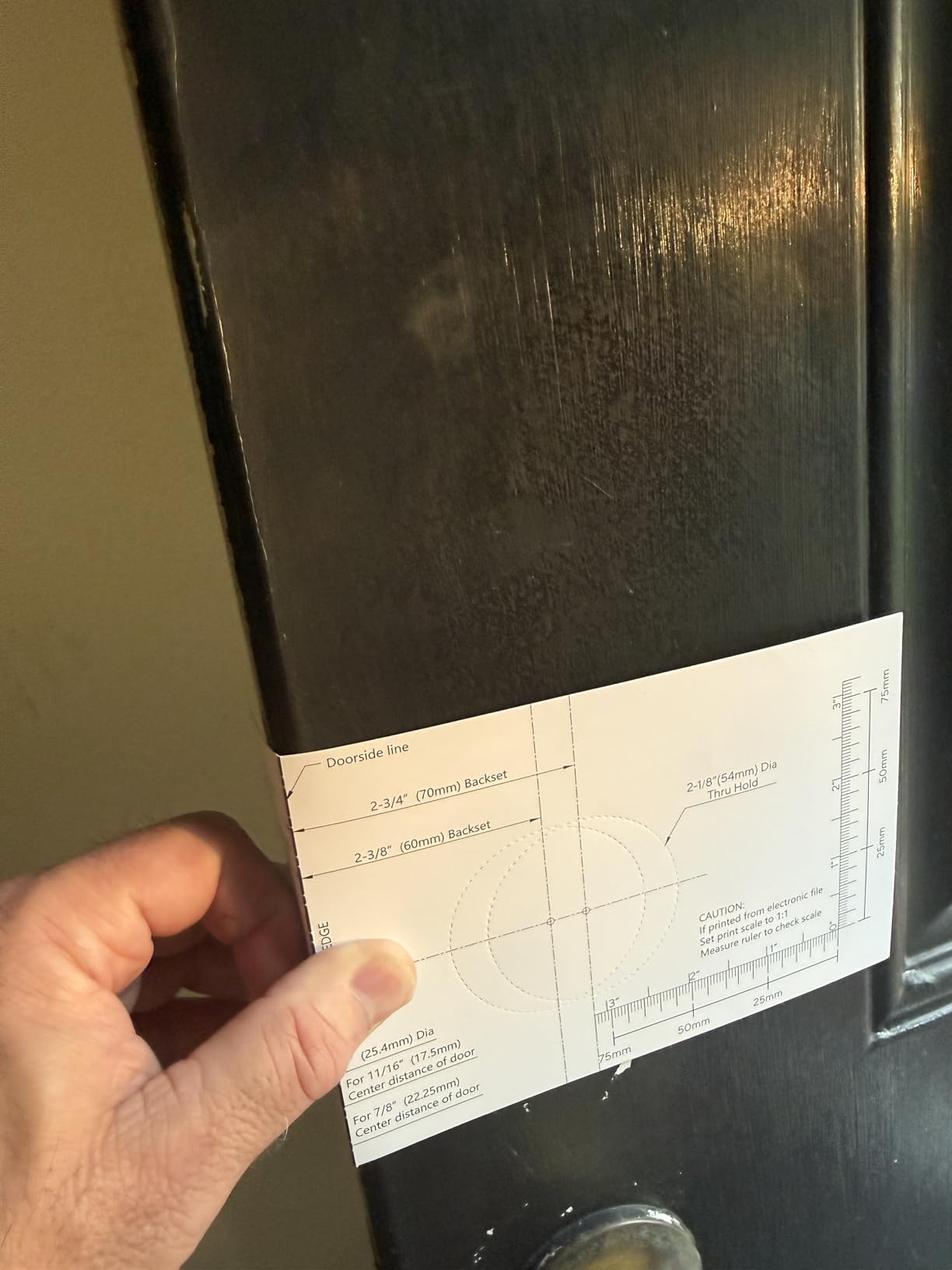
1. Door thickness. Most full-replacement locks fit 1-3/8 to 1-3/4 inch doors. The TEEHO TE012W stretches to 2 inches, which covers unusually thick pre-war doors.
2. Backset. Measure from the door edge to the center of the deadbolt hole. Standard values are 2-3/8 and 2-3/4 inch. Every lock here covers both, including the Schlage and ULTRALOQ models that publish the measurement explicitly.
3. Bore size. A 2-1/8 inch bore is standard; 1-1/2 inch is the older commercial size. Tapo and TEEHO state support for both. The eufy C220 needs its included spacer removed to fit bores under 54mm.
4. Handing. Doors that swing either way need either a handing-confirmed product or one with a reversible latch. Sifely, Tapo, TEEHO and ULTRALOQ all ship reversible latches. Full-replacement locks with fixed handing can be a problem on an unusual door.
5. Interior clearance and door material. Hollow metal apartment doors have thinner stiles and can leave no room for the interior assembly. Pre-war strike plates are narrower than modern 2-1/4 inch ones and will not accept a modern deadbolt without a new strike. Measure the depth from the door face to the open position of the interior thumbturn before committing.
1. Schlage Encode Smart WiFi Deadbolt – Best Overall for Renters
Schlage Encode Smart WiFi Deadbolt Lock with Century Trim, Matte Black
- Built-in Wi-Fi so no hub or bridge to buy
- Up to 100 access codes plus lock history
- Alexa and Google Home voice control
- BHMA certified with a zinc body
- Fits standard thickness with a screwdriver-only install
- Premium priced next to the fingerprint locks
- Touchscreen keypad struggles in cold or wet weather
- Minority of reviews report Wi-Fi or app setup friction
This is the lock we ended up recommending to everyone. It is a complete deadbolt with built-in Wi-Fi, so there is no bridge to mount near your router and no second app to learn.
Build quality is the standout. It carries BHMA certification and a zinc body, and it handles doors from 1-3/8 to 1-3/4 inch thick with both standard backsets. Install took about twelve minutes with a screwdriver.
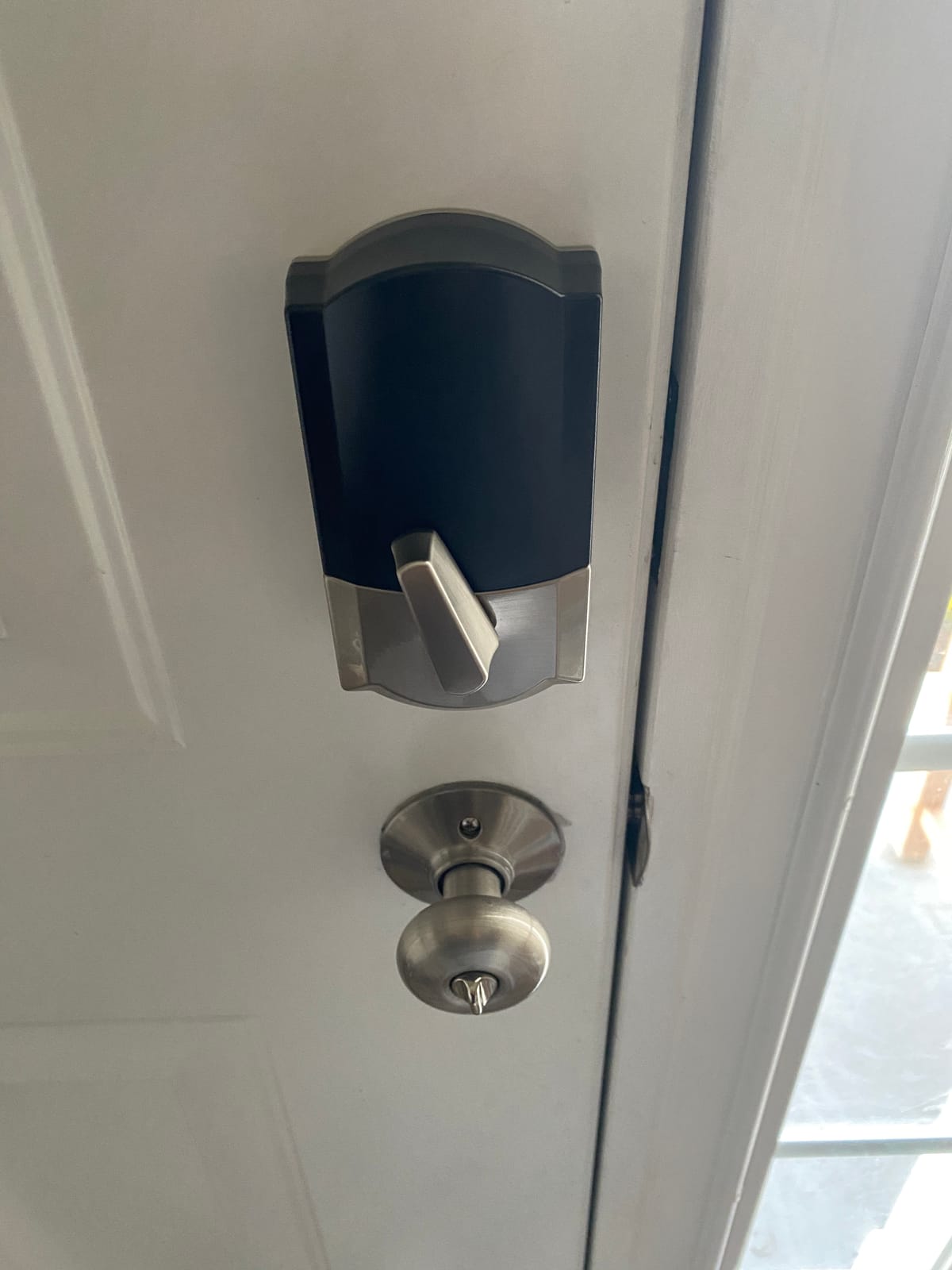
The app holds up to 100 access codes with a lock history view and customizable notifications. Auto-lock has selectable delays or can be turned off entirely, and a built-in alarm alerts on door movement or forced entry attempts.
Battery life lands around six months on four AA cells, with a low battery indicator before it matters. The touchscreen keypad is the one weak point, since reviewers repeatedly note it gets finicky in cold or wet weather, and roughly 12% of ratings sit at one star, mostly around connectivity and setup.
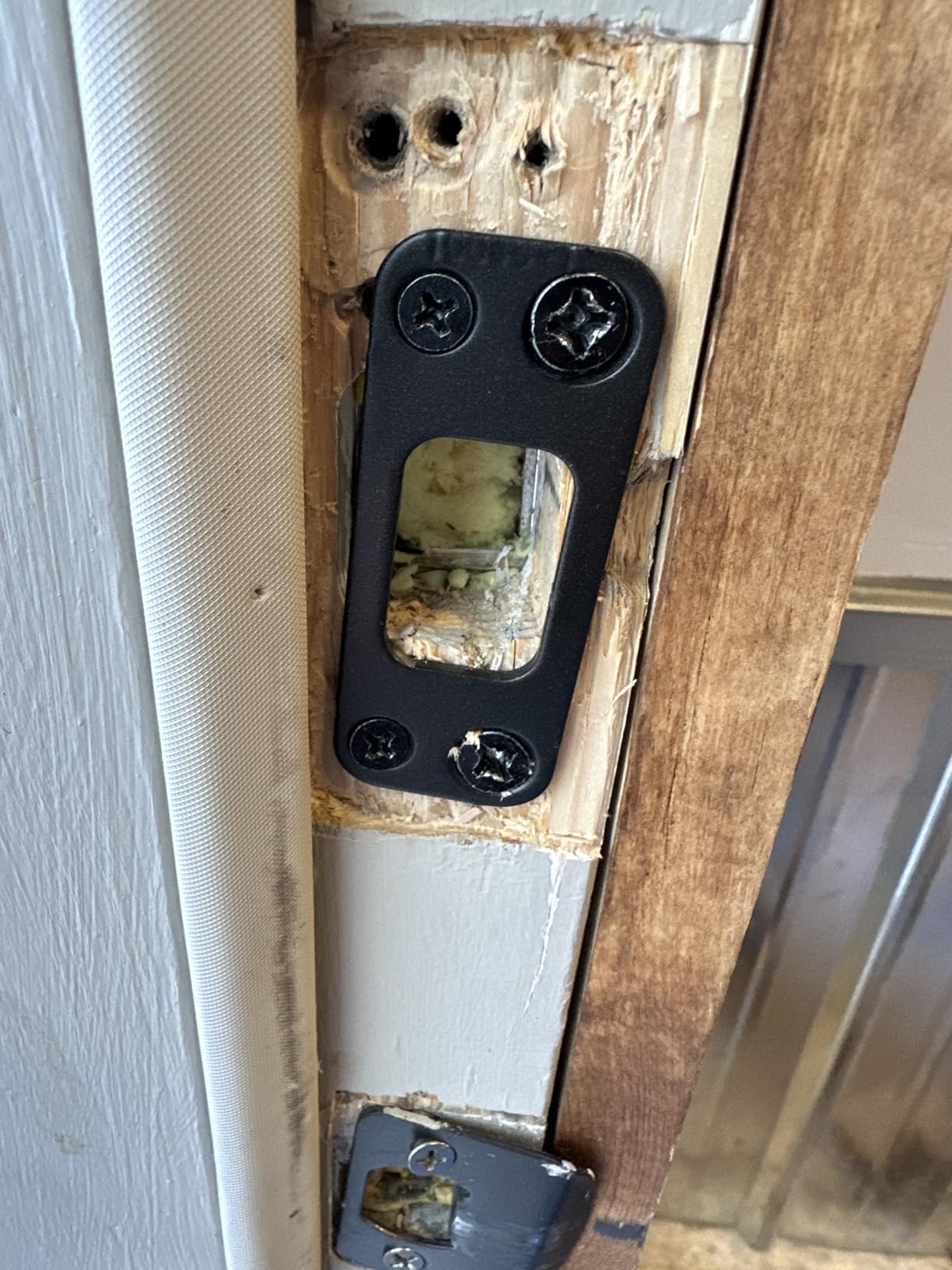
When the Schlage Encode Is the Right Call
Choose it when you want a real deadbolt with no hub, you are on Alexa or Google Home rather than Apple, and you want the largest review base of anything we tested. The 100-code capacity and lock history also make it the pick if you run a small rental or hand keys to contractors regularly.
Where the Schlage Encode Falls Short
It carries a premium price next to the fingerprint locks here, and the keypad is a poor choice if your unit faces wind-driven rain on an exposed hallway door.
You also give up Apple Home Key support, so Apple home users should look at the August.
2. August Home Smart Lock Pro with Connect Hub – Best for Apple Home
- Retrofit mount keeps your deadbolt and keys
- DoorSense enables real auto-unlock
- Broadest voice ecosystem including Apple HomeKit
- 4.4 stars across 9501 reviews
- Access logs show who came and went
- Premium bundle pricing that includes the Connect bridge
- Adds interior hardware so get approval first
- Battery changes mean removing the interior unit
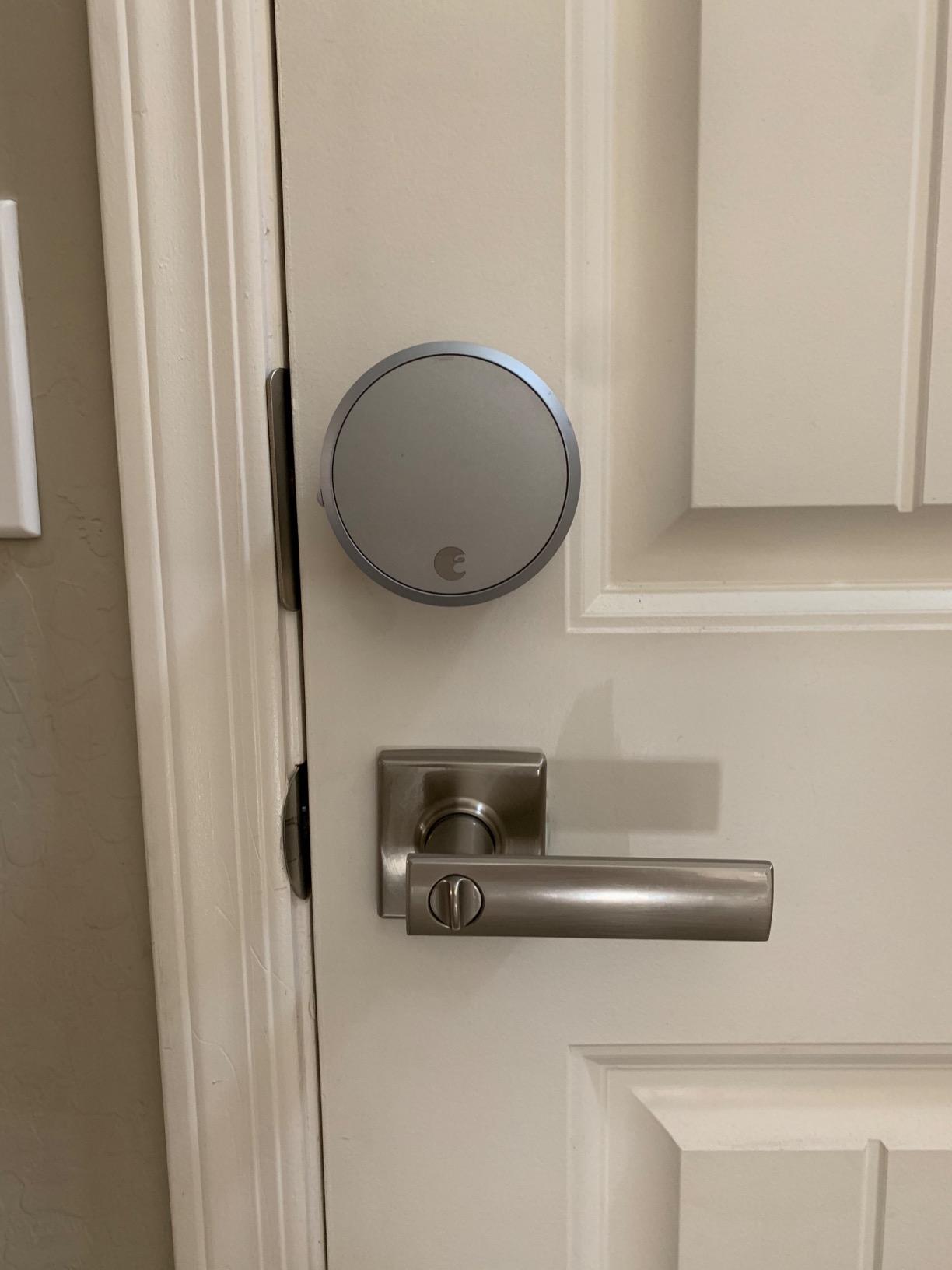
This is the retrofit answer, and the one r/homeautomation users name most often for apartment doors. It mounts on top of the deadbolt you already have, so the exterior key cylinder, your keys and the landlord’s master key are all untouched.
The included DoorSense sensor is what separates this from cheaper adapters. It knows whether the door is actually shut, which makes auto-unlock on approach and auto-lock on closing reliable rather than a guess.
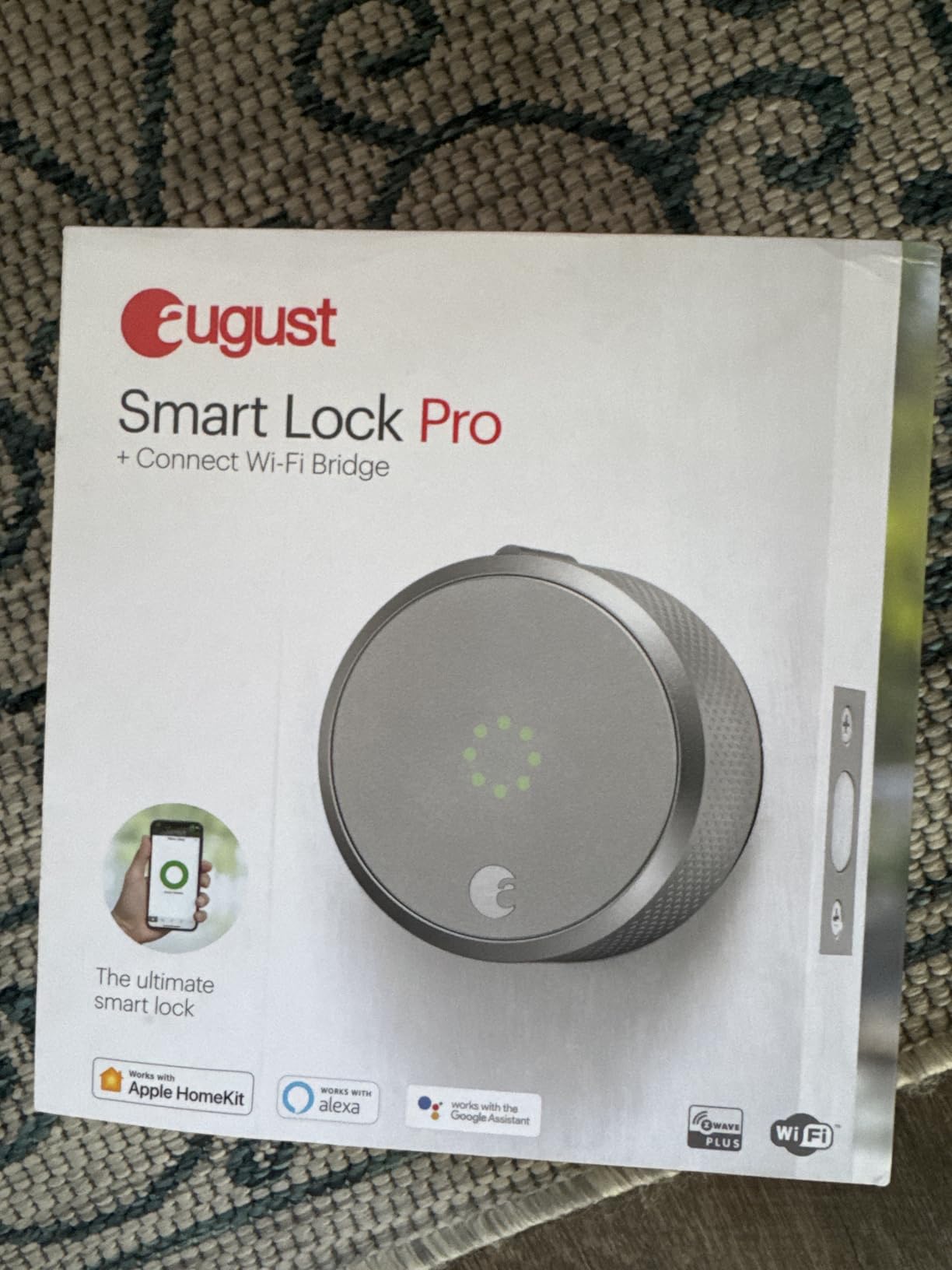
The Connect bridge handles remote access and the app shows an access log of who came and went. Voice control runs through Alexa, Apple HomeKit, SmartThings and Vera.
The drawbacks are mostly physical. The interior assembly is bulkier than a full replacement lock, battery access means pulling the interior unit off the door, and reviewers report occasional Wi-Fi bridge dropouts.
When August Is the Right Call
Pick it when your lease forbids replacing the deadbolt, when you need your original key to keep working, or when you want auto-unlock that actually behaves itself. Apple HomeKit users get the smoothest pairing of any lock here.
Where August Falls Short
The interior assembly is the most noticeable addition of any retrofit lock we tested, which matters in a narrow door, and the bundle pricing is what you pay for the bridge.
You will also need to confirm fit before ordering. August requires you to measure backset, cross bore and door thickness yourself.
3. ULTRALOQ Bolt SE WiFi – Best Value with Fingerprint and Matter
ULTRALOQ Bolt SE Wi-Fi Smart Lock, Matter Over Thread, App Remote Access
- Only lock here offering both built-in Wi-Fi and Matter over Thread
- Fingerprint reader stores 50 prints and reads fast
- BHMA certified with an IP65 zinc alloy body
- Two mechanical keys included
- 2.4 GHz only so it works on basic routers
- Matter over Thread needs a Thread Border Router
- 2.4 GHz only and recommended within 70 ft of the router
- Door sensor not included so open state is unknown
This is the only lock in the roundup that speaks two wireless languages at once. Built-in 2.4 GHz Wi-Fi handles remote control with no hub at all, and Matter over Thread lets it join Apple Home or another Matter controller if you already run one.
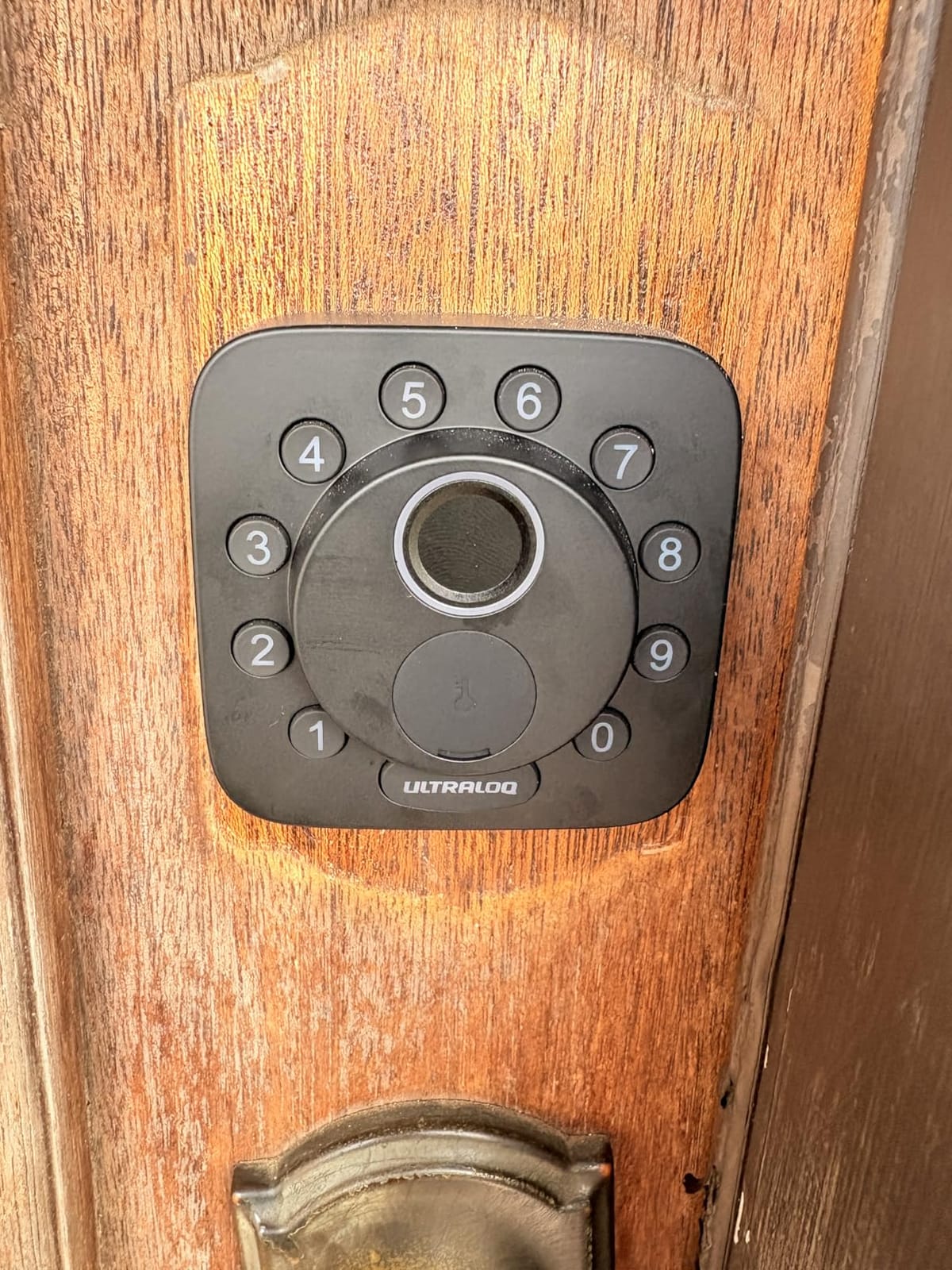
An IP65 zinc alloy body and BHMA certification make it among the sturdiest exterior hardware here. Up to 50 fingerprints and 50 passcodes covers a family plus a rotating cast of dog walkers, cleaners and delivery drivers.
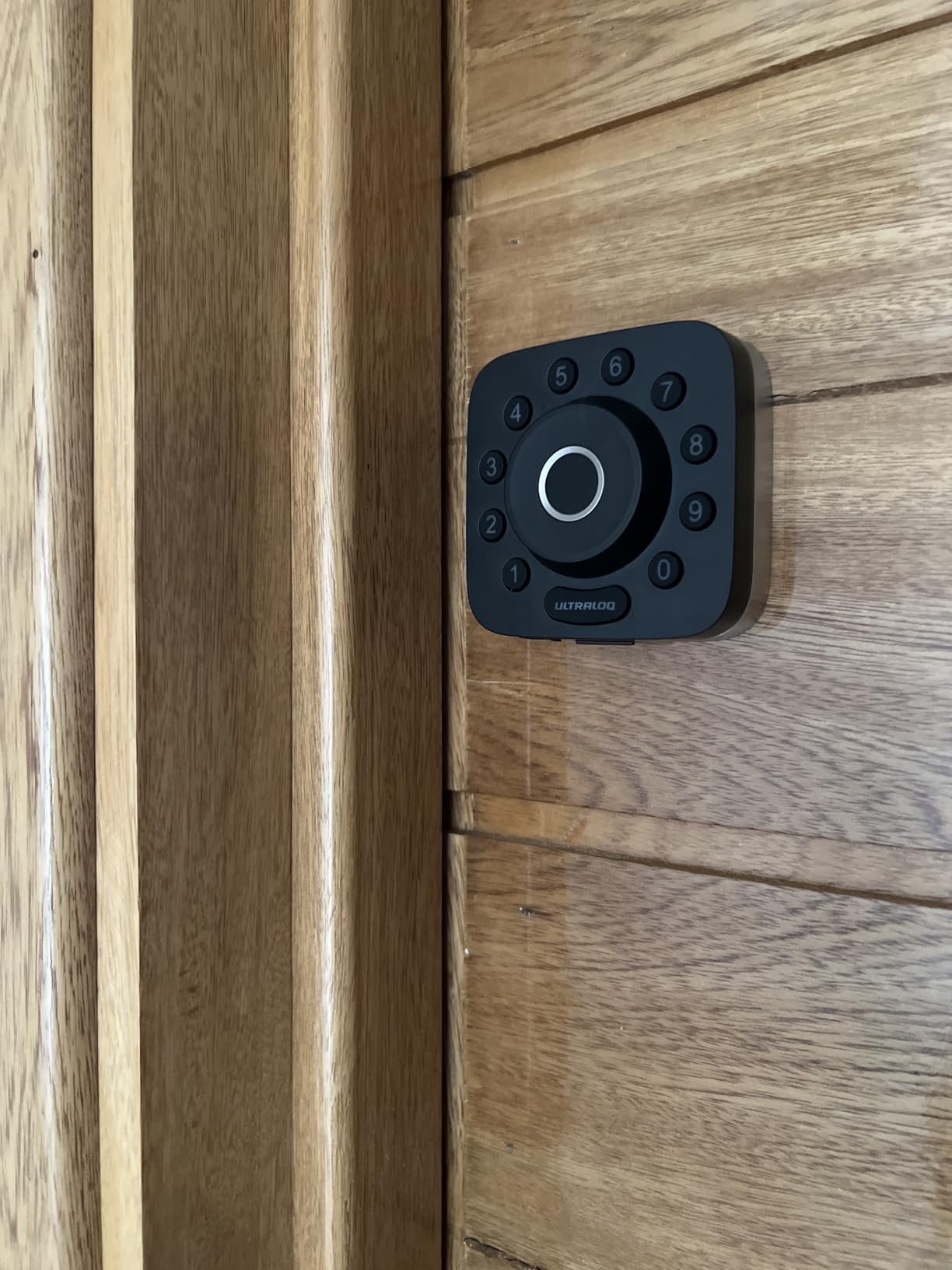
Battery life is quoted at up to 18 months on the Thread low-energy mesh network, with real-time low battery alerts in the app and an adjustable auto-lock timer. Install is a ten-minute screwdriver job with step-by-step instructions in the box.
Two things matter for apartments. The 2.4 GHz-only radio needs your router within roughly 70 ft of the door, which can be a problem in a large complex. There is also no door sensor, so auto-lock runs on a timer rather than on the door state.
When the Bolt SE Is the Right Call
Pick it if you want fingerprint entry plus a future-proof radio in one box, or if you already own a Thread Border Router through Apple Home. The 50-code capacity covers shared-access situations without getting close to the limits.
Where the Bolt SE Falls Short
Matter is the confusing part. It looks like a free feature until you realize you need a Thread Border Router, which is an extra device you may not have.
The missing door sensor is the practical issue. On a door that does not swing fully closed, auto-lock can throw the bolt into a gap you then have to deal with, and this lock has no way to know the difference.
4. eufy Security Smart Lock C220 – Best for Apple Watch and eufy Homes
eufy Security Smart Lock C220, Fingerprint Keyless Entry Door Lock
- Six unlock paths including Apple Watch unlock
- Self-learning fingerprint reader that improves with use
- Built-in Wi-Fi means no bridge
- Works with most standard deadbolts in 15 minutes
- BHMA Grade 3 certified after 100000 cycle testing
- No Matter or HomeKit support so Apple users lean on Apple Watch
- Eight AA batteries bulk up the interior assembly
- eufy app required for any remote or code feature
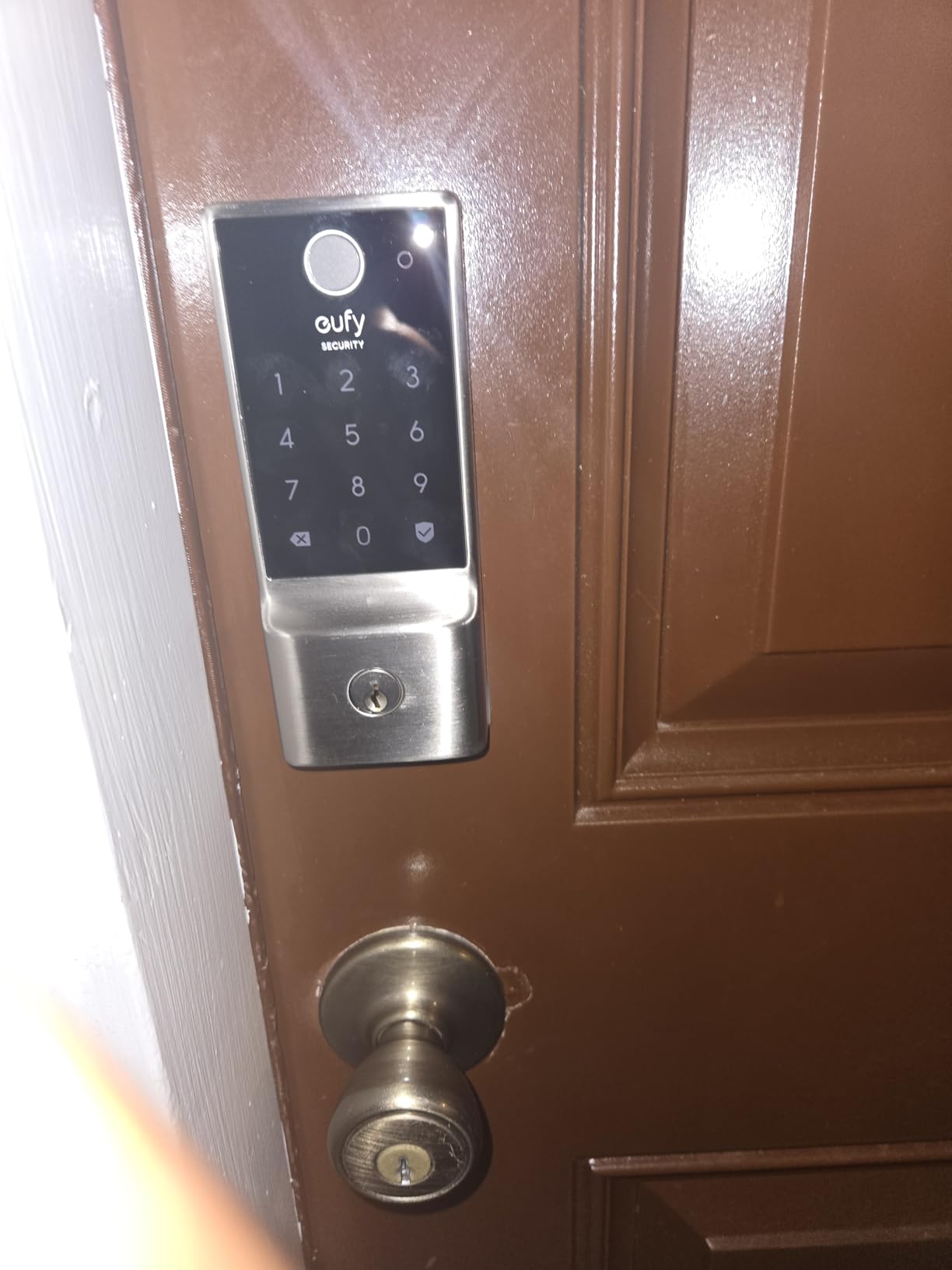
If you already run eufy doorbells and cameras, this is the smoothest lock to add. Six unlock methods cover fingerprint, the app, keypad, physical key, Apple Watch and voice, and the whole thing ties into eufy routines inside the same app.
The fingerprint module is described as self-learning, and reviewers report it getting noticeably more accurate over the first few weeks of regular use. Battery life is around eight months on eight AA cells, which is among the better figures here.
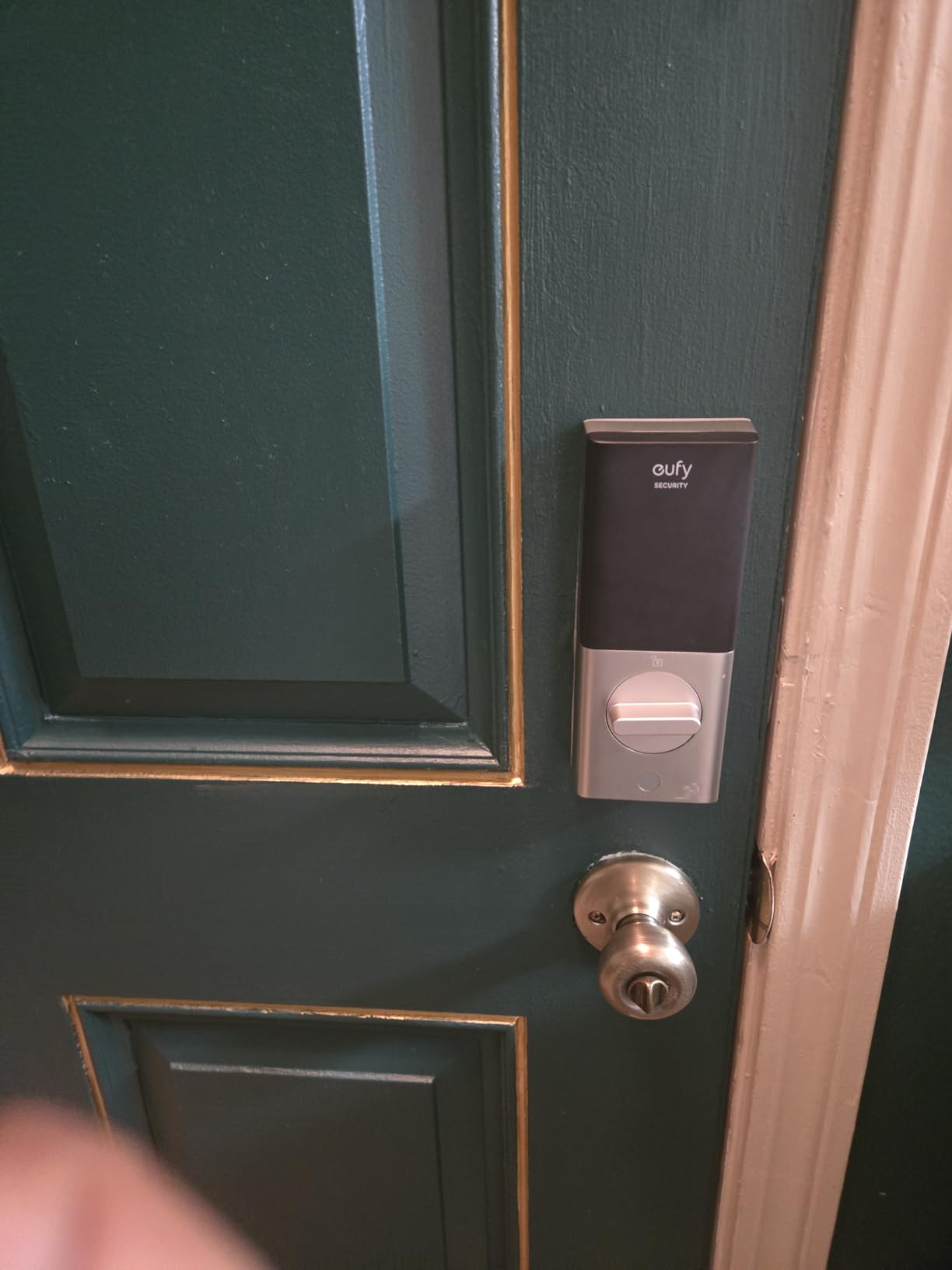
It fits most standard deadbolts with no drilling in about fifteen minutes, and it drops to fit bores under 54mm using the included spacer. BHMA Grade 3 certification and a minus-22F to 158F operating range cover most apartment hallways.
The gap is ecosystem. There is no Matter or HomeKit support, so Apple Home users get Apple Watch unlock but not native Home app control. Eight AA batteries also make the interior assembly noticeably chunky compared with the four-cell designs.
When the eufy C220 Is the Right Call
Choose it when your household runs eufy security hardware and you want one app for the doorbell feed and the front door. Apple Watch unlock makes it a good middle ground for people who like the Watch but do not want to re-key anything.
Where the eufy C220 Falls Short
Apple Home users will not get native Home app control, and anyone planning a Matter setup later should pick the ULTRALOQ Bolt SE instead.
5. CANDY HOUSE Sesame 5 – Budget Pick and the Only True No-Drill Mount
- Genuinely no-drill 3M tape mount
- Keeps your existing high-security deadbolt
- Adapts to roughly 99% of existing key profiles
- Open-source app with Matter support
- Works with iPhone
- Apple Watch
- NFC tags and Siri
- Lowest average rating in the group at 4.0
- Remote control needs the separately sold Hub3
- Some reviews report unstable Bluetooth pairing
This is the answer when the lease says no modifications at all. It sticks to the interior side of your deadbolt with 3M tape, leaving no holes and nothing to argue about at move-out.
It keeps your existing deadbolt, so your key and the building master key keep working exactly as before. It also adapts to a wide range of key profiles, with custom adapters available if yours does not fit.
The app is open source and reports Matter support, and you can unlock with iPhone, Apple Watch or an NFC tag. Auto-lock adjusts from three seconds to an hour.
What you trade away is remote control over Wi-Fi, which requires the separately sold Hub3. The adhesive can also weaken on heavy doors, and this lock carries the lowest average rating in the group at 4.0 with 53% five-star.
When the Sesame 5 Is the Right Call
Pick it for a strict no-modifications lease, a short-term rental, or any door where you cannot drill or screw into the frame. It also leaves the smallest hardware footprint indoors.
Where the Sesame 5 Falls Short
Remote access is the obvious gap. Without the Hub3 you have Bluetooth range only, so the lock is useless for letting a dog walker in while you are at work.
The 4.0 average across 1,317 reviews is the lowest here, with a 12% three-star share. The interior plastic also feels basic next to the metal-bodied locks.
6. Sifely Fingerprint Smart Deadbolt – Best for High-Volume Code and Fingerprint Lists
- 100+ fingerprint slots and 100+ codes
- Designed for apartments and short-term rentals
- Privacy mode and passage mode for controlled open doors
- Works with doors that swing either way
- Screwdriver-only install
- Remote control and voice features need the Sifely Gateway
- No built-in Wi-Fi so it is not comparable to hub-free locks
- Limited published durability and weather specs
Capacity is the reason to look here. More than 100 fingerprints and 100 codes means you can onboard a whole building of tenants or a shared house without pruning anyone, and the free app handles logs, eKey sharing and schedules.
Privacy mode and passage mode are unusual in this category. Passage mode leaves the door unlocked for a window of time, and privacy mode shuts off electronic entry while you are inside.
Installation is a screwdriver job, and it fits doors that swing either way, which removes a common install surprise on apartment hardware. Five ways in: keypad, fingerprint, app, fob and physical key.
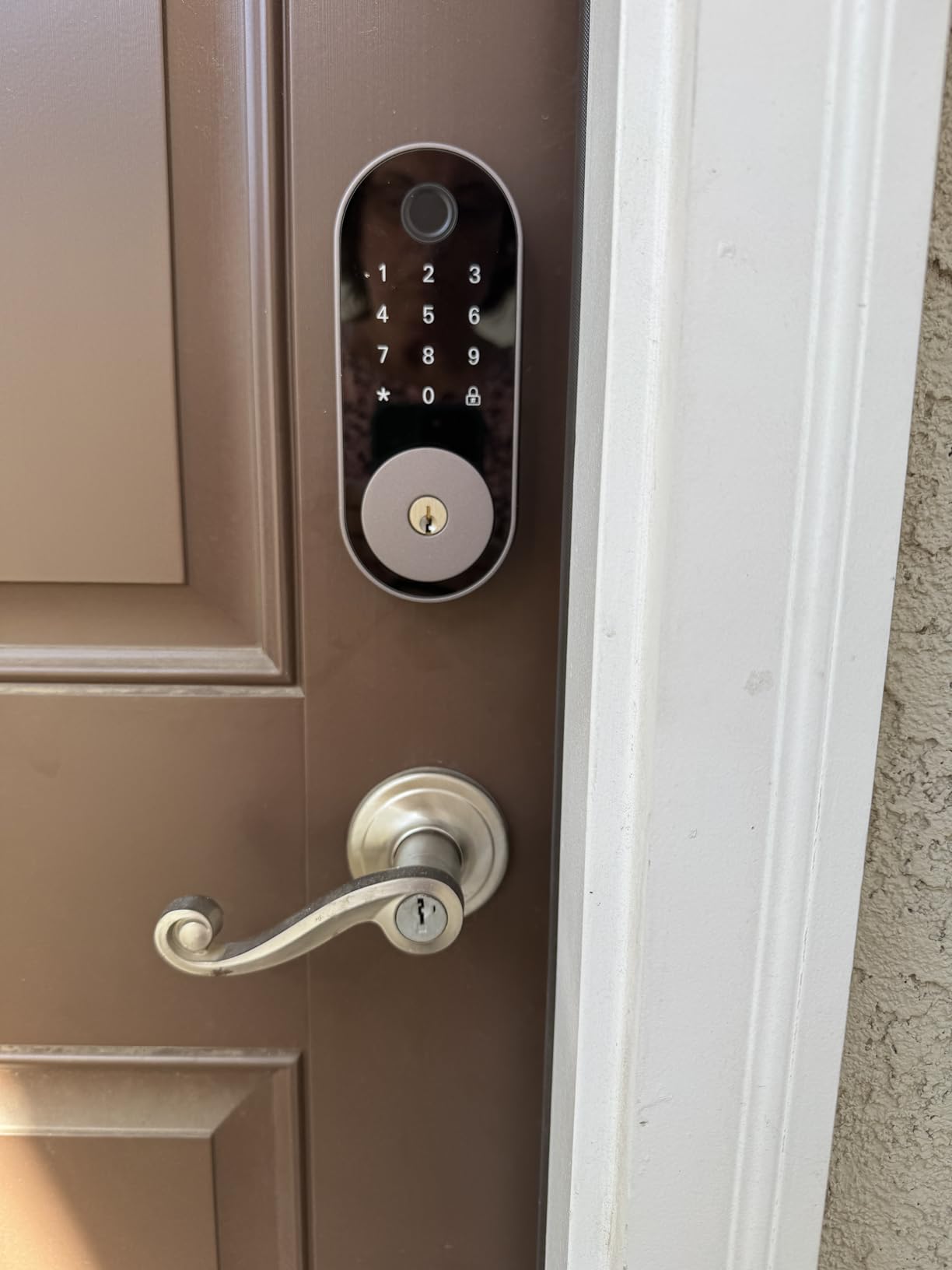
The tradeoff is remote access. Anything beyond local Bluetooth needs the separately sold Sifely Gateway, and there is no built-in Wi-Fi. The published specs are thin on battery life and weather rating, which matters on an exterior hallway door.
When Sifely Is the Right Call
Choose it if you are hosting short-term guests, running a small rental, or living with several people who all need their own entry method. The fob option is handy for people who find keypads fiddly.
Where Sifely Falls Short
No built-in Wi-Fi means you either buy the gateway or accept that the lock only works when you are standing near it. That limits its usefulness as the main lock on a unit you leave during the day.
The 828-review base is small compared with the rest, and the star spread is the most polarized we saw, with 68% five-star.
7. TEEHO TE012W WiFi Fingerprint Lock – Best for Anti-Peep Entry Security
TEEHO TE012W WiFi Fingerprint Smart Door Lock for Front Door, Satin Nickle
- 4.4 stars with 76 percent five-star ratings
- Anti-peep code plus a 3-minute lockout after 10 wrong PINs
- Built-in Wi-Fi with no hub to configure
- Fits doors 1-3/8 to 2 inch thick with no drilling
- Two-year warranty with lifetime support
- Eight AA batteries drain faster than four-cell designs
- Alexa routines do not work even though voice commands do
- Fingerprint capacity capped at 20 users
This lock does something the fingerprint models above it does not: it defends the keypad itself. The anti-peep feature accepts random digits before or after your real code, so someone watching over your shoulder records digits that open nothing.
Add the lockout behavior and it becomes a strong hallway-door choice. Ten consecutive wrong PIN attempts lock the unit for three minutes and send a break-in alert to your phone.
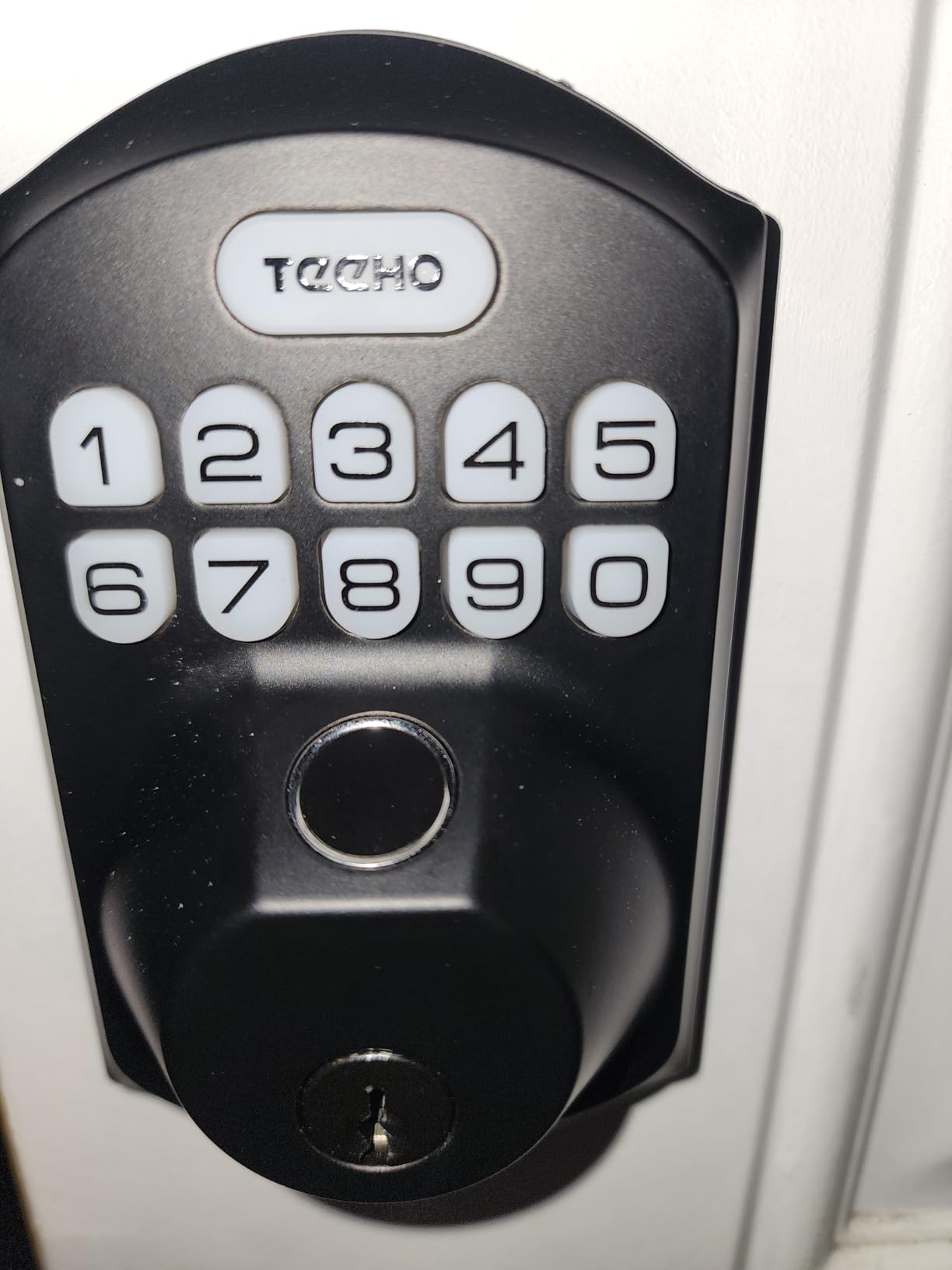
Connection is direct 2.4 GHz Wi-Fi with no hub, controlled through the KK Home app, with AES-128 encryption and data stored locally. Five unlock methods cover app, fingerprint for up to 20 users, passcode for up to 100 codes, two backup keys and voice.
The compromises are real. Eight AA batteries drain faster than four-cell designs and some reviews report about a month per set. Fingerprint capacity tops out at 20, and the keypad works but Alexa routines do not fire.
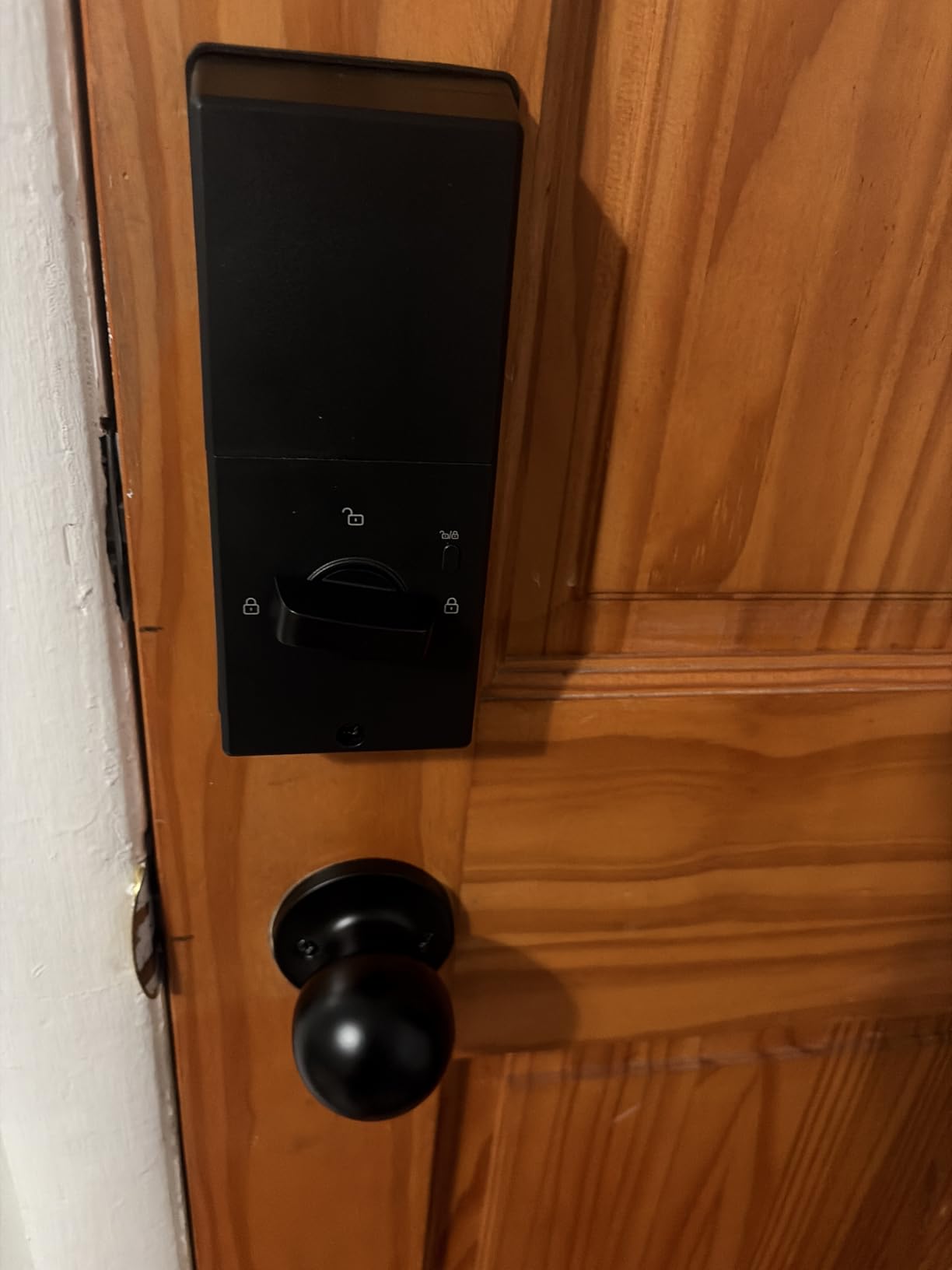
When the TEEHO TE012W Is the Right Call
Pick it for a door that opens onto a hallway where shoulder surfing is plausible, and for anyone who wants fingerprint and Wi-Fi without spending metal-body money. The anti-peep and lockout behavior is the reason it exists.
Where the TEEHO TE012W Falls Short
Battery drain from eight AAs is the biggest complaint, and it matters most if you are not near the door often to notice the low battery alert. Twenty fingerprints is not much for a family plus regular guests.
Voice control is only partly there. If your routines depend on the lock responding to an assistant, test it first.
8. Wyze Auto-Lock Bolt v2 – Best for Wyze Camera Setups
- Very fast fingerprint reads that reviewers rate above a previous eufy lock
- Unlock from the Wyze Video Doorbell live feed
- Built-in Wi-Fi with no bridge needed
- App shows battery level and lock status
- Physical backup keys included
- Keypad beeps are very quiet and hard to hear
- Touchpad does not light up on approach in the dark
- No door-open detection so auto-lock can fire on an open door
This one ties for the highest average rating we recorded, on the smaller sample of the two. What that rating reflects is speed: reviewers describe the fingerprint scanner reading in about half a second, with an AI learning scanner that adapts to repeated touches.
Its real differentiator is the doorbell integration. If you already run a Wyze Video Doorbell, you can look at the live feed and unlock from it, which is the closest thing here to seeing who is at the door before you open it.
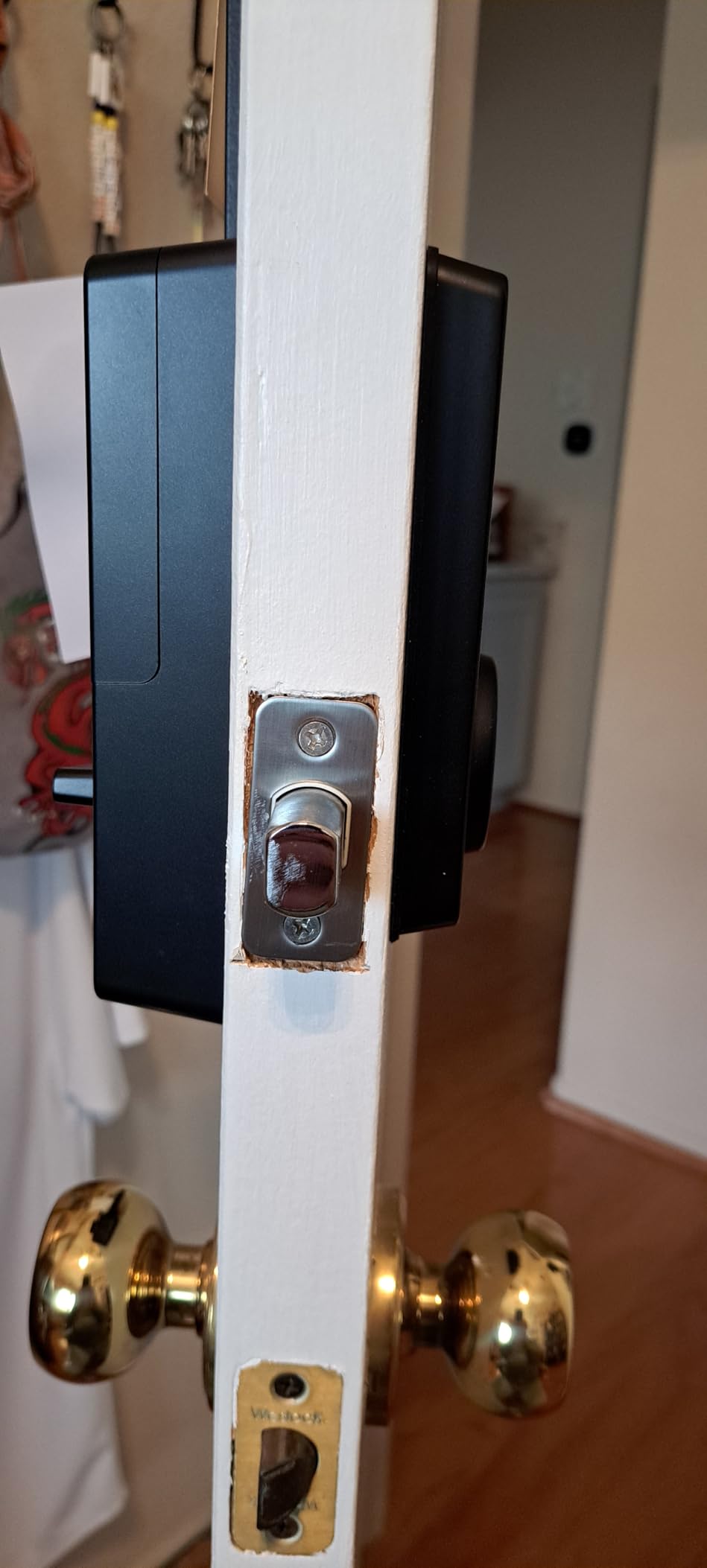
Battery life is quoted at up to eight months on eight included AA cells, with a USB-C emergency power input on the exterior as a fallback. IP53 weather resistance and BHMA2 certification cover a normal apartment entry.
Three usability issues came up repeatedly. The keypad beep is quiet, which is genuinely hard for anyone with hearing loss, and the touchpad does not illuminate on approach. There is also no door-open detection, so the auto-lock timer can throw the bolt while the door is still open.
When the Wyze Bolt v2 Is the Right Call
Choose it if you run Wyze cameras and want the doorbell-to-unlock path, or if fast fingerprint entry is your top priority. The physical backup keys guarantee you are never fully locked out by a dead battery.
Where the Wyze Bolt v2 Falls Short
The lack of door-open detection is the one to think hard about. Several users report the auto-lock timer firing while the door is ajar, which is exactly what the ULTRALOQ U-Bolt WiFi sensor solves.
The unlit touchpad and quiet keypad are small things that add up in a dark entryway.
9. Tapo Smart Wi-Fi Deadbolt DL100 – Best for Large Code Lists
Tapo Smart Wi-Fi Deadbolt Door Lock, Keyless Tactile Buttons, DL100
- Up to 200 customizable codes which is the largest list here
- Backlit keypad makes night entry practical
- Up to 300 days on 4 AA batteries in Bluetooth mode
- Group profiles separate family guests and visitors
- Fits standard bores with no drilling
- Cloud-only with no Matter support or open API
- Keypad-only entry means shared codes are managed individually
- No fingerprint reader on this model
This is the lock to buy if you hand out codes constantly. Two hundred customizable access codes with recurring, scheduled and one-time options, plus separate family and guest profiles, is more headroom than any other lock here.
The backlit tactile keypad is understated but important. It lights for night entry and uses real buttons rather than a hidden touchscreen, so guests do not have to find a touch-sensitive surface in the dark.
Battery life is the standout number: up to 200 days in Wi-Fi mode or 300 days in Bluetooth mode on four AA cells. It fits standard 2-1/8 and 1-1/2 inch bores with no drilling, and works with Alexa, Google Home and SmartThings.
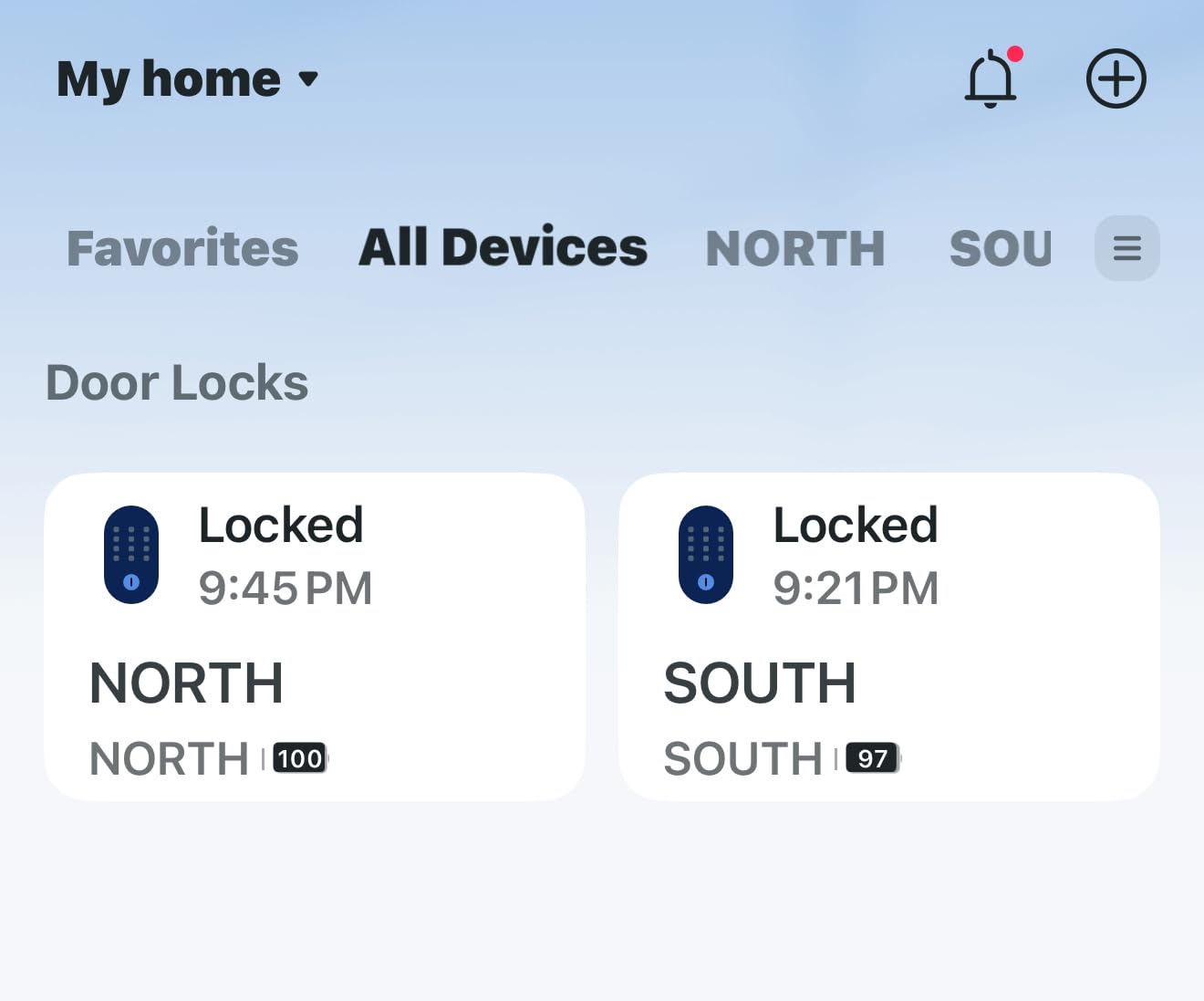
There is no fingerprint reader, and the design is cloud-only with no Matter support or open API for third-party hubs. Shared codes also have to be managed one at a time rather than in bulk.
When the Tapo DL100 Is the Right Call
Pick it if you rotate through short-term guests, cleaners, roommates and dog walkers and need each person on a separate revocable code. The long battery life means you are not swapping cells twice a year.
Where the Tapo DL100 Falls Short
No fingerprint reader means no one-touch entry, so arriving with a full grocery bag means finding the keypad every time. That is the trade for the backlit buttons and long battery life.
Cloud-only operation is a bigger commitment than it looks, and there is no Matter path to a local setup.
10. Tapo Smart Wi-Fi Door Lock DL110 – Best for Quiet Shared Hallways
Tapo Smart Wi-Fi Door Lock, Deadbolt, Fingerprint Recognition, DL110
- Very fast and accurate fingerprint reader at about 0.42 seconds
- Quietest deadbolt operation we tested
- Rechargeable battery pack rated for up to a year
- Rubber gaskets damp movement and protect door finish
- Exterior USB-C emergency power for dead batteries
- Keypad digits stay hidden until the screen is touched
- Very sensitive doorbell button sends false notifications
- Proprietary battery pack with no widely available replacement
Quiet operation is the reason this one stands out. In a building with thin walls and sleeping neighbors, a deadbolt that does not slam is worth more than any extra unlock method. Reviewers single this out more than almost any other feature.
It is also the only rechargeable option here. The removable battery pack is rated for up to a year on a charge, and there is USB-C charging plus an exterior emergency input, so a dead battery does not mean a locked-out night.
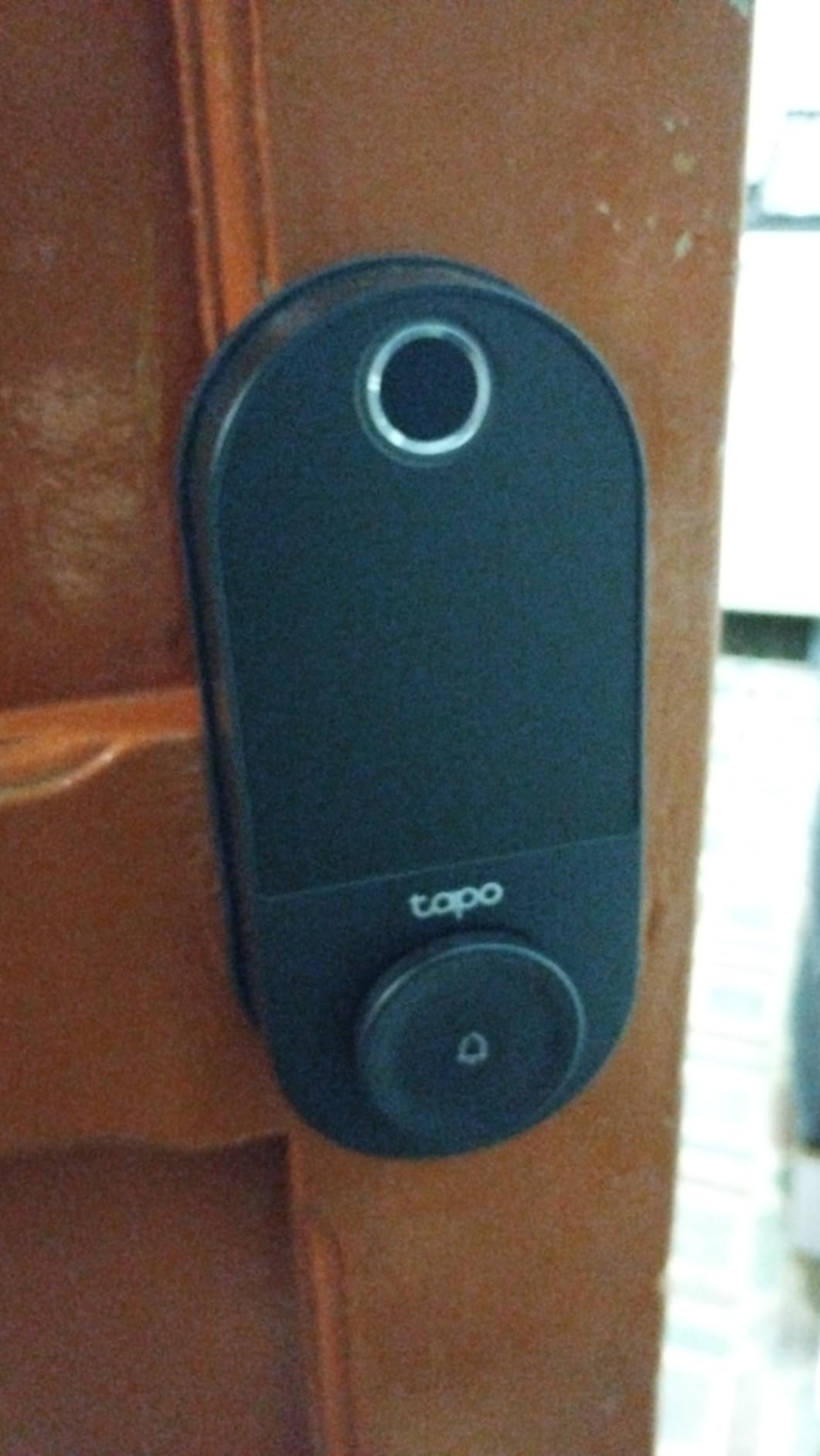
Security-wise it carries an ANSI/BHMA Grade 2 rating, a step below the Grade 1 ULTRALOQ U-Bolt. Fingerprint recognition runs at about 0.42 seconds with room for 100 prints, and rubber gaskets on both sides damp movement to protect the door finish.
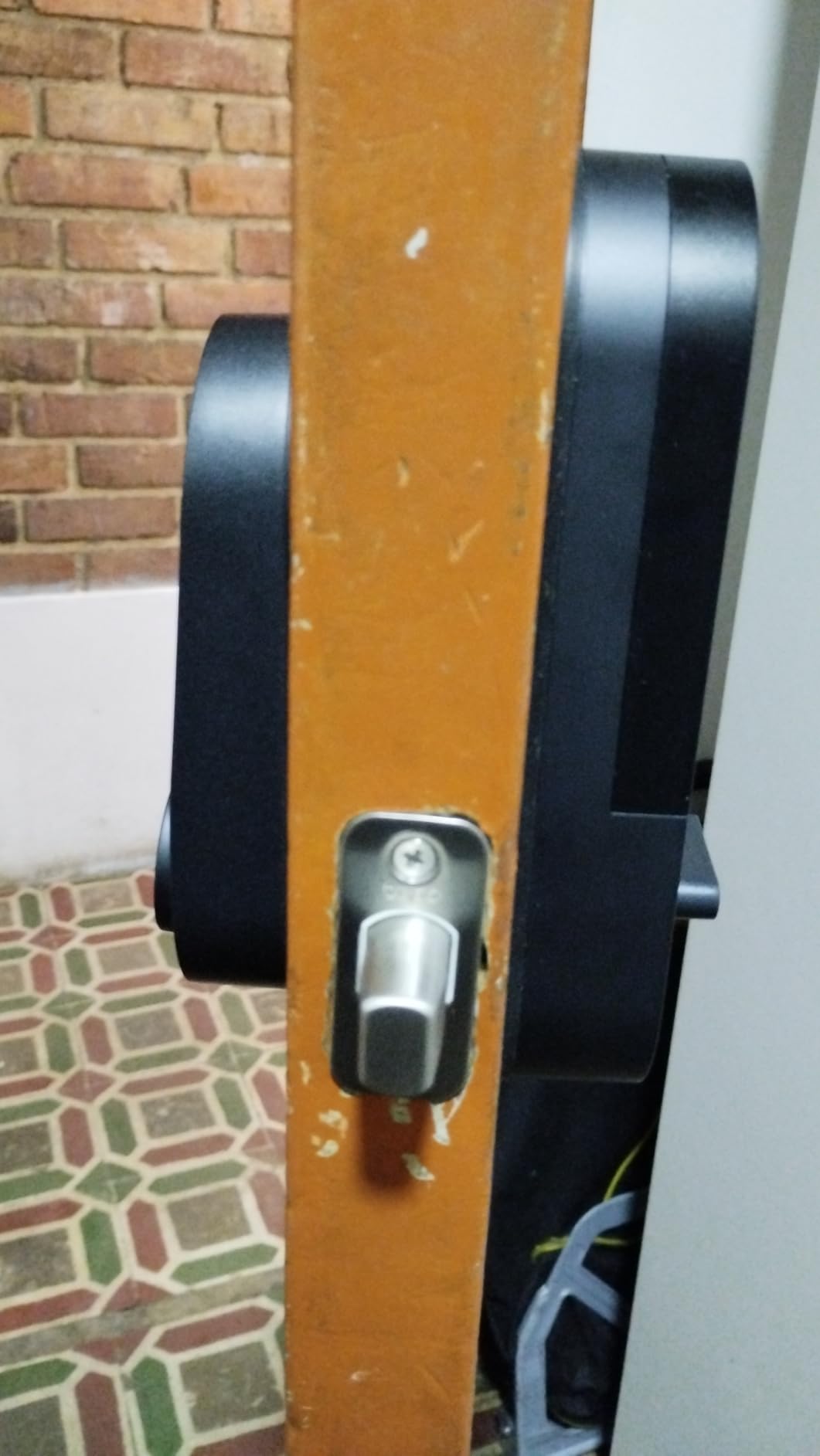
The design choices are the problem. Keypad digits are invisible until you touch the screen, so guests fumble at a blank face in the dark. The doorbell button is very sensitive and sends false notifications, and the battery pack is proprietary.
When the Tapo DL110 Is the Right Call
Choose it for a thin-walled apartment where deadbolt noise is a real complaint, and if you would rather charge a battery than replace cells. The rubber gaskets also make it the gentlest option on an older painted door.
Where the Tapo DL110 Falls Short
The hidden keypad is the dealbreaker for anyone with frequent guests. An illuminated keypad like the DL100 is far better suited to handing out codes.
It is also US-only in form factor and cloud-dependent, and each lock has to be managed separately, so you cannot share codes across multiple units.
11. Veise VE027 WiFi Fingerprint Deadbolt – Best for Old Doors That Stick
Veise VE027 WiFi Smart Lock Fingerprint Keyless Entry Deadbolt Satin Nickel
- Extremely quick fingerprint unlock at about 0.2 seconds
- Jam detection with audible alert and app notification
- Built-in Wi-Fi with no hub to buy or configure
- Seven access methods make lockout nearly impossible
- IC card fob lets one card cover several doors
- Batteries not included with an 8-battery design
- Eight AAs drain fast on doors that do not close properly
- Some units arrive with the interior thumbturn mounted backwards
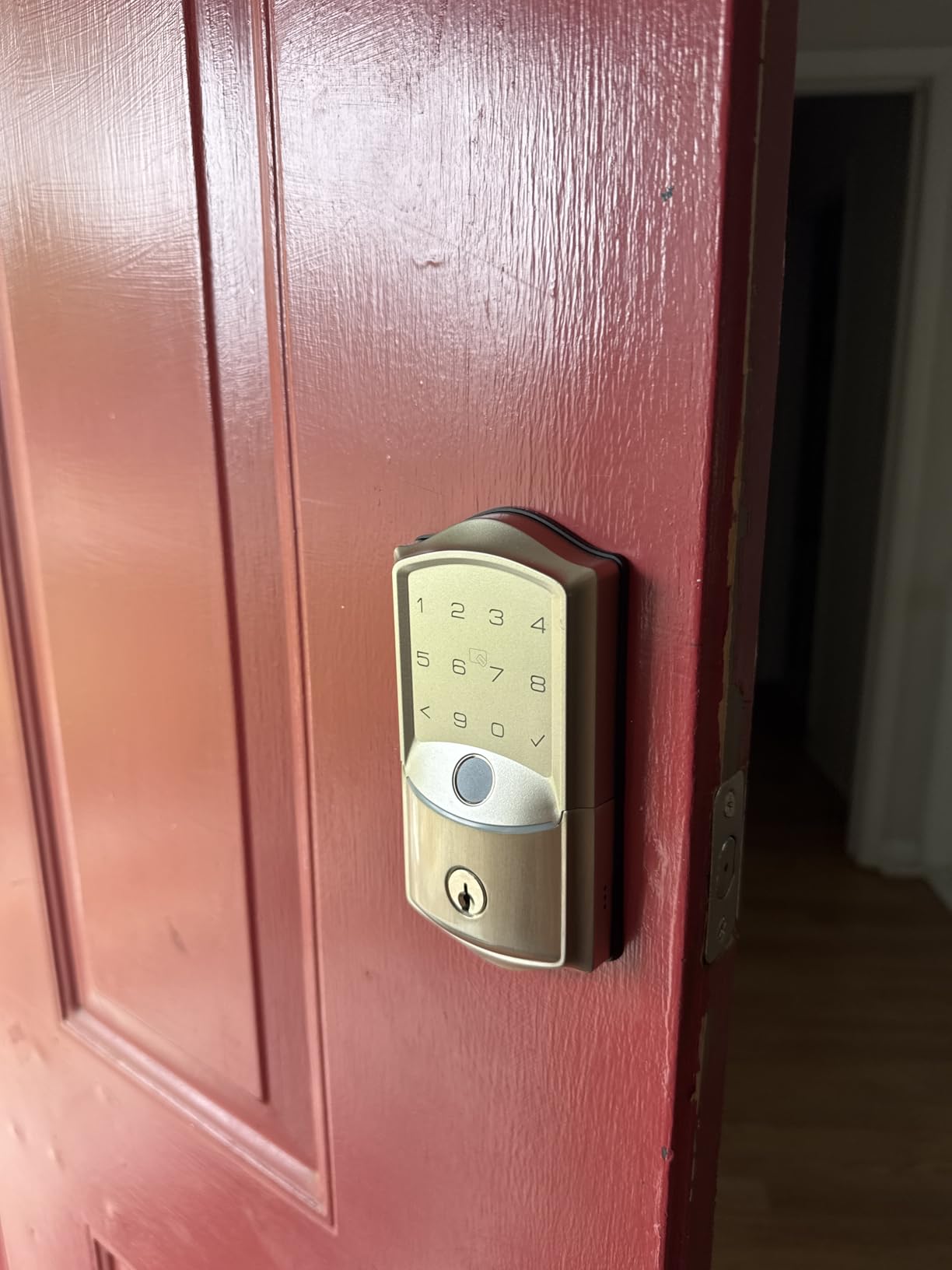
Jam detection is a feature only this lock in the roundup has, and on older apartment doors it is the one that matters. If the bolt cannot fully throw because the strike is misaligned, the lock sounds an alert and pushes a notification instead of quietly half-locking.
Fingerprint speed is the headline. Reads take about 0.2 seconds using a self-learning module, and there are seven ways in: app, fingerprint, PIN, voice, IC card, physical key and auto-lock. One IC fob can cover several doors.
Security markings are solid for the money, with IP65 weatherproofing and BHMA and ANSI Grade 3 certification. Alexa voice unlock requires a safety PIN, so an outsider cannot simply ask your assistant to open the door.
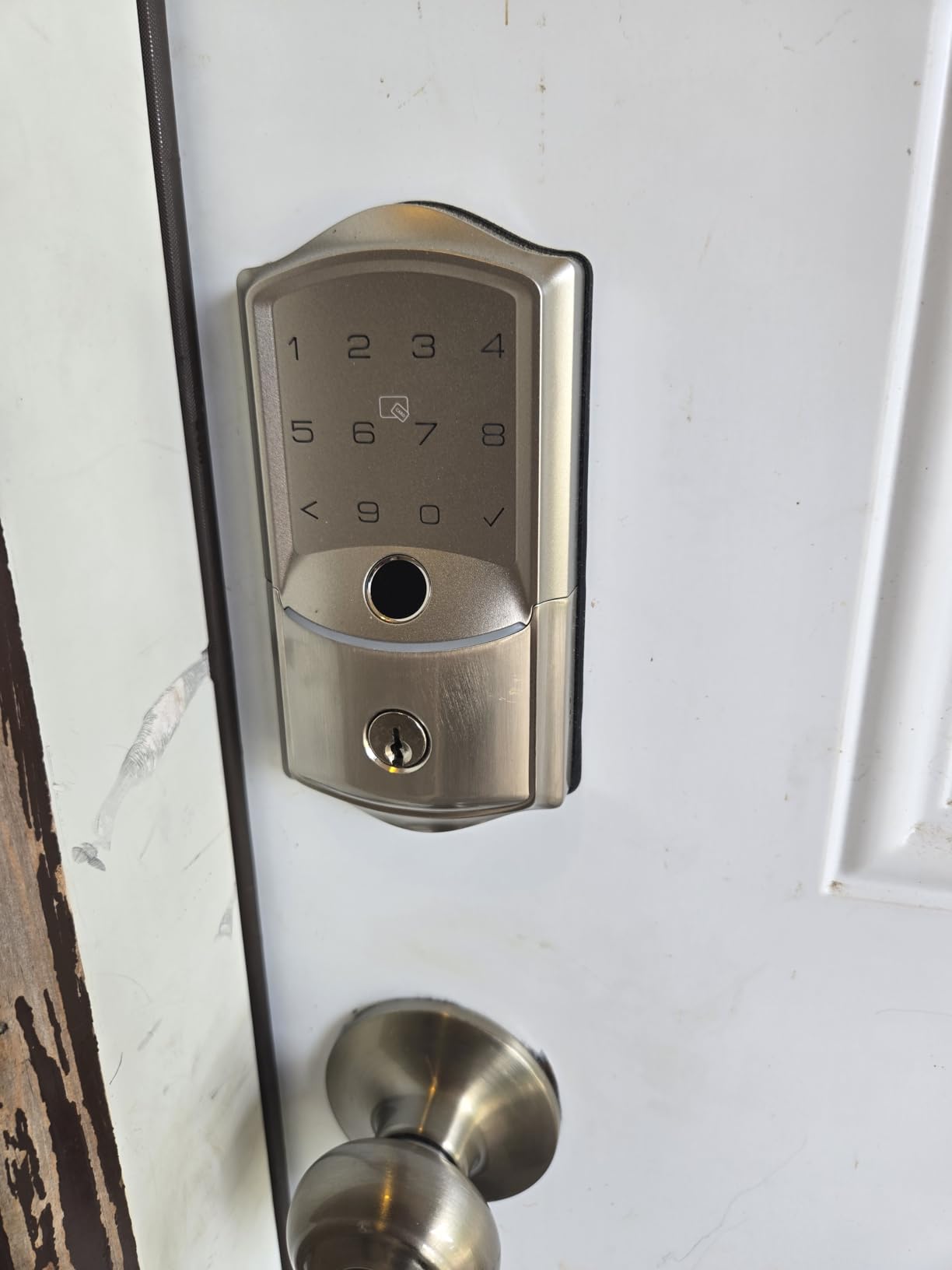
Two practical issues. Batteries are not included despite the eight-cell design, and eight AAs drain quickly on a door that does not latch properly. Some buyers also report the interior thumbturn arriving mounted backwards, which customer support resolved with a replacement.
When the Veise VE027 Is the Right Call
Pick it if your apartment door is old enough to swell, stick or misalign seasonally. Jam detection plus an audible alert is worth more than a longer code list on a door that never throws cleanly.
Where the Veise VE027 Falls Short
Batteries not being included is an annoying surprise for an eight-cell design, and battery life on a poor-fitting door can be poor enough that you will think about it often.
The KK Home app branding is a minor curiosity for anyone researching by brand name.
12. ULTRALOQ U-Bolt WiFi Smart Lock – Best for Knowing the Door Is Actually Shut
ULTRALOQ U-Bolt WiFi Smart Lock with Door Sensor, App Remote Access
- Included door sensor stops auto-lock from firing on an open door
- ANSI BHMA Grade 1 with a solid zinc alloy body
- Two backup keys and four batteries in the box
- Lockout Mode disables electronic entry while you are away
- Screwdriver-only install on doors that swing either way
- Wi-Fi dropouts reported that need a manual re-pair
- Auto-lock can be too aggressive on doors left open
- App structure feels over-engineered for a single door
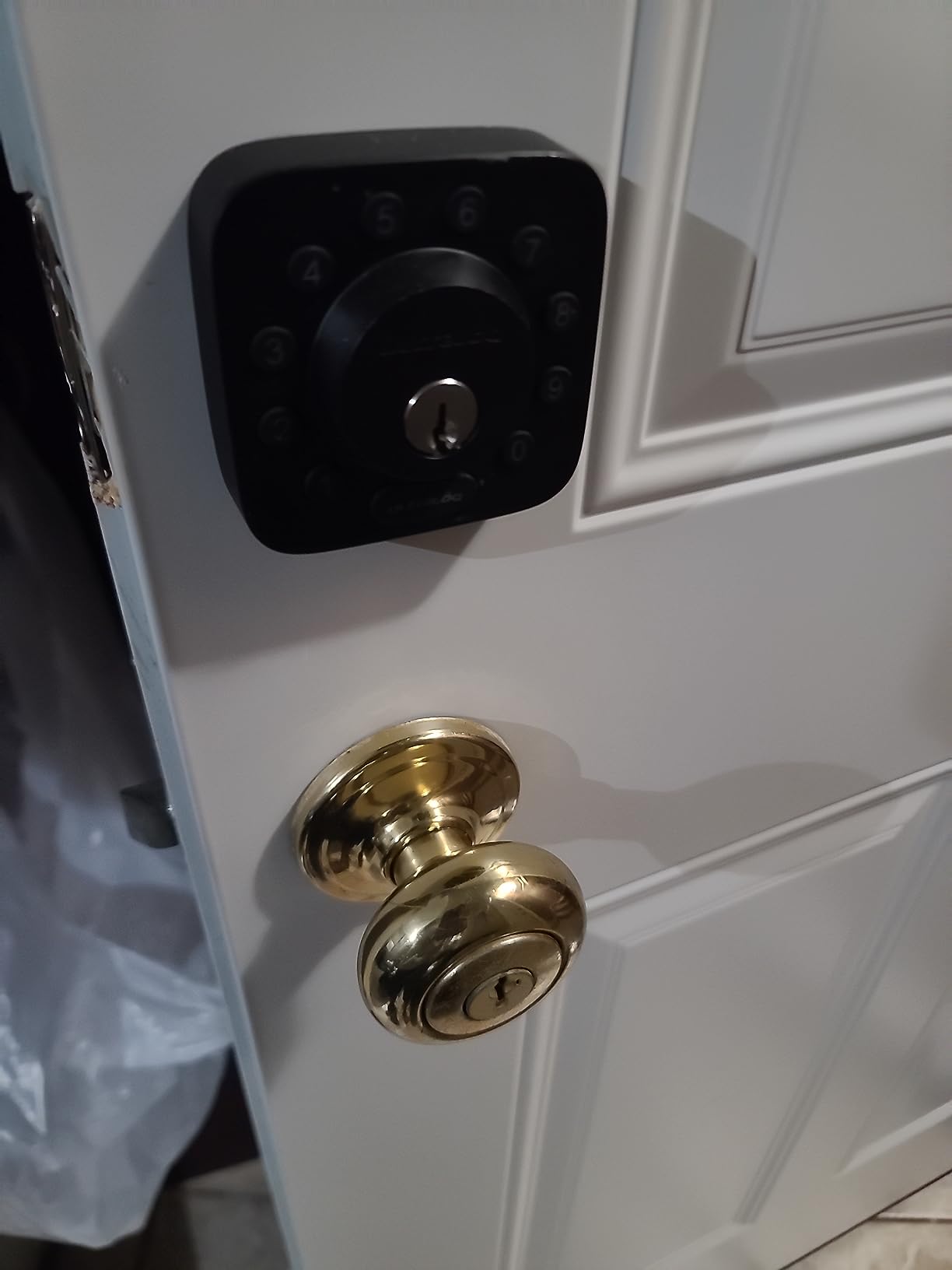
The included door sensor is the reason this lock is on the list. Several owners credit it with protecting a previous lock from damage, because auto-lock now waits until the door is physically shut rather than throwing the bolt into an open door.
It is also the only lock here rated ANSI/BHMA Grade 1, with a solid zinc alloy body and IP65 weather resistance. Built-in 2.4 GHz Wi-Fi means no bridge, and the box includes four AA batteries and two physical backup keys.
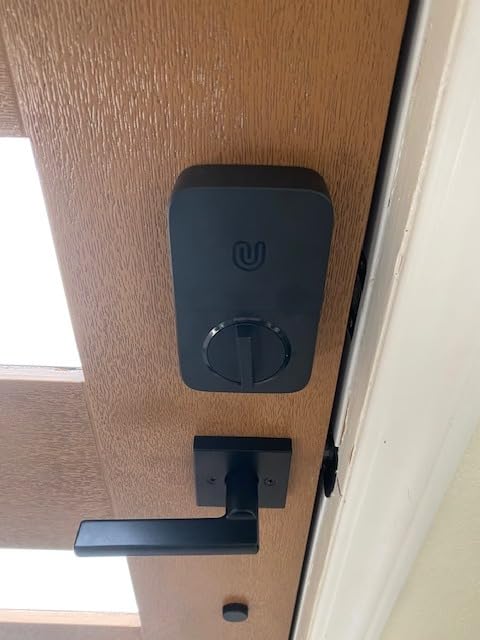
Access features are practical for renters. You get up to 50 custom passcodes with one-time and scheduled entries, shared eKeys, and a Lockout Mode that disables every electronic method while you are away.
Connectivity is the recurring complaint. Multiple reviewers report the lock dropping off Wi-Fi and refusing to reconnect without a laborious Bluetooth re-pair. The app groups devices by address and location, which suits a property manager and feels like overkill for one door.
When the U-Bolt WiFi Is the Right Call
Choose it when the door state matters more than features. If you have ever come home to find the bolt half-thrown, the bundled sensor solves it directly.
Where the U-Bolt WiFi Falls Short
Connectivity reliability is the weak point. A lock that needs to be re-paired from your phone defeats much of the purpose of a remote-access lock, and that complaint comes up across multiple reviews.
There is no external 9V battery jump contact, so if the batteries die and you lose both keys you are calling a locksmith.
Which Smart Home Ecosystem Should Apartment Dwellers Pick?
Match the lock to the ecosystem you already own, because the ecosystem decides what you can automate. Everything else on the spec sheet is secondary in a 700-square-foot unit.
Apple Home. The August Pro and the ULTRALOQ Bolt SE both work with Apple HomeKit or Apple Home, and the Bolt SE does it over Matter. The eufy C220 supports Apple Watch unlock but not native Home app control. If your household is all iPhone and you want one app for lights, thermostat and door, August or the Bolt SE are the two to shortlist.
Alexa and Google Home. The widest support belongs to the Schlage Encode and the TEEHO TE012W, both of which pair directly with assistants. One caveat worth testing: on the TEEHO, voice commands work but Alexa routines did not fire for reviewers.
Z-Wave and local control. Only the August Pro speaks Z-Wave, which still matters if you run a Z-Wave hub and want the lock on a local mesh rather than a cloud. Everything else in this roundup is Wi-Fi, Bluetooth or Matter.
No hub, no subscription. The Schlage, eufy, TEEHO, Wyze, Tapo, Veise and ULTRALOQ locks all connect to 2.4 GHz Wi-Fi directly. None of the twelve requires a paid subscription for core unlocking.
How to Install a Retrofit Smart Lock Without Drilling?
All twelve locks install over an existing standard deadbolt with a screwdriver. The steps below cover the common case and take about fifteen minutes.
1. Confirm your measurements. Check door thickness, backset, bore size and handing against the spec sheet before you touch a screw. This is the step that prevents most returns.
2. Photograph the existing hardware. Take clear photos of the interior assembly, the strike plate and the exterior cylinder. You will want this reference at move-out, and it documents the original state if a landlord asks later.
3. Remove only the interior thumbturn. Unscrew the existing interior thumbturn plate and slide it out. Leave the exterior cylinder, the deadbolt and the strike plate exactly where they are. If the lock is a retrofit model, this is the only part that comes off.
4. Mount the new interior unit. Feed the spindle or mounting bracket through the bore, align it with the thumbturn position, and tighten the two screws. Do not overtighten; the body is the structure and the screws only hold the plate. Products with a door sensor need the magnet positioned at the same height on the frame.
5. Pair, calibrate and test before you close up. Install the batteries, pair in the app, and run the lock through three full cycles of lock and unlock while the door is open. Confirm auto-lock timing and, if the lock has one, the emergency USB-C port. Test the physical key from outside before you walk away.
At move-out, reverse steps 3 and 4, reinstall the original thumbturn plate and restore your original key cylinder. That is the whole argument for a retrofit design, and it is why we would not put a full replacement lock on a door you do not own.
Frequently Asked Questions
What is the best smart lock for a renter in an apartment?
The Schlage Encode Smart WiFi Deadbolt is our pick for renters because it needs no hub, installs over a standard deadbolt with a screwdriver and keeps a physical backup key. Renters who cannot replace their deadbolt at all should look at the August Smart Lock Pro, which mounts over the existing interior thumbturn and leaves the original key and the landlord’s master key working.
What is the best smart lock for an apartment building?
For a shared building entrance, capacity and door status matter more than fingerprint speed. The Sifely lock stores more than 100 fingerprints and 100 codes with group profiles, and the ULTRALOQ U-Bolt WiFi includes a door sensor so the bolt only throws when the door is actually shut. Both work over Bluetooth locally with remote access through an optional gateway.
Can you put a smart lock on an apartment door?
Yes, but most leases require written permission before any hardware change, even a reversible one. Retrofit locks that mount on the interior of your existing deadbolt are the easiest to get approved because nothing is drilled and the original key still works. Ask your landlord in writing, describe the product, and state that you will restore the original hardware before moving out.
What are the best locks for apartment doors?
The best locks for apartment doors are retrofit deadbolts that mount over existing hardware with no drilling. Top options include the Schlage Encode for hub-free Wi-Fi and BHMA certification, the August Smart Lock Pro for keeping your original keys and getting real auto-unlock, the ULTRALOQ Bolt SE for fingerprint plus Matter, and the CANDY HOUSE Sesame 5 when no modification of any kind is allowed.
How long do smart lock batteries last and what happens if they die?
Expect roughly six to eight months on four AA cells for most Wi-Fi locks, and up to a year on the rechargeable Tapo DL110. Every lock here also includes physical backup keys in the box. Several, including the Wyze, Tapo and Veise models, add a USB-C emergency power port on the exterior so a 9V battery or power bank can revive a dead lock.
The Final Verdict for Apartment Doors in 2026
The Schlage Encode Smart WiFi Deadbolt is our pick for the best smart locks for apartment doors in 2026 because it combines hub-free Wi-Fi, a BHMA certification and a 100-code limit that no renter will hit. It installs with a screwdriver over a standard deadbolt and comes off cleanly at move-out. If you are still sizing up a door, our patio set picks for apartment balconies cover the same landlord-approval reality from the outside of the unit.
If you cannot replace your deadbolt at all, the August Smart Lock Pro keeps your original key and the landlord’s master key working. If your lease forbids any drilling, the CANDY HOUSE Sesame 5 is the only lock in this roundup that mounts with adhesive and leaves the door untouched.
Measure your door first, ask your landlord in writing, and keep the original hardware. Those three steps decide more than any feature on the box. For comparison, our bike lock picks for shared bike rooms follow the same rule: buy for the mount, not the marketing.