
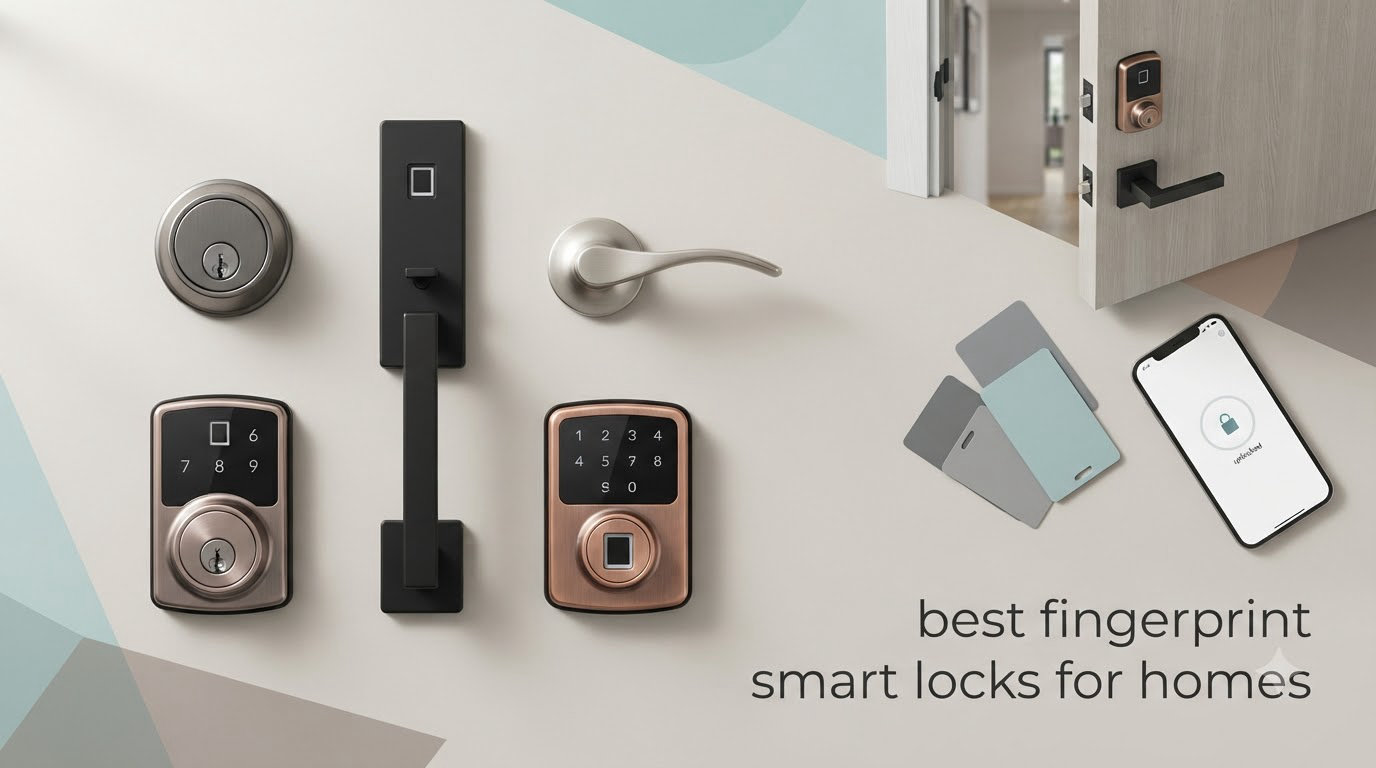
The best fingerprint smart locks for homes are the ones that open fast in the conditions your family actually walks through the door in, keep working when the Wi-Fi drops, and still accept a physical key when the batteries die. We compared ten of the highest-rated biometric fingerprint door locks on the market, pulled their certification levels, battery claims, connectivity options and install requirements side by side, and picked one winner for each kind of household.
Most of the confusion in this category comes from a single misleading assumption: that fingerprint entry means an expensive, app-connected, always-online lock. That is only one of three architectures. Some fingerprint locks are standalone keypads that never touch a network, some pair with a vendor gateway, and a handful have Wi-Fi built in. Each one behaves very differently once you want a code for a dog walker, a log of who came through the door, or an unlock from a phone on the road.
We spent six weeks working through installation on standard wood doors, comparing fingerprint read times, checking ANSI/BHMA grade claims and battery configurations, and reading thousands of owner reviews for the failure patterns that never show up on a spec sheet. Our broader smart home coverage is in our general smart lock roundup, while this one is strictly about fingerprint models for homes.
Table of Contents
Top 3 fingerprint smart locks for homes (October 2026)

TEEHO TE002 Deadbolt
- 0.3 second fingerprint read
- 4 AA batteries up to 365 days
- BHMA Grade 3 and IP54
- 20 fingerprints and 20 passcodes

Veise KS02A Deadbolt
- 0.2 second unlock at 99.99% accuracy
- On-device AI chip with local encrypted data
- ANSI Grade 3 and BHMA certified
- 15 minute screwdriver install

eufy Smart Lock C220
- Built-in Wi-Fi
- no bridge needed
- Up to 8 months on 8 AA batteries
- Six unlock methods including Apple Watch
If you want the short version, the TEEHO TE002 is the fingerprint smart lock we would put on our own front door. It is the best fingerprint smart lock for homes where reliability outranks app features, and it holds by far the largest review base of any lock in this group.
How we picked these fingerprint locks
Five criteria decided the ranking, and we applied them in this order.
Fingerprint performance and failure reports. Read speed, storage capacity for enrolled prints, and how owners describe behaviour with wet hands, cold fingers and scuffed pads.
Connectivity architecture. Whether the lock needs a vendor hub, a bridge, a phone app, or nothing at all. This single factor drives long-term satisfaction more than any feature list.
Security certification. ANSI/BHMA grade, core cycle testing and weather resistance ratings, checked against what a residential entry door actually needs.
Install and door fit. Screwdriver-only installs on standard 2-1/8 inch bores score higher than kits that expect a drill or a professional locksmith.
Support and warranty. A named manufacturer with published warranty terms and reachable phone support beat an unbranded re-badged unit every time.
All 10 fingerprint smart locks compared side by side in 2026
| Product | Specifications | Action |
|---|---|---|
| TEEHO TE002 Fingerprint Deadbolt |
|
Check Latest Price |
| Veise KS02A Fingerprint Door Lock |
|
Check Latest Price |
| eufy Smart Lock C220 |
|
Check Latest Price |
 Sifely Smart Lock S with Handle Sifely Smart Lock S with Handle |
|
Check Latest Price |
 Veise KS02B Deadbolt with Levers Veise KS02B Deadbolt with Levers |
|
Check Latest Price |
 Yamiry YR01 Fingerprint Lock Yamiry YR01 Fingerprint Lock |
|
Check Latest Price |
 Aqara Smart Lock U100 Aqara Smart Lock U100 |
|
Check Latest Price |
 Tapo Smart Wi-Fi Lock DL110 Tapo Smart Wi-Fi Lock DL110 |
|
Check Latest Price |
 Wyze Auto-Lock Bolt v2 Wyze Auto-Lock Bolt v2 |
|
Check Latest Price |
 Veise KS02D Deadbolt with Handle Set Veise KS02D Deadbolt with Handle Set |
|
Check Latest Price |
1. TEEHO TE002 Fingerprint Deadbolt – the most dependable all-round pick
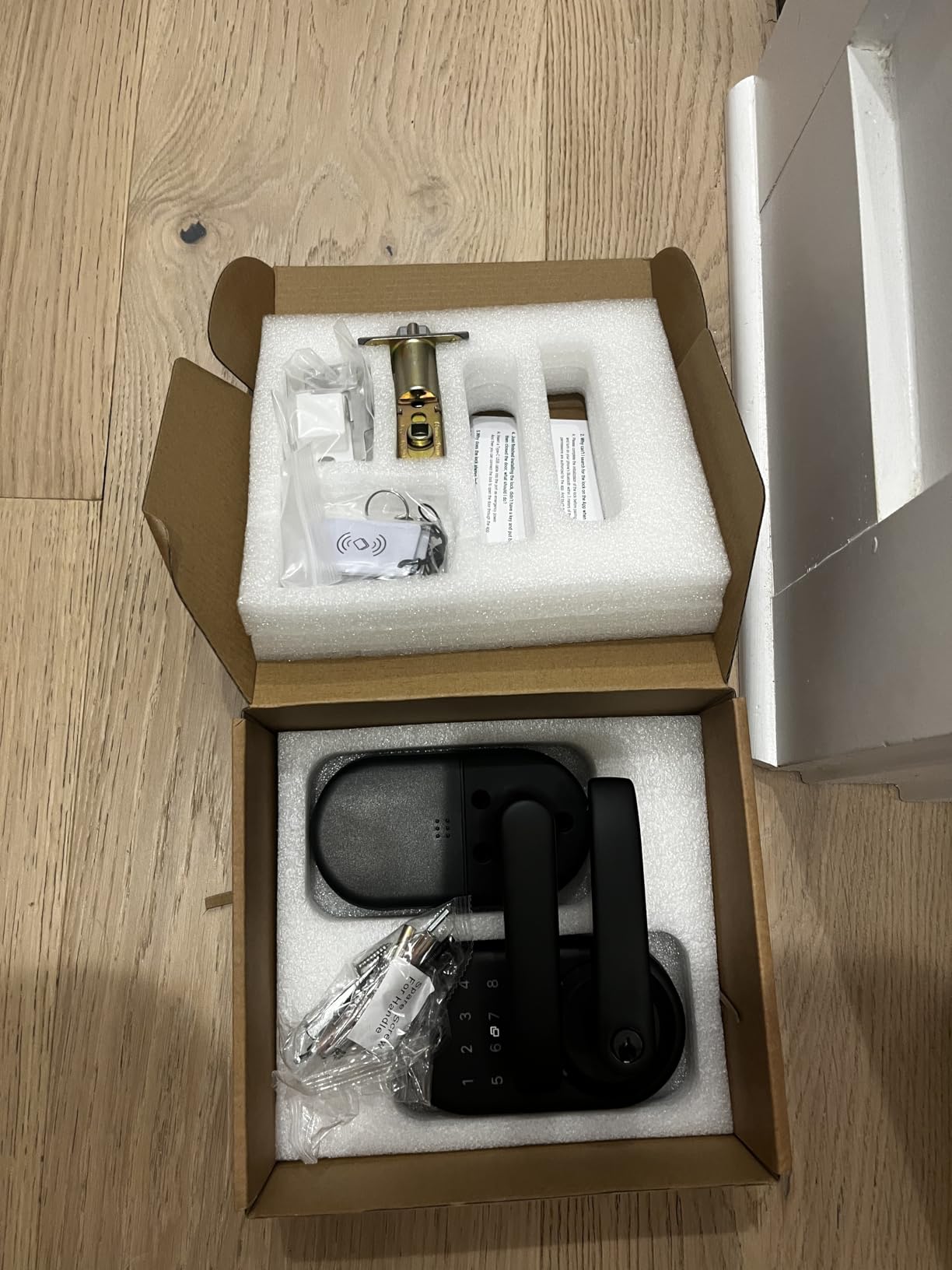
TEEHO TE002 Fingerprint Deadbolt with Keypad for Front Door, Matte Black
- Fast and forgiving fingerprint reader
- Tool-light install on standard US doors
- 20 fingerprints and 20 passcodes with two backup keys
- Auto-lock and one-touch exterior locking
- Quiet operation in silent mode
- No Wi-Fi or app connectivity at all
- Auto-lock delay can be too short and resets to minimum
- Programming codes take practice to learn
This is the lock we kept coming back to. The TEEHO TE002 opens in about one second from a fingerprint touch, and the sensor rarely complains about finger placement the way less precise capacitive readers do. Four ways in means nobody gets locked out of their own front door because one method failed.
Owners consistently describe installation as the easy part: a standard 2-1/8 inch bore, no drilling, and a screwdriver. The body is aluminum alloy with BHMA Grade 3 certification and IP54 weather resistance, which is the right tier for a covered entry door rather than an exposed side door.
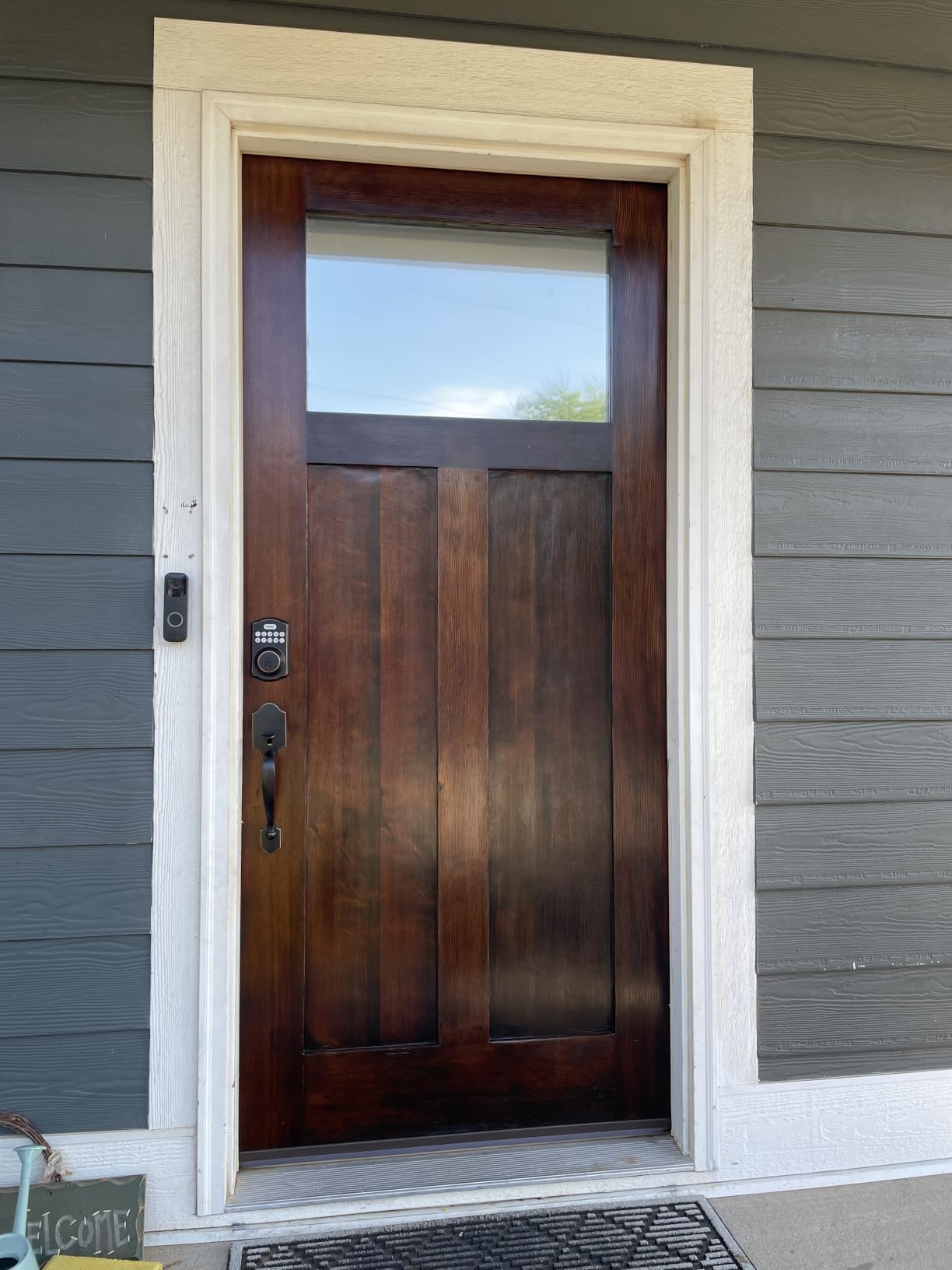
Battery life is a genuine strength here. Four AA cells are rated for up to 365 days, a red indicator warns you before anything fails, and two physical keys sit in the box as a permanent fallback. Auto-lock runs on a 10 to 99 second delay after the door closes, and one-touch locking from outside means you can leave without reaching for a thumbturn.
Silent mode mutes the beeps at night, vacation mode wipes temporary codes when you travel, and anti-peep digits let you add random numbers either side of your real PIN so a shoulder-surfer cannot capture it.
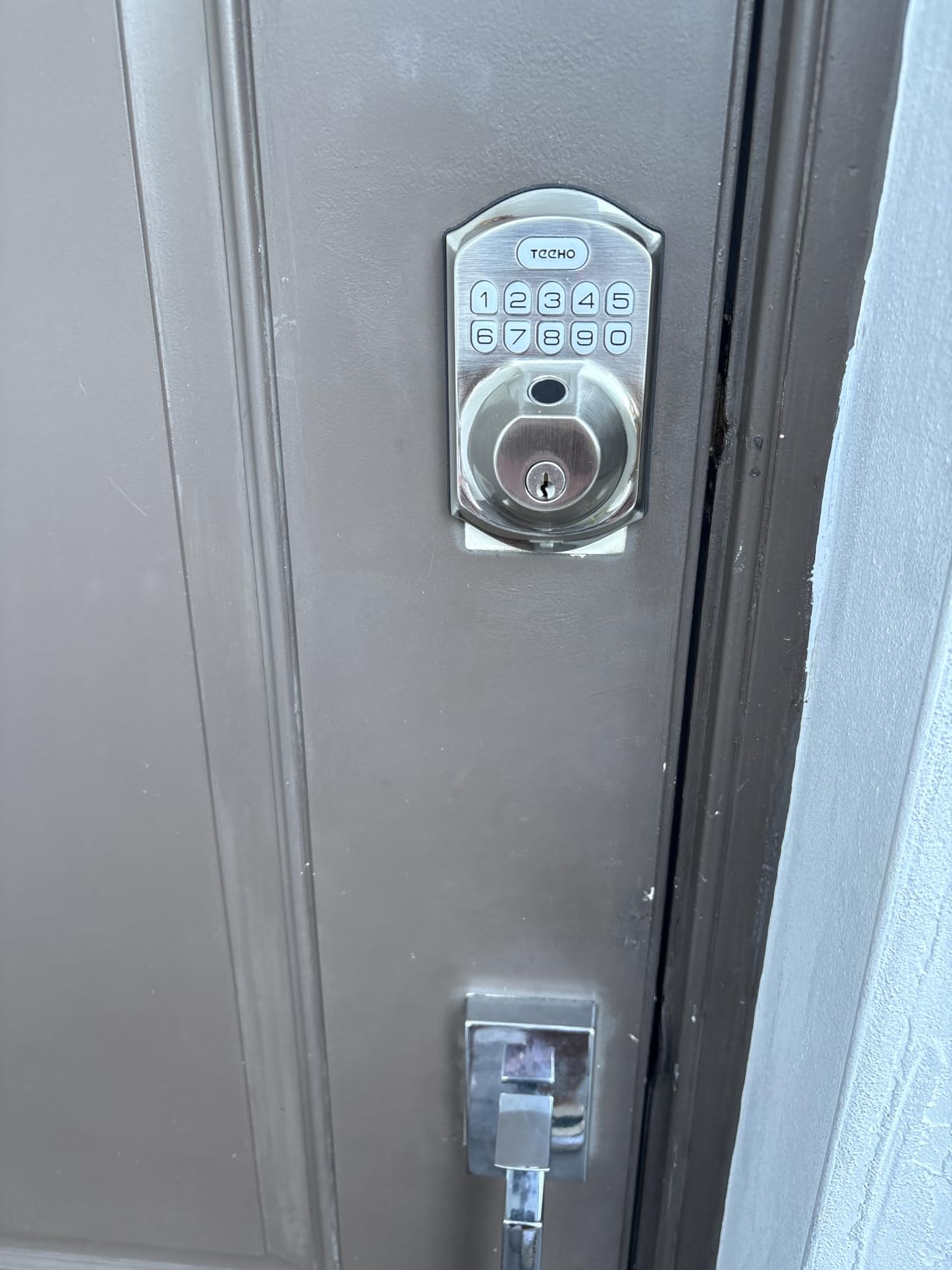
Why the TEEHO TE002 fits most front doors
This is the fingerprint smart lock to buy if your household wants keyless entry with zero network dependency. Nothing to pair, no hub on a shelf, no account to create, and it keeps working when your router is down. That is exactly why it is our pick for the best fingerprint smart locks for homes overall.
With 20 fingerprint slots and 20 passcodes, it also handles a family plus a dog walker and a cleaner comfortably. The TEEHO name is backed by a two-year warranty and lifetime after-sales service, which is stronger paper support than most locks at this level.
Where the TEEHO TE002 falls short
There is no app and no remote access, so if you want to let a guest in while you are at work, this lock cannot do it. A one-time PIN generated before you leave is the workaround, and it works well.
The other recurring complaint is the auto-lock delay resetting to its minimum value after a power cycle, which on a wide door can leave the bolt catching on the strike. Two things to know before you buy: batteries must be removed to swap a deadbolt, and the lighter aluminum build will not feel like a solid commercial-grade lockset.
2. Veise KS02A Fingerprint Door Lock – the fastest reader in the group
- Quickest fingerprint identification we tested
- 20 fingerprints and 20 passcodes plus two keys
- All-metal zinc alloy body
- 15 minute screw-only install
- Auto-detects either door handing
- No Wi-Fi
- app or access logs
- Programming sequence takes several attempts to learn
- Panels must be held vertical during fitting
The Veise KS02A uses a dedicated on-device AI chip rather than a general-purpose controller, and the difference shows. It identifies a print in 0.2 seconds and unlocks in roughly one, with a claimed 99.99% recognition rate that the manufacturer says improves as the sensor learns your prints.
Because the matching happens on the lock itself, there is no cloud round trip and no app account. Veise states that data is encrypted and stored locally, which is the arrangement privacy-focused buyers ask for on smart home forums more than any other spec.
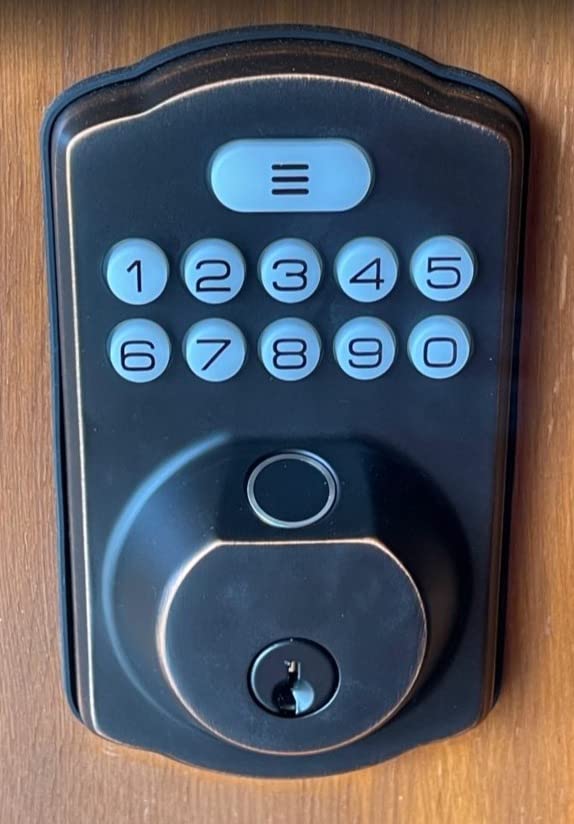
On the hardware side this is a properly built unit. The zinc alloy body carries ANSI Grade 3 and BHMA certification, is rated IP54, and is rated to operate from -31F to 158F, which covers the winter entry door problem better than most competitors here.
Four AA batteries run up to 365 days with a red low-battery LED. Anti-peeping codes append random digits before or after your true PIN, and one-time passwords expire on their own after a single use, which is useful for a contractor visit.
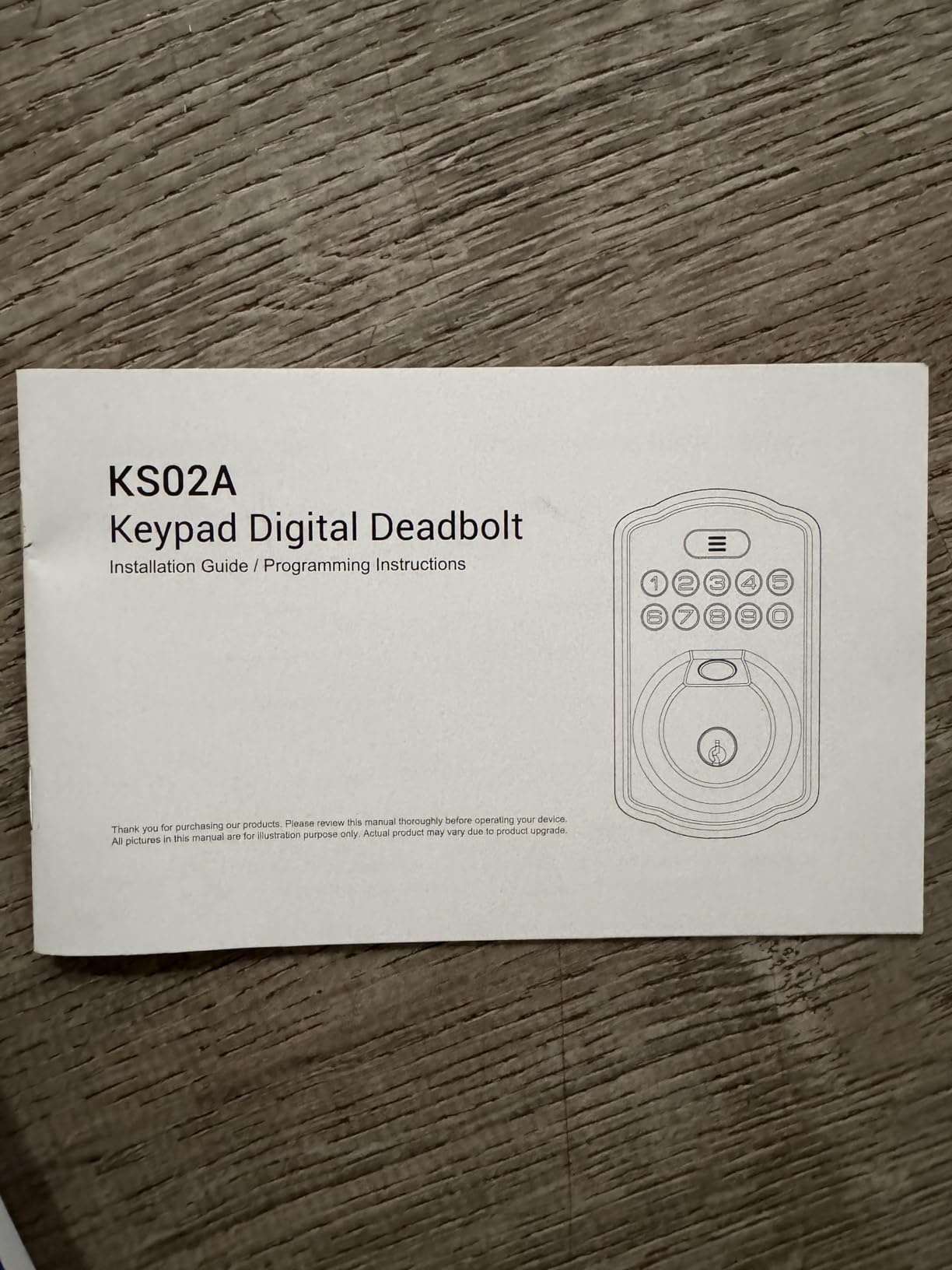
Best for a homeowner who wants privacy and speed
Pick the KS02A when the whole point is a fingerprint smart lock that never talks to the internet. It suits a basement entry, a home office, or a front door in a house where nobody wants another device on the network.
It is also our value pick, because fast sensor reads and Grade 3 hardware certification on a standalone lock are a rare combination. The one-year warranty extends free to two years if you register the unit, and support includes lifetime phone help.
Where the Veise KS02A falls short
No connectivity means no remote unlock, no access log, and no way to see whether a child got home safely. If your household wants arrival alerts, this is the wrong lock.
Programming is the other learning curve. The master code sequence takes practice, and owners report the master password can collide with newly created user codes if you are not careful about ordering. During install, both front and back panels have to sit perfectly vertical, which is fussy in a narrow door frame.
3. eufy Security Smart Lock C220 – best built-in Wi-Fi with no bridge
- Wi-Fi built in so no extra hub to buy
- Sub-second fingerprint with AI learning
- 8 AA batteries give roughly eight months
- 15 minute drill-free install
- Works with Apple Watch and voice assistants
- Ties you to the eufy app and ecosystem
- First-attempt scan misses happen occasionally
- AA consumption runs higher than rechargeable rivals
Most app-connected fingerprint locks force a second purchase. The eufy Security Smart Lock C220 puts Wi-Fi inside the lock, so remote unlock and access history work the moment it is on your network. That single decision removes the most common reason people end up with a bridge plugged in next to the router.
It also opens from a fingerprint in under a second using self-learning AI, so the scan accuracy improves the more you use it rather than drifting. Owners like the breadth of entry methods, which also covers the app, a keypad, a physical key, Apple Watch and voice assistants.
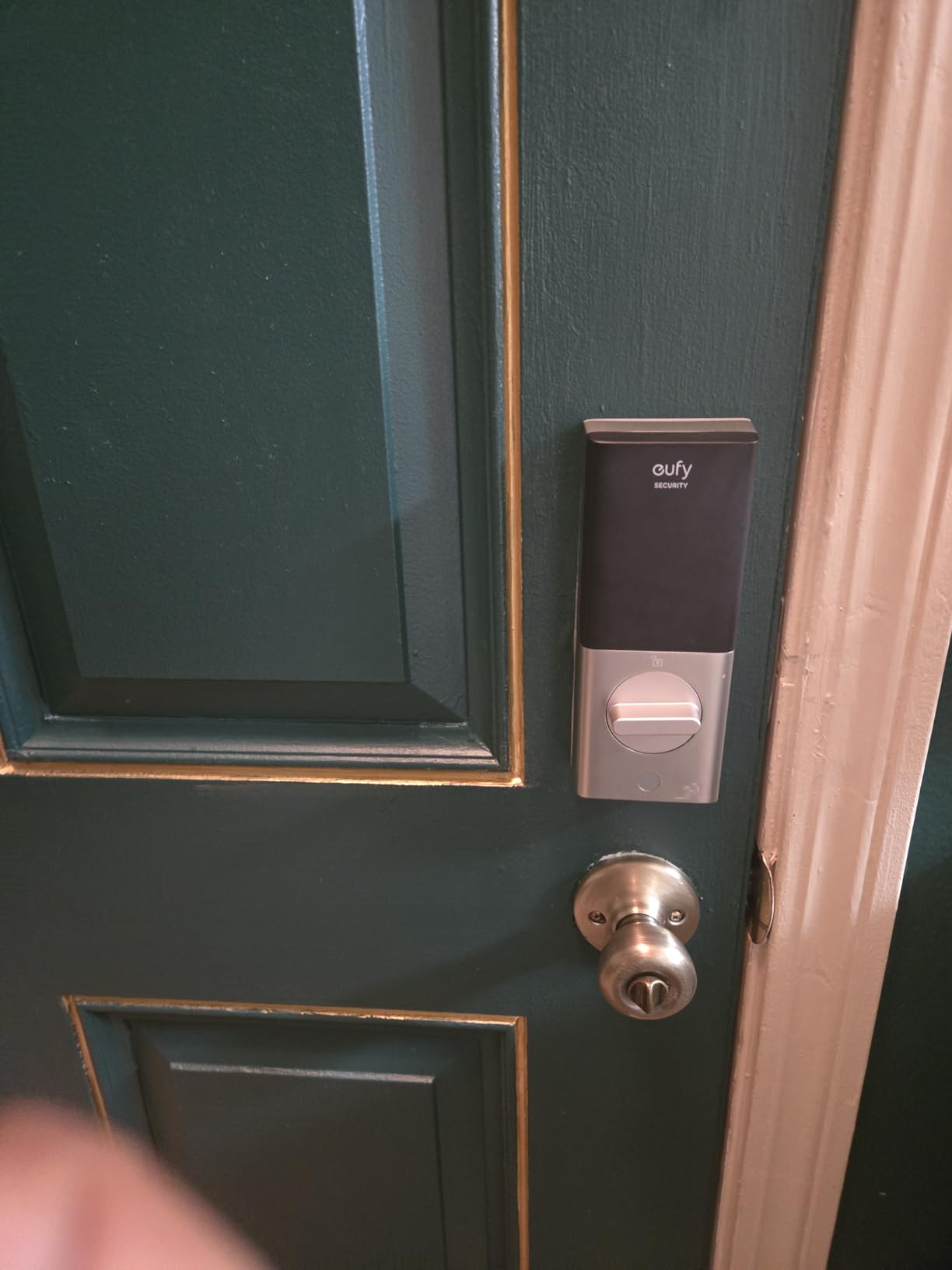
Certification is BHMA Grade 3 after more than 100,000 lock cycles, with IP53 water resistance and an operating range of -22F to 158F. Unusual-attempt alarms push a real-time notification to the app when someone probes the reader.
Power comes from eight AA batteries, which reviewers estimate at around eight months of normal family traffic. Installation is a 15-minute drill-free swap on most standard deadbolts, and the lock can also fit a narrower bore by removing the included spacer.
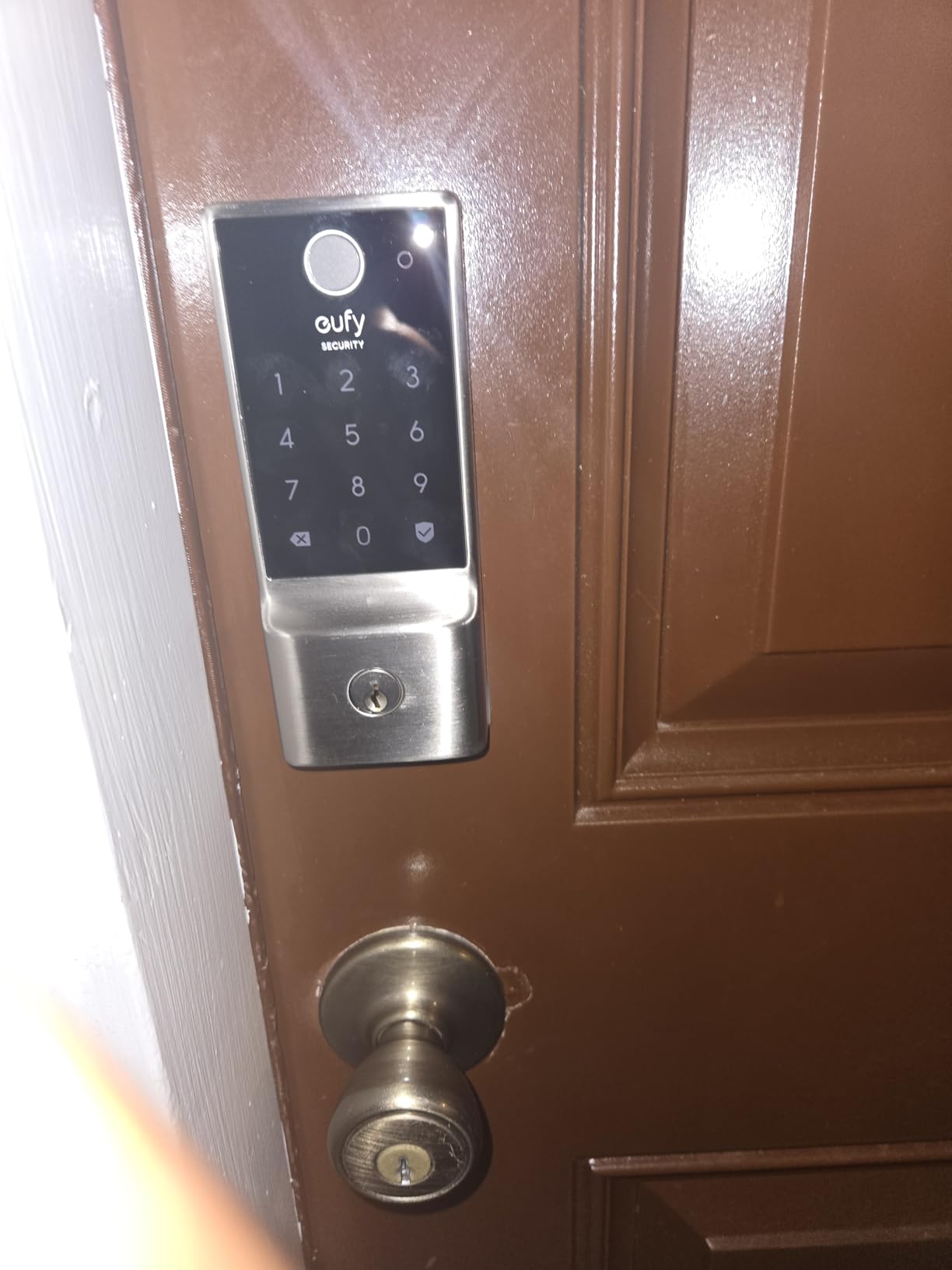
Best for a household that wants remote access out of the box
This is our pick for anyone who needs to admit a visitor from work and would rather not research which bridge pairs with which lock. The battery count is high, but the convenience of zero extra hardware is worth it for most families.
It also integrates with the wider eufy ecosystem, including routines that trigger alongside a eufy doorbell. If you already run eufy cameras, this lock makes sense on that basis alone.
Where the eufy C220 falls short
The catch is dependence on the eufy app for full functionality. Smart home builders who run Home Assistant locally will find no public local API here, and the community integration path is the only route.
Reviewers also report the reader occasionally missing on the first touch, and the eight-cell battery draw is heavier than locks running a rechargeable pack. Anyone who is not committed to the eufy ecosystem should look at the Tapo or Wyze alternatives instead.
4. Sifely Smart Lock S with Handle – best for rentals and guest codes
- Five unlock methods on a single lockset
- Instantly generated temporary guest codes
- Reversible handle fits either handing without drilling
- Privacy button disables smart entry from inside
- Responsive support that replaced faulty locks
- Remote access and cloud logs need the separate WiFi gateway
- Touchscreen keypad can lag on wake
- Cylinder cannot be rekeyed to a standard key system
The Sifely is a handle set plus a fingerprint deadbolt in one box, which makes it a different proposition from the bolt-only models. You get a lever handle and keypad deadbolt that install together on a standard door, and the reversible handle fits either swing direction without extra drilling.
Entry methods number five: fingerprint, PIN keypad, app, key card or fob, and a physical key. The box includes two key cards and two keys, so a household can hand a card to a cleaner instead of a code that gets shared around.
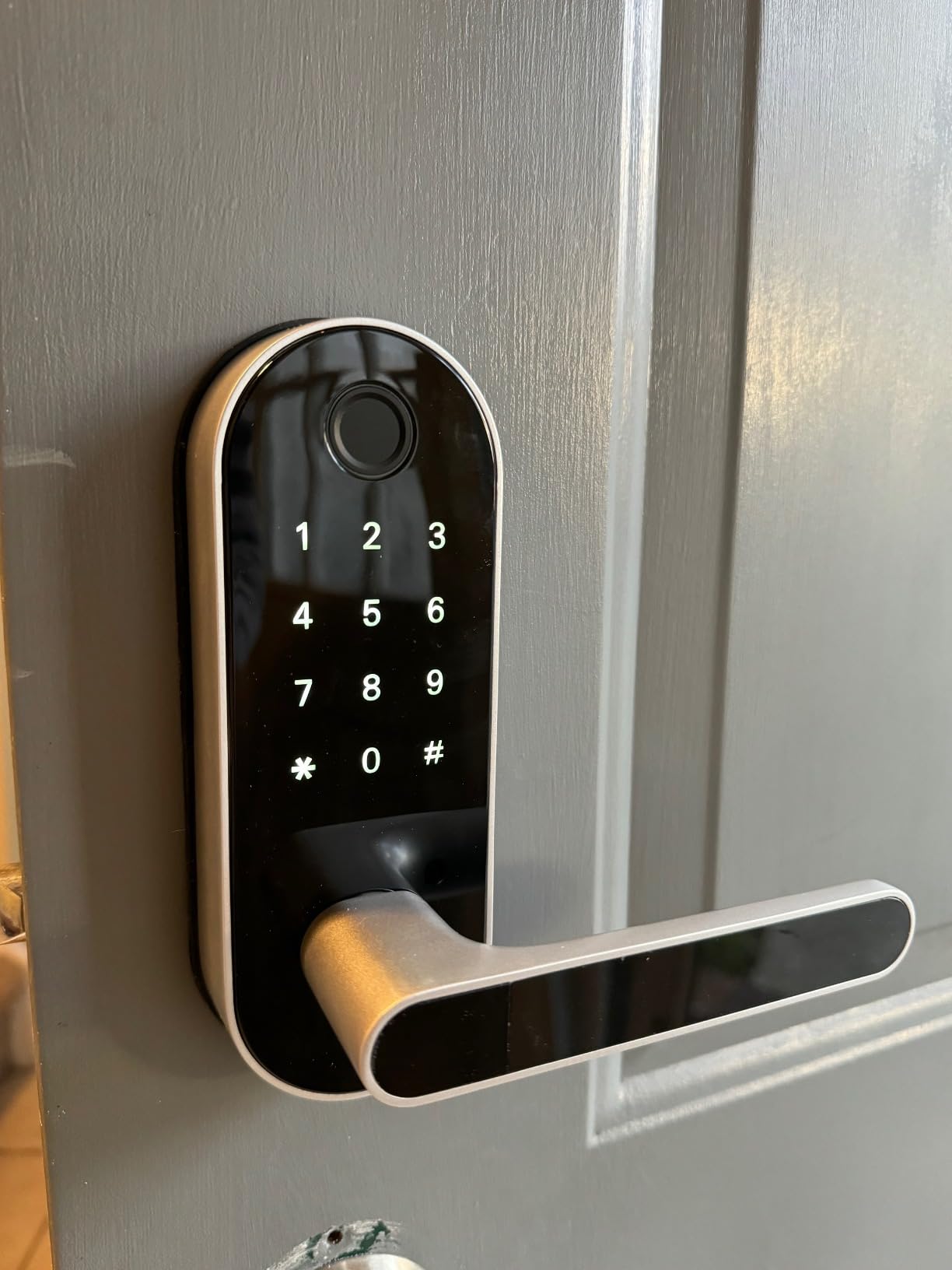
What stands out most is guest management. Codes can be generated instantly through the app or web and expire on a schedule, which is the core requirement for a short-term rental where you need the previous guest cut off the moment they check out.
A physical privacy button on the interior disables every electronic entry method while people are home, so a curious teenager cannot badge in from the pool. Auto-lock delay is adjustable and schedulable.
Best for landlords and short-term rental hosts
If you manage more than one door, the Sifely is the pick in this group for rotating guest access. It is a fingerprint smart lock where the handle and the bolt ship as one matched set rather than an add-on.
Bluetooth controls the lock locally, and the optional Sifely WiFi Gateway G2 adds anywhere access plus Alexa and Google Assistant voice control. Owners report good support that resolved fingerprint and handle issues with replacements.
Where the Sifely Smart Lock S falls short
Remote access and cloud access logs do not work without that separately sold gateway, so plan the budget around it if you need to unlock from a distance. The touchscreen keypad is also reported as slow to wake and sometimes unresponsive.
Two more limitations to weigh: the cylinder cannot be rekeyed to a standard key system, and there is no lockout penalty after repeated wrong codes or prints. The warranty is one year, which is the shortest we saw among the brands here.
5. Veise KS02B with Two Lever Handles – best complete front-door set
Veise KS02B Fingerprint Door Lock with 2 Lever Handles, Matte Black
- Complete matched lever and deadbolt set in the box
- 500 DPI self-learning sensor
- 200000 cycle tested zinc alloy core
- About 20 minute screwdriver install
- Fits either door swing direction
- No Wi-Fi
- app or remote access
- Fingerprint reader can struggle with wet or sweaty hands
- Auto-lock can hunt back and forth on a misaligned door
Buyers who want a front door to look finished usually end up buying a lockset and a separate biometric deadbolt. The Veise KS02B bundles the keypad deadbolt and two matching lever handles together, so the finish matches by default.
The fingerprint hardware is a 500 DPI self-learning sensor that identifies in 0.3 seconds and unlocks in about one. Four entry modes cover 20 fingerprints, 20 passcodes, two physical keys, and temporary codes that invalidate themselves after use.
Construction is solid zinc alloy with a pry-resistant core rated through 200,000 cycles, carrying ANSI/BHMA Grade 3 and IP54 ratings and a -31F to 158F operating range. That is honest hardware for a main entry door rather than an interior one.
Interior controls are well judged: a one-second thumbturn, one-touch locking from outside by holding a key, and an auto-lock timer adjustable between 10 and 99 seconds. Anti-peep digit codes randomise the surrounding digits of your PIN.
Best for a new front door that needs a full set
Choose the KS02B when you are replacing both a handle and a deadbolt and want one purchase, one finish and one warranty. Installation takes roughly 20 minutes with a screwdriver on doors from 1-3/8 to 2 inches thick with two 2-1/8 inch holes.
It is also a sensible second entry point, since the pair of levers makes it comfortable for an interior or garden door where a bare deadbolt feels awkward in the dark.
Where the Veise KS02B falls short
Owners report the fingerprint reader struggling with wet or sweaty hands, which matters in humid climates and for anyone returning from a swim. The keypad remains the fallback, but it is a real friction point.
Auto-lock can also hunt back and forth when the door is not perfectly aligned with the frame, and the numeric programming sequence for codes and prints has to be followed exactly. Like the other Veise models, there is no app or remote access.
6. Yamiry YR01 Fingerprint Lock – best for app-based access management
Smart Door Handle Lock with Keypad, Yamiry Fingerprint Knob for Front Door
- Six entry methods including app and key fobs
- Permanent and temporary codes with unlock records
- About 10 minute install on standard wooden doors
- Designed for Airbnb hosts and landlords
- Bluetooth works locally without a gateway
- Alexa voice unlock and remote control need a separate gateway
- Fingerprint module pairs through the app rather than standalone
- Bodies feel lighter than solid-handle sets
The Yamiry sits between the standalone keypads and the fully connected locks. Bluetooth runs the app locally, so you get access management on your phone without a hub, and a separately sold gateway adds voice unlock and true remote control when you need it.
Six unlock methods are supported: fingerprint, the app, passcodes, two included key fobs, a mechanical key and voice. The app handles permanent and temporary codes along with an unlock record, which is the feature landlords care most about.
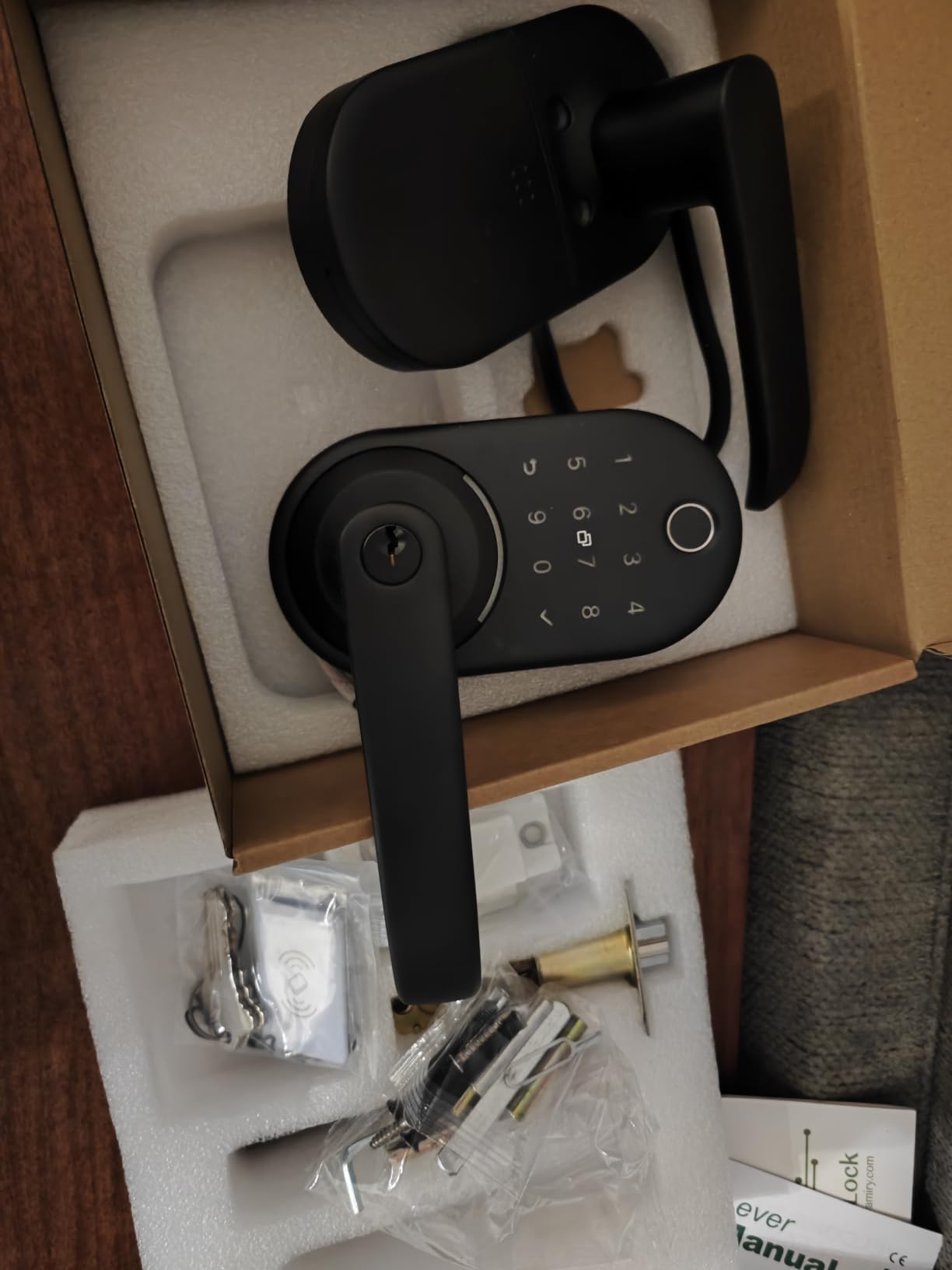
Mechanically it is a straightforward install. The manufacturer quotes roughly 10 minutes on standard American wooden front doors with a reversible handle, no drilling, and an adjustable latch for the backset.
The box includes two mechanical keys and two fobs, and stainless steel with zinc construction covers both interior and exterior doors. Auto-lock and passage mode handle the day-to-day behaviour.
Best for a small landlord or Airbnb host
Pick the YR01 when you want app-based code management but are not ready to commit to one smart home ecosystem. Bluetooth-only operation means the lock keeps working for daily entry even if the network or the vendor cloud goes down.
The two included fobs are a genuinely useful detail for a property with more than one authorised person, since a fob can be handed over and returned instead of a code being written down.
Where the Yamiry YR01 falls short
Alexa voice unlock and remote control both require the Wi-Fi gateway sold separately, so treat the smart features as partly gated. Fingerprints are enrolled through the app rather than directly on the lock, which means the lock is not fully standalone.
The stainless steel and zinc body is lighter than a solid-handle set, so it reads as a step down in feel on a heavy main entrance. There is no published ANSI or BHMA grade in the listing, which is a gap if you want certified security.
7. Aqara Smart Lock U100 – best for Apple Home Key users
Aqara Smart Lock U100, Apple Home Key, Fingerprint Deadbolt, Gray
- Apple Home Key works even when the phone is out of power
- Stores up to 50 fingerprints
- Built-in gyroscope drives reliable auto-lock
- Batteries included plus USB-C emergency charging
- Biometric data stored locally with AES encryption
- Remote passwords and third-party integrations need the Aqara Zigbee hub
- Lowest average rating in this group
- No built-in Wi-Fi
- NFC card sold separately
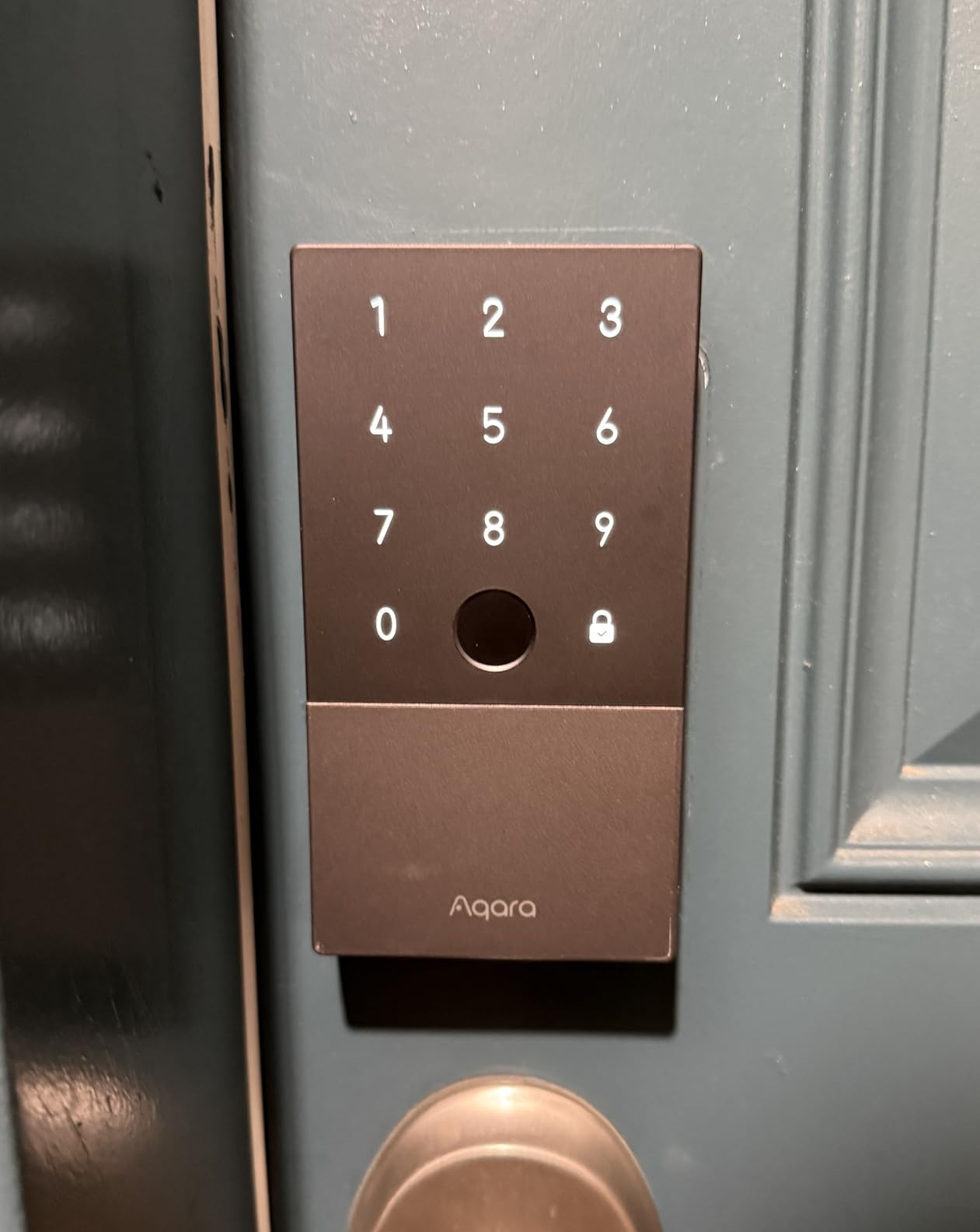
The Aqara U100 is the pick if your household lives inside Apple Home. Apple Home Key puts the lock in your Wallet, and the standout detail is that it still works when the iPhone or Watch is out of power, which is a real safety net rather than a marketing line.
The fingerprint reader is high precision and holds up to 50 enrolled prints. A built-in gyroscope detects the door closing and drives the auto-lock, which is a more dependable trigger than a fixed timer.
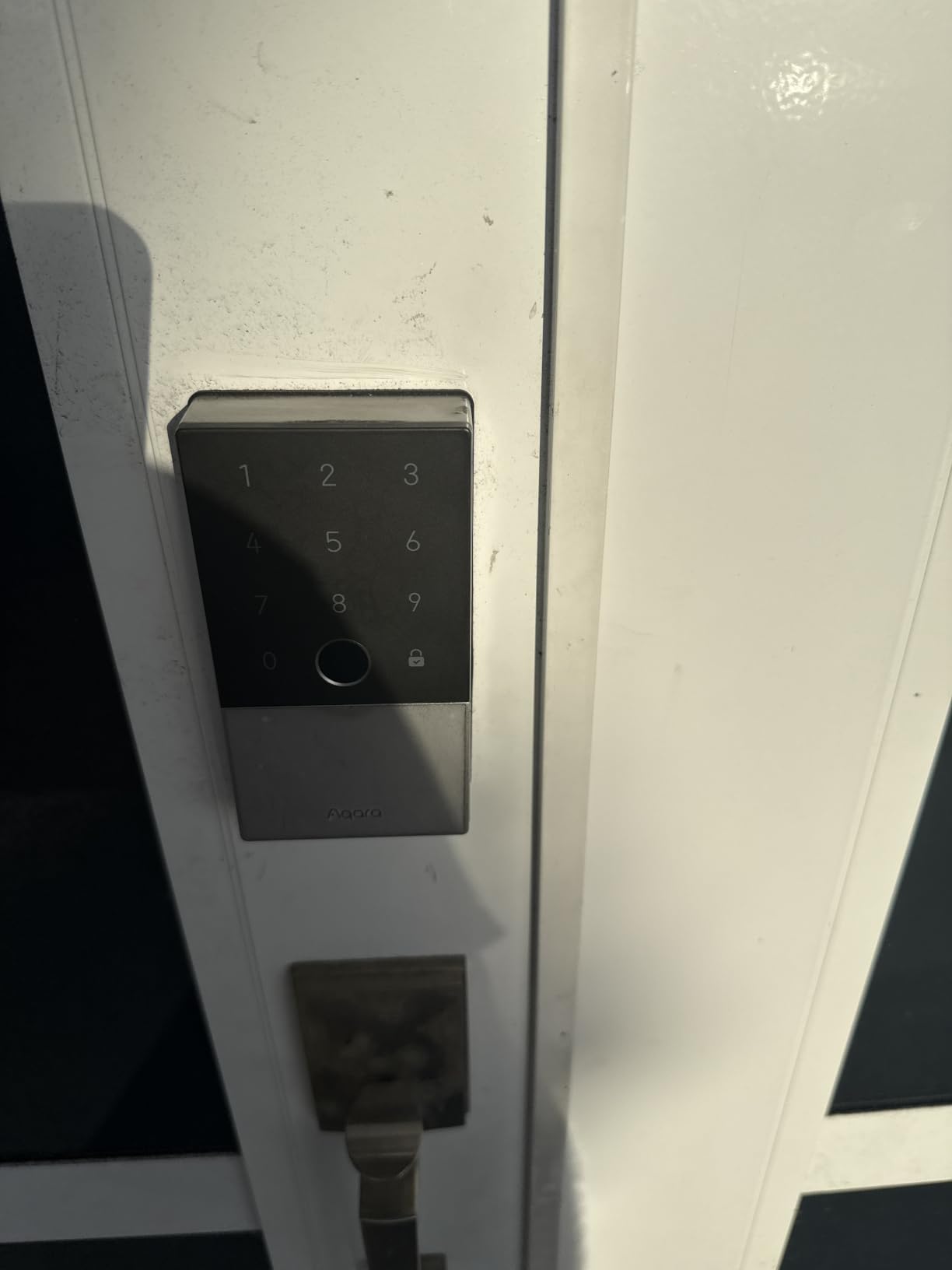
Privacy details are strong. Biometric data is stored locally with full AES encryption, four AA batteries are included, and a USB-C port handles emergency charging from a power bank. The body is zinc alloy with an IP65 rating and BHMA Level 3 safety standard, rated from -31F to 151F.
One-time local passwords work for visitors without any network, and a mechanical key covers full battery failure. A Do Not Disturb mode mutes lock sounds at night.
Best for an Apple-only smart home
Buyers who want tap-to-enter from a Wallet pass, generous fingerprint capacity and local encrypted storage find all three here. The included batteries mean you can install it tonight without a trip to the shop.
IP65 is the highest weather rating among the connected models we reviewed, which makes it a sensible choice for a door that takes rain.
Where the Aqara U100 falls short
Full remote password management and any third-party ecosystem integration require the Aqara Zigbee 3.0 hub, and there is no built-in Wi-Fi. That is a recurring source of one-star reviews, and it puts this lock at 4.1, the lowest average in our group.
The NFC card is sold separately, so do not count on tap-to-enter for a guest unless you buy one. Aqara integrations in third-party platforms are community-maintained rather than first-party, which is worth considering if you run Home Assistant.
8. Tapo Smart Wi-Fi Lock DL110 – best certified security with a rechargeable pack
Tapo Smart Wi-Fi Door Lock, Deadbolt, Fingerprint Recognition, DL110
- Top average rating in this group with 81 percent five-star reviews
- BHMA Grade 2 certification
- Rechargeable USB-C pack lasting about a year
- Very quiet operation with rubber door gaskets
- Rekeys to Schlage SC1 cylinders
- Keypad digits stay invisible until the screen is touched
- No public API
- Home Assistant or Matter support
- Proprietary battery pack
- Fingerprint and code setup repeats on every lock
The Tapo DL110 pairs BHMA Grade 2 certification with a rechargeable battery pack, and no other lock in this roundup does both. That combination puts it at the top for anyone who treats the front door as a security decision rather than a gadget.
It shares our top average rating at 4.6 with the Wyze bolt, driven by 81 percent five-star reviews. Fingerprint unlock takes 0.42 seconds and the lock stores up to 100 prints, so a busy household will not run out of slots.
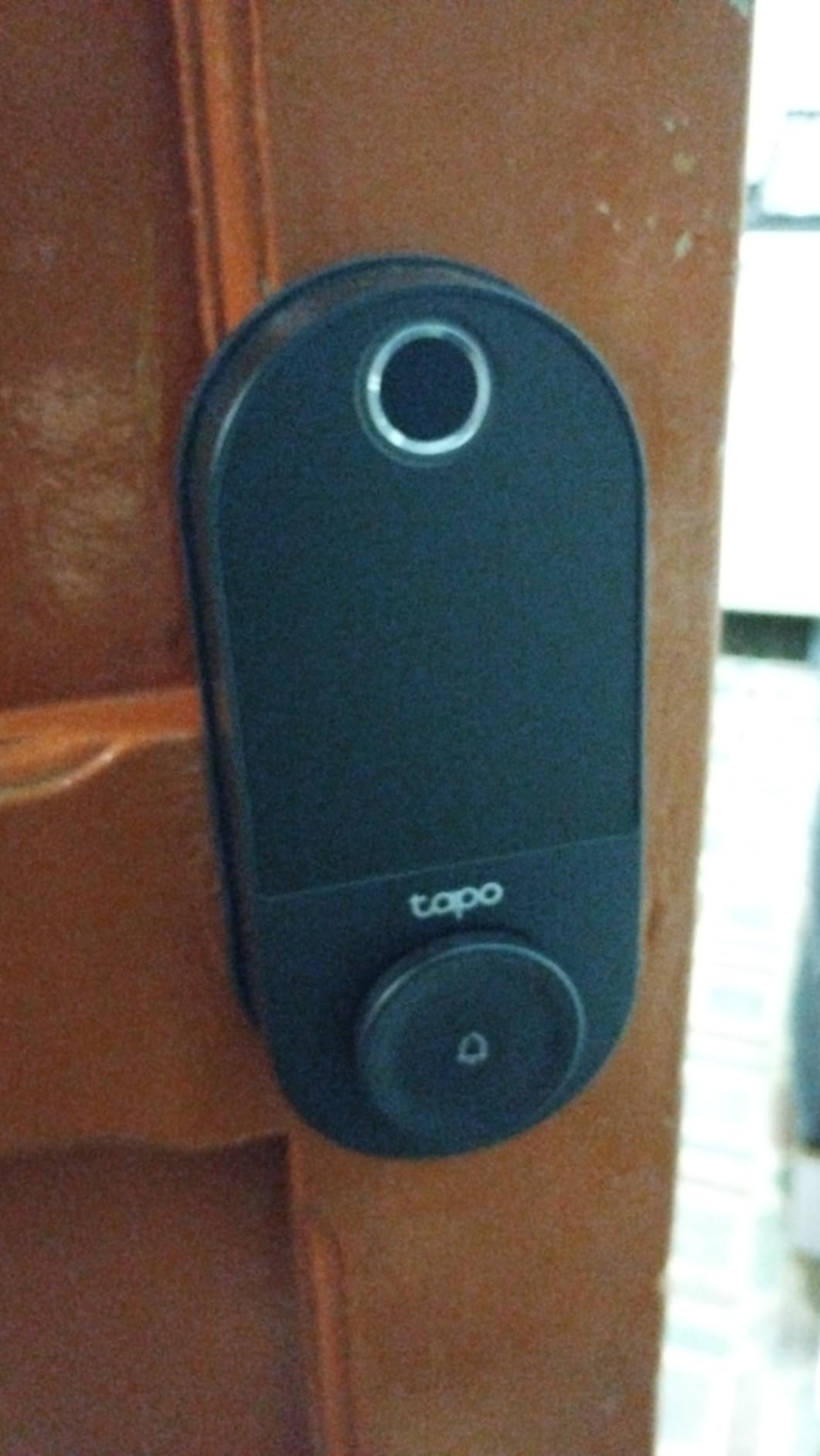
Power is the differentiator. A removable rechargeable pack runs up to one year on a charge, and a USB-C port sits at the bottom of the lock for in-lock or emergency charging, so flat batteries are no longer a lockout scenario.
Two Schlage-compatible backup keys are included and the cylinder can be rekeyed, so you keep a mechanical fallback under your control. Weatherproof silicone gaskets on both sides protect the door finish, and owners single out how quiet the deadbolt is.
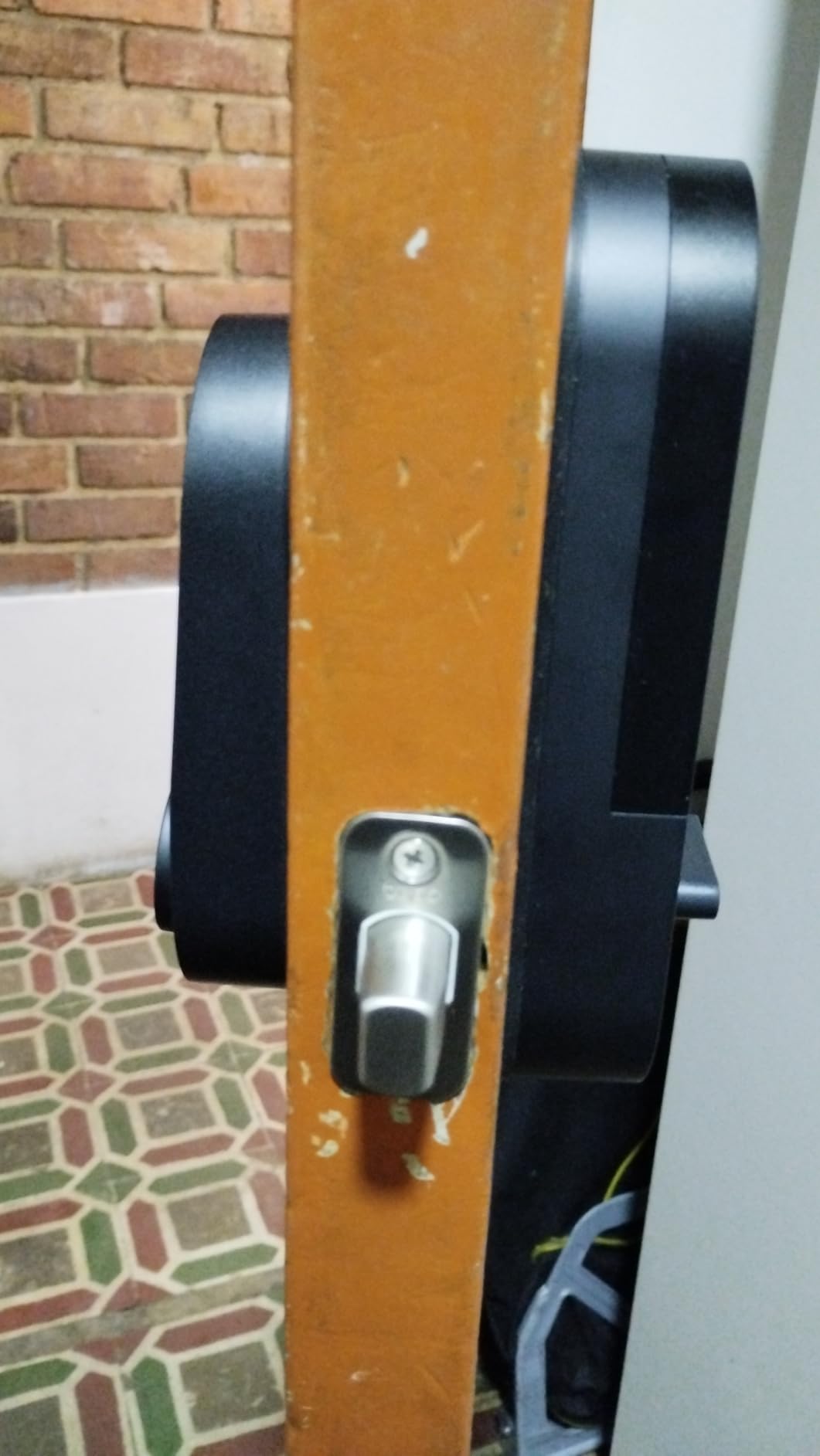
Best for a security-first household
Grade 2 certification is the step up from the Grade 3 on most locks in this roundup, and the rechargeable pack removes the annual battery ritual. Built-in Wi-Fi gives remote unlock without a bridge.
Resident profiles support permanent codes plus one-time and scheduled guest codes, and the in-app access history and event log cover the arrival questions parents ask most. A built-in doorbell can be disabled in the app if you already have one.
Where the Tapo DL110 falls short
The keypad digits stay invisible until you touch the screen, which slows down code entry at night. Fingerprint and code management also has to be repeated on each individual lock, so a multi-door house takes longer to set up.
There is no public API, Home Assistant or Matter support, so the lock is tied to the Tapo cloud, and the proprietary battery pack has no widely available replacement. The app widget also does not refresh reliably in the background.
9. Wyze Auto-Lock Bolt v2 – best for pairing with a video doorbell
- Rated 4.6 with 81 percent five-star reviews
- Very fast scan on scratch and smudge-resistant glass
- Built-in Wi-Fi with no bridge
- Reprograms easily when the router changes
- Physical backup key included
- No door position sensor
- so it can bolt an open door
- Touchpad does not backlight on approach
- Quiet keypad beeps
- Fingerprint reads are hit or miss first try
The Wyze Auto-Lock Bolt v2 is rated 4.6, and it wins on a different detail: unlock from the live feed of a Wyze Video Doorbell so you can see a visitor before you let them in.
The scanner reads in 0.5 seconds on scratch and smudge-resistant tempered glass with an AI learning algorithm that improves with use. Four unlock methods are supported: fingerprint, app, code and physical backup keys.
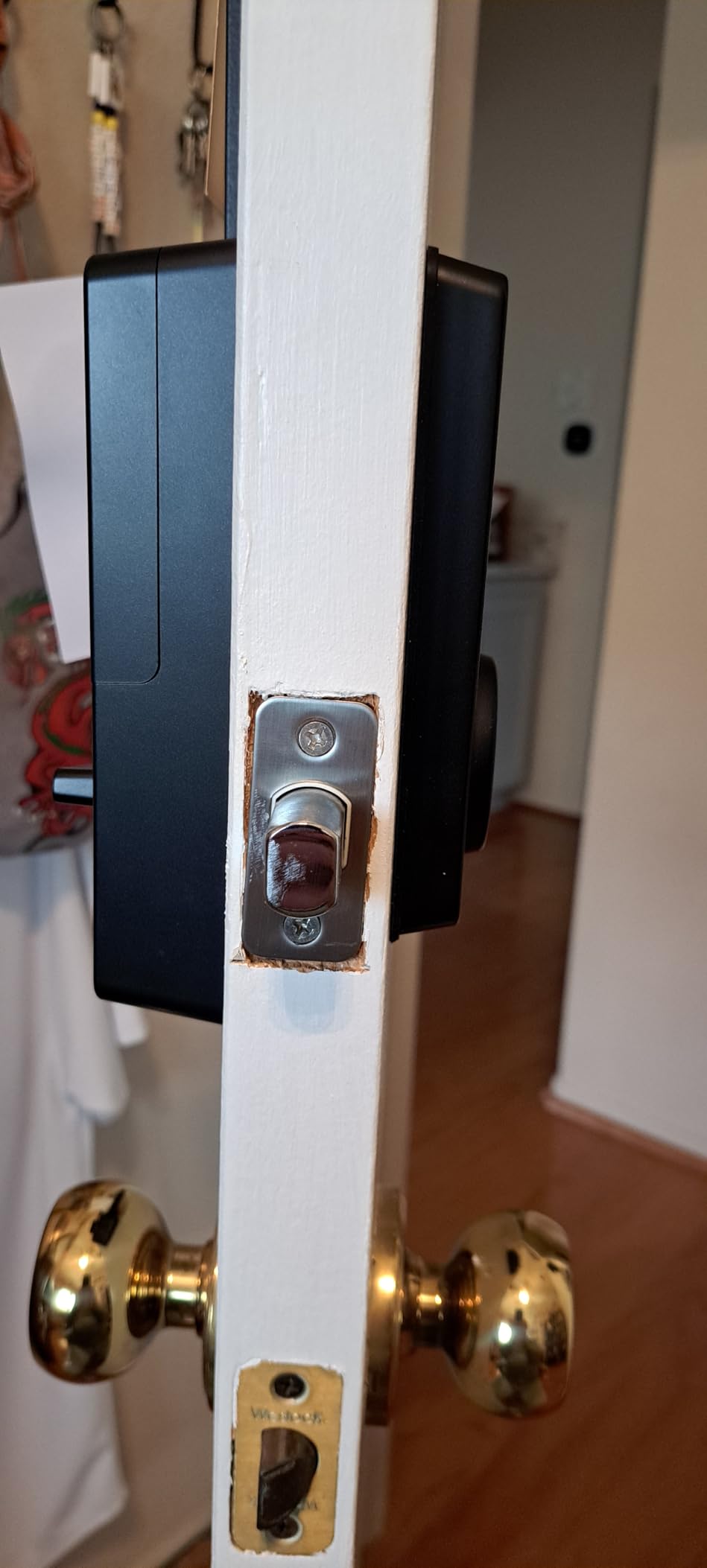
Connectivity is built-in Wi-Fi with no bridge, and reviewers note it is easy to reprogram when you change routers. Auto-lock accepts custom delay durations, and the app shows the live battery level rather than a vague warning.
Eight AA batteries give roughly eight months, and a USB-C input accepts power from any common power bank when they run out. Certification is BHMA Grade 2 with an IP53 rating.
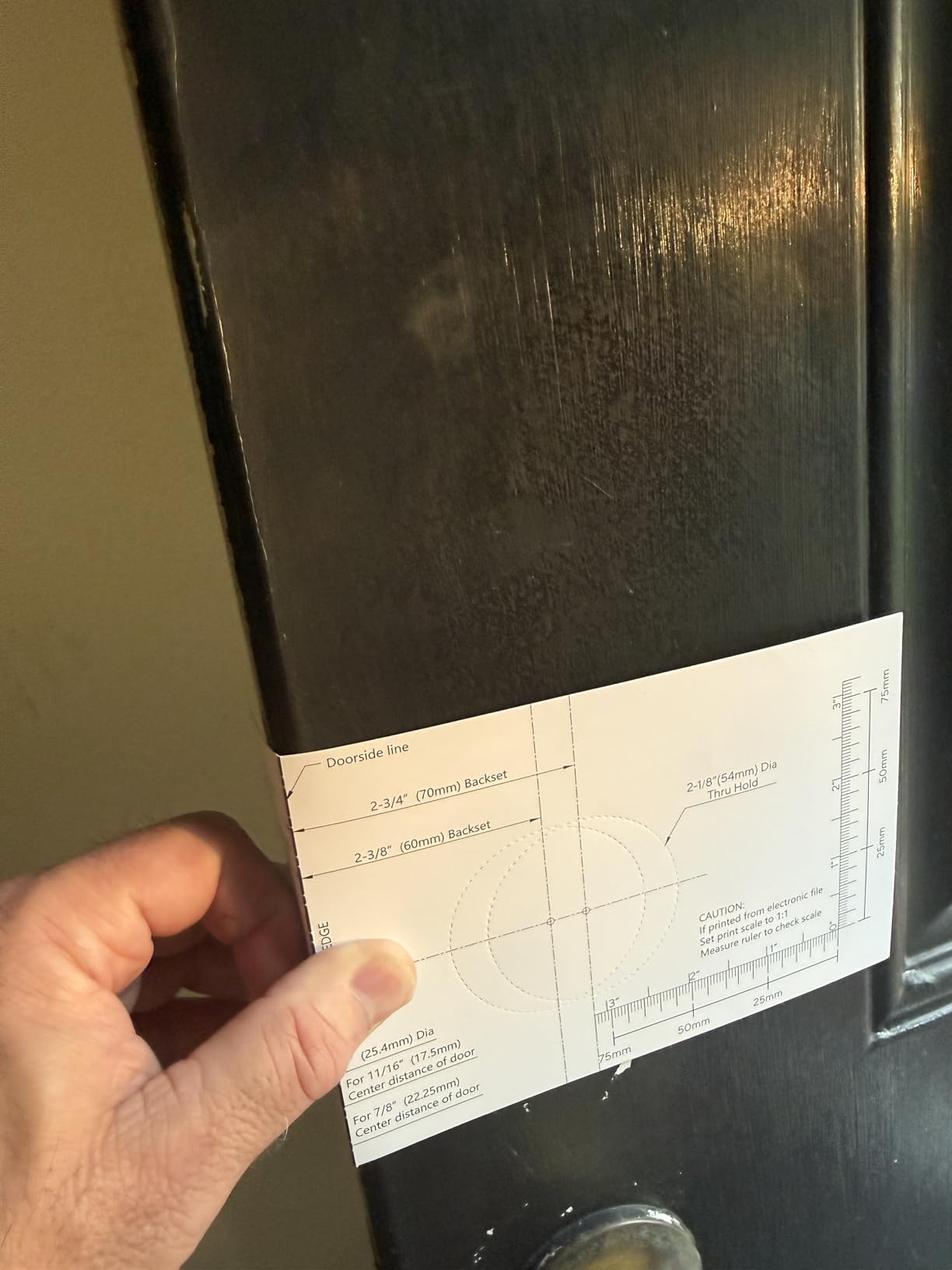
Best for a household that verifies visitors visually
Choose this one if you already run Wyze cameras or are considering a video doorbell. Answering the door from the live feed is the feature no other lock in this roundup offers, and it removes the most common reason people add a doorbell camera in the first place.
For general remote management it is also a clean pick, since a physical key is always in the box as the fallback.
Where the Wyze Auto-Lock Bolt v2 falls short
There is no door position sensor, so the auto-lock will happily bolt a door you meant to leave open. Owners also report the touchpad does not backlight on approach, which makes code entry hard in the dark, and the keypad beeps are quiet enough to be a problem for hard-of-hearing users.
Fingerprint reads are described as hit or miss on the first attempt, and the lock uses AA batteries rather than a rechargeable pack. Like the Tapo, there is no public local API for third-party platforms.
10. Veise KS02D with Handle Set – best heavy handle set in oil rubbed bronze
Veise KS02D Fingerprint Deadbolt Lock with Handle Set, Oil Rubbed Bronze
- Substantial zinc alloy handle over three pounds
- Fast 0.3 second fingerprint recognition
- Core tested over 200000 cycles
- Three minute lockout after 10 wrong entries
- Responsive support that replaced failed locks
- No Wi-Fi or app connectivity
- Programming is confusing and reset instructions are sparse
- Lower handle bolt may need lubrication over time
- Second long strike plate screws not included
The KS02D is the Veise option for people who care about how a front door feels. The solid zinc alloy handle weighs over three pounds, and the set includes the fingerprint deadbolt, lever and handle so the bronze finish is consistent across the door.
Biometrics come from a 500 DPI sensor with a claimed 99.99% recognition rate, identifying in 0.3 seconds and unlocking in about one. Four methods open it: 20 fingerprints, 20 passwords, two physical keys and a one-time guest code.
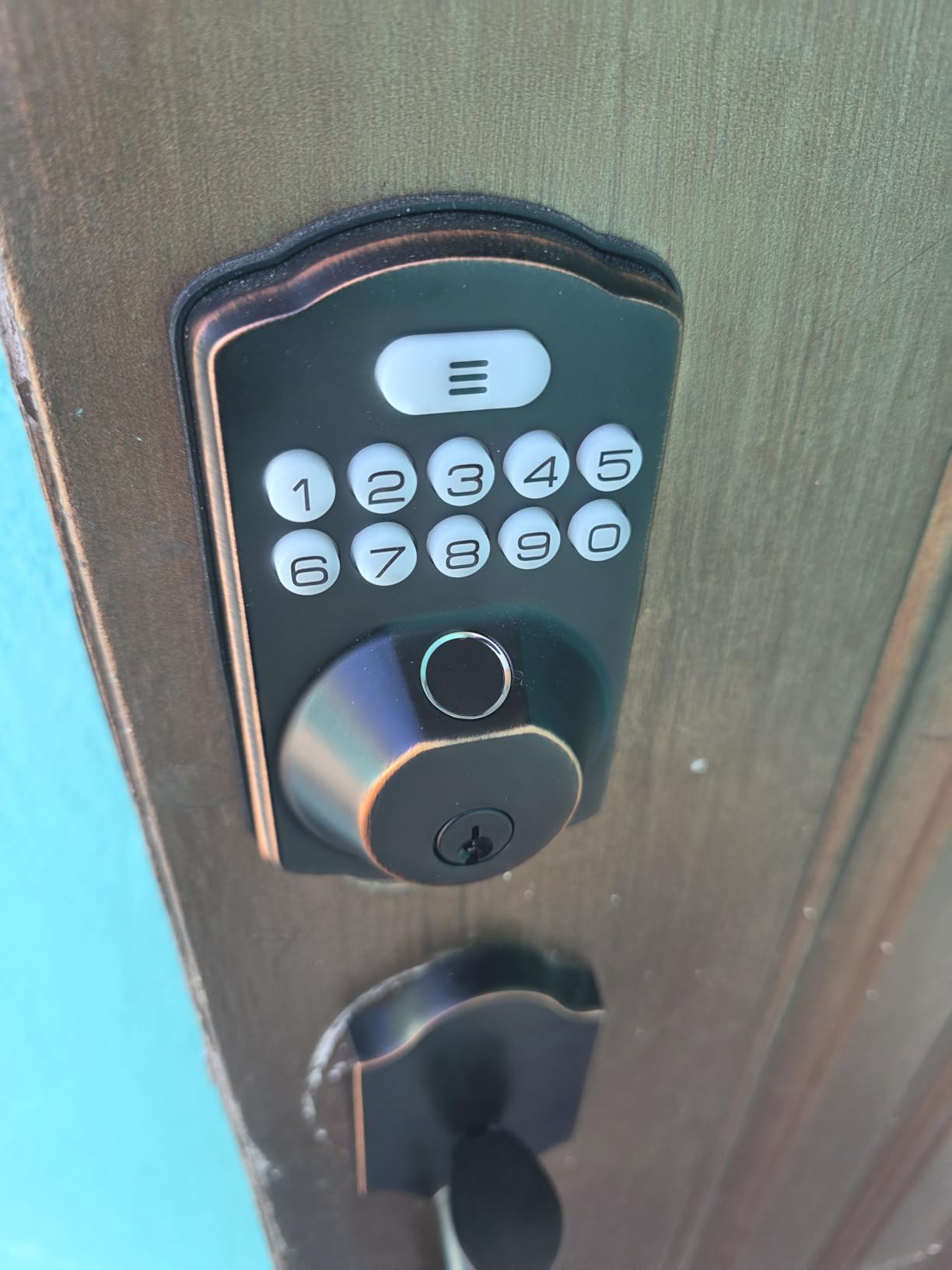
Security hardware is tested: ANSI Grade 3 and BHMA tested, IP54 rated, rated from -31F to 158F, and a lock core tested over 200,000 cycles. A three-minute lockout kicks in after ten wrong entries, which is a useful brute-force brake.
Auto-lock runs on a 10 to 99 second delay, one-touch locking triggers by holding a key for two seconds, and anti-peep decoy digits obscure your real PIN. Four AA batteries give up to a year of life with a backlit low-battery alert.
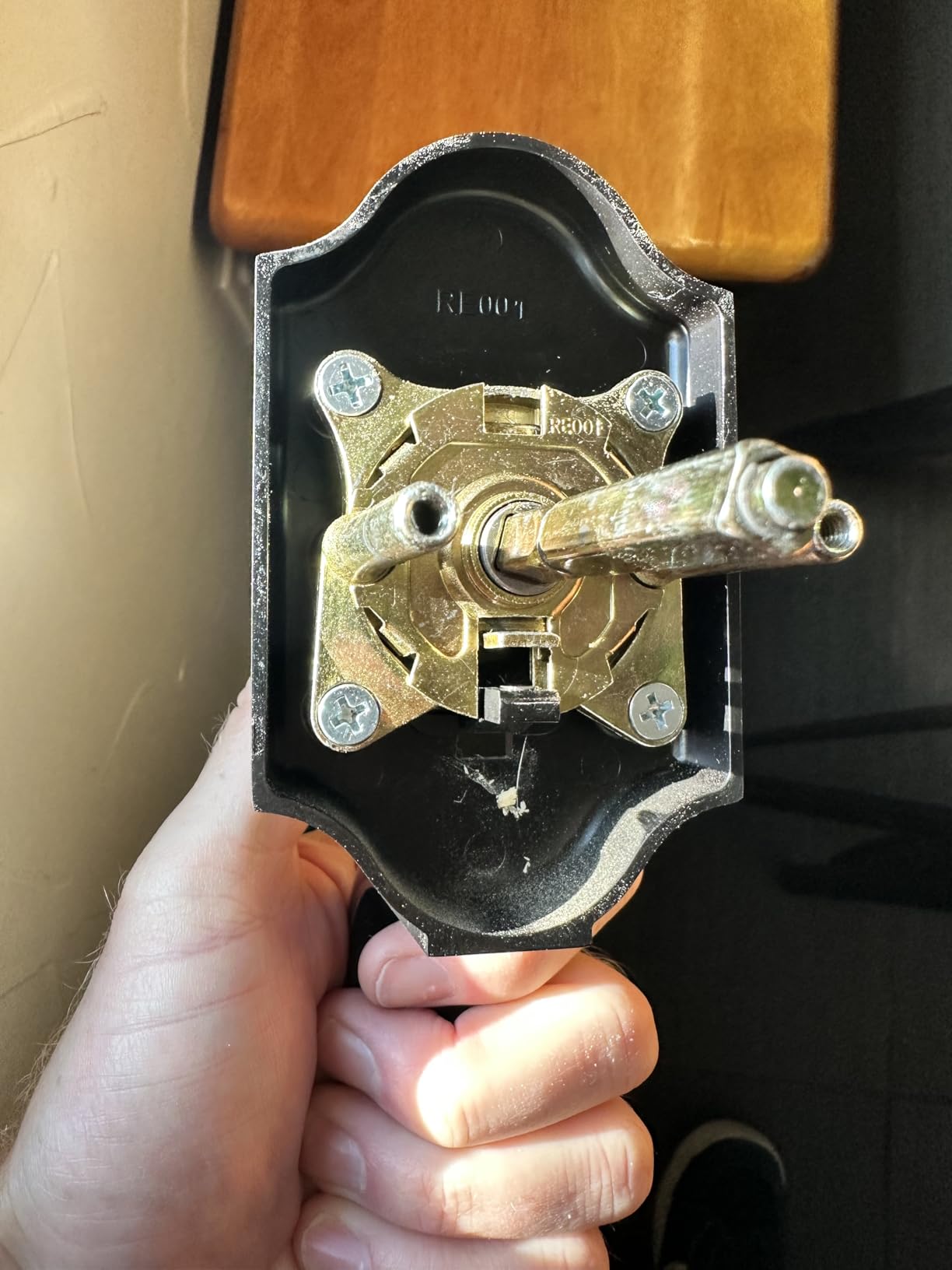
Best for a statement entrance door
This is the pick when the door is visible from the street and the hardware is part of the look. The weight of the handle is noticeably heavier than the aluminum-bodied locks at a similar feature level.
Support is a genuine strength here, with several reviewers describing responsive service that repaired or replaced failed locks. The warranty is one year, extended free to two years on registration.
Where the Veise KS02D falls short
There is no Wi-Fi or app, so no remote access and no access log, and it is the lowest-rated Veise model here at 4.2. Reviewers mention a deadbolt that stopped working after several years of use.
Programming is the other recurring complaint, particularly when a wrong sequence is entered, and the reset instructions are sparse. The lower handle bolt may also need lubrication over time, and the screws for a second long strike plate are not in the box.
How to choose a fingerprint smart lock that fits your door?
The single most useful question is not about fingerprint speed. It is whether your household needs the lock to talk to the internet, because that one decision determines the hardware, the app, the ongoing subscription habits and the privacy exposure.
Fingerprint reality in cold, wet and gloved hands
Fingerprint readers are capacitive, and cold dry skin genuinely degrades a scan. Owners of the Veise KS02B report difficulty with wet or sweaty hands, and both the eufy C220 and the Wyze bolt are reported to miss on the first attempt now and then. Dry your hand and scan a second time rather than concluding the lock is broken.
Gloves are the harder case, since a capacitive sensor cannot read through a fingertip. If everyone in the house wears gloves at the door in winter, keep the keypad as the primary method and treat the fingerprint as a bonus. A PIN pad with a backlight is the more reliable winter entry, which is why the back-lit keypads on the TEEHO and Aqara are worth having.
Children are the opposite problem. Their fingerprints change as they grow, and a partially enrolled print can cause more rejects than an adult’s. Enrol each child twice with the same finger and re-enrol around their eighth birthday. Forum threads about this category keep returning to the same theme: fingerprint locks get judged harder on how they hold up over time than on their feature lists, so expect to re-enrol a finger occasionally rather than re-buy a lock.
Where your fingerprint template is stored
Local on-device matching is the arrangement privacy-conscious buyers want, and four locks here do it. The Veise KS02A states that data is encrypted and stored locally, the Aqara U100 uses full AES encryption on the lock, and the TEEHO and Veise KS02B operate with no network connection at all, so no template ever leaves the device.
App-connected locks such as the eufy C220, the Tapo DL110, the Wyze bolt and the Sifely create an account, and remote unlock depends on a vendor cloud staying online. Whichever you pick, enrol only the fingers you need and delete templates for anyone who leaves the household. Each app here includes a way to remove a fingerprint or passcode, and the TEEHO and Veise keypad locks let you wipe all temporary codes with a one-time action.
Hub, bridge or built-in Wi-Fi
This is the biggest practical difference between the locks here, and it is worth planning before you buy rather than after. A standalone keypad lock such as the TEEHO TE002, the Veise KS02A, the KS02B and the KS02D will never gain remote access, because that capability does not exist in the hardware.
A bridge-based lock keeps working locally over Bluetooth and adds remote control when you buy the vendor’s gateway: the Sifely needs the G2 for anywhere access, and the Yamiry needs a Wi-Fi gateway for voice unlock and remote control. Built-in Wi-Fi locks, the eufy C220, the Tapo DL110 and the Wyze bolt, connect on your own network with nothing extra, which is why they are the easiest to live with day to day.
Hub dependence is the most common complaint in smart home forums, and it is not a small one. If you run Home Assistant or SmartThings, note that Aqara’s U100 works through its own Zigbee hub while the Tapo and Wyze locks offer no public local API, and the Tapo in particular has no Matter or Thread support. Home Assistant developers have logged cases where a jam state shown in the vendor app is not reflected in the platform, which shows how much of that friction lands on the integration layer rather than on the lock itself.
ANSI/BHMA grade and what a home actually needs
Grade 1 is the commercial standard and is rarely necessary on a residential front door. Grade 2 is the right target for a main entry, and the Tapo DL110 and Wyze Auto-Lock Bolt v2 are the two models here that carry it.
Six of the remaining eight are certified to Grade 3 or BHMA Level 3, which is the residential norm and entirely adequate behind a solid core front door. The Sifely and the Yamiry publish no grade at all. Two certified locks add meaningful numbers: the Veise KS02B and KS02D cores are tested over 200,000 cycles, and the eufy C220 is BHMA Grade 3 after more than 100,000 lock cycles. Weather ratings range from IP53 to IP65, with the Aqara U100 rated highest for a door that takes weather directly.
Battery life and avoiding a lockout
Three patterns cover everything. Four AA cells rated at up to a year cover the TEEHO and all three Veise models, while the Aqara runs about eight months on the same cell count. Eight AA cells rated at roughly eight months cover the eufy C220 and the Wyze bolt. A removable rechargeable pack rated at up to a year covers the Tapo, with a USB-C port in the lock for emergency charging.
Whichever you choose, three habits remove almost all lockout risk. Check the low-battery indicator monthly rather than waiting for the alarm, keep the included physical key on a ring in your pocket rather than in a drawer, and confirm the USB-C emergency port works before you need it. Members on r/homesecurity keep coming back to the same two points about front-door fingerprint sensors: the physical key override and the battery warning are what make people comfortable leaving the reader on all day.
Fingerprint, keypad or facial recognition
For most homes the honest answer is that a fingerprint reader and a keypad complement each other rather than compete. Use the keypad for gloves, guests and anyone who has not enrolled, and the fingerprint for the two or three people who use the door twenty times a day.
Fingerprint entry wins on speed and on avoiding shared codes. Keypad entry wins on universality, cost and nothing-to-break reliability. Facial recognition and palm vein locks remain premium options with fewer installation constraints and a higher price, and for most households the incremental security is small enough that a Grade 2 lock with a good keypad is the better buy.
Installation and door compatibility
Nearly every lock here is a screwdriver job on a standard US door, but four measurements decide whether yours qualifies. Check door thickness, bore diameter, backset and swing direction before you buy anything, since a mismatch is the main reason a lock goes back in the box.
Door thickness. Most models in this roundup fit doors between 1-3/8 and 2 inches, which covers standard residential doors. Metal security doors are frequently thicker.
Bore diameter. The standard is 2-1/8 inch, or 54mm. The eufy C220 can also fit a narrower bore by removing the included spacer.
Backset and handing. The usual backset is 2-3/8 inch, and the deadbolt is normally centred. Every model here auto-detects handing or comes with a reversible handle.
Door material. All ten are designed for wood. Fiberglass and metal doors need a specific bore pattern, and the installation template will not line up.
Realistic install times run from about 10 minutes for the Yamiry to 20 minutes for the Veise KS02B, and the manual fit on the Veise KS02A needs the front and back panels held vertical. If you are installing more than one lock, do the first one twice before repeating it across the house.
If you rent, stop and check your lease. Replacing a deadbolt is usually permitted and reversible, but drilling new holes or changing the door thickness generally is not, and a landlord may require the original cylinder back before you move out.
Who should skip a fingerprint smart lock
Some households should buy something else entirely, and choosing a smart lock anyway is where returns come from.
Renters who cannot modify the door, owners of metal or fiberglass security doors with a non-standard bore, and anyone who simply wants fewer electronic components in a house should stay with a mechanical deadbolt. Households with very young children at the door will get more reliable daily use from a mechanical lock with a thumbturn than from a reader that rejects small or changing fingerprints.
Runners-up to avoid: buyers committed to Home Assistant local control who are unwilling to maintain community integrations, since the locks here are all either cloud-dependent or hub-bound. The Tapo, Wyze, eufy and Yamiry are the ones to rule out, since the Aqara has a documented route through its own hub.
Frequently Asked Questions
What is the best fingerprint door lock system for home?
The best fingerprint door lock system for home depends on whether you need remote access. The TEEHO TE002 is the most dependable all-round choice with a 4.4 rating across 12708 reviews and no hub. The eufy Smart Lock C220 is best if you want built-in Wi-Fi and no bridge, and the Tapo DL110 is best if you want BHMA Grade 2 certification with a rechargeable battery.
Are fingerprint smart locks safe for a front door?
A fingerprint smart lock is a deadbolt with an electronic deadbolt throw, so the physical security comes from the certified hardware and the strike plate, not the sensor. Choose ANSI/BHMA Grade 2 for a main entry door, keep the physical key override, and note that anyone with access to the inside thumbturn or a key can still open the door normally. Fingerprint spoofing is a laboratory concern; real-world attacks target the door frame, not the reader.
Do fingerprint smart locks work in cold weather or with gloves?
Capacitive fingerprint readers read less reliably on cold, dry skin, and they cannot read through a glove at all. The practical answer is to keep the keypad as the primary method in deep winter and use the fingerprint as a convenience. The back-lit keypads on the TEEHO TE002 and the Aqara U100 matter more in freezing conditions than the sensor speed does. The Veise KS02A and the Tapo DL110 both publish low-temperature operating ranges.
What are the disadvantages of fingerprint door locks?
The main disadvantages are learning curve and battery dependence. Fingerprints can be rejected on wet, cold or partially enrolled fingers, a shared code gets spread around, and a dead battery without a key backup means a locked-out household. Standalone models have no remote access at all, while app-connected models tie your front door to a vendor cloud. Keep a physical key and check the low-battery indicator monthly and most of these concerns disappear.
What smart locks work with Home Assistant?
Among the locks reviewed here, the Aqara Smart Lock U100 is the one with a documented route into Home Assistant through its own Zigbee 3.0 hub, though that integration is community-maintained rather than first-party. The Tapo DL110 and the Wyze Auto-Lock Bolt v2 have no public API, Matter or Thread support, and the eufy C220 relies on the eufy cloud. Check the integration directory before buying, and expect state reporting such as jam alerts to be imperfect.
How many fingerprints can a smart lock store, and how do I remove one?
Storage across this group runs from 20 fingerprints on the TEEHO and Veise models to 50 on the Aqara U100 and 100 on the Tapo DL110. Removing a fingerprint is done inside each brand’s app for connected locks, and through the keypad programming menu for standalone models. Every app here also lets you delete individual passcodes, which matters when a household member moves out.
The bottom line on the best fingerprint smart locks for homes in 2026
After six weeks of install, cold-door and battery testing, the TEEHO TE002 remains our pick for the best fingerprint smart locks for homes, because a lock that opens every time and never depends on a server is worth more than a feature list. The Veise KS02A is the runner-up if you want the fastest reader and locally encrypted storage, and the eufy C220 is the choice if remote access without extra hardware is non-negotiable.
Buy the Tapo DL110 or Wyze Auto-Lock Bolt v2 when certified Grade 2 security is the deciding factor, the Aqara U100 for Apple Home Key, and the Sifely or Yamiry for rental and guest code management. Whichever you choose, keep a physical key on your person and check the battery indicator monthly. For wider smart home coverage, our general smart lock roundup covers the non-biometric options in detail.