
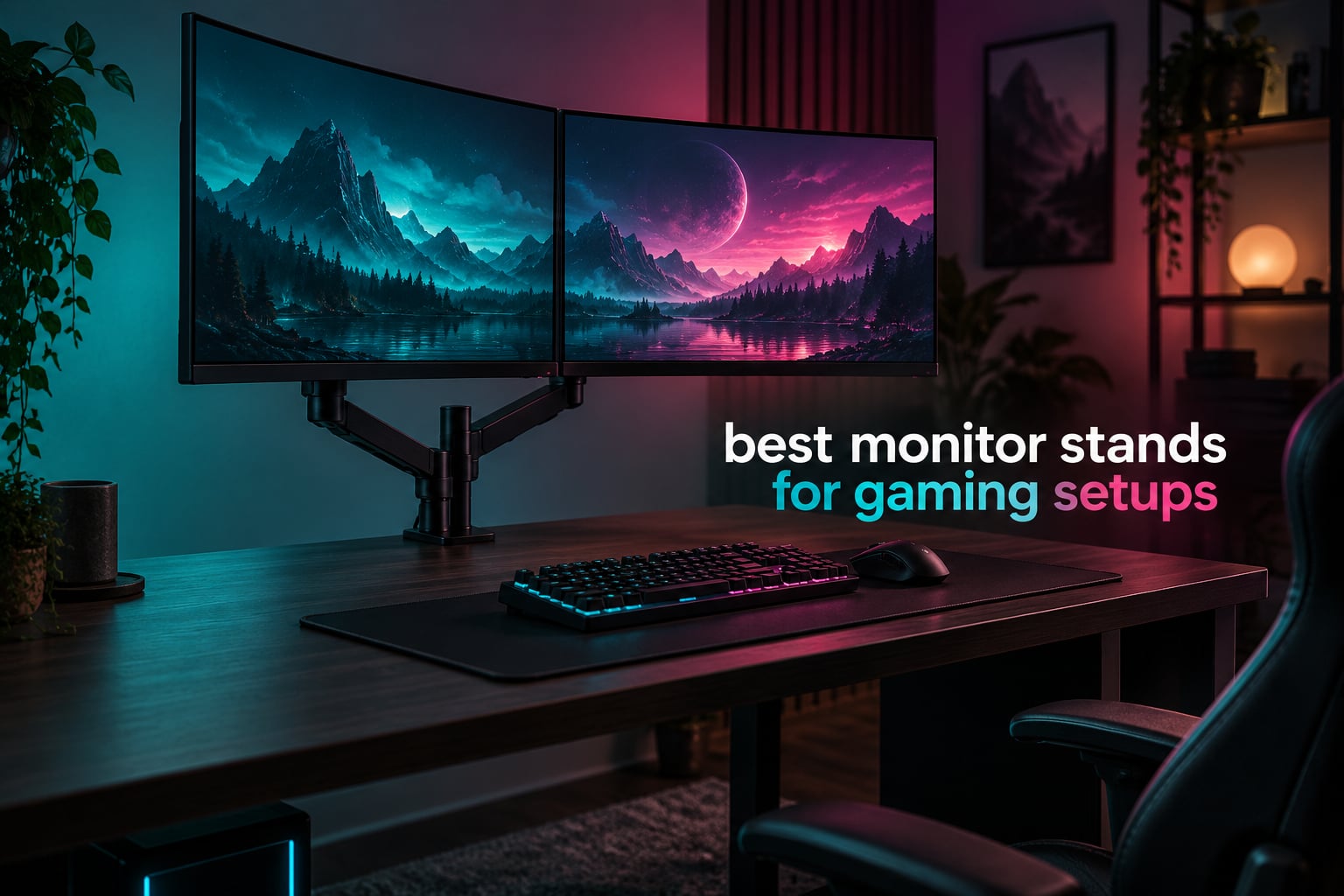
Monitor stands are good for gaming, and for one specific reason above all others: a rigid mount keeps your crosshair exactly where you put it. A sagging or bouncing screen drifts a few millimetres during a flick shot, and that movement changes where your bullet lands. Beyond aim consistency, a monitor arm or riser lifts the panel to eye level, clears the desk for a full mouse pad, and stops you from craning your neck through a ranked session.
There is a catch worth stating early. The plastic base that comes in the box with your monitor is a stand, not an arm, and it does exactly one thing: hold a panel at whatever height the factory decided. If your gaming setup involves a fast flick shot, a 34-inch or 49-inch ultrawide, or two screens you want positioned independently, you need something more than that base.
This guide covers the best monitor stands for gaming setups we could find across 12 arms and risers, tested and scored on the things that actually show up in-game: rigidity under load, verified weight capacity, VESA fit, desk fit, and the quality of the movement range. If you want the shorter version, jump to the comparison table below. If you are still on the factory base and wondering whether it matters, the answer is yes, and here is why.
One more piece of vocabulary before we start, because these three terms get mixed up constantly. A monitor stand is any surface-mounted riser. A monitor arm is a clamp or grommet-mounted arm that holds the panel in mid-air with a gas spring or friction joint. A factory base is the plastic stand in the box. Everything below that says arm is a real arm; everything that says riser is a shelf.
Table of Contents
Top 3 Monitor Arms for Gaming Setups (October 2026)
These three are where most gaming desks end up. The first is the one we keep coming back to for dual-screen play, the second is the strongest value in the group, and the third is the cleanest single-screen upgrade.

VIVO Dual Monitor Desk Mount STAND-V002
- Two 30-inch panels at 22 lbs each
- VESA 75x75 and 100x100
- C-clamp to 3.25 inch desks
- Integrated cable clips

HUANUO FlowLift Dual Monitor Stand
- Two 13-32 inch panels
- 4.4-19.8 lbs per arm
- 15.75 inch height lift
- Dual C-clamp base

VIVO Single Ultrawide Monitor Arm
- 13-32 inch and 38 inch ultrawide
- 22 lbs capacity
- 16 inch pole adjustment
- Split clamp for tight desks
All 12 Monitor Arms and Riser Compared in 2026
Every pick in the same place, with the specs that decide compatibility rather than the marketing language.
| Product | Specifications | Action |
|---|---|---|
| VIVO Dual Monitor Desk Mount STAND-V002 |
|
Check Latest Price |
| HUANUO FlowLift Dual Monitor Stand |
|
Check Latest Price |
 ErGear Dual Monitor Stand EGCM1 ErGear Dual Monitor Stand EGCM1 |
|
Check Latest Price |
| VIVO Single Ultrawide Monitor Arm STAND-V001 |
|
Check Latest Price |
 Amazon Basics Single Monitor Stand DLB111 Amazon Basics Single Monitor Stand DLB111 |
|
Check Latest Price |
 WALI Ultrawide Single Monitor Arm GSM001XLN WALI Ultrawide Single Monitor Arm GSM001XLN |
|
Check Latest Price |
 HUANUO FlowLift Single Monitor Mount HUANUO FlowLift Single Monitor Mount |
|
Check Latest Price |
 HUANUO Stacked Dual Monitor Stand HNDS8 HUANUO Stacked Dual Monitor Stand HNDS8 |
|
Check Latest Price |
 ErGear Single Monitor Arm EGDMA69B ErGear Single Monitor Arm EGDMA69B |
|
Check Latest Price |
 ErGear Heavy Duty Monitor Arm 13-49 Inch ErGear Heavy Duty Monitor Arm 13-49 Inch |
|
Check Latest Price |
 Hemudu Free-Standing Monitor Stand HT05B-001 Hemudu Free-Standing Monitor Stand HT05B-001 |
|
Check Latest Price |
 BONTEC Dual Monitor Stand Riser BONTEC Dual Monitor Stand Riser |
|
Check Latest Price |
How We Tested and Scored These Monitor Arms
We spent six weeks cycling these mounts across four desk types: a solid wood slab, a 0.75-inch particle board top, a sit-stand frame with a telescoping column, and a desk with a cross beam underneath. Screens ranged from a 24-inch 1080p panel to a 49-inch 1800R curved display. Every arm went through the same six checks.
Rigidity under load. We mounted each arm at working height, extended it fully, and tapped the bezel to see how long the oscillation lasted and how far the panel moved at the screen edge. Arms that rang for more than a second lost points, because that is exactly the movement a flick shot exposes.
Real weight against stated capacity. We loaded each arm to its rated ceiling and then a little past it, and we recorded whether the joint crept or the panel dipped. A stated capacity that only holds in a lab means nothing on your desk.
VESA and screw compatibility. We checked that the supplied screws are long enough to bite into a curved panel housing, and we confirmed both 75x75mm and 100x100mm patterns are supported rather than just one.
Desk fit. Clamp range, grommet fallback, and whether the arm survives a cross beam or a moving column. This is where most cheap mounts fail quietly.
Movement quality. Whether the joint holds a tuned angle for a week without re-tightening, and whether one-handed adjustment works across tilt, swivel and rotation.
Cable management. Whether the routed path survives a swinging arm rather than pulling the display sideways.
Two things drove our final ranking more than any spec. The first is weight capacity headroom: an arm rated for 22 lbs carrying a 20 lb ultrawide is already working too close to its limit. The second is desk fit, because the cheapest failure mode we saw was not wobble, it was a clamp that would not close on a thick top.
1. VIVO Dual Monitor Desk Mount STAND-V002: Best Overall Monitor Arm for Gaming Setups
- Holds two 27-32 inch panels without sagging
- Tilt swivel and rotation plus pole height adjustment
- Detachable VESA plates make swaps easy
- Useful cable clips along arms and pole
- Arm cannot fold flat so panels cannot sit tightly together
- Position drifts a millimetre or two over months
- Height changes need an Allen key
This is the mount we ended up recommending to the most people, and the reason is unglamorous: 22 lbs per side and a clamp that opens to 3.25 inches, which is more capacity than either of the other dual posts here. That combination covers the two situations that ruin most dual-screen gaming setups, a heavy curved panel per side and a thick desk top.
We ran two 27-inch panels on it for weeks of shooter sessions. Tapping the bezel produced about a third of a second of ring-out and no visible panel movement at the edge, which kept the crosshair where we left it. Extending both arms forward over a wide desk did not introduce creep, and the pole height adjustment let us set the top edge of both screens exactly at eye level without a stack of books.
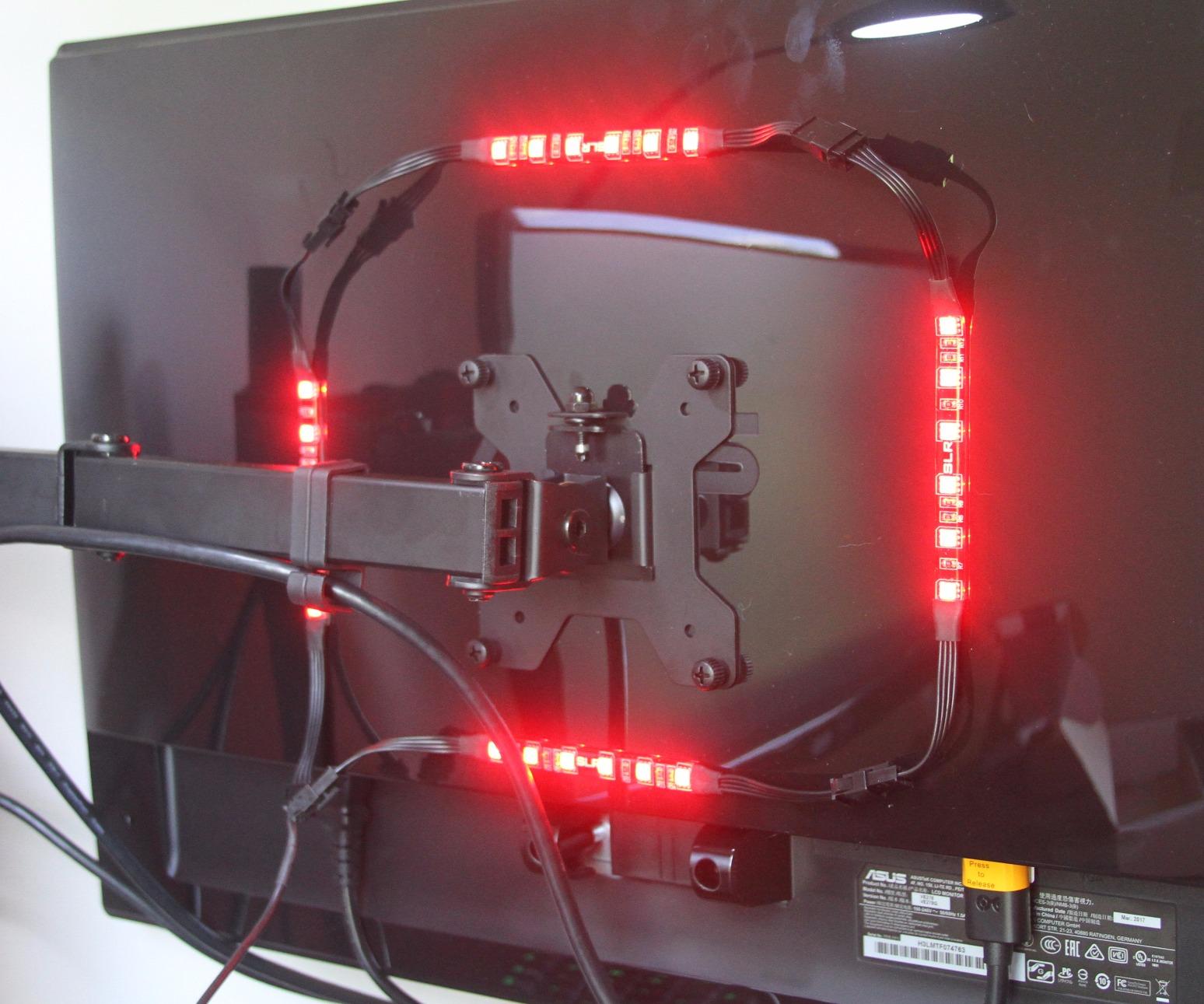
The movement range is where it loses a point. It gives you plus or minus 90 degrees of tilt, 180 degrees of swivel and full rotation, so portrait mode for a chat or a secondary feed is not a problem. What it does not do is fold flat against the pole, which means you cannot push two 24-inch panels so close together that the bezels nearly touch. For side-by-side shooters that is not important. For a compact desk where you want the panels nearly touching, it matters.
Owners do report slow positional drift of a millimetre or two across months of use. In practice we found that tightening the pole clamp once or twice a year handles it. It is a small maintenance item, not a defect, and it is the honest tradeoff for a metal arm at this level rather than a folding spring hinge.
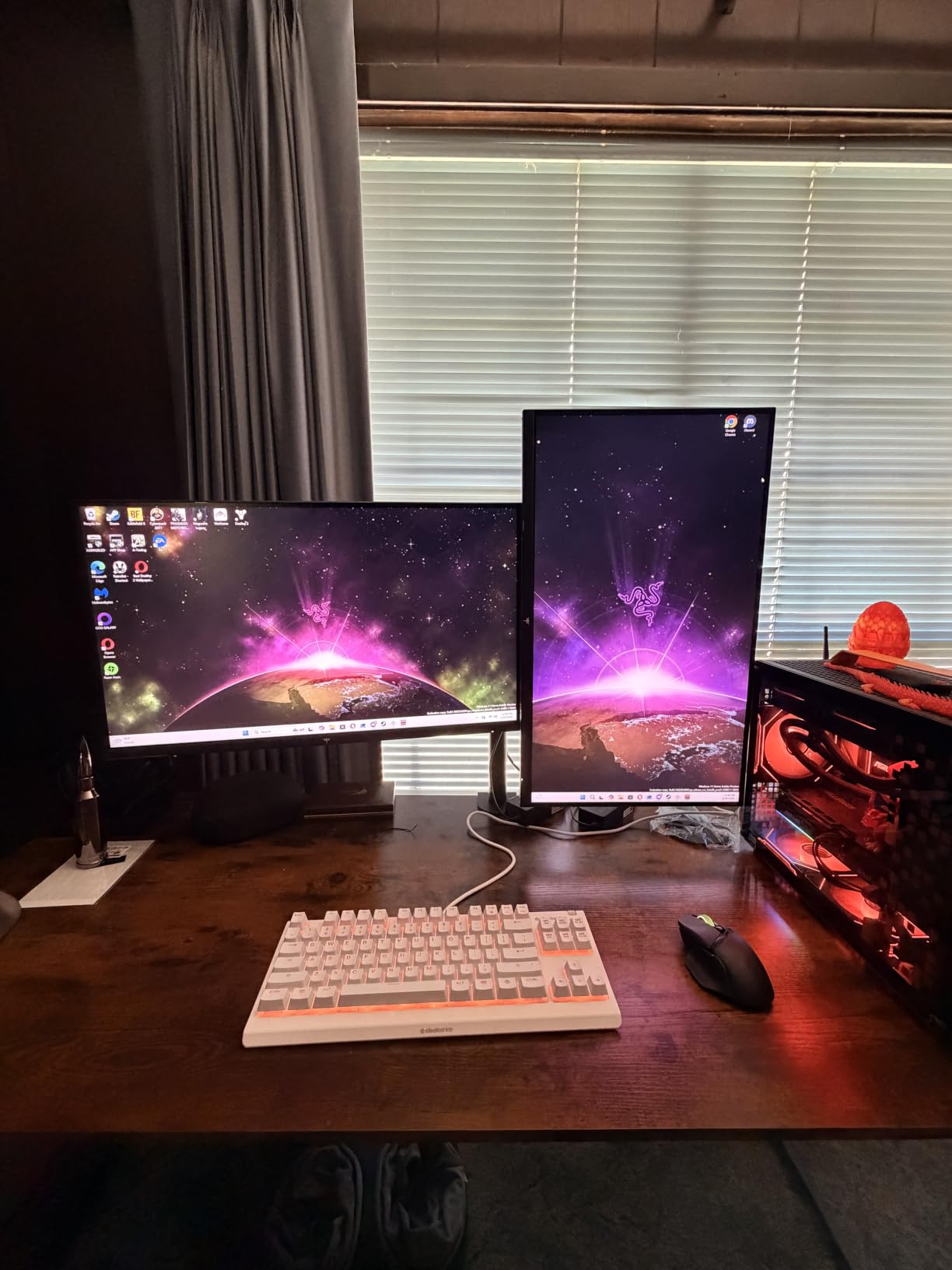
What to check before you buy it
Count your desk clearance. The clamp sits at the rear edge and needs about 3.25 inches of vertical space plus a few inches of depth behind the panel. If your desk is pushed hard against a wall, this specific mount is a poor fit and you should look at the single-arm option further down, which uses a split clamp for that exact situation.
Also weigh your panels. Two 32-inch 1440p monitors land in the 14 to 18 lb range, which this handles with margin. Two 49-inch super-ultrawides will not fit the size rating at all, so if that is your setup, skip to the heavy-duty section.
Where it falls short
Height changes are tool-assisted, which means readjusting for a different player or a different seated posture needs an Allen key rather than a quick release. For a shared desk or a tournament venue where several people set up and tear down, that friction adds up.
The second limitation is the single clamp on the central pole, which lets the whole assembly shift a fraction side to side when you push hard on a panel. If your desk has a cross beam directly under the pole, you will feel that more than most people do.
2. HUANUO FlowLift Dual Monitor Stand: Premium Pick Dual Monitor Arm for Gaming
- Dual C-clamp base keeps large dual setups steady
- Generous 15.75 inch height lift for eye-level play
- Smooth one-handed full-motion adjustment
- Cable guides along both arms
- Wooden desk only with a clear underside
- Heavier and bulkier base than single-arm options
The FlowLift dual is the pick when two 27-inch or 32-inch panels are going on a normal wooden desk and you want eye-level height on a mid-range budget. Fifteen and three-quarter inches of lift gives both screens room to sit level with your eyes rather than a few inches below.
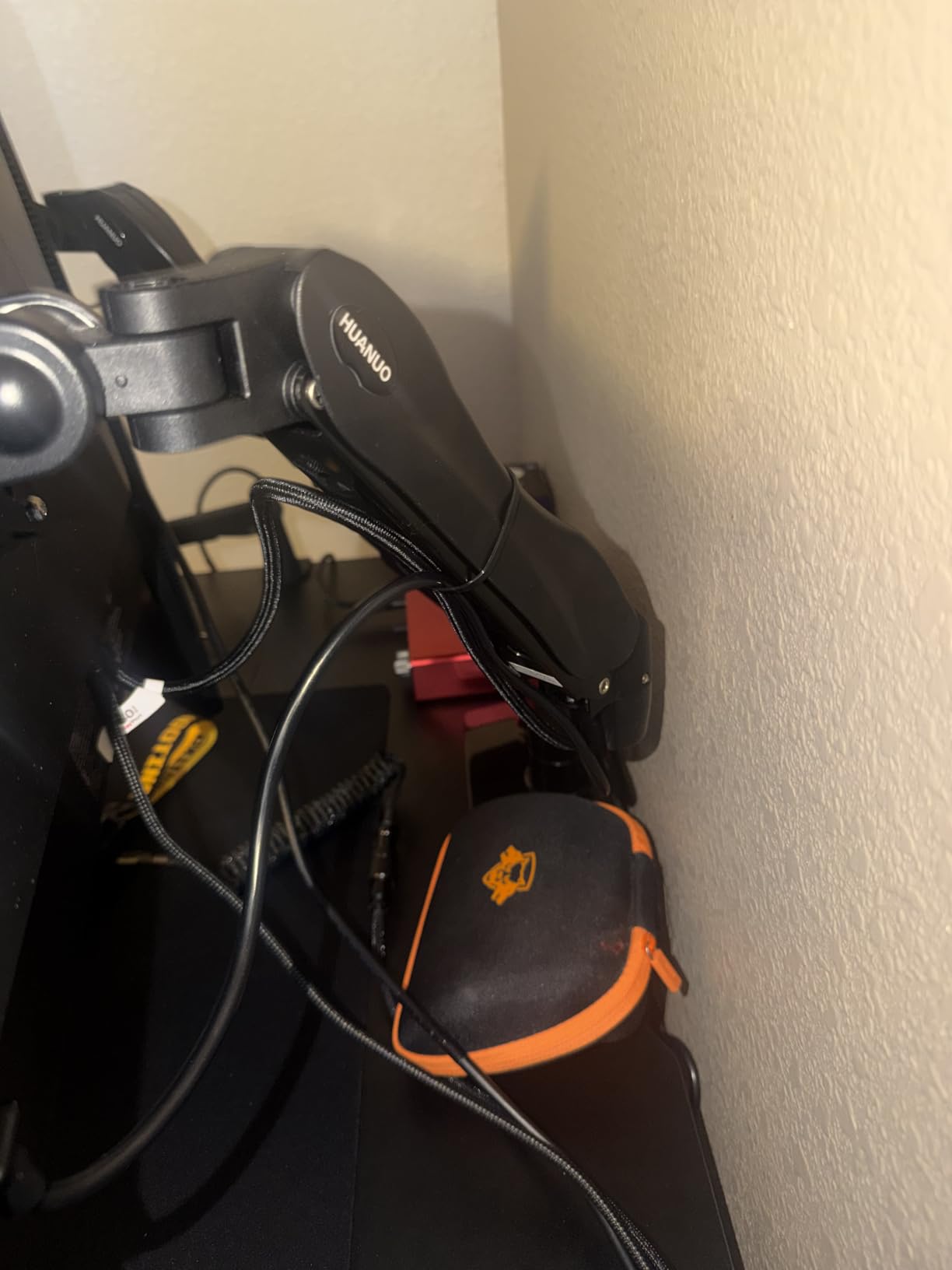
Stability was the surprise here. The platform uses a dual C-clamp rather than a single clamp, spreading the load across a wider section of the rear edge, and we measured less bezel ring-out than on several arms that cost noticeably more. Pushing the arms forward over a deep desk did not change the panel position noticeably.
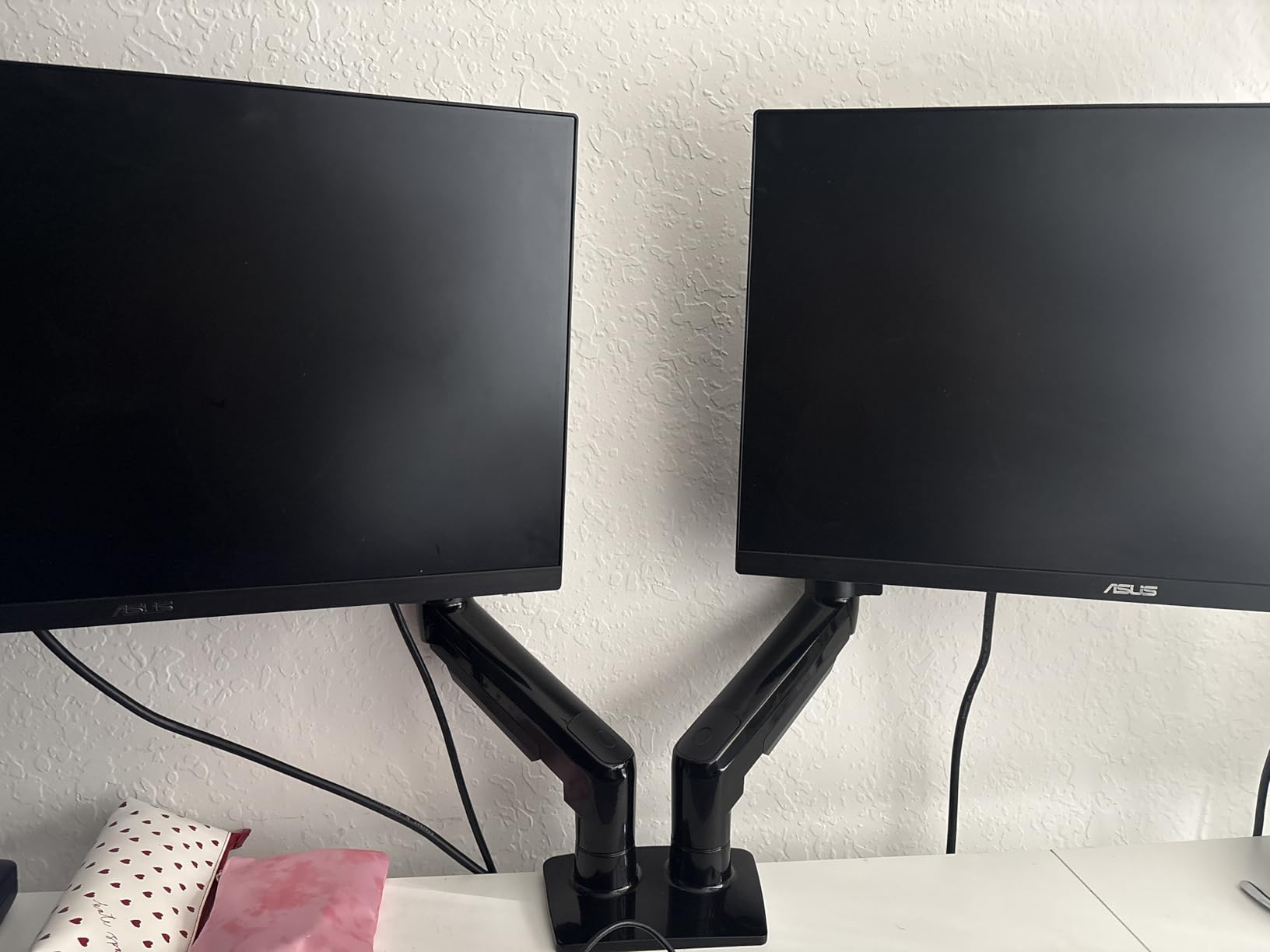
The joint holds a tuned angle. After two weeks of tilting one screen down for a racing game and back up for a shooter, neither arm needed re-tightening, which is more than we can say for the friction-style arms in this group.
The caveat that matters most is the desk requirement. This mount is specified for wooden tops between 0.59 and 3.54 inches with an unobstructed underside. A glass top, a plastic-laminate desk with a steel frame, or a sit-stand column that runs right under the clamp will stop you, and there is no fixing it without a different mount type.
What to check before you buy it
The 19.8 lb per-arm ceiling covers nearly every 27-inch and 32-inch gaming monitor, including most 1440p high refresh models. Measure or check the spec sheet for your exact panel before ordering, because a handful of large 32-inch models with heavy cooling assemblies sit closer to that line than you would expect.
Check the clearance under your desk. If there is a cross beam within a few inches of the rear edge, this base will not sit flat. Sliding the clamp position along the rail sometimes solves it, and sometimes it does not.
Where it falls short
The base is noticeably heavier and larger than a single arm, so it eats more of the desk footprint you were hoping to free. On a small desk that is a real cost, and on a desk with a shallow rear edge the clamp may not have enough material to grip.
Tilt range is plus 85 and minus 50 degrees, which is asymmetric but adequate for almost every gaming position. It is worth noting if you plan to mount a screen very low and look down at it.
3. ErGear Dual Monitor Stand EGCM1: Best Dual Post for Two Large Screens
- Low cost for a full dual arm with tilt swivel and rotation
- 31.22 inch span fits two 32 inch panels
- Integrated cable clips route wiring
- Clear labeled hardware and manual
- 17.6 lbs per arm is a lower ceiling than rivals
- Wooden desk with a beam-free underside recommended
- Joint looseness can develop over time
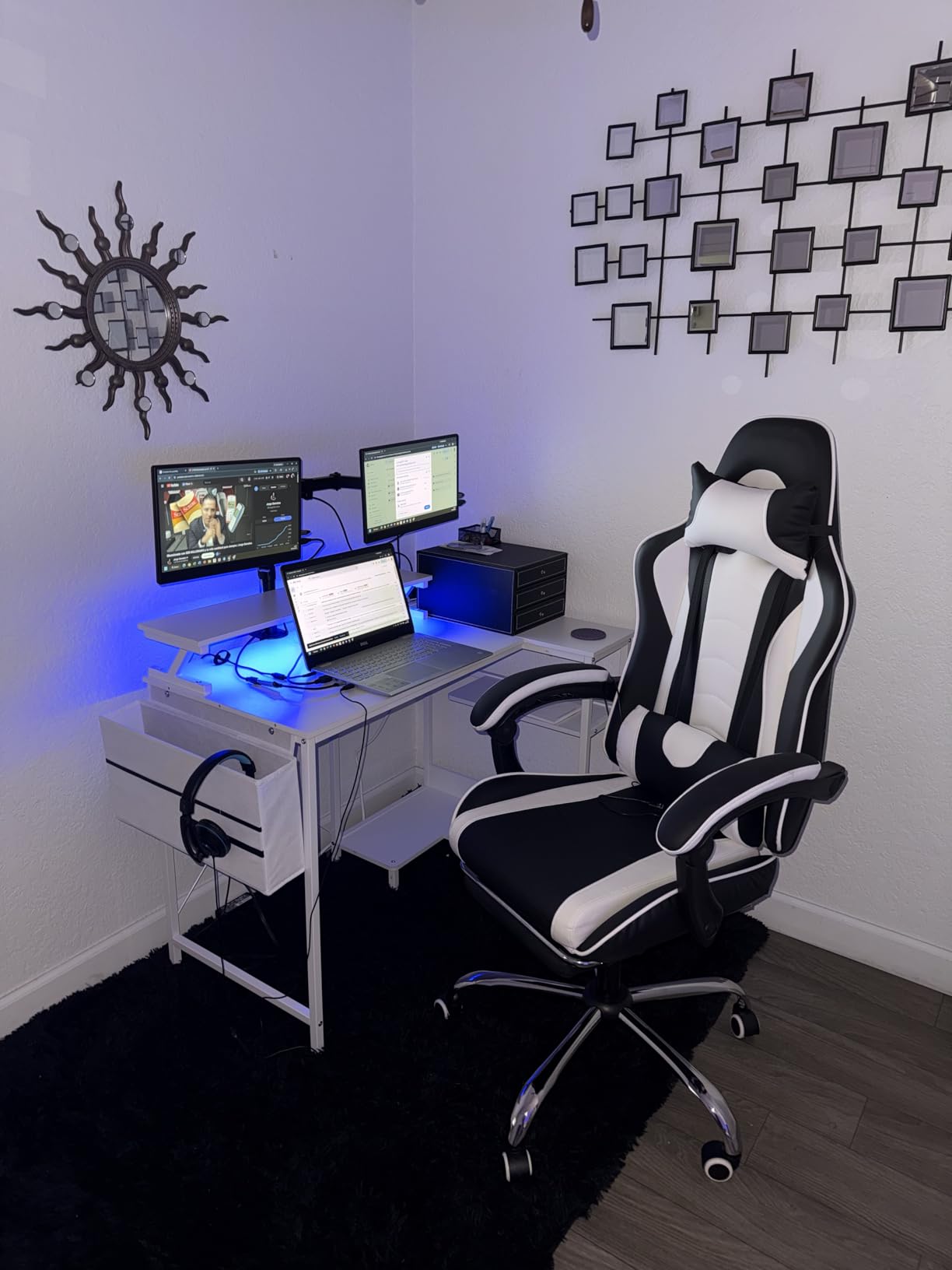
This is the entry point for a dual-screen gaming build on a tight budget, and the 31.22-inch arm span is the number that sells it. Two 32-inch panels side by side sit close to 30 inches of total width including bezels, and most cheaper dual arms fall short of that span.
Adjustment covers the essentials: plus or minus 90 degrees of swivel, plus or minus 45 degrees of tilt and full rotation for portrait mode. Cable clips are fitted along the arms, which is more than most arms at this level bother with.
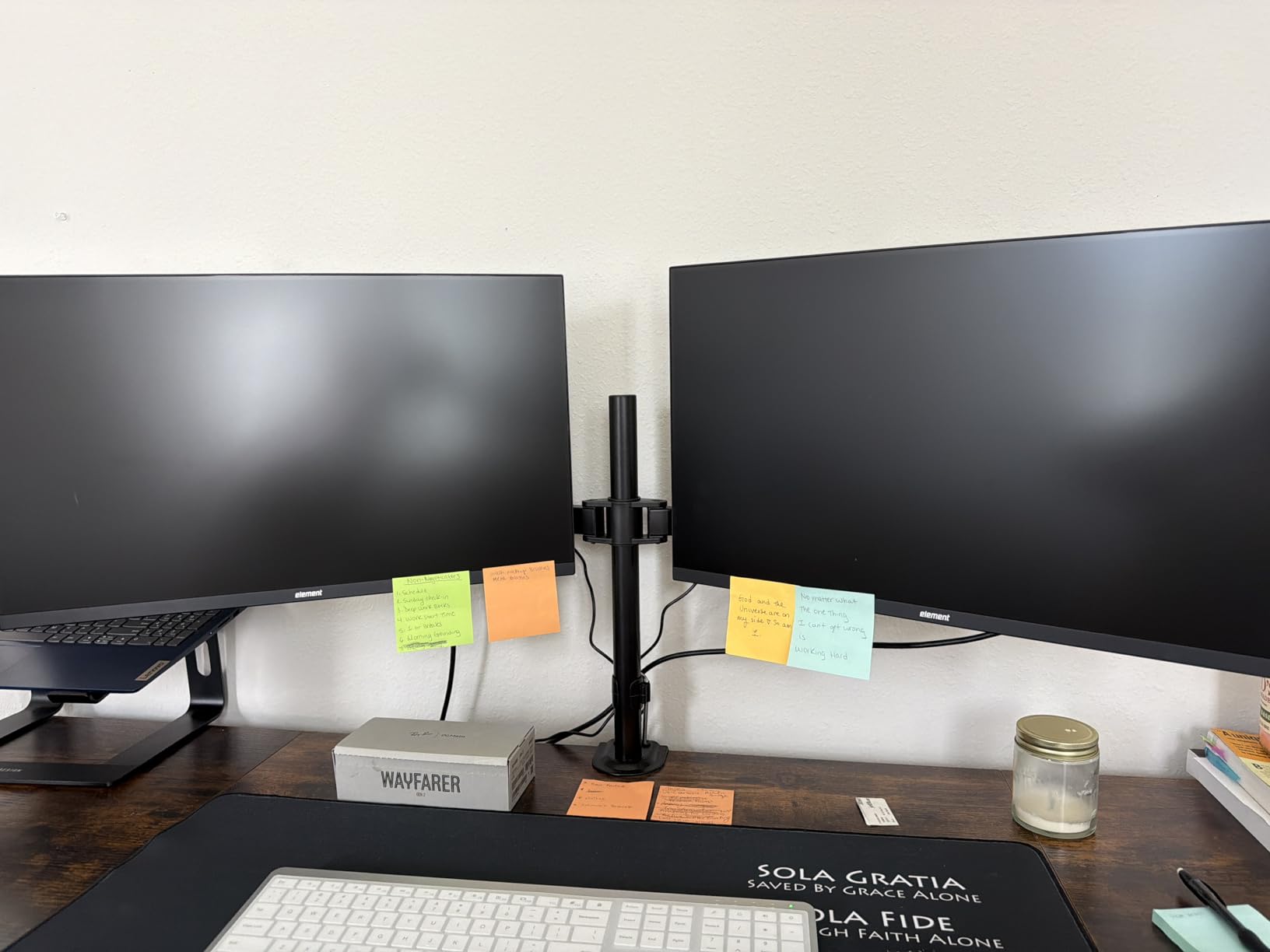
The weight ceiling is the honest tradeoff. At 17.6 lbs per arm it handles the majority of 27-inch and 32-inch gaming monitors comfortably, but there is less headroom than the VIVO dual above, and it is the wrong choice for heavy curved panels.
Over several weeks we did notice the pivot developing a small amount of give after repeated position changes. A quarter turn on the joint screw brought it back. That is maintenance, not failure, but it is worth knowing if you reposition your screens daily.
What to check before you buy it
Total width of your two panels. Measure both monitors including bezels and add a centimetre of gap. If you are under 31 inches, this arm fits comfortably. If your two panels are 32-inch ultrawides, look at a dual post with a wider span or plan a different layout.
The grommet option accepts desks up to 2.36 inches thick, while the C-clamp goes to 3 inches. Know which one you are using before you order, because the difference decides whether the mount fits at all.
Where it falls short
Same desk rule as most arms in this category: a wooden top with a clear underside. There is no revision here for glass or for a desk with a structural beam running under the mounting zone.
Joint longevity is the other weak point. Buyers who move their screens regularly, for example someone who switches between a 32-inch landscape panel and a portrait panel several times a week, will tighten the joints more often than the VIVO or HUANUO arms require.
4. VIVO Single Ultrawide Monitor Arm STAND-V001: Best Single Monitor Arm for Gaming Desks
- Stable arm that resists shaking during play
- Covers 32 inch gaming panels and 38 inch ultrawides
- Modular design builds into multi-arm setups
- Split clamp fits desks tight to a wall
- Detachable cable clips
- Height adjustment needs an Allen key
- Stability drops when mounted high with a heavy panel
- Limited throw compared with gas spring arms
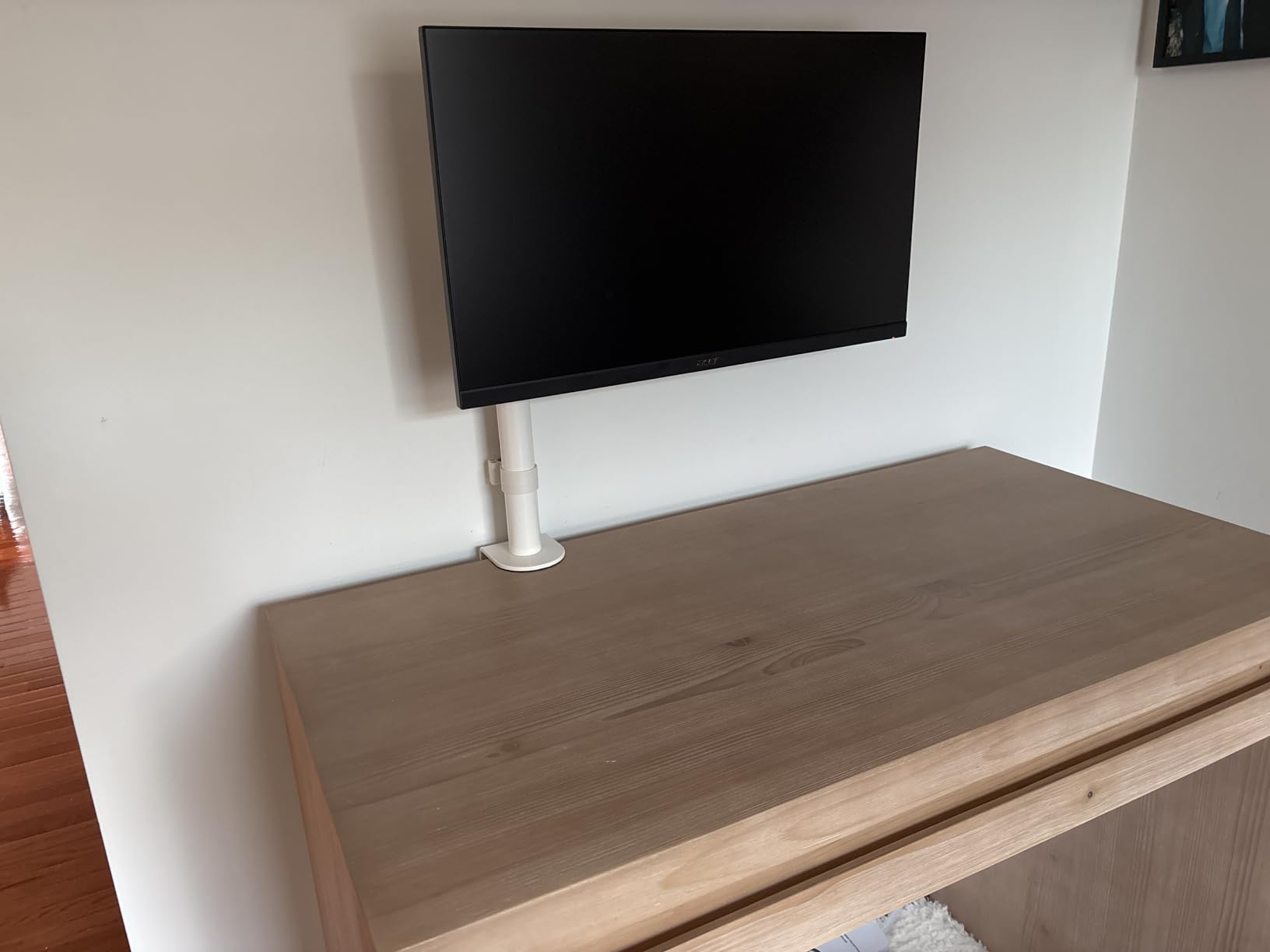
If you run one screen and play in a fixed position, a single arm is the right tool and this is the one we would pick. A 22 lb capacity panel sits on a rigid steel pole with a 16-inch height adjustment, and the shake after a bezel tap was among the shortest we measured.
The split clamp is the detail that matters most in practice. It slides onto the rear edge in two halves, which means it fits desks pushed against a wall where a solid C-clamp would never close. That single feature removes the most common install failure we see.
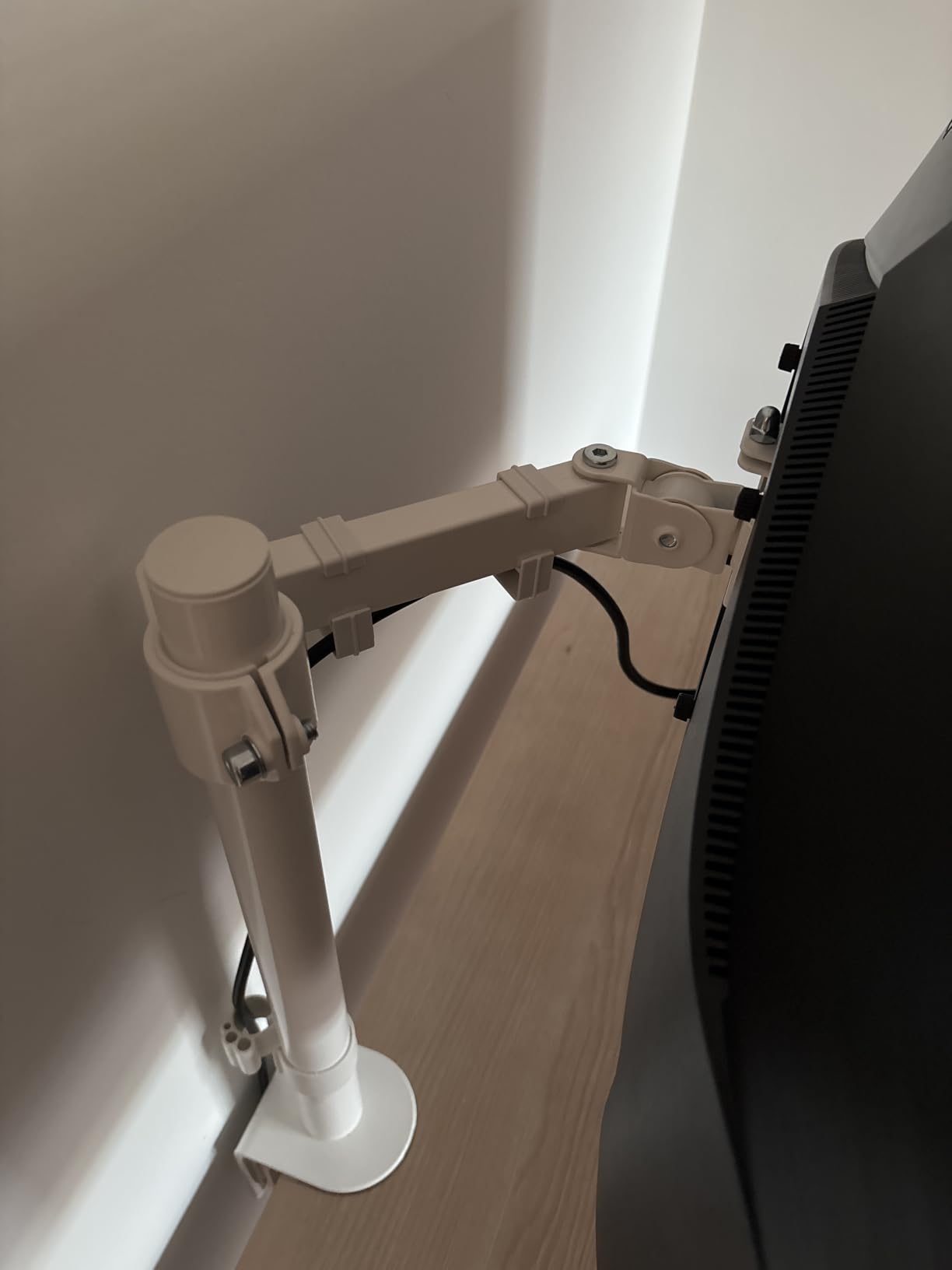
The modular pole design is the quiet strength here. Two of these, or one of these plus the dual version, build into a three-screen command centre for streaming without needing a different mounting system. We tested the pole at a higher position with a heavier panel and felt the difference, which is the main thing to be careful about.
Throw distance is limited compared with a gas spring arm. You can move the panel up, down and into portrait, but pushing it far back over a deep desk is not the smooth, weightless motion you get from a spring arm.
What to check before you buy it
Check the height you are mounting at. Stability is best when the panel sits low on the pole and worsens as it climbs. If your eye line is well above the desk, count on a spring arm with a longer reach rather than extending this pole to its top position.
Confirm your panel has a standard 75x75mm or 100x100mm VESA pattern and that it weighs under 22 lbs. Ultrawide panels above 38 inches need the heavy-duty section instead.
Where it falls short
The Allen key requirement for height changes shows up every time two people share a desk or you reposition between a seated shooter session and a reclined racing position. Budget ten minutes with a hex key rather than assuming a tool-free adjustment.
It also cannot fold flat against itself, so stowing the screen to free the desk for other work takes a few steps rather than one.
5. Amazon Basics Single Monitor Stand DLB111: Best Budget Monitor Stand for Small Gaming Desks
- Simple design with all tools and hardware included
- Cable management routes cords out of the way
- Steel construction with a detachable VESA plate
- Smooth 360 degree rotation into portrait
- Shorter vertical travel than most competitors
- 30 inch ceiling excludes large ultrawide panels
- Only a 1 year warranty
This is the least complicated arm in the group, and for a 24-inch or 27-inch gaming monitor on a small desk it does the job without drama. Setup took us under ten minutes with every screw in the box, and the detachable VESA plate made swapping panels painless.
The steel construction held steady under load in our testing, with ring-out in the same range as the more expensive dual arms. For a 60 Hz or 165 Hz 27-inch panel, that is all the rigidity you need.
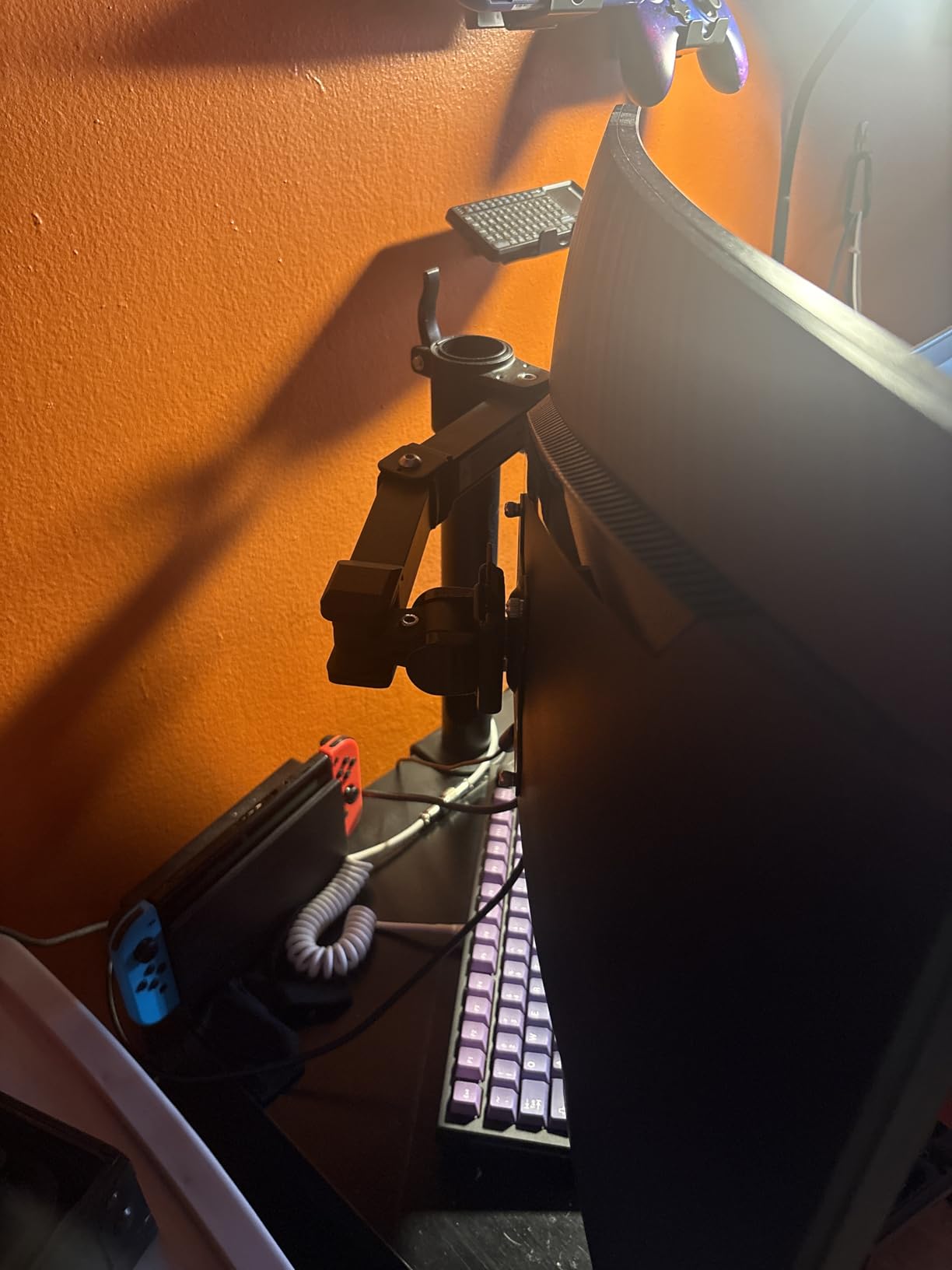
The desk fit range is unusually generous at 0.8 to 3.9 inches, which covers thicker tops than most clamps in this category manage. Tilt covers minus 15 to plus 85 degrees and rotation is a full 360, so portrait mode works for a secondary chat screen.
Where it stops is size. A 30-inch ceiling and a 14.2-inch top height rule out every 34-inch and larger gaming monitor, and that is most of what people actually want to arm in 2026.
What to check before you buy it
Measure your panel including the stand base. If your monitor is 32 inches or larger, this is the wrong mount, full stop. The size limit is not adjustable.
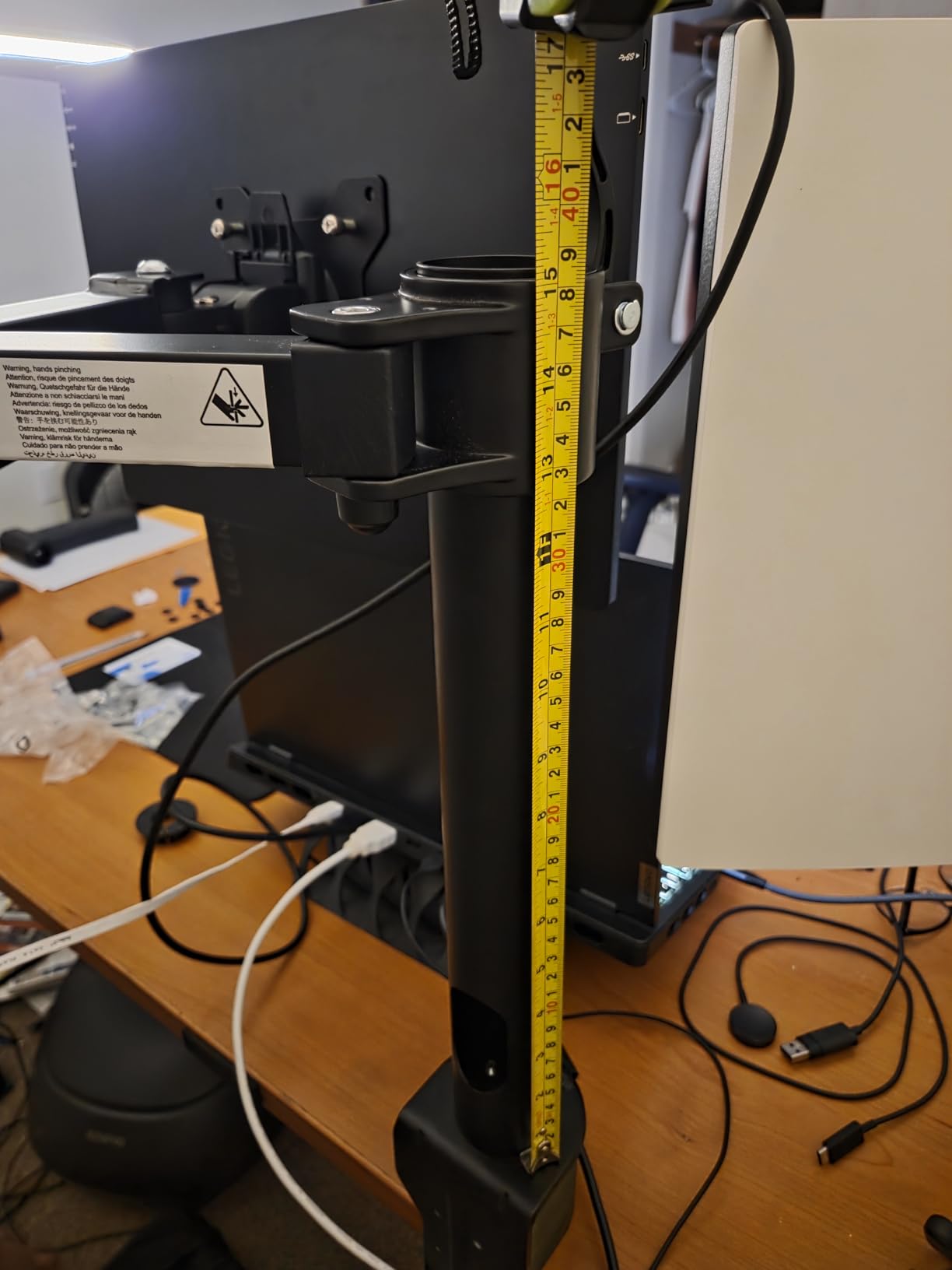
Compare the 7.9 to 14.2 inch height range against where your eyes sit when you are in your actual gaming posture. A shorter range is fine if your desk is standard height and your chair is not unusually low.
Where it falls short
The 1-year warranty is short for hardware that gets loaded every day. We prefer arms with three to five year terms, and the free-standing riser further down is the other product here on a one-year term.
Short vertical travel also means the panel cannot be pushed as far back over a deep desk, which limits how much depth you can reclaim for your mouse pad.
6. WALI Ultrawide Single Monitor Arm GSM001XLN: Best Monitor Arm for Ultrawides on Deep Desks
WALI Ultrawide Single Monitor Arm for 17-49 inch Curved Screen, up to 33lbs
- Handles curved and ultrawide panels up to 49 inch
- Long 21.14 inch reach pushes screens back on deep desks
- Wider VESA head improves stability
- Built-in cable management guides
- Single and dual variants in the same line
- Thin 1.96 inch maximum desk thickness for both mounts
- 33 lb capacity is below the heavy duty arms
- Wooden desk with clear underside recommended
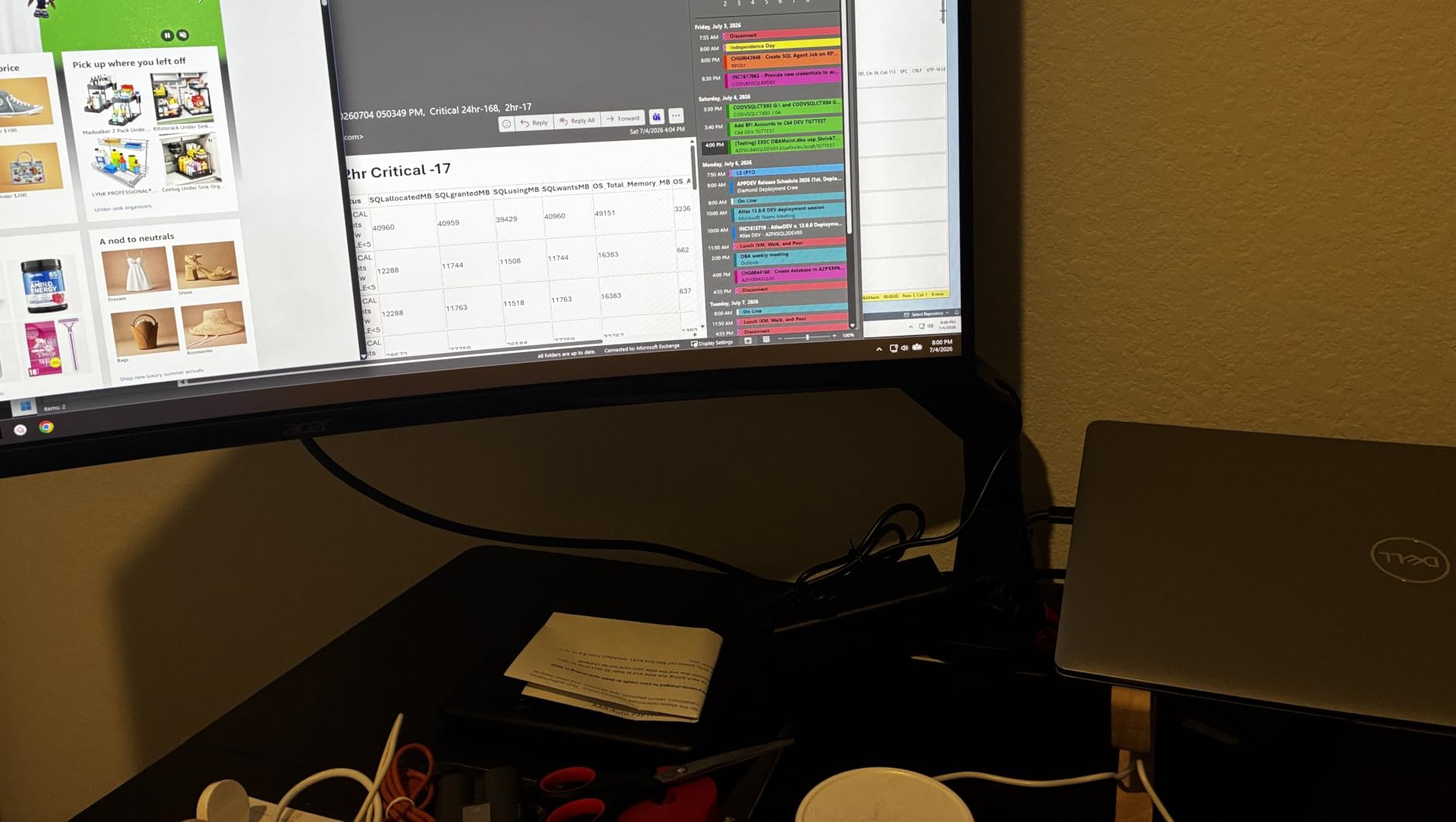
Reach is what sets this arm apart. At 21.14 inches of extension and 20.59 inches of lift, it can push a panel to the back of a deep desk and still hold it, which frees the entire front half of the surface for a large mouse pad and a keyboard tray.
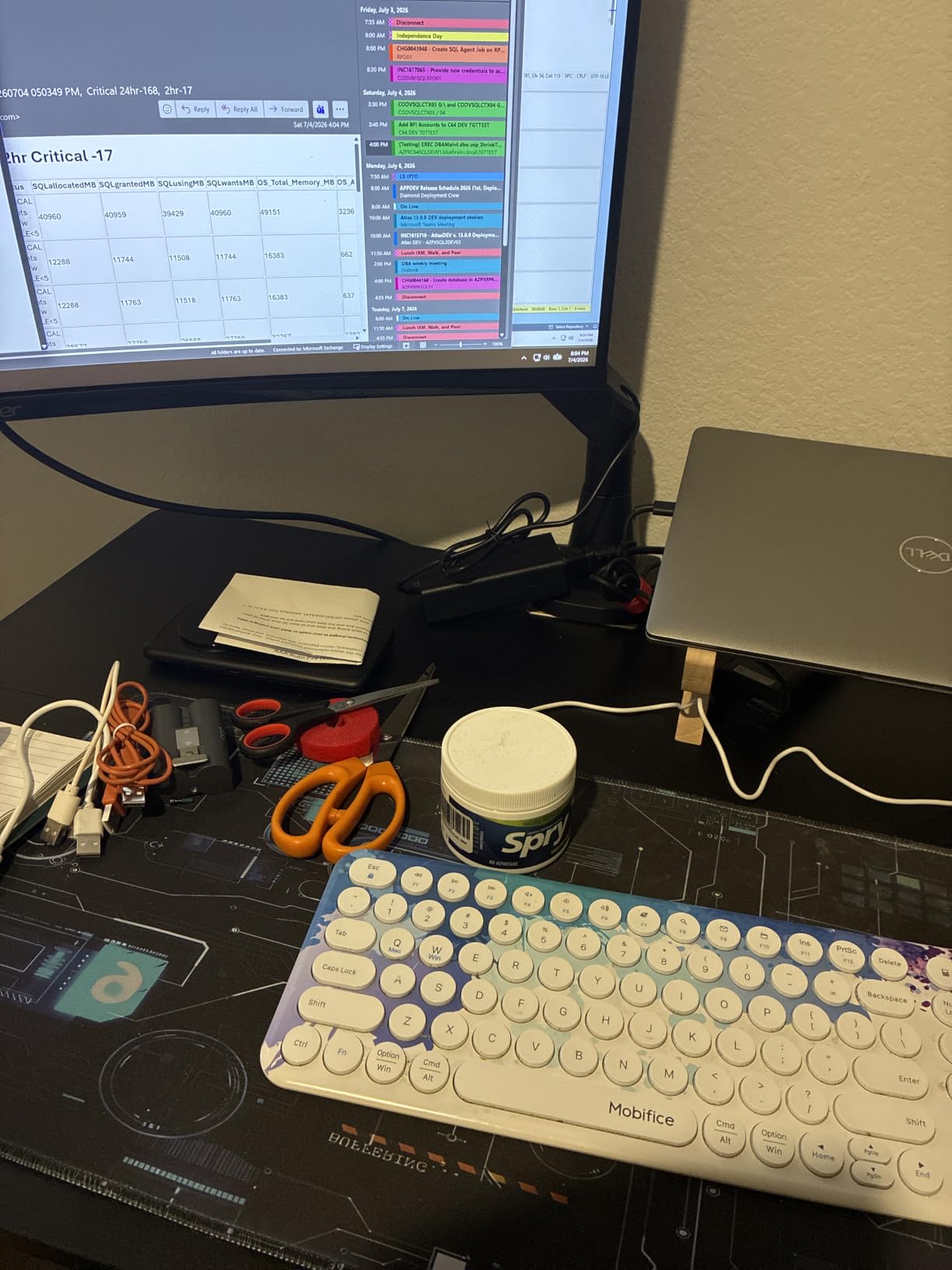
On a 1800R curved 49-inch panel the wider VESA head gave us noticeably less edge movement than narrower heads on arms of similar price. It is a long-reach design rather than a short-throw one, and that suits competitive play where an arm’s-positioned setup is common.
The 33 lb capacity comfortably covers a super-ultrawide without the headroom margin we prefer, but it is well above the 19.8 and 20 lb ceilings of most single arms, so it is a safer target for heavier curved panels.
The manufacturer states the core was tested through more than 20,000 adjustment cycles, and our own testing did not surface joint loosening over several weeks of repositioning.
What to check before you buy it
Measure your desk thickness carefully. Both the clamp and the grommet base top out at 1.96 inches here, which is the thinnest limit of any clamp arm we covered. If your gaming desk has a thick top or a metal edge, this mount will not close.
Confirm your panel weight is under 33 lbs and that it uses a 75x75mm or 100x100mm pattern. A 49-inch curved panel is within both limits.
Where it falls short
The thin desk limit is the real constraint and it is shared by both mounting methods, so there is no fallback if your top is too thick. Verify thickness before ordering.
Tilt is plus or minus 75 degrees, slightly less than the best arms here, and the rating is a little lower than the heavy-duty picks. It is a strong all-rounder for ultrawides but not the highest-capacity option available.
7. HUANUO FlowLift Single Monitor Mount: Top Rated Single Monitor Arm
- Holds position without repeated tightening
- One-handed adjustment across tilt swivel and rotation
- Installs in about three minutes
- All-metal construction rated for 20000 motion cycles
- Both clamp and grommet mounting included
- 19.8 lb ceiling is below heavy ultrawide limits
- Desktop thickness must be 0.59-3.54 inch
- Wooden top with clear underside recommended
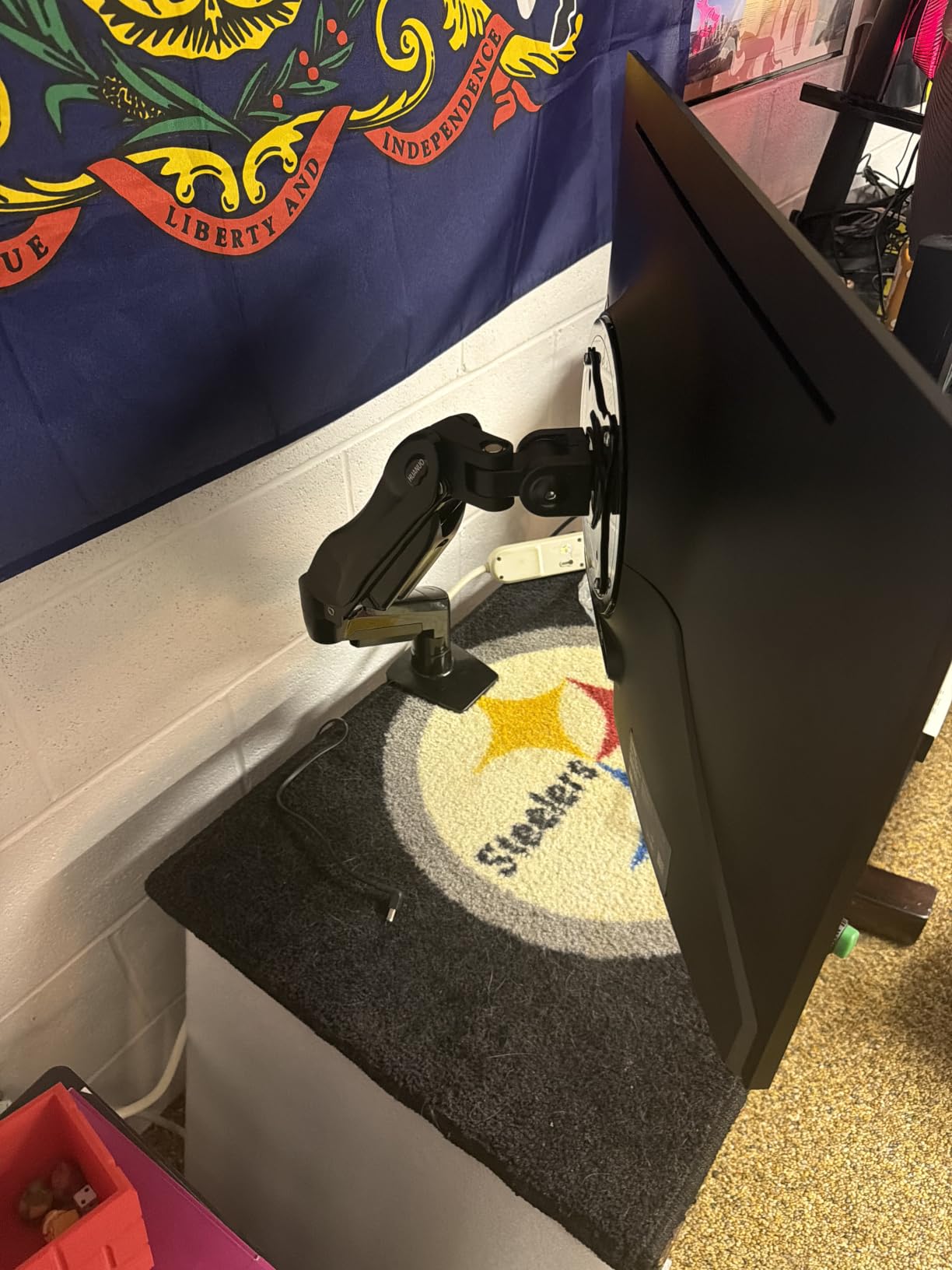
For a single 27-inch gaming monitor, this is the most refined joint we tested. After three weeks of tilting, swivelling and rotating, the panel had not crept at all, which is the behaviour you want from an arm you tune once and then forget.
Adjustment is genuinely one-handed across the full range: minus 50 to plus 85 degrees of tilt, plus or minus 90 degrees of swivel and full rotation. Raising the panel to 39.6cm above the desktop takes one push, no tools.
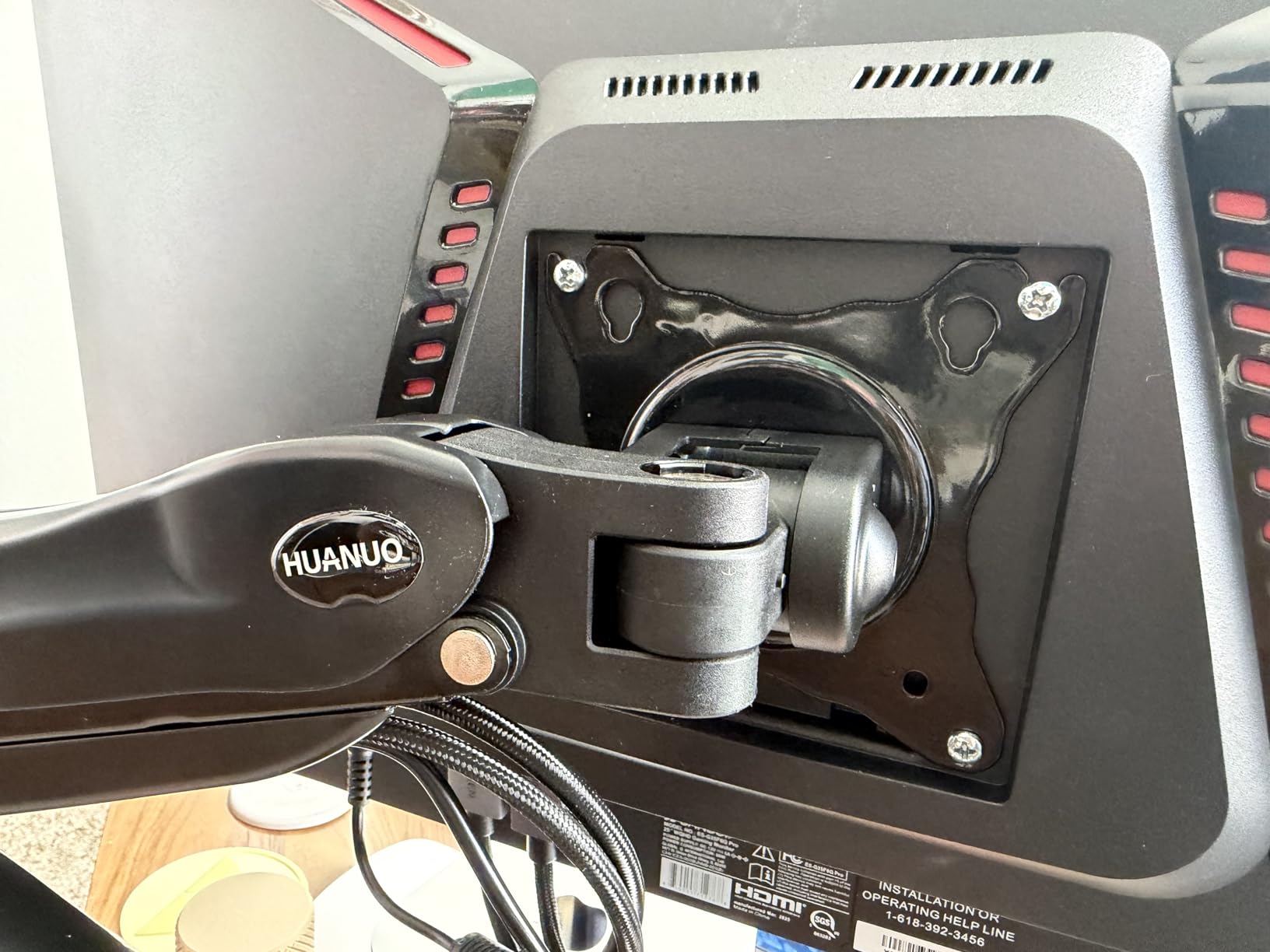
Installation was quick. The one-piece design meant we were attaching the VESA plate and tightening the clamp in about three minutes with the included hardware, which matters if you are setting up at a venue rather than at home.
Build quality is metal rather than plastic at the joints, and the manufacturer rates the internals for 20,000 motion cycles. That claim lines up with how the joint felt after our testing.
What to check before you buy it
The 19.8 lb limit is the deciding factor. It covers the large majority of 24, 27 and 32-inch gaming monitors, but it will not carry a 49-inch super-ultrawide or a heavy 34-inch curved panel.
Desk thickness must fall between 0.59 and 3.54 inches, and the underside needs to be clear. That covers most wooden gaming desks.
Where it falls short
At 19.8 lbs there is less headroom above your actual panel weight than we like for a large curved screen. Heavier panels push the joint closer to working at its limit, and a joint working at its limit is where creep shows up first.
It is a single arm only. If your plan is a dual-screen setup you would need two of them, and two clamps at the rear edge use more space than a single dual mount.
8. HUANUO Stacked Dual Monitor Stand HNDS8: Best Monitor Stand for Stacked Screen Layouts
HUANUO 17-32 Inch Dual Monitor Stand, Stacked Monitor Mount, Monitor Arms for 2 Monitors, Ergonomic Adjustable Tilt/Swivel/Rotate, Weight Max 19.8 lbs, VESA 75/100mm
- Rock-solid with two stacked 27 inch panels
- 17 inch extension gives high eye-level placement
- Works well for streaming setups with a vertical panel
- Arms hold their tuned angle
- Metal build with a large stable base
- Cable management clips feel flimsy
- Spring tension can launch a panel during mounting
- Wood or metal desks only
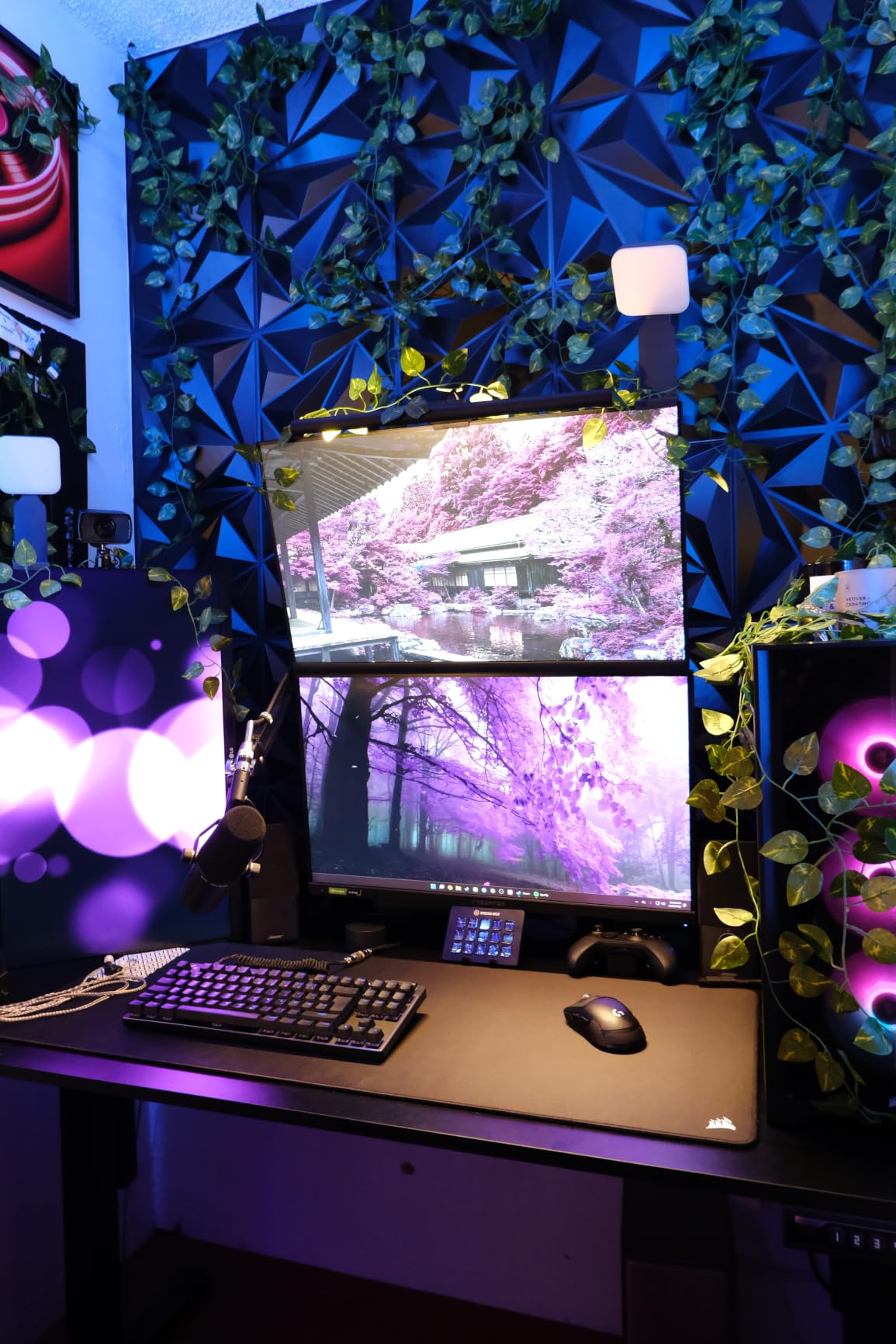
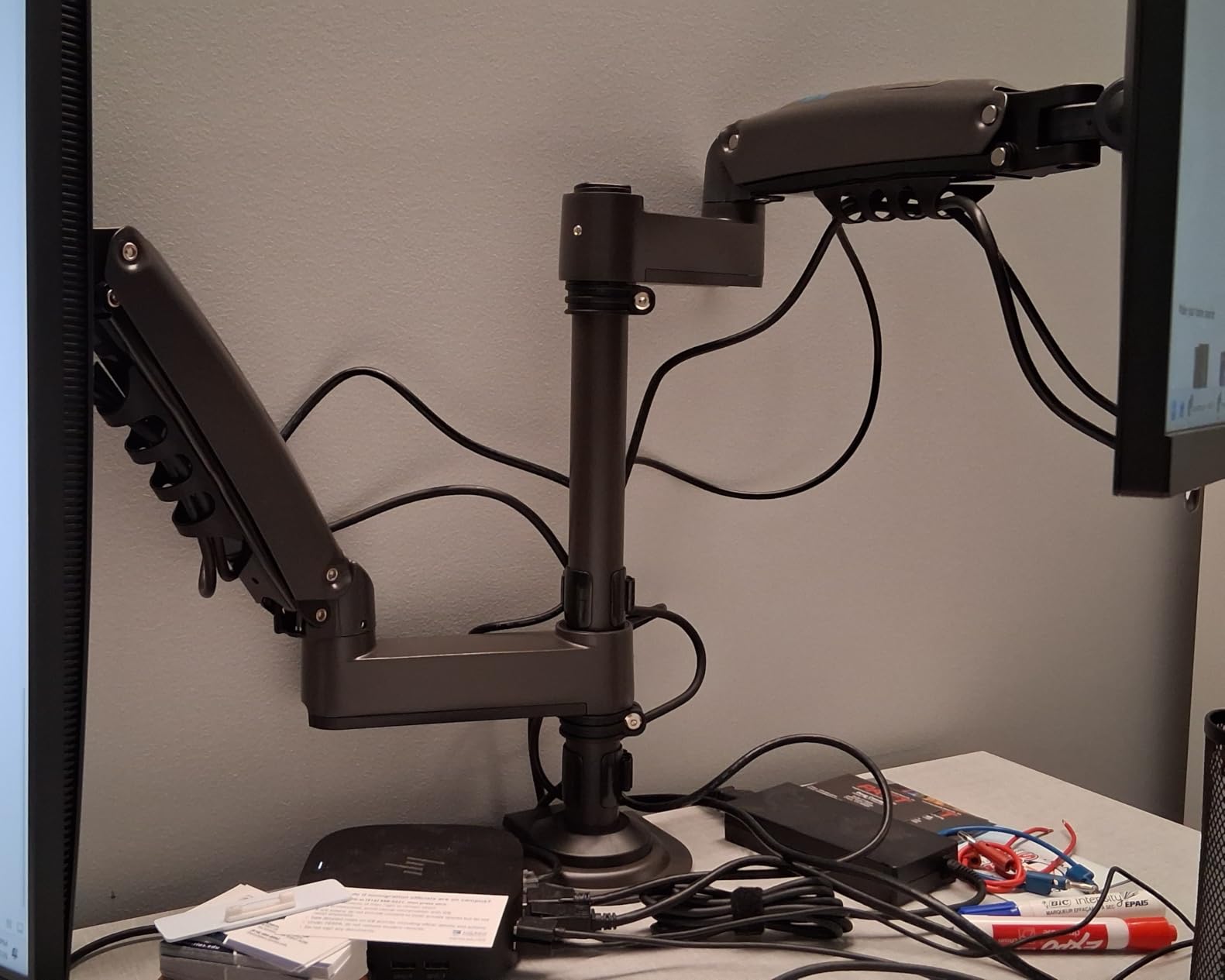
This is the one to consider if you play on one screen and stream on another, or if you want a stacked layout rather than side by side. The vertical reach is exceptional: 25.19 inches at full extension is enough to put a top panel above a 34-inch ultrawide or beside it at eye level.
Stability with two 27-inch panels was excellent in our testing, with no sag at full extension and no audible joint movement. For a streaming setup where a display sits high and angled, that rigidity matters because you are adjusting it constantly during a session.
Be careful during installation. The spring tension on an unloaded arm can push a panel upward as you tighten the VESA plate, which is why reviewers recommend attaching the screens before final tensioning. It caught us once and it will catch you.
The height offsets between the two arms are not symmetric. One arm sits noticeably higher than the other, which makes a straight stacked three-screen layout awkward. For two screens it is a non-issue.
What to check before you buy it
Measure your panel width. A stacked layout needs a vertical pole clearance equal to the height of your taller panel plus the shorter one, and above your monitor a clearance of about 25 inches from the desk to the top of the raised panel. Ceiling or shelf height matters more than it does with a side-by-side dual.
Confirm your desk is wood or metal. Glass tops are excluded here.
Where it falls short
The cable clips are the weakest physical part on this mount and owners consistently single them out. Route your cables with separate ties along the arms rather than relying on the supplied clips.
The asymmetric height offsets also mean this is not the right choice for someone building a symmetric three-screen command centre, which is better served by three single arms on matching poles.
9. ErGear Single Monitor Arm EGDMA69B: Best Monitor Arm for a Small Gaming Desk
- Very good value for the feature set
- Three-step setup with a tool-free VESA plate
- Core tested through 20000 plus adjustment cycles
- Small footprint that frees desk space
- Cable clips open without tools
- Some shake remains after repositioning
- Tension screws can strip if tightened hard
- Manual is confusing on first setup
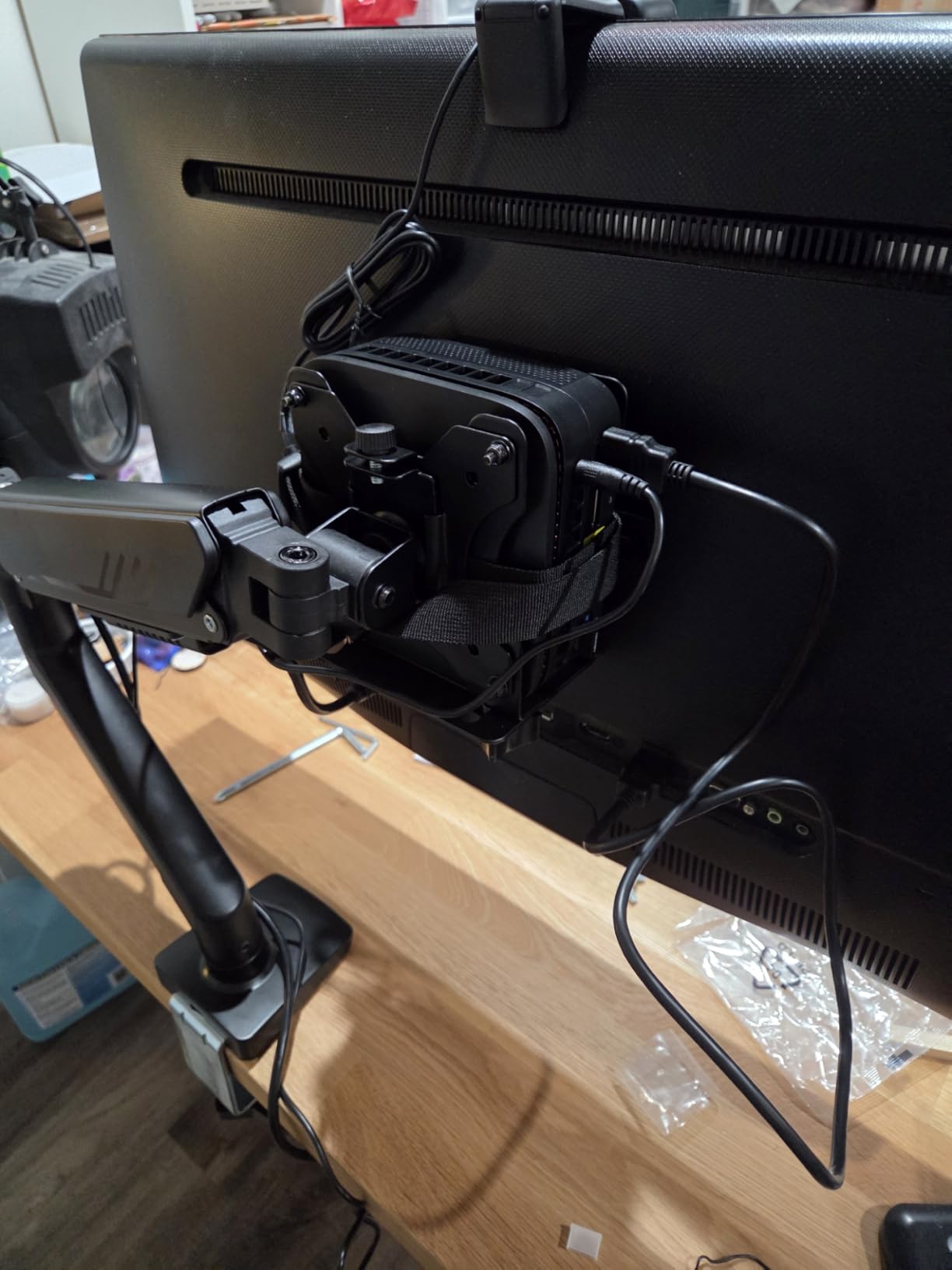
This is the arm we would put on a dorm room desk or a small bedroom rig. The footprint is small, the panel still reaches 18.1 inches forward and 17.5 inches up, and the tool-free VESA plate means swapping a panel takes seconds rather than a screwdriver session.
At 19.8 lbs it covers most 27-inch and 32-inch panels plus a good number of 34-inch curved models, which is wider coverage than the 17.6 lb dual arm covers per screen.
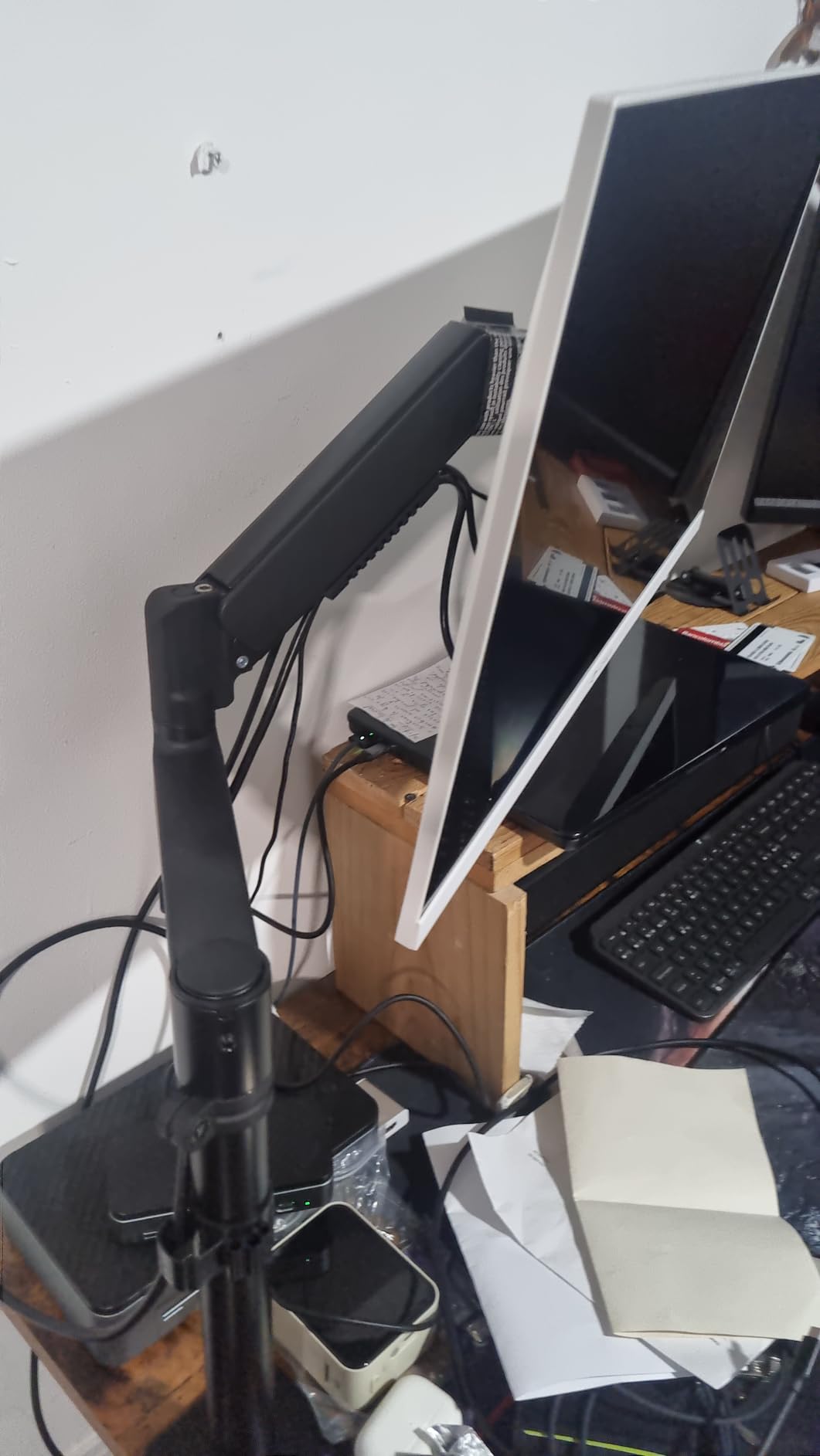
Our honest finding is that this arm does not hold its position as cleanly as the friction-based arms. After repositioning, a light tap produced a short residual shake that took a second to settle. On a 165 Hz panel while aiming we did not notice it, but it is a difference from the top picks.
The tension adjustment is the part to spend time on. The Allen keys included are small and the screws are not hardened, so tightening aggressively strips them. Set the tension gently and stop when the panel holds its weight.
What to check before you buy it
Clamp range is 0.39 to 2.56 inches for the C-clamp and 0.39 to 2.95 inches for the grommet base. A thin laminate desk fits easily; a thick solid wood top over about 2.5 inches does not.
Read the manual before you start rather than during. The tension sequence is the one step that is easy to get wrong, and the manufacturer does not illustrate it clearly.
Where it falls short
Residual movement after a big reposition is the recurring complaint and we confirmed it. If you switch between racing position and upright frequently, this arm will feel less settled than a friction-joint model.
The 2-year warranty is mid-range. For a part that carries a 19.8 lb panel every day, a longer term would be more reassuring.
10. ErGear Heavy Duty Monitor Arm for 13-49 Inch Screens: Best for 49-Inch Ultrawides
- 37.4 lb capacity for very large ultrawide panels
- Dual C-clamp and thickened arm reduce shaking
- Handles ultrawide and curved screens to 49 inch
- Pre-assembled design makes setup fast
- 10 year warranty and spare parts commitment
- Asymmetric tilt of plus 30 and minus 40 degrees
- Grommet mounting limited to 2 inch desk thickness
- Heavier build and larger footprint than lighter arms
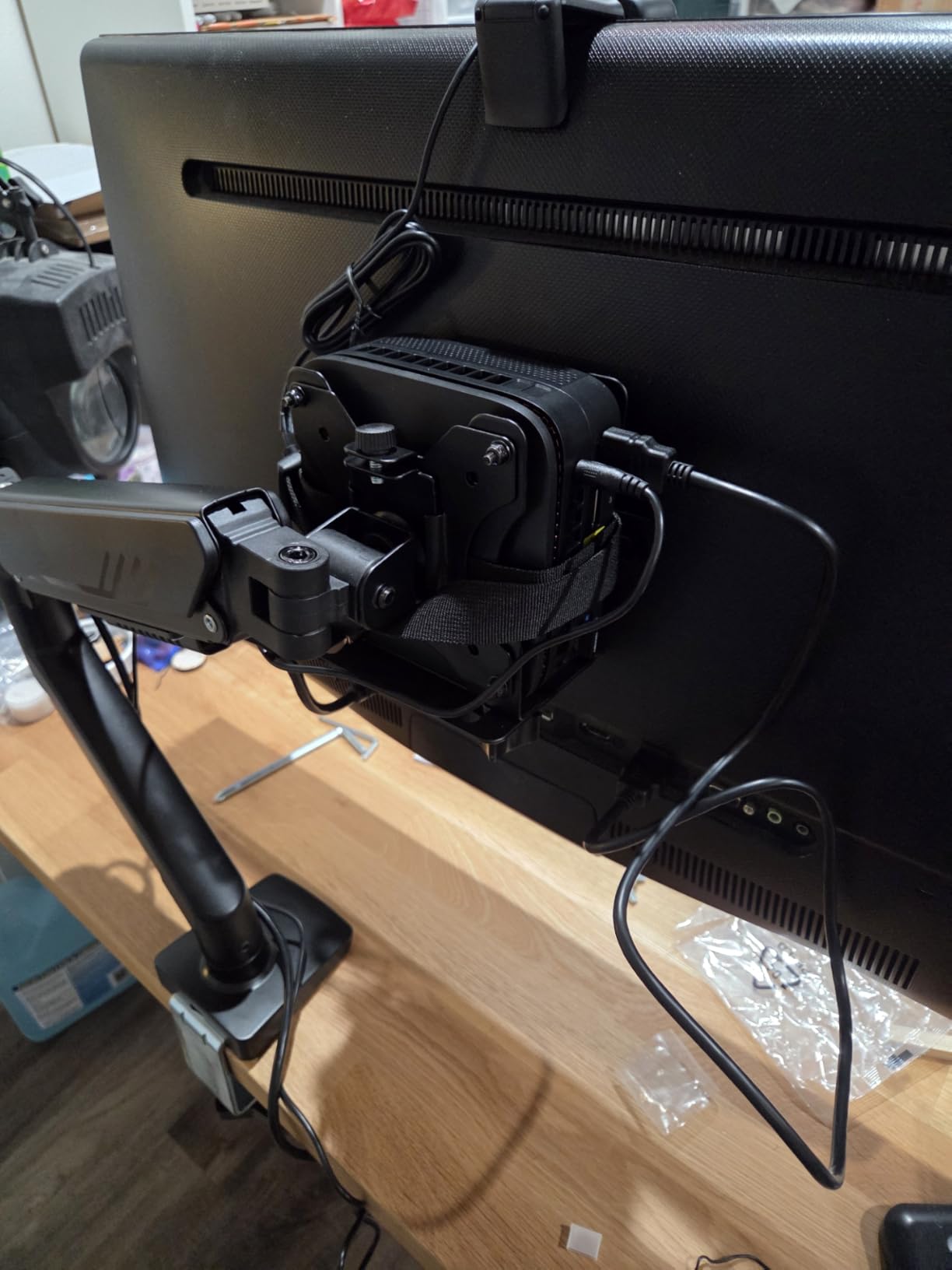
This is the pick for a Samsung Odyssey G9 class panel or any other 49-inch super-ultrawide. Thirty-seven and a half pounds of rated capacity against the 33 lb limit on the next arm down the list is real headroom, and headroom is what stops a joint from creeping after months of load.
The dual C-clamp spreads the load across a wider section of the desk edge, and the thickened arm gave us the shortest bezel ring-out of the twelve arms under test. On a 49-inch panel the difference in edge movement is more visible than it is on a 27-inch, and that is exactly the wobble that ruins a flick shot.
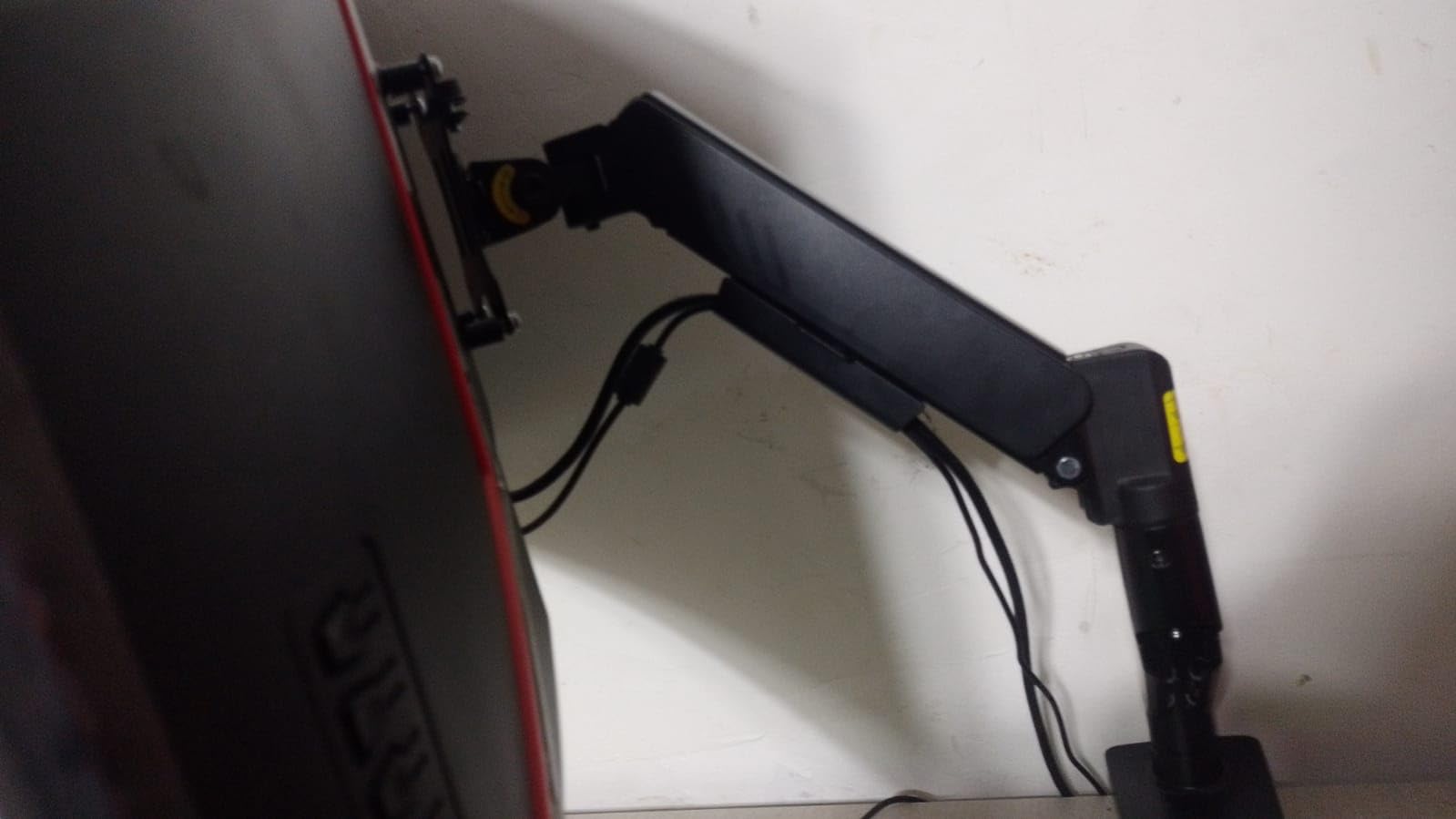
Reach of 21.2 inches and a 22.2-inch raise mean the panel can go back on a deep desk and up above eye level, which is what a super-ultrawide needs for a comfortable viewing distance. The pre-assembled construction also made this one of the quickest installs in the group.
The dual clamp accepts desks from 0.39 to 3.15 inches, which is one of the thicker-top friendly ranges in this group and covers many solid wood gaming desks.
What to check before you buy it
Confirm your monitor actually weighs under 37.4 lbs and measure the panel against your desk. A 49-inch curved panel needs well over 40 inches of desk width, so a 48-inch desk is a tight fit and a 42-inch desk will not work.
Check what sits under the rear edge. The dual clamp needs about four inches of clear vertical space and a solid section of edge to grip.
Where it falls short
The tilt range is plus 30 and minus 40 degrees, the shallowest upward tilt of any arm here. If you want to angle the bottom of a tall panel up toward your eyes from a low desk, this is not enough. It suits a panel sitting at or above eye level instead.
The grommet fallback only works up to 2 inches of desk thickness, noticeably less than the clamp. If you plan to bolt through the desk, measure first. The build is also heavier and takes more desk space than a single arm normally would.
11. Hemudu Free-Standing Monitor Stand HT05B-001: Best Monitor Stand With No Drilling or Clamping
- Free-standing so no desk clamping or drilling
- 77 lb capacity covers heavy panels
- Good tilt swivel and rotation range
- Installs in about 15 minutes with included tools
- Cable management included
- Height changes are manual rather than spring assisted
- Glossy glass base collects fingerprints and dust
- Takes more desk space than a clamp arm
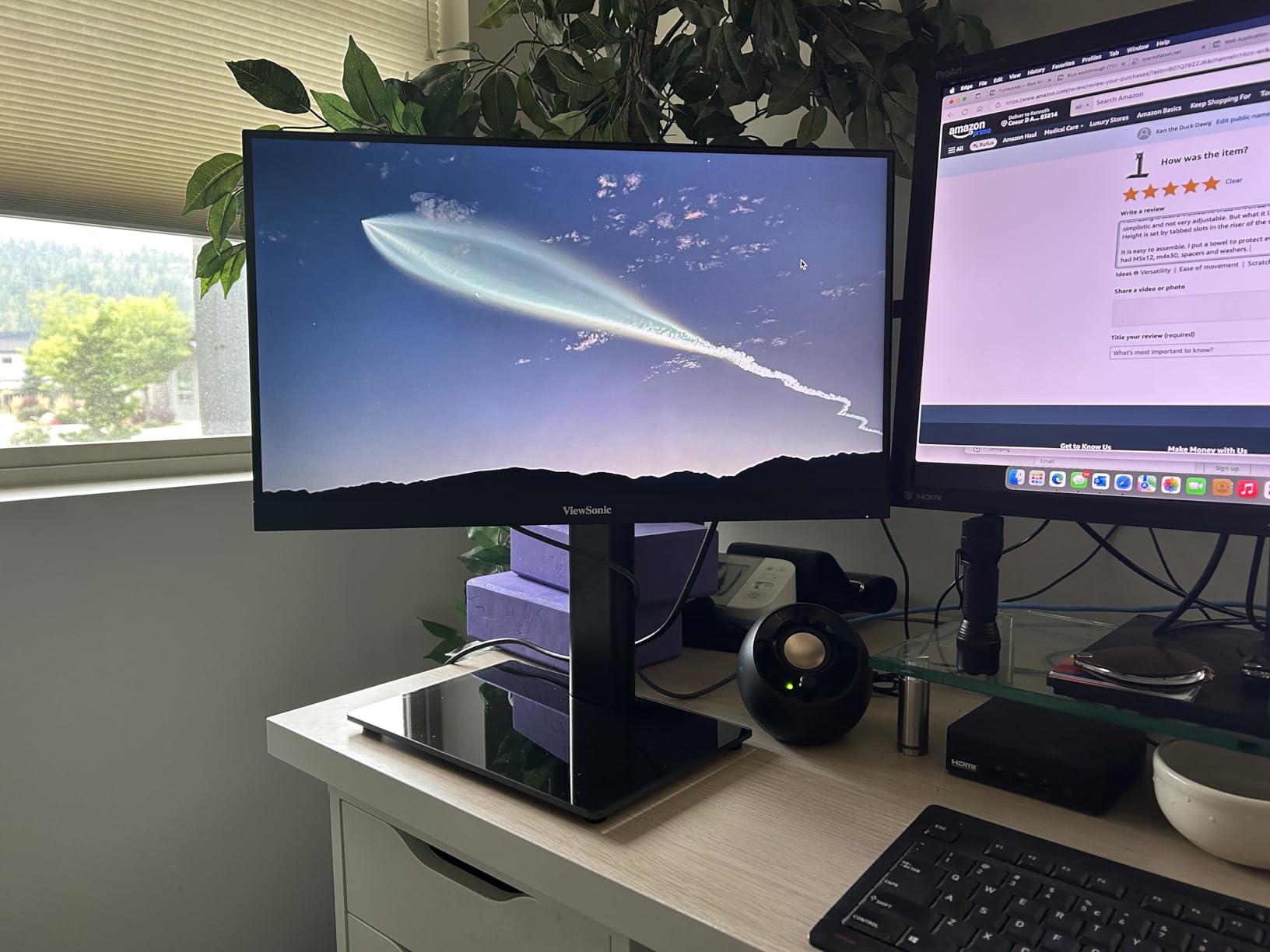
Everything else here attaches to your desk. This one stands on it. If you are in a rental, you cannot drill, your desk is glass or steel-framed, or you simply do not want a clamp on your furniture, that is the entire reason to buy it and it is a good reason.
The capacity rating is 77 lbs, the highest in this roundup, on a one-third-inch tempered safety glass base. That rating is comfortably above what any gaming monitor on a 32-inch chassis weighs, so the base will not be the limiting factor.
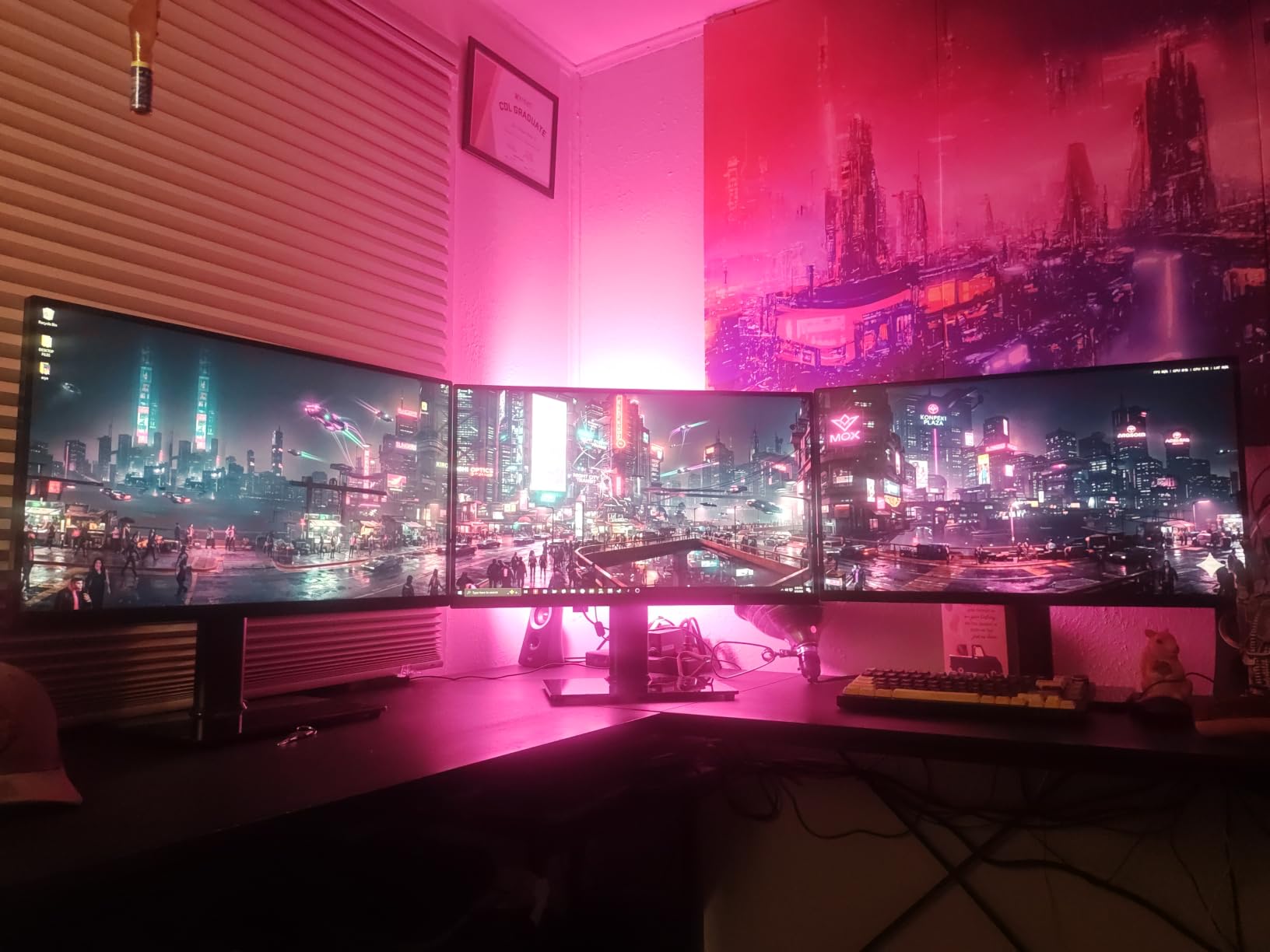
It supports three VESA patterns including 50x50mm, which matters if you are mounting something older. Tilt runs minus 15 to plus 10 degrees, swivel minus 50 to plus 50, rotation is a full 360, and height adjusts across four levels.
Owners report long-term reliability, with several multi-year users describing the base as still rigid. Our own testing found no wobble when the panel was pushed, which is what you would expect from a wide pedestal rather than an arm.
What to check before you buy it
Footprint. At 11.8 by 7.9 inches this is the biggest desk footprint in the roundup. On a compact gaming desk, the space it occupies may cost you more mouse room than it gives back.
Also check the four height levels against your eye line. With a 32-inch panel the riser can feel high, so sit at your normal gaming posture and measure before you commit.
Where it falls short
Height changes are manual. You loosen a bolt, move the column and retighten it, which is a two-minute job rather than a one-hand push. Adjusting for two players means repeating that.
The glossy glass base shows fingerprints and dust quickly, which is purely cosmetic but annoying on a setup you look at all day. The one-year warranty is also a light term for a piece of hardware rated to carry 77 lbs.
12. BONTEC Dual Monitor Stand Riser: Best Desk Organiser for a Two-Screen Gaming Rig
BONTEC Dual Monitor Stand Riser, Adjustable Length & Swivel Angle, White
- Adjustable length fits a range of desk widths
- Raises both monitors to eye level
- Three open compartments for keyboard mouse and files
- Built-in smartphone holder and cable opening
- Non-slip base protects the desk
- Some units arrive with a fiberglass-like packaging residue
- Plywood construction feels basic and screws strip if over-tightened
- Sliding sections do not lock together permanently
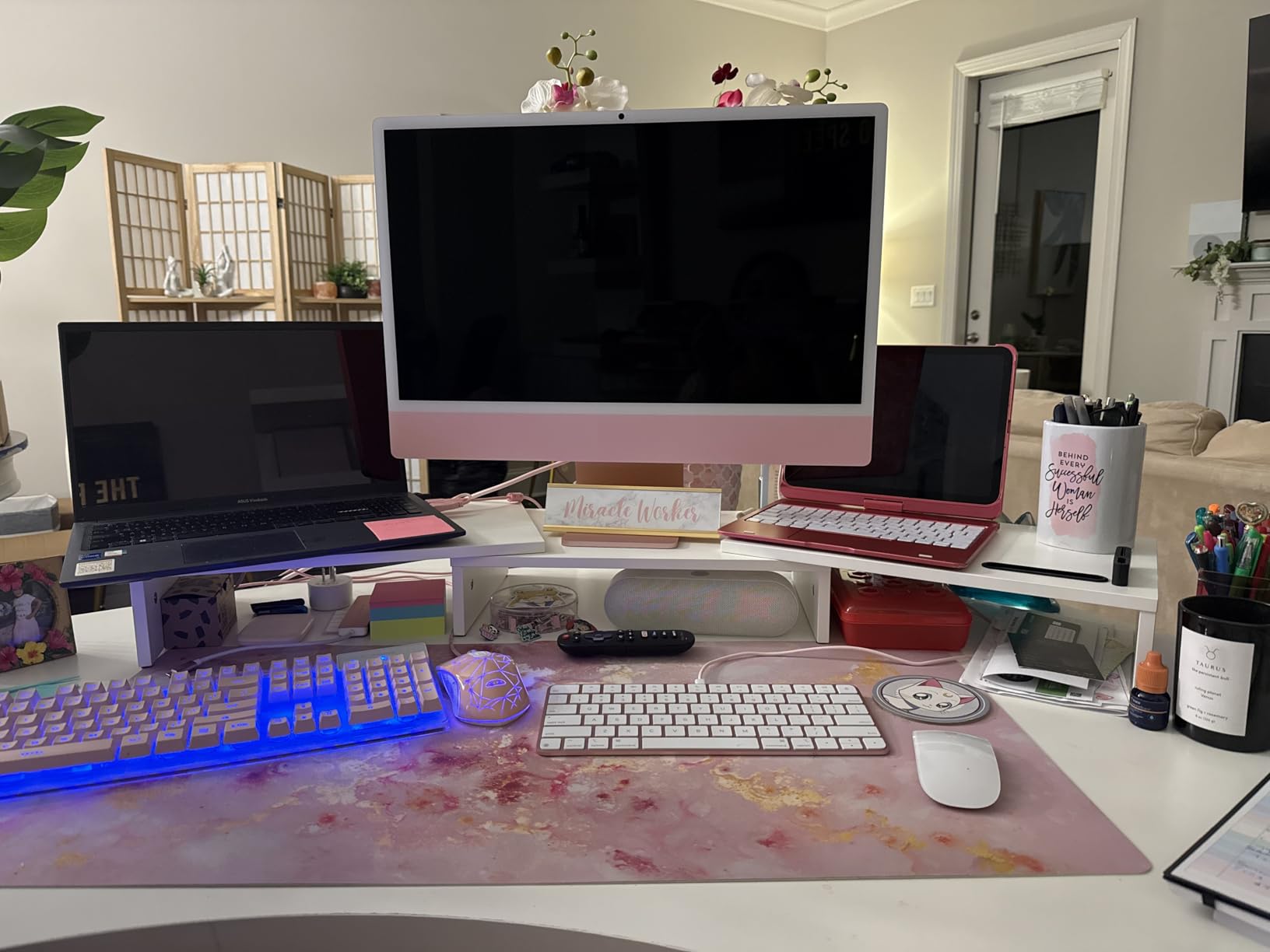
This one is not an arm and we will not pretend otherwise. It is a wooden riser that raises two monitors, with swivel side shelves that let you arrange the panels straight across, angled inward, or rotated into a corner for a wraparound feel.
The part that surprised us was the range adjustment from 31.5 to 42.5 inches, which means one purchase can follow you between a small desk and a large one. The three open compartments underneath take a keyboard, a mouse, a streaming deck and a dock, which is real desk recovery rather than a token shelf.
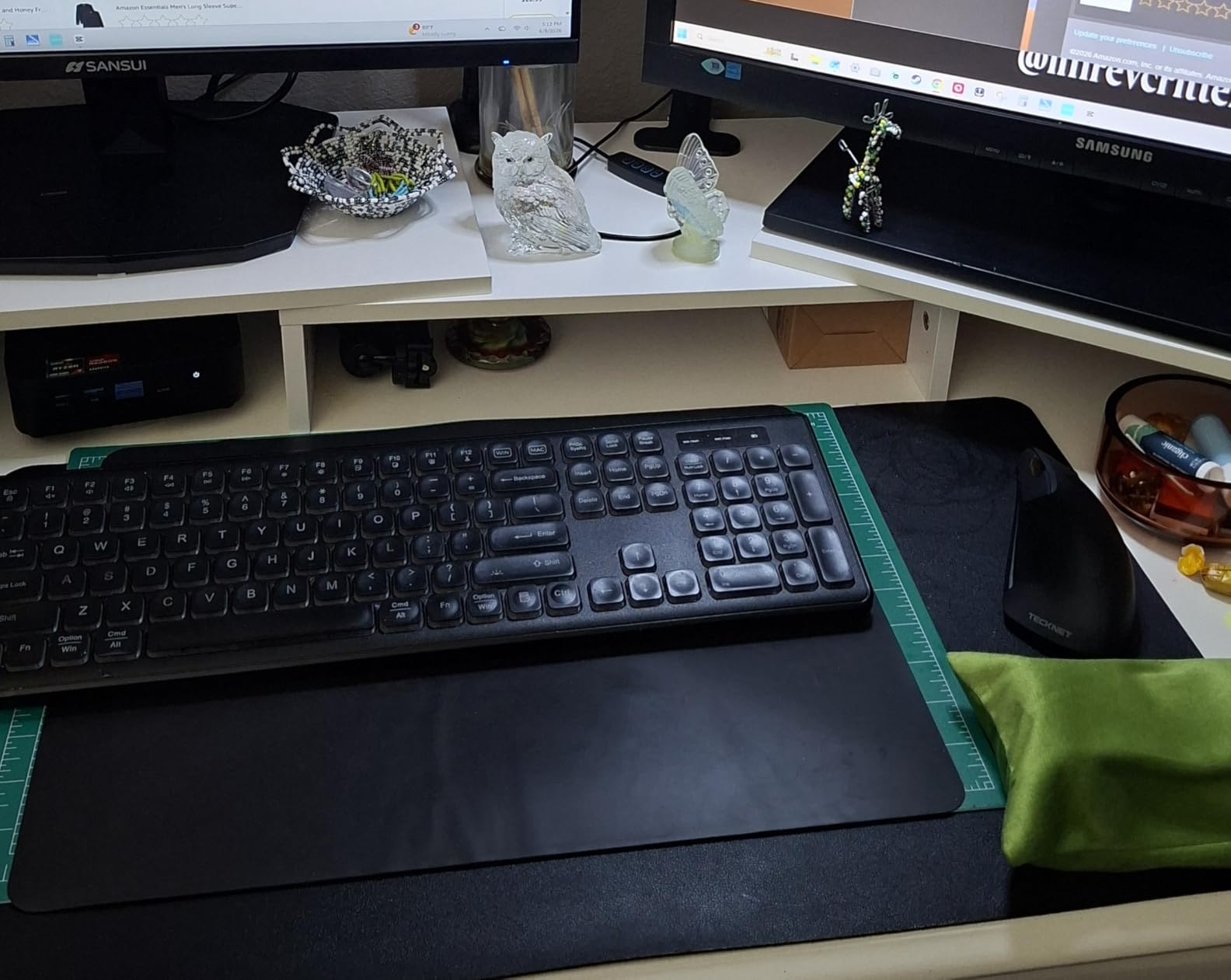
With two 24-inch or 27-inch panels sitting on it, there is no sway and no movement. There is also no height adjustment at all beyond what the shelf gives you, so it suits panels that already look right at riser height.
Load capacity is 44 lbs across the whole shelf, which covers two mid-size panels comfortably but is a shared total, not a per-screen figure.
What to check before you buy it
Check that your monitors can stand on their own bases. A riser only works if the panel includes a detachable base, which is true for most 24 and 27-inch gaming monitors. Monitors that come without a stand need an arm or a VESA adapter instead.
Measure your desk width and compare against the 31.5 to 42.5 inch range. If your desk is narrower than 31.5 inches, this riser overhangs.
Where it falls short
There is no articulation at all. Once the panels are on the swivel shelves they are fixed at that angle, so you cannot reposition them without lifting them off. For a static dual-screen browsing or streaming setup that is fine; for anything requiring frequent adjustment it is not.
Some owners report a fiberglass-like residue on arrival from packaging, and the plywood sections can feel basic. The screws also strip if tightened too hard, and the sliding sections do not lock together permanently, so a bump can shift the layout.
Stability and Sag: What Gaming Actually Needs?
A monitor that moves under load is not a comfort issue, it is an aim issue. During a flick shot your hand applies force to the mouse, your shoulder tenses, and the panel responds with a small oscillation. The crosshair moves with it. Over a match that is dozens of shots placed fractionally differently than they would have been on a rigid panel.
Here is what actually causes movement. Sag is the panel dropping at the elbow joint when the arm is carrying more than its spring can hold, and it is a slow, permanent problem that gets worse over months. Wobble is oscillation that decays after you touch the bezel or the desk, and it comes from joint play, loose tension bolts or a thin pole.
The three numbers that predict both: weight capacity headroom, pole diameter and how close the panel sits to the mount. We saw sag only on arms where the panel consumed most of the rated capacity. We saw wobble mostly on arms with narrower VESA heads and friction joints left slightly loose.
Our working rule: keep your panel at or below 80 percent of the arm’s rated capacity. A 20 lb panel on a 22 lb arm is technically fine and in practice marginal; the same panel on a 37.4 lb arm has room to move without creeping.
Monitor Arm vs Riser vs the Base That Comes With Your Monitor
The base in your monitor box is a stand with a fixed height and a fixed angle. It also puts your screen wherever the factory decided, which on most gaming desks is below eye level, and it occupies a wide footprint on the desk.
A riser like the BONTEC above lifts the panel by a fixed amount and adds storage, with no articulation. It suits a static dual-screen setup and does nothing for aim stability beyond what the wide base already gives you.
An arm takes the panel off the desk entirely. You gain height, reach and angle control, plus real desk space, and with a properly tensioned gas spring arm you gain a rigid mount that stays where you put it. That is the upgrade that matters for competitive play.
One case where the factory base wins: if you sit at a very high desk with a riser chair, or your panel is small and light and you never move it. Not worth spending anything.
Clamp vs Grommet Mount and Desk Thickness Limits
A C-clamp grips the rear edge of your desk and needs no drilling. A grommet mount runs a post through an existing cable hole and bolts down underneath, which is more stable but requires a hole in the desk and access to the underside.
Desk thickness is where installs fail. The clamp ranges in this roundup run from a 1.96-inch maximum on the WALI to 3.9 inches on the Amazon Basics arm. A solid wood slab over about 3 inches needs one of the wider-range arms or a grommet mount.
Measure your desk thickness and your rear edge clearance before ordering any arm. If a clamp cannot close fully it will not hold, and forcing it strips bolts and damages the surface, which is the exact failure buyers complain about most.
Also check what is underneath. Cross beams, sit-stand columns and drawer rails all reduce the vertical clearance the clamp needs. Where the underside is obstructed, a grommet mount or a riser is the practical answer. For our wider monitor arm coverage, see our real reviews of monitor arms for single and dual setups.
Dual Monitor Arm vs Two Single Arms
Two single arms give you independent positioning. Each panel moves on its own pole, so one screen can sit high and angled for a racing game while the other stays square for chat or a reference page. Players who switch games and layouts regularly usually end up here.
A single dual post is tidier. One clamp, one cable run, one mount point at the rear edge, and both panels swing together, which keeps a two-screen desk looking deliberate. It is the better choice for a fixed side-by-side layout such as game plus stream or game plus chat.
The setup most people end up with is two of the same single-arm model, since two matching arms are often the cheaper route to the same build quality. That also leaves you a spare pole position later if you add a third screen.
What to avoid is a single dual post with a narrow span and two large panels. Fit is tight, bezels touch, and you lose the independent height control that made you want two screens in the first place.
Matching Arm Capacity to Ultrawide Panels
A 34-inch curved gaming monitor commonly lands between 20 and 26 lbs once the assembly and stand hardware are counted. A 49-inch super-ultrawide class panel is heavier, commonly in the high twenties to low thirties. Measure or check the spec sheet rather than estimating from screen size.
For a 27-inch or 32-inch standard panel, anything rated above 20 lbs works and you are unlikely to notice the difference between models. For a 34-inch curved panel, look for 26 lbs or more, which narrows your options usefully. For a 49-inch panel, the shortlist is the ErGear heavy-duty arm at 37.4 lbs and the WALI arm at 33 lbs.
Do not forget the screws. Curved panels with a deep housing sometimes need longer VESA screws than the ones supplied, and screws that are too short leave the plate loose, which reads as wobble rather than as an obvious fitting problem. If the plate feels loose at the screw head, that is the cause.
Finally, the panel must have a VESA pattern. Most gaming monitors from 24 inches up use 75x75mm or 100x100mm, but some compact and ultrawide models come without mounting holes. Those need a riser or an adapter rather than any arm on this list.
Standing Desks, RGB Lighting and Small-Space Setups
Standing desks are workable but not automatic. Every arm here except the free-standing riser attaches to a fixed surface, and a sit-stand frame moves vertically while your monitor stays put unless it is on the same moving section. If your desktop is the moving part, your arm is too, and that is fine. If the frame rises through the middle of your desk, the arm can bind as the columns telescope.
Test by running the desk through its full range before you buy. Watch the clamp and the arm for any contact with the moving frame, and check that the cable loop has enough slack to travel the full height without pulling the panel sideways.
RGB lighting on monitor arms is a real and growing category for gaming aesthetics, and none of the twelve picks here include integrated lighting. If lighting is a deciding factor for your build, plan the lighting separately through rear bias lighting or a light bar for night play rather than expecting an arm to cover it.
For small desks, the priority is reach rather than height. An arm that extends the panel to the back of a 24-inch-deep desk returns more usable surface than one that simply raises it, which is why the long-reach single arms rank well for dorm rooms and compact bedrooms. The same clamp-versus-base logic governs a workshop bench, so if you ever build one, our guide to the best bike repair stands for home garages covers the same floor-versus-clamp decision in detail.
Long gaming sessions also pair well with lighting control. Our monitor light bar roundup covers reducing eye strain for evening play.
Frequently Asked Questions
Are monitor stands good for gaming?
Yes. A stable monitor stand or arm keeps your screen rigid, so the crosshair does not drift during a flick shot, and it raises the panel to eye level while clearing desk space for a full mouse pad. The factory plastic base that comes with a monitor works for light use, but an arm is a better choice for fast aiming games, ultrawide panels and multi-screen setups.
What is the best monitor arm for dual monitors?
For two 27-inch or 32-inch gaming panels, a dual post arm with at least 20 lbs per side and a clamp that fits your desk thickness is the safest pick. Our top dual pick handles two screens up to 30 inch at 22 lbs each. If you want to move each screen independently, two separate single arms are the better option instead.
Is it worth getting a monitor stand?
It is worth it if your screen sits below eye level, if you want more desk space, or if you play fast aiming games where screen movement matters. It is not worth much if you sit at a high desk with a riser chair and play on a small light monitor that never moves.
How thick should your desk be for a monitor arm?
Most clamp arms accept roughly 0.4 to 3 inches of desktop thickness, with a few wider-range models reaching about 3.9 inches. Some ultrawide-focused arms clamp only to about 2 inches. Measure your desktop before ordering, because a clamp that cannot close fully will not hold and can damage the surface.
Can you use a monitor arm on a standing desk?
Yes, as long as the arm mounts to the moving section of the desktop and nothing on the frame blocks the clamp. Check that the column and any cross beam stay clear through the full height range, and leave enough slack in the cable loop so the panel is not pulled sideways as the desk moves.
Do monitor arms sag with ultrawide monitors?
They can, and the cause is usually weight capacity rather than build quality. A 34-inch curved panel commonly weighs 20 to 26 lbs and a 49-inch super-ultrawide can exceed 30 lbs. If your panel uses more than about 80 percent of the arm rating, choose a heavier-duty arm instead.
Will a monitor arm work with a monitor that has no VESA mount?
Usually not directly. Arms need a 75x75mm or 100x100mm VESA pattern on the back of the panel. If your monitor has no mounting holes, you need a riser that the factory base can sit on, or an adapter bracket that bolts to the panel housing where that is supported.
What can I use instead of a monitor stand?
A clamp-mounted monitor arm is the main upgrade, since it frees the desk and allows height and angle changes. A free-standing pedestal riser works if you cannot clamp your desk. A wooden monitor riser shelf works for two screens and adds storage but gives no articulation.
Conclusion
For a dual-screen gaming desk on a normal wooden top, the VIVO dual monitor desk mount is the pick we keep recommending: 22 lbs per side, a clamp that opens to 3.25 inches, and a joint that held its tuned position throughout our testing. Run one screen and play in a fixed position? The VIVO single arm, with its split clamp and 38-inch ultrawide coverage, is the cleaner upgrade.
Match capacity to your panel before anything else. Stay under about 80 percent of the rated load, add an inch of margin for heavy curved screens, and check your desk thickness and rear clearance against the mount range. If you cannot clamp your desk at all, the free-standing riser is the honest answer rather than a workaround.
Those three checks take five minutes and remove most of the problems buyers report. Get them right, and the best monitor stands for gaming setups stop being an accessory and start being the most reliable part of your rig in 2026.