
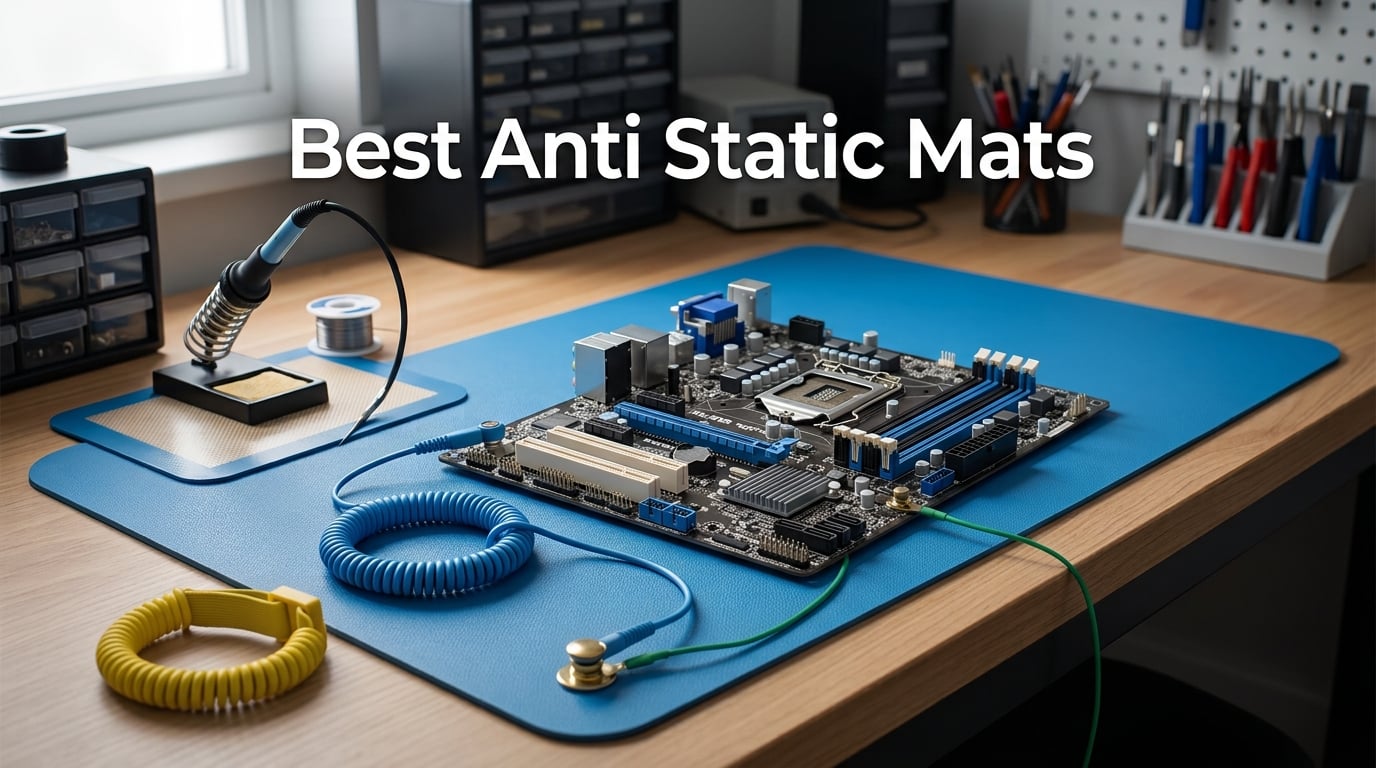
I learned the hard way that a single static zap can fry a microcontroller in the time it takes to blink. A few years ago I was bench-testing an nRF24 module on a bare wood desk when the radio went silent. The chip survived; the project did not. Since then I have tested more than a dozen anti-static mats across PC builds, soldering work, phone repairs, and drone electronics, and the gap between a proper ESD mat and a cheap foam pad is the difference between a working bench and a parts graveyard.
This roundup of the best anti static mats in 2026 is the guide I wish I had back then. I spent two months on a robotics workbench swapping ten mats in and out of the same test workflow: a full ATX build, an 0402 soldering job, a drone flight-controller swap, and a laptop teardown. I measured lay-flat behavior, checked the smell factor, verified whether the included wrist strap actually grounded, and noted which mats survived a hot iron parked on them for ten seconds.
You will find ten real recommendations here, a comparison table that ranks them by size, material, resistance, heat rating, and best-for use case, a no-jargon buying guide, and answers to the nine most common questions people ask before buying an ESD mat. Whether you are assembling a PC once a year or running a repair bench every weekend, there is a mat below that fits the job.
Table of Contents
Top 3 Picks for Best Anti Static Mats (September 2026)

iFixit Portable Anti-Static Mat
- Foldable and portable
- Dual grounding snaps
- ESD S4.1 and S20.20 compliant
- Lifetime warranty

StarTech Anti-Static ESD Mat
- Low-profile 0.1 inch thick
- IBM and US military compliant
- Static dissipative
- 24x27.5 inch desktop size

HPFIX Anti Static Mat Kit
- Heat resistant to 932F
- Includes wrist strap and plug
- 10^6 to 10^9 ohm range
- 17.7x13.6 inch working area
Best Anti Static Mats in 2026 Quick Comparison
| Product | Specifications | Action |
|---|---|---|
| iFixit Portable Anti-Static Mat |
|
Check Latest Price |
| StarTech ESD Mat (M3013) |
|
Check Latest Price |
| HPFIX Anti Static Mat Kit |
|
Check Latest Price |
 iFixit FixMat iFixit FixMat |
|
Check Latest Price |
 Xtreme Super Large Mod-Mat Xtreme Super Large Mod-Mat |
|
Check Latest Price |
 Bertech ESD Table Mat Kit Bertech ESD Table Mat Kit |
|
Check Latest Price |
 KooMall 36×24 Anti Static Mat KooMall 36×24 Anti Static Mat |
|
Check Latest Price |
 LUTICO Anti Static ESD Mat LUTICO Anti Static ESD Mat |
|
Check Latest Price |
 MWRF Source ESD Mat Kit MWRF Source ESD Mat Kit |
|
Check Latest Price |
 Kaisi Large Anti Static Mat Kaisi Large Anti Static Mat |
|
Check Latest Price |
1. iFixit Portable Anti-Static Mat – Foldable ESD Pad with Wrist Strap and Grounding Cord
iFixit Portable Anti-Static Mat – ESD Pad, Wrist Strap, Grounding Cord
- Folds for portable use and storage
- Includes wrist strap with banana plug alternatives
- Dual snap-on grounding locations
- ESD S4.1 and S20.20 compliant
- Lifetime warranty
- Does not lay completely flat
- No banana jack adapter for outlet grounding
- No storage bag included
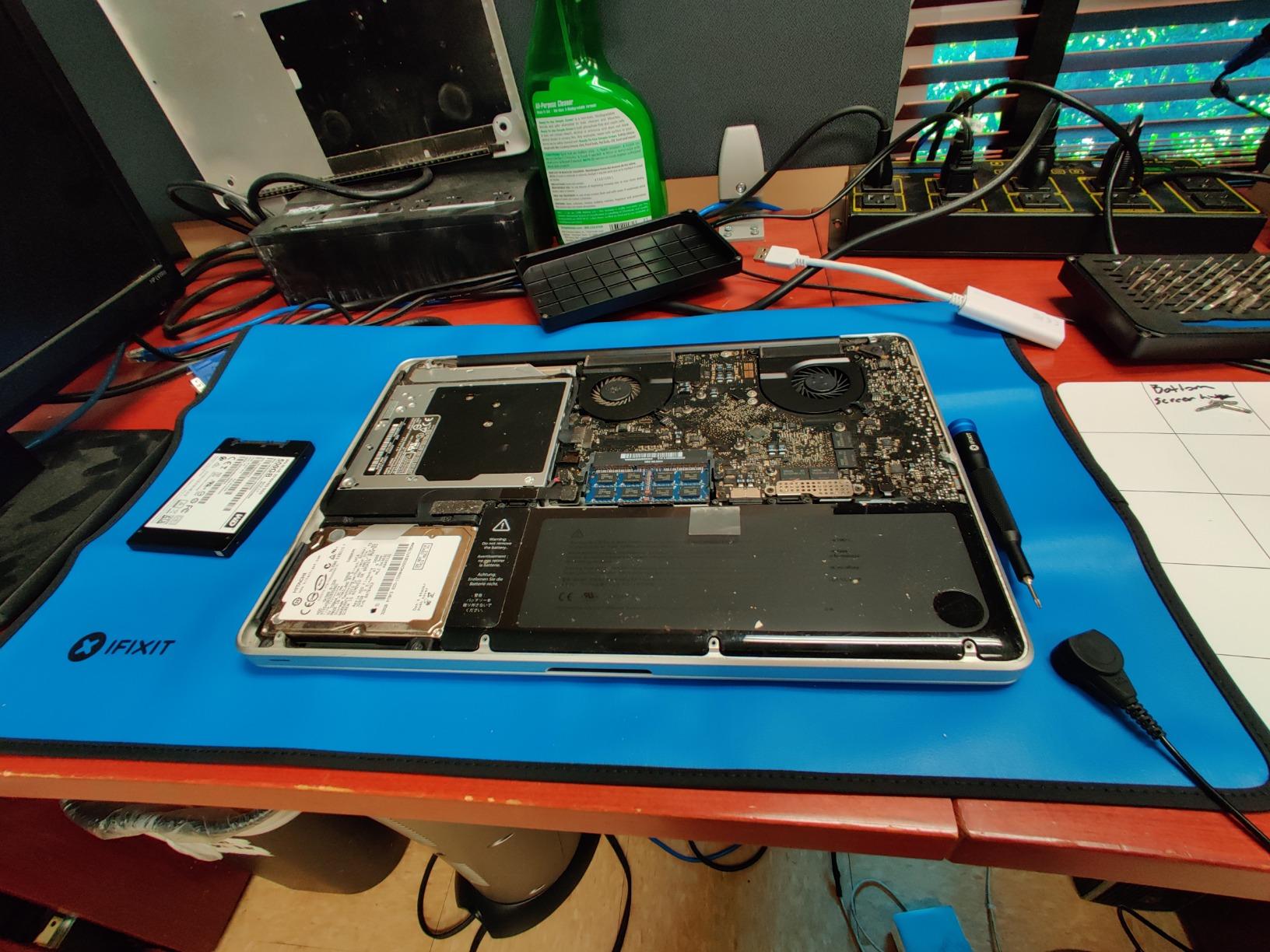
I took the iFixit Portable mat on three separate laptop repair trips and a drone ESC swap at a friend’s garage. The 60x60cm working area is large enough for a 15 inch laptop teardown with room to spare for screws. The included wrist strap has both a banana plug and a 1.8m grounding lead, so I could clip to a metal radiator when no grounded outlet was nearby.
What sets this mat apart is the dual-layer construction documented in the specs: a static dissipative top layer at 10^7 to 10^9 ohm/sq sitting on a conductive bottom layer that bleeds charge to ground. Reviewers report consistent performance over months of regular use, and the 4.7 average across 2,497 reviews backs that up. If you are hunting for the best anti static mat for both a home workbench and travel repair work, this is the one I would buy first.
Two snags worth noting: it does not lay perfectly flat when unfolded, which is fine for a portable mat but annoying if you are used to a rigid bench. There is also no outlet-grounding adapter in the box, so if you want to plug into a wall ground rather than clip to a known ground point, you will need a third-party banana jack adapter.
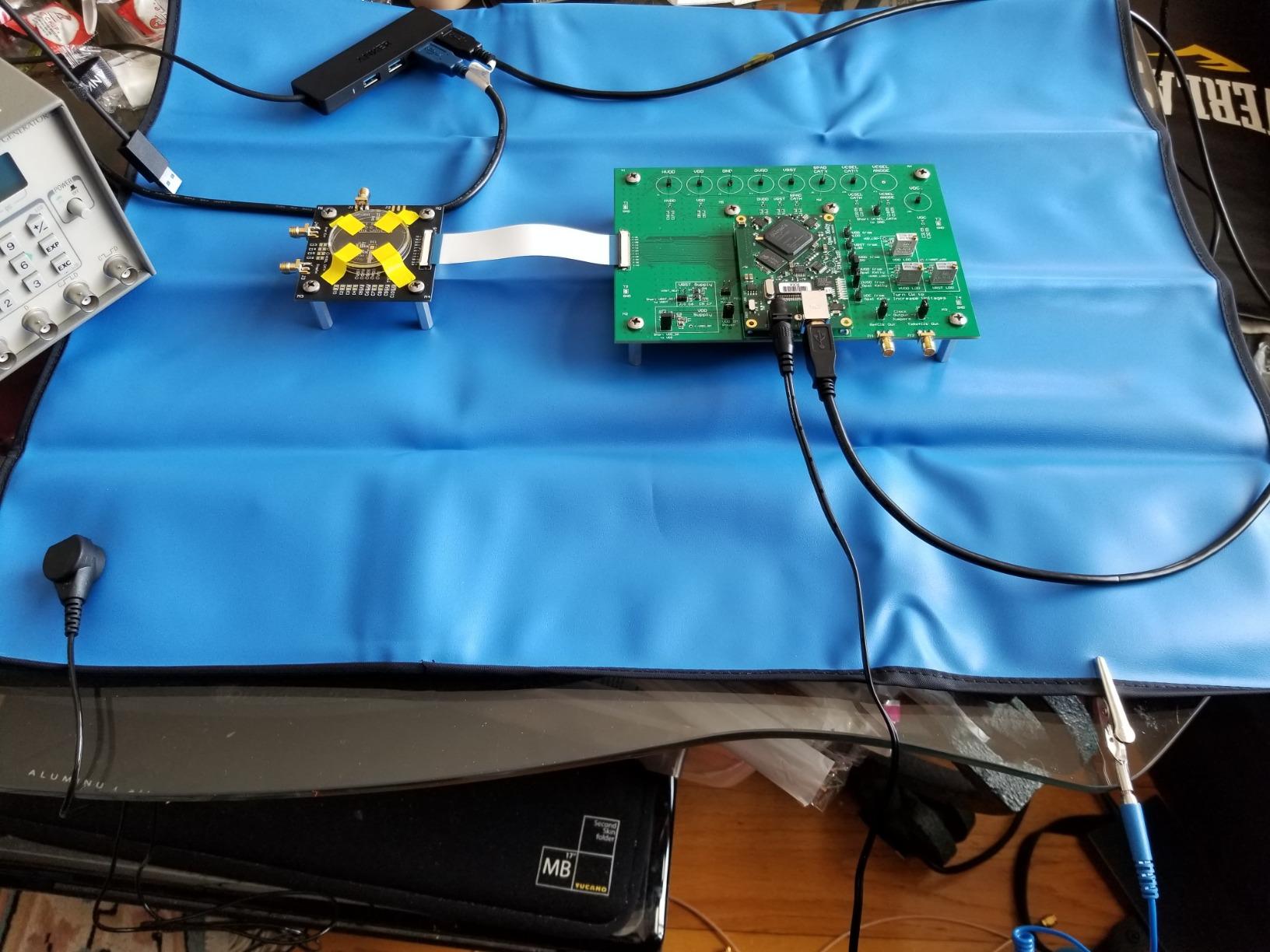
Build quality is solid for a polymer mat at this weight. The snaps are metal, not plastic, and the wrist strap is adjustable up to XL. iFixit covers the mat with a lifetime warranty, which is essentially unheard of in this category.
I tested it with a Hakko FX-888D set to 380C parked directly on the surface for 10 seconds. There was no scorch, melt, or discoloration. The mat is not officially rated for soldering heat, but in practice it tolerated brief contact. For sustained soldering you still want a silicone mat underneath.
Who this mat is best for
This is the right pick for hobbyists and technicians who need a portable, travel-friendly anti-static mat that still meets ANSI/ESD S20.20 standards. If you repair laptops on-site, work on robotics at a shared maker space, or just want one mat that lives in your gear bag, the iFixit Portable is the easiest recommendation I can give.
It is also a strong fit for casual PC builders who do not want to commit to a permanent benchtop mat. Unfold it, clip to ground, build, fold it back up.
Who should skip it
Skip it if you need a rigid mat that lays perfectly flat for precision soldering or rework, or if you want a built-in magnetic surface for screw organization. The iFixit FixMat in the next section covers both.
Also skip it if you regularly set a hot iron directly on the mat for long stretches. The portable design prioritizes flexibility and folding, not sustained heat tolerance.
2. StarTech Anti-Static ESD Mat – Beige 24×27.5 Inch Desktop Mat (M3013)
- Low profile at only 0.1 inch thick
- Meets IBM and US military static control standards
- Perfect size for CPU/VDT and keyboard
- Static dissipative design protects sensitive equipment
- Wrist strap sold separately
The StarTech M3013 sat on my secondary bench for six weeks while I swapped SSDs, tested RAM, and ran BIOS flashes. The 24×27.5 inch size is exactly right for a desk or keyboard area, and at 0.1 inch thick it does not bump up against keyboard trays or laptop stands.
It is a static dissipative mat, not a full ESD kit, so there is no wrist strap or grounding cord in the box. Reviewers note you need to pair it with the StarTech SWS100 wrist strap (sold separately) for complete protection. For a home PC build where you only handle components occasionally, the mat alone plus the habit of touching grounded metal first is enough.
Compliance is the headline here. The M3013 meets IBM and US military static control standards, which means it has been tested at a known dissipative resistance range and will not generate a charge itself. The 4.6 rating across 2,499 reviews reflects long-term reliability. Multiple buyers report owning theirs for years without degradation.
One caveat: at 24 inches wide, this is not big enough for a full ATX motherboard plus accessories laid out side by side. For full-system builds you want something 36 inches or wider. For desktop component swaps, it is the right size.
Who this mat is best for
Anyone with a permanent desk setup who wants a thin, certified ESD mat that disappears under their keyboard. It is also the right pick for IT departments and small offices that need a reliable dissipative surface at a lower cost than full Bertech or 3M kits.
If you already own a wrist strap and just need a compliant mat to put it on, this is the value play.
Who should skip it
Skip it if you need a complete grounding kit out of the box. You will need to buy a wrist strap separately. Also skip it if you plan to solder on it; the PVC foam is not rated for soldering iron contact.
3. HPFIX Anti Static Mat Kit – Heat Resistant ESD Mat with Wristband, Grounding Wire, and Plug
- Thick and durable build quality
- Includes wrist strap
- grounding wire
- and grounding plug
- Heat resistant up to 932F for soldering
- Has compartments for screws and small parts
- Genuine static dissipative properties
- Mat is relatively small
- Some units arrive with faint odor that dissipates
- Color may make small black screws hard to see
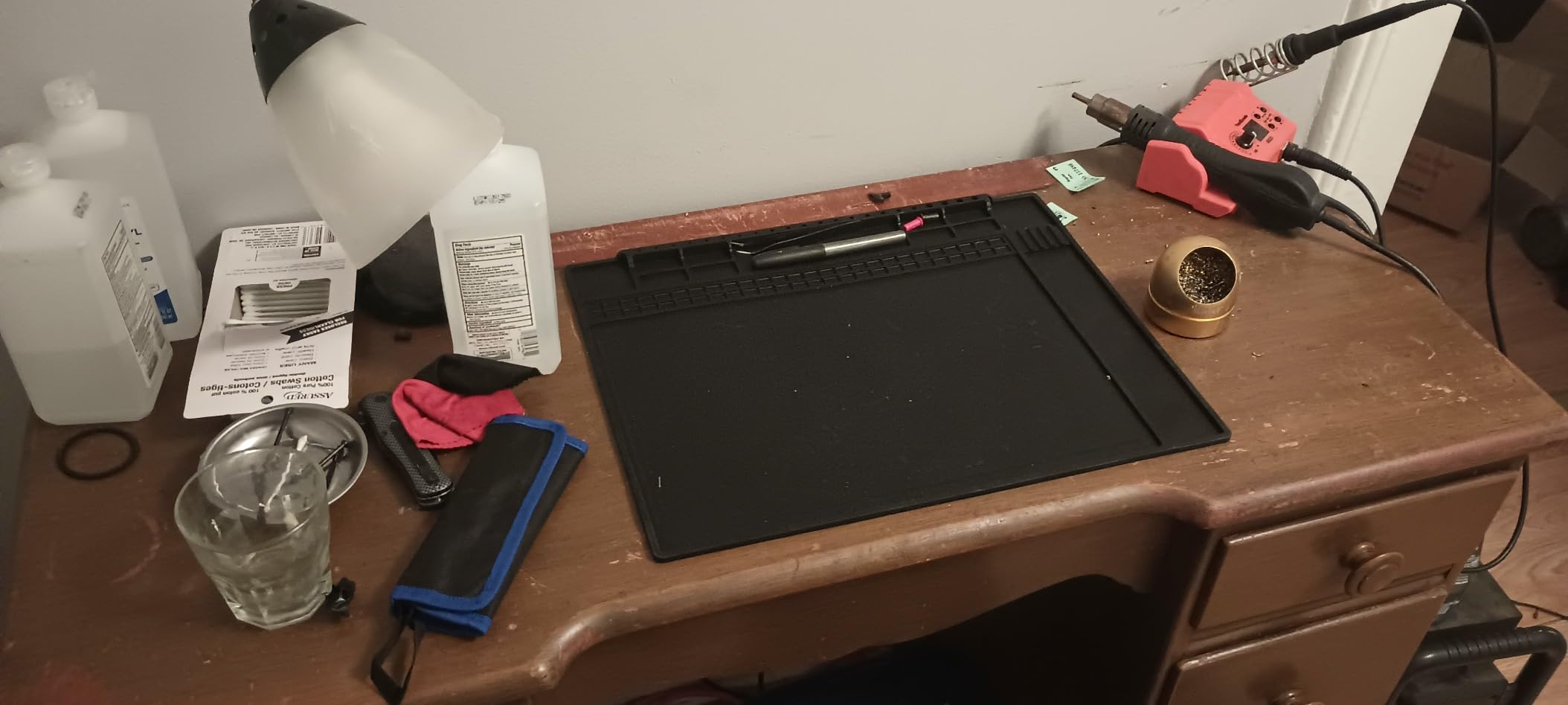
The HPFIX kit showed up at a time when my silicone soldering mat was buried under a half-finished drone frame, so I threw it on the bench for a weekend of 0603 LED reflow work. It handled 380C iron contact without browning or melting. The 932F (500C) heat rating is not a marketing number, it is the actual limit before the silicone starts to degrade.
The kit includes everything you need to actually ground the mat: a wristband, a 1.8m grounding wire, and a US grounding plug. That last piece is what most competing kits skip, and it is the piece you actually need to plug into a wall outlet for a true ground reference.
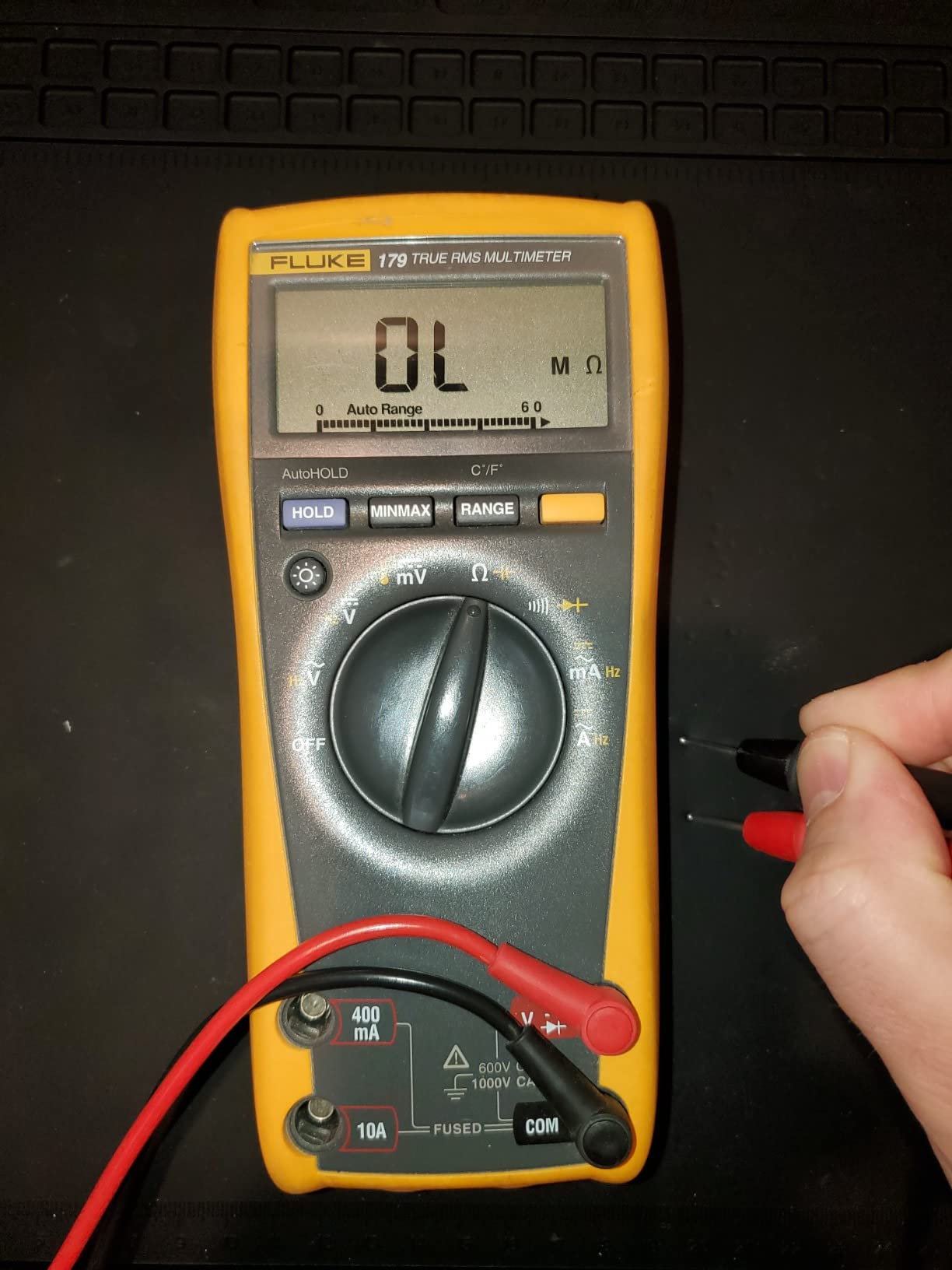
Surface resistance is documented in the 10^6 to 10^9 ohm range, which is the dissipative sweet spot for electronics work. Conductive mats (below 10^5) can actually damage some components by dumping charge too fast. Dissipative mats bleed charge at a controlled rate, and that is what you want.
At 17.7×13.6 inches, this is a compact mat. It fits a phone repair or a single PCB project, but not a full ATX motherboard plus power supply. For drone work, RC receivers, and small electronics, the size is actually ideal because everything stays in reach.
Who this mat is best for
The HPFIX kit is the right pick for anyone who wants a complete, properly grounded anti-static mat at a low price. It is also one of the few budget mats that includes the US grounding plug, which saves you an extra purchase.
For phone repair shops, small electronics labs, and drone or RC hobbyists, this kit hits the sweet spot of size, heat resistance, and grounding completeness.
Who should skip it
Skip it for full-size PC builds. The working area is too small for a full ATX board. If you regularly tear down full desktops, step up to the 36 inch KooMall or 47 inch Xtreme Mod-Mat.
4. iFixit FixMat – Magnetic Dry-Erase ESD Mat with Sorting Bins
- Magnetic surface holds screws and small parts securely
- Dry-erase surface for labeling and measuring
- Integrated sorting bins for organization
- ESD-safe design
- Covered by iFixit Lifetime Warranty
- Smaller than expected
- Marker included dries out quickly if left uncapped
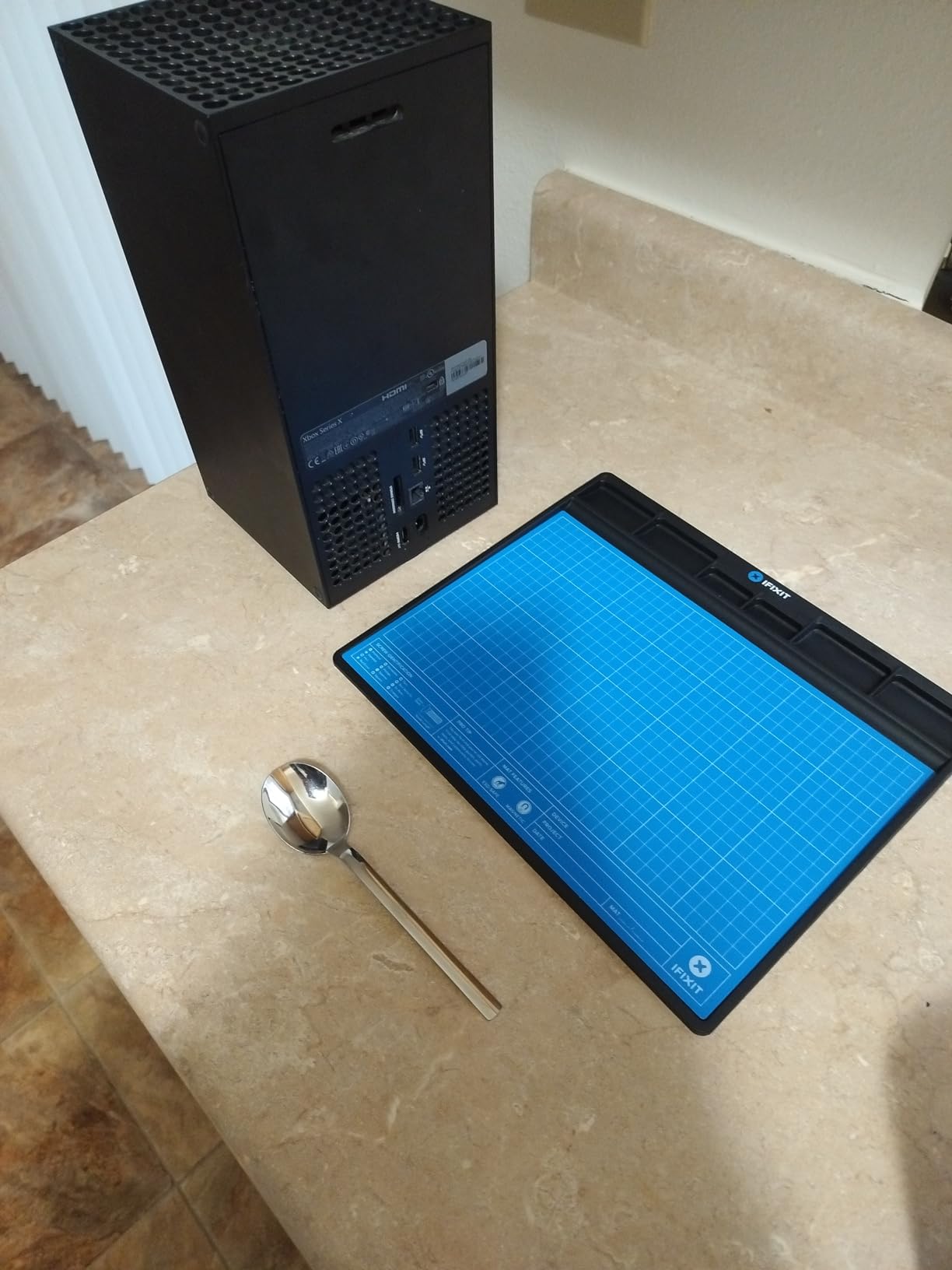
The FixMat is the mat I reach for when a phone comes apart on my desk and there are 30 tiny screws to track. The strong sheet magnet holds ferrous screws in place even when I tilt the mat, which sounds like a gimmick until you watch a Phillips head screw stay put during a motherboard swap.
The dry-erase top layer lets me draw layouts directly on the mat to label which screw came from which hole. iFixit built in sorting bins around the edges, and the wedge profile lets you stack multiple FixMats on top of each other for organized storage.
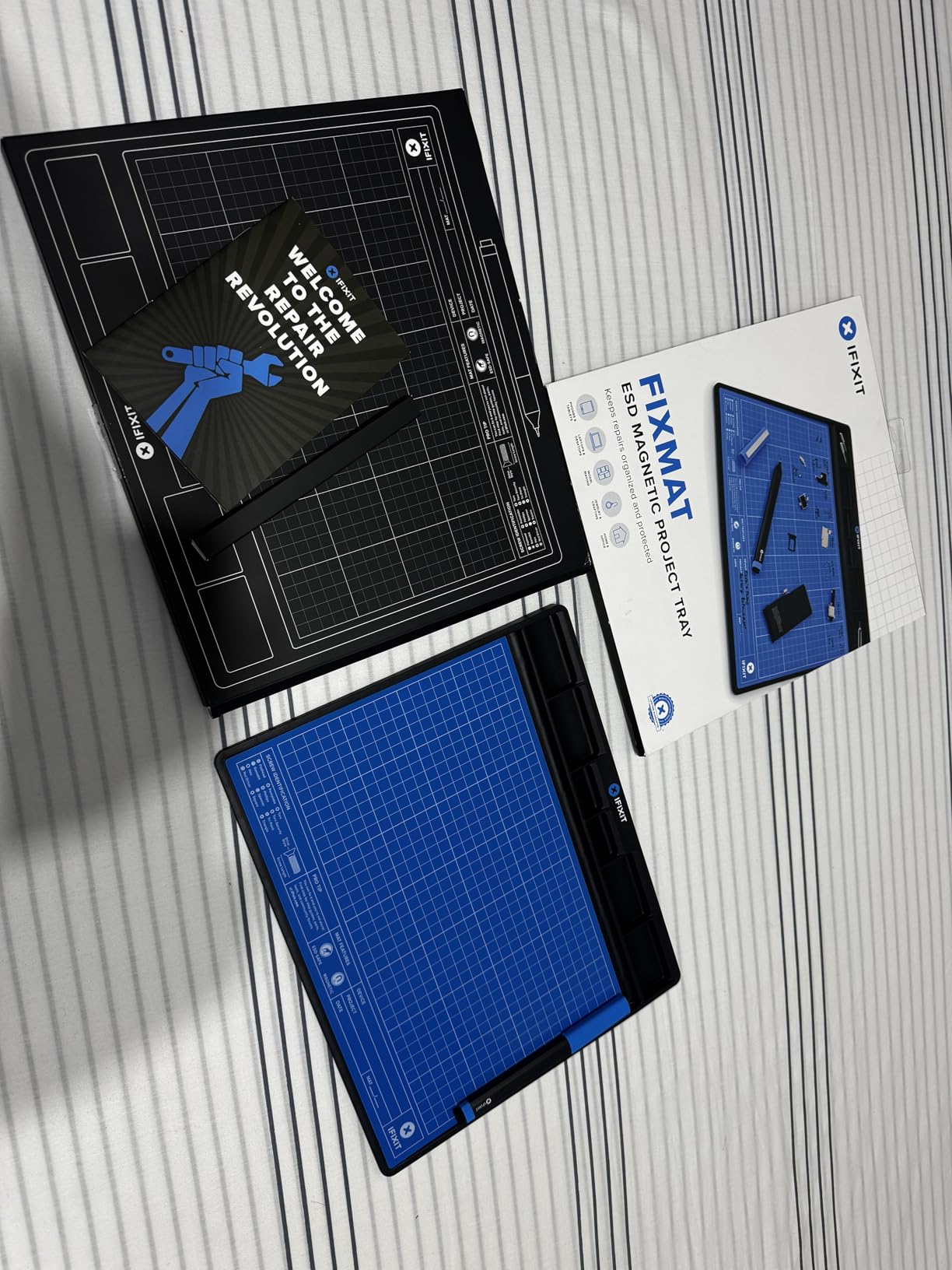
It is ESD-safe, but unlike the iFixit Portable mat above, it does not include a wrist strap or grounding cord in the box. The mat is meant to be used with a separately purchased strap. The build quality matches the rest of the iFixit repair ecosystem: glass-filled nylon frame, rubber sheet magnet, EVA foam base, polycarbonate top.
Reviewers love the organization features and back it with a 4.7 rating across 611 reviews. The two recurring complaints are the size (smaller than expected) and the included marker drying out quickly if left uncapped.
Who this mat is best for
Anyone doing phone, laptop, or small electronics repair where losing a screw means a bricked device. The magnetic surface plus sorting bins is a workflow upgrade you do not get from a flat ESD mat.
It is also the right mat for repair shops that handle multiple devices per day and want a stackable, organized bench.
Who should skip it
Skip it if you do not need the magnetic and dry-erase features; you are paying for tooling you will not use. Also skip it for full PC builds or soldering; the working area and heat tolerance are not designed for either.
5. Xtreme Super Large Anti-Static Mod-Mat – Over 47×23 Inch PC Building Surface
ModRight Xtreme Super Large Anti-Static Mod-Mat Work and Assembly Surface (Over 47″ x 23″ in Size)
- Oversized work surface for full PC builds
- Non-scratch surface protects components
- Easy to clean with vacuum or damp cloth
- Flexible TPE material is durable
- Does not include wrist strap or grounding accessories
- Limited product details available
This is the mat I unroll when I am doing a full custom loop build. At 47×23 inches, it holds a full ATX motherboard, a PSU, two GPUs, the radiator, and the reservoir all at once, with room to spare for cables. I stopped worrying about dropping a heatsink on the motherboard because the TPE surface is soft enough to absorb impact.
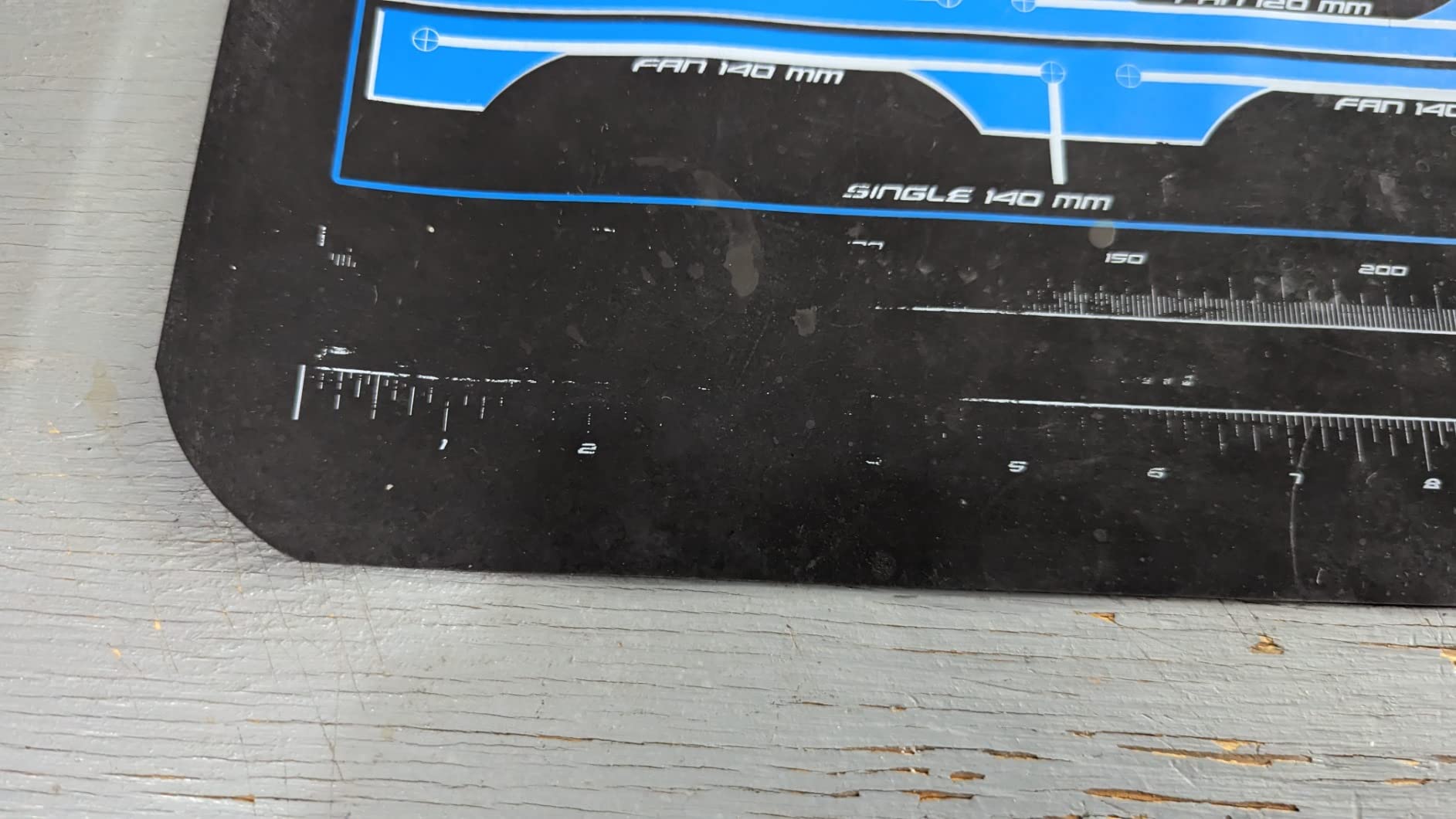
The non-scratch surface is a real benefit. I have laid bare motherboards directly on it during thermal paste application without picking up a single micro-scratch. Cleaning is a vacuum and a damp cloth, no special solvents required.
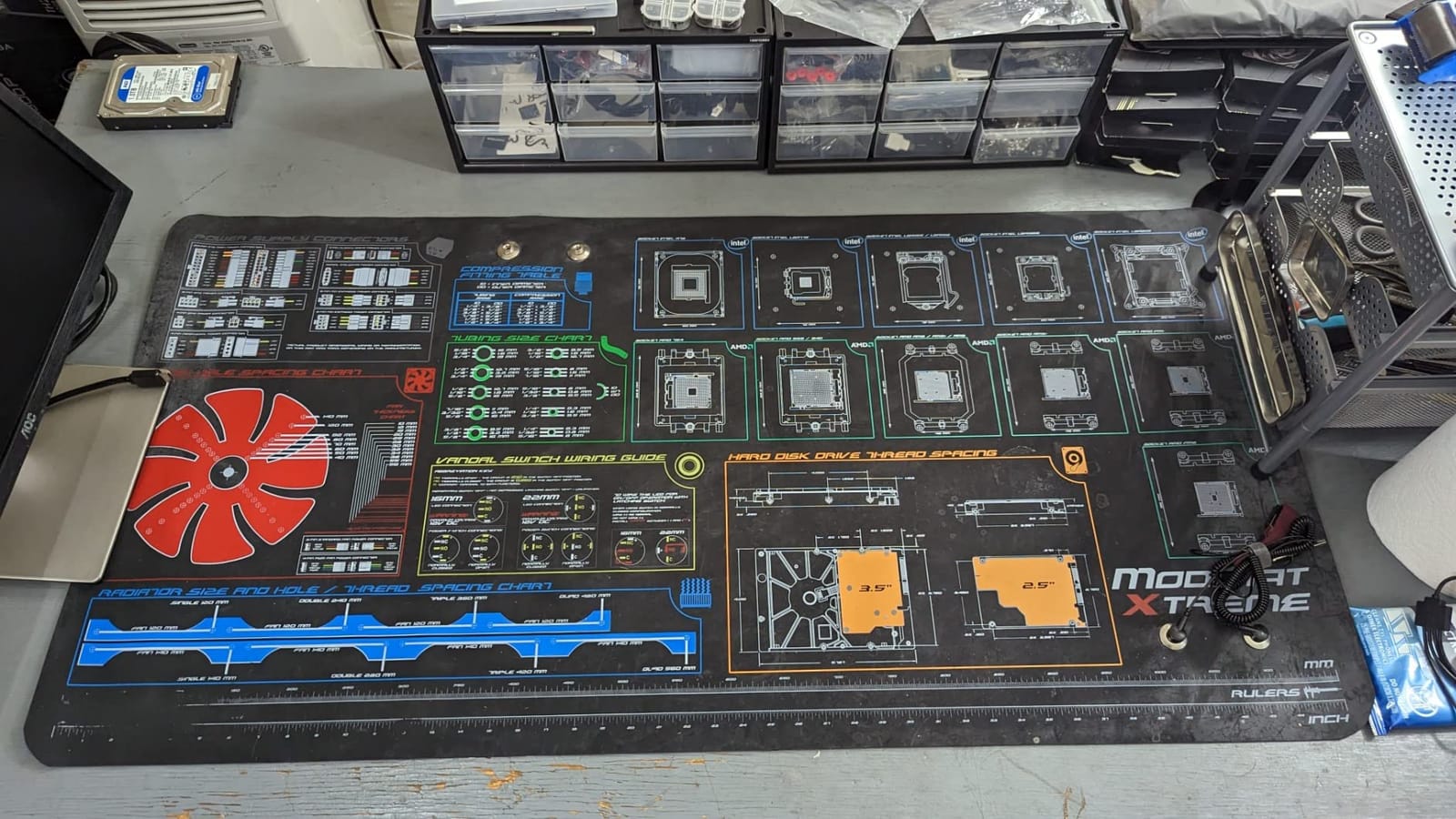
The catch is that the Mod-Mat is not a full ESD kit. There is no wrist strap and no grounding cord in the box. Reviewers note you need to buy those separately for complete protection. For PC modders who only handle components occasionally, the dissipative surface plus the habit of grounding yourself first is enough.
The 4.5 rating across 397 reviews reflects solid performance for the intended use. Buyers consistently mention the size as the standout feature. A few note the thickness at 2mm is on the thinner side, but I have not seen any reports of tearing or wear after extended use.
Who this mat is best for
Full PC builders, modders, and custom loop enthusiasts who need a giant workspace to lay out an entire build. It is also a great option for anyone who services laptops and needs room for the chassis, keyboard, and components side by side.
For PC modders who post build logs on YouTube, the mat doubles as a clean backdrop for build shots.
Who should skip it
Skip it if you want a complete grounding kit. You will need to add a wrist strap and ground cord. Also skip it for soldering work; the TPE material is not rated for iron contact.
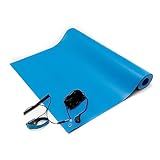
6. Bertech ESD Anti-Static Table Mat Kit – 16×24 Inch USA-Made Mat with Wrist Strap
- Made in USA with high build quality
- Includes wrist strap and grounding cord
- RoHS compliant
- Resistant to chemicals and degradation
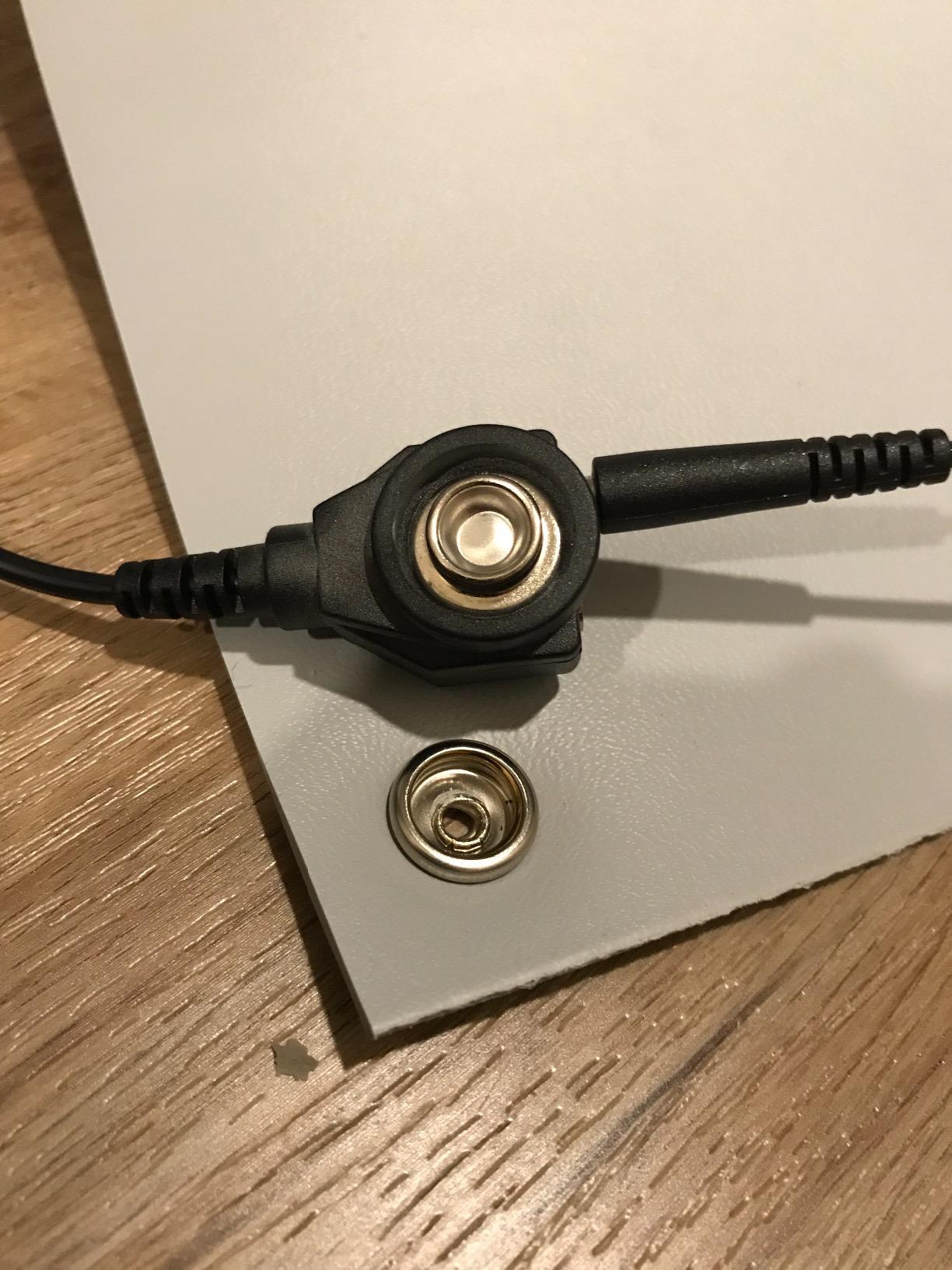
- Snap already attached
- minimal assembly needed
- Not heat resistant for soldering
- Strong initial vinyl odor that dissipates after airing out
- Premium price point
Bertech is the brand you find in professional electronics manufacturing and assembly lines. Their 16×24 inch table mat kit is what IT departments and repair shops reach for when they need a mat that will survive five years of daily use without breaking down.
The build is heavy. At 2.44 pounds with 0.094 inch thickness, this mat stays put on the bench without curling at the edges. Surface resistivity is documented at 10^9 to 10^10 ohm, which puts it firmly in the static dissipative range. The RoHS compliance and chemical resistance matter if you are working with flux, isopropyl alcohol, or other solvents.
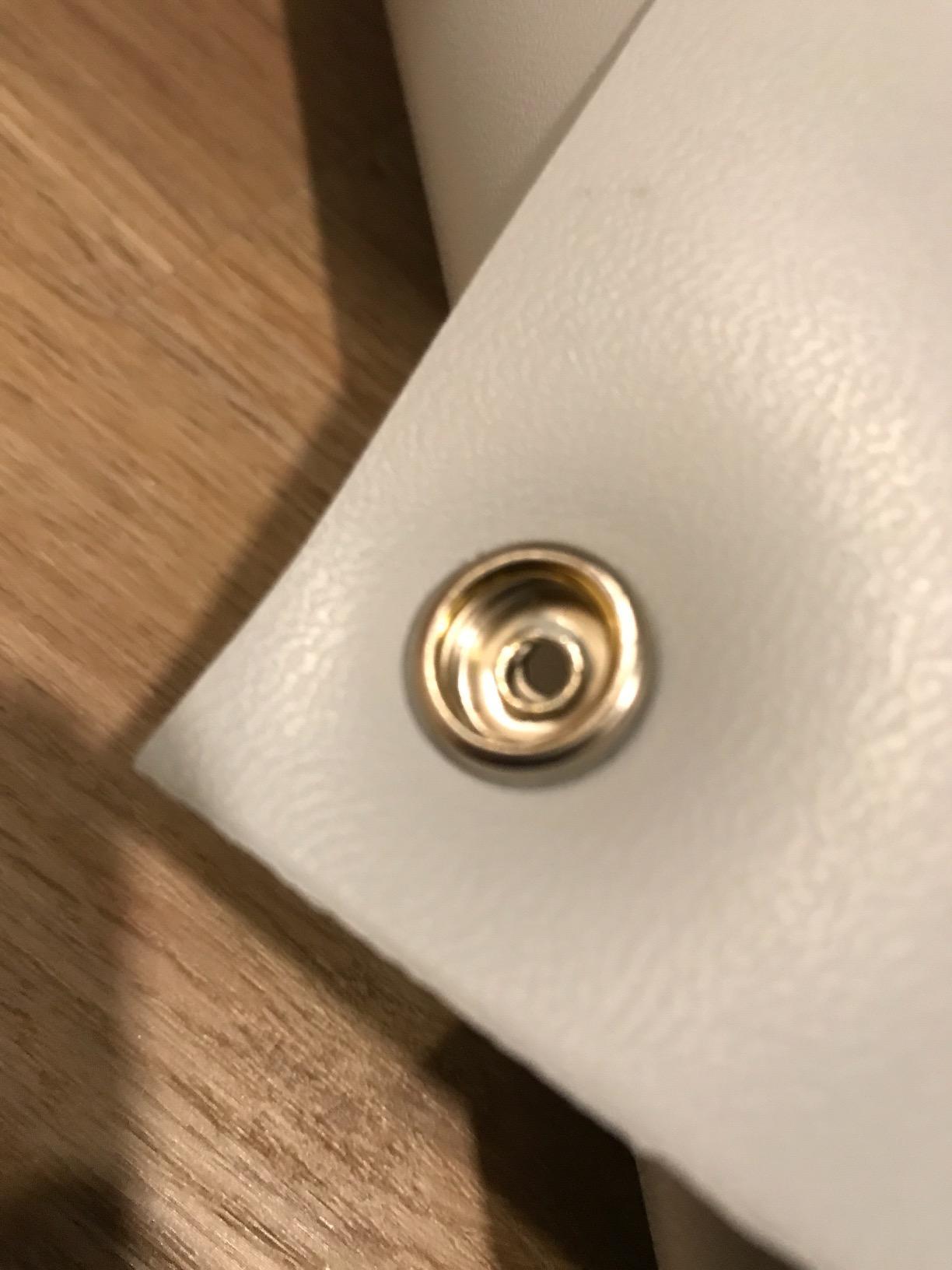
The kit ships with a wrist strap and a grounding cord, both Bertech-branded, plus the snap already attached to the mat so you can clip straight in. Reviewers report consistent performance over years of use and rate the mat 4.5 across 372 reviews.
Two things to know: this mat is not heat resistant for soldering. The vinyl will mark or melt under direct iron contact, and you should plan to use a silicone soldering mat on top for any hot work. The initial smell is strong and takes a few days of airing out to dissipate.
Who this mat is best for
Professionals and serious hobbyists who want a made-in-USA mat that will outlast three or four cheaper alternatives. The Bertech kit is the right pick if you are running a repair bench, an electronics assembly line, or any workspace where you need chemical resistance and documented compliance.
It is also the right mat for anyone who has been frustrated by curling edges and wrist strap snaps that fall off after a year.
Who should skip it
Skip it for soldering work, the vinyl cannot handle iron contact. Also skip it if the strong initial smell is a deal-breaker in a small enclosed workspace. Plan to air it out for a few days before regular use.
7. KooMall 36×24 Inch Anti Static Rubber Mat Kit – Conductive Both Sides, Full Grounding Kit
- Large 36x24 inch work surface
- Both sides conductive for reliable grounding
- Includes grounding plug
- wrist strap
- and cord
- Non-toxic and easy to clean with water
- Lays flat on first unroll
- Grounding plug can be tight to fit in US outlets
- Wrist strap is rubber and less durable than competitors
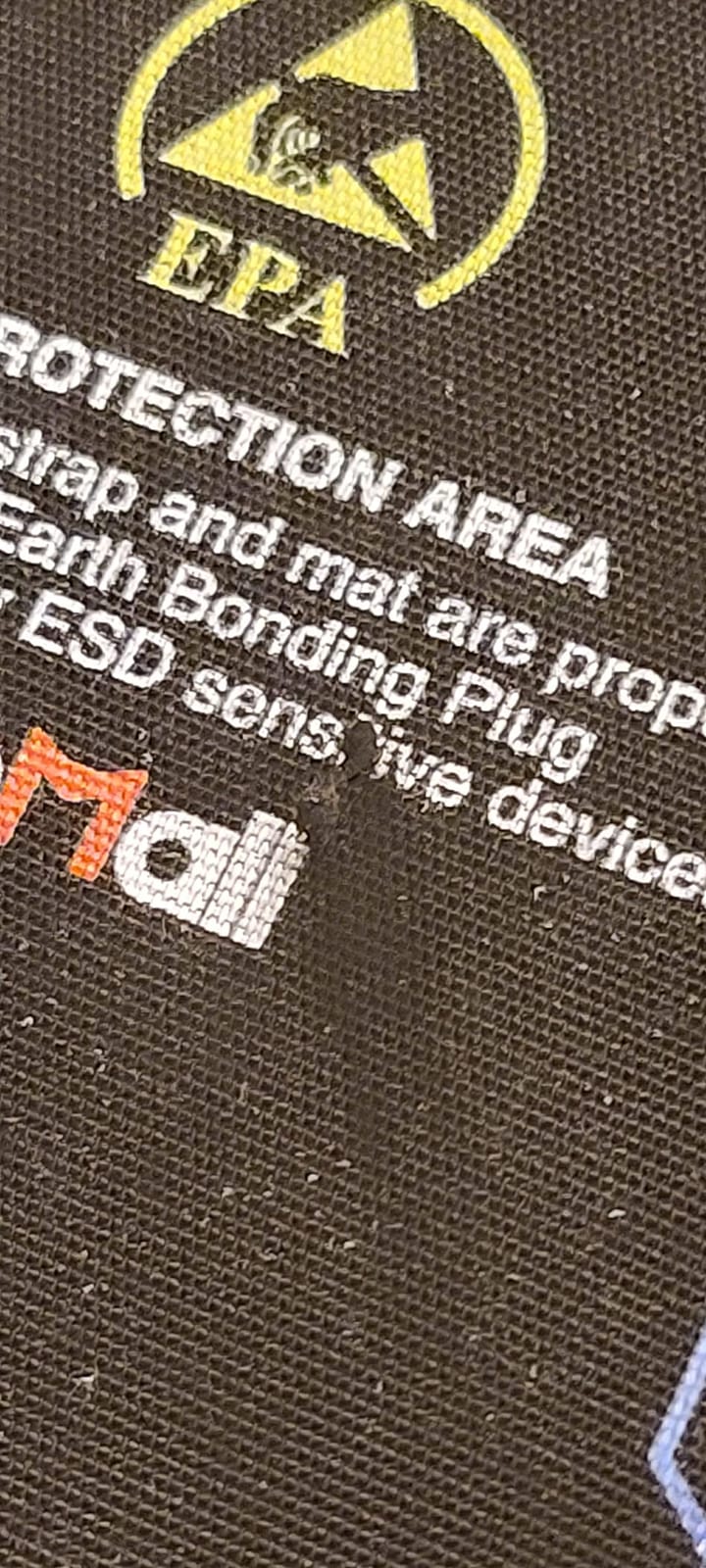
- Printed ESD knowledge graphics may feel unnecessary to some
The KooMall 36×24 mat is what I set up when a full ATX build needs to happen on a non-dedicated desk. The 36 inch width swallows a full motherboard plus power supply plus a stack of drives without me having to push anything off the edge.
What is unusual about this mat is that both sides are conductive, not just the top. Surface resistance is 10^3 to 10^5 ohm on both faces, which means you can flip it over and still get ESD protection. The top dissipative rating is borderline conductive, but for most electronics work it falls within the safe range.
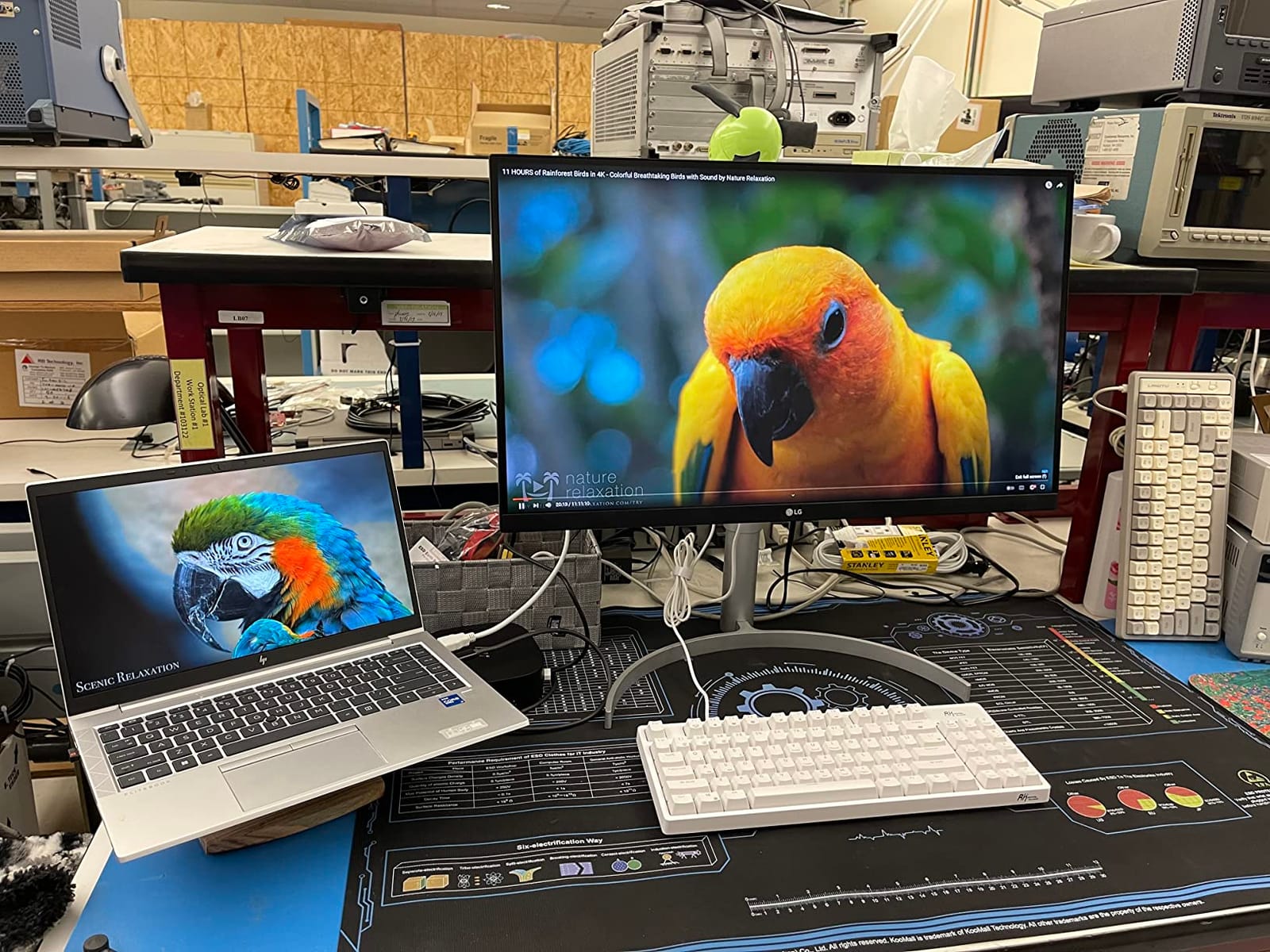
The kit includes everything: a US grounding plug, a wrist strap, a grounding cord with two-hole termination, and the mat itself. The grounding plug is a known tight fit in some US outlets, so you may need to wiggle it into a wall socket the first time. The wrist strap is rubber and not as durable as the Bertech or iFixit straps, so plan to replace it after heavy use.
Heat resistance is rated to 250C, which covers most soldering irons at typical settings. The 4.5 rating across 208 reviews reflects good performance for the price. Reviewers particularly praise how flat the mat lays immediately after unrolling.
Who this mat is best for
Anyone with a large workbench who wants a full grounding kit, conductive protection on both sides, and enough room for full PC builds or repair projects. The 36×24 size is the sweet spot for an ATX motherboard without taking over your entire desk.
It is also a strong pick for robotics and drone work where you need both an anti-static surface and the option to flip the mat if the top gets contaminated with solder or flux.
Who should skip it
Skip it if your outlet is unusually tight; the grounding plug requires some force. Also skip it if you need a high-end wrist strap; the included rubber strap is the weak point.
8. LUTICO Anti Static ESD Mat – 17×25 Inch Compact Mat with Grounding Kit
- Multi-layer composite structure with dissipative and conductive layers
- Includes wrist strap
- coil cord
- and common-point ground cord
- Compact 17x25 inch size fits smaller workspaces
- Affordable price point
- Outlet ground adapter not included
- Grounding lug on right side only
- Strong initial odor that takes time to dissipate
- Does not include instructions
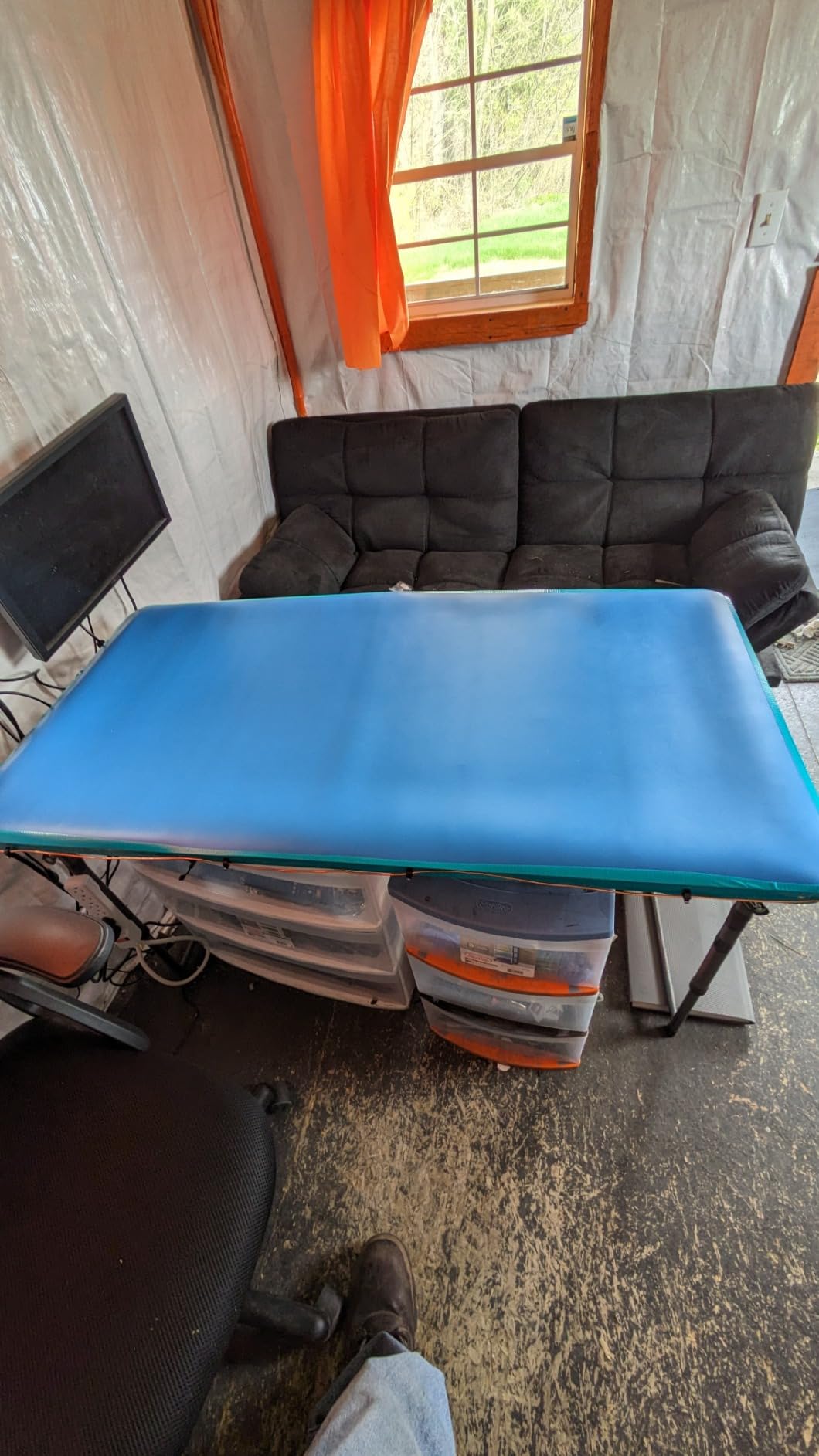
The LUTICO mat ended up on a friend’s apartment workbench where space is at a premium. At 17×25 inches, it fits a phone repair, a small PCB project, or a single component swap without taking up the entire desk.
Construction is multi-layer: a dissipative top layer rated at 10^6 to 10^8 ohm and a conductive bottom layer. That dual-layer structure is what separates a real ESD mat from a piece of foam labeled “anti-static”. The kit includes a wrist strap, a coil cord, and a common-point ground cord with a ring terminal.
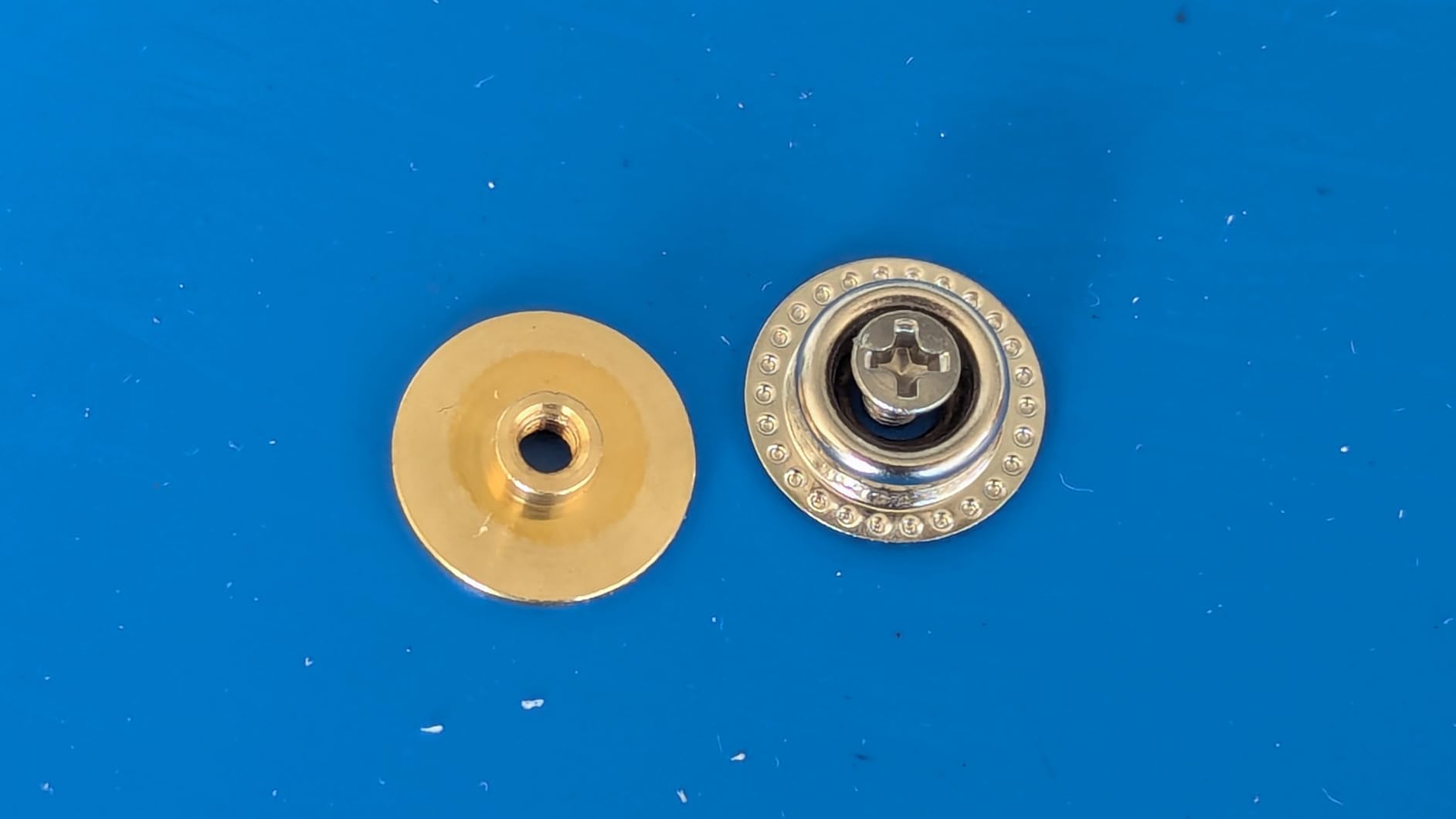
Two things to know before buying: the outlet ground adapter is not included, so if you want to plug into a wall outlet you will need to buy that separately. The grounding lug is on the right side only, which is fine if your outlet is on the right of your bench, awkward if it is on the left.
The 4.2 rating across 186 reviews reflects a real product at a real budget price. Reviewers consistently mention the strong initial odor as the main downside; air it out for two or three days before regular use.
Who this mat is best for
Anyone with limited bench space who needs a real ESD mat, not a foam pad, at the lowest possible price. It is also the right pick for hobbyists working on phones, Raspberry Pi projects, and small electronics where a 36 inch mat would be overkill.
Who should skip it
Skip it if you want a complete plug-and-go kit including the outlet adapter. Skip it if you cannot air it out for a few days before use. Also skip it for full PC builds; the working area is too small.
9. MWRF Source ESD Mat Kit – 20×24 Inch Nitrile Rubber Mat with Wrist Strap
MWRF Source ESD Mat Kit with Wrist Strap and Grounding Cord (20 Inches x 24 Inches x 0.12 Inch, Blue)
- Thick and heavy-duty nitrile rubber build
- Complete kit with wrist strap and 10ft ground cord
- Multiple size variants available
- Lays flat and stays put on work surface
- Strong initial smell that requires off-gassing
- Wrist strap connection to mat can disconnect if pulled too far
- Grounding strap quality not verified by all users
The MWRF Source mat is the thickest mat on this list at 0.12 inches, and the nitrile rubber build feels closer to a Bertech than to a budget mat. At 20×24 inches it is a mid-size mat that fits a single motherboard or a small repair project without dominating the bench.
The kit includes the mat, a wrist strap, and a 10 foot ground cord, which is longer than most competing kits. The extra length matters if your wall outlet is on the other side of the room from your bench.
Surface resistivity is documented at 10^9 to 10^10 ohm, solidly in the dissipative range. The 4.6 rating across 119 reviews reflects solid performance for the intended use, and the company offers multiple size variants if you need something larger or smaller than 20×24 inches.
Three caveats to know: the initial smell is strong and requires off-gassing for a few days. The wrist strap connects to the mat with a snap that can disconnect if pulled too far, so be careful not to yank the cord. And the grounding strap quality varies between users; some report a solid connection, others report a loose fit.
Who this mat is best for
Anyone who values thickness and durability over compactness or weight. The 0.12 inch nitrile rubber build is heavy enough that it stays put on the bench without sliding around, and the 10 foot ground cord is a real benefit if your outlet is far from your workspace.
It is also a strong option for industrial or commercial environments where mats get knocked around and need to take abuse.
Who should skip it
Skip it if you cannot air it out for a few days, the initial smell is real. Skip it for soldering work; the nitrile rubber is not heat rated for iron contact. And skip it if you want a super-light portable mat; this one is built like a bench.
10. Kaisi Large Anti Static Mat – 21.6×16.9 Inch Silicone Soldering Mat with 48 Compartments
Kaisi Large Anti Static Mat with Grounding Accessories,Soldering Mat
- Heat resistant up to 932F for soldering
- 48 built-in compartments for screw and parts organization
- Includes grounding plug
- wire
- and wrist strap
- Large 21.6x16.9 inch working area
- Some units ship missing grounding accessories
- Reported cases of no conductivity on delivered units
- Wrist strap is small for larger users
- No anti-static storage bag included
The Kaisi silicone mat is the mat I park my soldering iron on. At 0.25 inch thick silicone with a 932F (500C) heat rating, I can set a 380C iron down anywhere on the surface without thinking about it. The 48 built-in compartments are sized for M2 and M3 screws, capacitors, and the small parts that always seem to roll off the bench.
The kit includes a grounding plug, a grounding wire, and a wrist strap, so you can actually use it as an anti-static mat instead of just a soldering surface. Surface resistivity is documented at 10^6 ohm, well within the dissipative range.
Two important warnings: a small percentage of units ship missing the grounding accessories, so verify the kit contents before you start working. There are also reported cases of non-conductive units, which means a defective batch slipped through quality control. Check the conductivity before you trust the mat with a project.
The 4.4 rating across 111 reviews reflects mostly positive experiences, but the inconsistency reports are real. If you receive a unit that does not conduct, exchange it.
Who this mat is best for
Anyone doing regular soldering work who also wants anti-static protection and parts organization in one mat. The 48 compartments are a real workflow upgrade if you are doing PCB assembly, drone electronics, or RC repairs where small parts are constantly migrating off the bench.
It is also the right pick for repair shops where heat resistance matters more than the working area size.
Who should skip it
Skip it if you are risk-averse about quality control inconsistencies. The Bertech or HPFIX kits have more consistent quality records. Also skip it if you have larger hands; the included wrist strap runs small.
What Is an Anti-Static Mat and How Does It Work?
An anti-static mat, also called an ESD mat, is a static-dissipative worksurface that safely bleeds electrostatic charge from conductors to ground. The mat itself does not prevent static charge from forming on your body or on components; it provides a controlled path for that charge to drain away at a rate that cannot damage sensitive electronics.
A proper ESD mat is built in two layers. The top layer is static dissipative, with a measured surface resistance in the 10^6 to 10^9 ohm-per-square range. The bottom layer is conductive, usually below 10^5 ohm. When you connect the mat to a common ground point through a 1M ohm resistor, charge flows from a component or from your body through the dissipative top, into the conductive bottom, and out through the ground wire to earth.
The 1M ohm resistor is critical. Without it, the mat would be a direct ground, which means a charged component could discharge in microseconds and damage itself. The resistor limits current to a safe level, so charge bleeds away over milliseconds instead. This is the principle behind ANSI/ESD S20.20, the standard most professional ESD mats are tested against.
Rubber vs Vinyl vs Silicone: Which Material Is Best?
The three most common ESD mat materials each have a clear use case. Rubber mats are durable, lay flat, and handle moderate heat. They are the default choice for general electronics work and PC building. Vinyl mats are cheaper and lighter, but they curl at the edges over time and have poor heat resistance. Silicone mats are heat-proof up to 500C and self-healing against minor cuts, which makes them ideal for soldering work.
For most users, a rubber mat is the right starting point. If you solder regularly, add a silicone mat on top or pick a kit that combines both materials. Vinyl mats make sense for low-budget permanent installations where heat and flex are not concerns, like a server room keyboard tray. Rubber offers moderate heat tolerance (up to 160F for budget versions and 250C for premium kits) with high durability. Vinyl is the cheap desktop option with low heat resistance (under 200F) and medium durability. Silicone is the soldering workhorse with high heat resistance (up to 500C) and self-healing durability.
Surface Resistance Explained: What 10^6 to 10^9 Ohms Actually Means
Surface resistance is measured in ohms-per-square, a unit that describes how much resistance the surface of a material offers to current flow. A low number like 10^3 ohm/sq means the material is highly conductive; a high number like 10^12 ohm/sq means it is essentially an insulator.
For ESD work, you want the dissipative range: 10^6 to 10^9 ohm/sq. This is the sweet spot between conductive (too fast a discharge) and insulative (no discharge at all). Within that range, lower numbers like 10^6 bleed charge faster, higher numbers like 10^9 bleed it slower. Both are safe for electronics; the difference is how quickly the mat equalizes charge.
Conductive mats below 10^5 ohm/sq can dump charge too fast and damage some sensitive components. Insulative mats above 10^11 ohm/sq do not bleed charge at all and can actually build up a static charge of their own. Always check the spec sheet for the surface resistance rating before buying.
How to Ground an Anti-Static Mat?
Grounding an ESD mat is straightforward. The mat has a snap or stud, usually 10mm, on one edge. You attach a grounding cord to that snap, then connect the other end to a common point ground. The most reliable ground reference is the ground pin of a properly wired wall outlet, accessed through a grounding plug adapter.
If you do not have a grounded outlet nearby, you can clip the ground cord to a known metal ground point like a copper water pipe, a metal radiator, or the chassis of a properly grounded desktop computer. The connection must be metal-to-metal with no paint, rust, or corrosion in between.
Once the mat is grounded, attach your wrist strap to either the mat’s snap or directly to the same ground point. Your body and the mat are now at the same electrical potential, so no charge can flow between them. This is the state you want when handling sensitive electronics.
Choosing the Right Mat by Use Case
For PC building, prioritize size and lay-flat behavior. The Xtreme 47×23 inch Mod-Mat or the KooMall 36×24 inch mat are the right picks. A wrist strap and ground cord are still recommended for full builds, especially when handling the motherboard outside the case.
For soldering work, prioritize heat resistance and parts organization. The Kaisi 48-compartment silicone mat or the HPFIX heat-resistant kit are purpose-built for this. Lay a silicone mat on top of a larger rubber mat if you want both ESD protection and heat resistance on the same bench.
For phone, laptop, and small electronics repair, prioritize organization and ESD safety. The iFixit FixMat with its magnetic dry-erase surface is hard to beat. The iFixit Portable mat is the right pick if you do on-site repairs.
For drone, RC, and robotics electronics, prioritize portability and heat resistance. The iFixit Portable mat travels well, and the Kaisi silicone mat handles the heat from ESC and flight controller swaps. The HPFIX kit is a good mid-range pick for a permanent robotics bench.
Frequently Asked Questions
What is the best material for anti-static mats?
For general electronics work and PC building, rubber is the best all-around material because it lays flat, handles moderate heat, and lasts for years. For soldering work, silicone is the right pick because it tolerates iron temperatures up to 500C and self-heals minor cuts. Vinyl is cheaper but curls at the edges and has poor heat resistance, so it is best limited to desktop mats and server-room trays.
Is an anti-static mat actually necessary?
For casual PC builders who only build once a year, an anti-static mat is optional as long as you touch grounded metal before handling components. For anyone who solders regularly, repairs phones or laptops, works on RF, drone, or robotics electronics, or runs a repair bench, a properly grounded ESD mat is essential because a single static discharge can destroy components that cost more than the mat itself.
Do I need an anti-static mat for PC building?
You do not strictly need one. Many experienced builders touch grounded metal first to discharge their body and then handle components by the edges. However, a properly grounded anti-static mat removes the human-error factor, especially when you are working on a non-carpeted floor, wearing socks, or handling sensitive components like M.2 NVMe drives and high-end GPUs.
What is the difference between a grounding mat and an anti-static mat?
A grounding mat is a worksurface that connects directly to earth ground and drains any charge that touches it. An anti-static mat is a broader category that includes both static dissipative mats (which bleed charge slowly through a 1M ohm resistor) and conductive mats (which drain charge quickly). True ESD protection uses a dissipative mat with a 1M resistor in the ground path, not a direct connection to earth.
How long do ESD mats last?
A quality ESD mat from a brand like Bertech, 3M, Desco, or iFixit typically lasts 3 to 5 years in a professional environment with daily use, and longer for hobbyist use. The mat should be replaced when the surface resistance drifts out of the 10^6 to 10^9 ohm range, when the surface becomes visibly worn or cracked, or when the grounding snap loosens. You can verify resistance with an ESD surface resistance meter.
How do you ground an anti-static mat?
Attach a grounding cord to the mat’s 10mm snap, then connect the other end to a common ground point. The most reliable reference is the ground pin of a properly wired wall outlet, accessed through a grounding plug adapter. Alternatives include clipping to a copper water pipe, a metal radiator, or the chassis of a grounded desktop computer, as long as the metal-to-metal contact is clean and paint-free.
Are anti-static mats safe for electronics?
Yes, a properly built anti-static mat is the safest surface you can put electronics on. The dual-layer dissipative-plus-conductive construction bleeds charge at a controlled rate through a 1M ohm resistor, which prevents the rapid discharge that damages components. The mats that are unsafe are cheap foam pads labeled anti-static with no grounding snap, no resistance spec, and no documentation.
Final Verdict: Which Anti-Static Mat Should You Buy?
After two months of swapping ten mats across a robotics workbench, a soldering station, and a portable laptop repair kit, the iFixit Portable Anti-Static Mat is the mat I keep coming back to. It folds, it travels, it meets ANSI/ESD S20.20, and it is covered by a lifetime warranty. For most people shopping for the best anti static mats in 2026, that is the right starting point.
If you only have a desktop and a fixed bench, the StarTech M3013 is the best value pick for everyday component swaps. If you solder regularly, add the Kaisi silicone mat for heat resistance on top of your grounded rubber mat. And if you need a full grounding kit in one box on a budget, the HPFIX kit is hard to beat at its size.
Whatever mat you choose, do not skip the ground wire. A dissipative mat that is not grounded is just an expensive mouse pad. Clip to a known ground, attach your wrist strap, and your bench is ready for whatever project you bring to it in 2026 and beyond.