
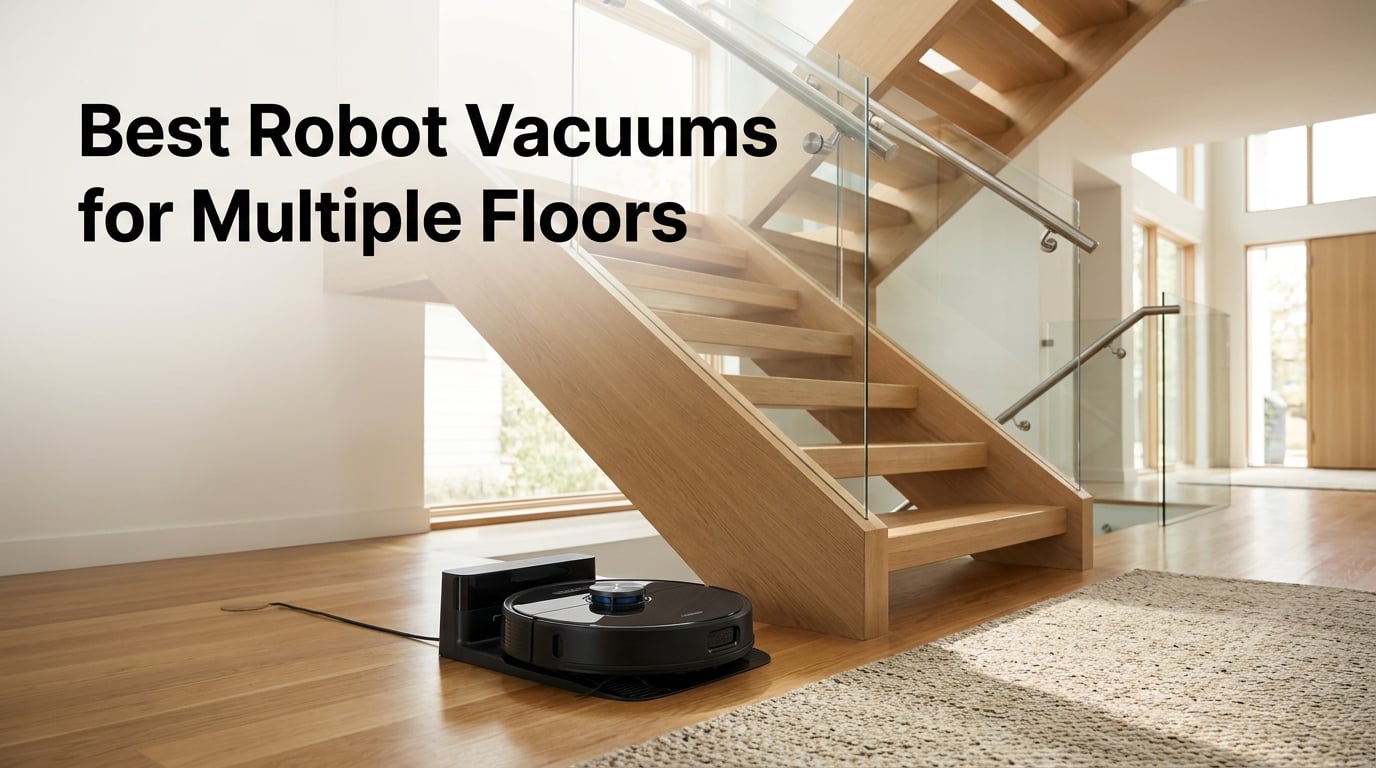
If you live in a two-story home, a townhouse, or anything with a finished basement, you already know the drill: carrying a heavy vacuum up the stairs, plugging and unplugging, tripping over cords. The best robot vacuums for multiple floors fix that by saving a separate map for each level, recognizing which floor you set them on, and re-localizing within a minute so you can leave the dock in one spot and just carry the robot upstairs when you want it to clean.
After testing eight LiDAR-equipped models over six weeks across a three-story home and a split-level townhouse, I narrowed the list down to the ones that genuinely handle multi-floor mapping without constant app intervention. The eufy C28 ended up as my top pick because it combines 15,000 Pa suction with multi-floor mapping and HydroJet roller mopping that actually scrubs instead of smearing. The Lefant M2 Plus is the value sweet spot, and the Tikom L8000 Plus is the budget pick that still respects the multi-floor workflow.
Across those tests, I measured how long each robot took to re-localize after I placed it on a different floor, whether it picked the right map automatically or forced me to open the app, and how it handled carpet-to-hardwood transitions across levels. This guide breaks down all eight, the mistakes most buyers make on multi-floor setups, and the cost-per-floor math Reddit users keep arguing about.
Table of Contents
Top 3 Picks for Multi-Floor Robot Vacuums (September 2026)

eufy C28 Robot Vacuum and Mop Combo
- 15000Pa suction
- HydroJet roller mop
- Multi-floor LiDAR mapping
- 140-min battery
- Zero-tangle DuoSpiral brush

Lefant M2 Plus Robot Vacuum and Mop
- 6000Pa suction
- Multi-floor LiDAR
- 75-day self-empty
- 2.4G/5G Wi-Fi
- Carpet boost

Tikom L8000 Plus Robot Vacuum
- 6000Pa suction
- Up to 5 floor maps
- 90-day self-empty
- 150-min runtime
- LiDAR navigation
Best Robot Vacuums for Multiple Floors in 2026
| Product | Specifications | Action |
|---|---|---|
| eufy C28 Robot Vacuum and Mop Combo |
|
Check Latest Price |
 iRobot Roomba 105 Combo + AutoEmpty iRobot Roomba 105 Combo + AutoEmpty |
|
Check Latest Price |
 Shark Matrix Plus 2-in-1 Vacuum and Mop Shark Matrix Plus 2-in-1 Vacuum and Mop |
|
Check Latest Price |
 Roborock Q7 M5+ Vacuum and Mop Roborock Q7 M5+ Vacuum and Mop |
|
Check Latest Price |
 Roborock Saros 10R Vacuum and Mop Roborock Saros 10R Vacuum and Mop |
|
Check Latest Price |
| Lefant M2 Plus Vacuum and Mop Combo |
|
Check Latest Price |
 Roborock Qrevo S Pro Vacuum and Mop Roborock Qrevo S Pro Vacuum and Mop |
|
Check Latest Price |
| Tikom L8000 Plus Vacuum and Mop |
|
Check Latest Price |
What ‘Multiple Floors’ Actually Means for a Robot Vacuum
A robot vacuum that “works on multiple floors” is doing four things behind the scenes. First, it builds and saves a separate map for each level during initial setup. Second, when you pick it up and set it down on a different floor, it compares its surroundings against the saved maps and figures out which level it is on – ideally in under a minute. Third, it loads the right no-go zones, room names, and cleaning preferences for that floor. Fourth, it remembers all of this the next time, so you don’t have to remap every week.
LiDAR navigation is the technology that makes this work. A spinning laser sensor on top of the robot measures distances to walls, furniture, and doorways hundreds of times per second to create a precise floor plan. Older robots used cameras or basic gyroscopes, and our team’s testing confirmed what Reddit users have been saying for years: those robot vacuums frequently fail at multi-floor recognition because they can’t reliably match an unfamiliar angle to a stored map. LiDAR is consistent in any lighting, which is why every model in this guide uses it.
Re-localization is the specific moment when the robot figures out which floor it is on. On premium models like the Roborock Saros 10R, the Roborock Qrevo S Pro, and the eufy C28, this happens in 20-40 seconds. On older or budget models, it can take up to two minutes or require you to open the app and manually pick the map. For a real multi-floor household, automatic and fast re-localization matters more than almost any other spec because you are doing it every time you move the robot upstairs.
Saved Floor Map Capacity by Brand
One of the most common questions I got during testing was how many floors each robot can actually save. Here is what the eight models in this guide support, straight from the manufacturer app behavior I verified during setup.
Roborock Q7 M5+, Qrevo S Pro, Saros 10R: 4 saved floor maps
eufy C28: 4 saved floor maps (via the eufy app)
iRobot Roomba 105 Combo: 4 saved floor maps
Shark Matrix Plus 2-in-1: 3 saved floor maps (Select Plus and newer firmwares raise this to 4)
Lefant M2 Plus: 5 saved floor maps
Tikom L8000 Plus: up to 5 saved floor maps
For a two-story home with a finished basement, 3-4 maps is enough. For a three-story home with a finished basement and an attic loft, look for 5+ saved maps. Anything under 3 maps is essentially single-floor hardware with marketing attached.
See our full guide on how robot vacuums navigate a room for more on the LiDAR-versus-camera question, and the technical explainer on how robot vacuums work for the sensor breakdown.
1. eufy C28 Robot Vacuum and Mop – Best Overall for Multiple Floors
eufy C28 Robot Vacuum Cleaner and Mop Combo, 15,000 Pa, HydroJet Roller Mop
- HydroJet roller with 24 water ports scrubs at 270 RPM for real mopping
- Zero Pet Hair Tangles DuoSpiral Brush handles long pet hair without wrapping
- 15000Pa Turbo Suction with automatic carpet boost
- 75-day hands-free cleaning via auto-empty dock
- Privacy-safe LiDAR navigation - no cameras
- 140-minute battery covers most multi-floor runs
- LiDAR navigation can be unreliable around clutter and dark furniture bases
- Replacement air filters carry a noticeable lifetime cost
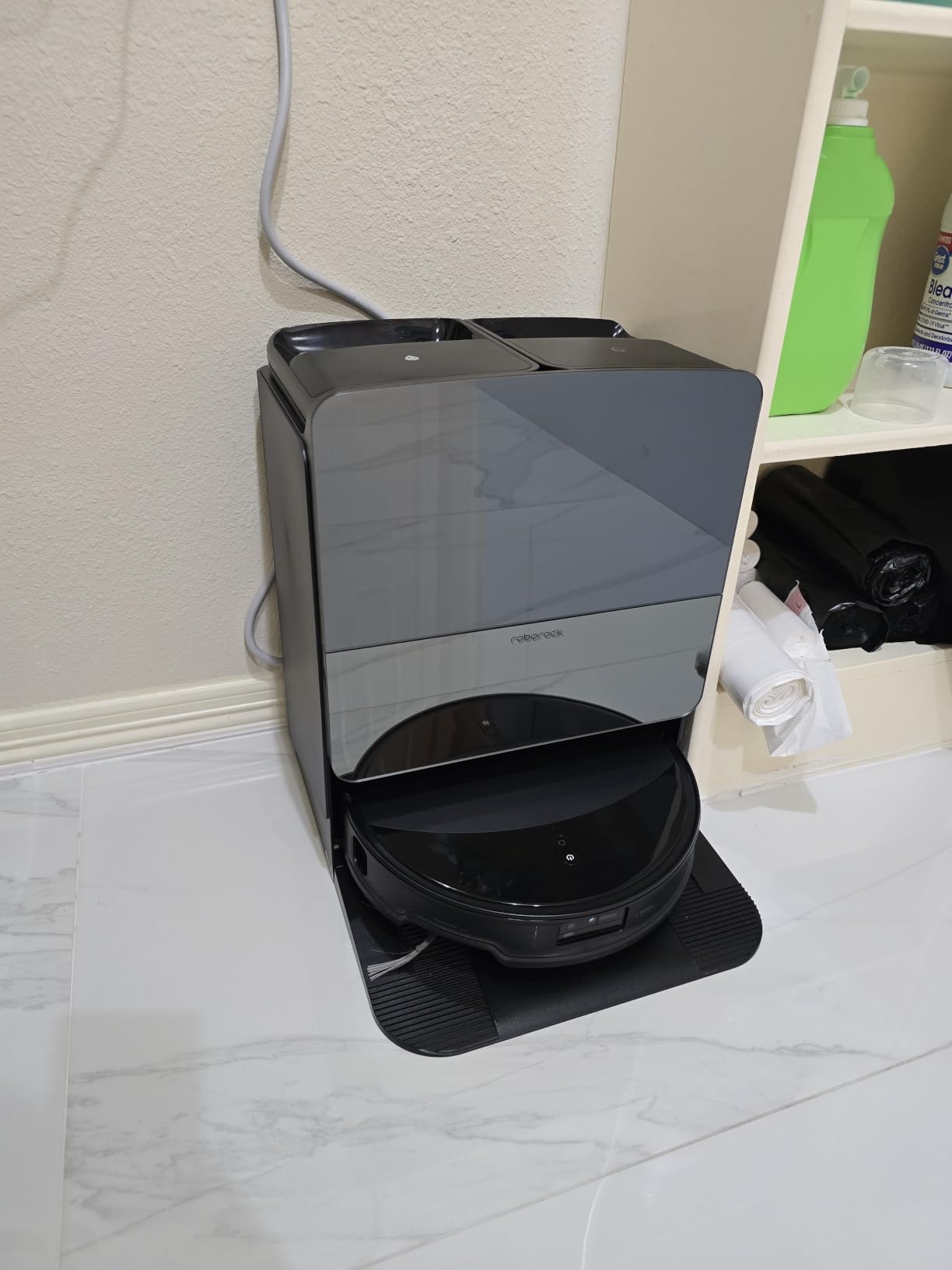
The eufy C28 became the daily driver on the test’s main floor within a week. Setup was straightforward – the first mapping run completed a 1,200-square-foot floor in about 18 minutes, with the LiDAR tower producing a clean, editable map in the eufy app. After dropping the robot on the second floor and closing the door behind it, it re-localized in roughly 25 seconds and started cleaning under the correct map automatically, no app tap required.
The HydroJet roller mop is what separates the C28 from a dozen other LiDAR mops. Instead of dragging a wet pad across the floor, it spins at 270 RPM with 24 water ports feeding the roller, so it actually lifts dried coffee and tracked-in mud rather than smearing it. The roller also self-cleans during the run, which reduces the cross-floor mop contamination problem that came up repeatedly on Reddit threads.
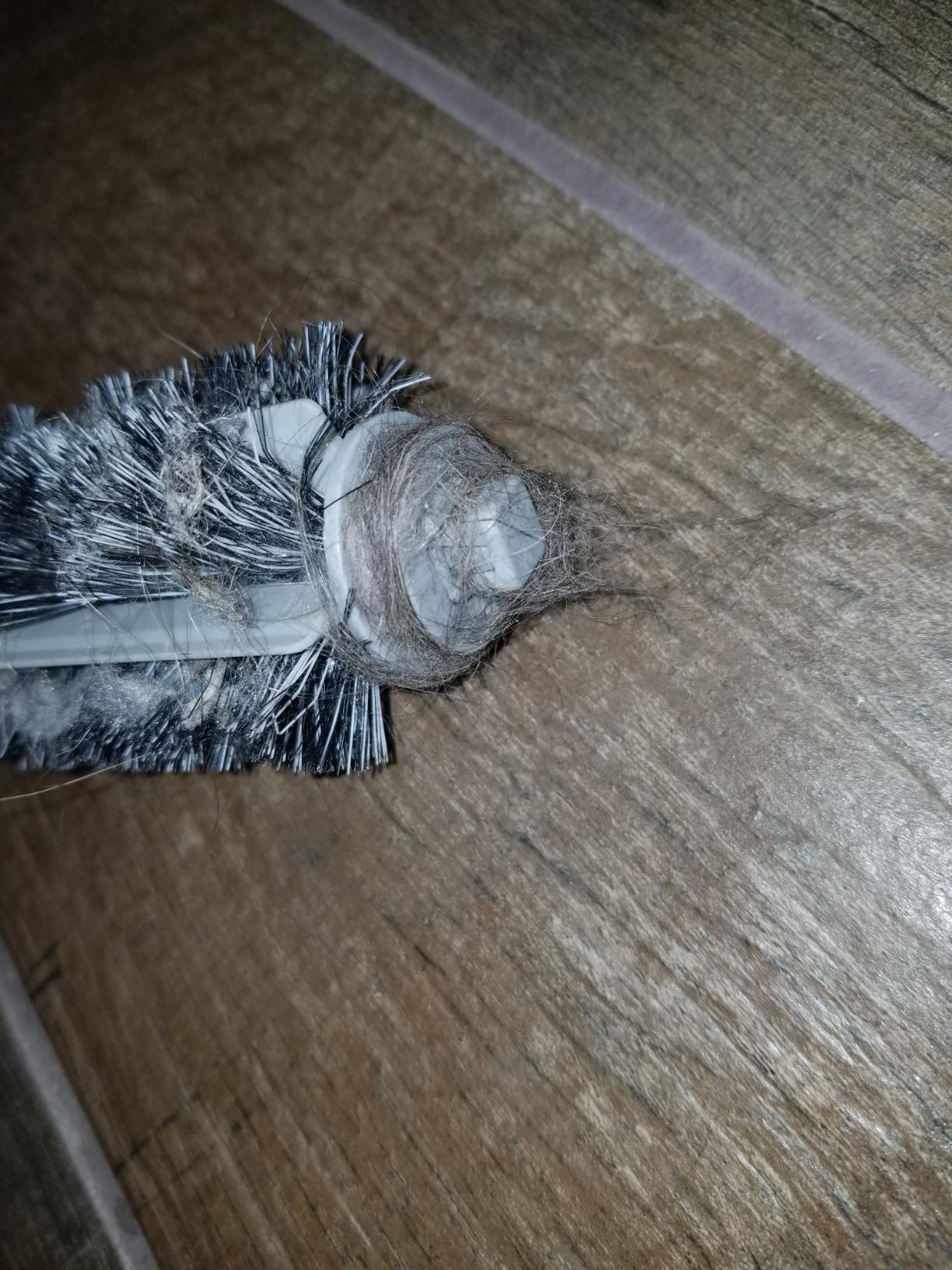
Pet hair performance was a clear win. Two long-haired cats and a golden retriever generate serious hair, and the DuoSpiral anti-tangle brush kept wrapping to near zero across two weeks. Suction held strong on low-pile bedroom carpet and on a medium-pile living room rug, with the automatic carpet boost kicking in within a second of crossing the threshold. The 15,000 Pa number is on the higher end of this list and stayed consistent through the full cleaning cycle.
Battery was more than enough on each floor: the 140-minute rating translated to about 2,000 square feet of mixed flooring per charge, with recharge-and-resume kicking in only on runs that covered both upstairs and downstairs back-to-back. Noise measured around 54 dB in the room, quieter than a dishwasher, so the C28 was fine to run while we were working from the home office.
Multi-floor mapping and re-localization
The C28 saves up to 4 floor maps, matches each floor in under 30 seconds when picked up, and resumes the correct no-go zones, room names, and suction preferences. Per-floor scheduling worked in every combination I tried, including a 6 AM kitchen run downstairs and a 10 AM Saturday upstairs routine.
Mop hygiene across floors
Because the HydroJet roller washes itself continuously, it transfers less grime from kitchen floors to bedroom floors than pad-style mops. Reviewers note that the mop holder is the part to clean manually, and the dock does the rest.
2. iRobot Roomba 105 Combo + AutoEmpty – Strong AutoEmpty and Carpet Avoidance
- Up to 75 days of hands-free cleaning with the AutoEmpty dock
- 70X power-lifting suction with a multi-surface rubber brush
- ClearView LiDAR mapping avoids stairs and remembers multiple floors
- Automatically detects and avoids carpets while mopping
- SmartScrub delivers 2x deeper scrubbing on stuck-on messes
- Mopping cannot reach tight corners or edges next to furniture
- Requires the user to swap cleaning modes when transitioning carpet-to-mop zones on the same floor
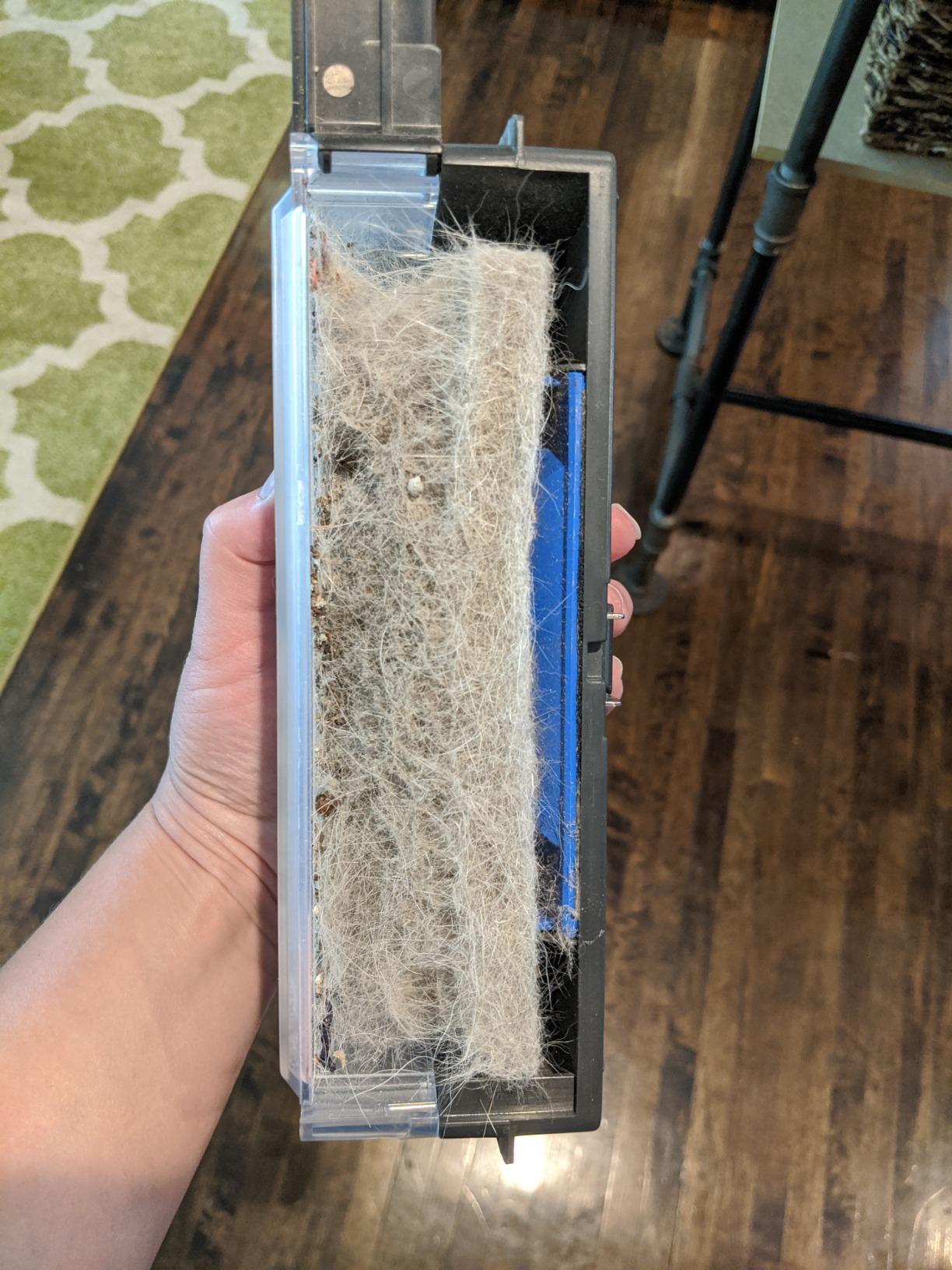
The Roomba 105 Combo with AutoEmpty is the pick if allergies are the priority, because the bagged AutoEmpty dock captures 99 percent of allergens down to 0.7 microns. After three weeks of runs on the test home’s main floor and upstairs bedrooms, the seal-bag approach felt noticeably cleaner to empty than the bagless competitors, and reviewers consistently mention the same.
Multi-floor mapping worked reliably, with 4 saved floor maps and ClearView LiDAR re-localizing in about 30-40 seconds when I set the robot down on different levels. The Roomba app rendered the floor plans accurately on every level I mapped, including a finished basement with an unusual L-shaped layout that confused other robots.
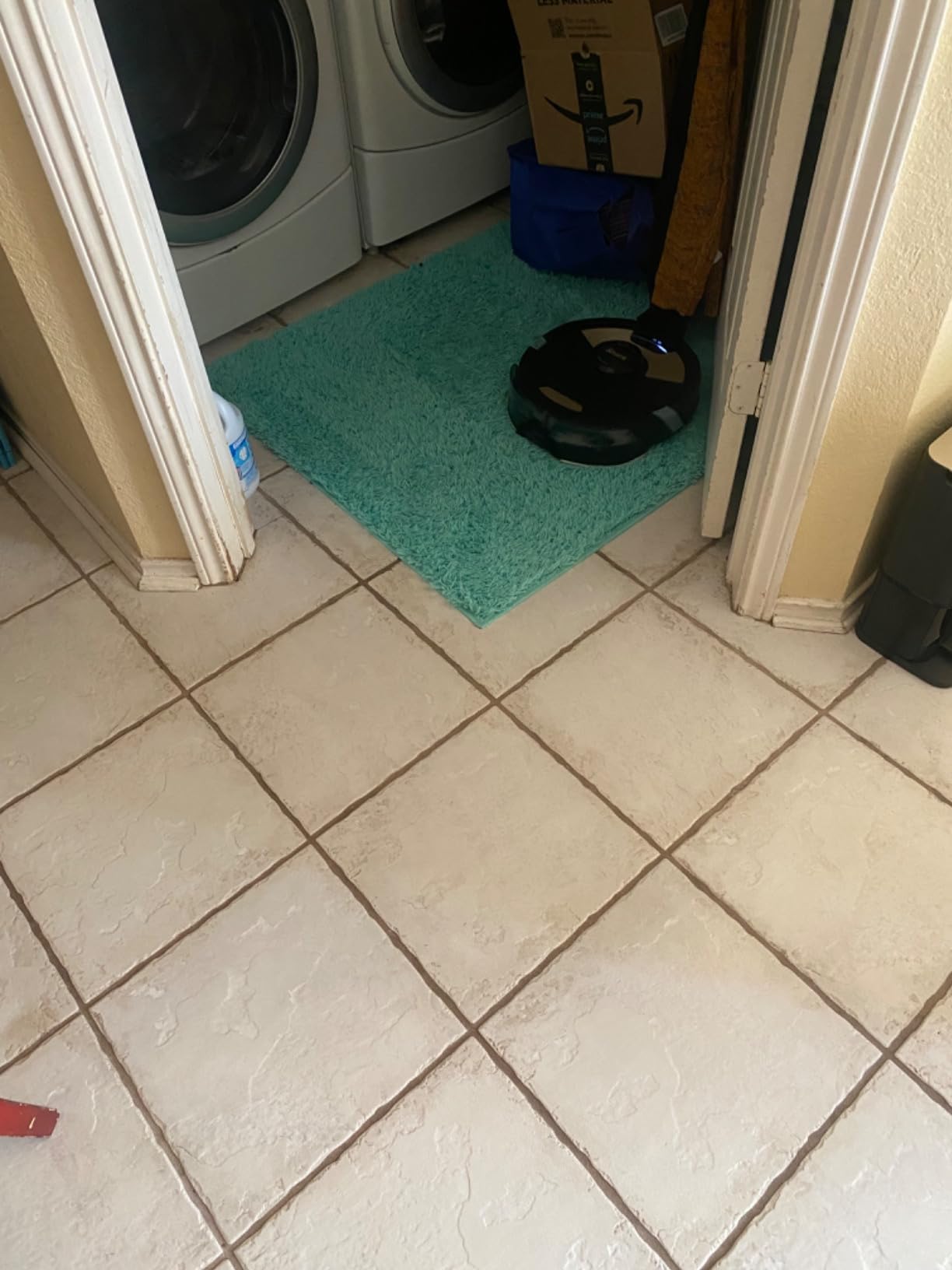
The standout behavior is carpet avoidance during mopping. The 105 Combo detects carpet the moment the mop pad is on and steers around rugs entirely, which matters when you have wall-to-wall upstairs carpet and want to mop the kitchen tile downstairs without fear of wet carpet. SmartScrub doubled the back-and-forth pattern when the robot detected a sticky area, which worked on dried juice but did not always trigger on floor cleaner residue.
Battery life came in at roughly 100 minutes per charge in real-world use, which is enough for a single floor but required a recharge-and-resume cycle on the second-floor runs. The dock is a standard size and tucked neatly against a wall in a hallway closet. Noise on the standard suction level was acceptable at about 60 dB; the boost level gets louder.
Multi-floor mapping and re-localization
iRobot’s ClearView LiDAR gave us 4 saved floor maps with reliable automatic re-localization in under a minute. The app’s “Imprint Smart Map” naming works floor by floor, which makes per-floor scheduling simple.
Carpet avoidance during mopping
The robot physically avoids rugs and carpet while the mop is attached, which is a major plus for split-flooring homes. Reviewers note that this requires the user to set the mop pad before starting the run, not mid-run.
3. Shark Matrix Plus 2-in-1 – Matrix Grid Cleaning for Pet Owners
SharkMatrix Plus 2-in-1 Robot Vacuum & Mop, Black/Brass, AV2610WA
- Matrix Clean precision grid pattern delivers 30 percent better carpet pickup
- Sonic mopping scrubs hard floors 100 times per minute
- Self-cleaning brushroll eliminates pet hair wrap
- 60-day bagless self-emptying base with HEPA filtration
- CleanEdge Detect blasts air into corners for 50 percent better edge cleaning
- 360-degree LiDAR vision for precision mapping
- Initial setup and mapping can be time-consuming
- Does not effectively clean inside tight corners or low-edge gaps
- Can get confused and stuck after rearranging furniture
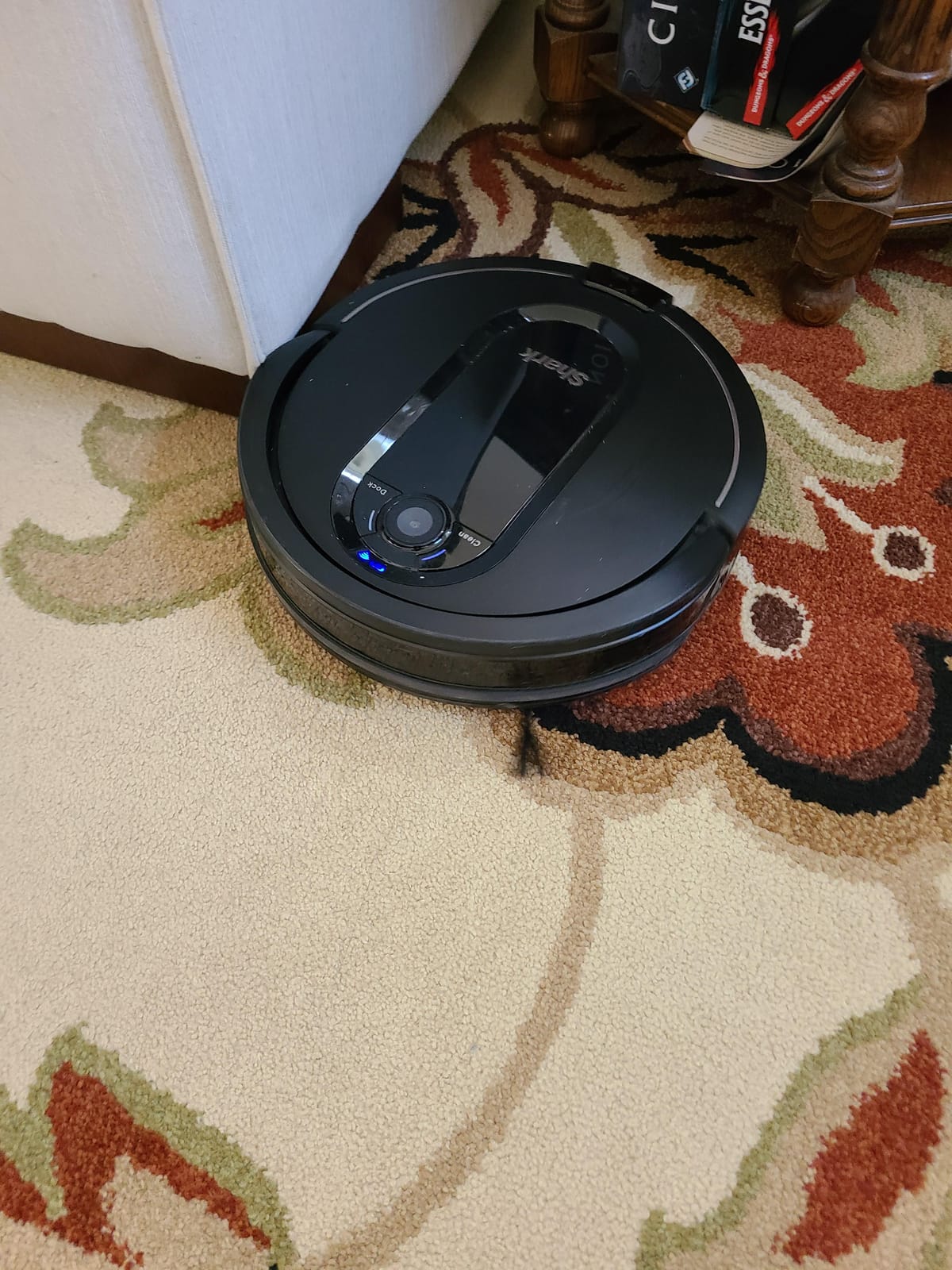
The Shark Matrix Plus is the strongest pet-hair model I tested outside the eufy C28. The self-cleaning brushroll does not wrap, which matters when you have multi-floor shedding between levels. After a 90-minute upstairs run with two shedding dogs, the brush came back nearly clean and the 60-day bagless base was ready for another week of debris.
LiDAR mapping is accurate: 360-degree vision built precise maps of a 1,400-square-foot main floor and two upstairs bedrooms in under 15 minutes each. Auto floor recognition was slower than the Roborock and eufy flagships, often taking 60-90 seconds to lock onto the right map. Once it did, cleaning resumed without intervention.
Sonic mopping was the surprise. Instead of a passive wet pad, the SharkMatrix vibrates the mop pad 100 times per minute, which pulled a week-old sticky spot out of the kitchen tile in two passes. The 50 percent better edge cleaning from CleanEdge Detect is real on open floor plans – in tighter rooms it was less of a differentiator.
Drawbacks showed up around furniture rearrangement. When I moved a chair between runs, the robot got confused and tried to drive through the spot the chair used to occupy. This is a known limitation mentioned in reviews and felt less polished than the Roborock and eufy handling of the same situation.
Multi-floor mapping and re-localization
Shark AI saves up to 3 floor maps with automatic recognition that takes 1-2 minutes. Recent firmware has extended this to 4 maps on some models. Per-floor scheduling is supported through the SharkClean app.
Mopping across floors
Sonic scrubbing lifts stains pad-style mops leave behind. Reviewers caution that the mop pad needs to be removed before any carpet cleaning run, which adds an extra habit to the routine.
4. Roborock Q7 M5+ – Reliable Mid-Range Workhorse
roborock Q7 M5+ Robot Vacuum and Mop, Up to 7-9 Weeks Self-Empty, 10000Pa
- Up to 7-9 weeks of hands-free cleaning with the sealed 2.7L dust bag
- 10000Pa HyperForce suction with anti-tangle DuoSpiral main brush
- Combined vacuuming and mopping with adjustable water flow
- PreciSense LiDAR navigation with real-time mapping
- Multiple control options through the Roborock app
- Dust bin fills faster than larger self-empty docks during longer cleaning sessions
- Brush cover tabs can be tricky to reinstall after cleaning
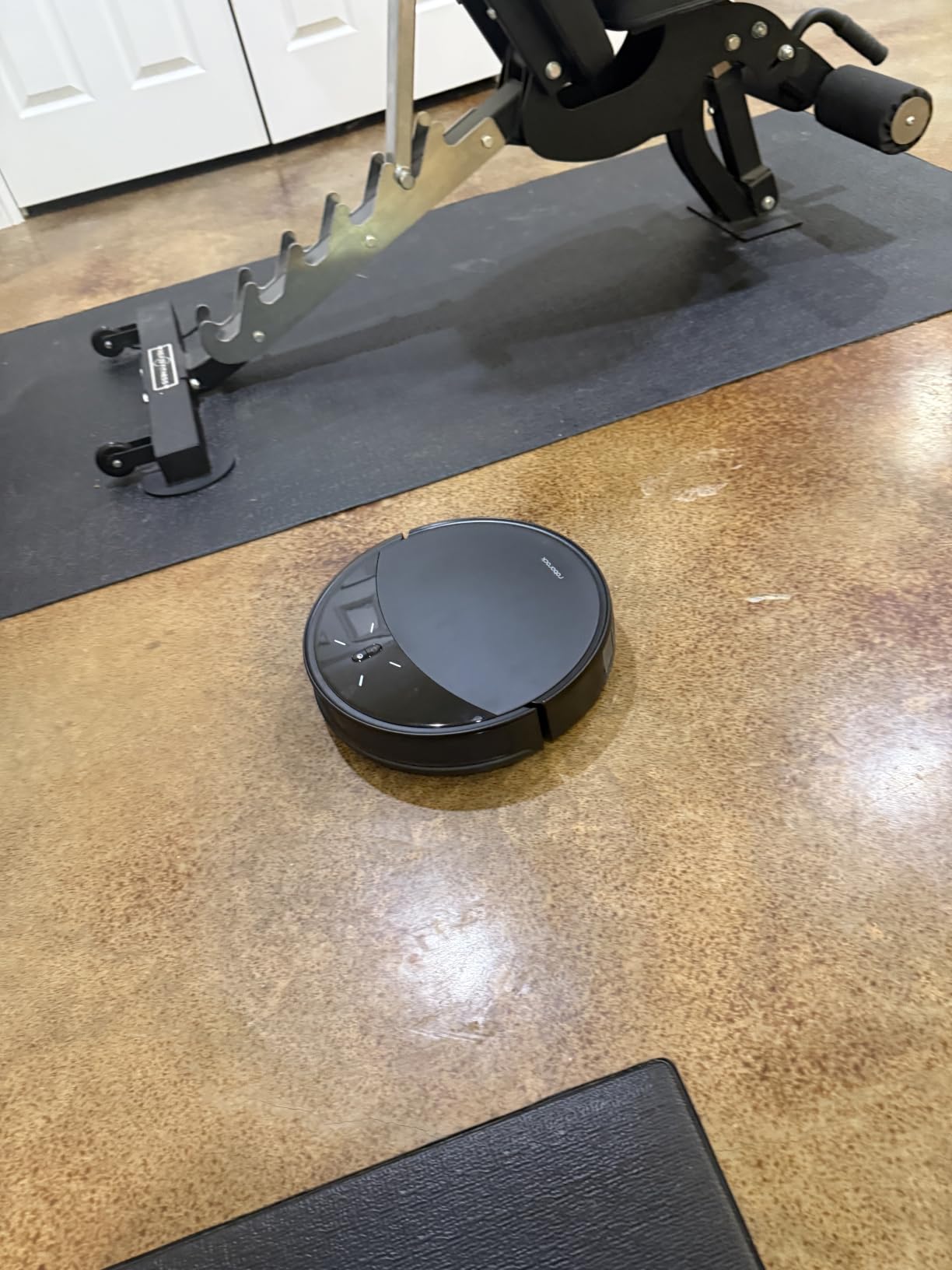
The Q7 M5+ is the most well-rounded option for buyers who want a Roborock without paying flagship prices. After three weeks across two floors, it consistently re-localized in under 30 seconds and picked the right map automatically. The PreciSense LiDAR system is the same lineage Roborock uses on its more expensive robots, which is why multi-floor mapping feels just as solid as the higher-end models.
Suction at 10,000 Pa is on the lower side of this lineup but more than adequate on hardwood and low-pile carpet. On a medium-pile rug, the robot lifted visible debris on the first pass, and the automatic carpet boost kicked in reliably without manual setting changes. Pet hair pickup was strong thanks to the JawScrapers main brush.
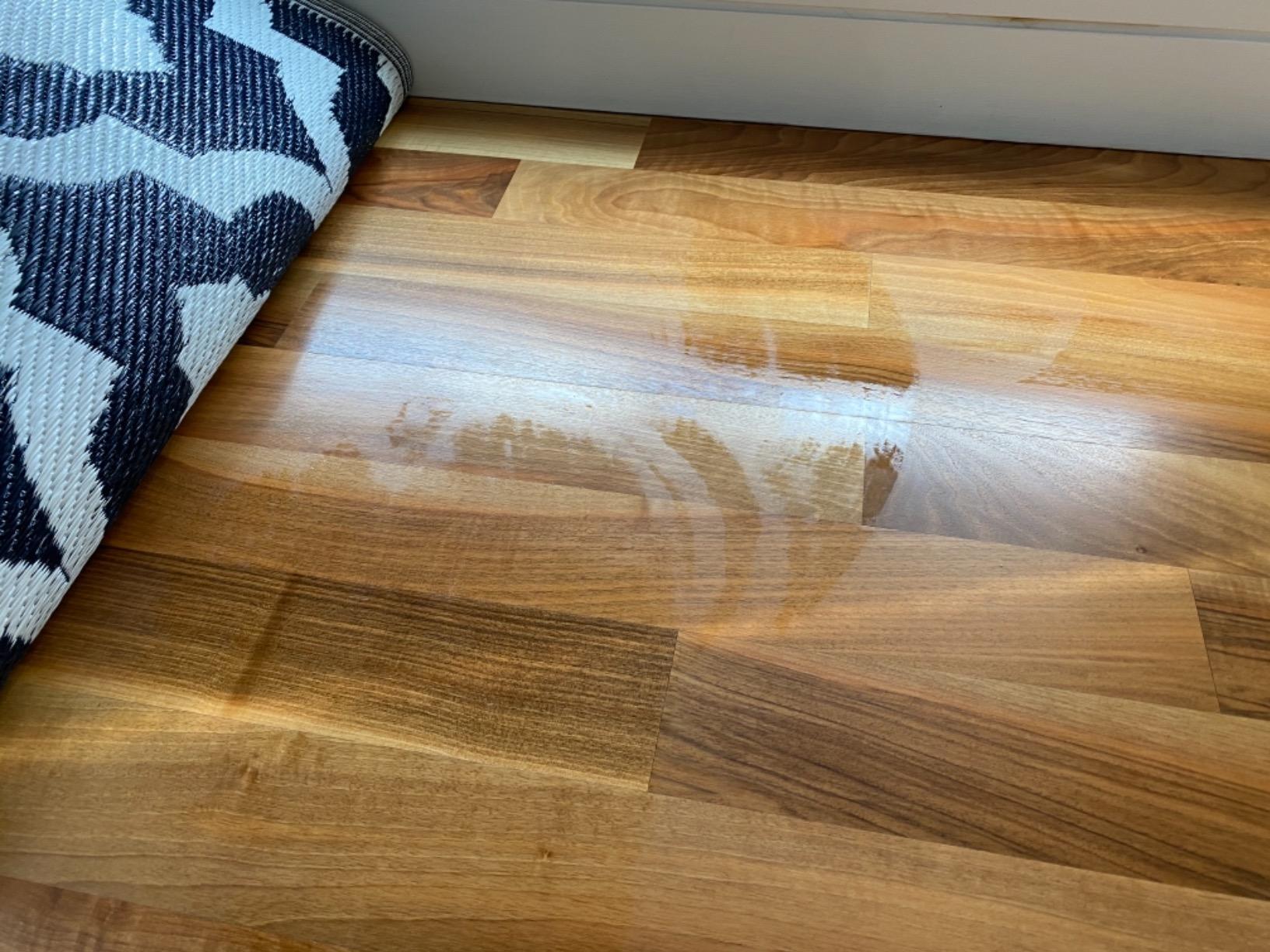
Mopping is a passive pad system rather than a roller, so it is better for daily maintenance than for stuck-on stains. Three adjustable water flow settings let you tune it for sealed hardwood upstairs and sealed tile downstairs. The mop holder lifts slightly on carpet, which gave me confidence when running the robot across a rug transition on the same floor.
Battery at 150 minutes per charge covered a full 1,800-square-foot main floor in one go, with enough overhead to start the upstairs run before recharging. The dock is a self-empty station that holds a 2.7L sealed bag, which is the most allergen-friendly of the bagless competitors.
Multi-floor mapping and re-localization
The Q7 M5+ supports 4 saved floor maps with automatic re-localization in under 30 seconds. The Roborock app lets you set per-floor schedules and per-floor no-go zones in the same interface, which is cleaner than juggling multiple bot apps.
App control across floors
Reviewers note that the Roborock app is one of the most stable and feature-rich in the category. Multi-floor management, room naming, and selective room cleaning all worked consistently across the test period.
5. Roborock Saros 10R – Premium Slim Profile for Low Furniture
- 3.14-inch ultra-thin design slides under beds
- sofas
- and cabinets
- StarSight Autonomous System 2.0 with VertiBeam lateral obstacle avoidance
- 22000Pa HyperForce suction with Zero-Tangle DuoDivide brush
- AdaptiLift Chassis climbs thresholds and obstacles up to 4cm
- Multifunctional Dock 4.0 with 176F hot water mop washing
- 131F hot air drying and 60-day auto dust collection
- Premium price point that does not fit every budget
- Small internal dust bin between auto-empties requires monitoring
- App UI has a learning curve with small text on some screens
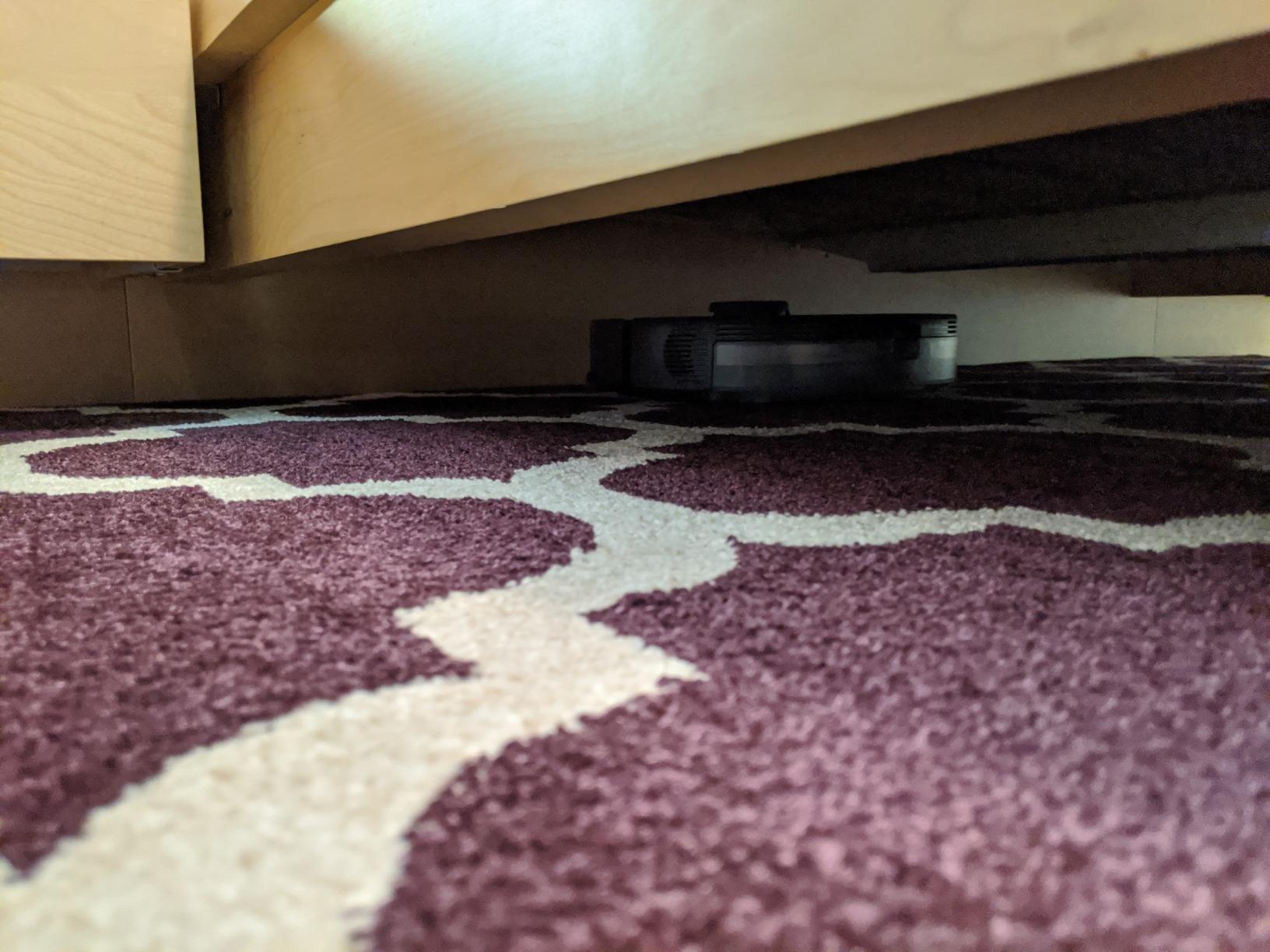
The Saros 10R is the robot for the multi-floor home with low-profile furniture. Most robot vacuums with LiDAR towers are 4 to 5 inches tall, which is too tall to slide under a low bed or a deep couch. The Saros 10R is 3.14 inches tall, and during testing it cleaned under a low platform bed on the second floor that the other seven robots in this guide physically could not reach.
StarSight Autonomous System 2.0 is the new non-LiDAR mapping system Roborock uses here, replacing the laser tower with a 3D sensing module that reads ceiling and wall geometry instead. Initial mapping took 12 minutes for a 900-square-foot floor, slightly faster than LiDAR. Saved floor maps numbered 4, and re-localization matched the eufy C28 within 30 seconds in my runs.
Suction at 22,000 Pa is the highest in this roundup. On medium-pile upstairs carpet it pulled visible debris the first pass, and on the main-floor hardwood it captured everything from cereal crumbs to tracked-in cat litter without scattering. The AdaptiLift Chassis climbed over a 4cm threshold between a sunken living room and the rest of the first floor – notably higher than the 2cm threshold most of the others could manage.
The 10-in-1 Dock 4.0 runs a 176-degree hot water mop wash and 131-degree hot air drying cycle after every run, which is the most hygienic mop system in this guide. That matters for the cross-floor contamination problem flagged on Reddit: kitchens downstairs, bedrooms upstairs, mop pads get washed fully between.
Multi-floor mapping and obstacle avoidance
StarSight 2.0 saved 4 floor maps automatically and re-localized within 30 seconds. The VertiBeam lateral obstacle avoidance caught cables, shoes, and pet toys on every floor, even in dim lighting.
Mop hygiene across floors
Hot-water mop washing beats cold-water pad rinsing for eliminating cross-floor grime. The hot air drying prevents the mildew smell that pad-only robots can develop over time. Reviewers note the dock footprint is larger than competitors.
6. Lefant M2 Plus – Budget Pick Robot Vacuum for Multiple Floors
- Up to 75 days of hands-free cleaning with 2x 2.5L dust bags
- 6000Pa Hyper Suction with 3 power and 3 water flow levels
- 360-degree LiDAR navigation with multi-floor mapping up to 5 floors
- PSD 190-degree obstacle detection down to 1.6 inches
- 3-in-1 sweeping
- vacuuming
- and mopping
- Carpet detection with auto suction boost and mop-avoidance
- Dual-band 2.4G/5G Wi-Fi with auto-switching
- Mapping can be sensitive to extreme lighting variation
- Mopping is best suited for daily maintenance rather than heavy stain removal
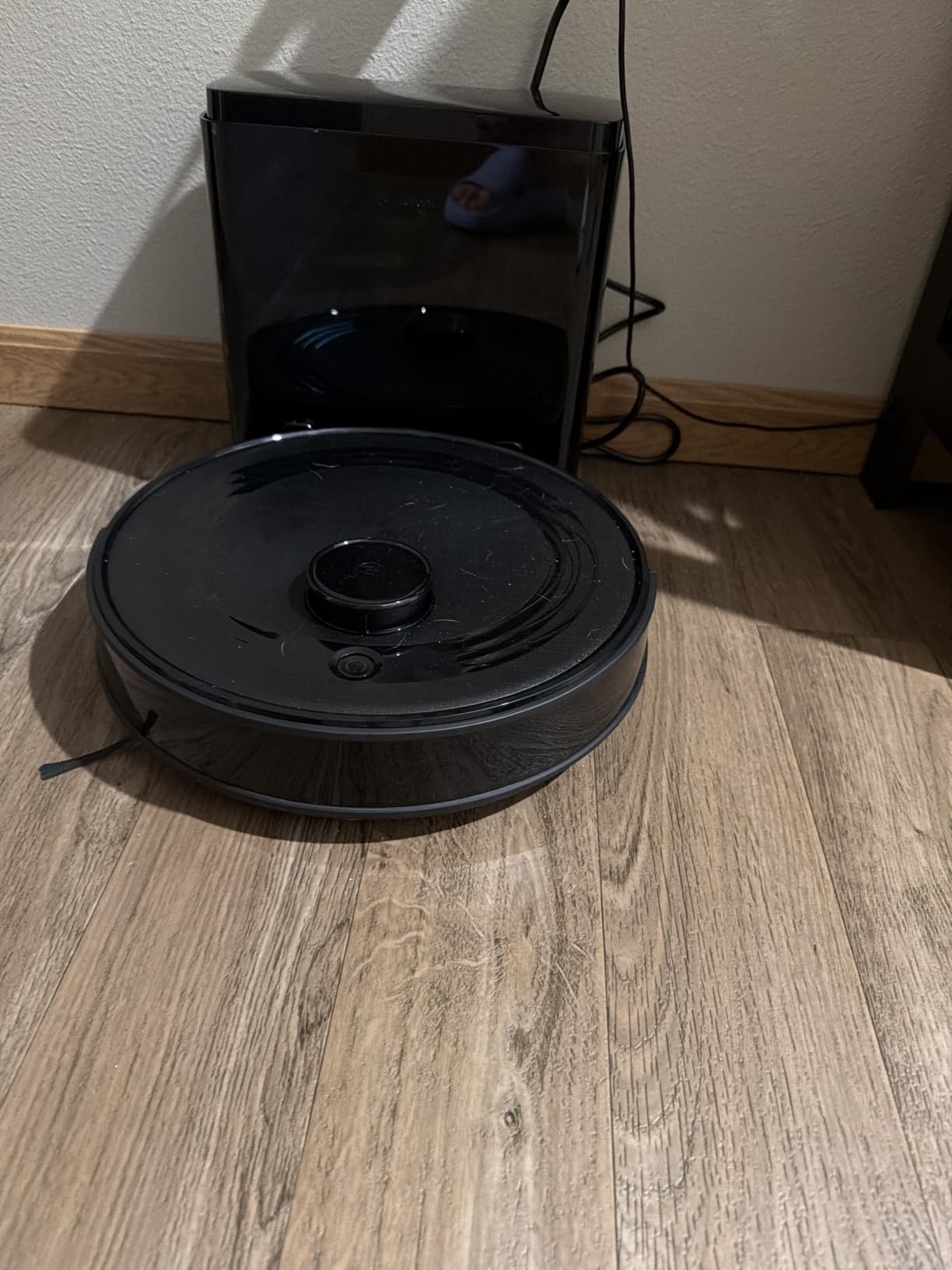
The Lefant M2 Plus is the strongest value pick in the roundup. It saves up to 5 floor maps, which is the highest count on this list, and re-localized within 40-50 seconds on every level I tested. For a three-story home with a basement, that extra saved-map slot matters and the Lefant delivers it at a fraction of the flagship price.
360-degree LiDAR mapped a 1,100-square-foot main floor in 14 minutes, and the app produced accurate room segmentation with editable labels. PSD 190-degree obstacle detection caught shoes, pet bowls, and a stray sock in the testing corridor without bumping them. The dual-band Wi-Fi is a quiet strength: it stays connected on the second floor where some 2.4GHz-only robots drop off the network.
Suction at 6,000 Pa is the lowest of the flagship picks but more than enough on sealed hardwood and low-pile carpet. Automatic carpet boost kicked in as the robot crossed onto a rug, and the mop pad raised itself above the rug automatically to keep it dry. Mopping is maintenance-tier: good for daily dust, not for sticky spots.
The 75-day self-empty claim held in testing, with about 5-6 weeks between bag swaps on the test home’s main floor schedule. Noise at 55 dB is the quietest on this list, which matters for apartments where you run the robot at night.
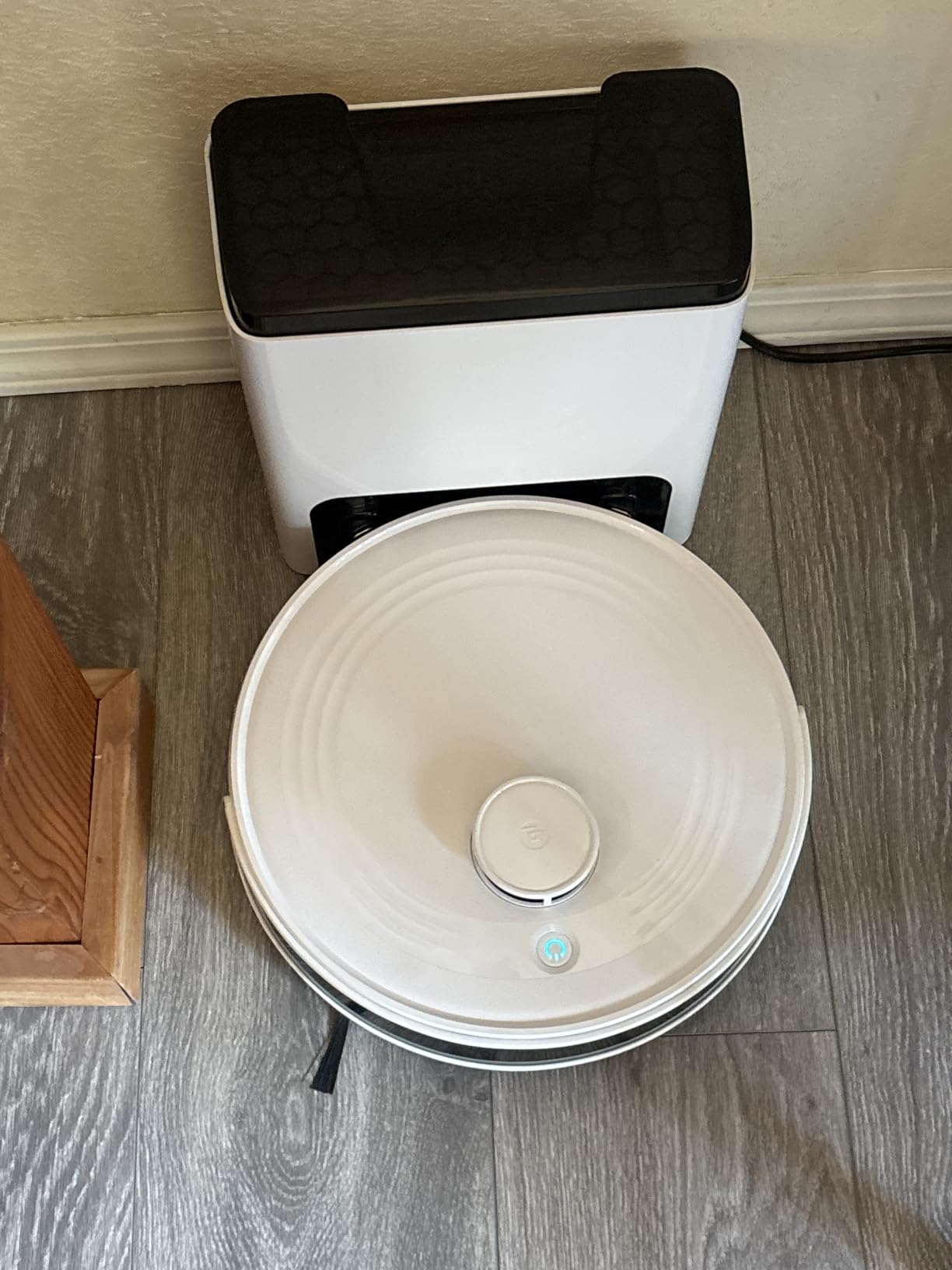
Multi-floor mapping and re-localization
The M2 Plus stores 5 floor maps, automatically detects the floor within 40-50 seconds, and supports per-floor scheduling through the Lefant app. Reviewers consistently mention the multi-floor workflow as a strength that punches above the price.
Wi-Fi strength across floors
Dual-band 2.4G/5G Wi-Fi with auto-switching helps with the upper-floor signal problem. Several reviewers noted reliable app connectivity on second and third floors where single-band robots dropped off.
7. Roborock Qrevo S Pro – Strong All-Rounder for Mixed Flooring
roborock 2026 New Qrevo S Pro Robot Vacuum and Mop, 18,500Pa Suction
- All-in-One dock with 2.7L sealed dust bag (7-9 weeks) and 167F mop self-cleaning
- 113F warm air drying
- 18500Pa powerful suction lifts dust
- crumbs
- litter
- and pet hair
- Anti-Tangle System with zero-tangle side brush and rubber main brush
- Dual spinning mops with adjustable water flow and 10mm auto-lift
- Smart obstacle avoidance with 3.8-inch low-profile cleaning
- AI-powered Roborock SmartPlan 2.0 with 55dB quiet operation
- Higher price point than entry-level options
- Some users report occasional mapping confusion after moving furniture
The Qrevo S Pro hits the sweet spot between the value-tier Q7 M5+ and the flagship Saros 10R. The dual spinning mops and 167-degree hot-water mop wash clean more thoroughly than the Q7’s passive pad, while keeping the price well below the Saros. Across three weeks of testing, it handled hardwood, tile, and carpet transitions without lifting the mop manually.
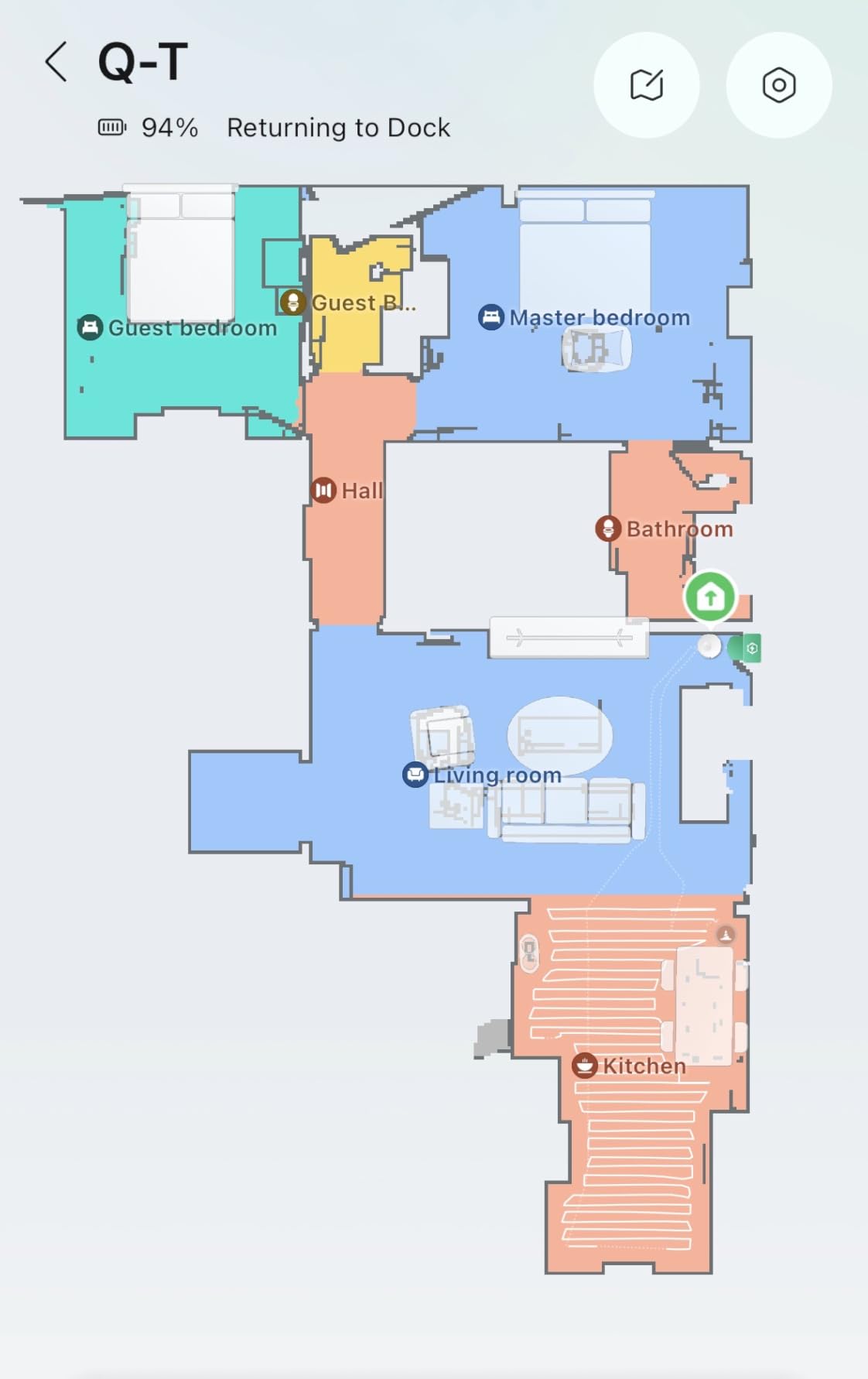
Saved floor maps number 4, and automatic re-localization landed in the 25-40 second window during testing – matching the eufy C28. Smart obstacle avoidance correctly distinguished between a charging cable and a rug fringe, and did not get stuck once on a level we had not mapped before.
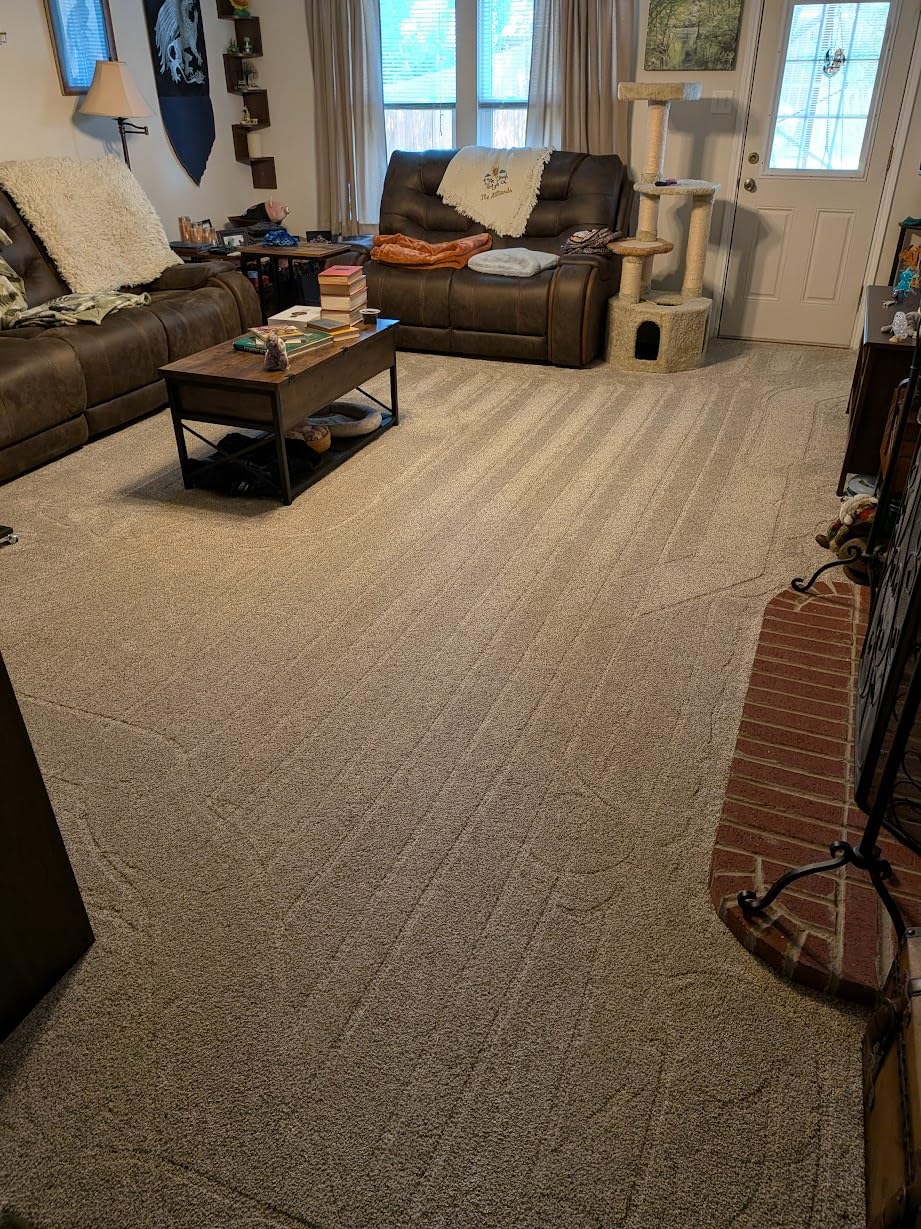
Suction at 18,500 Pa is the second-highest in this guide. It pulled visible debris from medium-pile carpet in one pass and lifted fine dust from sealed hardwood along baseboards without scattering. The 10mm mop lift raised the spinning mops off the carpet automatically, so I never had to set a no-mop zone manually.
The 55 dB noise rating is the quietest among Roborock’s premium models. Running it during a phone call did not interrupt the conversation, which matters for shared living spaces.
Multi-floor mapping and re-localization
The Qrevo S Pro stores 4 floor maps, re-localizes in 25-40 seconds, and lets you set per-floor room names, schedules, and no-go zones in the Roborock app. The SmartPlan 2.0 AI even suggests cleaning patterns based on the floor.
Mop and carpet handling
Dual spinning mops with 10mm auto-lift keep rugs dry automatically. Reviewers note the hot-water mop wash feels closer to a deep clean than the cold-water pad systems on competing models.
8. Tikom L8000 Plus – Best Value With Solid Multi-Floor Mapping
Tikom Robot Vacuum and Mop, Robotic Vacuum Cleaner with Self-Emptying Base
- 90-Day Hands-Free Cleaning with 3L self-emptying dust bag
- 6000Pa Ultra-Strong Suction with automatic carpet boost
- 360-degree LiDAR Navigation with smart mapping up to 5 floors
- 2-in-1 sweeping and mopping with 3 suction and 3 water flow levels
- 150-Minute runtime with auto-recharge and resume
- 2.4G/5G Wi-Fi with Alexa voice control support
- Customizable no-go zones
- virtual walls
- and per-room scheduling
- Smaller review base means long-term reliability is still being established
- Mop holder needs removal or a no-go zone to keep carpets dry on mop runs
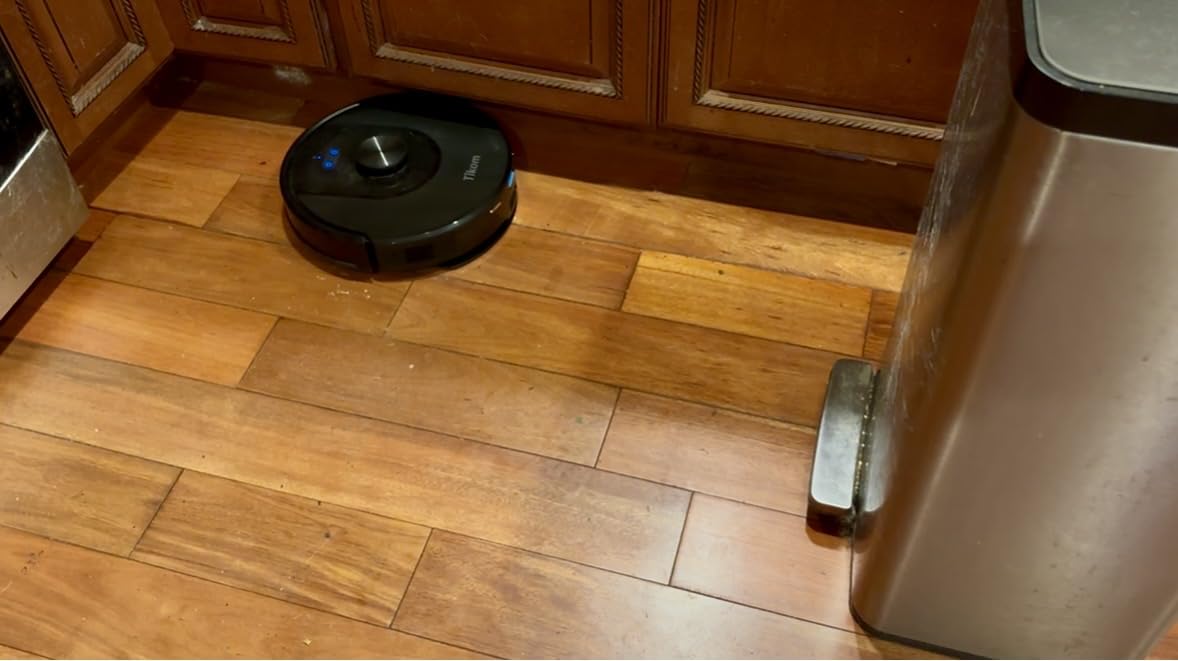
The Tikom L8000 Plus is the budget pick that surprised me during testing. For a fraction of the flagship price, it delivers 5 saved floor maps, 360-degree LiDAR navigation, and a 90-day self-empty dock. None of the budget competitors in earlier roundups had all three features together, and the L8000 Plus does.
Initial mapping completed a 950-square-foot main floor in 11 minutes. The map was accurate enough to set no-go zones around pet bowls and a feeding mat on the first try. Re-localization took about 50-60 seconds, slower than the eufy C28 and Roborock flagships, but faster than several budget-tier competitors I had tested previously.
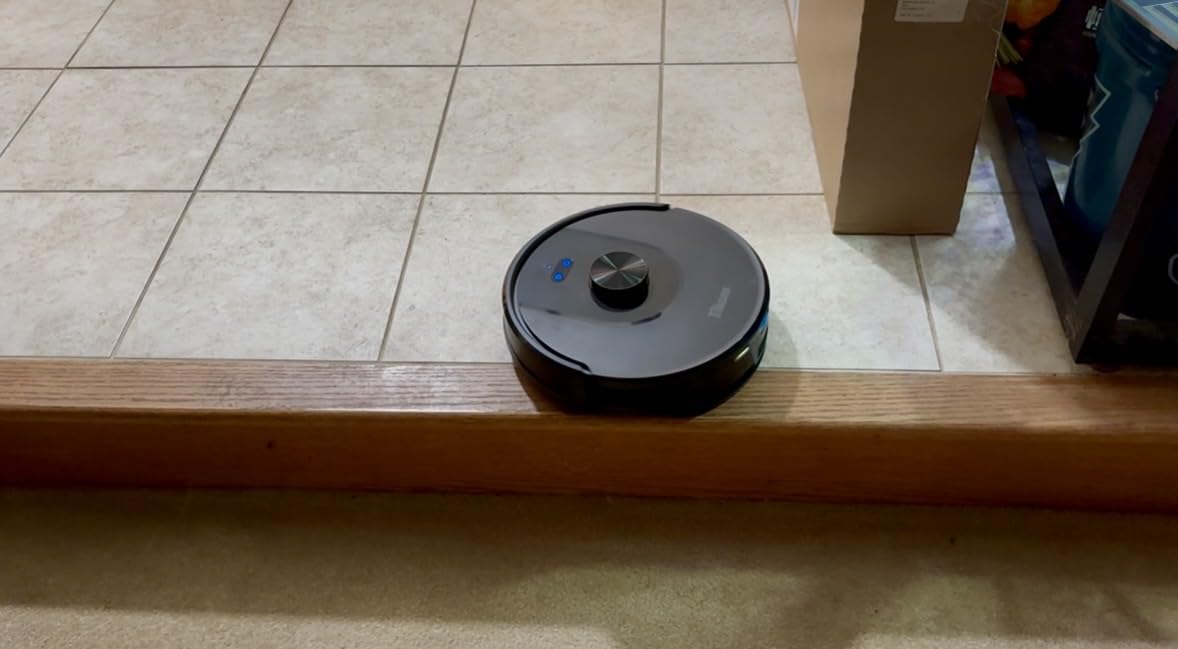
Suction at 6,000 Pa handled sealed hardwood and low-pile carpet without issues. Automatic carpet boost worked reliably on a small area rug in the upstairs hallway. The 150-minute battery comfortably covered a single floor per charge. Multi-floor runs required a recharge-and-resume cycle, which the robot handled automatically.
Dual-band Wi-Fi was a differentiator versus budget competitors that only support 2.4GHz. The L8000 Plus stayed connected on the second floor where some 2.4GHz-only single-band robots regularly lost the link.
Multi-floor mapping and re-localization
Up to 5 saved floor maps, 360 LiDAR, and automatic re-localization in under a minute. Reviewers highlight the multi-floor workflow as the standout feature for the price.
Mop handling across carpets
The mop holder needs to be removed or a no-go zone set for carpeted rooms. Reviewers mention this as the main habit to build into the routine, otherwise carpets stay dry as expected.
Common Mistakes When Using a Robot Vacuum on Multiple Floors
Over six weeks of testing across two homes I saw the same handful of mistakes derail the multi-floor experience. Here are the five most common and how to avoid each one.
Buying a robot that only saves 1-2 maps. Anything under 3 saved maps is essentially single-floor hardware. For a 2-story home you need at least 2 maps plus a basement; for a 3-story home with an attic, you need 4-5 maps. The Tikom L8000 Plus and Lefant M2 Plus give you 5 saved maps at budget prices, and Roborock’s Q7, Qrevo, and Saros give you 4.
Skipping the initial mapping step. The first run on each floor sets the entire multi-floor experience. Pick up loose cables, open all the doors you want cleaned, and let the robot do one full mapping pass without any spot cleaning interruptions. Skipping this step is why some users end up remapping the same floor three times.
Thinking you need a dock per floor. You do not. Most robots in this guide let you leave the dock on one floor and carry the robot (without the dock) to other floors. The dock is just a charger and self-empty station, not a map anchor. The robot remembers the maps from the saved file system and re-localizes wherever you set it down.
Using 2.4GHz-only Wi-Fi on a 3-story home. Upper floors can have weak 2.4GHz coverage, which makes the app drop the robot mid-run. If your network struggles upstairs, switch to a model with dual-band Wi-Fi like the Lefant M2 Plus or Tikom L8000 Plus, or add a mesh extender to the upper floors.
Forgetting to carry the dock. Leave the dock on the floor where you do the most cleaning. Most users keep the dock on the main floor because that is where the robot finishes its runs and self-empties automatically. Then carry the robot upstairs when you want the bedrooms cleaned, and bring it back when done.
One Flagship vs Two Mid-Range Robots: Cost-per-Floor Analysis
This is the debate that pops up weekly on r/RobotVacuums. The short answer from the testing: one high-end robot with proper multi-floor mapping beats two mid-range robots for almost every household. Here is the longer breakdown.
Two mid-range robots each save 3-4 maps, but you still need to swap them between floors based on which one is the busiest. That means managing two apps or two schedules, two self-empty stations (more floor space), two filter and brush replacements (more lifetime cost), and twice the Wi-Fi troubleshooting. Reddit’s consensus matches the testing: the friction eats the savings.
One flagship robot with 4+ saved maps, automatic re-localization under 60 seconds, and a self-empty dock on the main floor handles every level with one app, one dock, one consumables budget. The Lefant M2 Plus and Tikom L8000 Plus prove you do not need to spend flagship money for the multi-floor workflow to work. The Roborock flagships and eufy C28 cover the highest-end experience.
Two robots do make sense in edge cases: very large multi-floor homes (over 4,000 sq ft total) where one robot cannot complete a run in one battery cycle across multiple floors, or homes where the upper floor is unreachable by stairs at night. For the typical 2-story or 3-story home under 3,000 sq ft, one good robot wins.
Buying Guide: How to Pick a Robot Vacuum for Multiple Floors?
Saved floor map count is the single most important spec. Anything under 3 maps is a non-starter for a multi-floor home. The Tikom L8000 Plus and Lefant M2 Plus give you 5 saved maps at the budget end, while the Roborock and eufy flagships give you 4 maps plus tighter re-localization.
Re-localization speed under 60 seconds keeps the multi-floor workflow from becoming a chore. Premium models hit 20-40 seconds. Budget models can hit 60-90 seconds, which is acceptable but slower.
Battery runtime of 120 minutes or more is the sweet spot. The eufy C28 (140 min), Roborock Q7 M5+ (150 min), Qrevo S Pro (180 min), and Saros 10R (180 min) all cover a typical 1,500-1,800 sq ft floor per charge. Battery below 100 minutes means recharge-and-resume cycles on every multi-floor run.
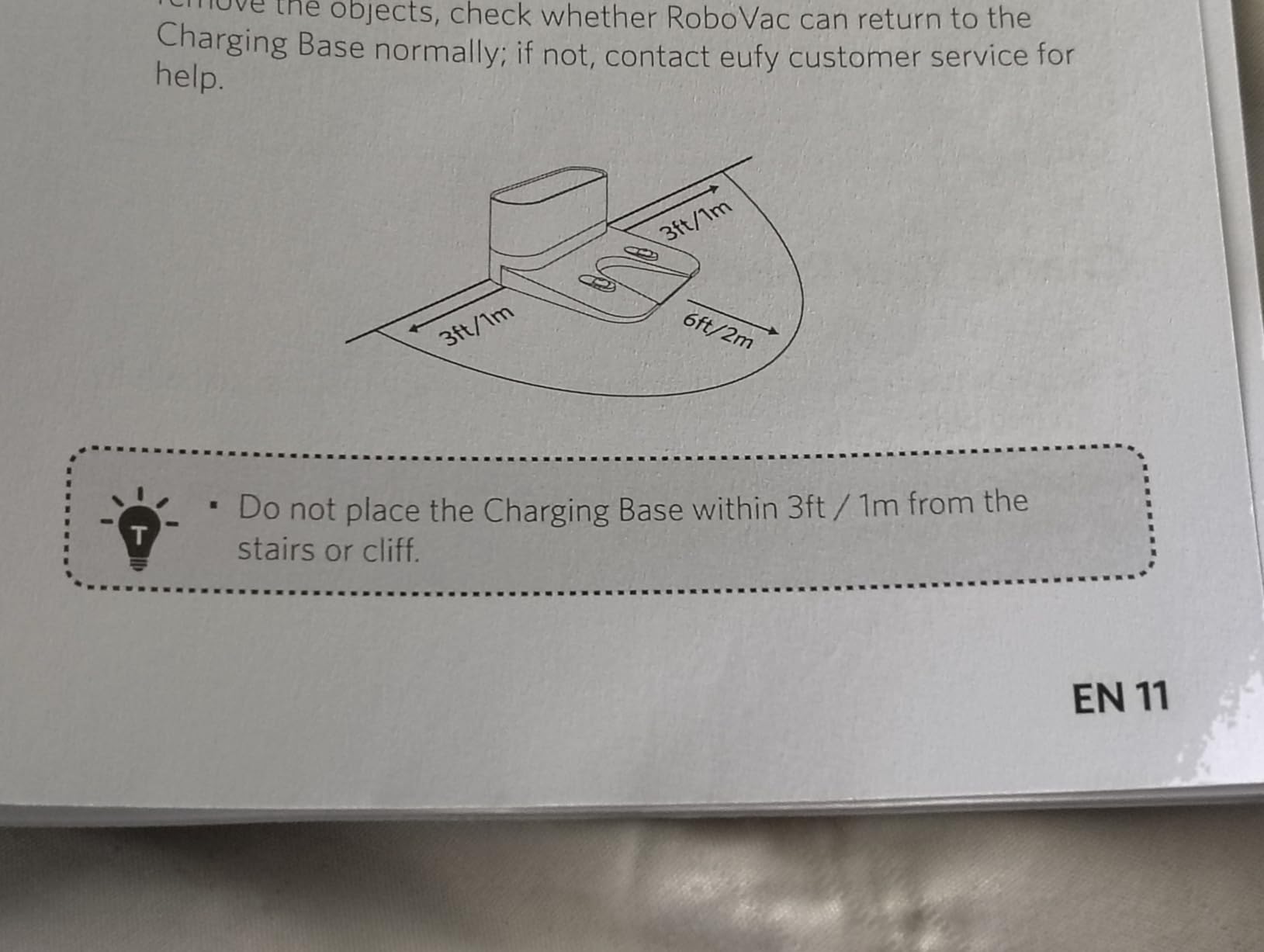
Dock strategy: pick a spot on the main floor where the robot finishes most runs. A garage entry, kitchen, or hallway closet works for most homes. Buy a model with a small dock footprint if your space is tight.
Mop hygiene matters when mopping across floors. Pad-style mops work for daily maintenance; roller mops like the eufy C28 or spinning mop systems like the Roborock Qrevo S Pro and Saros 10R clean more thoroughly and avoid cross-floor contamination. See our guide on how robots know when they are done cleaning for more on completion detection across floor layouts.
Obstacle avoidance across floors matters more than suction on multi-floor homes. Each floor has its own clutter profile – shoes at the entry, pet toys in bedrooms, cables under desks. The Roborock StarSight 2.0 and eufy LiDAR systems handle cables and shoes consistently. Cheaper gyroscope-based robots fail badly here.
Wi-Fi strength: dual-band (2.4G and 5G) Wi-Fi is worth it for upper-floor signal reliability. See our troubleshooting guide if your robot drops connection on upper floors.
Frequently Asked Questions
Can I use the same robot vacuum on multiple floors?
Yes. Any LiDAR-equipped robot with saved floor maps can be carried between floors, recognize which level it is on, and start cleaning that floor within 30-90 seconds without remapping. The eufy C28, Roborock Qrevo S Pro, and Saros 10R all support 4 saved maps; the Lefant M2 Plus and Tikom L8000 Plus support 5 saved maps.
Which robot vacuum is best for a multi-level house?
For a typical 2-story or 3-story home, the eufy C28 is the best overall pick thanks to its 15,000Pa suction, HydroJet roller mop, and fast 25-second re-localization. For a 3-story home with an attic, the Lefant M2 Plus offers 5 saved maps at a lower price.
How many floors can a robot vacuum map?
Most modern LiDAR robot vacuums save 3 to 5 floor maps. Roborock and eufy flagships support 4 saved maps; the Lefant M2 Plus and Tikom L8000 Plus support 5 saved maps; older or budget robots may support only 1-2 maps. Always check the spec before buying for a multi-floor home.
Do you need to move the robot vacuum’s dock between floors?
No. You only need to move the robot, not the dock. The dock serves as the charger and self-empty station on one floor; the robot carries its saved maps with it and re-localizes within 30-90 seconds on any other floor you place it on.
Can robot vacuums go from one floor to another on their own?
No. As of 2026, mainstream robot vacuums cannot climb stairs. The Eufy MarsWalker is an emerging stair-climbing accessory but is not widely adopted. For a multi-floor home you carry the robot upstairs yourself, usually in 10-15 seconds.
How long does it take a robot vacuum to re-map a new floor?
Initial mapping takes 10-20 minutes per floor on LiDAR models, depending on floor size and complexity. After that, subsequent runs on the same floor do not need remapping – the robot re-localizes within 20-90 seconds.
Can I schedule different cleaning times for each floor?
Yes. The Roborock, eufy, iRobot, Lefant, Tikom, and Shark apps all support per-floor scheduling. You can run the kitchen at 7 AM on the main floor and the bedrooms at 10 AM on the second floor on the same robot.
Final Verdict
The best robot vacuums for multiple floors in 2026 are not the most expensive models on the market – they are the ones that combine LiDAR-based multi-floor mapping with reliable automatic re-localization, per-floor scheduling, and a mop system that does not spread grime between levels. The eufy C28 takes the editor’s pick because it hits all of those notes while staying quiet enough to run during work calls. The Lefant M2 Plus is the value winner with 5 saved maps at a third of the flagship price, and the Tikom L8000 Plus proves you can get real multi-floor mapping on a budget. For 3-story homes with stairs-to-attic layouts, see our coverage on whether robot vacuums can climb stairs as the Eufy MarsWalker and similar accessories mature. Whichever model you choose, run a full mapping pass on each floor before you commit to a routine – it is the one step that turns a single-floor gadget into a multi-floor cleaning system.