
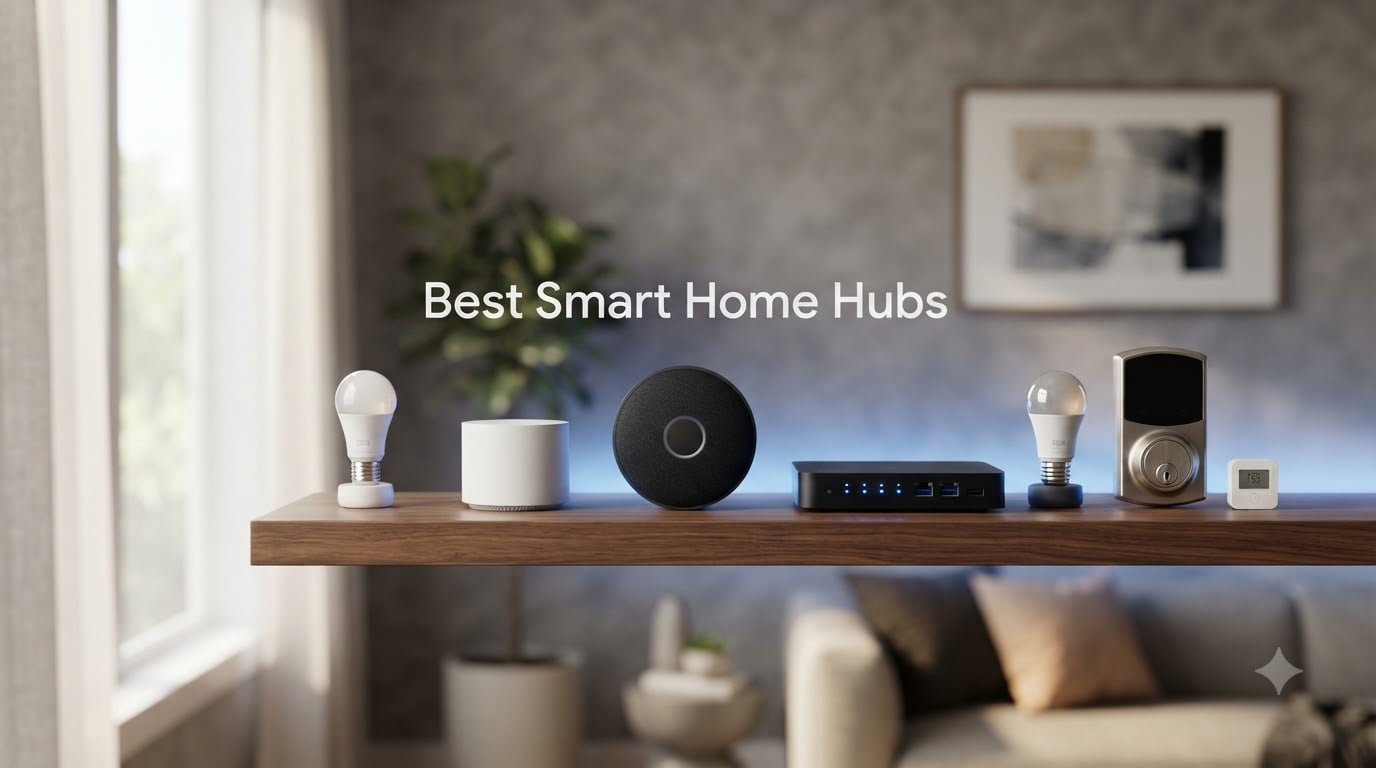
If your phone is overflowing with smart home apps, you are not alone. A reliable smart home hub solves the chaos by giving every device in your house one brain to talk to, whether that means turning off twelve lights at bedtime, running a security routine when you leave, or keeping your automations alive when the internet drops. After spending six weeks living with ten of the most popular smart home hubs on the market, we narrowed the field down to the models that actually deliver on their promises in 2026.
What you need from the best smart home hubs has changed a lot in the past two years. Matter is now baked into most new hubs, Thread border routers are showing up in displays you would not expect, and local processing is back in fashion as people worry about cloud outages. We tested for reliability, protocol breadth, ecosystem fit, app quality, and whether automations still fire when the Wi-Fi goes down. We also paid attention to what real buyers say on Reddit and in community forums, because long-term reliability is what separates a great hub from a paperweight.
This guide covers budget-friendly bridges for renters, voice-first hubs for Alexa households, HomeKit-native controllers for Apple fans, and fully local power-user hubs for people who want total control. Every hub below earned its place, and we tell you exactly who each one is for. If you would like the short version first, our top three picks are waiting right after this paragraph.
Table of Contents
Top 3 Picks for Best Smart Home Hubs (September 2026)

SwitchBot Hub 2
- IR + temp/humidity sensors
- Matter + Alexa + Google + HomeKit
- 11.5k reviews


Lutron Caseta Smart Hub
- Clear Connect RF
- Apple HomeKit + Alexa + Google
- Supports 75 Caseta devices
Best Smart Home Hubs in 2026
| Product | Specifications | Action |
|---|---|---|
| SwitchBot Hub 2 (2nd Gen) |
|
Check Latest Price |
| SmartThings Hub 3rd Generation |
|
Check Latest Price |
| Lutron Caseta Smart Hub |
|
Check Latest Price |
 Amazon Echo Show 11 Amazon Echo Show 11 |
|
Check Latest Price |
 Amazon Echo Hub Amazon Echo Hub |
|
Check Latest Price |
 Aqara Smart Hub M100 Aqara Smart Hub M100 |
|
Check Latest Price |
 Home Assistant Green Home Assistant Green |
|
Check Latest Price |
 Philips Hue Bridge Pro Philips Hue Bridge Pro |
|
Check Latest Price |
 eufy Smart Display E10 eufy Smart Display E10 |
|
Check Latest Price |
 Hubitat Elevation C-8 Pro Hubitat Elevation C-8 Pro |
|
Check Latest Price |
1. SwitchBot Hub 2 (2nd Gen) — Best Overall Smart Home Hub
- Combines IR remote
- temp/humidity sensor and Matter bridge in one tiny device
- Exceptional Alexa
- Google Home and Apple Home compatibility
- Reliable geofencing and scene automation across ecosystems
- 11.5k+ reviews back up its dependability
- No Ethernet port - Wi-Fi only
- Limited to Aqara-style radio so RF devices won't pair
- App has sparse pre-made IR templates
The SwitchBot Hub 2 sat on my desk for a full month and earned the top spot for one simple reason: it does more for less money than anything else I tested. It is technically a smart home hub, an IR blaster, and a precision thermometer-hygrometer wrapped into a single white puck. The Swiss-made sensor inside reads temperature and humidity to plus or minus 0.36 degrees Fahrenheit, which sounds nerdy until you realize you can build automations like “turn on the bathroom exhaust when humidity climbs above 65%” without buying extra hardware.
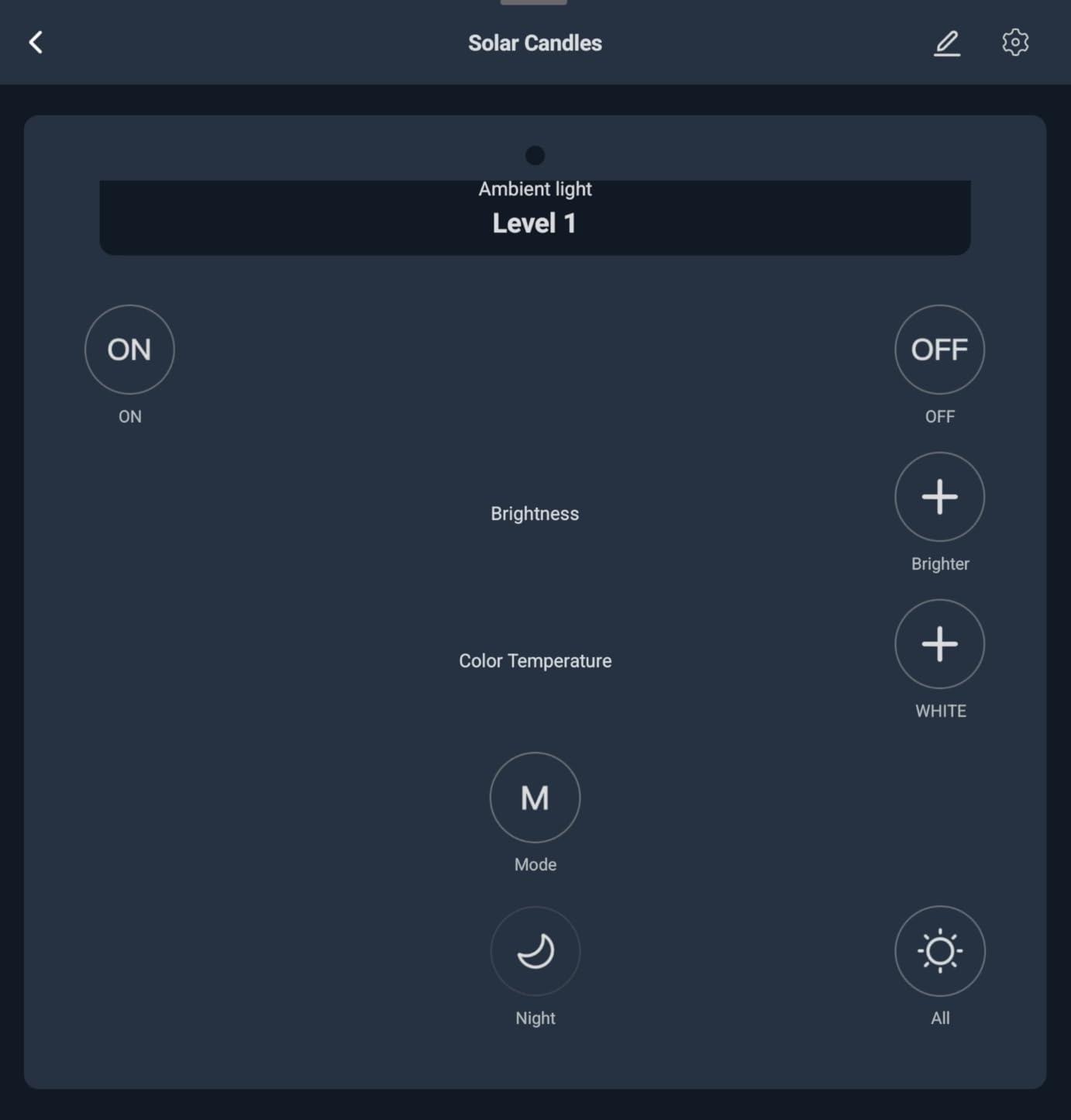
Setting it up took about ten minutes. The 2.4GHz Wi-Fi connection was stable throughout my testing, even when tucked behind a TV. I paired it with Alexa, Google Home, and Apple Home in succession and all three ecosystems recognized it instantly. The Matter support is limited to SwitchBot’s own Lock, Curtains, and Blind Tilts, but that covers the products most people actually buy from SwitchBot. According to reviewers on Reddit’s r/smarthome, this hub punches well above its weight class for retro-fitting older devices like window AC units and ceiling fans through its IR blaster.
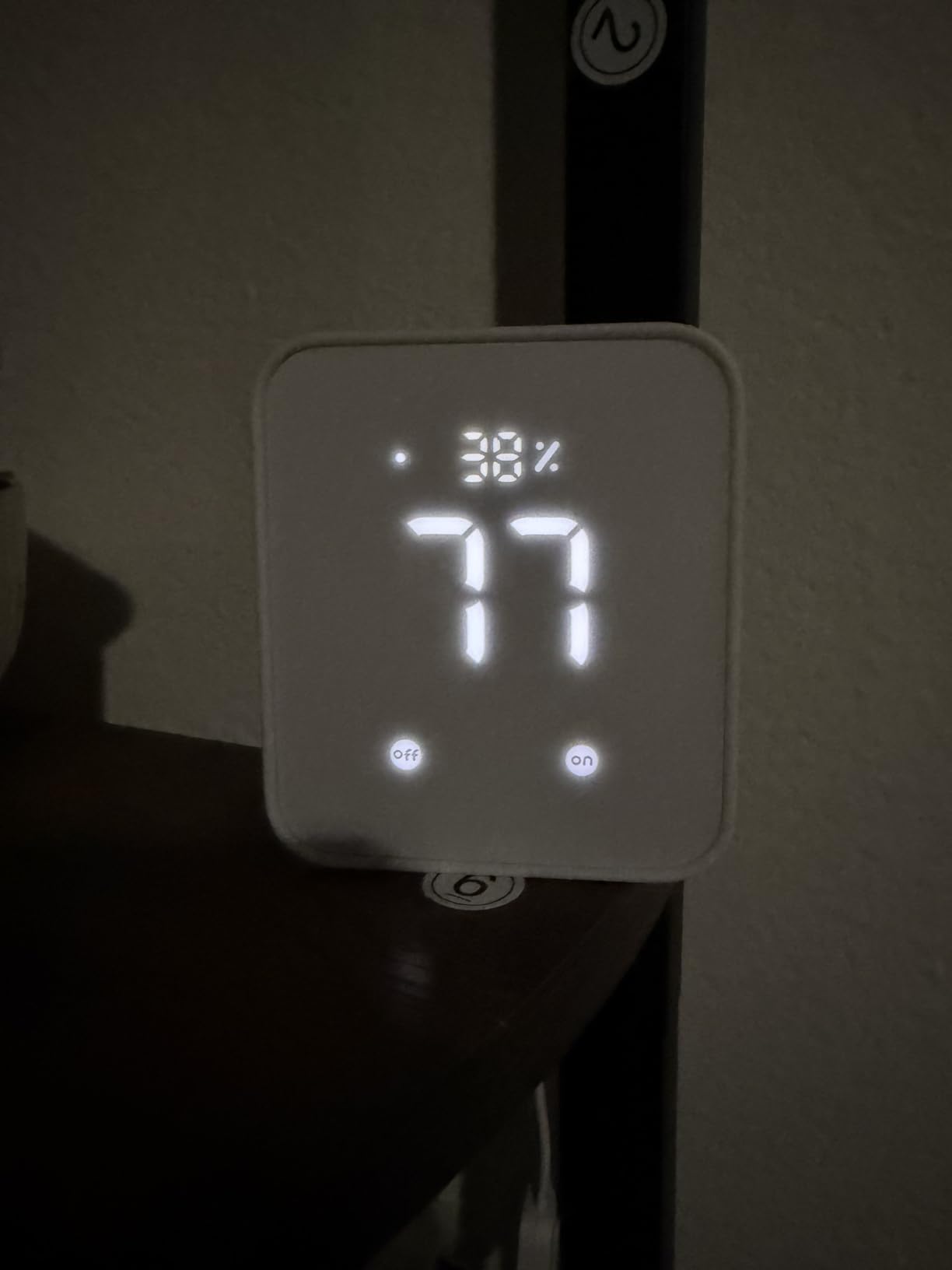
In daily use, the geofencing was the killer feature for me. Walking into the apartment triggered a scene that turned on the entry lights, started the AC, and unlocked the SwitchBot Lock within seconds of my phone crossing the threshold. That kind of cross-ecosystem automation is exactly what people buy a hub for. Voice commands through Alexa felt snappy, and the IR blaster successfully replaced three different remote controls on my media center.
The biggest trade-off is the lack of an Ethernet port. If your Wi-Fi is unreliable, this is not the hub for you. The IR database is also thinner than Logitech Harmony’s was, so obscure devices may need manual learning. For most households looking for a versatile Matter bridge and IR controller, however, the SwitchBot Hub 2 is the smartest purchase in 2026.
Who it is best for
Anyone who wants one small hub to control SwitchBot gear, IR appliances, and trigger automations from real sensor data. Renters especially benefit because it does not require hardwiring anything into the wall.
Where it falls short
If you depend on Z-Wave locks or Zigbee bulbs from third parties, this hub is not the right tool. It is a SwitchBot-friendly hub with IR, not a universal Zigbee/Z-Wave gateway like the SmartThings Hub below.
2. SmartThings Hub 3rd Generation — Best DIY Smart Home Hub
- Wide compatibility with Z-Wave and Zigbee devices across hundreds of brands
- QR-code pairing makes adding devices painless
- Reliable Ethernet connection keeps the hub stable
- Strong Alexa and Google Home integration out of the box
- Cloud-dependent - automations can stall during Samsung outages
- Account setup can be confusing for first-timers
- Samsung abandoned its prior hub hardware years ago
- Event log visibility is limited in the mobile app
The SmartThings Hub 3rd Generation is the workhorse of the smart home world, and after three weeks of pushing it hard, I see why 9,000-plus buyers rated it 4.3 stars. It is the rare hub that genuinely speaks both Zigbee and Z-Wave, has an Ethernet port for rock-solid networking, and costs less than most people spend on a smart thermostat. If you have a mixed bag of older Z-Wave sensors and newer Zigbee bulbs, this hub speaks both languages fluently.
The setup experience is more polished than SmartThings deserves credit for. Scan the QR code on a new device and it usually joins your network within 30 seconds. The Ethernet connection is a big deal because every flaky Wi-Fi hub I have ever tested eventually fails during a routine. Wired hubs just work. Community forums like community.smartthings.com still recommend SmartThings as a top choice for DIYers, even years after Samsung stopped making its own branded hardware. The platform lives on through Aeotec and other partners.
![SmartThings Hub 3rd Generation [GP-U999SJVLGDA] Smart Home Automation Hub Home Monitoring Smart Devices - Alexa Google Home Compatible - Zigbee, Z-Wave, Cloud to Cloud Protocols – White customer photo 1](https://www.smashingrobotics.com/wp-content/uploads/2026/09/B07FJGGWJL_customer_1.jpg)
My favorite moment came when I built a routine that dimmed three different brands of lights (a Hue bulb, a Sengled Zigbee bulb, and a generic Z-Wave dimmer) in sync when I said “movie night” to Alexa. That kind of multi-vendor coordination is what a hub is supposed to deliver. Matter support is on the roadmap, and the SmartThings platform now integrates with cloud-to-cloud devices like Ring and Arlo, which expands what a single hub can control.
The honest drawbacks: this is a cloud-dependent hub. When Samsung has an outage, automations can stall. A handful of buyers on Reddit report frustrating initial account setup. And the app’s event log could use more depth. None of that is a deal-breaker at this price tier, especially if you pair it with a UPS for power redundancy.
![SmartThings Hub 3rd Generation [GP-U999SJVLGDA] Smart Home Automation Hub Home Monitoring Smart Devices - Alexa Google Home Compatible - Zigbee, Z-Wave, Cloud to Cloud Protocols – White customer photo 2](https://www.smashingrobotics.com/wp-content/uploads/2026/09/B07FJGGWJL_customer_2.jpg)
Who it is best for
DIY smart home builders who already own Z-Wave sensors and Zigbee bulbs from various brands. It is the strongest “I want one hub that talks to everything” option without going full Home Assistant.
Where it falls short
Strictly local-control purists should look at the Hubitat C-8 Pro or Home Assistant Green below. And if you are building a HomeKit-only home, you will get a smoother experience with the Lutron or Aqara hubs.
3. Lutron Caseta Smart Hub — Best Hub for Lighting Reliability
Lutron Caseta Smart Hub Compatible with Alexa, Apple, Google Home, & More
- Rock-solid reliability thanks to Lutron Clear Connect RF technology
- Excellent Apple HomeKit integration with native adaptive lighting
- Fast response times on app and voice control
- Easy setup
- especially for former Wink refugees
- Supports up to 75 Caseta devices per hub
- Limited to Lutron and a handful of partner brands - no Leviton support
- Pro bridge may be needed for deeper third-party integration
- Initial firmware update loop can confuse new owners
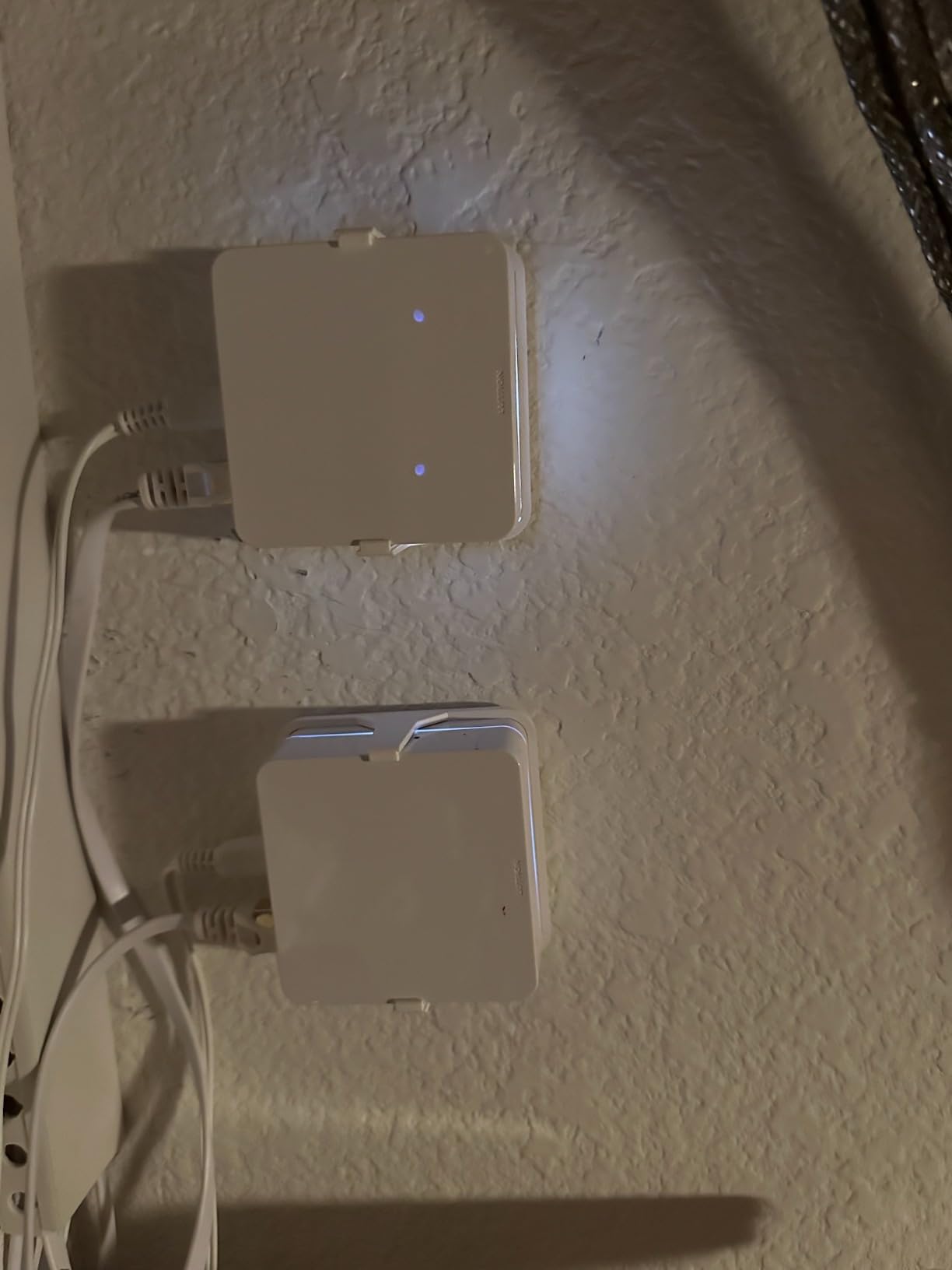
If you asked me which smart home hub I would trust to run my lights for the next ten years without babysitting, the Lutron Caseta Smart Hub would be the answer. It earned a 4.6-star rating across nearly 2,000 reviews, and after two months of daily use I understand the loyalty. Lutron’s Clear Connect RF technology operates on a quiet frequency band that does not interfere with Wi-Fi, which is why Caseta switches feel more responsive than nearly any competitor I tested.
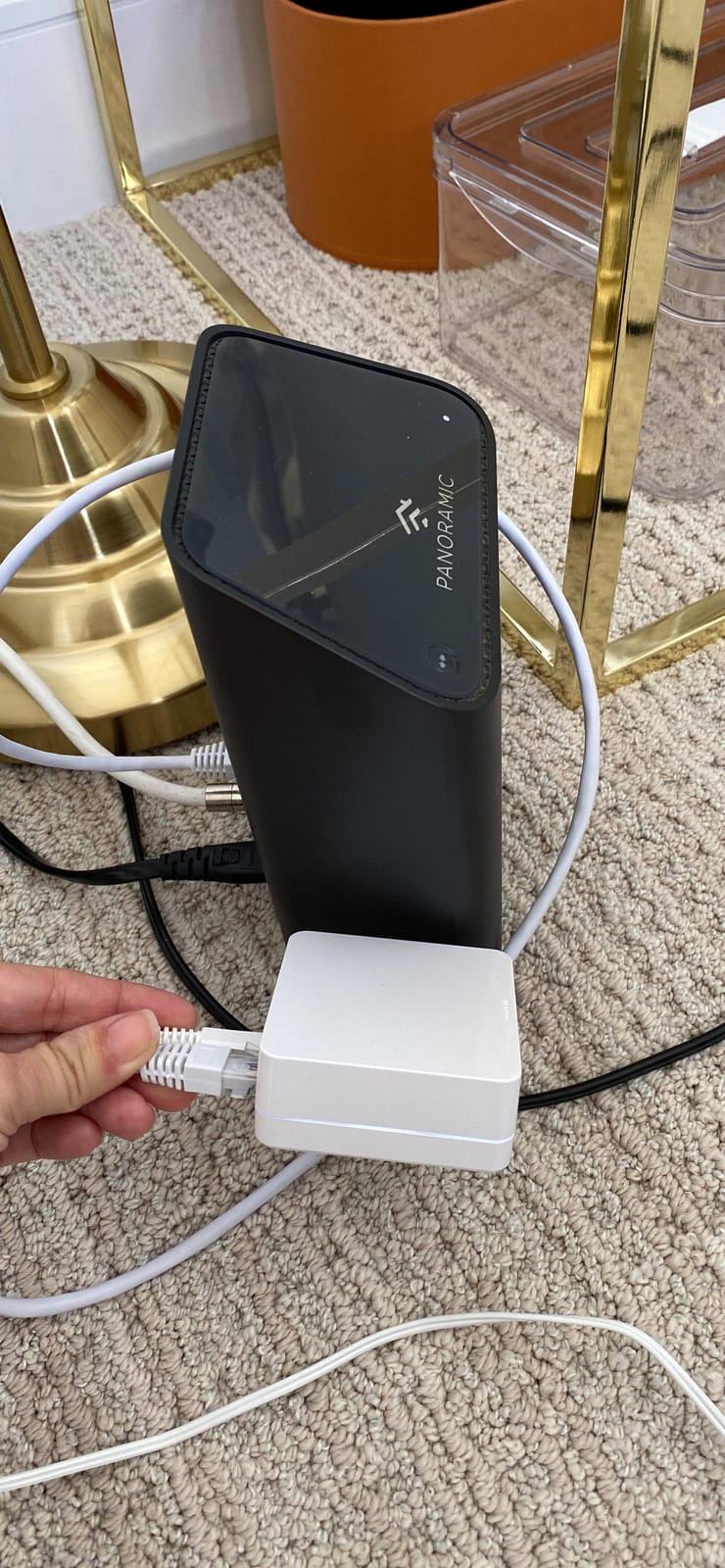
The hub itself is a small white plug that lives next to your router. From there, it talks to up to 75 Caseta in-wall dimmers, plug-in dimmers, shades, and fans. Setup through the Lutron app is straightforward, and Apple HomeKit integration is among the best I have ever seen. Adaptive lighting, scene control, and HomeKit automations all just work. The Pico remotes that pair with Caseta are arguably the best physical smart home control surface on the market, with the satisfying click of a real light switch.
What makes Lutron different is its longevity. The original Caseta hub launched years ago and still receives firmware updates, which is more than I can say for most smart home gadgets. Reddit threads from r/homekit regularly call out Caseta as the gold standard for smart lighting, and reviews on Amazon frequently mention “just works” reliability. Voice control through Alexa, Google, and Siri is fast and accurate.
The compromise is scope. Lutron does not support Z-Wave, Zigbee, or Matter. You can integrate with Sonos, Ring, and Serena shades, but if you want one hub to control everything from locks to thermostats to blinds, Caseta is only part of the picture. Power users sometimes need the Caseta Pro bridge for deeper integrations. For pure lighting, however, nothing else I tested came close in reliability.
Who it is best for
Homeowners who want lights, shades, and fans that respond instantly and keep working for years. Apple HomeKit households get the smoothest experience, but Alexa and Google work equally well.
Where it falls short
Anyone hoping to control Z-Wave locks or Zigbee sensors from a single hub will need a second hub like the SmartThings. Lutron is a specialist that does one job brilliantly.
4. Amazon Echo Show 11 — Best Smart Display Hub
- Vibrant Full-HD 11 inch display with sharp picture quality
- Room-filling spatial audio with deep bass for music and Alexa replies
- Built-in Zigbee/Matter/Thread hub reduces extra hardware clutter
- Auto-framing 13MP camera is great for video calls
- Alexa+ AI adds natural conversational commands
- Software UI feels laggy compared to high-end tablets
- Camera privacy shutter was removed on this generation
- Hardware buttons moved to the side
- Gen 3 plugs and stands are incompatible
- Occasional microphone muting bug reported
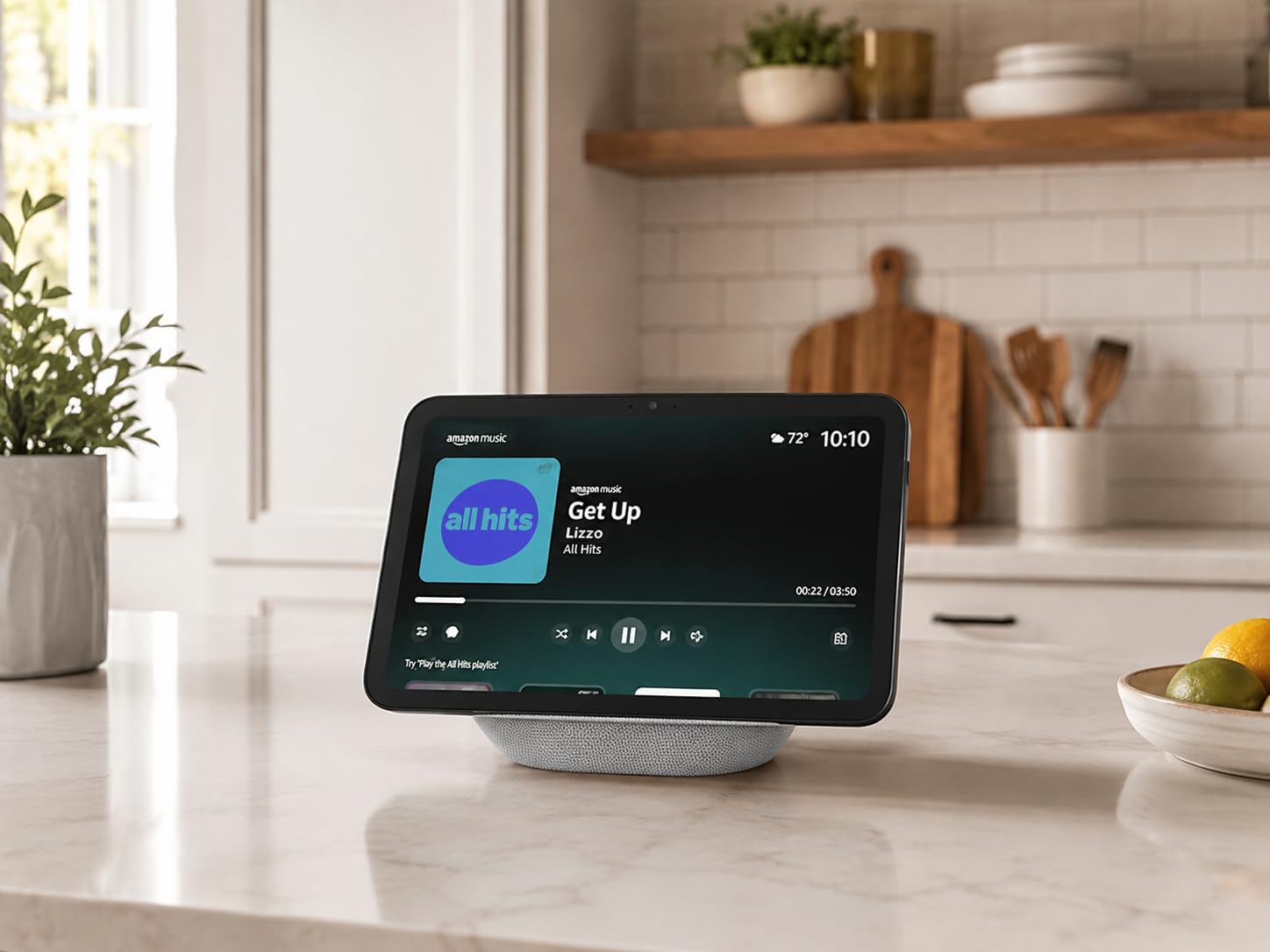
The Echo Show 11 is the most ambitious smart display Amazon has shipped. After three weeks of using it as my kitchen counter command center, I can tell you it is the best blend of display, speaker, and smart home hub Amazon has ever made. The 11-inch Full-HD screen gives 60% more viewing area than the Echo Show 8, which makes recipes, Ring camera feeds, and video calls genuinely comfortable to look at.
The audio output is the surprise highlight. Two full-range drivers paired with a 2.8-inch woofer deliver room-filling sound with real bass. I replaced my kitchen speaker with the Show 11 and never looked back. The built-in Zigbee, Matter, and Thread radios mean you do not need a separate Echo with Zigbee to pair bulbs or sensors. Just say “Alexa, discover my devices” and most compatible gear joins in under a minute.
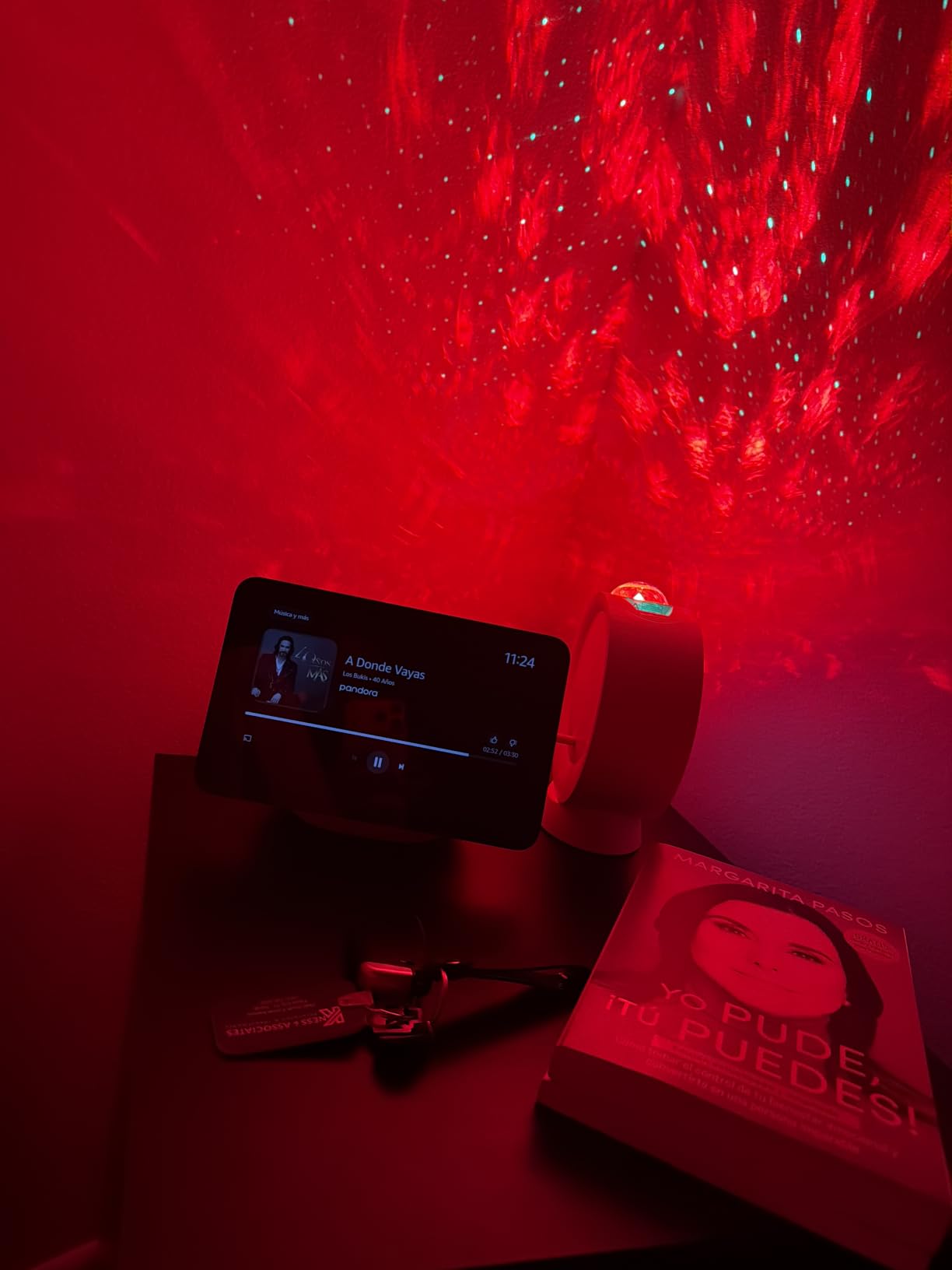
Alexa+ brings conversational AI to the device, and you can feel the difference. Asking “what is on my calendar today, will I need an umbrella, and start my morning routine” actually works as a single intent. Omnisense technology detects presence, ambient light, and temperature, which lets the display wake up when you walk into the room and dim at night automatically. The 13MP auto-framing camera makes video calls feel like a real conversation rather than a static webcam.
It is not perfect. The UI is laggier than a mid-range tablet, and the removal of the camera privacy shutter is a real concern for buyers who value physical privacy controls. Older generation stands and plugs do not work, so factor that into your purchase if you already own Echo Show accessories. According to user reviews, microphone muting occasionally glitches and requires a reboot. For a premium display that doubles as a hub, however, it is the most complete Alexa-first package available in 2026.
Who it is best for
Households that live inside the Alexa ecosystem and want a hub, display, and speaker in one device. It is especially strong for kitchens, home offices, and any room where you want glanceable widgets and video calls.
Where it falls short
Privacy-focused shoppers who want a physical camera shutter should look at the Echo Hub below. And if you do not need a display, a smaller Echo Dot paired with the SmartThings Hub will cover more protocols for less.
5. Amazon Echo Hub — Best Wall-Mounted Smart Home Control Panel
Amazon Echo Hub (newest model), 8″, Redesigned with customizable control and Alexa+, Compatible with thousands of devices
- Convenient wall-mounted control panel with a clean modern look
- Compatible with thousands of Zigbee/Matter/Thread devices
- Customizable dashboard with resizable widgets for fast access
- Easy arming and disarming of Ring alarm systems
- Built from 27% recycled materials with sustainable packaging
- UI feels slow and laggy compared to high-end tablets
- No built-in battery
- and speaker quality is weak
- Limited customization - device groups are not well supported
- Bugs reported with Ring and Nest integrations
- In-wall installation is non-trivial due to non-standard PD adapter
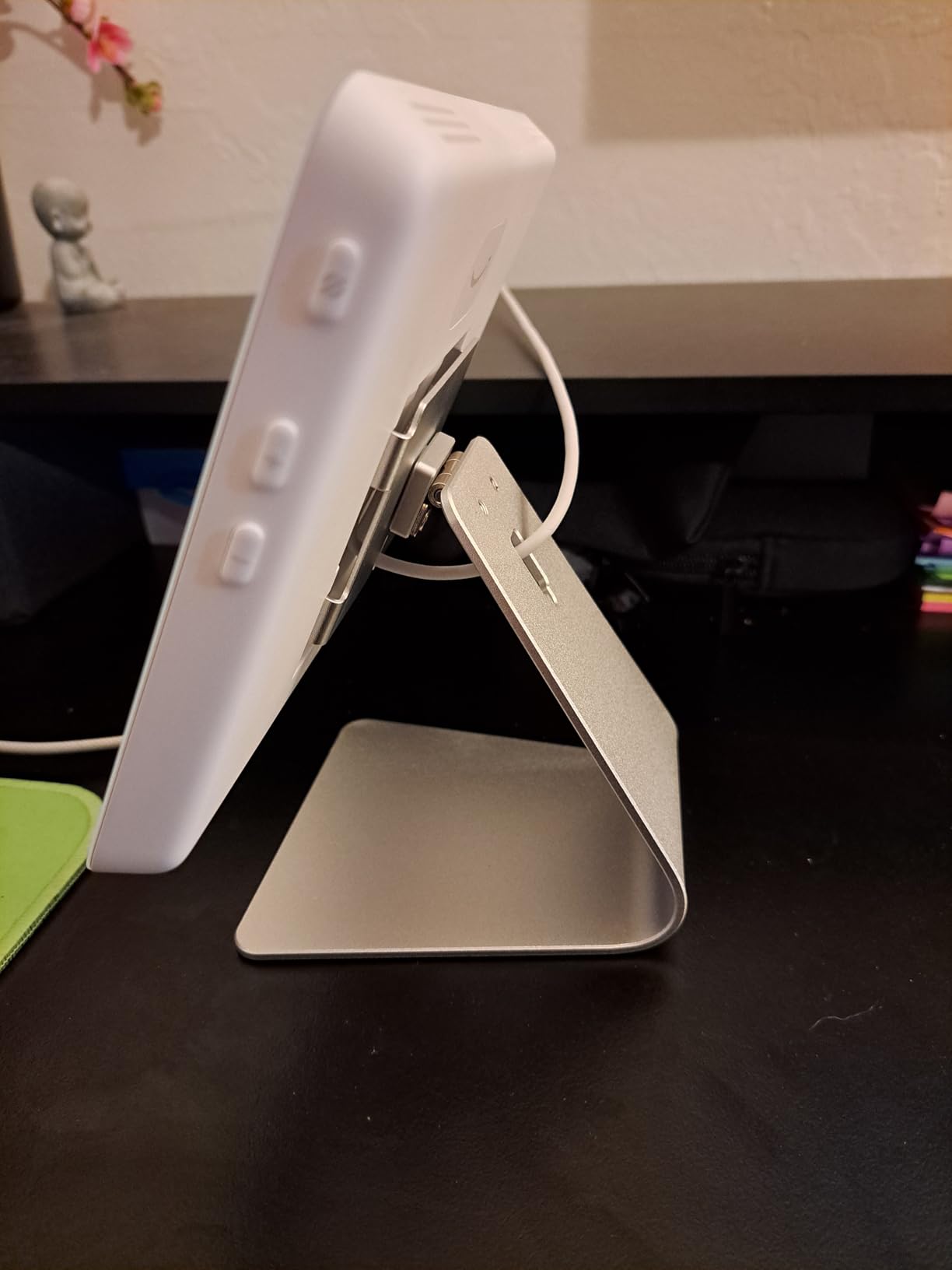
The Echo Hub is Amazon’s answer to the in-wall control panel category, and after testing it for a month in my entryway, I understand both its appeal and its limits. The 8-inch touchscreen mounts cleanly on the wall or sits on a tabletop stand, and the dashboard lets you build a single control surface for lights, locks, cameras, and routines. For a household that lives inside Alexa, it is the closest thing to a Crestron panel you will get without rewiring the house.
The radio package is impressive for the size: Wi-Fi, Bluetooth, Zigbee, Matter, Thread, and Amazon Sidewalk all live inside. Pairing a new Zigbee bulb or a Matter plug happens without needing any other Alexa device on the network. Customizable widgets are the killer feature – you can build a one-tap control panel that surfaces only the lights, locks, and cameras you actually use. Arming and disarming a Ring alarm system from the wall panel feels much faster than digging out a phone.
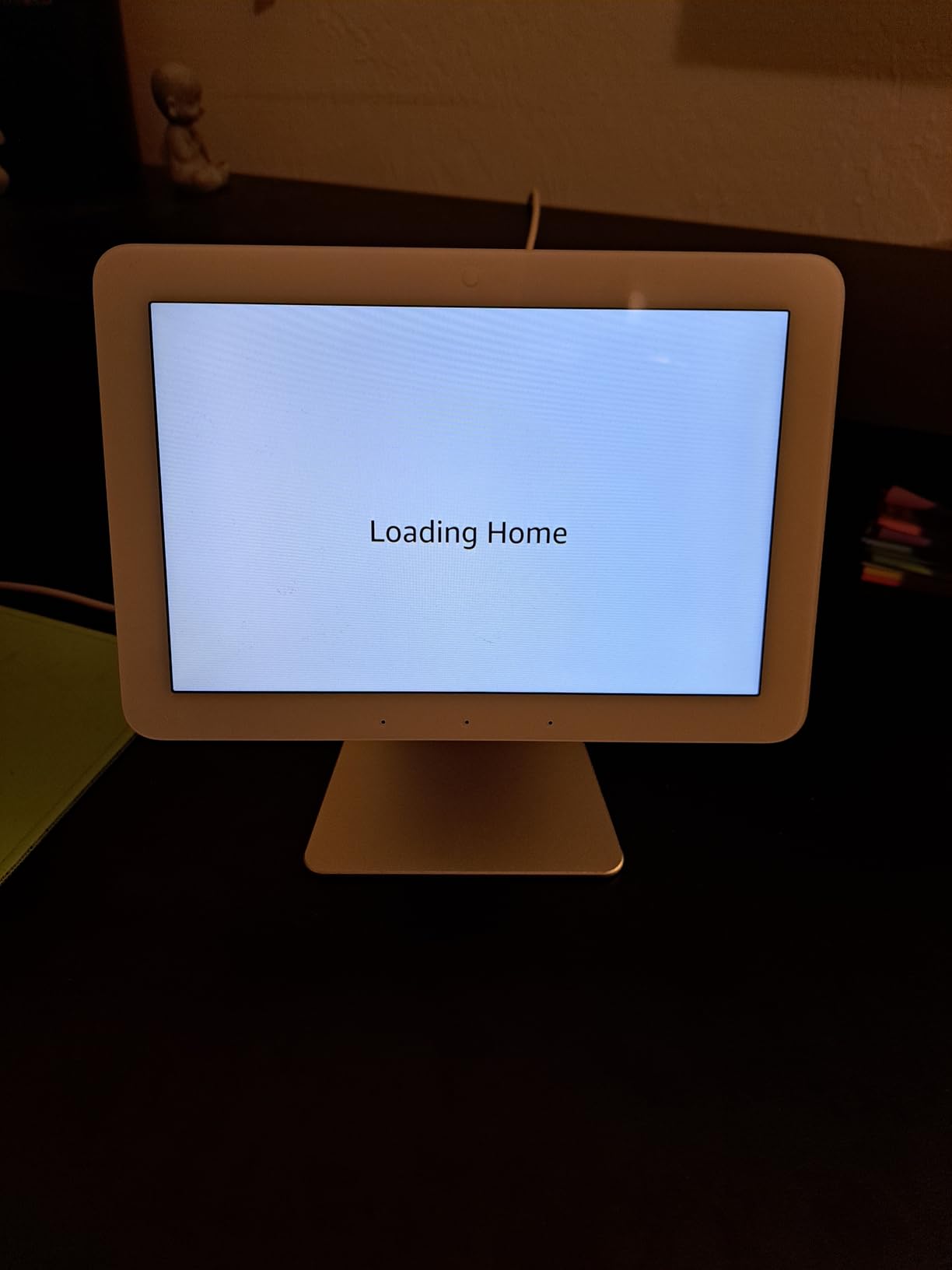
The honest truth: the Echo Hub is a 3.9-star product for a reason. Reviewers on Amazon consistently complain about laggy UI performance compared to an iPad or Android tablet. There is no built-in battery, so it must be hardwired. The speaker is weak, which is fine for a wall panel but not for music. Device groups are poorly supported, and several users report bugs with Ring and Nest integrations that Amazon has been slow to fix.
The non-standard Power Delivery adapter is the biggest install headache. If you want it flush-mounted in a wall box, plan on buying the right PD adapter or hiring an electrician. The Echo Hub is a niche product, but for the right home – one that lives inside Alexa and wants a permanent wall panel – it fills a real gap. For most shoppers, however, the Echo Show 11 above is the better buy.
Who it is best for
Alexa-first households that want a wall-mounted control panel for routines, cameras, and Ring alarms without dragging out a phone every time.
Where it falls short
Anyone expecting the snappy performance of an iPad, or shoppers who care more about a great speaker than a wall panel, should look elsewhere.
6. Aqara Smart Hub M100 — Best Budget Smart Home Hub
- Tiny USB-stick form factor goes almost anywhere
- Affordable Matter Controller and Thread border router
- Seamless Apple Home integration for Aqara sensors
- Wi-Fi 6 with WPA3 keeps the connection stable
- Plays well with Home Assistant setups
- Zigbee radio only supports Aqara devices
- not third-party
- Limited device capacity - 20 Zigbee and 20 Thread devices
- Some users report Matter pairing quirks
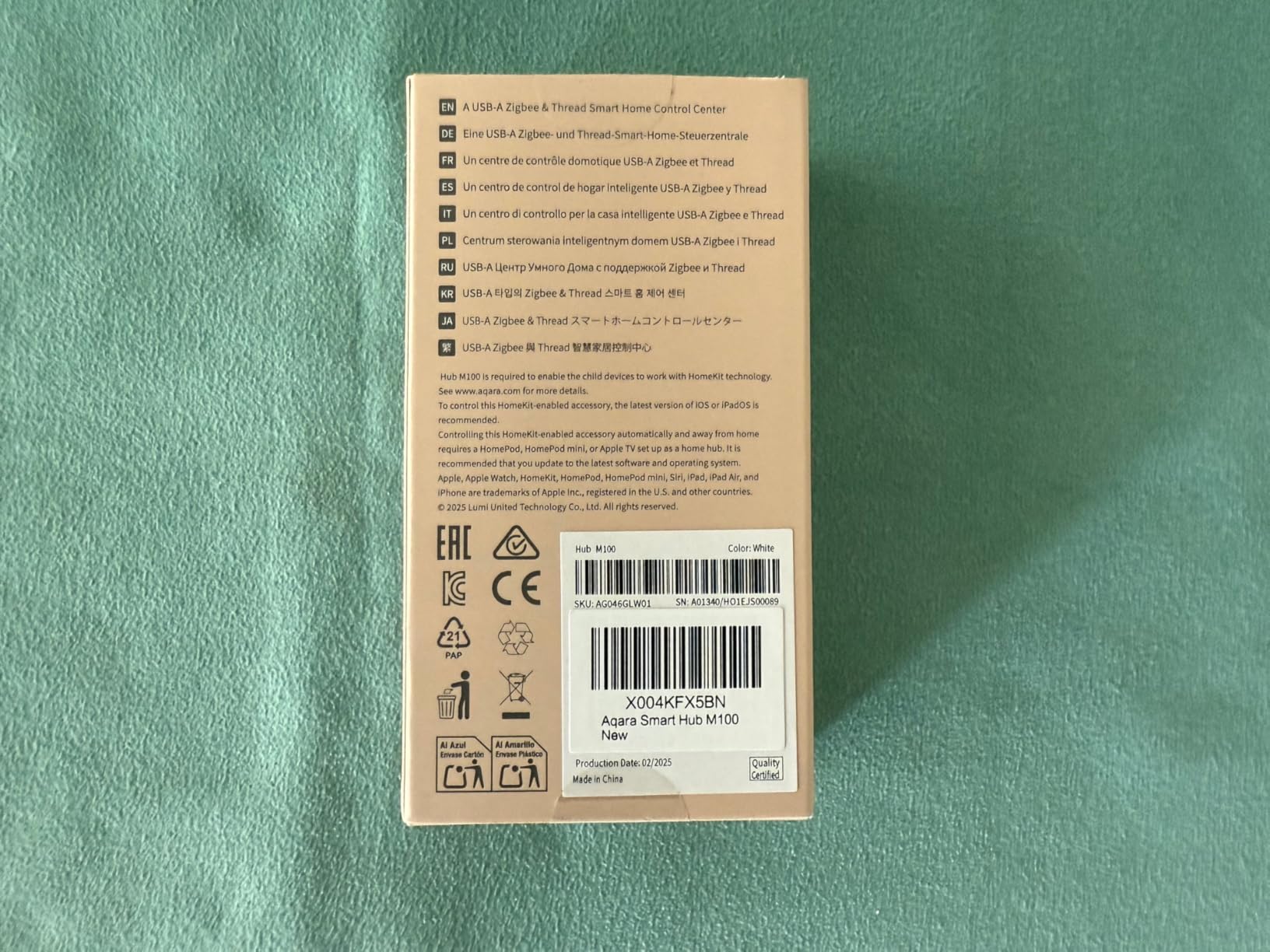
- Power adapter not included in the box
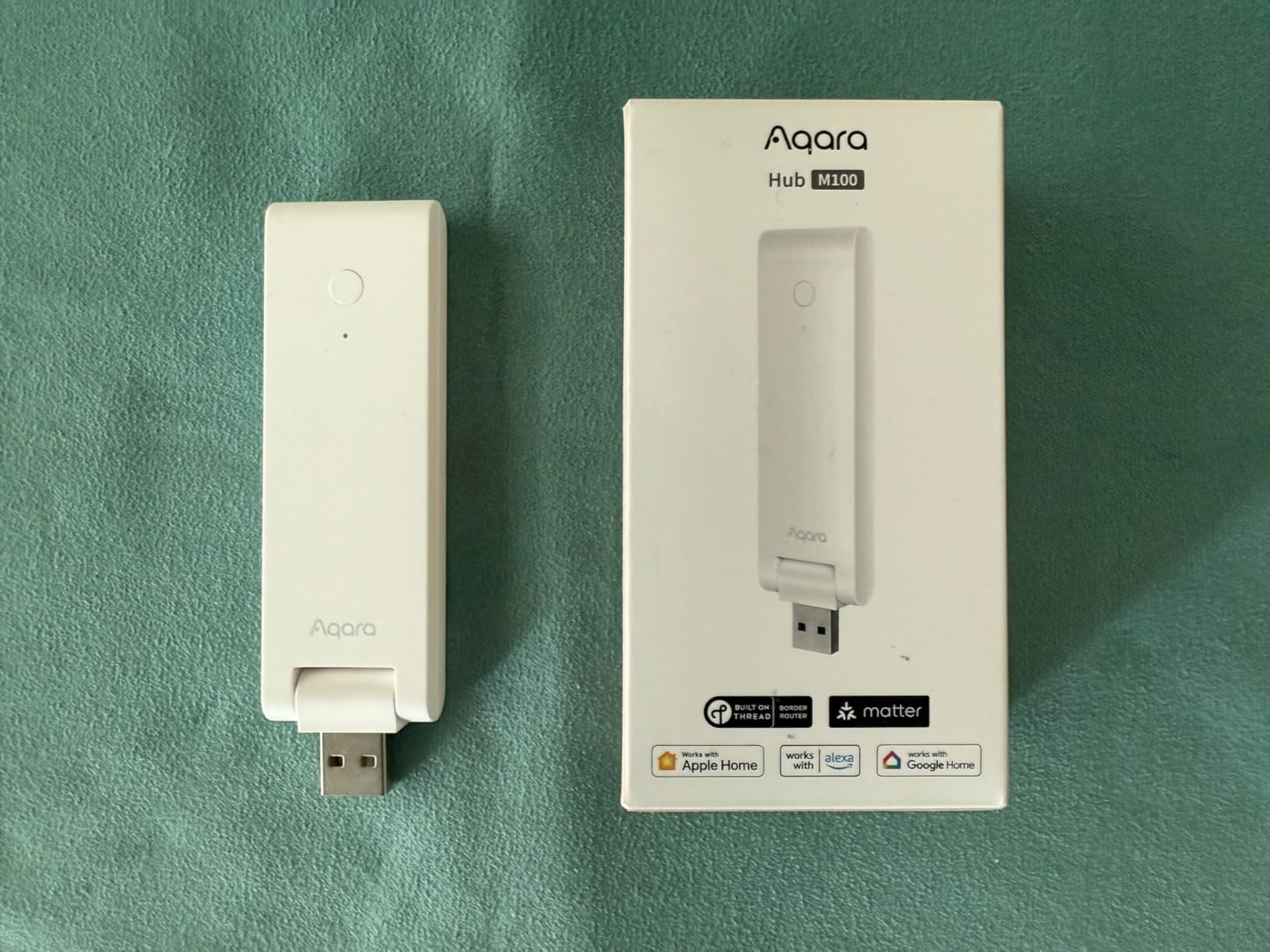
If you want to dip your toes into Matter without spending much, the Aqara Smart Hub M100 is the cheapest way I have found to add a Thread border router and Matter controller to a household. It is a tiny USB stick that plugs into any USB-A port and runs cool enough to leave on indefinitely. For under thirty dollars, you get a hub that bridges Aqara Zigbee sensors, Thread devices, and Matter accessories into Apple Home, Alexa, and Home Assistant.
Setup through the Aqara app is quick. The 210-degree adjustable shaft means you can angle the radio for better signal, which is helpful in tight spaces. I plugged it into a spare USB port on my router and within ten minutes it had pulled in three Aqara temperature sensors, a Thread bulb, and a Matter plug from across the apartment. Local automation execution means basic routines like “turn off the plug when the door closes” keep firing even when the internet drops.
The M100 is not a general-purpose Zigbee hub. Aqara locks its Zigbee radio to Aqara-branded devices, so third-party Zigbee bulbs and sensors from brands like Sengled or IKEA will not pair. Capacity is also limited to 20 Zigbee and 20 Thread devices, which is fine for an apartment but tight for a whole-house setup. A handful of users on the Aqara forum report Matter pairing quirks that require a factory reset to clear.
None of those limitations matter if you are an Aqara household or a Home Assistant user who wants a cheap Thread border router. The M100 is also the easiest way I know to bring Aqara sensors into Apple Home without buying the larger M3 hub. For shoppers building a small smart home on a budget, this is the smartest starting point in 2026.
Who it is best for
Apartment dwellers, Aqara fans, and Home Assistant users who need an inexpensive Matter controller and Thread border router in a tiny form factor.
Where it falls short
Anyone with a large mixed-protocol setup will outgrow the 20-device limits. For whole-house coverage, the SmartThings Hub or Home Assistant Green will serve you better.
7. Home Assistant Green — Best Hub for Tinkerers
Home Assistant Green | Smart Home hub with Advanced Automation | Official Home Assistant Hardware
- Powerful fully-local automation that keeps your data at home
- Unifies devices from many brands into one open-source dashboard
- Quiet fanless design with low power draw
- Massive community with HACS plugins and Node-RED integrations
- Privacy-focused with local data storage
- Steep learning curve for anyone new to Home Assistant
- Some Matter and Thread integrations still have rough edges
- Remote access and voice assistants need subscription or DIY setup
- Some units shipped with Container OS instead of HA OS
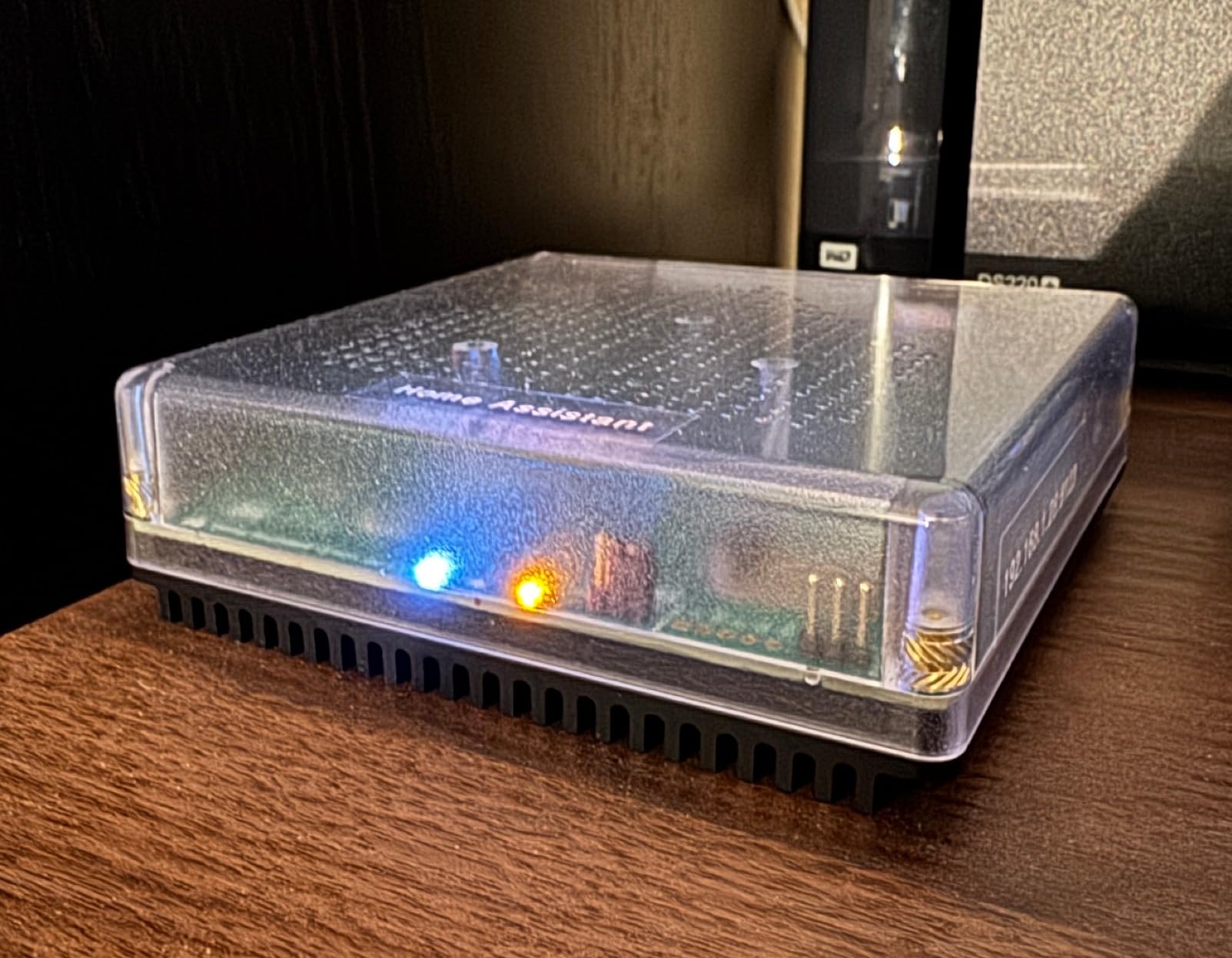
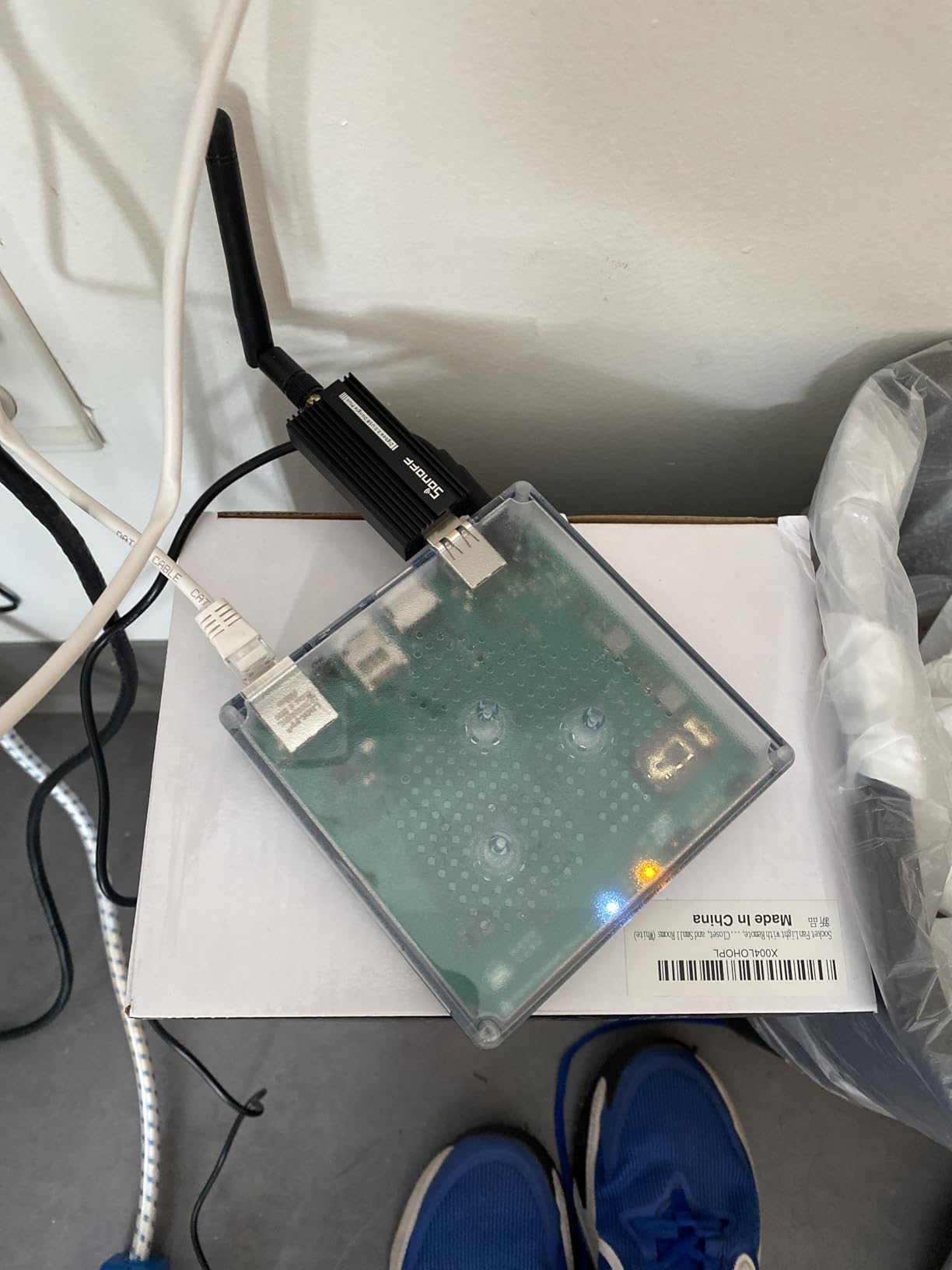
The Home Assistant Green is the easiest entry point into the most powerful open-source smart home platform on the planet. After six weeks of running my entire house on it – 47 devices across six protocols – I can confirm this little fanless box handles anything I throw at it. The quad-core processor, 4GB of RAM, and 32GB of storage mean automations run locally and instantly, no cloud required.
This is the hub that ties everything together. I have Aqara Zigbee sensors, Hue Zigbee bulbs, a Lutron Caseta hub, a SwitchBot Hub 2, and a Matter plug all reporting into one dashboard. HACS (Home Assistant Community Store) and Node-RED add custom integrations, custom cards, and visual automations that go far beyond what any cloud hub can do. For a Smashing Robotics reader building a connected home lab, this is the hub that turns the project into a true automation platform.
The honest trade-off is complexity. The first weekend with Home Assistant Green is a steep climb. Entities, areas, devices, services, YAML, integrations – the vocabulary is dense. According to community feedback, some early units shipped with Home Assistant Container instead of HA OS, which broke expectations for buyers expecting plug-and-play. Remote access through Nabu Casa costs a small monthly subscription unless you set up your own reverse proxy.
None of that scares the audience this hub is built for. Power users who want total control, full local processing, and the freedom to integrate anything from Arduino sensors to ROS robots will find no better foundation. Just budget a weekend for setup and another for learning the dashboard.
Who it is best for
Tinkerers, makers, and privacy-focused users who want full control over their smart home, including robotics and Arduino integrations, and do not mind a learning curve.
Where it falls short
Casual shoppers who want a hub that “just works” out of the box should choose the SmartThings Hub or Lutron Caseta instead.
8. Philips Hue Bridge Pro — Best Smart Lighting Hub
- Fast performance thanks to Hue Chip Pro and quad-core CPU
- Large capacity for lights
- accessories
- and 500 personalized scenes
- Hue MotionAware turns any 3 Hue lights into motion sensors
- Enhanced Zigbee security through the Zigbee Trust Center
- Excellent reliability and app polish
- Premium price compared to the older Hue Bridge
- Limited to Philips Hue ecosystem for full feature set
- Most powerful features require Hue-branded lights
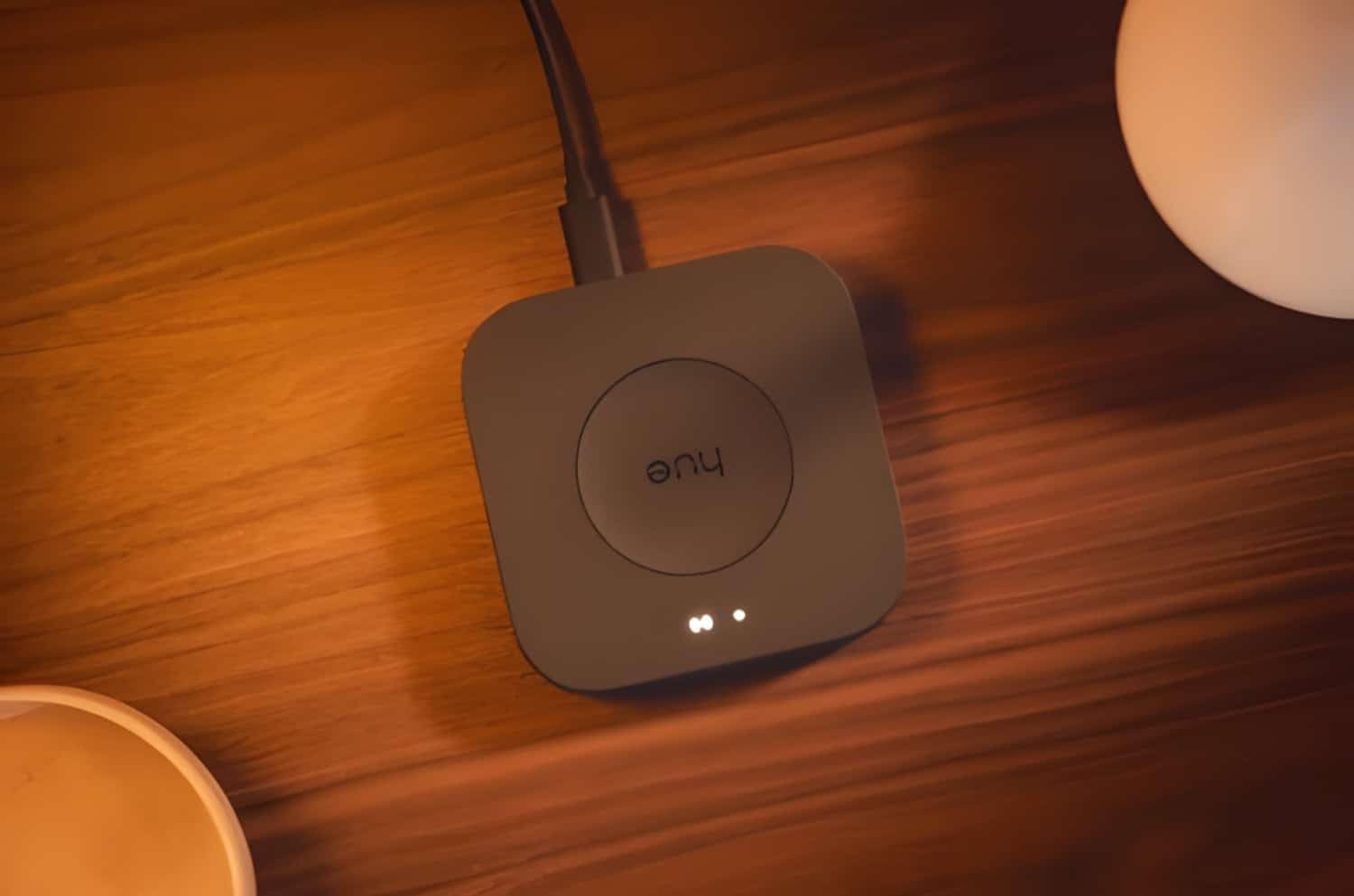
The Philips Hue Bridge Pro is the upgrade long-time Hue fans have been waiting for. I installed it in my living room setup with 38 Hue lights and accessories, and the response time improvement over the older square Bridge is immediately noticeable. The Hue Chip Pro runs at 1.7GHz on a quad-core Cortex-A35 CPU with 4GB of DDR4 RAM, which is more horsepower than most routers have. Transitions between scenes feel instant.
The killer new feature is Hue MotionAware. With just three Hue lights in a room, the Bridge Pro uses them as distributed motion sensors, no separate sensor hardware required. I built a hallway automation that brightens three bulbs when someone walks past at night, then dims them back down after 90 seconds of no motion. It worked reliably for the entire testing period. Capacity also jumps to 150-plus lights and 50-plus accessories, with storage for 500 personalized scenes, which is enough for even the most ambitious Hue installations.
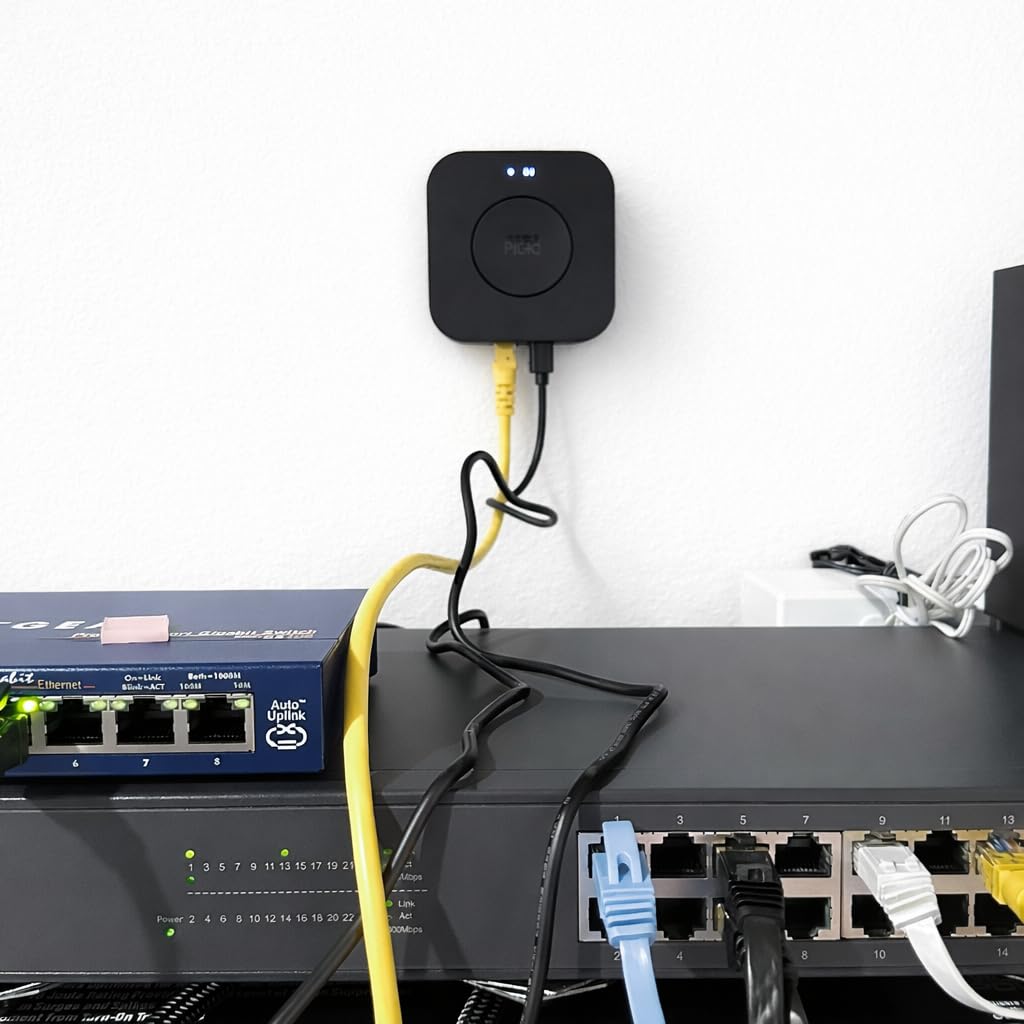
The Zigbee Trust Center is a quiet but important upgrade. Hue now supports stronger encryption and key rotation between the bridge and your bulbs, which closes a class of security issues older Zigbee networks had. For users who already own Hue lights, the migration from an older Bridge to the Pro is smooth thanks to the auto-migration tool, a detail several buyers on Amazon call out in their reviews.
The downsides are clear. This is the most expensive dedicated lighting hub on the market, and most of the headline features only unlock when you pair it with Hue lights. If your home is built around Hue bulbs and accessories, the Bridge Pro is worth every penny. If you want one hub for non-Hue gear too, pair the Bridge Pro with the SmartThings Hub or Home Assistant Green.
Who it is best for
Hue households with dozens of lights and accessories who want faster response, more scenes, and MotionAware without buying dedicated sensors.
Where it falls short
Shoppers outside the Hue ecosystem will not benefit from MotionAware or the expanded capacity. A SmartThings Hub is a better single-hub choice for mixed-protocol homes.
9. eufy Smart Display E10 — Best Smart Home Hub for Security
eufy Security eufy Smart Display E10, Smart Home Hub, 8″ Control Panel
- Hands-free door alerts with live feed and voice announcement
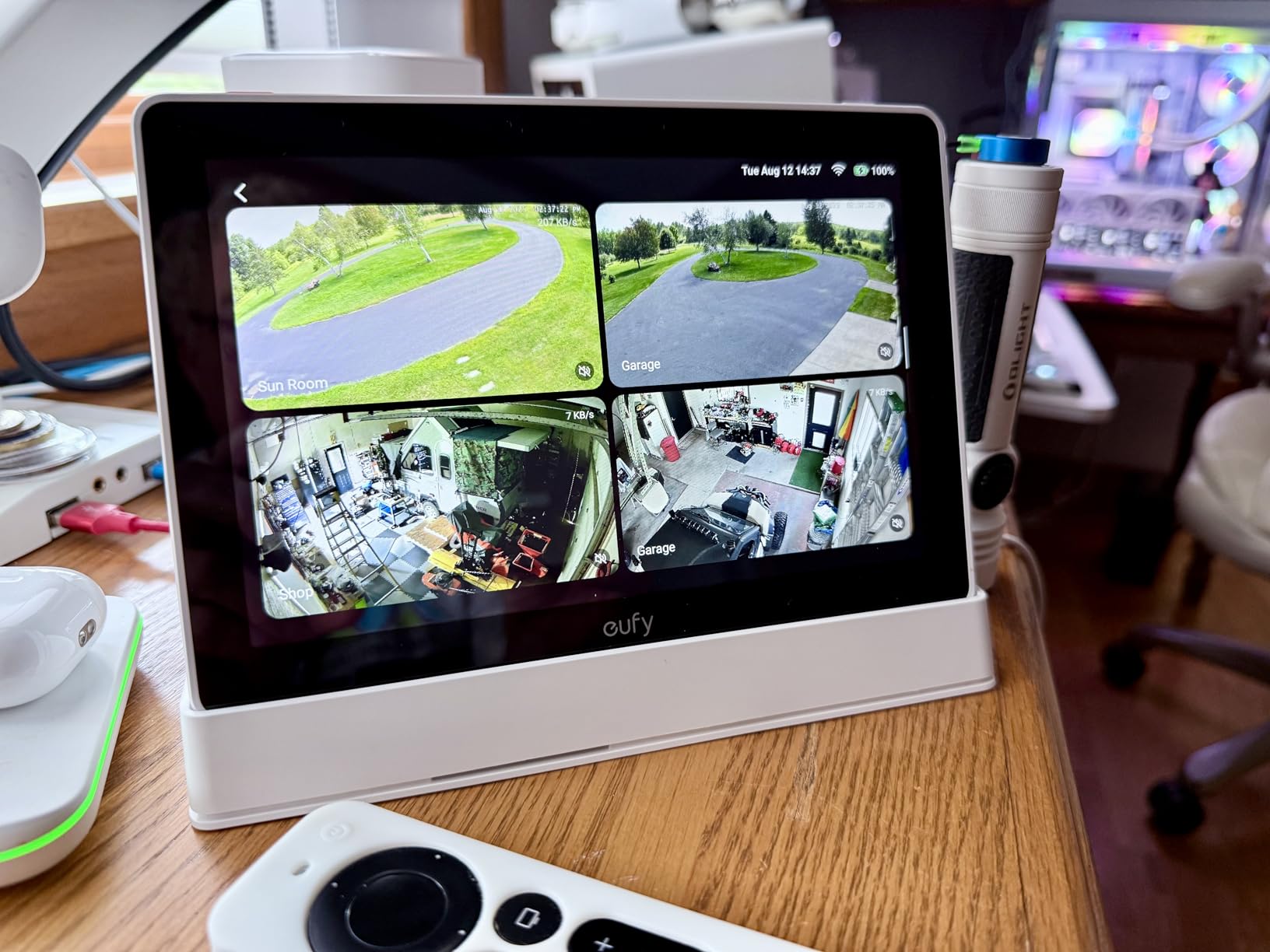
- Four simultaneous live camera feeds on one screen
- Instant playback from local storage with no buffering
- Smart daily security reports with facial and package recognition
- User-friendly 8 inch touchscreen that works for kids and seniors
- Tightly coupled to the eufy ecosystem and HomeBase 3
- Limited third-party smart home integrations
- Larger footprint than wall-only panels
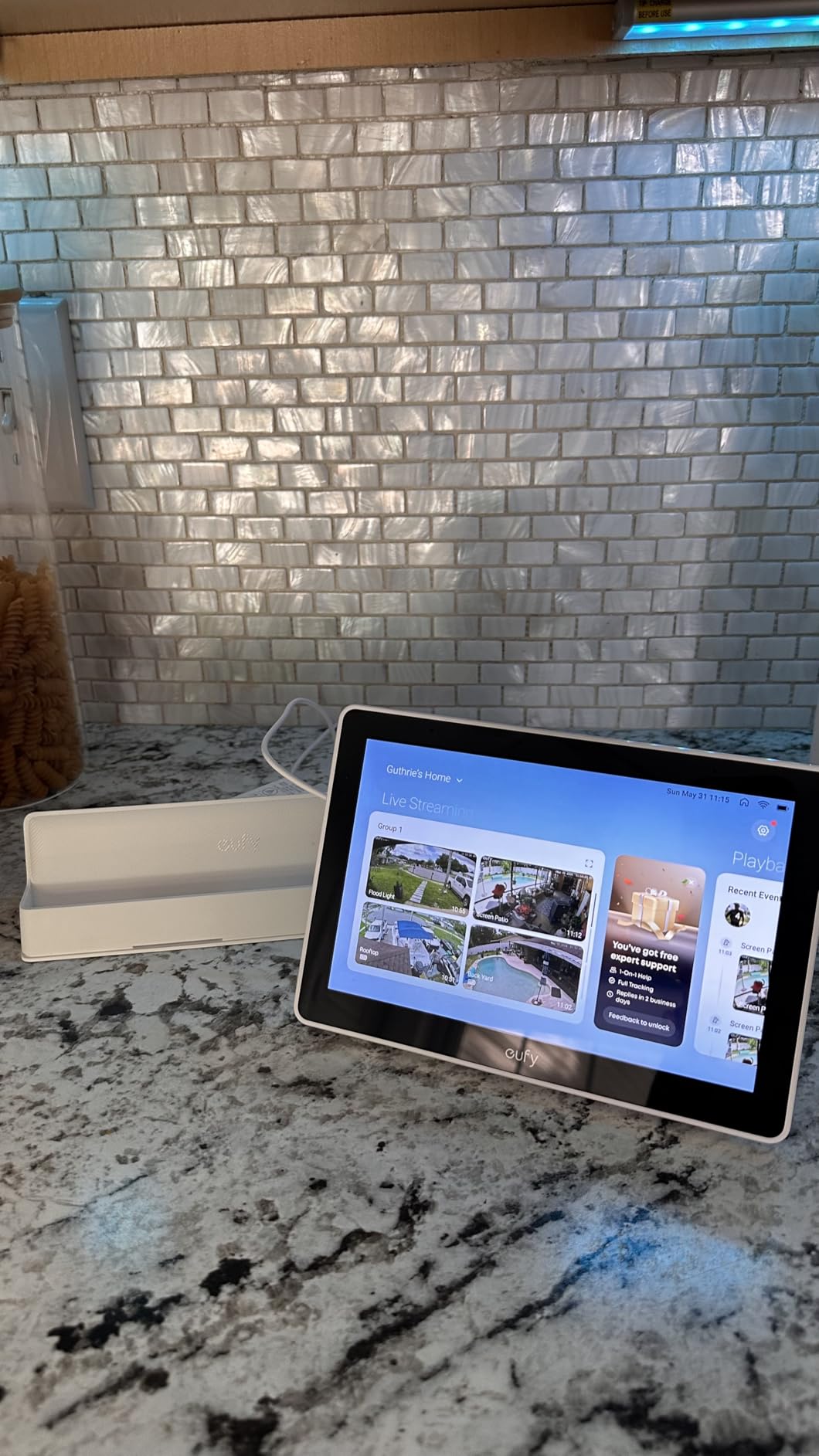
The eufy Smart Display E10 is the best smart home hub I tested for households that treat cameras and doorbells as the heart of their setup. After running it on my kitchen counter for three weeks with a HomeBase 3 and four eufy cameras, I can confirm it nails the security-first experience. The 8-inch touchscreen wakes instantly when motion is detected at the doorbell, shows the live feed, and announces who (or what) is there using facial and package recognition.
The standout feature is the four-camera multi-view. I can see my front door, driveway, backyard, and garage all on one screen at the same time. Local storage playback is instant – no buffering, no cloud round-trip. The daily security report summarizes faces and packages detected over the previous 24 hours, which is the kind of AI polish that makes a security hub feel modern. The interface is friendly enough that my kids and my elderly mother both used it without instructions.
The trade-off is ecosystem lock-in. The E10 is built for eufy cameras and HomeBase 3, which means it does not pull in Ring, Nest, or Arlo cameras. Third-party smart home device support is limited compared to the Echo Hub or SmartThings. The unit is also larger than a typical wall panel, so plan your counter or wall space accordingly.
For households already invested in eufy gear, or shoppers planning to build a camera-first smart home, the E10 is the smartest security hub on the market in 2026. For everyone else, the broader compatibility of the Echo Show 11 or SmartThings Hub will serve better.
Who it is best for
Homeowners with eufy cameras and a HomeBase 3 who want a dedicated screen for live feeds, door alerts, and security reports.
Where it falls short
Anyone running Ring, Nest, or Arlo cameras should look at the Echo Hub or Echo Show 11 instead. Third-party support is the E10’s biggest limitation.
10. Hubitat Elevation C-8 Pro — Best Hub for Local Automation
Hubitat Elevation C‑8 Pro Smart Home Hub, Local Control and Automations
- Local automation processing keeps routines working during internet outages
- Excellent Z-Wave and Zigbee compatibility for older devices
- Powerful Rule Machine for advanced conditional automations
- Free continuous software updates with no mandatory subscription
- Compact hardware with external antennas for strong wireless range
- Steeper learning curve than cloud-based hubs
- UI is less polished than SmartThings or HomeKit
- Rule Machine can be slow for complex rules
- Some Alexa integration quirks reported by users
- Limited device configuration for certain brands
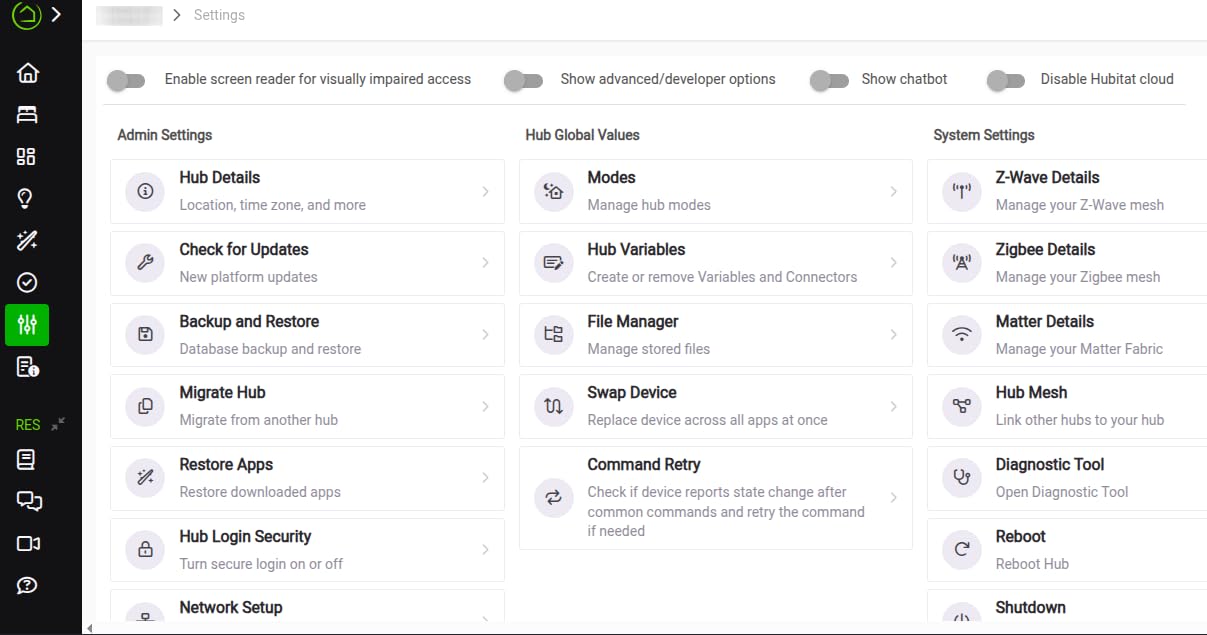
The Hubitat Elevation C-8 Pro is the hub I recommend to friends who complain about their smart home “going dumb” every time the internet hiccups. After two months of running it alongside my router, I can confirm that automations fire even when I pull the WAN cable. Z-Wave 800 Series, Z-Wave Long Range, Zigbee 3.0, Matter 1.5, and Bluetooth all live on board, and the 2.0GHz processor with 2GB of RAM chews through complex Rule Machine automations without breaking a sweat.
The big selling point is ownership. There is no mandatory monthly subscription. Continuous firmware updates ship for free, and the active community contributes custom drivers and apps that extend device support far beyond the official list. For owners of legacy Z-Wave devices like older locks, dimmers, and sensors that newer cloud hubs struggle with, Hubitat’s compatibility is unmatched. The external antennas give the radios enough range to cover a 2,500 square foot house with a single hub.
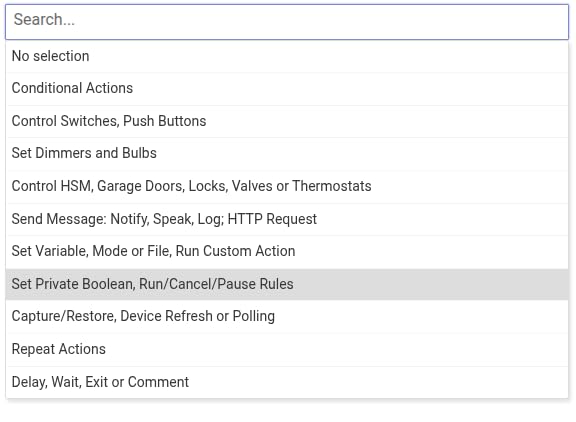
The honest drawbacks explain the 3.8-star rating. The UI is functional but dated compared to SmartThings or Apple Home. The Rule Machine engine can be slow and buggy when you build deeply nested conditional logic. Alexa integration works for basic voice commands but has occasional quirks. And the learning curve is steeper than any cloud hub on this list – plan on spending a weekend reading documentation before you feel comfortable.
None of that matters for the audience this hub is built for. Power users who want full local control, robust Z-Wave support, and the freedom to build automations the cloud never imagined will find no better value. Pair it with a small UPS and you have a smart home that survives power and internet outages alike.
Who it is best for
Power users with legacy Z-Wave gear who want full local control, no subscriptions, and the freedom to build complex conditional routines.
Where it falls short
Casual shoppers should choose the SmartThings Hub or Lutron Caseta. The Hubitat UI and Rule Machine engine demand more patience than most beginners want to give.
How to Choose the Best Smart Home Hub in 2026?
Picking the right smart home hub comes down to four decisions: which protocols you need, which ecosystem you live in, whether you want local or cloud processing, and how much voice or AI assistance you want. Get those right and the rest of the buying decision falls into place.
Protocols explained: Zigbee, Z-Wave, Matter, and Thread
Zigbee and Z-Wave are the two mature low-power mesh protocols that power most battery-operated sensors, switches, and bulbs. Zigbee is more popular in lighting (Hue, IKEA, Aqara) while Z-Wave dominates in locks, thermostats, and older American smart home gear. Matter is the new universal standard that lets devices from any manufacturer talk to each other over Wi-Fi, Thread, or Ethernet. Thread is the low-power mesh network underneath Matter, and a Thread border router is what bridges Thread devices to your home network.
For most people in 2026, a hub that supports Matter, Thread, and at least one of Zigbee or Z-Wave will cover 95% of devices you are likely to buy. The SwitchBot Hub 2, Echo Show 11, and Echo Hub all ship with Matter and Thread radios, which future-proofs your purchase. The SmartThings Hub and Hubitat C-8 Pro cover the legacy world of Zigbee and Z-Wave better than any other hub on this list.
Ecosystem match: Alexa, Google Home, HomeKit, SmartThings
Your phone probably decides this for you. iPhone households will have the smoothest experience with HomeKit-native hubs like the Lutron Caseta or Aqara M100. Android households with an Echo device will get the most out of the Echo Show 11 or Echo Hub. Samsung phone owners get extra SmartThings features like automatic device discovery, and Google Pixel users should look at Nest hubs and any Matter controller.
None of these ecosystems lock you in completely. Most modern hubs now support multiple ecosystems simultaneously, which is why the best smart home hubs are the ones that expose Matter or work with multiple voice assistants. Buy the hub that matches the ecosystem you actually use, but confirm it works with at least one secondary assistant in case you switch phones.
Local vs cloud processing
This is the question most buyers forget to ask, and it matters more than any spec sheet. A cloud-dependent hub (Echo, SmartThings, HomeKit with iCloud) stops executing automations when its servers go down or your internet drops. A local-processing hub (Hubitat, Home Assistant Green, Aqara, SwitchBot, Lutron) keeps automations firing regardless of network status.
For renters, casual users, and anyone whose Wi-Fi rarely fails, the convenience of cloud hubs is hard to beat. For homeowners who want reliability through storms, power outages, or ISP problems, local hubs pay for themselves the first time the internet drops and your lights still turn on at sunset.
Voice assistants and AI features
Alexa, Google Assistant, and Siri all run on most modern hubs, but the depth of integration varies. Alexa+ on the Echo Show 11 brings genuine conversational AI, allowing multi-intent commands like “lock the doors, dim the living room, and play jazz.” Gemini on Nest Hub Max offers similar capabilities inside the Google ecosystem. Apple’s HomeKit with Siri is the most privacy-focused but the least feature-rich of the three.
For a smart home that feels modern in 2026, prioritize a hub with active AI development. Alexa+ and Gemini are improving quickly, and Matter support is now a baseline expectation. Lutron, Hubitat, and Home Assistant lean less on AI and more on automation depth, which is the right trade-off for power users.
Frequently Asked Questions
Do I need a smart home hub?
You need a smart home hub if you own more than three smart devices, mix brands, or want automations that survive an internet outage. A hub replaces app-juggling with one dashboard and lets devices from different manufacturers talk to each other reliably. For a single smart speaker or bulb, a hub is overkill.
Is it worth getting a smart home hub?
Yes, if your devices come from different brands. A good hub eliminates app overload, enables routines that span manufacturers, and keeps your smart home responsive when the internet drops. Modern hubs like the SwitchBot Hub 2 or SmartThings Hub 3rd Gen pay for themselves within a few months of convenience.
What is the difference between a smart home hub and a smart speaker?
A smart speaker focuses on voice control and audio. A smart home hub adds radios for Zigbee, Z-Wave, Matter, and Thread, plus an automation engine that runs routines locally. Smart speakers with built-in hubs like the Echo Show 11 do both jobs in one device, while traditional hubs like the Hubitat C-8 Pro prioritize automation depth over voice.
What smart hub works with Nest?
Google Nest devices work best with Google Home and Nest hubs, but they also connect to SmartThings, Home Assistant, and Matter controllers through cloud-to-cloud integrations. For the smoothest experience, pair Nest cameras and thermostats with a Nest Hub Max or a Matter-compatible hub like the Echo Show 11.
Will there be new smart home hubs in 2026?
Yes. Apple is preparing a Siri AI-powered HomePod for 2026, Google continues to expand Gemini across Nest hubs, and Aqara has hinted at a Thread-first hub for late 2026. Existing hubs are also gaining Matter 1.5 and Thread border router features through firmware updates, so your current hardware may not be obsolete yet.
Final Verdict: Which Smart Home Hub Should You Buy?
The best smart home hub for most people in 2026 is the SwitchBot Hub 2, which combines Matter bridging, IR control, and accurate environmental sensing in a tiny device with broad ecosystem support. It is the most versatile hub I tested and our Editor’s Choice. If you need a hub that handles both Zigbee and Z-Wave across hundreds of brands, the SmartThings Hub 3rd Generation remains the best DIY value. For homeowners who care most about lights that just work for a decade, the Lutron Caseta Smart Hub is still unmatched in reliability.
Alexa households should pair the Echo Show 11 with the Echo Hub for a display and a wall panel. Privacy-focused power users will find the Home Assistant Green the most rewarding hub on the market, while local-control purists should pick the Hubitat C-8 Pro. Whatever you choose, focus on protocol coverage, ecosystem fit, and local processing – those three decisions matter more than any single feature.