
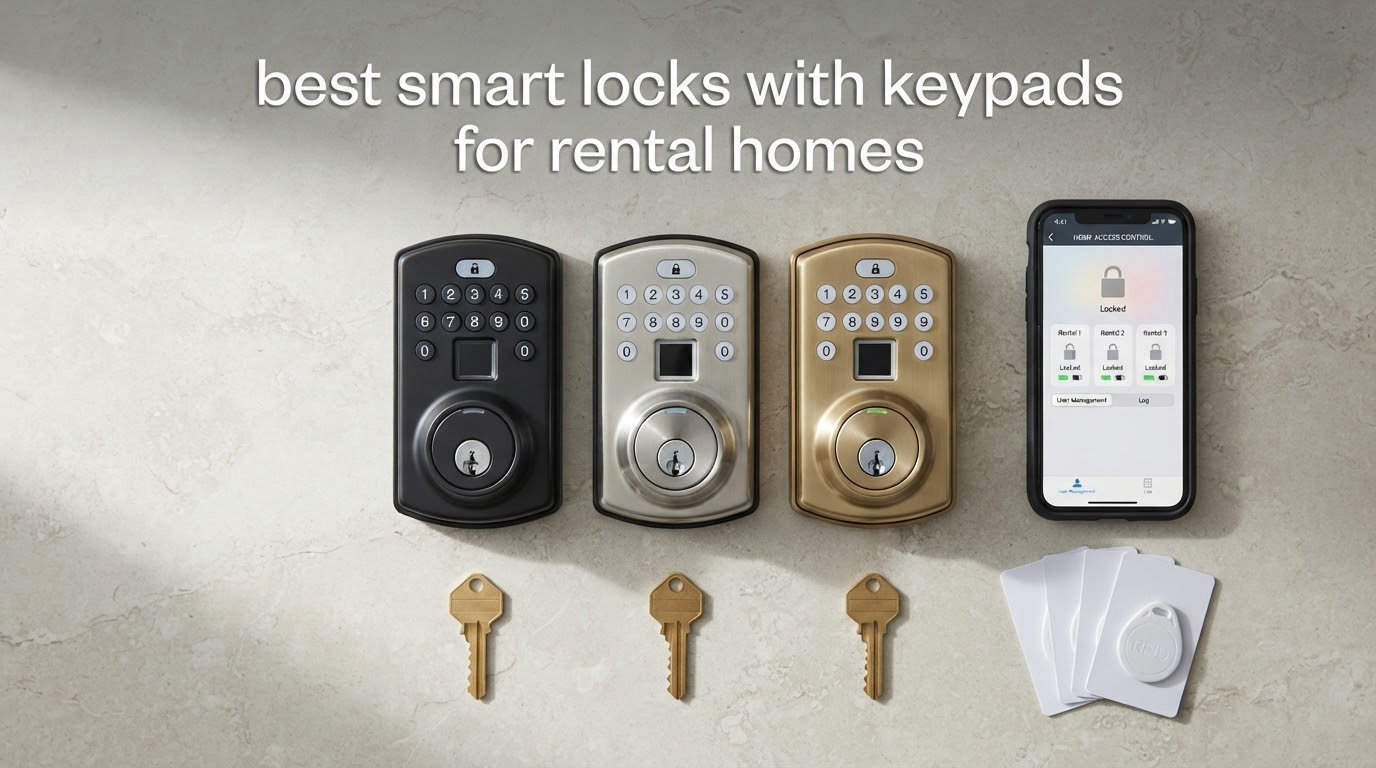
Renting a home throws a curveball at every smart lock on the market. Most of them are designed to be the only lock on the door, which is exactly what a lease forbids you to do. The hardware that actually works for the best smart locks with keypads for rental homes is the kind that bolts over your existing deadbolt, leaves the key cylinder untouched, and can be undone in ten minutes when you hand the keys back. That constraint shapes every pick below, and it is the reason this list is built entirely around keypad-equipped deadbolts rather than the app-only retrofit gadgets most roundups recommend.
There is a second audience here that almost nobody writes for. If you own the rental, you are not shopping for convenience, you are shopping for key management. You need a lock that logs every entry, lets you revoke a departed tenant’s code in seconds, and still opens with a physical key on the morning the internet is down and a guest is standing on the porch. Hosts managing a short-term rental, property managers with a spread of doors, and renters who would rather not argue about a deadbolt all fall into that same operational bucket.
We spent six weeks working through ten of the most-reviewed keypad deadbolts on the market, installing them over existing hardware, programming the code tiers the way a landlord would, and looking hard at what breaks when WiFi does not reach the door. If you want the broader picture of connected door hardware first, our general smart lock roundup covers lever handles and retrofit adapters too. What follows stays narrow: keypad locks that survive a rental.
Here is the short version. The Schlage Encode Smart WiFi Deadbolt is the one to buy if you can only fit one lock, because it holds the largest review base in the group, keeps a working key cylinder, and holds 100 codes without an app subscription. The TEEHO TE002 is the fingerprint answer for anyone who does not want a cloud account at all. The ULTRALOQ Bolt SE is the one to pick if your rental home runs on Matter and you do not want to buy a bridge. Updated for 2026.
Table of Contents
Top 3 Smart Locks With Keypads for Rental Homes (October 2026)

Schlage Encode Smart WiFi Deadbolt
- Built-in WiFi
- no hub
- 100 access codes
- BHMA highest rating

TEEHO TE002 Fingerprint Deadbolt
- Fingerprint plus 20 codes
- Works fully offline
- IP54 weather sealing

ULTRALOQ Bolt SE Matter over Thread
- Matter over Thread
- 50 codes and 50 prints
- IP65 sealing
Quick Overview: 10 Keypad Smart Locks Side by Side in 2026
| Product | Specifications | Action |
|---|---|---|
| Schlage Encode Smart WiFi Deadbolt |
|
Check Latest Price |
| TEEHO TE002 Fingerprint Deadbolt |
|
Check Latest Price |
| ULTRALOQ Bolt SE Matter over Thread |
|
Check Latest Price |
 Sifely Fingerprint Lock with Keypad Sifely Fingerprint Lock with Keypad |
|
Check Latest Price |
 iulock Keypad and Key Smart Lock iulock Keypad and Key Smart Lock |
|
Check Latest Price |
 eufy Security Smart Lock C220 eufy Security Smart Lock C220 |
|
Check Latest Price |
 TEEHO TE001 Keypad Deadbolt TEEHO TE001 Keypad Deadbolt |
|
Check Latest Price |
 Tapo DL110 Smart WiFi Deadbolt Tapo DL110 Smart WiFi Deadbolt |
|
Check Latest Price |
 Philips Wi-Fi Smart Deadbolt Philips Wi-Fi Smart Deadbolt |
|
Check Latest Price |
 Veise KS02A Fingerprint Keypad Deadbolt Veise KS02A Fingerprint Keypad Deadbolt |
|
Check Latest Price |
1. Schlage Encode Smart WiFi Deadbolt – Best Overall for Rental Homes
Schlage Encode Smart WiFi Deadbolt Lock with Century Trim, Matte Black
- Built-in WiFi so no separate hub is needed
- Up to 100 access codes with lock history
- BHMA certification and fingerprint-resistant touchscreen
- Screwdriver-only install with no hardwiring
- Works with Alexa and Google Home
- Touchscreen must be woken before a code is typed
- Fingerprint-resistant coating smudges over time
- Heaviest lock here at 3.4 pounds
This is the pick for a landlord who needs one lock to cover everything. It has the largest review base of any keypad deadbolt in this roundup, at over 13000 ratings, which means the failure modes are well documented rather than a surprise. It fits over a standard deadbolt with a screwdriver, keeps a physical backup key in the box, and manages up to 100 access codes alongside a full lock history.
The WiFi is built into the lock, not a separate bridge sitting on a shelf in someone’s hallway. For a rental where you live three states away, that removes the single most common failure point in this category. Codes are created in the Schlage Home app, and the app works with Alexa and Google Home once paired.
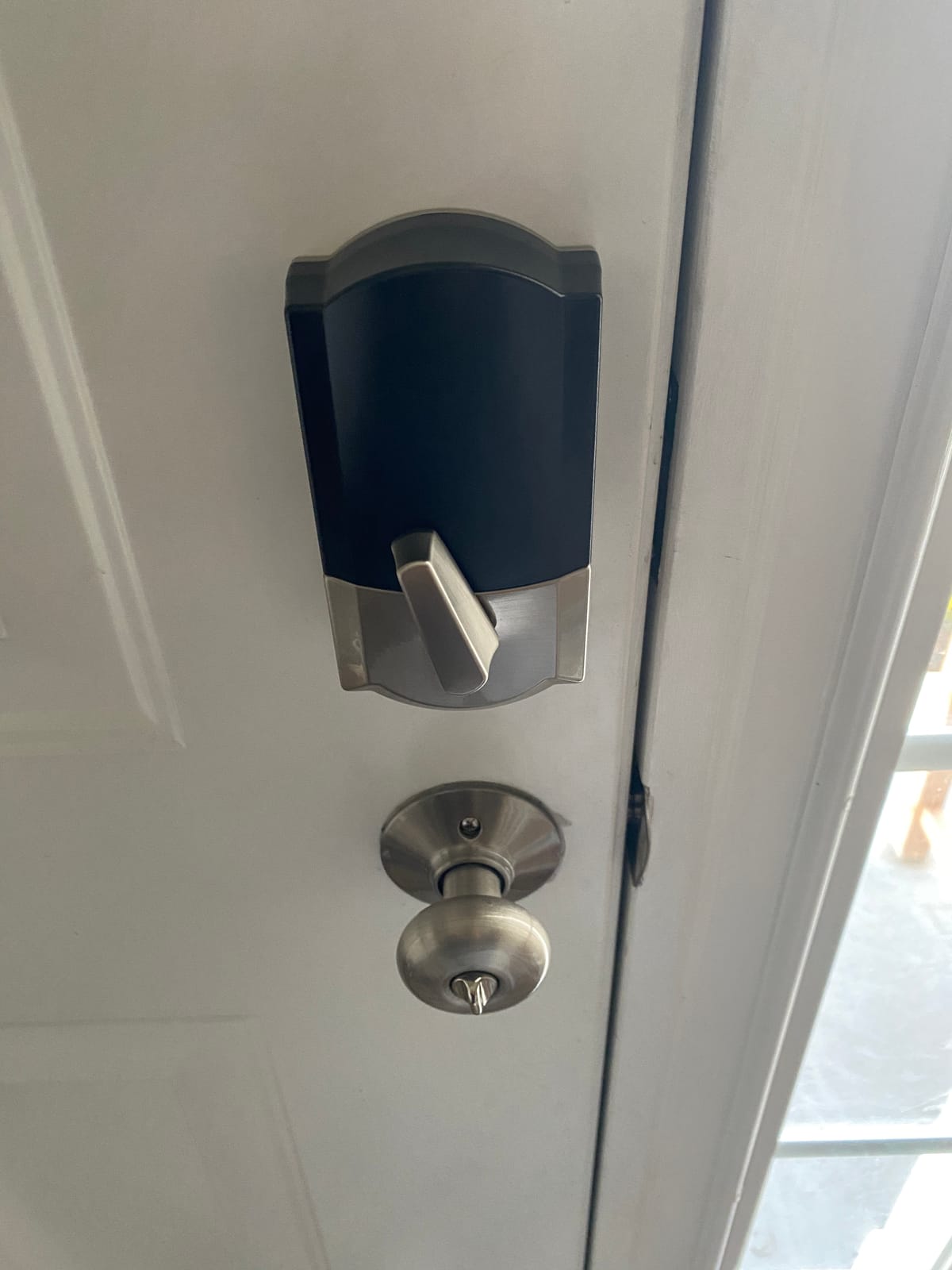
Two details matter more for rental duty than the spec sheet suggests. The first is the door-movement alarm, which is genuinely useful for a unit with a shared entry. The second is auto-lock, which you can set on a selectable delay or disable entirely. In a short-term rental I would leave the delay on, because a guest who walks out with groceries while the door auto-locks is the scenario that generates a call at nine at night.
Fit is the practical check before you buy. It installs on doors from 1-3/8 to 1-3/4 inches thick with a 2-3/8 or 2-3/4 inch backset, which covers the overwhelming majority of US apartment and rental doors. Battery life is advertised at up to six months on four AA cells, and you get both an indicator on the lock itself and an alert in the app, which is the combination you want for an unattended property.
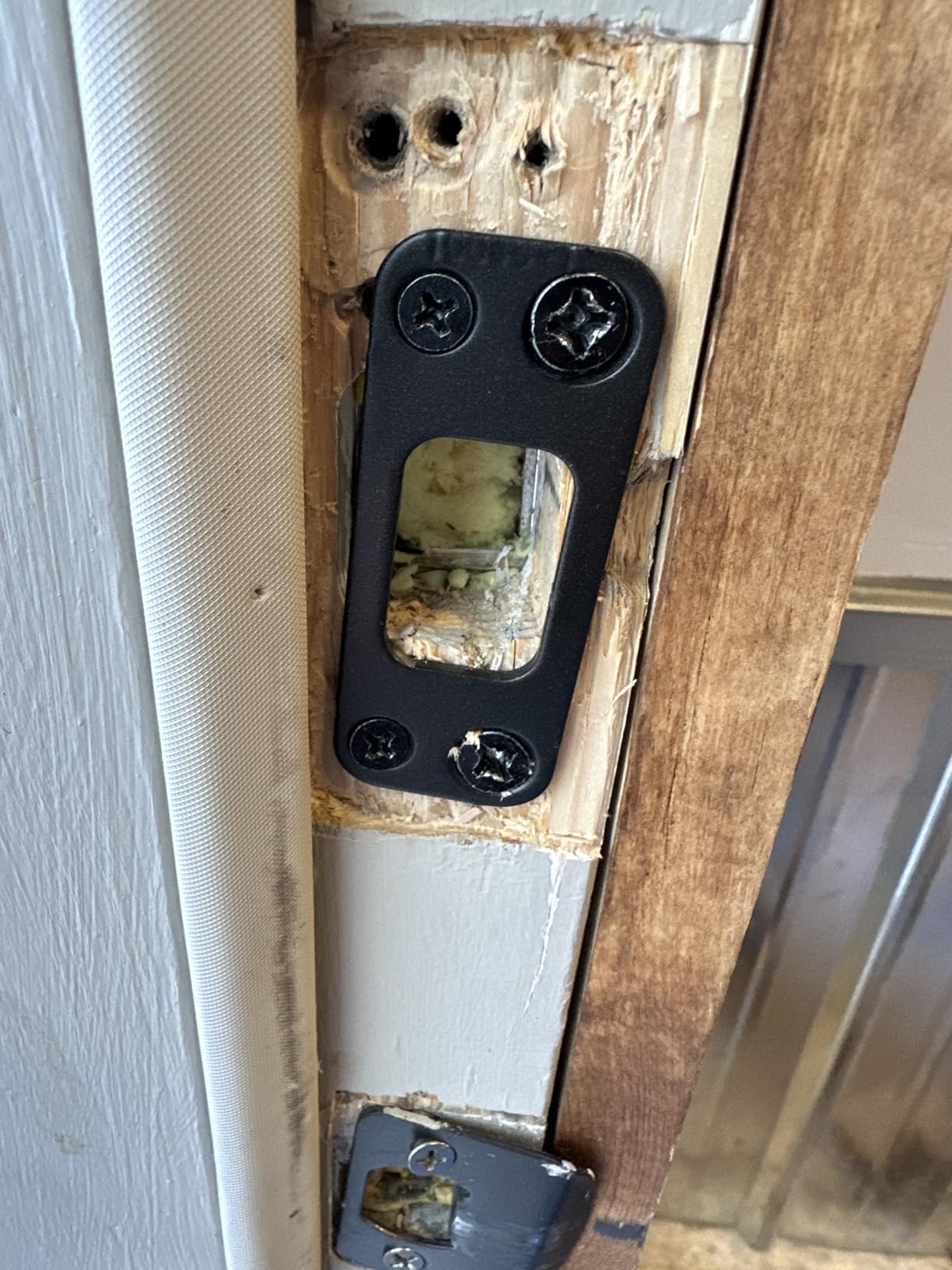
Does the landlord’s key still work after install?
Yes, and this is the deciding factor for the whole list. The Encode is a full deadbolt with a real key cylinder, so the keys your landlord already holds keep working. That is the single thing that makes an install conversation easy instead of a negotiation.
The warranty also reads well on paper for a landlord buyer: limited lifetime on the mechanical and finish parts, three years on electronics. That matters if you are equipping several properties and want the same part to be orderable years later.
Where the touchscreen keypad causes problems
The fingerprint-resistant coating does what it says, which also means it shows fingerprints and smudges after a few months. Guests who have never used it tend to tap once and wait, then tap again, then start pressing harder, before touching to wake the display. That is the most common complaint in the reviews and it is a training issue more than a defect, but it is real for a door where a stranger is arriving at midnight.
At 3.4 pounds it is the heaviest lock here, and on a hollow-core rental door the mass is noticeable. If your door is hollow, the fit is still fine, but check that the screws bite into a stud or the reinforcing plate, not just the hollow core.
2. TEEHO TE002 Fingerprint Deadbolt – Best for Fingerprint Entry Without an App
TEEHO TE002 Fingerprint Deadbolt with Keypad for Front Door, Matte Black
- Fingerprint reader is fast and forgiving of placement
- Four unlock paths including self-deleting one-time PINs
- Works fully offline with no app or WiFi
- Very fast auto-lock
- Quick screwdriver-only install
- Auto-lock delay resets to the minimum after programming
- Programming sequences are awkward for first-time setup
- Fits 2-1/8 inch door holes only
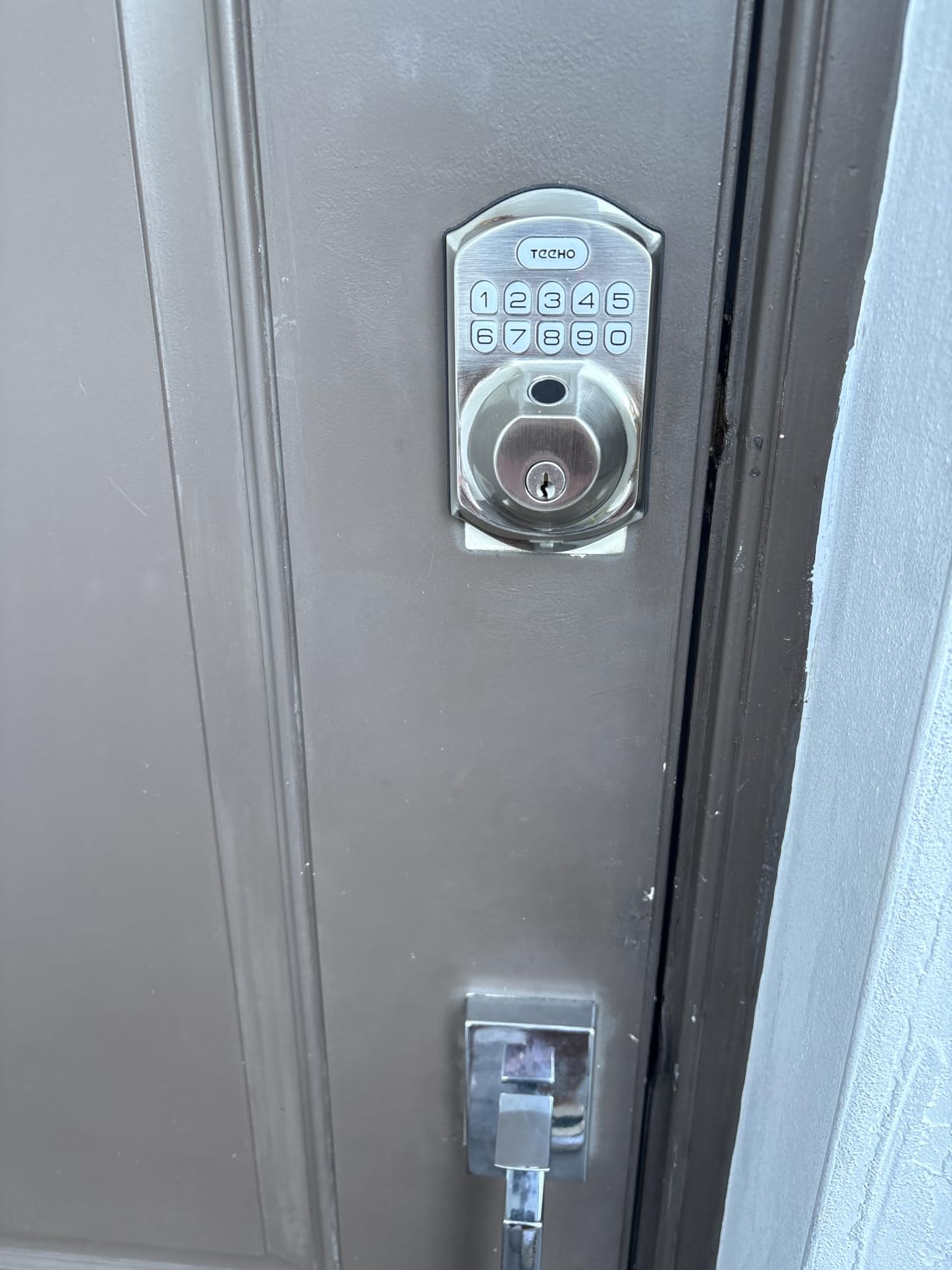
This is the lock for a rental where the WiFi is bad or absent, or where you simply do not want a cloud account attached to the front door of a house you do not own. There is no app in the loop and no hub. Fingerprints and codes live on the lock, and they work whether or not anything is connected.
It stores up to 20 fingerprints and 20 passcodes, plus two physical keys and one-time PINs that delete themselves after a single use. The one-time PIN is the quiet star of the show for a landlord handing access to a contractor, a cleaner, or a guest for one weekend.
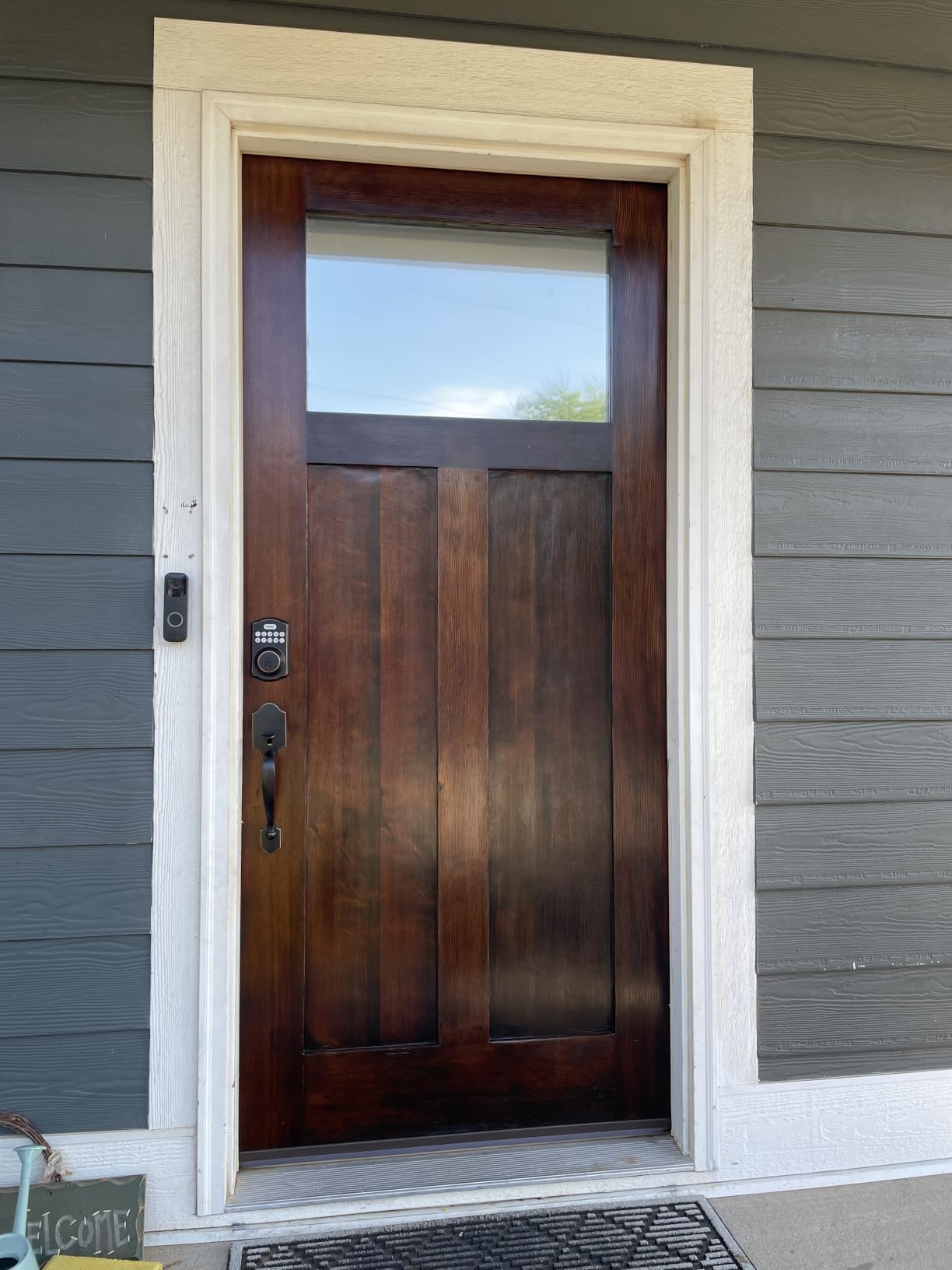
The fingerprint reader is the reason this lands second. Reviewers consistently describe it as fast and forgiving, recognizing a print in about three tenths of a second and adapting over time. It is the answer to the request that comes up over and over on r/Locksmith for a rented apartment, where someone wants to stop carrying keys at all.
Auto-lock engages 10 to 99 seconds after the door closes, or you can disable it, and one-touch locking from outside works by holding any keypad key. Silent mode turns off the beep for a bedroom or an apartment hallway at 2am.
What happens when the programming is fiddly
Code programming is the weakest part of this lock. The sequences are not intuitive for a first-timer, and you will want the included video open while you set up. Owners who install several of these tend to get fast at it quickly; first-time users should budget an extra ten minutes.
There is also a quirk worth knowing before you hand this to a tenant: after programming, the auto-lock delay snaps back to the shortest interval, which some people find aggressive. You can reset it, just expect to do it again after any code change.
Will it fit your rental door
Measure first. This model fits 2-1/8 inch door holes only, so a 38mm bore will not accept it. It is also the lightest unit in the group at 16 ounces, and while plenty of buyers own multiple units without problems, the build does feel light in the hand next to an all-metal deadbolt.
Battery life is quoted at up to 365 days on four AA batteries, with a red indicator below 15 percent. Batteries are not included, which is a five-minute errand you should do the day you install rather than the day a guest is locked out.
3. ULTRALOQ Bolt SE – Best for Matter Homes and Long-Lived Hardware
ULTRALOQ Bolt SE Wi-Fi Smart Lock, Matter Over Thread, App Remote Access
- Matter over Thread alongside built-in 2.4 GHz WiFi
- 50 fingerprints and 50 passcodes
- App web portal and eKey sharing for remote issue
- Glove-friendly fingerprint-resistant keypad
- IP65 sealing and self-healing Thread mesh
- Matter needs a separate Thread Border Router
- No door sensor included
- 2.4 GHz WiFi only and router within 70 ft
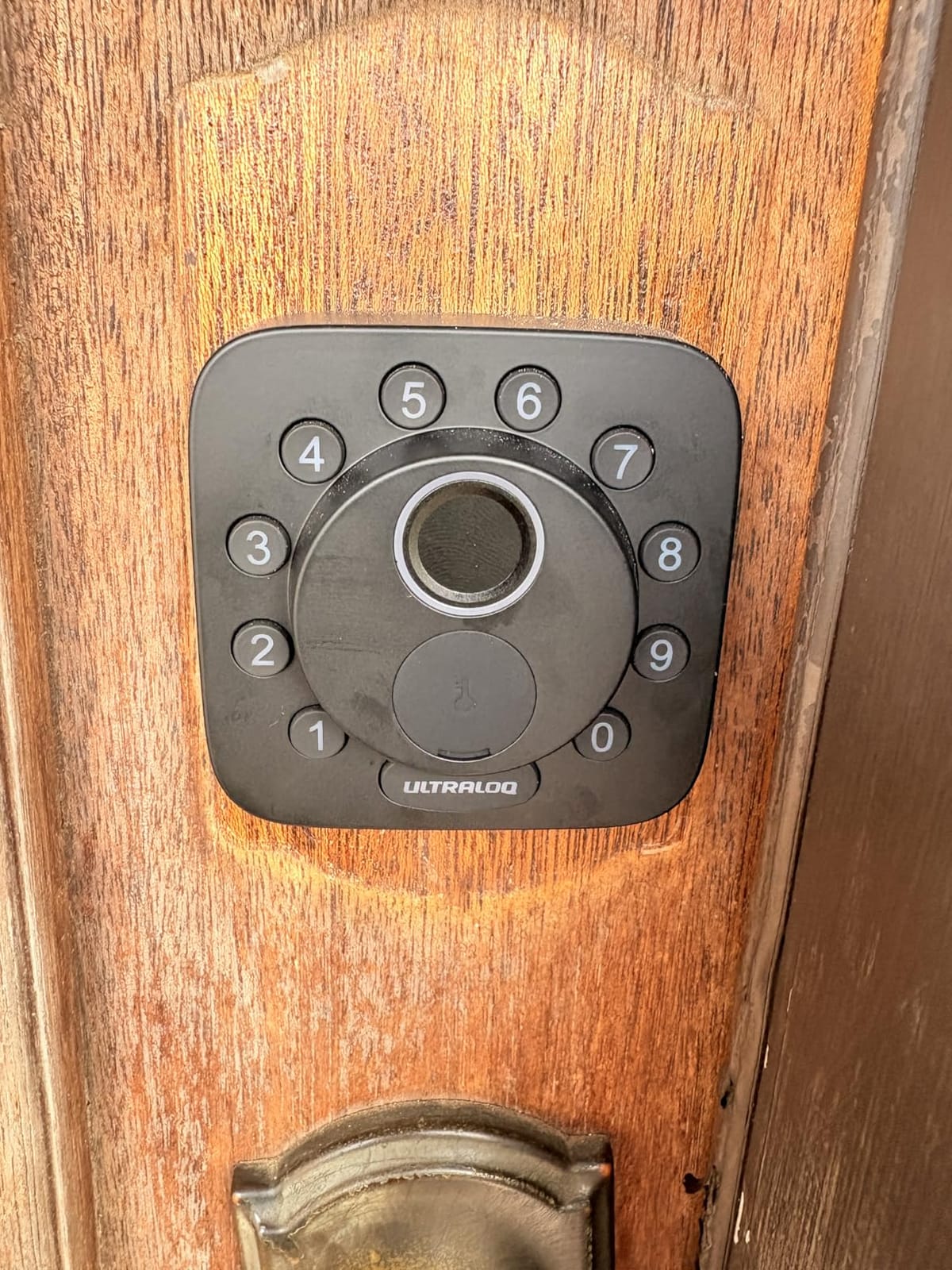
This is the pick when your rental home is already running on Matter and you would rather not add another proprietary hub to a property you plan to sell in a few years. It speaks Matter over Thread alongside its own built-in WiFi, and it works with Apple Home, SmartThings, Alexa and Google Assistant.
Capacity is the other headline: 50 fingerprints and 50 passcodes, with app control, a web portal, and eKey sharing so you can issue permanent, scheduled or temporary access without standing at the door. For a property manager with several rentals, issuing a code from a phone is the whole workflow.
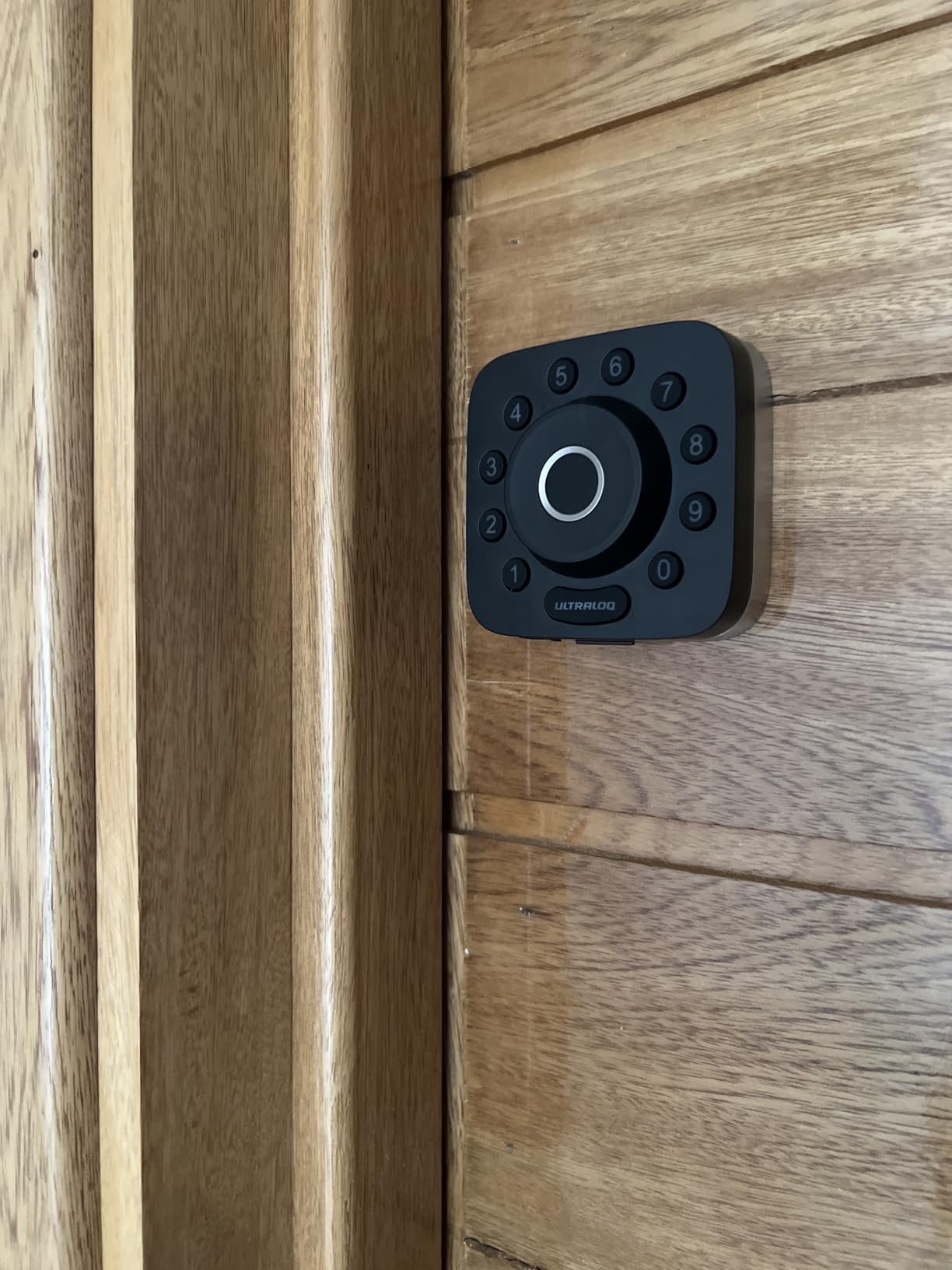
The keypad is described as glove-friendly, which sounds like marketing until you consider a delivery driver, a contractor in cold weather, or someone carrying a bag of groceries. A capacitive panel that responds to a gloved thumb is a real usability difference on an exterior rental door.
It is also IP65 rated, the highest weather sealing in this group, and the body is ANSI/BHMA certified zinc alloy. The self-healing Thread mesh is worth knowing about if the door is far from your router, because it reroutes the connection when a device drops off.
What the Matter support actually costs you
Built-in WiFi needs no hub at all, which is the cheap path. Matter over Thread is the better long-term path but requires a Thread Border Router, which is a separate purchase unless your home already has one from another Matter device. For a single rental door, that is usually more hardware than the situation needs.
Two other limits are worth planning around. There is no door sensor included, so auto-lock cannot confirm the door is actually shut before throwing the bolt. And only 2.4 GHz WiFi is supported, with the router recommended within 70 feet of the lock.
Battery life and who owns the upkeep
Battery life is quoted at up to 18 months from the low-energy Thread mesh, and there are real-time low battery alerts in the app. For an unattended rental, that alert is the difference between a scheduled battery swap and an emergency callout.
Warranty coverage is lifetime on the mechanical parts and 18 months on electronics. Install time is quoted at ten minutes, and the lock auto-locks on a preset timer or instantly via the interior button.
4. Sifely Fingerprint Lock with Keypad – Best for Short-Term Rentals and Guest Check-In
Fingerprint Smart Door Lock with Handle & Keypad – No More Lost Keys, Keyless Entry & Remote Access for Home, Kids, Airbnb & Rental Property, DIY Install, Alexa & Google Compatible
- Instant guest PIN generation from the app or web
- Five entry methods with two key cards included
- Reversible handle fits either door swing
- Installs without extra drilling on most standard doors
- One owner reports a first lock lasting four years
- Remote unlock and access history need the sold-separately gateway
- Touchscreen often fails to wake on the first tap
- Weather sealing fails on exposed rainy doors
This lock has one job better than anything else in the list, and that job is guest check-in. It generates a guest PIN instantly from the app or the web portal, and one owner describes it as transforming check-in for their rentals. The access logs are built for a host answering the question of whether a guest actually got inside at ten at night.
Entry paths are fingerprint, keypad code, app, key fob and physical key, with two key cards in the box. The back-lit keypad and anti-peeping password are both standard here, and the handle is reversible so it fits either door swing without reconfiguring anything.
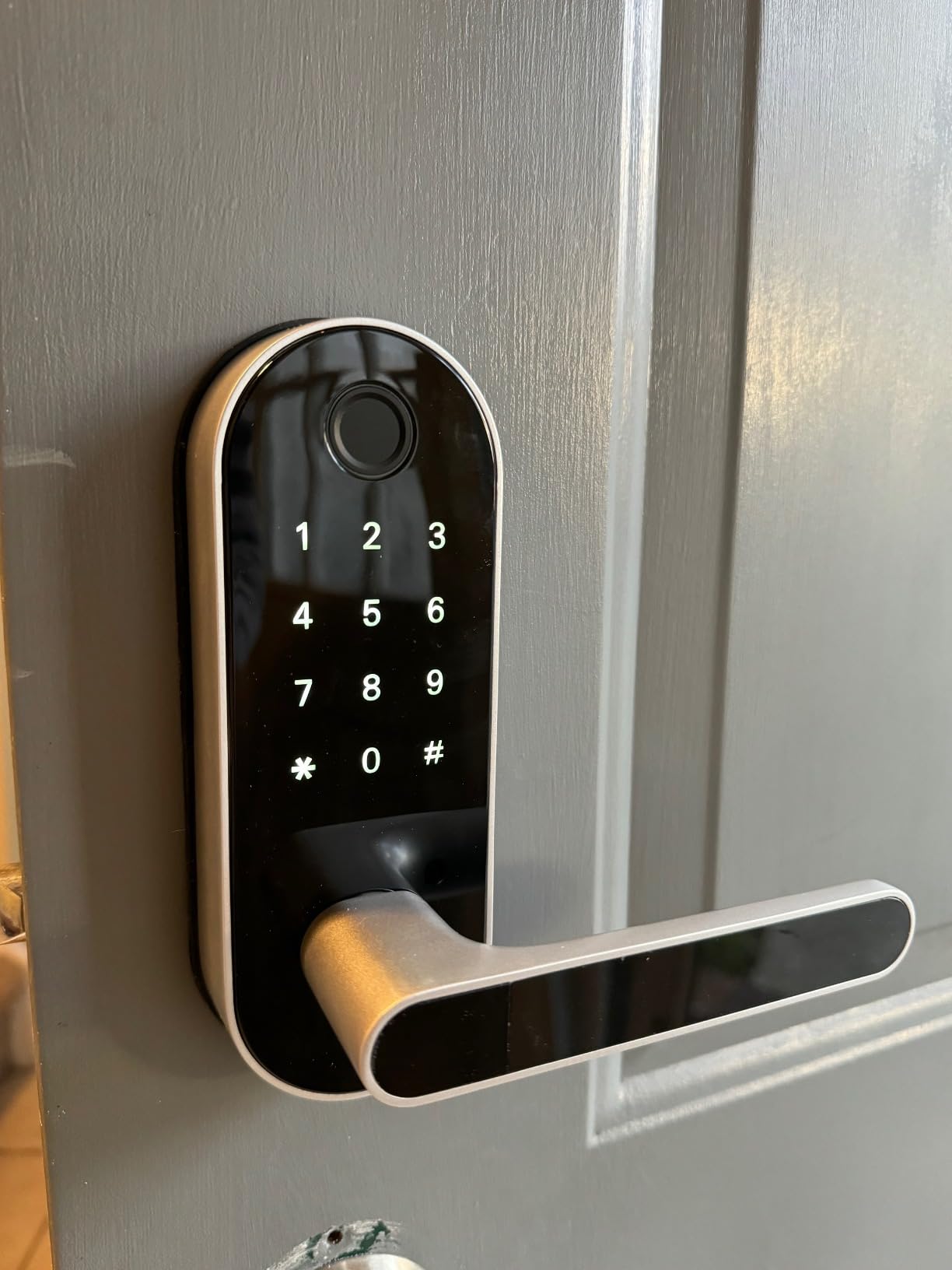
One clarification before you order, because it catches people: this ships as a lever and handle set, not as a deadbolt, even though some listings label it as a deadbolt. If your rental door already has a working deadbolt and you want to keep it, this is the wrong product and the Schlage Encode above is the right one.
Where it does shine is a secondary door, a guest suite, a basement entrance, or any door where a handle set is acceptable and instant guest codes matter more than bolt security.
What the optional gateway changes about remote access
The Bluetooth app handles unlock, access records and user management on its own. Anywhere access, remote unlock, and voice control through Alexa or Google Assistant all require the Sifely WiFi Gateway, which is sold separately. Budget for that if you are managing the property from elsewhere, and treat the gateway as part of the lock cost rather than an accessory.
The community consensus on r/airbnb_hosts bears this out. The advice that recurs is not about which lock to buy, it is about writing check-in instructions clearly so guests use the right code. A lock that generates codes in two taps only helps if the message naming that code is unambiguous.
Where the hardware disappoints over time
The touchscreen is the most-cited weakness. It frequently fails to light on the first tap, so people tap again, and again, before it responds. On a door where a stranger is arriving in the dark this reads as broken, even though the lock is fine.
Some units also lose fingerprint recognition of previously enrolled prints after a short period, and there is no lockout after repeated wrong codes or fingerprints, so failed attempts are only logged. Reviewers in rainy climates report water getting into the seal and recommend a cover, which is worth taking seriously on an exposed door.
5. iulock Keypad and Key Smart Lock – Best for Exposed Exterior Doors
iulock Keypad & Key Smart Door Lock, 50 User Codes, Waterproof, Auto Lock – Matte Black
- Plain keypad and key lock with no app dependency
- Up to 50 codes with 1-15 digit lengths
- Delayed auto-lock adjustable up to 12 hours
- Silicone grip stays usable with wet or hot hands
- IP65 sealing for exposed doors
- Master code is printed in tiny type on the box
- Everything including passage mode is managed from outside
- Rubber gaskets are hard to seat during install
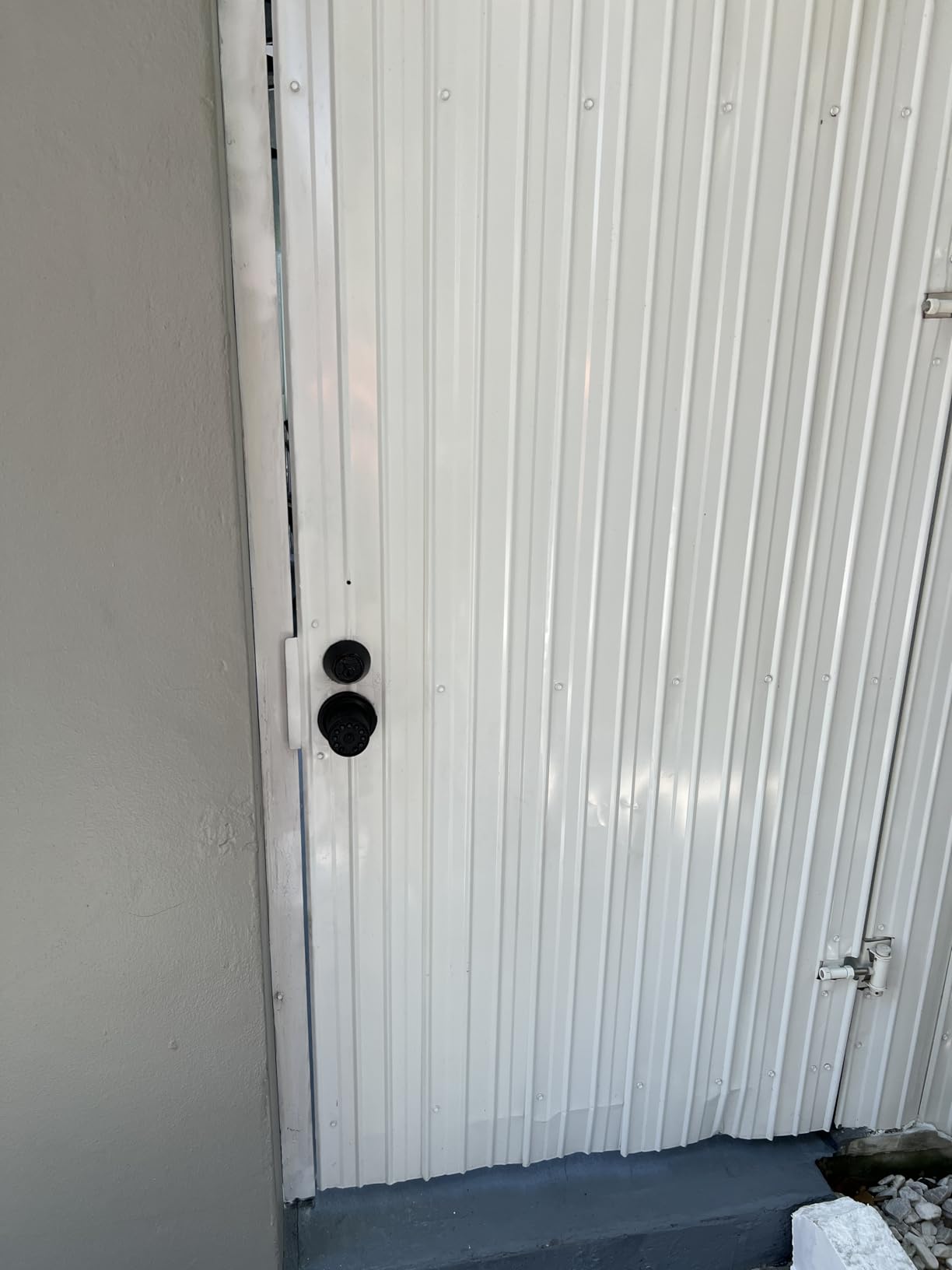
This is the most honest lock in the roundup. There is no app, no hub, no account, and no firmware to think about. It is a keypad, a key cylinder, and a knob, and for a cottage, an ADU, or a rental utility entrance in a place with hard winters, that simplicity is the feature rather than the compromise.
It takes up to 50 codes with lengths from 1 to 15 digits, which is the widest code-length range in this group, and includes two mechanical keys on a solid lock cylinder compatible with most existing keys. Delayed auto-lock is adjustable up to 12 hours, which is unusually generous and genuinely useful for carrying groceries or working in the yard.
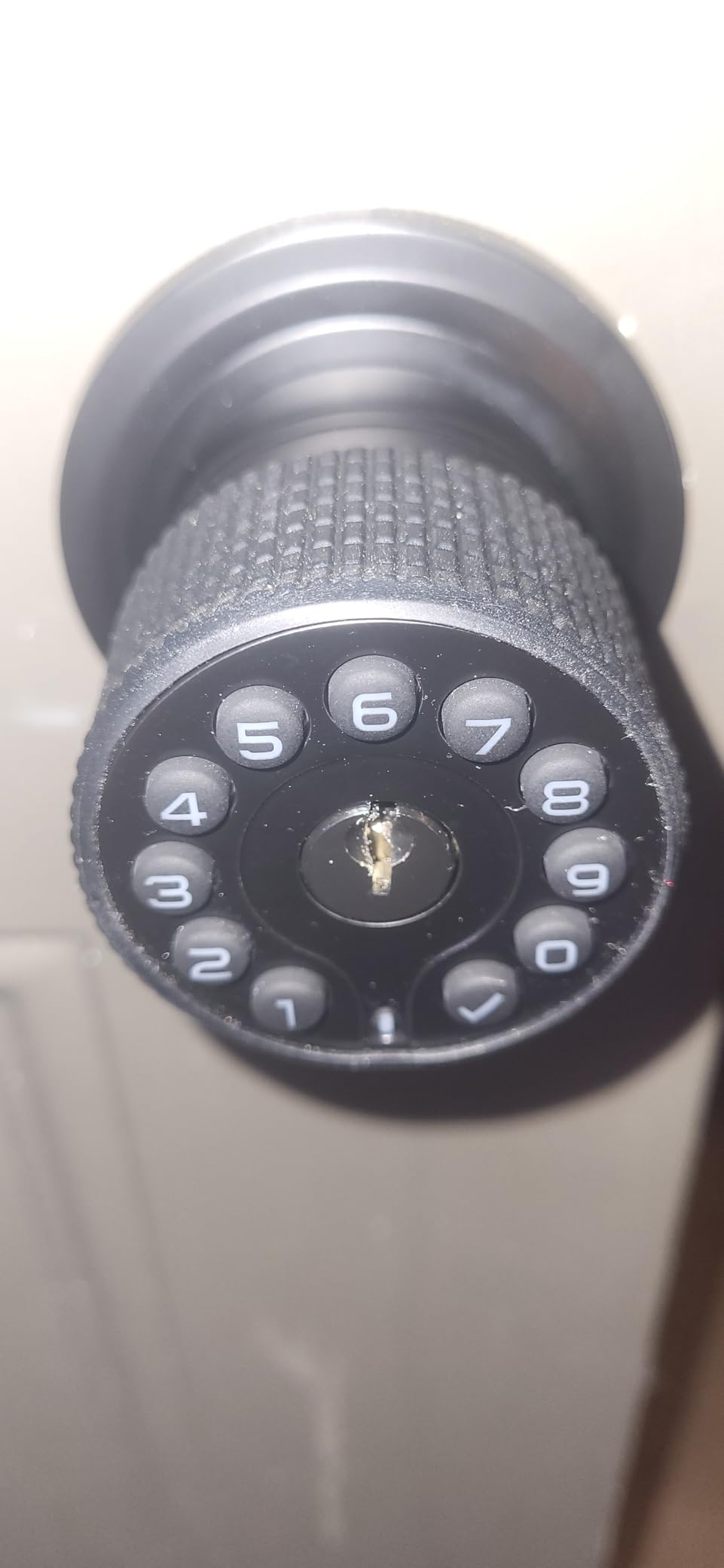
The detachable silicone grip on the knob is a small thing that earns its place. It stays usable with wet or sweaty hands and can shield the knob from direct sun, which on a south-facing exterior door in July is not nothing. Clear numerals with a soft backlight handle the night entry case.
It is also sold in matching-key two, four and eight packs, so a landlord fitting a property with multiple doors can key them alike and carry one ring instead of a drawer full of different keys.
What the twelve-hour delay is actually for
Auto-lock on most of these locks tops out around 99 seconds. Twelve hours is long enough to pop out to a car, unload groceries, and let contractors in and out of a back door over an afternoon, and it is the feature owners praise most. Passage mode and silent mode are both built in.
Batteries are 4 AAA cells rated up to 18 months with a low battery alarm, and there is a Type-C USB backup power port on the exterior, so a dead battery is a ten-second problem with a power bank rather than a locksmith visit.
Where installation frustrates first-time owners
Install difficulty is the dividing line on this one. Experienced installers finish in about fifteen minutes; the detailed negative reviews describe hours, a binding latch, and frustration with the rubber sealing gaskets, which are genuinely difficult to position and hold flat while you reattach the panel.
There is one avoidable trap. The master code needed for programming is printed in tiny type on the box rather than in the manual, and the box often goes in the trash before you need it. Photograph the label before you throw the packaging away, or the lock becomes a very nice very heavy doorstop.
Note also that everything, including entering and exiting passage mode, has to be done from outside the door.
6. eufy Security Smart Lock C220 – Best for Built-In WiFi and Wearables
eufy Security Smart Lock C220, Fingerprint Keyless Entry Door Lock
- Built-in WiFi removes the need for a bridge
- Apple Watch unlock at this tier
- Self-learning AI that improves with use
- Eight AA batteries included in the box
- BHMA Grade 3 certified past 100000 cycles
- WiFi only with no Matter or Thread support
- Eight AA batteries is a large footprint
- App reported as slowing with extended use
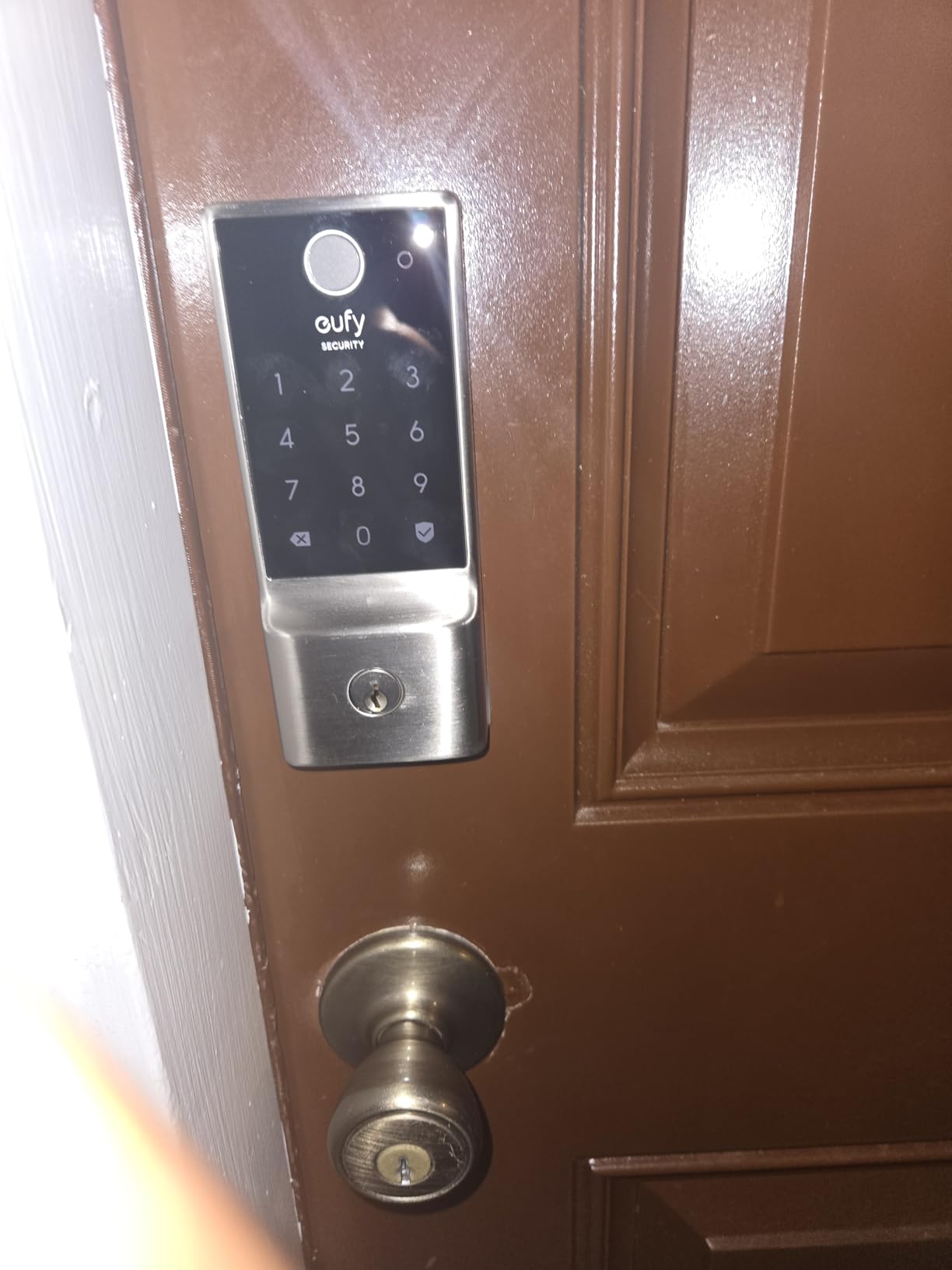
The headline here is that the WiFi is inside the lock, so there is no bridge to buy, mount, configure, or replace the batteries of. Among fingerprint keypads in this roundup that is the distinguishing feature, and it is why this is the pick for a rental where the router is close to the front door.
It offers six ways in: fingerprint, the eufy Security app, keypad, physical key, Apple Watch, and Alexa or Google voice. Apple Watch support at this level is unusual, and for a tenant who already wears one it removes the phone from the daily entry routine entirely.
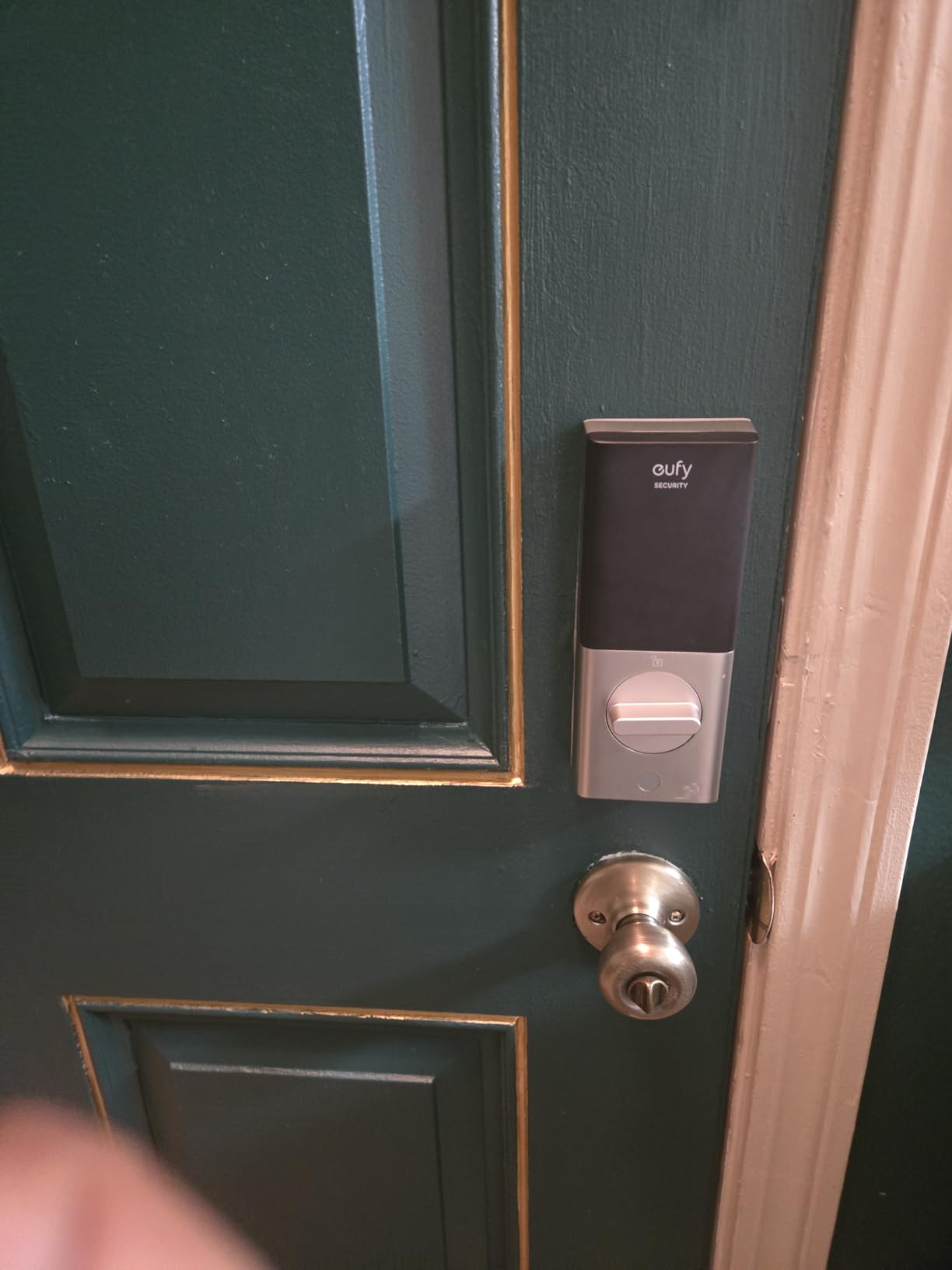
The fingerprint reader reads in under a second and uses self-learning AI, meaning accuracy improves each time you use it rather than degrading as prints wear. Reviewers who bought two or three of these for different doors report consistent behaviour across units.
Fit is accommodating. It installs without drilling in about fifteen minutes, and the included spacer comes out to fit bores under 54mm, which is where several of the other locks in this list simply will not go. Operating range is -22F to 158F with IP53 waterproofing.
What eight AA batteries means in practice
Eight AA cells last about eight months and the batteries are included in the box, which is a genuine convenience over the several locks here that ship without cells. The trade-off is physical: this is a large battery pack inside a deadbolt, and it is part of why the lock sits above most fingerprint keypads in this roundup on cost.
For an unattended rental the app-side battery reporting matters more than the cell count, and it works here. A tenant owner still gets a heads-up before the lock stops accepting fingerprints.
Where the ecosystem decision locks you in
WiFi only. There is no Matter and no Thread support in this model, and integration is deepest inside the eufy ecosystem, where the lock joins eufy video doorbell routines. If you already run eufy cameras and doorbells, that is a real advantage. If you are on Home Assistant, this is the wrong pick and the ULTRALOQ above is the right one.
A few owners report the app becoming slow and less reliable after extended use, which is the most common complaint in the reviews along with battery size.
7. TEEHO TE001 Keypad Deadbolt – Top Rated and Best for Offline Reliability
TEEHO TE001 Keyless Entry Deadbolt with Keypad for Front Door, Satin Nickel
- No app hub or WiFi to configure or lose
- 20 permanent codes plus self-deleting guest codes
- Aluminum alloy build feels solid
- Screwdriver install with door hand auto-detect
- Up to a year of battery life on four AA cells
- Fits 2-1/8 inch holes only
- No app or remote access
- Reset-before-first-use step confuses new buyers
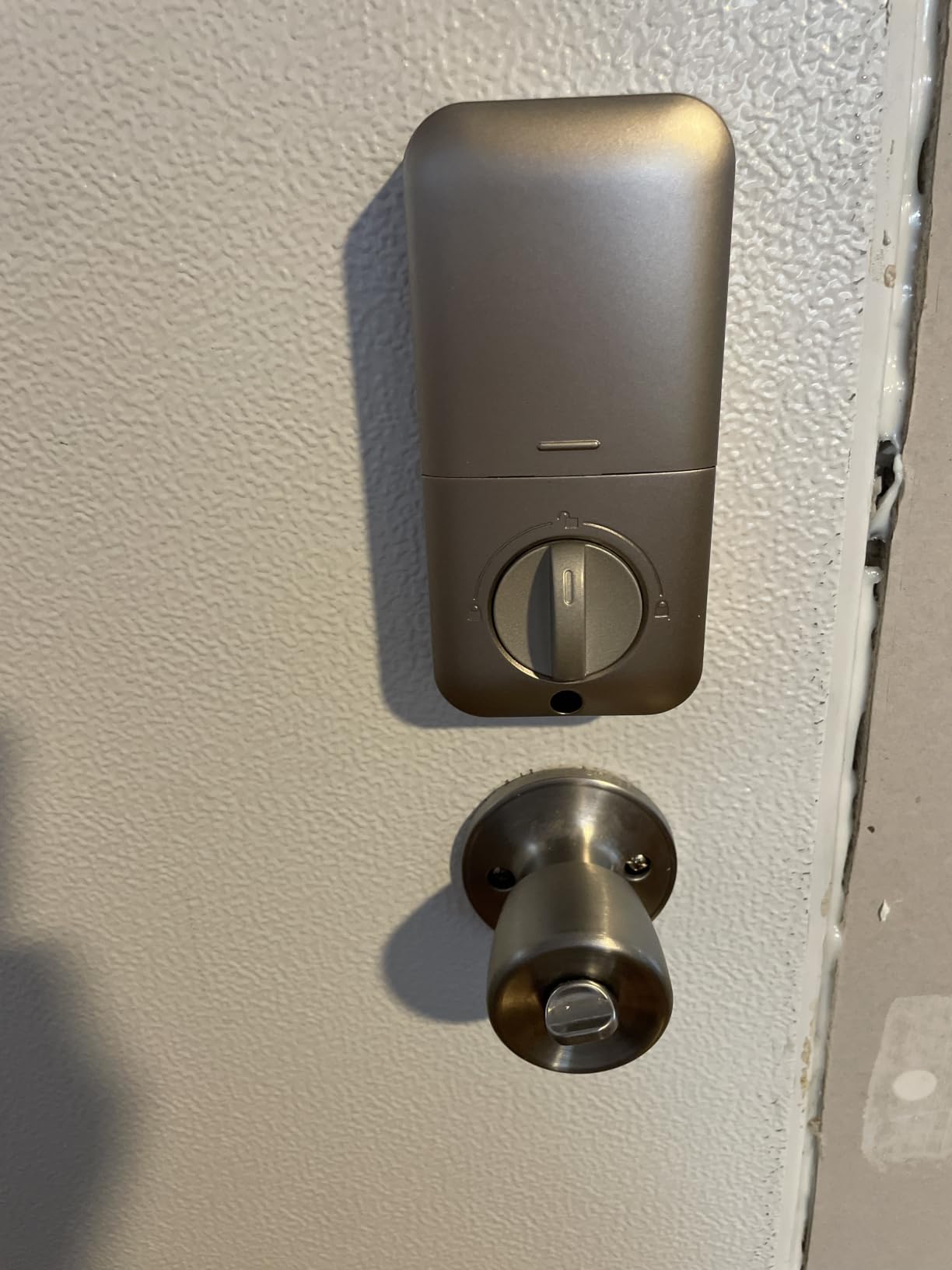
This lock is the simplest of the offline keypads here and the best selling one in the roundup, and the reason is that it does the one thing a rental lock needs to do without asking you to trust anything else. There is no app, no hub, no account, and no connectivity. A code typed into the keypad opens the door, full stop.
That makes it the pick for a basement unit, a rural rental, a house with no reliable signal, or a tenant who genuinely does not want a device on their door. Reviewers describe reliability in flat terms, and one long-term owner measured a battery drop of almost nothing over a two-week window.
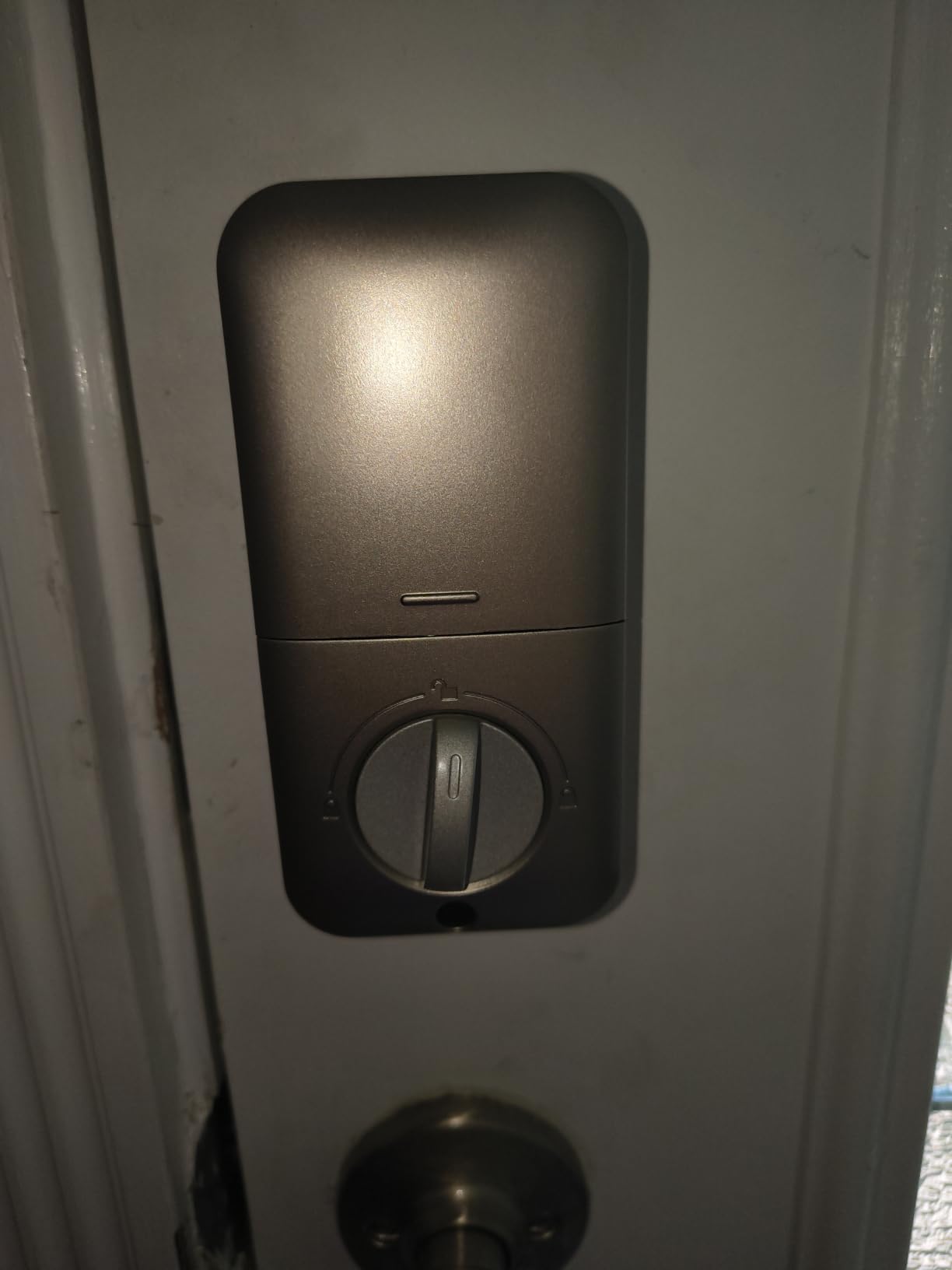
Code handling is well designed for shared access: 20 permanent codes for family or tenants, plus a temporary single-use guest code that deletes itself. You can hand a cleaner or a contractor a code without handing over the main one, and then delete the guest code without touching the household codes.
Auto-lock is settable from 10 to 99 seconds and is off by default, which is a choice worth thinking about rather than a flaw. For a rental where people are coming and going with keys in hand, off is often the safer setting.
Why offline is a feature in a rental
For a property you do not live in, a lock that has nothing to lose when the network drops is worth more than a lock with more features. Forum discussion on r/Aqara and r/Locksmith keeps circling the same failure: a unit with weak signal, a guest who cannot get in, and an owner who cannot answer a phone at midnight. A keypad with no network dependency removes that entire category of failure.
One-touch locking works by holding any keypad key for two seconds, which is faster than a separate button, and anti-peeping code protection plus a wrong-entry limit handle the shoulder-surfing case on a shared exterior door.
What you give up and what to check first
No app and no remote access. If you need to unlock a door for a contractor while you are at work, this lock cannot do it. Some renters prefer that. Landlords running a portfolio will not.
It fits 2-1/8 inch door holes only, so measure before committing, and expect a short reset-before-first-use step where the lock auto-detects your door hand. Owners who skip that step usually end up reading the one-star reviews for nothing. Warranty is two years plus lifetime customer service.
8. Tapo DL110 Smart WiFi Deadbolt – Best Security Certification and Quiet Operation
Tapo Smart Wi-Fi Door Lock, Deadbolt, Fingerprint Recognition, DL110
- BHMA Grade 2 certification
- Rechargeable battery with an exterior USB-C emergency port
- Rekeyable Schlage-compatible keyway with two keys
- Rubber door gaskets damp vibration and protect the finish
- Quietest deadbolt operation here
- Keypad digits invisible until the screen is touched
- No Matter or open API for third-party hubs
- Codes must be enrolled on each lock individually
This is the highest rated lock in the roundup at 4.6 across 821 reviews, with 81 percent five star, and it carries the strongest security certification here at BHMA Grade 2. If the lock is on the front door of a house you rent, the grade is a reasonable reason to shortlist it above everything else on this list.
The fingerprint reader is fast, at 0.42 seconds, and stores up to 100 prints. Six access methods are supported: fingerprint, keypad passcode, WiFi remote, close-range Bluetooth, voice assistant, and backup keys.
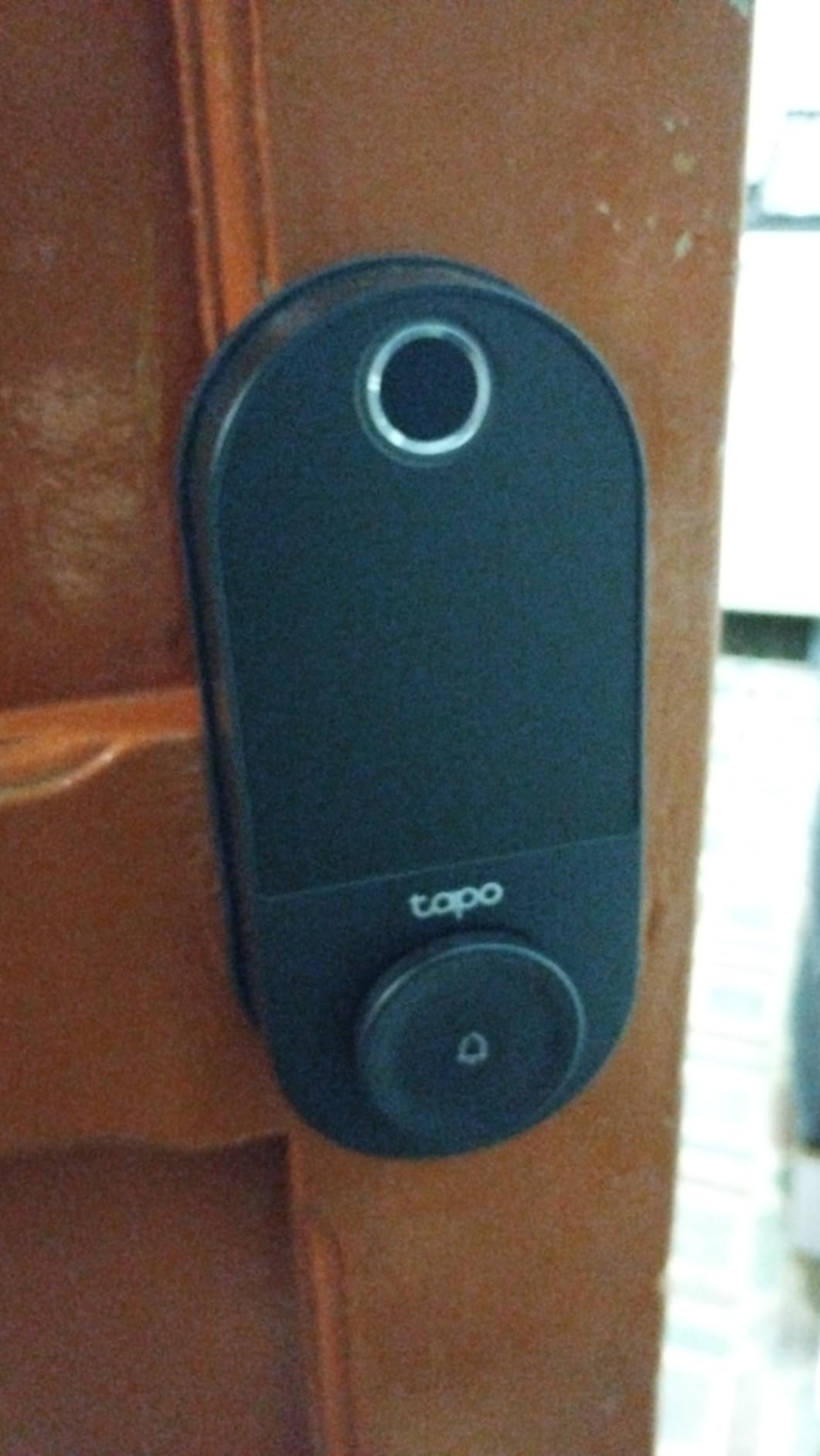
The rechargeable battery is the design choice that stands out. It runs about a year, charges over USB-C, and one owner reports 78 percent charge after eight months of daily use, which suggests the stated figure is conservative rather than optimistic. More importantly for a rental, there is a USB-C emergency power port on the exterior, so a guest with a dead lock and a power bank is not calling anyone.
The rubber gaskets on both sides contact the door to damp the bolt slam and protect the finish, and several reviewers call that detail out as rare. The deadbolt is also the quietest in this roundup, which matters more than it sounds in a thin-walled rental unit at six in the morning.
Why the rekeyable keyway is the landlord feature
It comes with a Schlage SC1 compatible keyway and two keys, and that means the keys can be rekeyed to match other doors you already control. For a property manager, being able to carry one key that opens four doors, and pull one cylinder when a tenant leaves, is worth more than any app feature on this list.
Resident profiles support permanent codes alongside one-time and scheduled guest codes, and it all lives in the same Tapo app as existing TP-Link switches, plugs and cameras.
Where the keypad and the software fall short
The keypad digits are invisible until the screen is touched. Guests trying to use a code will press buttons in the dark, see nothing happen, and only succeed when they touch the glass. This is the single most-cited weakness and it directly affects a host handing out codes to people who have never seen the door.
The doorbell button is hypersensitive and no blank replacement cap is offered. Automation is limited compared with the ULTRALOQ, codes and fingerprints must be enrolled on each lock individually, and there is no Matter support and no open API for Home Assistant or similar hubs. Cloud-based operation means a required account.
9. Philips Wi-Fi Smart Deadbolt – Best for Many Codes and Multi-Door Management
Philips Wi-Fi Smart Deadbolt Lock, Keyless Entry Door Locks for Front Door
- Largest passcode capacity in this group
- Built-in WiFi so no hub purchase
- Away mode blocks every method but the master code
- Access history shows who entered and when
- Fits a wider range of door thicknesses than most
- 2.4 GHz only and router within 65 ft
- No door sensor so auto-lock cannot verify closure
- Cable routing and tailpiece seating must be correct
The number that matters for a property manager is here: up to 100 permanent passcodes plus unlimited one-time and scheduled codes, which is the largest code capacity in this roundup. If you run a building where every tenant, cleaner, contractor and dog walker needs their own entry, this is the arithmetic that decides it.
WiFi is built in, so remote lock and unlock work without a separate hub. Real-time alerts on open and close plus a full access history with timestamps give you the record landlords need at turnover.
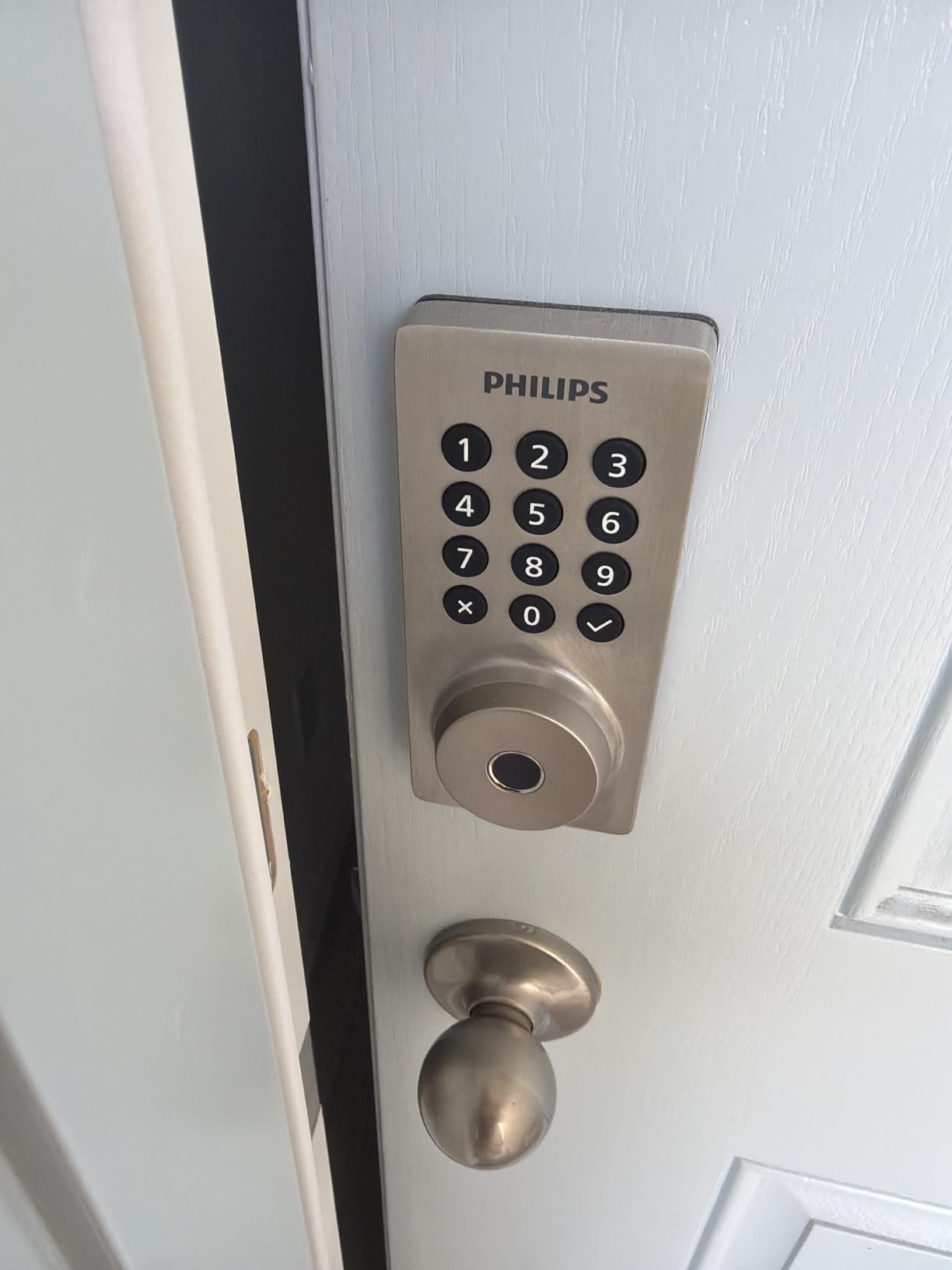
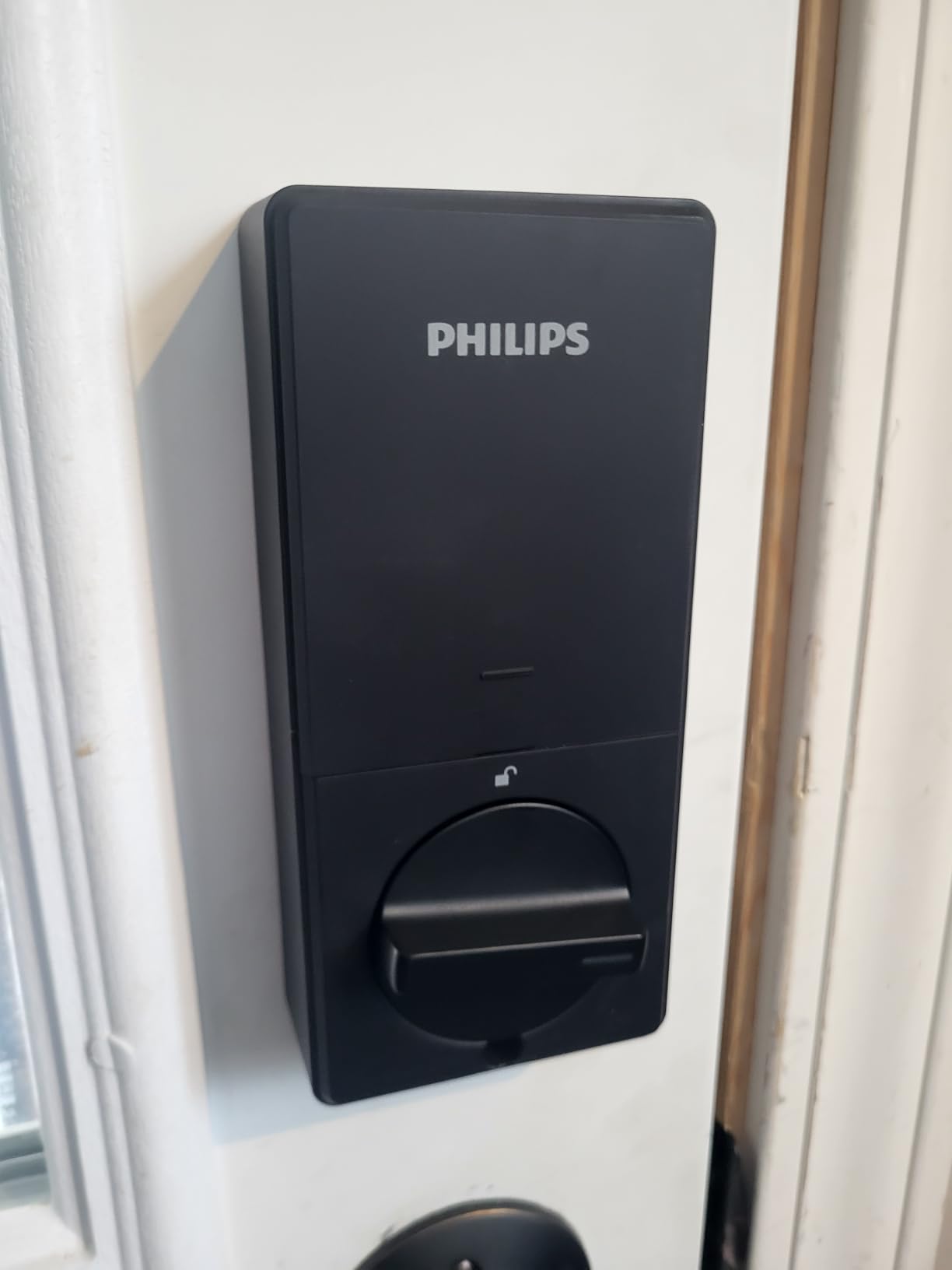
Entry paths are app, passcode, fingerprint, physical key and Alexa or Google Assistant voice. Auto-lock is adjustable from 10 to 180 seconds, which is the longest maximum delay of the connected locks here, and away mode is a genuine security feature: it disables every unlock method except the master code, so a house you are not occupying cannot be opened by a leaked guest code.
Fit is the other quiet strength. It installs on doors from 1-3/8 to 2 inches thick, covering 38mm to 50mm, which is a wider range than the 54mm-only locks that dominate this roundup.
How away mode protects an unoccupied rental
Imagine a three-month gap between tenants, or a unit you are preparing for a new arrival. Away mode locks the door down to the master code alone, so any old tenant code, cleaner code, or delivery code in circulation simply stops working. It is the single most valuable feature here for a landlord between occupants, and no other lock in this list offers an equivalent.
Combined with the timestamped history, you can also see exactly when the door was opened after a guest departed, which is the evidence you want when a deposit question comes up.
Where the installation and radio details bite
Two things catch people. First, the install requires routing the cable under the latch and seating the tailpiece correctly, and if you skip either the lock will not operate reliably. That is the most common setup complaint in the reviews and it is entirely avoidable with ten careful minutes.
Second, it is 2.4 GHz only with the router recommended within 65 feet of the door, there is no door sensor so auto-lock cannot confirm the door is closed, and batteries must be LR6 alkaline, which are not included.
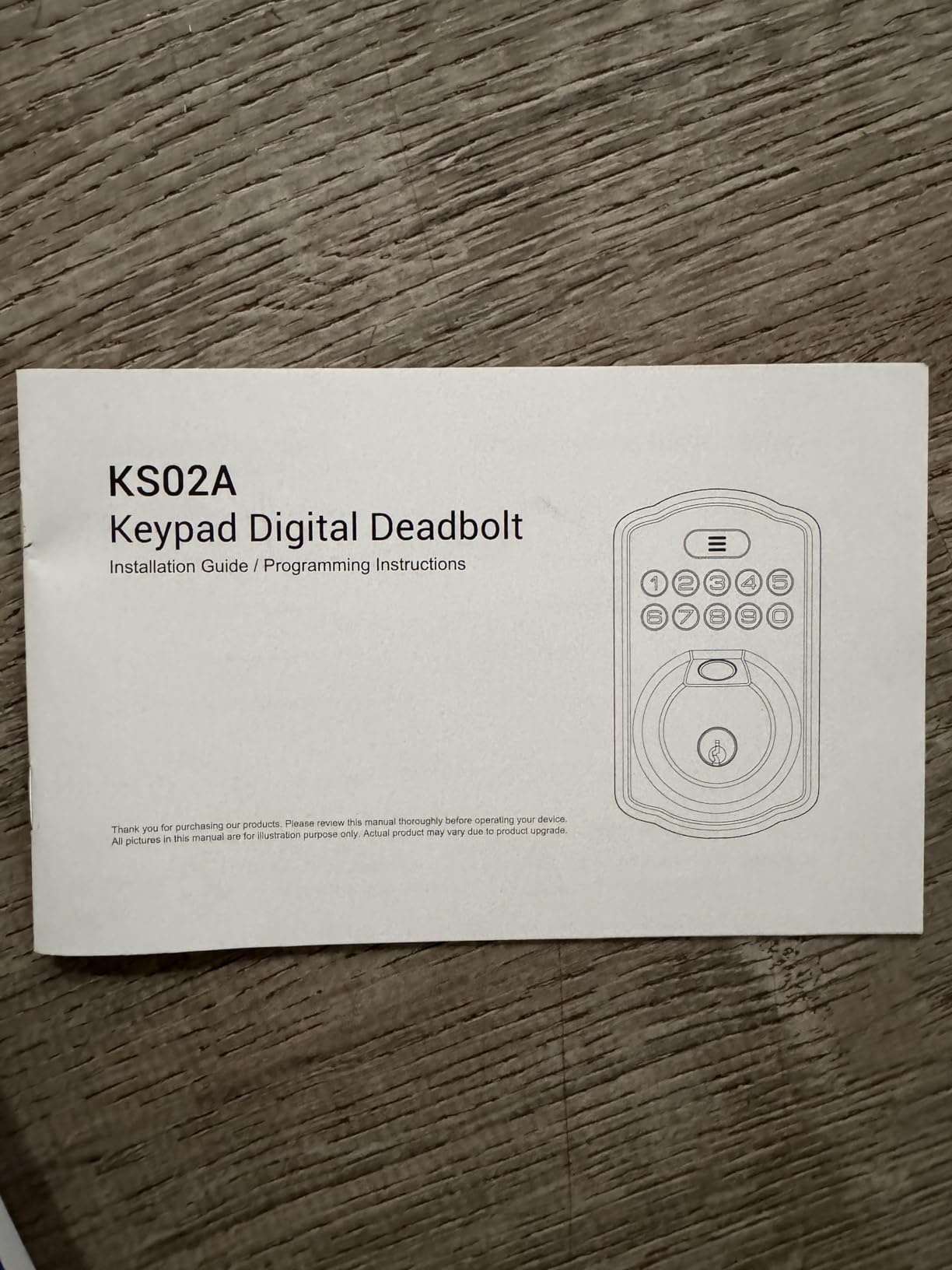
10. Veise KS02A Fingerprint Keypad Deadbolt – Best for Local Data Storage
Veise KS02A Fingerprint Door Lock, Keypad Deadbolt, Matte Black
- Fastest claimed fingerprint recognition here
- Fingerprint data encrypted and stored locally
- Three code tiers separate owner from guests
- Interior knob locks or unlocks in one second
- Auto-detects door hand at install
- Fits 2-1/8 inch lock holes only
- Panels must be vertical at install or it misbehaves
- No app or remote connectivity
This lock does something none of the connected models here do: it keeps your fingerprint data on the device. Information is encrypted and stored locally, with no cloud account and no server. For a tenant uneasy about a landlord-adjacent device holding biometric data, that removes the objection entirely.
It claims the fastest fingerprint recognition in this roundup at 0.2 seconds, handled by an on-device AI chip that learns and refines with each use. Capacity is 20 fingerprints, 20 user passwords, two spare mechanical keys, and auto-deleting one-time codes.
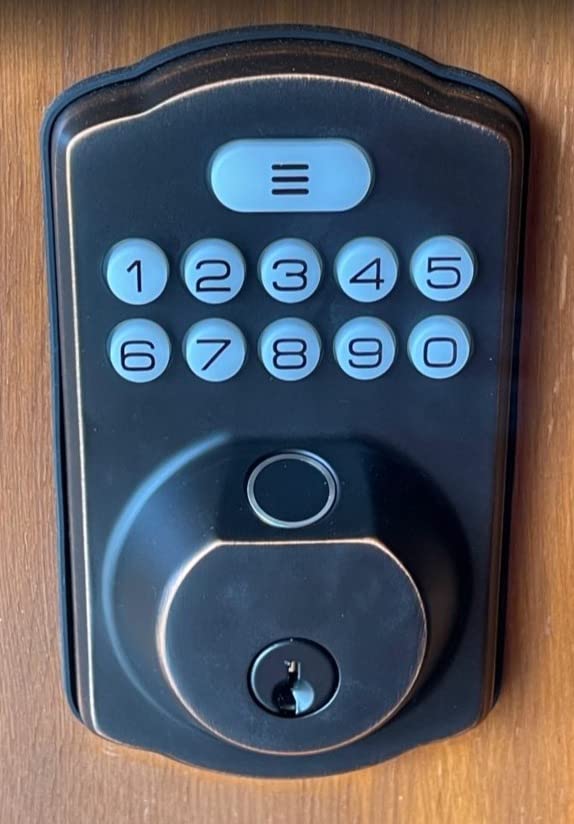
The three-tier code structure is the most thoughtfully designed access model in the list. A master password is reserved for the owner, up to 20 individual user passwords sit under it for family or tenants, and one-time codes sit on top for guests. That is exactly the hierarchy a shared rental door needs, and it is enforced by the lock rather than by everyone remembering who has which code.
Anti-peeping codes add random digits before or after the real PIN, so a bystander watching over your shoulder in a hallway sees a longer meaningless number. The interior rotatable knob locks or unlocks in one second when your hands are full.
What the three code tiers mean in practice
Think of it as a permission model rather than a keypad feature. Your master password is the one you never give anyone. Each tenant, family member, or regular contractor gets their own individual password, which you delete by itself at turnover without touching anyone else. Visitors get a one-time code that disappears after a single use, so a code written on a card in a holiday let is worthless the morning after.
Vacation mode restricts access to the master password or the physical keys, which is the standalone equivalent of the Philips away mode.
Where the install is fussy and the bore is narrow
The most common installation warning in the reviews is that the front and back panels must be perfectly vertical during fitting or the lock will not operate correctly. It is a 15-minute install with a screwdriver, no drilling and no hardwire, and it auto-detects left and right hand doors, but the vertical alignment step is not optional.
It fits 2-1/8 inch lock holes only and handles door thicknesses from 1-3/8 to 2 inches. AA batteries are not included, there is no app and no remote connectivity, and the build is all-zinc and all-metal rated IP54 from -31F to 158F, with a one-year warranty extendable by registering.
What Makes a Smart Lock Renter-Friendly?
A renter-friendly smart lock installs over your existing deadbolt without drilling, keeps the original key cylinder working so the landlord can still enter, and comes back out cleanly at move-out without leaving holes or adhesive residue. Beyond that, the deciding features are a physical keypad, offline code entry when the network is down, low battery warnings before anyone is locked out, and the ability to delete one person’s code without touching anyone else’s.
Those five criteria, in priority order, are what separated the ten locks above from the general field. Let us take them one at a time, because most of the disappointment in this category comes from buying a lock that fails one of them.
Key override, not app access. The single most valued feature in every landlord forum thread we read is a lock that still opens with a physical key. A dead battery with no keyed override is an emergency callout, and on a rental that costs you a locksmith visit and an argument. Every lock on this list includes mechanical keys.
Reversible install. A retrofit that mounts over the existing deadbolt rather than replacing it means you can undo it in minutes. The renter on r/Aqara weighing retrofit adapters over an existing cylinder is following exactly this logic, and it is also why several of these models are screwdriver-only installs.
Offline codes. Weak or absent signal at the unit is a recurring operational failure in every host forum. Any code stored on the lock itself works regardless of connectivity, which removes a whole category of lockout.
Reversible code management. The question that dominates landlord forums is how to revoke a departed tenant’s access without rekeying the cylinder. A lock with per-user codes answers it in seconds.
Discreet exterior appearance. Tenants consistently object to a conspicuous gadget on a door they do not own. Matte black and satin nickel finishes are the most common requests for exactly that reason.
Do I Need My Landlord’s Permission to Install a Smart Lock?
Almost always, yes, and the reason is practical rather than legal. Nearly every residential lease includes a clause prohibiting alterations to doors, hardware, or locks without written consent. Breaking that clause is what puts a security deposit at risk, so the conversation matters more than the hardware. Our broader guide to smart lock selection covers the hardware side in more depth, but the approval script is worth having in your pocket before you unbox anything.
The good news is that a reversible, key-retaining retrofit is one of the easiest things to get approved, because it costs the landlord nothing and removes a key-management problem. Here is a four-step approach that has worked far better than simply asking permission.
Step one, read the lease first. Find the alterations clause. Some leases permit hardware that does not change the cylinder, some prohibit anything at all, and some require written notice rather than consent. Knowing the exact wording stops you from asking for something already covered.
Step two, lead with their problem, not yours. Landlords describe key management as always problematic. A post on the BiggerPockets landlord forum has tenants changing the handset or deadbolt and keeping the expensive lock, leaving the owner with hardware they did not choose. Frame your request around ending that: propose a lock that keeps their cylinder and their key working.
Step three, offer the one-page handover. Write down the model, the number of codes you plan to use, the fact that their key continues to work, and the removal steps. Offer to install it yourself and to remove it at move-out. A written handover converts a vague request into a one-minute approval, and it gives you a record if the deposit is contested later.
Step four, agree the exit terms before you start. Confirm in writing that the lock comes out at move-out, that you will photograph the door before and after, and that the original strike and cylinder are left untouched. Removing the last point of friction is what gets the yes.
There is a real sensitivity on the other side of this, too. A renter on the Bogleheads forum objected to a landlord-controlled deadbolt on their door as poor management, which is a reminder that tenants view entry hardware as part of the security of their home rather than an appliance. If a landlord insists on installing hardware you did not choose, you have the right to ask what happens to the access log and who can see it.
Keypad Buying Criteria: What to Check Before You Buy
Keypad type. Physical buttons with raised numerals survive gloves, rain, and fat fingers in a way capacitive touchscreens do not. Touchscreens look cleaner and can carry fingerprint-resistant coatings, but guests have to wake the display first, and reviewers across several models here specifically complain about needing multiple taps. If strangers will use the code at night in bad weather, prefer buttons.
Illumination and glove use. A back-lit keypad is close to mandatory for an exterior rental door. The ULTRALOQ Bolt SE is described as glove-friendly, and the iulock offers a soft backlight with a silicone knob grip. Ask about both, because night entry is the case where a lock reveals its weaknesses.
Fingerprint readers. Fingerprints came up by name as an unmet request among renters, and the four models here with a reader are the ones people ask for. Look for one that adapts over time rather than degrading, and check how many prints it stores. The Tapo and Philips models hold 100 prints, the ULTRALOQ 50, the TEEHO TE002 and Veise 20.
Weather sealing. For an exposed exterior door, IP65 is the rating to insist on, rated here by the ULTRALOQ and the iulock. IP54 covers most sheltered apartment entries, and IP53 is adequate for a door under a covered porch. The one caution from the reviews: the Sifely has reported water seal failures in rainy climates, so a cover is worth adding if the door is fully exposed.
Code limits and code tiers. Know how many codes the lock holds and, more importantly, whether you can delete one code without disturbing the others. The Veise and the TEEHO TE001 give you owner, individual user, and one-time code tiers, which is the cleanest separation between a landlord and a guest. The Philips takes 100 permanent passcodes plus unlimited one-time and scheduled codes, the largest capacity here.
Key override and battery contingency. Confirm mechanical keys are included, and look for a low battery indicator on the lock itself, not only in the app. The Tapo, iulock, and Philips have an exterior USB-C emergency power port, so a dead battery is a power bank problem rather than a locksmith problem. Every lock on this list includes at least one physical key, which is the baseline for rental use.
Built-in WiFi, Bluetooth only, or bridge. This is the decision most guides get wrong. Built-in WiFi means remote unlock with nothing extra to buy, which is what the Schlage Encode, ULTRALOQ Bolt SE, eufy C220, Philips and Tapo all do. Bluetooth only means the app works when your phone is near the door but not from another city, and remote features need a separate gateway, which is the case for the Sifely. Bridges add a device to maintain and a failure point at an unattended property, so for rentals we lean toward built-in WiFi or fully offline.
Yale or Schlage. This question comes up constantly and the honest answer here is that neither brand appears in this roundup’s picks. What the research shows is that hosts converge on the Schlage Encode and the Yale Assure Lock 2 as the default recommendations, largely because both are WiFi locks that pair with a range of smart home hubs. The Schlage Encode is on this list, and it is the one with a 13000-rating review base to back the recommendation.
Smart home platforms. For Home Assistant specifically, the ULTRALOQ Bolt SE is the only lock here with Matter support, and it needs a Thread Border Router. The Tapo and eufy locks are cloud-based with no Matter and no open API, which means they will not integrate with Home Assistant directly. If Home Assistant is your hub, the offline locks and the Matter lock are your realistic options.
Landlord and Tenant Rules: Who Changes Locks and Who Pays
These questions sit right at the top of the search demand for this topic, so here are the answers without the alarmism.
Is the landlord responsible for changing locks? In most US jurisdictions, the landlord is responsible for maintaining a working lock and for providing a functioning key at the start of each tenancy. Whether a lock is changed between tenancies varies by state and city, and local rules matter more than anything in a lease. Many landlords do change or rekey at turnover as a matter of policy rather than obligation.
Can tenants change locks without permission? Usually no, because most leases prohibit alterations to doors and hardware. This is the clause that puts deposits at risk, and it is the reason this guide starts with the retrofit question rather than the shopping question.
Can a landlord prevent tenants from changing locks? Yes, through the lease. A clause requiring written consent before any alteration to a door, lock, or cylinder is standard and generally enforceable. What a landlord cannot do is install a tenant-facing lock and then keep the only access record to themselves; the tenant’s ability to see who has entered is the point of the control.
Can you get evicted for changing locks? Changing locks in violation of a lease is a lease violation and can carry real consequences, up to and including eviction proceedings in serious cases. The practical risk in almost every case is the security deposit rather than the tenancy itself, which is exactly why the reversible install matters.
For a landlord reading this, the operational checklist at turnover is short. Delete every code issued to the outgoing tenant, including any they created. Confirm you can still open the door with your own key. Check the battery level and note the replacement date. Photograph the door and hardware. Then issue fresh codes, one per person rather than one shared code per household.
For multi-property management, the equation changes. At a certain number of doors, managing codes one lock at a time stops working and a property management platform takes over. The practical trigger is code count: once you are rotating codes across more than a handful of doors every quarter, you want eKey sharing and remote revoke rather than a keypad you have to physically visit.
One more rule worth writing into a landlord policy, because it is the one that prevents the six in the morning callout: schedule battery replacement as an SOP rather than reacting to a low battery alert. For a unit nobody lives in, a monthly check on the app is cheap insurance.
How to Remove a Smart Lock Without Damaging the Door?
Removal is the step renters forget, and it is the step that decides whether you get your deposit back. Take photographs of the door, the strike plate, and the existing deadbolt before you start, because those photographs are your evidence if the landlord disputes damage later.
Step one, delete your codes before you power down. Open the app and remove every access code you created. If you skip this, a lock that goes back on a shelf can still hold codes that point at someone else’s tenancy.
Step two, remove the batteries. Take the cells out before you unbolt anything, so the lock does not try to auto-lock and throw the bolt while the panels are separated.
Step three, undo the mounting screws only. On a retrofit lock you are removing the interior assembly and the keypad, not the deadbolt. Leave the existing deadbolt, the strike plate, and the key cylinder in place. If a new cylinder was ever installed, that is the part to discuss with the landlord rather than silently swap back.
Step four, clean the screw holes and the adhesive footprint. If the lock used adhesive on the interior face, warm it briefly and peel slowly, then clean the residue with a cloth dampened with warm water. No solvent on a finished door.
Step five, reinstall the original strike and check the door closes. Put the original deadbolt back on, confirm the bolt throws freely, and photograph the finished door. Send those photographs to the landlord the same day.
Frequently Asked Questions
What is the best smart lock for renting an apartment?
The best smart lock for renting an apartment is a keypad deadbolt that mounts over your existing deadbolt, keeps the original key working, and can be removed without damaging the door. The Schlage Encode Smart WiFi Deadbolt leads our list because it holds 100 access codes, keeps a keyed backup, and installs with a screwdriver over a standard bore.
Can you install smart locks on rental property?
Only with your landlord’s written permission in most cases, because nearly every residential lease prohibits altering doors, hardware, or locks. Approval is much easier to obtain for a reversible, no-drill retrofit that keeps the original key cylinder working, because it costs the landlord nothing and solves a key management problem.
Is the landlord responsible for changing locks?
In most US jurisdictions the landlord is responsible for maintaining a working lock and providing a functioning key at the start of each tenancy. Rules on rekeying or changing locks between tenancies vary by state and city, so local law matters more than the lease in many cases. Many landlords rekey at turnover as policy rather than obligation.
What are the disadvantages of keypad door locks?
Common drawbacks include a touchscreen keypad that must be woken before a code can be typed, and digits that stay invisible until the screen is touched. Other issues are narrow door bore compatibility, with several models fitting 2-1/8 inch holes only, missing door sensors on connected models, and fingerprint readers that occasionally need a second attempt.
What smart locks work with Home Assistant?
The ULTRALOQ Bolt SE is the lock in our roundup with Matter over Thread support, and it works with Home Assistant when paired with a Thread Border Router. The Tapo DL110 and eufy C220 are cloud-based with no Matter and no open API, so they do not integrate with Home Assistant directly. Offline keypad locks such as the TEEHO models connect through no hub at all.
Do smart locks work when the power or WiFi goes out?
All ten locks in this roundup open with a physical key, so power loss never blocks entry. Codes stored on the lock itself, such as those on the TEEHO TE001, TE002, iulock and Veise models, work with no network at all. Connected locks still accept codes offline, but remote unlock and access history stop until the network returns. A USB-C emergency port, available on the Tapo DL110, iulock and Philips, also allows temporary power from a power bank.
The Best Smart Lock for Your Rental Home in 2026
For a landlord fitting one rental and a renter who cannot alter the door, the Schlage Encode Smart WiFi Deadbolt is the answer. It has the deepest review base in the group, holds 100 codes, keeps a keyed backup, and has built-in WiFi so there is no bridge to fail at an unattended property. It is also the easiest to justify to a landlord, because the existing key keeps working.
If you want zero dependence on the network, the TEEHO TE001 is the simplest offline keypad here, with 20 codes, self-deleting guest codes, and a year of battery life on four AA cells. Add the TEEHO TE002 if you want fingerprint entry without a cloud account.
For a Matter home, choose the ULTRALOQ Bolt SE, and accept the Thread Border Router as a cost of the ecosystem. For an exposed exterior door, the iulock holds the best weather rating and temperature range in the group. For many codes across many doors, the Philips Wi-Fi Smart Deadbolt takes 100 permanent passcodes plus unlimited one-time codes, and its away mode is the single best turnover feature on this list. For biometric data that never leaves the device, the Veise KS02A is the pick.
Before anything else, measure your door bore. Several of the most-rated locks here fit 2-1/8 inch holes only, and discovering that after the box is open is the most common avoidable mistake in this entire category. Then get the permission conversation out of the way in writing, and pick up the rest of the smart home upgrades only after the front door is sorted. Updated for 2026.