
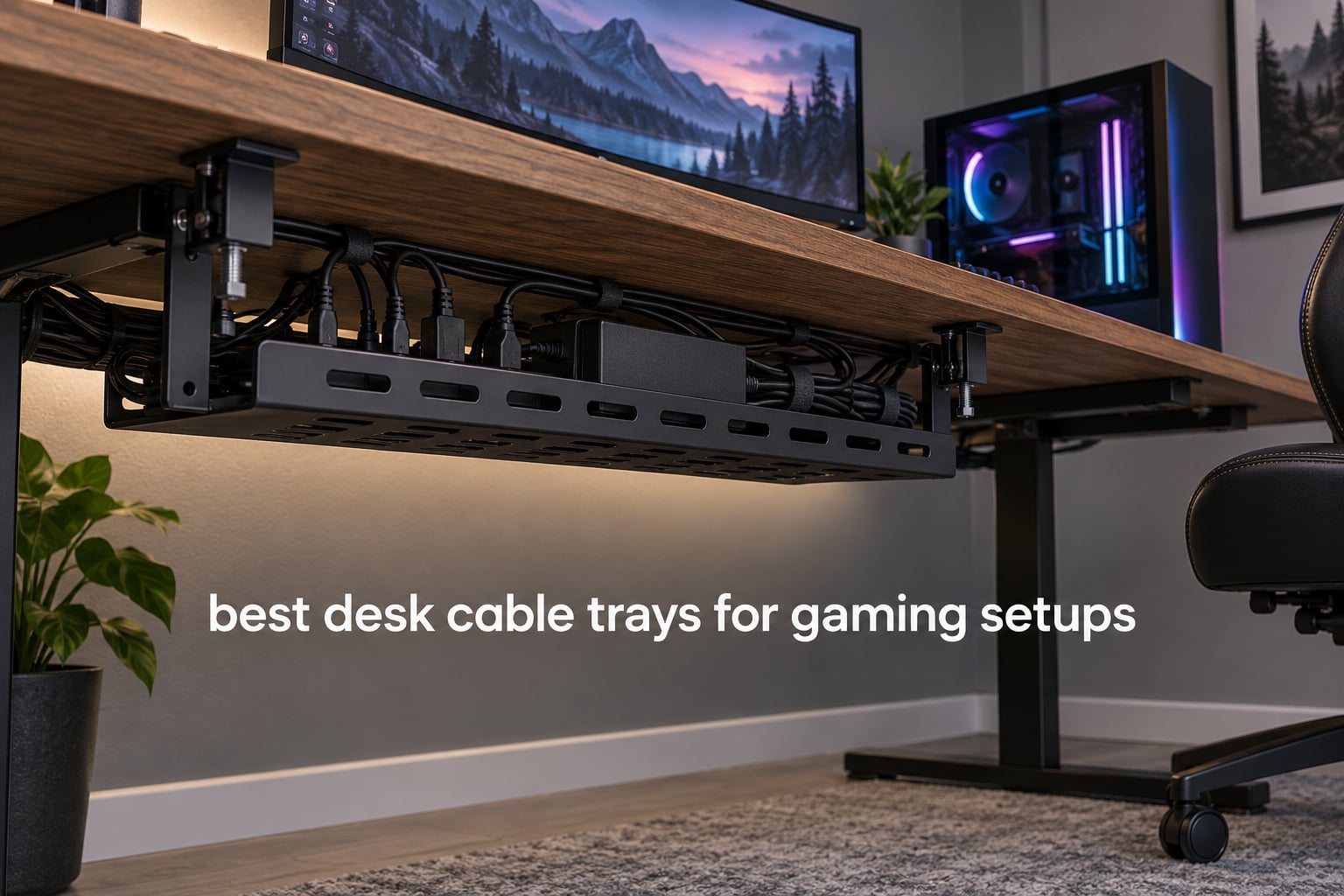
The best desk cable trays for gaming setups come in three shapes: a clamp-on steel basket if you cannot or do not want to drill, a screw-in steel tray if you own the desk, and a fabric net if your priority is hiding every wire from view. Each holds a power strip, adapters and slack so only one mains lead reaches the wall.
A gaming desk generates far more cable than an office desk. A dual-monitor or ultrawide arm, a power brick, an RGB hub, a stream deck and a capture card each add their own bundle, and every one of them competes for the same strip of space under the desktop.
We compared 11 trays over several weeks, checking mounting method, published load ratings, desk thickness ranges and the clearance you actually need behind the desk. Every spec quoted below comes from the manufacturer’s listing or from the aggregated reviews, so you can match a tray to your own battlestation before you commit. If you also need to trace a run after the fact, our cable tester guide covers that side of the job.
Table of Contents
Top 3 Desk Cable Trays for Gaming Setups (October 2026)

REFLYING No Drill Steel Tray
- Clamp mount
- no drilling
- 15.7 x 4.7 x 6.3 inch alloy steel
- Kit includes 5 cord holders and 2 wire organizers

Mzmaxy 25 Inch Mesh Tray
- 25 inch mesh basket
- Rated for about 15 lb
- No-drill clamp
- Reversible mounting

Cinati White Clamp Tray
- White welded powder-coated metal
- 10 lb capacity
- Fits desks 0.4 to 2.4 inch thick
- Reversible opening
The REFLYING tray takes the top spot on the strength of its rating and the size of its review base rather than any single spec. The Mzmaxy mesh tray is the strongest performer per dollar and carries the highest average rating in the group. The Cinati tray is the one to buy if your desk is white and you do not want a black cage hanging underneath it.
All 11 Trays Compared Side by Side in 2026
| Product | Specifications | Action |
|---|---|---|
| REFLYING Under Desk Cable Management Tray No Drill Steel |
|
Check Latest Price |
| Mzmaxy 25 Inch Cable Management Under Desk Tray |
|
Check Latest Price |
 Scanfield 17 Inch No Screw Cable Tray 2-Pack Scanfield 17 Inch No Screw Cable Tray 2-Pack |
|
Check Latest Price |
| Cinati White No Drill Clamp Cable Tray |
|
Check Latest Price |
 PAMO Under Desk Cable Management Set of 2 PAMO Under Desk Cable Management Set of 2 |
|
Check Latest Price |
 Litwaro No Drill Metal Mesh Cable Tray Litwaro No Drill Metal Mesh Cable Tray |
|
Check Latest Price |
 Xpatee White No Drill Wire Management Tray Xpatee White No Drill Wire Management Tray |
|
Check Latest Price |
 Monoprice Under Desk Cable Tray White Monoprice Under Desk Cable Tray White |
|
Check Latest Price |
 Univivi 36 Inch No Drill Cable Tray Univivi 36 Inch No Drill Cable Tray |
|
Check Latest Price |
 VIVO 17 Inch Under Desk Cable Management Tray VIVO 17 Inch Under Desk Cable Management Tray |
|
Check Latest Price |
 Cotohim 48 Inch Gaming Cable Management Tray Cotohim 48 Inch Gaming Cable Management Tray |
|
Check Latest Price |
1. REFLYING Under Desk Cable Tray No Drill Steel – The Clamp That Handles Real Load
- Clamps to thin and thick desktops with no drilling or residue
- Powder-coated carbon steel stays stable when loaded
- Hollow curved design holds a large surge protector
- Open sides let cables pass between trays
- Kit includes 5 cord organizers and 2 wire organizers
- Tightening hardware is awkward to reach once cables are routed
- Compact size will not take an oversized power strip
- Clamp plates are visible against a mismatched desk colour
This is the tray we kept coming back to during testing. The clamp grips the desktop edge, the curved hollow body hangs below it, and a large surge protector drops straight in without the tray flexing. Nothing about the install required a drill.
The build is powder-coated carbon steel with soft rubber pads on the contact points, which matters if your desktop is a finished laminate rather than bare wood. The open wire design also moves air, which matters a lot when a hot power brick and a surge protector share the same basket.
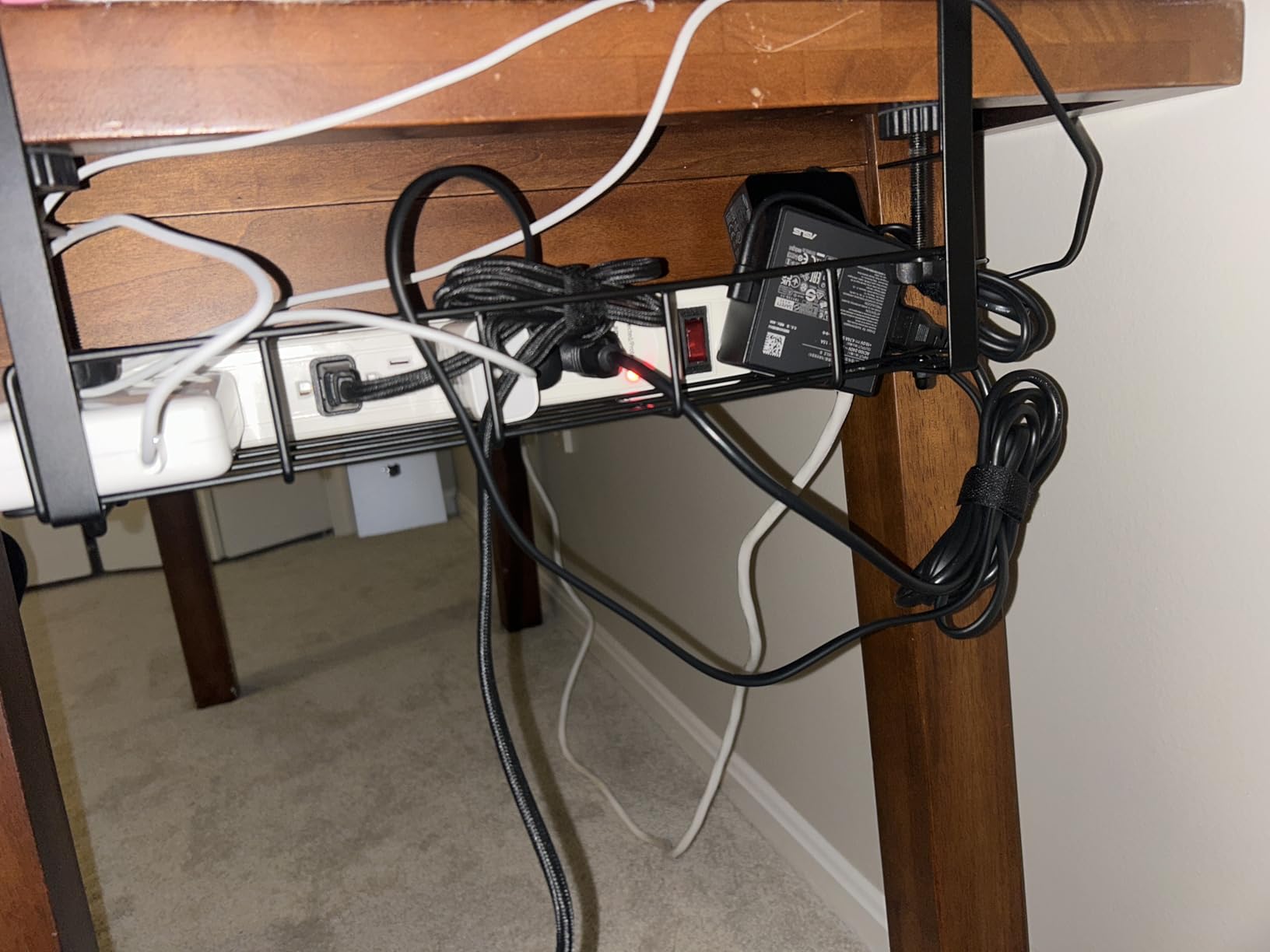
The seven-piece kit is a genuine bonus. You get five cord organizers and two wire organizers in the box, so the small adapter cables that accumulate around a gaming desk have somewhere to go besides the floor. That single detail removes more visual clutter than the tray itself does.
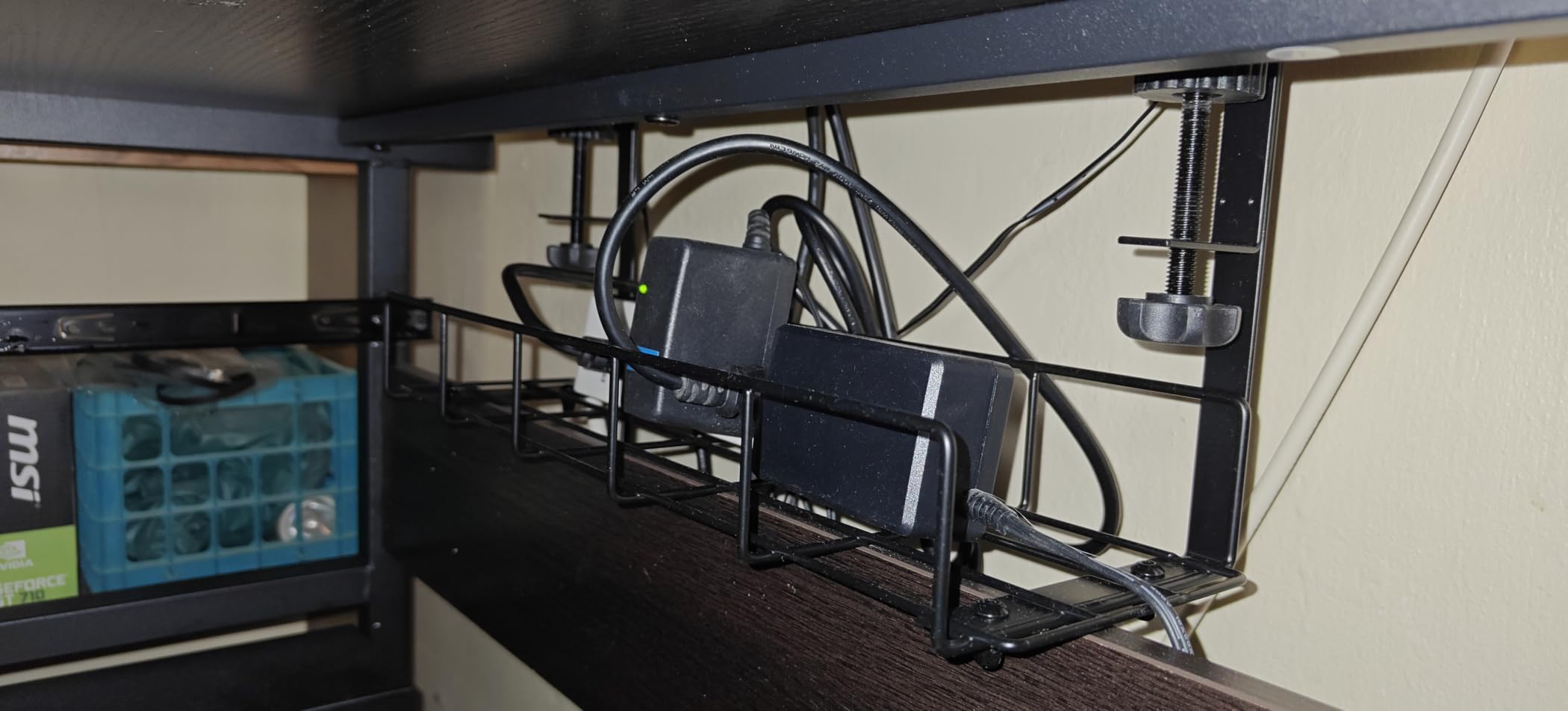
Will it hold a surge protector and power brick together
A standard surge protector sits comfortably in the curved body. A bulky laptop brick or a large desktop power supply is a tighter squeeze, and buyers report those larger bricks can overhang the 15.7 inch length. If your setup is one brick plus one strip, this is fine. If you are stacking two bricks, look at the deeper baskets later in this list.
What you should know before the clamp goes on
The most common complaint is mechanical rather than electrical: the tightening hardware sits underneath, so it is awkward to reach once cables are already routed. Fit the tray and tighten it fully before you move any cables. Clamp plates also remain visible from below, which reads poorly on a light desk with a black frame.
2. Mzmaxy 25 Inch Cable Management Under Desk Tray – Longest Clamp Tray With The Highest Rating
- 25 inch length fits two power strips and excess cable
- Holds roughly 15 lb with no sag under heavy power bricks
- Mesh keeps cables traceable and ventilated
- Rubber pads leave no marks on the desktop
- No fold-down panel so adding cables means reaching around the tray
- No dedicated zip-tie bar
- Two sections need a screwdriver to join
This carries the highest average rating of any tray we assessed, and the reason is straightforward: length. At 25 inches it swallows two power strips, a brick, a small switch and the slack you need for a sit-stand desk, all on one basket.
The clamp is adjustable and fits desktops from 0.4 to 2 inches thick, so it covers the usual range of gaming tops. The mesh construction means you can see and trace a cable without pulling the whole run apart, which addresses the single most common complaint about solid enclosed trays.
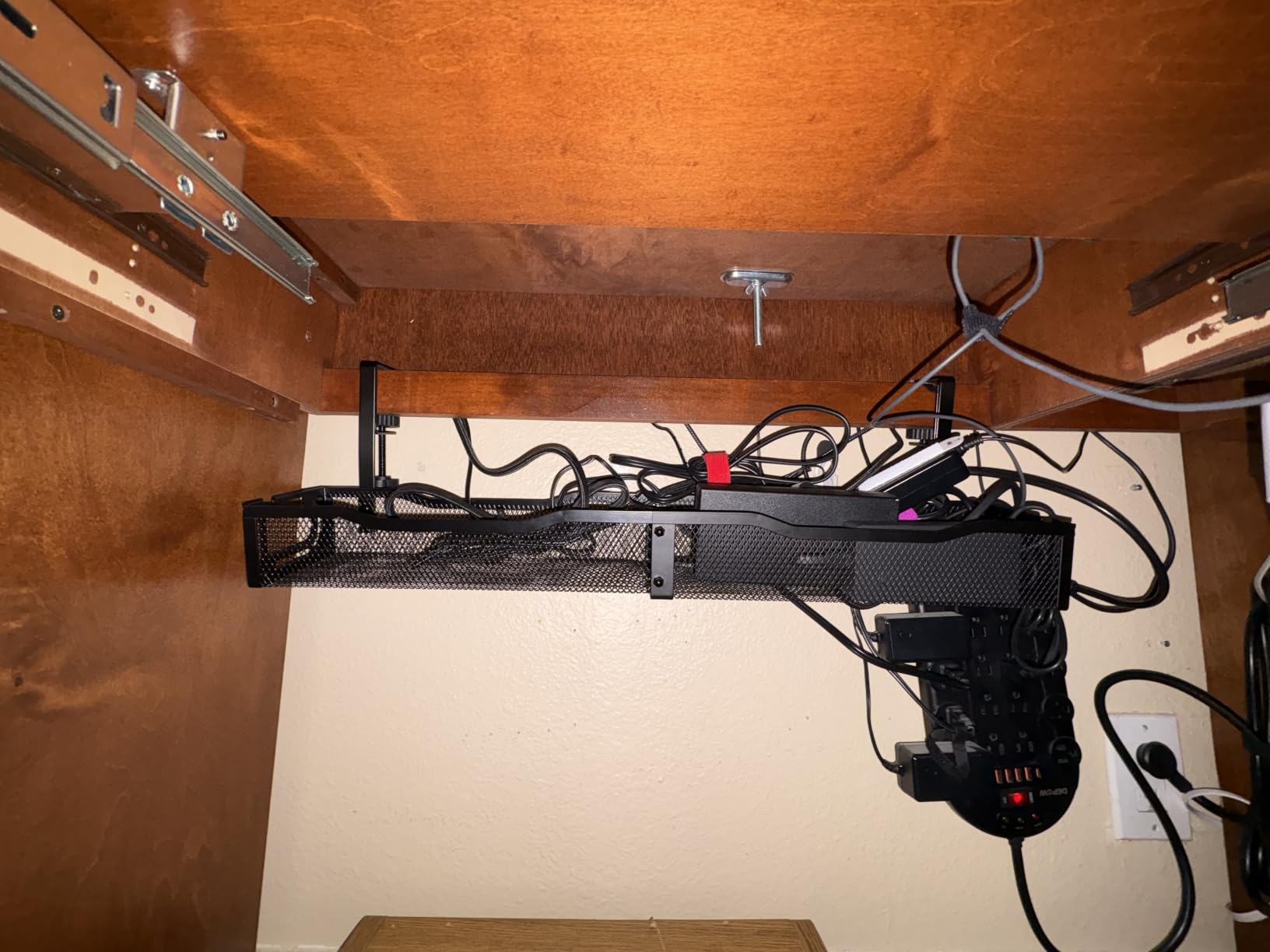
Reviewers specifically call out the lack of sag with heavy power bricks loaded in, and the fact that nothing catches during a height change. The two-piece construction ships and carries more easily than a single long unit, but you do need a screwdriver to bolt the sections together before mounting.
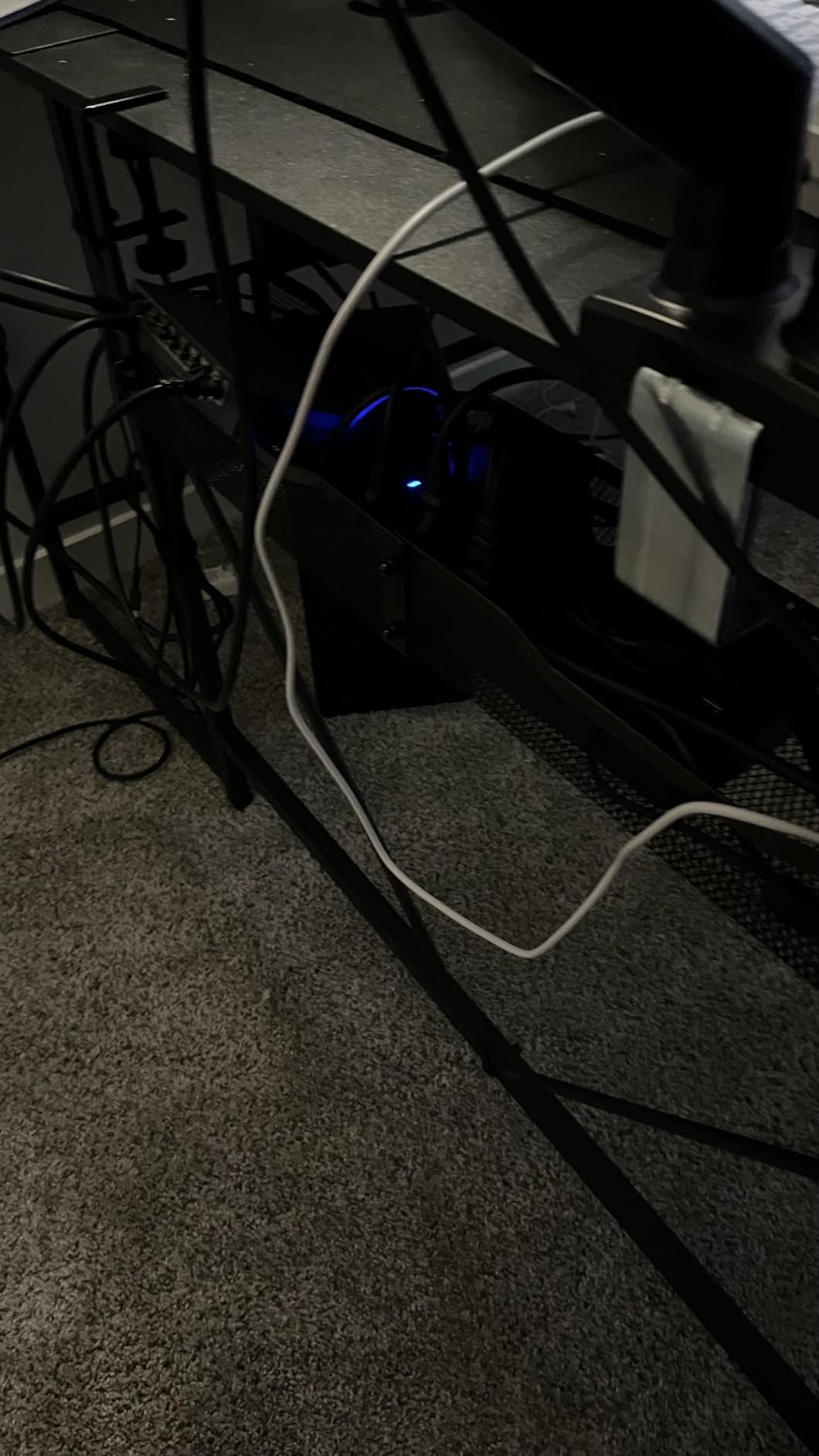
Is 25 inches the right length for an L-shaped desk
For the main run of a 60 to 72 inch desk, 25 inches covers one leg comfortably and part of the return. You will often want two of them, one per side, and the reversible opening means you can orient the tray mouth toward the rear on one side and inward on the other.
Where it falls short for cable swapping
There is no fold-down or hinged panel, so adding a cable means reaching over or around the mesh, and there is no dedicated tie bar, so cables have to be secured to the frame itself. If you change cables often, that is the trade you make for the extra length and the ventilation.
3. Scanfield 17 Inch No Screw Cable Tray 2-Pack – Adhesive Mount With No Tools At All
Scanfield Under Desk Cable Management Tray, No-Screw, 17-Inch, 2-Pack Black
- Adhesive backing makes installation drilling-free and tool-free
- 3.5 inch interior fits power strips and chargers
- Robust tray holds transformers and cable bundles
- Noticeably reduces visible cable clutter
- Adhesive mount is less flexible to reposition than a clamp tray
- PVC is less rigid than metal mesh alternatives
- Needs a 24 hour cure before load
If you cannot clamp and you cannot drill, adhesive is the third option and this is the tray we would pick for it. The backing needs a 24 hour cure before you load it, so plan the install for a Saturday rather than an evening.
The 3.5 inch interior is deeper than most adhesive trays in this category, which is why it takes a power strip and a couple of chargers rather than just cables. At 17 inches you get two of them in the pack, and the pair works well on a desk with a rear seam or on two separate desk units.
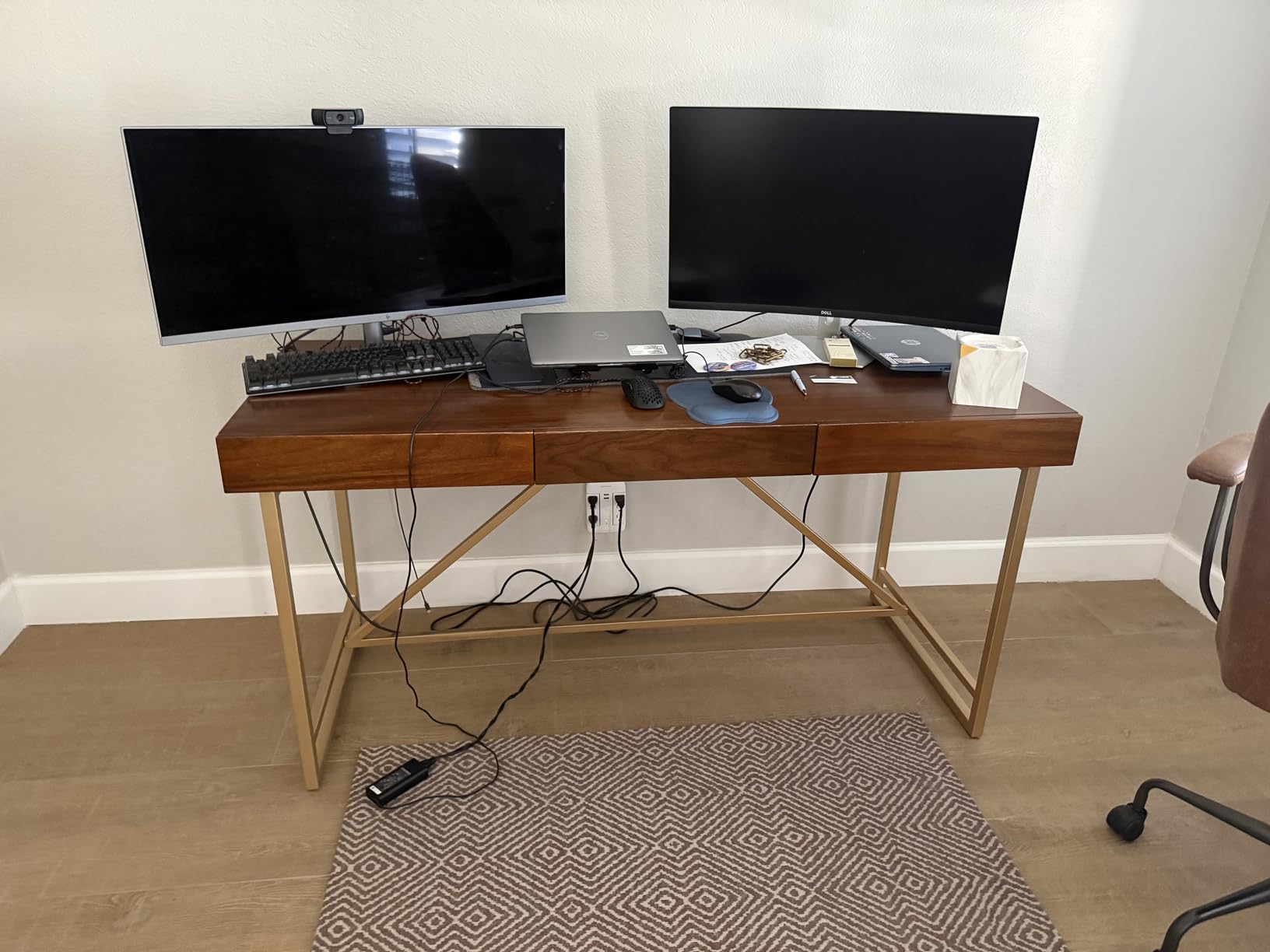
Reviewers consistently credit the adhesion over time and the reduction in visible clutter, and the 6737 reviews behind the 4.5 average make this the most thoroughly worn tray in our group. Buyers also note the tray does not bend under transformers, which was our main worry with a plastic body.
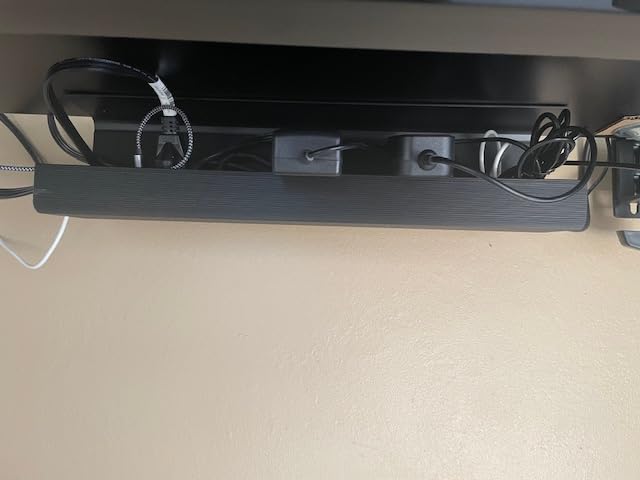
Will an adhesive mount hold a loaded power strip forever
In practice the strip stays put, but repositioning is the weak point. Once cured, moving the tray means peeling it off, cleaning the surface and re-sticking, and residue is a real possibility on a finished desktop. If you like to move things around, this is not the tray for you.
Is PVC stiff enough for a heavy gaming load
It holds adapters and cable bundles fine. A heavy power brick plus a full surge protector is closer to the limit of what the plastic body wants to carry long term, so treat this as a strip-and-adapter tray rather than a brick tray. If the load is heavy, a clamp-mounted steel basket is the better answer.
4. Cinati White No Drill Clamp Cable Tray – Clean Look On A Light Desk
Cinati Under Desk Cable Management Tray, 13.4″ Metal Cord Organizer, White
- Clamps on with no drilling and no desk damage
- Anti-scratch mats keep surfaces scuff-free
- Welded powder-coated metal resists rust and dust
- Opening can face inward or outward
- Kit includes 4 cable clips and 6 cable ties
- At 13.4 inches it is one of the smaller trays so bulky power strips fit tightly
- 10 lb rating is modest for two heavy bricks
- Short length limits cable storage
A black steel basket under a white desk is the detail that makes a setup look unfinished, and this is the tray that fixes it. The whole body is welded powder-coated metal in white, including the clamp, so nothing black shows from underneath.
The stated capacity is 10 lb and the clamp range covers desktops from 0.4 to 2.4 inches thick, one of the wider ranges here. The reversible opening means you can flip the mouth depending on whether you want quick cable access from the front or a cleaner sightline from the side.
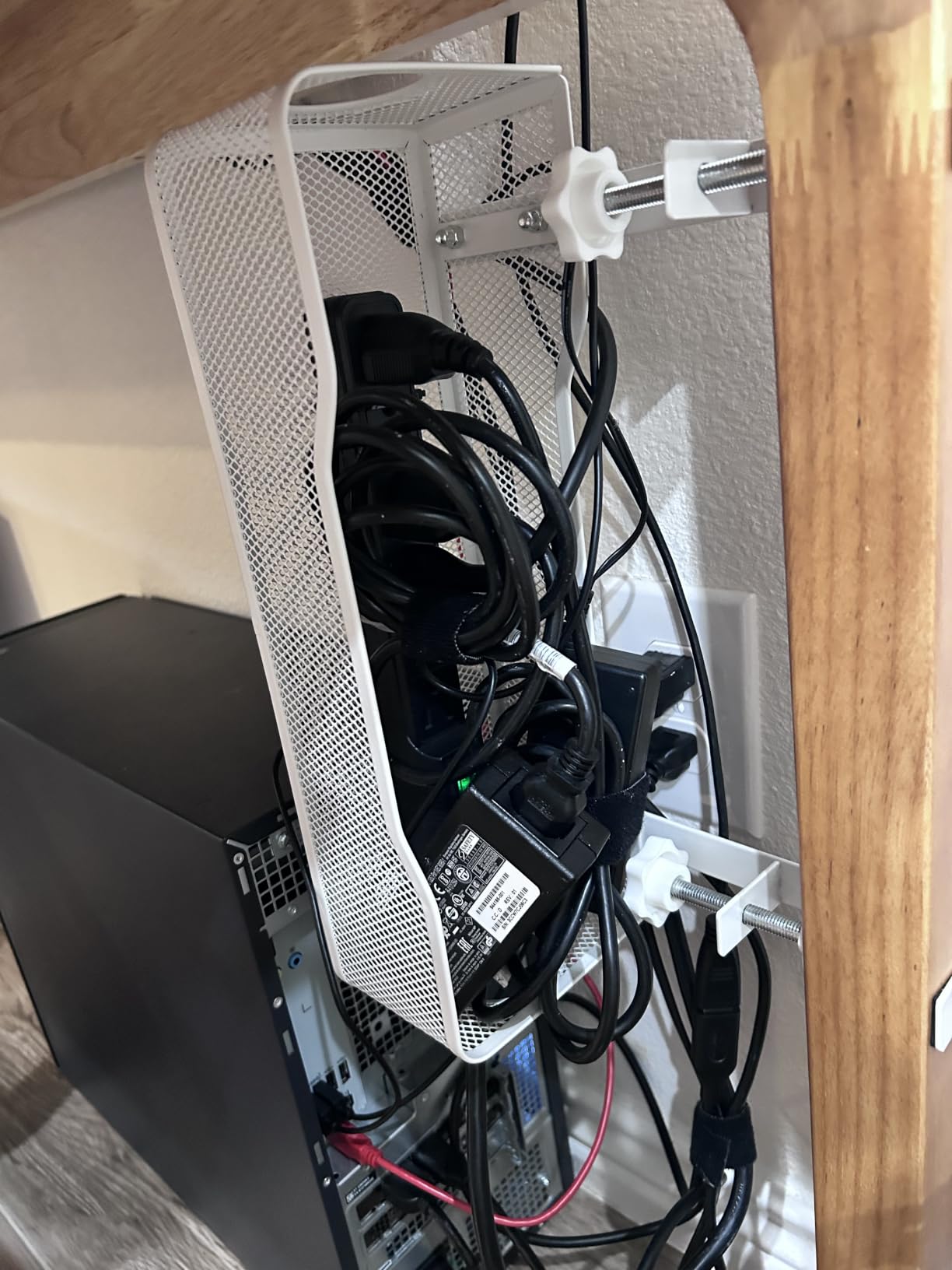
Reviewers highlight the non-destructive install and the welded construction as the standouts, with a two year manufacturer warranty listed. The kit includes four cable clips and six cable ties, which covers the loose peripheral leads that make up most of the visible mess.
Is 13.4 inches too short for a gaming rig
For one power strip, two adapters and some slack it is enough. For a setup with a large power brick, a surge protector and a stream deck, the length is the limit and reviewers note bulky strips fit tightly. You can solve this with a second tray rather than a bigger one, but plan for two mounting points.
How does the white finish hold up
The welded, powder-coated body is described as rust and dust resistant, and that is the right construction for a desk underside where airflow is poor. The clamps use anti-scratch mats, so a light laminate top is not marked. Two years of warranty coverage is also the longest listed in this group.
5. PAMO Under Desk Cable Management Set of 2 – Screw-In Trays For Desks You Own
- Beveled easy-access design keeps cables reachable when hidden
- Routes large power strips and heavy adapters without flexing
- 1 mm coated steel with rounded powder-coated edges
- Compatible with monitor arms and height-adjustable desks
- Includes 6 reusable cable ties
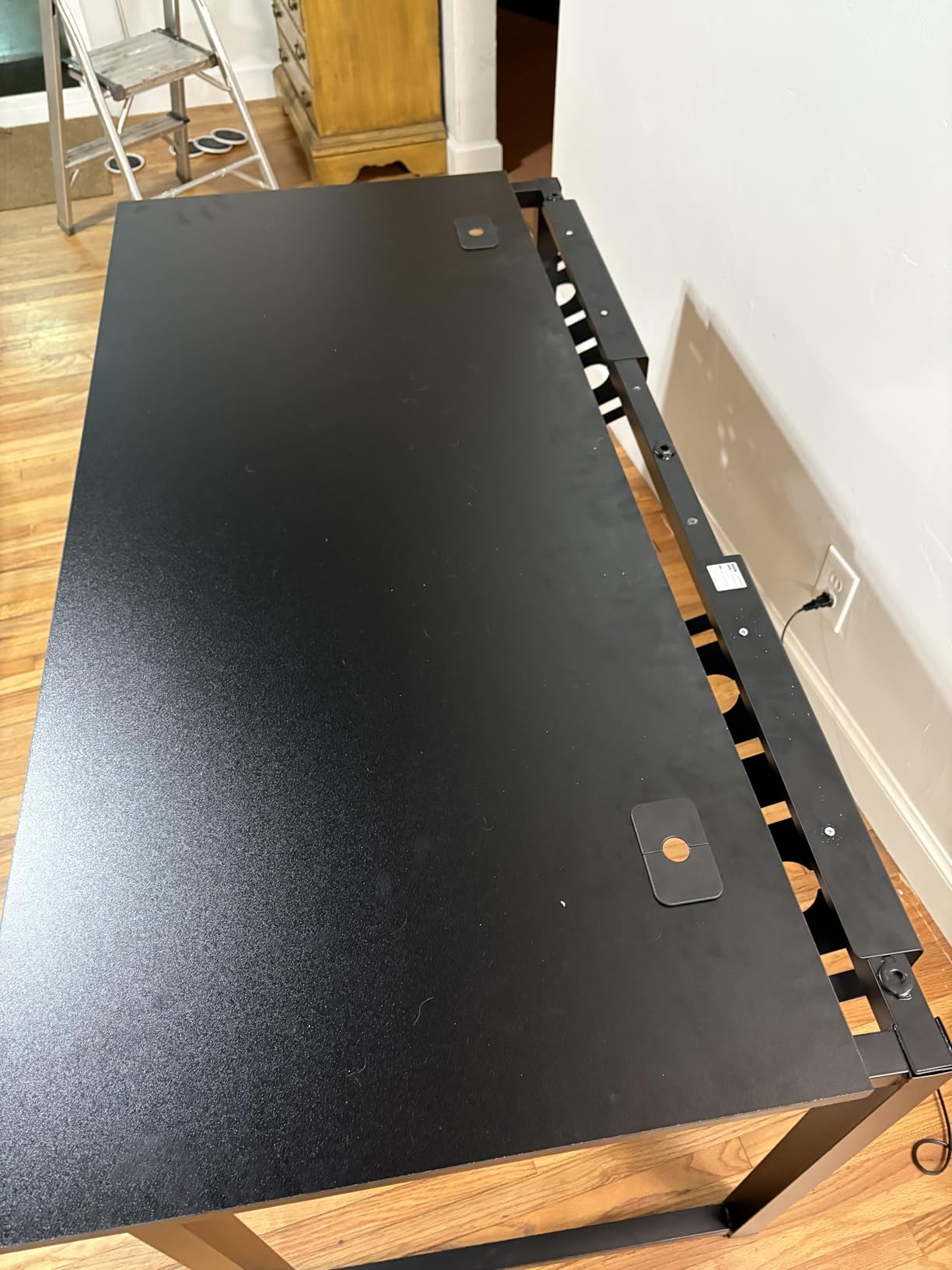
- Screw-in mounting requires drilling into the desktop
- Two-pack format costs more than a single clamp tray
- Permanent fix if you later want to move the desk
This is the pair to buy when you own the desk and it never moves. Screw-in mounting is the most rigid option available, and the 1 mm coated steel is thicker sheet than most trays in this roundup use.
The beveled easy-access opening is the detail worth knowing about. Instead of a flat closed face, the front is angled so you can reach in and pull a cable out without dismantling the run, which answers the top complaint we see about enclosed trays.
Each tray measures 17.3 inches long and 3.94 inches wide, and two of them cover most of a 60 inch desk. Buyers also note the tray works with monitor arms and height-adjustable desks, and the box includes mounting screws, cable guides and six reusable cable ties.
What happens to thin or hollow-core desktops
Drilling is the trade-off. On a thin laminate or hollow-core top, screw-in mounting can split the material unless you drill pilot holes first, which is why renter forums keep steering people toward clamp trays. On a solid wood or thick composite top, screws into particle board hold indefinitely.
Is two trays better than one long tray
Two mid-length trays give you mounting points at both ends of the desk, which distributes load better than a single 24 inch tray on a wide top. They also leave the middle of the desk clear for a monitor arm post. The cost is a two-pack purchase for coverage you could otherwise buy one tray at a time.
6. Litwaro No Drill Metal Mesh Cable Tray – Best Airflow Of The Clamp Baskets
- Clamp assembles in about 3 minutes with no screws or adhesive
- Built-in rubber pads protect the desk from scratches
- Open mesh vents heat and resists dust buildup
- Side holes route DisplayPort and Ethernet cables between trays
- Interior space gets tight with a very bulky power strip
- Clamp only fits desktops 0.4 to 2 inches thick
- Cables stay partly visible through the open mesh
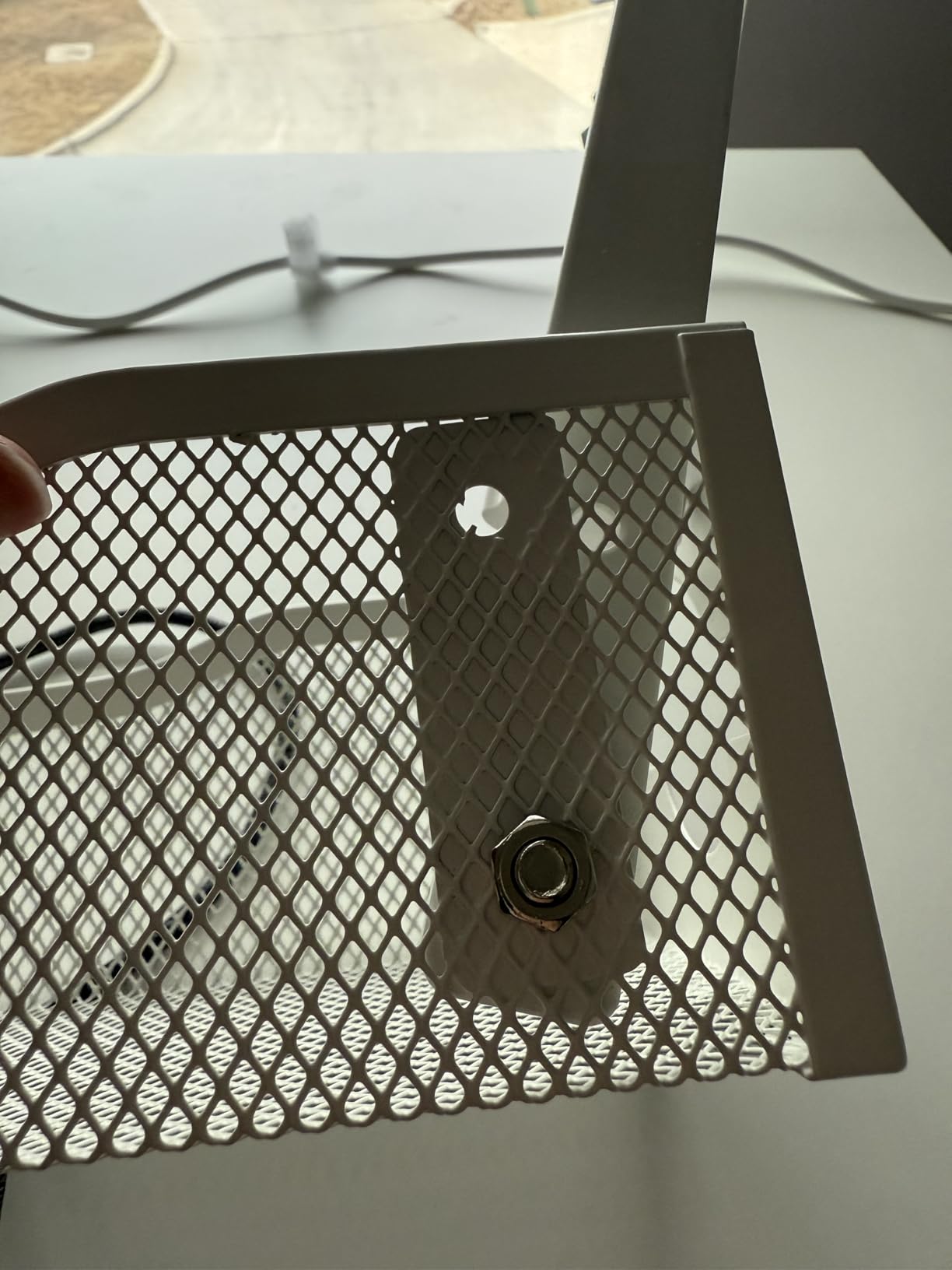
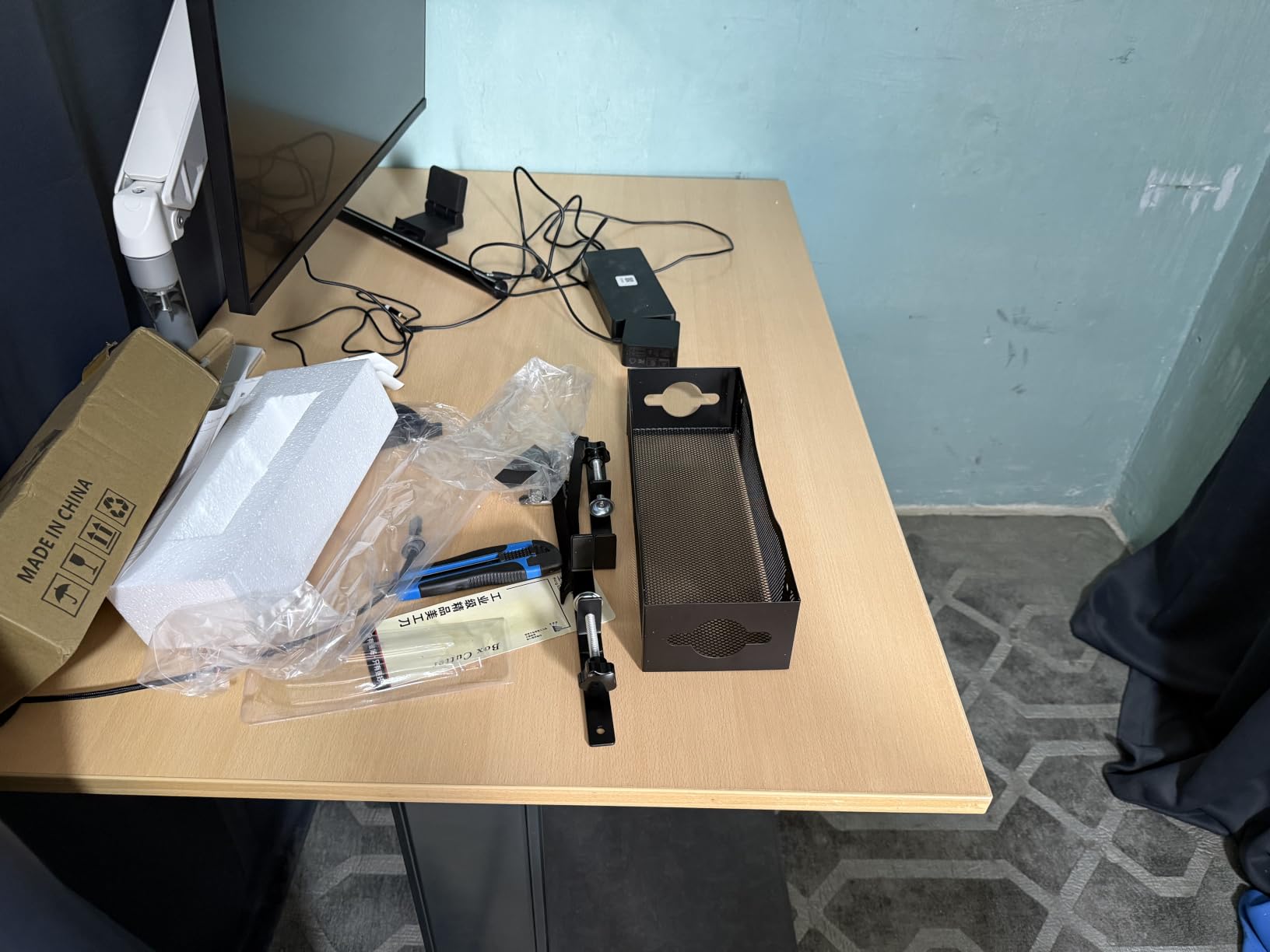
Airflow is the reason to pick this one. The carbon steel mesh is fully open on every face, so heat from a power brick and a surge protector disperses instead of pooling in an enclosed basket, which is the specific concern for a gaming desk that runs for hours.
Assembly takes about three minutes with no screws or adhesive, and the rubber pads mean the clamp can sit on wood, glass, metal or a standing desk frame. The two holes per side are sized for the thick cables a gaming rig actually runs.
Reviews emphasise quick clamping, a mount that stays solid under load and improved airflow around hot components. At roughly 15 lb stated capacity it is rated higher than several trays that are physically larger, and a one year warranty is listed.
Is mesh or solid better for a gaming setup
For heat, mesh wins clearly. For concealment, mesh loses, because cables remain visible through the grid from a low angle. If your desk sits in the middle of the room and you see the underside from your chair, that visibility is the deciding factor rather than the thermal argument.
Will the clamp fit your desktop
The stated range is 0.4 to 2 inches thick, which excludes thick butcher-block and heavy solid wood tops. Measure first. A tray that only seats halfway is the failure users report most often, and the rubber pads will not compensate for a clamp that cannot close fully.
7. Xpatee White No Drill Wire Management Tray – The Deepest Clamp Basket
- No assembly required and clamps onto the desk frame in minutes
- Deep 7.3 inch height fits large surge protectors and dual power bars
- Welded powder-coated metal shows no sagging over months of heavy use
- Guardrail and mesh design ventilates while routing
- Open sides allow USB access and routing between trays
- Included adhesive cable tabs do not stick well
- C-clamps may only seat halfway on desks with an under-slung support bar
- Tray can tilt slightly on the unclamped side once loaded
Height is the differentiator here. At 7.3 inches tall this basket swallows a deep surge protector or two power bars side by side, where a shallow tray forces you to angle the strip or leave it out.
It is welded powder-coated metal with a guardrail and mesh, so it ventilates while still containing cables. The C-clamp installs without screws, drilling or glue, and anti-scratch mats protect the contact points.
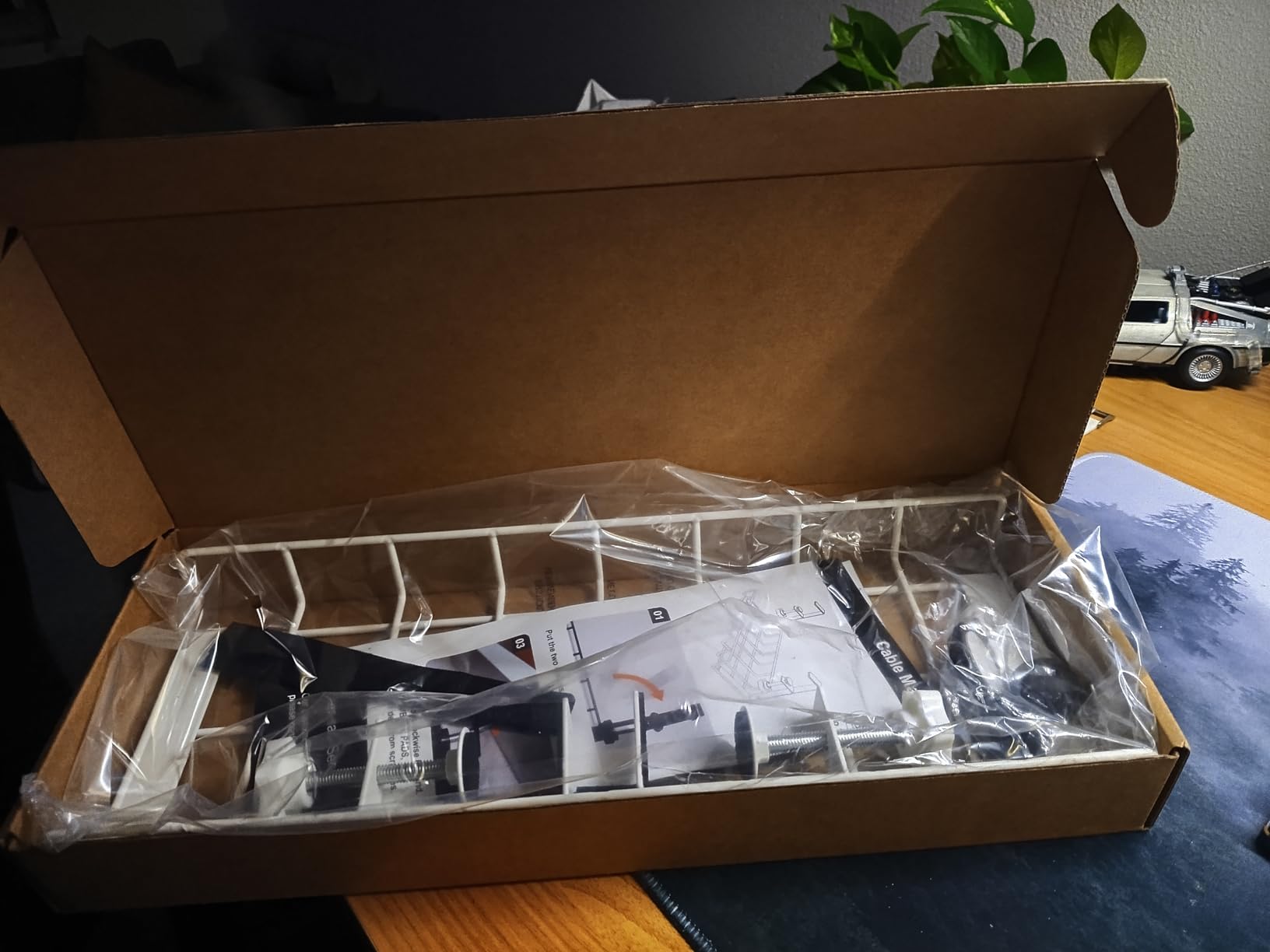
Reviewers single out the depth-to-size ratio and the fact that the welds do not sag after months of heavy use. Four cable clips and six cable ties come in the box, though reviewers note the adhesive tabs are the weak accessory in the kit.
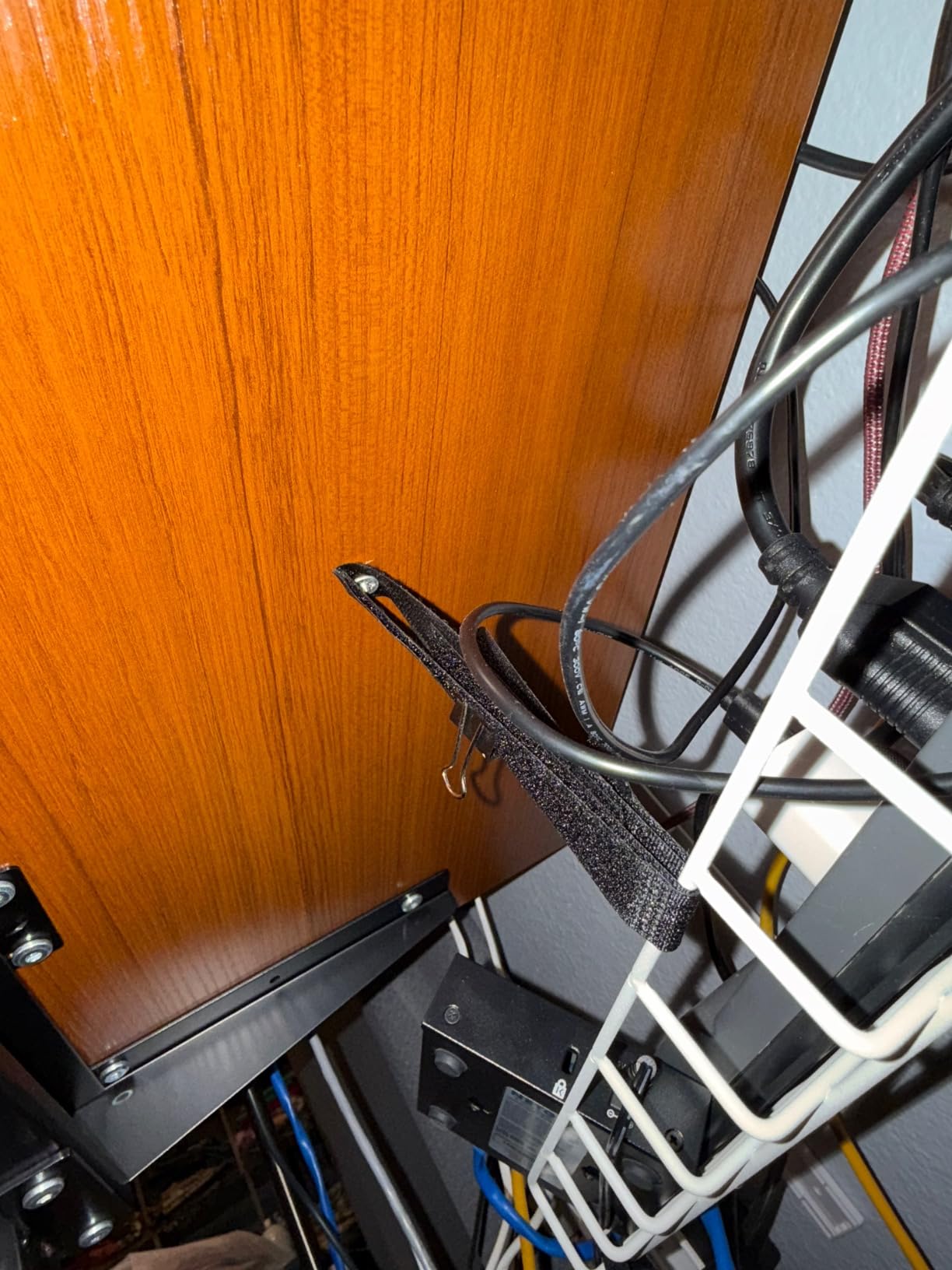
Do the C-clamps clear an under-slung desk frame
This is the real question for this tray. Users report the clamps may only seat halfway on desks with an under-slung support bar, and once loaded the unclamped side can tilt slightly. Check the gap between your desktop underside and the frame before ordering, and measure the free edge depth.
Is the white finish consistent across the kit
The tray body is white, but the adhesive cable guides included with it are reported as black even on the white variant. It is a small cosmetic mismatch that shows if you look directly at the underside, and it is the main reason we would not build an all-white aesthetic around this tray alone.
8. Monoprice Under Desk Cable Tray White – Long Screw-In Tray That Moves With A Standing Desk
Monoprice Under Desk Cable Tray – Steel with Power Supply and Wire Management – Workstream Collection White
- Attaches under the desktop and moves with height-adjustable desks without tangling wires
- Long 24.4 inch tray holds a power strip
- two AC adapters and monitor cabling
- Straightforward screw installation
- Minimalist design hides cable clutter effectively
- Sheet metal is thinner than expected and can flex
- White finish is slightly warm-toned rather than pure white
- Mounting holes are positioned awkwardly
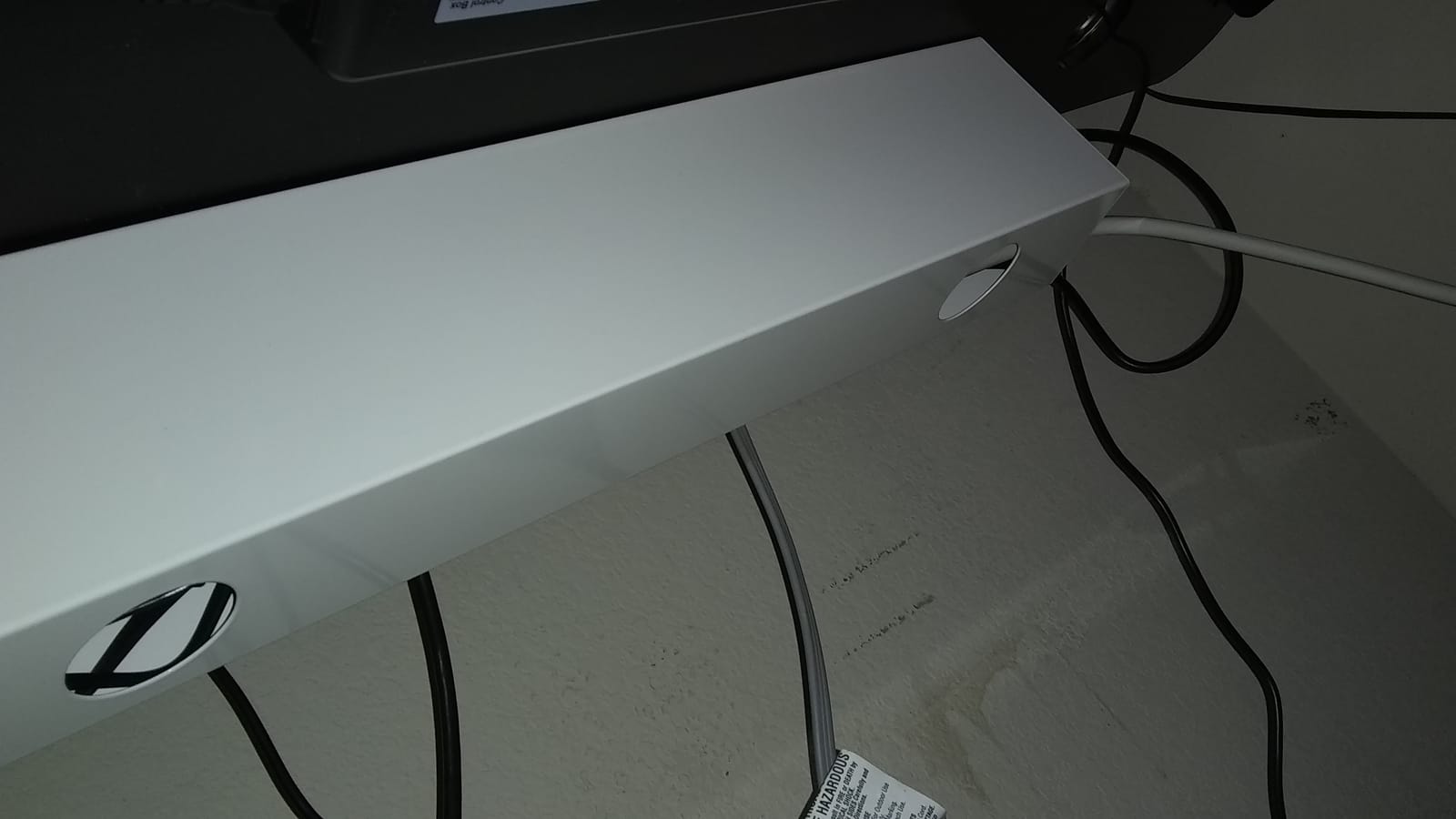
This is the tray long-time owners credit with ending the cable drag on a sit-stand desk. Mounted to the moving top, the whole run rises and falls with the desktop, so nothing pulls taut against the lift mechanism.
At 24.4 inches long and 4.8 inches wide, it holds a power strip, two AC adapters and monitor cabling with room remaining. The minimalist white design hides clutter better than an open basket, which suits a desk where the underside is visible from the chair.
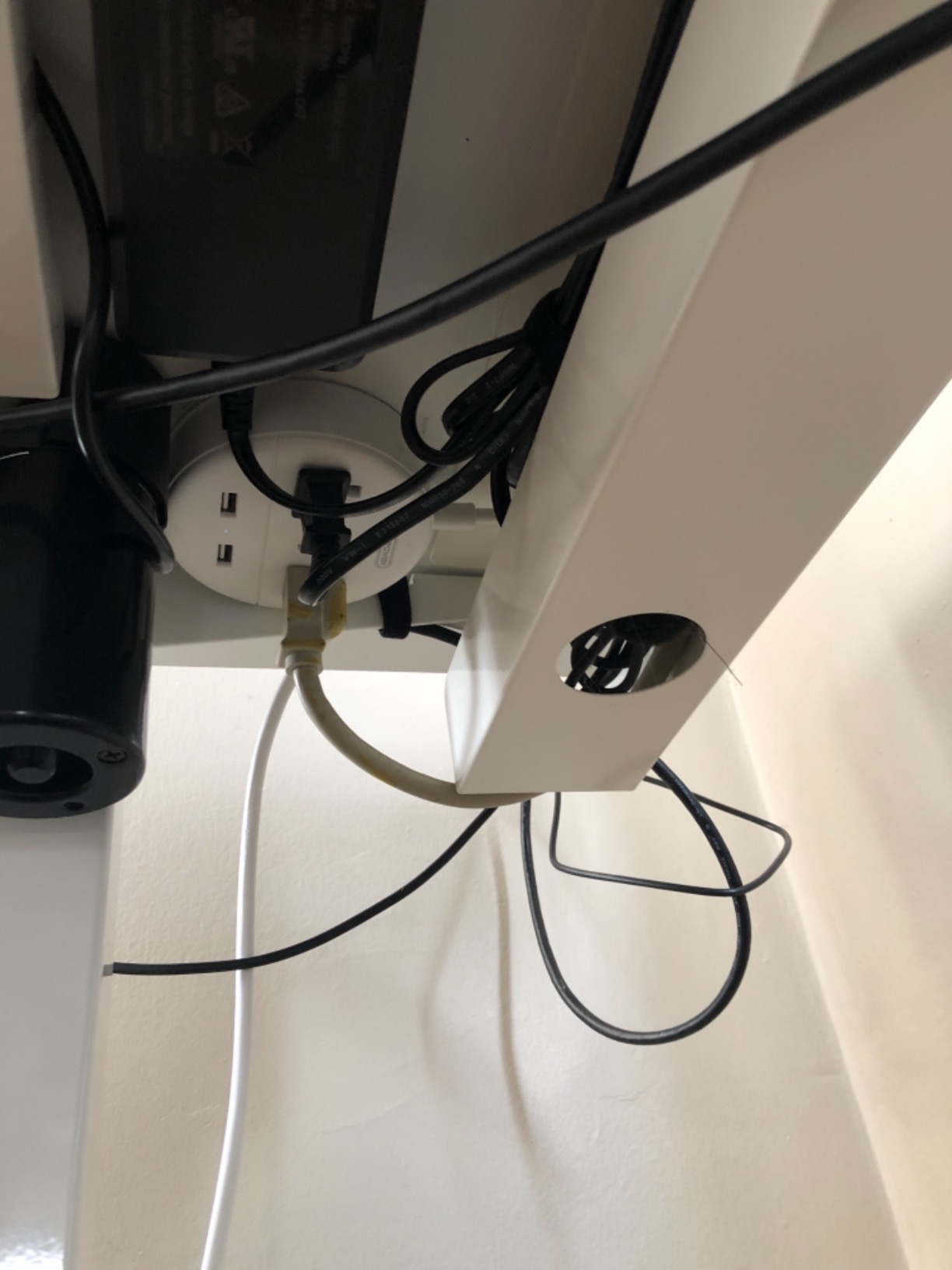
The consistent criticisms are material and mechanical rather than functional: the sheet metal is thinner than buyers expect and can flex when loaded, and the mounting holes sit in awkward positions that make alignment fiddly. Buyers also report the hardware is not always included in the box.
Does it work on a sit-stand desk
Yes, and it is the reason this tray has stayed popular since 2018. Because the strip is carried by the moving top, the only fixed cable is the mains lead running to the floor. Leave a drip loop in that lead or the tray will fight the desk as it rises.
Is the steel thick enough for heavy bricks
It is thinner than the 1 mm steel used by the PAMO set, and buyers note it can flex under a heavy load. It is fine for a strip and a couple of adapters. If your setup includes a large power brick plus a full surge protector, a thicker steel tray is the better purchase.
9. Univivi 36 Inch No Drill Cable Tray – Full Concealment In Fabric
Univivi No Drill Under Desk Cable Management Tray, 36 inch Cable Management
- Clamp or screw mounting works on wood
- glass and metal tops
- Unfolds to make adding or removing equipment much easier
- Thick flame-retardant 600D Oxford fabric plus a bottom rail holds heavy loads
- Fully conceals cables unlike open mesh baskets
- Requires at least 5.3 inches of clear edge space
- Clamp brackets are visible under the desktop
- Interior metal rod is black even on white variants
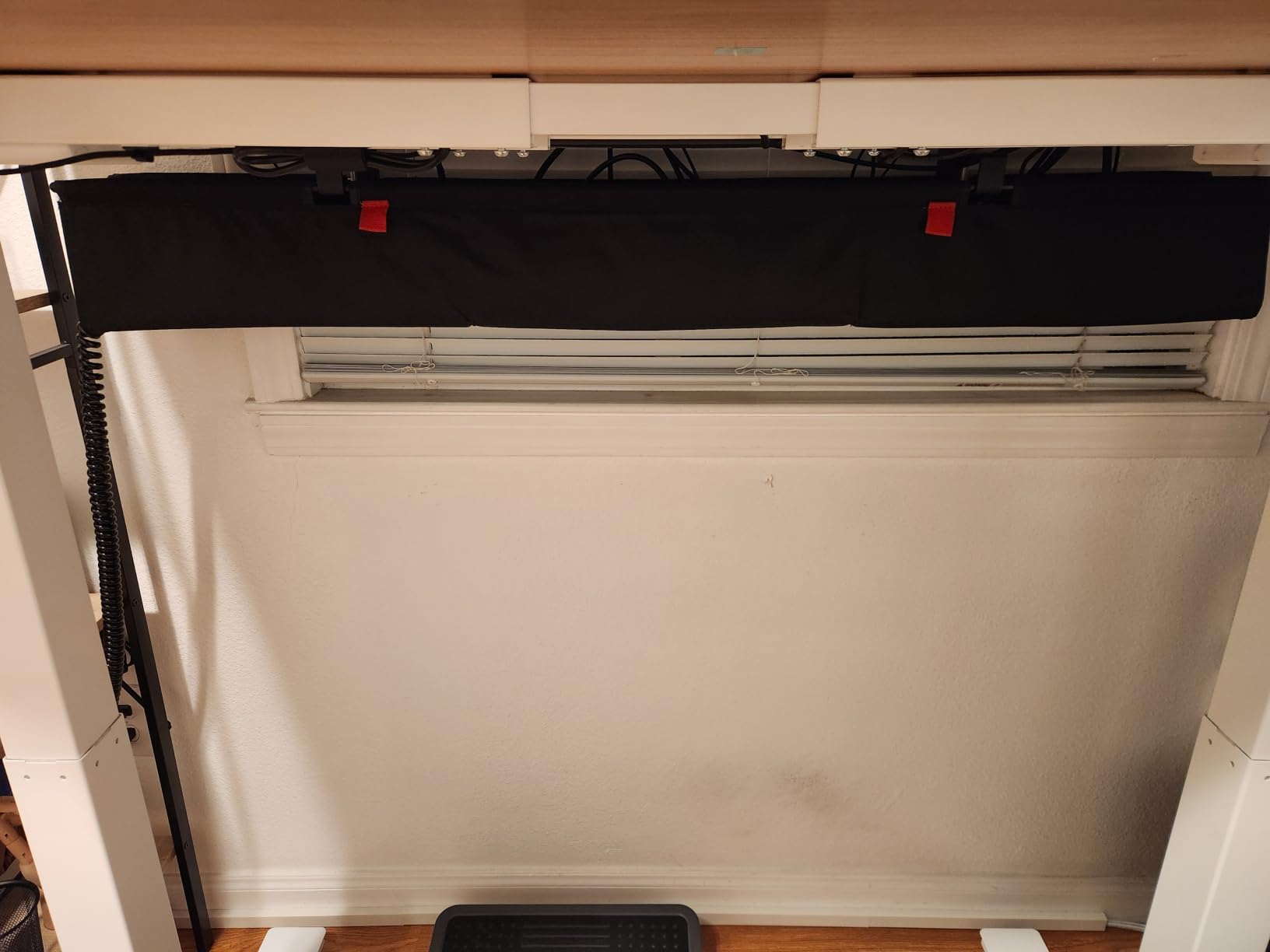
Where a mesh tray shows you a grid of cables, this one shows you fabric. The flame-retardant 600D Oxford body wraps the full run, and the metal bottom rail keeps it from sagging under heavy loads, so it doubles as concealment and as support.
It is also the most flexible about installation. Clamp and screw mounting are both offered, and the same unit works on wood, glass or metal tops. At 36 inches it covers most of a desk front to back on a wide top, and 28 and 48 inch lengths exist for other layouts.
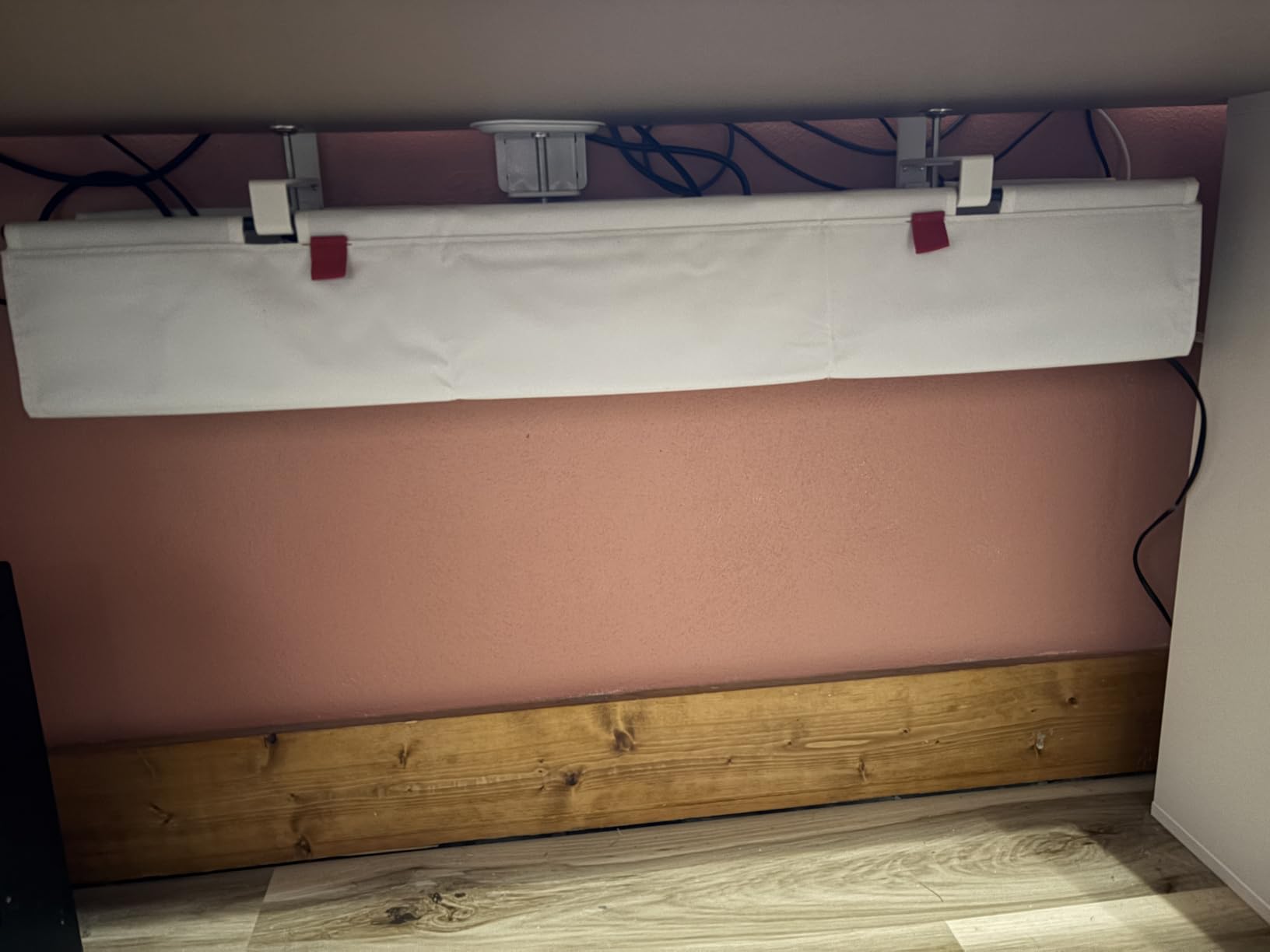
The fold-up design is what reviewers rate highest. Instead of reaching into a fixed basket, you pull the fabric up and place gear in, then roll it shut. Built-in ties hold the power strip and adapters so nothing shifts when the desk moves.
Does it need clear edge space to mount
It needs at least 5.3 inches of clear edge space, which rules it out on desks with a drawer bank or a rear crossbar rod. The clamp brackets are also visible under the desktop, and the interior metal rod is reported as black even on white variants.
Is fabric better than mesh for heat
Not for heat, and we would not claim otherwise. Breathable flame-retardant fabric blocks dust while dissipating heat, but an open steel mesh moves more air. If the tray sits next to a power brick that runs hot for long sessions, keep clearance around it rather than packing the fabric tight.
10. VIVO 17 Inch Under Desk Cable Management Tray – Low Profile For Tight Clearances
- Low-profile 16.5 x 3 inch footprint tucks tightly under the desktop
- Partially closed design hides cables while the front opening makes swaps easy
- Metal construction holds 11 lb without bending
- Minimalist black finish blends with modern setups
- Screws included with 11 inch hole spacing
- Shallow 3 inch width limits larger power strips and adapters
- Screw-in mounting requires drilling into the desktop
- Less usable volume than clamp-mount baskets
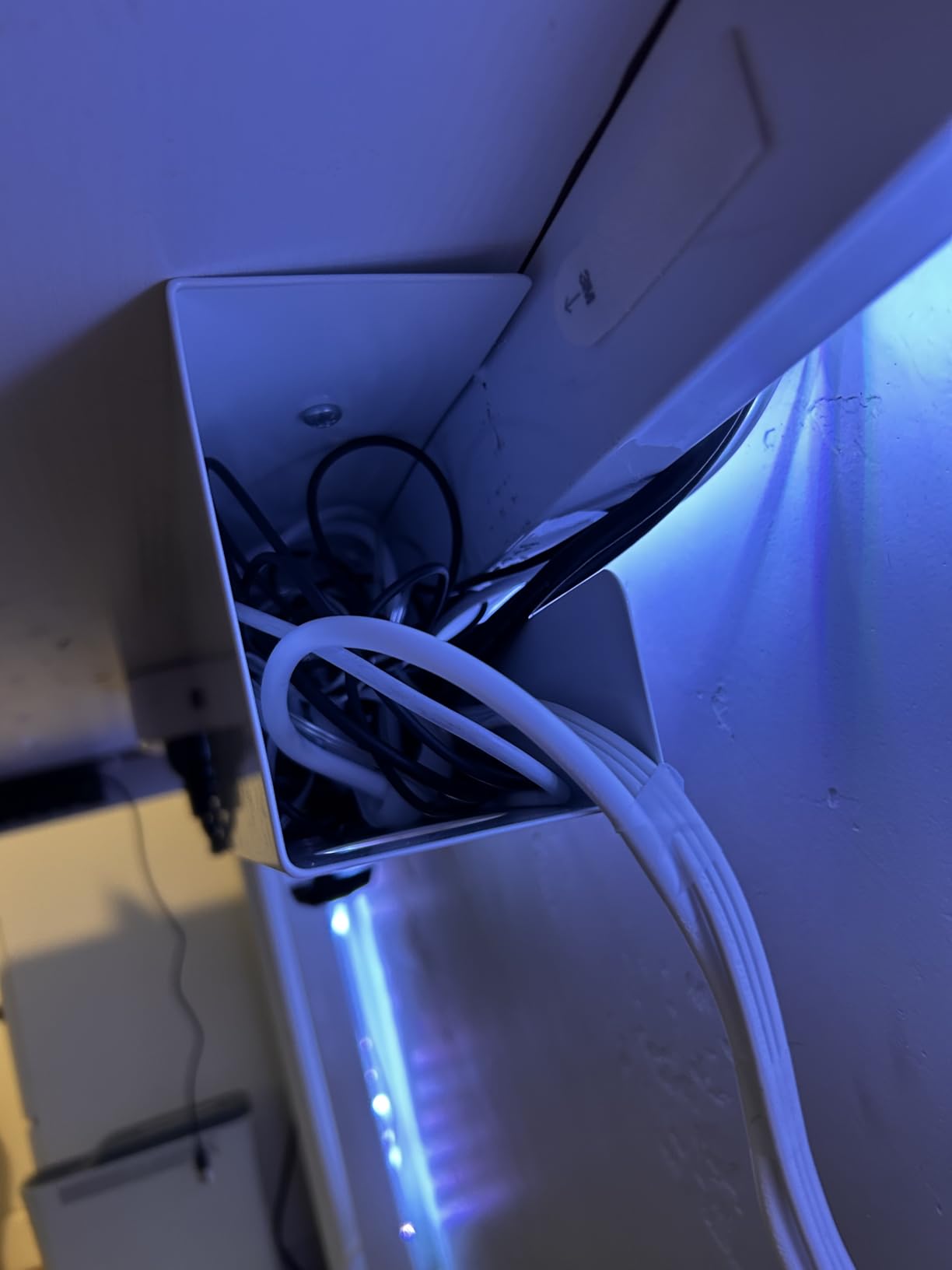
This is the pick when vertical clearance under the desktop is the problem. The body is only 3 inches deep, so it clears a shallow frame, a drawer rail or a tight knee space that a deep basket would not.
It is still metal and still rated for 11 lb, so it holds a standard power strip without bending. The partially closed front hides cables while keeping a wide opening for swaps, and the mounting holes sit 11 inches apart with screws included.
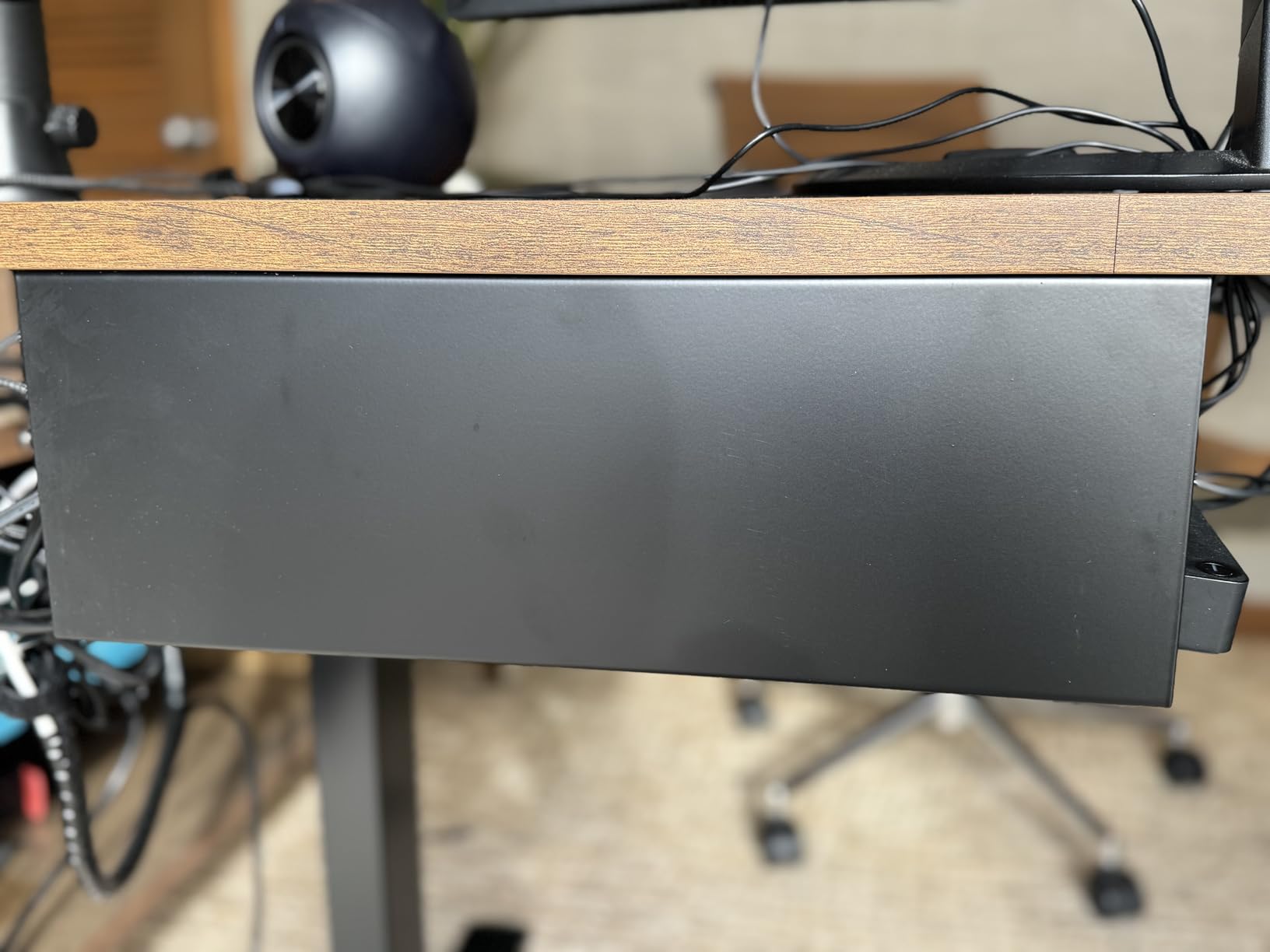
Buyers like the unobtrusive profile and the easy cable access, with the shallow capacity and the need to drill as the two recurring notes. The minimalist black finish is described as blending with modern desk setups rather than standing out under a light top.
When is a shallow tray the right call
When your desktop has a modesty panel, a low frame rail or a monitor arm post occupying the usual mounting zone. A 3 inch deep tray slides into that space where a 6 to 7 inch basket physically cannot, and the trade is capacity rather than strength.
Will a large power strip fit
A slim strip fits comfortably. A deep or double-row power bar does not, and buyers report the 3 inch width is the binding constraint. If you know your strip is bulky, skip this one and go to a deeper clamp basket instead of forcing it.
11. Cotohim 48 Inch Gaming Cable Management Tray – Full Battlestation Length With An Anti-Sag Base
48″ Gaming Under Desk Cable Management Tray, Black No Drill Cord Organizer for PC Setup, Large Anti-Sag Wire Hider, Stealth Cable Management Net for Battlestation (Black, 47.8″)
- All-black high-density fabric fully conceals wires so RGB lighting stays the focus
- Reinforced anti-sag base holds heavy PC power bricks and long surge protectors
- Breathable flame-retardant fabric blocks dust while dissipating heat
- Side openings route thick DisplayPort and Ethernet cables
- Includes 12 hook-and-loop cable ties and folding support poles
- Clamp can shift or come off the hooks when cables are adjusted
- Width is tight for bulky double-row power bars unless partly open
- Only 265 reviews so there is less long-term history than the metal trays
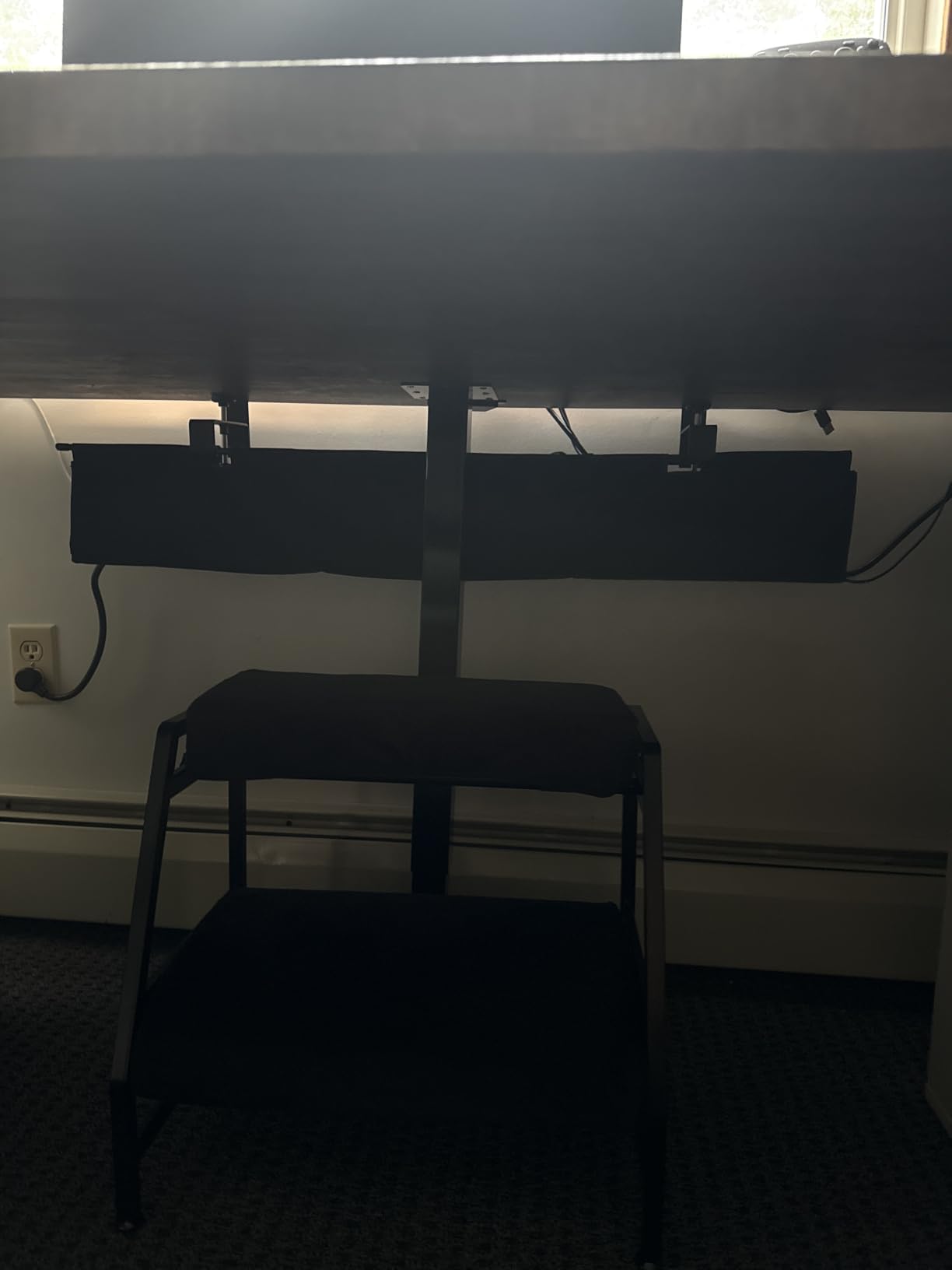
At 47.8 inches this covers the full run of a large L-shaped battlestation in one piece, which means one mains lead down and no gap in the middle where cables drop into frame. It is also the only tray here explicitly built around RGB-focused setups.
The construction combines 600D Oxford fabric with a metal frame and PP board, and the reinforced base is designed for the two heaviest things on a gaming desk: a desktop power brick and a long surge protector. Fabric breathes, which limits dust settling on the run.
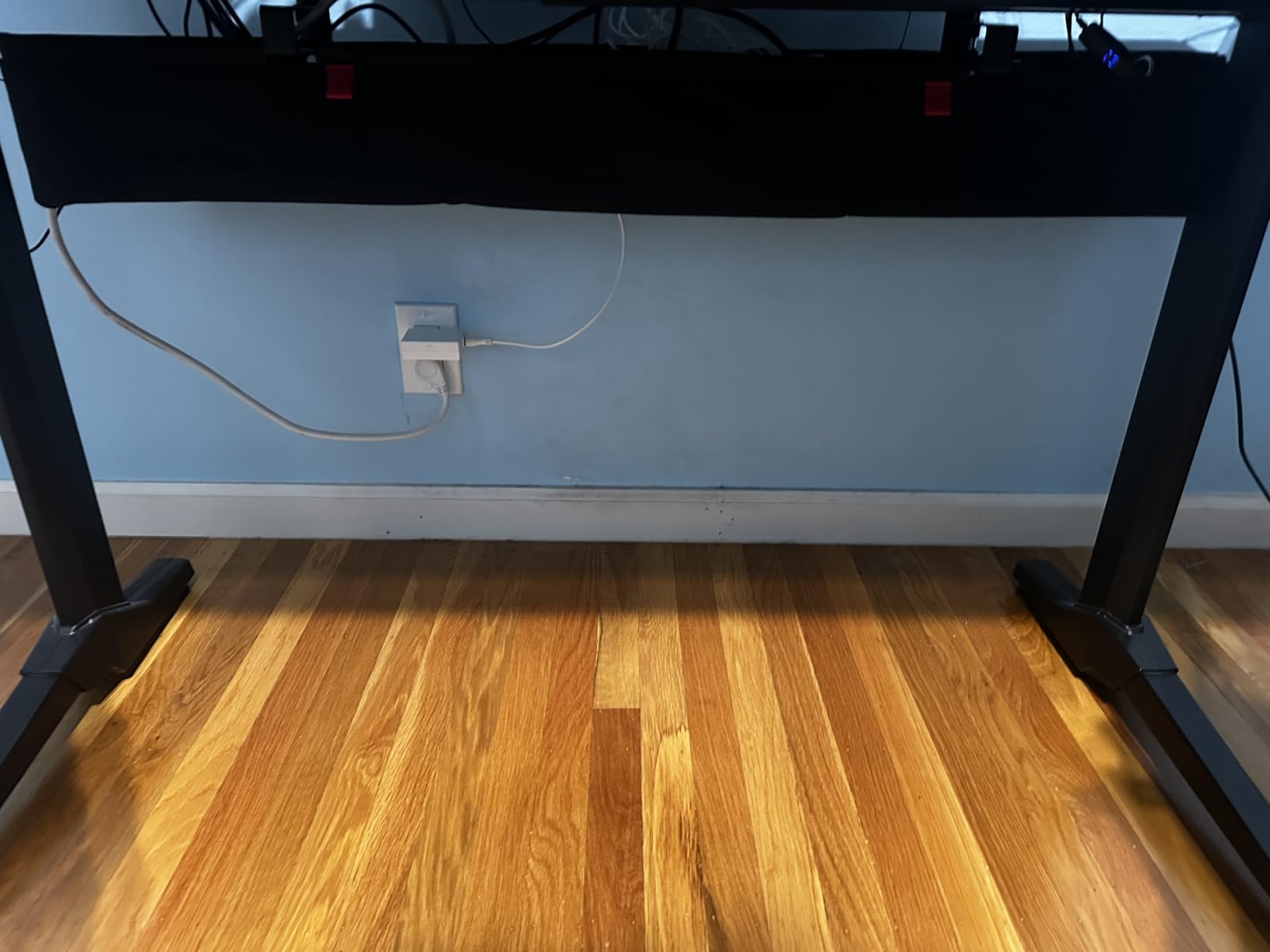
Owners report the total blackout of the wiring is the point, since the visible lighting stays the only thing your guests see. Twelve hook-and-loop cable ties come in the box, along with folding support poles that hold the shape while it is empty. A two year warranty is listed.
Is 48 inches too long for a normal desk
On a 48 or 60 inch desk it is a single clean run, but on anything shorter you will have overhang you cannot use. Shorter variants at 28.6 and 35.8 inches exist for compact desks, and they suit most single-monitor gaming setups better than the full-length version.
How reliable is the clamp over time
A few reviewers report the clamp shifting or coming off its hooks after cable adjustments, and the 5.6 inch width is tight for a bulky double-row power bar unless you leave it partly open. With only 265 reviews there is less long-term history here than the metal trays carry.
How to Choose a Cable Tray for a Gaming Desk in 2026?
Most people pick a tray by length and then discover the mounting method is wrong. Work through the following in order and the choice makes itself.
Mounting method decides everything else
Clamp-on trays mount to the desktop edge, need no tools and leave no marks, but they need clear edge space and a frame the clamp can grip. Screw-in trays are the most rigid and the least reversible, and they risk splitting thin or hollow-core tops unless you drill pilot holes first. Adhesive trays need no tools and no edge space, but they need a 24 hour cure and they cannot be repositioned once loaded.
Size the tray to your power strip, not your desk
Measure your power strip and largest adapter first, then pick a tray a few inches longer than the strip and deep enough to clear your biggest brick. Around 13 to 17 inches suits a compact desk, 25 inches covers a strip plus adapters plus slack, and deep baskets let you stack two power bars instead of angling one.
Mesh, solid steel or fabric: which one suits your setup
Open mesh steel moves the most air and keeps cables traceable, which suits a desk running a power brick for long sessions. Enclosed steel conceals more and wipes down easily. Fabric hides everything but gathers more dust and holds slightly more warmth.
Desk material and thickness set your ceiling
Glass tops and finished laminate rule out drilling entirely and favour a clamp with rubber pads. Hollow-core and thin particle board also favour clamping, since screws can split them. Thick solid wood and composite tops can take screws safely, and those are the only cases where a screw-in tray is the stronger choice.
Standing desks: mount to the moving top and leave slack
If the desk rises, the strip must ride with the desktop rather than sit on the floor. Mount to the moving top, leave a drip loop of slack in the mains lead, and keep every cable clear of the lift mechanism.
Clearance: monitor arms, drawers and crossbars
Measure the rear underside of the desk before you buy. A monitor arm C-clamp, a drawer bank or a rear crossbar rod can occupy exactly the strip you planned to use, and a tray that only seats halfway is the most common install complaint across all mount types. Where clearance is genuinely tight, the low-profile VIVO tray is the shape that fits.
Load rating and thermal load
Published ratings here range from 10 lb to about 15 lb, which covers a strip plus adapters comfortably. Load is not heat: a PSU brick and a surge protector side by side in an enclosed basket create a warm pocket, so keep air gaps around hot gear and prefer mesh when the tray sits close to the brick.
For the wider system, our cable management systems guide covers sleeves, raceways and Velcro ties that pair with whichever tray you choose.
How to Install a Cable Tray on a Gaming Desk
Installing takes 20 minutes if you route the cables before you mount the tray, and an hour if you do it the other way round.
1. Unplug and photograph.Take the desk apart enough to reach the underside, then photograph every cable connection before you disconnect anything. Label each one. This is the step that prevents the dismantled-run problem people complain about most.
2. Flip the desk or work from underneath.Support the top on a blanket or foam pad so you are not working against a hard surface and risking a scratch.
3. Mark the mounting points.For a screw-in tray, mark the holes and drill shallow pilot holes first, which prevents thin and hollow-core tops from splitting. For a clamp tray, check the frame gap and make sure the clamp can close fully before you route anything.
4. Keep clear of the lift mechanism and crossbars.On a standing desk, stay well away from the moving frame members. On a fixed desk, avoid the rear crossbar so the tray can take a straight load instead of twisting.
5. Mount the tray empty, then route thick cables first.Fit the tray and tighten it fully while the underside is clear. Then run the thick DisplayPort, HDMI and Ethernet cables through the side holes, followed by the mains lead, leaving a drip loop at the floor end.
6. Load and secure with hook-and-loop.Place the power strip, seat it flat, and bundle the runs with Velcro one-wrap ties rather than zip ties. One-wrap opens and closes repeatedly, so swapping a cable later does not require cutting anything. Give a power brick clearance from the strip if the tray is enclosed.
For the testing side of a rebuild, our network cable tester roundup confirms each run is live before you close the tray up.
Frequently Asked Questions
Can you mount an under desk cable tray without drilling?
Yes. Clamp-on trays grip the desktop edge with a C-clamp or edge clamp and need no tools, no screws and no adhesive, which makes them the right choice for glass tops, finished laminate and rentals. Adhesive-backed trays are the other no-drill route, but they need a 24 hour cure before loading and cannot be repositioned once stuck.
What size under desk cable tray do I need?
Measure your surge protector first, then choose a tray a few inches longer than it and deep enough to clear your largest power brick. Around 13 to 17 inches suits a compact single-monitor desk, 25 inches covers a strip plus adapters plus slack, and 36 to 48 inches spans a full wide or L-shaped battlestation in one run.
Are mesh cable trays better than solid trays?
Mesh wins on airflow and cable visibility. Open steel grid moves more air around a hot power brick and lets you trace a cable without dismantling the run. Solid or enclosed trays win on concealment and are easier to wipe clean. Choose mesh for heat dissipation, solid or fabric if the underside of your desk is on show.
Will an under desk cable tray conflict with my monitor arm?
It can. A monitor arm C-clamp often occupies the same rear underside zone as the tray, and a drawer bank or rear crossbar does the same job. Measure the free gap under the desktop and the width of the free edge before buying, and choose a low-profile tray if the standard depth will not seat.
How do I organize power strips and power bricks under a gaming desk?
Lay the power strip flat in the tray rather than standing it on edge, which avoids blocking sockets and lets heat escape. Keep a gap around any desktop power brick, route thick cables through the side holes first, and leave a drip loop of slack in the mains lead. Bundle runs with Velcro one-wrap ties rather than zip ties so cables stay swappable.
How much weight should an under desk cable tray hold?
Published ratings in this category run from 10 lb to about 15 lb, which covers a power strip plus several adapters comfortably. Judge the rating against your real load: one surge protector with two or three adapters is well inside every tray here, while a large power brick plus a full strip is closer to the upper end of a smaller steel tray.
What is the difference between a cable tray, a raceway and a sleeve?
A cable tray is a shelf that supports and stores a power strip and adapters, so it carries load. A raceway is a channel that routes cables along a wall or desk surface and is never load-bearing. A sleeve bundles several cables into one tidy run and carries nothing at all. Only a tray can hold a surge protector.
Do under desk cable trays collect dust?
Enclosed trays and fabric nets collect more than open mesh, because they limit airflow in a space that rarely gets cleaned. Open steel mesh vents as well as it traps, so dust settles on the frame rather than packing the interior. Either way, a compressed-air blowout every three months keeps the run and the connectors clean.
Which Desk Cable Tray Should You Buy?
The REFLYING no-drill steel tray is our pick of the best desk cable trays for gaming setups. It clamps to almost any desktop, holds a proper surge protector in powder-coated steel without flexing, and includes enough cord organizers to tidy the adapter cables as well. It is the tray we would put under our own desk.
For a large desk with a long cable run, the Mzmaxy 25 inch mesh tray carries the highest rating we found and fits a strip, adapters and slack on one basket. On a white desk, the Cinati tray keeps the finish consistent. If your desk rises, mount to the moving top and choose either of those two.
For full concealment on a battlestation, the Univivi and Cotohim fabric trays hide everything, at the cost of some airflow and a few inches of clearance. Whichever you pick, measure the free edge and the underside gap before you order, mount the tray empty, and bundle with Velcro one-wrap ties so swapping a cable never means dismantling the run.