
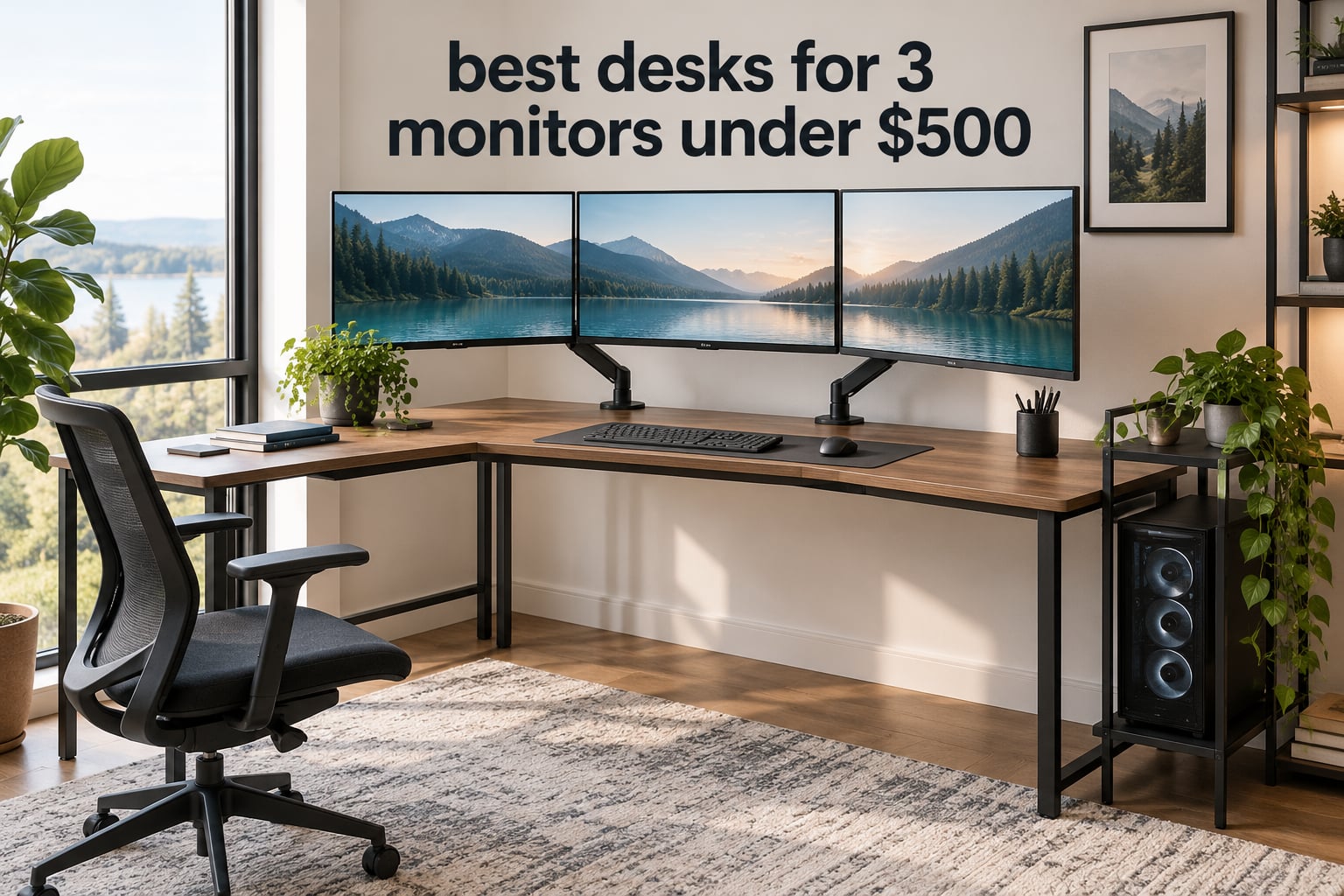
The hardest part of buying a desk for three monitors is not the price. It is arithmetic. Three 24-inch panels sitting side by side need roughly 74 to 78 inches of row width before you account for bezels, and three 27-inch panels need closer to 83. That is a bigger top than most sub-500-dollar desks ship with, which is why so many triple-monitor builds end up with the outer screens perched on the very edge of the surface or hanging off the back entirely.
We spent 2026 mapping every wide desk that clears the 500-dollar line against the width each one actually gives you, then checked capacity, depth, and mid-span support against a realistic load of three panels plus arms plus a tower. The short version: only two desks in this group fit three full-size monitors on the surface without arm overhang, and most of the rest need a monitor arm to work at all.
Below is the complete lineup, plus the width math that tells you which size you should buy before you spend anything. If you would rather start with the ergonomics, our guide to standing desks for engineers covers height range and frame quality in more depth.
Table of Contents
Top 3 Desks for Three Monitors on a 500-Dollar Budget (October 2026)

Bestier 71.5 Inch L-Shaped Gaming Desk
- 71.5-inch L-shaped surface
- 4 AC outlets and 2 USB ports
- RGB strip with 22 dynamic modes
- Adjustable monitor grid shelf

Coleshome 71 Inch Desk with USB Ports
- 70.9-inch surface
- 3 outlets plus USB and Type-C
- Steel frame with triangular bracing

DeskShow 60×28 Electric Standing Desk
- 1-inch thick top
- 220 lb capacity on a double-beam frame
- 27.95 to 45.67 inch height range
- 3 memory presets
How Big a Desk Do You Actually Need for 3 Monitors?
You need a desktop at least 60 inches wide for three monitors mounted on arms, and at least 71 inches wide for three monitors standing on the surface with their own bases. Three 24-inch panels measure about 74 to 78 inches as a row, and three 27-inch panels measure about 81 to 83 inches. Under a 500-dollar budget, that means arms are not a luxury. They are the only way a 60-inch desk reaches triple-monitor width.
The arithmetic breaks down like this.
Three 20-inch panels need roughly 60 inches of row width, so a 63-inch top holds them bare with room left for a keyboard.
Three 24-inch panels need roughly 74 to 78 inches. A 71-inch desktop fits them only with thin bezels, and only with the stands removed.
Three 27-inch panels need roughly 81 to 83 inches. No desk in this group fits those bare. Arms are mandatory, or you step down to a 49-inch ultrawide.
Usable width is always a little less than the printed number. Legs, brackets, and the arm clamp eat an inch or two at each end, so treat a nominal 60 as roughly 58 inches of real surface. Forum builders make the same point when they talk about width: people trust inch figures far more than the word spacious.
Monitor size matters as much as desk size here. Three 20-inch panels deliver the same total row width as one 20-inch and one 27-inch setup would not, but the narrower trio keeps your neck turning less. If you already own three 27-inch panels, budget for arms and stop shopping for wider desks.
One alternative worth naming: a single curved ultrawide gives you similar horizontal real estate on a 60-inch surface, and owners who switched from three panels to ultrawide usually report the tidier cable situation as the bigger win. The loss is screen edges. Nothing else on this list replaces three panels one-for-one.
Vertical stacking is the other option in a small room. Two panels on the bottom and one raised above can fit a 48-inch surface, but the top panel pushes your sightline up and forces a neck tilt, so it suits quick glances far better than sustained work.
All 10 Desks at a Glance in 2026
Every desk below clears the 500-dollar ceiling as analyzed in 2026, and every one carries at least two monitors comfortably. The column that matters most for this topic is width.
| Product | Specifications | Action |
|---|---|---|
| Bestier 71.5 Inch L-Shaped Gaming Desk |
|
Check Latest Price |
| Coleshome 71 Inch Desk with USB Ports |
|
Check Latest Price |
 OffiGo 63 Inch L-Shaped Electric Standing Desk OffiGo 63 Inch L-Shaped Electric Standing Desk |
|
Check Latest Price |
 Agilestic 55 x 32 Inch Corner Standing Desk Agilestic 55 x 32 Inch Corner Standing Desk |
|
Check Latest Price |
| DeskShow 60×28 Electric Standing Desk |
|
Check Latest Price |
 PRAISUN 80 X 24 Inch Computer Desk PRAISUN 80 X 24 Inch Computer Desk |
|
Check Latest Price |
 Pamray 58 Inch Gaming Desk Pamray 58 Inch Gaming Desk |
|
Check Latest Price |
 HUANUO 65 Inch L-Shaped Standing Desk HUANUO 65 Inch L-Shaped Standing Desk |
|
Check Latest Price |
 SEDETA 63 Inch Farmhouse Standing Desk SEDETA 63 Inch Farmhouse Standing Desk |
|
Check Latest Price |
 VIVO 63 x 55 Inch Corner Standing Desk VIVO 63 x 55 Inch Corner Standing Desk |
|
Check Latest Price |
1. Bestier 71.5 Inch L-Shaped Gaming Desk – the Only One That Holds Three Monitors Bare
Bestier 71.5 Inch L‑Shaped Gaming Desk with LED & Power Outlets, Black
- Holds a full triple-monitor row on the surface
- Built-in 4-outlet power strip powers a whole multi-device setup
- Hardware stays tight with no sagging over years
- Carbon fiber texture top resists marks
- Adjustable grid shelf plus foldable cup holder
- Monitor shelf is shallow so some 27-inch bases overhang
- Bottom CPU shelf is tight for large mid-towers
- 35.8-inch overall height feels awkward for some users
This is the widest L-shaped surface in the group and one of only two desks here that takes three full-size panels in a straight row without an arm overhang. Nothing else below 500 dollars gets you that.
Owners consistently report that the frame stays rigid under load. A long-term buyer describes the hardware still being tight after years with no sagging, which is exactly the failure mode a wide particle board top develops when it carries three mounted panels. The stainless and alloy steel frame is the reason that report exists.
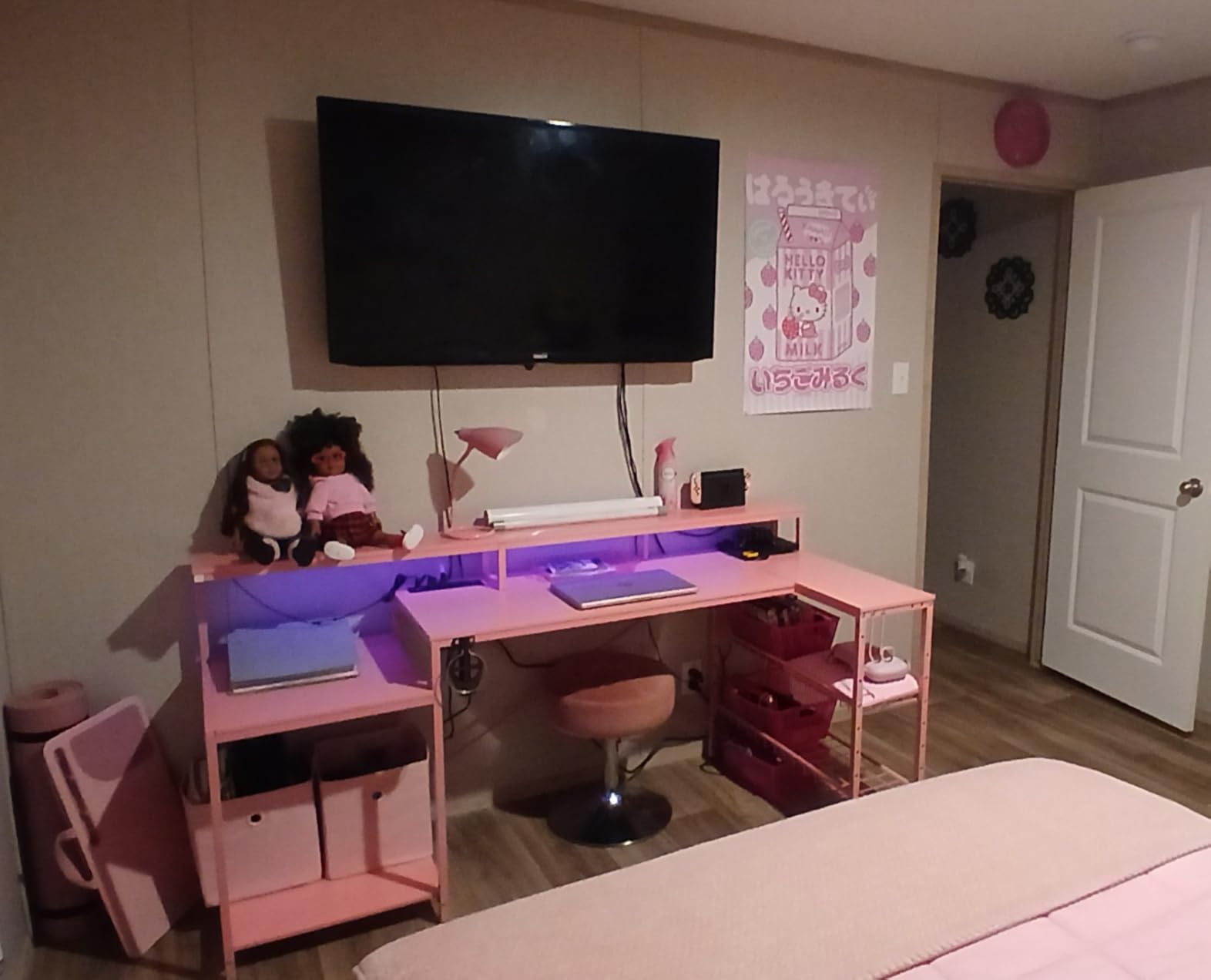
The power situation is unusually good for a desk at this level. Four AC sockets and two USB charging ports sit in the frame, and the spec sheet rates them at 1500W for the AC side. For a triple-monitor build with a tower, peripherals, and charging devices, that removes the cube-shaped power strip that otherwise occupies the rear corner.
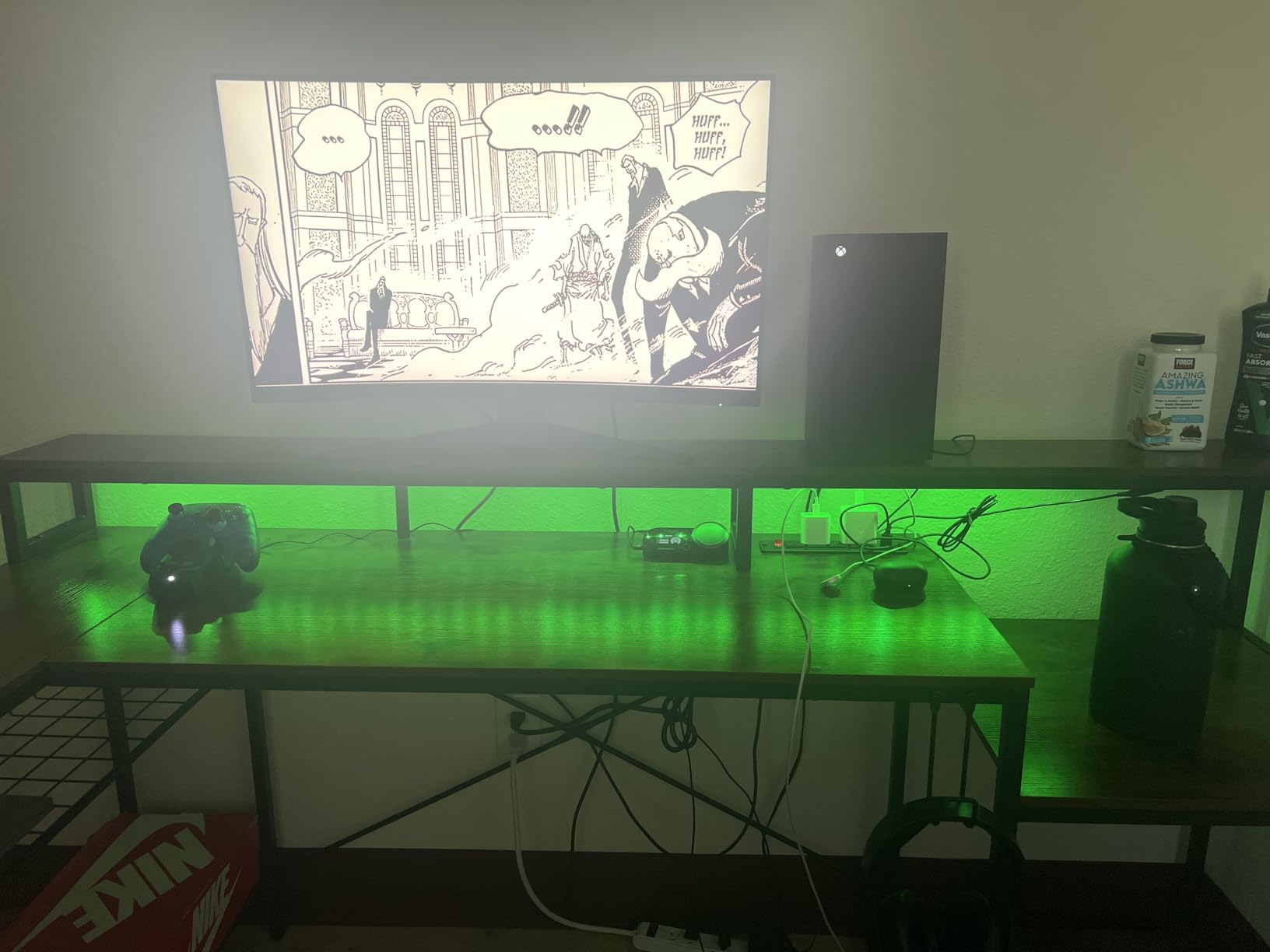
Two details make it feel like a purpose-built battlestation rather than an oversized office desk. The raised grid shelf holds a monitor at 5.9 inches off the surface with height and angle adjustment, and the RGB strip runs 20 static colors with 22 dynamic modes across the frame. The side racks take a CPU stand, a console, or speakers without using desk space.
The carbon fiber texture top is P2 particle board, and it resists water rings better than the raw wood grain competitors show. On a desk that will collect coffee mugs and headset rests, that finish earns its place.
What holds up over years of daily use
The metal grid shelf is height and angle adjustable rather than fixed, which matters when your outer panels need a slight inward tilt instead of sitting dead flat. Buyers running two 27-inch monitors plus a laptop report everything fits at once with the shelf in the middle position.
The frame is where the long-term reports concentrate. When reviewers describe hardware still being tight with no sagging, they are describing a welded steel structure rather than a particle board top on brackets, and that difference shows up fastest on the widest desks in any roundup.
Where it will frustrate you
The monitor shelf is shallow. On some 27-inch models the panel base overhangs the front edge of the grid, so the display rocks slightly when you adjust it. If you use bulky stands, budget for VESA-mounted arms instead.
The bottom CPU shelf has tight clearance for a large mid-tower, and the whole unit stands 35.8 inches tall. That height is fine for reaching the shelf but awkward for sustained typing if you are shorter than average. Assembly also takes considerably longer than the stated hour for some buyers.
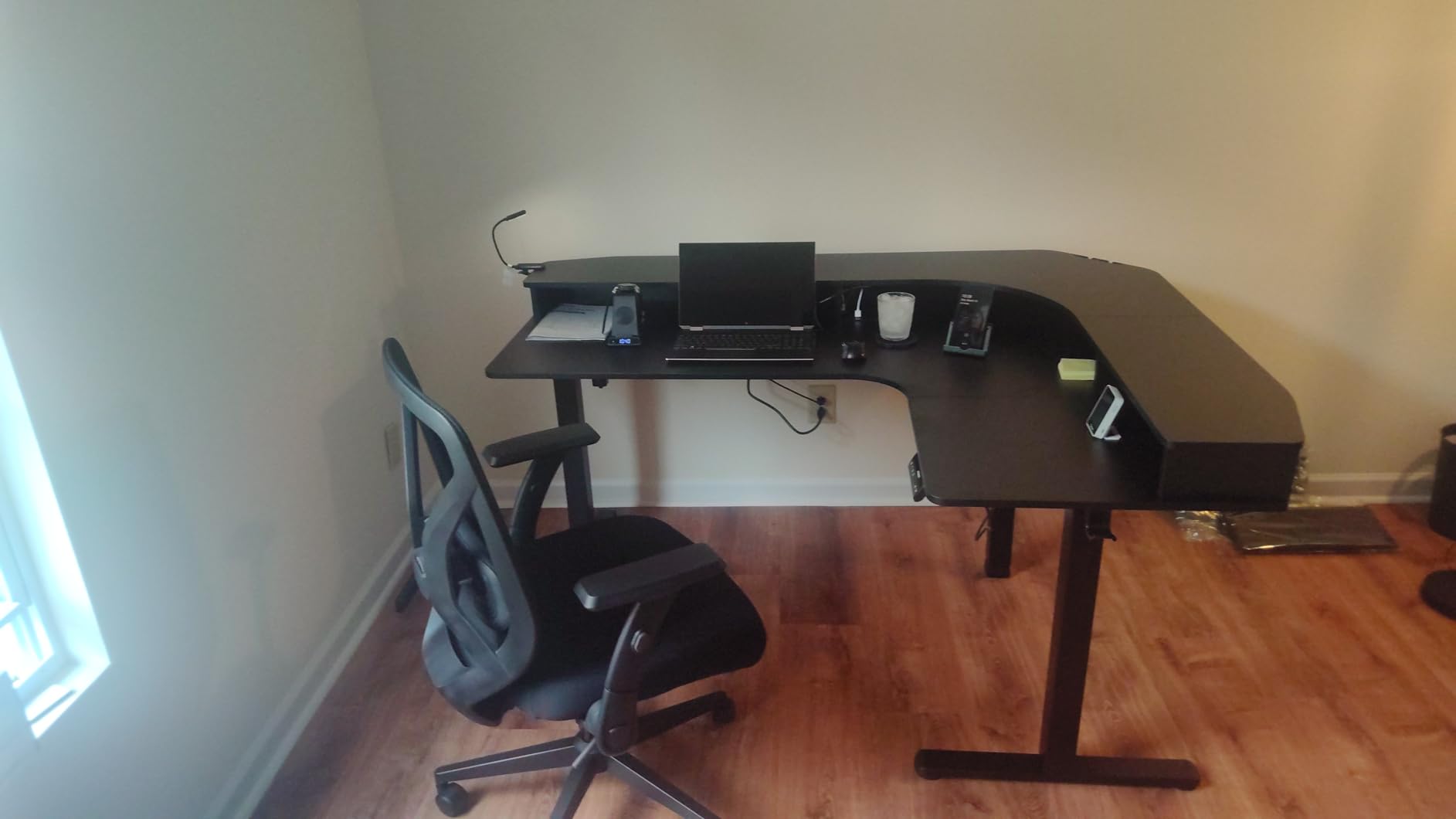
2. VIVO 63 x 55 Inch Corner Standing Desk – Heaviest Capacity in the Group
VIVO Electric 63 x 55 in Corner Standing Desk with Memory Presets
- 225 lb capacity is the highest rating in this roundup
- All-steel frame holds monitor arms and heavy setups
- Quiet single-motor lift with saved height presets
- Uses a corner instead of eating wall length
- Three-year parts and labor warranty
- Three-piece top leaves visible seams at the joins
- Assembly instructions are confusing
- Included cable clips fall off over time
- Black laminate shows fingerprints
Capacity is the headline here. A 225-pound rating beats every other desk in this roundup, and that number matters more for a triple-monitor build than almost any other spec because it is the one that quietly decides whether the frame copes in year two.
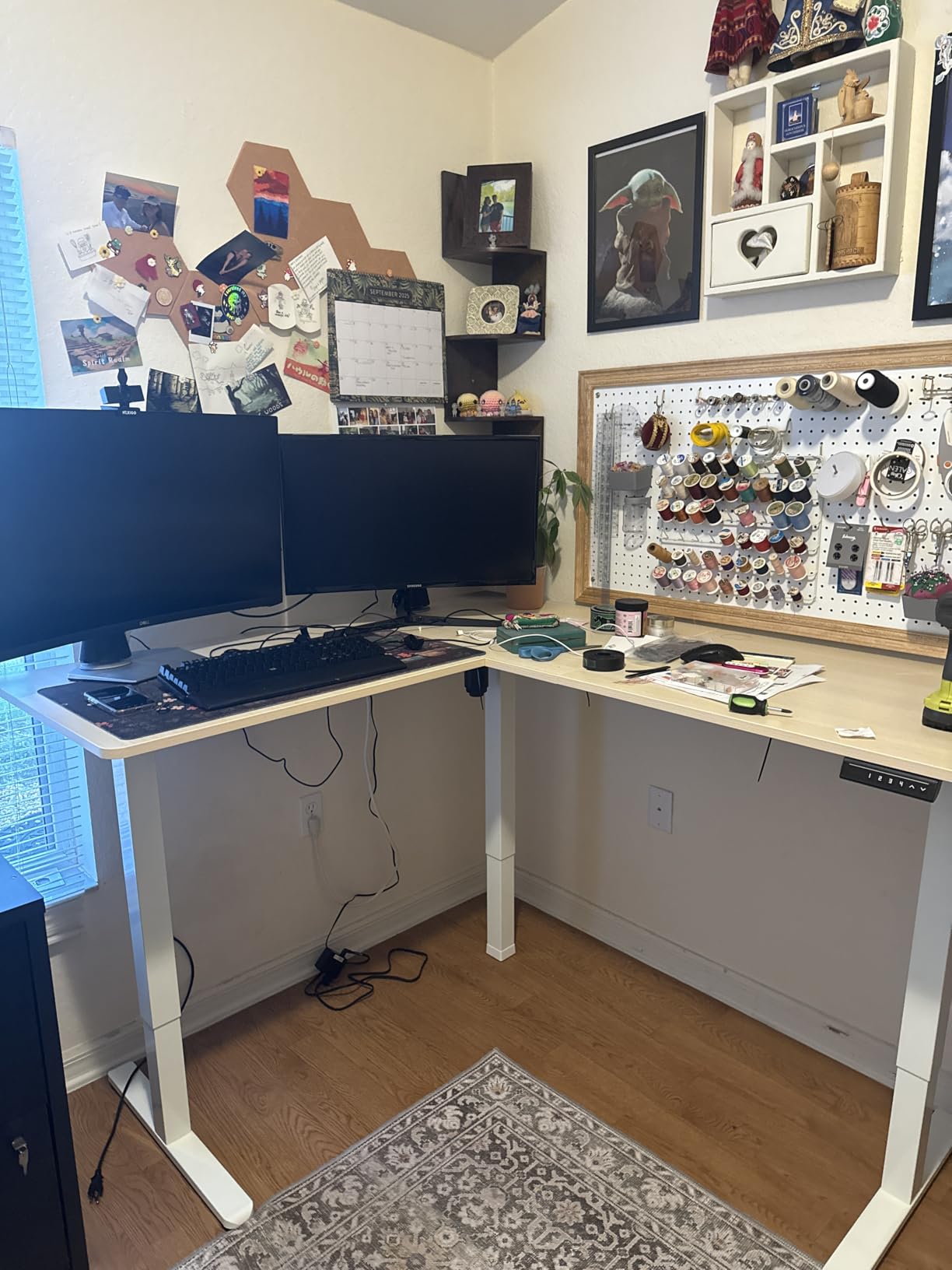
The corner shape is the other draw. Rather than pushing a 63-inch straight top against a wall, the L footprint turns the unused corner of the room into usable surface, and the return leg gives you somewhere to put the tower or a second keyboard tray zone without stealing depth from the main row.
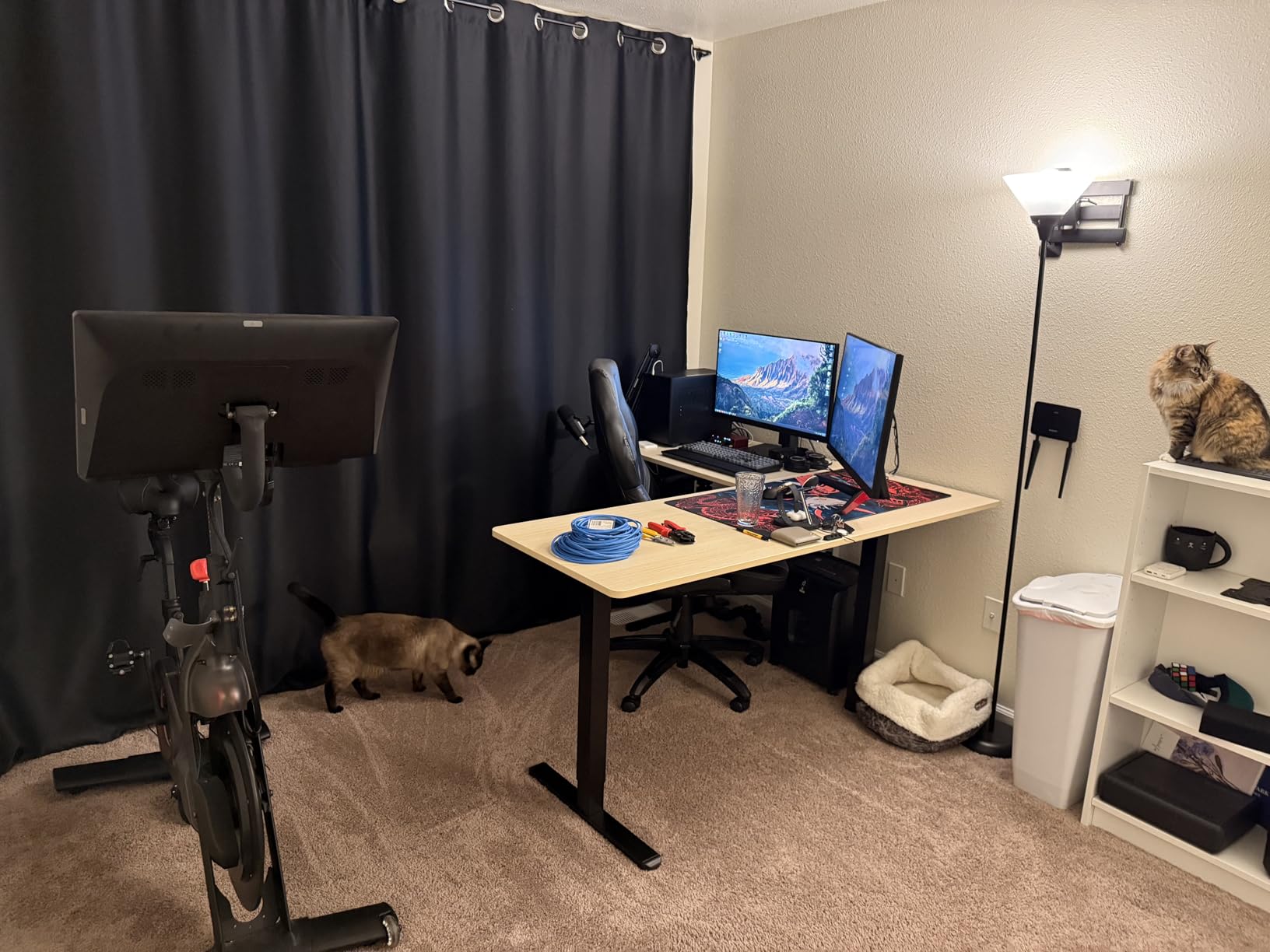
Height adjustment runs from 28.5 to 46.8 inches on a single motor driven by a push-button controller with memory presets. Single-motor frames are lighter on the budget and quieter in short bursts, and owners report the motion as quiet and smooth with saves that recall correctly.
The 0.72-inch top sits on 2.4-inch-wide steel legs, and reviewers confirm it carries monitor arms and multiple monitors without sagging. A three-year parts and labor warranty is the longest coverage in this group, which matters when the motor is the first thing to fail.
It is also a heavy unit at 55.2 pounds, and the manufacturer recommends two people for assembly. Plan the delivery path before the box arrives.
When this is the right fit
Pick this desk if your room has a usable corner and you want height adjustment plus a genuine storage return. The 225-pound frame gives you headroom for three 27-inch panels, a dual-arm mount, and a full tower without living near the rating.
The lower height of 28.5 inches is also lower than most frames here, which suits shorter users who struggle to get a fixed-height surface low enough. Several owners note that they still added a footrest for the lowest position.
When it is the wrong fit
The desktop is three pieces of engineered board, so seams are visible where the sections join. On a matte dark finish the joins catch light, and reviewers mention them as a cosmetic disappointment rather than a structural issue.
The most common complaint is documentation. Assembly instructions shift perspective between steps often enough that buyers describe them as confusing, so budget extra time. The included cable management tabs also do not hold well and fall off within weeks, which on a three-arm cable run is worth planning around with clips of your own.
3. Coleshome 71 Inch Desk with USB Ports – Budget Pick for Three Monitors
Coleshome 71 Inch Computer Desk with USB Ports, Large Office Desk, Long Study Student Writing Desk, Rustic Brown
- Exceptionally long 71-inch surface for a straight monitor row
- Built-in outlets and USB-C cut cord clutter at the desk
- Triangular under-panel bracing gives good stability
- Assembles in about 30 minutes with tools included
- Most reviews of any desk in this group
- Fixed height with no sit-stand adjustment
- 23.6-inch depth needs careful arm placement for three screens
- Engineered wood top rather than solid wood
Sheer length is the whole pitch, and 70.9 inches is enough to carry three 24-inch panels in a row once you pull the stands and mount on arms. For a fixed-height build on a tight budget, this is the most direct answer in the roundup.
The integrated power is better than the category norm. Three AC outlets plus one USB port and one Type-C port are built into the desk, and owners specifically call out how much that reduces the cable clutter behind a three-monitor setup where every panel adds two to four leads.
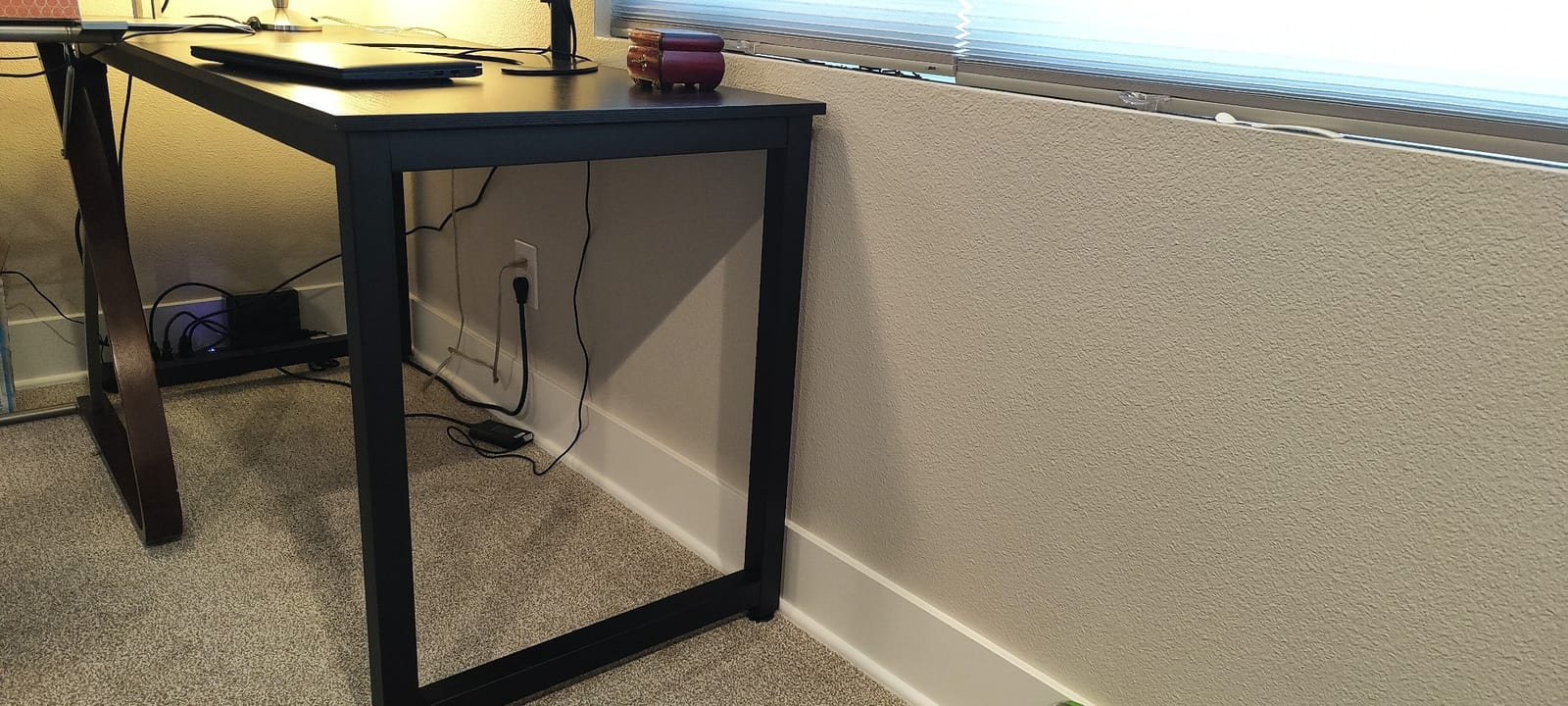
Stability comes from a powder-coated heavy-duty steel frame with a triangle-structure support under the panel. For a fixed-height desk that will not be asked to lift anything, that is the right construction, and reviewers confirm it holds steady with three screens loaded.
Assembly takes about 30 minutes with tools in the box, and there is a headphone hook underneath. The one-year warranty is the shortest here, which is worth weighing against how much you care about the frame lasting.
Multiple lengths and colors exist in this line, so you can step up in width if the same design grows longer.
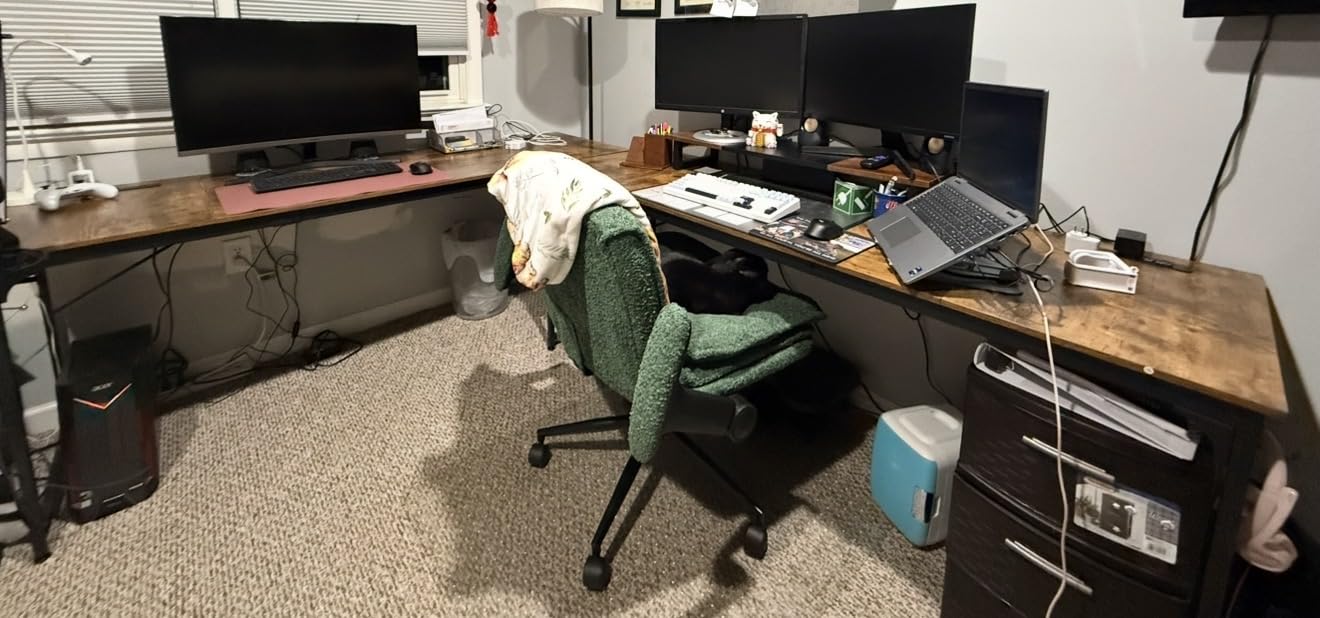
Why buyers pick it
It solves the width problem that electric frames cannot at this budget. Every sit-stand option in this roundup tops out at 63 inches because lift columns are expensive at wide sizes, so a fixed 71-inch top is the only way to get three panels close to a straight row without arms.
Reviewers also rate the surface for spreading out multiple monitors across one row plus peripherals, which means there is still working space in front of the panels for a keyboard and mouse without crowding.
Where it falls short
Depth is the real limitation at 23.6 inches. Monitor arms clamp to the rear edge and need room to pull back, so three panels on a shallow surface means tight arm placement and less keyboard space. If you can get a 28-inch-deep frame instead, the ergonomics improve noticeably.
The desk is fixed height, so there is no way to sit and stand with it. A separate adjustable platform is the only upgrade path, and that pushes the total cost past where most buyers at this budget want to land.
4. OffiGo 63 Inch L-Shaped Electric Standing Desk – Most Built-In Storage
OffiGo 63 Inch L Shaped Electric Standing Desk with 4 Drawers, Rustic Brown
- One reviewer runs three screens on it full time
- Reversible return lets you choose which side it sits on
- Quiet smooth motor with 3 presets
- Four fabric drawers plus a rear cable tray
- Accurate published measurements
- 154 lb capacity is modest for three monitors plus a tower
- Fabric drawers are flimsy with no stops
- Reviewers report side-to-side sway when nudged
- 0.47-inch top is thin by comparison
This desk earns its place on storage. Four fabric drawers totalling 40 liters means the keyboard, cables, and charging bricks have a home instead of living on the surface, which matters more than it sounds once three monitors occupy most of the width.
At least one reviewer runs three screens on it daily, so it is proven with a triple-monitor load. Height adjustment runs from 29.9 to 46.1 inches on three presets, and the motor is described as quiet with smooth travel.
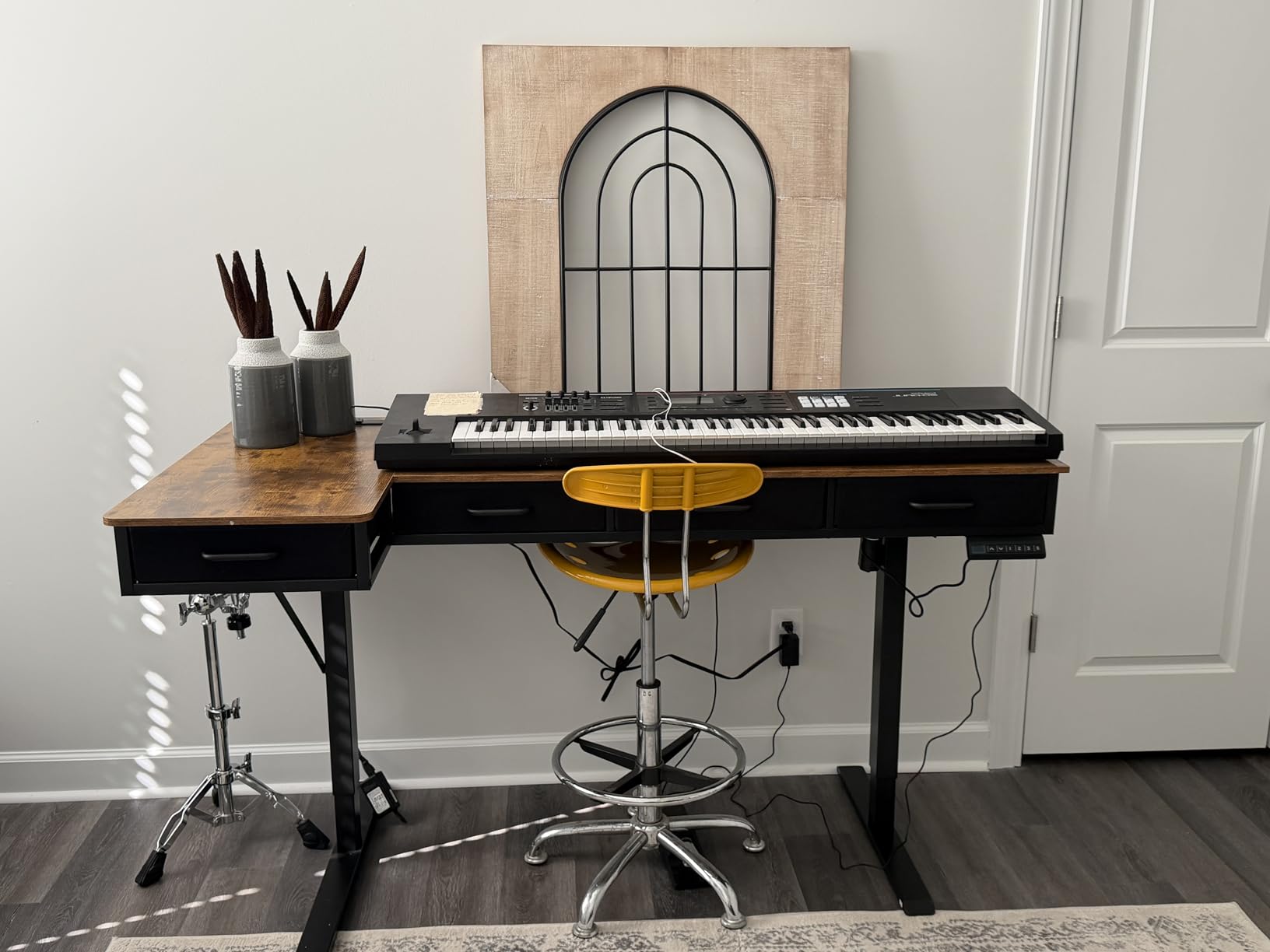
The 15-inch extendable side board is reversible, so the return can mount on either side of the main top depending on where the room’s power and window are. That flexibility is rare at this level and it decides whether the desk fits your corner or fights it.
Power and cable handling are handled with three AC outlets, one USB and one Type-C port, plus a rear cable management tray. On a sit-stand frame those features matter twice, because the cables have to move with the desk without snagging.
Published measurements are accurate, which is a small thing that saves real frustration during assembly.

Best use case
This suits a home office where cables and peripherals are constant and the corner is the only workable spot. The drawers plus tray combination keeps a triple-monitor surface from becoming a cable graveyard, and the reversible return lets you place the short leg where it does not block the window.
Height presets mean you can set sit and stand positions once and switch with one press, which is the habit that makes a budget sit-stand desk pay for itself.
What to watch
The 154-pound rating is the honest concern. Three 27-inch panels, a dual-arm mount, and a tower land uncomfortably close to that number, and reviewers specifically flag the capacity as modest for that combination.
Sway is the second issue. Several buyers report side-to-side movement when the desk is nudged, attributed to limited crossbeam support. The fabric drawers are also lightweight with no stops, so contents can tip out when pulled.
5. Agilestic 55 x 32 Inch Corner Standing Desk – Tightest Footprint That Still Works
Agilestic 55 x 32 Inch Corner L Shaped Electric Standing Desk, Rustic Brown
- L-shape uses awkward corner space efficiently
- Quiet motor with smooth sit-stand switching
- 0.75-inch wood top feels more solid than laminate
- Anti-collision reverses when an obstacle is detected
- Splice board included for joining sections
- No drawers so a separate unit is needed
- Some reviewers find it wobblier than expected for heavy loads
- Only two memory presets
- Needs a second person to assemble and move
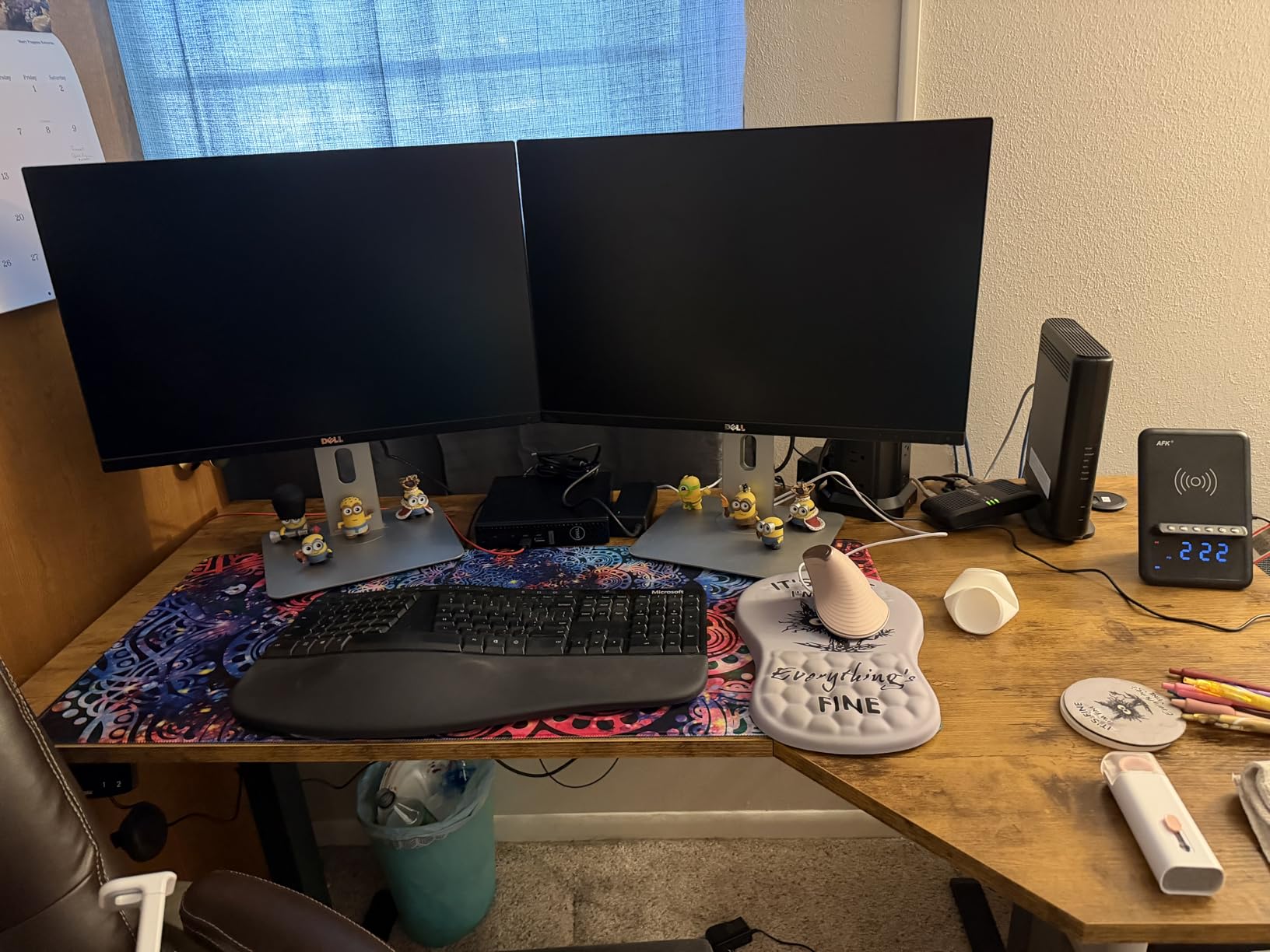
This is the smallest desk here that still handles three screens, and it works because the return section gives you depth where a straight 55-inch top would not. Reviewers fit monitors, keyboard, and gear without crowding, which is the test that matters for a compact room.
The motor is quiet, rated under 55 dB, and includes anti-collision technology that reverses an inch when it detects an obstacle. On a desk with a tower and multiple cables under it, that safety feature is more than a gimmick.
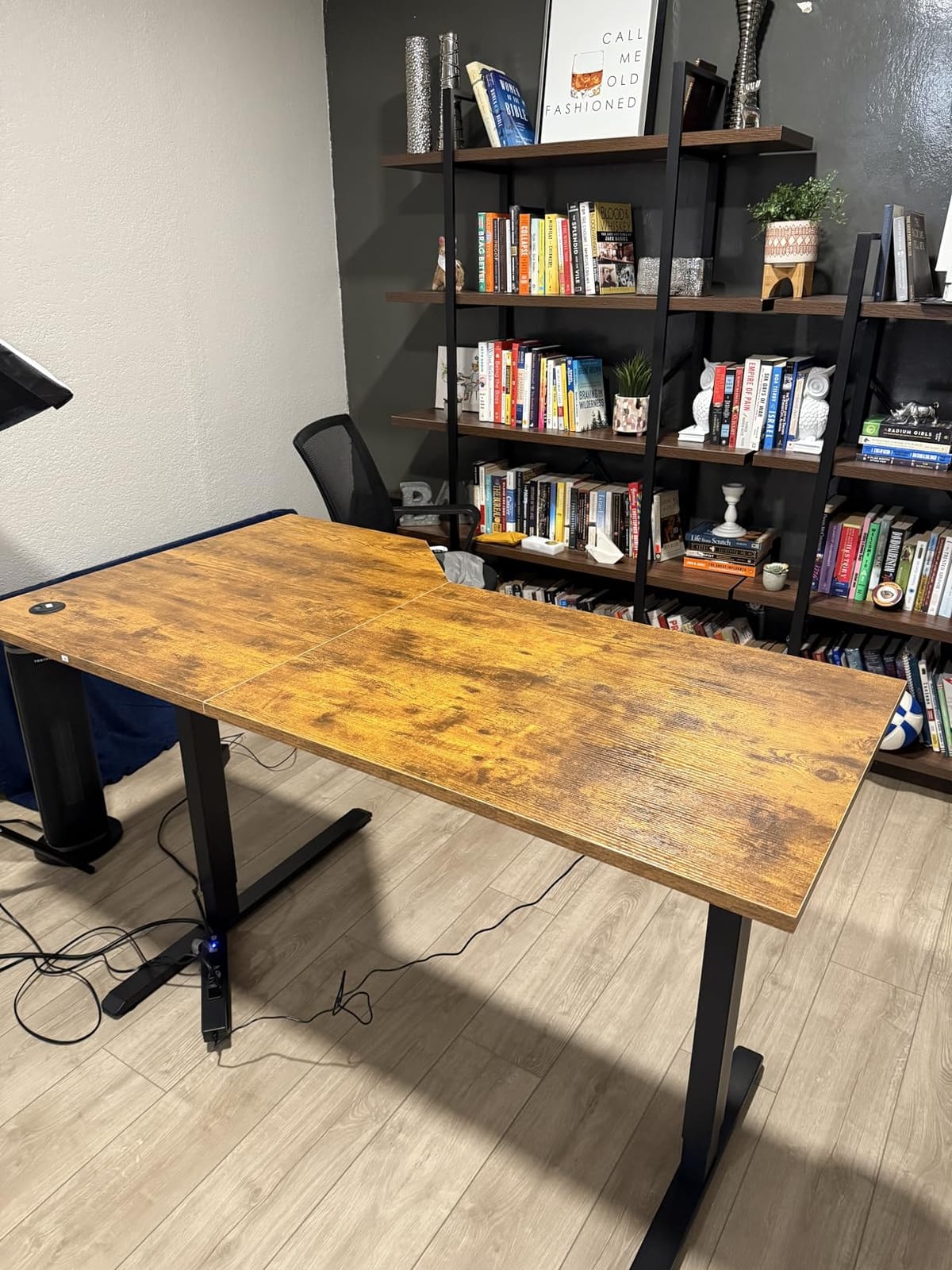
Height runs from 28 to 45 inches, and the lower bound suits shorter users better than most frames in this roundup. A splice board joins the desktop sections, and an installation video is available, which helps because the L frame takes longer to assemble than a rectangle.
The 0.75-inch wood top is thicker than the laminate and thin-ply options competing here, and buyers notice the difference in feel immediately. Larger sizes exist in the same line if you decide you need more room later.
Anti-collision and a quiet motor are the two features reviewers mention most warmly after the size.
Where it fits
Choose this when your room cannot take a 63-inch straight top. An L-shaped corner desk places two monitors on the main surface and the third on the return, angled inward, which is a practical way to build a triple setup without a 71-inch footprint.
The wood top also makes it a better fit than the black carbon fiber options if the desk sits in a living space rather than a dedicated office. It is a quieter-looking piece of furniture.
Where it struggles
Heavy loads expose it. Several reviewers find it lighter and wobblier than expected, and the stated capacity sits at 154 pounds. Three 27-inch panels plus a tower is at the edge of what this frame likes.
There are no drawers, so you need a separate under-desk unit for storage, and only two memory presets are available. One reviewer also reported a single-sided lift with slow support response, so inspect both columns early.
6. DeskShow 60×28 Electric Standing Desk – the Load Champion
DeskShow Black 60×28 in Electric Standing Desk, 1 Inch Thick Tabletop
- 1-inch top does not flex when monitor arms clamp on
- 220 lb capacity on a reinforced double-beam frame
- A reviewer runs an 80 lb water-cooled PC near the edge with no flex
- Quiet motor under 45 dB tested for 50000 cycles
- Assembly is quick with labeled parts and clear instructions
- Rectangular only with no L or U return
- Top arrives in three pieces which some buyers did not expect
- Weighs 74 pounds so flipping it upright takes two people
This is the desk to buy if your build is heavy. A 1-inch thick top on a reinforced double-beam steel frame rated to 220 pounds is more structure than the price band normally offers, and one reviewer runs an 80-pound water-cooled PC near the edge with no flex at all.
The 60-inch width is short for three bare monitors, so arms are required. What you get in exchange is 28 inches of depth, which is deeper than any other lift frame in this roundup, and depth is what makes arm clamping and viewing distance work.
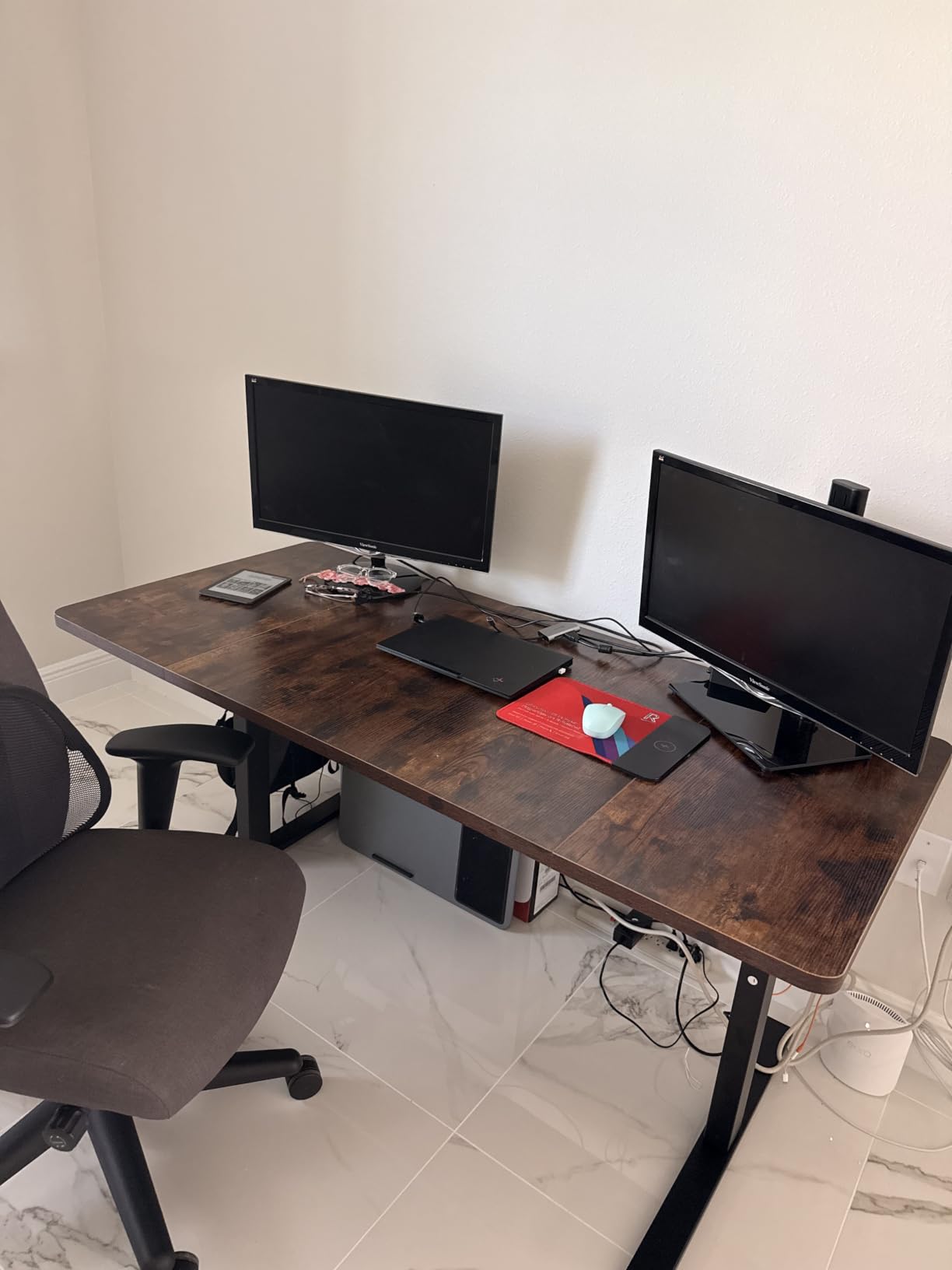
A reviewer running three monitors reports the desk stays level and handles the extra weight, which is the specific test most wide budget frames fail. The double-beam frame and thick top are why it passes.
Height adjustment runs from 27.95 to 45.67 inches with three programmable memory buttons, and the motor is rated under 45 dB after 50000 test cycles. A cable tray and hooks are included, which you will need for a three-arm cable run.
Setup takes about 30 minutes with pre-drilled holes and pre-labeled accessories, and there is a two-year warranty.
Why the extra thickness matters
Wide tops deflect. Once you clamp an arm to a thin panel, the clamp point becomes a pivot and the middle of the span droops under the combined weight of three mounted panels. A 1-inch top resists that far better than the 0.5-inch panels common in this price range.
The 28-inch depth is just as important. It gives an arm enough rear overhang to pull the outer panels past the surface edge, and it keeps your viewing distance from collapsing as you add panels.
What you give up
It is a plain rectangle. If your room has a corner you were counting on, there is no L or U return option here, and you will need a separate surface for the tower or a second device.
It weighs 74 pounds, the heaviest unit here, so flipping it upright takes two people. The top also arrives in three pieces, which surprises buyers expecting a single slab.
7. PRAISUN 80 Inch Computer Desk – the Longest Surface in the Roundup
- One of the longest desktops here for a straight three-monitor row
- Charging station with 4 outlets plus USB and USB-C mounts on either side
- Reinforcement struts and thick steel tubes limit sag across the span
- Low cost with clear and easy assembly
- Wide range of lengths and colors
- 24-inch depth constrains monitor arm reach
- Fixed height with no sit-stand option
- Particleboard top is less rigid than thick engineered wood
At 78.7 inches of usable length, this is the longest surface in the group by a wide margin, and it is one of only two desks here wide enough to take three full-size panels in a straight row without arm overhang. That single fact puts it in a category of its own.
The way it achieves that length is worth understanding. Thick steel tubes run the length of the frame with reinforcement struts under the top, and that bracing is what keeps a particle board panel from sagging across an eight-foot span. The carbon-black finish and clear labeled instructions keep assembly simple.
The charging station carries four AC outlets, one USB, and one USB-C port, and it mounts on either side of the desk so you can put it near your wall outlet. For a triple-monitor build where every panel adds two to four cables, having that hardware built in removes a power strip from the floor.
What works
This is the desk for someone who already owns three full-size panels and would rather not add an arm to the shopping list. At 78.7 inches the row fits with room to spare, and reviewers specifically note room for three monitors in a single row plus peripherals.
It suits a gaming room, bedroom, or study where wall length is plentiful. Multiple lengths and colors exist if you want a longer or shorter run.
What does not
Depth is 23.6 inches, and that is the binding constraint. A shallow surface limits how far a monitor can sit from the edge, which pulls your face closer to the outer panels and forces more neck rotation than is comfortable over a long session.
It is fixed height, so there is no sit-stand path. The particle board top is also less rigid than the thicker engineered wood options, though the steel bracing compensates for most of it.
8. Pamray 58 Inch Gaming Desk – Most Built-In Hardware
Pamray 58 Inch Gaming Computer Desk with Monitor Stand Drawers and Shelves
- Built-in monitor stand holds two monitors and frees surface space
- Two drawers plus adjustable side shelves for real storage
- App-controlled LED strip with 213 modes and 10000 plus colors
- X-braced steel frame rated to 200 lbs
- Unusually clear picture-based instructions
- Only 18.9 inches deep which crowds three full-size monitors
- Monitor riser and CPU shelf are narrow for large bases and towers
- Drawers are fabric and flimsy
- Some reports of missing parts or a non-functional LED strip
This desk arrives with more hardware attached than anything else in the roundup: a monitor stand, a keyboard tray, two drawers, two adjustable shelves, built-in outlets and USB, and an app-controlled LED strip with 213 modes. For a gaming battlestation that means one box instead of four.
The frame is steel with two X-shaped braces and rated to 200 pounds, with adjustable leg pads for stability on uneven floors. That rating sits comfortably above what three 24-inch panels and a mount need, even with a tower on the shelf.

The monitor stand is the piece that changes the layout arithmetic. It holds two monitors and lifts them clear of the surface, which frees enough depth for a third panel and a keyboard on a top that is only 18.9 inches deep. On every other desk here, the outer screens sit at surface level and eat the working area.
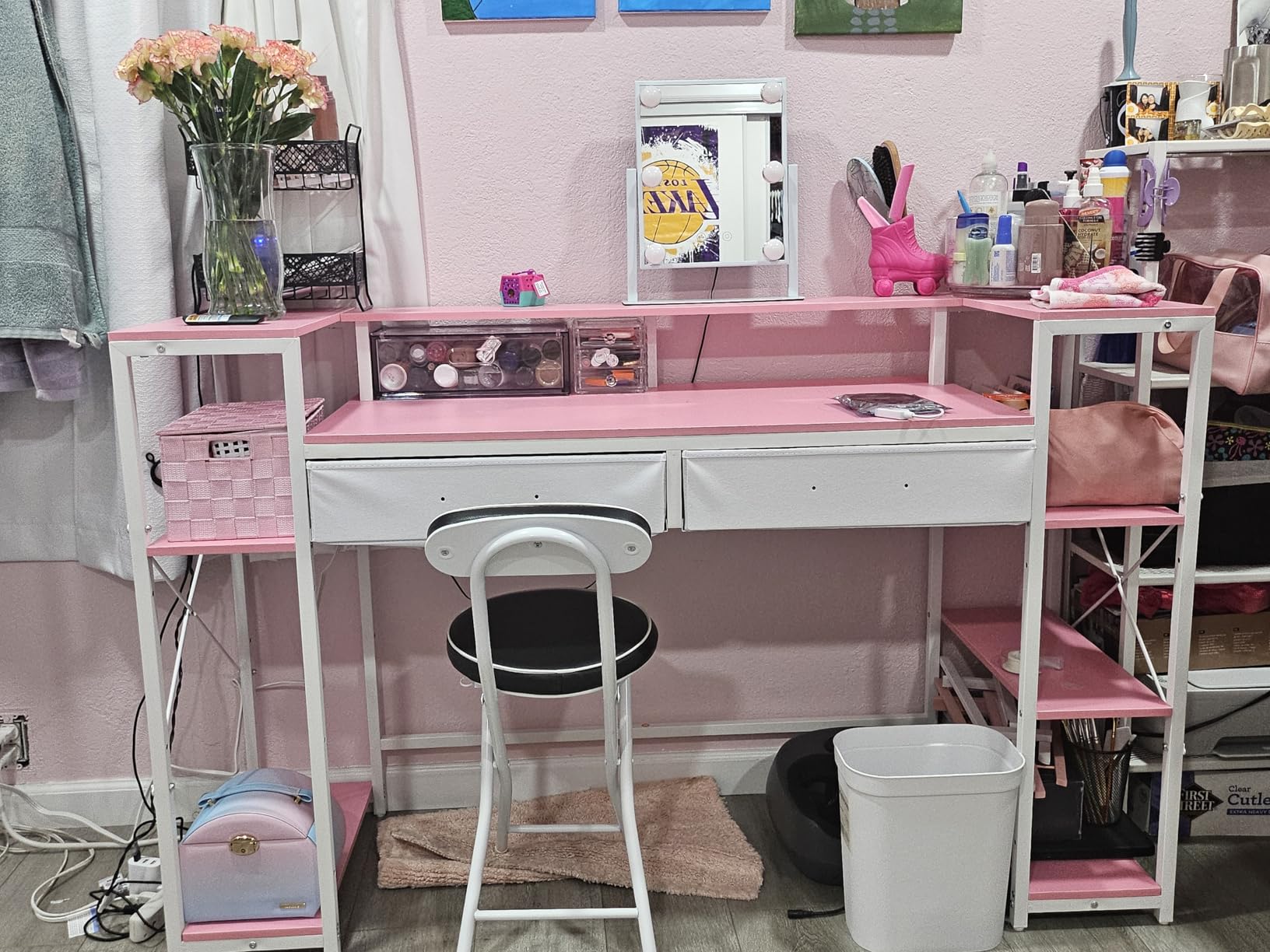
Owners repeatedly praise the instructions as clear and picture-based, which matters for a hutch-style build with shelves to align. Several finishes exist including pink, white, marble, and vintage.
Because the depth is tight, the placement order matters more than usual. Two panels on the riser and one on the desk is the arrangement most builders land on, and the keyboard tray takes the board out of the equation entirely when you are not typing.
Two people are needed to start assembly, and the adjustable leg pads help on carpet or uneven floors where a steel frame can rock.
Where it wins
The storage layout is the differentiator. Two drawers and two adjustable open shelves give you somewhere to put a controller, cables, and a headset, and the keyboard tray tucks the board away when you are not typing. That is a lot of furniture in one footprint.
The LED strip runs 20-plus thousand colors with adjustable brightness and speed through an app, so it can match the rest of a battlestation rather than sitting there on one fixed color.
Where it falls down
Depth is 18.9 inches, the shallowest surface in this roundup, and that is genuinely tight for three full-size monitors. The monitor riser and CPU shelf are narrow too, so large monitor bases or mid-towers overhang both.
The drawers are fabric and flimsy, and a small number of buyers report missing or broken parts, stained drawers, or a non-functional LED strip. Two people are needed to start assembly.
9. HUANUO 65 Inch L-Shaped Standing Desk – Best Cable Management
HUANUO 65″ L Shaped Standing Desk with 3 Drawers, Adjustable, Vintage Brown
- Dual-motor lift is smooth and quiet with a 220 lb load
- Deep 11-inch raised monitor tier fits large monitor bases
- Concealed drawers plus a lit cubby keep the surface tidy
- Cable tray plus clips plus side hooks are genuinely well thought out
- Four presets with a height readout
- Long and short sides cannot be swapped despite the marketing
- Very heavy and awkward to flip upright with 2 to 3 hour assembly
- Will not pass through a standard doorway once assembled
- Drawers are fabric over cardboard
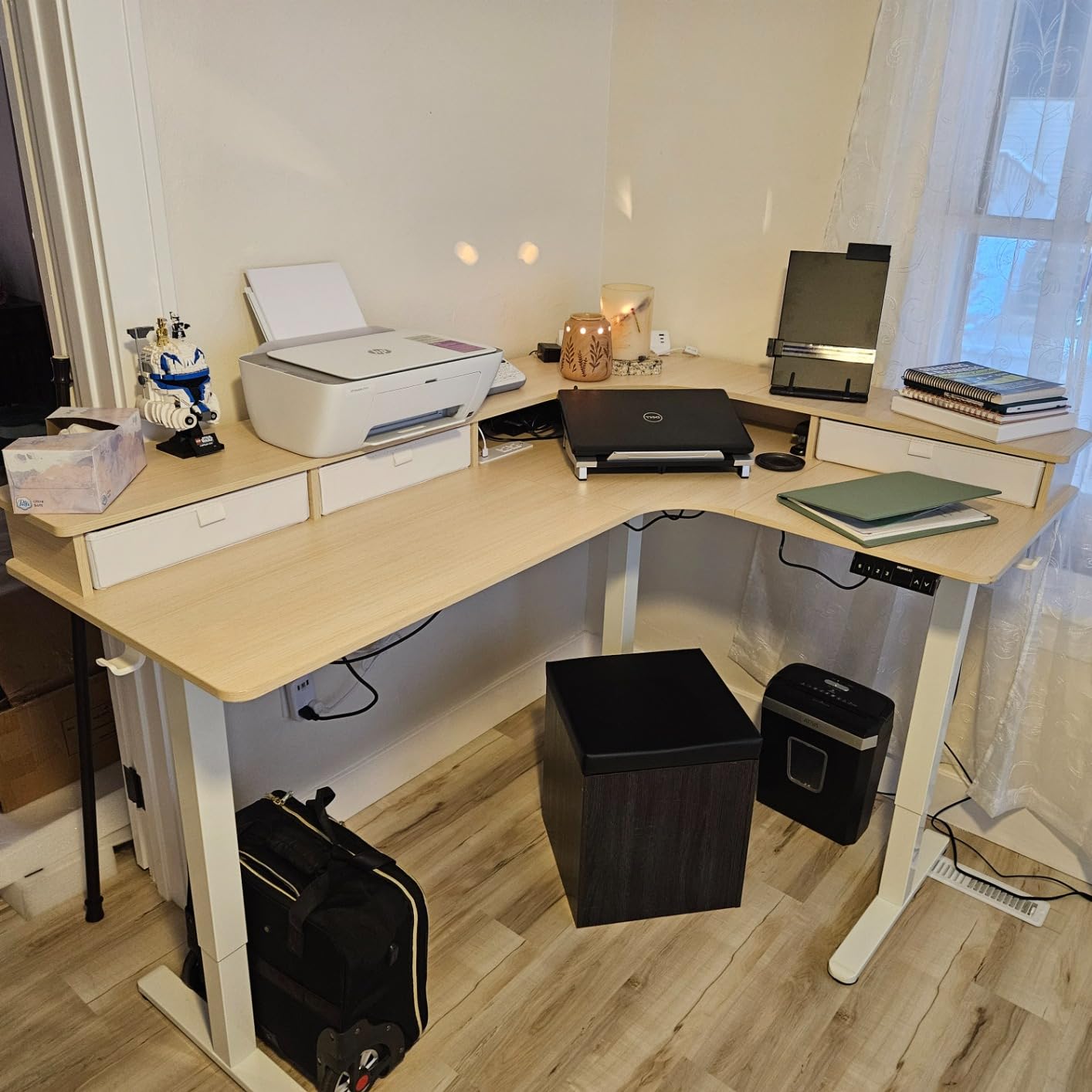
On a desk that holds three monitors, cable management is not a nice-to-have, and this frame takes it more seriously than anything else here. There is an under-desk cable tray, clips, and a storage hook on each side, plus a raised tier with concealed storage underneath.
Dual motors drive the lift and handle a 220-pound load, which is the joint-highest rating in the roundup. Height runs from 27.5 to 46.4 inches with four memory presets and a numeric height readout, so you can set exact positions rather than guessing.
The raised monitor tier is 11 inches deep, wider than the 7 to 9 inch depth typical on rivals, and that extra room is what lets large monitor bases sit properly. C-clamp monitor mounts are compatible, so arms are a straightforward add-on.
Owners point to the concealed drawers and the lit cubby as the feature that keeps a three-panel surface from turning into a cable graveyard, and the included instructions are well illustrated enough that a non-expert can follow them.
One reviewer confirms two monitors plus a laptop fit on the top tier with storage underneath, which is the load case most buyers care about.
Why owners recommend it
Dual motors mean the surface stays level with an uneven load. With three monitors clamped on one side and a tower on the other, single-motor frames drift and single-motor drift is exactly the wobble buyers complain about elsewhere in this roundup.
The concealed drawers and the lit cubby keep cables and small gear out of sight, and the included instructions are well illustrated enough that a non-expert can follow them. One reviewer confirms two monitors plus a laptop fit on the top tier with storage underneath.
The catch
The marketing implies the long and short sides can be reversed, and they cannot with the drawer version. Measure your corner and choose the orientation before you order, because it cannot be changed later.
It is also very heavy, takes two to three hours to assemble, and will not pass through a standard doorway once built. Drawers are fabric over cardboard with a leather-look front, and the surface marks from cups and plates, though they wipe off.
10. SEDETA 63 Inch Farmhouse Standing Desk – Quietest Motor and Most Built-In Storage
SEDETA 63″ Farmhouse Electric Standing Desk with 3 Drawers, Storage Shelves
- Combines a 63-inch sit-stand surface with three drawers and open shelves
- Motor under 30 dB is quieter than anything else here
- Built-in power strip with 4 outlets and 2 USB plus an on-off safety switch
- Farmhouse wood top looks more premium than typical particle board
- CPU stand and storage shelves included
- Minimum height of 31 inches suits taller users only
- Straight rectangular top with no return on this model
- Only 67 percent five-star share reflects mixed feedback
- Larger L-shaped variants exist at 69 x 55 and 77 x 55
Quietness is the surprise here. A motor rated under 30 dB is roughly half the noise figure of most competitors in this roundup, and it matters in a bedroom or a shared office where a 50 dB lift at 7am is genuinely disruptive.
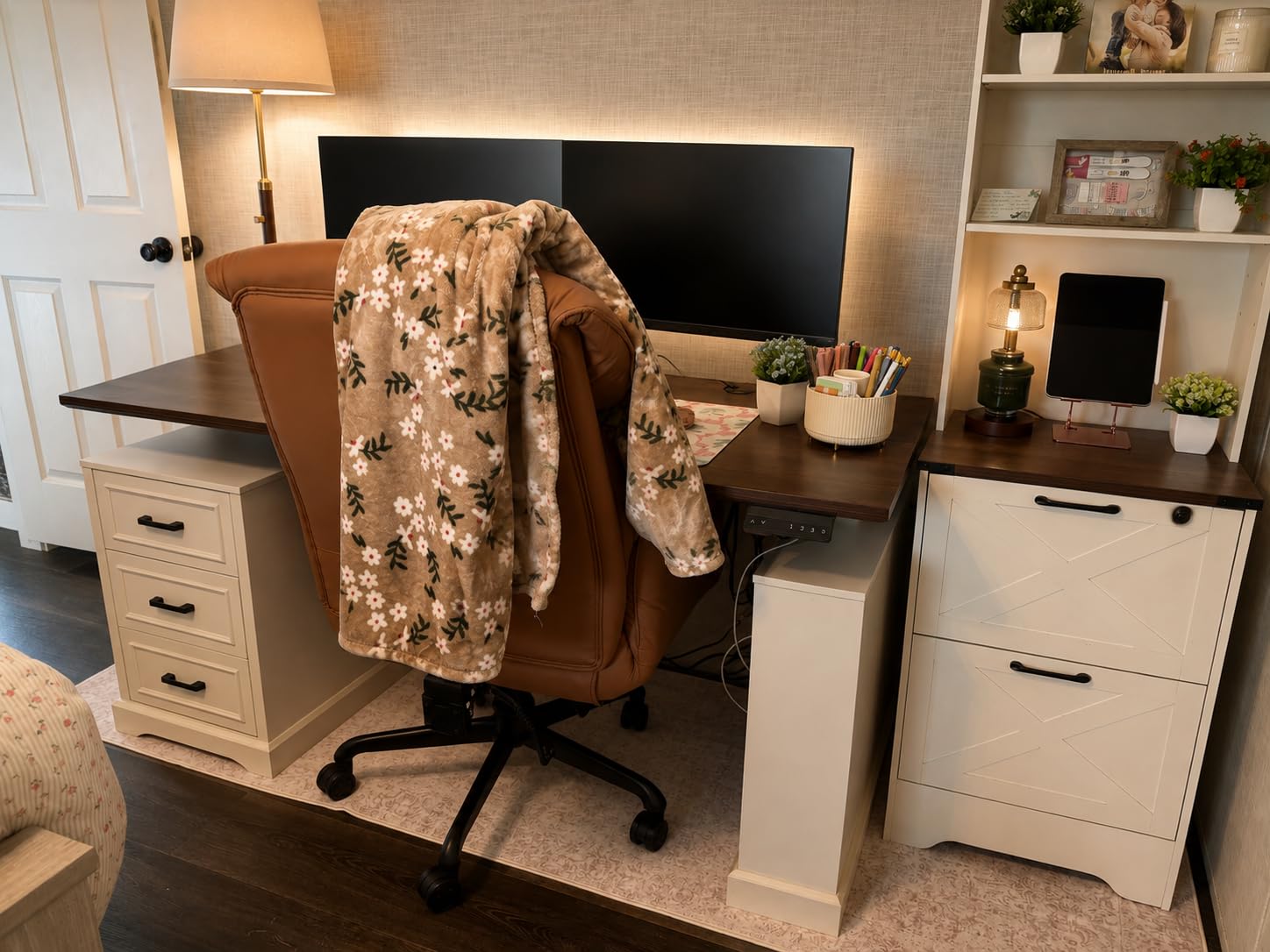
The farmhouse styling is the second differentiator. A wood top with a hand-crafted groove texture and three matching wood drawers reads as furniture rather than office equipment, which matters if the desk lives in a living space. Buyers compare the finish favorably to standard black particle board.
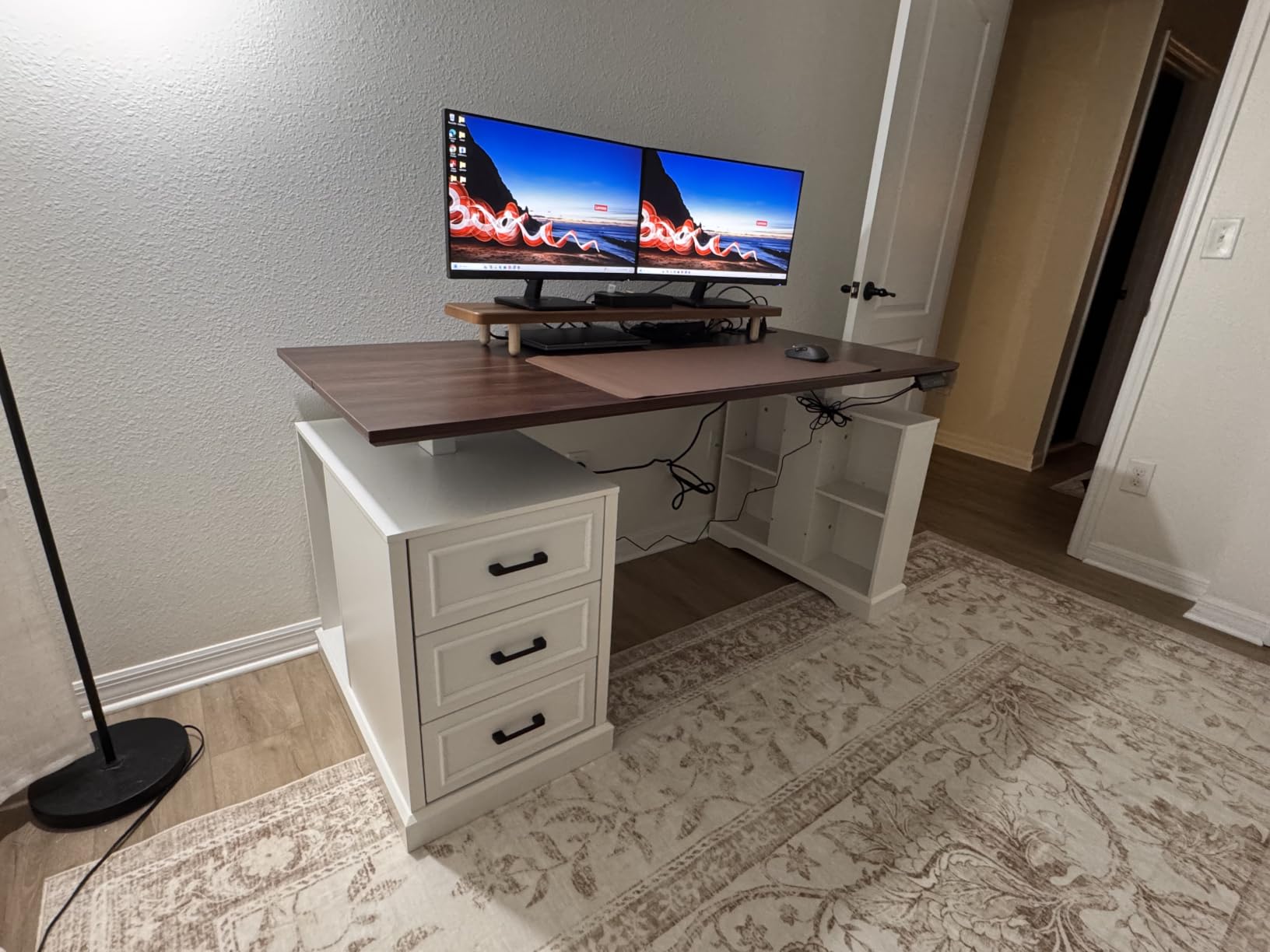
Height runs from 31 to 47 inches with three customizable presets and an LED height display, on a 200-pound industrial-grade T-shaped steel frame. A built-in power strip supplies four outlets and two USB ports with a one-button safety switch.
The 27.6-inch depth is deeper than most of the fixed desks here and close to the 30-inch comfort target, which is why it handles arm clamps better than the 23-inch surfaces in this roundup.
Who it suits
This is the pick for someone who wants the storage and the look of a case-goods desk but still wants to change posture during the day. Three drawers, open shelves, and a CPU stand in one unit removes the need for a separate side cabinet.
The 27.6-inch depth is deeper than most fixed desks here and close to the ideal 30 inches, so it handles arm clamps and viewing distance better than the 23-inch options.
Who should pass
The 31-inch minimum height is the dealbreaker for shorter users. If you are under about 5 foot 6, this desk will sit uncomfortably high at its lowest setting, and there is no lower position.
This model is a straight rectangle with no return. Larger L-shaped variants at 69 x 55 and 77 x 55 exist if you need a corner, but they are a different product and a different footprint to plan for.
Standing vs Fixed Desk Under 500: Which Should a 3-Monitor Buyer Get?
For a triple-monitor build on this budget, choose a fixed desk if width is your binding constraint and a standing desk if depth and posture are. Wide electric frames are expensive, so everything at 60 inches and under in this roundup is electric, while the three desks that exceed 70 inches are fixed. That is not a coincidence, and it decides the question for most buyers.
Four questions settle it.
Can your room take a 71-inch straight top? If yes, a fixed wide desk gives you more monitor row than any lift frame at this budget. If no, an electric 60-63 inch desk with monitor arms is your realistic path.
How long are you at the desk? Under four hours a day, height adjustment is a luxury and width is everything. Beyond six hours, the ability to change position starts to matter for neck and shoulder load, which compounds the strain of three off-axis panels.
Do you sit or stand in a shared room? A 50 dB motor is audible early in the morning. If a partner works nearby or you start before anyone else, the sub-30 dB option is worth the trade.
Do you need the corner? L-shaped electric frames under this budget top out around 63 inches, so arms are mandatory there. A fixed 71.5-inch L solves it without arms.
If your goal is screen real estate rather than height change, a 49-inch ultrawide on a 60-inch desk is a legitimate alternative. Owners who moved from three panels to ultrawide usually cite the cable count and the tidier surface as the main gain, with lost screen edges as the trade. Read our bike trainer desk guide if you also want to work while pedaling, since posture change matters more there.
Monitor Arms: The Cheapest Way to Get Triple-Monitor Width on a 500-Dollar Budget
Monitor arms are the single highest-leverage decision in this entire topic. A clamp-style arm grips the rear edge of the desk and lets the panels sit past the surface boundary, which converts a 60-inch desk into roughly 72 inches of usable monitor row for a small fraction of what a wider desk costs.
Here is the setup sequence we would use.
Check VESA compatibility first. Most 24 and 27-inch panels use a 100x100mm or 75x75mm pattern. Confirm the back of your monitors before buying any arm.
Clamp to the rear edge, not the top. A rear-edge clamp uses the desk thickness and leaves the front clear for keyboard space. A grommet mount is cleaner-looking but requires drilling a hole in the top, which is permanent.
Verify clamp depth against your desktop. Clamps typically fit tops between about 0.6 and 3.3 inches. The 1-inch DeskShow top and the 0.75-inch options here fit comfortably.
Use one dual or triple arm, not three singles. Three separate arms fight each other for the same clamp space and triple the cable drop. One pole with three crossbars keeps the layout tidy.
Add slack cable loops before you raise the desk. Each panel adds two to four cables, and on a sit-stand frame they bind as the surface moves unless they are given slack.
Free-standing triple-monitor stands are the alternative if you refuse to modify the desk, but they take a large footprint and offer no cable management. Several builders on gaming forums treat them as a temporary solution while they wait for a wider desk.
Why Depth, Load and Mid-Span Sag Decide the Winner
Depth matters more than width for comfort, and 30 inches is the target. With three panels, the outer screens sit off to the side, and a shallow desk pulls the whole arrangement toward you, shortening eye-to-screen distance on the outer displays and forcing more neck rotation. The 28-inch desks here are acceptable; the 18.9 and 23.6 inch surfaces are not.
Weight capacity is where budget desks fail quietly. Three 27-inch panels at roughly 18 to 20 pounds each is 54 to 60 pounds. A dual-arm mount adds 10 to 15. A mid-tower adds 20 to 40. That is 84 to 115 pounds before keyboards, cameras, hubs, and headsets. So 150 pounds is the bare floor, and 220 to 250 is where you stop worrying.
Five desks here clear 200 pounds: the VIVO corner frame at 225, the HUANUO dual-motor at 220, the DeskShow at 220, and the Pamray and SEDETA frames at 200. The OffiGo and Agilestic frames sit at 154, which is enough for three 24-inch panels on arms without a tower, and not much more.
Mid-span sag is the third factor and the one nobody checks. Wide tops bow in the middle under load, and three mounted panels concentrate weight at the center where the deflection is worst. Look for a double-beam frame, under-top reinforcement struts, or a triangular under-panel brace. The 1-inch top and the braided steel frames resist this best.
Finally, measure the room behind the chair. You want 30 to 36 inches of clearance to roll back without hitting the wall, which is a hard constraint once the desk is 71 inches wide and pushed into a corner.
Buying Guide: 7 Specs That Matter for a Multi-Monitor Desk
Width against real panel math. Measure your monitors panel-to-panel, not by the marketing size, then add bezel and arm clearance. Under 500 dollars, anything over 70 inches is fixed height.
Depth of 28 inches or more. This controls viewing distance and whether an arm clamp fits. Below 24 inches, three full-size monitors become cramped.
Weight capacity of 200 pounds minimum. Do the load math with your actual panels and tower. Three 27-inch monitors plus arms and a tower exceeds 150 pounds.
Dual motor over single motor. Dual motors stay level with an uneven load, which is inevitable once a tower and three panels are mounted. Single motors are lighter and cheaper and they drift.
Frame construction over top thickness. A thick top cannot rescue a weak frame. Look for steel tubing, an under-top crossbar, or triangular bracing.
Height range that reaches your floor. Check the minimum height, not the maximum. A 31-inch minimum is unusable for anyone under roughly 5 foot 6.
Built-in power and cable routing. Outlets, USB-C, a cable tray, and clips save a floor power strip and keep a three-arm cable run from snagging as the desk moves.
Budget buyers often ask why standing desks from large marketplaces cost so much less than traditional furniture brands. The answer is material and labor, and it shows up in the specs: thinner tops, single motors, no crossbar, shorter warranties. Our picks at the top of this list are the ones where the frame still holds up. For the same reasoning applied to other under-500 gear, see our oscilloscope guide and telescope picks.
Frequently Asked Questions
What size desk do I need for 3 monitors?
You need at least 60 inches of desk width if you use monitor arms, and at least 71 inches if the three monitors sit on the surface with their own stands. Three 24-inch panels need roughly 74 to 78 inches of row width and three 27-inch panels need about 81 to 83 inches.
What is the best desk to fit 3 monitors?
Under 500 dollars, the best desk to fit three monitors is the 71.5-inch L-shaped gaming desk, because it holds a full monitor row on the surface alone and still leaves keyboard space. If you want height adjustment, a 60-inch wide frame with 220 pounds of capacity plus monitor arms is the practical pick.
Can a 60 inch desk hold 3 monitors?
Yes, if you mount them on arms. A clamp-style arm grips the rear edge and lets the outer panels overhang the surface, turning a nominal 60 inches into roughly 72 inches of usable monitor row. Without arms, three 24-inch panels will not fit on a 60-inch desktop.
How much weight capacity do I need for 3 monitors?
Treat 200 pounds as the working minimum and 220 to 250 as the safe target. Three 27-inch panels at roughly 18 to 20 pounds each plus a dual-arm mount and a mid-tower land around 84 to 115 pounds before peripherals, which is why a 150-pound rating is the bare floor.
Is a triple monitor setup worth it?
It is worth it when you run separate applications at the same time, such as trading screens, a video editing timeline, or a wide gaming battlestation. The cost is neck rotation to the outer panels and a much heavier cable run, so a single ultrawide is the tidier choice if you mainly want horizontal space.
Why are budget standing desks so much cheaper?
The savings come from thinner tops, single-motor lift systems, lighter-gauge steel, fewer crossbars, and shorter warranties. Those cuts show up as wobble under heavy loads and drift when weight is uneven, which is exactly the failure mode a three-monitor build stresses fastest.
Bottom Line
If three monitors is the plan, the 71.5-inch L-shaped gaming desk is our choice for 2026. It carries a full monitor row on the surface alone, its frame takes a heavy build without complaint, and it includes the power hardware you would otherwise be assembling.
If you need height adjustment, the 60 by 28 inch electric frame with the 1-inch top and 220-pound capacity handles the same build with arms, and the dual-motor L-shaped option is there when cable management decides it. Both need monitor arms. Whatever you pick, measure your panels first and buy the arms at the same time.