
The best all in one printer for a home office is the Epson EcoTank ET-2800 if you print color occasionally, and the Brother DCP-L2640DW if you run mostly black and white paperwork through a document feeder every week. Both bundle printing, scanning and copying in one box, both print wirelessly, and both skip the disposable cartridge model that drives most home printing costs.
That is the short answer. The longer answer depends on three numbers: how many pages you print each month, whether you need an automatic document feeder (ADF), and whether you need two-sided scanning. Most people working from home fall between 100 and 500 pages a month, which puts them in a sweet spot where a refillable ink tank or a compact monochrome laser both make financial sense.
We spent weeks with 12 of the strongest all-in-one printers for home offices, printing invoices, scanning receipts, feeding double-sided contracts through the feeder and watching what happens when the wireless connection drops. We also pulled in our guides to the best all in one printers with scanners and to the best wireless printers for small offices to see how our picks line up with the wider market.
Table of Contents
Top 3 Picks for Home Office Printers (October 2026)

Epson EcoTank ET-2800
- Cartridge-free EcoTank ink
- Sharp 5760 x 1440 dpi output
- 10 ppm black and 5 ppm color

Canon MegaTank G3270
- Up to 6000 black pages per fill
- Wireless print copy and scan
- Borderless photo printing

Brother DCP-L2640DW
- 36 ppm monochrome laser
- 50-page automatic document feeder
- Automatic duplex printing
All 12 Picks at a Glance in 2026
Every machine below prints, copies and scans. The columns that actually decide your purchase are the ones most spec sheets bury: does it print two sides on its own, does it have a document feeder, and how much does it cost to run per thousand pages.
| Product | Specifications | Action |
|---|---|---|
| Epson EcoTank ET-2800 |
|
Check Latest Price |
 Epson EcoTank ET-4800 Epson EcoTank ET-4800 |
|
Check Latest Price |
 Canon PIXMA TR8620a Canon PIXMA TR8620a |
|
Check Latest Price |
| Canon MegaTank G3270 |
|
Check Latest Price |
| Brother DCP-L2640DW |
|
Check Latest Price |
 HP Smart Tank Plus 651 HP Smart Tank Plus 651 |
|
Check Latest Price |
 Canon PIXMA TS6520 Canon PIXMA TS6520 |
|
Check Latest Price |
 Canon PIXMA TR7120 Canon PIXMA TR7120 |
|
Check Latest Price |
 Brother INKvestment 1365 Brother INKvestment 1365 |
|
Check Latest Price |
 Brother Work Smart 1410 Brother Work Smart 1410 |
|
Check Latest Price |
 HP Smart Tank 5003 HP Smart Tank 5003 |
|
Check Latest Price |
 HP OfficeJet Pro 9135 HP OfficeJet Pro 9135 |
|
Check Latest Price |
1. Epson EcoTank ET-2800 – The Best All in One Printer for Most Home Offices
Epson EcoTank ET-2800 Wireless Color All-in-One Supertank Printer – Black
- Cartridge-free EcoTank ink system
- Very low cost per page
- Sharp 5760 x 1440 dpi output
- Compact 11.4 lb body
- Two years of ink in the box
- No automatic duplex printing
- Single 100-sheet paper tray
- No automatic document feeder
I have had one of these on a side desk for six weeks and it has printed everything from meeting agendas to a stack of color handouts without a single refill. Ink bottles do the work instead of cartridges, which is why the running cost stays low enough that I stopped tracking it.
The page yield is the headline. A full set of bottles covers up to 4,500 black pages and 7,500 color pages, and Epson ships enough ink for up to two years of typical home use. At 10 ppm black and 5 ppm color it is not fast, but for a person printing a few hundred pages a month that speed never becomes the bottleneck.
Output quality is the real surprise. At 5760 x 1440 dpi, photographs come out sharp enough that I have printed client presentation handouts on it without a second thought, and body text has clean edges with no bleed at small sizes.
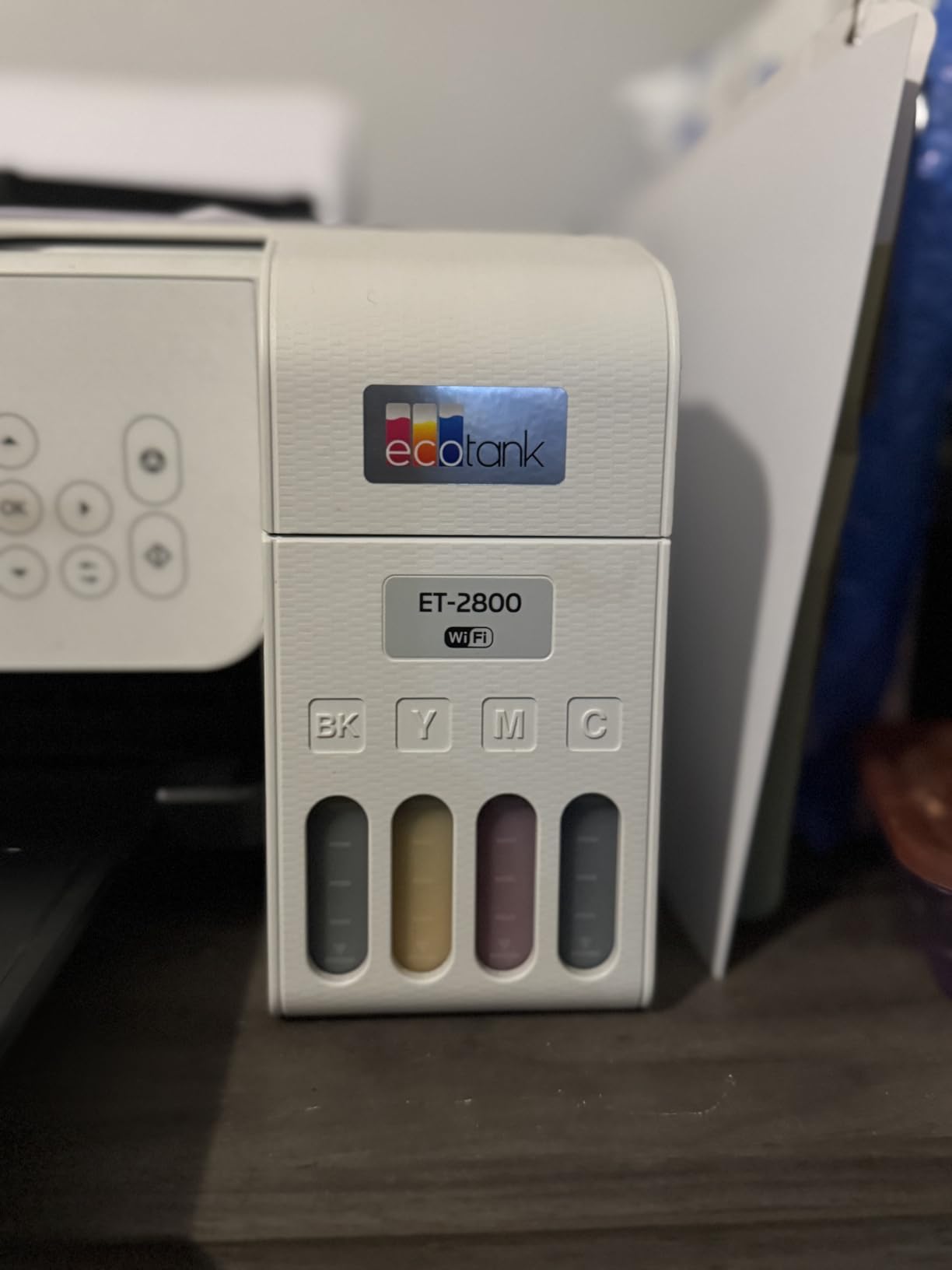
What you give up is paper handling flexibility. There is a single 100-sheet tray at the back, so switching between regular letter paper and glossy photo stock means reloading by hand every time. The flatbed scanner handles one sheet at a time, and there is no feeder at all.
Most importantly, duplexing is single-sided only. Every two-sided document means flipping the stack yourself or printing one side, reloading, and printing the other. That is tolerable at low volume and genuinely annoying above it.
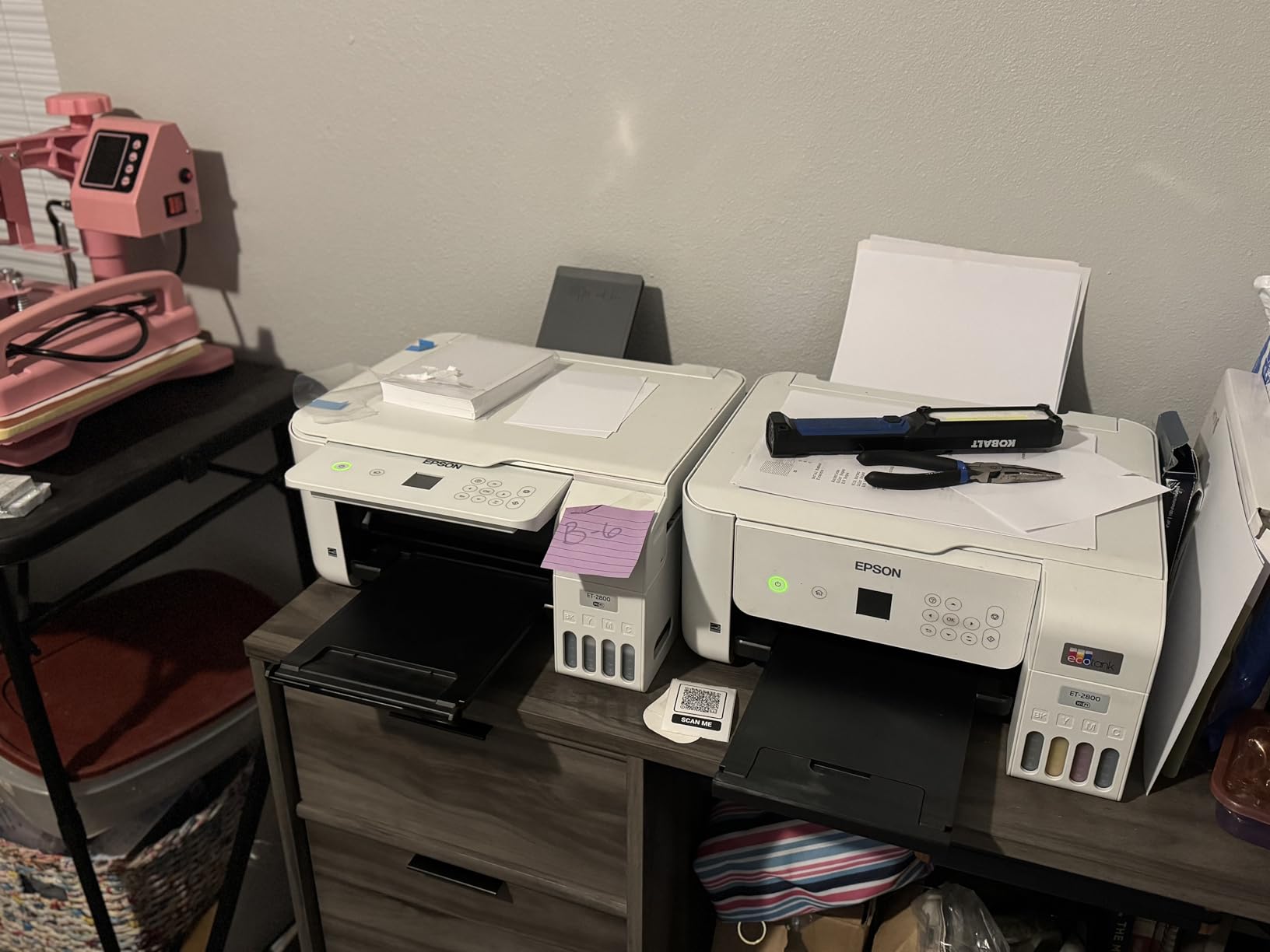
Who the ET-2800 suits
Choose it if your printing is a mix of color and text, if you value sharp photo output more than speed, and if you would rather refill bottles twice a year than buy cartridges monthly. The ink economics win immediately for anyone printing color regularly.
It is also the easiest machine here to park in a small room, at 14.8 inches deep and 11.4 pounds, so moving it between rooms is a one-person job.
Who should skip the ET-2800
Skip it if you scan in batches or print double-sided documents regularly. Without an automatic document feeder or automatic duplex, a 30-page packet becomes a manual chore you will resent within a week.
Anyone printing more than roughly 500 pages a month will also find a laser machine in this list finishes faster and costs less per page, though with no color option.
2. Epson EcoTank ET-4800 – The Same Ink Economics With Fax and Ethernet
Epson EcoTank ET-4800 Wireless Color All-in-One Supertank Printer
- Very large ink capacity
- Ink level gauges on each tank
- Flatbed scanner and copier built in
- Ethernet plus wireless networking
- Epson Smart Panel app control
- No automatic duplex
- Small screen with dated menus
- Rear-only paper feed with reported jams
The ET-4800 is the ET-2800 with more hardware bolted on, and for a home office that extra hardware is mostly about connectivity. It has a fax function and an Ethernet port, so a wired network connection is possible where the cheaper model only offers Wi-Fi and USB.
Two trays are listed for this model, and the front ink level gauges are a genuine quality-of-life improvement over guessing at remaining ink through an app. I found the tilting LCD readable enough for basic navigation once you stop expecting a touchscreen.
Print quality and speed sit in the same place as the ET-2800, with 5760 x 1440 dpi color output at 10 ppm black and 5 ppm color. That is plenty for documents and perfectly serviceable for photos.
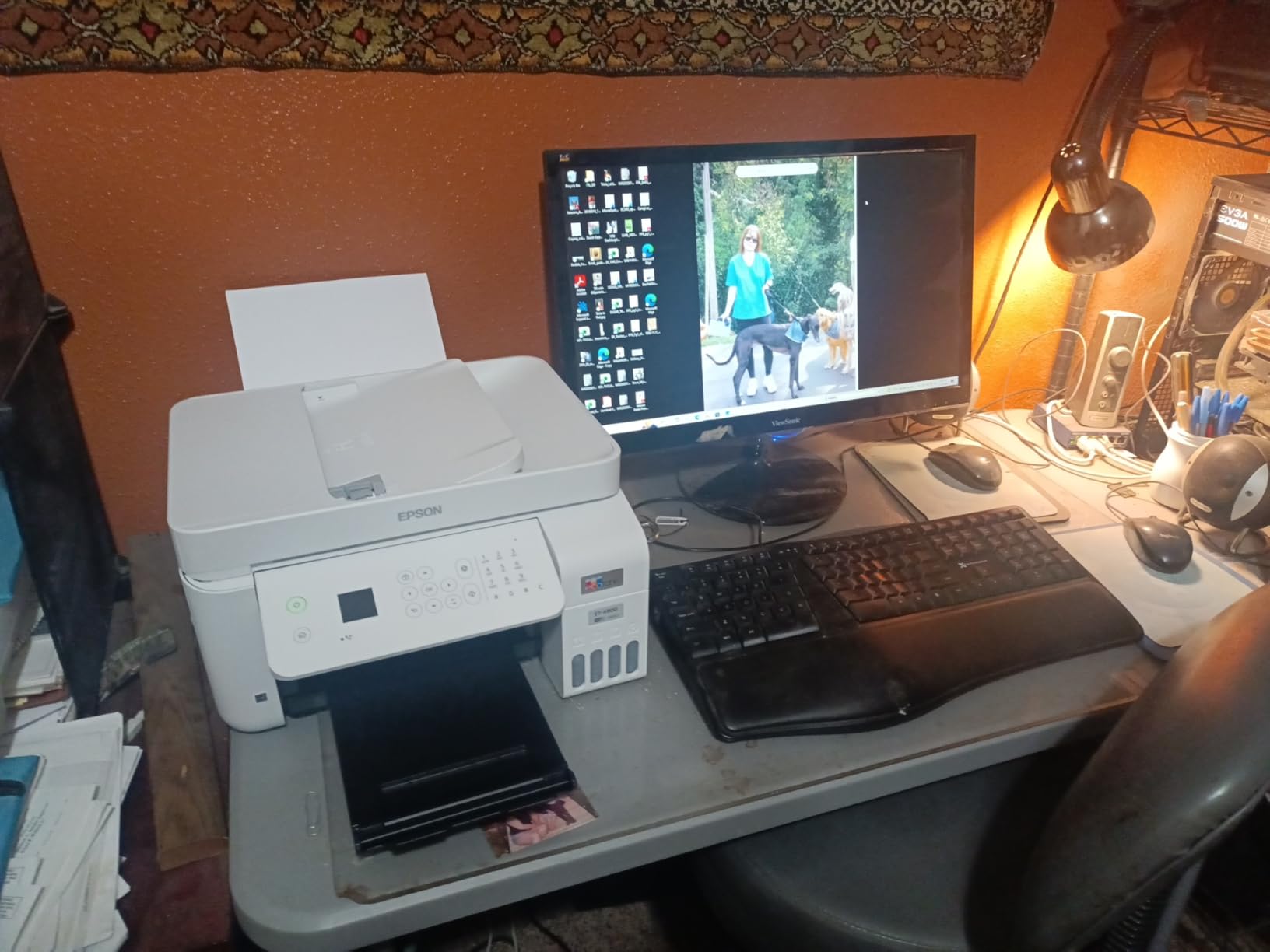
The compromises are real. Duplexing is manual, and the on-device menus are described by owners as dated and clunky, which means most interaction happens through the Epson Smart Panel app instead. The rear paper feed is also where several owners report repeat jams when feeding thicker stock.
The 3.8-star average across 6,376 reviews reflects that friction more than any hardware fault. Setup itself is generally reported as straightforward, and the ink capacity is the part owners consistently praise.
Who the ET-4800 suits
Pick it if you still send occasional faxes, want a wired Ethernet option for a fixed desk setup, or want visible ink levels without opening an app. The fax function is the single feature that separates it from most refillable-tank models.
It also suits anyone who prints infrequently but heavily in bursts, since the tank capacity removes the anxiety of a cartridge dying mid-deadline.
Who should skip the ET-4800
Skip it if two-sided printing is part of your routine, because duplexing here means a manual re-load. The small display and app-dependent controls will also frustrate anyone who wants to run a scan without a phone nearby.
If you scan more than a page at a time, look elsewhere. There is no document feeder here, so the flatbed handles one sheet per pass.
3. Canon PIXMA TR8620a – The Feature-Complete Canon With a Real Touchscreen
Canon PIXMA TR8620a – All-in-One Printer Home Office|Copier|Scanner|Fax|Auto Document Feeder | Photo, Document | Airprint (R), Android, Black, Works with Alexa
- Wireless print copy scan and fax in one
- Automatic two-sided printing
- 20-sheet document feeder
- Tilting touchscreen with intuitive menus
- Front cassette plus rear feed
- Canon mobile app reported slow by some owners
- ADF is single-sided only
- Photo scan resolution tops out near 600 dpi
This is the most complete inkjet in the group for office work. It prints, copies, scans and faxes wirelessly, adds automatic two-sided printing, and includes a 20-sheet automatic document feeder, which means double-sided reports come out without a manual re-load.
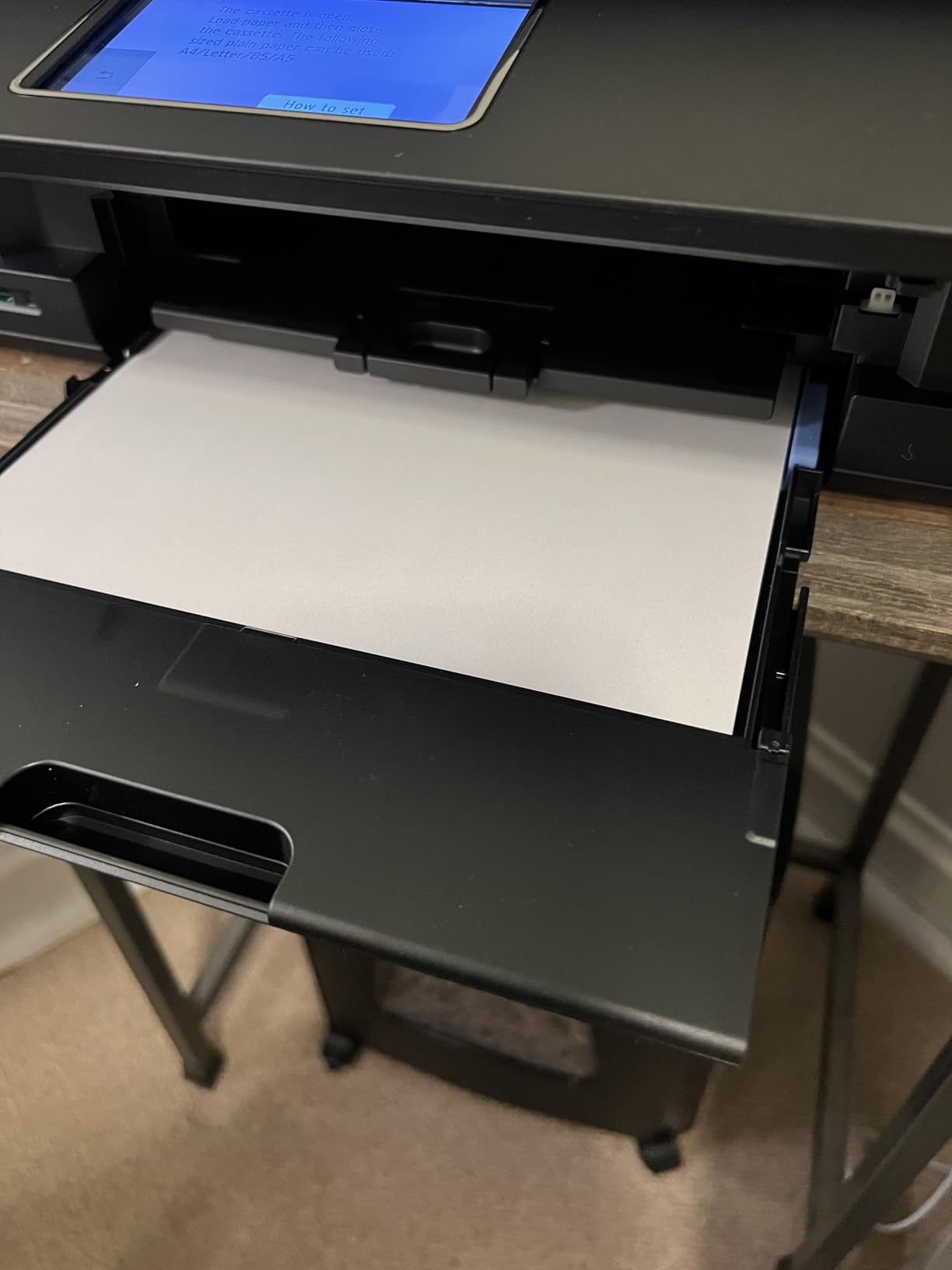
Speed is a step above the EcoTank pair at 15 ppm black and 10 ppm color. Paper handling is the best of the inkjets here too, with a 100-sheet front cassette plus a 100-sheet rear feed that accepts media up to 8.5 x 14 inches.
The tilting touchscreen is a small touchscreen, but it is the most responsive one in this roundup. Tap through scan destinations, paper type and duplex settings without hunting through nested menus.
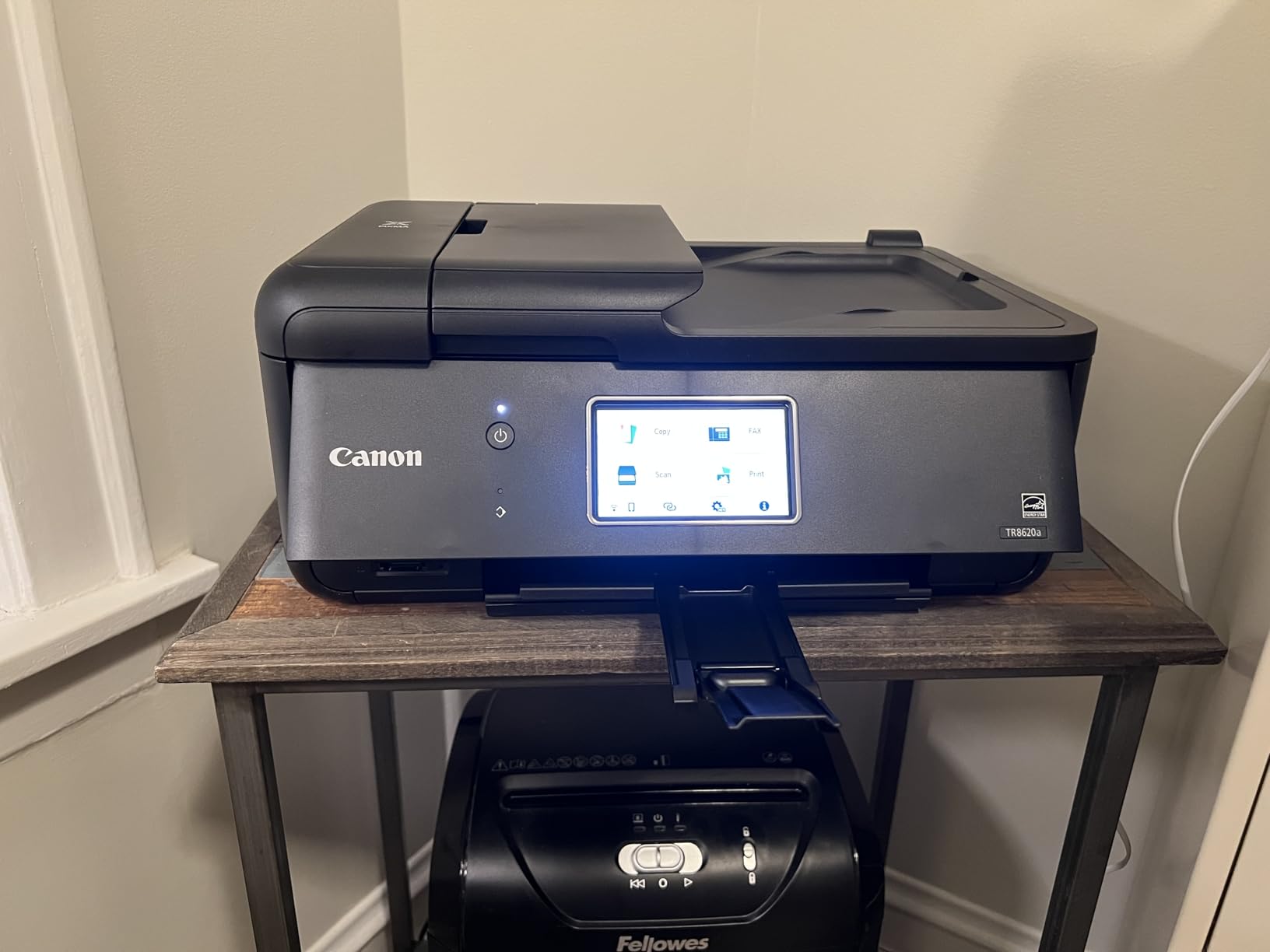
Long-term owners report solid output, easy Wi-Fi setup and better ink consumption than earlier Canon models they replaced. The 1,000-page monthly duty cycle is modest, so it suits a home office rather than a shared studio.
The recurring gripes are software and scanner related. The Canon mobile app is called slow by some owners, the ADF only feeds one side at a time, and photo scanning resolution tops out around 600 dpi, which is not enough for archive-quality prints of prints.
Who the TR8620a suits
It fits a home office that treats its printer like a small machine shop: invoices out, signed contracts scanned in, occasional fax sent. The ADF plus automatic duplex handles the paperwork that separates an office from a home setup.
Anyone who values color photos will like the borderless printing up to 8.5 x 11 inches, and the touchscreen reduces the learning curve for anyone who has fought a printer before.
Who should skip the TR8620a
Skip it if you need two-sided scanning from the feeder, because double-sided originals still have to be flipped manually. The plastic build also feels lighter than the price implies, and the app experience is not as smooth as the hardware.
At 17.4 pounds and 17.3 inches wide, it also needs more shelf than the compact models in this list. Micro SD card support and Alexa voice printing are there for convenience, not necessity.
4. Canon MegaTank G3270 – The Best Value Ink Tank for Color Printing
- Up to 6000 black and 7700 color pages per fill
- Wireless print copy and scan in one
- Large bottles keep per-page cost low
- Borderless photo printing
- Single-sided printing only
- No automatic document feeder
- Small 1.35 inch LCD
Canon’s answer to EcoTank, and the arithmetic is compelling. A single ink set covers up to 6,000 black and white pages and 7,700 color pages, which works out to the lowest ink cost of any color machine here.
At 4.1 stars from 5,138 reviews, this is the best-reviewed Canon in the group and the second-highest rated machine overall. Owners who print regularly point to the yields first and the simple wireless setup second.
Print speed is 11 ppm black and 6 ppm color, and resolution tops out at 4800 x 1200 dpi. That is a step below the Epson EcoTank pair on paper but still sharp for documents and everyday photos.
The feature gaps are significant for office use. There is no automatic document feeder, so every scanned page goes across the flatbed by hand, and duplexing is single-sided only.
Control happens through a 1.35 inch square LCD, which is the smallest screen here and gives you very little to work with. The listed depth of 21.9 inches also surprised us on a small desk, so measure your shelf before ordering.
Who the MegaTank G3270 suits
Choose it if color printing is your main reason to own a printer and you want the lowest ink spend per page. Reports, invoices, photographs and marketing one-pagers all come out well, and the borderless mode handles photo paper properly.
It also suits anyone who prints in bursts rather than steadily, since the tank holds enough ink to cover a project without a mid-job refill.
Who should skip the MegaTank G3270
Skip it if you scan paperwork regularly or need automatic two-sided printing. Neither exists on this machine, and both are hard requirements for most working home offices.
If your desk is small, skip it too. The 21.9 inch depth makes this the widest footprint in the group despite a modest 13.2 pound weight.
5. Brother DCP-L2640DW – The Best Choice for Monochrome Workload
Brother DCP-L2640DW Wireless Compact Monochrome Multi-Function Printer, Copy, Scan, Duplex, Mobile Printing
- Fast 36 ppm monochrome output
- 50-page document feeder
- Toner never dries out
- Automatic duplex printing
- Dual-band Wi-Fi plus Ethernet
- Monochrome only with no color option
- Password and firmware setup is arcane
- 25 lb body needs a real shelf
This is the machine to buy if your home office prints contracts, invoices and reports all day and never prints a photograph. At 36 ppm black it finishes a ream before most people notice it has started, and it holds 250 sheets in the main tray.
The 50-page automatic document feeder is the largest in this roundup, and combined with automatic duplex printing it turns a two-sided, 40-page document into a single unattended job. That capability is what separates a home office machine from a home printer.
Toner is the other advantage. Dry powder does not dry out in the tube, so a machine left idle for six weeks still prints on the first job, which is not true of cartridge-based inkjets.
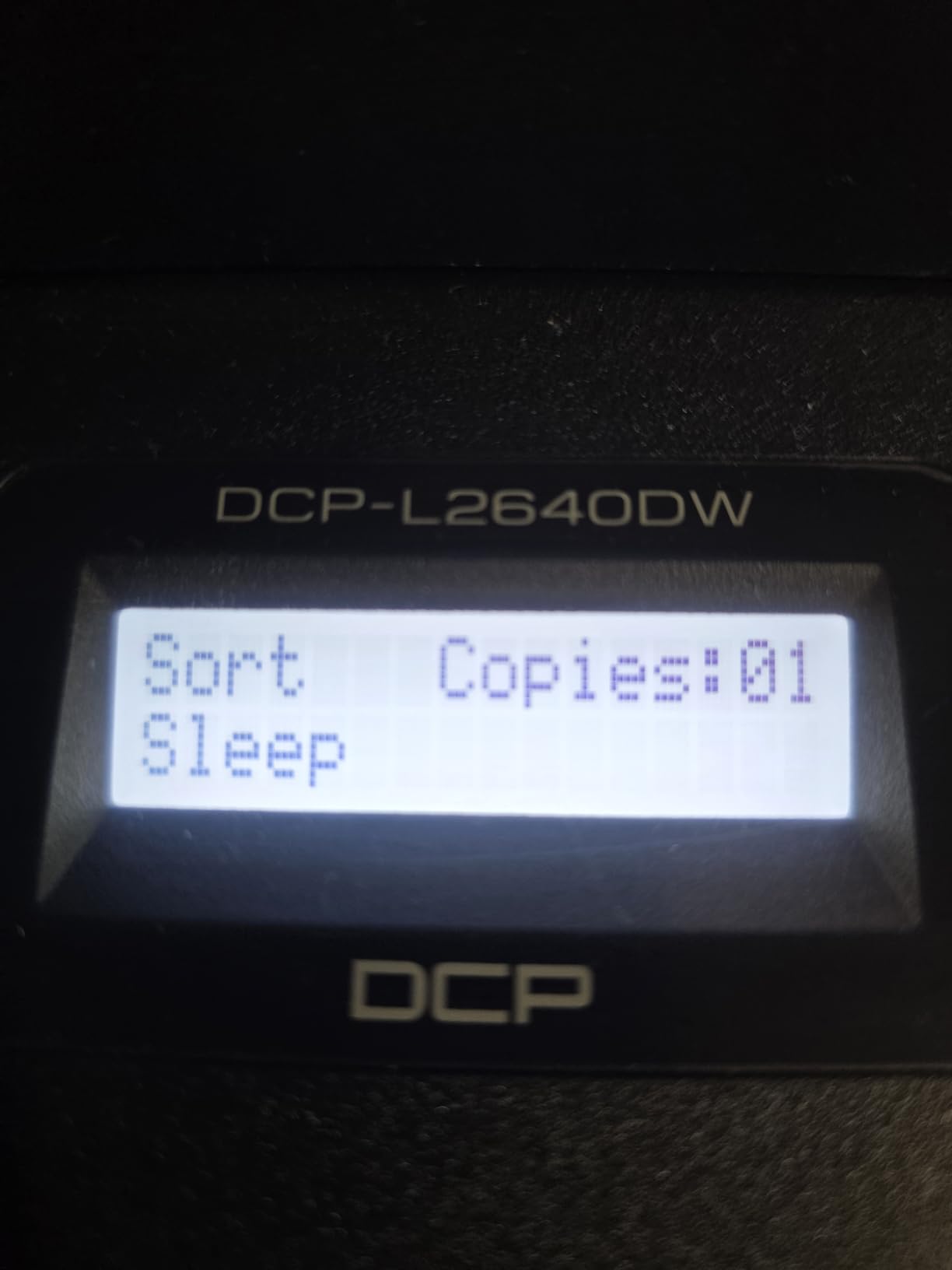
Scan speed is listed at up to 23.6 ipm black and 7.9 ipm color, with a first page print time of 8.5 seconds. Text output is sharp and professional at 1200 x 1200 dpi, and duplex Wi-Fi plus Ethernet makes network setup painless.
The weak point is software, not hardware. Owners repeatedly describe the mandatory machine password and firmware prompts as arcane, and some report being locked out until they resolve them. The on-device scanning menu is clumsy enough that the Brother Mobile Connect app becomes the practical route.
Who the DCP-L2640DW suits
It suits freelancers, contractors and small remote teams who bill for hours and produce paperwork daily. Laser speed, a 50-page feeder and toner that survives idle months add up to less downtime than an inkjet that clogs.
It also suits anyone printing on a wired office network, since Ethernet sits alongside dual-band Wi-Fi.
Who should skip the DCP-L2640DW
Skip it if you print color at all, because there is no color path in this machine. Photographs, brochures and color charts simply will not come out.
Be prepared for setup effort and desk space. At 25 pounds and 16.1 inches wide, it needs a proper shelf, not a corner, and budget extra time for the password and firmware steps.
6. HP Smart Tank Plus 651 – Ink Tank Convenience With Fax
- Mess-free bottle refill system
- Up to 2 years of ink included
- Good text and photo output
- Wireless printing and scanning
- Built-in fax
- Print head installation is awkward
- Wi-Fi setup only on 2.4 GHz on many networks
- Manual duplex only
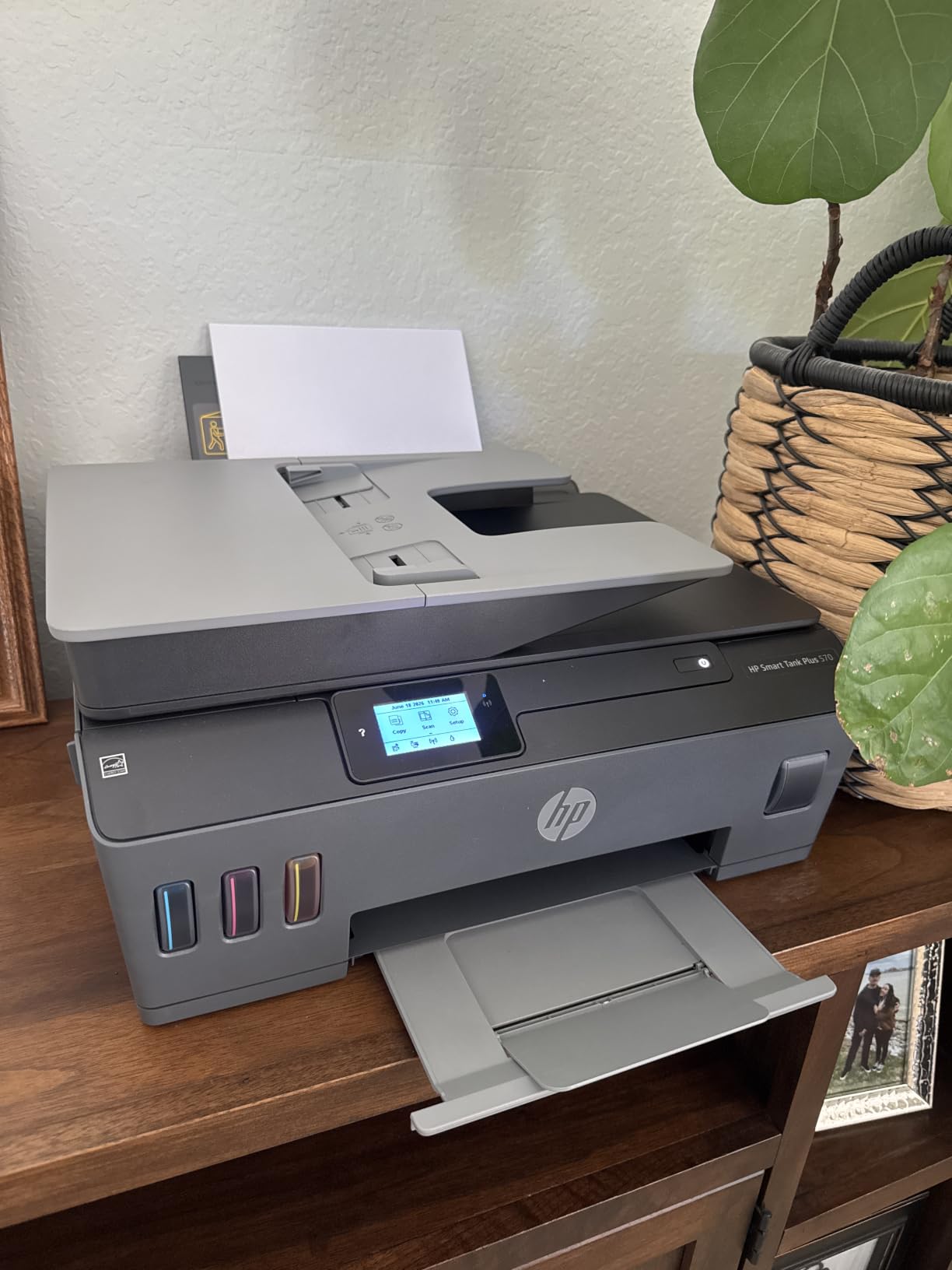
HP takes a different route with Smart Tank. Instead of bottles sized like Epson EcoTank refills, the 651 uses a mess-free refill system that pours from a bottle into each reservoir without a drip tray, and the included supply covers up to 8,000 color or 6,000 black pages.
The function list is unusually full for a tank machine: print, copy, scan and fax, plus a touchscreen, wireless printing, mobile printing and borderless output. At 11 ppm black and 5 ppm color it sits mid-pack on speed.
Text quality is good at 1200 x 1200 rendered dpi black, and color reaches 4800 x 1200 optimized dpi. First page out arrives in 14 seconds for black and 21 seconds for color.
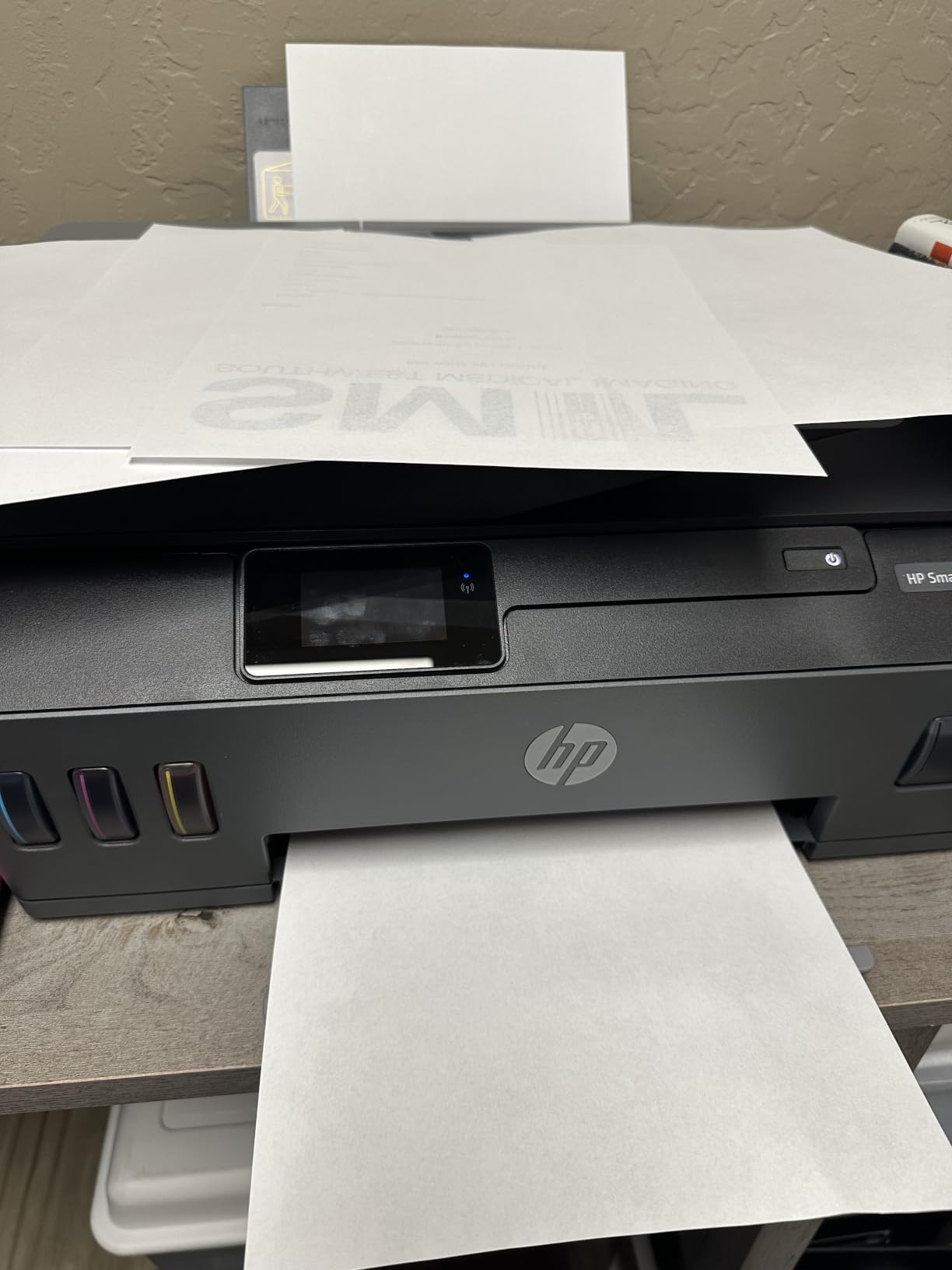
The 3.8-star average hides a heavy one-star tail, around 20 percent of reviews. The most common complaints cluster around setup: installing the print heads is awkward and poorly documented, and wireless setup works only on 2.4 GHz networks on many routers.
Construction is described as lightweight and somewhat flimsy, and a segment of owners report early failures tied to print heads or jams. Duplexing is manual, and the small display gives vague error messages when something goes wrong.
Who the Smart Tank Plus 651 suits
Choose it if you want an ink tank and a fax function in one box, since most tank machines skip fax. The refill process is quick and tidy, which matters if your desk is not a workshop.
It also suits households that print color casually and want years of ink on hand without thinking about it.
Who should skip the Smart Tank Plus 651
Skip it if you run a modern dual-band router and want painless wireless setup, or if you print double-sided documents often. Manual duplexing turns every two-sided job into a re-load.
If you have had trouble with HP hardware before, note the early-failure reports before choosing. There is no automatic document feeder here, so batch scanning means one flatbed pass per page.
7. Canon PIXMA TS6520 – The Smallest Machine With Automatic Duplex
Canon PIXMA TS6520 Wireless Color Inkjet Printer, Duplex Printing, Copier/Scanner, 1.42″ OLED Display, Compact, White
- Automatic duplex at a budget price
- Dual-band Wi-Fi for stable connections
- Compact footprint for a small desk
- First page in 7.5 seconds black
- No automatic document feeder
- Two-cartridge hybrid ink system
- Monochrome OLED not a touchscreen
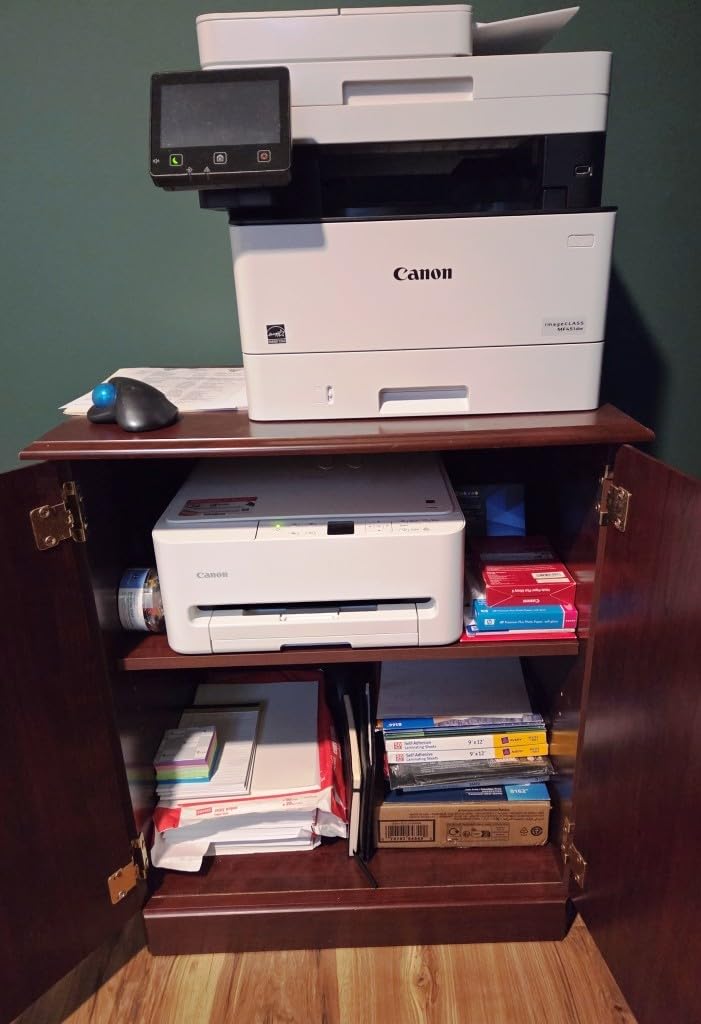
If your single biggest requirement is automatic two-sided printing and your desk is small, this is the machine. At 14.8 inches deep by 14 inches wide and 15.4 pounds, it is the most compact unit in the group with duplex built in.
Dual-band Wi-Fi on both 2.4 GHz and 5 GHz is rarer than it should be at this level, and it makes connections noticeably more reliable in homes with crowded wireless space. Apple AirPrint and Mopria support are listed alongside the Canon PRINT app.
Speed is respectable at 14 ppm black and 9 ppm color, with a first page time of 7.5 seconds for black. Output reaches 1200 x 1200 dpi and supports borderless printing up to 8.5 x 11 inches.
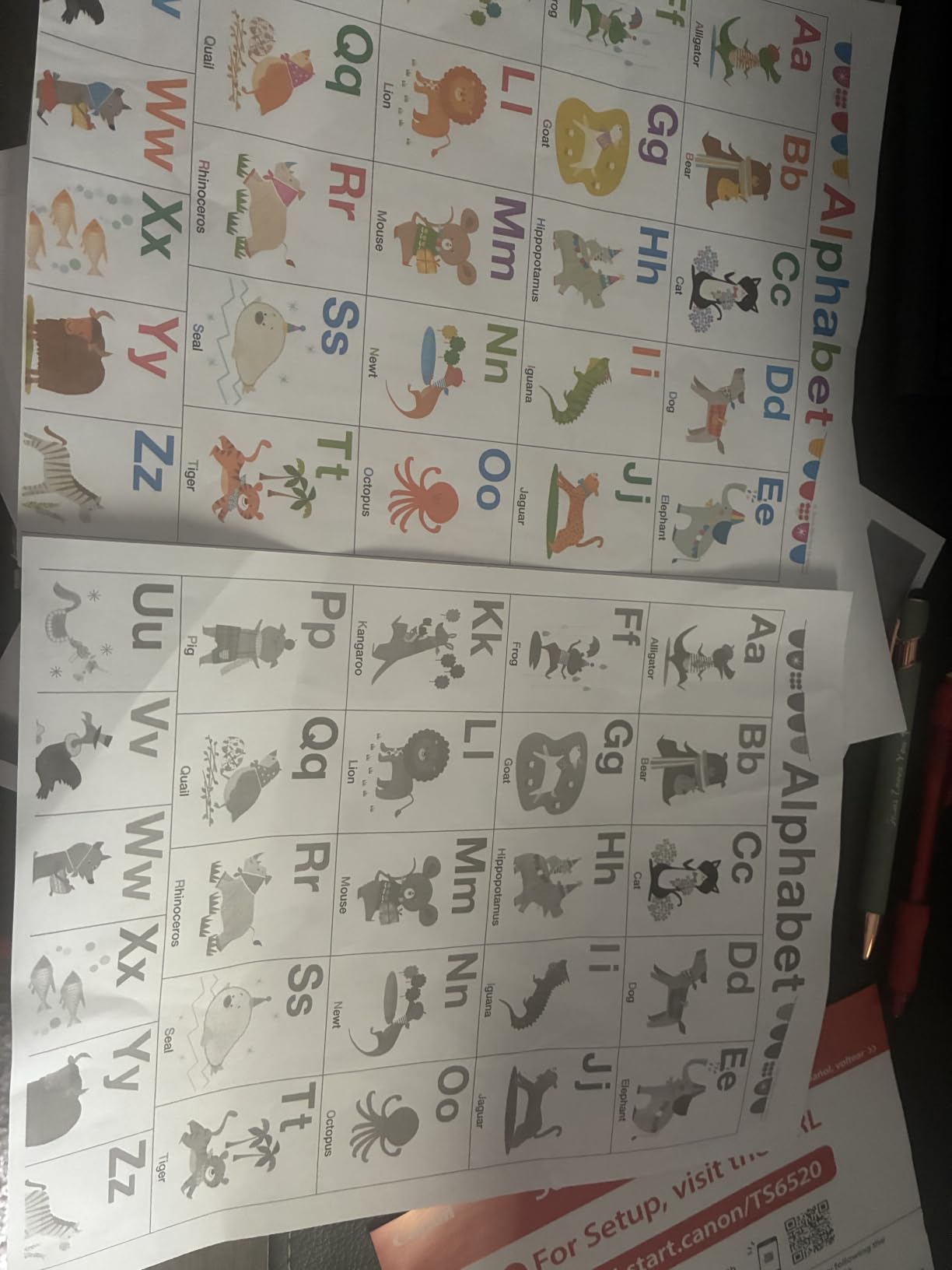
With 4.2 stars across 1,977 reviews and about 70 percent five-star ratings, this is a well-liked budget machine. Owners single out auto duplex, dual-band Wi-Fi and the small footprint as the reasons it beats its price.
Two design limits shape the ink story. It uses a two-cartridge hybrid system, so a failed black cartridge can stop color printing entirely, and there is no document feeder at all.
Who the TS6520 suits
It suits students, renters and anyone on a shared desk who prints essays, résumés and the occasional photo and wants two-sided pages without manual flipping. The OLED shows ink levels and status at a glance.
It is also a good fit for a wireless-first setup, since dual-band support removes most of the dropouts we see with single-band budget machines.
Who should skip the TS6520
Skip it if you scan documents in batches, since there is no feeder, and skip it if you handle legal or larger paper. Maximum media size is letter only, so 8.5 x 14 inch documents will not fit.
Printers with four separate ink tanks cost more to run but isolate failures. With two cartridges, one empty or dead unit can halt both black and color output.
8. Canon PIXMA TR7120 – An ADF at a Budget Price Point
Canon PIXMA TR7120 Wireless Color Inkjet Printer, Duplex Printing, White – Home Printer with Copier/Scanner, Auto Document Feeder, Compact Design, Intuitive Control Panel
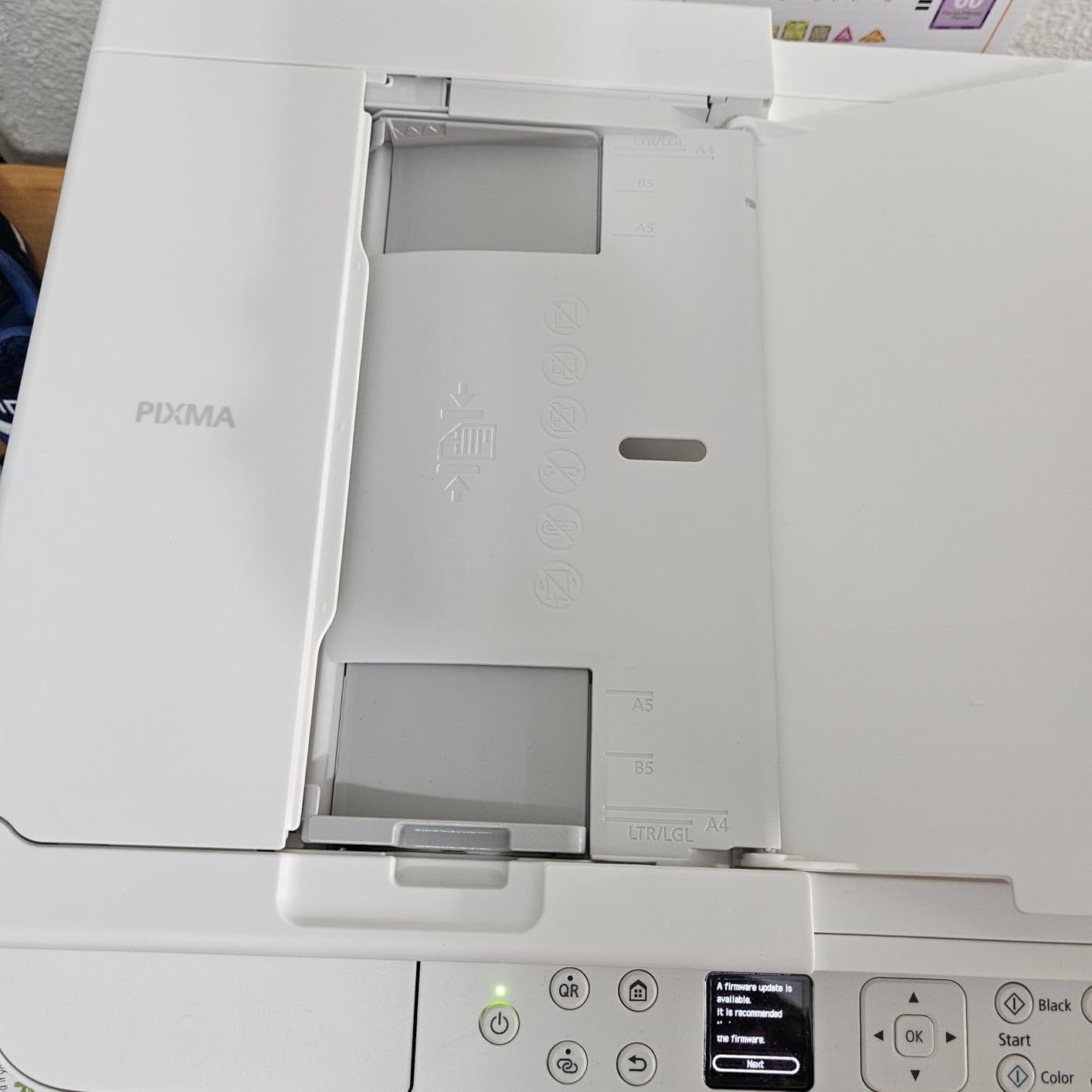
- Automatic document feeder at a budget price
- Automatic two-sided printing
- Dual-band Wi-Fi
- Legal size paper support
- Highest rated unit in the roundup
- No fax function
- Two-cartridge ink system
- Small monochrome OLED only
A document feeder under this price is unusual, and that is the whole reason to look at this one. The TR7120 adds an automatic document feeder to automatic duplex printing, so multi-page scanning and two-sided output both happen unattended.
It is also the highest-rated machine in this roundup at 4.3 stars, with about 71 percent five-star ratings. Buyers repeatedly call out the feeder as a feature they did not expect at this level.
Speed matches the TS6520 at 14 ppm black and 9 ppm color, and dual-band Wi-Fi covers both bands. It handles envelopes, glossy photo paper, labels and plain stock, and supports legal size up to 8.5 x 14 inches.
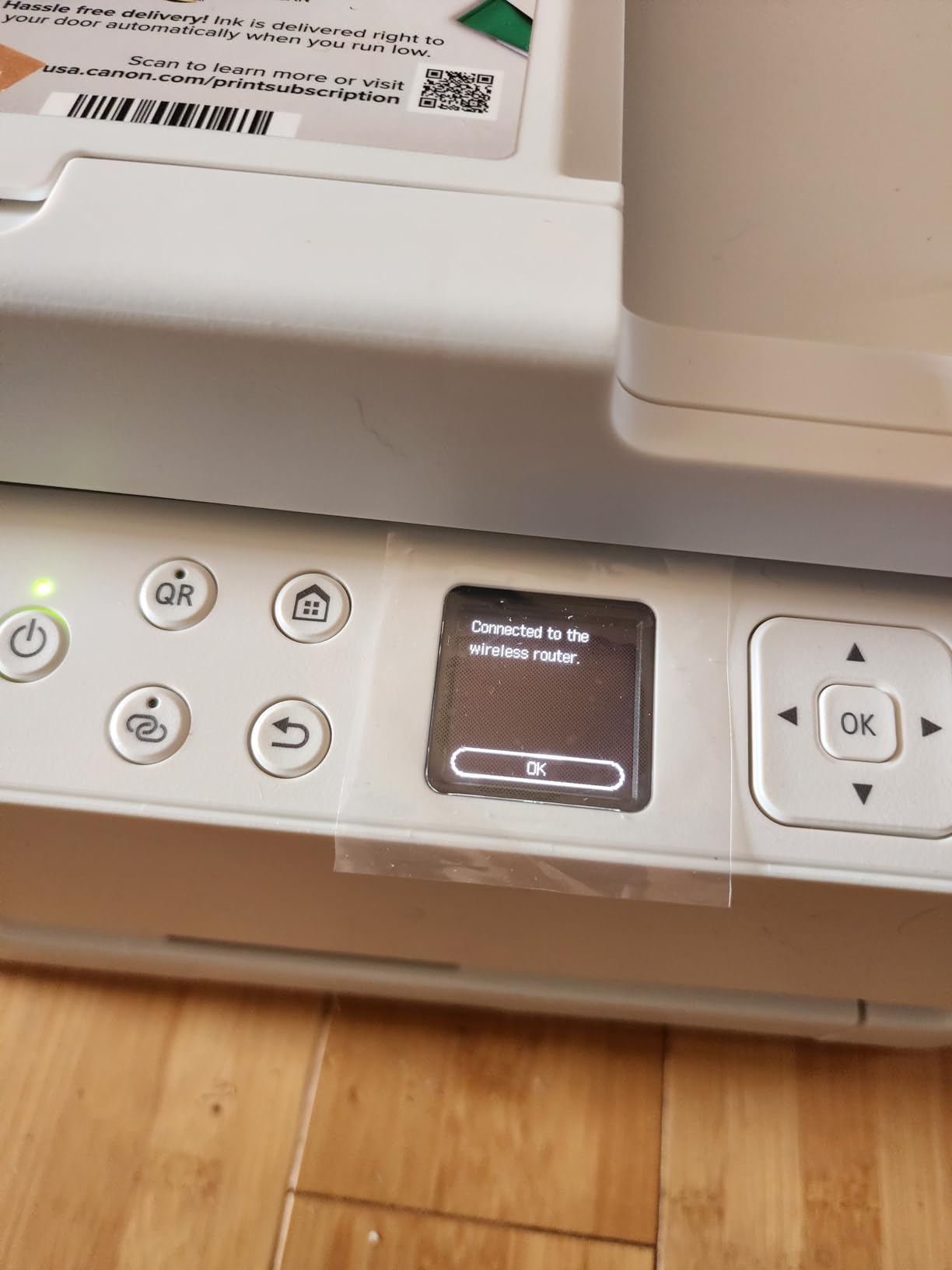
Compared with the TS6520, the tradeoff is weight and width. At 18.1 pounds and 14 inches wide it is one of the heavier compact models, though the depth is a trim 14.8 inches.
There is no fax function, and the control panel is a small monochrome OLED rather than a touchscreen. The two-cartridge hybrid ink layout still applies, with the same single-point-of-failure behavior.
Who the TR7120 suits
Choose it if you scan contracts and receipts regularly but do not need fax. A feeder plus duplex printing covers most of what a small home office actually does with paper day to day.
Legal size support also makes it a fit for landlords, accountants and administrators who routinely handle 8.5 x 14 inch paperwork.
Who should skip the TR7120
Skip it if you send faxes, because there is no fax function. Anyone who needs color scanning at high resolution should look at the TR8620a instead.
Also weigh the 483-review base. The rating is excellent, but the sample is smaller than the Canon EcoTank models, so there is less long-term history to lean on.
9. Brother INKvestment 1365 – The Front-Cassette Workhorse With Duplex
- Front-loading 150-sheet paper cassette
- Automatic duplex plus 20-page ADF
- Sharp output up to 1200 x 6000 dpi
- Easy front access for cartridge changes
- Wireless setup reported as clumsy
- Mandatory machine password at setup
- Uses cartridges rather than bottled ink
The 1365 is the machine for anyone who cares about paper handling more than ink cost. A 150-sheet cassette loads from the front rather than the top, which means you refill paper standing up instead of lifting a lid, and cartridges change from the same side.
It also prints 16 ppm black and 9 ppm color, the fastest inkjet speed here, with a first page in roughly 6.2 seconds for black. Output resolution reaches 1200 x 6000 dpi, and media up to 8.5 x 14 inches fits.
Cloud targets including Google Drive, Dropbox, Box and OneDrive are supported, alongside Wi-Fi, Wi-Fi Direct and USB. Legal size support is listed for this model.
Two things keep this out of the top tier. It uses high-yield Brother LC504 cartridges rather than bottled ink, so running costs sit above the EcoTank and MegaTank models here over a few thousand pages. Setup is described as clumsy and app-dependent.
Like other Brother machines, it forces you to set a machine password during setup, which trips up a number of first-time owners. The 1.8 inch display is not a touchscreen, and a segment of reviewers reported a defective or leaking cyan cartridge out of the box.
Who the INKvestment 1365 suits
It suits anyone who prints 300 to 500 pages a month in color and black and prefers a front cassette to a top feed. Linux users get a specific bonus here, since owners report it working reliably with current Brother drivers.
The 20-page ADF plus automatic duplex covers routine paperwork without a manual re-load, and 16 ppm black speed keeps up with a busy morning of printing.
Who should skip the INKvestment 1365
Skip it if your main goal is the lowest ink cost, because cartridges work out more expensive per page than refillable tanks. Heavy color printing is where that gap shows up fastest.
If you want a touchscreen or fax, this is not the machine. Both arrive with the step-up model below.
10. Brother Work Smart 1410 – The One With a Proper Touchscreen
Brother Work Smart 1410 Wireless Color Inkjet All-in-One Printer with 2.7” Touchscreen and Automatic Duplex Printing | Includes Refresh Subscription Trial(1) (MFC-J1410DW)
- Large 2.7 inch color touchscreen
- Automatic duplex plus 20-page ADF
- Fax capability included
- 150-sheet paper tray
- Cloud printing and scanning
- Cartridge ink rather than bottled ink
- 20-sheet ADF is single-sided only
- Setup leans on the Brother Mobile Connect app
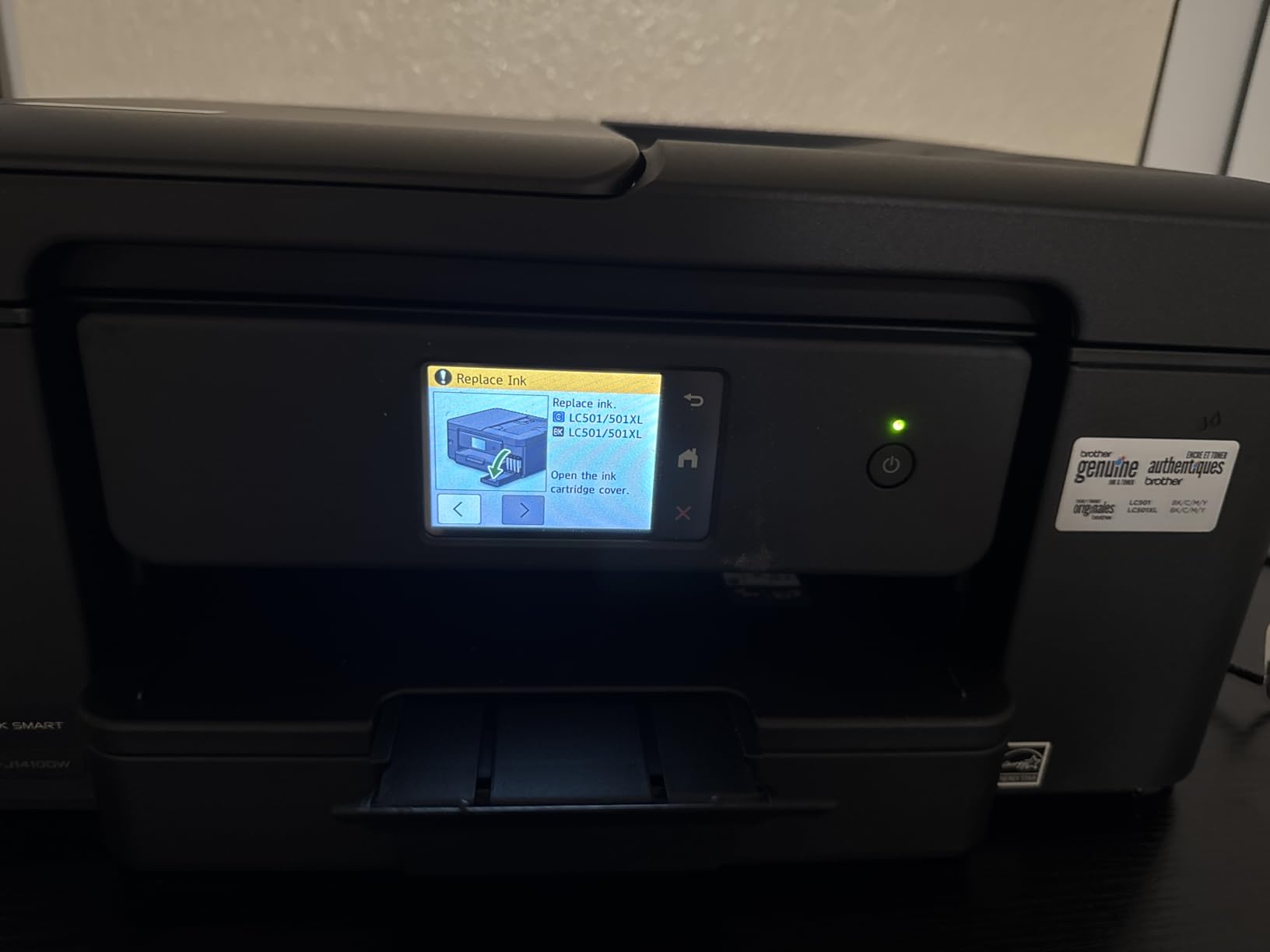
The 1410 is a step up from the 1365 in exactly two ways: a 2.7 inch color touchscreen and a fax function. That touchscreen is the largest on any inkjet in this roundup short of the HP OfficeJet Pro, and it makes on-printer navigation far less painful.
Everything else matches the 1365. You get 16 ppm black and 9 ppm color, automatic duplex printing, a 20-sheet automatic document feeder, a 150-sheet paper tray and media up to 8.5 x 14 inches, plus Google Drive, Dropbox, Box and OneDrive support.
At 4.0 stars from 286 reviews with about 60 percent five-star ratings, it sits in the middle of this group on rating and near the bottom on review volume, so there is less long-term feedback to draw on.
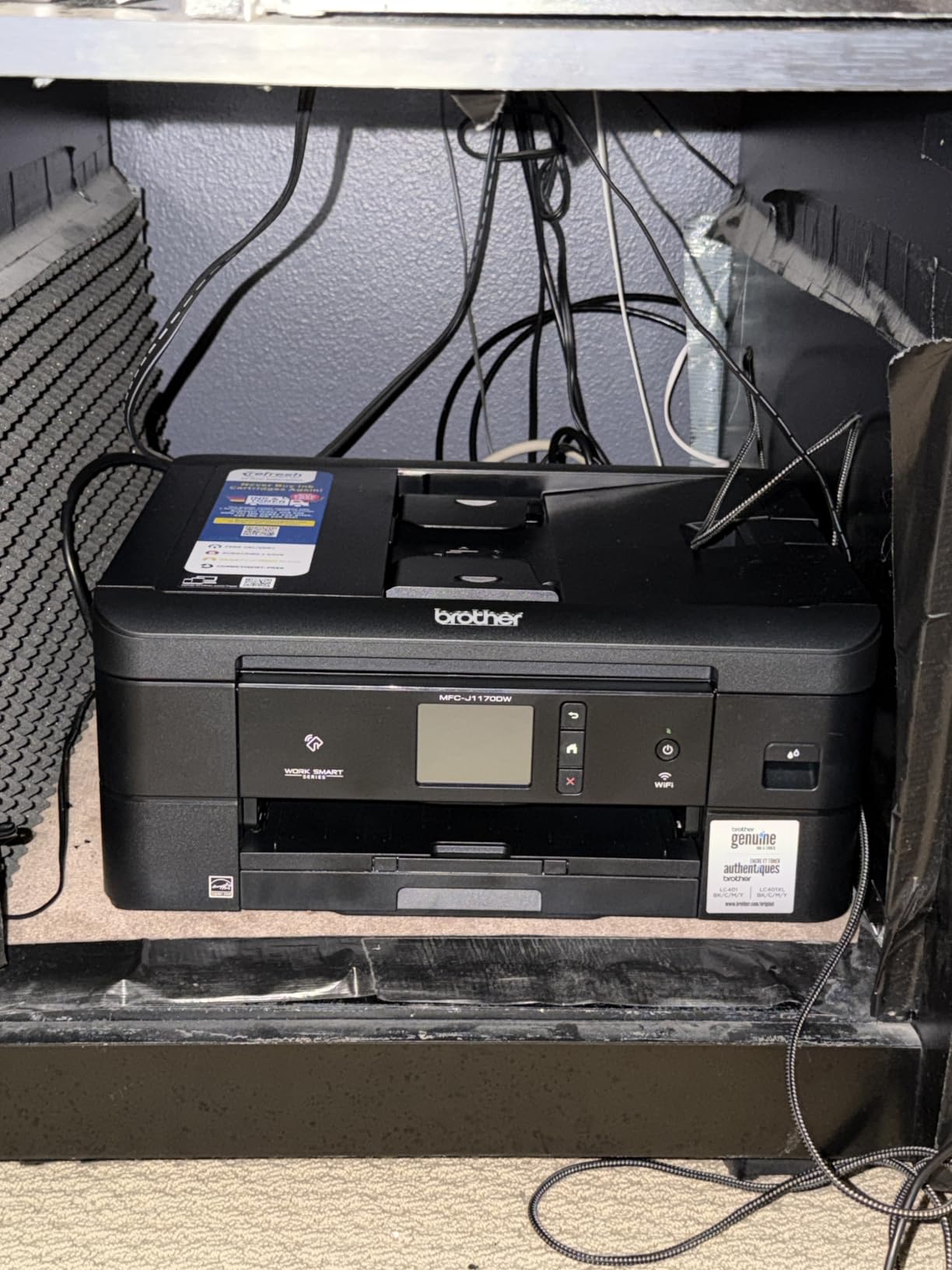
The main limitation is the ink system. It uses Brother Genuine LC501 cartridges rather than refillable bottles, so it costs more per page over time than the EcoTank, MegaTank and Smart Tank models in this list.
The 20-sheet feeder is single-sided only, so double-sided originals still need manual flipping. Setup leans heavily on the Brother Mobile Connect app, and at 16.8 pounds the footprint is larger than the compact Canon units.
Who the Work Smart 1410 suits
Choose it if you want to operate the printer directly rather than entirely from a phone, and if fax is on your requirement list. The screen is large enough to set up scan destinations without a second device.
It also suits households sharing one printer between two people who both scan, since the feeder removes the flatbed bottleneck for multi-page jobs.
Who should skip the Work Smart 1410
Skip it if running cost matters more than the control panel. Cartridge ink across a few thousand pages will cost meaningfully more than bottled ink, and the savings compounds fast for regular printers.
If you scan double-sided originals in volume, the single-sided feeder will disappoint you. The Canon PIXMA TR8620a or the Brother DCP-L2640DW serve that workflow better.
11. HP Smart Tank 5003 – The Lowest Ink Commitment per Page
HP Smart Tank 5003 Wireless All-in-One Ink Tank Printer, Scanner, Copier with up to 3 Years of Ink Included, Best-for-Home, Cartridge-Free Refillable, AI-Capable (9B2D3A)
- Up to 3 years of ink included
- Up to 6000 pages out of the box
- Mess-free bottle refill
- Compact 11.1 lb body
- Sharp text and rich color
- Flatbed scanner only with no ADF
- Manual duplex printing
- No display screen for on-device control
HP claims up to three years of ink in the box on the Smart Tank 5003, covering around 6,000 pages before you buy anything. That is the longest stated supply of any tank machine here, and it makes the effective cost of ink over the first year close to nothing.
It is also small and light, at 14.23 inches deep, 17.11 inches wide and 11.1 pounds. AirPrint, Mopria and HP ePrint are all supported alongside Wi-Fi and USB, and legal size media up to 8.5 x 14 inches fits.
Speed is the slow end at 10 ppm black and 5 ppm color, with a 21-second first page time. Text prints at 1200 x 1200 rendered dpi and color at 4800 x 1200 optimized dpi, with borderless output.
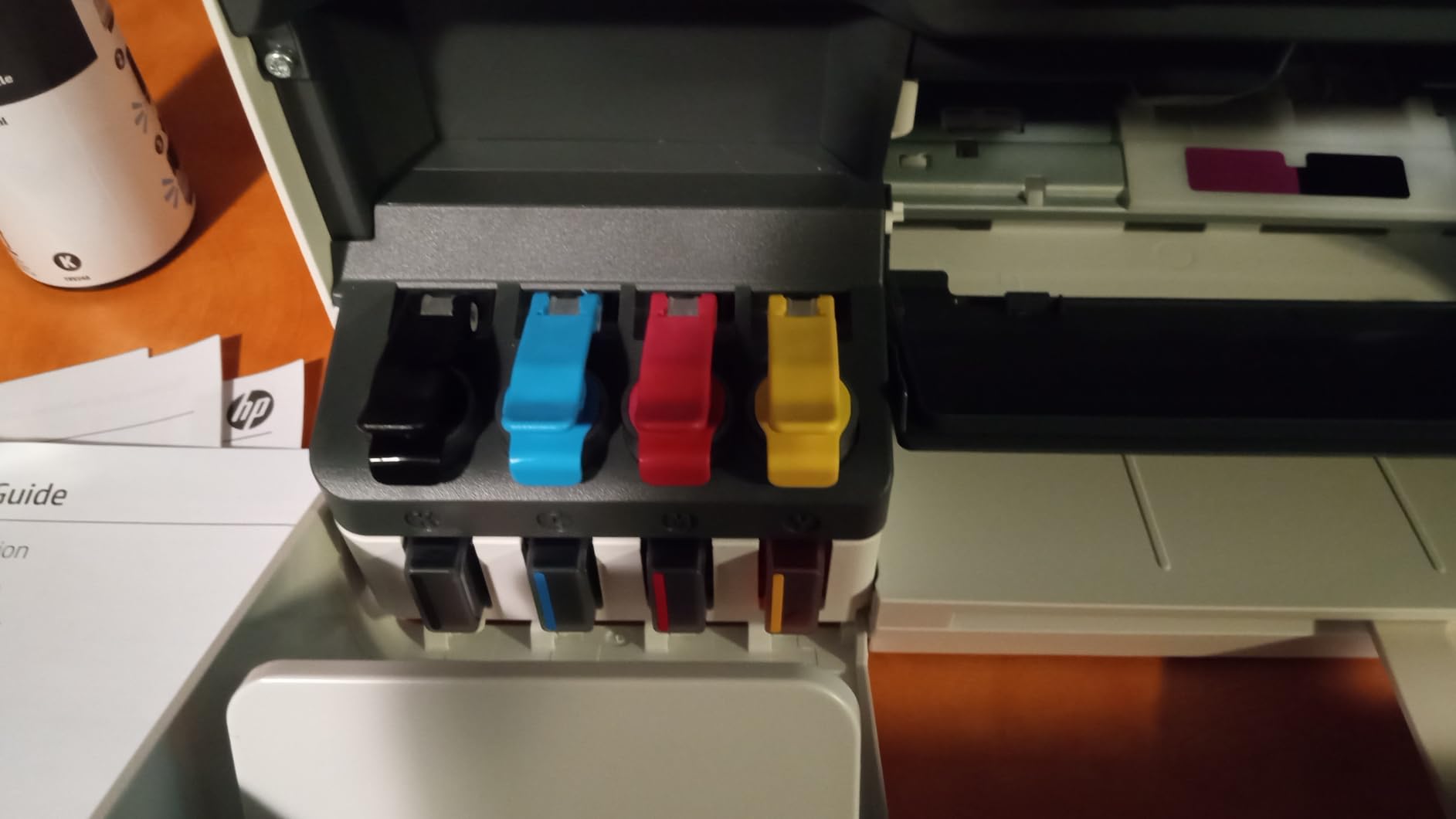
At 4.1 stars from 226 reviews with about 68 percent five-star ratings, satisfaction tracks closely with the included ink. The refill process is described as mess-free and the operation as simple.
For an office workflow, though, this is a bare-bones machine. Scanning is flatbed only with no automatic document feeder, duplexing is manual, and there is no display screen for on-device control at all, which means the app is your only interface.
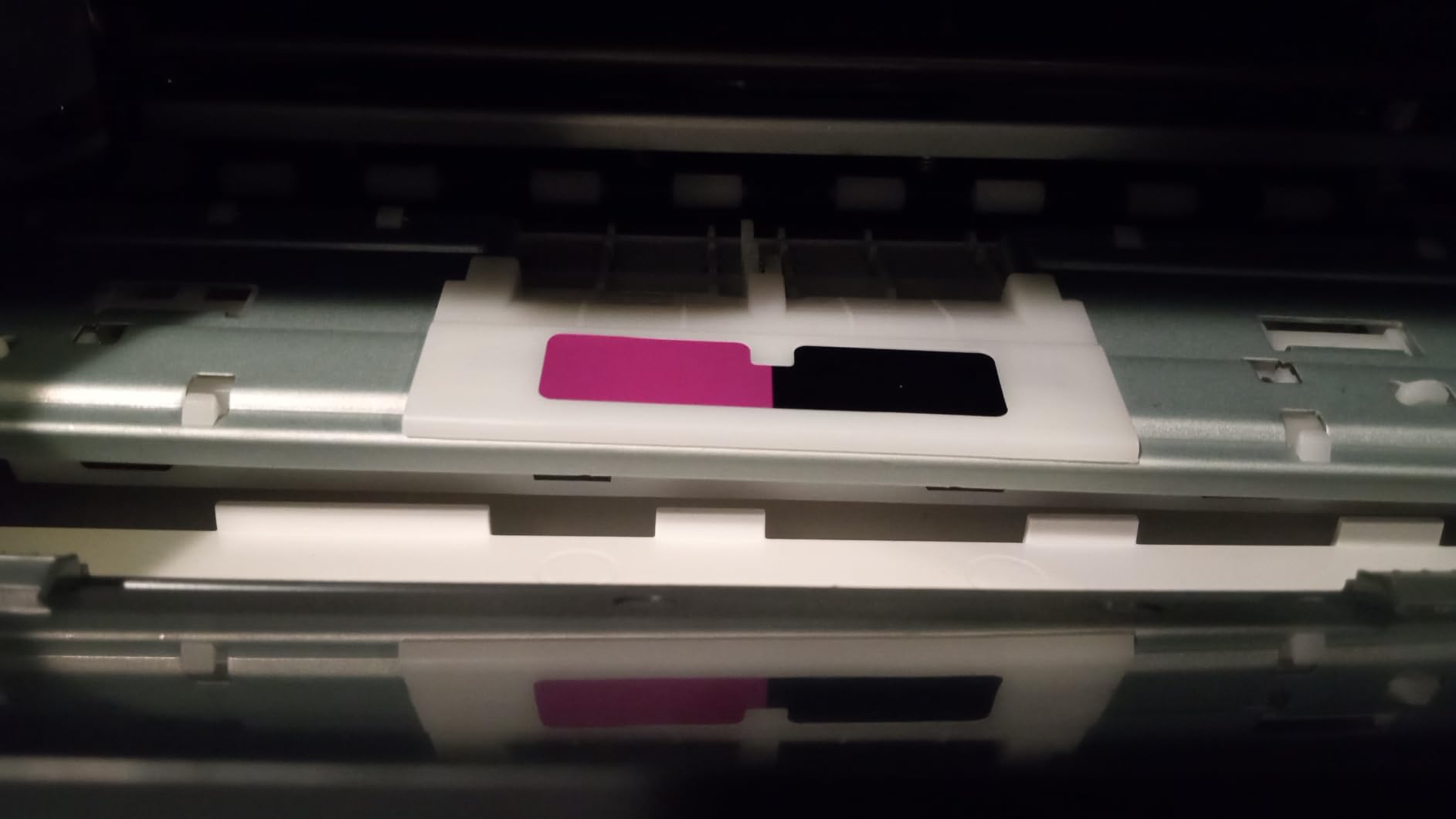
Who the Smart Tank 5003 suits
Choose it if your printing is color-heavy and light on paperwork, and if the idea of not buying ink for years appeals more than any hardware feature. It handles reports, images and borderless photos well.
It is also a good fit for a first home office, since the supply in the box covers a full year of typical light use at no extra cost.
Who should skip the Smart Tank 5003
Skip it if you scan documents, since a flatbed means one page at a time with the lid open and closed repeatedly. Skip it if you print double-sided documents, because duplexing is manual.
If you run a shared network or want to check ink status from the device itself, the lack of a screen is a genuine inconvenience. For black and white volume, a laser machine finishes far faster.
12. HP OfficeJet Pro 9135 – The Only Single-Pass Duplex Scanner Here
HP OfficeJet Pro 9135 Wireless All-in-One Color Inkjet Printer, Print, Scan, Copy, Fax, ADF, Duplex Print/scan, Best-for-Office, 3 Month Trial of Instant Ink Included, AI-Capable (C2WM0A)
- Fast 25 ppm black and 20 ppm color
- Single-pass 2-sided document feeder
- Two 250-sheet trays for 500 total
- Large 4.3 inch color touchscreen
- Automatic duplex printing and scanning
- Heaviest machine here at 26.1 pounds
- Locked to HP 936 cartridges with original chips
- Instant Ink subscription applies after the trial
This is the machine to buy if double-sided originals are a routine part of your paperwork and you refuse to flip pages by hand. Its feeder scans both sides in a single pass, which is exactly what the discussion forums keep asking for, and no other machine in this roundup does it.
Speed is the highest of any inkjet here, at 25 ppm black and 20 ppm color, with an 11-second first page. Paper handling is unusually serious for a home device: two 250-sheet trays give you 500 sheets on board without refilling.
The 4.3 inch color touchscreen uses a phone-like interface, and print, copy, scan and fax are all covered. HP Wolf Pro Security is included for network protection, and the body is built with more than 40 percent recycled plastic.
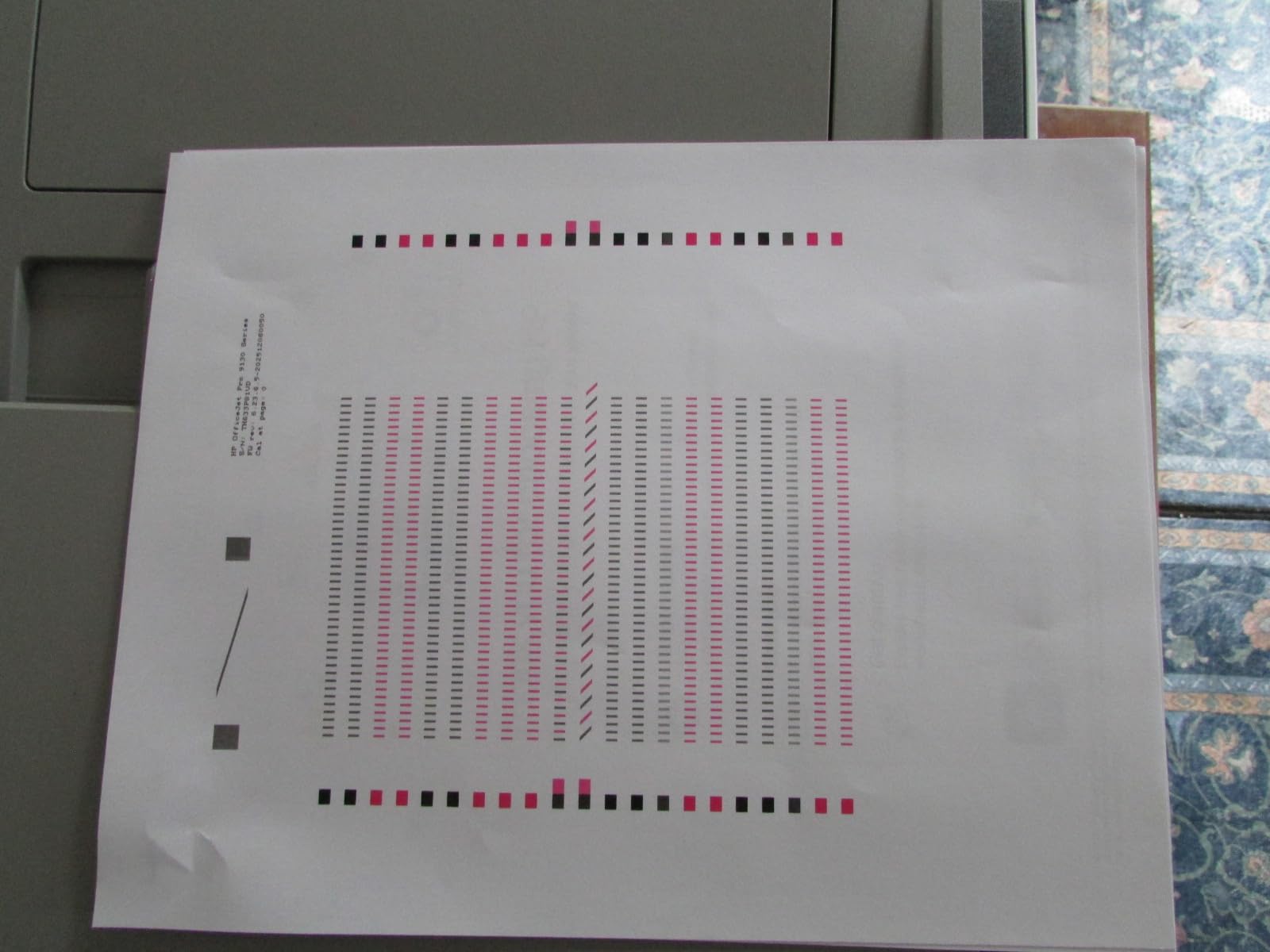
The costs are real. At 26.1 pounds and 17.2 inches wide it is the heaviest and largest machine here, so it needs a dedicated shelf rather than a desk corner. It also works only with HP 936 cartridges fitted with original chips.
A 3-month Instant Ink trial is included, after which the subscription applies if you do not opt out, which is a point of friction many buyers raise. A small number of reviews report slow performance and dropped network connections, and color accuracy can be off for highly saturated brand colors.
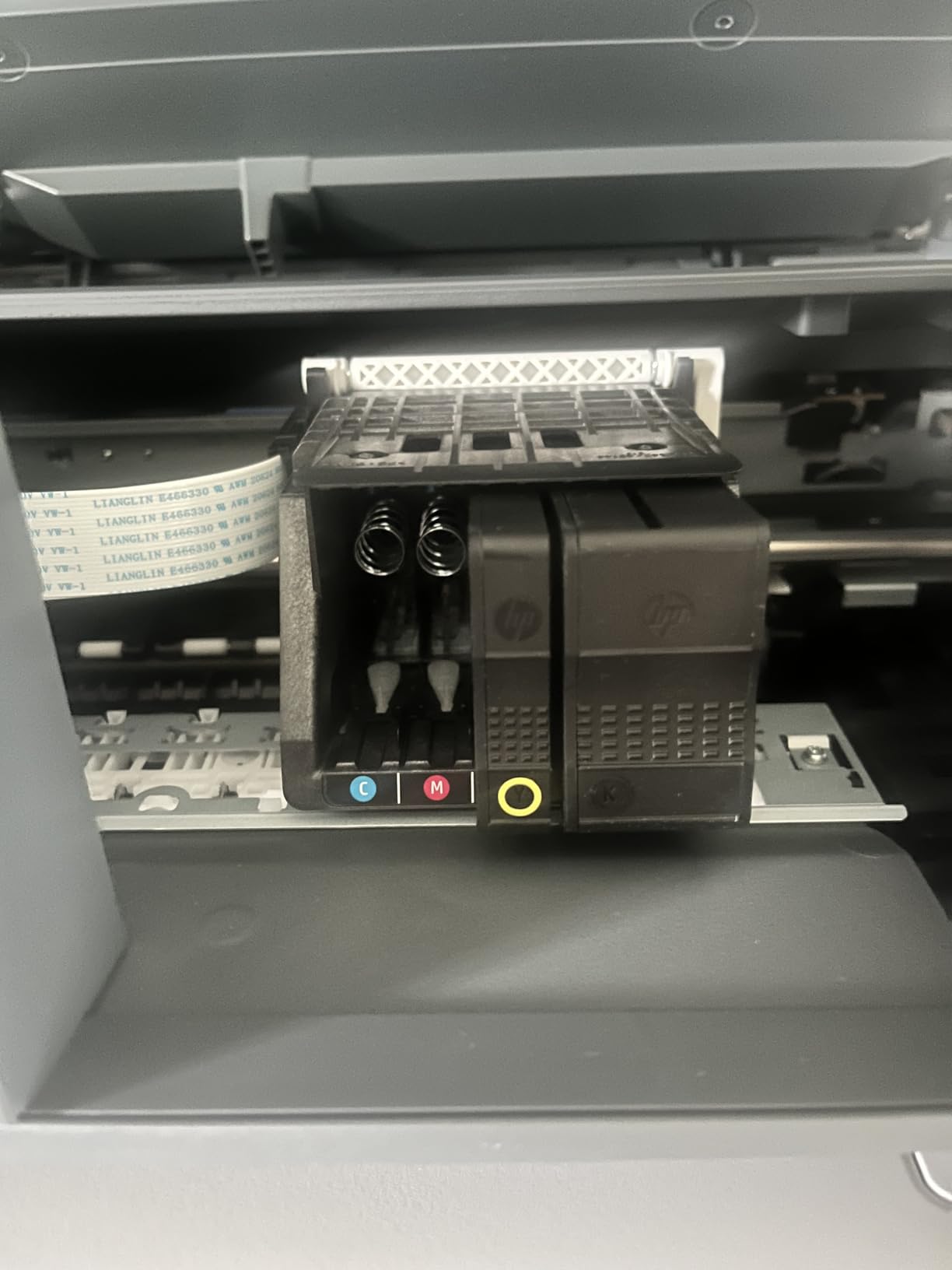
Who the OfficeJet Pro 9135 suits
Choose it if you scan and file double-sided contracts, signed agreements or research papers regularly, and you want a color laser-class workflow at inkjet running costs. The single-pass feeder handles a 40-page packet in one job.
It also suits a home office that prints in color several times a week and wants 500 sheets loaded at once, plus a touchscreen big enough to manage without an app.
Who should skip the OfficeJet Pro 9135
Skip it if your desk space is limited or if you print rarely, because this is a large machine for a light workload. The footprint is nearly double that of the compact Canon units.
Skip it if you object to subscription ink programs or third-party cartridge restrictions. For monochrome volume, the Brother DCP-L2640DW is faster and cheaper per page.
Inkjet vs Laser for a Home Office: Which Should You Buy?
The decision comes down to one question: how many pages does your home office print in a month? Below 100 pages, running cost barely matters and the cheapest machine with the features you need wins. Between 100 and 500 pages, which is where most remote workers land, refillable ink tanks start to pull ahead on color printing while monochrome laser wins on speed and reliability.
Above 500 pages a month, a monochrome laser is almost always the correct answer. It prints faster, toner does not dry out between jobs, and pages cost a fraction of what inkjet cartridges charge. If color is also required at that volume, you are looking at the high end of the small office market rather than a home device.
The rule of thumb that survives contact with real home offices: under 200 pages a month, buy on features you will actually use. Over 200 pages, buy on cost per page. In between, buy on whichever type handles your color-versus-monochrome mix more heavily.
Ink Tank vs Cartridge: What a Home Office Really Pays Over Three Years
Cartridge printers advertise a low purchase price and recover it at the counter. Refillable tanks invert that arrangement, with a higher entry cost and a much lower running cost, and the gap widens every year.
Look at stated yields rather than cartridge price. The Epson EcoTank ET-2800 covers up to 4,500 black pages and 7,500 color pages per bottle set, the Canon MegaTank G3270 covers up to 6,000 black and 7,700 color pages per fill, and the HP Smart Tank 5003 ships with up to 6,000 pages and three years of ink included. Brother INKvestment and the Canon two-cartridge models use standard high-yield cartridges, which cost meaningfully more per page across a few thousand sheets.
The catch with tanks is handling. Bottles need refilling, an initial bottle goes into every new Canon and Epson tank, and if you print only a few times a year the ink still sits in the reservoir. Keep refill bottles sealed and the reservoirs topped up, and that risk largely disappears.
Single-Pass vs Two-Pass Duplex ADF: The Feature Buyers Miss Most
Duplex printing and duplex scanning are different things, and most spec sheets blur them together. Duplex printing means the printer flips the page to print both sides. Duplex scanning means the feeder reads the front of the sheet, then the back. A two-pass feeder does that by pulling each sheet through twice, which means you reload the stack and turn it over.
This is the single most common complaint in printer discussions, and it is why a 20-sheet single-sided ADF feels slow in practice even when print speed looks fine. The feeder, not the engine, becomes the bottleneck once you are scanning anything longer than a page.
Among these 12 machines, only the HP OfficeJet Pro 9135 offers single-pass two-sided ADF scanning. The Canon PIXMA TR8620a, Brother INKvestment 1365 and Brother Work Smart 1410 all use single-sided feeders. The Epson EcoTank pair, Canon MegaTank G3270, Canon PIXMA TS6520, Canon PIXMA TR7120 and HP Smart Tank models have no feeder at all.
If double-sided originals are part of your normal paperwork, pay attention here before anything else on the spec sheet. If you already own a fast standalone scanner and only print double-sided, our guide to the best document scanners for home offices is worth a look, since a two-pass feeder often loses to a dedicated single-pass unit on both speed and file handling.
How to Choose an All in One Printer for a Home Office
Start with the automatic document feeder, then work outward. A 20-sheet feeder handles a signed contract. A 50-sheet feeder handles a month of paperwork. No feeder means every scanned page is a manual flatbed job, which quietly defines your daily experience more than print speed does.
Next, check whether duplex printing is automatic or manual. Manual duplex machines are not a dealbreaker at low volume, but they become one above a few hundred pages a month because every two-sided job becomes two single-sided jobs.
Then decide ink style. Refillable tanks make sense if you print regularly or care about color. Cartridge systems make sense if you print rarely, since there is no reservoir to keep topped up and no bottles to store.
Connectivity deserves a close look too. Dual-band Wi-Fi on both 2.4 GHz and 5 GHz is a real advantage in crowded homes, and Ethernet matters if your router sits far from the desk. Our picks with the most reliable wireless behavior are covered in the best wireless printers for small offices guide.
Finally, measure the desk. Width, depth and weight decide whether the machine lives on a shelf or on the floor, and whether one person can lift it back into place after a paper jam. For label and envelope work specifically, see our best label printers for home offices, since most all-in-ones handle labels poorly. Our deeper comparison of monochrome laser options lives in the best laser printers for home use roundup.
Frequently Asked Questions
What is the best all-in-one printer for a home office?
For most home offices the Epson EcoTank ET-2800 is the best all in one printer because refillable ink keeps color printing cheap and output is sharp. If you print mostly black and white paperwork, the Brother DCP-L2640DW is faster, never dries out and adds a 50-page automatic document feeder with automatic duplex printing.
Are inkjet or laser printers better for home office?
Below 100 pages a month, either works and features matter more. Between 100 and 500 pages, inkjet wins on color cost and laser wins on monochrome speed and reliability. Above 500 pages a month, a monochrome laser is nearly always cheaper per page because toner does not dry out between jobs and cartridges cost more per sheet.
What home printer has the least problems?
Laser printers report the fewest problems because dry toner cannot dry out in the feed path, which is the most common failure with cartridge inkjets left unused. Among inkjets, models with separate ink tanks and automatic duplex printing report fewer jams and fewer clogged print heads. Software friction causes more complaints than hardware on current models.
Is an ink tank printer better than a cartridge printer for home use?
An ink tank printer is better if you print regularly or in color, because a single set of bottles covers thousands of pages at a far lower cost per page. A cartridge printer is better if you print only a few times a month, since there are no reservoirs to keep topped up. Always compare stated page yields rather than cartridge prices.
Are laser printers being phased out?
No. Laser remains the standard for high-volume monochrome documents, and new home office models continue to launch with automatic duplex printing and larger feeders. What has changed is that ink tank printers now reach similar low running costs for color, so competition has shifted rather than the technology disappearing.
Our Final Recommendation for 2026
Start with the Epson EcoTank ET-2800 if your printing is a mix of color and text, because it delivers the sharpest output and the lowest ink cost of anything in this roundup. Add the Canon MegaTank G3270 if you want even more ink capacity per fill, or the Canon PIXMA TS6520 if automatic duplex on a small desk matters most.
Move up to the Canon PIXMA TR8620a when you need a document feeder and automatic duplex together, and to the HP OfficeJet Pro 9135 when double-sided scanning has to happen in one pass. If paperwork dominates and color never appears, the Brother DCP-L2640DW is the fastest and most dependable machine here.
Whichever you choose, buy on monthly page volume and the feeder first, and on everything else second.