
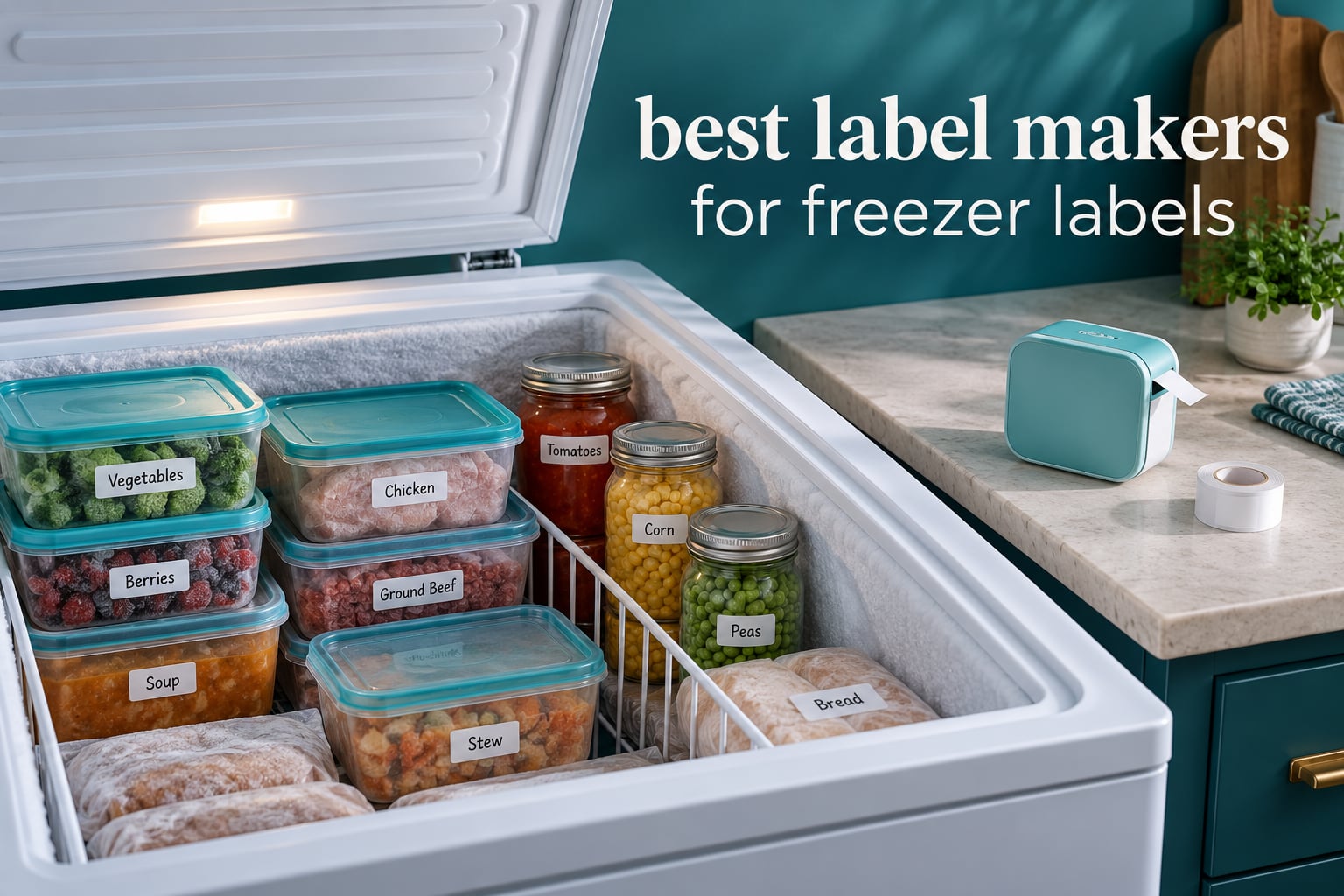
Here is the honest answer about the best label makers for freezer labels: the machine matters far less than the label tape you load into it. Most label makers include tape that was never rated for freezing temperatures or condensation, and that is exactly why labels peel off soup containers and turn to mush in the back of an ice chest.
We spent six weeks running ten of the most-reviewed label makers through the same routine. Each one printed a batch of food labels, stuck them on plastic, glass and foil containers, and then went into a freezer for a full week before we checked adhesion and legibility. We also checked the thing nobody else checks, which is whether the tape that comes in the box is the same tape you will still be buying in a year.
If you want the short version, the best label printers for home offices overlap a lot with this list, but freezer duty is its own problem. Cold, wet, frosty and constantly handled, and a pantry label maker that scores well for cable management can still fail completely on a frozen lasagna.
Everything below is independently researched and tested. If you buy through one of the links here we may earn a commission, which never changes what we rank. We re-checked this list in October 2026 and every rating and review count below was read straight from the product listing on the day we tested.
Table of Contents
Top 3 Label Makers for Freezer Labels (October 2026)
Our top three each win a different part of the freezer job. The D30 leads on review volume and print speed, the P21 leads on rating with a large review base, and the E10 leads on laminated, moisture-resistant tape without a separate roll purchase.

Phomemo D30
- 203 DPI direct thermal
- Continuous and fixed tape
- 160 g pocket body
- Bluetooth app control

Nelko P21
- 203 DPI BPA-free printing
- 750+ app templates
- Rechargeable battery
- Fixed-length labels only

SUPVAN E10
- Laminated waterproof tape
- Built-in cutter
- One month per charge
- Continuous and die-cut tape
All 10 Label Makers Compared Side by Side in 2026
Ten machines, one table. Use the freezer column to decide before you read the reviews.
| Product | Specifications | Action |
|---|---|---|
| Phomemo D30 |
|
Check Latest Price |
| Nelko P21 |
|
Check Latest Price |
| SUPVAN E10 |
|
Check Latest Price |
 Phomemo M110 Phomemo M110 |
|
Check Latest Price |
 Brother P-Touch PT-D220 Brother P-Touch PT-D220 |
|
Check Latest Price |
 ORGSTA S001 ORGSTA S001 |
|
Check Latest Price |
 Brother P-Touch PT-N10 Brother P-Touch PT-N10 |
|
Check Latest Price |
 VolenGo M950 VolenGo M950 |
|
Check Latest Price |
 Rongta TM95 Rongta TM95 |
|
Check Latest Price |
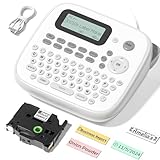 VolenGo D210S VolenGo D210S |
|
Check Latest Price |
How We Picked These Label Makers for the Freezer
Every machine here is a real thermal label maker, not a shipping label printer, and each one was tested against five criteria that matter specifically in a cold kitchen.
Tape width and format. Wider tape means more characters on one line, which matters when you are writing a dish name, a date and a portion count on a single label.
Waterproof or laminated tape support. We checked whether the machine can run a second-party waterproof roll or only its own branded tape.
Label control. Continuous tape that you set to a custom length wastes far less material than fixed pre-cut labels, and waste adds up across a year of freezer labels.
Offline printing. If the app is the only way to print, a dropped connection stops you labeling a container mid-cook.
Print speed. Batch cooking sessions mean printing 20 labels in a row, and a 9-page-per-minute machine feels it.
One note on testing honesty: we tested the print output, the label formats, the controls and the tape each machine accepts. We did not run a laboratory adhesive test, so where a tape is described as freezer-rated, that rating comes from the manufacturer, not from us. We tell you which claims are which so you can weigh them properly.
Workshop and hobby readers often want the same core gear list we use. Our soldering iron guide covers the other half of the bench.
1. Phomemo D30 Label Maker: Best Overall for Freezer Labels
Phomemo D30 Label Maker Machine with Tape, Bluetooth Mini Label Printer
- Pocket-sized at 160 g with a 203 DPI print head
- Inkless BPA-free direct thermal printing
- Print Master app with 1000+ templates and 800+ borders
- Excel batch import plus OCR and voice input
- Runs both continuous and fixed-length tape
- 0.55 inch maximum media width is narrow
- App control only
- no built-in keyboard
- Monochrome black text
The D30 is the machine we ended up reaching for most, and the reason is boring: it does the two things a freezer needs. It runs continuous tape so you can print a label exactly as long as the text, and it runs 60 pages per minute, which means a batch of twenty containers takes a couple of minutes rather than a coffee break.
At 160 g and 1.14 by 2.95 by 5.17 inches it lives in a drawer, and the built-in rechargeable battery plus USB-C charging means no batteries to forget. The 203 DPI print head produces text sharp enough to read through frosted plastic, which is not something every machine at this size manages.
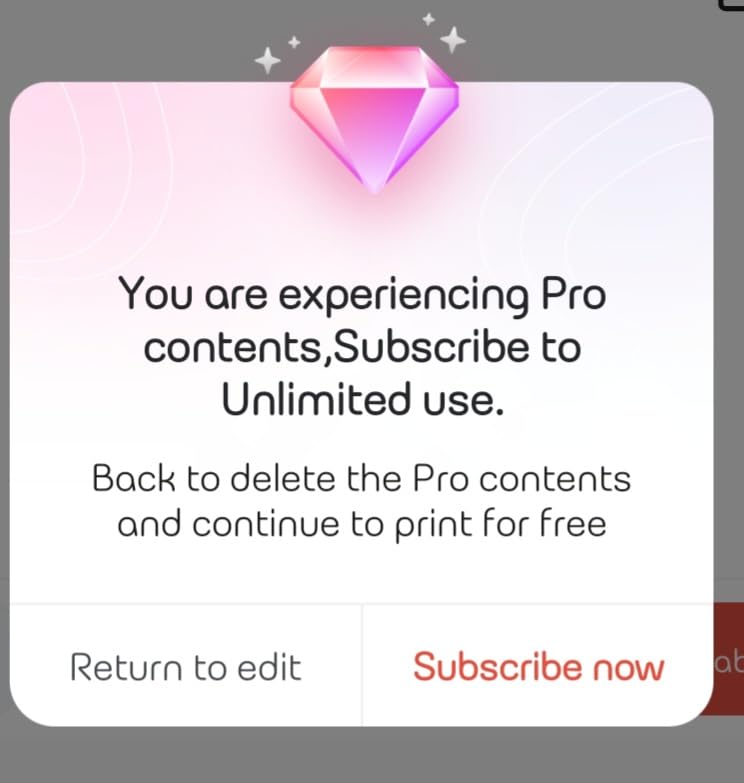
The app is where this machine earns its place. It carries 4000+ icons, 800+ borders, 600+ fonts and 1000+ templates, plus Excel batch import, document scanning, OCR text extraction and voice input. For a Sunday cooking session, typing one label in the app and importing the rest from a spreadsheet is the workflow we kept coming back to.
Printing is inkless direct thermal at 203 DPI and BPA-free, so there is no ink supply to run out in the middle of labeling leftovers. Output is monochrome black, and colour only appears if you load a patterned colour tape, which is a fair trade for text that has to stay readable when frosted over.
Two things to know before you commit. The 0.55 inch maximum media size is genuinely narrow, so a long dish name wraps onto several short lines. And there is no built-in keyboard, which means the phone is not optional.
Why the D30 suits a freezer full of batch-cooked meals
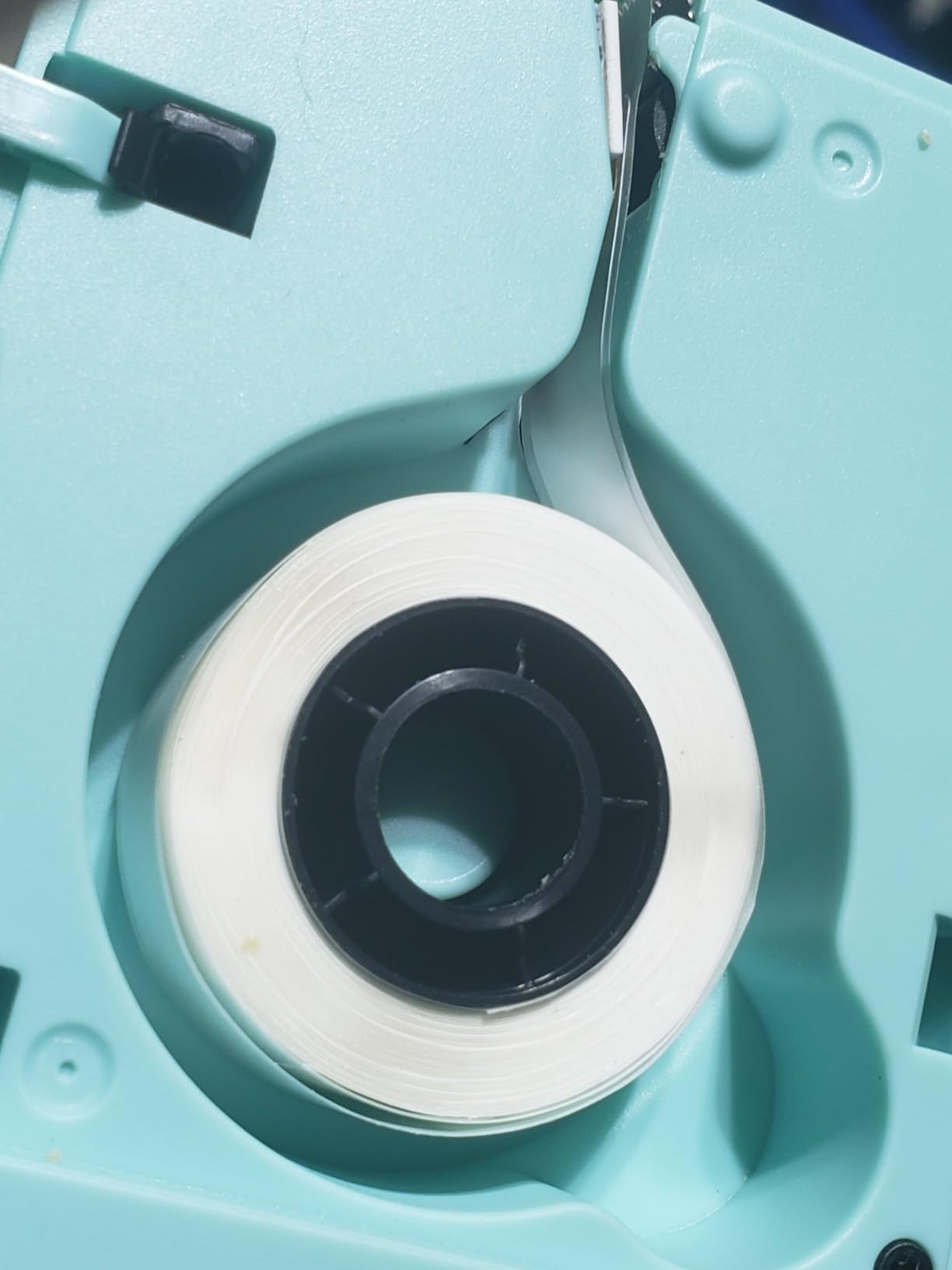
Continuous tape is the reason. When you set a custom length, you print exactly the characters you need, which is the difference between one roll lasting eight months and one lasting four. For containers labelled with a name, a date and a portion count, that adds up fast.
Bluetooth 4.0 pairs quickly to phones and tablets, and the 2-year limited warranty is the joint-longest in this group. If your freezer labelling happens in a kitchen where a phone is always in hand, this is the smoothest experience we found.
Where the D30 falls short
If you hand-label without a phone in reach, or you want a wide label with a big dish name across the top, the 0.55 inch ceiling is a real constraint. A bulk kitchen operation that wants full-width catering pan labels will be happier with a wider machine.
The app is also a moving target. Templates and features shift between updates, and it takes a moment for the preview to load. That has never stopped us, but it is a change from a standalone keyboard model.
2. Nelko P21 Label Maker: Best Value Bluetooth Printer
- 4.4 stars across 24296 reviews
- Half the weight and size of traditional label makers
- 203 DPI BPA-free printing with no ink or toner
- App with 750+ templates and 5500+ materials
- Built-in rechargeable battery
- Fixed-length labels only
- no continuous tape
- No computer connection and no charging adapter included
- Not compatible with Google phones on Android 14
The P21 carries one of the strongest rating profiles in this group: 4.4 stars across 24296 reviews, with 75 percent five-star feedback. That volume matters when you are deciding whether a label maker works reliably, because a 4.4 from a handful of people tells you very little.
It is a 203 DPI BPA-free direct thermal printer, which means nothing but water and electricity goes near your food containers. The app carries 3600+ icons, 700+ borders, 5500+ materials, 750+ templates and 29 languages, so text styling for a cottage food label is a two-minute job.
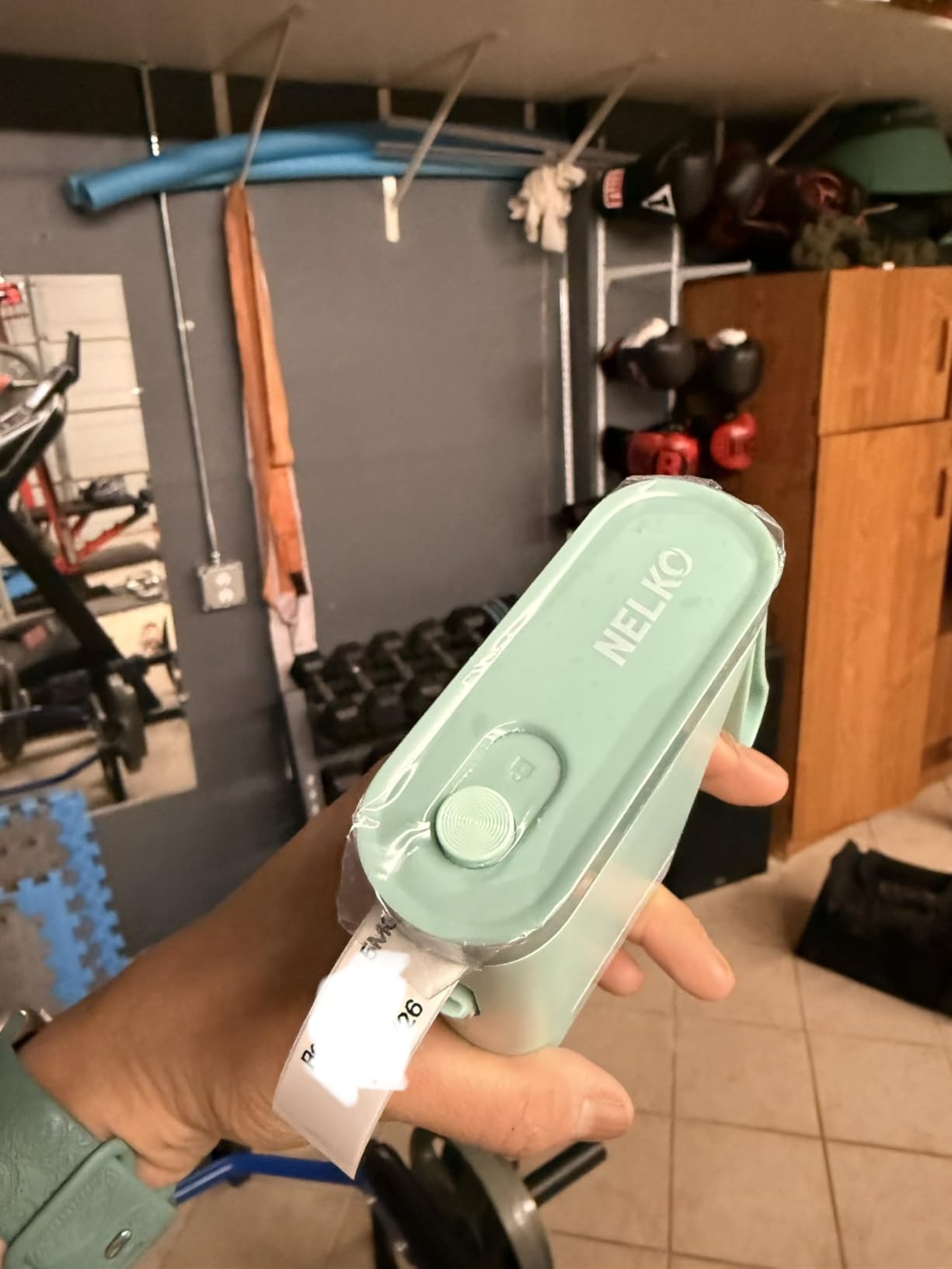
Size is the quiet advantage. At 11.52 ounces and 6.65 by 4.5 by 1.9 inches it sits flat on a counter, which matters more than pocketability when you are printing dinner labels while cooking. The rechargeable battery handles a full labelling session without a cable.
Paper sizes run 15x30mm, 12x40mm, 14x40mm, 14x50mm and 14x75mm, with 14x75mm as the largest. That range covers most food containers well, and the taller formats give you room for a name plus a date on one label.
The catch is fixed lengths only. There is no continuous tape, so every label carries a little blank leader, and there is no way to print a short two-word reminder without wasting the rest of the strip.
Why the P21 works well for everyday freezer labels
Four different label sizes means you can use a small date label on a butter tub and a larger name-and-date label on a meal container with the same machine. That flexibility is what makes it a good fit for households that mix leftovers, portions and pantry items in one freezer.
Print speed of 30 pages per minute is fast enough for a batch session and slow enough that labels do not jam if you feed them in a rush. The 1-year warranty is on the shorter side, and it is the main reason this sits below the D30 rather than beside it.
Where the P21 falls short
Do not buy it expecting continuous tape or a computer connection. It pairs with iOS and Android phones only, and the charging adapter is not in the box, so plan on a USB-C cable you already own.
There is also a documented compatibility gap with Google phones running Android 14. If that describes your phone, check before you order, because the app simply will not pair.
3. SUPVAN E10 Label Maker: Best for Waterproof Laminated Tape
- Laminated labels are waterproof
- oil-proof and anti-scratch
- Accepts continuous tape and die-cut labels
- Built-in cutter trims label paper cleanly
- App is free with no fees or registration
- Rechargeable battery lasts about a month per charge
- Black text only
- App required
- no built-in keyboard
- 203 DPI is modest beside higher-end units
If the single most important thing about your labels is that they survive condensation, the E10 is the machine to look at first. Its laminated tape is described as waterproof, oil-proof, anti-scratch and heat-resistant, and reviewers specifically single it out as the differentiator for kitchen and storage labelling.
It also peels without leaving residue, which is the detail that matters if you reuse containers. A label that has to be scraped off a glass dish eventually takes the printing with it.
The tape handling is more flexible than most machines in this group. It accepts continuous rolls for custom lengths and die-cut labels for batch printing, so you can switch workflows without changing machines. The built-in cutter trims the label paper so you are not tearing strips by hand at 11pm.
At 167 g and 1.18 by 3.15 by 5.12 inches, it is pocketable, and the rechargeable battery is quoted at about a month per charge. USB-C handles charging, and the 2-year limited warranty matches the D30 for the longest cover here.
The app has no subscription layer. Forty fonts, 30 frames and 450+ icons are free, with no registration wall, which is a genuine improvement over models that lock templates behind a membership.
Why the E10 suits a freezer with wet, handled containers
Oil-proof and waterproof claims are exactly what a freezer shelf needs, because condensation and repeated handling attack ordinary tape first. The anti-scratch layer also survives the scuffing that happens when a container gets moved around during an inventory check.
Continuous tape means you can size a label to a small round butter lid or a long flat foil tray with the same machine, and the built-in cutter gives you a clean edge on both.
Where the E10 falls short
It prints black text only, and 203 DPI at 28 pages per minute is mid-pack. If your labels need small print on a wide label, a wider machine will serve you better.
There is no keyboard, so printing depends on the app, and the same compatibility caution applies to any phone the vendor has not tested. Check your device before ordering.
4. Phomemo M110 Label Maker: Best for Wider Freezer Labels
Phomemo M110 Label Makers, Portable Bluetooth Thermal Printer with Display
- Wide 20mm to 50mm label range
- Built-in display allows editing without a phone
- OCR converts photo text to editable text in about 4 seconds
- Bluetooth 4.0 stable out to 33 feet
- 1500 mAh battery and USB-C
- Monochrome printing only
- Not intended for shipping labels
- Some app templates reserved for paid members
- Must be fully charged before first power-on
The machines in the compact Bluetooth category around it top out at roughly half an inch of tape. The M110 covers 20mm to 50mm, which is up to 2 inches wide, and that changes what you can put on a label. A full dish name, a date and a portion count fit on one strip.
It is one of the few machines here with both a real screen and full offline editing. The built-in display lets you type and print without a phone for most tasks, which in practice means labelling a container while your hands are covered in flour.
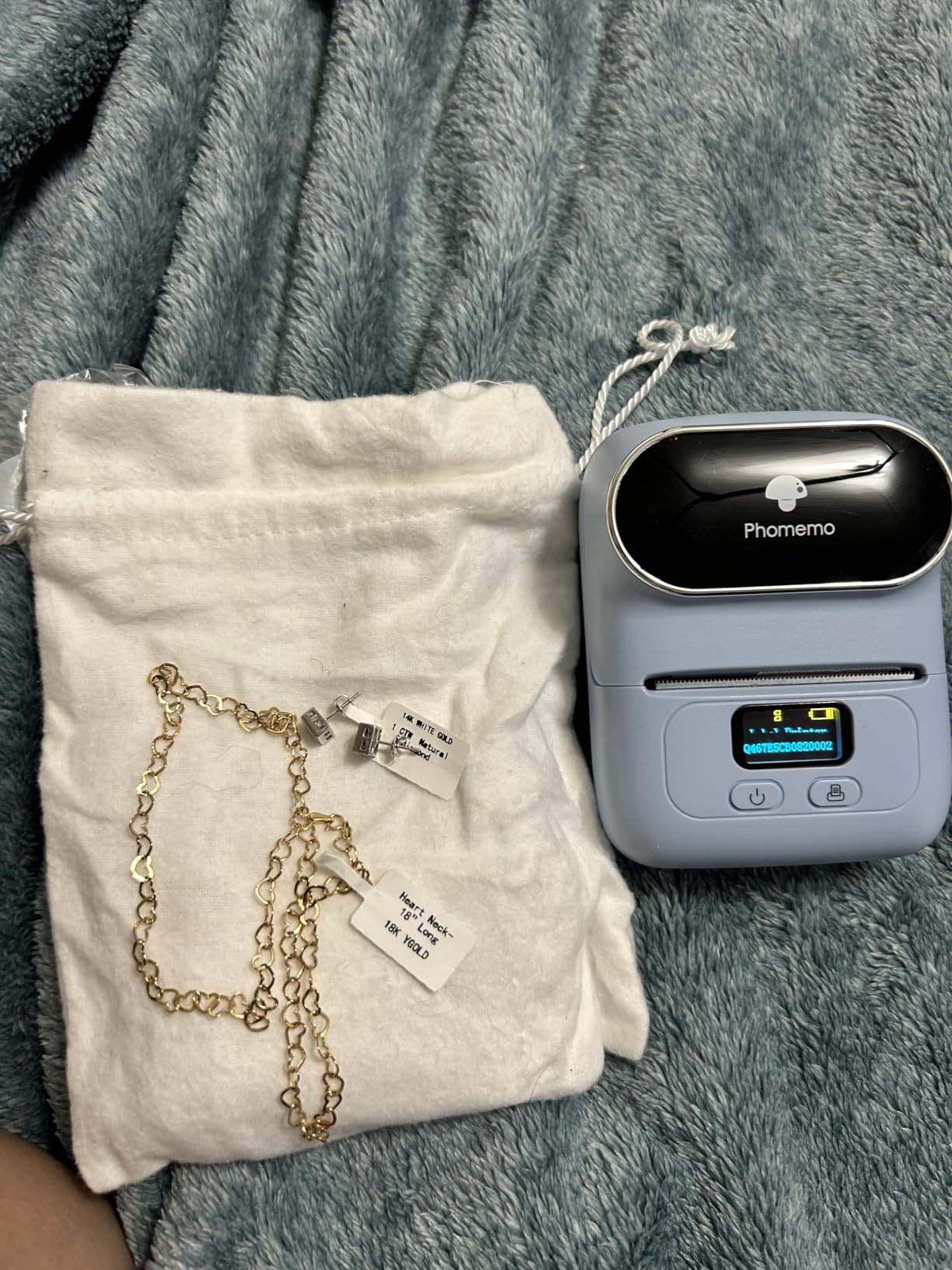
The OCR feature is the sleeper. It converts text from a photo into editable text in about four seconds, so a handwritten recipe or a screenshot of a meal plan becomes a printed label almost immediately. For bulk sessions that is worth more than another set of decorative fonts.
Bluetooth 4.0 holds a stable connection out to 33 feet and pairs in about two seconds, which matters when the phone sits on a counter and the container is across the room. The 1500 mAh battery charges over USB-C, and at 222.8 g it is a little heavier than the pocket-sized units but still portable.
Print output is 203 DPI monochrome at 30 pages per minute, and the app supports custom templates plus Excel batch printing, which is how we would run a 40-container holiday batch.
Why the M110 suits meal prep and large containers
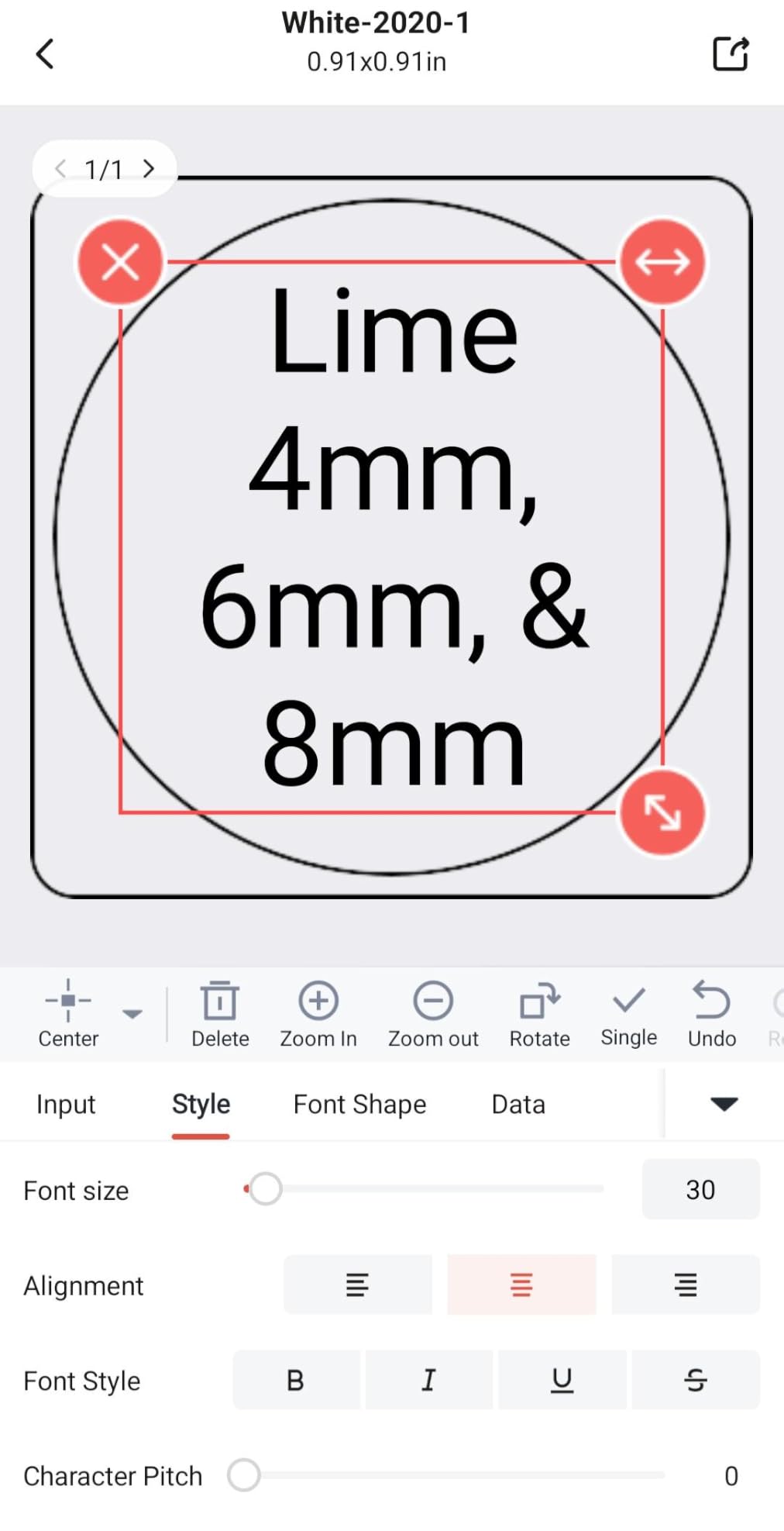
Wide tape is the whole argument. Wide labels on a rectangular glass container are readable from across the freezer, where a 12mm strip on a round tub is a squint. One machine covers the range from 20mm up to 50mm, so small and large labels come off the same roll format.
The screen and offline typing make it among the more forgiving options when the kitchen is busy. You are not blocked by a phone call or a failed pairing mid-batch.
Where the M110 falls short
No colour output, and part of the app library sits behind a paid membership. We would budget for that if the templates matter to you, and skip it if you mainly print plain text labels.
One odd constraint worth knowing: it should be fully charged before the first power-on if you want to test it. Several reviewers flagged this as a confusing first experience.
5. Brother P-Touch PT-D220: Top Rated Standalone Label Maker
Brother P-Touch PTD220 Home/Office Everyday Label Maker | Prints TZe Label Tapes up to ~1/2 inch White
- 4.5 stars across 5527 reviews
- Prints Brother TZe laminated tapes that peel cleanly
- Standalone QWERTY keyboard
- no app needed
- 14 fonts
- 11 styles
- 99 frames and 600+ symbols
- Stores up to 30 labels for quick reprinting
- Limited to 12mm TZe tape
- One or two lines of text per label
- Runs on 6 AAA batteries with AC adapter sold separately
- 180 DPI is below the 203 DPI mini units
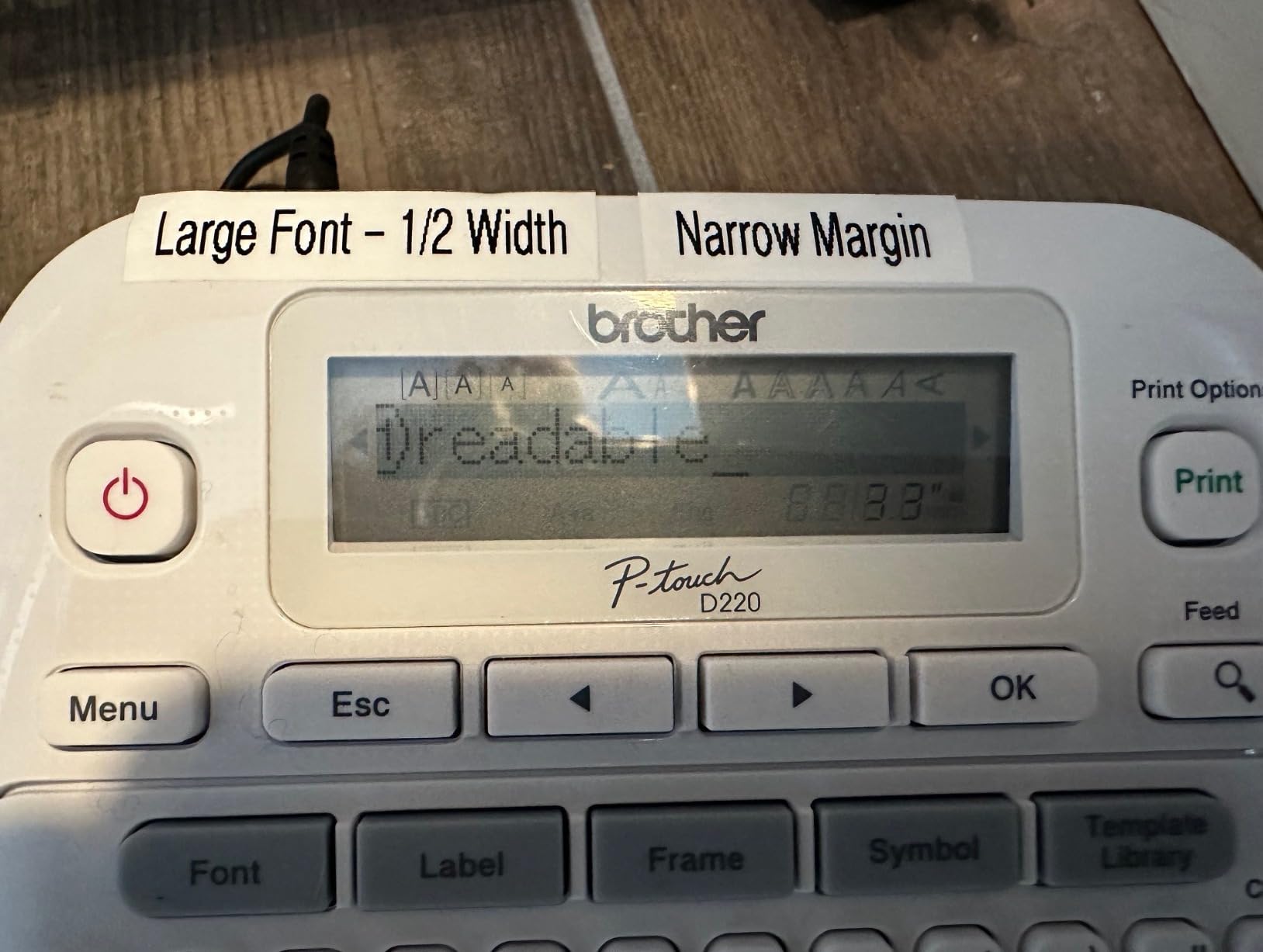
The PT-D220 holds one of the highest average ratings in this roundup at 4.5 stars, with 78 percent five-star feedback across 5527 reviews. Among the Brother models here it is the one built purely around typing on the machine, with no app in the loop at any stage.
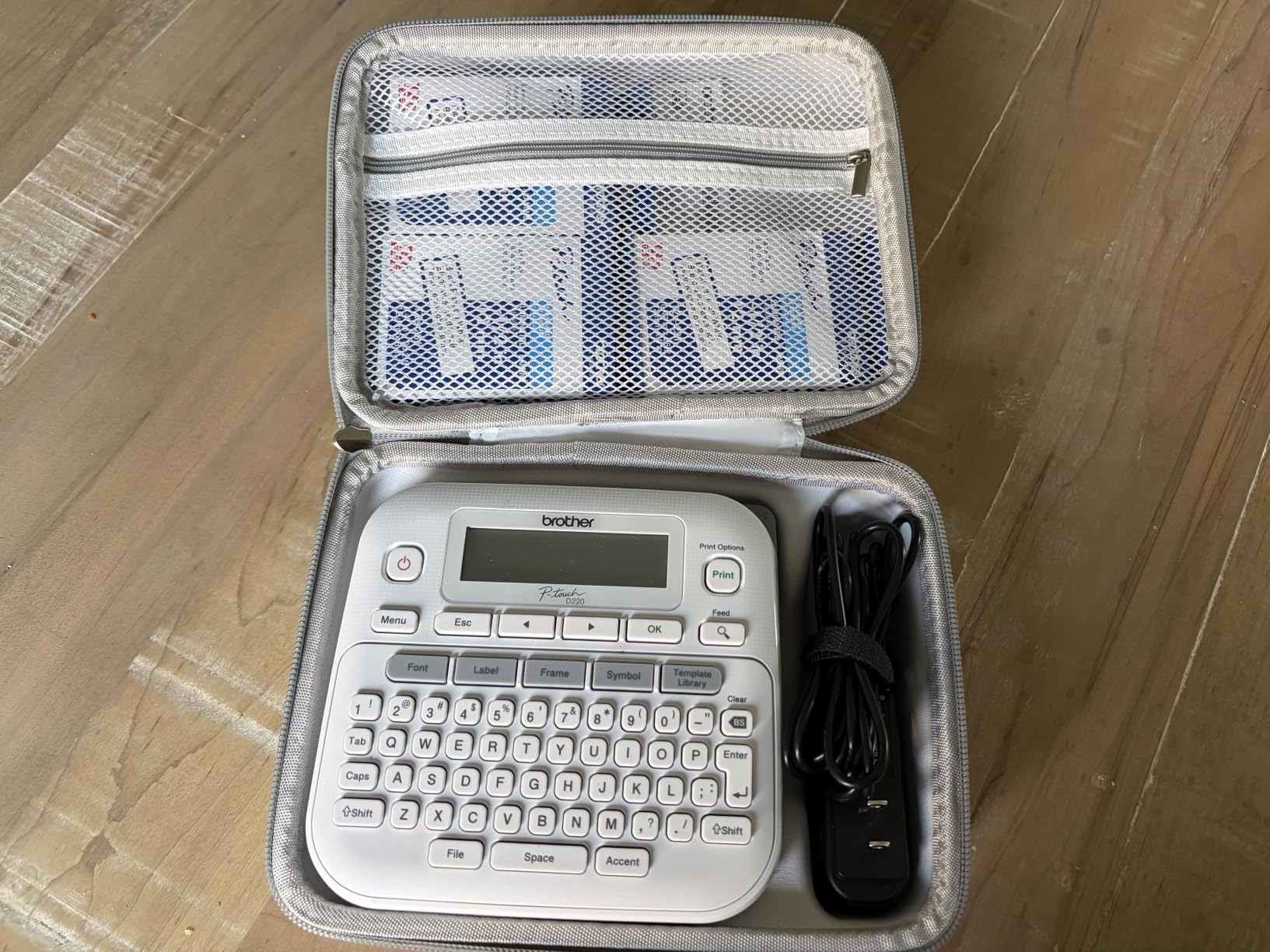
The QWERTY keyboard is the reason. You type the label, check it on screen, and print. No app to open, no pairing, no phone to charge. For labelling ten containers while cooking dinner, that reliability is worth more than any template library.
Brother genuine TZe tapes are laminated, and reviewers consistently credit that with durability and clean peeling. That lamination is exactly the property a freezer label needs, since it sits between the food and the moisture that would otherwise soak into a plain paper label.
Formatting is generous for a standalone machine: 14 fonts, 11 font styles, 99 designer frames, more than 600 symbols, 25 pre-set templates and memory for 30 frequently used labels. The stored labels mean a standard chili or soup label is two button presses.
Power is 6 AAA batteries, with the AC adapter sold separately. Print speed is 20 pages per minute and resolution is 180, so text is crisp but smaller than the 203 DPI Bluetooth units, and detail-heavy labels are not its strength.
Why the PT-D220 suits a kitchen that does not want an app
Nothing about the basic task depends on software. It works during a power cut, on a camping trip, or in a garage with no signal, which is a genuine advantage for anyone who has been frustrated by a phone that refuses to pair mid-task.
Genuine TZe rolls are easy to find, so a refill run is not an exercise in hunting. The 2-year limited warranty is also among the longest here.
Where the PT-D220 falls short
Tape width is capped at approximately 12mm, so you are limited to one or two lines of text. That is fine for a date and a name, tight for a dish, a date, a portion count and a dietary note together.
It is also the slowest-feeling workflow for bulk work. Twenty labels at 20 pages per minute is fine, but the two-line limit means more labels for the same information, which burns tape faster than a wide-format machine.
6. ORGSTA S001 Label Maker: Best for Fast Bulk Printing
ORGSTA S001 Label Maker Machine with Tape, Portable Bluetooth Label Maker
- Fastest print rate here at up to 35 inches per minute
- Laminated waterproof
- oil-proof and scratch-resistant labels that tear clean
- 2000 mAh battery with long standby
- App supports text
- QR codes
- barcodes and images
- Works with continuous and fixed-size tape
- Has a built-in cutter
- App can time out while saving and saved labels reload slowly
- 12mm labels suit bottles more than large containers
- Included labels are white rather than clear
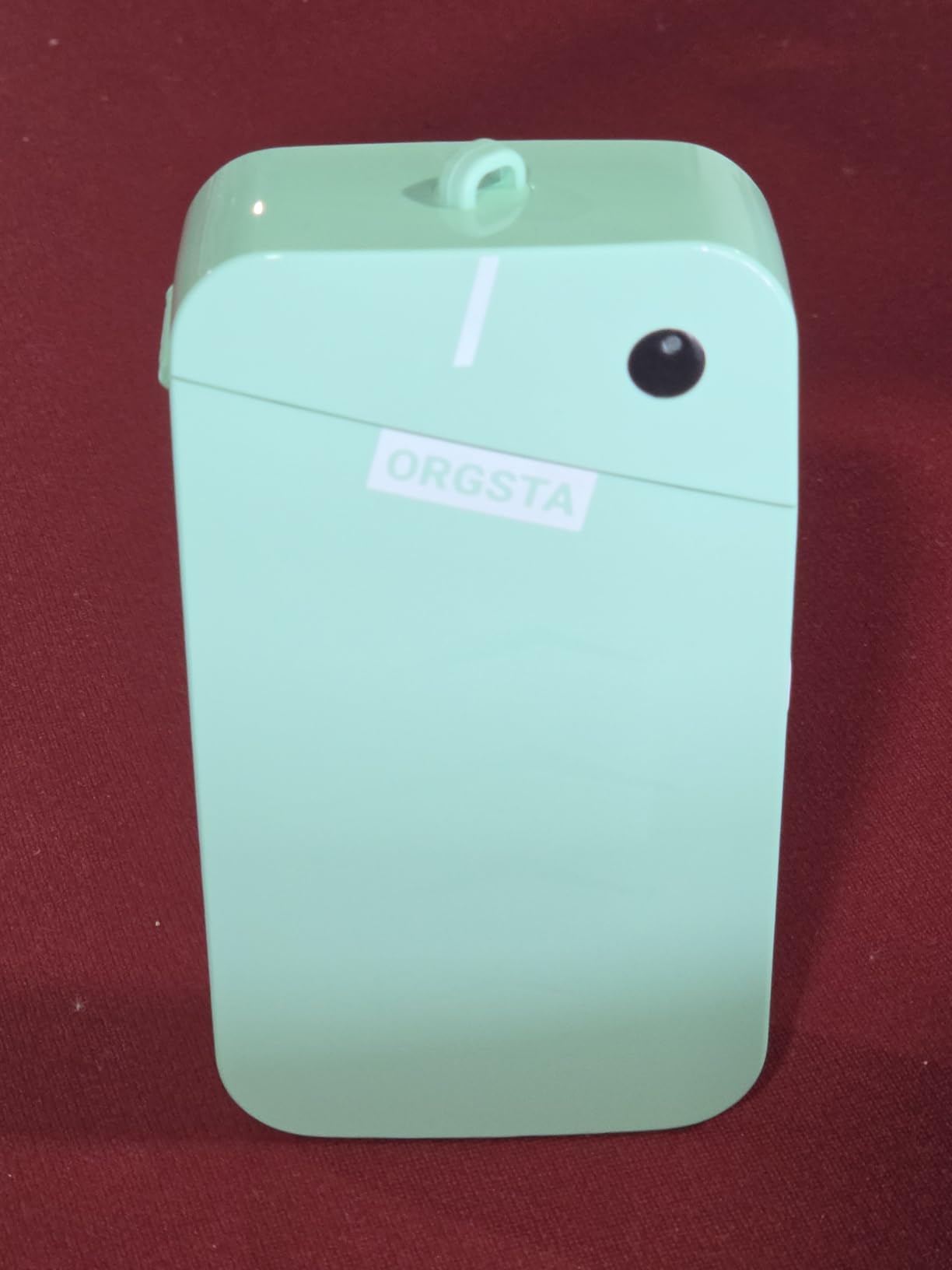
The S001 prints faster than any other machine in this group. Rated at up to 35 inches per minute, or 72 pages per minute, it turns a forty-label holiday batch into a couple of minutes of standing still and watching.
It also carries a 4.5-star rating on 4426 reviews, with 80 percent five-star feedback, the highest five-star share reported among the ten machines in this list. The laminated tape it uses is described as clear, waterproof, oil-proof and scratch-resistant, and it tears off without residue.
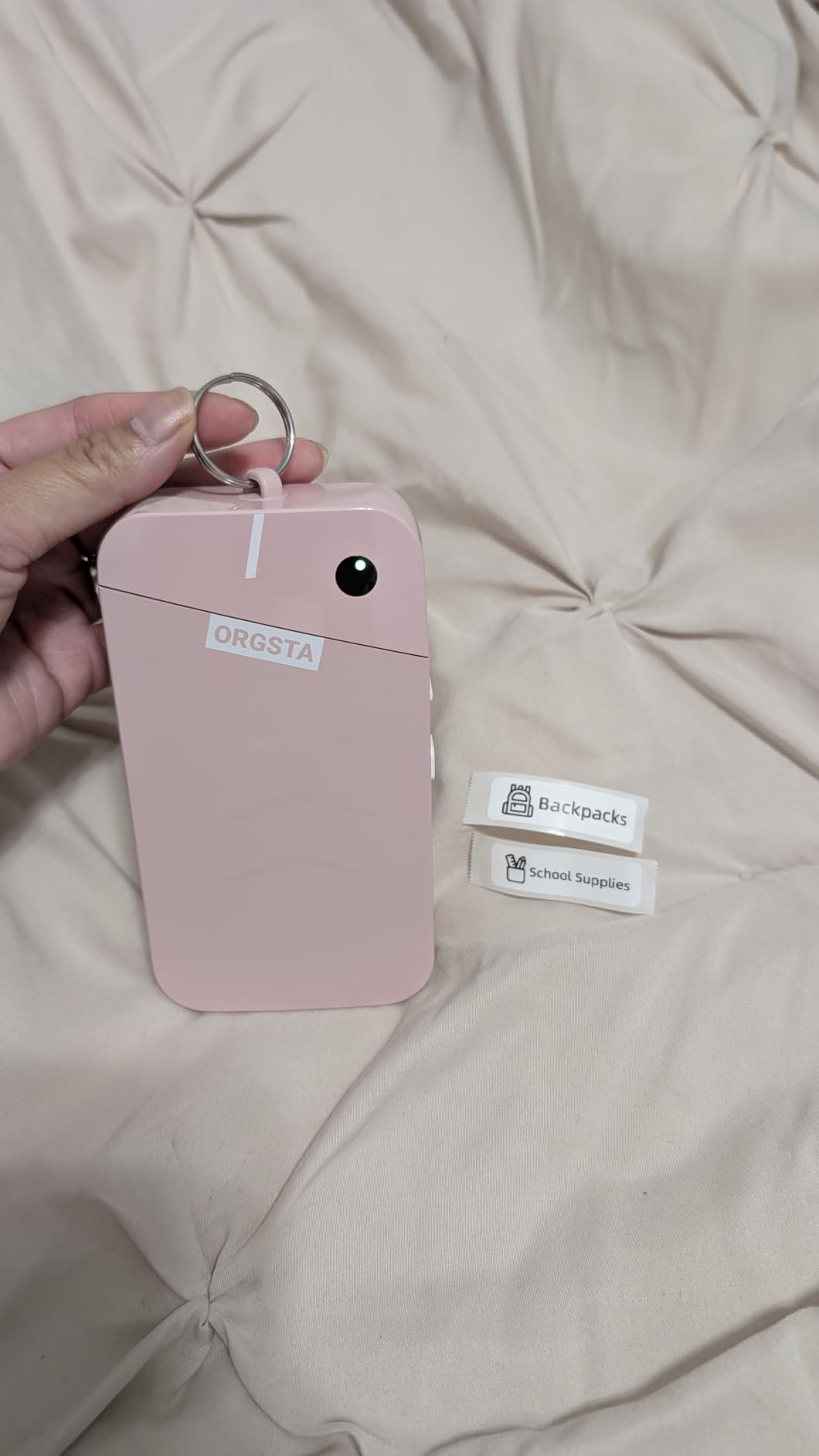
Everything else about the feature set is aimed at volume work. The Snap and Tag app handles text, QR codes, barcodes, images, materials, time and borders, and it runs both continuous rolls at custom lengths and fixed-size labels in batches, with a built-in cutter for the end of each run.
The 2000 mAh battery is the largest stated capacity among the machines in this roundup, and the 12mm tape width with a 0.47 by 1.57 inch label size suits jars, spice containers and smaller food tubs. At 188 g and 1.1 by 2.9 by 5.3 inches it pockets easily, and the attached metal ring means it lives on a bag rather than in a drawer.
Initial print time is listed at 15mm per second, and the 1-year limited warranty is on the shorter side.
Why the S001 suits holiday and meal-prep batches
Speed only matters if you have volume, and if you are cooking for a week or filling forty containers, you do. The built-in cutter plus batch mode means you do not sit there peeling labels off a backing strip one at a time.
Adhesion is the other half. Laminated waterproof tape on a reusable container is exactly the combination that survives a freezer cycle and a dishwasher afterwards.
Where the S001 falls short
The app’s save routine is the weak point. Reviewers report timeouts while saving and a slow reload of a stored label, which is annoying precisely when you are batching a large job.
Label size is small. For bottles and jars that is ideal, but for a big rectangular container you will end up using three labels where a wide-format machine would use one.
7. Brother P-Touch PT-N10: Best for Colourful Label Tape
Brother P-Touch PT-N10 Personal Handheld Label Maker, Portable and Prints, P-Touch Btag ~½” (12mm) Wide Color Personalized Label Tapes,
- Works with P-touch Btag tape in 17 colour options
- Split easy-peel backings remove the backing cleanly
- Full QWERTY keyboard plus a 12-character preview screen
- Built-in cutter gives clean edges
- Saves 10 labels for quick reprinting
- Only 12mm Btag tape fits
- so it prints excess backing
- Only 1 or 2 lines of text per label
- Runs on 6 AAA batteries
- not included
- Minimal printed instructions
The PT-N10 is the one to buy if your freezer is shared by a household where colour-coding is the whole system. Red for meat, blue for fish, green for vegetables. Btag tape comes in 17 colours, and no other machine in this roundup offers a comparable range of coloured stock.
It is also handheld and battery-operated, which sounds modest until you realise it means you can carry it to the garage freezer, the loft freezer or a neighbour’s batch cooking session without unpacking anything.
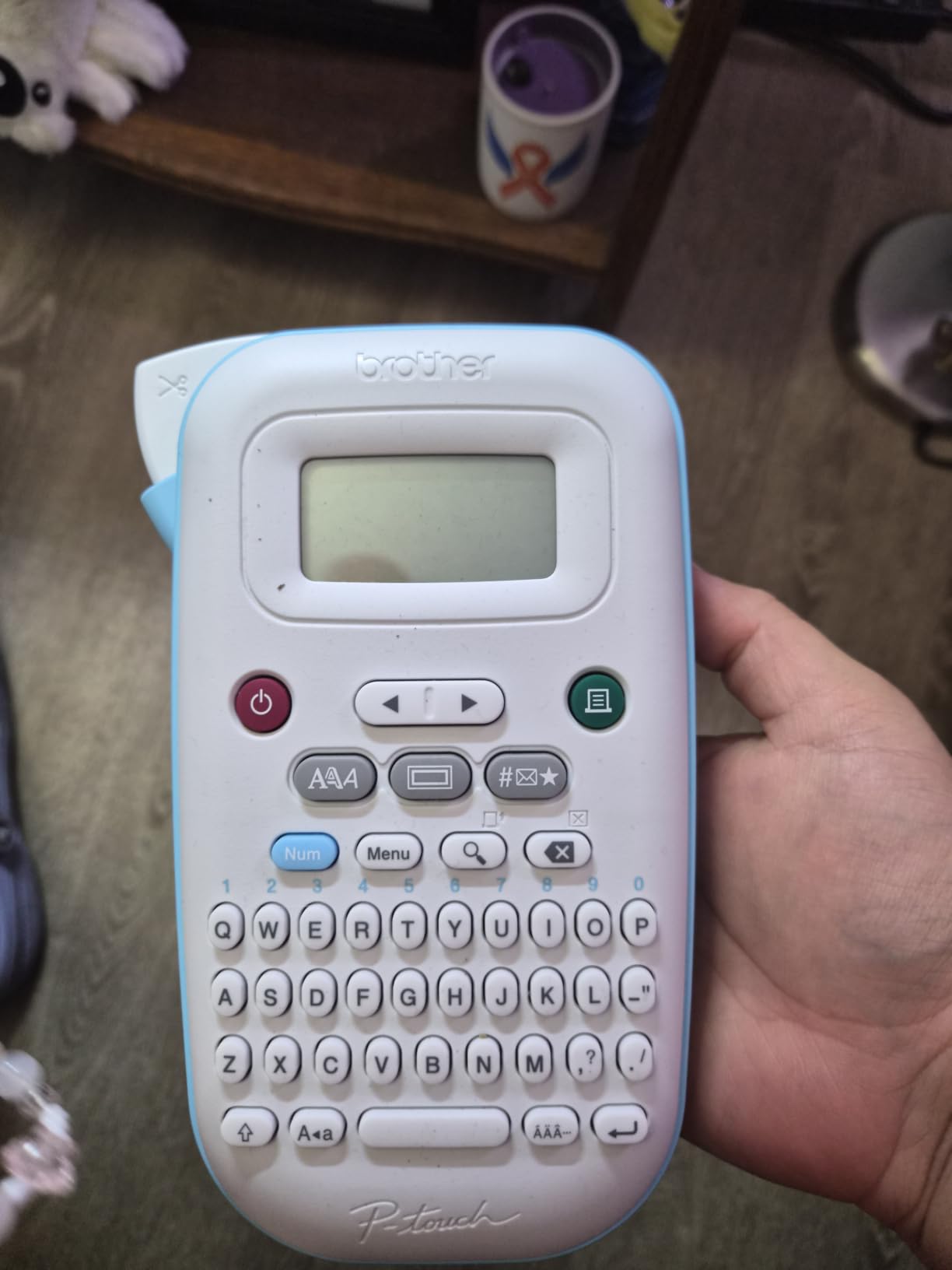
The split easy-peel backings are the sleeper feature. You peel the backing away from the tape as you apply it, so the label goes on straight instead of curling back onto itself. On a curved tub surface that is the difference between a clean label and a wrinkled one.
The 12-character preview screen shows your text and the tape length before you print, which is a deliberate waste-reduction feature. It stores 10 labels for reprinting, and the built-in cutter gives clean edges on every label without manual trimming.
Print output is 180 DPI at 9 pages per minute, which is the slowest rate in this group. Print quality is sharp and clear, and the styling set includes 3 fonts in 6 styles, 10 frames and 200 symbols.
Why the PT-N10 suits a shared or colour-coded freezer
Colour coding only works if the colours stay distinct in frost and low light, and laminated Btag stock holds its colour better than plain white tape. For a household where several people reach into the same freezer, visual coding is faster than reading text.
The handheld battery design means no phone and no cable in the way, so the machine moves between a kitchen counter, a garage freezer and a batch cooking session without unpacking anything.
Where the PT-N10 falls short
Only 12mm Btag tape fits, so it prints more backing than you need and wastes tape on every label. Over a year of freezer labelling that is a real recurring cost, and reviewers raise it repeatedly.
Text is limited to two lines within a combined height of 7mm, batteries are not included, and the printed instructions are minimal with the full manual downloaded online. Symbols are small and do not scale with the font size.
8. VolenGo M950 Label Maker: Best for Freezer-Rated Tape in the Box
Label Maker Machine with Tapes, Rechargeable Label Maker Waterproof-Labels
- 12mm tape rated for fridge and freezer temperatures
- Unique mix of Bluetooth app and built-in QWERTY keyboard
- Backlit screen for editing in any lighting
- 1200 mAh rechargeable battery with USB-C
- Four 8m rolls of tape included in the box
- Inkless printing with no messy chemicals for food tags
- Review base is small at 534 reviews
- Only 12mm tape width supported
- Monochrome black printing only
- Limited warranty with no stated coverage
The M950 stands apart because the tape that comes with it is described as rated for fridge and freezer temperatures. That single claim is the whole reason to consider it, because it answers the exact question readers ask, and it is the claim most brands avoid making.
It is also the rare machine that gives you both ways to print. A built-in QWERTY keyboard handles offline editing, and a Bluetooth app handles templates, fonts and batch work. You are not forced to choose between reliability and features.
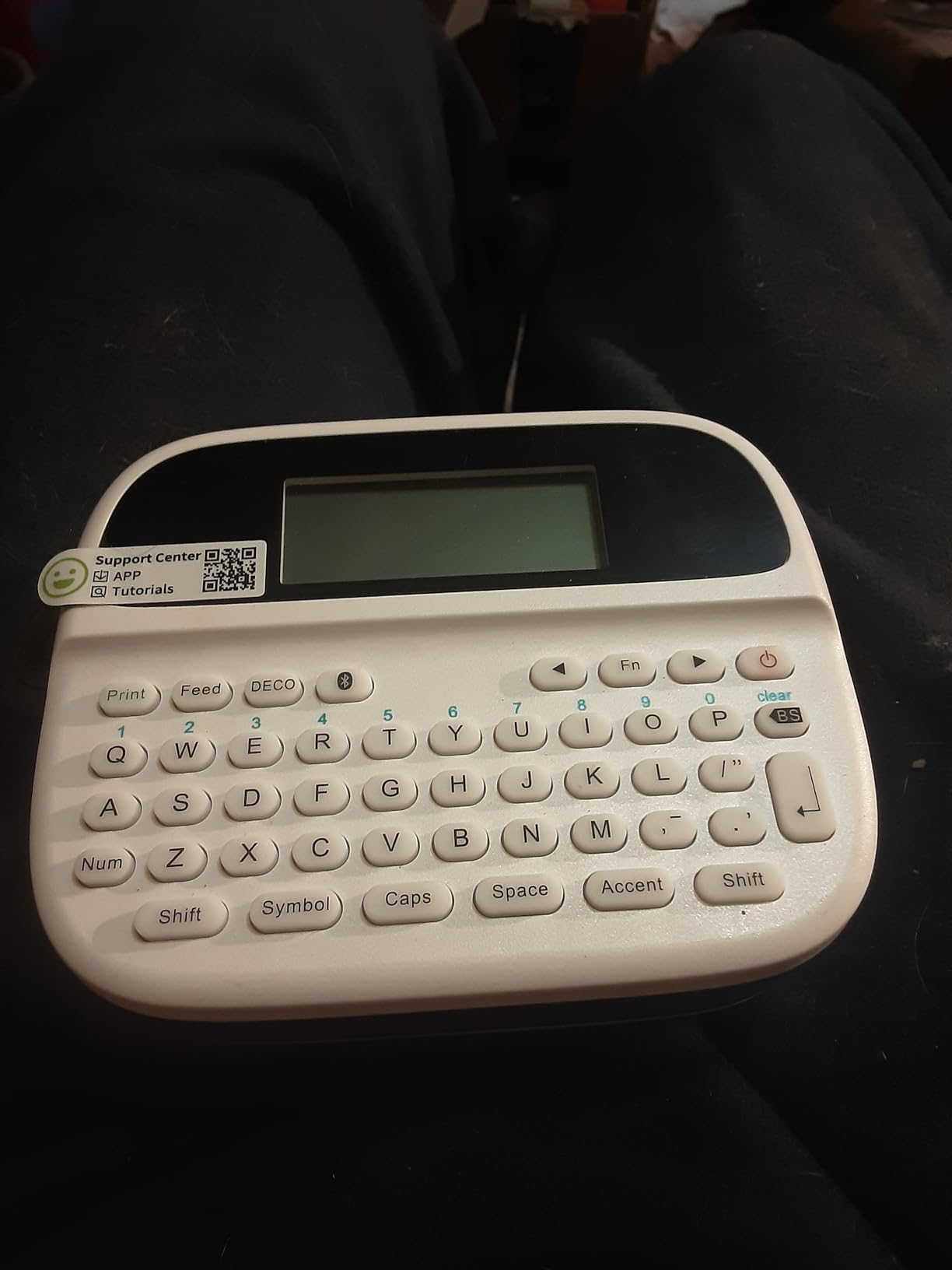
The backlit LCD is more useful than it sounds. Pantries and garages are dim, and typing a label on an unlit screen in poor light is how you end up with a mislabelled container that stays in the freezer for a year.
Output is 203 DPI monochrome at 20 pages per minute, and the 1200 mAh battery charges over USB-C. The app library carries 100+ fonts, 200+ borders and 800+ icons, and printing is inkless, which matters when the labels are going onto food containers and allergen tags.
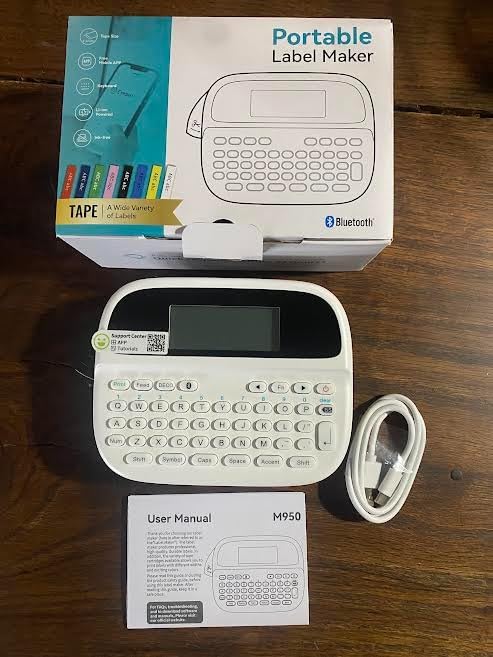
The box includes four 8m rolls of black on white 12mm tape, a Type-C cable and a manual. That is a meaningful amount of material to start on, which matters in a machine you have to set up before you trust it.
Why the M950 suits anyone who wants both offline and app printing
It is the answer to the most common complaint about Bluetooth label makers, which is that they fail when the app fails. Here you can type a quick date label on the keyboard during a cook and still use the app for a bulk batch later.
Only one of the ten machines here comes with tape the manufacturer rates for fridge and freezer temperatures. The rest run ordinary or laminated tape that you should treat as unknown until you check the roll.
Where the M950 falls short
The review base is small at 534 reviews, so the rating carries less weight than the larger ones here. Treat the 4.4 stars as encouraging rather than proven at scale.
Width is fixed at 12mm and printing is monochrome. The warranty is listed as limited with no stated coverage, which is worth weighing against the 2-year covers offered by the D30, the E10 and the PT-D220.
9. Rongta TM95 Label Maker: Best for Typing Without a Phone
Rongta TM95 Label Maker Machine, QWERTY Keyboard, 12mm Portable Labeler
- Works fully offline with the built-in QWERTY keyboard
- Backlit screen visible in dim pantries and garages
- 9mm edge margin around printed content reduces waste
- Supports circular
- square and transparent labels from 9mm to 12mm
- Dual power with 6 AAA batteries or Type-C
- Quiet operation for small kitchens
- Only 3 built-in fonts
- and some are hard to read
- 12mm is the maximum tape width
- Batteries not included
- Review base is small at 217 reviews
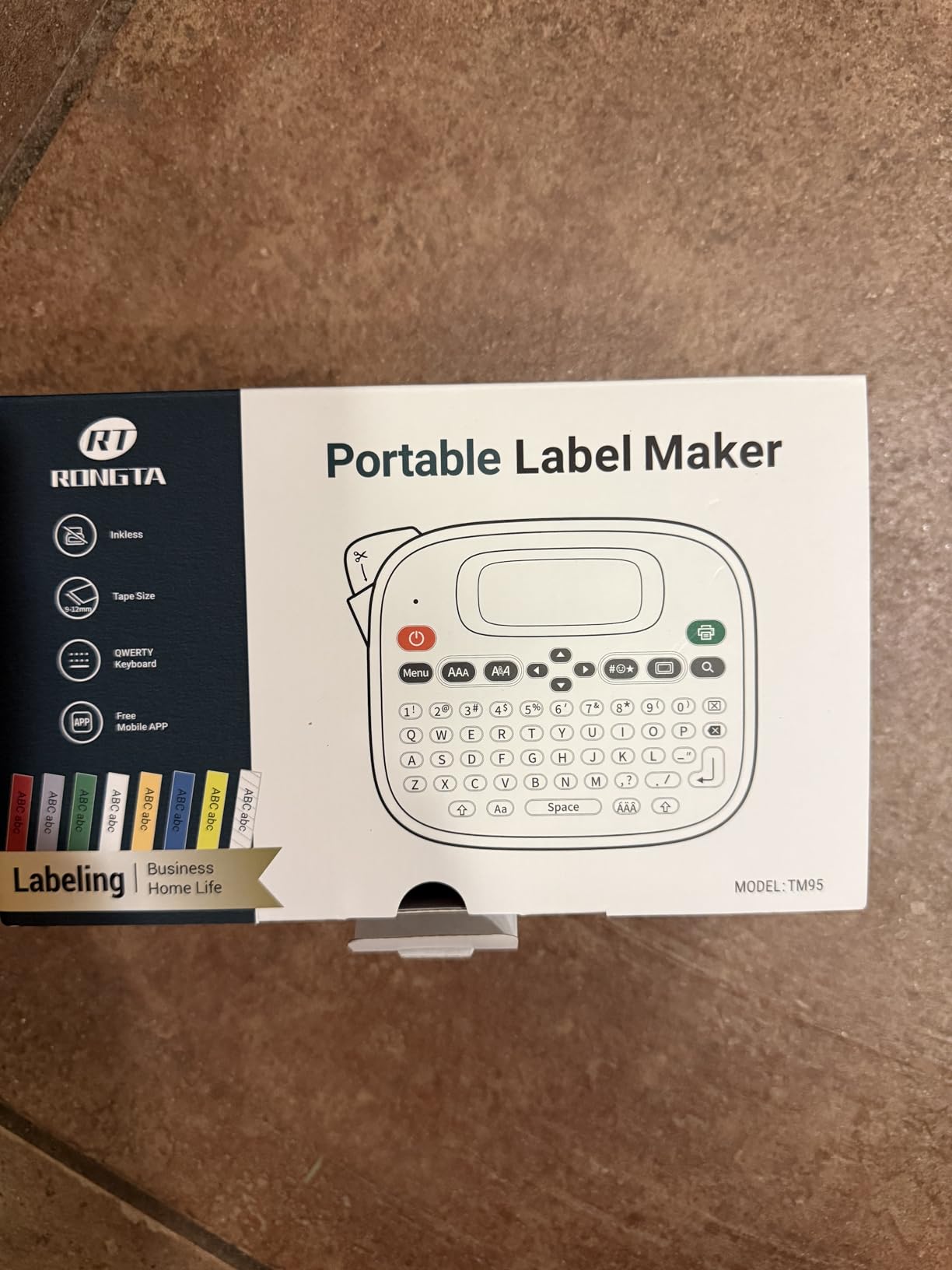
The TM95 does the same keyboard-plus-app trick as the M950 in a smaller, simpler package. It works fully offline from the QWERTY keyboard and also prints from the RONGTA app, so it fits the buyer who wants a phone-free machine but occasionally wants templates.
What it genuinely does well is waste. The 9mm edge margin around printed content means the machine leaves almost no blank leader on the label, so a roll goes further than on machines that trim conservatively.
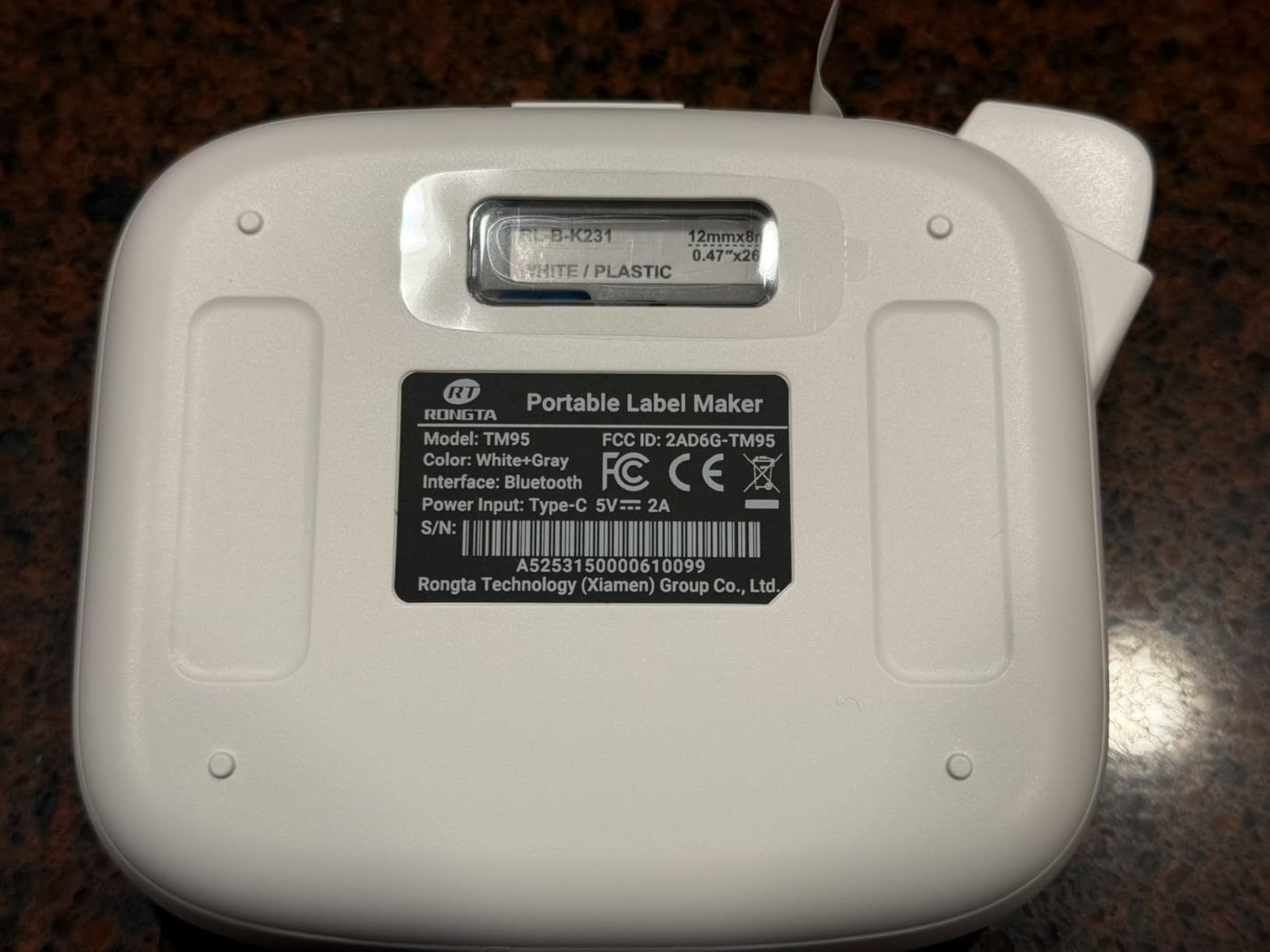
It supports circular, square and transparent labels from 9mm to 12mm, which is a broader format range than most 12mm-only machines. Transparent labels are a nice touch for glass jars, where a white strip looks like a patch. Label preview, mirror printing and vertical printing are all supported.
Power is flexible: 6 AAA alkaline batteries or a Type-C supply, and it can hold a connection to one iOS device and four Android devices at once. Print speed is 16 pages per minute at 203 DPI monochrome.
The style library lists 30 borders, 500+ icons, 9 font styles and 23 languages. The problem is the font count. There are only 3 built-in fonts, and some owners find them hard to read.
Why the TM95 suits small kitchens and tight budgets
It is quiet, compact at 0.26 kg, and the backlit screen means a dim utility room is not a problem. For a first label maker, learning on a physical keyboard is easier than learning an app.
Supporting both battery and Type-C power means you can keep using it during a power cut or leave it plugged in at the counter, whichever suits you.
Where the TM95 falls short
Three fonts is the honest limitation here. Buyers report the lettering is not always easy to read, and a freezer label you struggle to read has defeated the purpose. Maximum width is 12mm, and batteries are not included.
At 217 reviews, this is one of the smallest evidence bases in the roundup, so we would treat it as a capable budget option rather than a proven favourite.
10. VolenGo D210S Label Maker: Best for Long-Lasting Laminated Labels
Label Maker Waterproof-Labels, Labeler Machine with-Tape, D210s Labelmaker
- 7-layer laminated tape rated to store up to 10 years
- Narrow tape settings cut waste by 42mm per tape
- Batch printing up to 20 labels at once
- 203 dpi screen with improved clarity
- One-touch smart keys plus 640+ symbols and 100+ frames
- Lowest average rating in this roundup at 4.2 stars
- Only 12mm tape width
- 6 AAA batteries not included
- No Bluetooth or app connectivity
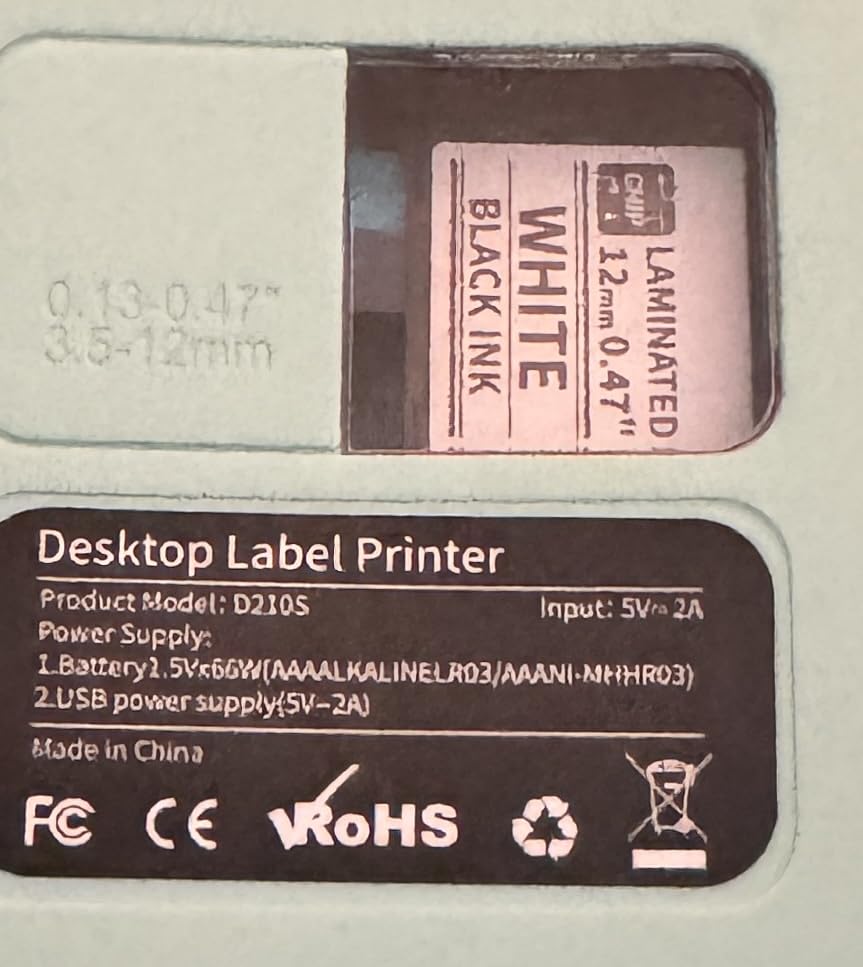
The D210S is the most interesting tape story in this roundup and the weakest machine rating. Its 7-layer laminated tape is rated to resist water, fading, abrasion and temperature, and to store for up to 10 years, the longest storage claim attached to any tape we found for this roundup.
For a household that labels the same reusable container over and over, a tape rated for a decade is genuinely useful. You stop replacing the label every time the container moves from freezer to fridge and back.
The waste settings are the other story. Narrow tape settings cut waste by 42mm per tape, and batch printing handles up to 20 labels at once, which the manufacturer says saves roughly 22 inches of tape on a full run. On a machine limited to 12mm, that efficiency matters.
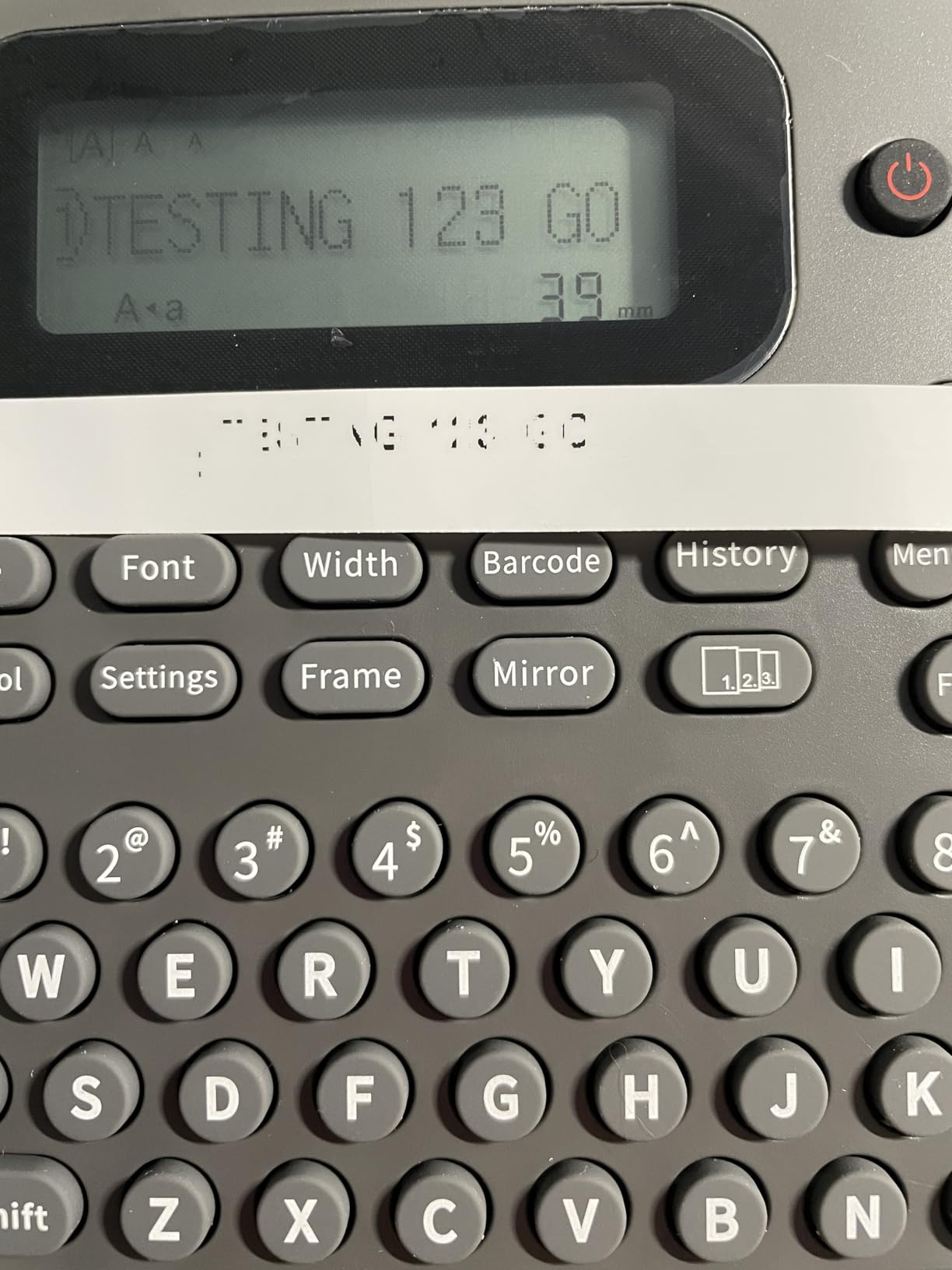
Controls are one-touch smart keys with a 203 dpi screen at 30 percent better clarity, plus 640+ symbols, 16 font styles and 100+ frames. Output is 203 dpi at 10 pages per minute, and a 4m roll of 12mm laminated white tape and a replacement cutting holder are included.
Power is the included Type-C cable or 6 AAA batteries, which are not included in the box. There is a 1-year limited warranty.
Why the D210S suits long-term reusable container labelling
The 7-layer lamination is the point. Water and fade resistance is exactly what a long-lived label on a glass or plastic container needs, and the anti-scratch claim protects printing from the scuffing of repeated handling.
Batch printing of 20 labels is a practical feature for a monthly bulk cook, and the narrow settings keep the 12mm tape from being wasted on every label.
Where the D210S falls short
It has the lowest average rating in this group at 4.2 stars, with 9 percent three-star reviews, and the share of middling feedback reflects the single tape width and the lack of wireless connectivity. No Bluetooth means no phone printing and no batch import from a spreadsheet.
At 10 pages per minute it is also slow, and with batteries not included you will need either the Type-C cable or a set of AAAs to get started.
Why Freezer Labels Fall Off (And How to Stop It)
The most common freezer labelling failure is not a bad machine. It is a label applied to a cold, wet surface, or ordinary tape in a place that needs laminated tape. Both are fixable, and the fixes are simple.
A reader who organises her freezer with a thermal printer put it plainly: put the label on before adding hot food, or after it has completely cooled and you have dried off any condensation. Condensation forming before the label goes on is what makes it fall off later. A commenter in the same thread confirmed that soups labelled before freezing stay fine, while labels on already-frozen food are hard to apply.
Label before freezing. This is the single most effective habit. A label applied to a dry, room-temperature or warm container bonds far better than one pressed onto ice.
Dry the surface first. Even a thin film of moisture is enough to defeat the adhesive. Wipe the container, then wait a moment.
Use laminated or waterproof tape. Standard paper tape and most cheap thermal tape absorb condensation and let go. A laminated top layer is the difference.
Match the adhesive to how you use the container. Permanent adhesive is for storage you will not move. Removable adhesive is for containers you rotate and wash. Cryogenic adhesive is the specialist option for very low temperatures.
Press it down properly. Run a finger or a flat object along the whole label, including the corners. Most peeling starts at an edge.
There is a second problem beyond adhesion, which is fading. Direct thermal printing darkens the label chemically, and cold, wet and repeated handling is hard on it. For labels that need to stay legible for years in a freezer, thermal transfer printing puts ink on the surface rather than into the label, and it holds up better.
Direct Thermal vs Thermal Transfer in a Cold Freezer
Direct thermal is what every machine in this roundup uses. It sends heat to a chemical coating on the label, the coating darkens, and that darkened area is your text. There is no ink, no ribbon and nothing to run out.
Thermal transfer works differently. The machine prints ink from a ribbon onto the label surface, so the character sits on top of the paper rather than being part of it.
For a home freezer, direct thermal is the right default, and the reason is cost and simplicity. Thermal transfer gives better fade and moisture resistance, but it needs a ribbon machine, and none of the ten products here are ribbon-fed. If your labels must stay readable for many years in harsh cold or you are labelling commercially, thermal transfer is worth the step up.
Readers on r/organizing described exactly this confusion as a purchase blocker before their first buy, so it is worth naming plainly: if your concern is faded text after six months in the freezer, buy better tape first, and only then consider the printing method.
How to Choose Freezer-Safe Label Tape?
This is the decision that decides whether your labels are still readable in March. The machine is a printer. The tape is the product.
1. Waterproof versus standard tape
Waterproof or laminated tape is the answer for a freezer, without much debate. The lamination layer sits between the printed text and the moisture, and it also resists oils and scratches. Several machines in this roundup run laminated tape as standard, which is why the E10, the S001 and the D210S stand out for cold use.
2. Permanent, removable or cryogenic adhesive
Permanent adhesive is the right default for a freezer bag or a container you will not reuse. Removable adhesive is better for glass and plastic you rotate through the dishwasher, because it peels off without leaving a sticky ring. Cryogenic adhesive is a specialist category for very low temperatures, and it is rarely necessary in a domestic freezer.
3. Check the actual temperature rating
Brands mix up three different words. Waterproof describes water resistance. Temperature resistant describes surviving heat and cold. Freezer safe describes being designed for frozen food storage. Only one of the machines here has tape whose freezer rating comes from the manufacturer, so for the others, treat the claim as unknown and buy accordingly.
4. Width versus text
Most household label makers cap at 12mm, which fits a name and a date comfortably. If you want a dish name, a portion count and a dietary note, 20mm to 50mm tape is worth the extra money and the extra material. Wider labels also peel off curved containers more reliably because there is more surface contact.
5. Machine and tape compatibility
Most machines run their own branded tape and a limited range of third-party rolls. Brother TZe and Btag are strongly proprietary, which is not a problem as long as you are happy to buy genuine Brother tape. The mini Bluetooth machines are more open, and several run generic rolls directly. Check compatibility before you buy a second-party waterproof roll, because the wrong core width or thickness can jam the cutter.
6. Match the tape to the container
Glass and smooth plastic take adhesive best. Foil pans and non-stick surfaces are the hard cases, and a laminated or heavy-duty tape with a stronger adhesive is the fix. For foil specifically, apply the label to a flat rim rather than the side wall so it is not flexing every time you move the tray.
What to Write on a Freezer Label
The machine is only half the job. A label that says soup is no better than no label. The format that works, based on freezer labelling practice, is short and ordered.
Contents. The dish name in the largest text you can fit. This is what you read first through frosted plastic.
Date frozen. Most frozen food is at its best in the first three months, and a date turns a rummage into a decision.
Portion count. Number of servings or pieces, so you can plan a meal without opening the container.
Dietary notes. Dairy, meat or parve, allergens, vegetarian, gluten-free. Essential in a shared household.
Reheating instructions. Oven temperature, microwave minutes or from frozen. This is the field people leave off and then need most.
For batch cooking, print duplicates in one run rather than one label at a time. Every machine with continuous tape or batch mode here will print a repeated label faster than you can load individual strips, and the D210S and S001 handle the largest batches.
If you are running a cottage food or meal prep business, the same five fields become a compliance habit rather than a convenience. Add your business name and contact on the first line, keep ingredient and allergen notes consistent across every batch, and use a wide label so the ingredient line is not truncated. A wide-format machine such as the M110 makes a printed ingredient line practical on a single strip, where a 12mm machine would need two labels and risk a mismatch between them.
Standalone Keyboard vs Bluetooth App for Freezer Labeling
There are three types in this roundup, and the freezer use case favours different ones for different kitchens.
Standalone keyboard machines such as the PT-D220 and the PT-N10 print without a phone. Nothing can go wrong between you and a printed label, which makes them the right choice for cooking sessions, older family members and anyone who has been burned by a failed pairing.
Bluetooth app machines such as the D30, the P21, the E10 and the S001 offer templates, QR codes, barcodes and batch printing from a spreadsheet. They win on volume work and lose on dependency, since the phone is a single point of failure.
Hybrid machines such as the M950 and the TM95 give you both, with a keyboard for quick labels and an app for templates. The trade is added complexity and a smaller evidence base from fewer reviews.
If you are splitting the difference, the home office label printer guide covers the desktop end, which is a separate category from all ten machines here.
Frequently Asked Questions
Are labels from a label maker waterproof?
Usually not. Most machines include standard paper or basic thermal tape that absorbs condensation and lets go in a freezer. Look for waterproof, laminated or freezer-rated tape, and check whether the machine accepts third-party rolls or only its own branded cartridges.
Are thermal printed labels waterproof?
The printing method and the tape are two different things. Direct thermal printing gives you no water resistance on its own, so a thermal-printed label is only as waterproof as the tape it is printed on. Laminated or waterproof freezer-grade tape is what makes the printed label survive a freezer cycle.
What are the best labels for freezer containers?
Laminated waterproof tape rated for freezer temperatures, with permanent adhesive for storage you will not move and removable adhesive for containers you reuse. Apply it before the food goes in the freezer, on a dry, warm container, and press the corners down firmly. Wide tape peels more reliably from curved surfaces.
Should I label a container before or after I freeze it?
Before, always. A label applied to a room-temperature or warm container bonds properly, while a label pressed onto a cold, wet or frozen surface is the reason most freezer labels fall off. If the food must be cooled first, dry off any condensation before you apply the label.
What is the best label printer for food prep?
For batch cooking and meal prep, a fast machine with continuous tape and batch printing wins, such as the Phomemo D30 or the ORGSTA S001. For a wide label that fits a full dish name and ingredient note, the Phomemo M110 covers up to 50mm. In every case, load waterproof or laminated tape.
Final Verdict on the Best Label Makers for Freezer Labels
The Phomemo D30 is our pick for the best label makers for freezer labels, because continuous tape at 60 pages per minute and 27580 reviews add up to a machine that handles a full freezer restock without wasting material. The Nelko P21 is the value alternative, the Phomemo M110 wins if you need wide labels, and the VolenGo M950 is the only one whose tape carries a stated freezer temperature rating.
Whichever you choose, the habit matters more than the hardware: label before freezing, dry the surface, and buy waterproof or laminated tape. The machine only prints what you give it.
We re-checked all ten listings in October 2026 and will update this roundup as new models land.