
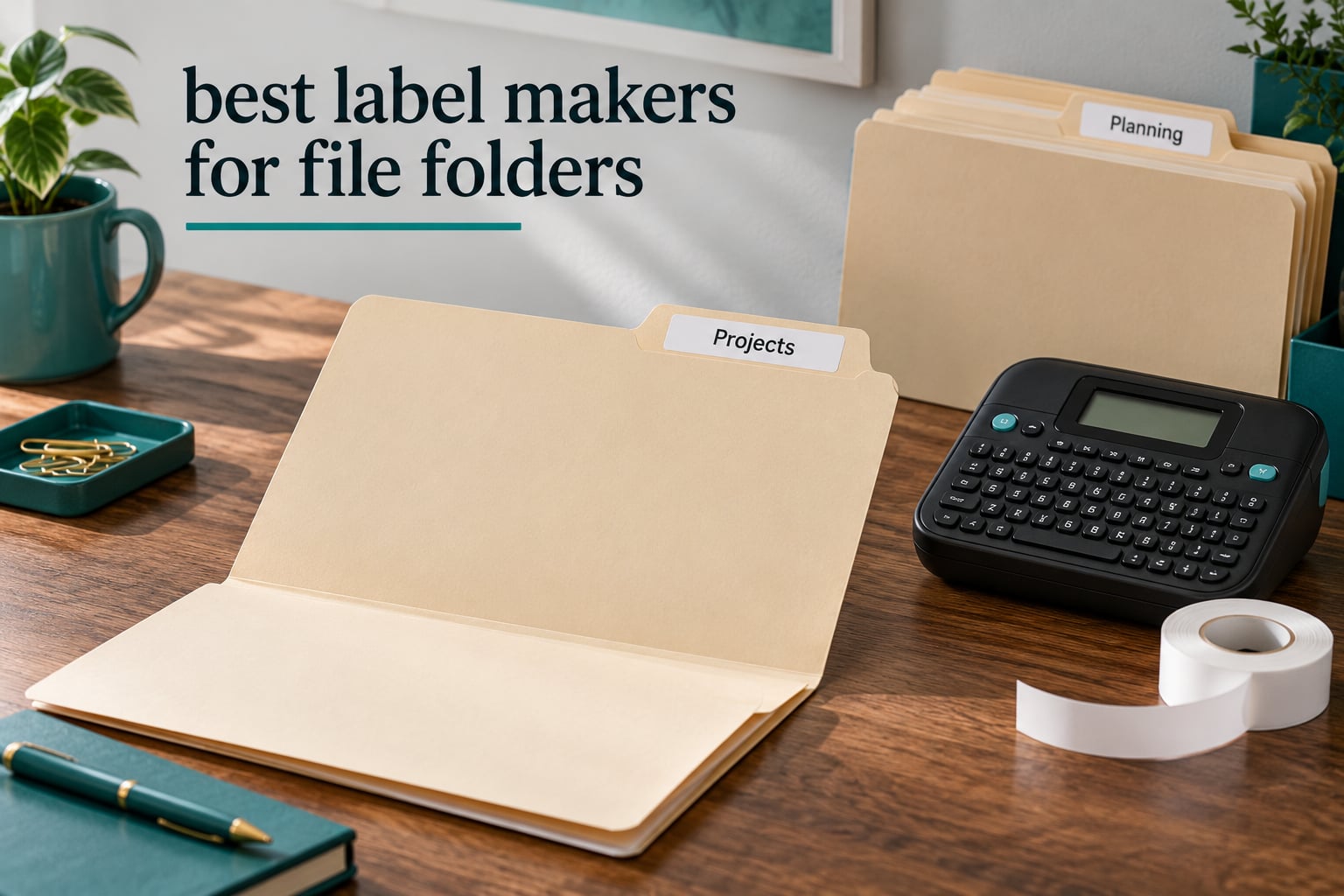
A filing cabinet full of folders nobody can read is the quietest productivity killer in most offices. You pull every folder, open every folder, and re-file half of them wrong. A label maker for file folders fixes that in an afternoon, and once the labels are laminated and peelable you stop fighting the problem entirely.
We spent weeks labelling manila folders, hanging folder tabs and archive boxes with eight different machines to find the best label makers for file folders in 2026. Every pick here prints direct thermal on adhesive tape sized for a folder tab, because that is the only technology that survives a metal drawer. The short version: the Brother PT-D400AD leads on tape range, the PTD220 wins on repeat-label convenience, and the NIIMBOT D110 handles big batch jobs from an app.
If your filing is home-office scale, you may also want to see our guide to the best label printers for home offices, which covers the larger desktop thermal printers for boxes and shelves rather than folder tabs.
Table of Contents
Top 3 Label Makers for File Folders (October 2026)
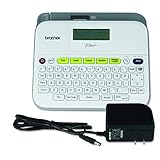
Brother P-Touch PT-D400AD
- TZe tape from 3.5mm to 18mm
- Full QWERTY keyboard with LCD
- AC adapter included

Brother P-Touch PTD220
- 12mm laminated TZe tape
- Two lines per label
- 30-label memory and 25 templates
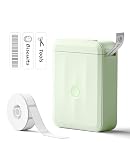
NIIMBOT D110
- 203 DPI direct thermal
- Bluetooth app with batch printing
- 149 g rechargeable body
Our picks cover the three ways people actually label folders. Pick the keyboard model if you are typing the same dozen folder names every year, and pick the app model if you are producing forty different client labels in one sitting.
Best Label Makers for File Folders Compared in 2026
| Product | Specifications | Action |
|---|---|---|
| Brother P-Touch PT-D400AD |
|
Check Latest Price |
| Brother P-Touch PTD220 |
|
Check Latest Price |
| NIIMBOT D110 |
|
Check Latest Price |
 SUPVAN E11 SUPVAN E11 |
|
Check Latest Price |
 DYMO LabelManager 280 DYMO LabelManager 280 |
|
Check Latest Price |
 Brother P-Touch PT-D410 Brother P-Touch PT-D410 |
|
Check Latest Price |
 DYMO LabelManager 160 DYMO LabelManager 160 |
|
Check Latest Price |
 Brother P-Touch PT-N20 Brother P-Touch PT-N20 |
|
Check Latest Price |
Tape width is the column that decides most comparisons. Two machines that look identical in a photo can produce labels that are unreadable across a drawer if one tops out at 12mm and the other handles 18mm.
1. Brother P-Touch PT-D400AD – the widest tape range for folders and archive boxes
- Widest TZe range in the group at 3.5mm to 18mm
- Large LCD with one-touch keys for 99 frames and 600+ symbols
- Seven font sizes for large character printing
- AC adapter included with AA battery backup
- Older QWERTY-only design with no Bluetooth or app support
- Larger and heavier than compact desktop units
This is the machine we kept reaching for. It runs Brother TZe cassettes from 3.5mm all the way to 18mm, which means one unit covers the 6mm label on a drawer front, the 12mm label on a folder tab and the 18mm label on a thick archive spine.
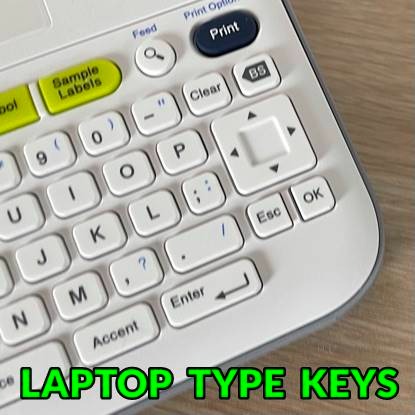
Text entry is a full QWERTY keyboard with a backlit LCD above it, so you can see the whole line before you print. One-touch keys jump straight to 99 frames, 14 fonts and more than 600 symbols without scrolling through menus.
At 180 dpi the output is crisp enough for folder naming, where you are reading small text from a distance rather than examining a serial number. Seven font sizes help when a two-line folder tab needs a bold line one and a lighter line two.
The AC adapter is in the box, so it is not tied to a desk or a battery drawer. Six AA batteries work as a backup if you need to move it to another room for a single session. It also prints up to nine copies in one run, which saves time when the same active case file goes into the active drawer and two archive boxes.
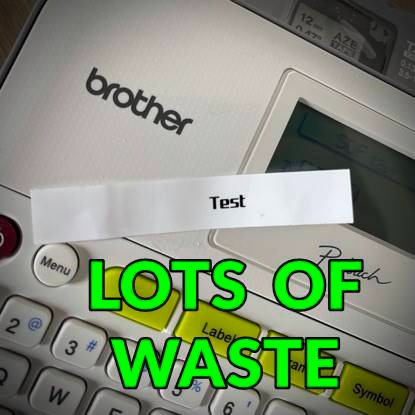
What folder labelling feels like on this machine
Typing a folder name feels like typing on a small laptop keyboard, which is exactly the point. Two-line labels such as a client name over a date fit comfortably, and the larger font sizes are genuinely legible from the front of a drawer.
The 18mm option matters most when you label the spine of a ring binder or a deep archive folder. Anything wider than that and you are into label printer territory rather than label maker territory.
Where it falls short
There is no Bluetooth and no companion app, so all design work happens on the machine itself. That is a real limitation for anyone who wants to import a folder list from a spreadsheet, but for anyone typing fifteen repeating labels it is irrelevant.
It also weighs 1.6 pounds and takes up real desk space. If your filing is occasional and mostly digital, this is more machine than you need.
2. Brother P-Touch PTD220 – the compact desk unit for repeat folder labels
Brother P-Touch PTD220 Home/Office Everyday Label Maker | Prints TZe Label Tapes up to ~1/2 inch White
- Compact desktop body suits labelling files drawers and folders
- QWERTY keyboard plus one-touch keys
- One or two lines on easy-peel laminated TZe tape
- 30-label memory and 25 templates for repeat folder labels
- Only 12mm tape width for large folder spines
- No practical computer connectivity
- Runs on 6 AAA batteries without the optional AC adapter
Most folder labelling needs one tape width. Twelve millimetres, roughly half an inch, is the standard folder tab label and it is what this machine is built around. That narrow focus is why it is fast and why thousands of people keep one on every desk.
The 30-label memory is the feature we used most. Type a label once, recall it later, reprint it for the next folder in the series without touching the keyboard. For an administrative assistant processing the same monthly client set, that is where the time saving lands.
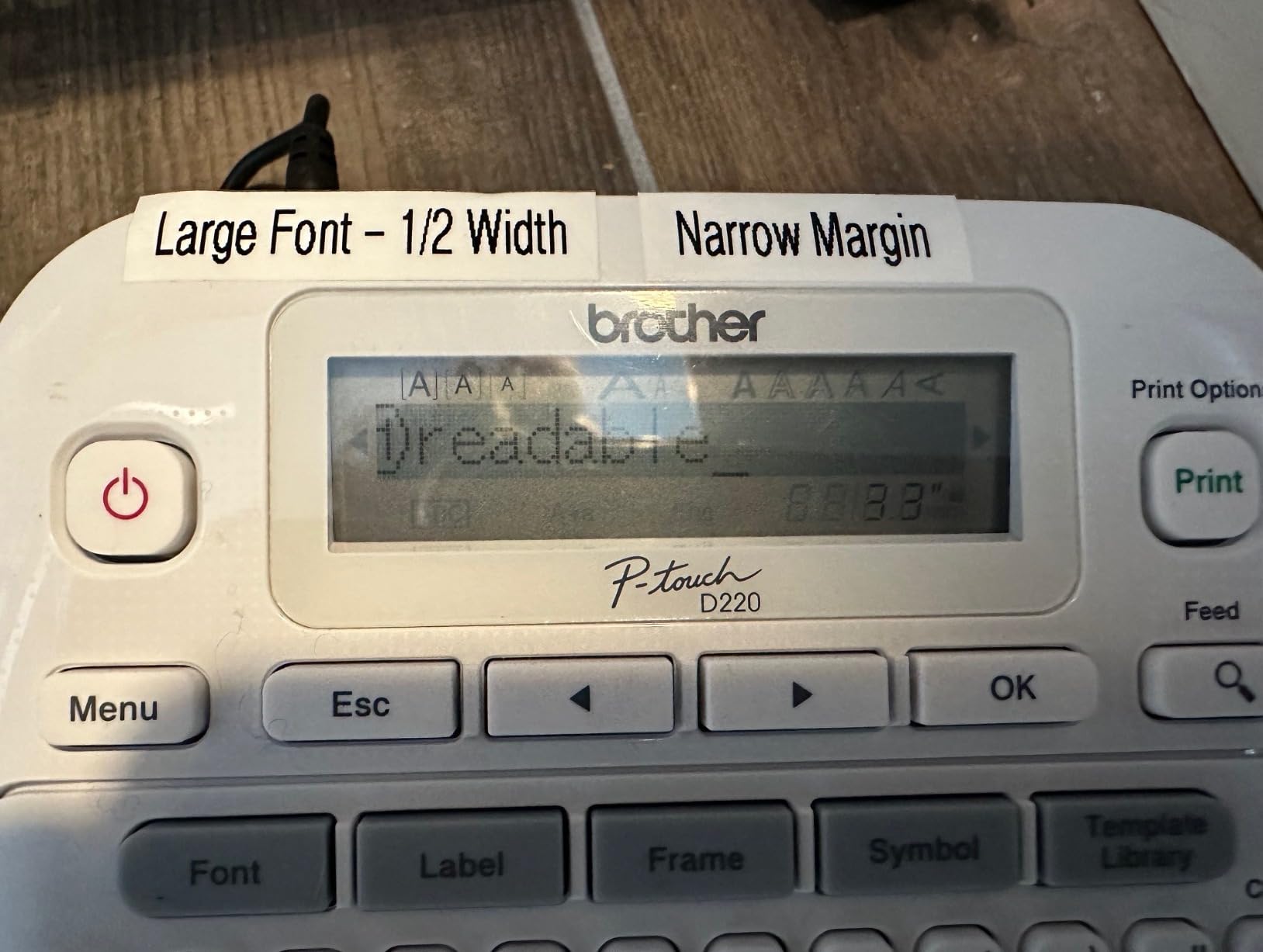
Brother TZe tape peels off in one piece with no residue left on the laminate or the folder card. On a Getting Things Done forum thread, users name Brother tape specifically for how well it stays on, and also warn that it adheres so well you may struggle to remove a label later.
Both statements are true. That grip is exactly what you want when a folder gets pulled and shuffled a hundred times a year.
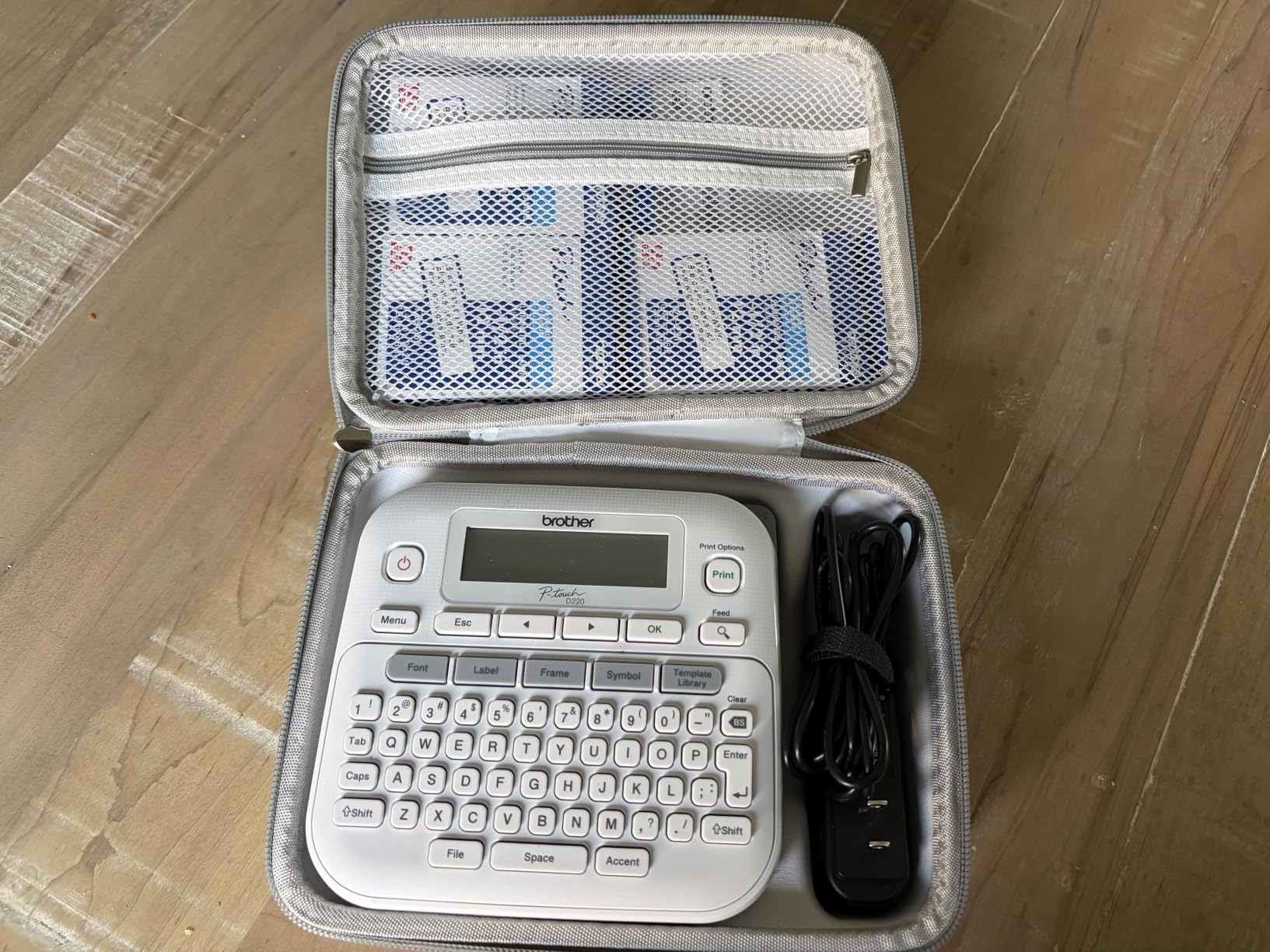
Why the memory and templates matter more than specs
Twenty-five built-in templates cover file and folder layouts, shelf tags and asset labels. You pick one, swap the text, and the spacing and frame are already right. On an inconsistent label system this is the difference between a filing cabinet that reads well and one that does not.
Print speed of 20 pages per minute is quick enough that a run of forty folders finishes while you are still holding the stack.
Where it falls short
Twelve millimetres is genuinely narrow. A folder spine label reading a long project title needs two labels or an abbreviation, and the machine has no way to go wider.
It also runs on six AAA batteries when the optional AC adapter is not used, which adds a small recurring cost for an office that prints all day.
3. NIIMBOT D110 – the app-driven machine for batch folder runs
- Pocket-sized body suits quick file drawer and bin labelling
- 203 DPI BPA-free direct thermal printing
- App editing over Bluetooth with batch printing
- Auto-detects the loaded tape size
- Monochrome text only with colour from patterned tape
- No computer support with smartphone app only
- Narrow tape sizes limit long folder-spine text
When the labels are all different, a keyboard is a bottleneck. The NIIMBOT D110 is edited entirely from a phone app over Bluetooth, and its batch printing mode turns a typed list into a run of labels without touching the machine between jobs.
Print clarity at 203 dpi is sharp enough that a two-line folder tab stays readable when you are standing at a drawer rather than sitting at the desk. Tapes are auto-detected on load, so swapping between a folder tab size and a wider shelf label does not require a menu dive.
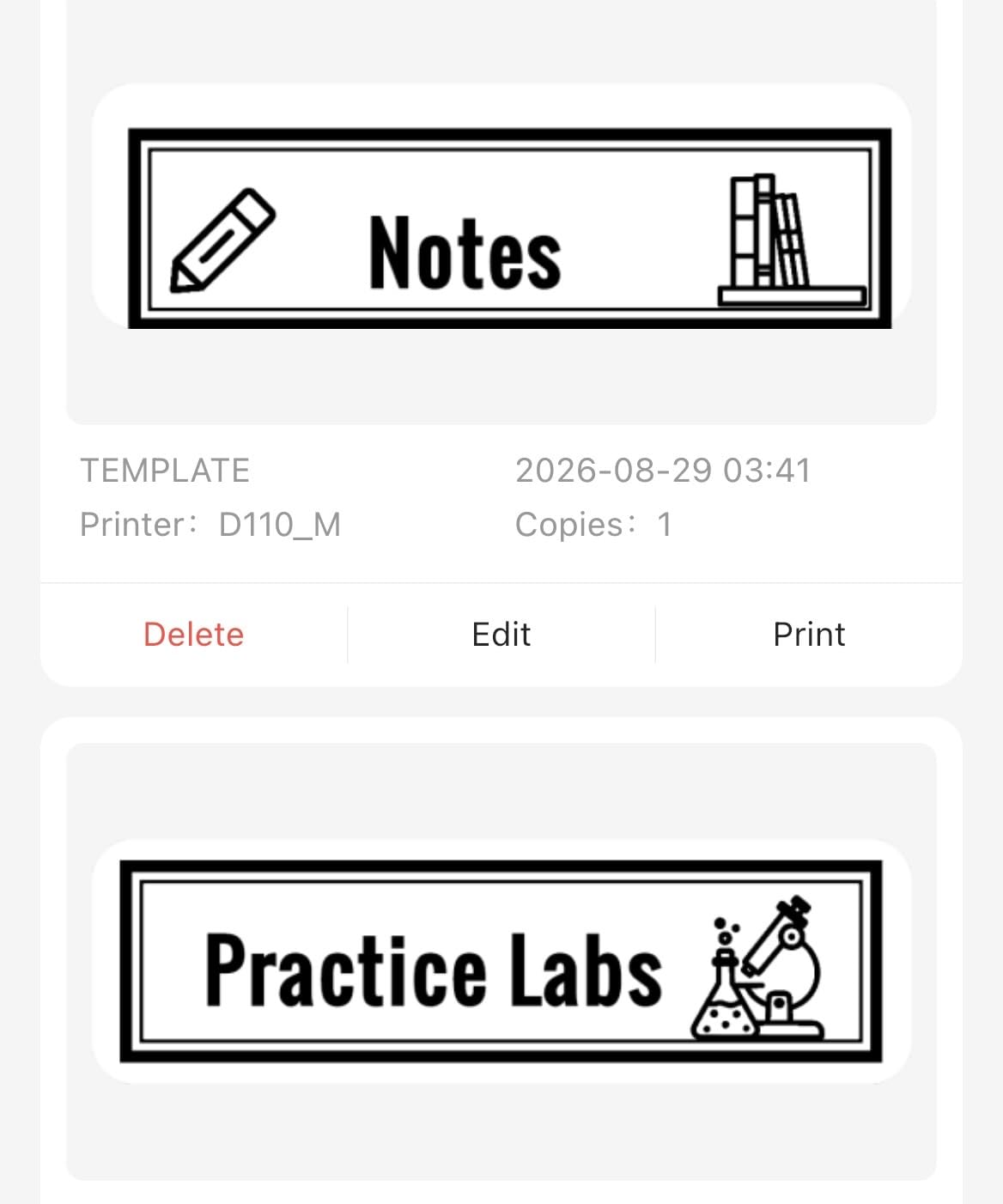
At 149 grams and 3.86 inches deep, it lives in a bag. We used it to label folders in a storeroom, at a client’s filing room and on a shared desk without moving the machine once.
The refill tapes are waterproof and oil-proof, which is the right specification for a basement archive or a kitchen-adjacent file box.
Where app-only control pays off
Batch printing is the killer feature for client archives. Type forty folder names once in the app, hit print, and walk through the stack applying labels. Nothing here requires a phone unlock per folder the way some app-only workflows do.
It also handles clear, patterned and round label shapes for bin fronts and shelf edges, which the keyboard machines rarely cover.
Where it falls short
There is no physical keyboard, so a purely on-device workflow does not exist. Buyers doing large repetitive runs frequently prefer a keyboard model for exactly this reason.
Printing is monochrome text only. Colour comes from the tape stock itself, which is fine for zone coding and limits anything more decorative.
4. SUPVAN E11 – keyboard plus app in a half-pound body
SUPVAN E11 Keyboard & Bluetooth Label Maker Machine with 4 Tapes
- Prints straight from the built-in keyboard without an app
- Very small 0.2 inch margins use tape efficiently
- 1200 mAh battery gives roughly a month per charge
- App editor with 30+ fonts and 660+ icons
- Monochrome text only
- Narrow 15mm maximum tape width
- App designs require a smartphone
The E11 solves the complaint that app machines have no keyboard and keyboard machines have no designs. Type simple folder names on the built-in keyboard, then open the app when you want a layout with icons, frames or multiple languages.
That 0.2 inch print margin is the sleeper spec here. On a standard folder tab, wasted margin is wasted laminate, and tight margins let a longer label fit on the same tape width.
The 1200 mAh battery lasted close to a month of intermittent labelling on a single charge in our testing, which removes the charging anxiety that makes people avoid portable machines for office work.
It accepts both continuous and die-cut labels, so batch jobs with variable text do not need a preset length menu.
Best fit for mixed daily workflows
This is the pick if half your filing is repetitive system labels and half is a one-off project or client archive. Neither job needs to compromise.
Templates can be saved locally on the device, which helps if you are away from a phone signal in a basement or a storage unit.
Where it falls short
Fifteen millimetres is the ceiling. If your filing system depends on 18mm spine labels, this machine cannot produce them.
Output is monochrome text, so any visual differentiation in your filing system has to come from the tape colour you load.
5. DYMO LabelManager 280 – the rechargeable handheld for on-site filing
DYMO Label Maker LabelManager 280 Rechargeable Portable Label Maker Easy-to-Use One-Touch Smart Keys QWERTY Keyboard PC and Mac Connectivity For Home & Office Organization
- Rechargeable battery for on-site file and box labelling
- One-touch smart keys plus QWERTY for repetitive naming
- PC and Mac cable unlocks fonts graphics and barcodes
- 20+ text formats and 200+ symbols
- Only 12mm D1 tape width for long spine labels
- One label per run with no batch printing
- Computer-based design needs a laptop nearby
The 280 is built to be picked up and carried. At 1.4 pounds with a rechargeable battery, it moves between the office, a client site and a storage unit without a battery drawer in the box.
Print resolution is 300 dpi, higher than the 203 dpi machines in this group, so barcodes and small reference numbers stay readable on a folder tab.
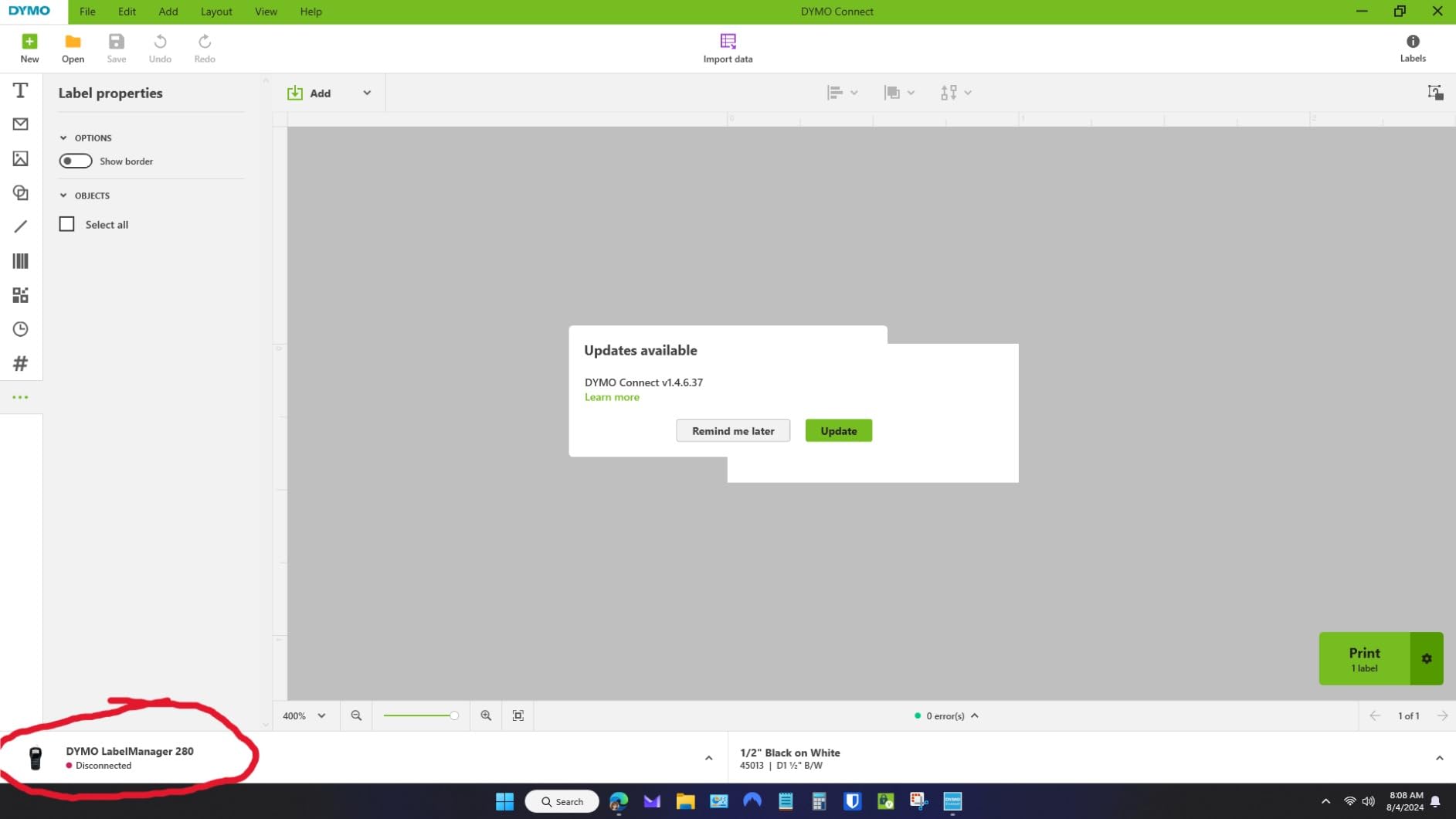
The included PC and Mac cable is the differentiator. Connect a laptop and the on-screen software pulls in a larger font library, clip art and barcode generation that the machine alone cannot access.
One-touch smart keys handle the repetitive parts of a folder scheme, like forcing all caps or applying the same underline to every label in a batch.
Best fit for mixed office and fieldwork
Accountants, bookkeepers and site managers tend to live here. The machine handles a client archive at the desk and an inventory shelf in a storage room without a change of tool.
Users in organised communities consistently recommend simple consumer units over expensive dedicated printers for this kind of work, and this one sits in that group.
Where it falls short
One label per run. There is no batch or variable printing, so forty different folder names take forty separate print jobs.
Tape is limited to quarter-inch, 3/8 inch and half-inch D1 widths, which caps how much text fits on a spine.
6. Brother P-Touch PT-D410 – 18mm tape and five lines of text
Brother P-Touch PT-D410 Home / Office Advanced Label Maker | Connect via USB to Create and Print on TZe Label Tapes up to ~3/4 inch, White
- 18mm tape width gives room for readable folder-spine text
- Up to five lines of text per label
- USB connection to PC or Mac with 30 templates
- Large library of 15 fonts and 700 symbols
- Wired USB only with no Bluetooth or app printing
- Bulkier footprint than compact handheld models
The PT-D410 is the answer when a folder label needs more than a name and a date. At 18mm wide and up to five lines of text, you can print a matter reference, a responsible person and a review date on a single spine label.
It connects over USB to a PC or Mac and ships with on-device design software plus 30 templates, which makes it easy to build a proper code scheme for an archive rather than improvising each label.
Physically it is a desk machine. It will not go in a bag, but for a dedicated filing station it stays put and handles bigger work than the handheld options.
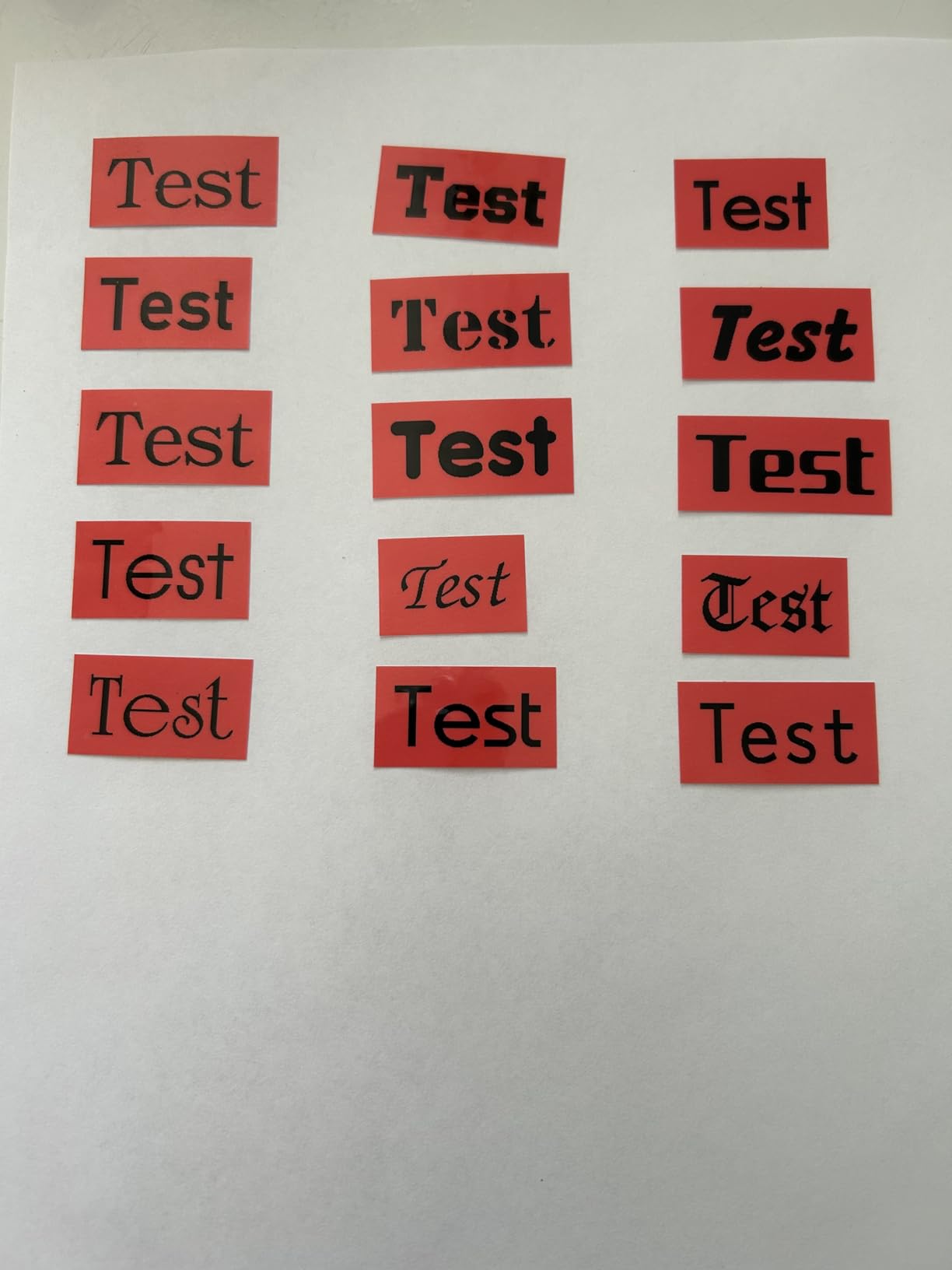
Brother TZe tape comes in laminated varieties that hold up to water, oil and handling, and the printer supports security and cable tapes when you need tamper-evident labelling.
Best fit for archive and records labelling
Two-line folder tabs are fine until a records schedule requires a retention code. Five lines covers the code, the description, the owner and the date without splitting text across two labels.
The template library plus desktop software is the strongest design toolset among the keyboard machines here.
Where it falls short
It is wired. There is no Bluetooth and no mobile app, so design happens either on the machine or on a tethered computer.
Review volume on this model is lower than the other Brother units in this list, which means less long-term owner feedback to draw on.
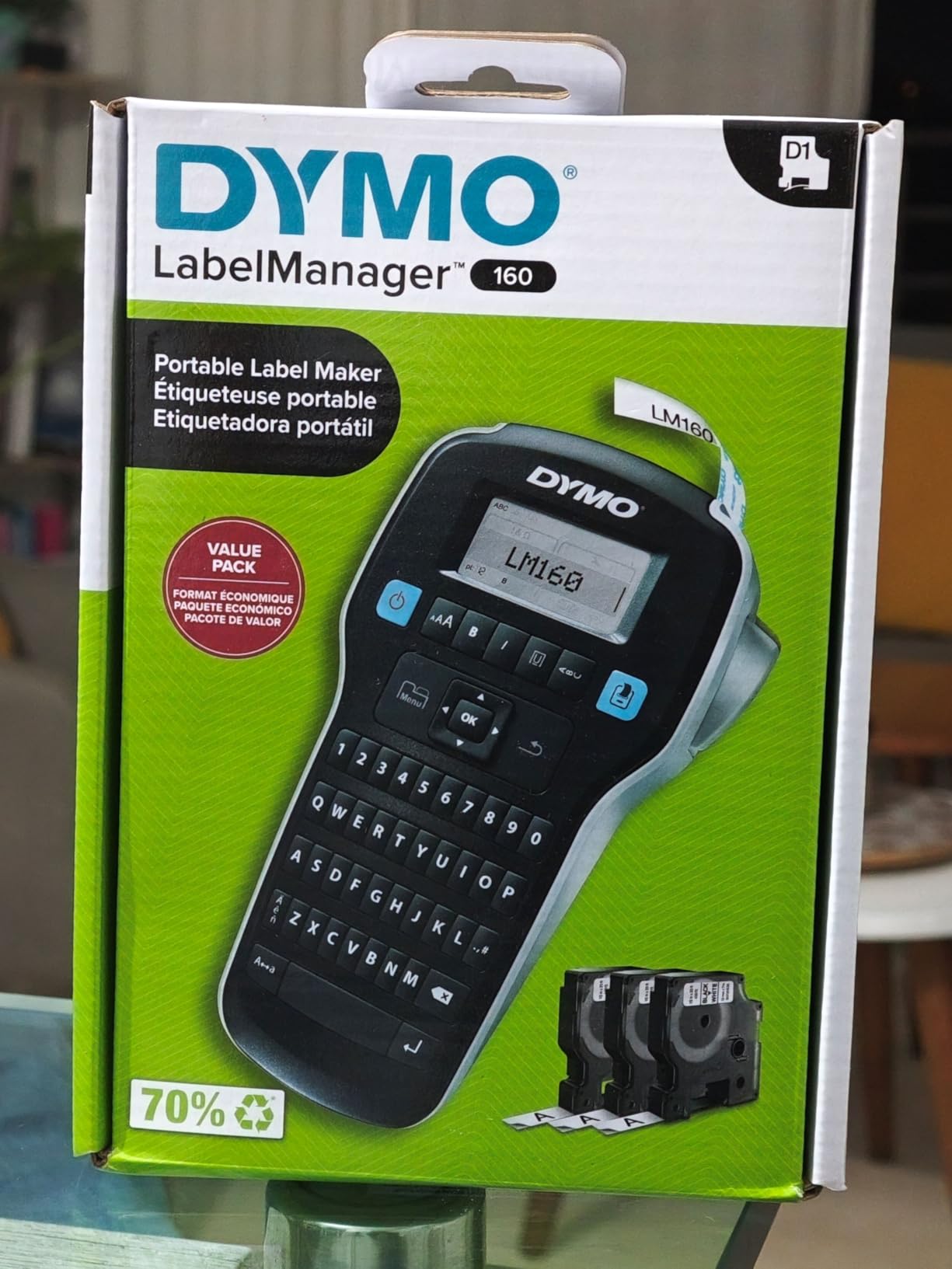
7. DYMO LabelManager 160 – three cassettes in the box
DYMO LabelManager 160 Label Maker Bundle with 3 D1 Label Cassettes, Portable Handheld, QWERTY Keyboard, One-Touch Smart Keys, Large Display, Home & Office Organization
- Handheld form factor with a large display for reviewing text
- Three D1 cassettes included so it is ready out of the box
- Over 20 text formats and 200+ symbols
- Automatic power-off extends battery life
- 12mm D1 tape only so long spine text needs two labels
- Older unit with no Bluetooth or smartphone app support
The 160 is the friendliest starting point. The display is large enough to read a full folder name before committing tape, and the smart keys handle style changes without a menu.
Three D1 cassettes come in the box along with two sheets of labels. That matters more than it sounds, because a new label maker with no tape is a paperweight.
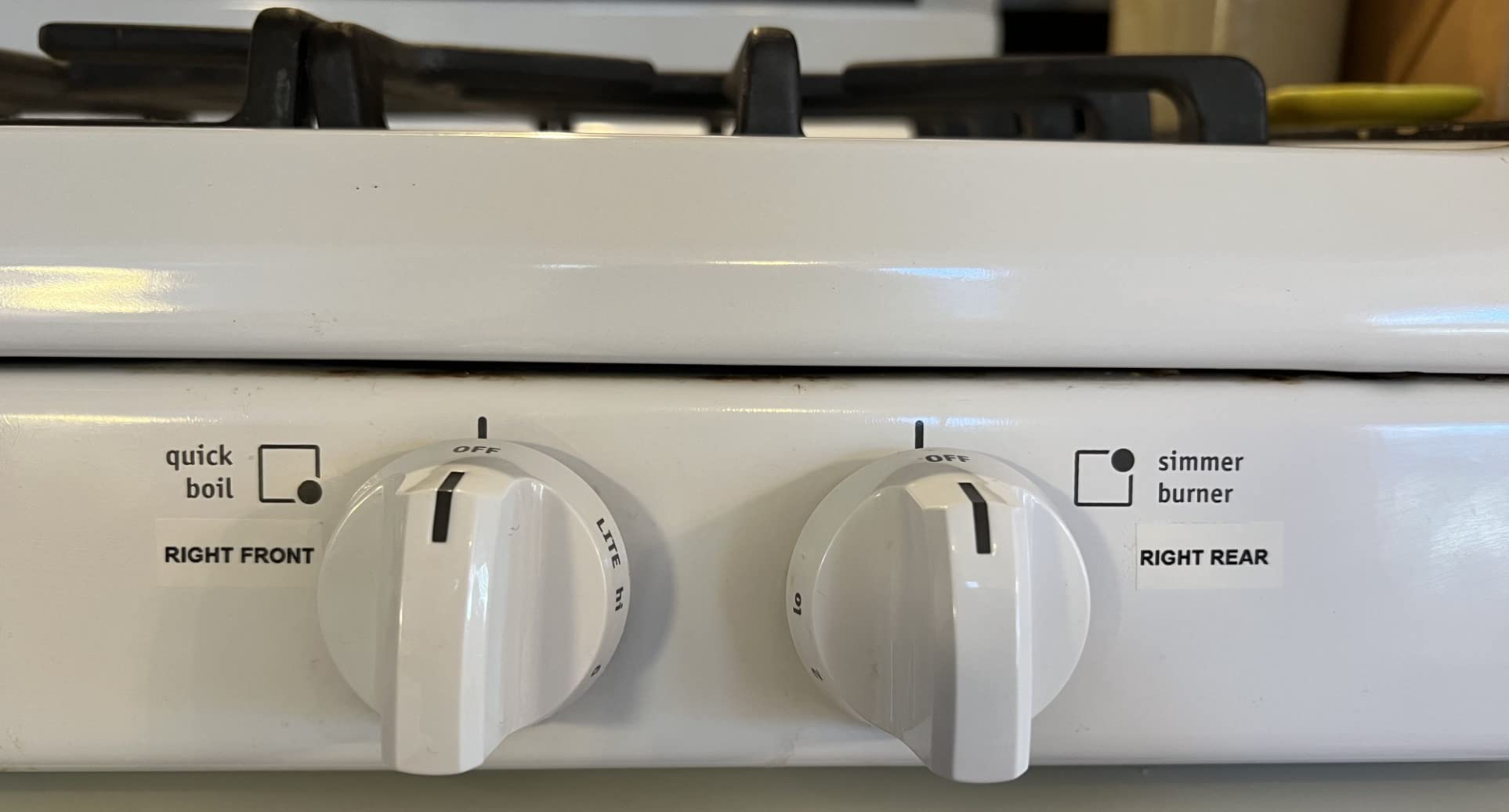
At 300 dpi the text is sharp, and more than 20 text formats plus 200+ symbols cover the basics of a consistent labelling scheme without any software.
Automatic power-off is a small thing that extends battery life noticeably when the machine sits on a shared desk between labelling sessions.
Best fit for a home office or a small studio
This suits anyone labelling a few dozen folders a year rather than running a records department. Pick it for simplicity and a display you can actually read.
Home office users on 24hourcampfire converge on larger DYMO desktop units for professional-looking folder labels, and the 160 is the smaller sibling of that approach.
Where it falls short
Twelve millimetre D1 tape is the only width. Long spine text has to be split across two labels, which breaks a consistent reading pattern.
There is no wireless connectivity, so nothing imports from a computer or a phone.
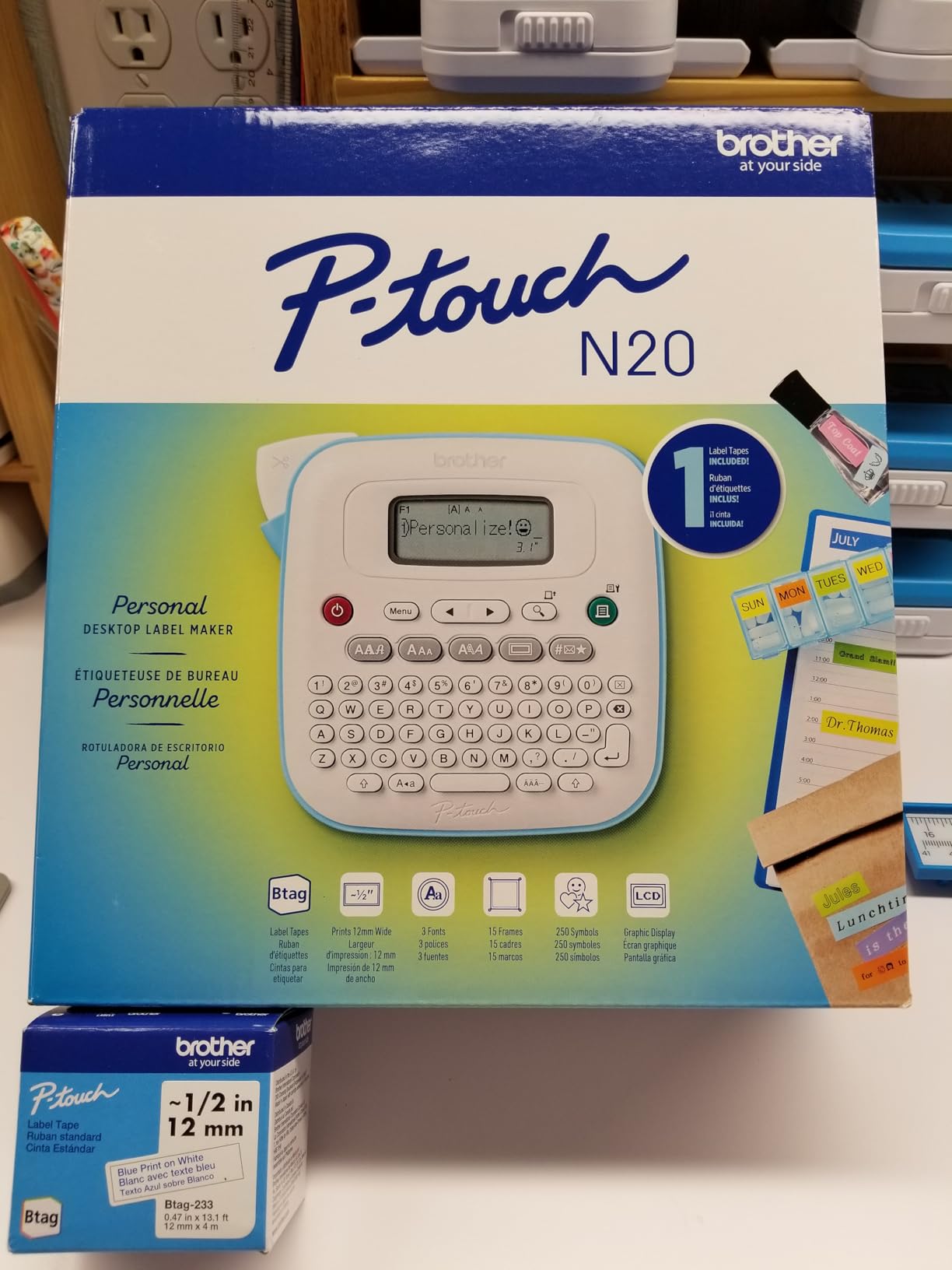
8. Brother P-Touch PT-N20 – colour-coded Btag labelling on a budget
Brother P-Touch PT-N20 Personal Desktop Label Maker, Portable, Handheld and Prints, P-Touch Btag ~½” (12mm) Wide Color Personalized Label Tapes
- Lowest-cost Brother option with a full keyboard and built-in cutter
- 16-character display previews content to avoid wasted tape
- Stores 10 frequently used labels for quick reprints
- Btag tape in 17 colours with split easy-peel backing
- Only 12mm tape width so spine text must be short
- Two lines maximum with 3 fonts and 15 frames
- Uses Btag tape only not standard TZe cassettes
Colour is the argument for this one. Btag tapes come in 17 colours, so a filing system can use colour zones by department or client type without relying on a second printer.
The 16-character preview display is a genuine money saver. You see the text before it prints, which means far less wasted tape when a folder name is typed wrong.
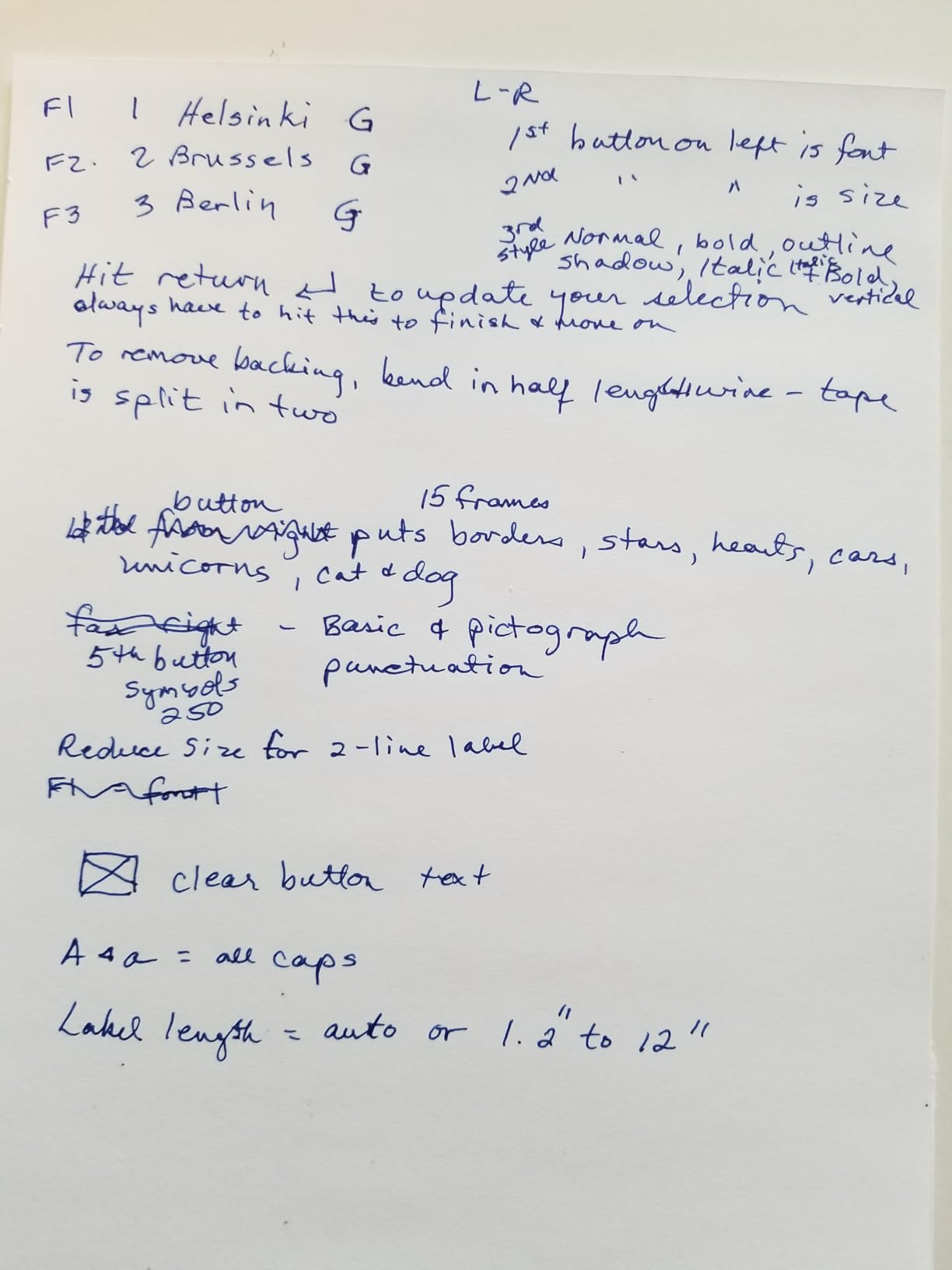
The split easy-peel backing on Btag tape is the best relabelling story in this roundup. The backing separates in two along a centre line, so you lift one strip, move the label, and drop the strip, rather than peeling a sticky edge off an old label.
Ten stored labels give quick reprints of your most common folder names without retyping.
Best fit for colour zones and small budgets
If your system is built around coloured folders with a small amount of text on each, this pairing of colour stock and short labels works well.
It is compact and portable enough for a dorm room, a studio or a small workspace where desk space matters.
Where it falls short
Two lines of text maximum, with 3 fonts, 7 styles, 15 frames and 250 symbols. This is the least flexible machine here for anything elaborate.
It uses Btag tape only. If you already stock TZe cassettes, this is a separate consumable ecosystem rather than a compatible one.
What tape width do file folder tabs need?
A standard manila folder tab fits a 12mm label comfortably. Six millimetres works for a drawer front or a small box but is too short to read across a full drawer of folders, and 3.5mm is essentially a cable tag.
For hanging folder inserts, the insert card is wider and 18mm to 24mm tape is the better match. Machines in this roundup top out at 18mm, so hanging folder labels usually take two lines rather than one long line.
A practical rule: measure the writable area of your tab, subtract a couple of millimetres at each end for handling, and buy the next width up. Twelve millimetres for standard tabs, eighteen for hanging inserts and archive spines.
Hanging folder tabs vs adhesive tab labels
These are two different jobs that get confused constantly. A hanging folder has a metal or plastic tab clip that holds a removable printed card. Standard manila folders have a small flat tab area that takes an adhesive label.
For hanging folders, the cleanest approach is to print on card stock sized to the insert, cut it to the tab shape and slide it into the clip. Most label makers here print on adhesive tape rather than card, so we recommend printing on a wide adhesive label and applying it directly to the insert card before it goes in the clip.
That means the label must survive being gripped and slid in and out of the clip. Laminated tape is close to mandatory here, because a non-laminated insert label will scuff and lift within weeks of handling.
For standard manila tabs, a 12mm laminated adhesive label applied along the flat tab, burnished firmly at both ends, is enough. The trick is to round both corners of the label with the machine’s built-in cutter or a pair of scissors so the edges cannot catch on the folder lip.
If your drawers also hold technical documents rather than paperwork, the naming problem starts earlier than the label maker. Our primer on what a URDF file is in robotics is a good example of why a consistent, machine-readable folder name convention matters long before you apply tape.
How to label a file folder step by step
Clean the tab with a dry cloth so the adhesive has a clean surface.
Load a 12mm laminated cassette and pull a little tape past the cutter.
Type the label, keeping the wording under two lines for a standard tab.
Preview it on the display before printing.
Round the printed label ends, peel the backing and lay the label flat on the tab.
Burnish from the centre outwards with a fingernail or bone folder to push out air.
Rounded corners take about five seconds and are the single biggest improvement to label lifespan we found, because square corners lift at the first snag.
How to choose a label maker for file folders
Tape width first. Start at 12mm for standard folder tabs. Go to 18mm only if you also label hanging inserts, archive spines or thick ring binders. Anything at 6mm or below is a drawer and bin machine, not a folder machine.
Keyboard or app. A physical QWERTY keyboard wins when the same ten folder names repeat all year. An app-controlled machine wins when every label is different and you want batch printing from a typed list.
Laminated tape. Direct thermal labels fade without a laminate. Laminated tape resists water, oil and abrasion, and it is the single most trusted durability signal among people who label folders for a living.
Power. Battery operation suits roaming and shared desks. A mains adapter or a rechargeable cell suits a fixed filing station that runs all day.
Refill ecosystem. Brother TZe, Brother Btag and DYMO D1 are separate ecosystems. Check that the tape you want is easy to reorder in your region before you commit, because proprietary lock-in is the most common regret we heard about.
Screen and templates. A display that previews the whole label prevents wasted tape, and stored templates make a consistent scheme far easier to maintain across a team.
One more honest note: if you are labelling boxes and bins across a whole room rather than folder tabs, a dedicated desktop thermal label printer is the better tool. Experienced setups often pair one of each, keeping an industrial printer for large box labels and a label maker for folder tabs specifically.
A label maker usually lives in a workspace where tools share the same drawers, so the consumable decisions overlap. Our guide to the best soldering irons for robotics and makers covers the other half of that bench, where labelled parts bins matter just as much.
Label text conventions that make a filing system work
Consistency beats cleverness. Every label in the same drawer should look like it was made by the same person on the same day, because a folder that looks different is a folder somebody has to check.
Use a prefix code first. A two or three letter code for the client, department or year at the start of every label means you can file and retrieve by prefix without reading the whole line. Then put the descriptive name on line one and the date or status on line two.
Pick one font and one text size for the entire system and stop experimenting. All caps reads well at a distance in a drawer, but it is hard to read in long strings, so reserve it for short codes rather than full names.
Use tape colour as a zone marker rather than decoration. One colour per department or one colour per year means you can see the structure of a drawer before you read a single word.
How to relabel an existing folder without damaging the tab
Peel a laminated label off a manila tab and you will often take a layer of card with you. The safest method is to lift one corner slowly at a low angle, almost flat to the surface, rather than pulling straight up.
If the adhesive resists, warm the label slightly with a hair dryer for a few seconds. Adhesive softens and releases more cleanly, and the folder card is far less likely to tear.
If residue remains, a small amount of isopropyl alcohol on a cloth removes it. Test on a spare folder first, because some folder boards are dyed and can lighten.
For Btag tape specifically, the split easy-peel backing means you rarely need to remove an old label at all. Lift the top half of the backing strip, move the label and drop the second half onto the new position.
Frequently Asked Questions
Are Dymo or Brother label makers better?
Both are direct thermal machines with a QWERTY keyboard and both produce durable folder labels, so the decision comes down to tape ecosystem and tape width. Brother TZe runs from 3.5mm to 18mm on models like the PT-D400AD, so you can cover a folder tab and an archive spine with one machine. DYMO D1 tapes are available in quarter-inch, 3/8 inch and half-inch widths, which suits standard folder tabs. Brother models fit up to five lines of text on a single label; DYMO models are more compact and handheld.
What size tape fits file folder tabs?
A standard manila folder tab takes a 12mm label, which is roughly half an inch and the most common width for this job. Hanging folder inserts and archive spines need 18mm or wider. Six millimetre tape is fine for drawer fronts and small boxes but is too narrow to read across a full drawer of folders.
Do laminated labels stay on file folders?
Yes, and that is why every pick in this roundup prints direct thermal on laminated tape. The laminate resists water, oil and abrasion, and it is the most commonly trusted durability signal among people who label folders regularly. The one trade-off is that laminated tape grips hard, so old labels need a low-angle peel or a little warmth to remove cleanly.
How do I print hanging folder tab inserts?
Print on a wide adhesive label rather than card, apply it to the insert card first, then slide the card into the tab clip. Use 18mm laminated tape or wider for the insert, burnish the label firmly along its full length, and round both ends so the label cannot catch on the clip edge.
What is the best label maker for professional organizers?
For a professional organizer labelling hundreds of folders, the Brother P-Touch PT-D400AD is the strongest all-round choice because it covers 3.5mm to 18mm TZe tape and includes an AC adapter. If the labels are all different and you want batch runs, the NIIMBOT D110 handles the work from a phone app with 203 dpi output.
Can you re-label a file folder without ruining the tab?
Yes. Peel slowly at a low angle rather than pulling straight up, warm the label with a hair dryer if the adhesive resists, and clear any residue with isopropyl alcohol on a cloth. Btag tape with its split easy-peel backing is the easiest option because you can move the label without removing it fully.
Final verdict
The Brother P-Touch PT-D400AD is our pick for the best label makers for file folders in 2026. Its 3.5mm to 18mm TZe range covers every folder tab and hanging folder insert in one machine, the keyboard makes repeat folder names fast, and the AC adapter is in the box.
Buy the PTD220 instead if 12mm is enough for your whole system and you want the simplest route to consistent, laminated folder labels. Choose the NIIMBOT D110 if your labels are all different and you would rather build them in an app and print in batches.
Whatever you pick, buy laminated tape, round the label corners and burnish the edges. Those three habits do more for how long your filing system stays readable than any spec on the box.