
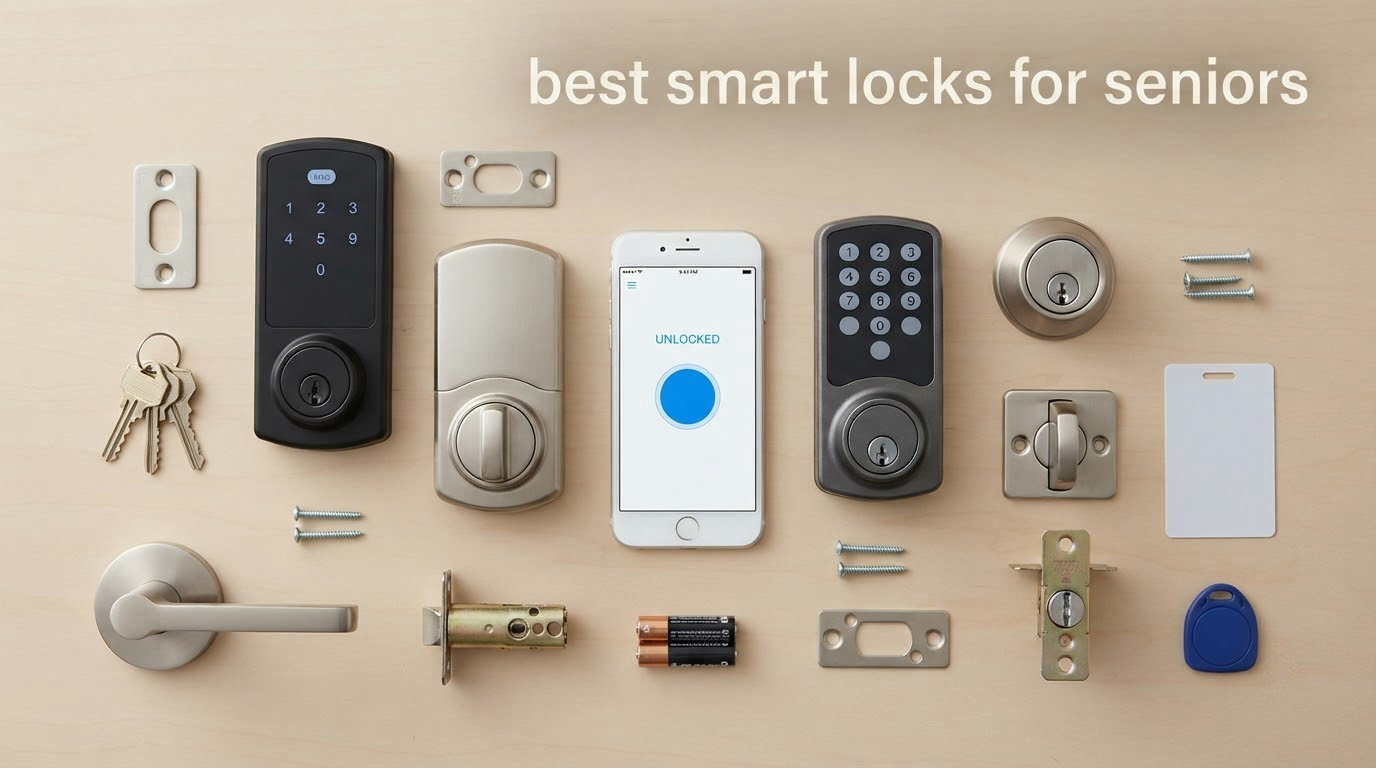
The best smart lock for seniors is the TEEHO TE002 Fingerprint Deadbolt, because it removes both of the things aging hands and aging memory lose first: turning a key in a narrow keyway, and remembering a PIN. It reads a fingerprint in 0.3 seconds, stores up to 20 prints, and includes two physical keys as a fallback. For caregivers who want phone alerts, the ULTRALOQ Bolt SE adds built-in Wi-Fi and remote unlock without a separate hub.
That combination is what separates these picks from every other smart lock ranking out there. Almost none of them ask the question that matters at 7am when an older adult is standing at the door with groceries in both hands. Can they get in with one finger? If they forget everything, is there a key? If the batteries die, what happens next?
We spent weeks going through ten smart locks and smart keypads with senior ergonomics as the filter, not price. The results are a list that runs from a 0.3-second fingerprint reader to a plain keypad deadbolt with no electronics beyond the number pad. Every lock here installs with a screwdriver, every lock keeps a physical key, and every one has a clear answer for what happens when the resident cannot remember anything at all.
If you want the wider picture on locks and entry hardware first, our general best smart locks roundup covers the technology side. This one is strictly about who has to use the door.
Table of Contents
Top 3 Smart Locks for Seniors (October 2026)
These three are the picks we would install first, depending on what the household actually needs. The TE002 needs no app, no hub and no memory. The TE001 is simpler still. The ULTRALOQ Bolt SE is the one to buy when a daughter or son wants to see every entry on a phone.

TEEHO TE002 Fingerprint Deadbolt
- 0.3s fingerprint read
- 20 prints
- 20 codes
- 2 keys
- 365-day battery


All 10 Smart Locks Compared in 2026
Every lock in the table below installs with a screwdriver and keeps a physical key. The columns that separate them are the ones that decide whether a lock works for an older adult: whether entry needs a code at all, whether an app is involved in daily life, and how long the batteries last.
| Product | Specifications | Action |
|---|---|---|
| TEEHO TE002 Fingerprint Deadbolt |
|
Check Latest Price |
| TEEHO TE001 Keypad Deadbolt |
|
Check Latest Price |
| ULTRALOQ Bolt SE Wi-Fi Smart Lock |
|
Check Latest Price |
 Schlage Encode Smart WiFi Deadbolt Schlage Encode Smart WiFi Deadbolt |
|
Check Latest Price |
 samtechT Fingerprint Lock with Handle samtechT Fingerprint Lock with Handle |
|
Check Latest Price |
 eufy Security Smart Lock C220 eufy Security Smart Lock C220 |
|
Check Latest Price |
 Veise KS02B Fingerprint Lock with Levers Veise KS02B Fingerprint Lock with Levers |
|
Check Latest Price |
 iulock Keypad and Key Door Lock iulock Keypad and Key Door Lock |
|
Check Latest Price |
 NICE DIGI Keypad Door Lock with Handle NICE DIGI Keypad Door Lock with Handle |
|
Check Latest Price |
 LOCKSTAR Smart Door Lock with Gateway LOCKSTAR Smart Door Lock with Gateway |
|
Check Latest Price |
1. TEEHO TE002 Fingerprint Deadbolt – Best Overall for Seniors
TEEHO TE002 Fingerprint Deadbolt with Keypad for Front Door, Satin Nickel
- Opens in about a second with a finger
- no app or code to remember
- screwdriver-only install
- long battery life
- physical keys included
- No Wi-Fi or app so no remote unlock
- programming sequence confuses some owners
- lighter build than premium deadbolts
We picked this as the best smart lock for seniors because it asks the least of the person using it. The sensor sits right on the exterior keypad, so the sequence is touch, wait, push the handle. There is no app to open, no code to recall, and no phone to be holding.
The AI fingerprint module adapts to the user over time, which matters more than the headline number. A resident whose print changes through winter dryness or an old injury still gets recognized after a few uses, because the reader keeps learning from each successful scan.
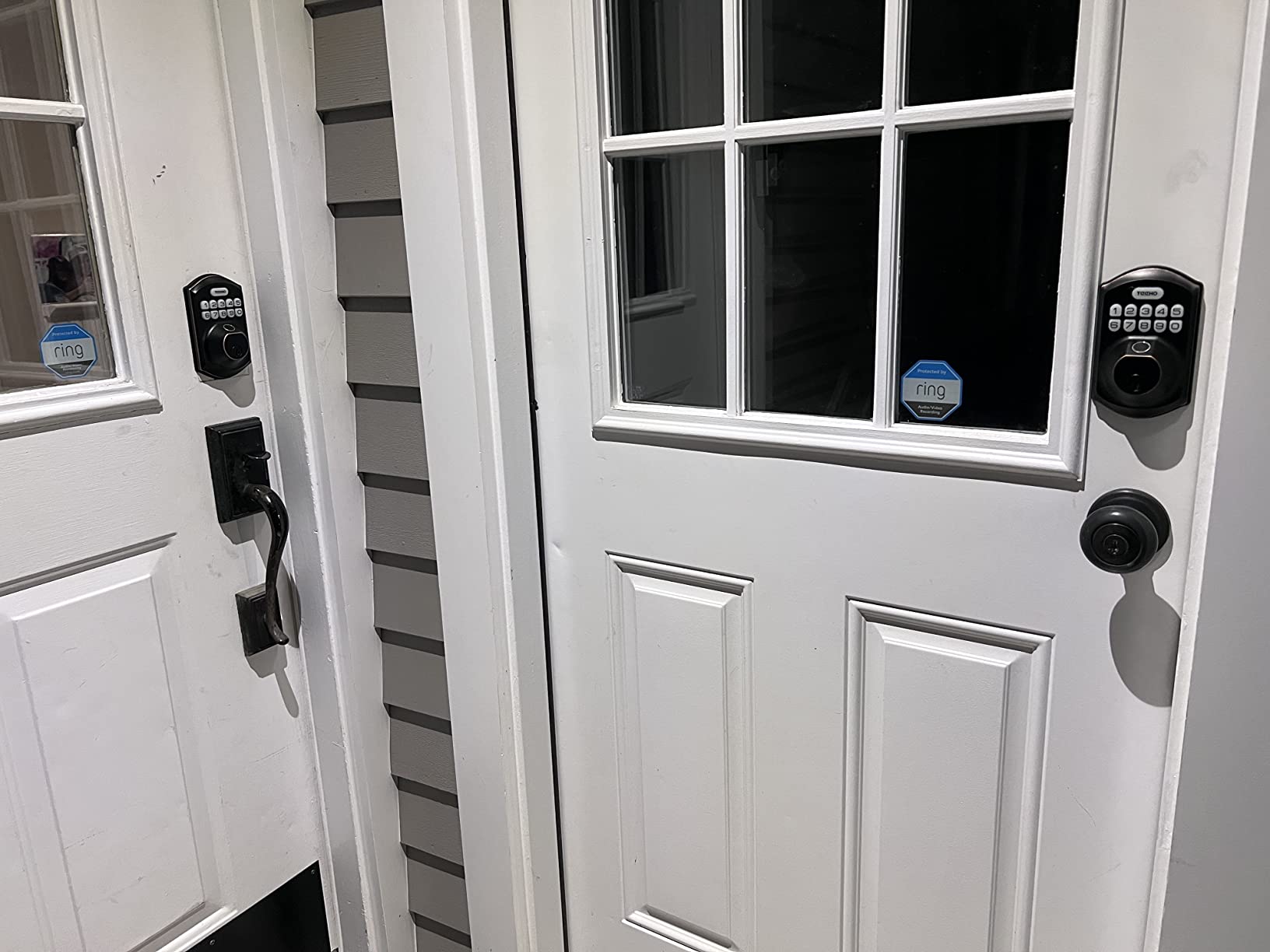
Entry is not limited to the fingerprint, which is the point of a lockout plan. You get up to 20 fingerprints, 20 passcodes, 2 physical keys, and one-time PINs that delete themselves after a delivery or an aide visit. Anti-peep codes let you watch someone press a dummy number in front of the real one.
Auto-lock runs anywhere from 10 to 99 seconds after the door closes, and one-touch exterior locking means a single press secures it. Battery life is rated at up to 365 days on four AA cells, with a red indicator that lights up below 15 percent.
What to check before you buy
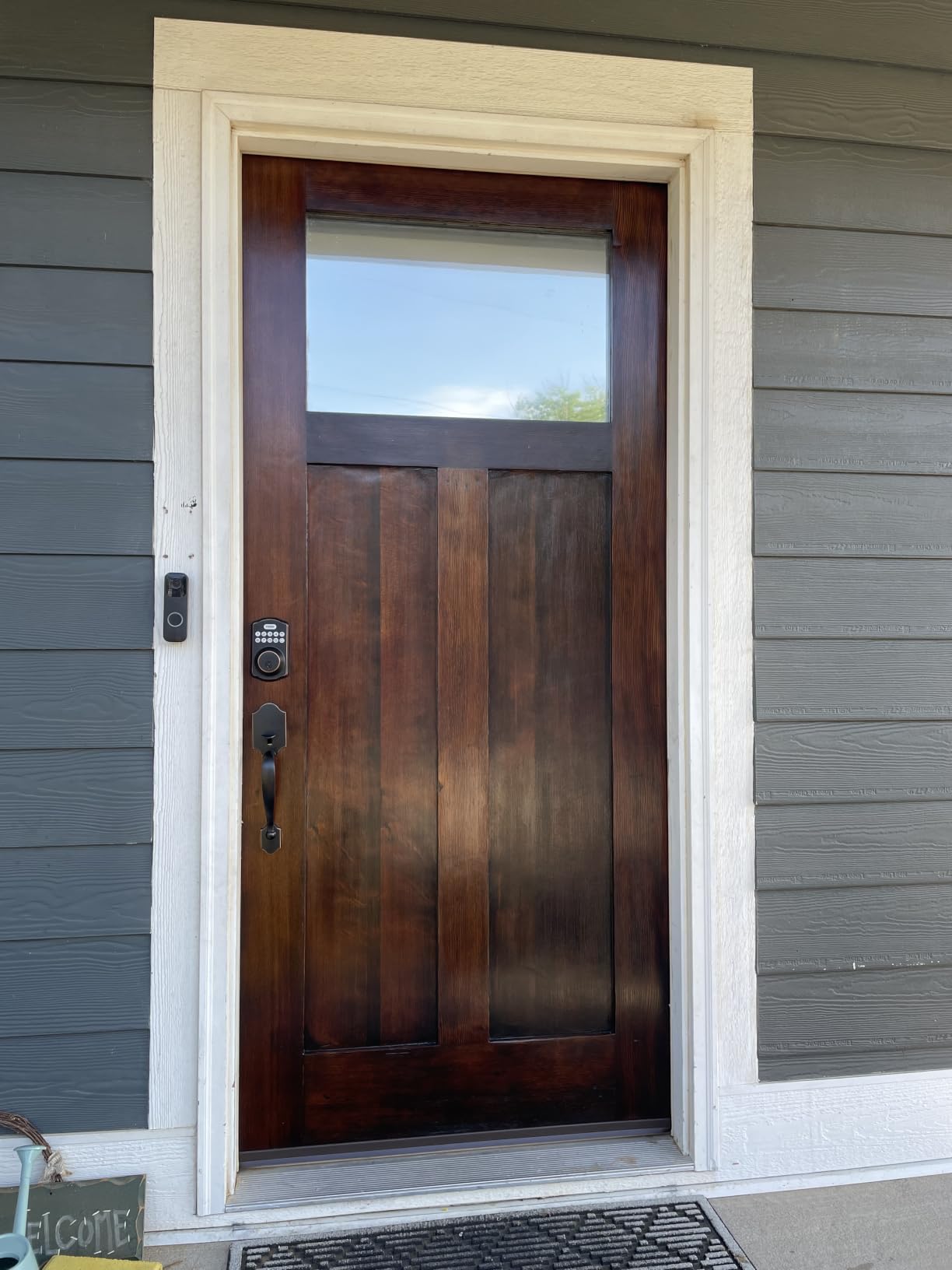
Measure the door before ordering. The TEEHO TE002 fits standard US doors with a screwdriver, but it is a deadbolt, not a lever, so a door that already has a lever handle below the knob means repositioning hardware. Buyers also report that the auto-lock delay can reset to the shortest setting after a battery change, so set it once and confirm it on the next visit.
If the resident’s hands are often wet or recently washed, this is still the right pick. The one recurring mechanical complaint is that the bolt can cycle if the door is not pushed fully shut, which is a closing habit rather than a lock fault.
Who should skip it
Skip it if a family member needs to unlock the door from hundreds of miles away, because there is no connectivity here at all. Caregivers in the same building are fine using a passcode. Anyone who needs an entry log for a dementia-related care plan should look at a connected model instead.
It is also worth skipping for anyone who struggles with a light touch. A capacitive fingerprint reader needs skin contact, and very dry or callused fingers occasionally need a second attempt.
2. TEEHO TE001 Keypad Deadbolt – Best for Limited Dexterity
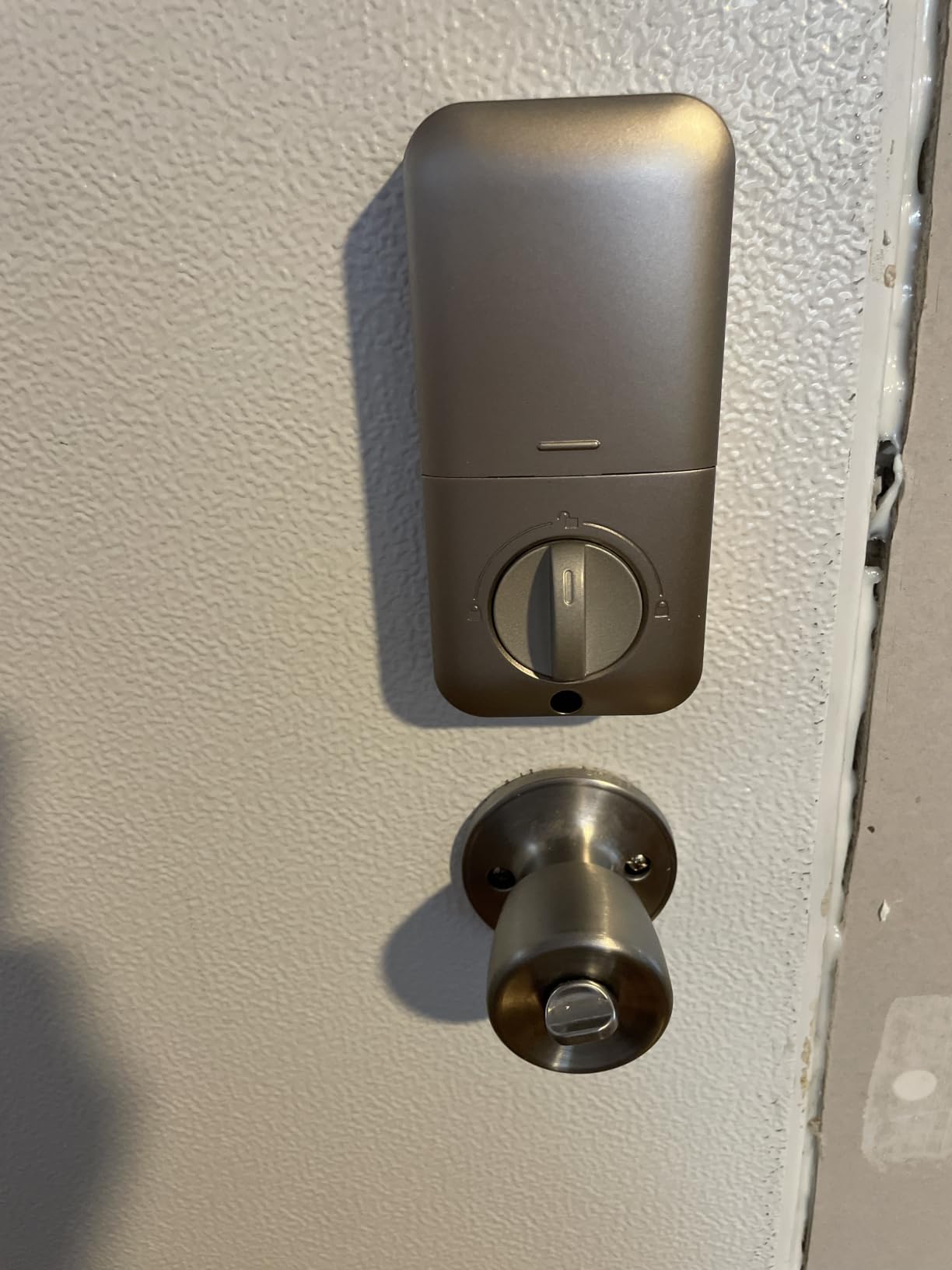
TEEHO TE001 Keyless Entry Deadbolt with Keypad for Front Door, Satin Nickel
- 4.5 average rating with 78 percent five star
- one-touch lock works with hands full
- no app to learn
- long battery life
- backlit keypad
- Keypad only with no fingerprint reader
- needs a reset before first use
- fits 54mm holes only
Some seniors do not want a fingerprint reader on their door and simply prefer a code they can see. It carries a 4.5 average with 78 percent of buyers giving five stars and the top sales rank in Amazon’s deadbolt category. Owners highlight the easy screwdriver installation, generous 20-code capacity, and a true one-touch lock that works when hands are full.
The one-touch lock is the feature that decides it for us. Hold any key on the keypad for two seconds and the bolt throws. That means someone carrying a walker, a bag of shopping, or a laundry basket can secure the door with one hand and no fine motor precision.
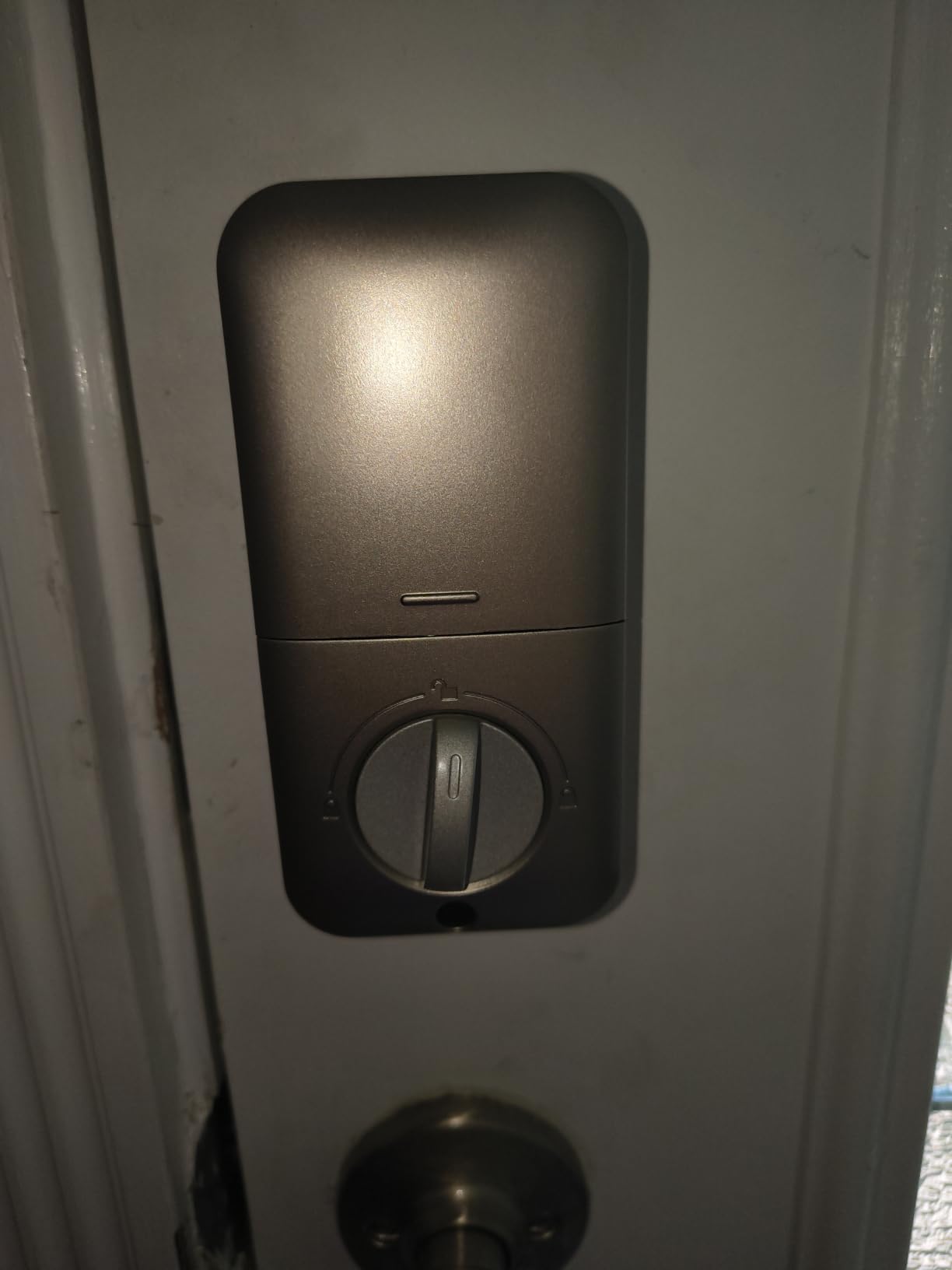
You get 20 stored codes plus a temporary guest PIN that deletes itself after a single use, which is a clean way to let a home-health aide in without handing over the family code. Auto-lock is adjustable from 10 to 99 seconds, and silent mode covers the nighttime case.
Battery life is rated at up to 365 days on four AA batteries, with the red low-battery indicator lighting up below 15 percent. Two backup keys come in the box, and the backlit keypad is readable at night.
What to check before you buy
Two things trip people up. The lock needs a reset before first use so it can auto-detect which way the door swings, and it fits only 2-1/8 inch holes, which means it will not work on the narrower 38mm bores found on some doors. Measure the bore diameter, not just the door thickness.
Four AA batteries are not included, so add that to the first supply order. Aluminum alloy construction and IP54 weather resistance handle an exposed front door without complaint.
Who should skip it
Skip it if memory is the reason you are shopping. A code still has to be recalled, and a resident with early dementia can stand at the door unable to produce four digits. In that case move up to a fingerprint model and pair it with a key for a trusted person. There is also no app, Wi-Fi, or entry history here, by design.
3. ULTRALOQ Bolt SE Wi-Fi Smart Lock – Best for Caregiver Monitoring
ULTRALOQ Bolt SE Wi-Fi Smart Lock, Matter Over Thread, App Remote Access
- Remote lock and unlock from a phone with no separate hub
- up to 50 fingerprints
- real-time entry notifications
- 18-month battery life
- glove-friendly keypad
- Matter features need a separate Thread Border Router
- 2.4 GHz Wi-Fi only
- door sensor not included
This is the pick for a family that wants visibility rather than just convenience. Built-in Wi-Fi means a son or daughter can see each unlock on a phone, get a real-time notification, and unlock the door remotely for a delivery or an appointment, without buying a hub.
For a senior living alone, that notification stream is the whole argument. The lock reports who came in and when, which is how a family tracks a pattern of comings and goings without installing cameras inside the home.
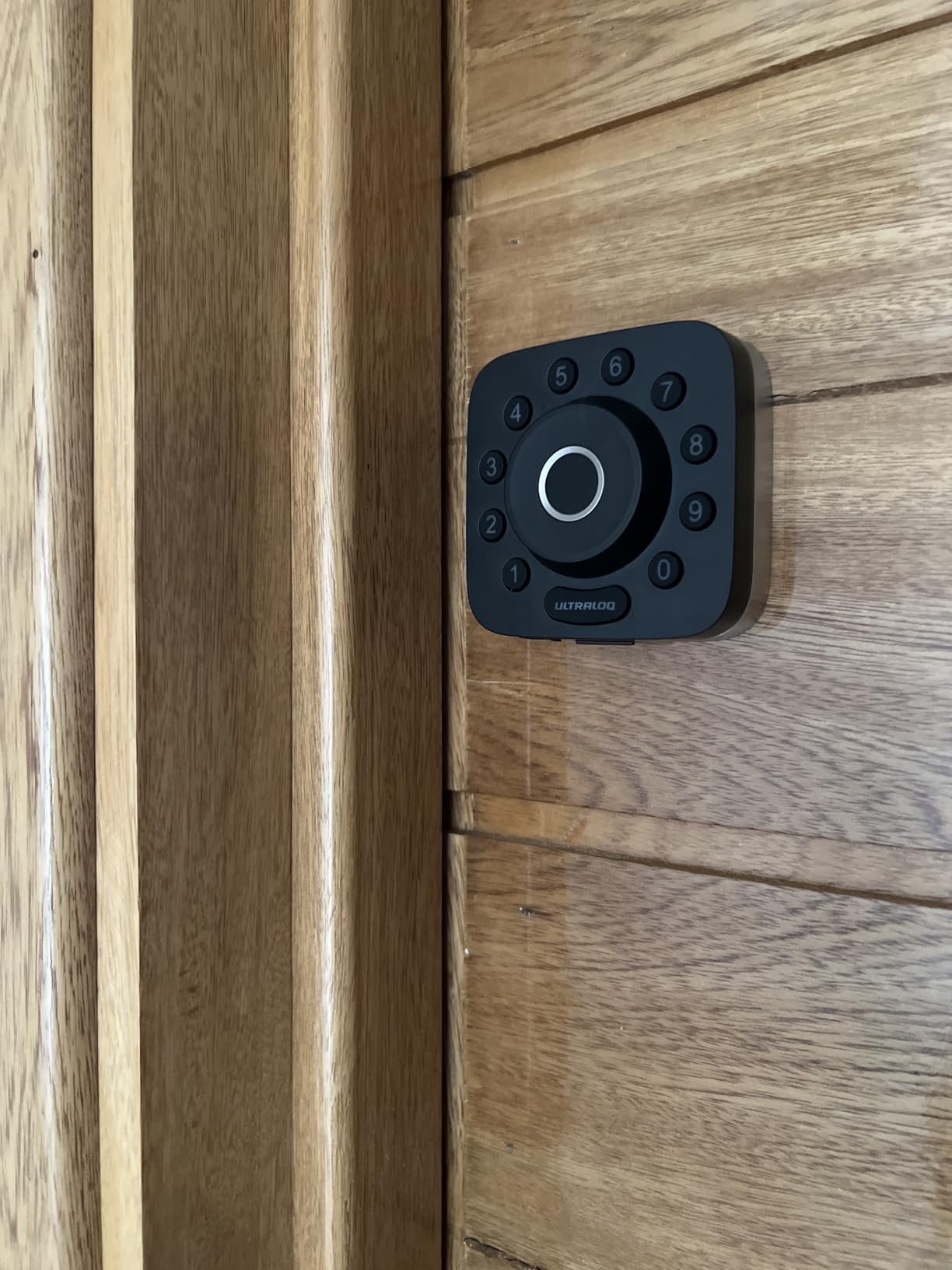
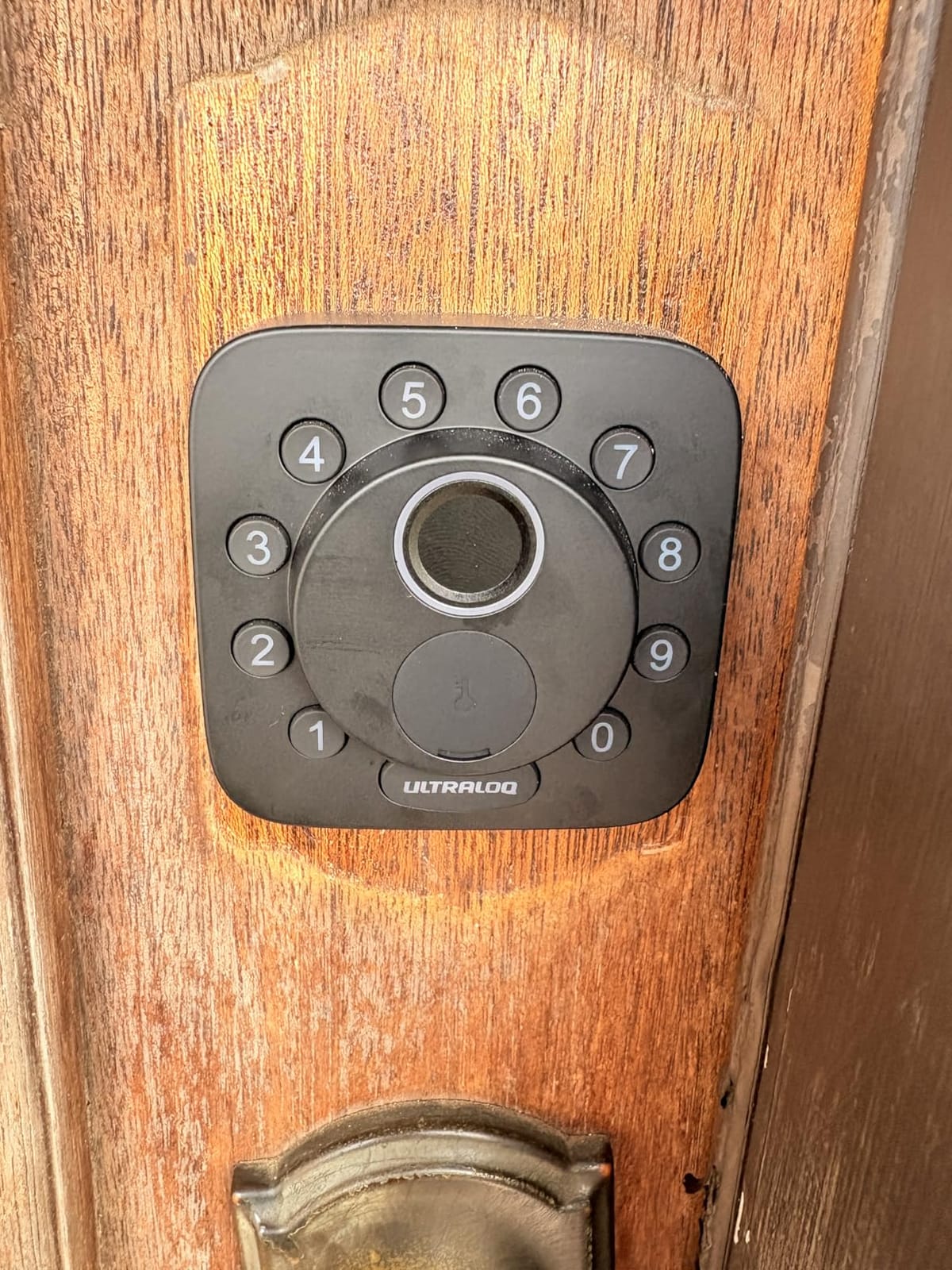
Entry runs seven ways: up to 50 fingerprints, 50 passcodes, the smartphone app, a web portal, eKey sharing, voice control through Siri, Alexa or Google, and two mechanical keys. The fingerprint reader is the fast path for the resident, and the mechanical keys are the emergency path.
Thread mesh networking is what makes the battery figure unusual: up to 18 months, because the lock is not keeping a Wi-Fi connection alive. The keypad is glove-friendly and fingerprint-resistant, and the zinc alloy body carries BHMA ANSI certification with IP65 waterproofing.
What to check before you buy
Plan the network. Wi-Fi here is 2.4 GHz only, and the manufacturer suggests a router within about 70 feet of the door. If the entry door sits at the far end of a large house, mesh coverage matters more than the lock itself.
Matter over Thread support, which covers Apple Home and other Matter apps, needs a compatible Thread Border Router. If you do not already run one, treat that as an extra purchase or simply use the Wi-Fi and app features without Matter.
Who should skip it
Skip it if the resident lives with someone who is not comfortable with tech and you do not want a second device to manage. The daily use is simple, but the first setup has more steps than the non-connected locks on this list.
A few owners report the fingerprint reader needing a second attempt, so it is worth enrolling a spare finger and a second household member. The door sensor is not included, so auto-lock will not report a door left standing open.
4. Schlage Encode Smart WiFi Deadbolt – Best for Voice Control
Schlage Encode Smart WiFi Deadbolt Lock with Century Trim, Matte Black
- Most reviewed lock here
- built-in Wi-Fi with no bridge
- up to 100 access codes with history
- hands-free voice control
- encrypted connection
- Touchscreen keypad has a learning curve
- about six months of battery life on four AA
- 3.4 pound body needs a solid grip
The Schlage Encode has the most owner feedback of any lock in this roundup, at more than 13k reviews, and it suits a home where a family member already lives in a voice assistant ecosystem. Unlock is hands-free: ask the assistant and the deadbolt opens.
It also handles up to 100 access codes with lock history and configurable notifications, which makes it a practical choice for a shared home where a cleaner, three family members and a visiting aide all need different codes. The fingerprint-resistant touchscreen and the built-in customizable alarm guard the obvious attack.
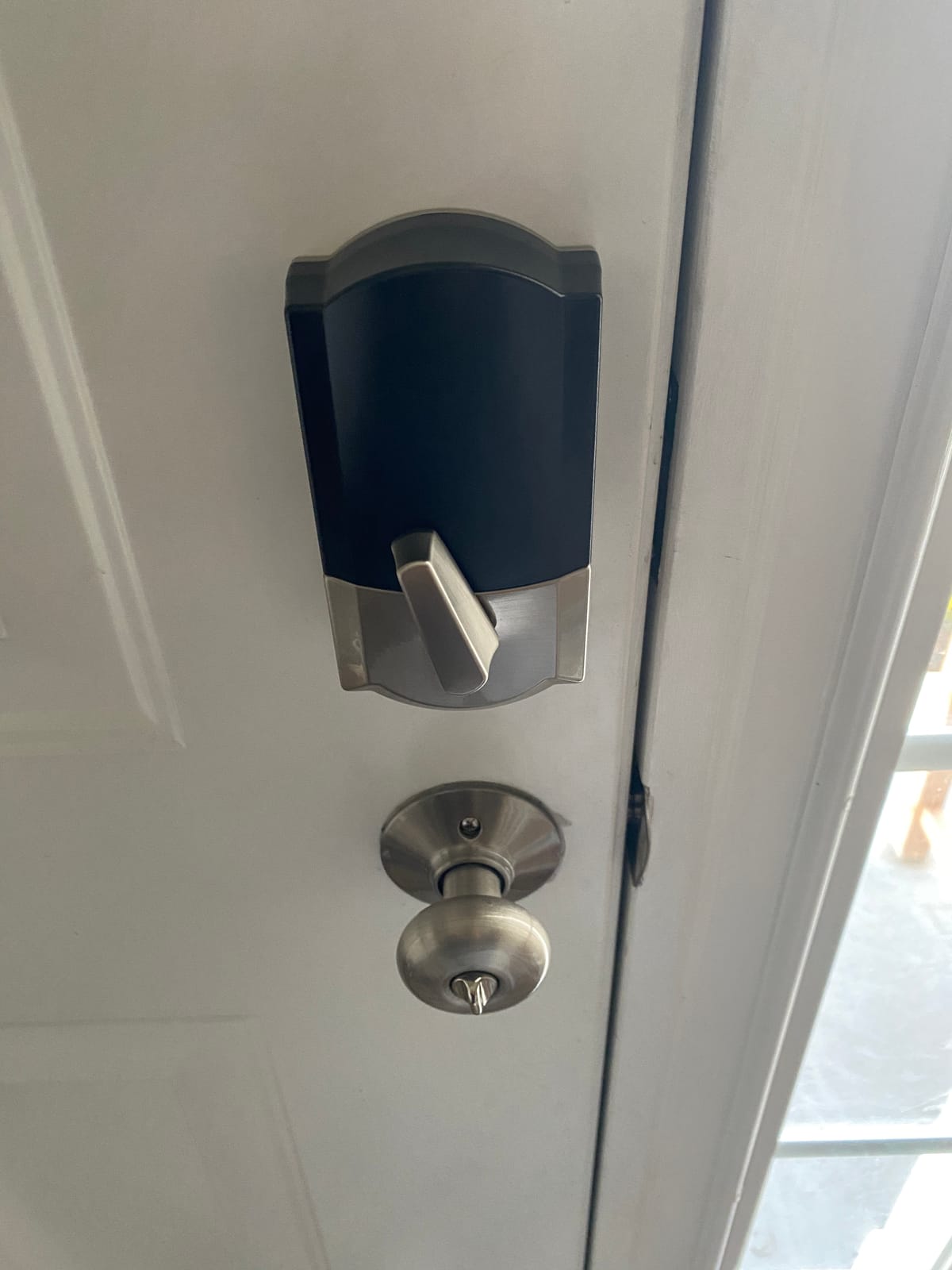
Installation is screwdriver-only with no hardwiring, and it fits doors from 1-3/8 to 1-3/4 inches thick. That thickness ceiling is narrower than several picks here, so check the door first. Battery life is around six months on four AA batteries, with a low-battery indicator built in.
Auto-lock offers selectable time delays, and the one-touch exterior locking gives a manual option for someone who would rather not wait for the timer. The connection is encrypted and the lock carries BHMA certification.
What to check before you buy
The touchscreen is the trade-off. A capacitive panel asks for a deliberate, flat touch, and some older users find the first week of use frustrating. A resident who tends to hit keys at an angle may prefer a raised-button keypad, which is why the TE001 and NICE DIGI models sit in this roundup too.
Reviewers also note that the touchscreen and the always-on Wi-Fi are the most complex parts of the setup, and that six months of battery life is shorter than the fingerprint models that sleep most of the time.
Who should skip it
Skip it if the resident lives alone and nobody will be checking a phone. The value of a connected lock is that somebody on the other end receives the alerts. Without that, the code-and-key simplicity of a non-connected lock is a better fit.
Also skip it on doors thicker than 1-3/4 inches, or where the existing deadbolt is a long-throw commercial unit that will not accept a standard bolt.
5. samtechT Fingerprint Lock with Handle – Best for Lever-Handle Doors
- Lever handle is easier to grip than a thumbturn
- six unlock methods
- fits a wide range of door thicknesses
- volume control or mute on spoken announcements
- App only reaches the lock within a few meters without a gateway
- no interior thumbturn to lock from inside
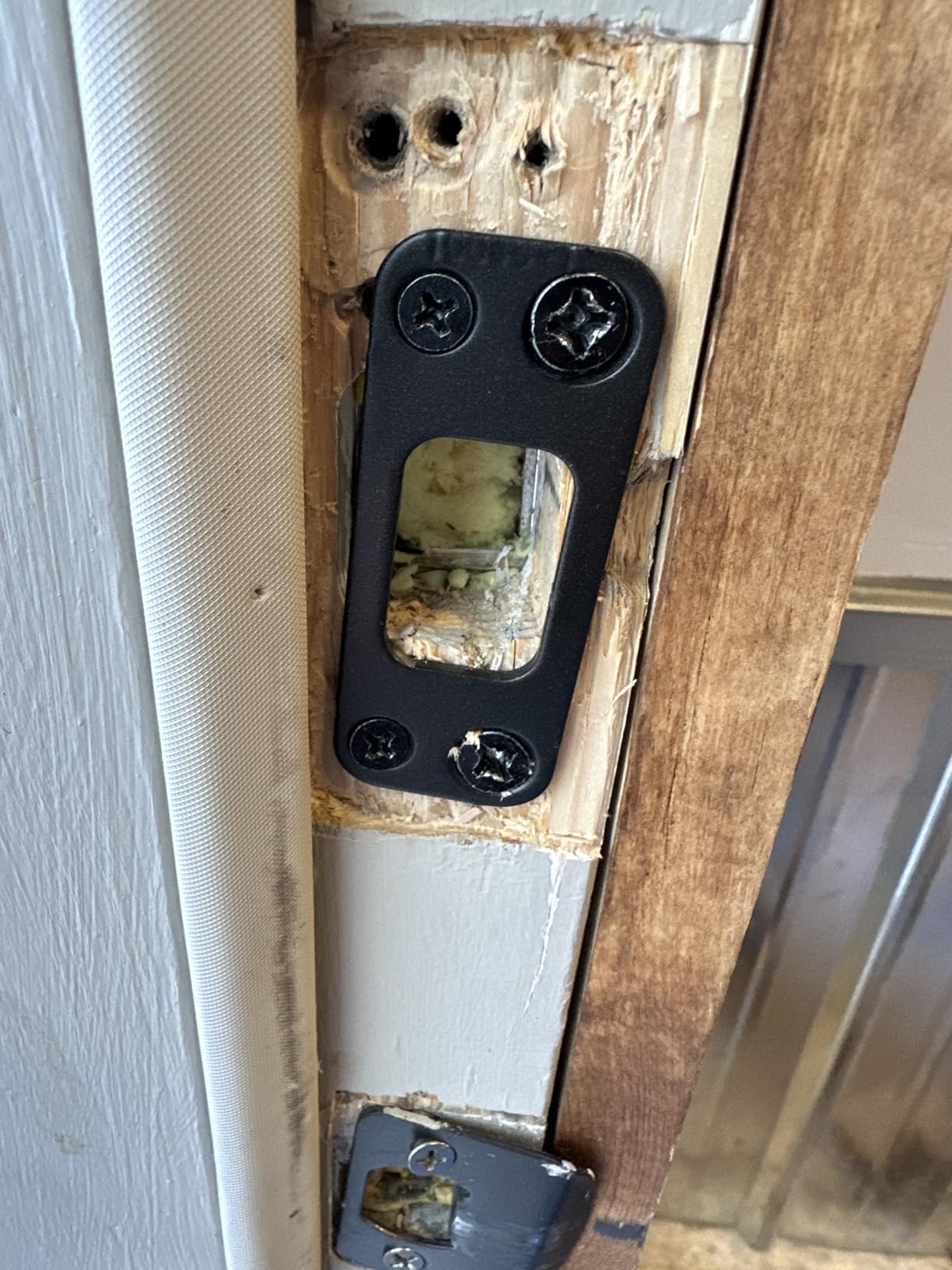
- existing deadbolt must be repositioned
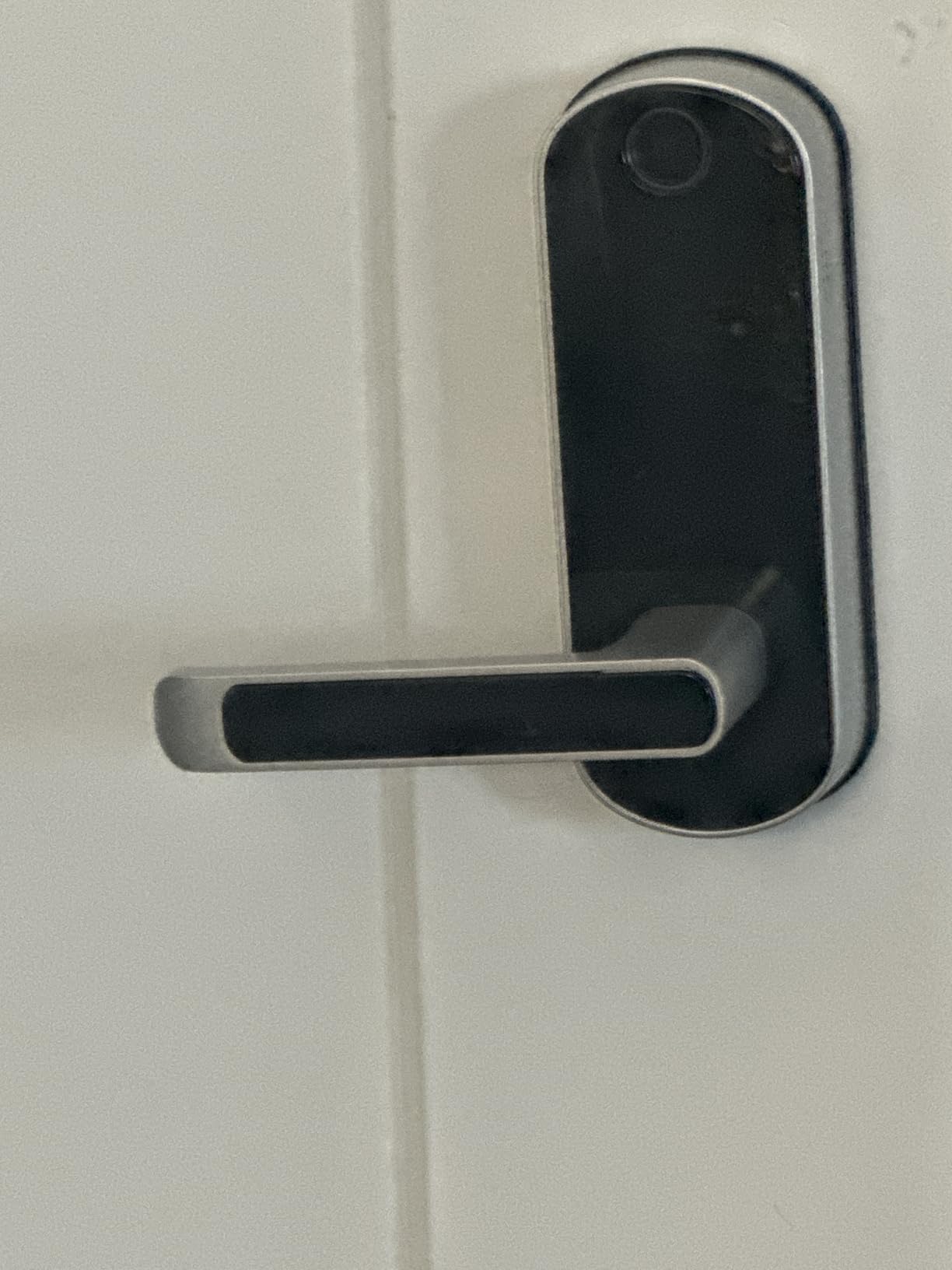
Most deadbolts ask an older adult to grip a small thumbturn and twist. This one replaces that with a lever handle, which is a meaningful difference for anyone with arthritis or reduced grip strength. Pull down, turn nothing.
One buyer describes it as usable by a special-needs toddler, which tells you how low the skill threshold is. Six unlock methods are available, including a fingerprint reader, a key fob, a backlit keypad, a physical key, and the app at close range.
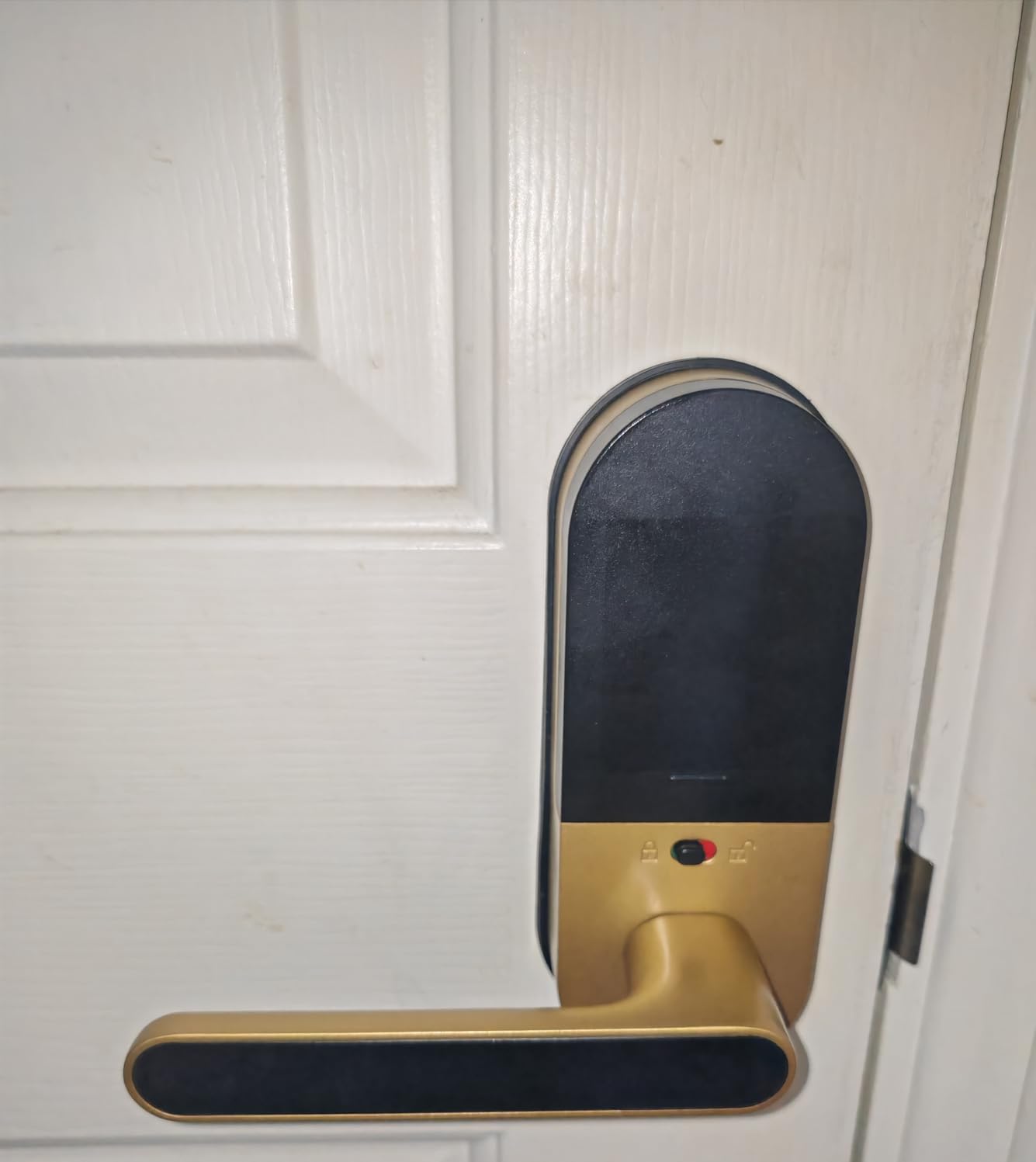
The lock announces its status out loud, and the volume is adjustable or can be muted. That is a real accessibility feature for a resident with reduced vision, and it is rare in this category. Anti-peeping password protection is built in, along with auto-lock and one-touch locking.
Codes come in permanent, one-time, and time-limited flavors, which covers a short-term rental or a home-health aide visiting for a fixed number of weeks. Installation is screwdriver-only with no drilling, fitting doors from 1-3/8 to 2-1/4 inches thick.
What to check before you buy
Plan for the interior side. There is no manual thumbturn, which means the door has to be locked from outside using auto-lock or the one-touch function. Some households prefer being able to deadbolt the door from the inside, so confirm that this suits your household before ordering.
App control is short-range only, roughly a few meters, unless you add a gateway. The existing deadbolt also has to be moved down below the handle, which adds time to the install even though no wiring is involved.
Who should skip it
Skip it if a family member is counting on remote unlock from work. Without a gateway, the app will not reach the lock from across town, and the listing does not include one.
It is also the wrong pick for a thick or unusual door, and a small number of owners report a latch bolt that jammed, which the manufacturer replaced under warranty.
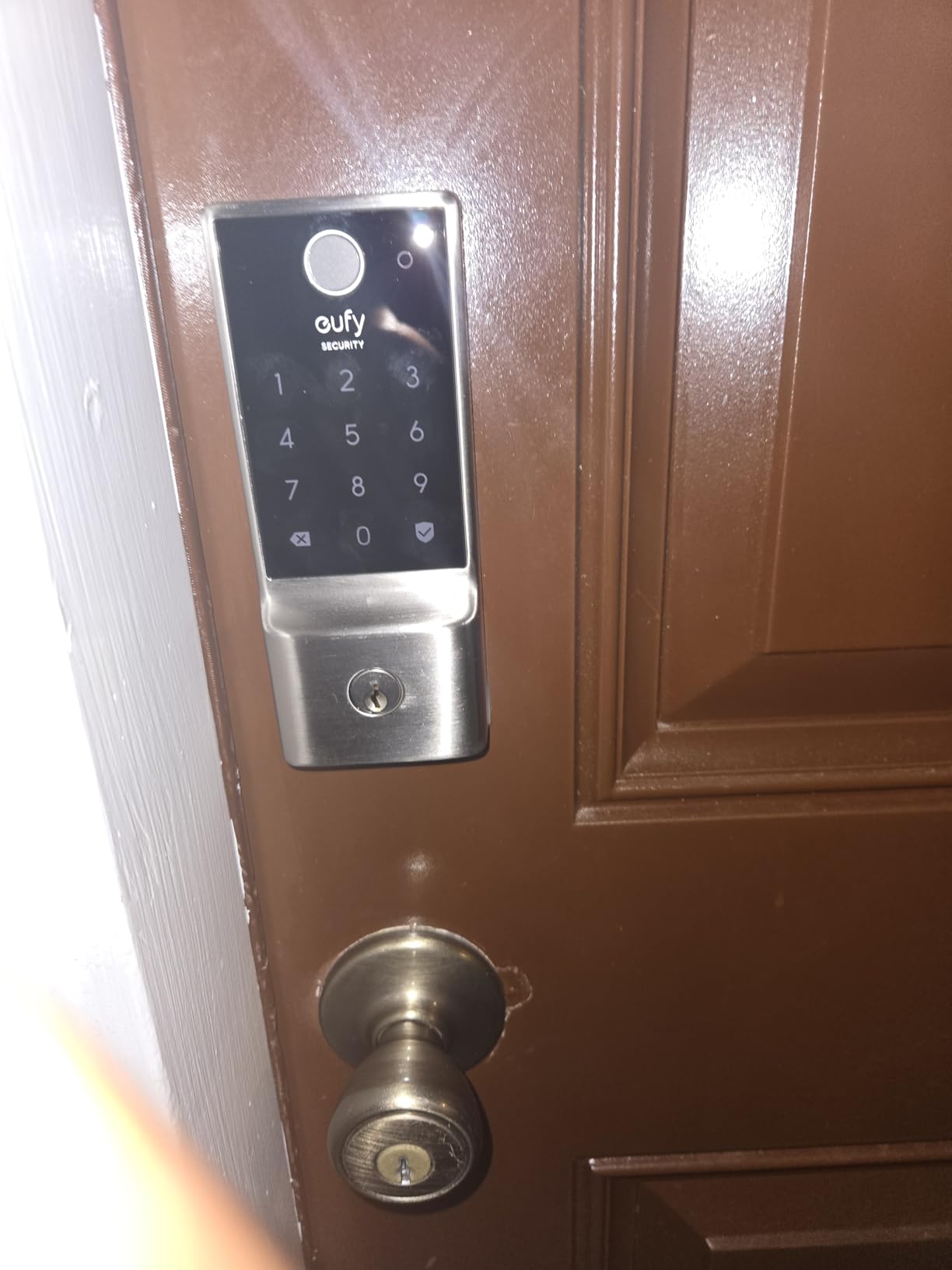
6. eufy Security Smart Lock C220 – Best for Apple Watch Owners
eufy Security Smart Lock C220, Fingerprint Keyless Entry Door Lock
- Unlocks from an Apple Watch without a phone
- self-learning fingerprint reader
- built-in Wi-Fi with no bridge
- works in eufy doorbell routines
- unusual-attempt alarm
- Eight AA batteries drain faster than four-AA models
- fingerprint module is a large rectangular block
- door bore must be under 54mm
The distinguishing feature here is Apple Watch unlock. A resident who already wears a watch can tap the lock from the wrist, which means no phone in the hand and no code to remember. Combined with the fingerprint reader, that gives two genuinely hands-free entry paths.
The fingerprint sensor is described by owners as self-learning, improving with every successful touch, so a print that changes through the seasons still gets recognized. The unusual-attempt alarm also adds a layer of protection that most locks in this list skip.
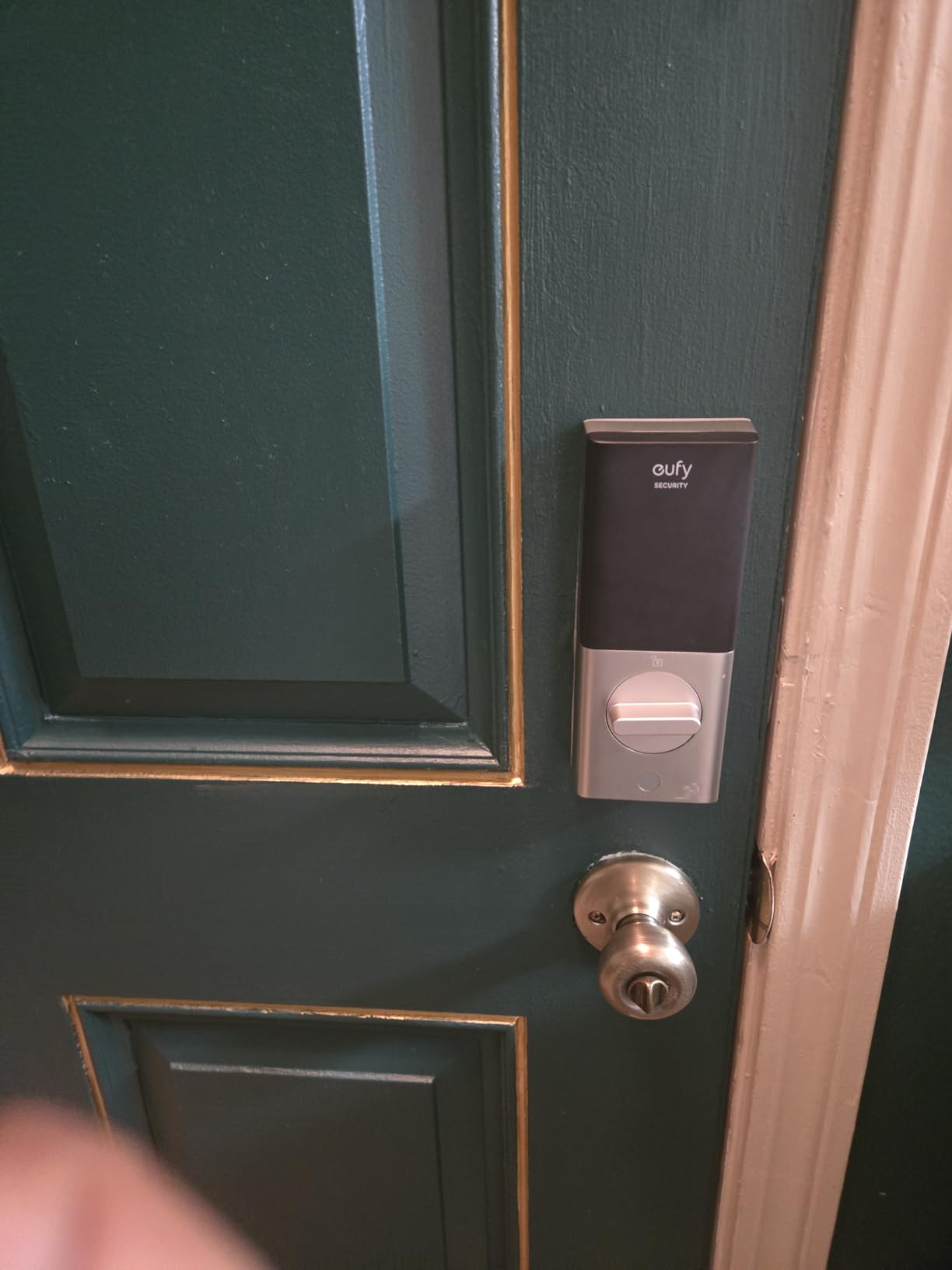
Six unlock methods are supported: fingerprint, the eufy app, keypad, physical key, Apple Watch, and Alexa or Google voice. Built-in Wi-Fi handles remote control without a separate bridge, and the lock folds into existing eufy doorbell routines if the home already runs that ecosystem.
The lock carries BHMA Grade 3 certification after 100,000-plus cycles, IP53 waterproofing, and an operating range of -22F to 158F. Installation is about 15 minutes with no drilling, and it fits bores under 54mm.
What to check before you buy
Count the batteries. This model runs on eight AA cells for roughly eight months of use, so the replacement cycle is more frequent than the four-AA fingerprint models here. Set a calendar reminder rather than waiting for the low-battery alert, because a dead battery on a lock with no external power is the main lockout scenario families worry about.
The fingerprint module is a large rectangular block rather than a small round pad, so it is visually more prominent on the door. Owners occasionally report needing a second scan.
Who should skip it
Skip it if the door bore is 54mm or larger, because those doors need a spacer removed before this lock will seat properly. It is also a poor fit for a household that wants the lowest possible battery upkeep, given the eight-cell draw.
Two backup keys ship in the box, and the emergency path is a mechanical key rather than a USB port, so confirm that key stays reachable before the batteries go down.
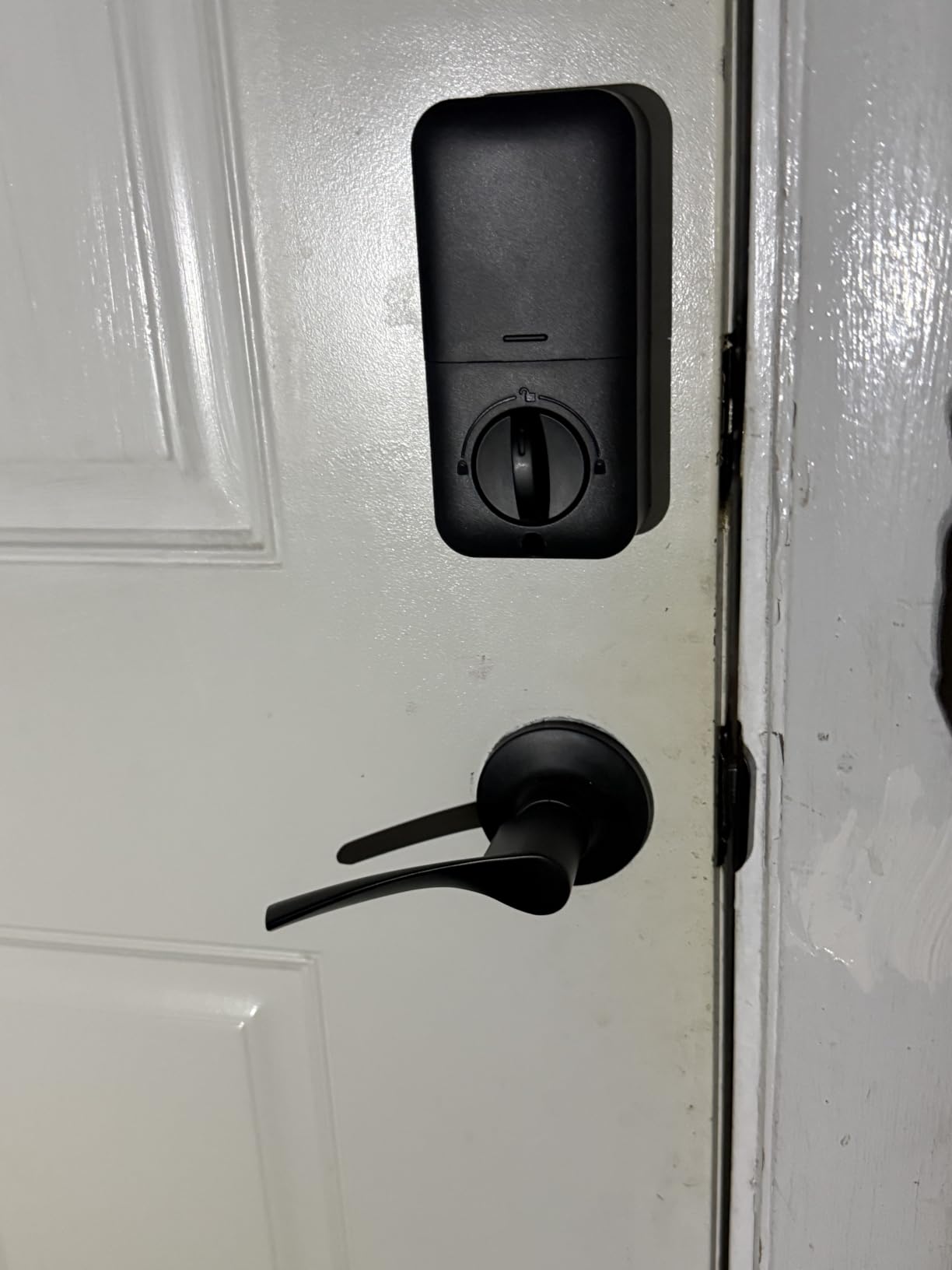
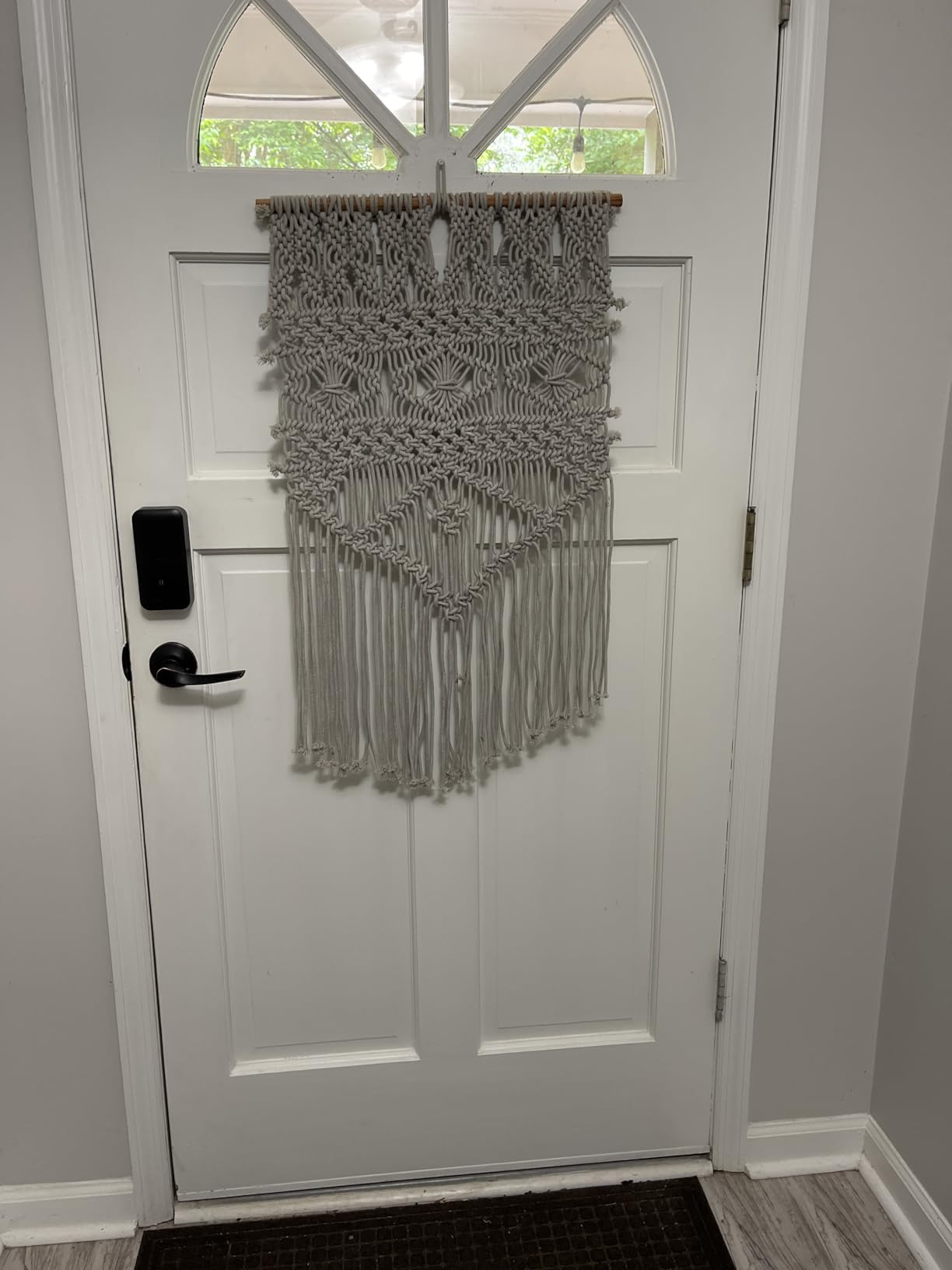
7. Veise KS02B Fingerprint Lock with Two Levers – Best Complete Set
Veise KS02B Fingerprint Door Lock with 2 Lever Handles, Matte Black
- Complete handle set in one box
- 0.3 second fingerprint read
- interior knob locks in one second
- about a year of battery life
- silent and vacation modes
- No Wi-Fi or app so no remote access
- programming sequence is fiddly
- fingerprint reader struggles with very wet hands
Most fingerprint deadbolts force a separate purchase to have a matching inside and outside lever. This one arrives as a complete set with two zinc alloy lever handles in the box, which removes the most common reason a retrofit job gets abandoned halfway through.
On the senior side, the interior knob is the useful part. It locks in one second by rotating, so a resident closing the door behind them can secure it with a single hand movement rather than fiddling with a small deadbolt thumbturn.
Entry covers 20 fingerprints, 20 passcodes, 2 physical keys, and temporary codes that invalidate themselves. The sensor is rated at 500 DPI with a claimed 0.3-second read and 1-second unlock, and owners report it still works in low light, which matters for a resident who is not going to turn on an outside light first.
Auto-lock runs from 10 to 99 seconds, and one-touch lock throws the bolt by holding any key for two seconds. A master admin code, family codes and anti-peep random-digit entry give three layers of code protection. Battery life is about a year on four AA batteries.
What to check before you buy
Programming is where most complaints land. Codes must be entered in an exact sequence, and overlapping or changed master codes are the usual reason a code stops working. One review highlights phone support walking the owner through two non-working codes, which is worth knowing before you rely on support.
Install the hardware the job needs, not just the lock. On a door with a hollow or thin frame, the bolt can take several attempts to latch without a reinforced metal strike plate.
Who should skip it
Skip it if any household member has very wet or sweaty hands regularly, since damp fingers are the case the reader handles worst. It is also the wrong choice for remote monitoring, as there is no Wi-Fi and no app at all.
It fits doors from 1-3/8 to 2 inches thick with 2-1/8 inch holes, so check both measurements. The warranty is one year, extendable by another year with registration.
8. iulock Keypad and Key Door Lock – Best for a Weak Grip
iulock Keypad & Key Smart Door Lock, 50 User Codes, Waterproof, Auto Lock – Matte Black
- Silicone grip knob is easy to hold with wet or sweaty hands
- auto-lock delay adjustable up to 12 hours
- USB-C backup power
- 50 codes of 1 to 15 digits
- Master code printed only on the box flap
- gaskets and interior cable are awkward to install
- all functions operated from outside
- batteries not included
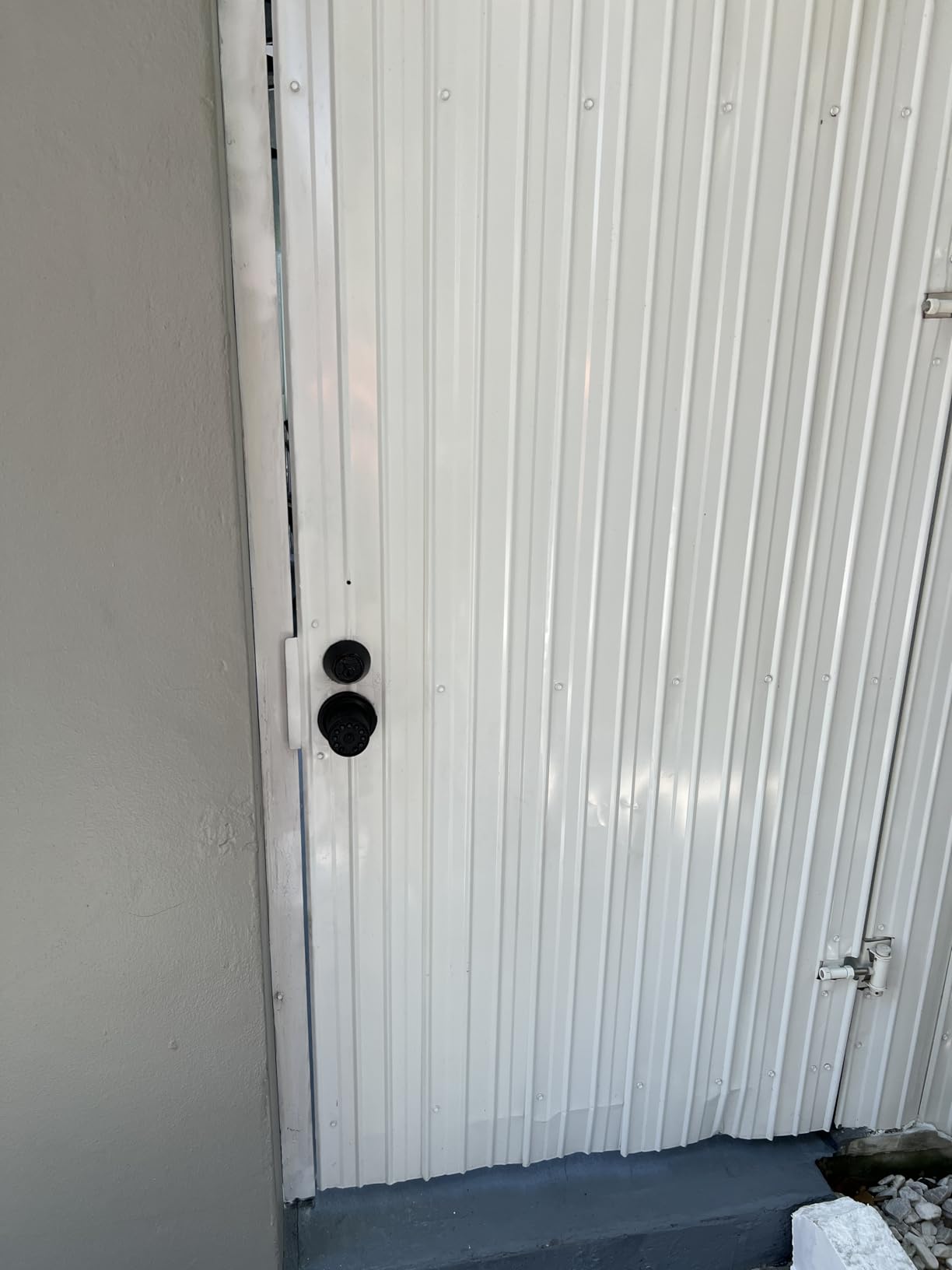
This is a knob rather than a deadbolt, and that difference is the reason it earns a place on a list for seniors. A round knob needs no twisting force at all, and the detachable silicone grip on top makes it easier to hold with damp hands or when the metal would be uncomfortably hot in summer.
It also solves a problem the others do not: how long the door stays unlocked. The auto-lock delay is adjustable up to 12 hours, so a resident can prop the door open for a morning of gardening or a delivery window and still have it secure itself by the afternoon.
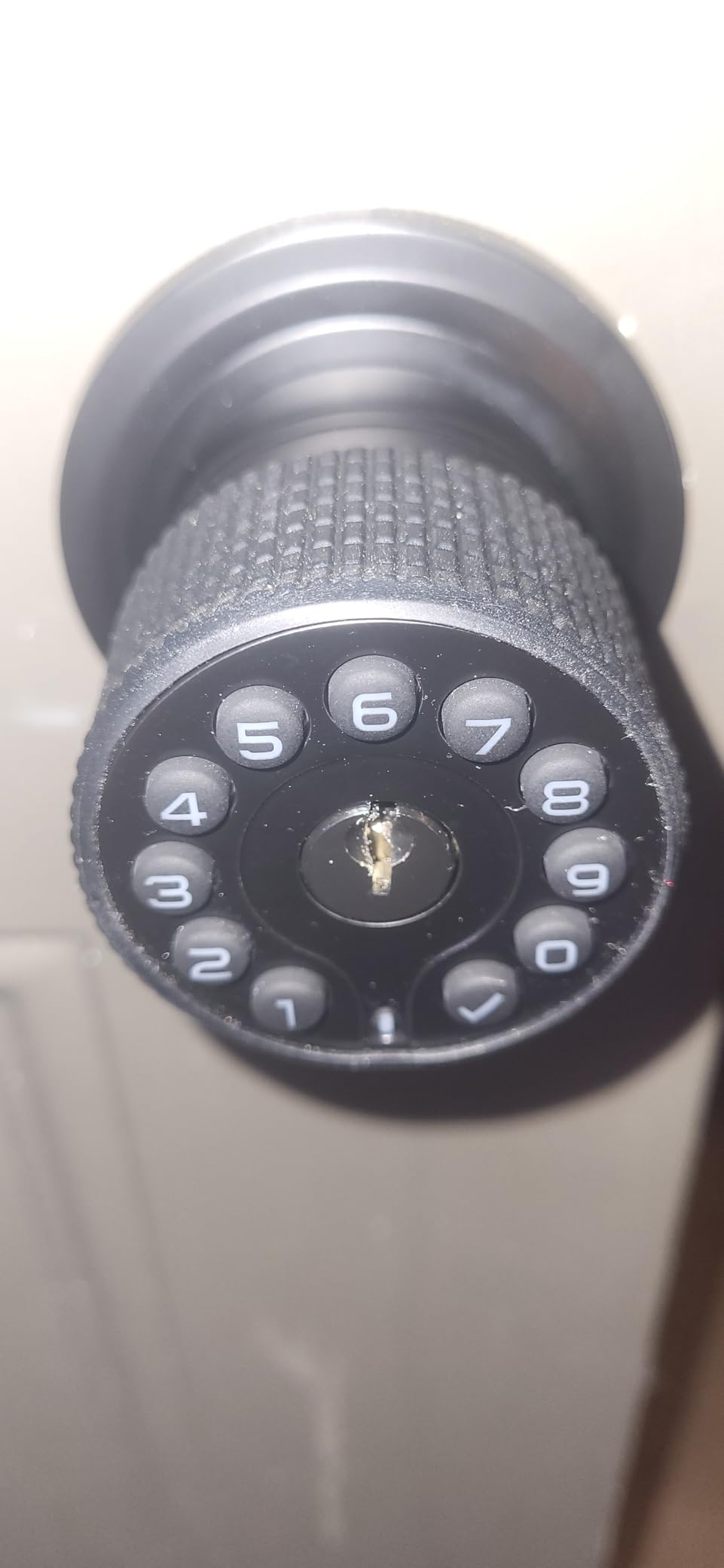
Storage is generous, with up to 50 customizable codes of 1 to 15 digits each, so short codes for a resident with memory decline are easy to assign without running out of room. Passage and silent modes cover a busy household and nighttime use, and the keypad is backlit.
Power comes from four AAA batteries rated at up to 18 months, with a low battery alarm and a Type-C USB port for backup power. That USB input is the emergency path when the cells die, and it works from a power bank. IP65 weather resistance is rated from -22F to 176F.
What to check before you buy
Read this before the box is thrown away. The master code is printed in tiny type on the box flap and does not appear in the instructions, and it is needed to program anything else. Photograph the flap on day one.
Installation is the weak point. An experienced installer reported difficulty with the rubber sealing gaskets and the interior connector cable, and there are no written installation instructions in the box. If the person fitting it is not handy with a screwdriver, budget for a visit from someone who is.
Who should skip it
Skip it if functions need to be controlled from inside the home. Everything, including toggling pass-through mode, is operated from outside the door, which is an unusual design choice that some residents will find frustrating.
Replacement silicone grips are not readily available, so a lost grip is a real loss. It fits doors from 1-3/8 to 2-1/2 inches with an adjustable latch, and carries a limited mechanical warranty with a separate one-year electronics term.
9. NICE DIGI Keypad Door Lock with Handle – Best Simplest Setup
Keypad Door Lock with Handle, Smart Keyless Entry with Code for Front Door
- Nothing to configure beyond the keypad
- reversible handle fits either door swing
- installs in about 15 minutes
- backlit keypad
- two backup keys
- Keypad only with no fingerprint or app
- four AA batteries not included
- no scheduling or remote monitoring
Some households want exactly one thing: a door that opens with a number and locks itself, with nothing to download. That is what this lock does. There is no app, no Wi-Fi, no Bluetooth, and no account, which also means there is no cloud storing entry data.
The lever handle is reversible, so the same unit fits a door that swings either way. Installation takes about 15 minutes with a screwdriver, and the listing states it fits 99 percent of standard US and Canadian wooden doors.
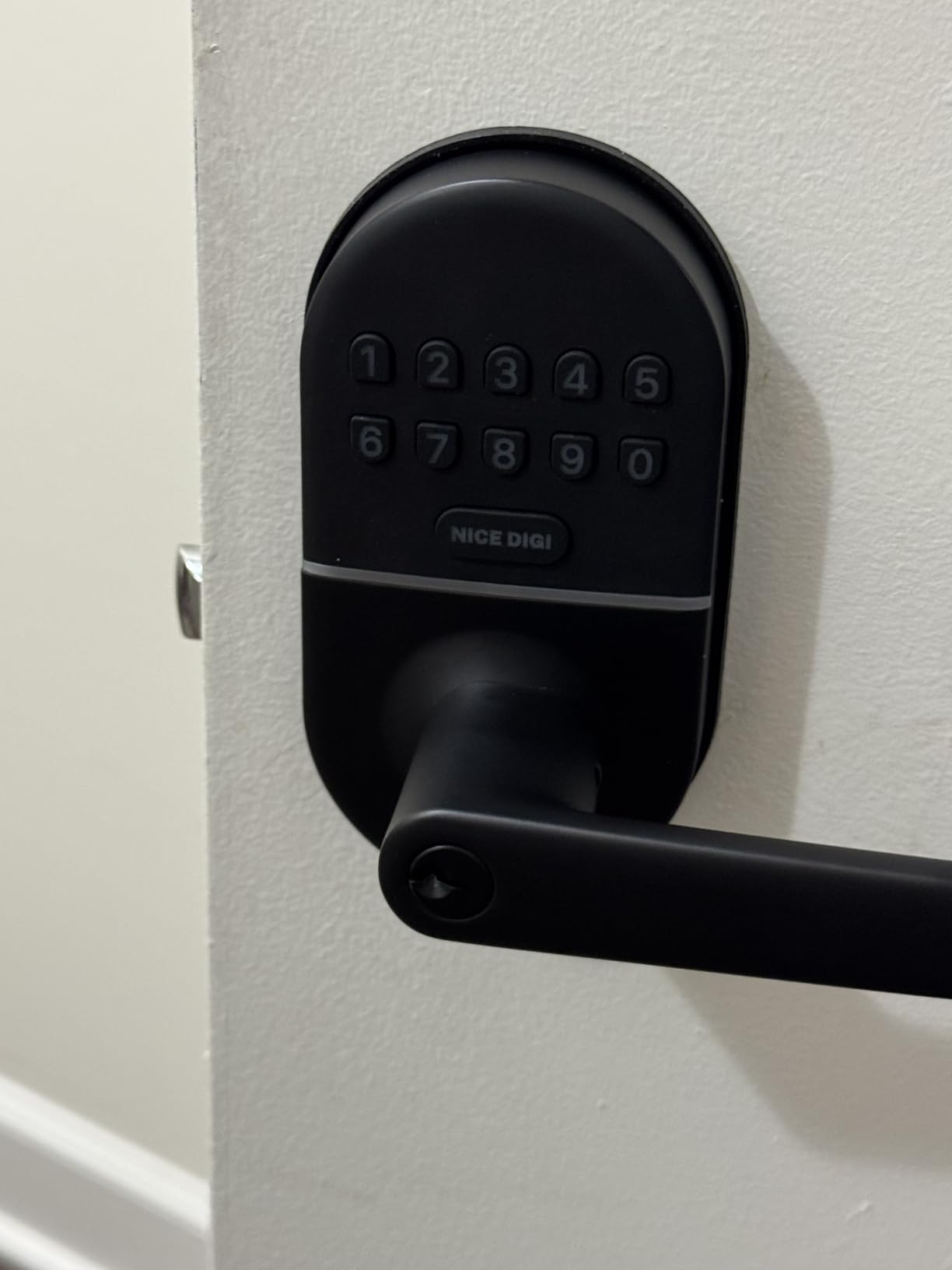
Access covers up to 20 personalised 4 to 8 digit codes plus temporary one-time codes, and two backup keys are included. Auto-lock is adjustable from 5 to 99 seconds, and passage mode is there for a stretch of high traffic such as a party or a week of visitors.
Battery life is 8 to 12 months on four AA batteries with low battery alerts, and the aluminum alloy body carries IP54 weather resistance for an interior or exterior door. The warranty runs two years.
What to check before you buy
Decide whether code entry is realistic for the resident. This lock has no fingerprint reader, so a code has to be recalled every single time. It suits a senior who reliably remembers four to eight digits and does not suit one whose memory is the reason for the upgrade.
Four AA batteries are not included, so plan the first replacement. The anti-peeping password function and backlit keypad are both standard here, which is more than some locks in this group offer.
Who should skip it
Skip it if a family member needs to know who came through the door. There is no entry log, no scheduling, and no remote monitoring, so a caregiver cannot see visits or give a temporary code from away.
It is also not a fit for metal, storm, or screen doors, or any door with a bore outside the standard wooden-door range.
10. LOCKSTAR Smart Door Lock with Gateway – Best for Activity Monitoring
LOCKSTAR® Smart Door Lock • Keyless Entry Deadbolt Door Lock • Multiple Entry Methods – APP • Fingerprint Touch ID • Keypad Code • Card FOB • Traditional Key • Smart Home Devices
- Wi-Fi gateway included in the box so no extra hardware
- real-time notifications and full event history
- five entry methods
- drill bit and screwdriver included
- Smallest review base of the ten
- zinc body is lighter than premium deadbolts
- no battery life figure is published
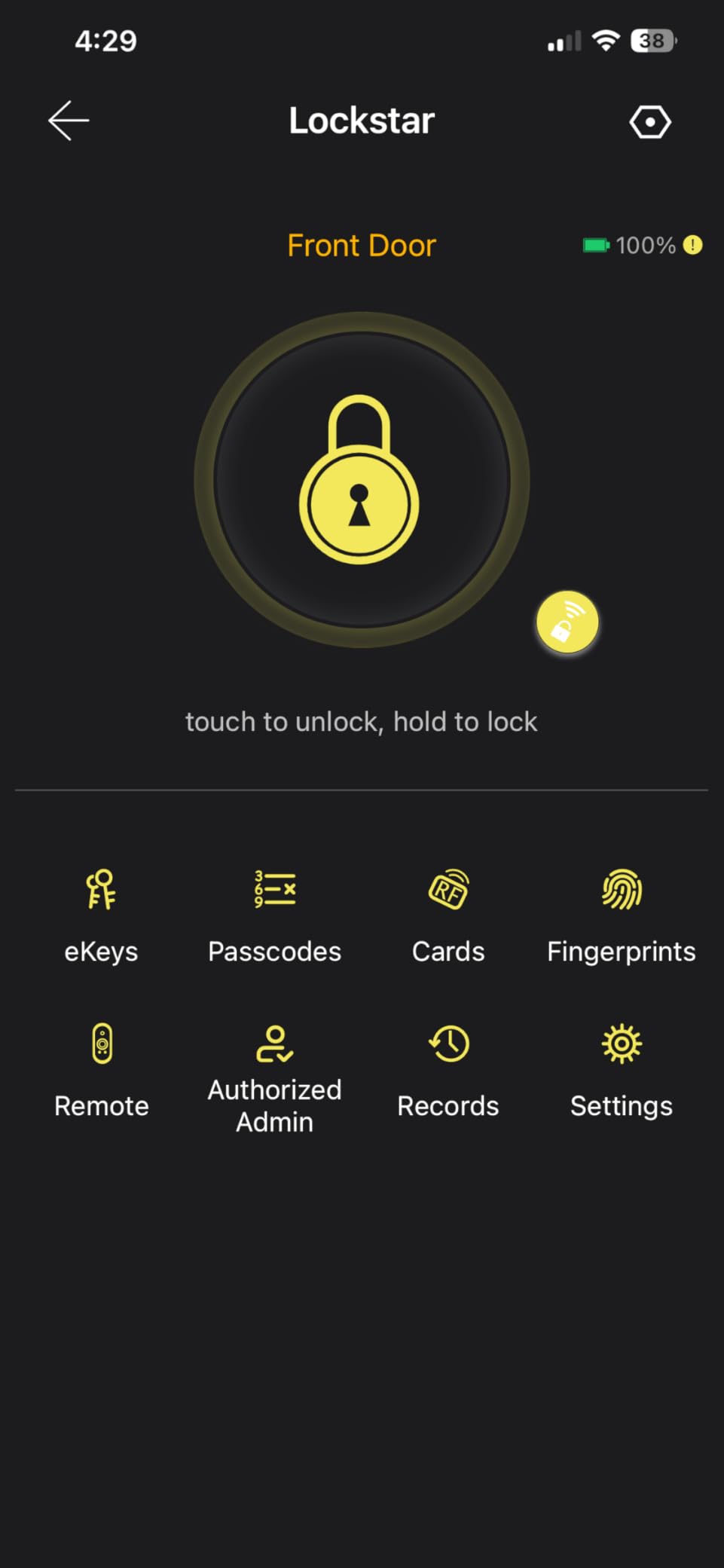
This lock bundles the gateway, which is the piece most connected locks push onto a separate purchase. The bridge is in the box, so a family can get remote notifications and app event history without buying and pairing an extra hub first.
It is also the lock with the thinnest review base here. Around 81 percent of buyers award five stars, and the recurring praise is for having everything work together out of the box.
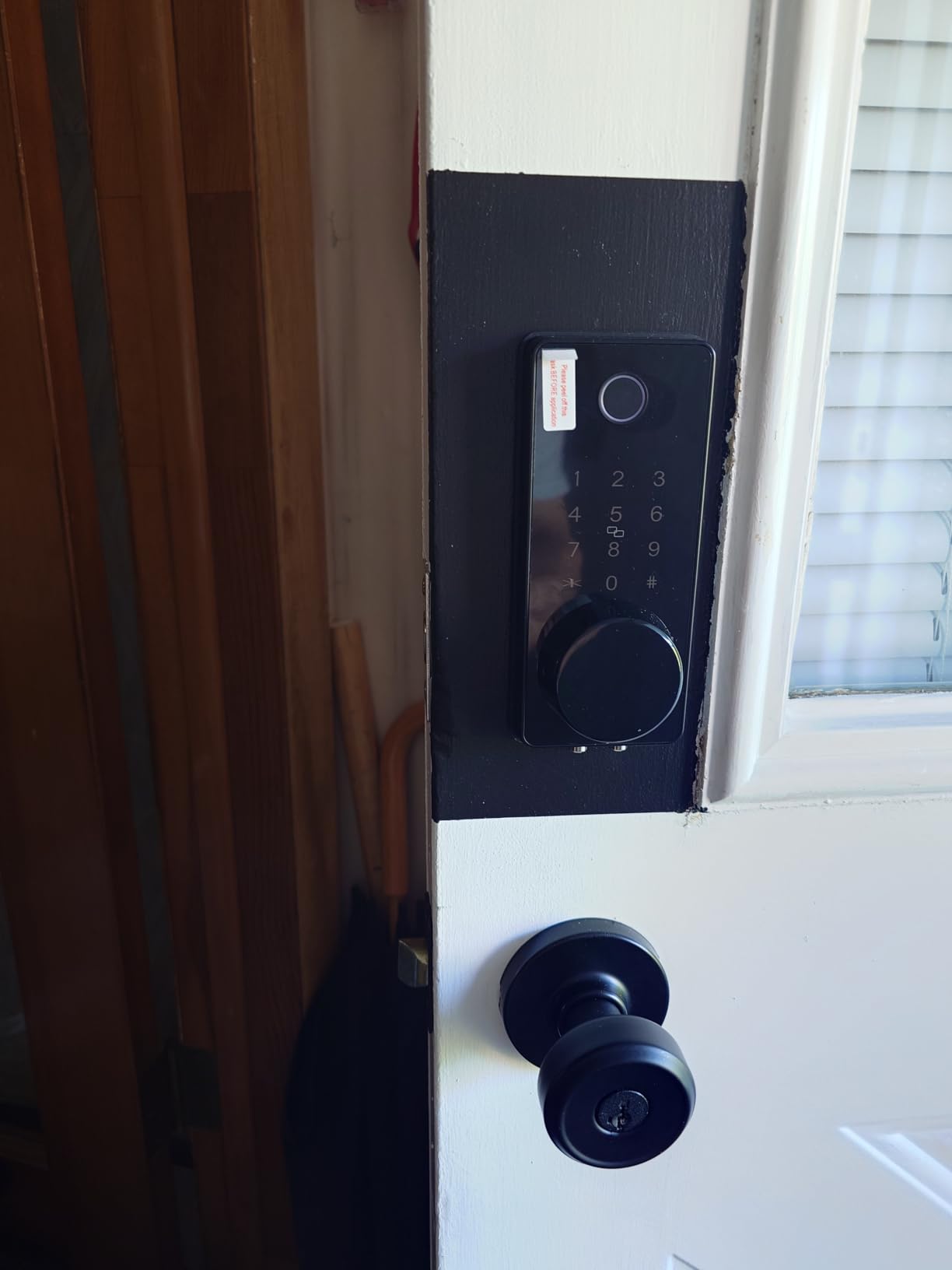
Five entry methods are supported: app, fingerprint Touch ID, keypad code, card fob, and traditional key. The card fob is a good fit for a resident who finds keyholes and keychains difficult, since the fob hangs on a lanyard and never needs aiming.
The door locks behind you on closing, or manually by long-pressing the hash key on the keypad. The app shows a complete event history of who opened the lock and when, and the drill bit and screwdriver are both included in the box.
What to check before you buy
This is the least-proven lock in the roundup, at roughly 1,280 ratings against five figures for the leaders, and the manufacturer does not publish a battery life figure for it. The zinc construction also feels lighter than a premium deadbolt.
Plan where the gateway goes. It needs power and a network connection in a spot near the door, and the app setup has more steps than a non-connected keypad lock.
Who should skip it
Skip it if buying volume and long-term support matter more to you than the included hub. The same monitoring can be had on a lock with a much larger review base, at the cost of buying the bridge separately.
It is also the wrong pick for a resident with no caregiver, since the event history only earns its keep when someone is actually reading it.
How to Choose a Smart Lock for an Older Adult?
Age is not a single requirement. Two people of the same age can need opposite things, and the difference usually comes down to grip strength, vision, hearing, and how much memory the resident still has. Answer these questions in order and the shortlist writes itself.
Choose the entry method that removes the hardest task
For most older adults, remembering a code is harder than turning a key, and turning a key is harder than pressing a fingerprint. That is the entire argument for a biometric lock, and it is why five of the ten picks here carry a fingerprint reader. If memory is declining, a fingerprint sensor is not a nice-to-have.
Where fingerprints are unreliable, damp or callused hands being the usual cause, fall back to a keypad with a large backlit panel or a fob on a lanyard. A lever handle beats a deadbolt for grip, and a knob beats both.
Plan the lockout before you buy anything
Every lock on this list runs on batteries, which is the first question to ask. All ten run on batteries, which means they continue to operate during a power outage, and each includes at least one physical key.
Three things have to be true before installation day. The backup keys need to be in the hands of someone who can reach the door, not in a drawer inside the house. A spare key should sit with a neighbour or in a lockbox outside. And the household should know how to change the batteries, which is a ten minute job with a screwdriver and a fresh set of AA cells.
Pick connectivity based on who checks the phone
Bluetooth-only, Wi-Fi, and hub-based are three different setups, and the simplest one is the one the resident never has to touch. A non-connected lock is the easiest because there is no app to pair and no hub to power.
Built-in Wi-Fi, as on the ULTRALOQ Bolt SE and the eufy C220, gives remote control without a bridge. A bundled gateway, as on the LOCKSTAR, means one box instead of two. Z-Wave and Matter over Thread sit outside this group but are worth knowing if a Home Assistant or Apple Home setup already exists.
Confirm the door before you order
Most returns on smart locks come down to the door, not the lock. Check the thickness range, the bore diameter, and whether the door already has a deadbolt and a handle that have to be repositioned. Thresholds range from 1-3/8 to 2-1/4 inches across these models, and bore requirements vary between 38mm and 54mm.
Also check the strike plate. A hollow or thin frame lets the bolt rattle, and several owners on this list trace repeated failed unlocks to a missing metal strike plate rather than the lock itself.
What we would not recommend
We would not install a fingerprint-only lock with no physical key backup on a door used by someone living alone. We would not choose a code-only keypad for a resident with memory decline, because it leaves the one failure mode you are trying to remove. And we would not buy a lock that needs a hub the seller does not include in the box, because that is where a well-meaning gift ends up uninstalled in a box in the hallway.
We also skip locks with a subscription attached to the core features, and any lock that stores biometric templates in a cloud account without saying so plainly. Entry logs for a care plan should live on the lock or in an app you control, not behind a recurring fee that starts after a trial.
Caregiver Codes, Wandering Alerts and Dementia Safety
Families searching for a lock for a parent with dementia usually ask about wandering, and the honest answer is that a smart lock is one layer of a plan rather than the plan itself. On forums like r/dementia, caregivers describe combining door alarms, trackers on a purse or keys, a dark rug in front of the door, and a second deadbolt alongside whatever they have installed.
What a lock does well is the notification. A connected model reports each opening and each auto-lock, so a family can see a pattern of exits and returns instead of guessing. That is the real value of the ULTRALOQ Bolt SE and the LOCKSTAR, and it is the reason we would not fit a non-connected lock in a dementia care plan.
For codes, give every regular visitor their own. A home-health aide, a cleaner, and a family member should each have a separate code so the household can see who came through the door and when. One-time codes are better still for deliveries and single appointments, since the NICE DIGI and the two TEEHO models delete the code after it is used.
On r/dementia, caregivers stress that prevention has to be in place before the first incident rather than after it. That applies to the lock as much as to anything else, and it applies to the spare key: decide in advance who holds a copy and who answers a call at 2am.
Installation and Door Compatibility
Every lock in this roundup is a retrofit that installs with a screwdriver and no wiring. Most owners report 10 to 20 minutes of work, and none of them needed an electrician or a new strike plate.
Before you start, measure three things. Door thickness against the model’s range, the bore diameter against the required hole size, and the backset distance from the door edge to the centre of the bore. The third measurement is the one that catches people, because a narrower backset will not accept a standard deadbolt.
Budget extra time for two cases. A door that already has a deadbolt and a handle means moving hardware below the handle, as with the samtechT lever model. And any lock that detects door handing, including the TE001, needs a reset before first use so it learns which way the door swings.
Set up the codes and fingerprints before the resident is relying on the door. Enrol two fingers from each hand, add at least one code that is not used daily, and test the auto-lock with the family present. More home monitoring picks for older adults are in our seniors smartwatches roundup.
Frequently Asked Questions
What is the best smart lock for elderly people?
The TEEHO TE002 Fingerprint Deadbolt is our top pick for most households. It reads a fingerprint in 0.3 seconds, stores up to 20 prints and 20 codes, includes two physical keys, and runs on four AA batteries for up to a year. No app is needed for daily use.
What are the downsides of smart locks?
The main downsides are battery dependence, setup complexity, and the loss of a simple visual keyhole for some users. Connected locks drain batteries faster, hub-based models need extra hardware, and a resident with memory decline can still be locked out by a forgotten code. Every lock we recommend keeps a physical key backup.
Which brand of smart lock is the most reliable?
Reliability is best judged by review volume and return patterns rather than by brand alone. The Schlage Encode and the two TEEHO deadbolts have review counts in the five figures, which gives a much clearer picture of long term behaviour than locks with a few thousand ratings.
How hackable are smart locks?
A mechanical key cylinder remains the weak point on almost every lock in this category, which is why physical key backup matters. Electronic features such as PINs and fingerprint templates are protected by encryption on the connected models, and choosing longer codes plus anti-peep entry reduces shoulder-surfing risk.
Can a smart lock be locked out if the battery dies?
Only if you run out of batteries and have no fallback plan. All the locks we cover are battery-powered, so they keep working during a power outage. A low battery indicator lights up on every model, and the iulock adds a USB-C port for backup power from a power bank.
What are the best front door locks for dementia patients?
A connected lock with entry notifications is the right starting point, so family can see each exit and return. Caregivers on r/dementia combine that with door alarms, trackers on a purse or keys, and a second deadbolt. Lock prevention works best when it is in place before the first incident.
The Best Smart Lock for Seniors in 2026
The TEEHO TE002 Fingerprint Deadbolt takes the top spot for the best smart locks for seniors, because a single finger is all it asks of the resident and two keys are there if that fails. It installs in minutes, needs no app for daily use, and runs a year on four AA cells.
Pick the TE001 instead if a raised keypad and a one-touch lock suit arthritic hands better than a fingerprint sensor. Pick the ULTRALOQ Bolt SE if a family member needs to see every entry on a phone, and accept that setup takes a little longer. Whichever you choose, the backup key plan matters more than the model.
We keep updating this roundup as new locks land. For everything else in the home that helps an older adult stay independent, our electric bikes for seniors guide covers getting out and about safely.